The best DocuSign alternatives in 2026 are Xodo Sign for low-cost unlimited signing, Dropbox Sign for simple signing and API use, and OneSpan Sign for regulated industries that need embedded audit trails. The right choice depends on what you will pay at your sending volume and which plan includes the compliance you need.
DocuSign users often say costs are hard to predict as teams grow. Other tools advertise low starting prices but put limits in the fine print:
- Free tiers can cap sending at 3 to 5 documents a month.
- Entry plans can have yearly envelope limits.
- Per-user plans can require a minimum number of seats or licenses.
- API and integration sends can have their own separate caps.
PlugRoute has no affiliate relationships with any company listed, and rankings are determined entirely by research data and objective evaluation criteria.
Prices and ratings checked November 2026. G2 list prices may change.
What Are the 5 Categories of DocuSign Alternatives?
There are five categories of DocuSign alternatives:
- Standalone Signers
- High-Assurance Signers
- Platform-Embedded Signers
- Document Builders
- PDF Suite Signers
Each one solves a different problem, from cheap unlimited signing to audit evidence for regulated work. Pick your category first so you don’t pay for proposal or PDF features you will never use.
- Standalone Signer: A Standalone Signer is a dedicated e-signature tool for sending, signing and tracking documents at low cost. Xodo Sign and Dropbox Sign are Standalone Signers.
- High-Assurance Signer: A High-Assurance Signer is built to verify who the signer is and to produce audit evidence that shows any tampering. OneSpan Sign is the High-Assurance Signer in this ranking.
- Platform-Embedded Signer: A Platform-Embedded Signer is e-signing built into a content platform the team already pays for. Box Sign is the Platform-Embedded Signer in this ranking.
- Document Builder: A Document Builder creates proposals, quotes and contracts, then collects signatures on them. PandaDoc is the Document Builder in this ranking.
- PDF Suite Signer: A PDF Suite Signer bundles e-signing with a full PDF creation and editing suite. Adobe Acrobat Sign and Foxit eSign are PDF Suite Signers.
None of the seven ranked tools is a full contract lifecycle management (CLM) suite. If you need redlining, negotiation and obligation tracking, look at CLM vendors or DocuSign’s Intelligent Agreement Management (IAM).
How Do the Top DocuSign Alternatives Compare at a Glance?
In PlugRoute’s November 2026 scoring, Xodo Sign (37 of 45 points) and Dropbox Sign (36.5) are half a point apart. Ranks 3 through 6 are within 1.5 points of each other, so fit to your use case matters more than exact rank. DocuSign is shown as an unranked baseline row.
| Rank | Company | Category | Best For | One-Line Summary | Key Capabilities | Primary Strength | Key Limitation |
|---|---|---|---|---|---|---|---|
| 1 | Xodo Sign | Standalone Signer | Cost-focused SMBs and solo professionals | Xodo Sign is the lowest-cost DocuSign alternative with unlimited documents on paid plans. | Unlimited documents, PDF editing, templates, audit trail with timestamps and IP addresses | Highest G2 satisfaction (99.4% of reviews at 4–5 stars) | Scope of its SOC 2 Type II report is not publicly documented |
| 2 | Dropbox Sign | Standalone Signer | Small teams, Dropbox users, developers | Dropbox Sign offers simple signing with unlimited web requests and a signing API. | Unlimited web requests, templates, signing API, Dropbox integration | Fast go-live and an API with SDKs | 2024 production-environment breach; API priced and capped separately |
| 3 | OneSpan Sign | High-Assurance Signer | Banks, insurers, government | OneSpan Sign embeds the audit trail inside each signed document. | Embedded audit trail, digital seal, smartcard authentication, white-labeling | Ties for top compliance score | Smaller review base, slower rollout |
| 4 | Box Sign | Platform-Embedded Signer | Existing Box customers | Box Sign adds unlimited web-app signing to Box Business plans. | Sequential and parallel routing, 40+ file formats, Box governance, Box Zones | Signed files stay inside Box’s compliance controls | Needs a Box subscription; 100 API requests per customer per year on Business |
| 5 | PandaDoc | Document Builder | Sales and revenue teams | PandaDoc builds proposals and quotes, then collects signatures. | Editor, quote builder, pricing tables, payments, 62 G2 integrations | Largest review base and broadest workflow scope | CRM, HIPAA and key signing features sit on higher tiers |
| 6 | Adobe Acrobat Sign | PDF Suite Signer | PDF-heavy teams; EU and government buyers | Adobe Acrobat Sign adds certificate-based eIDAS signing and a FedRAMP Moderate Government edition. | Acrobat, Word, Teams, Salesforce, Workday; eIDAS QES; FedRAMP | Certificate-based and government-grade signing | Lowest G2 rating here (4.4/5); 50% early-cancellation fee |
| 7 | Foxit eSign | PDF Suite Signer | Foxit PDF users with 5+ seats | Foxit eSign offers unlimited envelopes on its Business plan at about $25/user/month. | Foxit PDF Editor tie-in, bulk send, payments, API | Long vendor-stated compliance list at a low per-seat price | Entry tier capped at 250 envelopes/year |
| Baseline | DocuSign | Signing plus agreement management | Teams whose recipients expect DocuSign | DocuSign is the default e-signature standard, rated 4.5/5 on G2. | eSignature, IAM agreement repository, 42 G2 integrations | Recipients already know it | 100 envelopes per user per year on annual Standard and Business Pro |
Quick Decision Framework: Which Tool Fits Your Top Priority?
Choose a DocuSign alternative by the one need that matters most to you, not by overall rank. Teams focused on cost should start with Xodo Sign, developers with Dropbox Sign, and regulated organizations with OneSpan Sign. The table below matches ten common priorities to a recommended tool and an acceptable alternative.
| Your #1 Priority | Recommended Tool | Why | Acceptable Alternative |
|---|---|---|---|
| Lowest-cost unlimited signing | Xodo Sign | Unlimited documents from $10/user/month billed annually (G2, November 2026) | Dropbox Sign |
| Simple signing or an embedded API | Dropbox Sign | Unlimited web requests plus a signing API with SDKs | Xodo Sign |
| Regulated industry, embedded audit trail | OneSpan Sign | Audit trail embedded in the signed file; CAC/PIV smartcard support | Adobe Acrobat Sign |
| Already on Box | Box Sign | Unlimited web-app signing included from Box Business | Dropbox Sign |
| Sales proposals and quotes | PandaDoc | Quote builder, pricing tables and 62 G2 integrations | Adobe Acrobat Sign |
| PDF-heavy, EU QES or government | Adobe Acrobat Sign | eIDAS QES; FedRAMP Moderate for Government edition | OneSpan Sign |
| PDF suite on a budget, 5+ seats | Foxit eSign | Unlimited envelopes at $300/user/year on Business | Adobe Acrobat Sign |
| Occasional signing | Free tiers | Dropbox Sign: 3 requests/30 days; Xodo Sign: 3–5 documents/month; PandaDoc: 5 documents/month, 2 recipients | Xodo Sign Basic if you exceed free limits |
| Self-hosting | See Honorable Mentions | Documenso and DocuSeal are open source | Not applicable |
| Recipients expect DocuSign or your volume fits its allowance | DocuSign (unranked baseline) | 100 envelopes per user per year on annual Standard and Business Pro (DocuSign support, November 2026) | Not applicable |
As one user on r/smallbusiness described:
“Due to the high pricing, we want to move away from Docusign and try a different alternative. Has anyone tried Dropbox Sign (previously HelloSign) and Acrobat Sign? Their pricing seems to be quite similar and we are just curious about which has better overall functionality, ease of use and will feel more professional when someone receives an envelope to sign.” Posted by u/adrenaline681
Takeaway: Teams that leave DocuSign over price still judge alternatives on functionality, ease of use and how professional the signing feels, so choosing by your top priority works better than going by price or overall rank alone.
How Do Costs and Ratings Compare With DocuSign?
Six of the seven ranked DocuSign alternatives score above DocuSign’s 4.5/5 G2 rating (November 2026). Only Adobe Acrobat Sign, at 4.4/5, scores lower. Most alternatives charge per seat and allow unlimited web sending. DocuSign caps envelopes at 100 per user per year on its annual Standard and Business Pro plans.
“Unlimited” sending often comes with conditions. Common examples:
- Box Business includes 100 Box Sign API requests per customer per year (Box Sign admin docs, November 2026).
- Foxit eSign Essentials caps sending at 250 envelopes a year (Foxit pricing page, November 2026).
- Foxit eSign Business requires 5 licenses, and Box plans require at least 3 users (vendor pricing pages, November 2026).
- Xodo Sign’s monthly billing costs double its annual rate (Xodo Sign pricing page, November 2026).
| Product | G2 Rating (reviews, % rated 4–5 stars) | G2 Entry List Price | Annual vs Monthly | Unlimited Sending? (Fine Print) | Seat/License Minimum | Free Tier | Compliance Plan Gate | Typical Go-Live |
|---|---|---|---|---|---|---|---|---|
| Xodo Sign | 4.8 (2,866, 99.4%) | Basic from $10 | $10 annual vs $20 monthly | Yes on paid plans; API Light $50/month for 50 documents | Not verified | 3 documents/month (some sources: 5) | HIPAA needs a BAA; SOC 2 report scope not public | Under a day |
| Dropbox Sign | 4.7 (2,286, 96.8%) | Essentials $20/month flat | Essentials $15 vs $20; Standard $25 vs $30 | Web requests unlimited; API from $100/month for 50 requests | Standard: 1 or 2 (sources conflict) | 3 requests per 30 days | Not verified by plan | Under a day |
| OneSpan Sign | 4.7 (803, not provided) | Professional $20/user/month (OneSpan: $22, annual) | Monthly not verified | Up to 1,000 transactions/user/year (Service Description, September 2026); FAQ says “no limit” | Not verified | Free sandbox (watermarked, not legally binding) | Check the scope of each certification | Under a month |
| Box Sign | 4.6 (1,582, 97.3%) | Professional €9/user/month | Business $15 vs $20 | Web app unlimited from Business; API 100/customer/year on Business (Box docs); 150–250 on higher plans (Verdocs) | 3 users (Box pricing page) | Not verified (Business Starter: 10 requests/user/month) | Depends on plan; FedRAMP High may cost extra | Under a day |
| PandaDoc | 4.7 (3,867, 97.0%) | Starter $19/user/month | Starter $19 vs $35; Business $49 vs $65 | Yes on paid plans; Starter reportedly lacks bulk send and reminders | Not verified | 5 documents/month, 2 recipients | HIPAA on Enterprise with a BAA | Under a month, often under a day |
| Adobe Acrobat Sign | 4.4 (1,074, 92.7%) | Standard for teams $14.99/license/month | Pro: $16.99 (G2) vs $23.99 (Adobe, annual billed monthly) | Acrobat for teams: “no usage caps”; Sign Solutions: 150/user/year reported | Not verified | Not verified | Part 11 needs business or enterprise tier; FedRAMP Moderate is the Government edition | Under a day |
| Foxit eSign | 4.6 (1,493, 94.7%) | $96/user/year (Foxit: $120) | Annual pricing; monthly not verified | Essentials: 250/year; Business: unlimited | Business: 5 licenses | Not verified | Vendor-stated; request reports | Not provided by G2 |
| DocuSign (baseline) | 4.5 (2,925, 94.1%) | Personal $15/month flat | Allowance: 100/user/year annual vs 10/user/month monthly | No: Personal 5 envelopes/month; Standard and Business Pro 100/user/year annual or 10/user/month monthly; overage charges apply (DocuSign support, November 2026) | Not verified | Not verified | Not verified | Under a day |
Why Are Teams Looking for DocuSign Alternatives?
Most teams leave DocuSign because they can’t predict what it will cost. DocuSign caps sending at 5 envelopes per month on Personal and 100 envelopes per user per year on annual Standard and Business Pro plans, and charges for overage (DocuSign support, November 2026). “Expensive” is DocuSign’s most-tagged G2 con, but it still rates 4.5/5.
DocuSign’s G2 list prices are Personal at $15/month flat, Standard at $45/month flat and Business Pro at $65/month flat (G2, November 2026). Foxit’s comparison page cites $480 a year for Business Pro. That figure likely uses a different billing basis, so both figures are shown here.
DocuSign’s envelope rules work like this (DocuSign support, November 2026):
- DocuSign Personal allows 5 envelopes per month.
- DocuSign Standard and Business Pro allow 100 envelopes per user per year on annual billing.
- DocuSign Standard and Business Pro allow 10 envelopes per user per month on monthly billing.
- DocuSign counts an envelope when it is sent, even if it is never signed, and Bulk Send and PowerForms sends also count.
Here is an example. A three-person team on DocuSign Standard with annual billing gets 300 envelopes a year. If each rep sends 25 agreements a month, the team sends 900 a year, so 600 envelopes go into overage. Per-seat unlimited plans such as Xodo Sign Basic or Dropbox Sign Standard have no per-send charge.
Do You Actually Exceed DocuSign’s Allowance?
- Count every DocuSign envelope your team sent in the last 12 months, including Bulk Send and PowerForms.
- Divide that DocuSign envelope total by your number of DocuSign seats.
- If the result is above 100 per seat on annual Standard or Business Pro, a per-seat unlimited tool is likely to cost less.
The most-mentioned DocuSign cons on G2 (November 2026) are:
- DocuSign’s most-mentioned G2 con is Expensive (27 reviews).
- DocuSign’s second most-mentioned G2 con is Pricing Issues (17 reviews).
- DocuSign also draws Poor Customer Support mentions (14 reviews).
- DocuSign reviewers cite Limited Customization (12 reviews) and Missing Features (10 reviews).
DocuSign users on G2 also ask for smoother document preparation and more flexible ways to correct a request after sending (G2, November 2026).
“Paying per send out makes it hard to forecast and budget cost in and means you never really know how much you’re going to spend.” (u/Subject_Antelope_580, r/docusign, 2024)
Takeaway: Per-envelope pricing makes e-signature spending hard to budget, which is why switchers are drawn to per-seat unlimited plans.
Other DocuSign users push back. One replied: “Build that $3 into the deal… then it’s paying for itself” (u/JCS112, r/docusign, 2024). For high-value agreements, the envelope cost may not matter.
1. Xodo Sign: Best Overall for Low-Cost Unlimited Signing
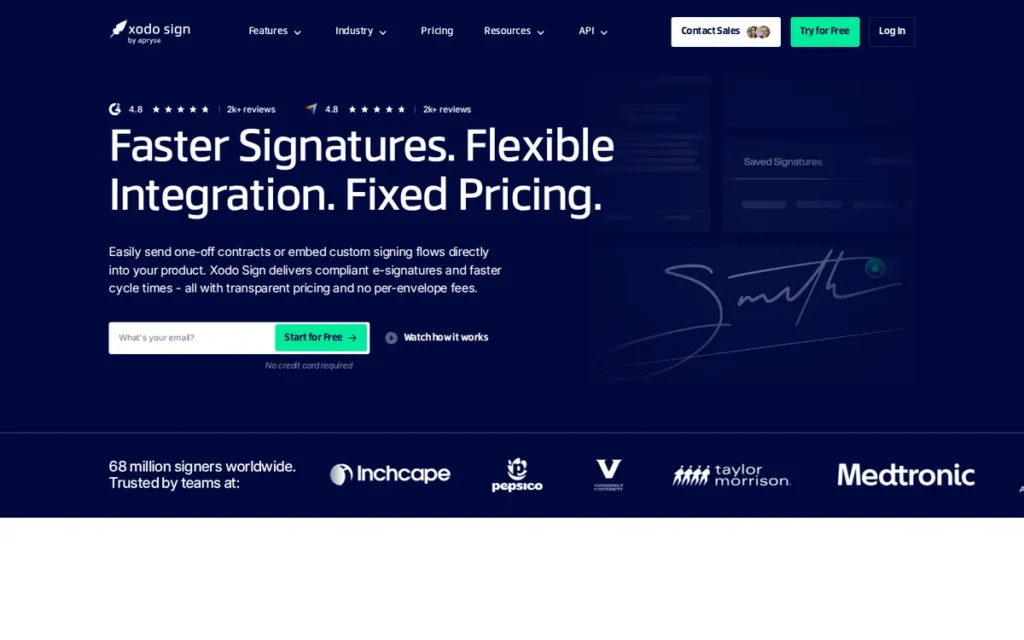
Category: Standalone Signer: a dedicated e-signature tool for sending, signing and tracking documents at low cost.
At a Glance
- Category: Standalone Signer
- Best For: Small businesses and solo professionals replacing DocuSign mainly to cut cost and remove envelope caps
- Price Range: Free (3 documents/month; some sources say 5) + $10–$16/user/month billed annually, $20–$32 monthly (G2 and vendor page, November 2026)
- Primary Strength: Xodo Sign has the highest user satisfaction in this ranking and the cheapest paid plan with unlimited documents.
- Biggest Limitation: Xodo Sign does not publicly document the scope of its SOC 2 Type II report, so regulated buyers must request the report before signing.
- One-Line Summary: Xodo Sign is the lowest-cost DocuSign alternative with unlimited documents on paid plans, rated 4.8/5 by 2,866 G2 reviewers in November 2026, but regulated buyers should verify its compliance scope.
- Last Verified: November 2026
Overview
Xodo Sign (formerly eversign) is a low-cost standalone e-signature tool from Apryse. It combines sending, signing, templates, audit trails and basic PDF editing for small businesses and solo professionals who want unlimited documents without envelope-based pricing.
Xodo Sign is owned by Apryse, formerly PDFTron, which G2 lists as founded in 1998 and based in Denver (G2, November 2026). Capterra reviewers mention confusion over the rename from eversign to Xodo Sign (Capterra, November 2026).
How Does Xodo Sign Compare With DocuSign?
- Xodo Sign charges a flat per-user price with unlimited documents on paid plans, while DocuSign Standard allows 100 envelopes per user per year on annual billing (DocuSign support, November 2026).
- Xodo Sign is rated 4.8/5 on G2, against DocuSign’s 4.5/5 (G2, November 2026).
- Xodo Sign adds PDF editing in the same tool, but the scope of its attestations is less publicly documented than for most ranked peers.
Key Features
- Xodo Sign allows unlimited documents on its Basic and Professional paid plans, so there is no per-envelope charge.
- Xodo Sign combines e-signing with PDF editing, so simple documents do not need a separate editor.
- Xodo Sign records signing events with timestamps and IP addresses in an audit trail for each document.
- Xodo Sign supports templates and in-person signing, plus bulk sending on the Professional plan.
- Xodo Sign connects to cloud storage tools including Google Drive, Dropbox, Box and OneDrive, and sells API access separately.
Who Is Xodo Sign Best For?
Xodo Sign is best for cost-focused small businesses, agencies and solo professionals who send routine agreements and want flat per-user pricing instead of envelope allowances. Xodo Sign is less suited to teams that need documented, plan-specific regulatory controls.
How Much Does Xodo Sign Cost in 2026?
Xodo Sign’s G2 list prices are Free, Basic from $10 and Professional from $16 (G2, November 2026). Vendor and third-party pricing pages add this detail:
- Xodo Sign Basic costs $10/user/month billed annually or $20 billed monthly, with unlimited documents and 3 templates (Xodo Sign pricing page, November 2026).
- Xodo Sign Professional costs $16/user/month billed annually or $32 billed monthly, with unlimited documents and templates.
- Xodo Sign’s free plan allows 3 documents a month according to some sources, or 5 (one every 7 days) according to others.
- Xodo Sign API Light costs $50/month for 50 API documents, and the reported overage price of $1.50 per document is unverified.
Strengths
- Xodo Sign holds a 4.8/5 G2 rating from 2,866 reviews, with 99.4% at 4–5 stars, the highest share in this ranking (G2, November 2026). Capterra shows 4.8/5 from 2,841 reviews (Capterra, November 2026).
- Xodo Sign Basic offers unlimited documents for $10/user/month billed annually, the cheapest unlimited-document plan of the seven tools ranked (G2, November 2026).
- Xodo Sign is most often live in under a day, and a verified G2 reviewer at an insurance agency who switched from DocuSign rated it 10/10 (G2, November 2026).
- Xodo Sign’s G2 switching data names DocuSign, Adobe Acrobat Sign, Dropbox Sign and PandaDoc as common previous tools, with users citing lower cost and a simpler workflow (G2, November 2026).
Users on r/smallbusiness shared their experience:
“This is an older post, but I’ve been in a similar spot at the agency I work for. We switched to Xodo Sign and it’s been a huge time-saver. You can create reusable templates for contracts, track when people view/sign and set signing order if multiple parties are involved. It’s also legally binding and super easy to use with no unnecessary features, just fast and efficient.” Posted by u/Shadydark16
Takeaway: Xodo Sign appeals to agencies that want reusable templates, signing order and view tracking without paying for extra features they won’t use.
What Are Xodo Sign’s Limitations?
Xodo Sign gives up depth of public compliance documentation in exchange for a low price. The biggest gap is the scope of its SOC 2 attestation, which regulated buyers need to resolve before rolling it out.
- The scope of Xodo Sign’s SOC 2 Type II report is not publicly documented. Apryse describes certification through infrastructure partners, while Xodo Sign says its own report is available under NDA (Apryse support; Xodo Sign blog, November 2026).
- Xodo Sign requires a signed business associate agreement (BAA) for HIPAA use. Xodo Sign offers account 2FA and signer PIN/SMS authentication, so confirm which methods your plan includes (Xodo Sign feature pages, November 2026).
- Xodo Sign scores 3.6/5 from 213 Trustpilot reviews, well below its G2 and Capterra ratings (SignWith, October 2026).
- Xodo Sign users report that a sent document cannot be revised without cancelling it and starting over (G2, November 2026).
- Xodo Sign’s monthly billing costs double the annual rate on both paid plans (Xodo Sign pricing page, November 2026).
- Xodo Sign has little community evidence, because PlugRoute’s Reddit searches returned no Xodo Sign threads.
Verdict
Xodo Sign is PlugRoute’s top-ranked DocuSign alternative for small teams that want unlimited signing at the lowest price, and it has the highest G2 satisfaction share of the seven tools. Xodo Sign earned #1 on cost and satisfaction evidence, not on compliance.
Regulated buyers should compare OneSpan Sign or Adobe Acrobat Sign instead. Paying annually avoids paying double. Xodo Sign leads Dropbox Sign by only half a point, so either is a defensible first choice. PlugRoute score: 37 of 45 (Cost 5, Satisfaction 5, Compliance 3, Fit 3, Speed 5, Risk 3).
2. Dropbox Sign: Best for Simple Signing and a Developer-Friendly API
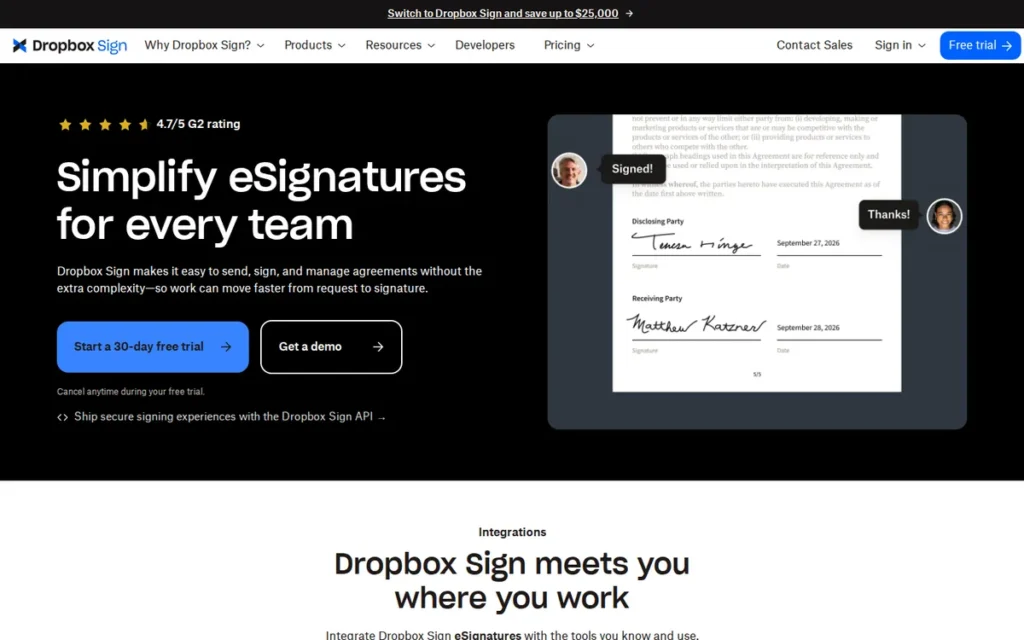
Category: Standalone Signer: a dedicated e-signature tool for sending, signing and tracking documents at low cost.
At a Glance
- Category: Standalone Signer
- Best For: Small teams and Dropbox users who want simple signing, and developers embedding signing in their own apps
- Price Range: Free (3 requests/30 days) + $20/month flat (Essentials) to $30/user/month (Standard) on G2; $15–$25 billed annually (vendor page); API from $100/month (November 2026)
- Primary Strength: Dropbox Sign combines unlimited web signature requests with one of the fastest go-live times in this ranking and a signing API with SDKs.
- Biggest Limitation: Dropbox Sign disclosed a 2024 breach of its production environment, and its API usage is priced and capped separately from web sending.
- One-Line Summary: Dropbox Sign is a simple, highly rated DocuSign alternative with unlimited web signature requests on paid plans and a developer-friendly API, rated 4.7/5 by 2,286 G2 reviewers in November 2026.
- Last Verified: November 2026
Overview
Dropbox Sign (formerly HelloSign) is an e-signature tool from Dropbox. It offers unlimited web signature requests on paid plans, templates and a signing API, and it is built for small teams, Dropbox users and developers who want simple signing without envelope limits.
Dropbox Sign’s stated aim is to help teams “send, sign, and manage agreements where their work already lives” (G2, November 2026). G2 lists Dropbox Sign’s parent company, Dropbox, as founded in 2007 and based in San Francisco.
How Does Dropbox Sign Compare With DocuSign?
- Dropbox Sign offers unlimited web signature requests on per-seat plans, while DocuSign Standard allows 100 envelopes per user per year on annual billing (DocuSign support, November 2026).
- Dropbox Sign is rated 4.7/5 on G2, against DocuSign’s 4.5/5 (G2, November 2026).
- Dropbox Sign is simpler to set up, but G2 lists 4 integrations for it against DocuSign’s 42 (G2, November 2026).
Key Features
- Dropbox Sign includes unlimited web signature requests on its Essentials and Standard plans.
- Dropbox Sign provides a signing API with SDKs, sold as separate API plans starting at $100/month for 50 requests.
- Dropbox Sign integrates directly with Dropbox file storage, so signed files can stay in existing folders.
- Dropbox Sign supports reusable templates for repeat agreements.
- Dropbox Sign offers a free plan that allows 3 signature requests every 30 days.
Who Is Dropbox Sign Best For?
Dropbox Sign is best for small teams that send routine agreements, organizations that already store files in Dropbox, and product teams embedding signing in their own software. Dropbox Sign is less suited to buyers whose risk review cannot accept a recent security incident without further assurance.
How Much Does Dropbox Sign Cost in 2026?
Dropbox Sign’s G2 list prices are Free at $0, Essentials at $20/month flat and Standard at $30/user/month (G2, November 2026). Vendor and third-party pages add this detail:
- Dropbox Sign Essentials costs about $15/month and Standard about $25/user/month when billed annually (Dropbox Sign pricing page, November 2026).
- Dropbox Sign API Essentials starts at $100/month for 50 requests, and API Standard starts at $300/month for 100 requests (Dropbox Sign API pricing page, November 2026).
- Dropbox Sign Premium is priced by custom quote.
- Dropbox Sign Standard’s minimum seat count is listed as 1 by one source and 2 by another, so confirm it at checkout.
Strengths
- Dropbox Sign holds a 4.7/5 G2 rating from 2,286 reviews, with 96.8% at 4–5 stars (G2, November 2026), matched by 4.7/5 from 1,451 Capterra reviews (Capterra, November 2026).
- Dropbox Sign is most often live in under a day, one of the fastest profiles in this ranking (G2, November 2026).
- Dropbox Sign lists ISO 27001, SOC 2 Type II, HIPAA, eIDAS and GDPR among its compliance programs (Dropbox Sign API page, November 2026; vendor-stated).
- Dropbox Sign’s API comes with SDKs, and Dropbox features a developer who reports integrating it in under three hours (Dropbox Sign developer page, November 2026; vendor claim).
What Are Dropbox Sign’s Limitations?
Dropbox Sign gives up some assurance on vendor risk in exchange for simplicity. The biggest trade-off is its April 2024 security incident, which regulated buyers should review before signing a contract.
- Dropbox Sign disclosed unauthorized access to its production environment on April 24, 2024. The access exposed emails, usernames and, for some users, phone numbers, hashed passwords, API keys, OAuth tokens and MFA data. Dropbox found no evidence that documents, agreements or payment data were accessed (Dropbox SEC 8-K, May 2024).
- Dropbox Sign prices and caps API sends separately from its unlimited web requests, starting at $100/month for 50 requests (Dropbox Sign API pricing page, November 2026).
- Dropbox Sign Essentials costs $20 billed monthly versus about $15 billed annually, a monthly premium of roughly 33% (vendor page; G2, November 2026).
- Dropbox Sign users on G2 ask for editing after sending, better field alignment and clearer signer tracking, and G2’s summary notes occasional email delivery issues (G2, November 2026).
- Dropbox Sign has little community evidence: its G2 tagged sample has fewer than 10 mentions per tag, and PlugRoute’s dedicated Reddit search returned no threads.
Verdict
Dropbox Sign is a top-two DocuSign alternative for teams that want simple, unlimited web signing and an embeddable API, with matching 4.7/5 ratings on G2 and Capterra (November 2026). Dropbox Sign trails Xodo Sign by half a point.
Buyers in regulated industries should review the 2024 incident disclosure, and teams that rely heavily on the API should price the separate API plans. PlugRoute score: 36.5 of 45 (Cost 4, Satisfaction 4.5, Compliance 4, Fit 3.5, Speed 5, Risk 3).
3. OneSpan Sign: Best for Regulated Industries Needing Embedded Audit Trails
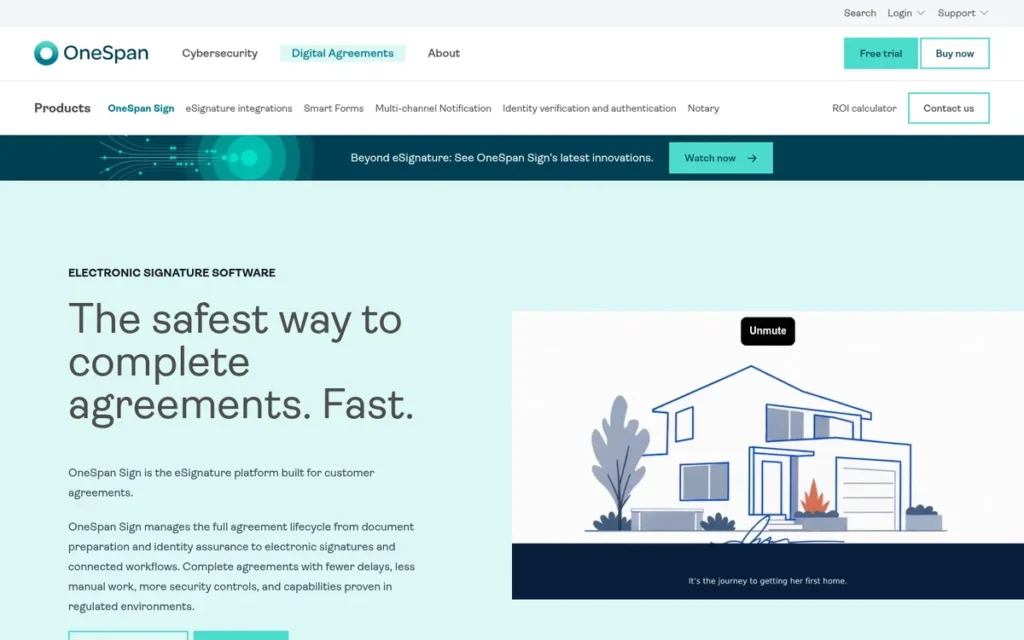
Category: High-Assurance Signer: an e-signature platform built to verify signer identity and produce tamper-evident audit evidence for regulated workflows.
At a Glance
- Category: High-Assurance Signer
- Best For: Banks, insurers, government agencies and other regulated organizations that need strong signer authentication
- Price Range: $20/user/month (G2) or $22/user/month billed annually (OneSpan pricing page), up to 1,000 transactions/user/year; free watermarked sandbox; Enterprise custom (November 2026)
- Primary Strength: OneSpan Sign ties for the top compliance score in this ranking, with an audit trail embedded in each signed document and CAC/PIV smartcard authentication.
- Biggest Limitation: OneSpan Sign has a smaller review base, a slower typical rollout, and an interface and price that some small-team reviewers find dated and high.
- One-Line Summary: OneSpan Sign is a DocuSign alternative built for regulated industries, with audit trails embedded in the signed document and smartcard-level signer authentication, rated 4.7/5 by 803 G2 reviewers in November 2026.
- Last Verified: November 2026
Overview
OneSpan Sign is a high-assurance e-signature platform from Nasdaq-listed OneSpan. It embeds the audit trail in each signed document and supports advanced signer authentication, and it is built for banks, insurers and government agencies that need defensible evidence of who signed what.
OneSpan Sign comes from OneSpan’s 2015 acquisition of Silanis Technology (eSignLive). G2 lists OneSpan as founded in 1991, as VASCO Data Security, and based in Boston (G2, November 2026).
How Does OneSpan Sign Compare With DocuSign?
- OneSpan Sign Professional includes up to 1,000 transactions per user per year, while DocuSign Standard allows 100 envelopes per user per year on annual billing (OneSpan Service Description, September 2026; DocuSign support, November 2026).
- OneSpan Sign is rated 4.7/5 on G2, against DocuSign’s 4.5/5 (G2, November 2026).
- OneSpan Sign stores its audit trail inside the signed file, but G2 lists 31 integrations for it against DocuSign’s 42 (G2, November 2026).
Key Features
- OneSpan Sign embeds the audit trail in the signed document, both as a record of what was signed and as a visual trail of how the signing happened.
- OneSpan Sign applies a digital seal after signing, so any later change to the document can be detected.
- OneSpan Sign supports signer authentication by one-time passcode, third-party identity verification and CAC/PIV smartcards.
- OneSpan Sign offers SMS notifications, automated reminders, flexible routing and white-labeled signing experiences.
- OneSpan Sign provides a free API developer sandbox with no time limit, though sandbox documents are watermarked and not legally binding.
Who Is OneSpan Sign Best For?
OneSpan Sign is best for financial services, insurance and public-sector teams whose signing workflows must hold up in audits or disputes and need verified signer identity. OneSpan Sign is less suited to small teams that only need low-cost basic signing.
How Much Does OneSpan Sign Cost in 2026?
OneSpan Sign’s G2 list price is Professional at $20/user/month, with a $0 API Developer Sandbox and API Enterprise by quote (G2, November 2026). OneSpan’s own documents add this detail:
- OneSpan Sign Professional costs $22/user/month billed annually, as confirmed on OneSpan’s pricing page, which differs from G2’s $20 (OneSpan pricing page, November 2026).
- OneSpan Sign Professional includes up to 1,000 transactions per user per year, and usage above that may require an extra named-user license (OneSpan Service Description, September 2026).
- OneSpan Sign’s FAQ says there is “no limit,” which contradicts the service description.
- OneSpan Sign Enterprise pricing is custom, based on an annual transaction commitment.
Strengths
- OneSpan Sign lists FedRAMP, SOC 2 Type II and ISO/IEC 27001, and supports eIDAS qualified electronic signatures through qualified trust service providers (OneSpan trust and compliance page, November 2026).
- OneSpan Sign holds a 4.7/5 G2 rating from 803 reviews (G2, November 2026), matched by a 4.7/5 Capterra rating from 70 reviews (Capterra, November 2026).
- OneSpan Sign’s 1,000 transactions per user per year is far above entry-tier caps such as Foxit eSign Essentials’ 250 per year (OneSpan Service Description, September 2026).
- OneSpan Sign is sold by a Nasdaq-listed company (OSPN) that reported $243.18M in 2025 revenue in its audited annual report (OneSpan Form 10-K, November 2026).
What Are OneSpan Sign’s Limitations?
OneSpan Sign gives up ease of use and small-team affordability in exchange for assurance. The biggest trade-off is setup effort: Software Advice reviewers report complex setup and a dated interface (Software Advice, November 2026).
- OneSpan Sign reviewers on Software Advice report pricing that is high for small teams and difficulty combining signed documents into one package compared with DocuSign (Software Advice, November 2026).
- OneSpan Sign users on G2 ask for simpler template and field editing without code, and finer control over signer order and conditional fields (G2, November 2026).
- OneSpan Sign rollouts most often take under a month rather than under a day (G2, November 2026).
- OneSpan Sign’s FAQ wording of “no limit” conflicts with the 1,000-transaction cap in its service description, so get the limit in writing.
- OneSpan Sign has little community evidence: G2 provides no tagged pros, cons or share of 4–5 star reviews, Reddit returned no threads, and the “up to 23%” and “up to 99%” figures are vendor claims.
Verdict
OneSpan Sign is one of two top-scoring DocuSign alternatives for regulated industries, alongside Adobe Acrobat Sign. It stands out for an audit trail embedded in each signed document and CAC/PIV smartcard authentication. OneSpan Sign ranks #3 of 7 because its small-team usability and review volume trail the leaders.
Buyers should get OneSpan Sign’s transaction-limit wording confirmed in writing before signing. PlugRoute score: 34.5 of 45 (Cost 3.5, Satisfaction 3.5, Compliance 5, Fit 3.5, Speed 3, Risk 4).
4. Box Sign: Best for Organizations Already Using Box
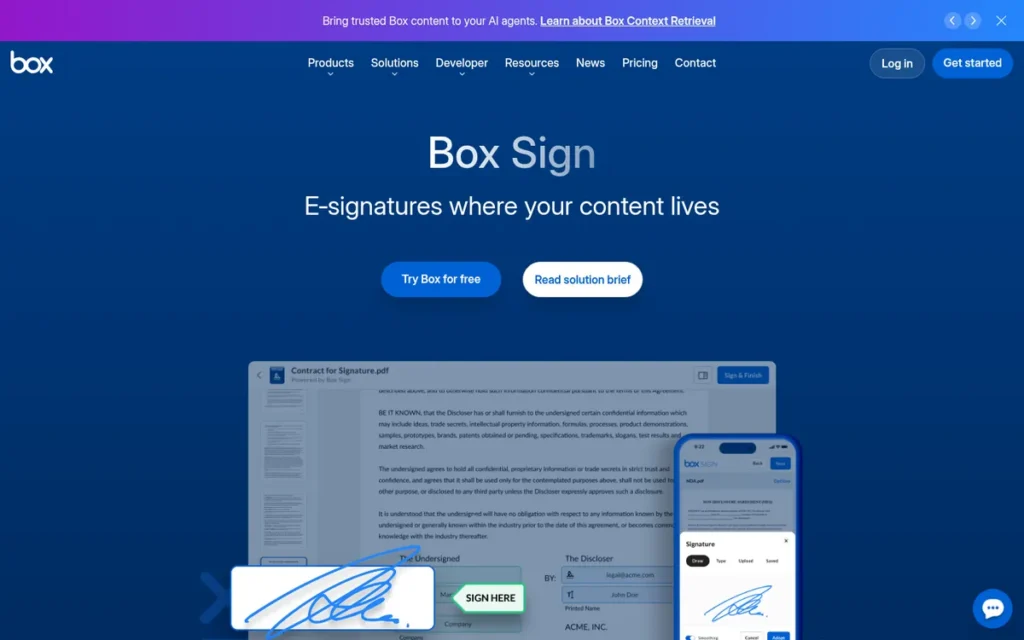
Category: Platform-Embedded Signer: e-signing built into a content or productivity platform the team already pays for.
At a Glance
- Category: Platform-Embedded Signer
- Best For: Organizations that already store and govern their content in Box
- Price Range: G2: €9–€15/user/month; Box US: $5–$50/user/month billed annually, unlimited web requests from Business at $15; 3-user minimum (Box pricing page, November 2026)
- Primary Strength: Box Sign adds unlimited web-app signing to Box Business plans while keeping signed files inside Box’s governance and compliance controls.
- Biggest Limitation: Box Sign delivers most of its value only to existing Box customers, and Box Business includes just 100 Box Sign API requests per customer per year.
- One-Line Summary: Box Sign is the most practical DocuSign alternative for organizations already on Box, adding unlimited web-app signing inside Box’s governance controls, rated 4.6/5 by 1,582 G2 reviewers in November 2026.
- Last Verified: November 2026
Overview
Box Sign is the e-signature feature built into the Box content platform. Teams can send, sign and store agreements under the same permissions and compliance controls as their other files, and it is built for organizations that already use Box.
Box Sign launched in July 2021 after Box acquired SignRequest for total consideration of $54.3M (Box SEC filing, 2021). Sources disagree on when Box was founded: G2 says 1998, while Box’s corporate history says 2005.
How Does Box Sign Compare With DocuSign?
- Box Sign includes unlimited web-app requests from Box Business upward, while DocuSign Standard allows 100 envelopes per user per year on annual billing (DocuSign support, November 2026).
- Box Sign is rated 4.6/5 on G2, against DocuSign’s 4.5/5 (G2, November 2026).
- Box Sign keeps signed files inside Box governance, but Box Sign only delivers that value if you have a Box subscription.
Key Features
- Box Sign supports sequential and parallel routing, multiple recipient roles, templates and batch sending.
- Box Sign can send more than 40 file formats for signature, and signers do not need a Box account.
- Box Sign keeps signed documents inside Box under the same permissions and governance controls as other content.
- Box Sign works with Box AI, which can extract metadata, summarize agreements and route content.
- Box Sign supports data residency through Box Zones for organizations with location requirements.
Who Is Box Sign Best For?
Box Sign is best for mid-sized and enterprise organizations already paying for Box Business or higher that want to bring signing into their content platform. Box Sign is less suited to teams without a Box subscription or teams that trigger most signatures through APIs or CRM integrations.
How Much Does Box Sign Cost in 2026?
Box Sign’s G2 list prices are Professional at €9/user/month and Business at €15/user/month (G2, November 2026). Box’s US pricing and admin pages add this detail:
- Box Business Starter costs $5/user/month annually or $7 monthly, with 10 Box Sign requests per user per month (Box pricing page, November 2026).
- Box Business costs $15 annually or $20 monthly, and Enterprise Plus costs $50 billed annually, with Business Plus and Enterprise priced in between.
- Box Sign includes unlimited web-app requests from Business upward, and Box plans require at least 3 users (Box pricing page, November 2026).
- Box Business includes 100 Box Sign API requests per customer per year, and extra API documents cost $1.20 each with a 100-document annual minimum (Box Sign admin docs, November 2026).
- Box Sign’s reported caps of 150 and 250 API requests on Business Plus and Enterprise come from Verdocs and are not yet confirmed by Box (Verdocs, November 2026).
Strengths
- Box Sign holds a 4.6/5 G2 rating from 1,582 reviews, with 97.3% at 4–5 stars (G2, November 2026).
- Box Sign is most often live in under a day (G2, November 2026).
- Box Sign inherits Box compliance programs including HIPAA, FedRAMP, ISO, SOC and 21 CFR Part 11, depending on plan and configuration, though FedRAMP High may cost extra (Box product pages, November 2026).
- Box Sign’s G2 switching summary names DocuSign and Dropbox Sign as previous tools, with users citing lower cost and simpler signing for clients (G2, November 2026).
What Are Box Sign’s Limitations?
Box Sign gives up standalone flexibility in exchange for platform integration. The biggest trade-off is dependency: Box Sign’s value assumes you already pay for Box, which requires at least 3 users (Box pricing page, November 2026).
- Box Sign’s Business Starter tier allows only 10 requests per user per month (Box pricing page, November 2026).
- Box Sign’s Business API cap of 100 requests per year applies per customer, not per user, so “unlimited” covers only the web app (Box Sign admin docs, November 2026).
- Box Sign users on G2 ask for automatic field detection, editing recipients after sending, better bulk handling and better mobile signing (G2, November 2026).
- Box Sign has little community evidence: its G2 tagged sample has 3 or fewer mentions per tag, and it has no Box Sign–specific Capterra rating or Reddit discussion. Its IDC MarketScape “Major Player” recognition dates from 2021 (IDC MarketScape via Box, 2021).
Verdict
Box Sign is the lowest-friction DocuSign alternative for organizations already on Box Business or higher, because unlimited web-app signing comes at no extra charge. Box Sign ranks #4 of 7 because its value depends on having a Box subscription.
Teams not on Box will usually get better value from Xodo Sign or Dropbox Sign, and API-heavy teams should budget for the $1.20-per-document add-on. PlugRoute score: 34 of 45 (Cost 3, Satisfaction 4, Compliance 4, Fit 3, Speed 5, Risk 4).
5. PandaDoc: Best for Sales Teams Creating Proposals and Quotes
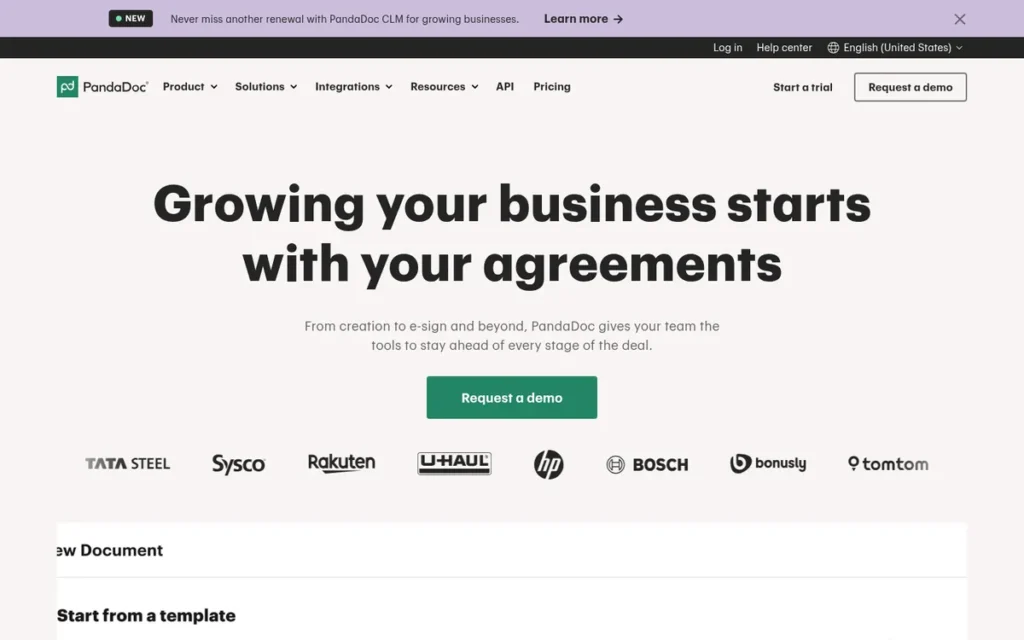
Category: Document Builder: a platform that creates proposals, quotes and contracts and then collects signatures on them.
At a Glance
- Category: Document Builder
- Best For: Sales, revenue-operations and agency teams that create proposals, quotes and contracts as well as collecting signatures
- Price Range: Free eSign (5 documents/month) + $19–$49/user/month billed annually ($35–$65 monthly); Enterprise custom (G2 and vendor page, November 2026)
- Primary Strength: PandaDoc combines document creation, quoting and e-signing in one highly rated platform with the broadest integration list in this ranking.
- Biggest Limitation: PandaDoc puts CRM integrations, key signing workflow features and HIPAA support on higher-priced plans, which makes it costly as a replacement for plain signing.
- One-Line Summary: PandaDoc is the best DocuSign alternative for sales teams that build proposals and quotes before collecting signatures, rated 4.7/5 by 3,867 G2 reviewers in November 2026, but buyers who only need signing will pay for features they may not use.
- Last Verified: November 2026
Overview
PandaDoc is an all-in-one document platform. Teams build proposals, quotes and contracts from templates, collect payments and gather e-signatures in one workflow. It is built for sales, legal and operations teams that create agreements as well as sign them.
PandaDoc says 68,000+ teams use it and that it reached a $1B valuation in December 2025 (PandaDoc, November 2026; vendor-stated). Sources disagree on PandaDoc’s founding year: G2 says 2011, while PandaDoc’s own page says 2013.
How Does PandaDoc Compare With DocuSign?
- PandaDoc includes unlimited documents and e-signatures on every paid plan, while DocuSign Standard allows 100 envelopes per user per year on annual billing (DocuSign support, November 2026).
- PandaDoc is rated 4.7/5 on G2, against DocuSign’s 4.5/5 (G2, November 2026).
- PandaDoc adds proposal and quote creation, and G2 lists 62 integrations for it against DocuSign’s 42 (G2, November 2026).
Key Features
- PandaDoc provides a drag-and-drop editor and reusable templates for building proposals, quotes and contracts.
- PandaDoc includes a quote builder, pricing tables, a content library and payment collection inside documents.
- PandaDoc offers unlimited documents and e-signatures on every paid plan.
- PandaDoc connects to CRMs including HubSpot and Pipedrive from the Business plan upward, and sells Salesforce as an extra-cost integration.
- PandaDoc offers advanced CPQ, SSO, workflow automation and notary features on its Enterprise plan.
Who Is PandaDoc Best For?
PandaDoc is best for sales and revenue teams that send proposals, quotes and contracts tied to a CRM and want document creation, analytics and signing in one tool. PandaDoc is less suited to teams that only need to collect signatures on documents they already have.
How Much Does PandaDoc Cost in 2026?
PandaDoc’s G2 list prices are Starter at $19/user/month, Business at $49/user/month and Enterprise by custom quote (G2, November 2026). PandaDoc’s pricing page adds this detail:
- PandaDoc Starter costs $35/user/month billed monthly, about 84% more than the annual rate, and allows up to 5 reusable templates (PandaDoc pricing page, November 2026).
- PandaDoc Business costs $65/user/month billed monthly, about 33% more than the annual rate.
- PandaDoc’s Free eSign plan allows 5 documents a month with 2 recipients per document.
- PandaDoc Starter reportedly lacks bulk send, automatic reminders, signer verification and approval workflows (Sign.Plus, November 2026).
Strengths
- PandaDoc holds a 4.7/5 G2 rating from 3,867 reviews, with 97.0% at 4–5 stars, the largest review base in this ranking (G2, November 2026).
- PandaDoc lists 62 integrations on G2, more than DocuSign’s 42 on the same platform (G2, November 2026).
- PandaDoc’s most-mentioned G2 pros are Ease of Use (665 mentions), Document Management (333) and Simple (329) (G2, November 2026).
- PandaDoc’s per-user pricing with unlimited sends is cited by a Reddit user as a reason to leave DocuSign’s per-envelope model (u/Subject_Antelope_580, r/docusign, 2024).
What Are PandaDoc’s Limitations?
PandaDoc gives up affordability for plain signing in exchange for breadth in document creation. The biggest trade-off is tier gating: CRM integrations start on Business, Salesforce costs extra, and HIPAA requires Enterprise with a BAA (PandaDoc help center, November 2026).
- One Reddit user reported switching to Zoho Sign because PandaDoc “didn’t have 2FA at the time” (u/maverick6097, r/SmallMSP, 2022). PlugRoute did not verify PandaDoc’s current signer 2FA options, so confirm them on your plan.
- PandaDoc’s most common G2 cons are Signature Issues (107), Missing Features (105), Expensive (99) and Difficult Editing (91) (G2, November 2026).
- PandaDoc is rated lower on Capterra at 4.5/5, and Trustpilot reviewers report unexpected auto-renewals, difficult cancellations and a renewal price increase (Capterra; Trustpilot, November 2026).
- PandaDoc’s “30% faster” deal-closing figure is a vendor claim that PlugRoute could not tie to a named case study.
- PandaDoc has a gap in community evidence, because PlugRoute did not analyze its dedicated PandaDoc Reddit results.
Users on r/smallbusiness noted:
“PandaDoc is effective and easy to use, but you will see the company’s true colors once you run into a billing issue. Even if the error was caused by PandaDoc, and they admit fault, they will still NOT issue you a refund. Their billing methods are predatory and misleading. They intend to confuse so they can charge the credit card on file, and then refuse to make changes to the bill until the annual renewal date. I have a problem with a company who has an annual revenue of $155 million and cannot issue a refund to a small business when the error was confirmed to be on PandaDoc’s end.” Posted by u/According_Tooth_5407
Takeaway: PandaDoc users praise its ease of use, but its billing and refund handling can lock small businesses into charges until renewal, so buyers should review the contract terms before committing.
Verdict
PandaDoc is the best DocuSign alternative in this ranking for sales teams that need to create proposals and quotes, not just collect signatures. PandaDoc ranks #5 of 7 because buyers who only need signing pay for features they will not use.
Teams that need a CRM connection should budget for PandaDoc Business at minimum and check renewal terms before an annual contract. PlugRoute score: 33.5 of 45 (Cost 3, Satisfaction 5, Compliance 3, Fit 5, Speed 3.5, Risk 3).
6. Adobe Acrobat Sign: Best for PDF-Heavy Teams and Certificate-Based Signing
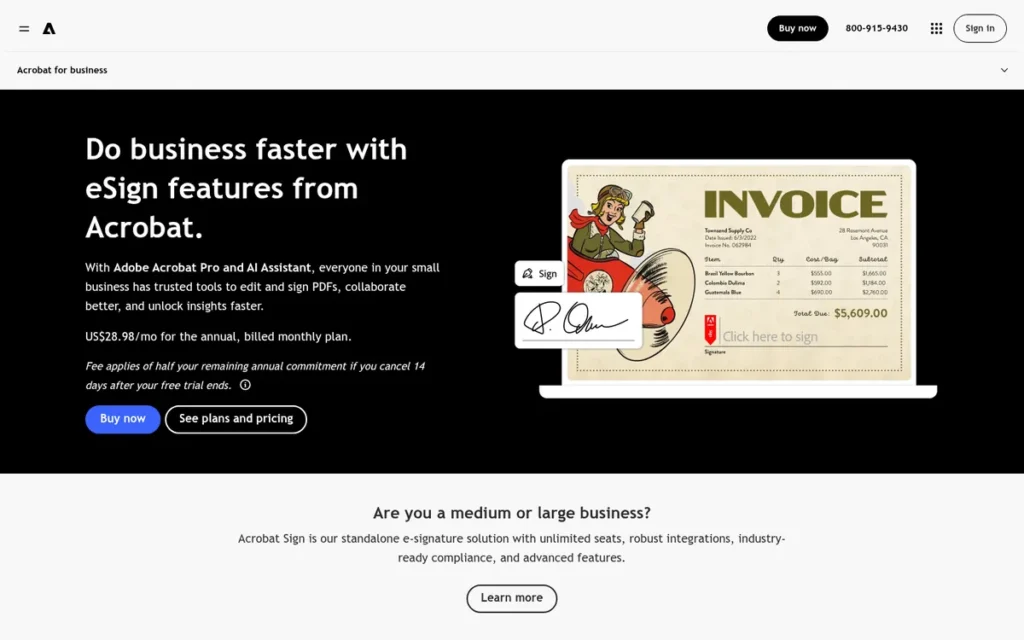
Category: PDF Suite Signer: e-signing bundled with a full PDF creation and editing suite.
At a Glance
- Category: PDF Suite Signer
- Best For: Teams that already work heavily in PDFs or pay for Acrobat, and EU or government buyers that need certificate-based signatures
- Price Range: From $14.99–$16.99/license/month (G2) or $23.99 for Acrobat Pro for teams (Adobe page); Sign Solutions by quote (November 2026)
- Primary Strength: Adobe Acrobat Sign supports certificate-based signatures through the Adobe Approved Trust List and EU Trusted Lists, plus FedRAMP Moderate for its Government edition.
- Biggest Limitation: Adobe Acrobat Sign has the lowest G2 rating in this ranking (4.4/5, below DocuSign) and charges a 50% early-cancellation fee on annual plans billed monthly.
- One-Line Summary: Adobe Acrobat Sign is the best DocuSign alternative for PDF-heavy teams and certificate-based eIDAS signing, but at 4.4/5 from 1,074 G2 reviewers in November 2026 it is rated below DocuSign itself.
- Last Verified: November 2026
Overview
Adobe Acrobat Sign is Adobe’s e-signature service, sold with Acrobat for teams and as enterprise Sign Solutions. It is built for PDF-heavy teams and for organizations that need certificate-based or government-grade signing from Acrobat and Microsoft 365 apps.
Adobe Acrobat Sign comes in two forms. Acrobat for teams includes signing with what Adobe calls “no usage caps.” Acrobat Sign Solutions is sold through Adobe sales, and some controls, such as Part 11, require business or enterprise tiers.
How Does Adobe Acrobat Sign Compare With DocuSign?
- Adobe Acrobat Sign is priced per license with no e-signature usage caps on Acrobat for teams, while DocuSign Standard allows 100 envelopes per user per year on annual billing (Adobe; DocuSign support, November 2026).
- Adobe Acrobat Sign is rated 4.4/5 on G2, below DocuSign’s 4.5/5 (G2, November 2026).
- Adobe Acrobat Sign adds full PDF editing and eIDAS QES support, but G2 lists 11 integrations for it against DocuSign’s 42 (G2, November 2026).
Key Features
- Adobe Acrobat Sign lets users send and sign agreements from Acrobat, Microsoft Word, Microsoft Teams, Salesforce and Workday.
- Adobe Acrobat Sign converts Word, Excel and scanned forms into signable PDFs and supports web forms, bulk send and templates.
- Adobe Acrobat Sign supports eIDAS advanced and qualified electronic signatures through the Adobe Approved Trust List and EU Trusted Lists.
- Adobe Acrobat Sign records audit trails and offers 21 CFR Part 11-ready controls on business and enterprise tiers when configured.
- Adobe Acrobat Sign for Government holds FedRAMP Moderate authorization for public-sector deployments.
Who Is Adobe Acrobat Sign Best For?
Adobe Acrobat Sign is best for teams that already pay for Acrobat, organizations that work mainly in Microsoft 365, and EU, life-sciences or government buyers that need certificate-based, Part 11 or FedRAMP signing. Adobe Acrobat Sign is less suited to budget-sensitive small teams that only need simple signing.
How Much Does Adobe Acrobat Sign Cost in 2026?
Adobe Acrobat Sign’s G2 list prices are Acrobat Standard for teams from $14.99/license/month, Acrobat Pro for teams from $16.99, and Sign Solutions by sales quote (G2, November 2026). Adobe’s pages and third-party sources add this detail:
- Adobe Acrobat Sign’s own page lists Acrobat Pro for teams at $23.99/license/month on an annual plan billed monthly, which differs from G2’s $16.99 (Adobe pricing page, November 2026).
- Adobe Acrobat Sign Solutions licenses reportedly include 150 transactions per user per year unless the contract says otherwise (Sign.Plus, November 2026).
- Adobe charges 50% of the remaining commitment if an annual plan billed monthly is cancelled after 14 days (Adobe Subscription Terms, November 2026).
Strengths
- Adobe Acrobat Sign for Government holds FedRAMP Moderate authorization, and Adobe lists FedRAMP Tailored, HIPAA-ready and FDA 21 CFR Part 11-ready status (Adobe compliance list, November 2026).
- Adobe Acrobat Sign supports eIDAS advanced and qualified signatures through the Adobe Approved Trust List and EU Trusted Lists (Adobe eIDAS white paper, November 2026).
- Adobe Acrobat Sign holds a 4.7/5 Capterra rating from 4,268 reviews, the most Capterra reviews of any tool in this ranking (Capterra, November 2026).
- Adobe Acrobat Sign is most often live in under a day (G2, November 2026), and one Reddit user who already pays for Acrobat calls signing “a great value add” (u/SnooCookies8065, r/SmallMSP, 2022).
What Are Adobe Acrobat Sign’s Limitations?
Adobe Acrobat Sign gives up user-rated simplicity and contract flexibility in exchange for depth of standards support. The biggest trade-off is satisfaction: its G2 rating of 4.4/5, with 92.7% at 4–5 stars, is the lowest in this ranking and below DocuSign’s 4.5 (G2, November 2026).
- Adobe Acrobat Sign’s most common G2 cons include Expensive (24), Learning Curve (16), Not Intuitive (14) and Not User-Friendly (13) (G2, November 2026).
- Adobe charges a one-time fee of 50% of the remaining contract obligation when an annual plan billed monthly is cancelled after 14 days, and California customers may have different terms (Adobe Subscription Terms, November 2026).
- Adobe Acrobat Sign’s conflicting Pro prices ($16.99 on G2 versus $23.99 on Adobe’s page) make budgeting harder.
- Adobe Acrobat Sign’s Part 11 controls require the right tier and configuration, so compliance is not automatic on every plan.
- Adobe Acrobat Sign drew a Reddit warning that Word-to-PDF conversion can “screw up the page layout or margins” (u/Beauregard_Jones, r/SmallMSP, 2022).
- Adobe Acrobat Sign has little community evidence, because PlugRoute’s dedicated Reddit search returned no threads and no named case studies were found.
This aligns with community sentiment on r/smallbusiness:
“We use AdobeSign. Don’t like it quite as much as DocuSign or HelloSign, but it’s included with our Adobe subscription.” Posted by u/quakerlaw
Takeaway: Many teams use Adobe Acrobat Sign because it comes with their Acrobat subscription, not because they like it more than DocuSign or Dropbox Sign.
Verdict
Adobe Acrobat Sign is the best DocuSign alternative in this ranking for PDF-heavy teams and for EU or government buyers who need certificate-based, FedRAMP or Part 11-ready signing. Adobe Acrobat Sign ranks #6 of 7 because G2 users rate it below DocuSign.
Adobe Acrobat Sign gives the most value to teams already paying for Acrobat, and regulated buyers should confirm which plan unlocks each control. PlugRoute score: 33 of 45 (Cost 3, Satisfaction 3, Compliance 5, Fit 4.5, Speed 4, Risk 2.5).
7. Foxit eSign: Best Lower-Cost PDF-Suite Option for Teams of Five or More
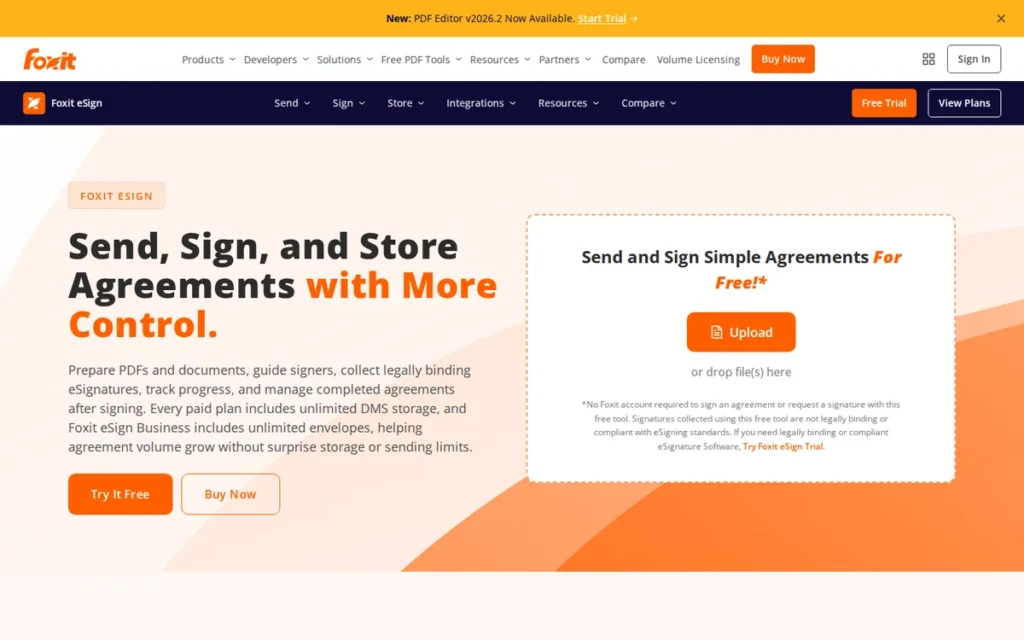
Category: PDF Suite Signer: e-signing bundled with a full PDF creation and editing suite.
At a Glance
- Category: PDF Suite Signer
- Best For: Teams of five or more that use Foxit PDF Editor and want unlimited envelopes at a lower price than Adobe
- Price Range: $96/user/year (G2) or $120/user/year (Foxit) for Essentials with 250 envelopes/year; $300/user/year Business; Enterprise by quote (November 2026)
- Primary Strength: Foxit eSign pairs a long vendor-stated compliance list with unlimited envelopes on its Business plan at about $25/user/month.
- Biggest Limitation: Foxit eSign’s entry tier is capped at 250 envelopes a year, and its unlimited plan requires at least five licenses.
- One-Line Summary: Foxit eSign is a lower-cost PDF-suite DocuSign alternative with unlimited envelopes on its Business plan, rated 4.6/5 by 1,493 G2 reviewers in November 2026, but its entry tier is capped on envelopes.
- Last Verified: November 2026
Overview
Foxit eSign is the e-signature product from PDF software maker Foxit. It combines signing, templates, bulk send and payment collection with the Foxit PDF Editor, and it is built for cost-conscious teams that want a PDF-centered alternative to Adobe at a lower per-user price.
Foxit eSign comes from Foxit, which G2 lists as founded in 2001 and based in Fremont, California (G2, November 2026). Foxit worked with the PDF Association to make ISO PDF standards, including ISO 32000-2, freely available (PDF Association, November 2026).
How Does Foxit eSign Compare With DocuSign?
- Foxit eSign Business offers unlimited envelopes and Foxit eSign Essentials caps sending at 250 a year, while DocuSign Standard allows 100 envelopes per user per year on annual billing (Foxit pricing page; DocuSign support, November 2026).
- Foxit eSign is rated 4.6/5 on G2, against DocuSign’s 4.5/5 (G2, November 2026).
- Foxit eSign adds a PDF-editor workflow, and Poor Customer Support (13 mentions) is one of Foxit eSign’s top five G2 cons (G2, November 2026).
Key Features
- Foxit eSign integrates with the Foxit PDF Editor, so teams can edit PDFs and send them for signature in one workflow.
- Foxit eSign supports templates, bulk sending and payment collection inside signing workflows.
- Foxit eSign provides an API and connectors for Microsoft 365, Salesforce, Google Drive and Zapier.
- Foxit eSign offers unlimited envelopes and templates on its Business plan, according to Foxit’s pricing page.
- Foxit eSign advertises support for HIPAA workflows, 21 CFR Part 11, eIDAS and SOC 2 Type II.
Who Is Foxit eSign Best For?
Foxit eSign is best for teams of five or more that already use, or are willing to adopt, the Foxit PDF Editor and want unlimited sending at a lower price than Adobe. Foxit eSign is less suited to solo users or small teams that need unlimited sending, because the entry tier is capped.
How Much Does Foxit eSign Cost in 2026?
Foxit eSign’s G2 list prices are Foxit eSign at $96/user/year, Foxit eSign Pro at $300/user/year and Enterprise by quote (G2, November 2026). Foxit’s own pages add this detail:
- Foxit eSign Essentials costs $120/user/year on Foxit’s page, with 250 envelopes a year and 10 templates, which differs from G2’s $96 (Foxit pricing page, November 2026).
- Foxit eSign Business costs $300/user/year with unlimited envelopes and templates and a 5-license minimum, about $1,500 a year at minimum.
- Foxit eSign offers custom volume pricing to organizations with 16 or more licenses.
- Foxit eSign’s comparison page sets its $300 against $480 a year for DocuSign Business Pro, which differs from G2’s DocuSign list price of $65/month.
Strengths
- Foxit eSign holds a 4.6/5 G2 rating from 1,493 reviews, with 94.7% at 4–5 stars (G2, November 2026), and a 4.7/5 Capterra rating from 698 reviews (Capterra, November 2026).
- Foxit eSign Business includes unlimited envelopes and templates for $300/user/year, about $25/user/month (Foxit pricing page, November 2026).
- Foxit eSign advertises HIPAA workflow support, 21 CFR Part 11, eIDAS and SOC 2 Type II, a long list at this price point (Foxit pricing page, November 2026; vendor-stated).
- Foxit eSign’s most-mentioned G2 pros are Ease of Use (92), Signature Functionality (44) and Easy Signing (34) (G2, November 2026).
What Are Foxit eSign’s Limitations?
Foxit eSign gives up flexibility at the entry level in exchange for low per-seat pricing. The biggest trade-off is that Foxit eSign Essentials caps sending at 250 envelopes a year, the kind of cap many switchers want to escape (Foxit pricing page, November 2026).
- Foxit eSign’s unlimited Business plan requires five licenses, so solo users and very small teams cannot get unlimited sending cheaply.
- Foxit eSign’s most common G2 cons include Signature Issues (15), Limited Features (15), Limited Customization (15) and Poor Customer Support (13) (G2, November 2026).
- Foxit eSign’s G2 summary notes that template and workflow customization could improve (G2, November 2026).
- Foxit eSign’s compliance claims are vendor-stated, so buyers should request the underlying reports.
- Foxit eSign has little community evidence: G2 provides no implementation-time data, which gives it a neutral 3 on speed, and Reddit returned no threads.
Verdict
Foxit eSign is the lower-cost PDF-suite DocuSign alternative in this ranking for teams of five or more, with unlimited envelopes on its Business plan for $300 per user per year (Foxit pricing page, November 2026).
Foxit eSign ranks #7 of 7 because its entry tier is capped and its unlimited plan requires five licenses. Solo users will find better unlimited value with Xodo Sign or Dropbox Sign. PlugRoute score: 30.5 of 45 (Cost 3, Satisfaction 3.5, Compliance 4, Fit 3.5, Speed 3, Risk 3).
Honorable Mentions and Self-Hosted Options
PlugRoute did not rank Zoho Sign, Documenso, DocuSeal, Jotform Sign or Signaturely, although each is a credible DocuSign alternative. Each one has too few reviews, a main category outside e-signing, or no verified review-platform data. PlugRoute also found no independent audits for the self-hosted tools, so request audit reports before using them for regulated work.
- Zoho Sign: Reddit users praise Zoho Sign for being “included with Zoho One,” with third-party timestamping and 2FA (r/SmallMSP, 2022). Zoho Sign was not ranked because its Capterra rating of 4.5/5 comes from only 98 reviews.
- Documenso: Documenso is an open-source, self-hostable signing tool. One Reddit user cites it at about $30/month for unlimited signing (u/romaricmourgues, r/buildinpublic, 2025). Documenso has no verified review-platform data.
- DocuSeal: DocuSeal is an open-source, self-hostable option named by Reddit users. PlugRoute found no verified review-platform data or independent audits for DocuSeal.
- Jotform Sign: Jotform Sign holds a 4.7/5 G2 rating from 1,854 reviews (G2, November 2026). Jotform Sign was not ranked because it is mainly a forms tool.
- Signaturely: Signaturely holds a 4.8/5 G2 rating from 596 reviews (G2, November 2026). Signaturely was not ranked because of its smaller review base and the lack of research data on it.
When Should You Stay With DocuSign?
Stay with DocuSign if your recipients expect it, your volume fits its envelope allowance, or you depend on its integrations and agreement repository. DocuSign still rates 4.5/5 on G2 (November 2026), so switching only pays off when envelope caps or per-seat costs are a real problem for your team.
Users on r/smallbusiness noted:
“Have used SignNow for about 8 years Not as nice as DocuSign but a lot cheaper” Posted by u/STxFarmer
Takeaway: Cheaper e-signature tools can work for years, but even long-term users admit DocuSign is the more polished product, so switching trades some experience for savings.
- DocuSign makes sense when your recipients expect a DocuSign signing experience.
- DocuSign makes sense when your sending fits within 100 envelopes per user per year on annual Standard or Business Pro (DocuSign support, November 2026).
- DocuSign makes sense when you rely on its 42 G2-listed integrations or its IAM agreement repository.
- DocuSign makes sense when you run complex multi-party routing.
DocuSign’s scale is why it is the default choice. DocuSign reports nearly 1.8 million customers, more than 1 billion users in 180+ countries, and more than 25,000 customers on its IAM platform (Docusign investor relations, November 2026).
- DocuSign’s familiarity matters to some users: “most people you’re sending contracts to have heard of it” (u/HardWork-Success, r/docusign, retrieved November 2026).
- DocuSign has loyal users who think it is worth the price: “It’s $300 per year and it’s worth far more in my opinion” (u/alli_B_, r/docusign, retrieved November 2026).
What Problems Won’t Switching Fix?
Switching e-signature vendors is likely to fix pricing, not document preparation. Editing a request after it has been sent is a G2 improvement request for DocuSign, Dropbox Sign, Box Sign and Xodo Sign alike. Tedious field placement shows up as a complaint across almost the whole category (G2, November 2026).
- Editing after sending is a requested improvement for DocuSign, Dropbox Sign, Box Sign and Xodo Sign on G2 (G2, November 2026).
- Field placement is a recurring complaint, and one Reddit user calls manual field placement “sooo tedious” on large documents (u/LaurenzSommerlad, r/buildinpublic, 2025).
- Limited customization appears as a tagged G2 con for almost every product in this ranking (G2, November 2026).
- Template limits on lower tiers apply to Xodo Sign Basic (3 templates), PandaDoc Starter (5) and Foxit eSign Essentials (10).
How Do I Switch From DocuSign Without Losing Audit History?
Export your DocuSign completed documents and certificates of completion before you cancel. Then run the new tool alongside DocuSign and time the move to your renewal date. PlugRoute found no documented tooling for moving completed DocuSign envelopes and audit certificates into another vendor, so keep the export as your permanent record.
The steps below are PlugRoute’s editorial guidance, not procedures documented by any vendor:
- Export every completed DocuSign agreement and its certificate of completion before your subscription ends.
- Rebuild your highest-volume templates in the new tool first, and expect field placement to take time.
- Send test agreements to internal users to check signer experience, reminders, authentication and the completed PDF.
- Run both tools in parallel for at least one billing cycle before you cancel DocuSign.
- Schedule the switch around your DocuSign renewal date to avoid paying for overlapping annual terms.
What Red Flags Should I Watch For When Evaluating DocuSign Alternatives?
The biggest red flag when you evaluate DocuSign alternatives is “unlimited” sending that quietly leaves out API, integration or entry-tier volume. PlugRoute found eight recurring warning signs across the seven ranked tools, from seat minimums to early-cancellation fees. Each one below cites a real example.
Red Flag #1: “Unlimited” That Excludes API or Integration Sends “Unlimited” often covers only the web app. A Box Business customer sending from Salesforce through the Box Sign API gets 100 API requests per year for the whole company, and request 101 needs the $1.20-per-document add-on (Box Sign admin docs, November 2026).
Red Flag #2: Entry-Tier Envelope Caps Low starting prices can hide sending limits. Foxit eSign Essentials caps sending at 250 envelopes a year (Foxit pricing page, November 2026), and Adobe Sign Solutions reportedly includes 150 transactions per user per year (Sign.Plus, November 2026).
Red Flag #3: Seat or License Minimums Per-user prices can mislead small teams. Foxit eSign Business requires 5 licenses, and Box plans require 3 users (Foxit and Box pricing pages, November 2026).
Red Flag #4: Monthly Billing Premiums Monthly billing can cost far more than annual billing. Xodo Sign doubles its price on monthly billing, and PandaDoc charges about 33–84% more (vendor pricing pages, November 2026).
Red Flag #5: Early-Cancellation Penalties and Auto-Renewal Contract terms can lock you in. Adobe charges 50% of the remaining commitment on annual plans billed monthly (Adobe Subscription Terms, November 2026), and Trustpilot reviewers report PandaDoc auto-renewal problems (Trustpilot, November 2026).
Red Flag #6: Compliance Available Only on Enterprise Tiers Compliance is often tied to the plan. PandaDoc limits HIPAA to Enterprise, and Adobe’s Part 11 controls require business or enterprise tiers (PandaDoc help center; Adobe Part 11 white paper, November 2026).
Red Flag #7: Attestations With Undocumented Scope A SOC 2 badge may not show what it covers. Xodo Sign’s SOC 2 Type II scope is not publicly documented, because Apryse cites infrastructure partners while Xodo Sign offers its report under NDA (Apryse support; Xodo Sign blog, November 2026).
Red Flag #8: Unreviewed Security Incident History Sales materials seldom lead with past security incidents, so ask each vendor directly, DocuSign included, for its incident history and current SOC 2 Type II report. Dropbox Sign’s April 2024 SEC 8-K is an example of a public disclosure (Dropbox SEC 8-K, May 2024).
What Questions Should I Ask Before Choosing a DocuSign Alternative?
The most important question before choosing a DocuSign alternative is how many documents you will send through every channel, including web, CRM and API. The seven questions below also cover plan-gated compliance, signer authentication, audit-trail export and cancellation terms. Get every answer in writing.
Question #1: How many documents will I send per month, and how many through my CRM or API? Count each sending channel separately. Several vendors cap API or integration sends even when web sending is unlimited.
Question #2: Which plan unlocks HIPAA/BAA, Part 11, FedRAMP or eIDAS QES? Ask the vendor to name the exact plan and configuration. Many controls appear only on business or enterprise tiers.
Question #3: What signer authentication methods are included on my plan? Confirm whether one-time passcodes, ID verification or smartcards are included. Authentication options often differ by plan.
Question #4: How is the audit trail stored, and can I export it? Ask whether the audit trail is embedded in the signed file or provided as a separate certificate. If a signed PDF is later disputed, an embedded trail such as OneSpan Sign’s travels with the file. A separate certificate has to be found and matched to the right document.
Question #5: What happens if I cancel early or at renewal? Request the cancellation and renewal clauses before signing. Adobe’s 50% early-cancellation fee is one example.
Question #6: Can I export my DocuSign certificates of completion before switching? Plan your DocuSign export before you sign with a new vendor. PlugRoute found no documented tooling for moving audit history between vendors.
Question #7: Does it connect to my CRM and storage on the plan I can afford? Check which plan each connector requires. PandaDoc’s CRM connections start on Business, and Salesforce costs extra.
How Did We Rank These DocuSign Alternatives?
PlugRoute scored each product from 1 to 5 on six criteria. Real cost, user satisfaction and compliance were weighted x2. Workflow fit, implementation speed and vendor risk were weighted x1, for a maximum of 45 points. Ties go to the higher satisfaction score, because it rests on the largest independent evidence base.
PlugRoute has no affiliate relationships with any company listed, and rankings are determined entirely by research data and objective evaluation criteria.
Ranking criteria:
- C1 Real Cost at Volume (x2): Real cost matters because envelope caps, API caps, seat minimums and billing premiums decide what you actually pay.
- C2 Verified User Satisfaction (x2): Satisfaction matters because third-party ratings are harder to fake than vendor claims. Scoring weighs G2 rating, review count, share of 4–5 star reviews and Capterra consistency.
- C3 Compliance, Signer Authentication and Audit Evidence (x2): Compliance matters because regulated buyers need to know which plan unlocks HIPAA, Part 11, FedRAMP or eIDAS, and what each attestation covers.
- C4 Workflow and Ecosystem Fit (x1): Ecosystem fit matters because the tool must connect to your CRM, storage and PDF tools.
- C5 Implementation Speed and Switching Ease (x1): Speed matters because switching is risky. Products without G2 implementation data received a neutral 3.
- C6 Vendor and Contract Risk (x1): Vendor risk matters because security incidents, cancellation terms and support complaints affect long-term cost.
PandaDoc scored 5 on C2 and Dropbox Sign 4.5 because review volume counts in the C2 rubric. PandaDoc’s 3,867 G2 reviews, the largest base here, outweighed its lower 4.5 Capterra rating. Dropbox Sign’s very small tagged sample lowered confidence in its score.
Scoring matrix:
| Rank | Product | C1 | C2 | C3 | C4 | C5 | C6 | Weighted Total (/45) |
|---|---|---|---|---|---|---|---|---|
| 1 | Xodo Sign | 5 | 5 | 3 | 3 | 5 | 3 | 37 |
| 2 | Dropbox Sign | 4 | 4.5 | 4 | 3.5 | 5 | 3 | 36.5 |
| 3 | OneSpan Sign | 3.5 | 3.5 | 5 | 3.5 | 3 | 4 | 34.5 |
| 4 | Box Sign | 3 | 4 | 4 | 3 | 5 | 4 | 34 |
| 5 | PandaDoc | 3 | 5 | 3 | 5 | 3.5 | 3 | 33.5 |
| 6 | Adobe Acrobat Sign | 3 | 3 | 5 | 4.5 | 4 | 2.5 | 33 |
| 7 | Foxit eSign | 3 | 3.5 | 4 | 3.5 | 3 | 3 | 30.5 |
Ranks 1 and 2 are half a point apart, and ranks 3 through 6 are within 1.5 points. Weigh fit to your use case above exact rank.
PlugRoute ranked sources in this order of trust: G2 data, then vendor documents and SEC filings, then third-party comparisons, then community discussion. Where sources conflict, PlugRoute shows both figures instead of choosing one.
Candidates excluded and why:
- Jotform Sign was excluded because it is mainly a forms tool.
- Lumin was excluded because it is mainly a PDF and Google Drive editor.
- Signaturely was excluded because of its smaller review base and the lack of research data on it.
- Zoho Sign was excluded because of its low Capterra review volume (98 reviews).
- SignNow, BoldSign and SignWell were excluded because the research had too little verified data on them.
- Documenso and DocuSeal were excluded because they have no verified review-platform data.
Evidence gaps and security check:
- PlugRoute checked public breach disclosures for all seven ranked vendors and DocuSign in November 2026. The only confirmed incident was Dropbox Sign’s April 2024 breach (Dropbox SEC 8-K, May 2024). Finding no incidents for the others does not prove none occurred.
- DocuSign stated in January 2024 that it found no indicators that the “Mother of All Breaches” dataset came from its systems (DocuSign trust alert, January 2024).
- Reddit searches returned zero threads for Adobe Acrobat Sign, Dropbox Sign, Foxit eSign, OneSpan Sign and Xodo Sign, and PandaDoc’s dedicated Reddit results were not analyzed.
- G2 provides no tagged pros or cons for OneSpan Sign, and only very small tagged samples for Box Sign and Dropbox Sign.
Update log (November 2026):
- Xodo Sign’s account 2FA and signer PIN/SMS authentication were confirmed, raising its C3 score from 2.5 to 3.
- Dropbox Sign’s reported “price increase” was found to compare annual and monthly billing, so it was removed and C6 rose from 2.5 to 3.
- Box Sign’s 3-user minimum and its Business API cap were confirmed on Box’s own pages, and the OneSpan citation was updated to the September 2026 Service Description.
What Do Buyers Most Often Ask About DocuSign Alternatives?
Buyers most often ask whether any DocuSign plan offers unlimited envelopes, whether free alternatives exist for low-volume signing, and how PlugRoute ranks tools. The answers below use DocuSign support pages, vendor pricing pages and G2 data checked in November 2026. Each answer stands on its own.
Is there any DocuSign plan with unlimited envelopes?
No standard DocuSign eSignature plan includes unlimited envelopes. Personal allows 5 envelopes a month, while Standard and Business Pro allow 100 per user per year on annual billing or 10 per user per month on monthly billing. Envelopes count when sent, even if never signed, and Bulk Send and PowerForms count too (DocuSign support, November 2026).
Is there a free DocuSign alternative for low-volume signing?
Yes. Three ranked tools offer free plans for occasional signing. Dropbox Sign Free allows 3 signature requests every 30 days. Xodo Sign Free allows 3 documents a month, or 5 according to some sources. PandaDoc Free eSign allows 5 documents a month with 2 recipients each (vendor pages, November 2026). Heavier senders can move to Xodo Sign Basic.
How does PlugRoute determine rankings?
PlugRoute scores every product from 1 to 5 on six published criteria. Real cost, user satisfaction and compliance are weighted double. Ecosystem fit, implementation speed and vendor risk are weighted single, for a maximum of 45 points. Ties go to the higher satisfaction score. Conflicting prices are shown side by side with their sources and dates.
What Do Key E-Signature Terms Mean?
Key e-signature terms fall into two groups. Pricing terms cover units such as envelopes, seats and API caps. Compliance terms cover rules such as HIPAA, Part 11, FedRAMP and eIDAS. Knowing these terms helps you read vendor pricing pages and compliance claims critically and spot limits that starting prices hide.
Envelope: An envelope is one package of documents sent to one or more signers. Vendors that charge or cap by envelope tie your cost to sending volume, so count your monthly sends before you compare plans.
Envelope Allowance and Overage: An envelope allowance is the number of sends a plan includes per month or year. Overage is the charge for sends beyond it. Some vendors count an envelope when it is sent, even if it is never signed.
Per-Seat Pricing: Per-seat pricing charges a fixed fee for each user license, often with unlimited sending. It makes costs predictable, but seat minimums can raise the real entry price for small teams.
API Send Cap: An API send cap limits how many signature requests can be triggered through software integrations rather than the web app. It matters if your CRM or product sends agreements automatically, and it may apply per company rather than per user.
Audit Trail: An audit trail is a record of every event in a signing process, such as views, signatures, timestamps and IP addresses. Whether it is embedded in the signed file or provided separately affects how easily you can prove what happened.
Certificate of Completion: A certificate of completion is a summary audit record issued when every party has signed. Export these records before cancelling any e-signature service, because they may not transfer to a new vendor.
Signer Authentication: Signer authentication is how a tool confirms a signer’s identity, for example with one-time passcodes, ID checks or smartcards. Stronger methods matter for high-value or regulated agreements.
Business Associate Agreement (BAA): A BAA is a contract required before a vendor handles protected health information under HIPAA. Healthcare buyers should check which plan includes one.
21 CFR Part 11: 21 CFR Part 11 is a US FDA rule for electronic records and signatures in life sciences. Compliance usually depends on the plan tier and its configuration, not just on the product.
FedRAMP: FedRAMP is a US government program that authorizes cloud services at levels such as Tailored, Moderate and High. Public-sector buyers should confirm the exact authorization level and which product edition holds it.
eIDAS (AES and QES): eIDAS is the EU regulation for electronic signatures. Advanced (AES) and qualified (QES) signatures give stronger legal standing. QES requires a qualified trust service provider (QTSP), whichever signing tool you use.
SOC 2 Type II: SOC 2 Type II is an independent audit of a provider’s security controls over a period of time. Buyers should confirm the report covers the vendor itself, not only its hosting partners.
Which DocuSign Alternative Is Right for You?
Key Insights
- The best DocuSign alternative depends on what you send, how much you send and who signs. For routine signing on a budget, start with Xodo Sign or Dropbox Sign. For regulated evidence, compare OneSpan Sign and Adobe Acrobat Sign.
- Xodo Sign has the highest G2 satisfaction in this ranking, with 99.4% of 2,866 reviews at 4–5 stars, and the cheapest unlimited plan at $10/user/month billed annually (G2, November 2026).
- Six of the seven ranked alternatives are rated above DocuSign’s 4.5/5 on G2, while Adobe Acrobat Sign is rated below it at 4.4/5 (G2, November 2026).
- A DocuSign Standard user on annual billing who sends 20 agreements a month uses the full 100-envelope allowance by the end of month five. Six of the seven ranked alternatives offer a paid tier with unlimited web sending, and OneSpan Sign allows 1,000 transactions per user per year.
- OneSpan Sign is the only ranked tool whose documentation, as reviewed by PlugRoute in November 2026, describes both an audit trail embedded in each signed document and CAC/PIV smartcard authentication.
- Monthly billing costs 33% to 100% more than annual billing across the ranked tools, with Xodo Sign at the top of that range (vendor pricing pages, November 2026).
If your recipients expect DocuSign or your volume fits its allowance, staying may cost less than switching. If envelope overage is a regular cost, a per-seat unlimited plan will usually pay for itself.
Three steps to take before your renewal date:
- Export every DocuSign certificate of completion and signed agreement you need to keep.
- Trial the top two tools in your category with real documents and real signers.
- Get plan-specific compliance, API-cap and cancellation terms from each vendor in writing.
Read PlugRoute’s full methodology above and our other e-signature reviews before you renew any contract.
We update this guide quarterly. Last updated: November 16, 2026.