PandaDoc leads for CRM-integrated sales teams, HoneyBook leads for freelancers and independent service professionals, and GetAccept leads for enterprise B2B digital sales rooms. These tools operate on fundamentally different paradigms, the right choice requires matching your workflow type and team structure, not comparing feature checkboxes across platforms that do structurally different things.
Most buyers reading this have already experienced at least one proposal tool that failed to deliver, whether from feature gating that hid CRM costs until after purchase, an editor that crashed during a prospect call, or per-user pricing that doubled on a second hire. The most expensive proposal software decision is not choosing the wrong tier, it is choosing the wrong paradigm.
PlugRoute has no affiliate relationships with any company listed. Rankings are determined entirely by research data and objective evaluation criteria.
“The real question is which tool actually gets used every day? Best CRM on paper loses to the boring one that keeps proposals, follow-ups and invoices moving.” (u/Afraid_Cycle_3787, r/freelancing)
Takeaway: The most-adopted proposal tool in a team is the one that keeps proposals, follow-ups, and invoices moving, not the one with the highest feature count on a comparison chart.
TL;DR: Top Picks at a Glance
- PandaDoc: strongest bidirectional CRM ecosystem for sales teams, covering six named platforms including Salesforce, HubSpot, and Pipedrive, recognized as G2 #1 in Document Automation across multiple consecutive cycles (2024–2026).
- HoneyBook: all-in-one clientflow platform for freelancers; Smart Files combine proposal + contract + invoice + payment in one client link at a flat $19/month rate (not per-user), backed by $400M+ in funding and Deloitte Technology Fast 500 recognition (2024).
- GetAccept: Digital Sales Rooms with documented buyer engagement intelligence from self-reported analysis of 800,000+ proposals showing a 97% hit rate with full feature activation (GetAccept, 2025, self-reported).
- Better Proposals: fastest time-to-first-proposal with professional templates, e-signatures, and CRM integration starting at approximately $21/user/month (Premium, annual), 57% below PandaDoc Business and Proposify Team at their CRM-accessible tiers.
What Are the 5 Categories of Proposal Software Tools?
Proposal tools fall into five distinct paradigms, fundamentally different product architectures that determine which capabilities are architecturally possible, independent of price or feature count. Selecting the wrong paradigm for your workflow drives more tool abandonments than any individual feature gap.
Category 1: All-in-One Document Platforms: PandaDoc, Proposify, Better Proposals
- Deliver proposals as PDF-like documents via trackable web links
- Familiar document-editor experience with minimal learning curve
- Broadest CRM integration compatibility across the evaluated tools
- Limited or no interactivity with proposal content after sending
Category 2: Interactive Web Proposal: Qwilr
Qwilr delivers proposals as live webpages enabling buyer-configurable pricing tables, in-page payment, embedded media, and post-send content updates. The trade-off is a non-document editing paradigm requiring a 1–2 week learning curve adjustment.
Category 3: Digital Sales Room: GetAccept
GetAccept creates proposals within a persistent buyer-seller collaboration space combining video messages, live chat, mutual action plans, stakeholder tracking, and e-signatures. Built for multi-stakeholder enterprise deal cycles, the most powerful and the most complex paradigm in this evaluation.
Category 4: Clientflow Platform: HoneyBook
HoneyBook treats proposals as one element of an end-to-end client lifecycle platform, unifying proposals, contracts, invoices, payments, and scheduling under a single client-facing link, optimized for solo service businesses.
Category 5: Quote-First / Accounting-Integrated: Quotient
Quotient treats proposals as interactive quotes with buyer-selectable items. Accepted quotes automatically create invoices in Xero or QuickBooks Online. Narrowest scope, deepest accounting integration.
Why paradigm choice precedes feature comparison: The global proposal management software market is valued at approximately $2.4–3.8 billion in 2025, growing at 10–15% annually (Fortune Business Insights and Research and Markets, 2025) as revenue operations teams prioritize buyer enablement tools that reduce manual proposal drafting time. Yet most tool abandonments trace not to missing features but to paradigm mismatch. If a prospect re-reads your pricing section three times in 48 hours: a document-based tool shows you “opened.” Qwilr shows you: pricing section, 4m 22s reading time, accessed from Chicago. GetAccept shows you the same, plus who they forwarded it to and whether they watched your intro video. Same proposal, three completely different follow-up conversations.
As one user on r/agency described the post-send blind spot:
“I ran the Google Docs + PDF export workflow for years at my agency and it always felt like a chore. Copy the old template, update the client name, rewrite the scope, fix the formatting that broke when you pasted, export to PDF, hope it doesn’t land in spam. Rinse and repeat. The biggest problem wasn’t even the writing part. It was sending it off and having zero idea if the client opened it, shared it internally, or just forgot about it. Following up felt like throwing darts blindfolded.” Posted by u/dillonlara115
Takeaway: Proposal paradigm choice is fundamentally a buyer-intelligence problem, teams without post-send visibility are structurally disadvantaged in follow-up timing and deal momentum, regardless of how polished the document looks.
How Do the Top Proposal Software Tools Compare at a Glance?
| Rank | Company | Category | Best For | One-Line Summary | Key Capabilities | Primary Strength | Key Limitation |
|---|---|---|---|---|---|---|---|
| 1 | PandaDoc | All-in-One Platform | CRM-integrated sales teams and regulated industries | G2 #1 Document Automation (2024–2026); six bidirectional CRM platforms; compliance-grade e-signatures | CRM sync (6 platforms); no-code CPQ; e-sig; payments; analytics | Broadest CRM ecosystem + ISO 27001 / SOC 2 / eIDAS QES compliance stack | CRM locked to $49/user/month Business tier; editor lags on complex tables |
| 2 | GetAccept | Digital Sales Room | Enterprise B2B multi-stakeholder deal teams | G2 #1 Sales Proposal AND Digital Sales Rooms (Spring 2026); 4.7/5.0 on G2 and Capterra | DSR; video messaging; stakeholder mapping; mutual action plans; AI deal room | Highest combined G2/Capterra average rating in this evaluation (4.7/5.0) | DSR and video locked to $99/user/month Professional; 1–2 week setup |
| 3 | HoneyBook | Clientflow Platform | Freelancers and independent service professionals | Smart Files unify proposal + contract + invoice + payment; flat $19/month rate | Smart Files; AI lead detection; payments; scheduling; automations | Flat-rate pricing ($19/month, not per-user) + end-to-end clientflow | CRM pipeline ceiling beyond solo/small-team; no native Salesforce |
| 4 | Better Proposals | Focused Proposal Tool | Value-conscious agencies and SMBs needing fastest setup | Lowest-priced CRM-connected platform at ~$21/user/month (Premium, annual) | 200+ templates; e-sig; CRM (16+) at Premium; 24/7 human support | Most affordable CRM-connected tier (~$21/month) vs. $49 competitors | Starter capped at 10 proposals/month, 1 user; CRM requires Premium; no AI generation |
| 5 | Qwilr | Interactive Web Proposal | Design-forward agencies needing buyer engagement analytics | Live webpage proposals with per-section reading-time analytics and interactive pricing | Webpage proposals; interactive pricing tables; section-level analytics; CRM bidirectional | Section-level engagement analytics + buyer-configurable pricing unavailable in document tools | Editor learning curve (“fights you” per multi-platform users); pricing beyond $35 requires verification |
| 6 | Proposify | Team-Control Platform | Agency teams needing brand governance and approval workflows | G2 #1 Proposal Software Winter 2026; per-element locking; conditional approval workflows | Content locking; approval routing; multi-workspace; CRM integrations | Only tool in evaluation with per-element content locking and deal-value-triggered approval routing | Unresolved editor bugs; tax calculation bug (partially patched April 2026); $49 Team is real entry |
| 7 | Quotient | Quote-First / Accounting-Integrated | SMBs using Xero or QuickBooks needing auto-invoicing | Capterra 4.9/5.0 (135+ reviews); highest satisfaction score in evaluation; native Xero/QBO sync | Two-way Xero/QBO sync; buyer-configurable optional items; automated follow-up | Deepest native accounting integration; auto-creates invoices from accepted quotes | No Salesforce integration; accounting sync locked to $59/seat Professional; limited G2 review volume |
Which Proposal Software Should I Choose for My Use Case?
| Your #1 Priority | Recommended Tool | Why | Acceptable Alternative |
|---|---|---|---|
| Freelancer or solo service professional | HoneyBook | Smart Files unify proposal + contract + invoice + payment in one link; flat $19/month not per-user; 3,300+ reviews at 4.6/5.0 | Better Proposals at ~$21/user/month Premium for faster deployment |
| CRM-integrated sales team (Salesforce, HubSpot, Pipedrive) | PandaDoc | Broadest bidirectional CRM ecosystem; no-code CPQ; Forrester recognition (self-reported, pandadoc.com/about/awards) | GetAccept for enterprise multi-stakeholder deals with DSR needs |
| Enterprise B2B with complex multi-stakeholder deals | GetAccept | Digital Sales Rooms with video, stakeholder mapping, mutual action plans; self-reported 97% hit rate on 800K+ documents | PandaDoc for CRM depth without DSR complexity or $99 Professional requirement |
| Design-forward agency needing visual impact | Qwilr | Live webpage proposals with buyer-configurable pricing and section-level reading analytics | GetAccept for DSR + engagement intelligence at enterprise scale |
| Budget-conscious agency or SMB needing fast deployment | Better Proposals | ~$21/user/month Premium includes CRM + payments; 57% below PandaDoc/Proposify CRM-accessible tiers; 24/7 human support; under-2-hour setup | HoneyBook for freelancer-specific all-in-one workflow |
| Agency team needing brand governance and approval control | Proposify | Per-element content locking and deal-value-triggered approval routing found nowhere else in this evaluation; test the tax function during trial | PandaDoc Business for CRM-connected team workflows with approval |
| SMB using Xero or QuickBooks needing auto-invoicing | Quotient | Native two-way Xero/QBO sync auto-creates invoices from accepted quotes; buyer-configurable optional items | PandaDoc for broader integration needs beyond accounting |
Use the match above as your starting point, each entry below includes the specific evidence, honest trade-offs, and verified pricing that the Quick Decision Framework summarizes.
How Long Does Each Tool Take to Deploy?
Before evaluating features, know how long each tool takes to reach your first productive proposal sent, the range across this evaluation is the widest of any comparable software category.
| Tool | Estimated Time to First Productive Proposal |
|---|---|
| Better Proposals | Under 2 hours |
| Quotient | ~1 day |
| HoneyBook | ~1 day |
| PandaDoc | 2–5 days |
| Proposify | 3–7 days (content library pre-work required) |
| Qwilr | 1–2 weeks (editor paradigm adaptation required) |
| GetAccept | 1–2 weeks (RevOps configuration required) |
The 7 Best Proposal Software Tools, Ranked
1. PandaDoc: Best Overall / Best for CRM-Integrated Sales Teams
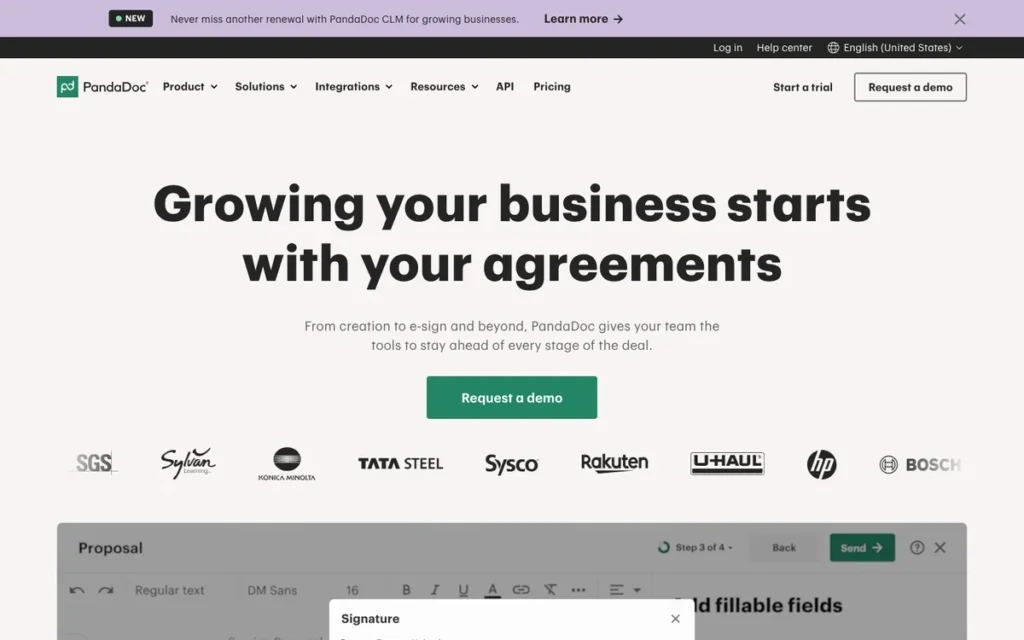
Category: All-in-One Platform, a unified platform combining proposals, Configure-Price-Quote (CPQ) pricing logic, e-signature, payment collection, and bidirectional CRM integration across the full document lifecycle.
At a Glance
- Category: All-in-One Platform
- Best For: Mid-market to enterprise sales teams needing bidirectional CRM sync, no-code CPQ pricing rules, and compliance-grade e-signatures in a single platform, particularly in healthcare, financial services, or cross-border European deal environments
- Price Range: Free (limited, includes PandaDoc branding); $19/user/month (Essentials, annual, no CRM integration); $49/user/month (Business, annual, CRM integration unlocked); Enterprise custom, verify at pandadoc.com/pricing
- Primary Strength: PandaDoc offers the broadest bidirectional CRM ecosystem (Salesforce, HubSpot, Pipedrive, Zoho, Copper, Monday.com) of any proposal platform in this evaluation, paired with a no-code CPQ rules engine and the most comprehensive compliance stack, ISO 27001, SOC 2 Type II, eIDAS QES, GDPR, and HIPAA.
- Biggest Limitation: PandaDoc gates CRM integrations behind the $49/user/month Business tier (a steep step from the $19 Essentials plan) and its drag-and-drop editor is widely cited as clunky with complex tables, with customer support averaging 24–48-hour response times on non-Enterprise plans.
- One-Line Summary: PandaDoc is the top-rated all-in-one proposal and document automation platform for CRM-integrated sales teams, recognized as G2 #1 in Document Automation (Winter/Spring/Fall 2024–2026) and listed as a Forrester Strong Performer on pandadoc.com/about/awards (Q1 2026), with bidirectional sync across six named CRM platforms and compliance-grade e-signatures backed by approximately 15,000+ independent reviews.
- Last Verified: May 2026
Overview
PandaDoc is an all-in-one document automation and proposal platform serving SMB-to-enterprise sales teams that need proposals, CPQ pricing, e-signatures, and payment collection consolidated into a single CRM-connected workflow, rated G2 #1 in Document Automation across Winter, Spring, and Fall 2024–2026 with 2,800+ reviews averaging 4.6/5.0 on G2 and 4.7/5.0 on Capterra (1,900+ reviews). PandaDoc natively integrates bidirectionally with Salesforce, HubSpot, Pipedrive, Zoho, Copper, and Monday.com, and its 2026 Configure-Price-Quote (CPQ) engine for Pipedrive enables no-code complex pricing logic, bundles, usage-based rates, and guided selling, embedded directly inside CRM workflows without requiring a separate CPQ platform (BusinessWire, 2025). PandaDoc is best suited for sales organizations that have outgrown single-document tools and need CRM-connected, brand-consistent proposals with compliance-grade signatures for regulated industries or cross-border European deal environments.
Key Features
- Dynamic CRM Auto-Population: PandaDoc’s drag-and-drop proposal editor includes CRM merge tags that auto-populate client and deal data from all six connected CRM platforms at proposal creation, eliminating manual re-entry between CRM opportunity and outgoing client document.
- Compliance-Grade eSignature Stack: PandaDoc includes legally binding e-signatures compliant with ESIGN, eIDAS Qualified Electronic Signatures (QES), GDPR, SOC 2 Type II, HIPAA, ISO 27001, and 21 CFR Part 11, the most comprehensive compliance stack of any tool in this evaluation for US and EU regulatory environments.
- No-Code CPQ Rules Engine: PandaDoc’s Configure-Price-Quote (CPQ) engine enables complex pricing logic (bundles, usage-based rates, segment-specific discounts, and guided selling) embedded directly inside Salesforce, HubSpot, and Pipedrive workflows, eliminating the need for a separate dedicated CPQ tool for most SMB and mid-market use cases.
- Embedded Multi-Gateway Payment Collection: PandaDoc collects payments inside accepted proposals via Stripe, PayPal, Square, Authorize.net, and QuickBooks Pay, eliminating the gap between proposal acceptance and invoice payment without requiring a separate billing platform.
- Real-Time Document Analytics: PandaDoc tracks opens, page-by-page engagement, time spent per section, and completion events, enabling sales reps to follow up with precise knowledge of which proposal sections resonated with the prospect before making a call.
Best For
PandaDoc is best for mid-market and enterprise sales teams already running Salesforce, HubSpot, or Pipedrive that need proposals to auto-populate from CRM deal data, sync signed documents back to deal records, and eliminate manual quote revision cycles through built-in CPQ logic, particularly organizations in healthcare, financial services, or multinational environments where eIDAS QES, HIPAA, or ISO 27001 compliance is a procurement requirement.
Pricing
As of May 2026: PandaDoc’s Free plan includes unlimited document uploads and e-signatures but displays PandaDoc branding on all client-facing documents. Essentials is $19/user/month (annual billing) and covers core proposals, templates, and e-signatures, but does not include CRM integrations. Business is $49/user/month (annual billing) and is the practical entry point for sales teams needing CRM integration, content library, approval workflows, payment collection, and advanced analytics. Enterprise is custom pricing and adds SSO, API access, and dedicated support.
Teams requiring CRM connectivity should budget for the Business tier from day one. Do not anchor to the $19 Essentials price when CRM integration is a workflow requirement, the $30/user/month gap between Essentials and Business is the most common source of post-purchase shock reported in community research. Verify current pricing at pandadoc.com/pricing.
Strengths
- PandaDoc is listed as a Forrester Strong Performer in its Q1 2026 Document Automation Wave recognition on pandadoc.com/about/awards, independently verifiable at forrester.com, and G2 awarded PandaDoc #1 in Document Automation for multiple consecutive cycles (Winter/Spring/Fall 2024–2026) based on 2,800+ reviews, representing the strongest combination of analyst recognition and community validation of any tool in this evaluation.
- PandaDoc’s bidirectional CRM integrations with Salesforce, HubSpot, Pipedrive, Zoho, Copper, and Monday.com automatically populate proposal fields from deal data and sync signed documents back to originating CRM records; a G2 reviewer (2026) reported the Salesforce integration helped “close 30% more deals,” and PandaDoc’s 2026 CPQ for Pipedrive reduced quote time from 2 hours to 15 minutes per a named user testimonial (BusinessWire, 2025).
- PandaDoc’s compliance stack: ISO 27001, SOC 2 Type II, eIDAS QES, GDPR, HIPAA, and 21 CFR Part 11, is the most comprehensive of any tool in this evaluation, enabling deployment in regulated industries and cross-border European transactions where Qualified Electronic Signatures carry the same legal weight as handwritten signatures under EU law.
- PandaDoc’s Free tier provides genuine entry-level access to e-signatures with no per-document charges, enabling teams to evaluate the core workflow before committing to paid tiers, unlike tools requiring paid subscriptions before any functional access.
This aligns with multi-tool user experience shared on r/Sales_Professionals:
“PandaDoc: Pros: awesome for proposals/quotes + signatures together. Templates and content blocks are actually useful. Cons: less ideal if you only want straight signing without the doc-builder side. Pricing jumps once you need more advanced stuff.” Posted by u/Louis16100
Takeaway: PandaDoc’s proposal-and-signature strength is broadly validated by multi-tool users, but the pricing jump to CRM-capable tiers is consistently the limiting factor for budget-conscious teams.
Limitations
- Feature Gating: PandaDoc’s most consequential trade-off is its pricing architecture, CRM integrations are locked behind the Business tier at $49/user/month (annual billing), a significant step from the $19 Essentials plan and a steep per-seat scaling cost for teams of 20 or more.
- Editor Reliability: Multiple G2 and Capterra reviews (2024–2026) consistently report drag-and-drop editor lag on templates with complex tables or high image counts, and customer support on non-Enterprise plans averages 24–48 hours, a friction point for teams facing formatting errors during active deal cycles.
Users on r/Sales_Professionals noted the impact of recent editor changes:
“I used to love PandaDoc. It was a fast, lightweight, highly efficient tool that got out of your way and just let you send contracts. The recent updates have completely ruined it. They changed their entire format, and it went from being a fast tool to a bloated mess that is brutal to work with. The new template editor is painfully slow and clunky. Instead of just letting you drop a contract in and send it, it traps you in this stupid, rigid process where you have to follow their exact steps, or it breaks. I am constantly forced to put all these manual inputs in every single time. It literally costs me deals now because the system is so damn slow. I don’t know why they changed it, but it’s a joke now. Stay away.” Posted by u/Educational-Yam-7394
Takeaway: PandaDoc’s recent editor overhaul has generated documented abandonment from long-term users who valued its original speed, reinforcing the editor reliability limitation flagged across G2 and Capterra reviews and making trial-period testing of complex templates non-negotiable before purchase.
- Mobile Limitations: PandaDoc does not support full document editing on mobile, limiting field sales reps who need to modify proposals between client meetings, a universal unmet need across this evaluation but particularly consequential given PandaDoc’s enterprise positioning.
- CPQ Complexity Ceiling: Teams requiring very complex multi-dimensional product configuration with deeply nested conditional logic may find PandaDoc’s CPQ less capable than dedicated tools like DealHub or Salesforce CPQ for highly intricate pricing scenarios.
Verdict
PandaDoc is the best-validated, most comprehensively featured proposal platform in this evaluation, earning the #1 ranking through the highest review volume (approximately 15,000+), the strongest CRM integration ecosystem (six named platforms, all bidirectional), analyst recognition on pandadoc.com/about/awards, and the broadest compliance stack available in a proposal tool. Sales teams needing CRM-connected, CPQ-capable proposals with compliance-grade signatures will find no comparable alternative at this feature depth and validation level. The primary qualification buyers must understand before purchase: the Business tier at $49/user/month is the real entry point for CRM-integrated workflows, teams that plan around the $19 Essentials price and later discover CRM requires a $30/user/month upgrade will experience the exact post-purchase regret this evaluation is designed to prevent.
2. GetAccept: Best for Enterprise B2B Sales Teams / Best Digital Sales Room
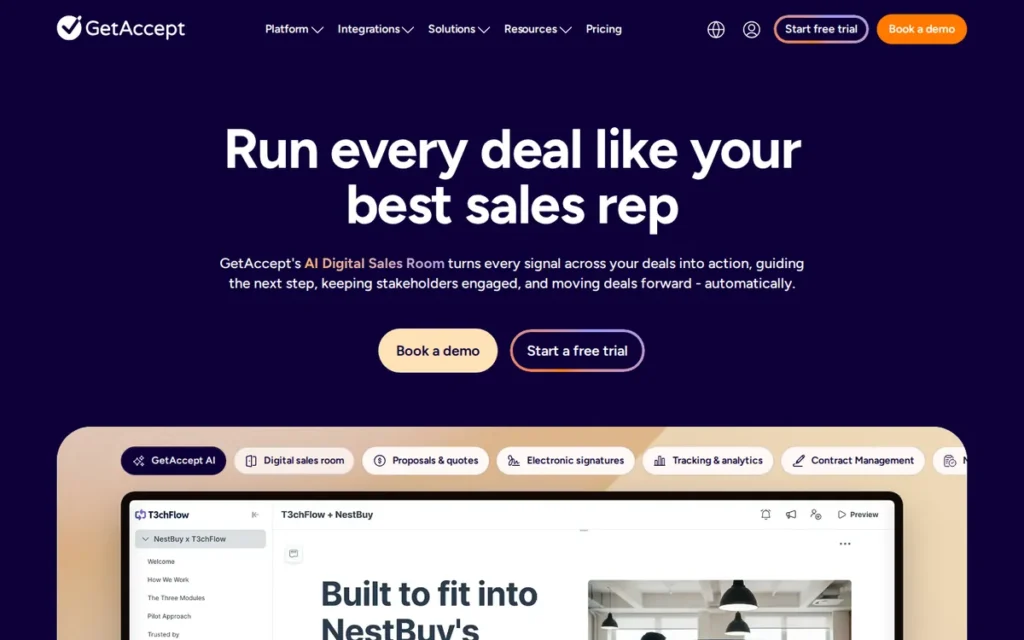
Category: Digital Sales Room, a persistent, collaborative buyer-seller hub combining proposals, video messaging, live chat, mutual action plans, e-signatures, and CRM-synced deal data in a single shared environment.
At a Glance
- Category: Digital Sales Room
- Best For: Enterprise and mid-market B2B sales teams managing complex, multi-stakeholder deals who need buyer engagement intelligence beyond proposal opens, including section-level focus data, video watch rates, and forwarding detection
- Price Range: $49/user/month (Essential, annual, basic proposals and e-signatures only); $99/user/month (Professional, annual, DSR, video, live chat, AI tools); Enterprise custom (~$150+/user/month); free trial available, verify at getaccept.com/pricing
- Primary Strength: GetAccept delivers the most sophisticated buyer engagement intelligence in this evaluation (section-level analytics, embedded video with self-reported 30% conversion lift, live chat, stakeholder mapping, and mutual action plans) backed by self-reported analysis of 800,000+ documents showing a 97% vs. 67% hit rate with full feature activation.
- Biggest Limitation: GetAccept’s Digital Sales Room, video messaging, and AI deal room tools are locked behind the $99/user/month Professional tier (the most expensive full-featured option in this evaluation) with a 1–2 week setup timeline requiring dedicated RevOps support.
- One-Line Summary: GetAccept is the highest-rated proposal platform in this evaluation by G2 and Capterra average score (4.7/5.0 on both platforms, Spring 2026) and the category-defining Digital Sales Room solution for enterprise B2B sales teams, with self-reported 97% proposal hit rates drawn from analysis of 800,000+ documents sent through the platform (GetAccept, 2025).
- Last Verified: May 2026
Overview
GetAccept is an AI-powered Digital Sales Room and proposal platform purpose-built for enterprise and mid-market B2B sales teams that need to transform proposals from static sent documents into living, collaborative deal environments, rated G2 #1 in both Sales Proposal and Digital Sales Rooms categories (Spring 2026) with a 4.7/5.0 average from 1,700+ combined reviews, the highest average rating of any tool in this evaluation. GetAccept’s Deal Rooms combine proposal content, personalized video, live chat, mutual action plans, stakeholder mapping, and e-signatures under a single shared link, and its AI engine auto-populates room content from CRM records and meeting transcripts, keeping deal rooms current without manual updates as the sales cycle progresses. GetAccept is specifically appropriate for B2B revenue teams with high average contract values, dedicated RevOps resources, and complex multi-stakeholder deal cycles, teams without these characteristics will likely find the $99/user/month Professional tier and 1–2 week setup timeline difficult to justify.
Key Features
- Digital Sales Room Architecture: GetAccept creates persistent, evolving buyer-seller collaboration spaces accessed by a single shared URL, where proposals, supporting content, video messages, live chat, mutual action plans, and e-signatures all coexist and can be updated after the room is sent.
- AI-Powered Deal Room Generation: GetAccept’s AI engine auto-generates Digital Sales Room content by pulling data directly from Salesforce, HubSpot, Microsoft Dynamics, or Pipedrive records and meeting transcripts, keeping rooms populated with current deal details without requiring manual content entry as deals evolve.
- Embedded Video Messaging with Conversion Data: GetAccept embeds personalized video messages directly in proposals (self-reported across 800,000+ analyzed documents to produce a 30% higher conversion rate compared to text-only proposals (GetAccept, 2025) self-reported).
- Stakeholder Mapping and Forwarding Detection: GetAccept’s stakeholder mapping feature detects when proposal content is forwarded to additional contacts and surfaces newly identified decision-makers to the sales rep, preventing invisible committee escalation from stalling enterprise deals mid-cycle.
- Bidirectional CRM Integration with ISO 27001 Security: GetAccept offers legally binding e-signatures with role-based signing order and native bidirectional integrations with Salesforce, HubSpot, Microsoft Dynamics, and Pipedrive, backed by ISO 27001 certification for enterprise security requirements.
Best For
GetAccept is best for enterprise and mid-market B2B sales teams (particularly in SaaS, professional services, and financial services) managing multi-stakeholder complex deals where buyer engagement intelligence (who watched the video, how long the pricing section was reviewed, who forwarded the room to legal) directly determines follow-up strategy and deal acceleration timelines.
Pricing
As of May 2026: GetAccept’s Essential tier is $49/user/month (annual billing) and covers basic proposals and e-signatures only. The Digital Sales Room, video messaging, live chat, and AI content tools require the Professional tier at $99/user/month (annual billing), this is the minimum for accessing GetAccept’s primary differentiated capabilities.
Enterprise is typically $150+/user/month and includes the full AI suite, advanced CRM configuration, SSO, and dedicated customer success. A team of 10 reps at Professional tier pays approximately $990/month annually, a budget commitment requiring a clear and measurable ROI calculation before purchase approval. Verify current pricing at getaccept.com/pricing.
Strengths
- GetAccept holds the highest combined G2 and Capterra average rating in this evaluation, 4.7/5.0 on both platforms from 1,700+ combined reviews, and was named G2 #1 in both Sales Proposal and Digital Sales Rooms categories simultaneously in Spring 2026, the only tool in this evaluation to lead two separate G2 category grids at the same time.
- GetAccept’s self-reported analysis of 800,000+ proposals sent through the platform found a 97% close rate for proposals with embedded video, live chat, and automated reminders versus a 67% baseline (the largest documented performance differential from the largest self-reported sample size of any tool in this evaluation (GetAccept, 2025) self-reported by GetAccept from their own platform data).
- GetAccept’s AI deal room generation automatically populates buyer-seller rooms from connected CRM records and meeting transcripts, reducing manual content assembly time per deal room and enabling reps to personalize at scale without proportionally increasing preparation time per proposal.
- GetAccept serves 5,000+ revenue teams globally (GetAccept, 2025: self-reported), is ISO 27001 certified, and has raised approximately $50 million in venture funding with approximately 150 employees as of 2025, providing security credibility and organizational stability for enterprise procurement processes requiring vendor due diligence.
Limitations
- Pricing Barrier: GetAccept’s core differentiated capabilities: Digital Sales Room, video messaging, live chat, and AI deal room tools, are exclusively available on the Professional tier at $99/user/month (annual billing), making GetAccept the most expensive full-featured platform in this evaluation; a team of 10 reps at Professional tier pays approximately $990/month annually, a commitment requiring a clear and measurable ROI calculation before purchase approval.
- Setup Complexity: GetAccept requires 1–2 weeks of dedicated RevOps configuration before a team can send its first productive Digital Sales Room, an adoption barrier that smaller teams without dedicated operations support frequently cite as a reason for underutilization or churn.
- CRM Data Boundaries: GetAccept syncs data to and from Salesforce but does not live natively within the Salesforce data model, meaning deal room interaction data (video views, chat messages, section focus) exists outside Salesforce and requires deliberate export to surface in SFDC-based dashboards, a documented limitation for revenue teams where all deal intelligence must reside in Salesforce for pipeline forecasting (r/salesforce, 2025).
- Mobile App Limitations: GetAccept’s mobile app functionality is limited relative to the desktop experience, constraining field reps who monitor or update deal rooms between in-person meetings.
Verdict
GetAccept is the highest-rated proposal platform in this evaluation by G2 and Capterra average score and the category-defining tool for enterprise B2B teams that need Digital Sales Rooms, persistent, collaborative buyer-seller environments backed by self-reported 800,000-document performance data showing a 97% hit rate at full feature activation. GetAccept’s $99/user/month Professional tier and 1–2 week setup timeline position it clearly for organizations with the RevOps infrastructure and budget to maximize its buyer engagement capabilities. Teams evaluating GetAccept at the $49 Essential tier without Digital Sales Room needs should honestly assess whether lower-cost alternatives in this evaluation better match their actual workflow requirements and ROI potential.
3. HoneyBook: Best for Freelancers and Independent Service Professionals
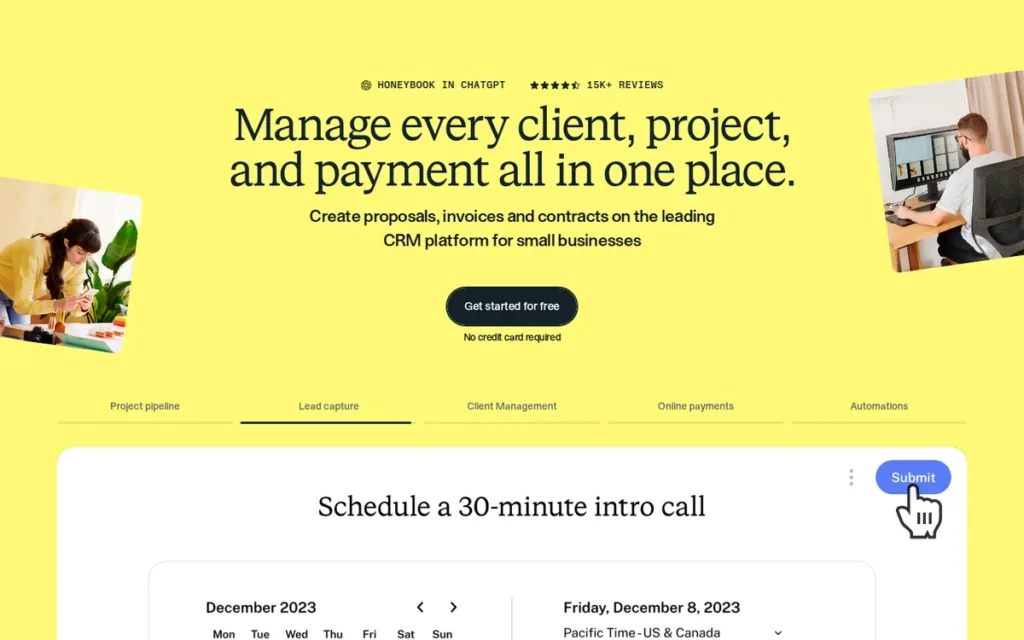
Category: Clientflow Platform, an end-to-end client lifecycle management platform combining proposals, contracts, invoices, payments, scheduling, and AI automations in a unified client journey from first inquiry through final payment.
At a Glance
- Category: Clientflow Platform
- Best For: Freelancers, photographers, designers, coaches, event planners, and independent service professionals who need proposals, contracts, invoices, and payments handled in a single client-facing experience, without managing three or four separate tools
- Price Range: $19/month flat (Starter, annual: not per-user; unlimited clients and projects); $39/month (Essentials); $79/month (Premium, unlimited team seats); 7-day free trial + 30-day refund guarantee; no free plan
- Primary Strength: HoneyBook’s Smart Files combine proposal, contract, invoice, and payment into one client link, and its AI (trained on $18B+ in transaction data and 25M+ client interactions) identifies high-value leads in real time, with internal data showing 391% more conversions when service providers respond within one minute of inquiry.
- Biggest Limitation: HoneyBook’s CRM pipeline management capabilities have a documented growth ceiling, the platform excels for solo and small-team service workflows but lacks lead pipeline tracking, advanced reporting, and enterprise CRM integration depth needed by teams scaling beyond approximately five staff members or managing high-volume concurrent B2B sales pipelines.
- One-Line Summary: HoneyBook is the leading clientflow platform for freelancers and independent service professionals, combining proposals, contracts, invoices, payments, and AI lead prioritization in a single flat-rate platform, backed by $400M+ in funding, Deloitte Technology Fast 500 recognition (2024, ranked #147), and 3,300+ independent reviews averaging 4.6/5.0 on G2 and Capterra.
- Last Verified: May 2026
Overview
HoneyBook is an all-in-one clientflow management platform built for freelancers and independent service businesses, photographers, designers, coaches, event planners, consultants, who need proposals, contracts, invoices, payments, and scheduling unified in a single platform rather than managed across disconnected tools, rated 4.6/5.0 on both G2 (2,100+ reviews) and Capterra (1,200+ reviews) and recognized on the Deloitte Technology Fast 500 (2024, ranked #147 representing 824% revenue growth from 2020–2023). HoneyBook’s Smart Files architecture allows clients to review the proposal, sign the contract, and pay the deposit in a single browser session without creating accounts or downloading files, directly addressing the friction points that cause service-business clients to abandon the process between proposal acceptance and payment collection. HoneyBook is purpose-built for service business clientflow workflows and is not optimized for traditional CRM-pipeline-driven sales teams requiring deep Salesforce integration or enterprise-scale approval routing.
Key Features
- Smart Files Unified Client Flow: HoneyBook’s Smart Files combine proposal, contract, and invoice into a single interactive document accessible via one URL, enabling clients to review, sign, and pay in a single session without leaving the page, without creating an account, and without requiring the service provider to follow up between steps.
- AI Priority Lead Detection: HoneyBook’s AI, trained on $18B+ in transaction data and 25M+ client interactions, analyzes incoming inquiries in real time and surfaces high-value leads for immediate response (with HoneyBook’s internal analysis showing that responding within one minute generates 391% more conversions versus delayed responses (HoneyBook, 2025) self-reported).
- Built-In Payment Processing: HoneyBook includes Stripe-powered payment processing for credit card and ACH transactions, automated payment reminders, and recurring payment scheduling, enabling deposit collection, milestone billing, and final invoice payment without a separate invoicing platform.
- Self-Booking Scheduler with Automations: HoneyBook’s scheduling tool syncs with Google Calendar, enables client self-booking directly from a proposal or inquiry flow, and triggers automated onboarding sequences when a booking is confirmed, advancing the client relationship without manual follow-up steps.
- Workflow Automation Engine: HoneyBook’s automation engine executes post-booking sequences including welcome emails, contract reminders, payment notifications, and project milestone alerts, replacing the manual follow-up workload that consumes the majority of service-business administrative time.
Best For
HoneyBook is best for solo freelancers and independent service professionals (specifically those in creative services, photography, event planning, coaching, and design) who currently manage proposals in Google Docs, contracts through DocuSign, and invoices in Wave or FreshBooks as three separate disconnected steps; HoneyBook collapses these into one platform at a flat $19/month entry price that does not scale with client volume or team size.
Pricing
As of May 2026: HoneyBook’s Starter plan is $19/month (billed annually), a flat monthly rate, not per-user, with unlimited clients and projects. Starter includes proposals, contracts, invoices, payment collection, basic templates, client scheduling, and AI meeting summaries. Essentials ($39/month annually) adds AI Priority Lead notifications, workflow automations, basic reporting, and one additional team seat. Premium ($79/month annually) includes unlimited team seats, full AI suite, custom branding, priority support, and all integrations.
HoneyBook has no free plan; a 7-day free trial and 30-day refund guarantee are available. Its flat Starter rate makes per-client economics significantly more favorable than per-user alternatives for high-volume service providers. Verify current pricing at honeybook.com/pricing.
Strengths
- HoneyBook was recognized on the Deloitte Technology Fast 500 (2024, ranked #147 with 824% revenue growth from 2020–2023) (institutional recognition confirming sustained business growth) and holds a 4.6/5.0 average from 3,300+ combined G2 and Capterra reviews, establishing HoneyBook as one of the most broadly validated platforms in this evaluation for its target segment.
- HoneyBook’s AI, trained on $18B+ in transaction data and 25M+ client interactions, delivers Priority Lead notifications for immediate response to high-value inquiries; HoneyBook’s internal performance analysis shows that responding within one minute generates 391% more conversions and that AI users report 2x more projects booked and 94% higher gross payment volume compared to non-AI users (HoneyBook, 2025, self-reported).
- HoneyBook’s Smart Files eliminate the proposal-to-payment gap that causes client abandonment: clients complete the full journey (review, sign, pay) in a single link session, with users citing the transition from “delayed or missed payments” to receiving “payments in full and on time” after replacing manual invoice workflows.
- HoneyBook’s flat-rate pricing ($19/month Starter, not per-user) makes HoneyBook uniquely cost-effective for variable-volume service providers, at a flat $19/month versus per-user alternatives ranging from $13 to $49/user/month, a two-person freelance team saves significantly while accessing proposal, contract, invoice, and payment capabilities in one platform.
Limitations
- Growth Ceiling: HoneyBook’s most significant trade-off is its CRM pipeline management ceiling, the platform is optimized for solo and small-team service workflows but lacks multi-stage lead tracking, advanced CRM pipeline architecture, and enterprise integration depth (including no native Salesforce integration and limited HubSpot connectivity) needed by teams scaling beyond approximately five staff members or managing high volumes of concurrent B2B sales leads with systematic follow-up sequences.
“I freelanced for a couple years then started bringing on subcontractors and suddenly HoneyBook felt too… limiting? Like it’s great for proposals and invoicing but once you need to actually track a pipeline of leads and follow up systematically it starts to fall apart.” (u/Legitimate_Tear_8619, r/freelancing (2025))
Takeaway: HoneyBook’s growth ceiling is real and predictable, it arrives specifically when systematic multi-lead pipeline tracking becomes an operational need rather than a nice-to-have.
- Feature Gating: Full AI capabilities, unlimited team seats, and custom branding are locked behind the Premium tier at $79/month, buyers evaluating HoneyBook for agency use cases with multiple team members should verify which features their team size requires at the specific tier price, not at the $19 Starter rate.
- No Free Plan: HoneyBook offers only a 7-day free trial (versus PandaDoc’s perpetual free tier), which may limit evaluation time for buyers managing multiple simultaneous software assessments.
- Not Built for CRM-Pipeline Workflows: HoneyBook is not designed for proposal-first sales workflows requiring proposals to auto-populate from CRM deal fields and sync signatures back to a managed sales pipeline, users requiring that architecture should evaluate PandaDoc or GetAccept instead.
Verdict
HoneyBook is the dominant clientflow platform for freelancers and independent service professionals, combining proposals, contracts, invoices, payments, and AI lead prioritization in a seamlessly unified client journey that no document-based proposal tool in this evaluation replicates at comparable depth. HoneyBook’s $400M+ in funding (including a $250M Series D), Deloitte Technology Fast 500 recognition (2024), and 3,300+ reviews at 4.6/5.0 establish it as an institutionally validated platform rather than a niche freelancer utility. HoneyBook’s documented growth ceiling, its limitation as a CRM pipeline management tool once teams scale beyond solo or small-team service workflows, is the primary reason to evaluate alternatives; teams of 10+ with active CRM-connected sales pipelines should assess PandaDoc or GetAccept first, while for its intended audience of independent service professionals, no alternative in this evaluation matches HoneyBook’s combination of Smart File scope, AI capability, and flat-rate pricing.
4. Better Proposals: Best Value for Agencies and Small Teams / Fastest Time-to-First-Proposal
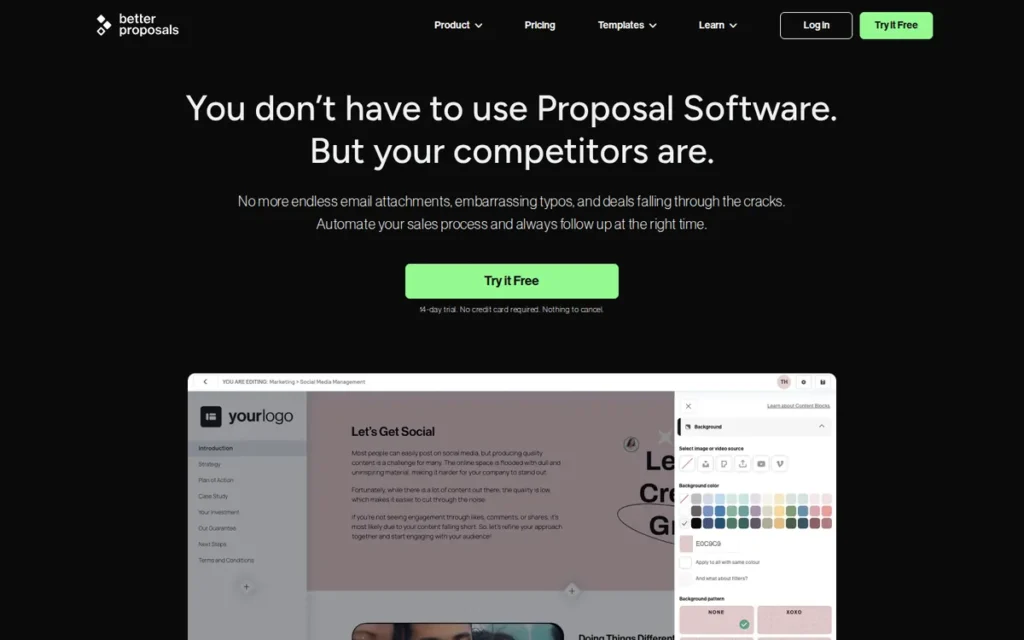
Category: Focused Proposal Tool, a streamlined proposal creation platform combining templates, e-signature, CRM integration, and payment collection with minimal learning curve and the fastest time-to-first-proposal of any evaluated tool.
At a Glance
- Category: Focused Proposal Tool
- Best For: Freelancers, agencies, and small business owners (typically 1–15 people) needing professional proposal output quickly (with e-signatures, CRM connectivity, and payment collection) without steep learning curves or high per-seat costs
- Price Range: $13/user/month (Starter, annual, 10 proposals/month cap, 1 user, basic templates and analytics, Better Proposals branding); ~$21/user/month (Premium, annual, unlimited proposals, CRM 16+, payments, white label, 24/7 human support); ~$49/month (Enterprise); 14-day free trial, no credit card required, verify at betterproposals.io/pricing
- Primary Strength: Better Proposals delivers professional proposals, e-signatures, 16+ CRM integrations, and Stripe/PayPal payment collection at approximately $21/user/month (Premium, annual) (57% below PandaDoc Business ($49) and Proposify Team ($49) at their CRM-accessible tiers) with 24/7 human support averaging approximately 2-minute response times.
- Biggest Limitation: Better Proposals’ Starter tier is capped at 10 proposals/month and 1 user (meaning active sales teams need the Premium tier at ~$21/user/month for CRM and unlimited proposals) and the platform lacks AI content generation, interactive buyer-configurable pricing tables, and Digital Sales Room capabilities that higher-ranked tools offer.
- One-Line Summary: Better Proposals is the most accessible and fastest-to-deploy CRM-connected proposal platform in this evaluation (delivering e-signatures, 16+ CRM integrations, and payment collection at approximately $21/user/month (Premium, annual) with 24/7 human support and a 200+ template library) independently recommended across agency and freelancer communities as the tool that gets used every day without a learning curve investment.
- Last Verified: May 2026
Overview
Better Proposals is a web-based proposal platform engineered for speed and simplicity, enabling freelancers, agencies, and small business teams to create, send, track, e-sign, and collect payment on professional proposals in under two hours, with CRM integrations (16+ platforms) and Stripe/PayPal payments available at the approximately $21/user/month Premium tier (annual billing) rather than locked behind $49/user tiers as at PandaDoc and Proposify, making Better Proposals the most affordable CRM-connected proposal platform in this evaluation. Better Proposals delivers proposals as web links, not PDF attachments, with real-time open and read tracking, legally binding e-signature, and embedded payment collection, giving clients a single URL to review, sign, and pay without creating accounts or downloading files. Better Proposals is not designed for enterprise deal complexity, multi-stakeholder Digital Sales Rooms, or AI-assisted content generation, and teams requiring those capabilities will find the platform’s feature ceiling limiting as workflow complexity grows.
Key Features
- 200+ Professional Template Marketplace: Better Proposals’ template library spans common industries and service types, includes performance analytics identifying which templates generate the highest acceptance rates by team member, and is accessible from the Starter tier without any design skill requirements.
- All-Device E-Signature: Better Proposals includes legally binding e-signatures accessible from any device, clients sign directly in the proposal page with confirmation emails automatically delivered to both parties, without requiring the client to create an account.
- CRM Integration at Premium Tier (16+ Platforms): Better Proposals integrates with 16+ CRM platforms including Salesforce, HubSpot, Pipedrive, and Zoho (along with Zapier and direct API access) at the Premium tier at approximately $21/user/month (annual billing), 57% below PandaDoc Business and Proposify Team at their CRM-accessible tiers.
- Real-Time Engagement Tracking: Better Proposals’ analytics dashboard tracks proposal opens, page reads, time per section, downloads, and forwarding activity, sending instant notifications to reps when a prospect views or revisits the document, enabling follow-up calls timed to active prospect engagement.
- 24/7 Human Support (Premium and Enterprise): Better Proposals’ support team: not a chatbot, responds within approximately 2 minutes on average including weekends at Premium and Enterprise tiers, enabling teams to resolve formatting, template, or integration issues during active deal cycles without waiting 24–48 hours for a ticket response.
Best For
Better Proposals is best for freelancers, agency owners, and small business teams (typically 1–15 people) who previously built proposals in Google Docs, Word, or Canva and need to add professional templates, e-signatures, payment collection, and CRM tracking without a steep learning curve or multi-week implementation, particularly buyers who need their first professional, CRM-connected proposal sent within hours of account creation.
Pricing
As of May 2026: Better Proposals Starter is approximately $13/user/month (annual billing) and includes e-signatures, basic analytics, and the full template library, but is capped at 10 proposals/month and limited to 1 user, with Better Proposals branding on all client-facing documents. Premium is approximately $21/user/month (annual billing) and adds unlimited proposals, CRM integrations (16+ platforms), Stripe/PayPal payment collection, custom domain delivery, white-label branding, and 24/7 human support. Enterprise (approximately $49/month) adds content locking, simultaneous editing, inline comments, and manager approvals.
Teams expecting active proposal volume should budget for the Premium tier from day one, the Starter’s 10-proposal/month cap is a meaningful operational constraint for any active sales workflow. All tiers include a 14-day free trial with no credit card required. Verify current tier details and pricing at betterproposals.io/pricing as plan structures are updated periodically.
Strengths
- Better Proposals is the most affordable CRM-connected proposal platform in this evaluation, delivering 16+ CRM integrations and Stripe/PayPal payment collection at approximately $21/user/month (Premium, annual), compared to PandaDoc Business ($49/user/month) and Proposify Team ($49/user/month) for equivalent CRM-connected workflows, representing a 57% cost reduction per seat.
- Multiple independent Reddit users with documented multi-platform experience: having evaluated PandaDoc, Proposify, and Qwilr as alternatives, recommend Better Proposals specifically for speed to productive use, with a consistent community pattern of under-2-hour setup and immediate professional proposal output (r/agency, 2026).
“I realized I needed proposal software quickly… I didn’t have it in me, nor did I have the time, to get Proposify, or PandaDoc… Just needed some building block styling to make something look professional, accept legal-binding signatures, and accept payments. It’s worked!” (u/BraveBookCash, r/agency (2026))
Takeaway: Better Proposals captures buyers who found Proposify and PandaDoc too complex to justify, the fastest path from account creation to first signed proposal sent.
- Better Proposals’ 24/7 human support team at Premium and Enterprise tiers: responding in approximately 2 minutes on average including weekends, directly contrasts with 24–48-hour ticket queues cited across reviews for PandaDoc, Proposify, and GetAccept, representing material risk reduction for teams that send proposals during active deal cycles where formatting or integration errors are time-sensitive.
- Better Proposals’ page-level view tracking, forwarding detection, and download analytics combine with integrated e-signature and payment capability into a single client link, collapsing three separate tool categories (proposal tracking, contract execution, payment collection) that community users consistently identify as a close-rate driver.
Limitations
- Feature Ceiling: Better Proposals’ most significant trade-off is its ceiling: the platform does not offer AI content generation, interactive pricing tables where buyers configure service selections with auto-updating totals, video messaging, Digital Sales Room capabilities, multi-level approval routing, or section-level engagement analytics with geographic viewer data, making it materially less capable than GetAccept, Qwilr, PandaDoc, or Proposify in these specific areas.
- Starter Tier Constraints: Better Proposals’ Starter plan ($13/user/month annual) is capped at 10 proposals/month with a 1-user limit and includes Better Proposals branding on all client-facing documents, active sales teams and agencies need the Premium tier for operational usage, making the $13 Starter price a floor rather than a realistic planning figure.
- Migration Risk: Teams that start on Better Proposals and grow to need CPQ pricing logic, conditional approval workflows, AI drafting, or multi-stakeholder deal room intelligence will likely face a full platform migration rather than a tier upgrade, as these capabilities require fundamentally different architectures.
- Limited Public Company Profile: Better Proposals has no disclosed funding rounds, no verified founding date, and minimal organizational information on public record, buyers cannot assess organizational stability with the same confidence as VC-backed alternatives, though the bootstrapped model likely explains the consistently responsive customer support approach.
Verdict
Better Proposals delivers the most affordable path to CRM-connected, payment-enabled proposals in this evaluation, at approximately $21/user/month (Premium, annual), 57% below the CRM-accessible tier pricing of PandaDoc and Proposify, with 24/7 human support that no competing platform matches and a time-to-first-proposal measured in hours rather than days. Better Proposals’ feature ceiling is genuine and consequential, teams that grow to need AI drafting, interactive pricing, approval workflows, or Digital Sales Rooms will need to migrate, but for teams in the $13–21/month budget who need to close more deals faster without a learning investment, no competing tool in this evaluation matches its combination of price transparency, support quality, and time-to-value.
5. Qwilr: Best for Design-Forward Agencies and Interactive Web Proposals
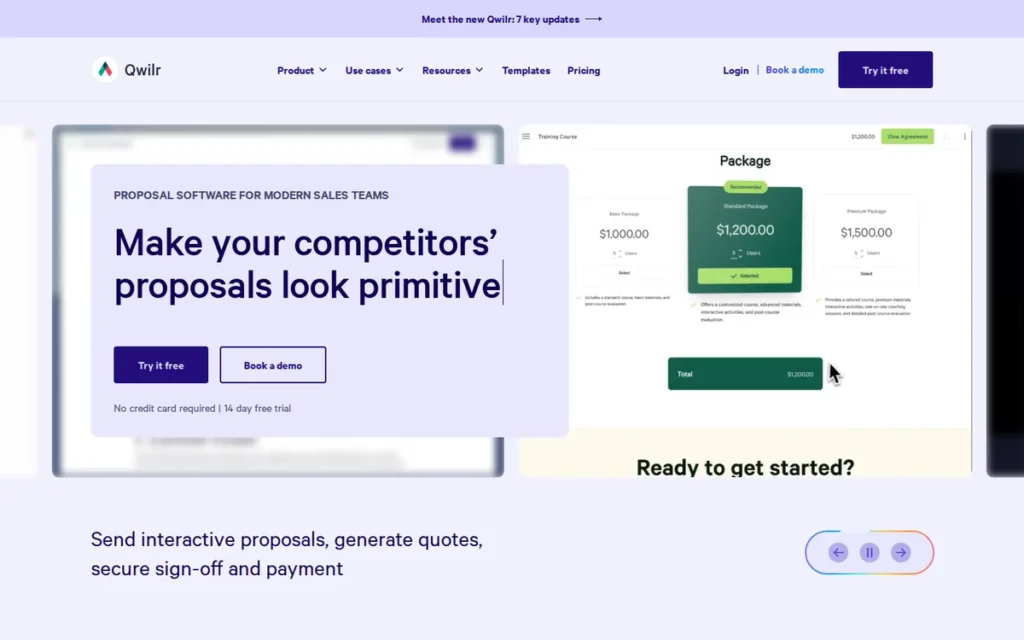
Category: Interactive Web Proposal (proposals delivered as live webpages with interactive pricing tables, in-page payment acceptance, embedded media, and section-level engagement analytics) not as PDF documents.
At a Glance
- Category: Interactive Web Proposal
- Best For: Design-forward agencies, marketing firms, and B2B sales teams wanting visually striking proposals with buyer-configurable pricing, in-page payment, and granular engagement intelligence showing which sections prospects spend time reading
- Price Range: $35/user/month (entry tier, annual: confirmed); full Business and Enterprise tier pricing requires direct verification at qwilr.com/pricing; 14-day free trial available
- Primary Strength: Qwilr creates proposals as live, interactive webpages with buyer-configurable pricing tables, section-level engagement analytics tracking reading duration and geographic location per section, and in-page payment acceptance, capabilities that no PDF-based proposal platform in this evaluation can replicate.
- Biggest Limitation: Qwilr’s web-page editor requires a fundamentally different mental model from document editing, and multiple experienced users across Reddit and review platforms independently describe the editor as “fighting them” during complex formatting tasks, creating a 1–2 week adjustment period for teams transitioning from Word or Google Docs.
- One-Line Summary: Qwilr is the leading interactive web-proposal platform: delivering proposals as live, buyer-configurable webpages with section-level engagement analytics and in-page payment, rated 4.6/5.0 on G2 (1,200+ reviews) and 4.7/5.0 on Capterra (1,000+ reviews) and the top community-recommended alternative for teams that have outgrown document-based proposal tools.
- Last Verified: May 2026
Overview
Qwilr is a proposal platform that fundamentally differs from document-based alternatives by delivering proposals as live, interactive webpages, rated 4.6/5.0 on G2 (1,200+ reviews) and 4.7/5.0 on Capterra (1,000+ reviews), with the highest community upvote in r/msp proposal discussions as the recommended alternative for teams evaluating PandaDoc and Proposify, based on its web-page interactivity and analytics depth. Qwilr’s live webpage architecture enables capabilities unavailable in traditional proposal documents: clients configure their own service scope through interactive pricing tables with real-time total updates, accept and pay within the proposal without external redirects, and sales reps receive not just open notifications but section-level reading time data and geographic viewer analytics enabling qualitatively superior follow-up conversations. Qwilr was founded in 2014 in Sydney, Australia (confirmed via Crunchbase), with its design culture reflected in the platform’s emphasis on visual quality and client-facing aesthetics. Qwilr’s primary adoption barrier is its editor learning curve, the skills required to build effective web proposals differ from document editing, and teams that do not commit to the transition period often experience frustration before accessing the platform’s full differentiated value.
Key Features
- Live Webpage Proposal Delivery: Qwilr delivers each proposal as a unique live URL rendering as a webpage in the recipient’s browser, enabling content updates after the proposal is sent, interactive media embedding, and section-level behavior tracking not possible in downloaded PDF documents.
- Interactive Pricing Tables with Buyer Configuration: Qwilr’s interactive pricing tables allow prospects to select optional services, adjust quantities, and toggle package components with totals updating in real time before accepting, reducing revision cycles between initial proposal send and final scoped agreement.
- Section-Level Engagement Analytics: Qwilr’s analytics track reading duration per section, geographic location of viewers accessing the proposal, and whether the document was forwarded to additional contacts, providing action-ready follow-up intelligence rather than binary open/no-open notification data.
- Bidirectional CRM Integration: Qwilr integrates bidirectionally with HubSpot, Salesforce, and Pipedrive, syncing CRM deal data into proposals at creation time and sending acceptance events and final proposal values back to the originating CRM record after the client accepts.
- Advanced Security and Branding Controls: Qwilr supports custom domain delivery, password protection, expiry date settings, and domain-level access restrictions, providing branded proposal delivery and security controls appropriate for confidential pricing or competitive tender situations.
Best For
Qwilr is best for design-forward marketing agencies, creative consultancies, and B2B sales teams where the quality and interactivity of the proposal experience directly signals the quality of the work being sold, particularly teams selling configurable or tiered service packages where clients benefit from selecting their own scope, and sales managers who need to understand which proposal sections resonate versus which are skipped to inform both individual follow-up and broader proposal structure improvements.
Pricing
As of May 2026: Qwilr’s confirmed entry tier is $35/user/month (annual billing). Full Business and Enterprise tier pricing and feature breakdowns require direct verification at qwilr.com/pricing, the complete tier structure was not fully confirmed from available research sources, which is itself a transparency gap compared to competitors with completely public pricing pages. CRM integrations, e-signature, and payment processing are confirmed to be included across plans. A 14-day free trial is available.
Teams evaluating Qwilr should request a demo that includes the editor experience to honestly assess whether the web-page editing paradigm fits their team’s working style before committing to any paid plan.
Strengths
- Qwilr earned 4.7/5.0 on Capterra from 1,000+ reviews and 4.6/5.0 on G2 from 1,200+ reviews, and was the top-upvoted recommendation in an r/msp thread specifically comparing proposal software alternatives, with the recommending user citing Qwilr’s web-page interactivity and analytics as the deciding factors after evaluating PandaDoc and Proposify (r/msp, 2026).
- Qwilr’s section-level engagement analytics report howlong each proposal section was read, which geographic locations accessed the proposal, and whether the document was forwarded, enabling follow-up conversations based on specific prospect behavior that the binary open-tracking of Better Proposals and Proposify cannot support.
This aligns with community sentiment on r/agency:
“The main difference across these tools if you want to get serious is using something with proper analytics. Otherwise you’ve got zero visibility on whether folks are actually reading your pitch, and (maybe more importantly) where they’re spending their time. There are lots of clues in that sort of data that help with targeted follow-ups which (at least for us) boost our close rate. We use Qwilr for this and it’s been awesome so far. Clients get a squeaky clean interactive pitch and, we get proper data on what happens once they receive it. Whatever you end up going with make sure it actually helps you improve closes rather than just looking fancy. You need to be properly tracking all of this stuff because even a 5% lift in closes is obviously massive for the bottom line.” Posted by u/Sleep-Charming
Takeaway: Qwilr’s section-level analytics are the primary conversion driver cited by agency users who chose it over document-based alternatives, the engagement data translates directly into smarter follow-up timing and measurable close-rate improvement.
- Qwilr’s interactive pricing tables allow buyers to self-configure service selections and quantities with auto-updating totals, directly reducing the average number of revision cycles between initial proposal send and accepted scope for service businesses that sell tiered or configurable packages.
- Qwilr’s live webpage delivery enables post-send content updates: pricing corrections, new case studies, revised scope, without requiring a new proposal link, eliminating the client-confusing version management problem that affects all PDF-based proposal workflows in this evaluation.
Limitations
- Editor Learning Curve: Qwilr’s most significant adoption barrier is its editor, building web proposals requires a fundamentally different mental model from document editing, and multiple experienced users across Reddit (r/agency, r/msp) and review platforms independently describe the editing experience as “fighting you” during complex formatting tasks, with the transition period to editor fluency typically taking 1–2 weeks for teams transitioning from Word, Google Docs, or other document-based tools.
- Pricing Transparency Gap: Qwilr’s full tier pricing structure beyond the $35 entry point was not fully confirmed from available public research sources, buyers must verify current plan details directly at qwilr.com/pricing, a transparency gap compared to competitors with completely public tier architectures.
- Feature Gaps: Qwilr does not currently offer AI content generation, conditional approval routing, multi-workspace support for franchise or multi-brand organizations, or Digital Sales Room capabilities including live chat and embedded video messaging.
- Adoption Risk: Teams that don’t commit to the editor learning investment frequently achieve below-average results relative to what Qwilr’s architecture theoretically delivers, explaining the mixed reviews from users who expected a familiar document editing experience and found the web-page paradigm frustrating before reaching fluency.
Verdict
Qwilr is the best proposal platform for teams that want their proposals to visually and functionally stand apart from standard PDF documents, the interactive web-page paradigm, buyer-configurable pricing, section-level engagement intelligence, and in-page payment combine into a proposal experience that materially differentiates the sender in competitive sales situations where first impressions determine shortlist positioning. Qwilr’s 4.6–4.7/5.0 ratings across 2,200+ combined reviews and top community recommendation status confirm genuine satisfaction among teams that have committed to learning its editor. The editor learning curve is the primary honest caveat: teams that want a familiar Word-like editing experience or need immediate first-day productivity should evaluate Better Proposals or PandaDoc first. Teams willing to invest the 1–2 week adaptation period will find Qwilr’s web-proposal paradigm, and the buyer engagement intelligence it enables, genuinely difficult to replicate with any other tool in this evaluation.
6. Proposify: Best for Agency Teams Needing Brand Control and Approval Workflows
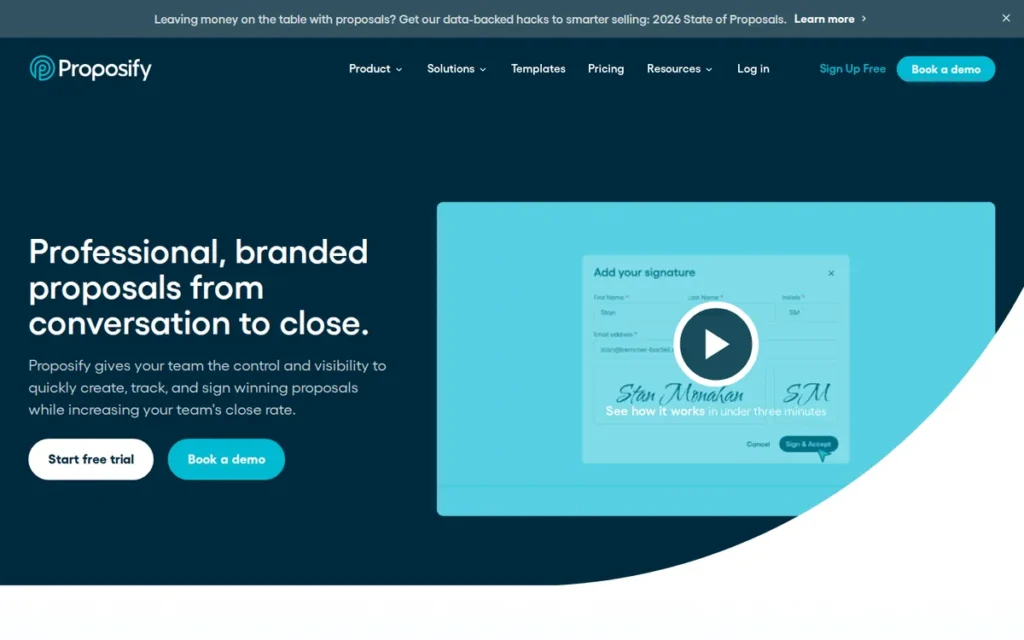
Category: Team-Control Proposal Platform, a proposal tool emphasizing brand governance through per-element content locking, conditional approval routing, multi-workspace management, and real-time pipeline visibility across all team-generated proposals.
At a Glance
- Category: Team-Control Proposal Platform
- Best For: Sales agencies, consultancies, and SaaS companies with 5–50 active reps that have experienced off-brand proposals or rogue pricing from unsupervised team members and need a governance layer without requiring managers to manually review every proposal
- Price Range: $19/user/month (Basic, annual, capped at 5 document sends/month; not functional for active sales); $49/user/month (Team, annual, practical entry for sales teams); $69/user/month (Business, annual, adds multi-workspace, API, SSO), verify at proposify.com/pricing
- Primary Strength: Proposify’s per-element content locking and deal-value-triggered conditional approval workflows are unique in this evaluation, only Proposify locks individual proposal elements so reps customize within approved parameters and automatically routes high-value proposals to manager review without any manual intervention from the sender.
- Biggest Limitation: Proposify carries a documented editor reliability problem, approximately 15% of G2 reviews cite editor clunkiness, a tax calculation feature that randomly disables itself was partially patched in April 2026 but reportedly persists in complex international pricing scenarios, and a beta editor tested in 2025 was described as “more wonky than the original”, all risks that become deal-threatening when they surface during active sales cycles.
- One-Line Summary: Proposify is the G2 #1-ranked dedicated proposal platform (Winter 2026) with unique per-element content locking and conditional approval workflows for agency and sales team governance, but carries a documented editor reliability problem including a tax calculation bug partially patched in April 2026, and a $49 Team tier that is the real functional entry point despite an advertised $19 Basic starting price.
- Last Verified: May 2026
Overview
Proposify is a cloud-based proposal platform for sales teams and agencies emphasizing organizational control over proposal quality, rated G2 #1 Proposal Software Winter 2026 with a 4.6/5.0 average from 1,200+ reviews and G2 Momentum Leader status for 10+ consecutive quarters, and the only tool in this evaluation offering per-element content locking combined with conditional approval workflows that automatically route proposals to managers based on deal size or discount depth. Proposify serves agencies, consultancies, and SaaS sales organizations that have experienced off-brand or underpriced proposals from teams with excessive editing latitude, and need a governance architecture without adding manual review overhead to every proposal in the pipeline. Proposify’s significant documented limitation is editor reliability: formatting breaks under complex edits, a tax calculation randomness bug reported by multiple enterprise users creates financial exposure (partially patched April 2026 per Proposify changelog), and a beta editor released for testing in 2025 was described by community users as more problematic than the tool it was designed to replace.
Key Features
- Per-Element Content Locking: Proposify’s per-element content locking enables administrators to lock individual text blocks, pricing tables, images, and layout sections via padlock icon, sales reps can customize all unlocked elements freely while locked brand-critical and legally-critical content is protected from standard user editing actions at the permission level Proposify assigns to each user role.
- Conditional Approval Workflows: Proposify’s conditional approval workflow triggers automatically when proposal values exceed a configured threshold or discount percentages exceed a defined limit, routing to the assigned approver without any manual action from the proposal sender, preventing high-value or high-discount proposals from reaching clients without oversight.
- Multi-Workspace Support: Proposify supports multiple workspaces within a single account, each with independent template libraries, brand settings, user permissions, and approval chains, designed for franchise organizations or multi-brand agencies managing distinct proposal environments under one admin structure.
- Centralized Pre-Approved Content Library: Proposify’s content library stores reusable proposal modules (case studies, pricing blocks, terms and conditions, images, and videos) enabling reps to assemble proposals from pre-approved components while ensuring library-sourced content maintains brand and legal compliance.
- CRM Integrations with Documented Limitation: Proposify integrates with HubSpot, Salesforce, and 100+ apps via Zapier at the Team tier ($49/user/month), with the documented limitation that the HubSpot integration syncs total proposal value but not monthly recurring value, requiring a manual workaround for subscription-based SaaS businesses.
Best For
Proposify is best for agency owners, sales operations managers, and RevOps leaders at companies with 5–50 active sales reps who have experienced specific brand and pricing governance failures (reps sending proposals with unapproved formatting, undisclosed discounts exceeding authorization limits, or missing legal terms) and need an automated governance layer that prevents these failures without adding manual review workload to the proposal approval process.
Pricing
As of May 2026: Proposify’s Basic plan is $19/user/month (annual billing) but restricts users to 5 document sends per month, making it functionally impractical for any active sales workflow. The Team plan at $49/user/month (annual billing) is the real entry point, unlocking unlimited sends, CRM integrations (HubSpot, Salesforce, Zapier), approval workflows, and advanced analytics. The Business plan at $69/user/month (annual billing) adds multi-workspace, API access, and SSO.
SSO is gated behind Business tier, a frequently cited complaint from SaaS and enterprise teams that expect SSO at mid-tier pricing. Teams comparing Proposify Team ($49) with PandaDoc Business ($49) should evaluate both in parallel, as they target the same price point with different feature priorities: PandaDoc prioritizes CRM depth; Proposify prioritizes team governance and brand control. Verify current pricing at proposify.com/pricing.
Strengths
- Proposify holds G2 #1 in Proposal Software (Winter 2026) and has sustained G2 Momentum Leader status for 10+ consecutive quarters as of Winter 2026 (a metric reflecting consistent new user acquisition rather than a static installed base) indicating a platform with actively growing community validation and ongoing market relevance.
- Proposify’s per-element content locking is the only capability of its kind in this evaluation: individual proposal elements are locked at the template level so reps customize presentation while brand-critical and legally-critical content is protected from standard user editing, one named user attributed a 20% deal close improvement to the governance structure and automated manager routing for high-value proposals (G2, 2025).
- Proposify’s conditional approval workflows automate manager oversight for high-stakes proposals, routing automatically by deal value and discount depth without requiring managers to manually review every proposal or rely on sales rep self-reporting of deal values.
- Proposify’s multi-workspace architecture is unique in this evaluation: franchise organizations and multi-brand agencies can manage separate template libraries, approval chains, and brand standards for each business unit within a single admin account, a structural capability unavailable in PandaDoc, GetAccept, Better Proposals, HoneyBook, Qwilr, or Quotient.
Limitations
- Editor Reliability: Proposify’s most consequential limitation is its documented editor reliability problem, approximately 15% of G2 reviews cite editor clunkiness during complex edits, and a tax calculation feature that randomly disables itself has been confirmed by multiple community users.
“If you need to make a bigger edit than usual, the formatting can go sideways and takes a long time to fix. Support will fix it for you, but it is still slow, and always seems to happen when a prospect is waiting on you.” (u/bjdraw, r/msp (2026))
Takeaway: Proposify’s editor failures are not just inconvenient, they occur during the highest-stakes moments of the sales cycle, when deal timing is most sensitive.
- Partial Bug Resolution: Proposify released patch v3.12 in April 2026 reportedly addressing approximately 85% of tax calculation cases per the Proposify changelog, however, follow-up community reports indicate the issue persists for complex international pricing scenarios, and the beta editor tested in 2025 was independently described as “even more wonky than the original” with separate issues remaining unresolved as of May 2026. Test the tax function specifically during your free trial on your most complex template configuration before purchasing.
- Advertised vs. Practical Entry Price: Proposify’s practical entry price is $49/user/month (Team tier), not the advertised $19/user/month (Basic with its 5-send monthly cap), a framing that creates purchase regret for teams anchoring to the lower price before discovering the operational limitation.
- Integration Gaps: The HubSpot integration’s limitation of syncing total proposal value rather than monthly recurring value requires manual workarounds for subscription-based businesses, and SSO is gated behind the $69/user/month Business tier, inadequate for enterprise teams that expect SSO at mid-tier pricing.
Verdict
Proposify is the most capable team governance tool in this evaluation, with per-element content locking and conditional approval workflows that no competing platform replicates, making it the right choice for agencies and sales organizations that have experienced specific brand and pricing control failures from unsupervised rep proposals. Proposify’s G2 #1 Proposal Software designation (Winter 2026) and 10+ consecutive Momentum Leader quarters confirm sustained community validation. Buyers must honestly account for Proposify’s documented editor reliability problem, including the tax calculation randomness bug partially patched in April 2026, before committing: explicitly test the tax function during the free trial on your most complex template, verify whether formatting holds under complex editing, and confirm that the $49 Team tier (not the $19 Basic) is what your actual workflow requires.
7. Quotient: Best for SMBs with Xero or QuickBooks and Quote-First Workflows
Category: Quote-First / Accounting-Integrated Platform, a focused quoting tool with buyer-configurable optional items and native two-way accounting sync (Xero, QuickBooks Online) that automatically creates invoices from accepted quotes.
At a Glance
- Category: Quote-First / Accounting-Integrated Platform
- Best For: Small businesses and independent service providers using Xero or QuickBooks Online who need clients to self-configure service selections with automatic invoice creation upon acceptance, particularly tradespeople, IT service firms, and professional services providers
- Price Range: $29/seat/month (Starter, annual, 1 seat, basic integrations); $59/seat/month (Professional, annual, required for Xero/QuickBooks integration); Enterprise custom, verify at quotientapp.com/pricing
- Primary Strength: Quotient’s native two-way Xero and QuickBooks Online sync automatically generates an invoice in the connected accounting system when a quote is accepted, eliminating manual transfer and the errors it introduces between client approval and billing, with buyer-configurable optional items reducing revision cycles for configurable service packages.
- Biggest Limitation: Quotient has no native Salesforce integration, limited advanced reporting for win-rate analysis, no AI content generation, and a very limited G2 review base (~22 verified reviews) compared to alternatives, making it the right choice only for the specific SMB segment that prioritizes Xero/QuickBooks accounting integration above all other capabilities.
- One-Line Summary: Quotient is the highest-rated quoting platform by Capterra satisfaction score (4.9/5.0, 135+ reviews) for SMBs using Xero or QuickBooks Online, offering native two-way accounting sync, buyer-configurable optional items, and automated follow-up sequences, with one user reporting ROI of “ten times the monthly cost” from increased sales through upsell-enabling quote features (u/pennypixel, r/Entrepreneur, verify date at source URL; estimated 2014–2015 based on post ID).
- Last Verified: May 2026
Overview
Quotient is a focused quoting and proposal platform purpose-built for small businesses and service-based SMBs using Xero or QuickBooks Online who need client-accepted quotes to automatically create invoices in their accounting system, rated 4.8/5.0 on G2 (limited review count, verify current total at g2.com/products/quotient) and 4.9/5.0 on Capterra (135+ reviews, 2026), the highest Capterra satisfaction score in this evaluation, reflecting strong product-market fit for its narrow target audience. Quotient’s buyer-configurable optional items allow clients to select optional services, adjust quantities, and see proposal totals update in real time before accepting, reducing back-and-forth revision cycles that delay finalized scope agreement, and its native Xero and QuickBooks Online sync automatically creates invoices from accepted quotes without manual data transfer. Quotient is not designed for CRM-pipeline-driven enterprise sales teams, Salesforce users, or businesses requiring AI content drafting, Digital Sales Rooms, or multi-stakeholder approval workflows.
Key Features
- Native Two-Way Accounting Sync: Quotient natively syncs two-way with Xero and QuickBooks Online, when a client accepts a quote, Quotient automatically creates a corresponding invoice in the connected accounting system, eliminating manual data transfer and the entry errors that arise between quote acceptance and billing.
- Buyer-Configurable Optional Items: Quotient’s interactive quote builder includes multiple-choice items, optional add-ons, and editable quantity fields that auto-update the proposal total in real time as clients make selections, enabling buyer-directed package configuration without requiring the seller to produce additional revised quotes for each configuration option.
- Automated Follow-Up Reminders: Quotient includes automated follow-up reminders sent at optimized intervals based on quote open behavior, with real-time notifications when a prospect opens, views, or forwards the quote, enabling timely follow-up without manual monitoring.
- Reusable Item Library: Quotient’s content library stores reusable item templates, service descriptions, pricing, and images, enabling fast quote assembly from pre-built components for businesses with standardized service catalogs or recurring service packages.
- HubSpot and Zapier Integration: Quotient integrates with HubSpot and Zapier at the Professional tier in addition to its core accounting connections, providing basic CRM workflow connectivity for SMBs that do not use Salesforce as their primary pipeline management system.
Best For
Quotient is best for small service businesses (IT companies, tradespeople, creative agencies, professional services firms, and consultancies) that use Xero or QuickBooks Online as their accounting system of record and currently spend significant time manually transferring accepted quote data to create invoices; Quotient’s two-way accounting sync and buyer-configurable optional items simultaneously address the data entry burden and the revision cycle problem in one purpose-built platform.
Pricing
As of May 2026: Quotient’s Starter plan is $29/seat/month (annual billing, $348/year) for 1 seat with basic features and email support. The Professional plan at $59/seat/month (annual billing, $708/year) is required to access Xero and QuickBooks Online integration, meaning Quotient’s primary differentiating feature requires an upgrade from the entry price. Professional also includes priority support, custom branding, and unlimited seats. Enterprise is custom pricing with API access, advanced reporting, and a dedicated account manager.
The accounting integration being locked behind the $59/seat Professional tier is a meaningful consideration when calculating ROI: buyers evaluating Quotient should use the Professional tier price, not the $29 Starter, when comparing total cost to alternatives. Verify current pricing at quotientapp.com/pricing.
Strengths
- Quotient holds the highest Capterra satisfaction score in this evaluation: 4.9/5.0 from 135+ reviews (Capterra, 2026) paired with a high G2 satisfaction score from a limited review base, with specific community praise for “Editable Quantities, Multiple Choice actions, and Selectable Items” (G2, 2026) and “flexibility to customize quote templates” (Capterra, 2026), indicating highly consistent delivery on its value proposition for its target segment.
- Quotient’s native two-way Xero and QuickBooks Online sync is the deepest accounting integration in this evaluation, automatically creating invoices from accepted quotes without manual transfer, a workflow automation one Reddit user described as paying for itself “ten times the monthly cost” through faster invoicing and additional revenue from optional item upsells (u/pennypixel, r/Entrepreneur, verify post date at source URL; estimated 2014–2015 based on post ID; this framing has persisted in Quotient community discussions across years of threads).
- Quotient’s buyer-configurable optional items and editable quantities enable clients to self-select service scope with auto-updating totals, directly reducing the average revision cycles between first quote and signed agreement for service businesses that sell tiered or configurable packages.
- Quotient’s seat-based pricing model with unlimited quote volume eliminates the per-document send costs and monthly send caps that make Proposify’s Basic plan impractical, businesses with high quote volumes pay a predictable per-seat rate regardless of document count.
Limitations
- Scope Ceiling: Quotient’s most significant limitation is scope: it is a focused quoting tool with no native Salesforce integration (a binary elimination criterion for enterprise CRM-connected sales teams), no AI content generation, limited advanced reporting for win-rate analysis by proposal type or team performance by template, and none of the video messaging, Digital Sales Room, interactive web-page, or multi-stakeholder governance capabilities that differentiate higher-ranked tools in this evaluation.
- Accounting Integration Gating: The Xero/QuickBooks integration is locked behind the Professional tier at $59/seat/month, meaning Quotient’s primary differentiator requires an upgrade from the $29 Starter entry price; buyers evaluating total cost should use the Professional tier price when calculating ROI for the accounting integration use case.
- Limited Community Validation: Quotient holds very limited G2 review volume (approximately 22 verified reviews, verify current count at g2.com/products/quotient) compared to the 1,200–2,800+ reviews underpinning other tools in this evaluation; Capterra (135+ reviews) is the primary review evidence base, and Quotient’s high ratings reflect a self-selected, segment-specific user base rather than broad market validation.
- Narrow CRM Ecosystem: Quotient’s CRM ecosystem (HubSpot and Zapier at Professional tier) is substantially narrower than PandaDoc (six native CRM platforms) or GetAccept (Salesforce, HubSpot, Microsoft Dynamics, Pipedrive), limiting workflow automation options for businesses using multiple CRM tools or requiring deep CRM pipeline management.
Verdict
Quotient is the best quoting platform for SMBs using Xero or QuickBooks Online that need automatic invoice creation from accepted quotes, earning the highest Capterra satisfaction score in this evaluation (4.9/5.0, 135+ reviews, 2026) among users who specifically need its accounting integration and buyer-configurable optional item features. Quotient’s narrow but well-defined use case is served with exceptional product-market fit: for businesses where the primary workflow gap is the manual transfer between accepted quote and accounting system, no competing tool in this evaluation delivers comparable automation depth. Buyers outside this specific use case, those requiring Salesforce integration, AI content generation, enterprise-scale approval workflows, or Digital Sales Room capabilities, should evaluate higher-ranked tools in this list, as Quotient’s feature scope will not meet those requirements.
What Red Flags Should I Watch For When Evaluating Proposal Software?
Five documented red flags in proposal software consistently cause post-purchase regret: feature gating that hides CRM costs behind expensive upgrade tiers, per-document send limits that make advertised prices misleading, third-party branding on client-facing documents at entry tiers, enterprise-only SSO gating, and editor reliability failures that surface precisely during active deal cycles, each representing a specific type of post-purchase regret documented across independent review platforms and community research.
Red Flag #1: Feature Gating at the Entry Tier
Advertised entry prices frequently exclude the features that make a proposal tool useful for real sales workflows. PandaDoc lists $19/user/month as its starting price but gates all CRM integrations behind the $49/user/month Business tier. GetAccept advertises $49/user/month but gates Digital Sales Rooms and video behind the $99/user/month Professional tier. Better Proposals’ $13/user/month Starter caps at 10 proposals/month with 1 user, the Premium tier at ~$21/user/month is the functional entry for active teams.
Watch for:
- CRM integration not listed in the Starter or Basic plan feature list
- “Integration available” language that doesn’t specify the tier where it unlocks
- Requirements to contact sales to get pricing for a specific feature at a specific tier
Red Flag #2: Per-Document Send Limits on Starter Plans
Proposify’s Basic plan ($19/user/month) caps document sends at 5 per month, making it functionally unusable for any active sales workflow and forcing an immediate upgrade to the $49 Team tier. Better Proposals’ Starter caps at 10 proposals/month. Per-send limits obscure the true cost of a tool by advertising a low price that no active sales team can actually use.
Always ask: “What is the maximum number of proposals I can send per month at the advertised price?” before treating an entry-tier price as representative of what you will actually pay.
Watch for:
- Monthly document send caps disclosed only in fine print or FAQ sections
- Advertised prices that are 50–60% lower than the next tier: a common signal of functional gating
The Real Price for a Functioning Sales Workflow
Before committing to any tool’s advertised starting price, map your core workflow requirements to the tier where they actually become available:
| Tool | Advertised Starting Price | Practical Price for Your Core Workflow |
|---|---|---|
| PandaDoc | $19/user/month | $49/user/month (CRM integration requires Business tier) |
| Proposify | $19/user/month | $49/user/month (5-send cap on Basic makes it unusable; Team required) |
| GetAccept | $49/user/month | $99/user/month (DSR and video locked to Professional tier) |
| Better Proposals | $13/user/month | ~$21/user/month (CRM and unlimited proposals require Premium) |
| HoneyBook | $19/month flat | $39–$79/month (automations and full AI require Essentials/Premium) |
| Qwilr | $35/user/month | Verify full tier at qwilr.com/pricing |
| Quotient | $29/seat/month | $59/seat/month (Xero/QuickBooks sync requires Professional tier) |
Red Flag #3: Third-Party Branding Watermarks on Client-Facing Documents
PandaDoc’s Free plan and Better Proposals’ Starter tier display third-party branding on client-facing proposal documents. In professional services and agency contexts where the proposal demonstrates work quality, sending a document with another company’s logo creates an unprofessional first impression.
Watch for:
- Free or Starter plan descriptions that include “powered by [Brand]” language
- “White label” or “remove branding” options listed only in higher-tier feature comparisons
Red Flag #4: Enterprise-Only SSO Gating
Proposify gates Single Sign-On (SSO) behind its $69/user/month Business tier. For enterprise IT procurement teams where SSO is a security policy requirement, discovering that SSO requires a tier upgrade creates a procurement blocker after initial software selection has already occurred.
Watch for:
- SSO listed under “Enterprise” or “Business” plan features rather than Team-tier features
- Security and compliance features absent from the mid-tier plan comparison page
Red Flag #5: Editor Reliability Under Complex Formatting
Proposify’s editor has a documented reliability problem: approximately 15% of G2 reviews cite formatting breaks under complex edits, and a tax calculation feature that randomly disables itself was partially patched in April 2026 (v3.12) but reportedly persists in complex international pricing scenarios per follow-up community reports.
Community users report these failures disproportionately surface “when a prospect is waiting”, making them deal-threatening rather than merely inconvenient. Test the tax function specifically during your free trial and run your most complex template configuration through multiple edits before committing to any paid plan.
Watch for:
- Review platforms where formatting-related complaints represent more than 10% of negative reviews
- Any tool where tax calculation or pricing table behavior is listed as a known issue in community threads
What Questions Should I Ask Before Choosing Proposal Software?
Five questions determine whether a proposal software purchase succeeds or leads to costly migration: whether CRM integration requires a tier upgrade, what your workflow actually needs versus the advertised entry price, how long setup takes, what the support response time is during active deals, and whether the tool covers your full proposal-through-payment workflow, or requires additional tools alongside it. Buyers who ask these questions before purchase are significantly less likely to experience the post-purchase regret documented in Capterra’s 2025 buyer research, which found that disappointed software buyers are 2x more likely to overspend the following year.
The cost of a wrong proposal software choice is not just the subscription fee, it is the template library built, the team training completed, the client-facing links that need updating, and the momentum lost during migration. The questions below are designed to surface the mismatch before you invest, not after.
Question #1: Does the CRM integration I need require a tier upgrade, and what does that cost?
Ask the vendor to confirm specifically which CRM platforms are integrated at each price tier, whether the integration is native or Zapier-mediated, and whether it syncs bidirectionally. PandaDoc requires the $49 Business tier for CRM connectivity; GetAccept requires the $99 Professional tier for advanced integrations; Proposify requires the $49 Team tier.
Knowing the tier requirement before purchase prevents the most common source of post-purchase upgrade shock in this category.
Question #2: What exactly is included at the entry price versus what my workflow actually requires?
Build a list of every feature your workflow requires (e-signatures, payment collection, CRM integration, approval routing, AI drafting) and map each to the tier where it becomes available. Calculate the all-in annual cost at the tier that covers your actual requirements, not the advertised starting price. This exercise prevents anchor pricing from distorting your budget planning before contract signature.
Question #3: How long until my team can send its first productive proposal after purchase?
Implementation timelines in this evaluation range from under two hours (Better Proposals) to 1–2 weeks requiring dedicated RevOps configuration (GetAccept). If your team needs to send proposals within days of purchase, that constraint eliminates some highly rated tools, and should be stated explicitly in any vendor conversation before a trial begins.
Question #4: Does this tool cover my full workflow (proposal through contract, invoice, and payment) or will I need additional tools?
Before purchasing, map every step of your client acceptance workflow and confirm which steps the tool covers natively:
- Proposal creation and template management
- E-signature collection
- Contract execution
- Invoice generation
- Payment collection
HoneyBook and PandaDoc cover more of this workflow natively than focused tools like Proposify or Quotient, knowing the gap before purchase prevents the fragmented-stack problem this evaluation is designed to help you avoid.
Question #5: Is there a documented editor reliability problem or known bug I should test during the free trial?
Proposify’s tax calculation randomness bug (where the feature disables itself at random) was partially patched in April 2026 but reportedly persists in complex international pricing scenarios per follow-up community reports. Multiple G2 reviewers and community users confirm the failure pattern.
Always test your most complex template AND tax functionality specifically during the free trial before making a purchase commitment.
Question #6: What is the support response time if something breaks during an active deal?
Support response times vary significantly across this evaluation, from approximately 2 minutes (Better Proposals Premium/Enterprise, human support) to 24–48 hours (PandaDoc, Proposify, and GetAccept on non-Enterprise plans). If your team sends time-sensitive proposals during active sales cycles, support response time is a risk management consideration, not a soft benefit.
Question #7: Does the tool’s pricing model scale affordably as my team grows?
Per-user pricing models that multiply steeply with headcount create a compounding cost problem as teams grow. HoneyBook’s flat-rate model ($79/month for unlimited seats at Premium) is structurally more favorable for growing service teams than per-user models at $49/user. Calculate your 12-month and 24-month total cost at your expected team size (not just your current headcount) before selecting a pricing tier.
How Did We Rank These Proposal Software Tools?
PlugRoute ranks proposal software using a transparent six-criterion weighted model, C1: Review Platform Ratings and Volume (20%), C2: Feature Completeness and Core Workflow Coverage (25%), C3: Pricing Transparency and Value (15%), C4: CRM and Integration Ecosystem (20%), C5: Documented Performance Evidence (10%), and C6: Implementation Ease and Support Quality (10%), applied identically to all seven tools with no vendor influence on any position.
How Was This Evaluation Conducted?
For this evaluation, the research process included:
- Querying multiple AI search engines (Perplexity, ChatGPT) to document current LLM coverage gaps and accuracy failures
- Gathering independent G2 and Capterra review data including volume, average scores, and analyst recognitions as of May 2026
- Analyzing Reddit community discussions across r/msp, r/agency, r/freelancing, r/Entrepreneur, r/salesforce, and r/ProductMarketing for real-world usage patterns
- Cross-referencing vendor marketing claims against third-party review platforms, community reports, and independent pricing sources
- Documenting implementation timelines from community sources and vendor documentation
- Verifying pricing from each vendor’s public pricing page as of May 2026
What Six Criteria Determine Each Tool’s Rank?
C1, Review Platform Ratings and Volume (20% weight)
Aggregate G2 and Capterra ratings represent large-sample user experience across real workflows. Volume matters: 22 reviews carry substantially less statistical weight than 2,800+. Analyst recognition (Forrester Wave placements, Gartner Peer Insights designations) and sustained G2 Grid leadership provide additional third-party validation layers.
C2, Feature Completeness and Core Workflow Coverage (25% weight)
Assessment of coverage across eight core capabilities: reusable branded templates; legally binding e-signature; payment collection within the proposal; real-time buyer engagement analytics; CRM data auto-population; approval and governance workflows; AI content assistance; multi-user collaboration controls. Depth scored within each capability based on documented feature specifics.
C3, Pricing Transparency and Value (15% weight)
Evaluation of entry-tier annual cost, feature gating fairness, gap between advertised starting price and practical minimum for a functioning sales workflow, and per-user versus flat-rate model implications across different team sizes. The “practical entry price gap” identified across all seven tools in this evaluation was a primary scoring differentiator.
C4, CRM and Integration Ecosystem (20% weight)
Number and breadth of named CRM integrations, whether integration is native or Zapier-mediated, bidirectional sync quality, and accounting platform integration depth including automatic invoice creation capability after quote acceptance.
C5, Documented Performance Evidence (10% weight)
Evidence scored by source tier: independent analyst findings; platform-level data analysis with documented sample sizes; named user testimonials with specific metrics and publication date; vendor marketing claims. Higher scores for higher tiers, larger sample sizes, and more specific claims with source attribution. Self-reported vendor statistics are labeled as such throughout this article.
C6, Implementation Ease and Support Quality (10% weight)
Time-to-first-usable-proposal from community reports, support channel availability (24/7 human vs. business-hours ticket vs. chatbot only), documented support response times, and onboarding resource quality.
How Are Conflicting Sources Weighted?
When review platform ratings conflict with Reddit sentiment, PlugRoute weights specificity and recency, a detailed 2025 Reddit post with documented financial impact outweighs a generic 2023 G2 review. Platform-level data analysis with stated sample sizes (e.g., GetAccept’s self-reported 800,000-document analysis) is weighted above vendor marketing claims without documented methodology. Vendor-reported statistics are labeled throughout as self-reported.
How Is Vendor Claim Accuracy Verified?
Vendor-reported statistics are labeled as such throughout this article. Only claims corroborated by at least one independent source are stated as fact without qualification. Where a statistic appears only in vendor-published materials, it is attributed to that source and noted as self-reported. Pricing claims are verified against public vendor pricing pages and, where discrepancies with third-party pricing databases exist, the conservative interpretation is applied.
When Is This Guide Updated?
This article was last updated in May 2026. PlugRoute refreshes proposal software rankings on a quarterly basis or when significant product changes, pricing updates, or new analyst recognitions affect the scoring model.
PlugRoute has no affiliate relationships with any company listed. Rankings are determined entirely by research data and objective evaluation criteria.
Frequently Asked Questions About Proposal Software in 2026
What’s the best proposal software for freelancers in 2026?
HoneyBook is the best proposal software for freelancers in 2026, combining proposals, contracts, invoices, payments, and scheduling in a single $19/month flat-rate platform with Smart Files that let clients review, sign, and pay in one browser session. HoneyBook is backed by $400M+ in funding, Deloitte Technology Fast 500 recognition (2024, ranked #147), and 3,300+ reviews averaging 4.6/5.0 on G2 and Capterra. Better Proposals (~$21/user/month Premium) is the best alternative for freelancers needing immediate deployment.
What’s the difference between PandaDoc and Proposify for sales teams?
PandaDoc and Proposify both reach $49/user/month at their practical CRM-accessible entry tier (annual billing), but solve fundamentally different problems. PandaDoc leads on CRM integration breadth (six native bidirectional platforms including Salesforce), CPQ pricing complexity, and compliance-grade e-signatures (ISO 27001, eIDAS QES). Proposify leads on team governance, per-element content locking, deal-value-triggered approval routing, and multi-workspace support. Proposify also carries a documented editor reliability problem including a tax calculation bug partially patched in April 2026; PandaDoc’s documented weaknesses are editor lag on complex tables and 24–48-hour support response times.
How does PlugRoute determine its proposal software rankings?
PlugRoute ranks proposal software using a transparent six-criterion weighted model, Review Platform Ratings (20%), Feature Completeness (25%), Pricing Transparency (15%), CRM and Integration Ecosystem (20%), Documented Performance Evidence (10%), and Implementation Ease and Support Quality (10%). No vendor paid to be included or ranked. Rankings are determined by research data and objective scoring with full methodology disclosed above, updated quarterly or when significant product changes affect the scoring model.
Glossary: Key Terms Used in This Comparison
Five specialized terms used throughout this comparison define categories and capabilities that vary significantly across proposal platforms, understanding them enables paradigm-level decisions before comparing individual tool features.
Digital Sales Room (DSR): A Digital Sales Room is a persistent, browser-based buyer-seller collaboration environment (accessible via a single shared URL) containing a proposal, supporting content, personalized video messages, live chat, mutual action plans, and e-signature capability, all updated in real time as the deal progresses. DSRs replace static sent documents with living deal environments that track buyer engagement across every interaction. GetAccept is the primary Digital Sales Room tool in this evaluation.
CPQ (Configure-Price-Quote): CPQ is a category of sales technology that automates the configuration of complex products or service bundles, applies pricing rules (discounts, usage-based rates, segment-specific pricing), and generates accurate quotes from the resulting configuration. In proposal software, CPQ enables sales reps to build complex pricing logic without manual calculation errors or unauthorized discounts. PandaDoc’s no-code CPQ rules engine is the primary CPQ feature in this evaluation.
Clientflow: Clientflow is HoneyBook’s proprietary concept describing the end-to-end business relationship between a service provider and a client, from initial inquiry through proposal, contract signing, project delivery, invoicing, and final payment. A clientflow platform unifies all these touchpoints under a single system, eliminating the need for separate tools to handle proposals, contracts, and invoicing independently.
Buyer Engagement Analytics: Buyer engagement analytics in proposal software refers to tracking how a recipient interacts with a sent proposal beyond a simple open notification, including how long each section was read, which geographic location accessed the document, whether the proposal was forwarded to additional contacts, and which pricing options were viewed. Qwilr and GetAccept offer the most advanced buyer engagement analytics in this evaluation; most tools in this category offer only binary open/no-open tracking.
eIDAS QES (Qualified Electronic Signature): An eIDAS Qualified Electronic Signature is the highest level of electronic signature recognized under EU law, carrying the same legal status as a handwritten signature for cross-border European transactions. QES requires identity verification through a qualified trust service provider. PandaDoc is the only tool in this evaluation that supports eIDAS QES-level signatures, making it the appropriate choice for EU-regulated industries or European contract counterparties where this compliance standard is a procurement requirement.
Which Proposal Software Tool Is Right for You?
Key Insights
- Proposal tools are not interchangeable: they represent five distinct technical paradigms (document-based, interactive web-page, Digital Sales Room, clientflow, and accounting-integrated quoting) that determine which buyer engagement capabilities are architecturally possible, independent of price or feature count.
- PandaDoc ranks #1 for CRM-integrated sales teams through the broadest bidirectional CRM ecosystem (six named platforms), analyst recognition listed at pandadoc.com/about/awards, and the highest combined review volume (approximately 15,000+) of any evaluated tool, but its real entry price for CRM-connected workflows is $49/user/month, not the advertised $19.
- HoneyBook and Quotient are the most consequential omissions in current AI-generated proposal software comparisons, HoneyBook for freelancers ($400M+ funding, Deloitte Fast 500 2024, 3,300+ reviews at 4.6/5.0) and Quotient for SMBs with Xero/QuickBooks integration needs (the highest Capterra satisfaction score in this entire evaluation at 4.9/5.0).
- Feature gating is the most common source of post-purchase regret in this category, always verify what the practical entry tier includes for your specific workflow before committing to a price, and never anchor to an advertised starting price without confirming it covers your actual requirements.
- Editor reliability and support response time during active deal cycles are the most underreported evaluation criteria in this category, test complex template formatting, tax calculations, and your most demanding workflow during the free trial before any purchase commitment.
If you are a freelancer starting from Google Docs, start with HoneyBook, its flat-rate Smart Files cover your full client workflow at $19/month without per-client or per-user scaling costs. If you are a sales team running HubSpot or Salesforce, start with PandaDoc, its CRM integration depth and CPQ capabilities are unmatched, but budget for the $49 Business tier from day one. If you need professional proposals sent today with zero setup investment, start with Better Proposals, its Premium plan at approximately $21/user/month includes CRM integration and payments with 24/7 human support. If you need enterprise buyer engagement rooms for complex multi-stakeholder deals, start with GetAccept, but budget for the $99 Professional tier and plan 1–2 weeks of RevOps configuration. If you run an agency that has experienced rogue pricing or off-brand proposals from unsupervised reps, start with Proposify, but test the tax calculation function specifically during your free trial before committing. If your business runs on Xero or QuickBooks and you spend time manually creating invoices from accepted quotes, start with Quotient, nothing in this evaluation matches its accounting integration depth for that specific workflow.
For more independent SaaS comparisons without affiliate relationships, explore PlugRoute for evidence-based software rankings across sales, marketing, and productivity categories, updated quarterly and never influenced by vendor payments.
We update this guide quarterly. Last updated: May 2026.