The best WordPress alternatives in 2026 are HubSpot Content Hub for marketing-led business sites, Webflow for designers who want precise layout control, and Ghost for blogs and paid newsletters. Each one cuts some WordPress upkeep, but you give up either extensibility or control. Choose by your site’s main job.
WordPress gives you a lot of freedom, but you handle plugin conflicts, theme updates, hosting and security patches yourself. Many site owners also fear the opposite mistake: moving to a new platform and finding out too late that it can’t run their store, publication, portfolio or multilingual site.
PlugRoute has no affiliate relationships with any company listed. Rankings are determined entirely by research data and objective evaluation criteria.
“WordPress is not easy. Even with Elementor. There will be a learning curve.” (u/DesignerDifficulty25 (r/digital_marketing, 2023))
Takeaway: WordPress has a real learning curve even with page builders, but every alternative in this list has one too.
Why Are People Looking for WordPress Alternatives?
Most people leave WordPress because of upkeep: plugin conflicts, security exposure and updates that break sites. Plugin Issues (67), Learning Curve (52) and Security Issues (51) are WordPress.org’s top G2 cons (G2, November 2026). WordPress still runs 57.5% of CMS-built sites and 38.5% of all websites (W3Techs, November 2026), so people are moving away gradually.
As one user on r/smallbusiness described:
“I’ve used both. WordPress gives you more flexibility long term, but it comes with more moving parts. Updates, plugins, security, hosting it adds up.” Posted by u/albrasel24
Takeaway: For small business owners, the pull away from WordPress is the combined burden of updates, plugins, security and hosting, not any lack of flexibility.
WordPress.org has a 4.4/5 G2 rating from 9,557 reviews, and 92.2% of those reviews give 4 or 5 stars (G2, November 2026). These are the cons reviewers mention most:
- Plugin Issues appear in 67 WordPress.org reviews.
- Learning Curve appears in 52 WordPress.org reviews.
- Security Issues appear in 51 WordPress.org reviews.
- Inadequate Updates appear in 36 WordPress.org reviews.
- Security Vulnerabilities appear in 26 WordPress.org reviews.
Patchstack counted 7,966 new vulnerabilities in the WordPress ecosystem in 2024 and another 6,700 in the first half of 2025 (Patchstack, 2025). In that first half of 2025, plugins accounted for 89% of the vulnerabilities, themes for 11%, and WordPress core for just one (Patchstack, 2025).
WordPress.org users asked G2 for these improvements (G2, November 2026):
- WordPress.org users want a simpler, more modern dashboard.
- WordPress.org users want updates that are less likely to break their sites.
- WordPress.org users want stronger built-in security for plugins and themes.
- WordPress.org users want built-in performance tools.
- WordPress.org users want clearer quality signals when choosing plugins and themes.
- WordPress.org users want more practical AI help.
WordPress.org still has real strengths. WordPress.org’s top G2 pros are Ease of Use (135), Customization (100) and Plugins (94) (G2, November 2026).
W3Techs and Grand View Research data show a slow shift rather than a rush to leave:
- WordPress’s CMS share peaked at 65.2% in 2024 and was 62.9% at the start of 2026 (W3Techs annual series, 2024–2026).
- Shopify’s CMS share rose from 3.4% to 4.2% over the same period (W3Techs annual series, 2024–2026).
- Squarespace’s CMS share rose from 2.0% to 2.4% over the same period (W3Techs annual series, 2024–2026).
- The website builder software market reached an estimated $5.3 billion in 2026, up from $4.7 billion in 2025 (Grand View Research, 2026).
The 2024–2025 dispute between Automattic and WP Engine made some owners uneasy about how WordPress is governed. PlugRoute found no data showing whether that dispute changed how many sites migrated, so we treat it as a governance concern only.
What Are the 4 Categories of WordPress Alternatives?
WordPress alternatives fall into four categories: managed builders, publishing platforms, self-hosted open-source CMSs and headless CMSs. Managed options take hosting and security work off your hands but tie you to the vendor. Open-source options let you own the site, but you or your developer handle hosting, patching and major upgrades.
- Managed Builder: HubSpot Content Hub and Webflow are hosted platforms. The vendor handles hosting, security and updates, and leaving later is harder.
- Publishing Platform: Ghost combines a website, an email newsletter and paid memberships in one tool.
- Self-Hosted Open-Source CMS: Umbraco, Joomla and Drupal are free software that you own and run, either on your own server or through a host.
- Headless CMS: Strapi stores content and serves it through an API, and you build the website front end separately.
Several platforms also offer a hybrid: open-source software on managed hosting. You keep the open-source license and hand off some of the server work. Examples include:
- Ghost(Pro) runs open-source Ghost on managed hosting.
- Umbraco Cloud runs open-source Umbraco on managed Azure hosting.
- Strapi Cloud runs the open-source Strapi backend on managed hosting.
- Drupal runs on managed hosts such as Acquia and Pantheon.
None of the WordPress alternatives PlugRoute evaluated in 2026 matches WordPress’s range of plugins while also needing no maintenance. Every option gives up one or the other.
How Do the Top WordPress Alternatives Compare at a Glance?
The seven WordPress alternatives in this ranking range from fully managed marketing platforms to headless systems that only developers can use. HubSpot Content Hub ranks first with a weighted score of 3.80 out of 5. Webflow (3.60) follows for design and Ghost (3.55) for publishing. Umbraco, Joomla, Drupal and Strapi give up ease of use in exchange for ownership and technical depth.
| Rank (Score of 5) | Company | Category | Best For | One-Line Summary | Key Capabilities | Primary Strength | Key Limitation |
|---|---|---|---|---|---|---|---|
| 1 (3.80) | HubSpot Content Hub | Managed Builder | Marketing-led small businesses | HubSpot Content Hub is a fully managed, CRM-connected CMS that lets marketing teams publish without plugins. | Drag-and-drop builder, CRM personalization, AI tools, included hosting | Largest G2 review base in this set; ties Umbraco on satisfaction | Steep Starter-to-Professional jump; HubL templates can’t be moved |
| 2 (3.60) | Webflow | Managed Builder | Designers and design-led sites | Webflow is a managed visual builder that gives designers precise layout control without plugin upkeep. | Visual CSS canvas, interactions, Collections CMS, AWS/Cloudflare hosting | Precise design control with no plugins to maintain | Learning curve; dynamic CMS pages must be rebuilt if you leave |
| 3 (3.55) | Ghost | Publishing Platform | Blogs and paid newsletters | Ghost is an open-source publishing platform with built-in newsletters and paid subscriptions. | Newsletters, memberships, Stripe payments, self-host or Ghost(Pro) | Takes 0% of subscription revenue; MIT license | Publishing only; no plugin marketplace or real ecommerce |
| 4 (3.40) | Umbraco | Self-Hosted Open-Source CMS (optional Cloud) | .NET organizations | Umbraco is a highly rated open-source .NET CMS with a structured editor backoffice. | Free core, Umbraco Cloud, Heartcore headless, paid add-ons | 4.5/5 G2 rating on 1,122 reviews | Needs .NET developers; v13→v14 upgrade broke custom code |
| 5 (3.20) | Joomla | Self-Hosted Open-Source CMS | Multilingual, permission-heavy sites | Joomla is a free open-source CMS with multilingual support and permissions built into core. | Multilingual, ACL, custom fields, workflows, automatic minor updates | 46 G2-listed interface languages; multilingual content in core | Confusing interface; lowest G2 positive share |
| 6 (2.40) | Drupal | Self-Hosted Open-Source CMS | Complex, structured, governed sites | Drupal is a free open-source CMS built for complex, structured and multilingual sites. | Content types, role permissions, moderation, JSON:API, Canvas editor | Broadest built-in governance features in this set | Lowest G2 rating; longest go-live times |
| 7 (2.25) | Strapi | Headless CMS | JavaScript teams going headless | Strapi is an open-source headless CMS that serves content to any front end through APIs. | Content-Type Builder, REST/GraphQL, unlimited locales, roles | MIT-licensed backend you can host yourself | No website front end; hosting and licenses billed separately |
Which WordPress Alternative Fits Your Site’s Main Job?
Start with your site’s main job. HubSpot Content Hub fits CRM-connected marketing sites, Webflow fits design-led sites and portfolios, and Ghost fits paid newsletters. Joomla or Drupal suit multilingual sites with complex permissions, Umbraco suits .NET teams, and Strapi suits headless projects. None of the seven is a strong choice for an online store.
Can you hire a developer? Without a developer, choose HubSpot Content Hub, Webflow or Ghost(Pro). With a developer, all seven platforms are realistic options.
| Your #1 Priority | Recommended Tool | Why | Acceptable Alternative |
|---|---|---|---|
| Marketing site connected to a CRM | HubSpot Content Hub | Managed hosting, CRM personalization, largest G2 review base in this set | Webflow |
| Precise visual design or portfolio | Webflow | Visual CSS control on managed hosting; most sites go live in under a month | HubSpot Content Hub |
| Blog or paid newsletter | Ghost | Built-in newsletters, memberships and Stripe payments; 0% revenue cut | Stay on WordPress with membership plugins |
| Least upkeep for non-developers or beginners | HubSpot Content Hub | Vendor handles hosting and site monitoring; no plugins. Wix and Squarespace were not evaluated | Ghost(Pro) |
| Multilingual site and permissions on a budget | Joomla | Free; multilingual content and access control in core | Drupal |
| Complex, structured, governed content | Drupal | Broadest built-in content modeling, permissions and workflows in this set | Umbraco |
| Microsoft/.NET organization | Umbraco | Built on ASP.NET Core; editors rate its backoffice highly | Drupal |
| Headless or multi-channel content | Strapi | MIT-licensed content APIs; unlimited content locales | Umbraco Heartcore |
| Online store | None of the seven is strong; Shopify is the usual recommendation (not evaluated here) | HubSpot Content Hub and Ghost have no native cart; Webflow ecommerce draws criticism | Stay on WordPress with a mature store setup |
For beginners who don’t code, HubSpot Content Hub and Ghost(Pro) are the most managed options among the seven platforms PlugRoute evaluated. Webflow requires you to be comfortable with CSS concepts. Wix and Squarespace weren’t part of this verified evaluation, so PlugRoute makes no claims about them here.
1. HubSpot Content Hub: Best Overall for Marketing-Led Small Business Sites
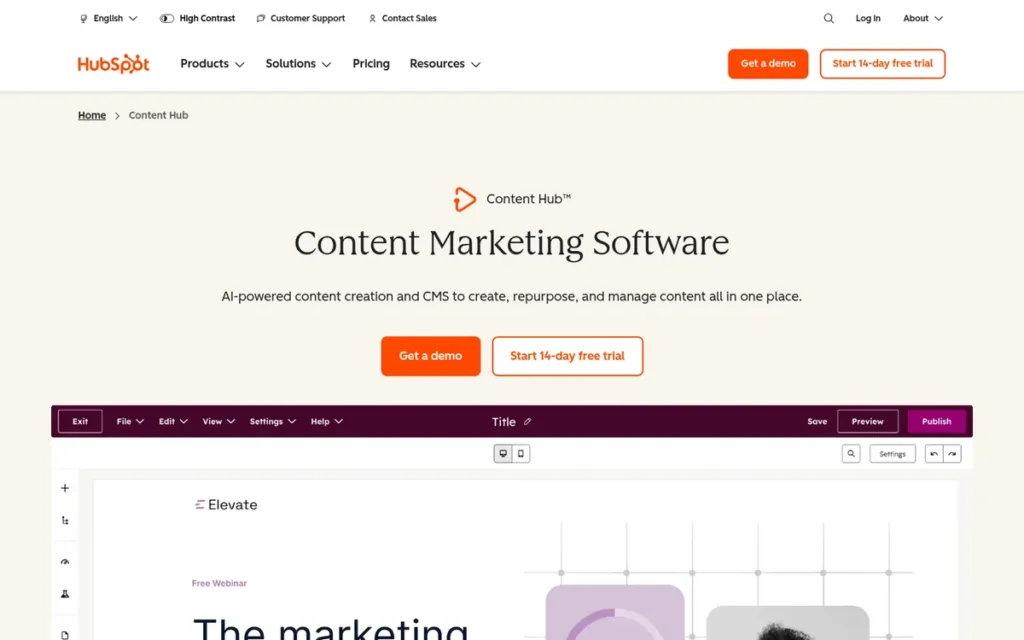
Category: Managed Builder. HubSpot hosts HubSpot Content Hub sites and handles security and updates.
At a Glance
- Category: Managed Builder
- Best For: Small business and marketing teams that want their website, blog, landing pages and CRM in one managed system
- Price Range: $15/user/month (Starter) to $1,500/month (Enterprise), G2 list prices (G2, November 2026; may change). HubSpot’s own site also shows a free tier.
- Primary Strength: HubSpot Content Hub has the largest G2 review base in this evaluation and ties Umbraco for the top satisfaction score. Ease of use is its most-cited strength.
- Biggest Limitation: HubSpot Content Hub jumps from $15/user/month at Starter to $500/month flat at Professional, and its HubL templates can’t be moved to another CMS.
- One-Line Summary: HubSpot Content Hub is a fully managed, CRM-connected CMS that lets marketing teams publish without plugins, but its tier prices jump steeply and its templates lock you in.
- Last Verified: November 2026
Overview
HubSpot Content Hub is a fully managed content management system built on HubSpot’s CRM. It’s for marketing teams that want to run a website, blog and landing pages without maintaining plugins or servers.
HubSpot Content Hub bundles hosting, a drag-and-drop website builder, forms and AI content tools in one product. HubSpot Content Hub also personalizes pages with CRM contact data, which WordPress needs plugins to do (HubSpot, 2026).
Key Features
- HubSpot Content Hub includes a drag-and-drop website builder, themes, landing pages, forms and a blog editor in one hosted product.
- HubSpot Content Hub personalizes pages with CRM data through dynamic content blocks and personalization tokens, and smart content and A/B testing start at the Professional tier.
- HubSpot Content Hub includes AI tools built on HubSpot’s Breeze, including an AI blog writer and content remixing.
- HubSpot Content Hub includes hosting and site monitoring, so owners don’t install or patch plugins.
- HubSpot Content Hub Professional and Enterprise include member-only pages, with 2 access groups on Professional and up to 100 on Enterprise, while Starter has none (HubSpot Knowledge Base, 2026).
Best For
HubSpot Content Hub is best for small business and marketing teams that use, or plan to use, HubSpot’s CRM and want to update pages without a developer. HubSpot Content Hub is a poor fit for store-first sites and for teams that need full control over their code.
Pricing
HubSpot Content Hub G2 list prices (G2, November 2026; may change):
- HubSpot Content Hub Starter is listed at $15 per user per month.
- HubSpot Content Hub Professional is listed at $500 per month flat.
- HubSpot Content Hub Enterprise is listed at $1,500 per month flat.
HubSpot’s own pricing page shows some differences (HubSpot, November 2026):
- HubSpot Content Hub has a free tier on HubSpot’s own site.
- HubSpot Content Hub Starter has a regular price of $20 per seat, plus a limited-time offer for new customers that changes, so check the live page.
- HubSpot Content Hub Professional costs $500/month, or $450/month billed annually, and includes 3 Core Seats.
- HubSpot Content Hub Enterprise costs $1,500/month and includes 5 Core Seats.
- HubSpot Content Hub extra Core Seats cost more at higher tiers: $20 on Starter, $50 on Professional and $75 on Enterprise.
PlugRoute could not confirm whether HubSpot Content Hub charges onboarding fees, so check your quote. The biggest price jump is from Starter to Professional.
Strengths
- HubSpot Content Hub has a 4.5/5 G2 rating from 2,205 reviews, with 96.1% at 4–5 stars, the largest review base among the seven alternatives (G2, November 2026).
- HubSpot Content Hub’s most-cited G2 strength is Ease of Use, with 240 mentions, compared with 51 mentions of Learning Curve (G2, November 2026).
- HubSpot Content Hub removes plugin and hosting upkeep because hosting and site monitoring are part of the product (HubSpot, 2026).
- HubSpot Content Hub reviewers say they can launch pages quickly and update website content without developer help (G2, November 2026).
Limitations
HubSpot Content Hub saves you upkeep at the cost of lock-in and rising costs. Its advanced templates use HubL, HubSpot’s own template language, which can’t be moved to another CMS, so leaving usually means a rebuild (DXP Scorecard, accessed November 2026).
- HubSpot Content Hub’s price jumps from $15/user/month at Starter to $500/month flat at Professional, and “Expensive” draws 35 G2 mentions (G2, November 2026). Reviewers report “substantial cost increases” when they need advanced features, more users or higher limits.
- HubSpot Content Hub’s top G2 cons are Limited Customization (56 mentions) and Learning Curve (51 mentions) (G2, November 2026).
- HubSpot Content Hub member-only pages require Professional or higher (HubSpot Knowledge Base, 2026).
- HubSpot Content Hub has no native cart or checkout, so serious stores usually pair it with a platform like Shopify (DXP Scorecard, accessed November 2026).
- HubSpot Content Hub landing pages on HubSpot subdomains may not redirect cleanly if you cancel, one Reddit user warns (r/digital_marketing, 2023).
Users on r/hubspot noted:
“As a marketer who frequently works with SMBs, I wish I could build client sites on HubSpot, but it’s incredibly cost-prohibitive. The CMS is pricey compared to WordPress (free!), the developers tend to charge a premium (which is fair, but if your budget is already tight…), and then you’re obviously locked to the HubSpot stack forever. It’s seamless, but potentially limiting on a lot of fronts, especially when digital changes so fast.” Posted by u/Large-Concentrate71
Takeaway: HubSpot Content Hub’s all-in-one integration is real, but its cost, premium developer rates and permanent stack lock-in push budget-conscious small businesses back toward WordPress.
How It Compares With WordPress
HubSpot Content Hub removes the plugin, hosting and security work behind two of WordPress.org’s top G2 cons: Plugin Issues (67) and Security Issues (51) (G2, November 2026).
- HubSpot Content Hub wins on CRM-connected personalization and running everything in one system with no upkeep.
- WordPress wins on customization, open-source portability, its plugin ecosystem and cost control.
- HubSpot Content Hub users who want more code control sometimes go back. One team rebuilt its HubSpot blog in WordPress to control JS and CSS (r/Wordpress, 2021).
Verdict
HubSpot Content Hub is the strongest WordPress alternative for marketing-led small businesses that want a managed, CRM-connected website and can accept being locked in to HubSpot. HubSpot Content Hub scores 5 on satisfaction (tied with Umbraco), 5 on upkeep (tied with Webflow) and 4 on usability. That is the highest combined score on the three primary criteria.
HubSpot Content Hub’s score of 1 on exit risk is the lowest in the set. Budget for the jump from Starter to Professional before committing, and plan from day one how your landing-page URLs would move if you leave.
2. Webflow: Best for Designers and Design-Led Marketing Sites
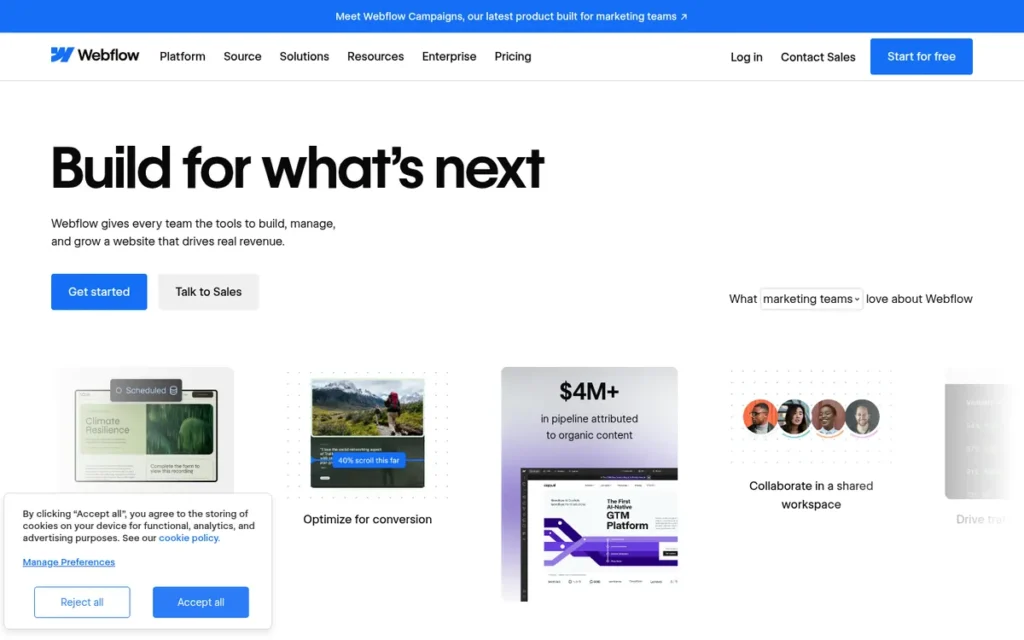
Category: Managed Builder. Webflow hosts the site and handles security and updates.
At a Glance
- Category: Managed Builder
- Best For: Designers, freelancers and marketing teams building design-led marketing sites and portfolios
- Price Range: $18–$29/month, G2 list prices (G2, November 2026; may change). Since May 2026, Webflow lists Premium at $25/month billed yearly or $39/month billed monthly (Webflow Help Center, May 2026).
- Primary Strength: Webflow gives designers precise visual control over layout and responsive behavior without plugin upkeep.
- Biggest Limitation: Webflow’s code export leaves out dynamic CMS pages and hosted features, so leaving means rebuilding them even though Collections can be exported as CSV files.
- One-Line Summary: Webflow is a managed visual builder that gives designers precise layout control without WordPress plugin upkeep, but it has a real learning curve and is hard to leave.
- Last Verified: November 2026
Overview
Webflow is a managed visual website builder for designers and marketing teams who want precise layout control. Every site plan includes a Collections-based CMS and hosting on AWS and Cloudflare.
Webflow’s design canvas exposes HTML and CSS concepts such as the box model, classes and responsive styles. Webflow isn’t a beginner template builder, so you need to be comfortable with CSS concepts (Webflow, 2026).
Key Features
- Webflow’s visual designer exposes the box model, classes and responsive styles, so layouts behave like hand-written CSS.
- Webflow has built-in interactions and animations without third-party plugins.
- Webflow’s Collections-based CMS allows 20,000 CMS items and 40 Collections on the Premium plan, and you can pay to raise some limits (Webflow Help Center, May 2026).
- Webflow includes managed hosting on AWS and Cloudflare with every site plan.
- Webflow sells Localization, Analyze and Optimize as paid add-ons, and multilingual sites need the Localize add-on.
Best For
Webflow is best for designers, freelancers building client sites, and marketing teams that care more about precise layout than about having the simplest editor. Webflow is a weak fit for serious online stores, gated membership content and large publications that could hit CMS item limits.
Pricing
Webflow G2 list prices (G2, November 2026; may change):
- Webflow Starter has no price listed on G2.
- Webflow Basic is listed at $18 per month.
- Webflow CMS is listed at $29 per month.
The G2 prices are from before Webflow’s plan change on May 13, 2026 (Webflow Help Center, May 2026):
- Webflow merged its CMS and Business plans into a single Premium plan at $25/month billed yearly or $39/month billed monthly. Webflow’s pricing calculator example shows $23/month yearly, so check the live page.
- Webflow moved most existing sites to the new prices on June 29, 2026, and moved Freelancer/Agency Workspace and legacy-plan sites on November 16, 2026.
- Webflow add-ons cost $9/month for Analyze, $9/month for Localize Essential or $29/month for Localize Advanced, and from $299/month for Optimize.
- Webflow bills site plans and Workspace plans separately.
Strengths
- Webflow’s top G2 pros are Ease of Use (278 mentions) and Design Flexibility (180 mentions), and its 997 reviews average 4.4/5 with 93.3% at 4–5 stars (G2, November 2026).
- Webflow sites most often go live in under one month, according to G2 implementation data (G2, November 2026).
- Webflow removes plugin and server upkeep, and G2 reviewers who switched from WordPress say they rely less on plugins and developers for everyday updates (G2, November 2026).
- Webflow’s Premium plan supports 20,000 CMS items and 40 Collections, which is enough for most marketing sites (Webflow Help Center, May 2026).
Limitations
Webflow gives you design control in exchange for a real learning curve. On G2, Learning Curve (109 mentions) and Steep Learning Curve (80 mentions) together outnumber Webflow’s 180 Design Flexibility mentions (G2, November 2026).
This aligns with community sentiment on r/webflow:
“Webflow is still designer friendly but does lean slightly more to the technical side of things. It’s the use of classes that will probably trip you up. It’s all learnable though and there is an infinite well of information for you to refer to.” Posted by u/xDermo
Takeaway: Webflow’s class-based styling is the main hurdle for new users, but its extensive learning resources make the curve manageable for designers who commit.
- Webflow code export requires a paid Workspace plan and leaves out dynamic CMS pages and hosted features. CMS Collections export separately as CSV files, but you must rebuild the dynamic pages (Webflow Help Center, 2026).
- Webflow draws 82 “Expensive” mentions on G2, and the May 2026 repricing makes renewal costs more important to check (G2, November 2026).
- Webflow publishes the whole site at once, and one user reports that CSS edits accidentally changed other pages (r/Wordpress, 2025).
- Webflow retired its native User Accounts (memberships and gated content) on January 29, 2026, and recommends third-party tools such as Outseta or Memberstack (Webflow Help Center, 2026).
- Webflow’s ecommerce draws criticism in G2 improvement requests and in community threads (G2, November 2026; r/Wordpress, 2025).
- Webflow’s interface is available only in English according to G2, and multilingual sites need the paid Localize add-on at $9–$29/month (G2, November 2026; Webflow, 2026).
How It Compares With WordPress
Webflow replaces WordPress’s theme, page builder and plugin stack with one managed visual tool. That addresses WordPress.org’s Plugin Issues (67) and Security Issues (51) G2 cons (G2, November 2026).
- Webflow wins on design control and on removing plugin and server upkeep.
- WordPress wins on plugin count, mature ecommerce options and how easily you can move a site.
- Webflow-like control is also possible inside WordPress. Users in r/Wordpress suggest page builders such as Bricks, Oxygen and Droip, though that community leans toward WordPress (r/Wordpress, 2025).
Verdict
Webflow is the best WordPress alternative for designers who want precise visual layout control on fully managed hosting and can accept a learning curve and limited exit options. Webflow ties HubSpot Content Hub on upkeep (5) and beats it on job coverage (4 vs 3).
Webflow trails on satisfaction and usability. Its 278 Ease of Use mentions are only about 1.5 times its 189 combined Learning Curve mentions, compared with roughly 4.7 times for HubSpot Content Hub (G2, November 2026). Check the post-May 2026 pricing and add-ons, and confirm third-party membership options before migrating.
3. Ghost: Best for Blogs, Newsletters and Paid Memberships
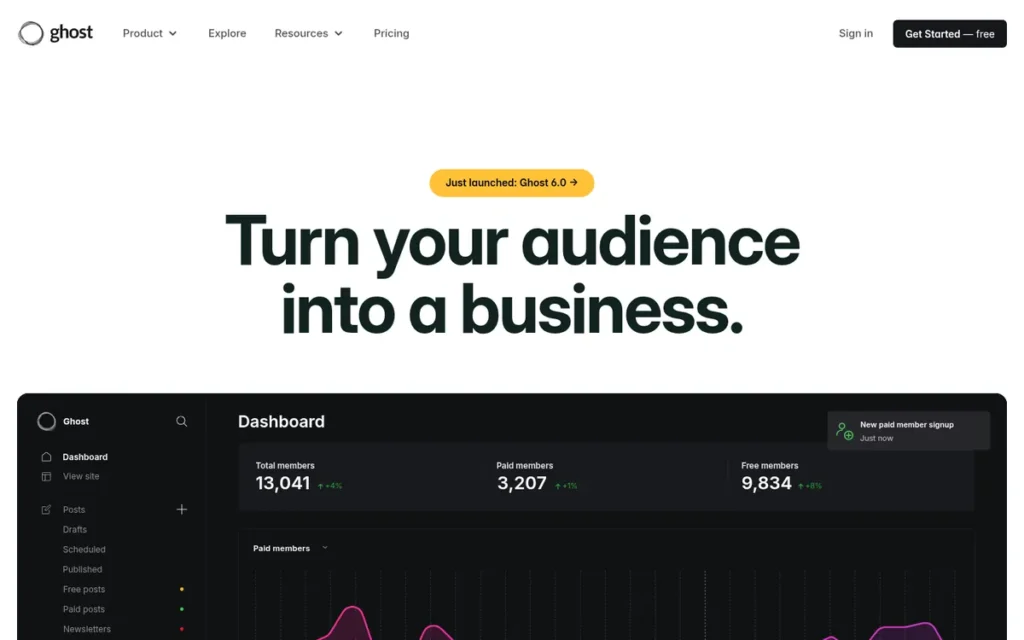
Category: Publishing Platform. Ghost combines a website, a newsletter and paid memberships in one tool.
At a Glance
- Category: Publishing Platform
- Best For: Writers, creators and independent publishers running a blog or paid newsletter
- Price Range: $15–$199/month billed yearly ($18–$239 billed monthly) for Ghost(Pro), plus custom plans (ghost.org, November 2026). G2 has no list price for Ghost. Self-hosting is free, but newsletters need Mailgun.
- Primary Strength: Ghost combines a website, email newsletters and Stripe-powered paid memberships, and it takes 0% of subscription revenue.
- Biggest Limitation: Ghost is built for publishing only, with no plugin marketplace, no real ecommerce and one publication language per site.
- One-Line Summary: Ghost is an open-source publishing platform that replaces WordPress plus membership plugins with built-in newsletters and paid subscriptions, but it is not a general-purpose website builder.
- Last Verified: November 2026
Overview
Ghost is an open-source (MIT) publishing platform that combines a website and blog with built-in email newsletters, memberships and paid subscriptions through Stripe. It’s for writers and publishers who want to own their audience without giving up a share of their revenue.
Ghost can be self-hosted or run on the managed Ghost(Pro) service. Ghost is run by a non-profit foundation whose constitution prevents it from being bought or sold (Ghost, 2026). Ghost is built for publishing and won’t replace every kind of WordPress site.
Key Features
- Ghost includes email newsletters, member sign-ups and paid subscriptions through Stripe in the core product.
- Ghost takes 0% of subscription revenue, so publishers pay only Stripe’s processing fees (Ghost, 2026).
- Ghost can be self-hosted for free or run on managed Ghost(Pro) hosting.
- Ghost’s Publisher plan adds custom themes, paid subscriptions, advanced analytics and 3 staff users.
- Ghost connects to other tools through Zapier and its API rather than a plugin marketplace.
Best For
Ghost is best for solo writers, creators and small publishing teams whose site is mainly a blog or paid newsletter. Ghost is a poor fit for online stores, multilingual sites and design-heavy business sites.
Pricing
G2 has no list price for Ghost because Ghost isn’t in the G2 dataset. Ghost(Pro) prices (ghost.org, November 2026):
- Ghost(Pro) Starter costs $15/month billed yearly or $18/month billed monthly and includes a newsletter, basic design and 1,000 members, but no paid subscriptions.
- Ghost(Pro) Publisher costs from $29/month billed yearly or $35/month billed monthly and includes 3 staff users, custom themes, paid subscriptions, advanced analytics and 1,000 members.
- Ghost(Pro) Business costs from $199/month billed yearly or $239/month billed monthly and includes 10,000 members, 15 staff users and priority support.
- Ghost(Pro) Custom offers unlimited staff and members and a dedicated IP.
Ghost(Pro) prices go up as your member count grows. Self-hosted Ghost is free but needs Mailgun to send newsletters (Ghost, 2026).
Strengths
- Ghost has a 4.7/5 Capterra rating from 53 reviews, and reviewers praise its speed, clean editor and built-in memberships, though the sample is small (Capterra, November 2026).
- Ghost takes 0% of subscription revenue, and one Reddit user notes that a paid publication “could easily get to a point where Substack’s fees are higher than what you’d pay for Ghost” (r/Substack, 2023).
- Ghost’s MIT license and self-hosting option earn it a top ownership score (5/5), shared with Joomla and Drupal (Ghost, 2026).
- Ghost is the only platform in this evaluation that combines newsletters, memberships and paid subscriptions natively without plugins (ghost.org, 2026; PlugRoute feature comparison, November 2026).
Limitations
Ghost gives up breadth for focus. Ghost has no plugin marketplace, no real ecommerce and fewer themes than WordPress, and Capterra reviewers report that custom layouts need code (Capterra, November 2026).
Users on r/Substack who have used both platforms shared their experience:
“Ghost is WAY most customizable and open, but it’s also much more complicated. If you are not tech savvy, I’d recommend you budget a little money to pay a dev to help set your site up the way you want it. Ghost is also open source (good and bad imo) and rolls out new features slowly. It’s also not much for network effects.” Posted by u/extrapointsmb
Takeaway: Ghost rewards publishers with flexibility and ownership, but non-technical writers should budget for developer setup and expect little built-in audience discovery.
- Ghost supports one publication language per site, and Ghost’s documentation recommends separate sites per language or a translation service such as Weglot (Ghost docs, 2026).
- Ghost(Pro) Starter can’t take paid subscriptions, so creators who plan to charge need at least Publisher (ghost.org, November 2026).
- Ghost drew two negative individual accounts in 2026. One Ghost(Pro) user reported downtime, accessibility problems and poor support before moving back to WordPress (r/Wordpress, July 2026). Another user said spam sign-ups through the Members API were only partly fixed (r/Wordpress, April 2026).
- Ghost offers Recommendations and, since Ghost 6.0 (August 2025), ActivityPub social-web following. One Reddit user argues Ghost still drives far less discovery than Substack’s network (r/Substack, 2023).
How It Compares With WordPress
Ghost replaces the usual WordPress setup of a theme plus membership, newsletter and payment plugins with one built-in system. That removes the problem behind WordPress.org’s Plugin Issues (67) G2 con for publishers (G2, November 2026).
- Ghost wins on cost for paid newsletters. A newsletter earning $2,000 a month in subscriptions pays Ghost(Pro) Publisher a flat fee from $29/month (billed yearly) plus Stripe fees, while percentage-based fees grow with revenue (ghost.org, November 2026).
- WordPress wins for anything beyond publishing: stores, multilingual sites and a large plugin ecosystem.
- Ghost users themselves draw the line. One Reddit user put it this way: “Ghost solves a different problem… not a drop-in replacement for WordPress” (r/Wordpress, April 2026).
Verdict
Ghost is the best WordPress alternative for blogs and paid newsletters because memberships, email and Stripe subscriptions are built into the core and Ghost takes 0% of subscription revenue.
Ghost ranks third because its top scores on exit risk (5) and cost predictability (4) are offset by a job-coverage score of 2 and a satisfaction score capped at 3, which reflects a 53-review Capterra sample. If you plan to charge, choose Publisher rather than Starter. Test Ghost(Pro) support before moving a large subscriber list.
4. Umbraco: Best for .NET Organizations Needing an Editor-Friendly Open-Source CMS
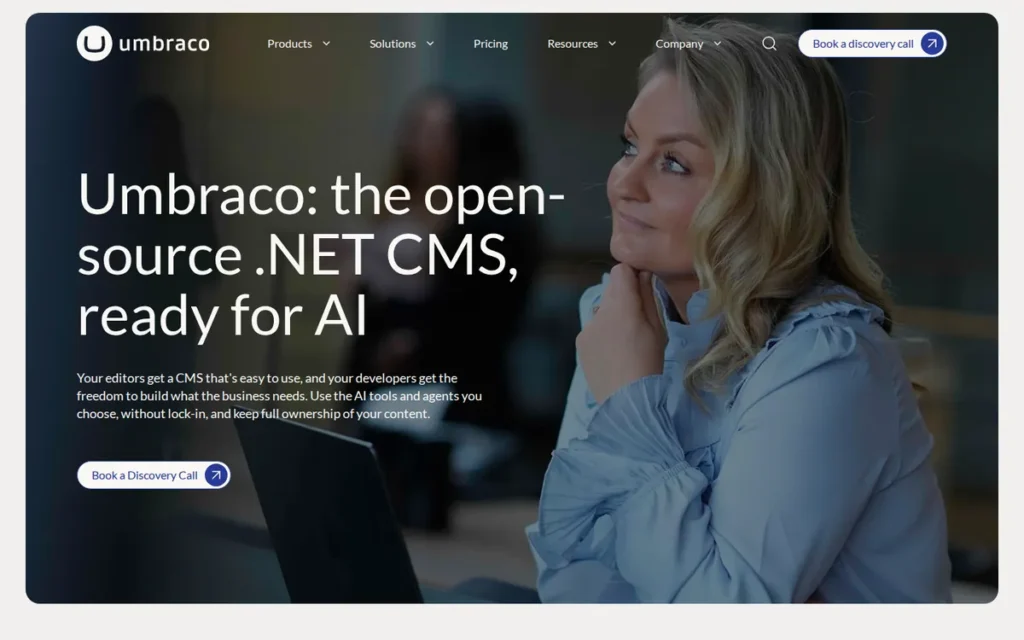
Category: Self-Hosted Open-Source CMS. Umbraco is free software that you or a host run, so you keep full control and ownership.
At a Glance
- Category: Self-Hosted Open-Source CMS (with an optional managed Cloud tier)
- Best For: Organizations with .NET developers that want an editor-friendly, customizable CMS
- Price Range: $0 (Umbraco CMS) to $75/month (Heartcore), G2 list prices (G2, November 2026; may change). Umbraco’s own 2026 Cloud pricing starts at €45/month.
- Primary Strength: Umbraco pairs a free open-source core with a 4.5/5 G2 rating that ties for the top satisfaction score in this evaluation.
- Biggest Limitation: Umbraco needs .NET developers to build and maintain a custom front end, which rules it out for DIY site owners.
- One-Line Summary: Umbraco is a highly rated open-source .NET CMS that gives editors a structured backoffice and developers full control, but it isn’t a do-it-yourself builder.
- Last Verified: November 2026
Overview
Umbraco is a free, open-source (MIT) content management system built on ASP.NET Core and C#. It suits organizations whose .NET developers can build a custom front end and whose editors want a structured backoffice.
Umbraco offers optional managed hosting through Umbraco Cloud and doesn’t force any themes or templates on you (Umbraco, 2026). Umbraco reports 700,000+ active installs and 220,000+ community members, which are vendor figures (Umbraco G2 vendor description, November 2026).
Key Features
- Umbraco CMS is free and open source under the MIT license.
- Umbraco Cloud provides managed Azure hosting with automatic security updates and a Cloudflare CDN.
- Umbraco Heartcore is a managed headless CMS for publishing content to multiple channels.
- Umbraco sells paid add-ons, including Engage (analytics, A/B testing and personalization), Deploy, Workflow, Forms and Commerce.
- Umbraco’s interface supports 19 languages, according to G2 (G2, November 2026).
Best For
Umbraco is best for organizations already using Microsoft’s stack that have in-house or agency .NET developers and want a CMS their editors find approachable. Umbraco is a poor fit for freelancers or small businesses without a developer.
Pricing
Umbraco G2 list prices (G2, November 2026; may change):
- Umbraco CMS is listed at $0 per month.
- Umbraco Cloud is listed at $55 per month.
- Umbraco Heartcore is listed at $75 per month.
Umbraco’s own prices are in euros and took effect on January 1, 2026 (Umbraco, 2026):
- Umbraco Cloud costs €45/month for Starter, €280/month for Standard and €730/month for Professional, or €540, €3,360 and €8,760 billed annually. Enterprise pricing is custom.
- Umbraco Heartcore costs €60/month for Starter, €300/month for Standard and €1,100/month for Professional. Enterprise pricing is custom.
- Umbraco add-on prices come only from a third-party directory and haven’t been confirmed by Umbraco: Forms is about €100/year, and Deploy, Workflow and Commerce are about €2,800/year each (ITHub Directory, 2026).
Developer time is usually Umbraco’s biggest cost, more than the license or hosting.
Strengths
- Umbraco has a 4.5/5 G2 rating from 1,122 reviews, with 95.9% at 4–5 stars, and Umbraco reports G2 Leader badges in CMS and Headless for Winter 2026 (G2, November 2026; Umbraco, 2026).
- Umbraco’s most-cited G2 pro is Ease of Use, with 109 mentions, compared with 26 Learning Curve mentions (G2, November 2026).
- Umbraco Cloud removes server patching by applying security updates automatically (Umbraco, 2026).
- Umbraco’s MIT license lets you host and keep the core software yourself without paying a license fee (Umbraco, 2026).
Limitations
Umbraco’s well-rated editor comes with a dependence on developers. Umbraco ships with no ready-made themes or templates, so a .NET developer must build the front end (Umbraco, 2026).
- Umbraco implementations most often take 1–3 months on G2, and 3–6 months is also common (G2, November 2026).
- Umbraco 14 replaced the backoffice and extension model with breaking changes, so teams moving from version 13 had to replace macros and update custom code (Umbraco 14.0.0 release notes, 2024).
- Umbraco’s G2 cons include Limited Features (23) and Poor Usability Design (22). Users also ask for simpler major-version upgrades and better visual editing, preview and media management (G2, November 2026).
- Umbraco has little community coverage. PlugRoute found no substantive Reddit discussion of Umbraco, so this entry relies on G2 and vendor sources (Reddit search, November 2026).
How It Compares With WordPress
For .NET organizations, Umbraco offers a cleaner editor and less reliance on plugins than WordPress. G2 reviewers who switched to Umbraco cite easier editing and lower complexity (G2, November 2026).
- Umbraco wins on a structured editor experience and on fit with the Microsoft stack.
- WordPress wins on launching without a developer and on a much larger theme and plugin ecosystem.
- Umbraco needs .NET skills that many small businesses don’t have.
Verdict
Umbraco is the best WordPress alternative for .NET organizations that want a highly rated, editor-friendly open-source CMS and have developers to build it. Umbraco’s G2 satisfaction (4.5/5, 1,122 reviews) equals HubSpot Content Hub’s rating and exceeds Webflow’s.
Umbraco’s ease ratio (109:26) is strong, but the usability score also measures whether you can launch without a developer. Umbraco ships no themes, so it can’t, which caps it at 2. Budget for the build and for a documented breaking upgrade path like 13→14, not just the €45 or $55 Cloud price.
5. Joomla: Best for Multilingual and Permission-Heavy Sites Without Plugin Sprawl
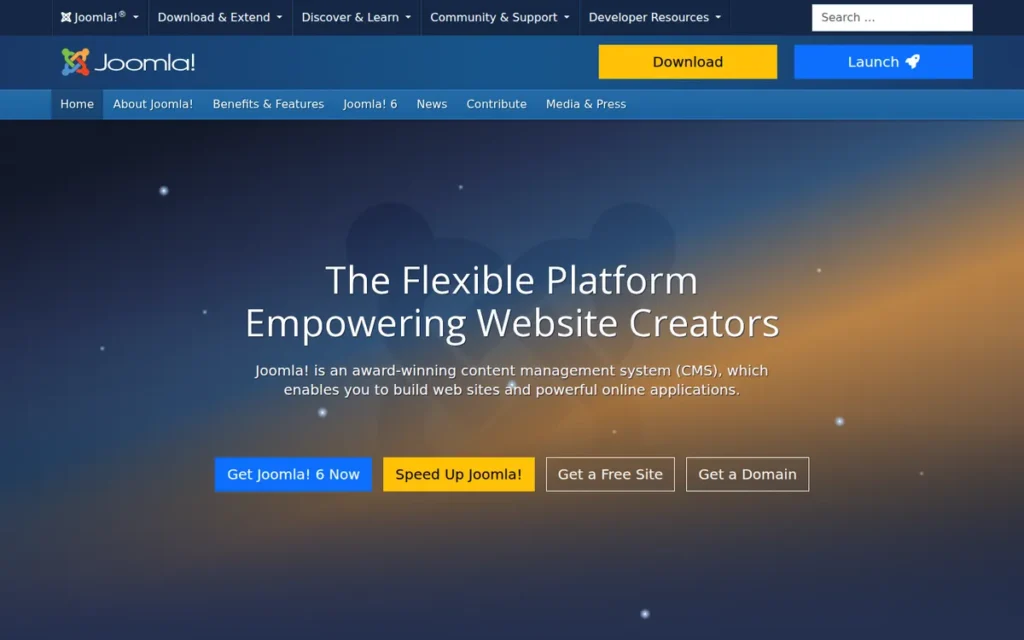
Category: Self-Hosted Open-Source CMS. Joomla is free software that you or a host run, so you keep full control and ownership.
At a Glance
- Category: Self-Hosted Open-Source CMS
- Best For: Agencies, organizations, schools and community sites that need multilingual content and user permissions without a pile of plugins
- Price Range: Free software (no G2 list price). Hosting and optional premium extensions cost extra.
- Primary Strength: Joomla includes multilingual support, access control and custom fields in core, so you rely less on third-party extensions.
- Biggest Limitation: Joomla builds pages from articles, menus, modules and components, which confuses many newcomers, and it has the lowest share of positive G2 reviews in this evaluation.
- One-Line Summary: Joomla is a free open-source CMS with multilingual support, permissions and automatic minor updates built in, but its interface is harder for beginners than WordPress.
- Last Verified: November 2026
Overview
Joomla is a free, open-source (GPL) content management system with multilingual support, access control lists, custom fields and workflows built into core. It’s for agencies and organizations that want those features without assembling plugins.
Joomla is run by the non-profit Open Source Matters. Joomla 6.0 and 5.4 (October 14, 2025) added automatic core updates within a major version, and Joomla 6.1 adds a visual workflow editor (Joomla Magazine, 2025; Joomla, 2026).
Key Features
- Joomla includes multilingual content with linked translations (language associations) in core, and G2 lists 46 supported interface languages (G2, November 2026).
- Joomla includes access control lists and user permissions without extensions.
- Joomla 5.4 and 6.0 apply minor and patch core updates automatically on new installs, and Joomla 5.1 added secure updates using TUF (Joomla Magazine, 2025).
- Joomla 6.1 adds a visual workflow editor and custom media fields for audio, video and documents (Joomla, 2026).
- Joomla includes a Web Services API for connecting other applications.
Best For
Joomla is best for agencies, non-profits, schools, government and community sites that need several languages and permission levels, as long as owners are willing to learn how Joomla is structured. Joomla is a weaker fit for beginners who want a simple visual editor.
Pricing
G2 doesn’t list a price for Joomla, and the software is free under the GPL (G2, November 2026). Joomla’s real costs come from three places:
- Joomla site owners choose and pay for their own hosting.
- Joomla site owners can buy premium extensions and templates from the Joomla Extensions Directory if they need them.
- Joomla setup and maintenance take time, either your own or a paid agency’s.
PlugRoute couldn’t verify how many extensions the directory has or what they typically cost (November 2026), so we don’t quote figures.
Strengths
- Joomla 6.0 and 5.4 (October 14, 2025) added automatic core updates within a major version, which addresses the update reliability WordPress users ask for on G2 (Joomla Magazine, 2025).
- Joomla has 46 G2-listed interface languages, the most of any platform in this evaluation (G2, November 2026).
- Joomla won the CMS Critic People’s Choice award for Best Open Source CMS in 2025, and for Best Free CMS and Best Open Source CMS in 2026, all decided by community vote (CMS Critic, March 2026).
- Joomla sites most often go live in under one month on G2, and launches in under one day are also common (G2, November 2026).
Even on the WordPress-leaning r/Wordpress, one user conceded:
“Obviously WordPress, but in some ways, Joomla is more flexible than WordPress. It offers an incredibly customizable system that can take almost any shape you want, and it enables you to implement a lot of small customizations without relying on extensions.” Posted by u/webby_central
Takeaway: Even WordPress loyalists acknowledge that Joomla’s core handles customizations WordPress would need extensions for, though they still prefer WordPress overall.
Limitations
Joomla’s built-in features come with a harder interface. Joomla builds pages from articles, menu items, modules and components, which is the main reason people call its interface confusing (Peter Martin, accessed November 2026).
- Joomla has the lowest share of positive G2 reviews in this set (79.9% at 4–5 stars), though its pros and cons counts are very small at 2–4 mentions each (G2, November 2026).
- Joomla’s automatic updates are on by default only for new installs. Upgraded sites must switch them on, and they never move a site between major versions (Joomla Magazine, 2025).
- Joomla’s upgrade from version 3 to 4 forced extension developers to rewrite code (Joomla Magazine, 2022).
- Joomla’s CMS share fell from about 1.9% to 1.6% over the period W3Techs shows (W3Techs, November 2026).
- Joomla divides opinion: loyal agency users praise it, while some WordPress users call it “mostly legacy” (r/Wordpress, September 2025).
How It Compares With WordPress
Joomla builds in the multilingual, permission and custom-field features that WordPress usually adds through plugins, and new Joomla installs now apply minor updates automatically.
- Joomla wins on built-in multilingual content, permissions and custom fields.
- WordPress wins on a familiar dashboard, a larger ecosystem and more community momentum.
- Joomla’s trade-off is summed up by one Redditor: Joomla is “very secure out of the box… but the dashboard UI is awful compared to WP” (r/Wordpress, September 2025).
Verdict
Joomla is the best free WordPress alternative for multilingual and permission-heavy sites that want those features built in rather than added through plugins. Joomla’s automatic minor updates and 46 G2-listed interface languages are clear advantages.
Joomla beats Umbraco on job coverage, cost and exit risk. It loses 3 points on satisfaction (2 vs 5), the most heavily weighted criterion, which puts it fifth. Check that the extensions you need exist and are maintained before migrating.
6. Drupal: Best for Complex, Structured and Governed Multilingual Sites
Category: Self-Hosted Open-Source CMS. Drupal is free software that you or a host run, so you keep full control and ownership.
At a Glance
- Category: Self-Hosted Open-Source CMS
- Best For: Organizations with developer resources running complex, structured, multilingual or permission-controlled sites
- Price Range: Free software (no G2 list price). Hosting and development cost extra, and PlugRoute couldn’t verify those costs.
- Primary Strength: Drupal has the broadest set of built-in governance features among the seven platforms reviewed, with content types, role permissions, moderation workflows and multilingual support in core (Drupal.org, 2026).
- Biggest Limitation: Drupal has the lowest G2 rating in this evaluation and needs developer expertise to build and maintain.
- One-Line Summary: Drupal is a free open-source CMS built for complex, structured and multilingual sites, but it needs developers and longer projects than any other alternative ranked here.
- Last Verified: November 2026
Overview
Drupal is a free, open-source (GPL) content management system built for complex, structured and multilingual websites. It’s for organizations with developers that need more governance and content modeling than simpler website builders provide.
Drupal CMS 2.0, released January 28, 2026, made the Drupal Canvas visual editor the default (Drupal.org, 2026). Drupal describes itself as trusted by governments, universities and global brands (Drupal G2 vendor profile, November 2026), though PlugRoute didn’t verify any named users.
Key Features
- Drupal lets site builders define structured content types and fields through its Entity and Field APIs.
- Drupal includes role-based permissions and content moderation workflows in core.
- Drupal includes built-in multilingual support and a JSON:API for headless use.
- Drupal CMS 2.0 makes Drupal Canvas the default visual editor, with drag-and-drop, live preview, in-place editing and the Mercury component library.
- Drupal CMS 2.0 adds optional AI site building, including page generation from prompts, content-type setup and alt text, using amazee.ai, OpenAI or Anthropic.
Best For
Drupal is best for organizations whose sites are, in one developer’s words, “a collection of various kinds of pages (composed of all kinds of fields),” with complex permissions and languages and with developer or agency support (r/PHP, 2013). Drupal is the wrong choice for a simple blog or a solo business site.
Pricing
G2 doesn’t list a price for Drupal, and the software is free under the GPL with no license fees (G2, November 2026). Drupal’s real costs come from three places:
- Drupal sites need hosting, often from managed hosts such as Acquia, Pantheon or Platform.sh, whose current prices PlugRoute couldn’t verify.
- Drupal development and content modeling usually require specialist developers.
- Drupal sites need ongoing upgrades and module maintenance throughout their life.
Drupal builds usually cost more than WordPress builds because of the content modeling and specialist work involved (Vardot, accessed November 2026). PlugRoute doesn’t quote figures because none could be verified.
Strengths
- Drupal provides structured content, role-based permissions, moderation workflows and multilingual support in core, the broadest built-in governance feature set among the seven platforms reviewed (Drupal.org, 2026).
- Drupal CMS 2.0, released January 28, 2026, made the Drupal Canvas visual editor the default, which directly answers the editing complaints in G2 improvement requests (Drupal.org, 2026).
- Drupal has a dedicated Security Team that coordinates vulnerability disclosures, and hosts such as Acquia offer FedRAMP-authorized hosting, which applies to the host rather than Drupal itself (Acquia, accessed November 2026).
- Drupal is free under the GPL with no license fees, so you fully own your code and content (Drupal.org, 2026).
Limitations
Drupal’s structure costs you time, money and expertise. Drupal has the lowest G2 rating in this evaluation, 3.9/5 from 425 reviews (G2, November 2026).
- Drupal has the longest typical go-live times in the set: 1–3 months is most common on G2, and 3–6 and 6–12 months are also common (G2, November 2026).
- Drupal needs developers, and G2 reviewers say editors face a steep learning curve and support experiences are mixed (G2, November 2026).
- Drupal “still has a niche (gov/enterprise, complex sites) but steep learning curve,” one recent Reddit user summarizes (r/Wordpress, September 2025).
- Drupal 7 reached end of life on January 5, 2025, and moving to modern Drupal usually means a full rebuild (Drupal.org, 2025).
- Drupal has no G2 pros and cons counts, so PlugRoute can’t compare its review themes with the other entries (G2, November 2026).
How It Compares With WordPress
Drupal handles structured content, detailed permissions, workflows and multilingual support natively, where WordPress relies on plugins. G2 reviewers who switched to Drupal cite those reasons plus security controls (G2, November 2026).
- Drupal wins on content modeling, governance and built-in multilingual support.
- WordPress wins on launch speed, build cost and ease for non-technical editors.
- Drupal is overkill for simple sites. One older Reddit rule of thumb still holds: “It’s a blog? For the love of God, use WordPress” (r/PHP, 2013).
Verdict
Drupal is the best WordPress alternative for complex, structured and multilingual sites that need governance, as long as the team has developer support.
Drupal ranks sixth because of the lowest G2 rating in the set and a usability score of 1, the joint lowest, which reflects go-live times of up to 6–12 months. PlugRoute didn’t score Drupal CMS 2.0’s Canvas editor because it has no review evidence yet. Get a full build and hosting estimate before committing.
7. Strapi: Best for JavaScript Teams Going Headless
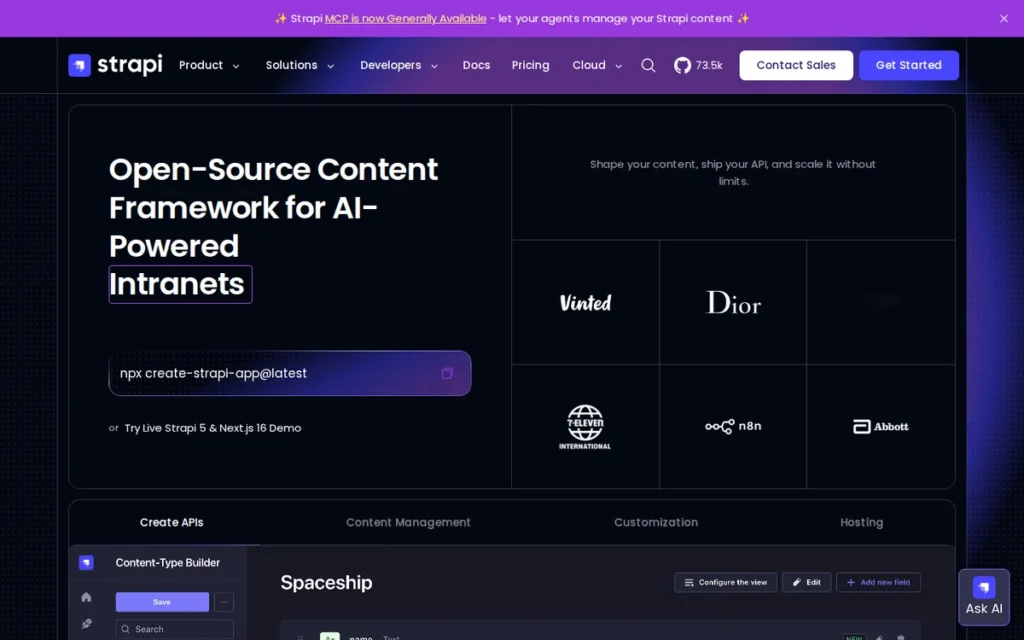
Category: Headless CMS. Strapi is a content backend that serves content through an API, and you build the front end separately.
At a Glance
- Category: Headless CMS
- Best For: JavaScript and TypeScript development teams sending content to websites, apps and other channels
- Price Range: Free (Community) to $99/project/month (Cloud Pro), G2 list prices (G2, November 2026; may change). Strapi’s own Cloud plans cost $35–$450/project/month, and CMS licenses are billed separately.
- Primary Strength: Strapi gives developers an MIT-licensed content backend they can host themselves, with flexible content modeling and APIs.
- Biggest Limitation: Strapi doesn’t render a website or include themes, so it needs a developer and a separately hosted front end.
- One-Line Summary: Strapi is an open-source headless CMS that gives JavaScript teams full control of their content APIs, but it isn’t a website builder and doesn’t suit non-technical site owners.
- Last Verified: November 2026
Overview
Strapi is an open-source (MIT) headless content management system built on Node.js and TypeScript. It stores content and serves it through APIs to development teams that will build and host a separate front end.
Strapi delivers content through REST APIs, and GraphQL is available through a plugin. Strapi supports PostgreSQL, MySQL and MariaDB, and Strapi can be self-hosted or run on Strapi Cloud (Strapi, 2026).
Key Features
- Strapi includes a Content-Type Builder and reusable components for modeling structured content.
- Strapi delivers content through REST APIs, and GraphQL is available through a plugin.
- Strapi includes roles and permissions, i18n with unlimited locales, Draft & Publish, webhooks and API tokens.
- Strapi 5 adds the Document Service API, Releases and Content History.
- Strapi’s Growth plan includes 1,000 AI credits a month, and extra credits cost $1.50 per 100 (Strapi, 2026).
Best For
Strapi is best for JavaScript and TypeScript teams building a custom front end, or sending one body of content to a website, an app and other channels. Strapi doesn’t suit small business owners, freelancers or creators without a developer.
Pricing
Strapi G2 list prices (G2, November 2026; may change):
- Strapi Community is listed as free.
- Strapi Cloud Developer is listed at $29 per project per month.
- Strapi Cloud Pro is listed at $99 per project per month.
Strapi’s current pricing pages show different plan names and prices (Strapi, November 2026):
- Strapi Cloud costs $35 for Starter, $90 for Pro and $450 for Business, per project per month.
- Strapi Cloud charges overages of $1.50 per 25,000 API requests, $0.60 per GB of storage and $30 per 100 GB of bandwidth.
- Strapi’s self-hosted CMS licenses are free for Community, $45/month for Growth with 3 users plus $15 per extra user, and $150/month plus $50 per user for Enterprise.
- Strapi bills Cloud hosting and CMS licenses separately, and Review Workflows and audit logs are Enterprise-only.
One project on Strapi Cloud Starter with a Growth license starts at $80/month ($35 + $45) before extra users, overages and front-end hosting (Strapi, November 2026).
Strengths
- Strapi has a 4.5/5 G2 rating, and 97.6% of its reviews give 4–5 stars, the highest positive share in this evaluation, though from a smaller sample of 207 reviews (G2, November 2026).
- Strapi has about 73,000 GitHub stars, 22,600+ Discord members and 200+ marketplace plugins, according to third-party estimates, though stars show developer interest rather than usage (DXP Scorecard, accessed November 2026).
- Strapi’s i18n supports unlimited content locales, the most open-ended content localization in this evaluation (Strapi, 2026).
- Strapi’s MIT license and self-hosting option give developers full ownership of their content backend (Strapi, 2026).
Limitations
Strapi gives developers flexibility, but the cost and upkeep can surprise site owners. Strapi doesn’t render a website, so a developer must build and host the front end separately (Strapi, 2026).
- Strapi’s top G2 cons include Poor Documentation (5) and Upgrade Issues (4), and one Reddit user called the move from v3 to v4 “mind-blowingly difficult” (G2, November 2026; r/Frontend, 2023).
- Strapi deployments cost about $200/month for one Reddit user, and another reports €350/month for a standard corporate site that moved from WordPress (r/Frontend, 2023).
- Strapi governance features such as SSO, Review Workflows and audit logs require a paid license (Strapi, 2026).
- Strapi support was described as “non existent” by one user, and a Strapi staff member replied by pointing to Discord office hours and GitHub issues (r/Frontend, December 2025).
- Strapi’s 97.6% positive G2 share is far higher than its Reddit sentiment, and PlugRoute reports this gap rather than trying to explain it (G2, November 2026; r/Frontend, 2023–2025).
How It Compares With WordPress
For JavaScript developers, Strapi is easier to extend with custom code than WordPress. One developer called it “far easier to write custom code than in WordPress” (r/Frontend, 2023).
- Strapi wins on custom code, content APIs and delivering one body of content to many channels.
- WordPress wins on giving you a complete site with themes, lower running costs and no developer requirement.
- Teams typically pair Strapi with a JavaScript front-end framework, which is the separately hosted part of the cost.
Verdict
Strapi is the best WordPress alternative for JavaScript teams building a headless, multi-channel content backend, and the wrong choice for anyone who needs a ready-made website.
Strapi outscores Drupal on satisfaction (3 vs 2) but ranks seventh because its job-coverage score (2 vs 4) and exit-risk score (4 vs 5) pull it lower. Estimate your first-year hosting, license and front-end costs before migrating from WordPress.
How Do the Alternatives Compare With WordPress?
Compared with WordPress, managed alternatives hand security patching to the vendor but make it harder to leave. Open-source alternatives keep ownership but leave patching with you. Ghost is the only option with native paid subscriptions and newsletters. None of the seven matches WordPress’s plugin range or is a strong online store.
| Platform | Hosting Model | License | G2 Rating (reviews) | Most Common Go-Live | Starting G2 List Price | Who Patches Security | Native Memberships/Newsletters | Languages (G2 interface / content localization) | Export/Exit | Top G2 Con |
|---|---|---|---|---|---|---|---|---|---|---|
| WordPress.org (reference) | Self-hosted | Open source | 4.4 (9,557) | Under 1 month | Not listed on G2 | Site owner | Via plugins | Not in G2 data | Open source; can self-host | Plugin Issues (67) |
| HubSpot Content Hub | Managed | Proprietary | 4.5 (2,205) | 1–3 months (HubSpot Marketing Hub profile; Content Hub not reported) | $15/user/mo (Starter) | Vendor | Member-only pages on Professional and Enterprise; newsletters not verified | Not available on G2 | HubL templates can’t be moved | Limited Customization (56) |
| Webflow | Managed (AWS, Cloudflare) | Proprietary | 4.4 (997) | Under 1 month | $18/mo (Basic) | Vendor | No; native User Accounts retired Jan 29, 2026 | English UI; multilingual via paid Localize add-on | Code export leaves out dynamic CMS pages; Collections export as CSV | Learning Curve (109) |
| Ghost | Ghost(Pro) or self-hosted | MIT | Capterra 4.7 (53); not available on G2 | Not available | Not available on G2 ($15/mo billed yearly or $18/mo billed monthly on ghost.org) | Vendor on Ghost(Pro); owner if self-hosted | Yes, paid subscriptions and newsletters built in | One publication language per site | Open source; can self-host | Not available on G2 |
| Umbraco | Self-hosted or Umbraco Cloud | MIT | 4.5 (1,122) | 1–3 months | $0 (CMS) | Owner; Cloud applies updates automatically | Not documented | 19 UI languages | Open source; can self-host | Learning Curve (26) |
| Joomla | Self-hosted | GPL | 4.0 (388) | Under 1 month | Not listed (free) | Owner; new Joomla 5.4/6 installs auto-apply minor updates | Role-based restricted content in core; no native paid memberships or newsletters | 46 UI languages; multilingual content in core | Open source; can self-host | Confusing Interface (3) |
| Drupal | Self-hosted or managed host | GPL | 3.9 (425) | 1–3 months | Not listed (free) | Owner; Security Team issues advisories | Role-based restricted content in core; no native paid memberships or newsletters | Multilingual content in core; UI count not on G2 | Open source; can self-host | Not available on G2 |
| Strapi | Self-hosted or Strapi Cloud (backend only) | MIT | 4.5 (207) | Not available | Free (Community) | Owner if self-hosted | No | Unlimited content locales | Open source; can self-host | Poor Documentation (5) |
When Should You Stay With WordPress?
Stay with WordPress if you need the widest range of plugins, maximum freedom to customize, or a mature store setup. Stay too if your real problem is managing upkeep rather than WordPress itself. The key question is whether switching actually fixes the problem, or whether a better-managed WordPress setup would solve it without a risky migration.
WordPress remains the stronger choice in these situations:
- WordPress suits sites that depend on niche plugins that no alternative here replaces.
- WordPress suits store-first sites, because none of the seven alternatives is a strong ecommerce platform.
- WordPress suits owners who value portability and freedom more than having someone else handle upkeep.
- WordPress suits designers who want Webflow-like control without lock-in. Users in r/Wordpress suggest page builders such as Bricks, Oxygen and Droip, though that community leans toward WordPress (r/Wordpress, 2025).
A better-managed WordPress setup usually means managed WordPress hosting that applies core updates, fewer plugins, and only plugins that are actively maintained. PlugRoute offers this as general guidance, not a ranked recommendation.
Some teams have already gone back to WordPress after switching:
- One team rebuilt its HubSpot blog in WordPress for more control over JS and CSS (r/Wordpress, 2021).
- One Ghost(Pro) user reported going back to WordPress after support problems (r/Wordpress, July 2026).
How Do I Switch From WordPress Safely?
To switch safely, first test a small sample of your content on the new platform. Then confirm your URL redirect options, read the renewal and repricing terms, check which features each plan actually includes, and budget for outside help if your site is complex. These steps catch most fit problems before you move the whole site.
- Test a small batch of WordPress posts and pages on the new platform before migrating everything.
- Check redirect and URL options, since a Reddit user warns that HubSpot landing pages on subdomains may lack clean redirects after you cancel (r/digital_marketing, 2023).
- Read renewal and repricing terms, since Webflow changed its plans and moved existing sites to new prices in 2026 (Webflow Help Center, May 2026).
- Confirm which features each plan includes, since Ghost(Pro) Starter doesn’t support paid subscriptions (ghost.org, November 2026).
- Budget for partner help if you need it, since one G2 reviewer credits the agency Huble with moving their site from WordPress to HubSpot (G2, November 2026).
PlugRoute is preparing a detailed guide to migration and lock-in for readers planning a move.
What Red Flags Should I Watch For When Evaluating WordPress Alternatives?
The biggest red flags are lock-in, costs that rise after you sign up, upgrades that break things, and out-of-date prices. Each has already affected at least one platform in this evaluation. A low starting price can still become expensive: HubSpot Content Hub jumps from $15 per user to $500 per month at its next tier (G2, November 2026).
Red Flag #1: Proprietary Templates You Can’t Export Proprietary template languages and limited code export can mean a full rebuild if you leave. HubSpot Content Hub’s HubL templates can’t be moved to another CMS, and Webflow’s code export leaves out dynamic CMS pages (DXP Scorecard, accessed November 2026; Webflow Help Center, 2026).
Red Flag #2: Steep Next-Tier Price Jumps A low starting price can hide a large jump to the next tier. HubSpot Content Hub costs about $45/month for 3 Starter seats, but Professional costs $500/month flat, more than 10 times as much (G2, November 2026). Ghost(Pro) prices also rise with member count (ghost.org, November 2026).
Red Flag #3: Separately Billed Hosting, Seats and Add-Ons When hosting, seats and add-ons are billed separately, it’s hard to see the real cost up front. Webflow bills site plans, Workspace plans and add-ons separately, and Strapi bills Cloud hosting separately from CMS licenses (Webflow Help Center, May 2026; Strapi, 2026).
Red Flag #4: Breaking Major-Version Upgrades Major-version upgrades can break custom code and extensions on open-source platforms. Breaking upgrades have hit Umbraco 13 to 14 (Umbraco release notes, 2024), Strapi v3 to v4 (r/Frontend, 2023) and Joomla 3 to 4 (Joomla Magazine, 2022). Drupal 7 reached end of life on January 5, 2025 (Drupal.org, 2025).
Red Flag #5: Developer Dependence Hidden Behind Free Software Free open-source software can cost more than a paid builder once you add hosting, licenses and development. Strapi’s software is free, but Strapi Cloud Starter with a Growth license starts at $80/month before front-end hosting (Strapi, November 2026). One Reddit user reports €350/month for a corporate site (r/Frontend, 2023).
Red Flag #6: Stale or Promotional Prices on Review Sites Prices on review sites and in AI answers often lag behind vendor changes. In November 2026, G2 list prices were out of date for Webflow, Strapi and Umbraco, and HubSpot showed a changing new-customer Starter offer. Always check prices on the vendor’s live page before budgeting.
What Questions Should I Ask Before Choosing a WordPress Alternative?
Before choosing a WordPress alternative, confirm your site’s main job, who will patch and upgrade it, what it will cost by year three, what you can export when you leave, which features you need built in, and whether you can test a content sample first. These answers rule out most bad fits.
Question #1: What is my site’s main job? Your site’s main job should narrow the list before anything else. That job might be marketing, design, publishing, multilingual content or headless delivery. Each ranked platform is strongest at one job, and a lower overall rank doesn’t mean a platform is worse at its own job.
Question #2: Who will apply security patches and upgrades? Find out whether you or the vendor will patch security issues and handle major upgrades. Managed platforms such as HubSpot Content Hub and Webflow patch for you. Self-hosted Drupal, Joomla, Umbraco and Strapi leave patching and upgrades with you or your developer.
Question #3: What will this cost in year one and year three as I add users, members or features? Work out your year-three cost, not just the starting price, including seat fees, member tiers, add-ons, overages and developer time. “Expensive” is a top G2 con for both Webflow (82) and HubSpot Content Hub (35) (G2, November 2026). These verified examples show how costs scale:
- HubSpot Content Hub costs about $45/month for 3 Starter seats at G2 list prices, while Professional, which you need for smart content and A/B testing, costs $500/month flat (G2, November 2026).
- Strapi costs $80/month for one project on Cloud Starter with a Growth license, before extra users, overages and front-end hosting (Strapi, November 2026).
- Ghost(Pro) Publisher charges a flat fee from $29/month billed yearly and takes 0% of subscription revenue (ghost.org, November 2026).
Question #4: What can I export if I leave, and can I redirect my URLs? Ask what you can export and whether your URLs can be redirected before you migrate, not after. Open-source platforms let you take everything with you. Proprietary templates and subdomain-hosted pages may have to be rebuilt and could lose search traffic when you leave.
Question #5: Do I need memberships, multiple languages or a store natively? Check which features you need built in, because the gaps between platforms are large. These are the key differences in this evaluation:
- Ghost is the only platform here with native paid subscriptions and newsletters.
- HubSpot Content Hub Professional and Enterprise include member-only pages, and Joomla and Drupal can restrict content by user role in core.
- Webflow retired native memberships on January 29, 2026, and needs the paid Localize add-on for multilingual sites.
- Ghost supports one publication language per site.
- None of the seven evaluated platforms is a strong online store.
Question #6: Can I test a small content sample before committing? A small test migration shows fit problems that marketing pages hide. Move a handful of typical posts, pages and media first. Check the editing experience, URL structure and plan limits before moving the whole site.
How Did We Rank These WordPress Alternatives?
PlugRoute scored seven WordPress alternatives from 1 to 5 on six published criteria, weighted by the problems our readers report most. The weighted total sets the order. Every score comes from dated evidence, and we publish the full scorecard so you can re-weight it for your own site’s job.
The six criteria and their weights:
- Verified User Satisfaction (25%): This criterion uses G2 ratings, review counts and positive share. Ghost’s score comes from Capterra, and small samples are capped, because large independent review samples are the most objective quality signal available.
- Upkeep and Security Burden Removed (20%): This criterion scores who handles hosting, patching and upgrades. It carries heavy weight because WordPress’s top G2 cons are Plugin Issues (67) and Security Issues (51) (G2, November 2026).
- Usability for Non-Developers and Time to Launch (20%): This criterion compares Ease of Use mentions with Learning Curve mentions, and also scores go-live time and whether you need a developer, because most readers aren’t technical.
- Native Coverage of the Audience’s Site Jobs (15%): This criterion counts the jobs a platform handles without add-ons, because generic lists ignore what the site actually has to do.
- Cost Predictability and Pricing Transparency (10%): This criterion scores tier jumps, separate billing, overages and 2026 repricing, because readers worry about surprise costs more than starting prices.
- Ownership, Portability and Exit Risk (10%): This criterion scores license type, self-hosting options and export limits, because lock-in gives vendors leverage at renewal time.
| Platform | Satisfaction (25%) | Upkeep (20%) | Usability (20%) | Job Coverage (15%) | Cost (10%) | Exit Risk (10%) | Weighted Total |
|---|---|---|---|---|---|---|---|
| HubSpot Content Hub | 5 | 5 | 4 | 3 | 2 | 1 | 3.80 |
| Webflow | 4 | 5 | 3 | 4 | 2 | 2 | 3.60 |
| Ghost | 3 | 4 | 4 | 2 | 4 | 5 | 3.55 |
| Umbraco | 5 | 3 | 2 | 3 | 3 | 4 | 3.40 |
| Joomla | 2 | 3 | 3 | 4 | 4 | 5 | 3.20 |
| Drupal | 2 | 2 | 1 | 4 | 2 | 5 | 2.40 |
| Strapi | 3 | 2 | 1 | 2 | 2 | 4 | 2.25 |
Why each platform scored this way:
- HubSpot Content Hub scores 1 on exit risk because HubL templates can’t move to another CMS, and 2 on cost because of the Starter-to-Professional jump.
- Webflow scores 3 on usability because its 278 Ease of Use mentions are only about 1.5 times its 189 combined Learning Curve mentions (G2, November 2026).
- Ghost scores 4 on upkeep because vendor-patched Ghost(Pro) is the default path, and 4 on usability based on Capterra praise for its editor plus that managed option, since G2 has no ease data for Ghost.
- Umbraco scores 2 on usability despite a strong 109:26 ease ratio, because Umbraco ships no themes and can’t launch without a developer.
- Umbraco and Strapi score 4 on exit risk rather than 5 because some features depend on paid add-ons (Umbraco Deploy and Workflow) or paid licenses (Strapi SSO, Review Workflows and audit logs).
- Joomla scores 2 on satisfaction because its 79.9% positive share is the lowest in the set, and Strapi is capped at 3 because of its 207-review sample and the gap between its G2 and Reddit sentiment.
- Drupal scores 1 on usability because of go-live times of up to 6–12 months and the developer requirement, and its Canvas editor was too new to score.
The published scores let you check the order yourself. For example, if ownership matters most to you, double the exit-risk weight to 20% and rescale. Ghost then moves to first (3.68), and HubSpot Content Hub falls to 3.55.
What we included and why:
- PlugRoute ranked six products from G2’s list of WordPress alternatives: HubSpot Content Hub, Webflow, Umbraco, Joomla, Drupal and Strapi.
- PlugRoute added Ghost to cover publishing, because no G2 candidate offers built-in memberships and newsletters.
- PlugRoute excluded HubSpot Marketing Hub because it’s a marketing-automation suite that overlaps with Content Hub.
- PlugRoute excluded RebelMouse, Solodev and Plate Multisite as enterprise or niche platforms with 52–62 G2 reviews each.
- PlugRoute didn’t evaluate Wix, Squarespace, Shopify, Square Online or Framer, because they weren’t part of this verified G2 candidate set.
Limits on our sources:
- The r/Wordpress community leans toward WordPress, so PlugRoute treats its views on competitors with caution.
- Some Reddit evidence is old, including Drupal threads from 2013, and PlugRoute uses it as historical context only.
- Several negative accounts come from a single person and are labeled that way.
- PlugRoute didn’t do hands-on performance testing, so this article makes no claims about speed.
PlugRoute has no affiliate relationships with any company listed. Rankings are determined entirely by research data and objective evaluation criteria.
What Do Buyers Most Often Ask About WordPress Alternatives?
Buyers most often ask which alternative suits blogging and paid newsletters, which open-source options can be self-hosted, and how PlugRoute decides its rankings. The short answers are Ghost for newsletters, five free open-source platforms for self-hosting, and a published six-criterion weighted scorecard that sets the order.
What is the best WordPress alternative for blogging and paid newsletters?
Ghost is the top-ranked WordPress alternative for blogs and paid newsletters in PlugRoute’s 2026 evaluation. Newsletters, memberships and Stripe subscriptions are built in, and Ghost takes 0% of subscription revenue. Ghost(Pro) Publisher, from $29/month billed yearly, is the lowest plan that accepts paid subscriptions (ghost.org, November 2026).
What are the best open-source WordPress alternatives for self-hosting?
Joomla (GPL), Drupal (GPL), Umbraco (MIT), Ghost (MIT) and Strapi (MIT) can all be self-hosted for free. Joomla suits multilingual sites on a budget, Drupal suits complex governed sites, and Umbraco suits .NET teams. Ghost suits publishers and Strapi suits headless JavaScript teams. With self-hosting, you handle patches, backups and upgrades.
How does PlugRoute determine rankings?
PlugRoute scores each WordPress alternative from 1 to 5 on six published criteria, weighted by the problems readers report most. Verified user satisfaction carries the most weight at 25%. Scores use only dated evidence from G2, Capterra, vendor pages, W3Techs, Patchstack and Reddit. The full scorecard is published so readers can re-weight it.
What Do Key WordPress Alternative Terms Mean?
These are the terms you’ll see most often when comparing WordPress alternatives. They cover hosting models, licenses, pricing units, content structure and lock-in. Knowing them helps you read pricing pages accurately, ask vendors better questions, and spot hidden upkeep or exit costs before you migrate.
Managed hosting: The vendor runs the servers, security patches and software updates for you. It removes most upkeep, but you depend on the vendor’s pricing and policies.
Self-hosted: You or your hosting company install and run the software on servers you control. You get full ownership, but patching, backups and upgrades are your job.
Open-source license (MIT or GPL): A license that lets anyone use, change and share the software for free. It lowers your exit risk, since you can always move the software to another host.
Headless CMS: A content system that stores content and delivers it through an API, without building the website itself. You need a developer to build and host a separate front end.
Content modeling: Defining structured content types and fields, such as an “event” with a date, location and speaker. Strong content modeling matters for complex sites, but it takes planning and often developer time to set up.
Access control list (ACL): Rules that decide which users can view, edit or publish which content. ACLs matter for organizations with many editors, departments or approval steps.
Localization (i18n): Support for publishing a site in multiple languages and regions. Built-in localization avoids extra plugins, but check how many languages and which workflows each plan supports.
Code export: A feature that downloads your site’s code so you can host it elsewhere. Export often leaves out dynamic content or hosted features, so check exactly what’s included before committing.
Major-version upgrade: A large release that can change how the software works and break custom code or extensions. Ask how often these happen and who pays to adapt your site.
Seat-based pricing: Pricing charged per user or editor rather than per site. Costs can rise quickly as your team grows, so price the seats you’ll need later, not just today.
Which WordPress Alternative Is Right for You?
Key Insights
The right WordPress alternative depends on your site’s main job. Choose HubSpot Content Hub for marketing sites, Webflow for design-led sites, Ghost for newsletters, and an open-source CMS if you want ownership and have technical help. Every option gives up some of WordPress’s extensibility or control in exchange for less upkeep.
- Matching the platform to your site’s main job matters more than any single feature or rating.
- Every WordPress alternative in this evaluation gives up either WordPress-level extensibility or no-maintenance hosting, and none offers both.
- Learning Curve appears among the top five G2 complaints for every alternative with G2 pros-and-cons data, including those whose top pro is Ease of Use (G2, November 2026).
- Budgeting for the next pricing tier, not the starting price, prevents the cost increases G2 reviewers report most often.
- Checking export and redirect options before you migrate is the most reliable protection against lock-in.
- None of the seven evaluated platforms is a strong online store, so store-first sites should look at dedicated ecommerce tools such as Shopify.
Find your situation in the list below:
- If you’re a marketer who wants a CRM-connected site with no upkeep, consider HubSpot Content Hub.
- If you’re a designer who wants precise layout control, consider Webflow.
- If you publish a blog or paid newsletter, consider Ghost.
- If your organization runs on .NET and has developers, consider Umbraco.
- If you need multilingual content and permissions on a budget, consider Joomla.
- If you run a complex, governed site with developer support, consider Drupal.
- If you’re a JavaScript team going headless, consider Strapi.
Most of the seven platforms changed their plans, editors or prices during 2026, including Webflow, Umbraco, Drupal, Joomla and HubSpot Content Hub. Expect more change, and check live vendor pages before you commit.
We update this guide quarterly. Last updated: November 16, 2026. For more independent research, read PlugRoute’s full ranking methodology and our upcoming guide to the true cost of WordPress alternatives.