The best HeyGen alternatives in 2026 are Synthesia for enterprise training and communications, Colossyan Creator for interactive SCORM courses, and VEED for avatar videos that need full editing, subtitles and branding. The right choice depends on your job, because training, ads, editing, real-time avatars and dubbing each need different strengths.
HeyGen’s four most-mentioned G2 complaints are all about price (G2, November 2026). Its credit-based plans are also hard to compare with rivals that charge by minutes, credits or seats. For UGC-style ads, consider Creatify AI. For dubbing existing footage, consider Rask AI.
PlugRoute has no affiliate relationships with any company listed. Rankings are determined entirely by research data and objective evaluation criteria.
PlugRoute scored seven alternatives on six published criteria, from documented capability to billing trust. Every price in this guide is a G2 list price checked in November 2026 that may change, and every gap in the evidence is labeled.
Why Do Teams Look for HeyGen Alternatives?
Most teams leave HeyGen because of cost: all four of its most-mentioned G2 complaints concern price (G2, November 2026). Other teams leave because they need a job HeyGen doesn’t focus on, such as LMS-ready training or dubbing existing footage. For those jobs, a specialist tool can fit better.
As one user on r/heygen described:
“Agreed. Their interface is driving me mad, and is making realize there isn’t a whole lot of functionality that really justifies the cost. Yes, the AI avatars and voice cloning is nice, but for only being able to produce a few videos for $29 + tax a month (then running out of credits immediately) is just not worth it.” Posted by u/essavyn
Takeaway: HeyGen’s avatar quality doesn’t make up for how fast its $29 credits run out, and that is the cost problem pushing users toward alternatives.
HeyGen’s baseline numbers on G2 and from its own reporting:
- HeyGen holds a 4.8/5 G2 rating from 1,977 reviews, and 98.2% of those reviews give 4 or 5 stars (G2, November 2026).
- HeyGen’s most-praised G2 strengths are Ease of Use (693 mentions), Quality (513) and Realistic Avatars (486) (G2, November 2026).
- HeyGen’s top G2 complaints are Expensive (210), Pricing Issues (190), Expensive Cost (172), Cost Issue (153) and Avatar Limitations (152) (G2, November 2026).
- HeyGen’s G2 list prices are Creator $29/month and Pro $49/month (G2 list prices, November 2026, may change).
- HeyGen’s credit system can feel restrictive to users testing several projects, according to G2’s reviewer summary (G2, November 2026).
- HeyGen reports more than $200M in annual recurring revenue, 30M+ users and 175+ languages (HeyGen, June 2026; self-reported).
Each reason for leaving points to a different type of alternative:
- Teams with cost and credit complaints should look for a lower entry price or for credits and minutes that roll over.
- Training teams should look at training course builders and enterprise presenter platforms that document SCORM export and branching.
- Performance marketers should look at ad creative generators that connect AI actors to ad accounts.
- Teams that edit and brand their videos should look at avatar-enabled editors with a full timeline.
- Localization teams should look at dedicated dubbing tools that translate real recordings, including on-screen text.
How Does Each Alternative Compare With HeyGen?
HeyGen has a 4.8/5 G2 rating from 1,977 reviews and $29/$49 list prices. Most alternatives score a little lower on G2 (4.6–4.8) but focus on a narrower job. Synthesia has more G2 reviews than HeyGen, Colossyan Creator has a higher satisfaction share, and Rask AI rolls over unused annual minutes (G2 and vendor pages, November 2026).
G2 list prices, November 2026, may change.
| Tool | G2 Rating | G2 Reviews | % 4–5 Stars | G2 List Price Tiers | Billing Unit and Rollover | Free Plan | SCORM Export | Dubbing Approach | API | Trustpilot Signal |
|---|---|---|---|---|---|---|---|---|---|---|
| HeyGen (baseline, unranked) | 4.8 | 1,977 | 98.2% | Free (price not listed); Creator $29; Pro $49 | Credits; G2 reviewers call them restrictive | Yes (price not listed on G2) | Not verified in this research | Speech translation, 175+ languages (self-reported) | Not verified in this research | Score not retrieved |
| Synthesia | 4.6 | 2,860 | 97.7% | Free $0; Starter $29/user; Creator $89/user | Credits; reset each billing period | Yes (Basic, 10 min/mo) | Listed; secondary sources place it on Enterprise | 80 credits/min with lip-sync, 40 without | Yes (up to 360 API min/yr included) | Score not retrieved |
| Colossyan Creator | 4.6 | 502 | 99.4% | Starter $27; Pro $88; Enterprise custom | Minutes (NEO/NEO2); rollover not verified in this research | Yes (20 NEO min/mo, vendor page) | Yes, SCORM 1.2/2004; 5 exports/mo on Professional | Translated avatar versions, 120+ languages | Not verified in this research | Score not retrieved |
| VEED | 4.6 | 2,194 | 96.6% | Free; Creator $20/user; Pro $44/user | AI credits; no rollover | Yes (50 credits/mo) | Not verified in this research | Dubbing with optional lip-sync | Yes (Fabric 1.0, $0.08–$0.20/sec) | 748 reviews; score not retrieved |
| Creatify AI | 4.8 | 1,826 | 98.6% | Free trial; Standard from $12; Pro from $44 | Monthly credits; rollover not verified in this research | 10 credits/mo with watermark | Not verified in this research | Listed in G2 Video Translation category; method not verified in this research | Yes ($99/mo+) | 3.7/5 (118 reviews) |
| Descript | 4.6 | 936 | 94.8% | Free $0; Creator $15; Pro $30 | Media minutes plus AI credits; no rollover | Yes (60 media min/mo) | Not verified in this research | 30 languages, with proofreading | Not verified in this research | 89 reviews, mostly negative; score not retrieved |
| AKOOL | 4.8 | 626 | Not published on G2 | Free $0; Pro $21; Pro Max $79 | Credits; self-serve credits expire each period, non-expiring on Enterprise | Yes | Not verified in this research | Lip-synced translation | Yes (APIs and SDKs) | Rating suspended |
| Rask AI | 4.7 | 270 | 97.8% | Basic $59; Pro $139; Business $559 | Minutes per target language; annual minutes roll over | Not verified in this research | Not verified in this research | 130+ languages, multi-speaker lip-sync, on-screen text | Yes (Creator Pro) | 2.2/5 (31 reviews) |
What Are the 6 Categories of HeyGen Alternatives?
HeyGen alternatives fall into six categories, and each one fixes a different reason for leaving HeyGen. Pick the category first and the market narrows quickly. A training course builder and an ad creative generator solve unrelated problems, even though both use AI avatars. The six categories are:
- Avatar Presenter Platform: Synthesia turns scripts and documents into avatar-presented business videos.
- Training Course Builder: Colossyan Creator turns existing knowledge into interactive, LMS-ready courses with assessments.
- Avatar-Enabled Editor: VEED and Descript combine full video editing with built-in AI avatar generation.
- Ad Creative Generator: Creatify AI produces UGC-style video ads with AI actors for creative testing.
- Real-Time and API Avatar Platform: AKOOL supplies conversational avatars and avatar video generated through an API.
- Video Localization Tool: Rask AI translates and dubs footage you have already filmed.
How Do the Top HeyGen Alternatives Compare at a Glance?
Synthesia ranks first overall (39/45), Colossyan Creator second (33/45) and VEED third (31/45). Two pairs are close: VEED leads Creatify AI by two points, and Descript leads AKOOL by one point. For those pairs, the job you need done matters more than the score gap.
G2 list prices, November 2026, may change.
| Rank | Company | Category | Best For | One-Line Summary | Key Capabilities | Primary Strength | Key Limitation |
|---|---|---|---|---|---|---|---|
| 1 | Synthesia | Avatar Presenter Platform | Enterprise training and communications | Synthesia documents the broadest training-and-communications feature set among the HeyGen alternatives reviewed. | SCORM export, interactive video, Sessions roleplay, 140+ languages, API | Largest G2 review base (2,860) | Avatar limitations; SCORM tier unclear |
| 2 | Colossyan Creator | Training Course Builder | Interactive LMS courses | Colossyan Creator is the most training-focused HeyGen alternative, pairing SCORM 1.2/2004 export with branching scenarios. | SCORM 1.2/2004, quizzes, branching, Conversation Mode | Highest G2 satisfaction share (99.4%) | Narrow use beyond training; 5 SCORM exports/mo on Professional |
| 3 | VEED | Avatar-Enabled Editor | Avatar video plus editing, subtitles and branding | VEED is the best HeyGen alternative for teams that edit, subtitle and brand avatar videos in one tool. | Timeline editor, Fabric 1.0, subtitles, dubbing, brand kits | Most complete documented workflow in one tool | Slow Performance is the top G2 con; credits don’t roll over |
| 4 | Creatify AI | Ad Creative Generator | UGC-style performance ads | Creatify AI is the most ad-focused HeyGen alternative, turning product URLs into UGC-style ads with up to 1,500 AI actors. | URL-to-ad, AI actors, ad-account connections, API | Links creative production to campaign analysis | 3.7/5 Trustpilot; credit complaints |
| 5 | Descript | Avatar-Enabled Editor | Editing recorded footage | Descript is the strongest HeyGen alternative for teams that edit recorded footage rather than generate avatar-first video. | Transcript editing, Underlord, Overdub, avatars, 30-language dubbing | Transcript-based editing with avatars and dubbing; G2 list prices $15/$30 | Learning curve; credit metering complaints |
| 6 | AKOOL | Real-Time and API Avatar Platform | Conversational avatars and developer APIs | AKOOL documents the broadest real-time and API avatar feature set among the HeyGen alternatives reviewed. | Streaming avatars, face swap, talking photos, APIs | Published per-unit API pricing | Trustpilot rating suspended; self-serve credits expire |
| 7 | Rask AI | Video Localization Tool | Dubbing existing footage | Rask AI is the only dedicated dubbing tool in this comparison, translating existing footage into 130+ languages. | 130+ languages, multi-speaker lip-sync, on-screen text, glossary | Translates the whole video, including on-screen text | 2.2/5 Trustpilot; very thin G2 tag data |
Which HeyGen Alternative Should I Choose for My Use Case?
Choose a HeyGen alternative by the job you need done, not by overall rank. Training teams should start with Synthesia or Colossyan Creator, marketers with VEED or Creatify AI, editors of recorded footage with Descript, developers with AKOOL, and localization teams with Rask AI. The table below lists a backup for each job.
| Your #1 Priority | Recommended Tool | Why | Acceptable Alternative |
|---|---|---|---|
| Enterprise training and internal communications | Synthesia | Combines SCORM export, interactive video and Sessions roleplay with the largest G2 review base | Colossyan Creator |
| Interactive LMS courses with assessments | Colossyan Creator | Documents SCORM 1.2/2004, branching and scored assessments | Synthesia |
| Training plus localization | Synthesia | Offers SCORM export and dubbing from one vendor | Colossyan Creator (120+ languages) |
| Avatar video plus editing, subtitles and branding | VEED | Places avatars on a full timeline with subtitles, dubbing and brand kits | Descript |
| UGC-style performance ads | Creatify AI | Links AI-actor ads to connected ad accounts and analysis | VEED |
| Ads plus heavy editing | Creatify AI for generation | Pairs ad-focused AI actors with VEED for finishing work | VEED alone |
| Editing recorded footage | Descript | Transcript-based editing with voice cloning and avatars | VEED |
| Real-time or API avatars | AKOOL | Streaming avatars, talking-photo APIs and published per-unit API pricing | Synthesia (API and Sessions) |
| Dubbing existing footage | Rask AI | 130+ languages, multi-speaker lip-sync and on-screen text translation | AKOOL (lip-synced translation) |
| Lowest paid entry price | Creatify AI | G2 Standard plan from $12/month | Descript ($15/month) |
1. Synthesia: Best Overall for Enterprise Training and Communications
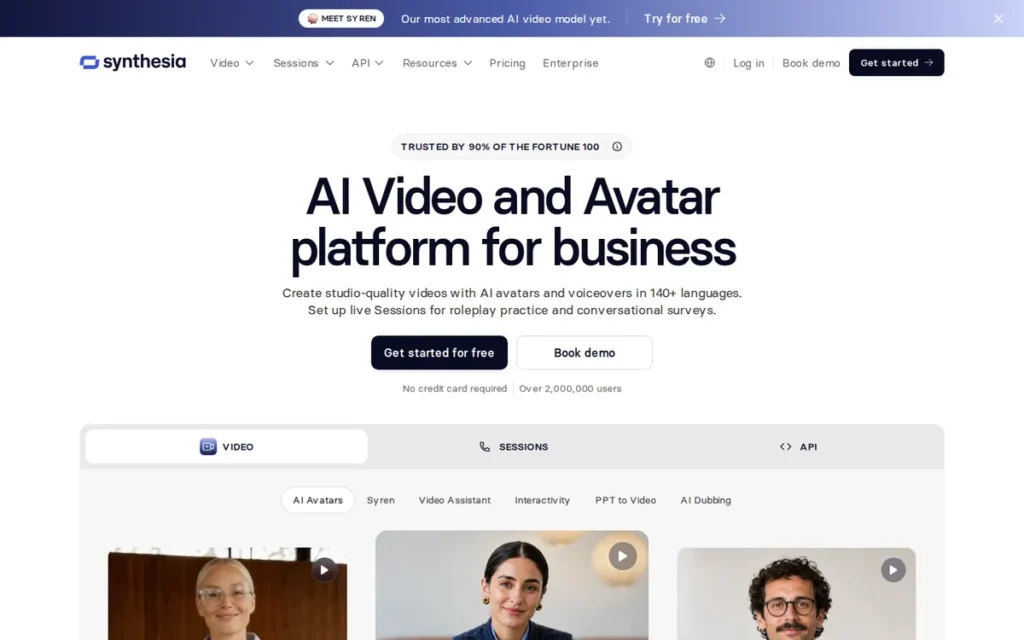
Category: Avatar Presenter Platform. Synthesia turns scripts and documents into avatar-presented business videos.
At a Glance
- Category: Avatar Presenter Platform
- Best For: Enterprise and mid-market training, internal communications and multilingual presenter videos
- Price Range: Free; Starter $29/user/mo; Creator $89/user/mo (G2 list prices, November 2026, may change)
- Primary Strength: Synthesia combines the largest G2 review base in this comparison with SCORM export (tier to confirm), interactive video and conversational roleplay in one platform.
- Biggest Limitation: Synthesia’s most-mentioned G2 complaints are about avatar limitations and limited customization, and its credits reset each billing period.
- One-Line Summary: Synthesia documents the broadest training-and-communications feature set among the HeyGen alternatives reviewed, backed by 2,860 G2 reviews and a 4.6/5 rating as of November 2026.
- Last Verified: November 2026
Overview
Synthesia is an enterprise AI video platform that turns scripts, documents, slides and links into avatar-presented videos. It is built for training, internal-communications and localization teams that need SCORM delivery, 140+ languages and conversational roleplay.
Synthesia describes itself as a platform for scaling “training, practice, insight, and guidance” across an organization (G2 vendor description, November 2026). In PlugRoute’s assessment, that focus makes Synthesia the closest like-for-like HeyGen replacement for corporate teams.
Key Features
- Synthesia converts PowerPoint, PDF and Word files, links or typed scripts into avatar-presented videos.
- Synthesia’s avatar library grows by tier: 9 avatars on Basic, 125+ on Starter, 180+ on Pro, 240+ on Business and the full library on Enterprise (Synthesia pricing page, November 2026).
- Synthesia Sessions adds real-time, two-way roleplay with AI avatars. Basic through Pro plans share 10 roleplay sessions per month, and Business gets 25.
- Synthesia lists SCORM export and translated video versions, and its interactive video starts on the Pro plan.
- Synthesia includes up to 360 API video minutes per year and sells separate developer plans at $14/month and $59/month (Synthesia pricing page, November 2026).
Who Is Synthesia Best For?
Synthesia is best for L&D, HR and internal-communications teams at mid-size and large organizations that need presenter videos in many languages from an established vendor.
Pricing
- Synthesia’s G2 list prices are Free $0, Starter $29/user/month and Creator $89/user/month (G2 list prices, November 2026, may change).
- Synthesia’s vendor pricing page currently shows different plans (Synthesia pricing page, November 2026):
- Synthesia Basic is free and includes 10 video minutes per month.
- Synthesia Starter costs $9 for the first month, then $19/month.
- Synthesia Pro costs $49 for the first month, then $89/month.
- Synthesia Business and Enterprise plans are custom-priced.
- Synthesia’s lip-synced dubbing uses twice the credits of dubbing without lip-sync: 80 vs. 40 credits per minute. Credits reset each billing period (Synthesia pricing page, November 2026).
- Synthesia lists SCORM export, but two secondary sources place it on the Enterprise plan only (November 2026). Buyers should get the tier confirmed in writing.
Strengths
- Synthesia raised a $180M Series D led by NEA at a $2.1B valuation and reported 400+ employees (Reuters, January 2025; TechCrunch, January 2025). This is the strongest independently reported stability signal in this comparison.
- Synthesia has 2,860 G2 reviews with a 4.6/5 rating, and 97.7% of them give 4 or 5 stars (G2, November 2026). That is the largest review base among the alternatives profiled.
- Synthesia’s G2 reviewers most often mention Ease of Use (1,306), Quality (809) and Realistic Avatars (788) (G2, November 2026).
- Synthesia reported more than 60,000 business customers when it announced its Series D (Synthesia, January 2025; self-reported).
Limitations
Synthesia’s main trade-off is creative flexibility in exchange for polish and governance, and its key training feature may sit behind its highest tier.
- Synthesia’s top G2 cons are Avatar Limitations (443), Limited Avatars (384), AI Limitations (372), Avatar Quality (358) and Limited Customization (308) (G2, November 2026).
- Synthesia’s editing options can be limited for complex projects, according to G2’s reviewer summary (G2, November 2026).
- Synthesia’s SCORM export may require the Enterprise plan, and Sessions roleplay is capped at 10 shared sessions per month on Basic through Pro. Both limits affect the training teams Synthesia targets most.
- Synthesia’s Trustpilot score was not retrieved, and no significant Reddit discussion of Synthesia was found (November 2026).
How Does Synthesia Compare With HeyGen?
Synthesia’s G2 Starter price ($29/user/month) matches HeyGen Creator ($29/month). Its Creator tier ($89/user/month) costs more than HeyGen Pro ($49/month). Synthesia has more G2 reviews than HeyGen (2,860 vs. 1,977) but a lower rating (4.6 vs. 4.8) (G2, November 2026).
Synthesia’s top complaints are about avatars, while HeyGen’s top four are all about price. Synthesia documents SCORM and Sessions roleplay. For L&D buyers, those features matter more than HeyGen’s wider claimed language count.
Verdict
Synthesia is the strongest overall HeyGen alternative for training and corporate communications teams in 2026.
Score: 39/45. Synthesia is strongest on capability (5/5), review evidence (5/5) and vendor stability (5/5). Its weakest criterion is cost predictability (3/5), because credits reset and the SCORM tier is unclear.
Synthesia buyers should confirm in writing which tier includes SCORM and scored quizzes before signing a multi-year contract.
2. Colossyan Creator: Best for Interactive L&D Courses with SCORM Export
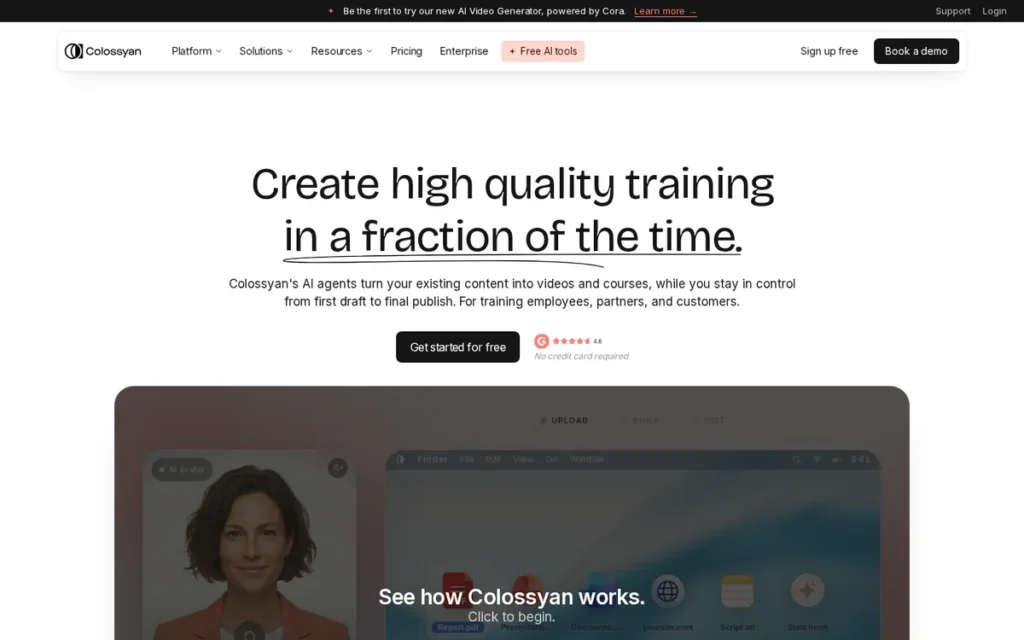
Category: Training Course Builder. Colossyan Creator turns existing knowledge into interactive, LMS-ready avatar courses.
At a Glance
- Category: Training Course Builder
- Best For: L&D, HR and enablement teams that need interactive, LMS-tracked courses
- Price Range: Starter $27/mo; Pro $88/mo; Enterprise custom (G2 list prices, November 2026, may change)
- Primary Strength: Colossyan Creator documents SCORM 1.2 and 2004 export, branching and scored assessments, the most complete documented training feature set among the tools reviewed.
- Biggest Limitation: Colossyan Creator’s G2 reviewers most often cite avatar limitations, and G2’s summary flags lip-sync accuracy as the area that needs improvement.
- One-Line Summary: Colossyan Creator is the most training-focused HeyGen alternative, pairing SCORM 1.2/2004 export and branching scenarios with a 99.4% four-and-five-star share across 502 G2 reviews as of November 2026.
- Last Verified: November 2026
Overview
Colossyan Creator is an AI avatar video and course-building platform for L&D, HR and enablement teams. It turns documents, slides or URLs into interactive training with quizzes, branching scenarios and SCORM export to an LMS.
Colossyan Creator offers 300+ stock avatars, custom avatars made from a photo and 120+ languages (Colossyan homepage, November 2026). Of the alternatives reviewed, Colossyan Creator targets most directly the gap training teams hit with general avatar tools.
Key Features
- Colossyan Creator exports courses to SCORM 1.2 or SCORM 2004 (4th edition) with bookmarking, so learners can resume where they left off (Colossyan feature page, November 2026).
- Colossyan Creator supports quizzes, scored assessments, buttons, branching scenarios and learner-chosen paths inside one video course.
- Colossyan Creator’s Conversation Mode puts several avatars in one dialogue for manager–employee or customer-service roleplay.
- Colossyan Creator converts PPT, PDF and Word files and URLs into presenter-led training content.
- Colossyan Creator builds structured courses from modules and lessons rather than standalone clips.
Who Is Colossyan Creator Best For?
Colossyan Creator is best for training teams that need completion tracking and interactive assessments in their LMS without buying a separate course-authoring tool.
Pricing
- Colossyan Creator’s G2 list prices are Starter $27/month, Pro $88/month and Enterprise custom (G2 list prices, November 2026, may change).
- Colossyan Creator’s vendor page lists an entry tier with 20 minutes per month on the NEO avatar model (Colossyan pricing page, November 2026).
- Colossyan Creator’s Professional plan costs $89/month billed monthly or $59/month billed annually ($708/year), and includes 5 SCORM exports per month (Colossyan pricing page, November 2026).
- Colossyan Creator’s Professional plan includes 30 NEO minutes, 10 NEO2 minutes and up to 3 editors. Each extra editor costs $30/month.
- Colossyan Creator sells 600 extra NEO2 minutes for $1,500/year, which heavy producers may need.
Strengths
- Colossyan Creator has the highest satisfaction share in this comparison: 99.4% of 502 G2 reviews give it 4 or 5 stars (G2, November 2026).
- Colossyan Creator raised a $22M Series A led by Lakestar (Colossyan, February 2024). That is some evidence of stability for multi-year course libraries.
- Colossyan Creator published a testimonial from Paramount Pictures’ VP of Information Security, who says its videos replace about 10 hours of walkthrough meetings each month (Colossyan testimonial page, November 2026; vendor-published).
- Colossyan Creator’s G2 reviewers most often mention Ease of Use (212), Realistic Avatars (128) and Quality (116) (G2, November 2026).
Limitations
Colossyan Creator’s main trade-off is training depth in exchange for breadth. Marketers making ads or social clips gain little from its strongest features.
- Colossyan Creator’s top G2 cons are Avatar Limitations (54), Expensive (38), Limited Avatars (32) and Lack of Emotion (31), and G2’s summary flags lip-sync accuracy (G2, November 2026).
- Colossyan Creator’s Professional plan includes 5 SCORM exports per month, which can slow teams that publish many courses.
- Colossyan Creator limits NEO2 avatar minutes on lower tiers, which raises the cost per finished course at volume.
- Colossyan Creator’s Trustpilot score was not retrieved, and no significant Reddit discussion of Colossyan Creator was found (November 2026).
How Does Colossyan Creator Compare With HeyGen?
Colossyan Creator’s G2 Starter price ($27/month) is just below HeyGen Creator ($29/month), but its Pro tier ($88/month) costs far more than HeyGen Pro ($49/month). Colossyan Creator has a lower rating (4.6 vs. 4.8) and fewer reviews (502 vs. 1,977) (G2, November 2026).
Colossyan Creator has a higher satisfaction share than HeyGen (99.4% vs. 98.2%). “Expensive” appears in its top cons 38 times, compared with 210 for HeyGen (G2, November 2026).
Verdict
Colossyan Creator is the best HeyGen alternative for L&D teams that need interactive, LMS-tracked courses with SCORM 1.2/2004 export, branching and scored assessments.
Score: 33/45. Colossyan Creator ranks below Synthesia mainly on review volume (502 vs. 2,860 G2 reviews) and vendor scale ($22M Series A vs. $180M Series D). Its weakest criteria are cost predictability and workflow breadth outside training (3/5 each).
Teams outside training, and teams that need precise lip-sync, should test Colossyan Creator on their own scripts first.
3. VEED: Best for Avatar Video Plus Editing, Subtitles and Branding
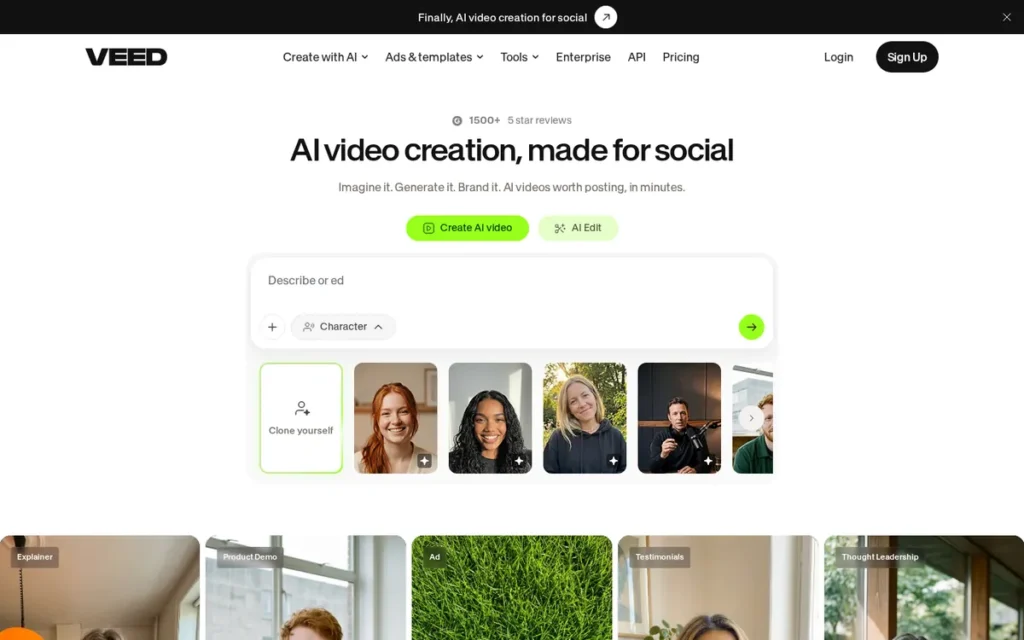
Category: Avatar-Enabled Editor. VEED is a full video editor with built-in AI avatar generation.
At a Glance
- Category: Avatar-Enabled Editor
- Best For: Marketers, founders and small teams who generate and finish social and marketing videos in one tool
- Price Range: Free; Creator $20/user/mo; Pro $44/user/mo (G2 list prices, November 2026, may change)
- Primary Strength: VEED combines avatar generation, timeline editing, automatic subtitles, dubbing and brand kits in a single browser workspace.
- Biggest Limitation: VEED’s most-mentioned G2 complaint is slow performance, and its AI credits do not roll over between billing periods.
- One-Line Summary: VEED is the best HeyGen alternative for teams that need to edit, subtitle and brand avatar videos in the same tool, rated 4.6/5 across 2,194 G2 reviews as of November 2026.
- Last Verified: November 2026
Overview
VEED is a browser-based video editor that combines stock and custom AI avatars, its own Fabric 1.0 talking-image model, automatic subtitles, dubbing and brand kits. It is built for marketers and small teams who generate and finish social videos in one place.
VEED treats a generated avatar as one clip on the editing timeline. That removes the export-and-reimport step HeyGen users need when they finish videos in a separate editor.
Key Features
- VEED places generated avatars and talking characters on a standard editing timeline, where they can be trimmed and combined with other footage.
- VEED’s Fabric 1.0 model turns a still image plus an audio track into a lip-synced talking clip, in a realistic or stylized style (VEED model page, November 2026).
- VEED’s Fabric 1.0 API costs $0.08–$0.20 per second of output, depending on resolution (480p or 720p) and speed setting (VEED Fabric API page, November 2026).
- VEED generates automatic subtitles and offers translation and dubbing with optional lip-sync.
- VEED includes brand kits that keep fonts, colors and logos consistent across exports.
Who Is VEED Best For?
VEED is best for marketing teams and solo creators whose avatar clips still need editing, captions and branding before they go out on social channels.
Pricing
- VEED’s G2 list prices are Free, Creator $20/user/month and Pro $44/user/month (G2 list prices, November 2026, may change).
- VEED’s vendor page currently shows these per-seat plans (VEED pricing page, November 2026):
- VEED Free includes 50 AI credits per month.
- VEED Creator costs $25/month or $147/year and includes 500 credits per month.
- VEED Pro costs $45/month or $265/year and includes 2,500 credits per month.
- VEED Studio costs $79/month or $465/year and includes 15,000 credits per month.
- VEED’s AI credits do not roll over. Higher-credit add-ons cost more: for example, Creator with 10,500 credits costs $125/month.
- VEED applies a 50-hour monthly fair-use cap to subtitles.
Strengths
- VEED has 2,194 G2 reviews with a 4.6/5 rating, and 96.6% give 4 or 5 stars (G2, November 2026). VEED’s review base is the second-largest in this comparison.
- VEED’s G2 reviewers most often mention Ease of Use (1,256), Features (839) and Easy Editing (763) (G2, November 2026).
- VEED raised a $35M Series A led by Sequoia Capital (VEED company blog, November 2026). That is independent investor backing for a multi-year tool choice.
- VEED runs its own Fabric 1.0 model with API access, so it depends less on a third-party avatar engine (VEED model page, November 2026).
Limitations
VEED’s main trade-off is editing breadth in exchange for avatar specialization. It has no documented SCORM export or course features.
- VEED’s stock avatar library is smaller than those of dedicated avatar platforms. The vendor claims 90+ avatars, and a third-party review counts fewer (BestStacked review, November 2026).
- VEED’s top G2 cons are Slow Performance (280), Limited Features (267), Expensive (232) and AI Limitations (215) (G2, November 2026).
- VEED has 748 Trustpilot reviews. Some of them report glitches, missing project files and charges after a subscription pause (Trustpilot, November 2026).
- VEED’s Reddit discussions were not reviewed in this research, so VEED’s Reddit sentiment is unverified.
How Does VEED Compare With HeyGen?
VEED’s G2 Creator price ($20/user/month) is below HeyGen Creator ($29/month), and its Pro tier ($44/user/month) is below HeyGen Pro ($49/month). VEED has a lower rating than HeyGen (4.6 vs. 4.8) but more reviews (2,194 vs. 1,977) (G2, November 2026).
VEED still gets 232 “Expensive” mentions on G2, so lower list prices don’t end cost complaints. VEED is stronger on editing, subtitles and branding. HeyGen remains stronger on avatar-first generation.
Verdict
VEED is the best HeyGen alternative for teams whose bottleneck is finishing avatar videos rather than generating them.
Score: 31/45. VEED has the highest workflow completeness in this comparison (5/5). Its weakest criteria are capability for specialist jobs (3/5) and billing signals (3/5).
VEED buyers should test performance on longer projects and plan around credits that do not roll over.
4. Creatify AI: Best for UGC-Style Performance Ads and AI Actors
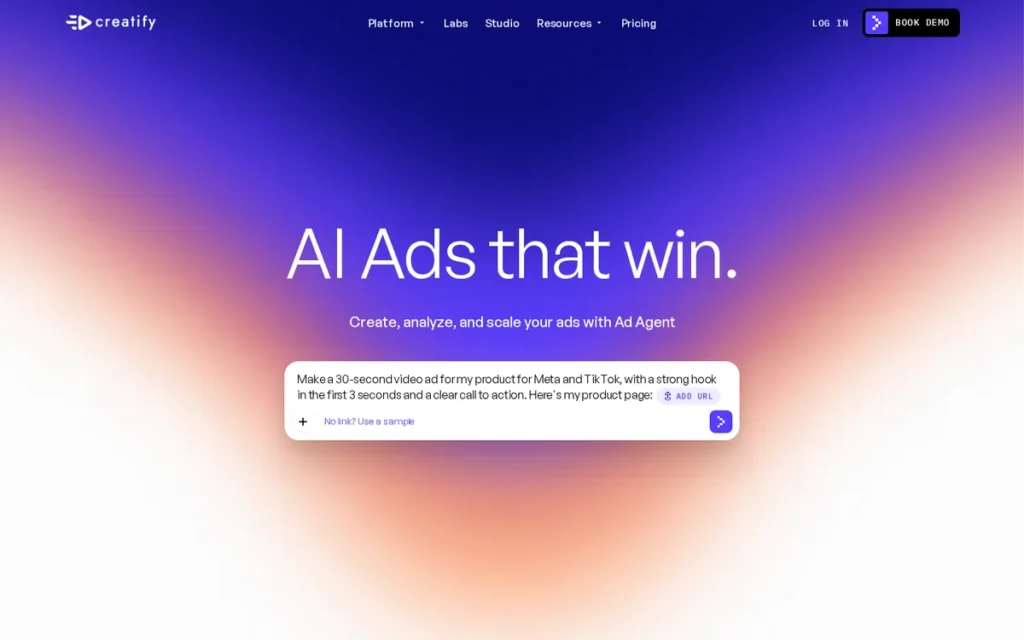
Category: Ad Creative Generator. Creatify AI produces UGC-style video ads with AI actors for creative testing.
At a Glance
- Category: Ad Creative Generator
- Best For: Performance marketers and e-commerce teams testing many UGC-style ad variations
- Price Range: Free trial; Standard from $12/mo; Pro from $44/mo (G2 list prices, November 2026, may change)
- Primary Strength: Creatify AI links AI-actor ad production to connected ad accounts and campaign analysis, which general avatar tools do not document.
- Biggest Limitation: Creatify AI’s top G2 complaints are about credit limits, and its 3.7/5 Trustpilot score is well below its 4.8/5 G2 rating.
- One-Line Summary: Creatify AI is the most ad-focused HeyGen alternative, turning product URLs into UGC-style video ads with up to 1,500 AI actors and holding a 4.8/5 G2 rating across 1,826 reviews as of November 2026.
- Last Verified: November 2026
Overview
Creatify AI is an AI ad platform that turns a product URL, image or brief into UGC-style video and image ads using up to 1,500 AI actors. It is built for performance marketers and e-commerce teams testing ad creative at volume.
Creatify AI supports creative testing, where teams produce many ad variations with different hooks and AI actors to counter creative fatigue on Meta and TikTok. Creatify AI’s avatars run on its own “Aurora” UGC avatar model (Creatify pricing page, November 2026).
Key Features
- Creatify AI generates video and image ads from a product URL, image or brief.
- Creatify AI offers 300 AI actors on Standard and 1,500 on Pro and above, plus 3 to 10 custom avatars depending on tier.
- Creatify AI’s Ad Agent and Max connect to 1–10 ad accounts and can create, launch and analyze ads through chat.
- Creatify AI runs 1, 5 or 10 generations at once depending on tier, and it integrates with Slack and MCP.
- Creatify AI’s API charges 5 credits per 30 seconds for URL-to-Video and AI Avatar (Creatify API docs, November 2026).
Who Is Creatify AI Best For?
Creatify AI is best for media buyers and e-commerce brands that need many short ad variations for Meta and TikTok creative testing, ideally mixed with real creator footage.
Pricing
- Creatify AI’s G2 list prices are Free Trial, Standard from $12/month and Pro from $44/month (G2 list prices, November 2026, may change).
- Creatify AI’s vendor page currently shows these plans (Creatify pricing page, November 2026):
- Creatify AI Standard costs $15/month, or $10/month billed annually, with 55 credits.
- Creatify AI Pro costs $55/month, or $38/month billed annually, with 280 credits.
- Creatify AI Ultra costs $95/month, or $66/month billed annually, with 730 credits.
- Creatify AI Business starts at $195/month.
- Creatify AI’s 15-second ad costs 5 credits, so Standard’s 55 monthly credits cover about 11 ads and Pro’s 280 credits cover about 56.
- Creatify AI’s free plan includes 10 credits per month with a watermark. Its API costs $99/month for 500 credits or $299/month for 2,000 credits.
Strengths
- Creatify AI reported $9M+ in annual recurring revenue, 1.5M+ users and 10,000+ teams when it raised a $15.5M Series A co-led by WndrCo and Kindred Ventures (Business Wire, May 2025).
- Creatify AI has a 4.8/5 G2 rating across 1,826 reviews, and 98.6% of them give 4 or 5 stars (G2, November 2026).
- Creatify AI’s 1MORE case study reports +47.86% CTR, −11.93% cost per result, +14.74% ROAS, +200% purchases and +158.93% link clicks (Creatify case study, November 2026). These results are vendor-published, not a controlled benchmark.
- Creatify AI’s G2 reviewers most often mention Ease of Use (647), Quality (316) and Time-Saving (305) (G2, November 2026).
Limitations
Creatify AI’s main trade-off is speed and volume in exchange for billing and authenticity risk.
- Creatify AI’s G2 cons are led by credit complaints: Credit Limitations (76), Credit Issues (76) and Insufficient Credits (65) (G2, November 2026).
- Creatify AI holds a 3.7/5 Trustpilot score from 118 reviews, including refund and missing-credit complaints (Trustpilot, November 2026).
- Creatify AI drew similar billing complaints from several r/FacebookAds users. Each is an individual report, but they recur across users (Reddit, November 2026).
- Creatify AI’s URL-to-video output underdelivers on its own, according to Reddit practitioners, who recommend pairing it with real creator footage.
Users on r/ProductMarketing noted:
“Well, I tried it, and it’s actually not bad. You just have to be specific and good with your prompts in order to get the output that you really want. The customer support is also giving tips on how to utilize the feature properly.” Posted by u/Brilliant_Bug_7689
Takeaway: Creatify AI’s product video output is usable but depends heavily on careful prompting, so it is not a one-click ad generator.
How Does Creatify AI Compare With HeyGen?
Creatify AI’s G2 Standard price (from $12/month) is well below HeyGen Creator ($29/month), and its Pro tier (from $44/month) is slightly below HeyGen Pro ($49/month). Both tools are rated 4.8/5 on G2. Creatify AI has slightly fewer reviews (1,826 vs. 1,977) (G2, November 2026).
Creatify AI draws the same credit complaint as HeyGen, so switching saves money only if the credit cost per usable ad is lower at your volume. Creatify AI adds ad-account connections, which HeyGen does not document.
Verdict
Creatify AI is the best HeyGen alternative for performance marketers producing UGC-style video ads at volume.
Score: 29/45. Creatify AI is strongest on capability for ad jobs (4/5) and vendor stability (4/5). Its weakest criterion is billing and trust signals (2/5), because of its 3.7/5 Trustpilot score and repeated Reddit refund reports.
Creatify AI buyers should start on monthly billing and track the credit cost per usable ad.
5. Descript: Best for Editing Recorded Footage with AI Avatars
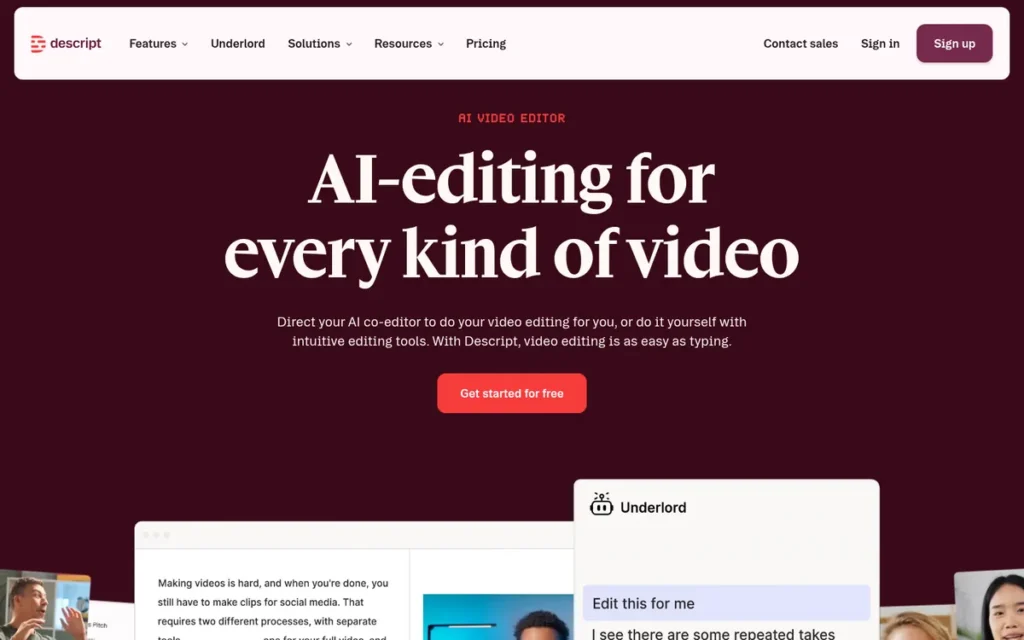
Category: Avatar-Enabled Editor. Descript is a full video editor with built-in AI avatar generation.
At a Glance
- Category: Avatar-Enabled Editor
- Best For: Creators and teams who mainly edit recorded footage and want AI avatars, voice fixes and dubbing in the same tool
- Price Range: Free; Creator $15/mo; Pro $30/mo (G2 list prices, November 2026, may change)
- Primary Strength: Descript lets users edit video by editing the transcript, and adds AI avatars, voice cloning and dubbing to that workflow.
- Biggest Limitation: Descript’s most-mentioned G2 complaints are about its learning curve, and users report that AI credits run out quickly since the September 2025 pricing change.
- One-Line Summary: Descript is the strongest HeyGen alternative for teams that edit recorded footage rather than generate avatar-first video, with G2 list prices of $15 and $30 per month, among the lowest in this comparison as of November 2026.
- Last Verified: November 2026
Overview
Descript is a text-based audio and video editor: you edit footage by editing its transcript. It is built for creators and teams who mainly work with recorded footage and want AI avatars and voice fixes in the same tool.
Descript adds AI avatars, Overdub voice cloning, dubbing in 30 languages and the Underlord AI co-editor. Descript suits HeyGen users whose real work is cleaning up and repurposing real recordings, and it does not replace HeyGen’s script-to-avatar workflow like for like.
Key Features
- Descript lets users cut and rearrange audio and video by editing the auto-generated transcript.
- Descript’s Underlord AI co-editor makes edits from natural-language instructions.
- Descript offers stock and custom AI avatars alongside Overdub voice cloning.
- Descript dubs video into 30 languages and lets users proofread the result (Descript pricing page, November 2026).
- Descript includes Studio Sound audio cleanup, Eye Contact correction and screen recording.
Who Is Descript Best For?
Descript is best for podcasters, educators and marketing teams who record real presenters and need fast transcript-based edits, voice fixes and occasional avatar or dubbing support.
Pricing
- Descript’s G2 list prices are Free $0, Creator $15/month and Pro $30/month (G2 list prices, November 2026, may change). These plan names appear outdated.
- Descript’s vendor page currently shows these per-person plans (Descript pricing page, November 2026):
- Descript Free includes 60 media minutes per month and 100 one-time AI credits.
- Descript Hobbyist costs $16/month billed annually or $24 billed monthly.
- Descript Creator costs $24/month billed annually or $35 billed monthly.
- Descript Business costs $50/month billed annually or $65 billed monthly.
- Descript replaced transcription hours with media minutes plus AI credits in September 2025. Top-ups cost $35, $80 or $200 for 350, 1,000 or 4,000 credits, and unused allowances don’t roll over.
- Descript users report that Eye Contact and repeated Underlord passes each use credits separately (Reddit r/Descript, March 2026).
Strengths
- Descript was reported at about $55M in annual recurring revenue, with 75% year-over-year growth, around its September 2025 CEO transition (Systemaic, 2025). This is a third-party estimate with low-to-medium credibility.
- Descript has raised about $100M, including a $50M Series C in November 2022 led by the OpenAI Startup Fund (secondary sources, November 2026).
- Descript’s G2 list prices ($15 Creator, $30 Pro) are among the lowest in this comparison and roughly half of HeyGen’s $29/$49 (G2, November 2026).
- Descript’s G2 reviewers most often mention Easy Editing (280), Ease of Use (271) and Video Editing (194) (G2, November 2026).
This aligns with community sentiment on r/NewTubers:
“Descript is great for this exact workflow. The transcript-based editing means you just delete the bad takes from the text and the video follows. The remove filler words feature also helps clean up teleprompter reads. If the subscription feels steep, CapCut has a similar text-based editor now but it’s less reliable with longer recordings.” Posted by u/AI-Force776
Takeaway: Descript’s transcript-based editing is a real time-saver for cleaning up recorded takes, though some creators see the subscription as a cost worth questioning.
Limitations
Descript’s main trade-off is editing depth in exchange for avatar-first generation, so it substitutes less directly for HeyGen’s script-to-avatar workflow.
- Descript’s top G2 cons are Learning Curve (81), Learning Difficulty (71), Difficulty/Complexity (69) and Slow Performance (68) (G2, November 2026).
- Descript’s 94.8% four-and-five-star share is the lowest in this comparison (G2, November 2026).
- Descript’s 89 Trustpilot reviews are mostly negative, citing bugs, export errors and AI-credit consumption (Trustpilot, November 2026).
- Descript users report that credits run out too fast since Descript’s September 2025 switch to media minutes plus AI credits (Reddit r/Descript, March 2026).
How Does Descript Compare With HeyGen?
Descript’s G2 list prices ($15 Creator, $30 Pro) are well below HeyGen’s ($29 Creator, $49 Pro). Descript has a lower rating than HeyGen (4.6 vs. 4.8) and fewer reviews (936 vs. 1,977) (G2, November 2026).
Descript’s top G2 cons are about complexity rather than price, but Reddit users raise the same credit complaint HeyGen gets. Descript is stronger for editing real footage. HeyGen is stronger for generating presenter videos without a recording.
Verdict
Descript is the strongest HeyGen alternative for teams that mainly edit recorded footage, and its G2 list prices are roughly half of HeyGen’s.
Score: 26/45, one point ahead of AKOOL. Descript is strong on workflow completeness (4/5). Its weakest criterion is cost predictability (2/5), after the September 2025 switch to media minutes plus AI credits.
Descript buyers should test the credit cost of Eye Contact and Underlord on their own files before committing.
6. AKOOL: Best for Real-Time Interactive Avatars and Developer APIs
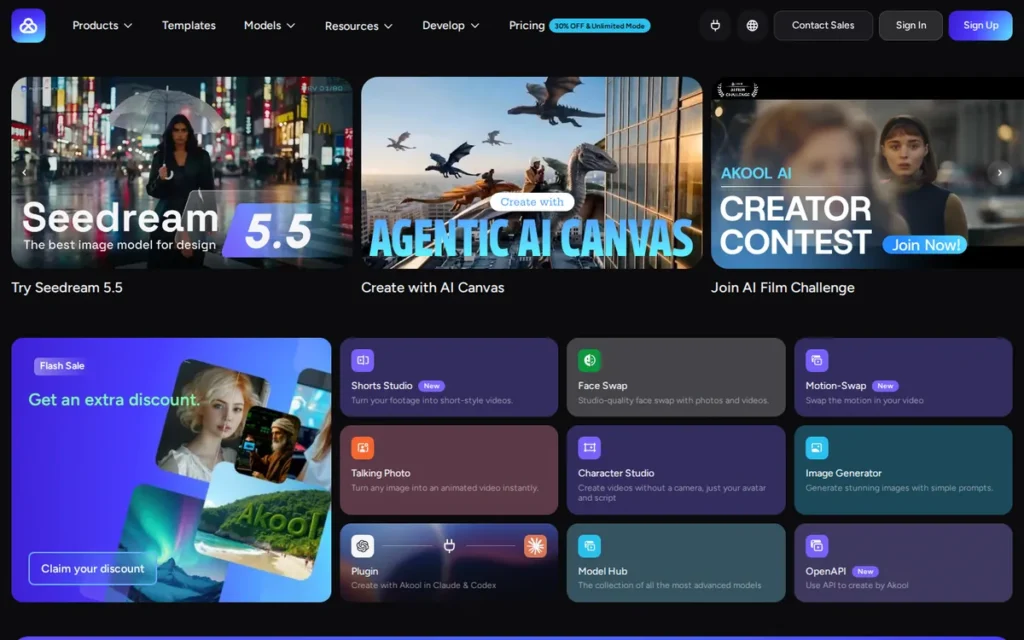
Category: Real-Time and API Avatar Platform. AKOOL supplies conversational avatars and API-generated avatar video for products and live use.
At a Glance
- Category: Real-Time and API Avatar Platform
- Best For: Developers and product teams building conversational avatars, talking-photo features or personalized video
- Price Range: Free; Pro $21; Pro Max $79 (G2 list prices, November 2026, may change)
- Primary Strength: AKOOL combines real-time streaming avatars, face swap, talking photos and lip-synced translation with APIs and published per-unit API pricing.
- Biggest Limitation: AKOOL’s Trustpilot rating is suspended for a guideline breach, and the remaining reviews report credits spent on failed renders.
- One-Line Summary: AKOOL documents the broadest real-time and API avatar feature set among the HeyGen alternatives reviewed, holding a 4.8/5 G2 rating across 626 reviews as of November 2026, though its Trustpilot rating is currently suspended.
- Last Verified: November 2026
Overview
AKOOL is an AI video suite that offers talking avatars, real-time streaming avatars, face swap, talking photos and lip-synced translation through a web app and developer APIs. It is built for product teams and marketers who need conversational or API-generated avatar video.
AKOOL fits readers whose job goes beyond pre-rendered presenter videos. AKOOL publishes per-unit API pricing, which helps developers estimate costs before building (AKOOL API pricing page, November 2026).
Key Features
- AKOOL offers real-time streaming avatars, which a third-party comparison reports can run inside Zoom, Google Meet and Microsoft Teams (AdTestBench comparison, November 2026).
- AKOOL provides photo, video and live-camera face swap alongside talking-photo generation.
- AKOOL translates video with lip-sync, and a third-party source reports 155+ supported languages and 4K output on some plans (iTechGuides comparison, November 2026).
- AKOOL’s API charges 1 credit per 5 seconds for video translation and 10 credits per 5 seconds for talking photos, so a 30-second talking photo uses 60 API credits (AKOOL API pricing page, November 2026).
- AKOOL offers SDKs alongside its APIs for embedding avatar features in other products.
Who Is AKOOL Best For?
AKOOL is best for developers and product teams adding conversational avatars or talking-photo features to their own apps, and for marketers running personalized video campaigns.
Pricing
- AKOOL’s G2 list prices are Free $0, Pro $21 and Pro Max $79 (G2 list prices, November 2026, may change).
- AKOOL’s vendor page currently shows these per-seat plans (AKOOL pricing page, November 2026):
- AKOOL Starter costs $12/month billed annually and includes 200 credits.
- AKOOL Pro costs $21/month billed annually or $30 billed monthly, with 600–2,400 credits.
- AKOOL Pro Max costs $41.30/month billed annually or $59 billed monthly, with 1,200–9,600 credits.
- AKOOL Business costs $174.30/month billed annually or $249 billed monthly.
- AKOOL lists non-expiring credits on its Enterprise plan only. Credits on Starter, Pro and Pro Max expire at the end of each billing period (AKOOL pricing page, November 2026).
- AKOOL users should check renewal settings. In one user report, a buyer accidentally subscribed to an annual Pro plan ($252) (Reddit r/AkoolAI, November 2026).
Strengths
- AKOOL holds a 4.8/5 G2 rating from 626 reviews (G2, November 2026), tied with Creatify AI for the highest rating among the alternatives profiled.
- AKOOL publishes per-unit API credit costs, so developers can model costs before building (AKOOL API pricing page, November 2026).
- AKOOL documents real-time avatars, face swap, talking photos and lip-synced translation under one vendor and one credit system (AKOOL Open API page, November 2026).
- AKOOL says it partnered with Google Cloud to show real-time avatars at NVIDIA GTC (AKOOL Open API page, November 2026). This was a conference demo, not proof of a commercial NVIDIA partnership.
Limitations
AKOOL’s main trade-off is breadth of experimental features in exchange for weaker trust signals.
- AKOOL’s Trustpilot rating is unavailable: Trustpilot cites a breach of its guidelines and says some reviews were removed (Trustpilot, November 2026).
- AKOOL’s remaining Trustpilot reviews report credits spent on failed face swaps, slow support and refund difficulty. One Reddit user describes paying to unlock a feature that then failed (Reddit r/AkoolAI, August 2026).
- AKOOL was founded in 2022 by Jiajun (Jeff) Lu, who has described it as almost bootstrapped. No public funding round was found, and G2 publishes no pros and cons breakdown (secondary sources, November 2026).
- AKOOL’s content-ownership terms were questioned in a 2023 Reddit post that is unverified against current terms. Face-swap and human-looking avatar output also falls under EU AI Act disclosure rules.
How Does AKOOL Compare With HeyGen?
AKOOL’s G2 Pro price ($21) is below HeyGen Creator ($29/month), and its Pro Max price ($79) is above HeyGen Pro ($49/month). Both are rated 4.8/5, but AKOOL has far fewer reviews (626 vs. 1,977) (G2, November 2026).
AKOOL’s self-serve credits expire each period, so AKOOL does not fix the restrictive-credit complaint HeyGen reviewers describe. AKOOL’s live face swap and real-time avatars go beyond HeyGen’s documented focus on pre-rendered video.
Verdict
AKOOL documents the broadest real-time and API avatar feature set among the HeyGen alternatives reviewed here.
Score: 25/45, one point behind Descript. AKOOL is strongest on capability for real-time and API jobs (4/5). Its weakest criteria are review consistency, billing signals and vendor stability (2/5 each), because its Trustpilot rating is suspended and no public funding was found.
AKOOL developers should prototype on the free or Starter tier and test every paid feature before upgrading.
7. Rask AI: Best for Dubbing and Localizing Existing Footage
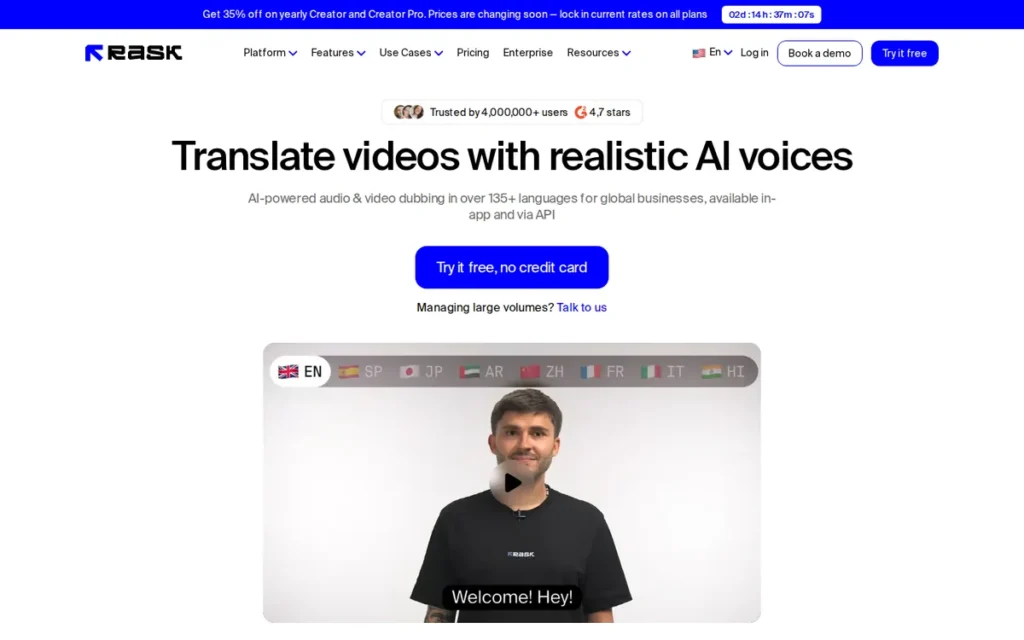
Category: Video Localization Tool. Rask AI translates and dubs footage you have already filmed into other languages.
At a Glance
- Category: Video Localization Tool
- Best For: Creators and companies localizing existing videos into several languages at volume
- Price Range: Basic $59/mo; Pro $139/mo; Business $559/mo (G2 list prices, November 2026, may change; vendor page currently lower)
- Primary Strength: Rask AI localizes the whole video, including on-screen text, with multi-speaker lip-sync and a shared brand glossary.
- Biggest Limitation: Rask AI holds a 2.2/5 Trustpilot score, with 81% one-star reviews citing translation errors and lip-sync problems.
- One-Line Summary: Rask AI is the only dedicated dubbing tool in this comparison, translating existing footage into 130+ languages with on-screen text translation, though its 2.2/5 Trustpilot score contrasts with its 4.7/5 G2 rating as of November 2026.
- Last Verified: November 2026
Overview
Rask AI is a video localization tool that translates and dubs existing footage into 130+ languages, with voice cloning, multi-speaker lip-sync and on-screen text translation. It is built for creators and companies that need to localize videos they have already filmed.
Rask AI solves a different problem from avatar generators, because Rask AI starts from real footage rather than a script. Video localization with lip-sync dubbing still needs native-speaker QA for each target language.
Key Features
- Rask AI dubs and translates video into 130+ languages, and its help center cites 135+ (Rask help center, November 2026).
- Rask AI clones the original speaker’s voice in 57 languages on the Creator plan.
- Rask AI supports multi-speaker lip-sync, SRT subtitle import and export, a line-by-line editor and API access on Creator Pro.
- Rask AI translates on-screen text and offers batch processing and a shared brand glossary on the Business plan.
- Rask AI lists Enhanced Lip-sync as a beta feature (Rask pricing page, November 2026).
Who Is Rask AI Best For?
Rask AI is best for teams with a library of recorded webinars, courses or YouTube videos that need translated versions with consistent terminology across several languages.
Pricing
- Rask AI’s G2 list prices are Basic $59/month, Pro $139/month and Business $559/month (G2 list prices, November 2026, may change). These conflict with the vendor page and are likely outdated.
- Rask AI’s vendor page currently shows these plans (Rask pricing page, November 2026):
- Rask AI Creator costs $39/month or $329/year and includes 25 minutes per month.
- Rask AI Creator Pro costs $99/month or $799/year and includes 100 minutes per month.
- Rask AI Business costs $249/month or $1,999/year and includes 250 minutes per month.
- Rask AI charges $3 for each extra minute.
- Rask AI uses minutes separately for each target language. Lip-sync adds 3 minutes per video minute, and on-screen text translation adds another 3.
- Rask AI’s multipliers add up fast: a 10-minute video dubbed into 5 languages with lip-sync uses about 200 minutes, double the Creator Pro allowance.
Strengths
- Rask AI holds a 4.7/5 G2 rating from 270 reviews, with 97.8% giving 4 or 5 stars, and G2’s summary praises its translation accuracy and voice cloning (G2, November 2026).
- Rask AI documents on-screen text translation, multi-speaker lip-sync and a shared brand glossary, which cover the whole video rather than speech alone (Rask pricing page, November 2026).
- Rask AI rolls over unused annual-plan minutes while the subscription stays active, so costs are easier to predict than with credits that reset (Rask pricing page, November 2026).
- Rask AI offers API access and SRT workflows on Creator Pro, which helps teams that localize at volume (Rask pricing page, November 2026).
Limitations
Rask AI’s main trade-off is specialist localization features in exchange for the weakest review record and evidence base in this comparison.
- Rask AI’s Trustpilot score is 2.2/5 across 31 reviews, 81% of them one-star, citing translation errors, unusable lip-sync, slow rendering and refund difficulty (Trustpilot, November 2026).
- Rask AI was described by one Trustpilot reviewer as getting up to 95% of segments wrong in some languages. That is an individual report, not a confirmed pattern.
- Rask AI’s G2 pros and cons tags carry only 1 mention each, so its 4.7/5 rating gives little detail (G2, November 2026).
- Rask AI’s case studies, founders and funding could not be verified. A widely cited Würth Group localization result belongs to HeyGen, not Rask AI.
How Does Rask AI Compare With HeyGen?
Rask AI’s G2 list prices ($59, $139 and $559) are higher than HeyGen’s ($29 Creator, $49 Pro), although Rask AI’s vendor page currently starts at $39/month. Rask AI has a slightly lower rating (4.7 vs. 4.8) and far fewer reviews (270 vs. 1,977) (G2, November 2026).
Rask AI also translates on-screen text, beyond HeyGen’s speech-focused translation, according to Rask’s own comparison page (vendor-authored). HeyGen claims wider language coverage (175+ vs. 130+).
Verdict
Rask AI is the most specialized HeyGen alternative for dubbing existing footage, with documented on-screen text translation, multi-speaker lip-sync and brand glossaries.
Score: 21/45. Rask AI is weakest on vendor stability (1/5: no verified founders, funding or case studies) and review consistency (2/5: 2.2/5 on Trustpilot vs. 4.7/5 on G2 with 1-mention tags).
Rask AI buyers should have a native speaker review each target language within the 14-day refund window.
When Should You Stay With HeyGen?
Stay with HeyGen if you want one general-purpose avatar tool for several jobs and don’t need specialist features such as SCORM export or ad-account connections. Switching mainly to escape credit limits may not help, because several alternatives draw the same credit complaints from their own users (G2 and Reddit, November 2026).
Users on r/heygen shared their experience:
“We use HeyGen every day. We’ve never seen problems like you describe. It is a bit annoying that they send completion emails and it takes 30-35 minutes for us to get them.” Posted by u/rfoil
Takeaway: Daily HeyGen users can find it reliable for steady production, with small workflow annoyances rather than dealbreakers.
Staying with HeyGen makes sense in these situations:
- HeyGen fits teams that need the widest claimed language coverage, at 175+ languages (HeyGen, June 2026; self-reported).
- HeyGen fits teams that want one general-purpose avatar tool for marketing, training and communications rather than a specialist.
- HeyGen fits teams that value ease of use, its most-mentioned G2 strength with 693 mentions (G2, November 2026).
- HeyGen may be just as good if credits are your main complaint, because Creatify AI and Descript users raise similar credit complaints.
- HeyGen remains adequate for teams that don’t need SCORM export, ad-account connections or real-time avatars.
What Red Flags Should I Watch For When Evaluating HeyGen Alternatives?
The biggest red flags when evaluating HeyGen alternatives are billing pressure and hidden usage costs. Watch for deep annual discounts before testing, refund policies with usage thresholds, credits lost on failed renders, and large gaps between G2 and Trustpilot ratings. Each red flag below appeared in PlugRoute’s November 2026 review of G2, Trustpilot, Reddit and vendor pages.
Red Flag #1: Annual-Discount Pressure Before You’ve Tested
Deep annual discounts lock buyers in before they know how many credits they really use. A discount only saves money if the tool works for your jobs at your volume, and you can’t know that before a month of real production.
“when they offer a 50% discount if you sign up yearly, that is a red flag” (u/SprayVegetable8986, Reddit r/FacebookAds, November 2026)
Takeaway: Stay on monthly billing until you have measured real credit use on your own projects.
Red Flag #2: Usage-Threshold Refund Policies and Renewal Surprises
Refund limits based on usage can leave buyers stuck with a tool that failed their tests. Renewal charges after a pause or an accidental annual upgrade create the same problem. Read refund and renewal terms before your first payment, not after a failed project.
Rask AI generally limits refunds to minutes lost to technical failures, and may deny requests after 14 days or after more than 25% of a plan is used (Rask pricing page, November 2026). Some VEED Trustpilot reviewers report charges after a subscription pause; one says VEED later refunded most payments (Trustpilot, November 2026).
Red Flag #3: Credits Spent on Failed Renders or Repeat Passes
Credits spent on failed renders or repeated AI passes quietly raise the real cost per finished video. A tool can look cheap on its pricing page and still cost more per usable minute. Before upgrading, ask how each vendor handles credits lost to failed renders.
AKOOL Trustpilot reviewers report credits spent on failed face swaps, and Creatify AI reviewers report missing credits (Trustpilot, November 2026). Descript users report that Eye Contact and repeated Underlord passes each use credits separately (Reddit r/Descript, March 2026).
Red Flag #4: A Large Gap Between G2 and Trustpilot Ratings
A large gap between G2 and Trustpilot scores suggests problems that only show up after purchase, often around billing or support. G2 ratings in this category cluster tightly, so a weak Trustpilot score is often the clearer warning sign.
Rask AI’s 4.7/5 G2 rating and 2.2/5 Trustpilot score are 2.5 points apart, the largest gap in this comparison. Creatify AI scores 4.8 on G2 but 3.7 on Trustpilot (G2 and Trustpilot, November 2026).
Red Flag #5: Key Features Gated to Higher Tiers
Features locked to higher tiers can make an affordable plan useless for your job. Training teams face the most risk, because SCORM export, scored quizzes and premium avatar minutes often sit on specific plans with monthly caps.
Two secondary sources place Synthesia’s SCORM export on Enterprise only. Colossyan Creator’s Professional plan includes 5 SCORM exports per month and caps NEO2 avatar minutes (vendor pricing pages and secondary sources, November 2026).
Red Flag #6: Vendor-Sourced Comparisons and Promotional Posts
Comparisons written by vendors are marketing first; treat them as claims to test, not independent results. The same caution applies to community praise that comes from vendor-linked sources. No independent avatar-realism benchmark was found in this research.
Many “X vs. Y” avatar comparisons found in this research appear on HeyGen’s own blog, and Rask AI publishes its own comparison pages. One commenter in a Creatify AI Reddit thread posted an affiliate link, and part of the AKOOL Reddit evidence came from an AKOOL-run subreddit.
Neither case proves vendor misconduct. Both show why praise from a single thread should carry less weight.
What Questions Should I Ask Before Choosing a HeyGen Alternative?
Before choosing a HeyGen alternative, ask how many credits one finished video uses, whether unused credits roll over, and whether the tier you can afford includes features you need, such as SCORM. These answers decide your real cost more than list prices do. Each of the six questions below includes a verified example.
Question #1: How many credits or minutes does one finished video actually use?
The cost of a finished video varies widely between tools, so measure it yourself on a real project. A low list price can hide a small monthly output once you convert credits or minutes into finished videos.
Creatify AI’s $12 G2 entry price looks cheapest, but Standard’s 55 credits produce about 11 fifteen-second ads a month. Synthesia charges 80 credits per minute of lip-synced dubbing (vendor pricing pages, November 2026).
Question #2: Do unused credits roll over, reset or expire?
Rollover rules decide whether quiet months waste money. Teams that produce video unevenly should favor annual minutes that roll over. Teams with steady output lose less when monthly credits reset.
Rask AI’s annual minutes roll over while the subscription is active. AKOOL lists non-expiring credits on Enterprise only, while VEED, Descript, Synthesia and AKOOL’s self-serve plans reset each billing period (vendor pricing pages, November 2026).
Question #3: Does the plan I can afford include SCORM export, and how many exports per month?
SCORM export only helps if the tier you buy includes it and the monthly export cap fits your course schedule. Get the tier and any export limits confirmed in writing before signing.
Colossyan Creator documents SCORM 1.2 and 2004 export with 5 exports per month on Professional. Two secondary sources place Synthesia’s SCORM export on Enterprise only (vendor pages and secondary sources, November 2026).
Question #4: How does dubbing cost grow with each target language and lip-sync pass?
Dubbing costs multiply with every target language and every lip-sync or on-screen-text pass. A plan that looks large for one language can run out after a single multilingual project, so model your real language count before buying.
Rask AI uses minutes separately for each language and adds 3 minutes per video minute for lip-sync. A 10-minute video in 5 languages with lip-sync uses about 200 minutes (Rask pricing page, November 2026).
Question #5: What is the refund window and renewal policy?
Refund windows and renewal settings decide how much a failed trial costs you. Turn off auto-renewal until testing is done, and record the date your refund window closes. Refund disputes appear for several vendors in this comparison.
Rask AI may deny refund requests after 14 days or after more than 25% of a plan is used (Rask pricing page, November 2026).
Question #6: Who owns the content I generate, and what disclosure rules apply?
Content ownership and AI disclosure rules both affect commercial avatar video. Read the vendor’s current terms on output ownership and likeness consent, and check disclosure duties in every market where you publish.
EU AI Act Article 50 has required perceivable disclosure of deepfake content since August 2, 2026 (European Commission, November 2026). One AKOOL user questioned AKOOL’s ownership terms in 2023.
Use this same-script trial checklist before you commit:
- Produce the same 60-second script in your two finalists.
- Record the credits or minutes used per finished minute of video.
- Test the specific paid feature you need before upgrading.
- Check refund windows and renewal settings before your first payment.
- Stay on monthly billing until testing is done.
- Confirm whether custom avatars and cloned voices must be re-recorded and re-consented with the new vendor.
- For dubbing, have a native speaker review each target language.
- For training, test the actual SCORM package in your own LMS.
How Did We Rank These HeyGen Alternatives?
PlugRoute scored every tool 1–5 on six published criteria using the same dated evidence: G2, Trustpilot, vendor pages, Reddit and funding reports. The three primary criteria count double, for a maximum of 45. The ranking measures coverage of common HeyGen-switching jobs.
The ranking does not claim any tool is best for every reader. The Quick Decision table is the main decision tool.
PlugRoute has no affiliate relationships with any company listed. Rankings are determined entirely by research data and objective evaluation criteria.
The six criteria were:
- C1, Documented Capability (primary): C1 measures plan-specific features such as SCORM, dubbing, APIs, real-time avatars and editing. C1 matters because readers leave HeyGen to do a specific job better.
- C2, Review Evidence and Consistency (primary): C2 combines G2 rating, volume and satisfaction share with Trustpilot results. C2 matters because no independent realism benchmark exists.
- C3, Pricing Transparency and Cost Predictability (primary): C3 assesses metering, rollover, multiplying surcharges and gaps between G2 and vendor prices. C3 matters because cost is the top reason teams leave HeyGen.
- C4, Billing, Refund and Trust Signals (secondary): C4 counts only complaint patterns seen in more than one source, plus trust notices. C4 matters because buyers switching to save money need to avoid billing disputes.
- C5, Vendor Stability (secondary): C5 uses dated funding, adoption figures and labeled case studies. C5 matters because training libraries and ad programs run for years.
- C6, Workflow Completeness (secondary): C6 counts the production steps one product covers. C6 matters because readers want to stop juggling several tools.
Total = 2 × (C1 + C2 + C3) + C4 + C5 + C6.
| Rank | Tool | C1 | C2 | C3 | C4 | C5 | C6 | Total (of 45) |
|---|---|---|---|---|---|---|---|---|
| 1 | Synthesia | 5 | 5 | 3 | 4 | 5 | 4 | 39 |
| 2 | Colossyan Creator | 4 | 4 | 3 | 4 | 4 | 3 | 33 |
| 3 | VEED | 3 | 4 | 3 | 3 | 3 | 5 | 31 |
| 4 | Creatify AI | 4 | 3 | 3 | 2 | 4 | 3 | 29 |
| 5 | Descript | 3 | 3 | 2 | 3 | 3 | 4 | 26 |
| 6 | AKOOL | 4 | 2 | 3 | 2 | 2 | 3 | 25 |
| 7 | Rask AI | 3 | 2 | 3 | 2 | 1 | 2 | 21 |
The rank order is sensitive in two places: VEED vs. Creatify AI, and Descript vs. AKOOL. A one-point change in any primary criterion would reorder either pair, so use the job-routing table rather than the rank for these four tools.
G2 ratings for these tools cluster between 4.6 and 4.8 (G2, November 2026), so G2 alone can’t rank them. Claims about avatar realism in this article come from tagged G2 pros and cons, not from PlugRoute testing.
This aligns with community sentiment on r/GenAiApps:
“but yeah, from what i’ve seen, avatars still aren’t 100% there yet. like they’re good, but something always feels slightly off, especially with expressions” Posted by u/Weekly_Mall9536
Takeaway: AI avatar realism is still imperfect across the category, so buyers should test expressions on their own scripts instead of trusting realism claims.
Where Sources Disagree
- G2 list prices differ from current vendor pricing pages for all seven ranked tools (November 2026).
- Rask AI’s G2 Business price ($559) is more than double its current vendor price ($249).
- Synthesia’s pricing page lists SCORM export without a clear tier, while two secondary sources place it on Enterprise only (November 2026).
- AKOOL’s credits were described in earlier research as never expiring, but AKOOL’s pricing page limits non-expiring credits to Enterprise (November 2026).
- Synthesia reported use by more than 60% of the Fortune 100 (Synthesia, January 2025), while its newer G2 vendor text claims 90% (G2, November 2026).
- The Würth Group localization case study (a 65-minute presentation localized into 8 languages in 4 days) belongs to HeyGen, not Rask AI.
Tools we considered but did not rank:
- Murf.ai and ElevenLabs were excluded because they are voice-first platforms, not avatar-video replacements. ElevenLabs remains an option for audio-only dubbing.
- Vizard was excluded because it clips long videos into shorts, which HeyGen buyers would not use instead of an avatar tool.
- D-ID, Tavus, Arcads, DeepBrain AI Studios, Elai, Vyond and Camtasia fell outside the verified evidence set for this edition. Vyond offers some HeyGen-powered avatars, which matters to readers moving away from HeyGen’s technology.
What Else Do Buyers Ask About HeyGen Alternatives?
What is the cheapest HeyGen alternative with a free plan?
Creatify AI has the lowest G2 paid entry price among these HeyGen alternatives (Standard from $12/month), but its free plan gives only 10 watermarked credits a month. Descript’s Creator tier is next at $15/month, with a free plan of 60 media minutes. Synthesia’s free Basic plan includes 10 video minutes a month (G2 list prices and vendor pages, November 2026).
Do AI avatar ads need to be disclosed under the EU AI Act?
Yes, for EU audiences. Since August 2, 2026, EU AI Act Article 50 has required clear, perceivable disclosure of deepfake content, and providers must also mark AI output in a machine-detectable way (European Commission, November 2026). A hidden marker alone is not enough. This answer is informational, not legal advice.
How does PlugRoute determine rankings?
PlugRoute scores every tool 1–5 on six published criteria and doubles the three primary criteria, for a maximum of 45 points. Every score uses dated evidence from G2, Trustpilot, vendor pages, Reddit and funding reports, and every data gap is disclosed. The six criteria are:
- Documented capability for HeyGen-switching jobs counts double.
- Review evidence and cross-platform consistency counts double.
- Pricing transparency and cost predictability counts double.
- Billing, refund and trust signals count once.
- Verified adoption and vendor stability count once.
- Workflow completeness counts once.
What Do Key AI Avatar Video Terms Mean?
AI Avatar: A digital presenter generated by AI that speaks a typed script on camera. Compare avatar library size and realism, because these drive most review complaints in this category.
Custom Avatar: An avatar built from a photo or recording of a real person, such as an executive or trainer. Plans often limit how many custom avatars you can create, so check the count at your tier.
Credit-Based Pricing: A billing model in which each action, such as generating a minute of video or dubbing, uses a set number of credits. Credits make costs hard to compare, so measure the credits used per finished video.
Credit Rollover: The rule that decides whether unused credits or minutes carry into the next billing period, reset, or never expire. Rollover matters for teams whose video output varies from month to month.
Lip-Sync: How closely an avatar’s or speaker’s mouth movements match the audio. Poor lip-sync is a common reason viewers notice AI video, so test it in every language you plan to use.
AI Dubbing: Translating a video’s speech into another language and replacing the original audio, sometimes with lip-sync. Dubbing costs often multiply per target language, which can change the total price a lot.
Voice Cloning: Creating a synthetic copy of a real person’s voice so it can speak new scripts or languages. Check consent requirements and how the vendor stores voice data.
SCORM: A widely used e-learning standard that packages courses so an LMS can track completion and scores. Training teams need SCORM export at their plan tier to report on learner progress.
xAPI: An e-learning standard, also called Experience API, that records detailed learning activity, including activity outside an LMS. This research did not find xAPI documented for the tools reviewed, so buyers who need it should ask vendors directly.
Branching Scenario: An interactive video in which learners make choices that lead to different outcomes. Branching supports realistic practice, such as handling a difficult customer, which a linear video can’t offer.
Real-Time Avatar: An AI avatar that holds a live, two-way conversation instead of playing a pre-rendered script. Real-time avatars suit roleplay training, customer support and interactive product experiences.
API (Application Programming Interface): A way for developers to generate avatar video or translations automatically from their own software. Per-second or per-credit API pricing decides whether high-volume automated video is affordable.
Which HeyGen Alternative Is Right for You?
Key Insights
- The right HeyGen alternative depends on your job, and cost drives most switching: HeyGen’s four most-mentioned G2 complaints all concern price (G2, November 2026).
- G2 ratings for HeyGen alternatives cluster between 4.6 and 4.8 (G2, November 2026), so review volume and Trustpilot consistency separate tools better than star ratings do.
- Cost per finished video matters more than list price: Creatify AI’s $12 entry plan covers about 11 fifteen-second ads a month, and a 5-language Rask AI dub of a 10-minute video uses about 200 minutes (vendor pricing pages, November 2026).
- G2 list prices differ from the vendor’s own pricing page for all seven alternatives ranked here, so treat list prices as a starting point, not a quote (November 2026).
- Training buyers must check SCORM tier gating, because secondary sources place Synthesia’s SCORM export on Enterprise and Colossyan Creator caps Professional at 5 exports per month.
- The market is growing fast and changing often: Grand View Research estimates AI video generators at $788.5M in 2025, reaching $3.44B by 2033 (20.3% CAGR), while Research and Markets puts 2025 at $850M.
Start with the Quick Decision table near the top of this guide. Training teams should shortlist Synthesia and Colossyan Creator, and marketers should compare VEED with Creatify AI. Then run the same-script trial checklist on your two finalists.
For editing recorded footage, real-time avatars or dubbing, choose the specialist (Descript, AKOOL or Rask AI) and test billing terms before scaling. Read PlugRoute’s full methodology and see our other independent AI video reviews for related comparisons.
Open items for the next edition:
- PlugRoute will re-check which Synthesia tier includes SCORM export and scored quizzes.
- PlugRoute will retrieve Trustpilot scores for Synthesia, Colossyan Creator, VEED and Descript.
- PlugRoute will verify HeyGen’s API and SCORM support for the baseline row.
We update this guide quarterly. Last updated: November 16, 2026.