ClickUp is the best overall Trello alternative for teams consolidating tools. monday.com is the highest-rated choice for visual workflows, Asana leads for cross-team coordination, and Jira is the pick for software teams. Each adds timelines, dependencies or reporting beyond Trello Standard, but each is typically harder to learn and slower to roll out.
Trello’s own reviews show why teams leave. Trello’s most-cited G2 cons are Limited Features (270 mentions), Missing Features (259) and Limited Functionality (198). Trello users also ask for better reporting, task dependencies and subtasks (G2, November 2026).
PlugRoute has no affiliate relationships with any company listed. Rankings are determined entirely by research data and objective evaluation criteria.
“Trello is the best for a kanban/board view, but that’s all you get.” (u/klagreca1, r/clickup, 2023)
Takeaway: Users still rate Trello’s board view highly. Teams leave when they need views and features beyond the board.
Why Do Teams Look for a Trello Alternative?
Teams usually leave Trello because its simple Kanban boards stop scaling once work needs timelines, dependencies, subtasks or reporting. G2 reviewers who left Trello cite limits on complex workflows, reporting and project views. Ease of Use is still Trello’s top-rated strength, with 776 mentions (G2, November 2026).
Trello users ask G2 for these improvements most often (G2, November 2026):
- Trello users want richer reporting and analytics to judge progress and workload.
- Trello users want task dependencies, hierarchy and subtasks for nested work.
- Trello users want better search and filtering on busy boards.
- Trello users want more built-in automation and planning views, so they don’t need add-ons or upgrades.
As one user on r/jira described:
“Trello is simple, visual, and perfect for task organization. But if you start getting strict contracts or even internal requirements for “time to first response,” or need to account for business hours only (e.g., 9 AM to 6 PM), Trello quickly shows its limits. Its deadline runs 24/7. It can’t automatically pause the timer when you are waiting for a client’s response, and it doesn’t give you any reports that you could show to management.” Posted by u/Necessary-Drink-7457
Takeaway: Trello’s simplicity stops being an advantage once teams need time-based rules and reports for management, which is the point where most teams start looking at alternatives.
What Are the 5 Categories of Trello Alternatives?
Trello alternatives fall into five structural categories. Each category is defined by the basic unit the tool is built around: a board, a hierarchy, a grid, an issue or an existing suite. Picking the right category usually narrows the shortlist more than comparing vendors within it, so choose your category before you compare features.
- Board-First: monday.com builds workflows from configurable boards, columns, views and automations.
- Hierarchy-First: ClickUp, Asana and Wrike organize work into spaces, folders, projects and tasks, with several views on top.
- Grid-First: Smartsheet manages projects in spreadsheet-style sheets and adds Gantt, card and calendar views.
- Issue-First: Jira and OpenProject track work items through backlogs, sprints and configurable workflows.
- Ecosystem-First: Microsoft Planner is a task planner built into Microsoft 365.
How Do the Top Trello Alternatives Compare at a Glance?
ClickUp scores highest overall in PlugRoute’s November 2026 evaluation at 4.23 out of 5, with monday.com a close second at 4.18. Asana, Jira and Smartsheet each lead a specific use case. Microsoft Planner, Wrike and OpenProject serve narrower needs: Microsoft 365 organizations, governed enterprise delivery and self-hosting.
| Rank | Company (PlugRoute Score /5) | Category | Best For | One-Line Summary | Key Capabilities | Primary Strength | Key Limitation |
|---|---|---|---|---|---|---|---|
| 1 | ClickUp (4.23) | Hierarchy-First | Teams consolidating tools | ClickUp is the highest-scoring Trello alternative in PlugRoute’s November 2026 evaluation, pairing a 4.6/5 G2 rating with a native Trello importer. | Gantt, docs, sprints, dashboards, whiteboards | Free plan with unlimited members and 255 G2-listed integrations | Complexity cons in ~13.4% of G2 reviews |
| 2 | monday.com (4.18) | Board-First | Highly rated visual workflows | monday.com is the highest-rated Trello alternative on G2 at 4.7/5 from 17,963 reviews (G2, November 2026). | Boards, timelines, dashboards, automations, Trello importer | Highest G2 rating and lowest complexity rate (~2.0%) | 3-seat minimum and metered usage caps |
| 3 | Asana (3.70) | Hierarchy-First | Cross-team coordination | Asana adds timelines, Gantt and portfolios to Trello-style boards, with complexity cons in only ~2.9% of G2 reviews (G2, November 2026). | Timeline, Gantt, goals, portfolios, workload | Easy Setup and Onboarding (457 G2 mentions) | Key features behind paid tiers; CSV-only Trello import |
| 4 | Jira (3.58) | Issue-First | Software and agile teams | Jira offers backlogs, sprints and agile reporting from Trello’s own vendor, Atlassian, free for up to 10 users. | Backlogs, sprints, JQL, roadmaps | Native agile tooling | Heavy for non-technical teams |
| 5 | Smartsheet (3.45) | Grid-First | Data-heavy work and PMOs | Smartsheet adds dependencies, critical-path scheduling and cross-sheet reporting that Trello does not offer, backed by 23,226 G2 reviews (G2, November 2026). | Gantt, dependencies, critical path, cross-sheet reports | Critical path plus portfolio reporting | 1,183 G2 learning-curve mentions; no free plan for new sign-ups |
| 6 | Microsoft Planner (3.15) | Ecosystem-First | Microsoft 365 organizations | Microsoft Planner is the most practical Trello alternative for Microsoft 365 organizations, though Gantt requires a premium licence. | Boards, recurring tasks, Teams/Outlook/To Do | Included in eligible Microsoft 365 plans | Gantt and dependencies are premium-only |
| 7 | Wrike (2.83) | Hierarchy-First | Governed cross-team delivery | Wrike adds dashboards and governed workflows beyond Trello but has the highest complexity-complaint rate in this evaluation. | Dashboards, workflows, time tracking, proofing | Cross-project visibility | Complexity cons in ~15.5% of G2 reviews |
| 8 | OpenProject (2.75) | Issue-First | Self-hosted, privacy-focused teams | OpenProject is the strongest verified open-source, self-hosted Trello alternative, with free Gantt charts under GPLv3. | Gantt, agile boards, backlogs, time tracking | Free self-hosted Community edition | Requires own hosting and IT staff |
Which Trello Alternative Should I Choose for My Use Case?
Choose by your top priority, not by overall rank. ClickUp suits general team projects, monday.com suits visual workflows and Jira suits software teams. Smartsheet suits data-heavy work, Microsoft Planner suits Microsoft 365 organizations and OpenProject suits self-hosting. Teams with simple, linear work may not need to switch at all.
| Your #1 Priority | Recommended Tool | Why | Acceptable Alternative |
|---|---|---|---|
| General team projects | ClickUp | Free plan with unlimited members and a native Trello importer; go-live most commonly under one month (G2, November 2026) | Asana |
| Highly rated visual workflows | monday.com | Highest G2 rating (4.7/5) and lowest complexity rate (~2.0%) | ClickUp |
| Cross-department coordination | Asana | Portfolios, goals and multi-project tasks | monday.com |
| Software and agile | Jira | Native backlogs and sprints, free for up to 10 users | OpenProject |
| Data-heavy work or PMO | Smartsheet | Dependencies, critical path and cross-sheet reports | Wrike |
| Microsoft 365 fit | Microsoft Planner | Runs inside Teams, Outlook and To Do | Asana |
| Governed enterprise delivery | Wrike | Dashboards and controlled workflows | Smartsheet |
| Self-hosted or privacy-focused | OpenProject | Free GPLv3 Community edition with Gantt | Nextcloud Deck (unranked; see “Also Considered”) |
| Simple, linear work | Stay on Trello | Go-live most commonly under one day (G2, November 2026) | Microsoft Planner (for Microsoft 365 users) |
By Team Size
- Teams of one or two people can stay on Trello Free, or try ClickUp Free Forever (unlimited members) or Asana Personal (up to 2 users).
- Business teams of 3 to 10 people should compare ClickUp with monday.com, remembering that monday.com bills at least 3 seats.
- Development teams of up to 10 people can start on Jira Free at no cost.
- Organizations of 10 or more people with IT staff and data-residency needs can self-host OpenProject’s Community edition.
- Microsoft 365 organizations of any size should test basic Microsoft Planner before buying another tool.
How Do These Alternatives Compare With Trello Itself?
Every ranked alternative adds planning depth beyond Trello Standard, and every one with G2 data takes longer to roll out. Most also cost more per seat than Trello Standard, which is $5 per user per month billed annually (Trello pricing page, November 2026). Only ClickUp and monday.com document native Trello importers.
| Tool | G2 Rating (Reviews) | Free Tier | Entry Paid Price | Where Gantt/Timeline Unlocks | Trello Import Path | Typical Go-Live (G2) |
|---|---|---|---|---|---|---|
| Trello (baseline, unranked) | 4.4 (14,073) | Yes | $5/user/month billed annually, $6 monthly (vendor page) | Premium, $10/user billed annually | Not applicable | Under 1 day |
| ClickUp | 4.6 (15,674) | Yes, unlimited members | $10/user Unlimited (G2) | Paid tiers; trial only on Free | Native importer | Under 1 month |
| monday.com | 4.7 (17,963) | 2 seats, 3 boards | $9/user Basic (G2), 3-seat minimum | Paid tiers | Native importer (names, labels, dates only) | 1–3 months |
| Asana | 4.4 (14,129) | Personal, up to 2 users | $10.99/user Starter (G2) | Starter | CSV import | 1–3 months |
| Jira | 4.3 (~7,700+) | Up to 10 users | ~$8.48/user Standard (vendor page) | Basic roadmap on Free; advanced on Premium | Atlassian integration (no one-click move) | Not verified |
| Smartsheet | 4.4 (23,226) | No (30-day trial; free for invited collaborators) | $9/user Pro (G2) | Paid plans | None documented | 1–3 months |
| Microsoft Planner | 4.2 (238) | Included with eligible Microsoft 365 | $10/user Plan 1 (vendor page) | Premium plans | None documented | Not verified |
| Wrike | 4.2 (4,614) | None listed on G2 | $10/user Team (G2) | Not verified | None documented | 1–3 months |
| OpenProject | No rating found | Community edition (self-hosted) | €5.95/user Basic (vendor page) | Community edition | None documented | Not verified |
Prices are G2 list prices or vendor-page prices as labeled, current as of November 2026, and may change. “None documented” means PlugRoute found no vendor-documented Trello importer (vendor help centers, November 2026).
1. ClickUp: Best Overall Trello Alternative for Teams Consolidating Tools
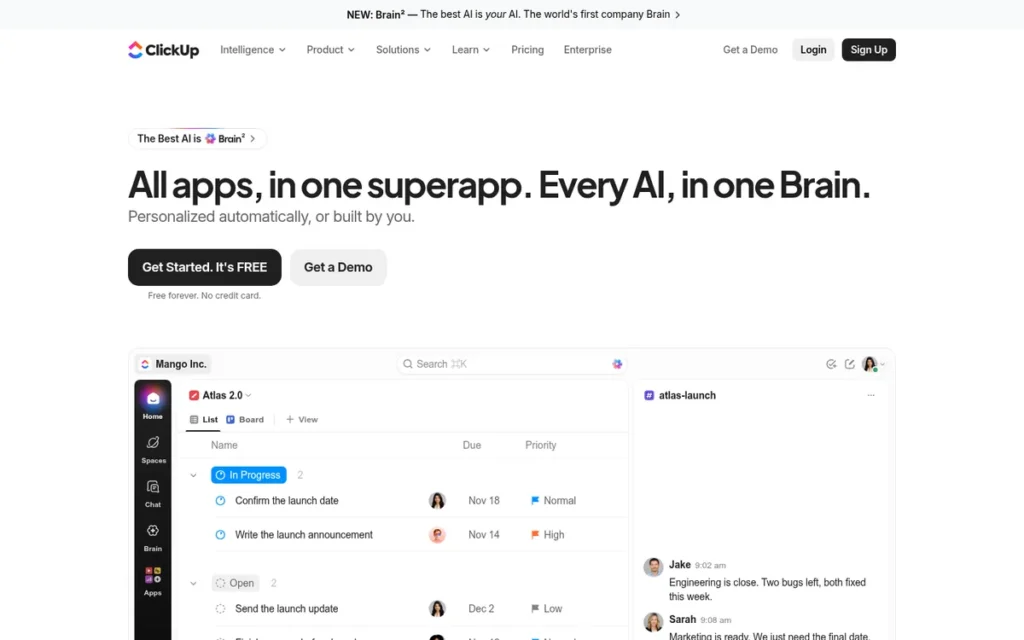
Category: Hierarchy-First Workspace. ClickUp organizes work as spaces, folders, lists and tasks, with many switchable views on top.
At a Glance
- Category: Hierarchy-First Workspace
- Best For: Small and mid-sized teams that want tasks, docs, Gantt, sprints and dashboards in one tool
- Price Range: Free; Unlimited $10 and Business $19 per user/month (G2 list prices, November 2026). The vendor page shows Core $9 and Business $17 billed yearly.
- Primary Strength: ClickUp spans 37 G2 categories, the widest footprint in this list, and adds a native Trello importer and 255 G2-listed integrations.
- Biggest Limitation: ClickUp draws the most raw complexity and performance complaints in this list, including 778 G2 mentions of a steep learning curve and 762 of slow performance.
- One-Line Summary: ClickUp is the highest-scoring Trello alternative in PlugRoute’s November 2026 evaluation, pairing a 4.6/5 G2 rating and a native Trello importer with the broadest feature set, at the cost of a steeper learning curve.
- Last Verified: November 2026
Overview
ClickUp is an all-in-one work management workspace that combines tasks, docs, Gantt charts, sprints, dashboards and AI. It is built for small and mid-sized teams that have outgrown Trello’s boards and want to consolidate several tools into one.
ClickUp imports Trello boards and cards directly into ClickUp Spaces through a native importer (ClickUp help center, November 2026). ClickUp then adds far more structure on top, which is both its main advantage and its main adoption cost.
Key Features
- ClickUp offers List, Board, Calendar, Table and Gantt views of the same tasks, so a Trello-style board can sit alongside a timeline (Gantt is trial-only on Free).
- ClickUp includes Docs, whiteboards and dashboards in the same workspace, which reduces the need for separate documentation and reporting tools.
- ClickUp supports sprints and a spaces-folders-lists hierarchy with subtasks for organizing nested work.
- ClickUp includes rule-based automations metered by plan: 100 actions per month on Free and 10,000 on Business (ClickUp pricing page, November 2026).
- ClickUp provides a native Trello importer that maps Trello lists to statuses and cards to tasks (ClickUp FAQ, November 2026).
Best For
ClickUp is best for teams that want one workspace to replace Trello plus separate docs and reporting tools. ClickUp suits teams that can set aside time to design spaces, folders and fields before rollout.
Pricing
ClickUp’s G2 list prices are Free $0, Unlimited $10 and Business $19 per user per month (G2, November 2026; may change). ClickUp’s own pricing page reflects a 2026 restructure, so the two sources conflict:
- ClickUp Free Forever costs $0 and allows unlimited members and guests. It includes 60 MB of storage and 100 automation actions per month, with Gantt and dashboards as a trial only.
- ClickUp Core costs $9 per user per month billed yearly ($12 monthly).
- ClickUp Business costs $17 per user per month billed yearly ($25 monthly).
- ClickUp MAX costs $100 per user per month billed yearly ($120 monthly), and Enterprise is custom-priced (ClickUp pricing page, November 2026).
Strengths
- ClickUp holds a 4.6/5 G2 rating from 15,674 reviews, with 97.5% at 4 or 5 stars (G2, November 2026), plus a 4.6/5 Capterra rating from 4,968 reviews (Capterra, November 2026).
- ClickUp Free Forever allows unlimited members, so a whole team can move off Trello without paying (ClickUp pricing page, November 2026).
- ClickUp most commonly goes live in under one month, while monday.com, Asana, Smartsheet and Wrike most commonly take one to three months (G2, November 2026).
- ClickUp’s native Trello importer lowers migration risk, and G2 notes that teams moving from Trello find importing tasks straightforward (G2, November 2026).
- ClickUp lists 255 integrations on G2, the most in this evaluation and more than eight times Trello’s 30 (G2, November 2026).
Users on r/Cortex shared their experience:
“I use ClickUp for work. I like that you can make it as complicated or simple as you need it to be. If you want several to-do lists with dependecies that are connected to eachother etc etc, you can do that. If you want a simple to-do list with a few fields, you can also do that.” Posted by u/PsychologistAss
Takeaway: ClickUp’s main appeal is that it can grow from a simple to-do list into linked lists with dependencies, all in the same tool.
Limitations
ClickUp’s biggest trade-off is complexity: ClickUp gives up Trello’s speed and simplicity in exchange for breadth.
- ClickUp’s complexity-related cons (learning curve, too many features, setup time and cluttered screens) appear in about 13.4% of its G2 reviews. That is the second-highest rate in this list (PlugRoute analysis of G2 data, November 2026).
- ClickUp has 762 G2 mentions of slow workspace performance (G2, November 2026), and one Reddit user moved back to Trello because ClickUp felt “a bit overbearing and slow” (u/bbarling, r/clickup, 2023).
- ClickUp Free Forever caps storage at 60 MB and offers Gantt only as a trial. The storage cap matters for teams that attach files to cards (ClickUp pricing page, November 2026).
- ClickUp’s interface supports English only, and its 2026 plan restructure means G2 and vendor prices conflict (G2 and ClickUp pricing page, November 2026).
How It Compares With Trello
- ClickUp gains native Gantt, docs, sprints, dashboards and 255 integrations over Trello.
- ClickUp gives up Trello’s stability. One user says the “only thing I miss from Trello is the stability and performance” (u/International-Bad318, r/clickup, 2022).
Verdict
ClickUp is the best overall Trello alternative for teams that want to replace several tools with one workspace. It earns PlugRoute’s top score in November 2026 for capability, migration path and free-tier value.
ClickUp scores 4.23, just 0.05 ahead of monday.com’s 4.18. ClickUp’s top marks for capability (5) and migration (5) outweigh its 2.5 adoption-effort score.
If adoption effort is weighted above capability, monday.com ranks first instead. Pilot one representative board in ClickUp before migrating the whole team.
2. monday.com: Best for Polished, Customizable Visual Workflows
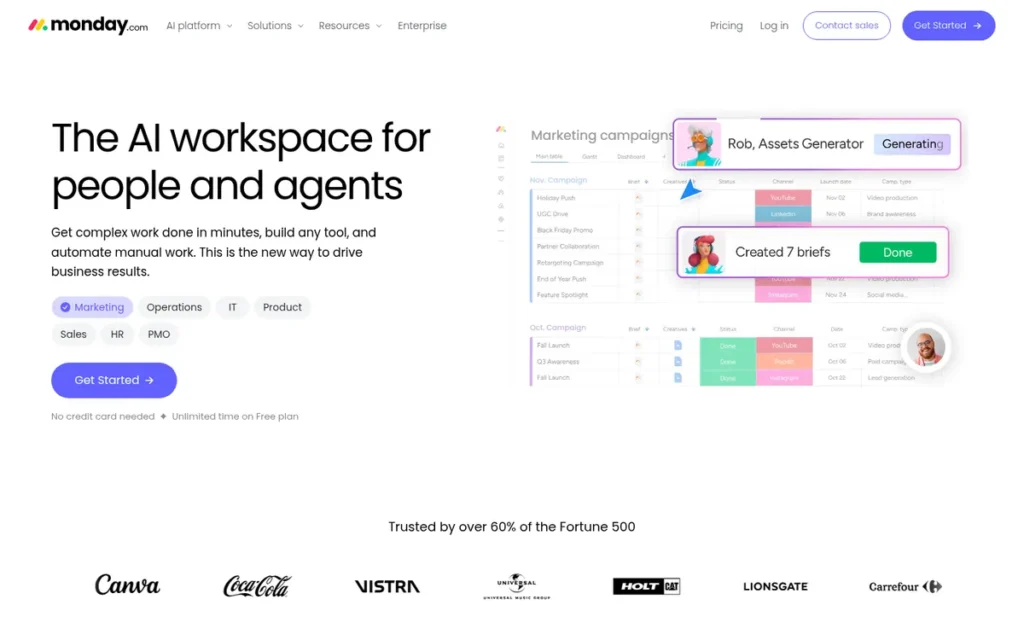
Category: Board-First Work Platform. monday.com builds workflows from configurable boards, columns, views, dashboards and automations.
At a Glance
- Category: Board-First Work Platform
- Best For: Teams of three or more that want Trello-like boards plus timelines, dashboards and automations
- Price Range: Free (2 seats, 3 boards); Basic $9 and Standard $12 per user/month (G2 list prices, November 2026); Pro $19 billed annually (vendor page); 3-seat minimum
- Primary Strength: monday.com has the highest user satisfaction in this list, with a 4.7/5 G2 rating from 17,963 reviews.
- Biggest Limitation: monday.com’s paid plans require at least three seats and cap monthly automation actions, integration actions and AI credits.
- One-Line Summary: monday.com is the highest-rated Trello alternative on G2 (4.7/5 from 17,963 reviews, November 2026), offering Trello-like visual boards with dashboards and automations, but its seat minimums and usage caps raise its true cost.
- Last Verified: November 2026
Overview
monday.com is a board-first work management platform that lets teams build their own workflows from boards, views, dashboards and automations. It is built for teams that like Trello’s visual style but need timelines and reporting.
monday.com goes well beyond Trello’s card model, and teams also use monday.com for work beyond projects, such as CRM. In exchange, monday.com needs more setup and has more complex pricing than Trello.
Key Features
- monday.com lets teams build boards from configurable column types and switch between board, timeline/Gantt and calendar views, depending on plan.
- monday.com includes dashboards that roll up data across boards, which addresses the reporting gap Trello users cite on G2.
- monday.com offers no-code automations and lists 152 integrations on G2, against Trello’s 30 (G2, November 2026).
- monday.com includes AI features metered by monthly AI credits, and AI blocks cost 8 credits per action (monday.com AI credits documentation, November 2026).
- monday.com documents a native Trello importer that imports task names, labels and dates for up to 10,000 rows, but not descriptions, checklists, activity or files (monday.com help center, November 2026).
Best For
monday.com is best for non-technical business teams, such as marketing and operations, that want a Trello-like visual experience with stronger reporting. monday.com fits only teams with at least three paying seats.
Pricing
monday.com’s G2 list prices are Basic $9 and Standard $12 per user per month (G2, November 2026; may change). monday.com’s pricing page adds these terms (monday.com pricing page, November 2026):
- monday.com’s Free plan allows up to 2 seats and 3 boards.
- monday.com’s Pro plan costs $19 per seat per month billed annually ($22 monthly), and Enterprise is custom-priced.
- monday.com’s paid plans start at 3 seats (confirm at checkout), and teams over 40 users are directed to request a quote.
- monday.com’s pricing page lists 250 automation actions and 250 integration actions per month on the relevant tier, plus monthly AI credit allocations.
Strengths
- monday.com holds a 4.7/5 G2 rating from 17,963 reviews, with 98.1% at 4 or 5 stars, the highest in this evaluation (G2, November 2026).
- monday.com has the lowest complexity-complaint rate among tools with G2 pros/cons data, at about 2.0% of reviews (PlugRoute analysis of G2 data, November 2026).
- monday.com users cite Intuitive Everyday Use (1,321 mentions) and Customizable Boards and Workflows (805) as top G2 pros (G2, November 2026).
- monday.com reports being named a Leader in Gartner’s 2026 Magic Quadrant for Collaborative Work Management for the fourth consecutive year (company-reported, monday.com newsroom, October 2026).
Limitations
monday.com’s biggest trade-off is its cost structure: monday.com gives up Trello’s low entry price and same-day setup in exchange for configurability.
- monday.com’s 3-seat minimum and its caps on automation, integrations and AI credits can push active teams to a higher tier. 172 G2 reviews cite High Subscription Costs (G2, November 2026).
- monday.com reviewers report Slow Board Loading (172 mentions) and Glitchy and Limited Integrations (169) (G2, November 2026).
- monday.com most commonly takes one to three months to go live, compared with under a day for Trello (G2, November 2026).
- monday.com’s Trello importer skips card descriptions, checklists and files, so boards that rely heavily on card content lose their working notes (monday.com help center, November 2026).
- monday.com had no Reddit threads of its own in our research. One r/smartsheet user notes that “as you scale to large user numbers, Monday is also more expensive” (u/LovelyCarrot9144, r/smartsheet, December 2024).
How It Compares With Trello
- monday.com gains timeline views, dashboards, automations, 152 integrations and a native Trello importer, plus a higher G2 rating (4.7 vs 4.4).
- monday.com gives up Trello’s low entry price ($9 per seat with a 3-seat minimum, vs $5 for Trello Standard) and Trello’s under-one-day setup.
Verdict
monday.com is the best Trello alternative for teams that want a highly rated, customizable visual workflow platform. It holds the highest G2 rating in PlugRoute’s November 2026 evaluation, at 4.7/5.
monday.com scores 4.18 and finished second on capability breadth (4 vs ClickUp’s 5, with no sprints or docs suite documented in research). It also trails on cost structure (3 vs 4).
Teams that put ease of adoption ahead of feature breadth should look at monday.com before ClickUp. Budget for monday.com’s 3-seat minimum and usage caps.
3. Asana: Best for Cross-Team Project Coordination
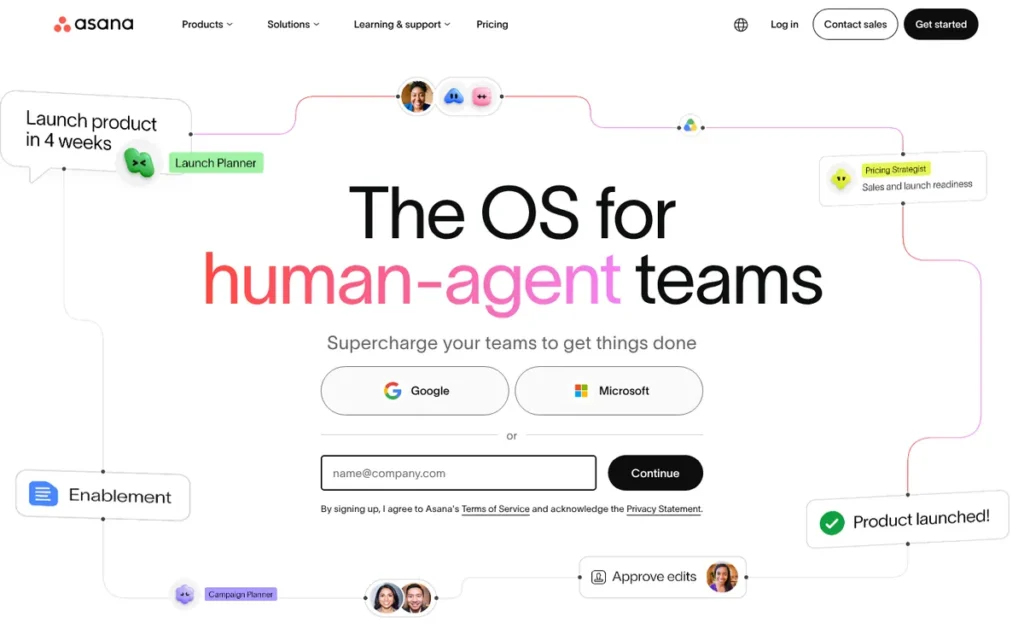
Category: Hierarchy-First Workspace. Asana organizes work as tasks within projects, portfolios and goals, with multiple views.
At a Glance
- Category: Hierarchy-First Workspace
- Best For: Growing teams that coordinate projects across departments and need timelines, goals and portfolio visibility
- Price Range: Personal free (up to 2 users); Starter $10.99 and Advanced $24.99 per user/month (G2 list prices, November 2026)
- Primary Strength: Asana pairs a low complexity-complaint rate with timeline, Gantt, portfolio and goal features.
- Biggest Limitation: Asana keeps key features behind paid tiers and has the highest entry paid price among the general-purpose tools here, at $10.99 per user per month.
- One-Line Summary: Asana is a cross-team work management platform rated 4.4/5 on G2 from 14,129 reviews (November 2026) that adds timelines, Gantt charts and portfolios to Trello-style boards, with key features reserved for paid tiers.
- Last Verified: November 2026
Overview
Asana is a work management platform that connects tasks, projects, portfolios and goals across teams. It is built for growing organizations that have outgrown Trello’s boards and need timelines, Gantt charts and clearer ownership.
Asana’s Work Graph links tasks, projects and goals across teams, which suits cross-functional coordination better than a standalone board. Asana brings in Trello data through its CSV importer rather than a dedicated Trello connector (Asana help center, November 2026).
Key Features
- Asana offers list, board, calendar, timeline and Gantt views. Timeline, Gantt and task dependencies unlock at the Starter tier (Asana pricing page, November 2026).
- Asana provides portfolios, goals and workload views on the Advanced tier for coordinating multiple projects and team capacity.
- Asana includes rules-based automation and AI Studio, with unlimited automations from the Starter tier (Asana pricing page, November 2026).
- Asana lets a single task belong to several projects at once, which helps teams that share work across boards.
- Asana lists 109 integrations on G2 (G2, November 2026).
Best For
Asana is best for marketing and operations teams, and other cross-functional teams, that need shared timelines, goals and project-level visibility more than deep agile tooling.
Pricing
Asana’s G2 list prices are Personal $0, Starter $10.99 and Advanced $24.99 per user per month (G2, November 2026; may change). Asana’s pricing page and help center list these details (Asana, November 2026):
- Asana’s free Personal plan supports up to 2 users. Older 10-user free plans are being phased out.
- Asana Starter costs $10.99 per user per month billed annually, or $13.49 billed monthly.
- Asana Advanced costs $24.99 per user per month billed annually, or $30.49 billed monthly.
- Asana Enterprise and Enterprise+ are priced through sales.
Users on r/Asana noted:
“I just spent two weeks setting up a workflow for my new freelancing business, without realising one of the major features I was using in the trial (custom dropdown fields) is actually a premium feature. I was initially planning on using the free version, but I begrudgingly decided it was worth paying monthly for such a great tool. THEN to discover you can’t actually buy a single seat… So you have to pay double the advertised monthly price!” Posted by u/panickychicken_
Takeaway: Solo Asana users can find trial features locked behind paid tiers and seat rules that double the cost they expected, even when they like the tool itself.
Strengths
- Asana holds a 4.4/5 G2 rating from 14,129 reviews, with 93.3% at 4 or 5 stars (G2, November 2026).
- Asana users cite Easy Setup and Onboarding (457 mentions) as a top G2 pro, and complexity cons appear in only about 2.9% of reviews (PlugRoute analysis of G2 data, November 2026).
- Asana reports over 170,000 customers, including Accenture, Amazon and Suzuki (vendor claim, G2 vendor description, November 2026).
- Asana’s New Relic case study reports an estimated 282 workdays saved per year (vendor-published, Asana, accessed November 2026).
Limitations
Asana’s biggest trade-off is price: Asana’s paid entry tier costs more than double Trello Standard.
- Asana’s $10.99 Starter tier compares with Trello Standard’s $5, and 164 G2 reviews say key features sit behind a paywall (G2, November 2026).
- Asana reviewers report Excessive Notifications (162 mentions) and High Per-Seat Costs (128) (G2, November 2026).
- Asana allows only one assignee per task, so teams that want co-owners need workarounds (Asana help center and G2 improvement requests, November 2026).
- Asana’s CSV-only Trello import path needs a CSV export from Trello, which requires Trello Premium or a third-party exporter (Asana help center, November 2026).
- Asana had no Reddit threads of its own in PlugRoute’s research, so community sentiment is missing.
How It Compares With Trello
- Asana gains timeline, Gantt and dependencies from Starter upward, plus goals, portfolios, workload views and cross-project task sharing.
- Asana gives up Trello’s cheaper entry price, its notifications are noisier by default, and it has no direct Trello importer.
Verdict
Asana is the best Trello alternative for teams coordinating projects across departments. It combines a 4.4/5 G2 rating with one of the lowest complexity-complaint rates in PlugRoute’s November 2026 evaluation.
Asana scores 3.70. Asana ties monday.com on capability (4) and adoption effort (4) but trails on satisfaction (4.4 vs 4.7 on G2) and migration (3, reflecting its CSV-only Trello import).
Teams that value approachability over breadth may prefer Asana to ClickUp. If Gantt is your reason for switching, budget for Asana Starter.
4. Jira (Atlassian): Best for Software and Agile Development Teams
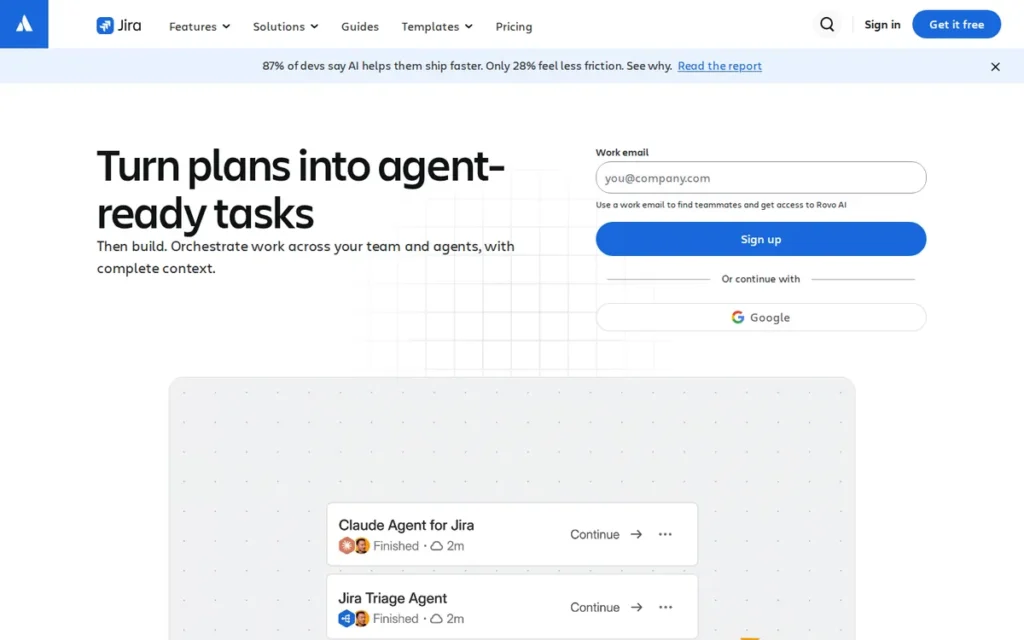
Category: Issue-First Tracker. Jira organizes work as tracked issues moving through backlogs, sprints and configurable workflows.
At a Glance
- Category: Issue-First Tracker
- Best For: Software, product and engineering teams that need backlogs, sprint planning and agile reporting
- Price Range: Free (up to 10 users); Standard ~$8.48 and Premium ~$15.56 per user/month (vendor page, November 2026; varies with seat count); Enterprise by quote
- Primary Strength: Jira delivers native backlogs, sprints and agile reporting from the same vendor as Trello, free for teams of up to 10 users.
- Biggest Limitation: Jira adds process and admin overhead that third-party reviews consistently describe as heavy for non-technical teams.
- One-Line Summary: Jira is the strongest Trello alternative for software teams in PlugRoute’s November 2026 evaluation, offering backlogs, sprints and agile reporting from Trello’s own vendor, Atlassian, with a free plan for up to 10 users.
- Last Verified: November 2026
Overview
Jira is Atlassian’s agile work-tracking tool for software and product teams, with Scrum and Kanban boards, backlogs, sprints and agile reporting. It is built for development teams whose Trello boards can no longer handle sprint planning.
Jira shares a vendor with Trello. Atlassian merged Jira Work Management into Jira between February and June 2025, creating one Jira for both technical and business teams (Atlassian licensing page, accessed November 2026).
Key Features
- Jira provides Scrum and Kanban boards with backlogs, sprint planning and a work-item hierarchy built in.
- Jira includes agile reports and Jira Query Language (JQL) search for filtering large volumes of work items.
- Jira offers basic roadmaps on its Free and Standard plans and advanced cross-team plans on Premium and above.
- Jira supports automation, Rovo AI and more than 3,000 Atlassian Marketplace apps.
- Jira connects to Trello: Trello can display Jira work items, show lists populated by JQL and trigger Jira actions (Atlassian support, November 2026).
Best For
Jira is best for engineering and product teams that run Scrum or Kanban and need backlogs, sprints and agile reporting, especially teams already using other Atlassian products.
Pricing
Jira’s prices on the vendor page vary with seat count and billing period, so check Atlassian’s live calculator (Atlassian pricing page, November 2026; may change):
- Jira Free covers up to 10 users, with 2 GB of storage and 150 automation steps per month shared across the whole site.
- Jira Standard is displayed at $8.48 per user per month, with 250 GB of storage and 400 automation runs per user per month.
- Jira Premium is displayed at $15.56 per user per month, with unlimited storage and 750 automation runs per user per month.
- Jira Enterprise is priced by annual quote.
Strengths
- Jira Free supports up to 10 users with backlogs, sprints and a basic timeline, enough for most small development teams (Atlassian pricing page, November 2026).
- Jira is made by Atlassian, Trello’s vendor, which documents a Jira-in-Trello integration so teams stay in one ecosystem (Atlassian support, November 2026).
- Jira holds a 4.3/5 G2 rating from about 7,700+ reviews and an 8.4/10 TrustRadius score (G2 and TrustRadius, November 2026).
- Jira customer Delivery Hero calls it “intuitive enough for our basic users and advanced enough for our power users” (vendor-published, Atlassian, accessed November 2026).
Limitations
Jira’s biggest trade-off is process overhead: Jira gives up Trello’s simplicity in exchange for agile rigor.
- Third-party reviews describe Jira as complex, admin-heavy and too heavy for non-technical teams, with cluttered interfaces in heavily customized setups (PlugRoute synthesis of third-party reviews, November 2026).
- Jira has no one-click migration that moves every Trello board into Jira, despite the Atlassian integration (Atlassian support, November 2026).
- Jira Free caps storage at 2 GB and automation at 150 steps per month for the whole site (Atlassian support, November 2026).
- Jira Marketplace apps add cost at scale, on top of per-user plan prices (Atlassian pricing page, November 2026).
- Jira’s adoption-effort score relies on qualitative research, because G2 pros/cons counts and usable Reddit data were not available.
This aligns with community sentiment on r/jira:
“Yes this lines up with what we went through too. Trello is super nice for simple workflows, but once SLAs get involved it kinda falls apart fast. We also ended up moving to Jira just because it handles stuff like business hours + pausing timers without needing weird workarounds.” Posted by u/Ok_Difficulty978
Takeaway: Jira earns its extra setup effort for teams that need strict process rules Trello can’t enforce, but teams with simple workflows don’t need it.
How It Compares With Trello
- Jira gains native sprint planning, backlogs, agile reporting and JQL, all from the same vendor as Trello.
- Jira gives up Trello’s simplicity, and its free plan stops at 10 users.
Verdict
Jira is the best Trello alternative for software development teams that need backlogs and sprint planning, and its free plan covers teams of up to 10 users.
Jira scores 3.58, just below Asana’s 3.70. Jira’s adoption-effort score (2.5) reflects heavy setup for non-technical teams, and its G2 rating is 4.3.
Non-technical teams should look at ranks 1–3 instead. Development teams should pilot one sprint in Jira before migrating every board.
5. Smartsheet: Best for Data-Heavy Work and Portfolio Management
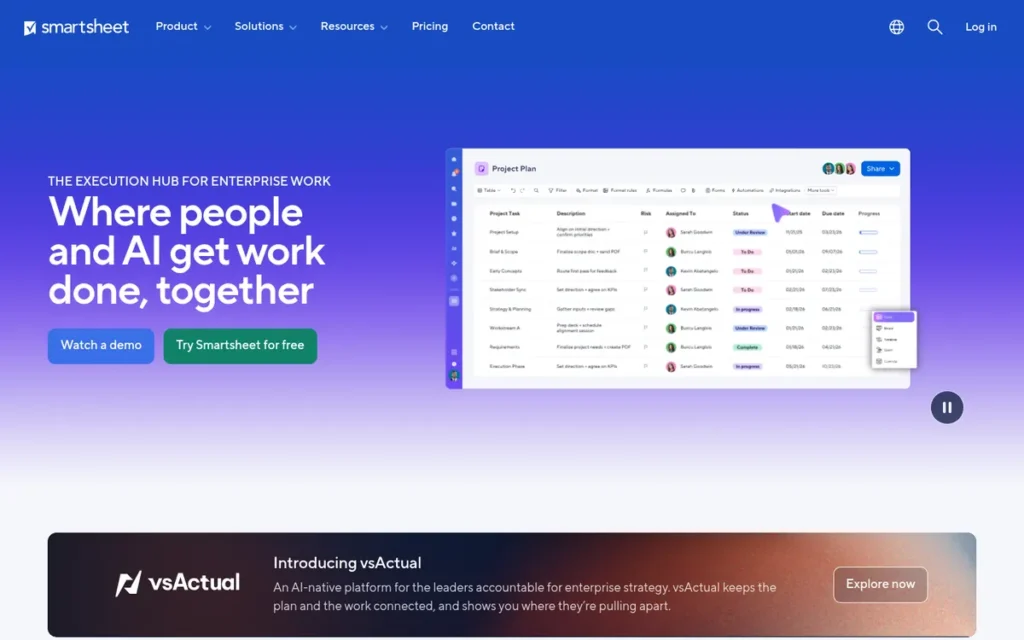
Category: Grid-First Platform. Smartsheet manages projects in spreadsheet-style sheets with Gantt, card and calendar views layered on top.
At a Glance
- Category: Grid-First Platform
- Best For: Data-heavy teams, PMOs and spreadsheet power users that need dependencies, critical path and portfolio reporting
- Price Range: Pro $9 and Business $19 per member/month (G2 list prices, November 2026); Enterprise custom; no free plan for new sign-ups (30-day trial)
- Primary Strength: Smartsheet is the only tool in this list whose documentation highlights critical-path scheduling alongside cross-sheet reports and portfolio blueprints.
- Biggest Limitation: Smartsheet has the largest raw count of learning-curve complaints in this list, at 1,183 G2 mentions.
- One-Line Summary: Smartsheet is a spreadsheet-style work platform rated 4.4/5 on G2 from 23,226 reviews (November 2026) that adds dependencies, critical-path scheduling and cross-sheet reporting that Trello does not offer, at the cost of a steep learning curve.
- Last Verified: November 2026
Overview
Smartsheet is a grid-first work management platform that combines a spreadsheet interface with Gantt, card and calendar views, dependencies and cross-sheet reporting. It is built for data-heavy teams and project offices that have outgrown both spreadsheets and Trello.
Smartsheet asks Trello teams to give up board-first simplicity. One third-party review describes Smartsheet’s card view as less fluid than Trello’s (WorkflowPicks, November 2026).
Key Features
- Smartsheet presents work in a spreadsheet-style grid that can switch to Gantt, card (Kanban), calendar and timeline views.
- Smartsheet supports task dependencies and critical-path scheduling, so date changes cascade through dependent tasks.
- Smartsheet offers dashboards and cross-sheet reports that roll up data from many projects.
- Smartsheet includes automations, with 250 triggers per month on Pro and unlimited triggers on Business and above (Smartsheet pricing page, November 2026).
- Smartsheet offers Control Center portfolio blueprints and a Resource Management add-on for portfolio-level governance.
Best For
Smartsheet is best for operations teams, PMOs and spreadsheet-fluent organizations whose projects depend on structured data and portfolio rollups rather than visual boards alone.
Pricing
Smartsheet’s G2 list prices are Pro $9 and Business $19 per user per month, with Enterprise custom (G2, November 2026; may change). Smartsheet’s pricing page shows “$12 / $9” and “$24 / $19”, likely monthly versus annual billing.
- Smartsheet Pro allows 1–10 members and is for new customers only.
- Smartsheet Business requires a minimum of 3 members, and Enterprise requires a minimum of 10.
- Smartsheet offers no free plan for new sign-ups, only a 30-day trial, though invited collaborators can use free Contributor or Guest access (third-party reviews, November 2026).
Strengths
- Smartsheet holds a 4.4/5 G2 rating from 23,226 reviews, with 94.4% at 4 or 5 stars, the largest review base in this evaluation (G2, November 2026).
- Smartsheet users cite Ease of Use (2,360 mentions) and Automation (1,235) as top G2 pros (G2, November 2026).
- Smartsheet reports four consecutive years as a Leader in Gartner’s Magic Quadrant for Collaborative Work Management, and use by over 85% of the Fortune 500 (company-reported, Smartsheet, November 2026).
- Smartsheet’s Nestlé Purina PetCare North America case study reports 87,000 hours saved annually (vendor-published, Smartsheet, accessed November 2026).
Limitations
Smartsheet’s biggest trade-off is learning effort: Smartsheet gives up Trello’s board-first simplicity in exchange for spreadsheet power.
- Smartsheet’s G2 reviewers cite Learning Curve (1,183) and Not Intuitive (842), about 8.7% of reviews combined (PlugRoute analysis of G2 data, November 2026).
- Smartsheet most commonly takes one to three months to go live (G2, November 2026).
- Smartsheet can be overkill for simple needs. One user warns that template-only use means “you’ve bought a tractor when you really needed a bicycle” (u/PurplePens4Evr, r/smartsheet, December 2024).
- Blackstone and Vista Equity Partners completed their take-private of Smartsheet on January 22, 2025 (SEC filing, January 2025). Since then, Reddit users report enterprise renewal increases of more than 30% (user-reported, r/smartsheet, 2025).
- Smartsheet requires a paid plan after the 30-day trial for anyone who builds sheets (third-party reviews, November 2026).
Users on r/smartsheet noted:
“Ooh I like Airtable. Airtable was also a lot easier for my team to pick up and use vs Smartsheet. We use both at my company and Airtable is able to do more than Smartsheet but if you are looking to just use it as a PM tool then you would be fine with Smartsheet knowing that it’s not as easy to pick up as Airtable.” Posted by u/womanundecided33
Takeaway: Smartsheet works well as a project management tool, but teams that use it alongside other tools find it harder for everyday users to learn.
How It Compares With Trello
- Smartsheet gains critical path, dependencies, cross-sheet reporting and portfolio governance.
- Smartsheet gives up Trello’s board-first simplicity, its fast setup and its free plan.
Verdict
Smartsheet is the best Trello alternative for data-heavy teams and project offices that need dependencies, critical path and portfolio reporting. It has the largest G2 review base in PlugRoute’s November 2026 evaluation.
Smartsheet scores 3.45 and ranks fifth, because its adoption-effort score (2.5) and cost score (2.5) offset its high capability score (4.5).
Teams that only need boards should skip Smartsheet. Enterprise buyers should confirm renewal terms with Smartsheet directly.
6. Microsoft Planner: Best for Teams Already on Microsoft 365
Category: Ecosystem-First Planner. Microsoft Planner is a task planner built into an existing productivity suite, Microsoft 365.
At a Glance
- Category: Ecosystem-First Planner
- Best For: Organizations already paying for Microsoft 365 that want board-based task tracking inside Teams and Outlook
- Price Range: Basic included in eligible Microsoft 365 plans; Plan 1 $10, Plan 3 $30, Plan 5 $55 per user/month (vendor page, November 2026, billed annually)
- Primary Strength: Microsoft Planner works inside Teams, Outlook and To Do at no extra cost for eligible Microsoft 365 subscribers.
- Biggest Limitation: Microsoft Planner reserves Timeline (Gantt), dependencies and custom fields for premium licences starting at $10 per user per month.
- One-Line Summary: Microsoft Planner is the most practical Trello alternative for organizations already on Microsoft 365, but its Gantt timeline and task dependencies require a premium licence of $10 per user per month or more (Microsoft, November 2026).
- Last Verified: November 2026
Overview
Microsoft Planner is Microsoft 365’s built-in task planning tool, offering Kanban-style boards inside Teams, Outlook and To Do. It is built for organizations already paying for Microsoft 365 that want Trello-like task tracking without another subscription.
Microsoft Planner comes in basic and premium versions. Basic Microsoft Planner covers boards, labels, recurring tasks and some reporting. Premium plans add Timeline (Gantt) and other planning features (Microsoft Support, November 2026).
Key Features
- Microsoft Planner provides board-based plans with labels and recurring tasks in its basic version.
- Microsoft Planner surfaces assigned tasks in Microsoft To Do’s “My Tasks” and “My Day”, and plans can be embedded in Loop and used inside Teams.
- Microsoft Planner Plan 1 adds Timeline (Gantt) views, standard task dependencies and custom fields.
- Microsoft Planner and Project Plan 3 adds advanced dependencies with lead and lag time, plus goals, workload views and report creation (Microsoft pricing page, November 2026).
- Microsoft Planner relies on Power Automate for automation and uses Microsoft-managed identity, with external sharing controlled by tenant settings.
Best For
Microsoft Planner is best for Microsoft 365 organizations whose work is mostly assigning tasks and tracking due dates and recurring tasks, and that want to avoid buying a separate tool.
Pricing
Microsoft Planner’s pricing on Microsoft’s page is billed annually (Microsoft pricing page, November 2026; may change):
- Basic Microsoft Planner is included in eligible Microsoft 365 subscriptions.
- Microsoft Planner Plan 1 costs $10 per user per month.
- Microsoft Planner and Project Plan 3 costs $30 per user per month.
- Microsoft Planner and Project Plan 5 costs $55 per user per month.
Microsoft Planner has no standalone free tier. Microsoft 365 Business Basic pricing varies by country and by whether Teams is included.
Strengths
- Microsoft Planner is included at no extra cost in eligible Microsoft 365 subscriptions, and premium Timeline starts at $10 per user per month (Microsoft pricing page, November 2026).
- Microsoft Planner holds a 4.3/5 Capterra rating from 298 reviews and a 4.2/5 G2 rating from 238 reviews, both small samples (Capterra and G2, November 2026).
- Microsoft Planner integrates natively with Teams, Outlook, To Do and Loop (Microsoft documentation, November 2026).
- Microsoft Planner supports recurring tasks in its basic version, which addresses a common migration concern (Microsoft Support, November 2026).
Limitations
Microsoft Planner’s biggest trade-off is licence gating: Microsoft Planner gives up Trello’s standalone flexibility in exchange for ecosystem fit.
- Microsoft Planner locks Gantt, dependencies and custom fields behind premium licences, and the split between basic and premium licensing is confusing (Microsoft Support FAQ and third-party reviews, November 2026).
- Microsoft Planner reserves lead and lag dependencies for Plan 3 at $30 per user per month (Microsoft pricing page, November 2026).
- Microsoft Planner’s automation is limited. One user advised: “Look at the triggers and actions available in power automate” (u/biggie101, r/Office365, 2022).
- Microsoft Planner’s mobile apps lag behind web and desktop, and external sharing depends on IT tenant settings (Microsoft Support, November 2026).
- Microsoft Planner’s review samples and Reddit evidence are thin and partly predate the new Planner, so PlugRoute treats its adoption-effort score as low-confidence.
How It Compares With Trello
- Microsoft Planner gains Teams, Outlook and To Do integration at no extra cost for Microsoft 365 subscribers.
- Microsoft Planner gives up Trello’s Butler automation, its Power-Up ecosystem and its standalone free plan.
Verdict
Microsoft Planner is the best Trello alternative for organizations already on Microsoft 365 that mainly need task boards, but teams that need Gantt charts or dependencies must budget for a premium licence.
Microsoft Planner scores 3.15 and ranks sixth, because premium licences hold down its capability score (2.5) and its evidence base is thin.
Check which Microsoft Planner plan your Microsoft 365 licence includes before committing.
7. Wrike: Best for Structured, Governed Cross-Team Project Delivery
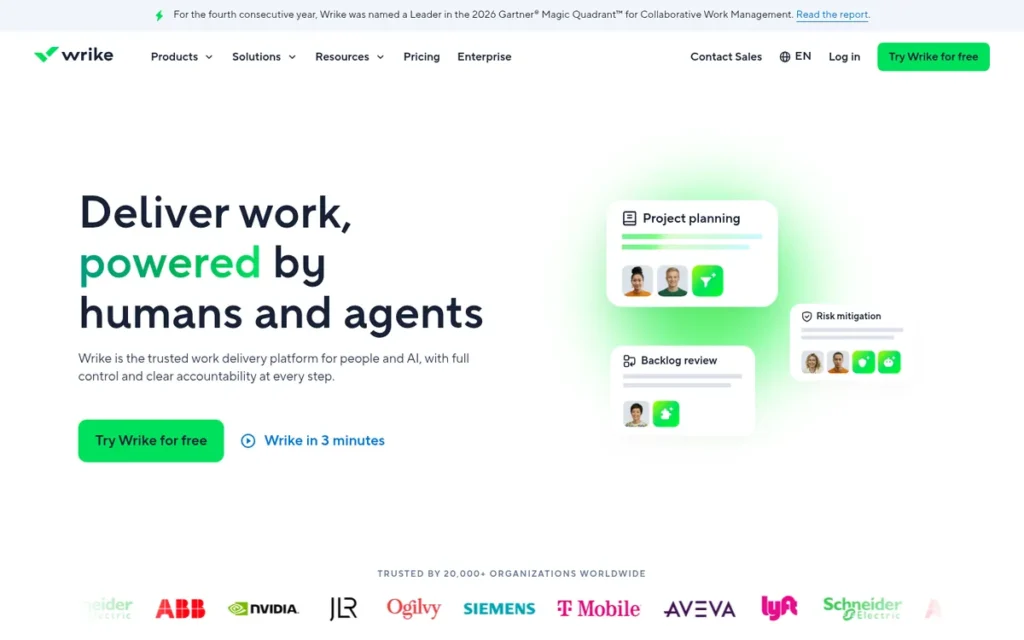
Category: Hierarchy-First Workspace. Wrike organizes work into folders, projects and tasks, with dashboards and multiple views.
At a Glance
- Category: Hierarchy-First Workspace
- Best For: Mid-sized and larger teams in marketing, professional services or IT that need governed workflows and cross-project visibility
- Price Range: Team $10 and Business $25 per user/month (G2 list prices, November 2026); Pinnacle custom; no free tier listed on G2
- Primary Strength: Wrike gives teams dashboards and project views that make progress and priorities visible across projects.
- Biggest Limitation: Wrike has the highest complexity-complaint rate in this list, at about 15.5% of its G2 reviews.
- One-Line Summary: Wrike is a structured work delivery platform rated 4.2/5 on G2 from 4,614 reviews (November 2026) that adds dashboards and governed workflows beyond Trello, but it has the highest complexity-complaint rate in PlugRoute’s evaluation.
- Last Verified: November 2026
Overview
Wrike is a work delivery platform that centralizes tasks, timelines, dashboards and team discussions in one governed environment. It is built for mid-sized and larger teams that have outgrown Trello and need cross-project visibility and controlled workflows.
Wrike keeps task conversations, dashboards and timelines in one governed workspace. G2 documents teams moving to Wrike from Trello, Asana and monday.com for stronger project visibility (G2, November 2026).
Key Features
- Wrike provides dashboards and project views that show progress, outstanding work and priorities across teams.
- Wrike keeps conversations alongside tasks, reducing reliance on email threads for project updates.
- Wrike supports configurable workflows for structured, governed project delivery.
- Wrike is listed in G2 categories including time tracking, resource management, online proofing and form building (G2, November 2026).
- Wrike supports 16 interface languages (G2, November 2026).
Best For
Wrike is best for organizations that run many concurrent projects across departments and value governance and visibility over a lightweight, Trello-style experience.
Pricing
Wrike’s G2 list prices are Team $10 and Business $25 per user per month, with Pinnacle custom-quoted (G2, November 2026; may change). G2 lists no free tier for Wrike. Check wrike.com for current free or trial options, which PlugRoute did not verify.
Strengths
- Wrike holds a 4.2/5 G2 rating from 4,614 reviews, with 89.4% at 4 or 5 stars (G2, November 2026).
- Wrike users cite Project Management (477 mentions) and Team Collaboration (456) as top G2 pros (G2, November 2026).
- Wrike is documented by G2 as a destination for teams leaving Trello, Asana, Basecamp and monday.com in search of stronger project visibility (G2, November 2026).
- Wrike supports 16 languages, more than any other product in this evaluation (G2, November 2026).
Limitations
Wrike’s biggest trade-off is complexity: Wrike gives up Trello’s ease of use in exchange for structure and governance.
- Wrike’s G2 reviews cite Learning Curve (305), Not Intuitive (239) and Complex Usability (171). That is about 15.5% of reviews, the highest rate in this evaluation (PlugRoute analysis of G2 data, November 2026).
- Wrike reviewers describe crowded menus and slow-loading dashboards, and they ask G2 for more flexible cross-project reporting, simpler onboarding and better search (G2, November 2026).
- Wrike lists only 21 integrations on G2, fewer than Trello’s 30 (G2, November 2026).
- Wrike has no documented Trello importer, so teams should plan a CSV or manual migration (PlugRoute check of Wrike help center, November 2026).
- Wrike was not covered by PlugRoute’s Reddit research, and its Gantt availability by plan was not verified.
How It Compares With Trello
- Wrike gains cross-project dashboards, governed workflows and conversations kept alongside tasks.
- Wrike gives up Trello’s ease of use, its free plan and its larger integration list.
Verdict
Wrike is a capable Trello alternative for organizations that need governed, cross-project delivery, but it has the highest complexity-complaint rate of the eight tools in PlugRoute’s November 2026 evaluation.
Wrike scores 2.83, just 0.08 above OpenProject. Wrike has the lowest adoption-effort score among the cloud tools (2) and a migration score of 2.
Teams that need more governance than Asana or monday.com offer should plan for substantial Wrike onboarding time.
8. OpenProject: Best Open-Source, Self-Hosted Trello Alternative
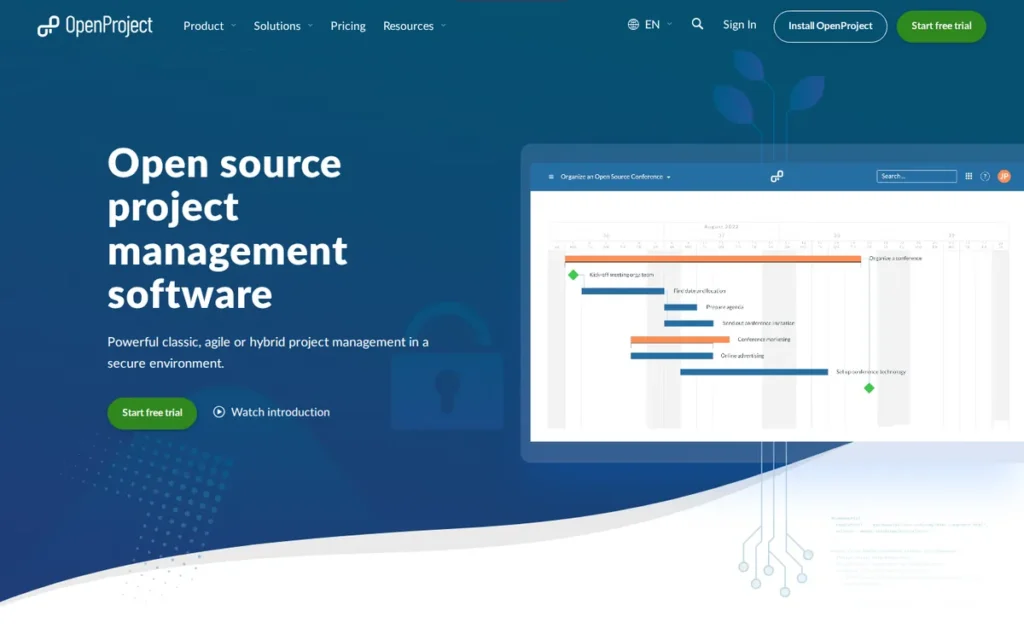
Category: Issue-First Tracker (Open Source). OpenProject organizes work as configurable “work packages” and can be self-hosted under an open-source licence.
At a Glance
- Category: Issue-First Tracker (Open Source)
- Best For: Privacy-focused, public-sector or budget-conscious teams with the IT capacity to self-host
- Price Range: Community edition free (self-hosted); Basic €5.95, Professional €10.95, Premium €15.95 per user/month with seat minimums of 5 (Cloud) or 25 (on-premises) (vendor page, November 2026); Corporate on request
- Primary Strength: OpenProject offers a free, self-hosted Community edition under GPLv3 that includes Gantt charts and agile boards.
- Biggest Limitation: OpenProject requires the team to host and maintain it, and some board, reporting and portfolio features require a paid Enterprise edition.
- One-Line Summary: OpenProject is the strongest verified open-source, self-hosted Trello alternative in PlugRoute’s November 2026 evaluation, offering free Gantt charts and agile boards under GPLv3, provided the team can run its own server.
- Last Verified: November 2026
Overview
OpenProject is an open-source project management suite licensed under GPLv3 that offers Gantt charts, agile boards, Scrum backlogs and time tracking. It is built for privacy-focused and budget-conscious teams that want to self-host their project data instead of using Trello’s cloud.
OpenProject pairs a free Community edition with paid Enterprise editions sold as Cloud or on-premises. OpenProject’s data-residency focus, with GDPR compliance and EU hosting, suits teams that must keep project data in the EU.
Key Features
- OpenProject organizes work as configurable work packages covering tasks, bugs and milestones.
- OpenProject includes dependency-aware Gantt charts in its free Community edition (OpenProject pricing page, November 2026; r/opensource, October 2025).
- OpenProject provides agile boards plus Scrum backlogs and sprints (vendor-described, November 2026).
- OpenProject adds time and cost tracking, wikis and meeting management alongside project planning (vendor-described, November 2026).
- OpenProject can be self-hosted or bought as Enterprise Cloud or on-premises, with Nextcloud Hub and openDesk integration on the Corporate tier (OpenProject pricing page, November 2026).
Best For
OpenProject is best for teams that must keep project data on their own on-premises infrastructure or in the EU, and that have the hardware and IT staff to run a self-hosted application.
Pricing
OpenProject’s pricing page lists these editions per user per month, sold in increments of 5 seats (OpenProject pricing page, November 2026; may change):
- OpenProject Community edition is free and self-hosted, with no seat minimum.
- OpenProject Basic costs €5.95 and OpenProject Professional costs €10.95.
- OpenProject Premium costs €15.95, and Corporate is priced on request.
- OpenProject Enterprise Cloud requires at least 5 users, and Enterprise on-premises requires at least 25 (OpenProject pricing page and FAQ, November 2026).
Strengths
- OpenProject’s Community edition is free under GPLv3 and includes Gantt charts and agile boards (OpenProject pricing page, November 2026).
- OpenProject is featured by the European Commission’s Open Source Observatory as an open-source project management option (Interoperable Europe, accessed November 2026).
- OpenProject’s data-sovereignty positioning (Berlin-based, GDPR focus, EU hosting) suits privacy-focused organizations (OpenProject security and privacy page, November 2026).
- OpenProject combines planning with time and cost tracking and wikis, which Trello needs Power-Ups or other tools to provide (vendor-described, November 2026).
Limitations
OpenProject’s biggest trade-off is hosting: OpenProject gives up Trello’s zero-maintenance cloud in exchange for data control and cost savings.
- OpenProject requires hardware and IT staff for self-hosting, as OpenProject itself acknowledges (OpenProject blog, accessed November 2026).
- OpenProject reserves Gantt PDF export and baselines for Basic, SSO and advanced workflows for Professional, and portfolio and resource management for Premium (OpenProject Enterprise guide, November 2026).
- OpenProject’s Community users notice the gating: “many of the useful features are locked behind the enterprise version” (u/TheHypeArchitect, r/opensource, October 2025).
- OpenProject’s interface is heavier than a Kanban tool, and paid on-premises editions require at least 25 users (OpenProject pricing page, November 2026).
- OpenProject has no G2 or Capterra rating in PlugRoute’s research, so independent satisfaction data is missing.
How It Compares With Trello
- OpenProject gains free self-hosting, data control, dependency-aware Gantt charts and Scrum backlogs.
- OpenProject gives up Trello’s simple boards, its zero-maintenance cloud and its ease of use.
Verdict
OpenProject is the best open-source, self-hosted Trello alternative for teams that need free Gantt charts and full control of their data, provided they have the IT capacity to run it.
OpenProject scores 2.75 and ranks eighth because of its hosting burden (adoption effort 1.5) and a disclosed 2.5 midpoint for its missing rating. Even a perfect rating would lift OpenProject only to sixth.
Test the OpenProject Community edition before committing. Teams that want simpler open-source boards can also look at Nextcloud Deck or Plane (12-seat community cap).
Which Trello Alternatives Have a Free Gantt Chart?
Gantt charts are paid features almost everywhere, including in Trello itself. Of the eight ranked alternatives, only OpenProject’s self-hosted Community edition offers a dependency-aware Gantt chart free with no trial limit. Jira Free includes a basic roadmap timeline, and ClickUp Free offers Gantt only as a trial (vendor pricing pages, November 2026).
| Tool | Free Gantt? | Where Gantt or Timeline Unlocks (November 2026) |
|---|---|---|
| OpenProject | Yes (self-hosted) | Community edition |
| Jira | Basic roadmap only | Free and Standard (basic); Premium (advanced plans) |
| ClickUp | Trial only | Paid tiers |
| monday.com | No | Paid tiers |
| Asana | No | Starter ($10.99/user, G2) |
| Microsoft Planner | No | Premium Plan 1 ($10/user, vendor page) |
| Smartsheet | No (30-day trial only) | Paid plans |
| Wrike | Not verified | Not verified |
| Trello (baseline) | No | Premium ($10/user billed annually, vendor page) |
What Does a Trello Alternative Really Cost?
A Trello alternative’s real cost is the seat price plus seat minimums, metered automation and AI-credit caps, and storage limits. A two-person team pays about $10 a month for Trello Standard but at least $27 a month for monday.com Basic, because monday.com bills a minimum of three seats (G2 list prices, November 2026).
- Trello Standard costs a two-person team $10 per month at $5 per user billed annually (Trello pricing page, November 2026).
- monday.com Basic costs the same team at least $27 per month because of its 3-seat minimum (G2 list price, November 2026).
- ClickUp Free Forever costs the same team $0, because it allows unlimited members (ClickUp pricing page, November 2026).
| Tool | Entry Paid Price (Source) | Seat Minimum | Metered Caps (Vendor Pages, November 2026) |
|---|---|---|---|
| ClickUp | $10/user Unlimited (G2) | None documented | 100 automation actions/month and 60 MB storage on Free; AI credits |
| monday.com | $9/user Basic (G2) | 3 seats | 250 automation and 250 integration actions on the relevant tier; AI credits |
| Asana | $10.99/user Starter (G2) | None documented | Unlimited automations from Starter |
| Jira | ~$8.48/user Standard (vendor) | None documented | 150 automation steps/month per site and 2 GB on Free |
| Smartsheet | $9/user Pro (G2) | 3 on Business; 10 on Enterprise | 250 automation triggers/month on Pro |
| Microsoft Planner | $10/user Plan 1 (vendor) | Not documented | Not documented |
| Wrike | $10/user Team (G2) | Not documented | Not documented |
| OpenProject | €5.95/user Basic (vendor) | 5 (Enterprise Cloud); 25 (on-premises) | Not documented |
PlugRoute resolved these pricing questions in its November 2026 verification:
- Asana’s free Personal plan supports up to 2 users, and older 10-user free plans are being phased out (Asana help center, November 2026).
- Smartsheet offers no free plan for new sign-ups, only a 30-day trial (third-party reviews, November 2026).
- OpenProject’s seat minimum is 5 for Enterprise Cloud and 25 for on-premises (OpenProject pricing page, November 2026).
- Trello Standard’s $5 price is per user per month billed annually (Trello pricing page, November 2026).
These pricing conflicts were still unresolved in November 2026:
- ClickUp’s G2 list prices predate its 2026 restructure into Core, Business and MAX plans.
- Jira’s G2 review count differs between G2 pages (7,685 vs 8,022).
What Do You Give Up When You Leave Trello?
Teams that leave Trello mostly give up speed of adoption. Leaving Trello usually means trading a same-day rollout for a one-to-three-month one. Four of the five ranked alternatives with G2 go-live data most commonly take one to three months, and ClickUp most commonly takes under a month (G2, November 2026).
| Tool | Complexity Cons as Share of G2 Reviews | Most Common Go-Live (G2, November 2026) |
|---|---|---|
| Trello (baseline) | Not calculated | Under 1 day |
| monday.com | ~2.0% | 1–3 months |
| Asana | ~2.9% | 1–3 months |
| Smartsheet | ~8.7% | 1–3 months |
| ClickUp | ~13.4% | Under 1 month |
| Wrike | ~15.5% | 1–3 months |
| Jira, Microsoft Planner, OpenProject | No G2 pros/cons data | Not verified |
Complexity complaints range from about 2.0% of G2 reviews for monday.com to about 15.5% for Wrike. These shares are approximate, because one review can mention several cons (PlugRoute analysis of G2 data, November 2026).
When Should You Stay With Trello?
Staying with Trello makes sense for small teams with linear work and no need for dependencies or reporting. Trello’s top G2 pro is Ease of Use (776 mentions), and Trello most commonly goes live in under a day. Trello Standard costs $5 per user per month billed annually (G2 and Trello pricing page, November 2026).
- Trello is the fastest tool to roll out in this comparison, most commonly going live in under a day (G2, November 2026).
- Trello Premium costs $10 per user per month billed annually and adds Timeline, Calendar, Table and Dashboard views (Trello pricing page, November 2026). Teams switching only to get a Gantt chart should compare Trello Premium first, because it requires no migration.
- Trello suits teams that value stability over feature count. One agency owner moving back from ClickUp wrote: “Sometimes simpler = better” (u/bbarling, r/clickup, 2023).
- Trello cards can stay “about text and date – pure and simple,” as another r/clickup user put it (u/SlideLow1983, r/clickup, November 2024).
How Do You Switch From Trello Without Disrupting Your Team?
The safest way to switch from Trello is to pilot one representative board, then confirm that assignments, due dates and recurring tasks carry over correctly. Importing cards is usually easy. Rebuilding structure, fields, card notes and team habits takes most of the effort, as G2 notes for ClickUp (G2, November 2026).
- Pick one active Trello board that reflects your team’s real work, including assignees, due dates and recurring tasks.
- Use a documented import path where one exists. ClickUp and monday.com document native Trello importers, Asana imports Trello data via CSV, and Jira connects through an Atlassian integration. PlugRoute found no documented importer for Smartsheet, Microsoft Planner, Wrike or OpenProject (vendor help centers, November 2026).
- Check that assignments, due dates, labels and recurring tasks survive the move into the new tool. Asana, for example, allows only one assignee per task.
- Run the pilot for at least one full work cycle, such as a sprint or a monthly reporting period. Treat the pilot as a success if every assignee updates tasks without reminders for two consecutive weeks and no due date or recurring task is lost.
- Keep Trello read-only until the team confirms the new tool works for daily use.
Importers move cards, not context. monday.com’s Trello importer brings over task names, labels and dates but not card descriptions, checklists or attachments, so a board that relies on card content loses its working notes (monday.com help center, November 2026).
Which Other Trello Alternatives Did We Consider?
PlugRoute considered several other tools but did not rank them. Some were not evaluated against the same verified evidence set. Others have very small review samples, disputed licences or uncertain maintenance status. The descriptions of Linear, Basecamp, Airtable and Todoist come from LLM answers PlugRoute reviewed, not from verified research.
- Linear was described by LLM answers as an issue tracker for product and engineering teams, and was not evaluated.
- Basecamp was described by LLM answers as a flat-fee tool for client work, and was not evaluated.
- Airtable was described by LLM answers as a database-style work tool, and was not evaluated.
- Todoist was described by LLM answers as a personal task app, and was not evaluated.
- Kanbanchi holds a 4.7/5 G2 rating from only 95 reviews (G2, November 2026), and it suits Google Workspace users who accept a small-sample caveat.
- Nextcloud Deck was described by a Reddit user as “open source, no restrictions” (u/user01401, r/opensource, October 2025).
- Plane has “a seat limit (12) in the community version,” according to a Reddit user (u/breinich, r/opensource, October 2025).
- Planka has a disputed licence: one Reddit user states it “is not open source (OSI Approved Licenses)” (u/nook24, r/opensource, October 2025).
- Taiga is “being massively refactored… future uncertain,” according to a Reddit user (u/QuevedoDeMalVino, r/opensource, October 2025).
- WeKan was named by LLM answers but was not evaluated.
- Focalboard is not recommended, because its original repository is archived (GitHub, mattermost-community/focalboard, accessed November 2026).
What Red Flags Should I Watch For When Evaluating Trello Alternatives?
The main red flags when evaluating Trello alternatives are hidden limits on features, seats, usage and maintenance. Five patterns recur in PlugRoute’s November 2026 research, and each can turn a well-priced tool into a costly migration. Each numbered flag below names one pattern and shows which vendors it affects.
Red Flag #1: Gantt Charts Advertised but Trial-Only on Free Plans
Vendors often advertise Gantt charts but restrict them to a trial or a paid tier. ClickUp’s Free plan includes Gantt only as a trial, Asana unlocks timelines on Starter, Microsoft Planner needs Plan 1, and Trello itself reserves Timeline for Premium (vendor pricing pages, November 2026).
Red Flag #2: Seat Minimums Hidden Behind Per-Seat Pricing
Seat minimums can raise the real entry price well above the advertised per-seat figure. monday.com bills at least 3 seats, Smartsheet Business requires 3 members, and OpenProject requires 5 users on Enterprise Cloud and 25 on-premises. A two-person team can end up paying for seats it never uses (vendor pages, November 2026).
Red Flag #3: Metered Automation and AI-Credit Caps
Metered automation and AI-credit caps can force active teams onto higher tiers. monday.com, ClickUp and Asana all now meter AI by credits (vendor pricing pages, November 2026). ClickUp Free allows 100 automation actions per month, and Jira Free allows 150 steps per month shared across the site.
Red Flag #4: Open-Source Tools With Disputed Licences or Archived Repositories
Open-source Trello alternatives vary widely in licence status and maintenance health. Focalboard’s original repository is archived (GitHub, accessed November 2026). Reddit users dispute Planka’s licence and report that Plane caps its community version at 12 seats (r/opensource, October 2025). Check the licence and recent activity before self-hosting.
Red Flag #5: Buying a Tractor When You Need a Bicycle (Over-Built Workspaces)
Over-built workspaces can cost a team more time than they save. One ClickUp user wrote that “a lot of efforts is spent on the working with the tool instead of the project themselves” (u/SlideLow1983, r/clickup, November 2024). A Smartsheet user warned against buying “a tractor when you really needed a bicycle” (u/PurplePens4Evr, r/smartsheet, December 2024).
What Questions Should I Ask Before Choosing a Trello Alternative?
Before choosing a Trello alternative, ask questions that expose fit, true cost and migration risk. The seven numbered questions below separate a good fit from a costly migration. Each one points to evidence you can check in a vendor’s documentation or in a short pilot before you commit.
Question #1: Which Trello limit is my team actually hitting?
Name the Trello limit your team is hitting before you compare vendors. Each limit points to a different category: Issue-First tools such as Jira for sprints, Grid-First tools such as Smartsheet for data-heavy reporting, and Ecosystem-First tools such as Microsoft Planner for Microsoft 365. Choosing the category first usually shortens the shortlist.
Question #2: Does the free plan include Gantt and dependencies, or only a trial?
Check whether a vendor’s free plan includes Gantt and dependencies permanently or only as a trial. In PlugRoute’s November 2026 research, only OpenProject’s self-hosted Community edition offers a verified free Gantt chart. ClickUp Free offers Gantt as a trial, Asana unlocks dependencies on Starter, and Microsoft Planner needs Plan 1.
Question #3: What will we pay after seat minimums and usage caps?
Work out the true monthly cost at your team size after seat minimums, automation caps and AI-credit metering. A two-person team pays at least $27 a month for monday.com Basic, and OpenProject Enterprise Cloud starts at 5 users. Use live vendor pricing pages, because ClickUp’s G2 and vendor prices still conflict.
Question #4: Can we import our Trello boards, and what must we rebuild?
Ask whether the vendor documents a Trello import path and what you will need to rebuild. ClickUp and monday.com document native importers, though monday.com’s skips descriptions, checklists and files. Asana imports via CSV, and Jira connects through an Atlassian integration rather than a one-click migration (vendor help centers, November 2026).
Question #5: How will recurring tasks, assignments and due dates transfer?
Test in a pilot whether recurring tasks, assignees and due dates survive the move, before you migrate every board. Microsoft Planner supports recurring tasks in its basic version (Microsoft Support, November 2026). Asana allows only one assignee per task, so boards with shared ownership need a workaround (Asana help center, November 2026).
Question #6: Does the tool fit the ecosystem we already use?
Check which suite your team already pays for before adding another subscription. Microsoft 365 organizations get basic Microsoft Planner at no extra cost, and Atlassian customers can connect Jira to Trello. Teams on Nextcloud can link OpenProject on its Corporate tier (vendor documentation, November 2026).
Question #7: How much rollout time can our team absorb?
Estimate how much onboarding time your team can absorb before choosing a feature-rich tool. Trello most commonly goes live in under a day and ClickUp in under a month. monday.com, Asana, Smartsheet and Wrike most commonly take one to three months (G2, November 2026).
How Did We Rank These Trello Alternatives?
PlugRoute ranked each Trello alternative from 1 to 5 on five weighted criteria, using the same evidence set for every tool: verified G2 data from November 2026, vendor pricing and documentation, and Reddit user reports. The weighted total sets the rank. User satisfaction and capability gain carry the most weight.
- User satisfaction (25%): PlugRoute scores user satisfaction from G2 rating, share of 4–5 star reviews and review volume. These are the best available predictors of whether teams like a tool after adoption.
- Capability gain over Trello (25%): PlugRoute scores capability gain on Gantt, dependencies, hierarchy, views, reporting, automation and sprints, because these address Trello’s top G2 cons.
- Adoption effort (20%): PlugRoute scores adoption effort from G2 go-live time and complexity cons per review, because these capture the risk of overwhelming a team.
- Cost transparency and free-tier value (15%): PlugRoute scores cost from free-tier terms, seat minimums, metered caps and pricing conflicts, because these show what teams really pay.
- Migration path and ecosystem fit (15%): PlugRoute scores migration from documented Trello importers, G2-listed integrations and ecosystem fit, because these reduce switching risk.
| Rank | Tool | Satisfaction | Capability | Adoption | Cost | Migration | Weighted Total |
|---|---|---|---|---|---|---|---|
| 1 | ClickUp | 4.5 | 5 | 2.5 | 4 | 5 | 4.23 |
| 2 | monday.com | 5 | 4 | 4 | 3 | 4.5 | 4.18 |
| 3 | Asana | 4 | 4 | 4 | 3 | 3 | 3.70 |
| 4 | Jira | 3.5 | 4 | 2.5 | 4 | 4 | 3.58 |
| 5 | Smartsheet | 4 | 4.5 | 2.5 | 2.5 | 3 | 3.45 |
| 6 | Microsoft Planner | 3 | 2.5 | 4 | 3.5 | 3 | 3.15 |
| 7 | Wrike | 3 | 4 | 2 | 2.5 | 2 | 2.83 |
| 8 | OpenProject | 2.5 | 4 | 1.5 | 3.5 | 2 | 2.75 |
PlugRoute logged these scoring corrections in November 2026:
- monday.com migration score: PlugRoute raised monday.com’s migration score from 3.5 to 4.5 after verification found a documented native Trello importer. This lifted monday.com’s total from 4.03 to 4.18.
- Smartsheet cost score: PlugRoute kept Smartsheet’s cost score at 2.5 after confirming it has no free plan for new sign-ups. Lowering the score to 2.0 would give a total of 3.38, with no change in rank.
PlugRoute applied these rules and sensitivity checks:
- Normalized complexity: PlugRoute divided complexity-related G2 con mentions by each tool’s total review count, so tools with more reviews are not penalized.
- Close top two: ClickUp leads monday.com by 0.05 (4.23 vs 4.18). If the capability and adoption weights are swapped, monday.com ranks first (4.18 vs 4.10), so readers who put ease of adoption first should start with monday.com.
- Missing rating: OpenProject’s satisfaction score of 2.5 is a disclosed midpoint for a missing rating. Even a perfect 5 would lift OpenProject only to 3.38, which would place it sixth.
- Small sample: Microsoft Planner’s adoption score rests on 238 G2 reviews and a 2022 Reddit thread, so PlugRoute treats that score as low-confidence.
- Uneven Reddit coverage: PlugRoute found no Reddit threads for monday.com or Asana and could not read the Jira result, so Reddit quotes serve as illustrations only.
- Inclusion rule: PlugRoute ranked only active products with a live website that could be evaluated against the same verified evidence set. Trello, the baseline, is not ranked.
PlugRoute has no affiliate relationships with any company listed. Rankings are determined entirely by research data and objective evaluation criteria.
What Do People Ask Most About Trello Alternatives?
Readers most often ask which Trello alternative suits small teams, which free option includes Gantt charts, and how PlugRoute builds its rankings. The short answers are ClickUp or monday.com, then OpenProject’s self-hosted Community edition, and finally a five-criterion weighted score drawn from verified November 2026 data.
What is the best Trello alternative for small teams in 2026?
ClickUp is the best Trello alternative for most small teams in 2026. It offers a free plan with unlimited members and a native Trello importer, and it most commonly goes live in under one month (G2 and ClickUp pricing page, November 2026). monday.com scores 4.18 to ClickUp’s 4.23 and suits teams of three or more that prioritize ease of adoption.
Which free Trello alternative has Gantt charts?
OpenProject’s self-hosted Community edition is the only verified free Trello alternative with Gantt charts in PlugRoute’s November 2026 evaluation. Jira Free includes a basic roadmap timeline, and ClickUp Free offers Gantt only as a trial. monday.com, Asana and Microsoft Planner reserve Gantt for paid tiers, Smartsheet has no free plan, and Wrike was not verified.
How does PlugRoute determine rankings?
PlugRoute scores every tool from 1 to 5 on five weighted criteria: user satisfaction (25%), capability gain (25%), adoption effort (20%), cost transparency (15%) and migration fit (15%). Every tool is scored on the same verified November 2026 evidence set. PlugRoute publishes the full matrix, labels vendor claims and logs every score correction.
What Do Key Project Management Terms Mean?
The terms that matter most when comparing Trello alternatives are Gantt chart, task dependency, critical path, backlog, sprint, seat minimum, automation actions, AI credits and self-hosting. Each one marks a point where tools differ in capability or true cost, and where free plans most often hide limits.
Kanban board: A Kanban board shows tasks as cards moving across columns that represent stages of work. A Kanban board is easy to adopt but can struggle with dependencies and reporting on large projects.
Gantt chart: A Gantt chart plots tasks as bars on a timeline so teams can see durations and overlaps. Buyers should check whether a Gantt chart is included permanently, offered as a trial or locked to a paid tier.
Task dependency: A task dependency links tasks so one cannot start or finish until another does. Dependencies matter because changing one date can automatically shift every task that relies on it.
Critical path: The critical path is the longest chain of dependent tasks, and it sets the earliest possible finish date. Tools that calculate the critical path help project offices see which delays will push back a deadline.
Backlog: A backlog is a prioritized list of work waiting to be scheduled. Software teams depend on backlogs to decide what goes into each sprint.
Sprint: A sprint is a fixed, short work cycle in which a team commits to a set of backlog items. Native sprint support matters to agile teams because simple boards do not track sprint scope or velocity.
Seat minimum: A seat minimum is the smallest number of paid users a plan allows. A seat minimum can make a low per-seat price more expensive than it looks for very small teams.
Automation actions: Automation actions are the counted runs of rules that update tasks or trigger integrations automatically. Monthly caps on automation actions can force busy teams onto a higher pricing tier.
AI credits: AI credits are metered units used up each time an AI feature runs. Buyers should estimate their AI credit usage, because allocations and per-action costs vary by plan.
Self-hosting: Self-hosting means running software on your own servers instead of a vendor’s cloud. Self-hosting gives you control over your data but requires hardware, updates and IT staff.
GPLv3 licence: GPLv3 is an open-source licence that lets anyone use, study and modify software, provided any changes they distribute are shared under the same terms. A GPLv3 licence signals genuine open-source status, which matters when licence claims are disputed.
Which Trello Alternative Is Right for You?
Key Insights
- ClickUp narrowly leads PlugRoute’s November 2026 evaluation with a weighted score of 4.23, just ahead of monday.com at 4.18, and monday.com ranks first if adoption effort is weighted above capability.
- monday.com is the highest-rated Trello alternative on G2, at 4.7/5 from 17,963 reviews (G2, November 2026).
- Free Gantt charts are rare, and OpenProject’s self-hosted Community edition is the only verified free option in this list.
- Every ranked alternative trades some of Trello’s simplicity for capability, and complexity complaints reach about 15.5% of G2 reviews for Wrike.
- Staying on Trello, or upgrading to Trello Premium for Timeline, is a reasonable choice for small teams with linear work.
Match the tool to the Trello limit your team hits:
- Teams that need sprints and backlogs should consider Jira.
- Teams whose work lives in spreadsheets and portfolios should consider Smartsheet.
- Organizations that run on Microsoft 365 should start with Microsoft Planner.
- Teams for whom data control matters most should test OpenProject’s Community edition.
- Teams coordinating across departments should consider Asana, and teams that need governed delivery should consider Wrike.
Whichever tool you choose, pilot one representative board before moving the whole team. As vendors shift toward credit-based AI pricing and restructured plans, recheck live pricing before you commit.
For the full scoring details, read PlugRoute’s methodology and see PlugRoute’s other independent reviews of project management tools.
We update this guide quarterly. Last updated: November 2026.