The best Jira alternatives in 2026 are Azure Boards for Jira-level agile depth, Shortcut for lightweight sprint tracking with little admin work, and Backlog for flat-rate value at scale with built-in Git. Popular all-in-one tools such as ClickUp earn top ratings but share Jira’s learning-curve and speed complaints, so match the tool to how your team works.
Jira holds 4.3/5 from 8,081 G2 reviews, but its most-cited cons are Steep Learning Curve (378) and Slow Under Heavy Workloads (284) (G2, November 2026). Jira Data Center reaches end of life on March 28, 2029. That date gives self-hosted teams a firm deadline (Atlassian, November 2026).
PlugRoute has no affiliate relationships with any company listed, and rankings are determined entirely by research data and objective evaluation criteria.
“Jira can do almost everything… but it is complex… as soon as you want to change something you will probably get lost.” (u/CrOPhoenix, a Jira consultant, r/projectmanagement (Reddit, accessed November 2026))
Takeaway: Jira’s power comes from deep configuration, and that same depth makes everyday changes hard for anyone who isn’t an admin.
What Are the 5 Categories of Jira Alternative Tools?
Jira alternatives fall into five categories. They differ mainly in how closely they match Jira’s sprint model and which teams they serve. Three of the seven ranked tools have native sprints. The other four give up some sprint depth in exchange for cross-department reach, flat-rate pricing or self-hosting on your own servers.
- Dev-Native Agile Suite: Dev-native agile suites build agile work tracking into a development platform, with code, pipelines and on-prem options. Azure Boards and Backlog are in this category.
- Lightweight Software Tracker: Lightweight software trackers give software teams sprint-capable issue tracking with little administration. Shortcut is in this category.
- All-in-One Work Hub: All-in-one work hubs put tasks, sprints, docs, chat and AI in one workspace for every department. ClickUp is in this category.
- Cross-Functional Work Manager: Cross-functional work managers coordinate projects for business teams across departments, usually without native sprints. Wrike and Asana are in this category.
- Open-Source Self-Hosted Tracker: Open-source self-hosted trackers are free-license issue trackers that teams install and run on their own servers. Redmine is in this category.
How well does each Jira alternative support sprints?
- Azure Boards has native sprints with capacity planning.
- Shortcut has native sprints, which Shortcut calls Iterations.
- ClickUp has native sprints on all plans, but ClickUp sprint points require Business or higher.
- Backlog has partial agile support (Kanban, Gantt and burndown), and PlugRoute could not verify a native Backlog sprint model.
- Redmine supports sprints only through plugins.
- Asana supports sprints only through a workaround: modelling sprints as projects or sections.
- Wrike is not Scrum-centered, and comparison sites say Jira remains stronger than Wrike for Scrum teams.
How Do the Top Jira Alternatives Compare at a Glance?
Azure Boards ranks first on agile depth and per-seat cost with 34 of 45 points. Shortcut and Backlog tie at 31, and Shortcut ranks second on the primary-criteria tie-break. The top three are separated by three points. Lower-ranked tools such as Asana and Wrike can still be the right choice for non-engineering teams.
| Rank | Company | Category | Best For | One-Line Summary | Key Capabilities | Primary Strength | Key Limitation |
|---|---|---|---|---|---|---|---|
| 1 | Azure Boards | Dev-Native Agile Suite | Software teams needing Jira-level Scrum depth | Azure Boards is the closest functional match to Jira’s agile feature set, with five free Basic users and an on-prem edition. | Process templates, Epic > Feature > Story > Task, capacity planning, Delivery Plans | Deepest agile parity at $6/user after 5 free users | Dated, complex UI; no first-party Jira importer |
| 2 | Shortcut | Lightweight Software Tracker | Product and engineering teams wanting low admin | Shortcut is a lightweight, sprint-ready software tracker that is free for up to 10 users and easier to run than Jira. | Stories, Epics, Iterations, Objectives, Jira importer, GitHub/GitLab/Bitbucket | Ease of use with native sprints | Thin reporting; importer coverage undocumented |
| 3 | Backlog | Dev-Native Agile Suite | Growing mixed teams of 30–100+ users | Backlog is a flat-priced issue tracker with built-in Git and SVN hosting that becomes very cheap per user at scale. | Issues, Kanban, Gantt, burndown, Git/SVN hosting, separate On-Premises edition | $100/month flat for unlimited users on Standard | Top three G2 cons are all about speed |
| 4 | ClickUp | All-in-One Work Hub | Dev and business teams in one workspace | ClickUp has the largest G2 review base in this ranking, but its top complaints mirror Jira’s own. | Sprints, docs, chat, whiteboards, dashboards, AI, 255 G2 integrations | 4.6/5 from 15,674 G2 reviews | Learning curve, slowness and feature overload |
| 5 | Redmine | Open-Source Self-Hosted Tracker | Self-hosting teams with admin capacity | Redmine is the only free, open-source, self-hosted option among the seven ranked Jira alternatives. | Trackers, custom fields, role-based workflows, Gantt, 5 VCS integrations | $0 GPL v2 license and full data control | Agile needs plugins; dated UI |
| 6 | Wrike | Cross-Functional Work Manager | Enterprise marketing, creative and ops teams | Wrike is a cross-department work platform with built-in proofing and resource management. | Custom item types, Blueprints, proofing, approvals, workload management | Native proofing and resource planning | Learning curve; longest typical go-live |
| 7 | Asana | Cross-Functional Work Manager | Non-engineering teams leaving Jira | Asana is an approachable Jira alternative for non-engineering teams, but it has no native sprints. | Work Graph, timeline/Gantt, Rules, AI Studio, Jira Cloud sync | Easy Day-to-Day Use is its top G2 pro | No native sprint model; seat bundles |
Which Jira Alternative Should I Choose for My Use Case?
Choose Azure Boards for Jira-level agile depth, Shortcut for lightweight sprint tracking and Backlog for the lowest flat cost at 30 or more users. ClickUp fits one dev-and-business workspace and Redmine fits free self-hosting. Wrike suits enterprise proofing, and Asana suits non-engineering teams (PlugRoute analysis, November 2026).
| Your #1 Priority | Recommended Tool | Why | Acceptable Alternative |
|---|---|---|---|
| Jira-level agile depth | Azure Boards | Process templates, four-level hierarchy, capacity planning and Delivery Plans | Shortcut |
| Lightweight software tracking | Shortcut | Native Iterations with little admin work | Azure Boards |
| Tight budget at 30–100+ users | Backlog | $100/month flat for unlimited users on Standard | Azure Boards ($6/user) |
| Dev and business teams in one tool | ClickUp | Sprints plus docs, chat and dashboards | Asana with Jira sync |
| Self-hosted or open source | Redmine | Free GPL v2 license on your own servers | Backlog On-Premises, Azure DevOps Server |
| Code hosting bundled with tracking | Backlog | Built-in Git and SVN with pull requests | Azure Boards with Azure Repos |
| Enterprise business teams needing proofing | Wrike | Native proofing, approvals and resource management | Asana |
| Non-engineering teams | Asana | Easy Day-to-Day Use is its top G2 pro | Wrike |
| Free for 10 or fewer users | Shortcut Free | 10 users with API and webhooks | Azure Boards (5 free + Stakeholders), Backlog Free (1 project) |
| Keep Jira for engineering, move business teams | Asana or Wrike | Asana’s two-way Jira Cloud integration; Wrike’s paid two-way sync | Not applicable (hybrid setup) |
1. Azure Boards: Best for Jira-Level Agile Depth
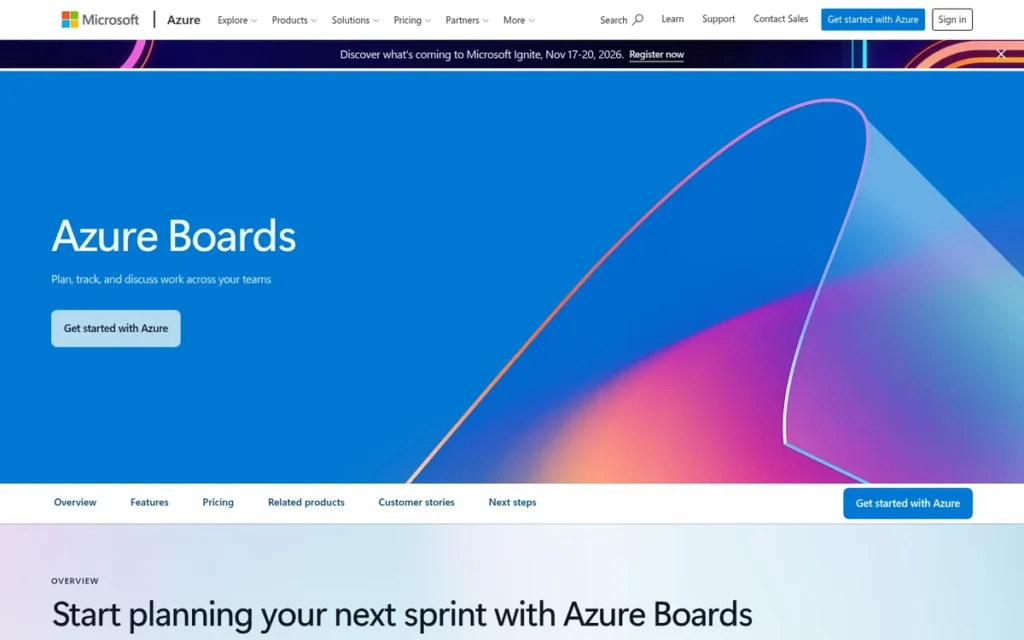
Category: Dev-Native Agile Suite, agile work tracking built into a development platform, with code, pipelines and on-prem options.
At a Glance
- Category: Dev-Native Agile Suite
- Best For: Software teams that need Jira-level Scrum or Agile depth, especially organizations already using Microsoft, Azure or GitHub
- Price Range: First 5 Basic users free, then $6/user/month; unlimited free Stakeholders (Microsoft pricing page, November 2026; not listed on G2)
- Primary Strength: Azure Boards matches Jira’s sprints, work hierarchy, capacity planning and cross-team delivery planning more closely than any other alternative in this ranking.
- Biggest Limitation: Azure Boards has a dated, complex interface and no first-party Jira importer.
- One-Line Summary: Azure Boards is the closest functional match to Jira’s agile feature set, with five free Basic users and an on-prem edition, but its interface is harder to learn.
- Last Verified: November 2026
Overview
Azure Boards is Microsoft’s agile work-tracking service, part of Azure DevOps Services in the cloud and Azure DevOps Server on-premises. Azure Boards is built for software teams that need Jira-level sprints, work hierarchy and capacity planning, especially in organizations already using Microsoft or GitHub.
Azure Boards offers Scrum, Agile, CMMI and Basic process templates and cross-team Delivery Plans. Azure DevOps Server, the on-premises edition, is licensed separately. Reddit users say Azure Boards matches Jira on features but falls behind on interface design (Reddit r/projectmanagement, accessed November 2026).
Key Features
- Azure Boards provides Basic, Agile, Scrum and CMMI process templates, and Azure Boards inherited processes let admins customize fields, states and rules.
- Azure Boards organizes work as Epic > Feature > User Story or Product Backlog Item > Task, with backlogs, sprint planning and team capacity planning.
- Azure Boards Delivery Plans show scheduled work across multiple teams, and Azure Boards Analytics connects to Power BI for custom reporting.
- Azure Boards links work items to Azure Repos, Pipelines and Test Plans and connects to GitHub, where GitHub Copilot can start coding work from an Azure Boards work item.
Best For
Azure Boards is best for engineering teams running structured Scrum or Agile that want Jira-level planning depth at a lower per-seat price. Azure Boards fits especially well where the organization already uses Microsoft Entra ID, Azure or GitHub.
Pricing
Azure Boards prices come from Microsoft’s official pricing page, because G2 lists none (Microsoft pricing page, November 2026).
- Azure Boards is free for the first 5 Basic users per organization and costs $6/user/month after that.
- Azure Boards with Basic + Test Plans costs $52/user/month.
- Azure Boards Stakeholder access is free and unlimited, but Stakeholders cannot use sprint planning or portfolio tools.
- Azure DevOps Server, the on-premises edition of Azure Boards, is licensed separately and requires a quote.
Azure Boards prices may change, so buyers should check Microsoft’s page before purchasing.
Strengths
- Azure Boards holds a 4.4/5 G2 rating with 96.4% of reviews at 4 or 5 stars, though that rating rests on only 140 reviews (G2, November 2026).
- Azure Boards is the only one of the seven alternatives whose documentation covers all four of these: process templates, a four-level hierarchy, capacity planning and multi-team Delivery Plans (Microsoft Learn, November 2026).
- Azure Boards costs $6/user/month after five free Basic users, and Azure Boards Stakeholder seats let managers take part at no cost (Microsoft pricing page, November 2026).
- Azure Boards offers a commercial self-hosted path through Azure DevOps Server, and Microsoft lists ISO/IEC 27001 and SOC 1/2/3 for Azure DevOps (Microsoft Learn, November 2026).
- Azure Boards draws favorable comparisons from former Jira Server users, one of whom wrote “I preferred it over Jira Server” (u/knuckboy, Reddit r/projectmanagement, accessed November 2026).
Limitations
Azure Boards gives up usability for depth. Azure Boards’ top G2 cons are Poor Interface Design (8) and Complexity Issues (7), and Learning Curve (5) also appears (G2, November 2026).
- Azure Boards has no first-party automated Jira importer, according to our research synthesis, so teams must move comments, history and attachments with CSV, the REST API or third-party tools (PlugRoute research, November 2026).
- Azure Boards fits non-technical teams poorly, and one Reddit user called the Azure Boards UI “awful” (u/ghostwipe88, Reddit r/projectmanagement, accessed November 2026).
- Azure Boards’ 140-review G2 sample is small, so the Azure Boards rating is less statistically certain than ratings for ClickUp or Asana.
- Azure Boards’ FedRAMP and HIPAA scope could not be verified for Azure DevOps specifically.
Verdict
Azure Boards is the highest-scoring Jira alternative in this ranking and the closest match to Jira’s agile depth, at a lower per-seat price than Jira. Azure Boards’ 34/45 lead comes mainly from the only 5/5 on double-weighted Jira Agile Parity, which is worth 10 points.
Azure Boards also scores 5/5 on cost predictability, while a 140-review G2 sample holds its satisfaction score to 3/5. Teams should plan for a steeper learning curve and budget for third-party migration tooling. Marketing and operations teams will likely get more from a cross-functional tool.
Users on r/azuredevops noted:
“Controversially, I think DevOps is an excellent tool if you’re using the repos and pipelines. For less software based projects I think Jira is just infinitely more configurable and the documentation is more user friendly.” Posted by u/elphamus
Takeaway: Azure Boards is at its best when a team also uses Azure Repos and Pipelines, and Jira’s flexibility still wins for projects that aren’t about building software.
How It Compares With Jira
Azure Boards matches Jira on sprints, typed work items, workflow customization and reporting, and includes capacity planning as standard. Azure Boards costs $6/user/month after 5 free users, compared with Jira Standard at $7.53 (G2 list price, which may predate the October 13, 2026 increase).
Azure Boards falls behind Jira on interface polish and app ecosystem, since Jira lists 152 G2 integrations. Azure DevOps Server offers an on-prem path, while Jira Data Center stopped new sales on March 30, 2026 and reaches end of life on March 28, 2029 (Atlassian, November 2026).
2. Shortcut: Best Lightweight Tracker for Software Teams
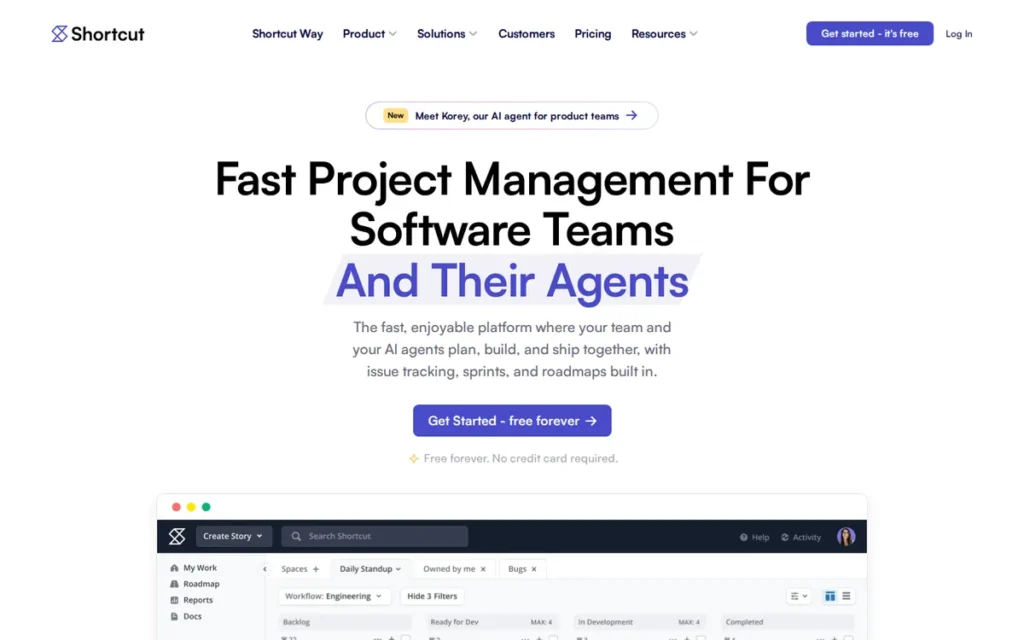
Category: Lightweight Software Tracker, sprint-capable issue tracking for software teams with minimal administration.
At a Glance
- Category: Lightweight Software Tracker
- Best For: Product and engineering teams of up to roughly 50 people that want sprints and Git-linked tracking without Jira’s configuration work
- Price Range: Free for 1–10 users; $8.50–$12/user/month billed annually (G2 list, November 2026); Enterprise by quote
- Primary Strength: Shortcut gives software teams native stories, epics and iterations with little admin work, and reviewers rate Shortcut’s ease of use highly.
- Biggest Limitation: Shortcut’s reporting is shallower than Jira’s, and Shortcut does not publicly document what its Jira importer transfers.
- One-Line Summary: Shortcut is a lightweight, sprint-ready software tracker that is free for up to 10 users and easier to run than Jira, but its reporting is thinner.
- Last Verified: November 2026
Overview
Shortcut is a cloud-based software project tracker built around Stories, Epics, Iterations and Objectives. Shortcut is designed for product and engineering teams that want sprint planning and Git-linked issue tracking with less administration than Jira, and Shortcut is free for up to 10 users.
Shortcut sits between minimalist trackers such as Linear and Jira in how configurable it is. Shortcut offers an automated Jira importer, but Shortcut’s public documentation does not list which fields transfer (Shortcut FAQ, accessed November 2026).
Key Features
- Shortcut types Stories as features, bugs or chores, groups them into Epics, and plans them in time-boxed Iterations.
- Shortcut adds Objectives, roadmaps and Docs for product requirement documents, so Shortcut keeps plans and specs next to the work.
- Shortcut provides Kanban boards with WIP limits and workflow automations, and Shortcut Business unlocks advanced reports and advanced custom fields.
- Shortcut integrates with GitHub, GitLab, Bitbucket, Slack, Figma, Sentry and Zendesk, and Shortcut includes API and webhook access on the free plan.
Best For
Shortcut is best for sprint-based product and engineering teams that want to leave Jira’s admin work behind without losing core agile structure. Shortcut suits teams that care more about easy adoption than deep analytics.
Pricing
Shortcut’s G2 list prices are Free for 1–10 users, Team at $8.50/user/month and Business at $12/user/month, billed annually (G2, November 2026). Shortcut’s pricing page adds this detail (Shortcut pricing page, November 2026):
- Shortcut Free includes a 10-user cap, 1 team, 1 workflow and 5 GB of storage.
- Shortcut Team costs $10/user/month billed monthly and includes up to 5 teams, 5 workflows and 250 GB.
- Shortcut Business costs $16/user/month billed monthly and adds unlimited teams and workflows, OKRs, advanced reports and advanced custom fields.
- Shortcut Enterprise is quote-based and includes SSO and SCIM.
The first 10 Shortcut users stop being free on a paid plan, so an 11-person team pays for all 11 seats (Shortcut billing help, November 2026). Shortcut prices may change.
Strengths
- Shortcut holds a 4.4/5 G2 rating with 93.8% of reviews at 4 or 5 stars, though that rests on only 177 reviews, and Shortcut’s top pros are Ease of Use (19) and User Interface (11) (G2, November 2026).
- Shortcut most often goes live in under one month or under one day, and Learning Curve is only Shortcut’s #4 G2 con, with 3 mentions (G2, November 2026).
- Shortcut published a case study in which SummerOS imported its Jira data, onboarded “in hours” and started sprinting the next day (Shortcut customer story, vendor-published, accessed November 2026; no quantified outcome).
- Shortcut published a second case study in which Thirty Madison, with 80 engineers, called Shortcut “the easiest tool to introduce to a team that was very skeptical of Jira” (Shortcut customer story, vendor-published, accessed November 2026).
- Shortcut’s free plan covers up to 10 users and includes API and webhook access (Shortcut pricing page, November 2026).
Limitations
Shortcut gives up depth for simplicity. Shortcut’s top G2 cons are Missing Features (6), Lack of Tools (4) and Poor Reporting (3), and Shortcut users ask for velocity and time-in-state analytics (G2, November 2026).
- Shortcut’s public documentation does not say which fields, comments, attachments or custom fields its Jira importer carries over, so teams should run a pilot import.
- An independent review of Shortcut notes occasional bugs, slow loading and search that depends on syntax (The Digital Project Manager, accessed November 2026).
- Shortcut appears to be cloud-only, Shortcut’s SOC 2 status could not be verified, and Shortcut supports English only.
- Shortcut had no meaningful Reddit discussion in our research, which leaves little independent community evidence.
Verdict
Shortcut is the highest-scoring lightweight Jira replacement in this ranking for software teams that want native sprints and Git integration without Jira’s configuration overhead. Shortcut ties Azure Boards on the three double-weighted criteria (22 points).
Shortcut’s cloud-only deployment (C6 = 1) is the main reason it does not rank higher. Shortcut ties Backlog at 31/45 and ranks #2 on the primary-criteria tie-break. Teams that depend on detailed sprint analytics or self-hosting should look elsewhere.
How It Compares With Jira
Shortcut covers Jira’s core agile building blocks, including typed work items, epics, sprints and roadmaps, with less setup. Shortcut and Jira both offer a free 10-user plan, but Shortcut’s free seats disappear on upgrade.
Shortcut falls behind Jira on reporting depth, custom fields and language support (1 vs 20). Shortcut lists 5 G2 integrations against Jira’s 152, though Shortcut’s own site lists more, including GitHub, GitLab, Bitbucket, Slack, Figma, Sentry and Zendesk.
3. Backlog: Best Value at Scale with Flat-Rate Pricing and Built-In Git
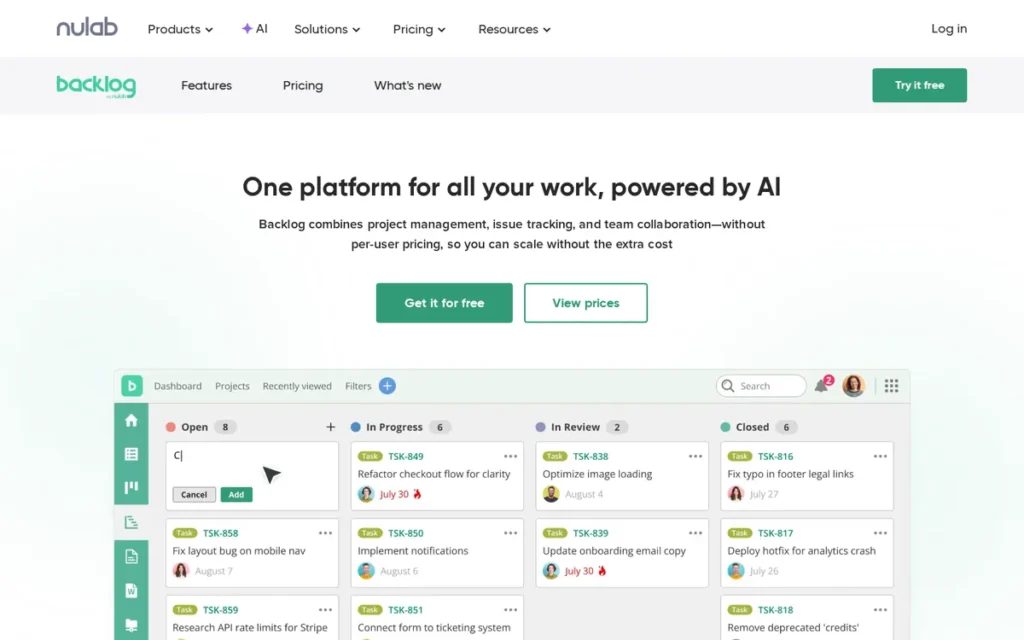
Category: Dev-Native Agile Suite (partial sprint support: Kanban, Gantt and burndown; no verified native sprint model), agile work tracking built into a development platform, with code hosting and on-prem options.
At a Glance
- Category: Dev-Native Agile Suite
- Best For: Growing mixed teams of developers, designers and IT staff (roughly 30–100+ users) that want predictable flat-rate cost and built-in code hosting
- Price Range: Free; $35–$100/month flat per workspace (G2 list, November 2026); Premium $175/month; Enterprise and On-Premises by quote (Nulab pricing, November 2026)
- Primary Strength: Backlog charges a flat monthly workspace price with unlimited users on Standard, which makes Backlog one of the cheapest options per user as teams grow.
- Biggest Limitation: Backlog’s most-cited G2 complaints are all about speed, and Backlog custom fields require the Premium tier.
- One-Line Summary: Backlog is a flat-priced issue tracker with built-in Git and SVN hosting that becomes very cheap per user at scale, though reviewers repeatedly flag slow performance.
- Last Verified: November 2026
Overview
Backlog by Nulab is a project and issue tracker with built-in Git and SVN hosting, Kanban boards, Gantt charts and burndown charts. Backlog uses flat monthly workspace pricing and is built for mixed teams of developers, designers and IT staff who want predictable costs.
Nulab sells a self-hosted Backlog On-Premises edition by quote, separate from its cloud plans (Nulab pricing, November 2026). Nulab reports that more than 18,000 teams use Backlog (Nulab, vendor-reported, accessed November 2026). Backlog draws little English-language community discussion, which fits Nulab’s base in Fukuoka, Japan.
Key Features
- Backlog tracks work as issues with parent and child issues, custom statuses and Kanban boards on every plan.
- Backlog includes Gantt charts and burndown charts from the Standard plan up, and Backlog Premium adds cross-project Gantt views.
- Backlog hosts Git and SVN repositories with pull requests and code review alongside issues, wikis and documents.
- Backlog On-Premises lets teams keep Backlog project data on their own infrastructure.
Best For
Backlog is best for teams of roughly 30 to 100+ users that want one flat bill, built-in code hosting and a tracker non-developers can use. Backlog is a weaker fit for teams under about 13 users, who may pay less on per-seat plans.
Pricing
Backlog’s G2 list prices are Free, Starter at $35/month and Standard at $100/month, all flat per workspace (G2, November 2026). Nulab’s pricing page adds this detail (Nulab pricing, November 2026):
- Backlog Free covers 10 users, 1 project, 100 MB of storage and one 5 MB attachment per issue.
- Backlog Starter ($35/month) covers 30 users, 5 projects and 1 GB.
- Backlog Standard ($100/month) covers unlimited users, 100 projects and 30 GB, with Gantt limited to a six-month view.
- Backlog Premium ($175/month) adds unlimited projects, 100 GB and custom fields.
- Backlog Enterprise and Backlog On-Premises are quote-based.
A 50-person team pays $100/month on Backlog Standard. The same team would pay about $376.50/month at Jira Standard’s $7.53 G2 list price, which may predate the October 13, 2026 increase. The break-even point is about 13 users, and Backlog prices may change.
Strengths
- Backlog has the highest share of 4–5-star G2 reviews among the seven alternatives: 98.1% of 432 reviews, with a 4.6/5 rating (G2, November 2026).
- Backlog’s Standard plan costs $100/month flat for unlimited users, which works out to about $2/user for a 50-person team (G2, November 2026).
- Backlog bundles Git and SVN hosting with pull requests and code review, so Backlog keeps code and issues in one tool (Nulab features page, November 2026).
- Backlog’s top G2 pros are Task Management (81) and Ease of Use (77), and Learning Curve does not appear among Backlog’s top five cons (G2, November 2026).
Limitations
Backlog gives up speed for low cost. Backlog’s top three G2 cons are Slow Performance (26), Slow Loading (23) and Slow Speed (21), the same slowness Jira users report (G2, November 2026).
- Backlog “can feel quite slow to load” when many items are active, according to one Capterra reviewer (Capterra, accessed November 2026).
- Backlog restricts custom fields to the $175/month Premium tier, which matters for teams with field-heavy Jira setups.
- Backlog’s Jira importer coverage could not be verified, and G2 lists no Backlog integrations.
- Capterra reviewers describe Backlog as limiting for complex projects, with less customizable reporting, and G2 reviewers say the Backlog mobile app needs work (Capterra and G2, November 2026).
- Backlog’s ISO 27001 and SOC certifications could not be verified, and our research found no meaningful Reddit discussion of Backlog.
Verdict
Backlog is the lowest-cost commercial Jira alternative in this ranking for teams of roughly 30 or more users, because its flat $100/month Standard plan covers unlimited users. Backlog scores 5/5 on cost predictability and 4/5 on volume-adjusted satisfaction.
Backlog scores 3/5 on agile parity because PlugRoute could not verify a native sprint model. Backlog ties Shortcut at 31/45 and ranks #3 on the primary-criteria tie-break (20 vs 22). Teams should trial Backlog on a realistic data volume, because slow performance is Backlog’s most consistent complaint.
How It Compares With Jira
Backlog costs less than Jira’s per-seat pricing for teams above about 13 users and bundles code hosting that Jira lacks. Backlog is weaker than Jira on sprint reporting, custom fields and integrations.
Backlog On-Premises offers a self-hosted path as Jira Data Center approaches end of life on March 28, 2029. Backlog and Jira both draw slowness complaints on G2.
4. ClickUp: Best All-in-One Hub for Mixed Dev and Business Teams
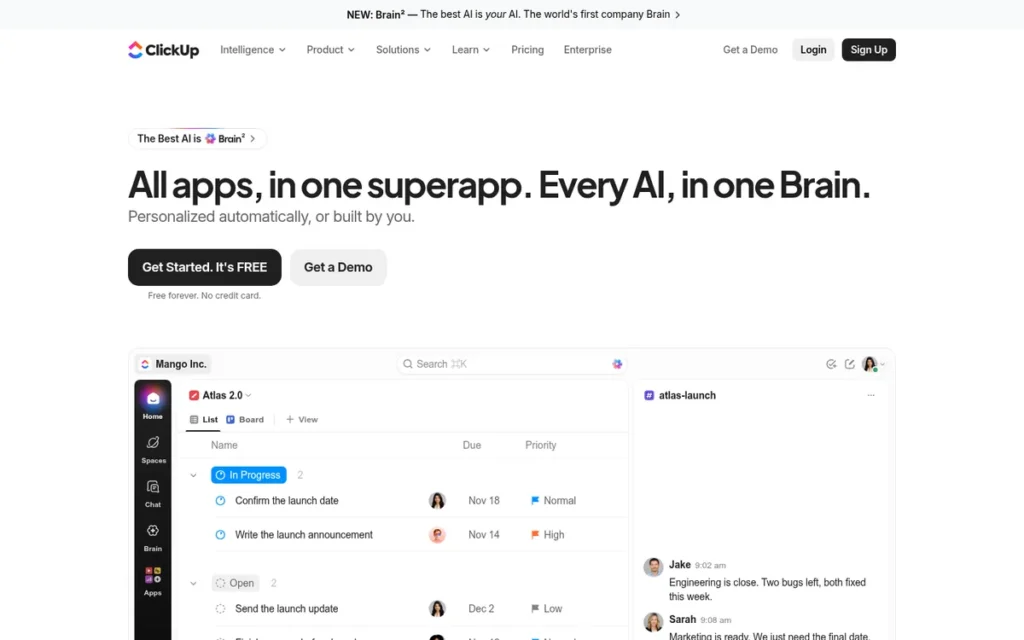
Category: All-in-One Work Hub, tasks, sprints, docs, chat and AI in one workspace for every department.
At a Glance
- Category: All-in-One Work Hub
- Best For: Organizations that want developer and business teams in one shared workspace instead of Jira plus separate docs and chat tools
- Price Range: Free; $10–$19/user/month (G2 list, November 2026); vendor site shows Core $9 and Business $17/user/month billed annually; Enterprise by quote
- Primary Strength: ClickUp combines sprints, tasks, docs, chat and dashboards in one workspace and has the largest G2 review base in this ranking (15,674 reviews).
- Biggest Limitation: ClickUp’s most-cited G2 complaints closely match the complaints that drive teams away from Jira.
- One-Line Summary: ClickUp has the largest G2 review base of any Jira alternative here, but its top complaints mirror Jira’s own learning-curve, speed and feature-overload problems.
- Last Verified: November 2026
Overview
ClickUp is an all-in-one work platform that combines tasks, sprints, docs, chat, whiteboards, dashboards and AI in one hierarchy. ClickUp is built for organizations that want developer and business teams in a single tool instead of running Jira alongside separate apps.
ClickUp’s vendor description claims more than 20 million users (ClickUp, vendor-reported, accessed November 2026). ClickUp’s breadth is also the source of its most frequent complaints.
Key Features
- ClickUp organizes work as Spaces > Folders > Lists > Tasks > Subtasks, with docs, chat, whiteboards and dashboards in the same workspace.
- ClickUp includes Sprints on every plan, while ClickUp sprint points require Business or higher and custom task types are trial-limited on Free.
- ClickUp lets teams build automations, with monthly action limits that rise by plan.
- ClickUp’s Jira importer, available on all plans, transfers issues, subtasks, assignees, dependencies, statuses, comments with authors, attachments and Jira’s built-in custom fields.
Best For
ClickUp is best for mid-sized organizations where engineering, marketing and operations need to share one tool. ClickUp suits developer teams that need lighter sprint tracking rather than deep Git or CI traceability, and that are willing to invest setup time.
Pricing
ClickUp’s G2 list prices are Free, Unlimited at $10/user/month and Business at $19/user/month (G2, November 2026). ClickUp’s own pricing page differs (ClickUp pricing page, November 2026):
- ClickUp Core costs $9/user/month billed annually or $12 billed monthly.
- ClickUp Business costs $17/user/month billed annually or $25 billed monthly.
- ClickUp Free Forever includes unlimited members and tasks but only 60 MB of storage and 5 Spaces.
- ClickUp AI credits come per plan: 500 per workspace on Free, and 1,000, 1,500 or 3,000 per user on Core, Business or Enterprise.
ClickUp’s help center still uses the plan name “Unlimited.” Buyers should confirm ClickUp plan names, AI costs and automation caps at checkout, because prices may change.
Strengths
- ClickUp has the largest G2 review base in this ranking: 15,674 reviews, a 4.6/5 rating tied with Backlog for highest, and 97.5% of reviews at 4 or 5 stars (G2, November 2026).
- ClickUp’s top G2 pros are Tailored Workflows (1,603), Unified Work Hub (1,407) and Easy Daily Use (1,347) (G2, November 2026).
- ClickUp is the only one of the seven vendors whose public documentation we found lists what its Jira importer does not transfer, with a 50 GB upload limit and a 1 GB single-attachment cap (ClickUp Help Center, November 2026).
- ClickUp lists 255 integrations on G2, the most of any product here and more than Jira’s 152 (G2, November 2026).
- ClickUp draws praise from some engineering leaders, one of whom called ClickUp 3.0 “very snappy” for mid-sized companies with multiple dev teams (u/Nowaker, Reddit r/projectmanagement, accessed November 2026).
Limitations
ClickUp gives up simplicity for breadth. ClickUp’s top G2 cons are Steep Learning Curve (778), Slow Workspace Performance (762) and Too Many Features (597), which closely mirror Jira’s (G2, November 2026).
- ClickUp’s Jira importer does not transfer user-defined custom fields, recurring tasks, timestamps or priority, and it makes private Jira comments public (ClickUp Help Center, November 2026).
- ClickUp caps monthly automation actions at 100 per workspace on Free, 1,000 on Core, 10,000 on Business and 1 million on Enterprise, which matters for teams leaving Jira Automation (ClickUp pricing page, November 2026).
- ClickUp’s Git and CI integrations are lighter than Jira’s, and ClickUp sprint reporting is gated by plan, according to comparison sites (VersusTool, accessed November 2026).
- ClickUp supports English only, and the ClickUp free plan includes only 60 MB of storage.
- ClickUp splits Reddit opinion on performance, and one user said “performance issues drove me off the platform” (u/Nimue82, Reddit r/projectmanagement, accessed November 2026).
Verdict
ClickUp is the only all-in-one work hub in this ranking and suits organizations that want engineering and business teams in one workspace. ClickUp has the only 5/5 on volume-adjusted satisfaction.
ClickUp scores 1/5 on avoiding Jira’s core complaints. That score costs ClickUp 8 weighted points and is the main reason ClickUp ranks #4 at 29/45. Teams should trial ClickUp on a realistically sized workspace and plan custom-field rebuilds and a privacy review.
Users on r/clickup shared their experience:
“Plus, clickup is feature rich, and we really liked it even if it comes with complexity. The only issue we had with the complexity is regarding privacy and share configurations. Team members accidentally shared private information.” Posted by u/dberebi
Takeaway: ClickUp’s feature depth wins over teams, but its complex sharing settings make a privacy review necessary before rollout.
How It Compares With Jira
ClickUp goes beyond Jira with docs, chat, whiteboards and more G2-listed integrations (255 vs 152), and ClickUp rates higher on G2 (4.6 vs 4.3). ClickUp is weaker than Jira on sprint reporting depth, Git and CI traceability, and language support (1 vs 20).
ClickUp’s $10–$19 G2 list prices exceed Jira Standard’s $7.53, which may predate the October 13, 2026 increase.
5. Redmine: Best Free Self-Hosted Open-Source Option
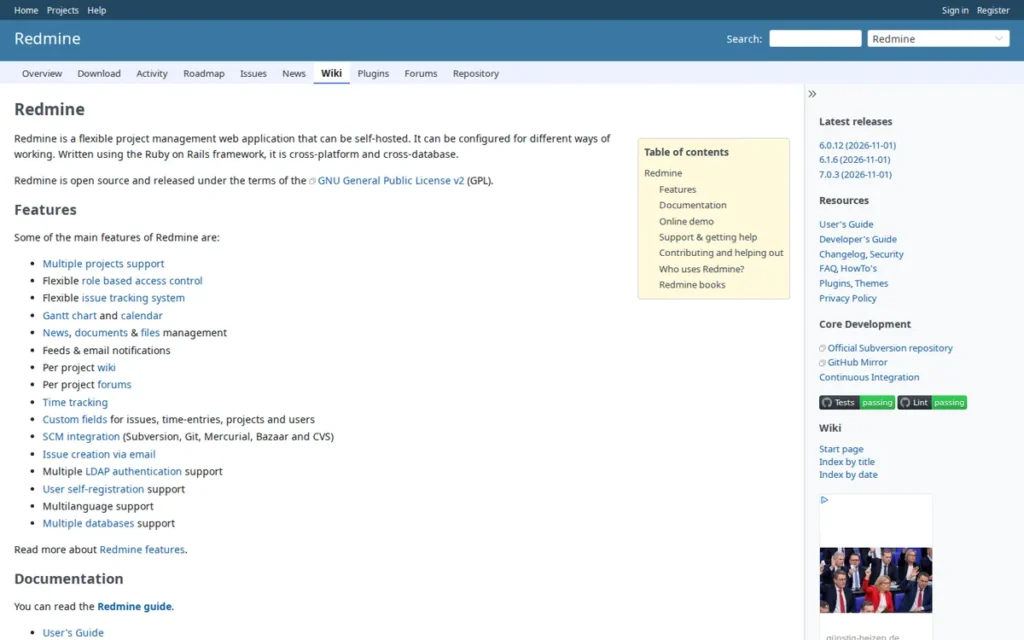
Category: Open-Source Self-Hosted Tracker, free-license issue tracking you install and run on your own servers.
At a Glance
- Category: Open-Source Self-Hosted Tracker
- Best For: Teams with compliance, data-residency or budget constraints that have in-house admin capacity, including teams leaving Jira Server or Data Center
- Price Range: $0 license (GPL v2, self-hosted); Planio managed hosting €19/$25–€199/$249 per month, Enterprise from €349/$449 (Planio pricing, November 2026; not listed on G2)
- Primary Strength: Redmine is free, open-source software that keeps all project data on infrastructure you control, with detailed role and workflow permissions.
- Biggest Limitation: Redmine has no built-in agile boards or sprints, depends on plugins that can break on upgrade, and has a dated interface.
- One-Line Summary: Redmine is the only free, open-source, self-hosted option among the seven ranked Jira alternatives, but Redmine agile features require plugins and the interface is dated.
- Last Verified: November 2026
Overview
Redmine is a free, open-source (GPL v2) on-premises issue tracker built on Ruby on Rails. Redmine offers custom fields, role-based workflows, Gantt charts, wikis and version-control links for organizations that must keep project data on infrastructure they control.
Redmine suits Jira Server customers, who have received no security fixes since February 15, 2024 (Atlassian, November 2026). Community volunteers maintain Redmine, and G2 lists Planio as the seller of its managed-hosting edition. Redmine’s real costs are hosting, administration and paid plugins.
Key Features
- Redmine supports multiple projects and subprojects, configurable trackers (issue types) and custom fields within one instance.
- Redmine provides role-based permissions, with workflows configurable per tracker and per role.
- Redmine includes Gantt charts, calendars, wikis, forums and time tracking as standard.
- Redmine integrates with Git, SVN, Mercurial, Bazaar and CVS repositories and runs on several database back ends.
Best For
Redmine is best for IT-capable organizations that must self-host for compliance or data residency and prefer a free license to vendor lock-in. Redmine suits teams that can maintain servers, apply security patches and manage plugins.
Pricing
Redmine core costs $0 under the GPL v2 license, and G2 lists no Redmine prices. Managed-hosting and plugin options are below (Planio and RedmineUP pricing pages, November 2026):
- Planio’s Redmine hosting has flat tiers of €19/$25, €49/$59, €95/$125 and €199/$249 per month, each with project, user and storage limits.
- Planio Enterprise starts at €349/$449 per month.
- RedmineUP Cloud costs $83, $203 or $359 per month billed monthly, or $69, $169 or $299 billed annually.
- The RedmineUP Agile plugin for Redmine is listed at $499, and its billing terms are unverified.
Self-hosted Redmine adds server, administration and security-patching costs. Redmine hosting and plugin prices may change.
Users on r/selfhosted noted:
“RedmineUP’s plugins are not free, but really low-cost even for a relatively small business. It’s not a subscription when you self-host, but a perpetual license with 12 months of support and updates.” Posted by u/Bright_Falls
Takeaway: Redmine’s core is free, but real deployments add paid plugins, and their perpetual licensing keeps those costs predictable for self-hosting teams.
Strengths
- Redmine has a long production track record, and one Software Advice reviewer’s organization has used Redmine “since 2006 or so” (Software Advice, accessed November 2026).
- Redmine’s GPL v2 license means no per-seat fees and full data control, which matters as Jira Data Center heads toward end of life on March 28, 2029 (Atlassian, November 2026).
- Redmine offers detailed role-based permissions and per-tracker, per-role workflows, which suit teams with strict access requirements (redmine.org, November 2026).
- Redmine supports five version-control systems, the broadest VCS coverage in this ranking (redmine.org, November 2026).
- Redmine has a mature plugin ecosystem, and the RedmineUP Agile plugin has 141 ratings in the Redmine plugin directory (redmine.org, November 2026).
Limitations
Redmine gives up agile depth for a $0 license. Redmine agile boards, sprints, burndown and velocity require plugins such as RedmineUP Agile, and a Capterra reviewer called that plugin’s backlog view inadequate (Capterra, accessed November 2026).
- Redmine users on the official forum report that Ruby, Rails or gem upgrades break plugins and custom patches (redmine.org forum, accessed November 2026).
- Redmine has the lowest G2 rating of the seven: 4.0/5 from 259 reviews, with 82.6% at 4 or 5 stars (G2, November 2026).
- Redmine reviewers compare its UI to the early 2000s (Capterra, accessed November 2026), and G2 says direct Redmine support can be “difficult to access” (G2, November 2026).
- Redmine has no native Jira importer, though RedmineUP sells a paid migration service covering issues, comments, attachments, users and time entries.
Verdict
Redmine is the only free, open-source, self-hosted option among the seven ranked Jira alternatives and suits teams that need full data control without per-seat licensing. Redmine earns the only 5/5 on deployment flexibility.
Redmine’s 2/5 scores on agile parity and volume-adjusted satisfaction hold Redmine to 26/45. Redmine does not replace Jira out of the box for Scrum teams, because Redmine sprints depend on plugins. Teams without admin capacity should consider managed hosting such as Planio.
How It Compares With Jira
Redmine matches Jira on custom fields, trackers and role-based workflows and supports more version-control systems. Redmine lacks Jira’s native sprints, boards and modern interface.
Redmine costs $0 to license, but self-hosting moves patching and plugin management onto your team. Redmine offers a long-term on-prem path for teams facing Atlassian’s end-of-life dates.
6. Wrike: Best for Enterprise Cross-Department Work with Proofing
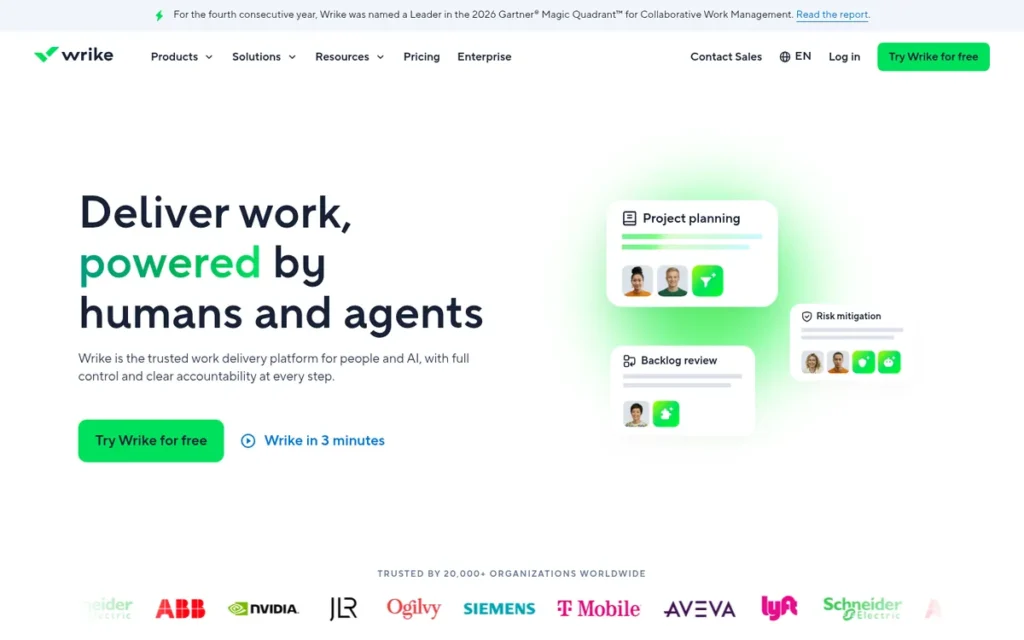
Category: Cross-Functional Work Manager, project coordination for business teams across departments.
At a Glance
- Category: Cross-Functional Work Manager
- Best For: Mid-size and enterprise marketing, creative, professional-services and operations teams that need proofing, approvals and resource planning
- Price Range: Free; $10–$25/user/month (G2 list, November 2026); Pinnacle by quote; Team plan limited to 2–15 users (Wrike pricing page, November 2026)
- Primary Strength: Wrike adds proofing, approvals, request forms and resource management that Jira needs add-ons to provide.
- Biggest Limitation: Wrike’s leading G2 complaints are its learning curve and lack of intuitiveness, and Wrike has the longest typical go-live of the seven.
- One-Line Summary: Wrike is a cross-department work platform with built-in proofing and resource management, but its learning curve and 15-user Team-plan cap make Wrike a heavyweight Jira replacement.
- Last Verified: November 2026
Overview
Wrike is a cross-department work management platform whose main differences from Jira are proofing, approvals and resource management. Wrike is built for mid-size and enterprise organizations that coordinate marketing, professional-services and operations work.
Wrike often runs in a hybrid setup where engineering stays in Jira, and Wrike sells its two-way Jira and GitHub sync as a paid add-on (Wrike pricing page, November 2026). Wrike’s #6 rank reflects how well it replaces Jira for engineering work, not its quality for business teams.
Key Features
- Wrike supports custom item types and Blueprints (reusable templates) so teams can model repeatable cross-department processes.
- Wrike provides Gantt charts, dashboards and request forms for intake, planning and progress tracking.
- Wrike includes proofing, approvals, and resource and workload management for creative and services teams.
- Wrike offers Wrike Integrate for no-code integrations and Work Intelligence AI.
Best For
Wrike is best for larger organizations where marketing, creative and operations teams need structured intake, proofing and capacity planning across many projects. Wrike suits a hybrid model in which developers stay in Jira.
Pricing
Wrike’s G2 list prices are Team at $10/user/month, Business at $25/user/month and Pinnacle by custom quote (G2, November 2026). Wrike’s pricing page adds this detail (Wrike pricing page, November 2026):
- Wrike Free costs $0 and allows unlimited users.
- Wrike Team is limited to 2–15 users.
- Wrike Business allows 5–200 users.
- Wrike Enterprise and Pinnacle are quote-only.
- Wrike’s current pricing applies to new purchases from January 21, 2026.
Wrike’s two-way Jira and GitHub sync costs extra, and Wrike prices may change.
Strengths
- Wrike has a large review base: 4,614 G2 reviews and a 4.2/5 rating, with top pros Project Management (477) and Team Collaboration (456) (G2, November 2026).
- Wrike includes proofing, approvals, request forms and resource management natively, which Jira needs add-ons to provide (Wrike features page, November 2026).
- Wrike reports a 396% three-year ROI and payback within 6 months, based on vendor-commissioned modelling of a composite organization built from 4 customer interviews (Forrester TEI commissioned by Wrike, 2023).
- Wrike performs “reasonably well” across 160+ projects, according to one Reddit user (u/ZaMr0, Reddit r/projectmanagement, accessed November 2026).
Limitations
Wrike gives up approachability for power. Wrike’s top G2 cons are Learning Curve (305), Not Intuitive (239) and Complex Usability (171) (G2, November 2026).
- Wrike’s Team plan stops at 15 users, so a growing team must move to Business at 2.5× the per-user price (Wrike pricing page, November 2026).
- Wrike’s most common go-live time is 1–3 months, the longest of the seven (G2 implementation data, November 2026).
- Wrike can demand heavy setup, and one Reddit reviewer described spending “way too much time customizing workflows and dashboards” (u/Electronic-Tart3381, Reddit r/software, accessed November 2026).
- Wrike is weaker than Jira for Scrum- and Kanban-centered software teams, according to comparison sites (SelectHub, accessed November 2026).
- Wrike reviewers report slow-loading dashboards and reports that need manual exports, and Wrike’s 89.4% share of 4–5-star reviews is the lowest among the commercial cloud tools here (G2, November 2026).
Verdict
Wrike is a strong fit for enterprise marketing, creative and operations teams that need proofing, approvals and resource planning in one platform. Wrike ties Asana at 22/45 and ranks #6 on the primary-criteria tie-break (16 vs 14).
Wrike does not replace Jira like-for-like for Scrum software teams, and Wrike’s learning curve mirrors Jira’s configuration burden. Many organizations will get the most from a hybrid setup and should budget for the paid sync add-on.
How It Compares With Jira
Wrike includes proofing, approvals and resource management that Jira lacks without add-ons. Wrike is weaker than Jira for Scrum software work, lists fewer G2 integrations (21 vs 152) and rates slightly lower (4.2 vs 4.3).
Wrike’s $10–$25 G2 list prices exceed Jira Standard’s $7.53, which may predate the October 13, 2026 increase.
7. Asana: Best for Non-Engineering and Cross-Functional Teams
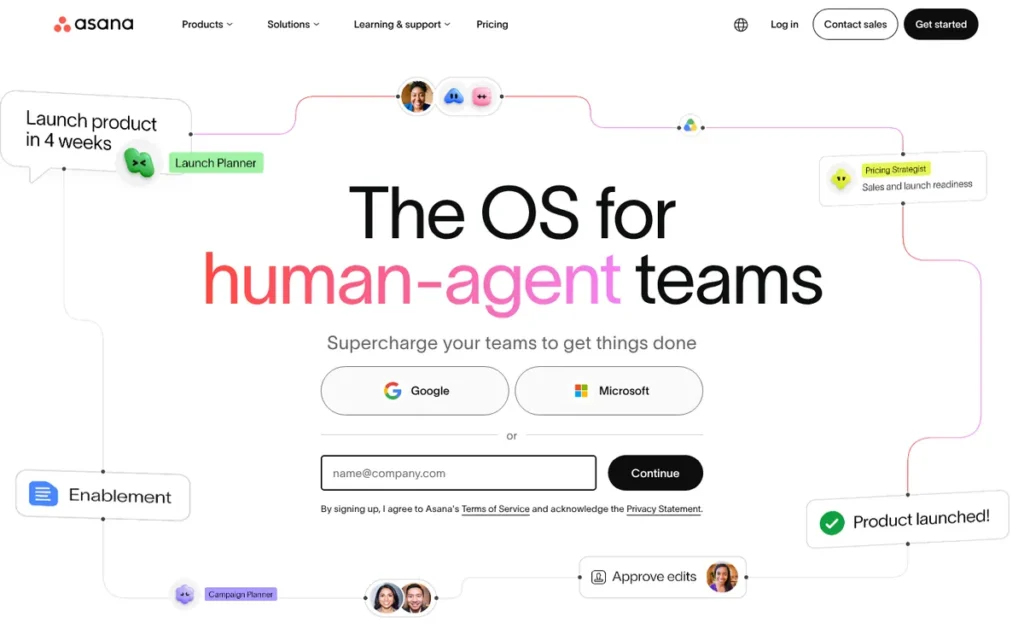
Category: Cross-Functional Work Manager, project coordination for business teams across departments.
At a Glance
- Category: Cross-Functional Work Manager
- Best For: Marketing, operations, creative and other non-engineering teams that find Jira’s developer-focused interface cumbersome
- Price Range: Free Personal plan; $10.99–$24.99/user/month billed annually (G2 list, November 2026); seats sold in bundles; Enterprise by quote
- Primary Strength: Asana’s top G2 pros are Easy Day-to-Day Use (779) and Easy Setup and Onboarding (457), which make Asana approachable for non-technical teams.
- Biggest Limitation: Asana has no native sprint model, according to Asana’s own documentation, so Asana cannot replace Jira for Scrum teams.
- One-Line Summary: Asana is an approachable Jira alternative for non-engineering teams, but Asana has no native sprints, and its seat bundles and paywalled features raise costs.
- Last Verified: November 2026
Overview
Asana is a cross-functional work management platform with list, board, timeline and Gantt views, rules-based automation and AI Studio. Asana is built for marketing, operations and other non-engineering teams that find Jira cumbersome and need to coordinate projects, portfolios and goals.
Asana’s own guidance tells software teams to model sprints as projects or sections and to use Asana’s Jira Cloud integration for advanced issue tracking (Asana Help, November 2026). Asana’s #7 rank reflects how well it replaces Jira for engineering, not its quality for business teams.
Key Features
- Asana offers list, board, calendar, timeline and Gantt views on its Work Graph, which links tasks, projects, portfolios and goals.
- Asana automates work with Rules, and Asana AI Studio provides a no-code builder for AI-assisted workflows, with AI Teammates in beta.
- Asana’s GitHub integration links commits and pull requests to Asana tasks.
- Asana’s two-way Jira Cloud integration lets engineering teams stay in Jira while business teams track related work in Asana.
Best For
Asana is best for marketing, creative, operations and PMO teams coordinating cross-functional projects and goals. Asana suits organizations where engineering keeps a dedicated tracker and business teams need a simpler shared view.
Pricing
Asana’s G2 list prices are Personal at $0, Starter at $10.99/user/month and Advanced at $24.99/user/month, billed annually (G2, November 2026). Asana’s pricing pages add this detail (Asana pricing and Asana Help, November 2026):
- Asana Starter costs $13.49/user/month and Asana Advanced costs $30.49/user/month when billed monthly.
- Asana Enterprise and Enterprise+ are quote-based.
- Asana sells seats one at a time for 2–5 seats, in steps of 5 up to 30, and in steps of 10 up to 100.
- Asana then sells seats in steps of 25 up to 500 and in steps of 50 above that.
Because of seat bundling, a 12-person Asana team pays for 15 seats. Sources conflict on Asana’s free-plan seat cap (2 vs 10), so buyers should confirm it directly, and Asana prices may change.
Strengths
- Asana has one of the largest review bases here: 4.4/5 from 14,129 G2 reviews, with 93.3% at 4 or 5 stars and Easy Day-to-Day Use (779) as its top pro (G2, November 2026).
- Asana’s Trust Center lists SOC 2 Type II and ISO 27001, and Asana Gov holds FedRAMP authorization for the government offering only (Asana Trust Center, November 2026).
- Asana attracts teams that find Jira hard to use, according to G2’s switching summary (G2, November 2026), and one Reddit user called Jira “cumbersome and confusing” for non-technical users (u/Spatulakoenig, Reddit r/Asana, accessed November 2026).
- Asana reports more than 170,000 customers, including Accenture, Amazon and Suzuki (Asana, vendor-reported, accessed November 2026).
Limitations
Asana gives up engineering depth for approachability. Asana’s documentation confirms there is no native sprint model, and comparison sites note Asana has no built-in story points, burndown or velocity (TrulyCritic, accessed November 2026).
- Asana is the only product here with two pricing complaints among its top G2 cons: Key Features Behind Paywall (164) and High Per-Seat Costs (128) (G2, November 2026).
- Asana’s seat bundling raises the bill for teams whose headcount falls between bundle sizes.
- Asana’s #1 G2 con is still Steep Learning Curve (254), and Excessive Notifications (162) is also frequent (G2, November 2026).
- Asana can hit a ceiling as operations grow, and one Reddit user warned that “missing features, limitations and peculiarities become headaches” (u/Spatulakoenig, Reddit r/Asana, accessed November 2026).
Verdict
Asana is an approachable Jira alternative for marketing, operations and other non-engineering teams, backed by more than 14,000 G2 reviews. Asana ties Wrike at 22/45 and ranks #7 on the primary-criteria tie-break (14 vs 16), mainly because of a 1/5 on agile parity.
Asana does not replace Jira for sprint-based software teams. Organizations should expect to run Asana alongside Jira and budget for seat bundles.
How It Compares With Jira
Asana is easier for non-technical teams to adopt than Jira, offers stronger goals and portfolio views, and rates higher on G2 (4.4 vs 4.3). Asana lacks Jira’s native sprints, story points and burndown.
Asana’s $10.99–$24.99 G2 list prices exceed Jira Standard’s $7.53, which may predate the October 13, 2026 increase. Asana supports 13 languages to Jira’s 20.
Why Are Teams Looking for Jira Alternatives in 2026?
Teams look for Jira alternatives for two main reasons. Jira’s most-cited G2 complaints are its learning curve, slowness under heavy workloads and feature overload. Atlassian’s lifecycle changes are also forcing self-hosted customers to plan a move before Jira Data Center reaches end of life on March 28, 2029.
Jira’s top G2 cons (G2, November 2026):
- Steep Learning Curve is Jira’s most-cited G2 con, mentioned in 378 reviews.
- Slow Under Heavy Workloads is Jira’s second most-cited con, mentioned in 284 reviews.
- Overwhelming Feature Options is cited by 207 Jira reviewers.
- Crowded Screens is cited by 160 Jira reviewers.
- Time-Consuming Setup is cited by 141 Jira reviewers.
Improvements Jira users request most often (G2, November 2026):
- Jira users want simpler navigation and onboarding with fewer steps.
- Jira users want search and filtering that don’t require query-language knowledge.
- Jira users want more flexible reporting for sprint, team and executive views.
- Jira users want faster performance on large projects, boards and searches.
- Jira users want more dependable, context-aware AI.
Atlassian’s lifecycle and pricing timeline:
- Jira Server support ended on February 15, 2024, and Jira Server no longer receives security fixes (Atlassian, November 2026).
- Jira Data Center stopped accepting new customers on March 30, 2026, and existing Jira Data Center customers can expand until March 30, 2028 (Atlassian, November 2026).
- Jira Data Center reaches end of life on March 28, 2029 and becomes read-only after that, and Atlassian says it will provide technical support and critical security fixes until that date (Atlassian, November 2026).
- Jira Cloud Standard, Premium and Enterprise list prices increased on October 13, 2026 (Atlassian, November 2026).
- Jira Data Center prices rose 15% from February 17, 2026, according to a secondary, non-Atlassian report that should be treated as unconfirmed (The Tech Bag, 2026).
Demand for self-hosting remains real. Cloud deployments made up 55.8% of the bug-tracking software market in 2025, so roughly 44% of that market was still outside the cloud (SNS Insider, December 2025). Project management software was estimated at $7.6 billion to $9.14 billion in 2025, depending on definition (IDC; Grand View Research; Research and Markets, 2025).
Jira still has real strengths. Jira holds 4.3/5 from 8,081 G2 reviews, with 93.2% at 4 or 5 stars, and Jira’s top pro is Tailored Workflows (524) (G2, November 2026).
PlugRoute found no credible survey that measures developer dissatisfaction with Jira, so readers should treat “developers hate Jira” claims as anecdotal.
How Do These Alternatives Compare With Jira Feature by Feature?
Three of the seven Jira alternatives have native sprints: Azure Boards, Shortcut and ClickUp. Three offer self-hosted options (Azure Boards, Backlog and Redmine), and two avoid per-seat pricing (Backlog and Redmine). All data comes from G2 and vendor pages as of November 2026.
Jira Alternatives vs Jira (Data as of November 2026)
| Product | G2 Rating (Reviews) | Native Sprints | Free Tier Limits | Pricing Model | Self-Hosting | Jira Importer and Known Losses | Top G2 Complaint (Count) |
|---|---|---|---|---|---|---|---|
| Jira (reference) | 4.3 (8,081) | Native | Free for 10 users | Per seat, $7.53–$13.53 G2 list; may predate Oct 13, 2026 increase | Data Center (no new sales since Mar 30, 2026; end of life Mar 28, 2029) | Not applicable | Steep Learning Curve (378) |
| Azure Boards | 4.4 (140) | Native | 5 Basic users + unlimited Stakeholders | Per seat, $6 after 5 free | Azure DevOps Server | No first-party importer; CSV, API or third-party tools | Poor Interface Design (8) |
| Shortcut | 4.4 (177) | Native | 10 users, 5 GB | Per seat; free seats lost on upgrade | Not offered (appears cloud-only) | Native importer; coverage undocumented | Missing Features (6) |
| Backlog | 4.6 (432) | Partial | 10 users, 1 project, 100 MB | Flat rate, $35–$175/month | Backlog On-Premises (by quote) | Importer exists; coverage unverified | Slow Performance (26) |
| ClickUp | 4.6 (15,674) | Native (points gated) | Unlimited members, 60 MB | Per seat, plus automation and AI caps | Not offered (cloud only) | Drops user-defined custom fields, recurring tasks, timestamps, priority; private comments become public | Steep Learning Curve (778) |
| Redmine | 4.0 (259) | Plugin | $0 license | Free license; hosting and plugins extra | Yes (open source) | No native importer; paid RedmineUP service | Dated interface (G2 review summary; tagged cons have 1 mention each) |
| Wrike | 4.2 (4,614) | Not Scrum-centered | Free, unlimited users | Capped tiers (Team 2–15 users) | Not offered (cloud only) | Two-way Jira sync is a paid add-on | Learning Curve (305) |
| Asana | 4.4 (14,129) | Workaround | Personal plan; seat cap unverified | Bundled seats | Not offered (cloud only) | Two-way Jira Cloud integration | Steep Learning Curve (254) |
What Would Each Jira Alternative Cost at 10, 25 and 50 Users?
At 50 users on annual list prices, Backlog Standard is the cheapest commercial tool at $100/month. Azure Boards follows at about $270 and Jira Standard at about $376.50 (G2 and vendor pricing pages, November 2026). As teams grow, the pricing model matters more than the per-seat price.
| Tool | Plan Used | 10 Users / Month | 25 Users / Month | 50 Users / Month |
|---|---|---|---|---|
| Jira (reference) | Free / Standard $7.53 (pre-Oct 2026 G2 list) | $0 (Free) | About $188.25 | About $376.50 |
| Azure Boards | 5 free Basic users, then $6 | $30 | $120 | $270 |
| Shortcut | Free / Team $8.50 | $0 (Free) | $212.50 | $425 |
| Backlog | Free / Starter $35 / Standard $100 | $0 (Free, 1 project) or $35 | $35 (Starter, 30-user cap) | $100 (Standard) |
| ClickUp | Unlimited $10 (G2 list) | $100 | $250 | $500 |
| Redmine | GPL v2 license | $0 license plus hosting and admin | $0 license plus hosting and admin | $0 license plus hosting and admin |
| Wrike | Team $10 / Business $25 | $100 (Team) | $625 (Business; Team caps at 15) | $1,250 |
| Asana | Starter $10.99, bundled seats | $109.90 | $274.75 | $549.50 |
These figures use annual-billing list prices and exclude taxes, add-ons, AI credits and Redmine’s hosting and admin costs. All prices may change.
Will a Jira Alternative Have the Same Problems as Jira?
Some Jira alternatives repeat Jira’s problems. ClickUp’s top G2 cons include all three of Jira’s core complaint themes: learning curve, slowness and feature overload. Asana, Wrike and Azure Boards share the learning-curve or complexity theme, Backlog shares the slowness theme, and Shortcut’s leading complaints are about missing features (G2, November 2026).
| Product | Learning Curve or Complexity | Slowness | Feature Overload or Clutter |
|---|---|---|---|
| Jira (baseline) | Steep Learning Curve (378) | Slow Under Heavy Workloads (284) | Overwhelming Feature Options (207), Crowded Screens (160) |
| Azure Boards | Complexity Issues (7), Learning Curve (5) | Not in top five | Not in top five |
| Shortcut | Learning Curve (3), Complexity (3), ranked #4–#5 | Not in top five | Not in top five |
| Backlog | Not in top five | Slow Performance (26), Slow Loading (23), Slow Speed (21) | Not in top five |
| ClickUp | Steep Learning Curve (778) | Slow Workspace Performance (762) | Too Many Features (597), Cluttered Screens (323) |
| Redmine | Too few tagged mentions (1 each) | Too few tagged mentions | Too few tagged mentions; dated UI is the consistent theme |
| Wrike | Learning Curve (305), Complex Usability (171) | Not in top five (some reviewers report slow pages) | Not in top five (G2 summary notes crowded interface) |
| Asana | Steep Learning Curve (254) | Not in top five | Overwhelming Daily Use (157) |
Raw complaint counts track review volume, so share of reviews is a fairer comparison. ClickUp’s Steep Learning Curve appears in about 5.0% of 15,674 reviews, against about 4.7% of Jira’s 8,081 reviews (G2, November 2026).
Among tools with enough tagged data, Shortcut is the only one whose two leading G2 complaints, Missing Features (6) and Lack of Tools (4), fall outside Jira’s three core themes (G2, November 2026).
Users want better reporting almost everywhere. G2 improvement summaries list reporting for Jira, ClickUp, Asana, Wrike, Shortcut and Redmine, and Capterra reviewers flag Backlog’s less customizable reporting (G2 and Capterra, November 2026). Buyers should test reports during any trial.
As one user on r/azuredevops described:
“This is why tool adoption is so tricky. A platform can have all the right features, but if everyday actions feel frustrating, teams start working around the tool instead of with it. The goal should be making the work easier, not adding another layer to manage.” Posted by u/rshashkov
Takeaway: A Jira alternative with a full feature list can still fail if everyday tasks feel frustrating, so buyers should judge daily usability, not just features.
How Do I Migrate Off Jira Without Losing Data?
Migrating off Jira safely means exporting in batches, mapping fields by meaning and piloting one team. Teams should then check counts, comments, attachments and custom fields before cutover. Importer coverage varies widely among the seven alternatives, so keep Jira read-only during the transition and plan to rebuild some custom fields by hand.
This aligns with community sentiment on r/PMToolAlternatives:
“The obvious parts look manageable on paper: migrate tickets, pages, permissions, maybe some attachments. The messy part seems to be everything between them: PRDs becoming requirements, requirements becoming dev tasks, meeting notes turning into action items, defect history feeding triage, release notes pulling from issue history.” Posted by u/evieorely
Takeaway: The hardest part of leaving Jira is rebuilding the links between work items and documents, not moving the tickets themselves.
Jira migration checklist:
- Set success criteria: Teams should define which issue counts, history, attachments and Git links must survive the move.
- Inventory and clean up Jira: Teams should archive stale Jira projects and unused custom fields before export.
- Export in batches: Jira CSV export retrieves 1,000 issues at a time, and Atlassian recommends keeping XML backups under 25 GB of data and 50–100 GB of attachments (Atlassian, November 2026).
- Understand the XML backup’s purpose: Jira’s XML backup is designed for restoring into Jira, not for importing into a competing tool.
- Map fields and workflows by meaning and type: Teams should match Jira statuses, issue types and custom fields to their equivalents in the new tool.
- Pilot one team: The pilot team should run real sprints, PR linking and time logging before a wider rollout.
- Reconcile: Teams should compare issue counts and sample comments, attachments and custom fields against Jira.
- Keep Jira read-only and cut over with training: A read-only Jira keeps one source of truth while every team gets onboarding for the new tool.
Jira importer status by tool (November 2026):
- ClickUp’s documented Jira importer drops user-defined custom fields, recurring tasks, timestamps and priority, and it makes private comments public.
- Shortcut has an automated Jira importer, but Shortcut does not publicly document its field coverage.
- Backlog has a Jira importer, but PlugRoute could not verify Backlog’s coverage.
- Azure Boards has no first-party Jira importer, according to our research synthesis, so Azure Boards teams need CSV, the API or third-party tools.
- Redmine has no native Jira importer, but RedmineUP sells a paid Redmine migration service.
- Asana and Wrike connect to Jira through integration or sync, which supports a hybrid setup rather than a full move.
Among the seven ranked alternatives, ClickUp is the only one whose public documentation lists the data its Jira importer drops. For every other tool, a pilot import is the only reliable way to learn what will be lost.
When Does Staying With Jira Make Sense?
Staying with Jira makes sense when your team relies on mature sprint reporting, deep Git and CI traceability, Jira’s app ecosystem, or complex custom-field schemes that importers will not carry over. Staying also makes sense when the real problem is process or configuration rather than the tool itself.
- Jira is the safer choice when mature sprint reporting is critical to your delivery process.
- Jira is the safer choice when your team depends on deep Git and CI traceability.
- Jira is the safer choice when your workflows rely on Jira’s app ecosystem, which includes 152 G2-listed integrations.
- Jira is the safer choice when your custom-field schemes are too complex for alternative importers.
- Jira is the safer choice when your organization needs support in 20 languages.
- Jira is the safer choice when the root problem is how the team works, not the software.
“If people don’t update Jira tickets they aren’t going to suddenly start updating Asana tasks.” (u/NoyzMaker, r/ITManagers (Reddit, June 2026))
Takeaway: If ticket hygiene is the problem, fix the process before migrating, because a new tool will inherit the same habits.
Another commenter in the same thread wrote, “Tools are never the solution to communication and collaboration issues” (u/sudonem, Reddit r/ITManagers, June 2026).
Takeaway: A new tool rarely fixes a process problem on its own.
Which Other Jira Alternatives Did We Consider?
PlugRoute considered nine other Jira alternatives. All nine appeared in AI answer-engine responses we reviewed in November 2026. We did not rank them because this research did not include verified G2 data comparable to the ranked set. Leaving them out is not a negative judgement.
- Linear appeared in AI answer-engine responses as a lightweight issue tracker for software teams.
- YouTrack appeared in AI answer-engine responses as an issue tracker with agile boards for software teams.
- Plane appeared in AI answer-engine responses as an open-source project tracker for teams that want self-hosting.
- GitHub Projects appeared in AI answer-engine responses as a planning option for teams whose code already lives in GitHub.
- GitLab Issues and Boards appeared in AI answer-engine responses as a planning option for teams whose code already lives in GitLab.
- OpenProject appeared in AI answer-engine responses as an open-source, self-hostable project tool for teams needing data control.
- Taiga appeared in AI answer-engine responses as an open-source agile project tool.
- monday.com appeared in AI answer-engine responses as a work management option for business teams.
- Trello appeared in AI answer-engine responses as a simple Kanban board option for small teams.
What Red Flags Should I Watch For When Evaluating Jira Alternatives?
The six biggest red flags in a Jira alternative are sprints gated behind higher tiers or plugins, importers that hide dropped fields and free seats that vanish on upgrade. The others are seat caps or bundles, top reviews that repeat Jira’s complaints, and Git sync sold as a paid add-on.
Red Flag #1: Sprints Only on Higher Tiers or via Plugins Sprint support that depends on a higher plan or a plugin can quietly break a Jira replacement on the plan you actually buy. ClickUp gates sprint points to Business and up, and the RedmineUP Agile plugin for Redmine is listed at $499, with billing terms unverified (RedmineUP, accessed November 2026).
Red Flag #2: Importer Docs That Don’t List Dropped Fields Jira importers that don’t publish their field coverage put your data at risk. ClickUp’s documentation says its importer drops user-defined custom fields and makes private comments public, while Shortcut and Backlog publish no coverage details (ClickUp Help Center, November 2026).
Red Flag #3: Free Seats That Vanish on Upgrade Free tiers that disappear on upgrade make costs jump when a team grows by a single person. Shortcut’s free plan covers 10 users, but an 11-person team pays for all 11 seats on a paid plan, about $93.50/month on Team at annual list price (Shortcut pricing page, November 2026).
Red Flag #4: Tier User Caps and Seat Bundles Tier user caps and seat bundles make total cost harder to predict as headcount changes. Wrike’s Team plan stops at 15 users, which forces a 2.5× per-user jump, and Asana’s bundling means a 12-person team pays for 15 seats (Wrike pricing page; Asana Help, November 2026).
Red Flag #5: Top Reviews Complaining About the Same Things as Jira A replacement whose top reviews repeat Jira’s complaints may not fix your problem. ClickUp’s top three G2 cons are learning curve, slow performance and too many features, which are the same themes that lead Jira’s complaints (G2, November 2026).
Red Flag #6: Git Sync Sold as a Paid Add-On Git or Jira sync sold as a paid add-on adds hidden cost to keeping developer workflows intact. Wrike’s two-way Jira and GitHub sync is a paid add-on rather than a standard feature, so hybrid setups cost more than list price suggests (Wrike pricing page, November 2026).
What Questions Should I Ask Before Choosing a Jira Alternative?
Before choosing a Jira alternative, ask whether the tool has native sprints on your plan and what its Jira importer drops. Then check what the tool will cost at double your headcount and how deep its Git links go. Finally, confirm self-hosting and certifications, and whether other departments will adopt it.
Question #1: Does it have native sprints, issue types and sprint reports on the plan we’d buy? Buyers should check the exact plan they will buy, not the top tier. Native sprints with reports on your target plan separate a real Jira replacement from a task board, and some vendors gate story points, reports or custom fields to higher tiers.
Question #2: What exactly does the Jira importer drop? Buyers should ask the vendor for a written list of fields, comments, attachments and history that will not transfer. Then run a pilot import and compare sample records against Jira before committing your whole organization.
Question #3: What will we pay at 2× our current headcount? Buyers should model cost at double their current team size. At 50 users, Backlog Standard stays at $100/month, while Wrike reaches $1,250/month once the Team plan’s 15-user cap forces a move to Business (G2 and vendor pricing pages, November 2026).
Question #4: How deep is the GitHub/GitLab/Bitbucket link (commits, PRs, branch status)? Buyers should test commit, pull-request and branch linking during the trial. One r/projectmanagement commenter recommended testing PR and commit linking and developer time-logging in particular before switching tools (Reddit r/projectmanagement, accessed November 2026).
Question #5: Can it be self-hosted, and which certifications are verified? Buyers should confirm the deployment model and request certification documents directly from the vendor. Self-hosting options range from free Redmine to quote-based Backlog On-Premises and Azure DevOps Server, and several vendors’ certifications could not be verified in our research.
Question #6: Will other departments actually adopt it? Buyers should involve non-engineering teams in the trial early. One r/projectmanagement user cancelled a ClickUp subscription because of “lack of buy in by other departments,” which shows adoption can sink even a well-liked tool (u/kdabbler, Reddit r/projectmanagement, accessed November 2026).
How Did We Rank These Jira Alternatives?
PlugRoute scored each Jira alternative 1–5 on six published criteria. Agile parity, volume-adjusted G2 satisfaction and avoidance of Jira’s core complaints count double. Cost predictability, migration continuity and deployment flexibility count once. The maximum score is 45, and the primary-criteria subtotal breaks ties.
Scoring rubric (all data dated November 2026):
| Criterion (Weight) | Why It Matters | 5 | 4 | 3 | 2 | 1 |
|---|---|---|---|---|---|---|
| C1 Jira Agile Parity (×2) | Many “alternatives” are only task boards | Native sprints, multi-level hierarchy, capacity planning, configurable workflows, built-in reports | Native sprints and typed items; some points, reports or fields gated | Partial native agile; limited sprint model or key fields on top tiers | Agile only via plugins or workarounds, with strong workflows | No native sprint model per vendor docs |
| C2 Volume-Adjusted Satisfaction (×2) | A rating from 400 reviews is less certain than one from 15,000 | ≥4.5 with ≥1,000 G2 reviews | ≥4.4 with ≥1,000, or ≥4.5 with 300–999 | ≥4.2 with ≥1,000, or ≥4.4 with <300 | ≥4.0 with <300, or 4–5-star share under 85% | Below these thresholds |
| C3 Avoids Jira’s Core Complaints (×2) | An alternative with Jira’s problems may not solve yours | No core theme in top five cons | One theme, not in top two | One theme in top two | Two themes | All three themes |
| C4 Cost Predictability at Scale (×1) | Seat caps and bundles hide total cost | Flat rate, or very low per-seat with free seats that survive upgrade | Generous free tier or free license with a known cliff or hidden costs | Usable free tier with caps or conflicting prices | Seat bundling, forced tier jumps or paywall complaints | Quote-only pricing |
| C5 Migration and Git Continuity (×1) | Importers can quietly lose data | Documented importer with published coverage plus deep Git | Native importer plus native Git to several hosts | No verified importer, but strong Git/VCS or code hosting | No verified importer; sync only as paid add-on | Neither |
| C6 Deployment Flexibility and Data Control (×1) | Compliance needs and Jira Server/Data Center deadlines | Free, open-source, self-hostable | Commercial self-hosted edition plus verified certifications | Commercial self-hosted edition without verified certifications, or cloud with trust-center SOC 2/ISO 27001 plus extra authorization | Cloud only with vendor-claimed SOC 2/ISO 27001 | Cloud only, certifications unverified |
Formula: Weighted total = 2 × (C1 + C2 + C3) + (C4 + C5 + C6). Maximum 45.
| Rank | Product | C1 | C2 | C3 | C4 | C5 | C6 | Primary Subtotal | Total |
|---|---|---|---|---|---|---|---|---|---|
| 1 | Azure Boards | 5 | 3 | 3 | 5 | 3 | 4 | 22 | 34 |
| 2 | Shortcut | 4 | 3 | 4 | 4 | 4 | 1 | 22 | 31 |
| 3 | Backlog | 3 | 4 | 3 | 5 | 3 | 3 | 20 | 31 |
| 4 | ClickUp | 4 | 5 | 1 | 3 | 4 | 2 | 20 | 29 |
| 5 | Redmine | 2 | 2 | 3 | 4 | 3 | 5 | 14 | 26 |
| 6 | Wrike | 2 | 3 | 3 | 2 | 2 | 2 | 16 | 22 |
| 7 | Asana | 1 | 4 | 2 | 2 | 3 | 3 | 14 | 22 |
Score notes:
- Azure Boards, Shortcut and Backlog are separated by only three points (34, 31 and 31), so each of the three is a strong choice for a different use case.
- Shortcut and Backlog tie at 31, and Shortcut ranks #2 on the primary subtotal (22 vs 20).
- Backlog scores 3 on C6 because Backlog On-Premises exists but Backlog’s certifications could not be verified, which falls short of level 4.
- Wrike and Asana tie at 22, and Wrike ranks #6 on the primary subtotal (16 vs 14).
- Redmine scores 3 on C3 because Redmine’s tagged cons (Navigation Difficulty, Lack of Intuitiveness, Beginner Difficulty; 1 mention each) fall in the learning-curve theme, though the sample is too small to be conclusive.
- Asana scores 3 on C5 because its GitHub integration and two-way Jira Cloud sync are included natively, while Wrike’s equivalent sync is a paid add-on (C5 = 2).
- Azure Boards’ lead depends mainly on the double weight given to agile parity, so teams that don’t run Scrum should weight each tool’s “Best For” positioning above its overall rank.
- Small G2 samples for Azure Boards (140), Shortcut (177) and Redmine (259) are reflected in their C2 scores.
Exclusions:
- Progress Telerik Fiddler was excluded because Progress Telerik Fiddler is an HTTP traffic debugger, not a Jira substitute.
- Teamwork.com was excluded because Teamwork.com focuses on agency client projects and billing.
- Assembla was excluded because Assembla focuses mainly on SVN and Perforce hosting.
PlugRoute has no affiliate relationships with any company listed, and rankings are determined entirely by research data and objective evaluation criteria.
What Do Buyers Most Often Ask About Jira Alternatives?
Buyers most often ask which Jira alternatives are free for small teams, which can be self-hosted, and how PlugRoute ranks them. The answers below draw on G2 and vendor data verified in November 2026, and each answer stands on its own.
What is the best free Jira alternative for small teams?
Shortcut Free is PlugRoute’s top pick for small software teams on a zero budget, covering up to 10 users with native iterations plus API and webhook access (Shortcut pricing page, November 2026). Azure Boards offers 5 free Basic users plus unlimited free Stakeholders. Backlog Free covers 10 users but only one project. Shortcut’s free seats disappear on upgrade.
Which Jira alternatives can be self-hosted or are open source?
Redmine is the only free, open-source (GPL v2), self-hosted option among the seven ranked tools, though Redmine agile boards require plugins. Nulab sells Backlog On-Premises by quote, and Microsoft sells Azure DevOps Server as an on-premises edition. Planio provides managed Redmine hosting from €19/$25 per month (Planio pricing, November 2026).
How does PlugRoute determine rankings?
PlugRoute scores every product 1–5 on six published criteria and doubles the weight of agile parity, volume-adjusted G2 satisfaction and avoidance of Jira’s core complaints. Cost predictability, migration continuity and deployment flexibility count once, for a maximum of 45 points. The primary subtotal breaks ties, and all data is dated November 2026.
What Do Key Jira Alternative Terms Mean?
Key Jira alternative terms cover agile mechanics, pricing models and deployment choices that buyers meet when comparing vendors. Knowing these terms helps buyers spot gated features, hidden costs and migration risks before signing a contract. Each definition below explains why the term matters to a buyer.
Sprint (Iteration): A sprint is a fixed time-box, usually one to four weeks, in which a team commits to a set of work. Buyers should confirm that sprints are native to the plan they’ll buy rather than modelled with workarounds.
Story Points: Story points are relative estimates of effort assigned to work items. Story points matter because velocity and sprint forecasting depend on them, and some tools gate story points to higher tiers.
Burndown Chart: A burndown chart plots the work remaining in a sprint against time. A burndown chart is a core sprint report, so a tool without one signals weaker agile support.
Velocity: Velocity is the amount of work a team completes per sprint, usually measured in story points. Teams use velocity to forecast delivery, so weak velocity reporting limits planning.
Work Item Hierarchy: A work item hierarchy nests work in levels such as epic, feature, story and task. Deeper hierarchies let large teams roll up progress, which matters when replacing Jira’s issue structure.
Per-Seat Pricing: Per-seat pricing charges a fee for each user every month. Per-seat costs rise in a straight line with headcount, so buyers should model pricing at future team sizes.
Flat-Rate Pricing: Flat-rate pricing charges one fixed fee per workspace regardless of user count, within plan limits. Flat-rate pricing becomes cheaper per user as teams grow but may cost more for very small teams.
Seat Bundling: Seat bundling sells licenses in fixed blocks, such as steps of five, rather than one at a time. Teams between bundle sizes pay for unused seats, which raises total cost.
Stakeholder Access: Stakeholder access is a limited, often free, license that lets non-developers view and update work items without full planning tools. Stakeholder access can greatly reduce costs for managers and business users.
Self-Hosted Deployment: Self-hosted deployment means running the software on your own servers instead of the vendor’s cloud. Self-hosted deployment gives data control for compliance but moves patching, upgrades and uptime onto your team.
Jira Importer: A Jira importer is a built-in tool that moves issues, comments and attachments from Jira into another product. Jira importer coverage varies, so buyers should get a written list of fields that will not transfer.
SOC 2 Type II and ISO 27001: SOC 2 Type II and ISO 27001 are independent security attestations and certifications covering how a vendor protects data. Buyers with compliance requirements should request the reports directly rather than rely on marketing claims.
Which Jira Alternative Is Right for You?
Key Insights
The right Jira alternative depends on how your team works. Azure Boards fits Scrum depth, Shortcut fits lightweight sprints and Backlog fits flat-rate cost at scale. ClickUp suits mixed teams and Redmine suits free self-hosting. Asana or Wrike suit business teams that may run alongside Jira.
- Azure Boards is the closest functional match to Jira’s agile features, with five free Basic users and an on-prem edition, though Azure Boards’ interface is harder to learn.
- Shortcut is the highest-scoring lightweight Jira replacement for software teams that want native sprints without Jira’s admin overhead.
- Backlog is the lowest-cost commercial option here for teams of roughly 30 or more users, because Backlog’s $100/month Standard plan covers unlimited users and includes Git and SVN hosting.
- ClickUp has the largest G2 review base in this ranking, but ClickUp’s top complaints mirror Jira’s learning-curve, speed and feature-overload problems.
- Asana and Wrike suit non-engineering teams but do not replace Jira like-for-like for Scrum, so many organizations run Asana or Wrike alongside Jira.
- Redmine is the only free, open-source, self-hosted option among the seven ranked tools, but Redmine needs plugins for agile features and in-house admin capacity.
Where to start by situation:
- Software teams that need Jira-level Scrum depth should start with Azure Boards.
- Small software teams that want simplicity should start with Shortcut Free.
- Teams of 30 or more users on a tight budget should start with Backlog Standard.
- Mixed dev-and-business organizations should trial ClickUp on a realistically sized workspace.
- Marketing and operations teams should compare Asana and Wrike side by side.
- Teams with compliance or data-residency needs should shortlist Redmine, Backlog On-Premises or Azure DevOps Server well before March 28, 2029.
For next steps, read PlugRoute’s Jira migration guide, which covers field mapping, batch exports and pilot imports. Our full ranking methodology is also available.
We update this guide quarterly. Last updated: November 2026.