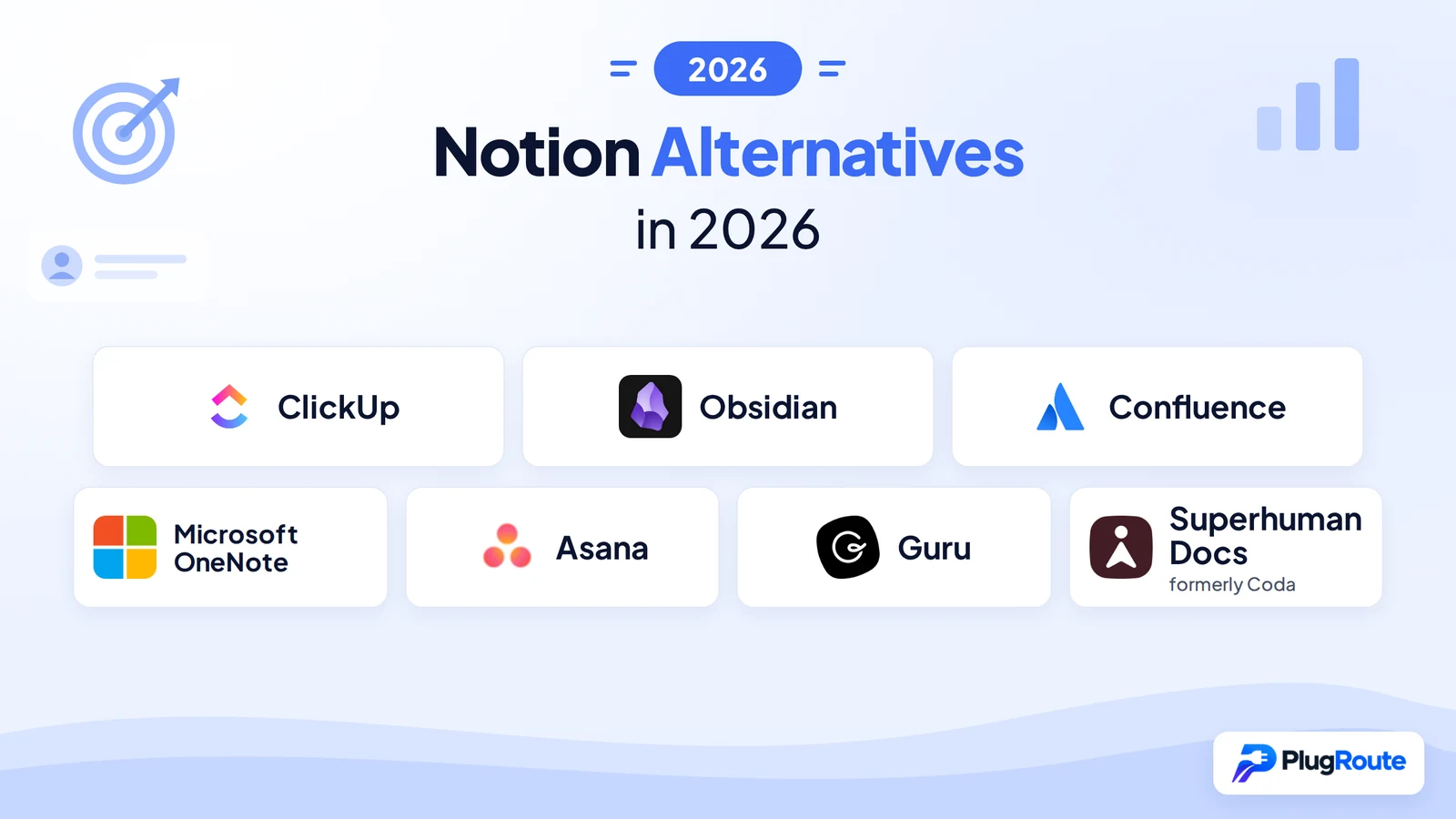
The best Notion alternatives in 2026 are ClickUp for teams that need project management and docs together, Obsidian for private, offline personal notes, and Confluence (Atlassian) for team wikis in Jira organizations. No single tool replaces everything Notion does, so the right choice depends on which job you are moving out of Notion.
Notion’s top G2 complaints are a steep learning curve (872 reviews) and slow large workspaces (617 reviews) (G2, November 2026). For teams in 2026, the team-focused alternatives in this ranking are ClickUp (project management with docs), Confluence (Jira-linked wikis), Asana (project tracking), Guru (verified knowledge bases) and Superhuman Docs (database-heavy operations).
PlugRoute has no affiliate relationships with any company listed, and rankings are determined entirely by research data and objective evaluation criteria.
“Yes, but such app does not exist.”, a Reddit user replying to someone looking for one app that does everything Notion does (r/OneNote, 2025)
Takeaway: No single app replaces every Notion job, so choose the tool built for the job you most need to move.
What Are the 5 Categories of Notion Alternatives?
Notion alternatives fall into five categories, one for each job readers move out of Notion: all-in-one work hubs, personal notebooks, team wikis, project managers and docs-as-apps tools. Each category replaces a different part of Notion, so start with the category that matches your main frustration before you compare tools.
- All-in-One Work Hub: ClickUp replaces several Notion jobs (tasks, docs and wikis) in one workspace.
- Personal Notebook: Obsidian and Microsoft OneNote replace Notion as a personal notes and knowledge tool.
- Team Wiki: Confluence and Guru replace Notion as a shared knowledge base.
- Project Manager: Asana replaces Notion’s task, project and goal tracking.
- Docs-as-Apps: Superhuman Docs (formerly Coda) replaces Notion’s database-heavy operational docs.
Why Do People Look for Notion Alternatives?
People look for Notion alternatives because Notion’s flexibility comes with a steep learning curve, slow performance in large workspaces and shallow project tracking. Some also want local file ownership or full offline access. Notion still rates 4.6/5 on G2 from 13,979 reviews (G2, November 2026), so most people switching are trying to fix one job, not leave a failing product.
Notion’s top G2 complaints (G2, November 2026) are:
- Notion’s most-mentioned con is Steep Learning Curve (872 reviews).
- Notion’s second most-mentioned con is Slow Large Workspaces (617 reviews).
- Notion reviewers also cite Confusing Interface (494 reviews).
- Notion reviewers also cite Overwhelming Feature Set (469 reviews).
- Notion reviewers also cite Time-Consuming Setup (441 reviews).
As one user on r/Notion described:
“At least once a day I have to stop working and watching the wheel spin as a page in Notion tries to load. I guess I have just become accustomed to it. Notion had a bad spat at the end of last year with the servers going down several times in a few weeks. I tinkered with Evernote and Asana during that time. I THINK I could move my workspace to Asana, but it would take A LOT of time to set it up. And that’s why I’m still with Notion haha.” Posted by u/jason_barnette
Takeaway: Notion’s slowness pushes paying users to look at alternatives, but the effort of rebuilding a workspace elsewhere often keeps them in Notion.
Notion’s pricing and AI terms are:
- Notion’s G2 list prices are Free, Plus at $12 and Business at $24 per user per month (G2, November 2026).
- Notion’s own pricing page shows Plus at $10 and Business at $20 per member per month billed annually (Notion, November 2026).
- Notion stopped selling its standalone AI add-on to new customers in 2025 and bundled full AI into Business, while Plus gets limited AI trial access (Notion pricing page; CloudZero, 2025).
Some older reasons for leaving Notion are now only partly true. Notion’s current offline and export limits are:
- Notion launched offline mode in version 2.53 on 19 August 2025, but offline mode works only in the desktop and mobile apps, not on the web (Notion release notes, August 2025).
- Notion’s offline mode covers only pages you select, and Recents and Favorites download automatically on paid plans (Notion release notes, August 2025).
- Notion downloads only the first 50 rows of a database’s first view for offline use. You have to download other rows one at a time (Notion help center, November 2026).
- Notion’s offline limit means a 2,000-row project database made available offline still shows only its first 50 rows. Obsidian’s local vault and Microsoft OneNote’s desktop app keep everything available offline.
- Notion’s AI, automations and forms do not work offline, according to a third-party guide (2sync, 2025).
- Notion exports to Markdown & CSV, HTML and PDF, but Notion-specific database structure has to be rebuilt by hand in the new tool (Notion, November 2026).
How Do the Top Notion Alternatives Compare at a Glance?
ClickUp leads the overall ranking for teams, Obsidian leads for private personal notes and Confluence leads for Jira-centric wikis. Each of the other four tools wins a narrower job: Microsoft 365 note-taking, structured project tracking, a verified knowledge base or database-heavy docs. The table below summarizes all seven.
| Rank | Company | Category | Best For | One-Line Summary | Key Capabilities | Primary Strength | Key Limitation |
|---|---|---|---|---|---|---|---|
| 1 | ClickUp | All-in-One Work Hub | Teams needing PM + docs | ClickUp covers the most Notion jobs of any alternative reviewed and holds the largest positive G2 review base. | Tasks, Docs, wikis, whiteboards, goals, Brain AI | 255 G2 integrations; G2 4.6/5 from 15,674 reviews | Top complaints mirror Notion’s |
| 2 | Obsidian | Personal Notebook | Private offline personal notes | Obsidian is the best Notion alternative for private, offline personal knowledge management in plain Markdown. | Local Markdown vault, backlinks, graph, Canvas, Bases | Full offline use and file ownership; free app | No live collaboration |
| 3 | Confluence | Team Wiki | Jira-centric teams | Confluence is the best Notion alternative for team wikis in organizations that already run Jira. | Pages, live docs, whiteboards, databases, Rovo AI | Native Jira links; free for 10 users | Lowest G2 rating (4.1/5); self-hosting ending |
| 4 | Microsoft OneNote | Personal Notebook | Microsoft 365 users | Microsoft OneNote is the best free Notion alternative for Microsoft 365 users who want offline, free-form notes. | Free-form canvas, ink, audio, Outlook/Teams | Free; full offline on desktop | No databases or Markdown export |
| 5 | Asana | Project Manager | Structured project and goal tracking | Asana has the lowest share of learning-curve complaints among large-sample project tools, but needs a separate docs tool. | Timeline, Gantt, Portfolios, Goals, AI Studio | About 1.8% of G2 reviews cite learning curve | 2-seat minimum; no docs or wiki |
| 6 | Guru | Team Wiki | Verified company knowledge | Guru is the best Notion alternative for a verified company knowledge base delivered inside Slack and Teams. | Verified Cards, cited answers, browser extension | Highest G2 rating (4.7/5) | No published pricing |
| 7 | Superhuman Docs | Docs-as-Apps | Database-heavy ops docs | Superhuman Docs offers the deepest table and formula toolkit reviewed, but its 2026 rebrand adds risk. | Relational tables, formulas, buttons, Packs, MCP | Only Doc Makers pay | Rebrand, price rise, large-doc lag |
Which Notion Alternative Should I Choose for My Use Case?
Choose based on the main job you are moving out of Notion. For project tracking, pick ClickUp or Asana. For personal notes, pick Obsidian or Microsoft OneNote. For a team wiki, pick Confluence or Guru. For database-heavy workflows, pick Superhuman Docs. Each row below names an acceptable alternative and the trade-off to check first.
| Your #1 Priority | Recommended Tool | Why | Acceptable Alternative |
|---|---|---|---|
| Project management + docs in one tool | ClickUp | Covers the most Notion jobs natively; expect a Notion-like learning curve | Asana (plus a docs tool) |
| Private, offline personal notes | Obsidian | Plain Markdown files on your device; no live team collaboration | Microsoft OneNote |
| Team wiki linked to Jira | Confluence | Native Jira embedding and issue creation; lowest G2 rating here | Guru |
| Free notes inside Microsoft 365 | Microsoft OneNote | Free and fully offline on desktop; no databases or Markdown export | Obsidian |
| Structured project and goal tracking | Asana | Fewest learning-curve complaints per review; 2-seat minimum | ClickUp |
| Always-accurate company knowledge | Guru | Scheduled expert verification; pricing not published | Confluence |
| Complex tables, formulas and automations | Superhuman Docs | Docs that work like apps with free editors; product in transition | ClickUp |
By team size, these are the starting points:
- Solo user: Obsidian or Microsoft OneNote are the starting points, because both apps are free.
- 2–10 users on Jira: Confluence Free is the starting point, because Confluence Free covers up to 10 users.
- Small team needing project management: ClickUp or Asana is the starting point, and Asana requires at least 2 paid seats.
- Few builders, many contributors: Superhuman Docs is the starting point, because Superhuman Docs charges only Doc Makers.
- Support or enterprise knowledge team: Guru is the starting point, because Guru focuses on verified, permission-aware answers.
1. ClickUp: Best Overall Notion Alternative for Project Management and Docs
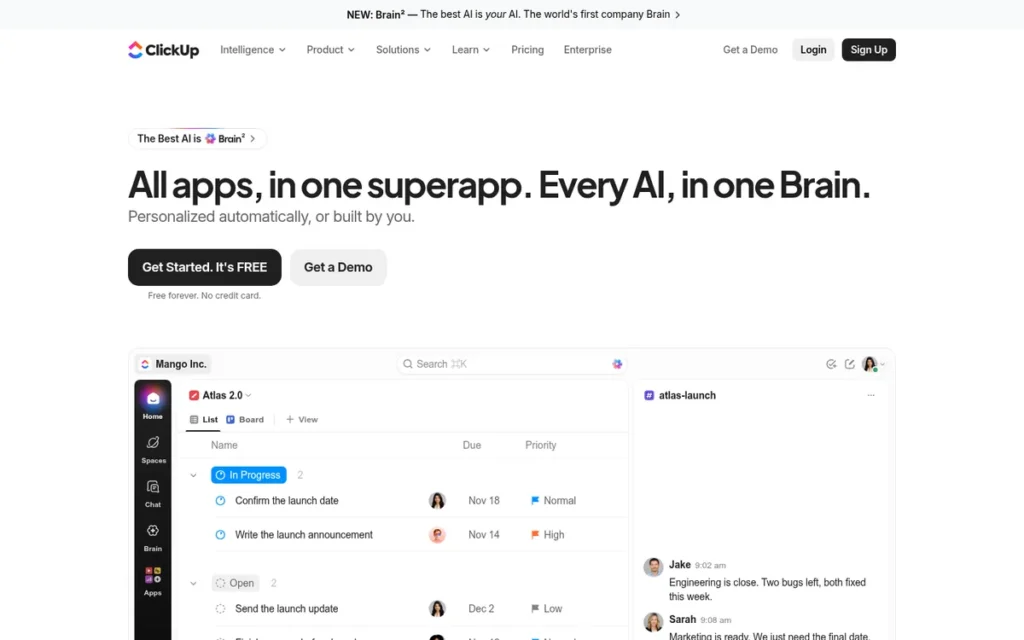
Category: All-in-One Work Hub, replaces several Notion jobs (tasks, docs, wikis) in a single workspace.
At a Glance
- Category: All-in-One Work Hub
- Best For: ClickUp is best for small-to-mid-size teams that want deeper task management than Notion while keeping docs in the same tool.
- Price Range: Free; $10–$19 per user/month (G2 list prices, November 2026; may change)
- Primary Strength: ClickUp covers more Notion jobs natively than any other alternative reviewed, combining tasks, project views, Docs and wikis with 255 G2-listed integrations.
- Biggest Limitation: ClickUp’s top G2 complaints (steep learning curve, slow performance, too many features) closely mirror Notion’s own top complaints.
- One-Line Summary: ClickUp covers the most Notion jobs of any alternative reviewed and holds the largest positive G2 review base (15,674 reviews, 97.5% at 4–5 stars), but ClickUp does not fix Notion’s complexity problem.
- Last Verified: November 2026
Overview
ClickUp is an all-in-one work management platform that combines tasks, project views, Docs, wikis, chat, whiteboards, goals and Brain AI in one workspace. It is built for small-to-mid-size teams that want deeper project tracking than Notion provides and want documentation linked directly to the work.
ClickUp started as a project management tool and grew outward, so ClickUp Docs link directly to tasks rather than tasks living inside docs. ClickUp describes itself as a “Converged AI Workspace” (ClickUp, November 2026).
Key Features
- ClickUp organizes work in a fixed hierarchy (Workspace, Space, Folder, List, Task, Subtask), which gives project tracking more structure than Notion’s free-form databases.
- ClickUp offers unlimited Docs on every tier, but Doc Wikis are capped at one on the Free, Core and Business plans (ClickUp pricing page, November 2026).
- ClickUp includes Brain AI on every plan as monthly credits: 500 per workspace on Free, then 1,000, 1,500, 3,000 and 10,000 per user on Core, Business, Enterprise and Max (ClickUp, November 2026).
- ClickUp lists 255 integrations on G2, the broadest catalog of the seven alternatives reviewed (G2, November 2026).
- ClickUp states that it is SOC 2 certified and offers HIPAA compliance and SSO on Enterprise (ClickUp, November 2026; vendor statement).
Best For
ClickUp is best for teams whose main frustration with Notion is shallow task and project tracking, and who want docs and wikis to stay in the same tool as their work.
Pricing
ClickUp’s G2 list prices are below (G2, November 2026); prices may change.
- ClickUp Free costs $0.
- ClickUp Unlimited costs $10 per user per month.
- ClickUp Business costs $19 per user per month.
ClickUp’s own pricing page shows renamed plans (ClickUp, November 2026):
- ClickUp Core costs $9 per user per month billed annually ($12 regular).
- ClickUp Business costs $17 per user per month billed annually ($25 regular).
- ClickUp Max costs $100 billed annually, and ClickUp Enterprise uses custom pricing.
The G2 and vendor plan names don’t match, which suggests ClickUp recently restructured its plans, so confirm plan names before budgeting.
Strengths
- ClickUp holds a G2 rating of 4.6/5 from 15,674 reviews, with 97.5% at 4–5 stars. That is the largest review base in this list, and its 4–5 star share is slightly above Notion’s 97.2% (G2, November 2026).
- ClickUp’s top G2 pros are Tailored Workflows (1,603), Unified Work Hub (1,407) and Organized Task Management (1,338), which point to its strength in project execution (G2, November 2026).
- ClickUp reviewers cite Quick Team Setup 1,127 times on G2 (G2, November 2026).
- ClickUp most often goes live in under one month, according to G2 reviewers, compared with Asana’s typical 1–3 months (G2, November 2026).
Users on r/clickup shared their experience:
“It’s very flexible and allows people to work in ways they want instead of any particular system. You can do a heck of a lot with it. Unlimited storage is massively underrated, as you never have to worry about going over. Yes, it can be buggy, but (for me) rarely anything that causes real issues.” Posted by u/gizmo2501
Takeaway: ClickUp wins long-term users over with its workflow flexibility and breadth, even though they accept occasional bugs as part of the deal.
Limitations
ClickUp trades Notion’s free-form flexibility for structured project tracking, but ClickUp keeps Notion’s biggest pain points: complexity and slowness.
- ClickUp’s top G2 cons are Steep Learning Curve (778), Slow Workspace Performance (762), Too Many Features (597), Time-Consuming Setup (401) and Cluttered Screens (323) (G2, November 2026).
- ClickUp’s speed draws direct criticism: one Reddit user who used both tools wrote that “Notion is faster. Way faster… ClickUp has been unusably slow for me” (r/clickup, 2023).
- ClickUp is cloud-only. In offline mode you can create new tasks and view tasks you opened earlier, but you can’t edit existing tasks until you reconnect (ClickUp help center, November 2026).
- ClickUp caps Doc Wikis at one below Enterprise, which limits teams replacing a large Notion wiki.
- ClickUp’s formula columns were described as weaker than Notion’s relational databases in a Reddit thread (r/clickup, 2023), so check this against the current version.
How It Compares With Notion
- ClickUp does better than Notion at structured task management, automations and integrations.
- Notion does better than ClickUp at flexible relational databases and, according to some Reddit users, raw speed.
- ClickUp fixes shallow project tracking but does not fix complexity or slowness.
Verdict
ClickUp is the best overall Notion alternative for teams that need project management and docs in one workspace, but ClickUp is not the answer for readers leaving Notion because it feels slow and complex.
ClickUp leads the ranking by 0.30 points. It is the only tool that scores 5 on both of the two heaviest criteria: Notion Job Coverage (25%) and Verified User Satisfaction (20%). ClickUp scores 2 on Data Ownership. Budget time for setup, and test performance on a realistically sized workspace before migrating.
2. Obsidian: Best Notion Alternative for Private, Offline Personal Knowledge Management

Category: Personal Notebook, individual note-taking and knowledge management rather than team workspaces.
At a Glance
- Category: Personal Notebook (local-first)
- Best For: Obsidian is best for solo creators and knowledge workers who want a private, offline personal knowledge base they fully own.
- Price Range: Free app; Sync $4–$8/month billed annually; Publish $8/site/month billed annually (Obsidian pricing page, November 2026; may change)
- Primary Strength: Obsidian stores every note as a plain Markdown file on your own device, so notes work fully offline and can move to any other tool.
- Biggest Limitation: Obsidian has no live real-time collaboration, and shared vaults require every collaborator to pay for Sync.
- One-Line Summary: Obsidian is the best Notion alternative for private, offline personal knowledge management, trading team collaboration for full ownership of plain Markdown files.
- Last Verified: November 2026
Overview
Obsidian is a free, local-first personal knowledge management (PKM) app that stores notes as plain Markdown files in a folder on your device. It is built for solo creators and knowledge workers who want offline access, file ownership and a private knowledge base instead of Notion.
Obsidian adds bidirectional links (backlinks), a graph view, Canvas and Bases, a database-style core feature. Bases entered early access in May 2025 and was released to all users in August 2025 (Obsidian changelog, 2025). Obsidian is bootstrapped with no investors, and CEO Steph Ango described the team as seven full-time people (The Verge, 2025).
Key Features
- Obsidian stores notes as plain Markdown files in a local “vault” folder, needs no account and works fully offline.
- Obsidian Sync is end-to-end encrypted by default, but data cannot be recovered if the encryption password is lost (Obsidian help, November 2026).
- Obsidian supports bidirectional links, a graph view and Canvas for linked, visual thinking across notes.
- Obsidian Bases gives notes structured, database-style views and has been available to all users since August 2025 (Obsidian changelog, 2025).
- Obsidian has more than 2,700 community plugins, according to a third-party count (SystemSculpt, 2026).
Best For
Obsidian is best for individuals leaving Notion over privacy, offline access or lock-in who mainly need personal notes and linked thinking rather than shared team databases.
Pricing
Obsidian’s app is free for personal and commercial use. Obsidian’s optional add-ons are listed below (Obsidian pricing page, November 2026); prices may change.
- Obsidian Sync Standard costs $4 per user per month billed annually, or $5 monthly.
- Obsidian Sync Plus costs $8 per month billed annually, or $10 monthly.
- Obsidian Publish costs $8 per site per month billed annually, or $10 monthly.
- Obsidian Catalyst is a $25 one-time purchase for early access and community benefits.
You can also sync Obsidian for free through iCloud, Syncthing or Git plugins, but these options take manual setup.
Strengths
- Obsidian CEO Steph Ango has estimated the user base at roughly 5–10 million but said the figure is uncertain, because Obsidian does not track users or run analytics (The Verge, July 2025).
- Obsidian is rated 4.9/5 from 176 Product Hunt reviews and 4.5/5 from 14 G2 reviews, with reviewers praising local files, offline use, backlinks and plugins (Product Hunt, November 2026; G2, November 2026).
- Obsidian works fully offline with no account, whereas Notion’s offline mode covers only selected pages in its desktop and mobile apps (Notion release notes, August 2025).
- Obsidian costs the least of the full-featured options for individuals: the app is free, and encrypted Sync starts at $4 per month billed annually (Obsidian pricing page, November 2026).
This aligns with community sentiment on r/privacy:
“The upshot? If you use Obsidian, your data is portable. Markdown is a rather universal language, and if their service goes belly-up tomorrow then you still retain your data.” Posted by u/lo________________ol
Takeaway: Obsidian’s plain-Markdown storage protects users from vendor lock-in, because their notes outlive the company that made the app.
Limitations
Obsidian trades Notion’s real-time collaboration for file ownership, so Obsidian works best for one person rather than a shared team workspace.
- Obsidian shared vaults require every collaborator to have Sync, and edits merge after syncing instead of appearing live (Obsidian help, November 2026).
- Obsidian is proprietary, not open source. Obsidian also leaves local files unencrypted, because only Sync is end-to-end encrypted (Obsidian help, November 2026).
- Obsidian imports of Notion databases are messy. One Reddit user said databases “turn into a mess fast” and spent more time fixing links and frontmatter than importing (r/ObsidianMD, February 2026).
- Obsidian’s free sync methods frustrate some non-technical users, as one Reddit thread shows (r/ProductivityApps, March 2026).
How It Compares With Notion
- Obsidian does better than Notion at offline access, plain-file portability and cost for individuals.
- Notion does better than Obsidian at live team collaboration and mature databases.
- Obsidian addresses offline access and lock-in through local Markdown files, though privacy still depends on device security because only Sync is end-to-end encrypted.
Verdict
Obsidian is the best Notion alternative for individuals who want private, offline, plain-file personal knowledge management.
Obsidian ranks second (3.70) mainly because it scores 5 on both Data Ownership and Pricing. Its user-satisfaction score is 3, because Obsidian has only 14 G2 reviews. The overall rank comes from scoring across categories, not from fitness for teams. For team workspaces, look at ClickUp, Confluence, Asana, Guru or Superhuman Docs.
3. Confluence: Best Notion Alternative for Team Wikis in Jira Organizations
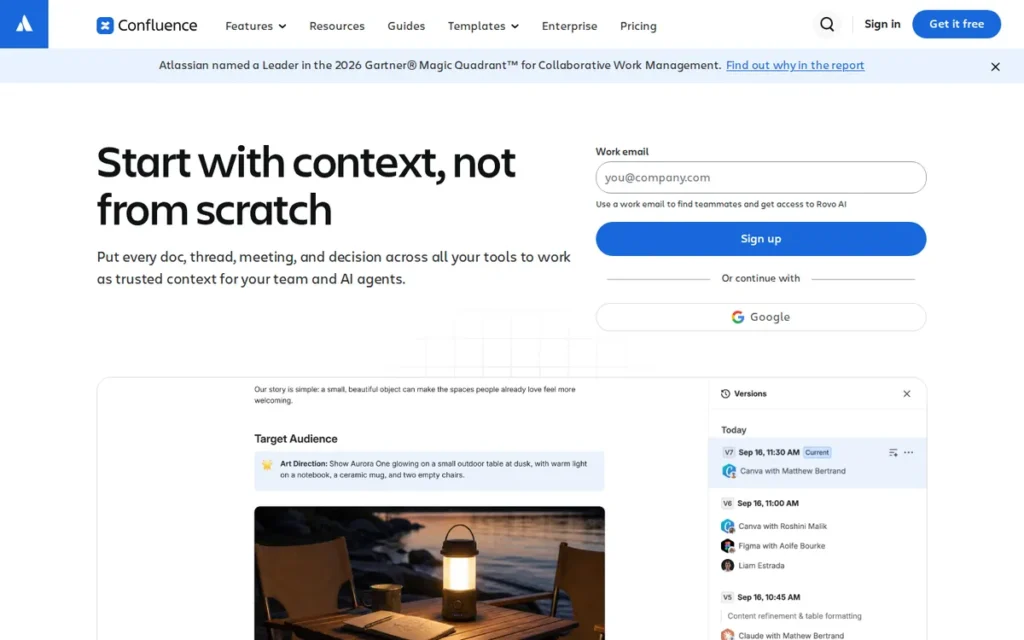
Category: Team Wiki, a dedicated, structured knowledge base for shared team documentation.
At a Glance
- Category: Team Wiki
- Best For: Confluence is best for engineering, product and IT teams already using Jira who want a dedicated team wiki.
- Price Range: Free for up to 10 users; $5.16–$9.73 per user/month (G2 list prices, November 2026; may change)
- Primary Strength: Confluence connects team documentation directly to Jira work at the lowest per-seat list price of any team wiki reviewed.
- Biggest Limitation: Confluence has the lowest G2 rating of the seven alternatives (4.1/5, 88.2% at 4–5 stars), and Atlassian is retiring its self-hosted editions.
- One-Line Summary: Confluence is the best Notion alternative for team wikis in Jira-centric organizations, but non-technical teams and self-hosting buyers should look elsewhere.
- Last Verified: November 2026
Overview
Confluence is Atlassian’s team wiki and documentation workspace. It combines pages, live docs, whiteboards, databases and Rovo AI with native Jira integration. Confluence is built for engineering and product organizations that want a structured knowledge base for internal and technical documentation rather than Notion’s all-purpose workspace.
Confluence organizes content into spaces and page trees with space-level permissions. Atlassian, which makes Confluence, was founded in 2002 and is headquartered in Sydney and San Francisco (G2, November 2026).
Key Features
- Confluence organizes pages into spaces and page trees, and it also offers real-time live docs, whiteboards and databases that follow space permissions.
- Confluence integrates natively with Jira, so teams can embed Jira backlogs and turn page text or whiteboard sticky notes into Jira issues (Atlassian, November 2026).
- Confluence includes Rovo AI on the Standard, Premium and Enterprise Cloud plans to draft, summarize and answer questions across Confluence, Jira and connected apps (Atlassian, November 2026).
- Confluence lists 142 integrations on G2 and connects with Atlassian’s Trello and Loom (G2, November 2026).
- Confluence supports 20 languages, the most of any alternative in this review (G2, November 2026).
Best For
Confluence is best for teams already running Jira that want internal and technical documentation linked directly to tracked work. It also suits teams of up to 10 users who can use the free plan.
Pricing
Confluence’s G2 list prices are below (G2, November 2026); prices may change.
- Confluence Free covers up to 10 users.
- Confluence Standard costs $5.16 per user per month.
- Confluence Premium costs $9.73 per user per month.
Atlassian’s own page shows Standard from $5.78 and Premium from $11.16, because per-user prices vary with seat count and billing cycle (Atlassian, November 2026). Atlassian sales quotes Enterprise pricing, and Marketplace add-ons can raise the total cost.
Strengths
- Confluence is the subject of a Forrester Total Economic Impact study commissioned by Atlassian. The study models 428% ROI and $21.1M in three-year benefits for a hypothetical 20,000-employee company built from four customer interviews (Forrester TEI, accessed November 2026).
- Confluence’s top G2 pros are Ease of Use (304), Team Collaboration (213) and Organization (160), and Confluence most often goes live in under a month (G2, November 2026).
- Confluence is free for up to 10 users and costs $5.16 per user per month on Standard, the lowest per-seat list price of any team tool reviewed (G2, November 2026).
- Confluence holds 8.2/10 on TrustRadius from 2,616 reviews and ratings (TrustRadius, November 2026), and Reddit users on Jira-centric teams praise its Jira connection (r/Notion, 2024).
Limitations
Confluence trades Notion’s flexibility for structure and Jira depth, and Confluence’s user satisfaction and self-hosting path are the weakest in this ranking.
- Confluence has the lowest G2 rating of the seven alternatives: 4.1/5, with 88.2% of 4,375 reviews at 4–5 stars (G2, November 2026).
- Confluence reviewers cite Slow Performance (84), Not Intuitive (84) and Page Management (71). They also report search cluttered by stale or duplicate pages and permissions that are hard to understand (G2, November 2026).
- Confluence is effectively going cloud-only. Atlassian stopped selling Data Center to new customers on 30 March 2026. Existing customers can’t add users or buy new subscriptions after 30 March 2028, and Data Center becomes read-only on 28 March 2029 (Atlassian, November 2026).
- Confluence draws split Reddit sentiment. One user said participation rose after their team left Confluence, and another said add-ons “nickel and dime” teams (r/Notion, 2024).
Users on r/selfhosted noted:
“For Confluence, that’s the real bummer. I initially had switched from MediaWiki to Confluence as I felt like it had a bit better of a UI. Wiki.js or Bookstack looks to be viable alternatives.” Posted by u/kobaltzz
Takeaway: Atlassian’s retreat from self-hosting has pushed long-time self-hosted Confluence users toward open-source wikis, even when they liked Confluence itself.
How It Compares With Notion
- Confluence does better than Notion at Jira-linked documentation, language support and low per-seat cost.
- Notion does better than Confluence at flexibility and, according to Reddit users, everyday participation by non-technical teams.
- Confluence gives Jira teams a more structured wiki than Notion, but Confluence does not fix stale-content search clutter, privacy or self-hosting concerns.
Verdict
Confluence is the best Notion alternative for team wikis in organizations that already run on Jira.
Confluence ranks third with 3.65, 0.05 points below Obsidian and 0.05 above Microsoft OneNote. Confluence keeps a Pricing score of 5 because Atlassian’s own pricing page explains its G2-versus-vendor price gap as seat and billing tiers. Non-technical and privacy-driven teams should test Confluence carefully before committing.
4. Microsoft OneNote: Best Free Notion Alternative for Microsoft 365 Users
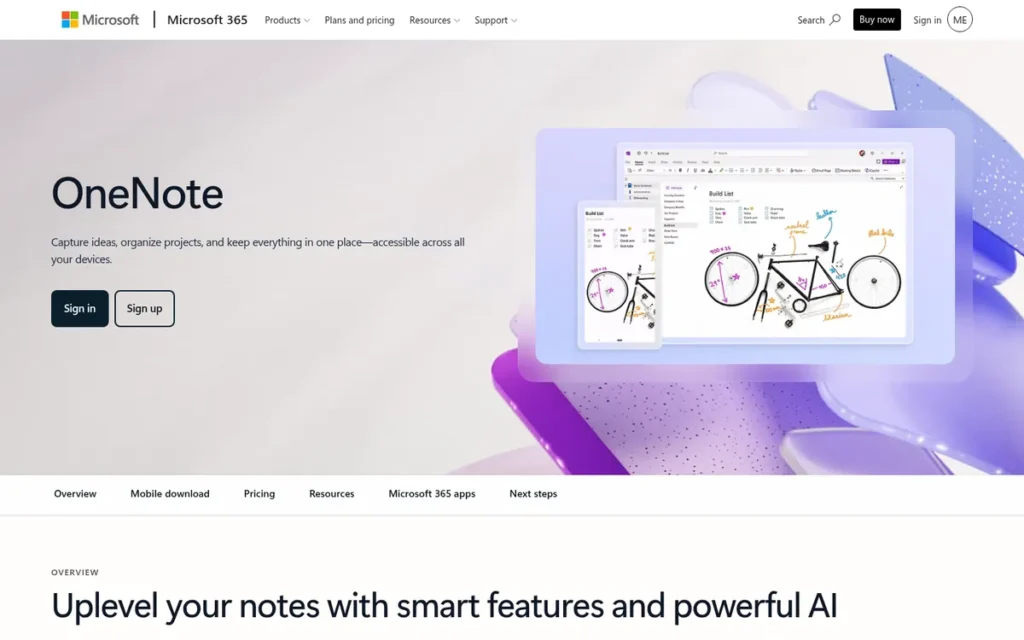
Category: Personal Notebook, individual and lightly shared note-taking rather than structured team workspaces.
At a Glance
- Category: Personal Notebook (cloud-synced, Microsoft 365)
- Best For: Microsoft OneNote is best for individuals and teams already on Microsoft 365 who want simple, fully offline note-taking.
- Price Range: Free; included with Microsoft 365 (Personal $99.99/year; Business Standard with Copilot $23.50/user/month billed yearly) (Microsoft pricing pages, November 2026; may change)
- Primary Strength: Microsoft OneNote is free, works fully offline in the desktop app and fits directly into Outlook and Teams.
- Biggest Limitation: Microsoft OneNote has no databases, only basic task tracking and no first-party Markdown export.
- One-Line Summary: Microsoft OneNote is the best free Notion alternative for Microsoft 365 users who want fast, offline, free-form notes and do not need databases.
- Last Verified: November 2026
Overview
Microsoft OneNote is a free digital notebook that organizes notes into notebooks, sections and pages on a free-form canvas, with ink, audio and screen clippings. It is built for individuals and teams on Microsoft 365 who want simple offline note-taking without Notion’s database complexity.
Microsoft OneNote stores notebooks in OneDrive or SharePoint and includes Copilot on eligible Microsoft 365 plans. Microsoft also offers Microsoft Loop as a workspace closer to Notion, but PlugRoute could not verify Loop’s pricing, so Loop is not ranked.
Key Features
- Microsoft OneNote organizes content into notebooks, section groups, sections, pages and subpages on a free-form canvas where content can go anywhere.
- Microsoft OneNote supports ink and handwriting, audio recordings, screen clippings and real-time co-editing.
- Microsoft OneNote’s desktop app works fully offline and syncs changes when you reconnect.
- Microsoft OneNote stores notebooks in OneDrive or SharePoint and connects with Outlook and Teams.
- Microsoft OneNote includes Copilot on eligible Microsoft 365 plans (Microsoft, November 2026).
Best For
Microsoft OneNote is best for people who mainly use Notion as a notebook, already pay for Microsoft 365, and value offline reliability, handwriting and minimal setup over databases.
Pricing
Microsoft OneNote is free and costs nothing extra for Microsoft 365 subscribers. G2 lists no price for it. Related Microsoft 365 prices are below (Microsoft, November 2026); prices may change.
- Microsoft 365 Personal costs $99.99 per year or $9.99 per month.
- Microsoft 365 Family costs $129.99 per year or $12.99 per month for up to six people.
- Microsoft 365 Business Standard with Copilot costs $23.50 per user per month, paid yearly.
- Microsoft 365 Business Premium with Copilot costs $32 per user per month, paid yearly.
- Microsoft 365 Copilot’s business add-on costs $30 per user per month.
Strengths
- Microsoft OneNote holds a G2 rating of 4.5/5 from 1,873 reviews, with 93.9% at 4–5 stars (G2, November 2026).
- Microsoft OneNote’s desktop app works fully offline, while Notion’s offline mode covers only selected pages and the first 50 rows of a database’s first view (Notion help center, November 2026).
- Microsoft OneNote is free and adds no cost on Microsoft 365, making it the lowest-cost option for people who already pay for Microsoft 365.
- Microsoft OneNote has “virtually no learning curve” compared with Notion, according to a Reddit user who runs both tools (r/OneNote, 2025).
Users on r/OneNote shared their experience:
“I know you can access ON when you don’t have an internet connection. My reason for sticking to ON, despite the dodgy sync, is OCR support and offline access. Others either charge for offline access (if they have it) or don’t have OCR.” Posted by u/aeoveu
Takeaway: Microsoft OneNote keeps loyal users because of free offline access and built-in OCR, even though its sync is unreliable.
Limitations
Microsoft OneNote trades Notion’s databases and flexible structure for simplicity, and Microsoft OneNote’s portability and reliability are the main concerns.
- Microsoft OneNote has no databases and only basic task tracking, and one Reddit user described its notebook structure as “set in stone” (r/OneNote, 2025).
- Microsoft OneNote has no first-party Markdown export, and its Mac and web exports are more limited than Windows (third-party OneNote teardown on GitHub, accessed November 2026).
- Microsoft OneNote sync conflicts can create “conflict copies,” and its search ranks results poorly in large archives (third-party OneNote teardown on GitHub, accessed November 2026).
- Microsoft OneNote’s Android app is called “horrible” by multiple Reddit users (r/OneNote, 2025). Microsoft OneNote’s G2 pros and cons counts are too small to be more than directional (G2, November 2026).
How It Compares With Notion
- Microsoft OneNote does better than Notion at full offline use, handwriting and minimal setup.
- Notion does better than Microsoft OneNote at databases, formulas and flexible structure.
- Microsoft OneNote fixes offline access and learning-curve concerns but does not fix portability, because Microsoft OneNote lacks Markdown export.
Verdict
Microsoft OneNote is the best free Notion alternative for Microsoft 365 users who want reliable offline note-taking without databases.
Microsoft OneNote ranks fourth with 3.60, 0.05 points behind Confluence, and its Job Coverage score of 2 is the deciding gap. Microsoft OneNote is free, stable and easy to learn, but it replaces only the notebook part of Notion. If you rely on databases, wikis or Markdown portability, look higher on this list.
5. Asana: Best Notion Alternative for Structured Project and Goal Tracking
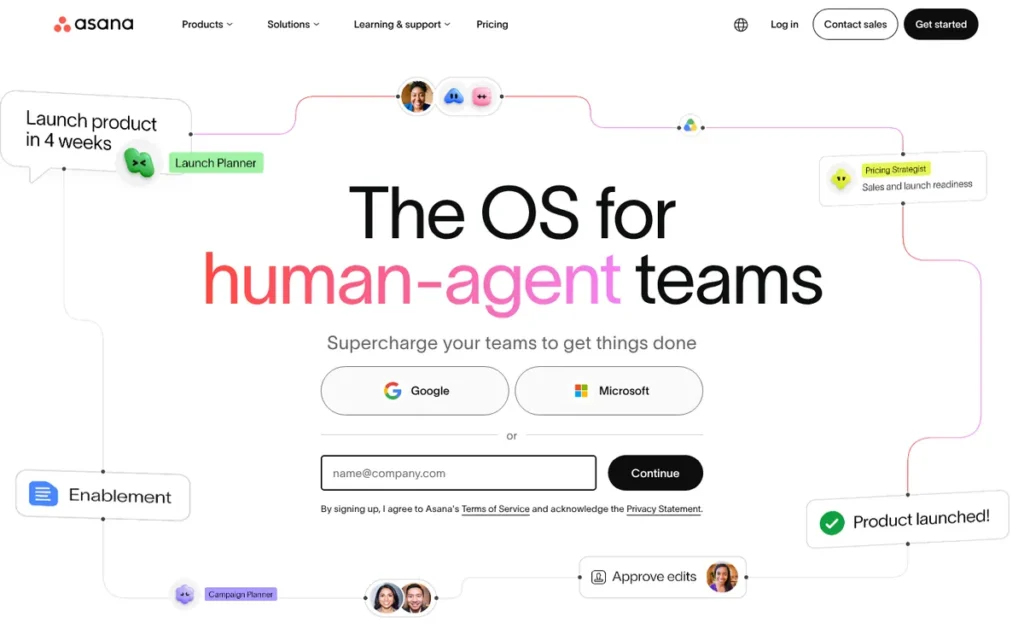
Category: Project Manager, dedicated task, project and goal tracking without docs or wiki depth.
At a Glance
- Category: Project Manager
- Best For: Asana is best for teams whose main reason for leaving Notion is shallow project, task and goal tracking.
- Price Range: Free (Personal); $10.99–$24.99 per user/month (G2 list prices, November 2026; may change); 2-seat minimum on paid plans
- Primary Strength: Asana delivers structured project and goal tracking with proportionally fewer learning-curve complaints than Notion or ClickUp.
- Biggest Limitation: Asana is not a docs, wiki or database tool, so Asana replaces only Notion’s project tracking.
- One-Line Summary: Asana has the lowest share of learning-curve complaints among the large-sample project tools (about 1.8% of G2 reviews, November 2026), but teams will still need a separate tool for docs and wikis.
- Last Verified: November 2026
Overview
Asana is a structured work management platform with list, board, calendar, timeline and Gantt views, plus Portfolios, Goals, automation Rules and AI Studio. It is built for teams whose main reason for leaving Notion is shallow project and task tracking, and it puts coordination ahead of documentation.
Asana’s “Work Graph” data model links tasks, projects, owners and goals. Asana was founded in 2008 and is headquartered in San Francisco (G2, November 2026).
Key Features
- Asana offers list, board, calendar, timeline and Gantt views of the same project data.
- Asana includes Portfolios and Goals for tracking cross-team initiatives and objectives.
- Asana provides automation Rules to reduce manual task updates.
- Asana includes AI Studio, a no-code tool for building AI workflows with monthly credit allowances (Asana, November 2026).
- Asana lists 109 integrations on G2 and supports 13 languages (G2, November 2026).
Best For
Asana is best for teams that will keep docs and wikis in Notion or another tool and want a clearer system for project ownership, deadlines and goals.
Pricing
Asana’s G2 list prices are below (G2, November 2026); prices may change.
- Asana Personal costs $0.
- Asana Starter costs $10.99 per user per month.
- Asana Advanced costs $24.99 per user per month.
Asana’s own site lists Starter at $10.99 billed annually or $13.49 monthly, and Advanced at $24.99 annually or $30.49 monthly (Asana, November 2026). Asana Enterprise is quoted, and Asana’s paid plans have a 2-seat minimum with seats sold in increments.
Strengths
- Asana reports that it was named a Leader in the 2025 Gartner Magic Quadrant for Collaborative Work Management for the third consecutive year. Asana also reports the top OKR Management score (4.63/5) in Gartner’s 2025 Critical Capabilities report (Asana, 2025).
- Asana holds a G2 rating of 4.4/5 from 14,129 reviews, with 93.3% at 4–5 stars, and its top pros are Easy Day-to-Day Use (779) and Easy Setup And Onboarding (457) (G2, November 2026).
- Asana’s learning-curve complaints appear in 254 of 14,129 G2 reviews (about 1.8%), compared with 872 of 13,979 for Notion (about 6.2%) (G2, November 2026).
- Asana reports more than 170,000 customers, including Accenture, Amazon, Anthropic and Suzuki (G2 vendor description, November 2026).
Limitations
Asana trades Notion’s breadth for focused project coordination, so most teams switching to Asana end up running two tools.
- Asana does not replace Notion’s docs, wiki or databases.
- Asana’s paid plans have a 2-seat minimum, so a solo user on Starter pays for two seats, or $21.98 per month at the G2 list price (G2, November 2026).
- Asana’s G2 reviewers cite Key Features Behind Paywall (164) and High Per-Seat Costs (128), naming timeline, dependencies, reporting and forms as higher-tier features (G2, November 2026).
- Asana most often takes 1–3 months to go live, longer than ClickUp or Confluence, and Excessive Notifications (162) is a recurring complaint (G2, November 2026).
- Asana’s community evidence is thin, because PlugRoute’s research found no Reddit discussion comparing Asana with Notion.
How It Compares With Notion
- Asana does better than Notion at timelines, portfolios, goals and easy day-to-day task use.
- Notion does better than Asana at docs, wikis and flexible databases.
- Asana fixes shallow project tracking and the learning curve but does not replace Notion as a knowledge base.
Verdict
Asana is the best Notion alternative for structured project and goal tracking for teams willing to keep docs in a separate tool.
Asana ranks fifth with 3.40. Its scores of 3 on Job Coverage, 3 on Pricing and 2 on Data Ownership offset a 4 on Satisfaction, a 4 on Friction and a 5 on Stability. Asana works best paired with a separate docs or wiki tool.
6. Guru: Best Notion Alternative for a Verified Company Knowledge Base

Category: Team Wiki, a dedicated, structured knowledge base for shared team documentation.
At a Glance
- Category: Team Wiki (verified knowledge base)
- Best For: Guru is best for support, sales and operations teams that need company knowledge to stay accurate inside the tools they already use.
- Price Range: Pricing on request; no published price and no permanent free plan (Guru pricing page, November 2026)
- Primary Strength: Guru keeps company knowledge accurate through scheduled expert verification and has the highest G2 rating of any alternative reviewed.
- Biggest Limitation: Guru publishes no pricing, and Guru’s card format limits long-form documentation.
- One-Line Summary: Guru is the best Notion alternative for a verified company knowledge base, but Guru replaces only Notion’s wiki and suits teams that accept custom pricing.
- Last Verified: November 2026
Overview
Guru is an AI knowledge platform that stores company knowledge as expert-verified Cards. It delivers cited, permission-aware answers inside Slack, Teams and the browser. Guru is built for support, sales and operations teams that need their Notion wiki to stay accurate and appear where they already work.
Guru groups Cards into Collections and schedules subject-matter experts to re-verify content. Guru was founded in 2013 and is headquartered in Philadelphia (G2, November 2026).
Key Features
- Guru stores knowledge as Cards grouped into Collections, and Guru claims automation handles 80–90% of scheduled expert verification (Guru, November 2026).
- Guru delivers cited, permission-aware answers inside Slack, Microsoft Teams and its browser extension over Salesforce, Zendesk, Gmail and HubSpot.
- Guru can serve answers to other AI tools, such as ChatGPT and Claude.
- Guru advertises more than 100 connectors, although G2 lists 14 integrations (G2, November 2026).
- Guru offers Knowledge Agents that answer questions from verified company knowledge.
Best For
Guru is best for customer-facing and operations teams where outdated wiki answers carry real cost, and where knowledge must appear inside Slack, Teams or the CRM.
Pricing
Guru publishes no per-user price or seat minimum, and G2 lists no price (G2, November 2026). Guru describes its pricing as “tailored,” with implementation help included, and offers no permanent free plan (Guru pricing page, November 2026).
Guru has the least transparent pricing of the seven alternatives, which makes Guru hard to compare with Notion’s published per-user prices.
Strengths
- Guru holds the highest G2 rating of the seven alternatives, 4.7/5 from 2,346 reviews, with 98.2% at 4–5 stars (G2, November 2026).
- Guru’s vendor-published case studies report that HireVue cut support-agent onboarding from five weeks to two and that Steno reduced support-ticket volume by 48% (Guru customers page, accessed November 2026).
- Guru’s top G2 pros are Ease of Use (742), Helpful (418) and Comprehensive Information (315) (G2, November 2026).
- Guru’s scheduled verification targets stale content, which one sysadmin on Reddit called “useless” when it goes years without review (r/sysadmin, 2023).
Limitations
Guru trades Notion’s breadth for knowledge accuracy, so Guru covers only the wiki job and leaves docs, databases and tasks to other tools.
- Guru does not replace Notion’s docs, databases or project tracking, and G2 reports that teams often run Guru alongside Confluence, Google Workspace or Notion (G2, November 2026).
- Guru’s lack of published pricing and lack of a free plan rule it out for most solo users and very small teams.
- Guru’s top G2 complaints are search problems under several labels (152, 149, 138 and 136 mentions) (G2, November 2026).
- Guru’s long-form docs “can feel limited in the card format,” according to Gartner Peer Insights reviewers (Gartner Peer Insights, November 2026).
- Guru supports English only, PlugRoute could not verify its security certifications, and PlugRoute found no Reddit discussion of Guru.
How It Compares With Notion
- Guru does better than Notion at keeping knowledge verified and delivering answers inside other tools.
- Notion does better than Guru at long-form docs, databases, project tracking and transparent pricing.
- Guru fixes stale, cluttered wiki content but does not replace Notion as a general workspace.
Verdict
Guru is the best Notion alternative for teams that need a verified, current company knowledge base delivered inside their existing tools.
Guru ranks sixth (2.95) even though it has the highest user satisfaction on this list. Guru’s Pricing Transparency score is 1, the only 1 in the table, and that costs it roughly 0.6 points against tools with published pricing. Guru suits support and enterprise knowledge teams, not solo users.
7. Superhuman Docs (formerly Coda): Best Notion Alternative for Database-Heavy Docs
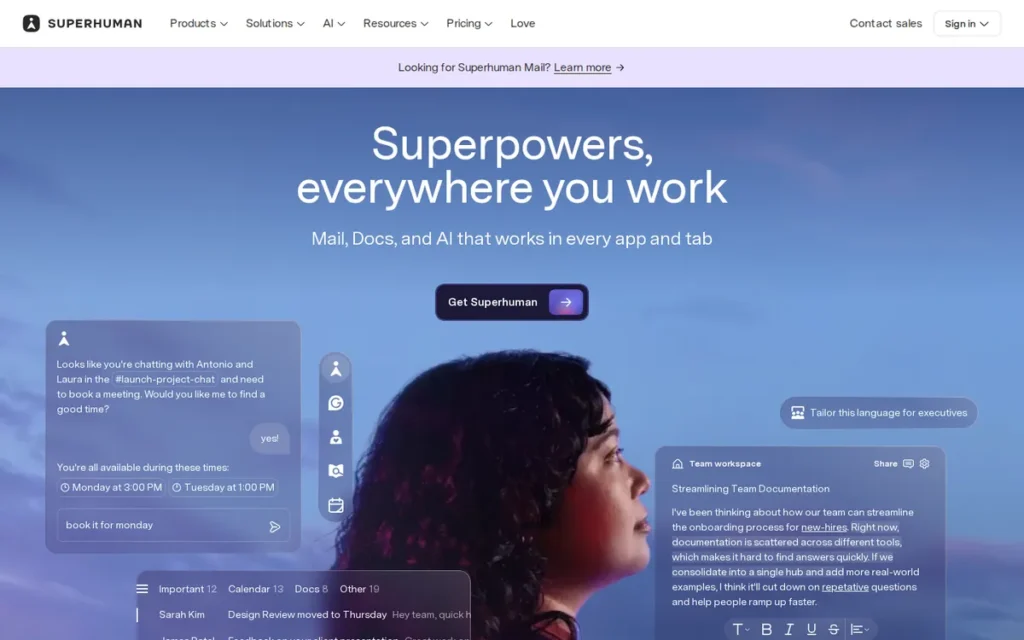
Category: Docs-as-Apps, documents that combine text with relational tables, formulas and automations to run operational workflows.
At a Glance
- Category: Docs-as-Apps
- Best For: Superhuman Docs is best for operations teams with a few doc builders and many contributors whose database-heavy workflows have outgrown Notion.
- Price Range: Free; $12–$33 per Doc Maker/month billed annually; editors and viewers free (Superhuman plans page, November 2026; may change)
- Primary Strength: Superhuman Docs offers more programmable tables, formulas and automations than Notion and charges only the people who create docs.
- Biggest Limitation: Superhuman Docs is in transition after its July 2026 rebrand, with higher prices, lag in large docs and no verified review count.
- One-Line Summary: Superhuman Docs offers the deepest table, formula and automation toolkit of the alternatives reviewed, based on vendor documentation, but its 2026 rebrand, price rise and large-doc lag make it the riskiest pick here.
- Last Verified: November 2026
Overview
Superhuman Docs, the 8 July 2026 rebrand of Coda, is a no-code doc-as-app platform. It combines text with relational tables, a formula language, buttons, automations and Packs integrations. Superhuman Docs is built for operations teams whose database-heavy workflows have outgrown Notion’s tables and formulas.
Superhuman Docs follows Grammarly’s acquisition of Coda, announced in December 2024. Superhuman stated at launch that existing Coda docs, tables, formulas and automations would carry over (Superhuman blog and changelog, July 2026).
Key Features
- Superhuman Docs combines text with relational tables, a formula language and cross-doc tables in a single document.
- Superhuman Docs supports buttons, forms and automations that let a doc run workflows like a lightweight no-code app.
- Superhuman Docs includes a Docs AI assistant and AI Views for working with doc content.
- Superhuman Docs charges only Doc Makers, so editors and viewers can add rows, edit and comment for free.
- Superhuman Docs offers SAML SSO, SCIM, audit events and advanced access controls on Enterprise.
Best For
Superhuman Docs is best for operations teams where a few people build complex trackers and workflows that many colleagues or clients fill in, and where Notion’s formulas and filtering have become the bottleneck.
Pricing
Superhuman Docs is not in the G2 dataset, so these prices come from the vendor (Superhuman plans page, November 2026); prices may change.
- Superhuman Docs Free costs $0.
- Superhuman Docs Pro costs $12 per Doc Maker per month billed annually, or $15 monthly.
- Superhuman Docs Business (formerly Team) costs $33 per Doc Maker per month billed annually, or $40 monthly.
- Superhuman Docs Enterprise uses custom pricing.
Superhuman Docs prices rose with the rebrand: Pro was previously $10 and Team was $30 (PricingSaaS, 2026).
Strengths
- Superhuman Docs connects to Slack, Jira, GitHub and Salesforce through Packs, and it exposes docs to external AI tools such as Claude through MCP access (Superhuman plans page, November 2026).
- Superhuman Docs’ maker-only billing changes the math. A team with 3 doc builders and 20 contributors pays about $36 per month on Pro billed annually. If all 23 people needed Notion Business seats at the $24 G2 list price, the team would pay $552 per month (G2, November 2026).
- Superhuman Docs handles logic Notion struggles with. One Reddit user said Notion could not filter on multiple columns with boolean logic, while Coda could (r/codaio, February 2026).
- Superhuman Docs holds a G2 rating of 4.6/5, although the review count was not verified and the listing mixes old and new branding (G2, November 2026).
Limitations
Superhuman Docs trades Notion’s ease of use for programmable power, and Superhuman Docs carries the most continuity uncertainty on this list.
- Superhuman Docs went through an acquisition, a July 2026 rebrand and price increases, and community reaction to the new name was mixed (Superhuman community, 2026).
- Superhuman Docs was criticized by a long-time Reddit user who said development stalled after an early AI lead (r/codaio, 2026).
- Superhuman Docs has slow loading and formula lag in large docs, a steep formula learning curve and a limited mobile experience. Superhuman publicly acknowledges ongoing performance work (ToolGuide, accessed November 2026; Superhuman community, 2026).
- Superhuman Docs is mainly cloud-based, with offline support only in the native Mac app, and PlugRoute found no named customer case studies with metrics.
How It Compares With Notion
- Superhuman Docs does better than Notion at formulas, multi-condition filtering, buttons and maker-only billing.
- Notion does better than Superhuman Docs at ease of use and product stability.
- Superhuman Docs fixes database limits but does not fix offline access, performance at scale or continuity concerns.
Verdict
Superhuman Docs is the best fit in this ranking for database-heavy operational docs when only a few people build and many contribute.
Superhuman Docs ranks seventh (2.65) because it scores 2 on Satisfaction, Friction and Stability. Its Job Coverage score of 4 ties for second-highest, so the rank reflects risk rather than capability. Prototype one real workflow at realistic data size before committing.
How Do Notion Alternatives Compare With Notion on Price, Offline and Export?
Most Notion alternatives match or beat Notion’s G2 satisfaction, but only Obsidian and Microsoft OneNote offer fuller offline access than Notion. Only Obsidian stores notes natively as plain Markdown files, though ClickUp Docs can export to Markdown. The team tools here are cloud-based, and Confluence is retiring self-hosting. Notion appears as an unranked reference row.
| Product | G2 Rating (4–5 Star Share; Reviews) | Entry Price and Free Tier | Offline Support | Export Format | Self-Hosting Option | Main Trade-off |
|---|---|---|---|---|---|---|
| Notion (reference, not ranked) | 4.6/5 (97.2%; 13,979 reviews) | Free; Plus $12/user/mo (G2) | Selected pages, desktop and mobile apps only (since Aug 2025) | Markdown & CSV, HTML, PDF | Not verified | Learning curve and slow large workspaces |
| ClickUp | 4.6/5 (97.5%; 15,674 reviews) | Free; $10/user/mo (G2) | Create tasks and view opened tasks; no editing of existing tasks | Docs: PDF, HTML, Markdown; tasks: CSV | None (cloud-only) | Same complexity as Notion |
| Obsidian | 4.5/5 (share not available; 14 reviews) | Free app; Sync from $4/mo billed annually | Full offline | Native plain Markdown files | Not needed (local files); app is proprietary | No live collaboration |
| Confluence | 4.1/5 (88.2%; 4,375 reviews) | Free up to 10 users; $5.16/user/mo (G2) | Not verified | Word, PDF, HTML, CSV; no native Markdown | Data Center read-only 28 Mar 2029 | Lowest G2 rating |
| Microsoft OneNote | 4.5/5 (93.9%; 1,873 reviews) | Free app | Full offline (desktop) | No first-party Markdown export | No (OneDrive/SharePoint) | No databases |
| Asana | 4.4/5 (93.3%; 14,129 reviews) | Free Personal; $10.99/user/mo (G2) | Not verified | CSV, JSON (projects) | None (cloud-only) | Replaces only project tracking |
| Guru | 4.7/5 (98.2%; 2,346 reviews) | Pricing on request; no free plan | Not verified | PDF; CSV with HTML card content | None (cloud-only) | Replaces only the wiki |
| Superhuman Docs | 4.6/5 (share not available; count not verified) | Free; $12/Doc Maker/mo billed annually | Native Mac app only | Not verified | Not verified (mainly cloud) | Rebrand uncertainty |
The table draws on G2 (November 2026) and vendor help centers and pricing pages (November 2026). Prices are G2 list prices where available and may change.
Which Notion Alternative Is Cheapest for My Team?
Obsidian and Microsoft OneNote are the cheapest Notion alternatives for individuals because both apps are free. For teams, Confluence is cheapest at $5.16 per user per month and free for up to 10 users, compared with Notion Plus at $12 (G2 list prices, November 2026; may change).
The cheapest options by reader type (G2 list prices or vendor pricing pages, November 2026; may change) are:
- Solo user on a $0 budget: Obsidian is free, with optional Sync from $4 per month billed annually. Microsoft OneNote is free, or included in Microsoft 365 Personal at $99.99 per year.
- Small team needing project management: ClickUp Unlimited at $10 per user per month is the lowest-priced paid tier among the project tools reviewed and covers tasks, Docs and wikis in one plan. Asana Starter costs $10.99 and requires at least 2 seats.
- Engineering organization on Jira: Confluence Standard at $5.16 per user per month is the lowest per-seat team wiki price, and Confluence Free covers up to 10 users.
- Ops team with a few builders: Superhuman Docs Pro at $12 per Doc Maker per month billed annually, with free editors, can cost less than Notion Business at $24 per user per month.
- Support or enterprise knowledge team: Guru requires a custom quote, so Guru fits teams where verified answers justify negotiated pricing.
For a 10-person team, monthly costs at G2 list prices (November 2026) compare as follows:
- Confluence Free costs $0, and an 11th user moves the team to Standard at about $56.76 per month.
- ClickUp Unlimited costs $100 per month.
- Asana Starter costs $109.90 per month.
- Notion Plus costs $120 per month.
Every vendor now meters AI differently, which changes the real cost of switching:
- ClickUp includes Brain AI as monthly credits on every plan (ClickUp, November 2026).
- Asana includes AI Studio with monthly credit allowances (Asana, November 2026).
- Confluence includes Rovo AI on Standard, Premium and Enterprise Cloud plans (Atlassian, November 2026).
- Microsoft OneNote uses Copilot, which costs $30 per user per month as a business add-on (Microsoft, November 2026).
- Guru includes Knowledge Agents within its custom-quoted plans (Guru, November 2026).
- Superhuman Docs includes a Docs AI assistant, AI Views and MCP access (Superhuman plans page, November 2026).
- Obsidian offers no first-party AI assistant in this research, but AI tools can work on Obsidian’s Markdown files directly.
- Notion bundles full AI into Business, while Plus gets limited AI trial access (Notion, November 2026).
Should I Combine Tools Instead of Replacing Notion?
Yes, combining tools is often the most practical choice, because no tool reviewed here covers docs, databases, wikis and tasks equally well. Reddit users most often describe hybrid stacks. Examples include Notion for knowledge plus ClickUp or Asana for execution, or Obsidian for personal thinking plus Notion for shared databases.
Common hybrid stacks reported by users include:
- Notion plus ClickUp: One Reddit user’s team uses Notion “for note-takin, planning, wikis” and switched to ClickUp for project management, calling ClickUp “a different league” (r/clickup, 2023).
- Notion plus Asana: Asana’s narrow project focus makes Asana a natural add-on for teams that want to keep their Notion wiki.
- Obsidian plus Notion: One Reddit user said Obsidian and Notion “perfectly complement each other” for capture versus sharing (r/Notion, 2021).
- Guru alongside an existing wiki: G2 reports that teams often run Guru alongside Confluence, Google Workspace or Notion rather than replacing them (G2, November 2026).
A hybrid stack of Notion plus a second tool adds a second subscription and a second place to search, so weigh that cost against the cost of migrating.
When Should You Stay With Notion?
Stay with Notion if flexible databases are what you value most, if your main complaint was offline access to a few key pages, or if rebuilding your databases elsewhere would cost more than it saves. Notion still holds 4.6/5 on G2 from 13,979 reviews (G2, November 2026), so a full migration is not always the best fix.
Staying with Notion makes sense in these scenarios:
- Notion is the right choice if databases, formulas and flexible structure are the features you rely on most.
- Notion may already solve your problem if you only need a few key pages offline, because Notion added selected-page offline mode in August 2025 (Notion release notes, August 2025).
- Notion can stay as your wiki if only task tracking is weak, with ClickUp or Asana added for execution.
- Notion is worth keeping if your databases would need rebuilding by hand, since Notion exports databases as CSV without relations, rollups or views (Notion, November 2026).
Are There Free, Open-Source or Self-Hosted Notion Alternatives?
Free, open-source and self-hosted Notion alternatives exist, but none of the seven ranked tools is open source. PlugRoute could not verify review data, licenses or pricing for open-source options. Obsidian is local-first but proprietary, and Confluence is ending self-hosting. If you require open-source software, treat the tools below as a shortlist to test.
These three terms are often confused:
- Local-first means your data lives on your own device, as with Obsidian’s Markdown vault.
- Open source means the source code is publicly available under an open license, and Obsidian is not open source.
- Self-hosted (on-premises) means you run the software on your own servers. Confluence is retiring that option, and Confluence Data Center becomes read-only on 28 March 2029 (Atlassian, November 2026).
Reddit users repeatedly suggest these tools as open-source or self-hosted Notion alternatives, but PlugRoute has not verified their licenses, ratings or pricing:
- AppFlowy is frequently suggested by Reddit users as a Notion-style workspace.
- AFFiNE is frequently suggested, but one Reddit user reported that AFFiNE allows Markdown export only one page at a time (r/ProductivityApps, 2026).
- Anytype is frequently suggested for private, local-first notes.
- Joplin is frequently suggested for personal notes.
- BookStack, Wiki.js and Outline are frequently suggested as self-hosted team wikis.
Before adopting any of these tools, check the license type and the deployment requirements, such as server or Docker setup, for data sovereignty needs.
AI agents can work directly on plain Markdown files, which gives those files another advantage. One Reddit user said they have been migrating to Obsidian “ever since Claude Code started working well with raw markdown files” (r/codaio, 2026).
What Red Flags Should I Watch For When Evaluating Notion Alternatives?
Watch for six red flags: a tool with the same complaints you are leaving, add-on fees, stalled development after an acquisition, ending self-hosting, weak mobile apps and overpromised AI search. Each red flag below comes from G2 review data, vendor notices or recurring Reddit complaints about the tools in this ranking.
Red Flag #1: Same Complaints You Are Leaving Notion For
An alternative is a poor fit if its top complaints match the ones driving you away from Notion. Compare complaint counts against review volume, because raw counts hide how common a problem is. These are the G2 complaint rates (G2, November 2026):
- Steep-learning-curve complaints appear in about 6.2% of Notion’s G2 reviews, 5.0% of ClickUp’s, 1.8% of Asana’s and 1.5% of Confluence’s.
- Slow-performance complaints appear in about 4.9% of ClickUp’s G2 reviews, compared with 4.4% of Notion’s and 1.9% of Confluence’s.
Red Flag #2: Add-On Nickel-and-Diming
A low headline price can hide add-on costs and paywalled features that raise what a team really pays. Reddit users say Confluence’s add-on subscriptions “nickel and dime” teams (r/Notion, 2024), and G2 reviewers cite Asana’s Key Features Behind Paywall 164 times (G2, November 2026).
Red Flag #3: Development Stalling After an Acquisition or Rebrand
A product that changes owners or names may also change direction, pricing or pace. Grammarly acquired Coda, rebranded it as Superhuman Docs on 8 July 2026 and raised prices. One long-time user said development stalled after an early AI lead (r/codaio, 2026).
Red Flag #4: Vendor Ending Self-Hosting
When a vendor retires its self-hosted editions, privacy-driven buyers lose an option they may depend on. Atlassian stopped new Confluence Data Center sales on 30 March 2026, and existing customers cannot add users after 30 March 2028. Data Center becomes read-only on 28 March 2029 (Atlassian, November 2026).
Red Flag #5: Weak Mobile Apps
A tool that works well on desktop can fail when you capture notes on a phone, so test mobile apps before committing. Multiple Reddit users call Microsoft OneNote’s Android app “horrible” (r/OneNote, 2025). Third-party reviews describe Superhuman Docs’ mobile experience as limited (ToolGuide, accessed November 2026).
Red Flag #6: Overpromised AI Search
AI answer and search features can underperform their demos, and buyers report skepticism about vendor AI claims. One IT manager wrote that vendors promise their AI works, “but none are better than a keyword search” (r/ITManagers, 2025). Search problems also dominate Guru’s top G2 complaints (G2, November 2026).
What Questions Should I Ask Before Choosing a Notion Alternative?
Before you choose a Notion alternative, ask six questions. Which Notion job are you replacing? Do you need offline access and plain-file export? Who pays per seat? Will your databases migrate? Will the vendor and plan last? Can you test a real workflow first? The answers turn a generic shortlist into a decision.
Question #1: Which part of Notion am I actually replacing?
Identifying which Notion job you are replacing narrows the field to one category: personal notes, team wiki, project tracking or database-heavy docs. No tool reviewed here covers all four equally well, so a tool built for your main job beats one that claims to do everything.
Question #2: Do I need offline access and plain-file export?
If you need full offline access and native Markdown files, Obsidian fits. If you need full offline access without Markdown, Microsoft OneNote fits. Ask vendors exactly what works offline, because Notion’s offline mode covers only selected pages and 50 database rows (Notion help center, November 2026).
Question #3: Who on my team will pay per seat?
Per-seat billing models differ more than headline prices suggest, so map your builders, editors and viewers first. Asana requires at least 2 paid seats, and Confluence prices vary by seat count. Superhuman Docs charges only Doc Makers, so 3 builders on Pro cost about $36 per month.
Question #4: Can I migrate my Notion databases without rebuilding them?
Migrating databases is often the hardest part of leaving Notion. Notion exports databases as CSV without relations, rollups or views (Notion, November 2026). One Reddit user said Notion databases “turn into a mess fast” when imported into Obsidian (r/ObsidianMD, February 2026).
Question #5: Will this vendor and plan still exist in two years?
Check for recent rebrands, plan renames and lifecycle notices before committing to any tool. Superhuman Docs rebranded in July 2026, and ClickUp’s plan names differ between G2 and its own pricing page. Confluence Data Center becomes read-only in March 2029.
Question #6: Can I test one real workflow before committing?
Testing one real workflow at realistic size reveals problems that feature lists hide, especially performance at scale. G2 complaints about slowness in large workspaces appear for Notion, ClickUp and Confluence (G2, November 2026), so test on real data rather than an empty demo workspace.
How Did We Rank These Notion Alternatives?
PlugRoute scored each alternative from 1 to 5 on six weighted criteria, using research data dated November 2026. Sources included G2 ratings and complaint counts, vendor pricing and lifecycle pages, vendor-reported analyst summaries (labelled as such) and Reddit sentiment. Notion Job Coverage carries the most weight because readers replace specific Notion jobs.
The six ranking criteria are:
- Notion Job Coverage (25%): Notion Job Coverage matters because the more Notion jobs a tool covers well, the less tool sprawl a switch creates.
- Verified User Satisfaction (20%): Verified User Satisfaction matters because independent ratings show whether users stay satisfied in practice. Small samples were scored down for confidence.
- Pricing Transparency and Value (15%): Pricing Transparency and Value matters because readers need to know what a switch costs, including free tiers, seat minimums and billing models.
- Data Ownership, Offline Access and Portability (15%): Data Ownership matters because privacy, offline access and plain-file export are among the main reasons readers leave Notion.
- Adoption Friction (15%): Adoption Friction matters because readers escaping Notion’s learning curve should not move to a tool with the same problem.
- Vendor Stability and Product Continuity (10%): Vendor Stability matters because rebrands, acquisitions and product retirements create risk for long-term users.
Each criterion is scored from 1 (weak) to 5 (strong). The weighted score is the sum of each score multiplied by its weight, using data from November 2026.
| Product | Job Coverage | Satisfaction | Pricing | Data Ownership | Friction | Stability | Weighted Score |
|---|---|---|---|---|---|---|---|
| ClickUp | 5 | 5 | 4 | 2 | 3 | 4 | 4.00 |
| Obsidian | 3 | 3 | 5 | 5 | 3 | 4 | 3.70 |
| Confluence | 4 | 3 | 5 | 2 | 4 | 4 | 3.65 |
| Microsoft OneNote | 2 | 4 | 5 | 3 | 4 | 5 | 3.60 |
| Asana | 3 | 4 | 3 | 2 | 4 | 5 | 3.40 |
| Guru | 2 | 5 | 1 | 2 | 4 | 4 | 2.95 |
| Superhuman Docs | 4 | 2 | 3 | 2 | 2 | 2 | 2.65 |
The scoring anchors for each criterion are:
- Job Coverage: A score of 5 means a tool natively covers most of Notion’s five jobs (docs, databases, wiki, tasks, personal notes). A 3 means it covers two or three with gaps, and a 1 means it covers one.
- Satisfaction: A score of 5 means G2 4.6/5 or higher, with 97%+ at 4–5 stars from 1,000+ reviews. A 3 means a rating of 4.1–4.3 or fewer than 100 reviews, and a 1 means no verifiable rating.
- Pricing: A score of 5 means published prices, a usable free tier, and any G2-vendor gap explained by the vendor’s own seat or billing tiers. A 3 means seat minimums or recent price rises, and a 1 means no published pricing.
- Pricing deductions: Unexplained plan renames cost one point, which is why ClickUp scores 4 and Confluence keeps 5. Optional Marketplace add-ons are flagged as a cost risk but not scored.
- Data Ownership: A score of 5 means local files, full offline access and an open export format. A 3 means full offline access with cloud storage, and a 1 means cloud-only with no offline use.
- Friction: A score of 5 means few complexity complaints, a fast go-live and little setup work. A 3 means complaint rates near Notion’s or significant self-setup.
- Stability: A score of 5 means an established vendor with no recent continuity event. A 4 means one event, such as a plan restructure, a product retirement, a very small team or unverified certifications. A 2 means an acquisition, rebrand and price rise within two years.
Ranks 2–4 are separated by 0.10 points, and a one-point change on any 15% criterion would reorder them. Treat Obsidian, Confluence and Microsoft OneNote as a near-tie and choose by job.
G2 ratings make up only 20% of each score, because G2 sample sizes range from 14 reviews (Obsidian) to 15,674 (ClickUp). A product lower on the overall list can still be the best pick for its specific job.
PlugRoute excluded these candidates:
- Glean, Perplexity, Stack Overflow Internal and Bloomfire were excluded because they are enterprise search, AI answer or Q&A tools, not workspaces.
- Slab (G2 4.6/5 from 309 reviews; Basic $6.67 per user per month) is a valid substitute for the wiki job, but Guru has a larger G2 review base (G2, November 2026).
- Open-source tools were excluded because they lacked verifiable review data, and Airtable and Microsoft Loop lacked verified evidence in this research.
The main data caveats are:
- Obsidian has only 14 G2 reviews, and Superhuman Docs has no verified G2 review count.
- PlugRoute’s research found no Reddit discussion of Asana or Guru as Notion alternatives.
- Some cited Reddit threads date from 2021 to 2023 and may not reflect current product versions.
- G2 and vendor prices conflict for ClickUp and Confluence, so this article uses G2 list prices and labels them.
- PlugRoute did not run hands-on import or performance tests for this ranking.
PlugRoute has no affiliate relationships with any company listed, and rankings are determined entirely by research data and objective evaluation criteria.
What Do Readers Ask Most About Notion Alternatives?
Readers most often ask which Notion alternative suits teams, which free option works offline and how PlugRoute ranks the tools. ClickUp leads for teams, Obsidian and Microsoft OneNote are the free offline options, and PlugRoute scores tools on six weighted, evidence-based criteria using research data dated November 2026.
What is the best Notion alternative for teams in 2026?
ClickUp is the best Notion alternative for teams that need project management and docs in one workspace (G2 4.6/5 from 15,674 reviews, November 2026). Confluence fits Jira-linked wikis, Asana fits structured project tracking, Guru fits verified knowledge bases and Superhuman Docs fits database-heavy operations, so match the tool to your team’s main job.
What is the best free Notion alternative for offline notes?
Obsidian is the best free Notion alternative for private, offline personal knowledge management, and Microsoft OneNote is the best free option for Microsoft 365 users. Both apps work fully offline on desktop. Obsidian stores notes as plain Markdown files on your device, while Microsoft OneNote adds handwriting but lacks databases and Markdown export.
How does PlugRoute determine rankings?
PlugRoute ranks Notion alternatives with a weighted 1-to-5 score across six criteria: job coverage, verified user satisfaction, pricing transparency, data ownership, adoption friction and vendor stability. Scores use only dated research data, including G2 reviews, vendor pricing and lifecycle pages and Reddit sentiment. G2 ratings count for 20% because sample sizes range from 14 to 15,674 reviews.
What Do Key Notion Alternative Terms Mean?
The key terms cover three areas. Some describe how data is stored (local-first, self-hosted, Markdown). Some describe how tools are priced (per-seat, maker-based billing, AI credits). Others describe how teams manage access (SSO, SCIM). Knowing these terms helps buyers compare what a switch really costs and how much control they keep over their data.
Local-first: Local-first software stores your data on your own device first and syncs it to the cloud only as an option. Local-first matters to buyers who want offline access and control over their files.
Self-hosted: Self-hosted (on-premises) software runs on servers your organization controls rather than on the vendor’s cloud. Self-hosting helps meet strict privacy or compliance needs, but you take on maintenance and updates.
Open source: Open-source software publishes its source code under a license that lets others inspect, modify and run it. Open source is not the same as local-first, so check the license rather than assuming.
Markdown: Markdown is a plain-text formatting standard that most note-taking and documentation tools can read. Notes stored as Markdown files can move between tools with little loss of formatting.
End-to-end encryption: End-to-end encryption means only you hold the keys to decrypt your data, so the vendor cannot read it. Lost passwords often cannot be recovered, and the encryption may cover sync only, not local files.
Per-seat pricing: Per-seat pricing charges a fixed amount for every user account each month. Per-seat costs grow with team size, and seat minimums can make small-team plans cost more than they appear.
Maker-based billing: Maker-based billing charges only the people who create documents, while editors and viewers use the tool for free. Maker-based billing can cost far less when a few people build and many contribute.
AI credits: AI credits are monthly allowances that limit how many AI actions a user or workspace can run. Heavy AI use can push teams onto higher tiers or paid add-ons.
SSO (Single Sign-On): SSO lets employees log in with one company identity, often through SAML, instead of separate passwords. SSO is usually limited to top-tier plans, so check which tier includes it.
SCIM: SCIM is a standard that automatically creates and removes user accounts when people join or leave your organization. SCIM reduces the security risk from forgotten accounts and is usually an enterprise feature.
End of life: End of life is the date a vendor stops supporting or selling a product edition. End-of-life notices matter because they can force a migration on a fixed deadline.
Which Notion Alternative Is Right for You?
Key Insights
Picking a Notion alternative is less about overall rank and more about matching a tool to the one Notion job that frustrates you most. ClickUp fits project management plus docs, Obsidian fits private offline notes and Confluence fits Jira-centric wikis. Microsoft OneNote, Asana, Guru and Superhuman Docs each win a narrower job.
- No single tool in this ranking replaces all of Notion, so choosing by job matters more than choosing by overall rank.
- ClickUp covers the most Notion jobs, but ClickUp’s learning-curve complaint rate (about 5.0% of G2 reviews) is close to Notion’s 6.2%.
- Obsidian is the strongest choice for offline access and file ownership, but Obsidian is proprietary and lacks live collaboration.
- Confluence is the cheapest team wiki for Jira organizations, but Confluence has the lowest G2 rating and is ending self-hosting.
- Guru has the highest G2 rating of the seven, but Guru publishes no pricing and replaces only the wiki job.
- Hybrid stacks, such as Notion plus ClickUp or Obsidian plus Notion, are the most common pattern Reddit users report.
Start from the job you need to move:
- If you need deeper task tracking, start with ClickUp or Asana.
- If you need privacy and plain files, try Obsidian first.
- If your team works in Jira, test Confluence.
- If complex tables and formulas drive your work, prototype one workflow in Superhuman Docs.
For your next seven days, follow these steps:
- Name the one Notion job you most need to replace.
- Rebuild one real workflow in two shortlisted tools at realistic data size.
- Check whether Notion’s August 2025 offline mode or AI bundling already fixes your reason for leaving.
For more help, read PlugRoute’s full ranking methodology and our independent guides to self-hosted workspaces and Notion migration.
We update this guide quarterly. Last updated: November 16, 2026.