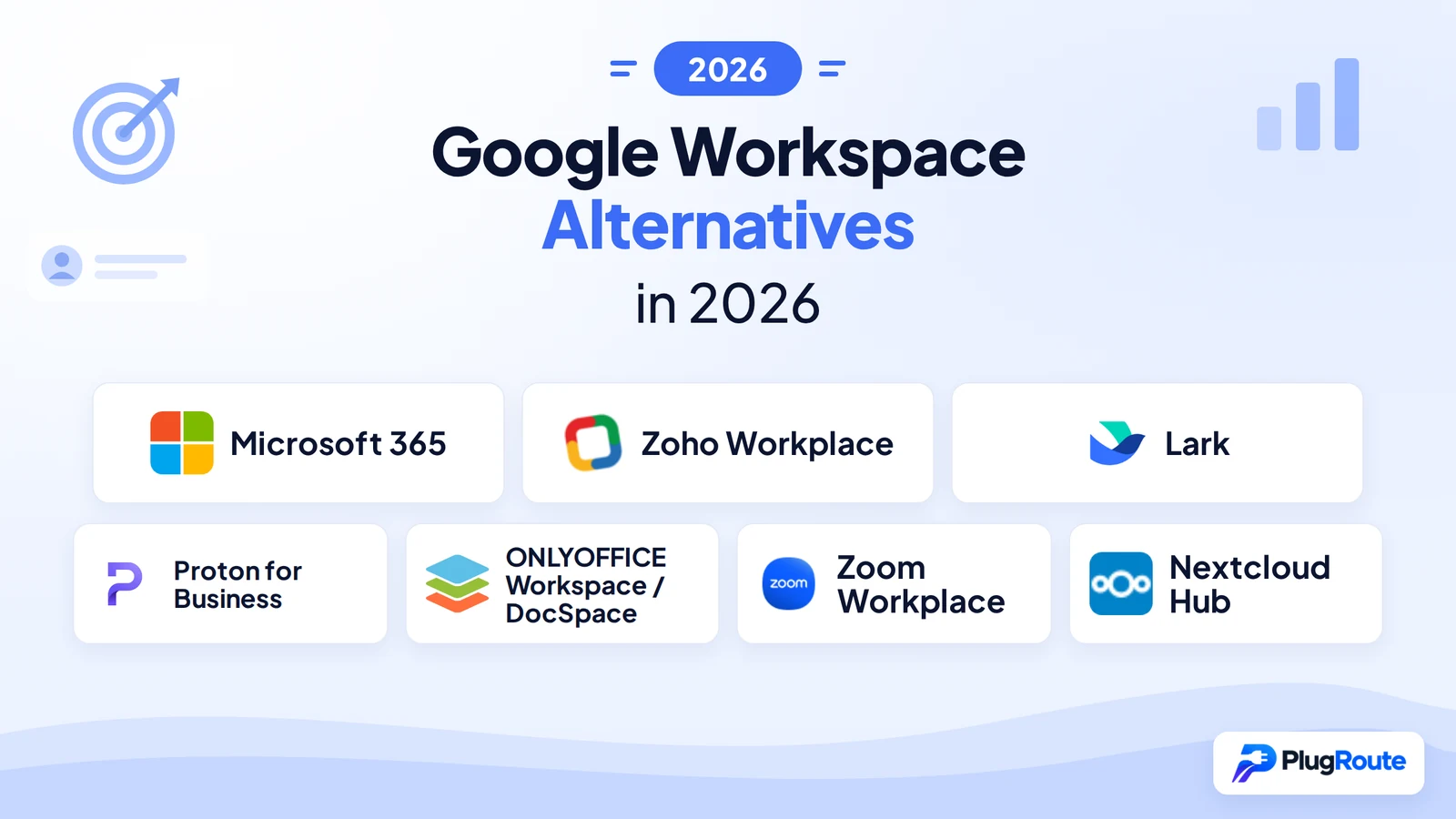
The best Google Workspace alternatives in 2026 are Microsoft 365 for desktop Word and Excel, Zoho Workplace for the lowest-cost full suite, Proton for Business for encrypted email, and Nextcloud Hub for self-hosting. The right choice depends on your main constraint, because a low starting price does not always mean a lower total cost.
Teams usually start looking for an alternative for one of four reasons. Per-user prices keep going up. Clients’ Word and Excel files lose formatting in Google Docs. Data scanning or hosting location has become a compliance question. Or nobody is sure a migration won’t disrupt email and shared files.
PlugRoute has no affiliate relationships with any company listed. Rankings are determined entirely by research data and objective evaluation criteria.
“Prices keep being raised… only focusing on stupid AI features that I don’t want.” (u/cgpipeliner, Reddit r/NextCloud, March 2025)
Takeaway: Rising prices and AI features bundled in whether users want them or not are pushing some Google Workspace users to compare alternatives on total cost, not on features alone.
Why Are Teams Looking for Google Workspace Alternatives?
Google Workspace’s own G2 reviews show that teams mainly look elsewhere because of rising costs, limited offline editing and limited advanced document features. Google Workspace still holds a 4.6/5 rating from 48,306 reviews (G2, November 2026). That means most switches come from one specific constraint, not from disliking the product overall.
These are Google Workspace’s G2 list prices, which may change (G2, November 2026):
- Google Workspace Business Starter is listed at $6.00 per user per month.
- Google Workspace Business Standard is listed at $12.00 per user per month.
- Google Workspace Business Plus is listed at $18.00 per user per month.
Google raised Business Standard from $12 to $14 per user per month when it bundled Gemini into its Business plans (Google Workspace Admin Help, January 2025). Treat the G2 figures as a floor, not a current quote.
As one user on r/sysadmin described:
“I hate how they are shoving a service onto my company without giving me any option. Got a mail telling me that the price will increase, reason being that the “pricing reflects the significant added AI value”. Never asked for any “AI value”, never needed it. I don’t want to finance their AI arms race.” Posted by u/remyremy108
Takeaway: Google Workspace Business Standard customers resent paying for bundled Gemini AI they cannot opt out of, which makes forced price increases a main reason teams start comparing alternatives.
These are Google Workspace’s most-mentioned cons on G2 (G2, November 2026):
- Google Workspace reviewers cite Limited Offline Editing in 227 reviews.
- Google Workspace reviewers cite Rising Subscription Costs in 206 reviews.
- Google Workspace reviewers cite Limited Advanced Features in 186 reviews.
- Google Workspace reviewers cite a Cluttered, Confusing Interface in 153 reviews.
- Google Workspace reviewers cite Complex Sharing Permissions in 125 reviews.
These are the improvements Google Workspace users ask for most often (G2, November 2026):
- Google Workspace users want more precise Drive search and easier folder organization at scale.
- Google Workspace users want clearer, centralized controls for permissions, ownership and shared drives.
- Google Workspace users want more dependable offline work and syncing.
- Google Workspace users want more advanced spreadsheet analysis and document formatting.
- Google Workspace users want more flexible storage and pricing options as teams grow.
PlugRoute did not verify how much storage each Google Workspace plan includes. Check any storage-per-dollar comparison against Google’s own plan pages before you rely on it.
What Are the 5 Categories of Google Workspace Alternatives?
Google Workspace alternatives fall into five categories: Office-native suites, cloud all-in-one suites, privacy-first suites, self-hosted suites and partial communications layers. Products in the first three categories cover nearly every core Google Workspace function on their own. The exceptions are that Lark limits video to 1:1 calls below its $12 Pro plan, and Proton for Business lists no team chat.
Self-hosted suites may need a separate mail host. A communications layer replaces Meet and Chat but not email or files.
The five categories and their products are:
- Office-Native Suite: An Office-Native Suite is a cloud suite built around desktop Word, Excel and PowerPoint, plus hosted email, storage and meetings. Microsoft 365 is in this category.
- Cloud All-in-One Suite: A Cloud All-in-One Suite is a browser-first suite that bundles email, storage, office editors, chat and meetings under one subscription. Zoho Workplace and Lark are in this category.
- Privacy-First Suite: A Privacy-First Suite is an encrypted suite designed so the provider cannot read customer email and files. Proton for Business is in this category.
- Self-Hosted Suite: A Self-Hosted Suite is a suite the organization can run on its own servers or a chosen host to control where data lives. ONLYOFFICE and Nextcloud Hub are in this category.
- Communications Layer (Partial): A Communications Layer is a meetings, chat and phone platform that sits on top of another provider’s email and file storage. Zoom Workplace is in this category.
Of the seven alternatives PlugRoute ranked, only Microsoft 365 includes desktop Microsoft Office apps, and only Proton for Business is built to encrypt mail end to end. Two of them, Zoom Workplace and Nextcloud Hub, need another provider for hosted company email in most setups.
The matrix below checks each product against seven core functions, based on vendor plan pages checked in November 2026. “Limited” means the function exists with a meaningful restriction. “Not verified” means research could not confirm it.
| Product | Hosted Email (Custom Domain) | Calendar | File Storage | Docs / Sheets / Slides | Meetings | Chat | Admin Console |
|---|---|---|---|---|---|---|---|
| Microsoft 365 | Yes | Yes | Yes (1 TB/user) | Yes (desktop from Business Standard) | Yes | Yes | Yes |
| Zoho Workplace | Yes | Yes | Yes | Yes (Writer, Sheet, Show) | Yes | Yes | Yes |
| Lark | Yes | Yes | Yes | Yes (Docs, Base) | Limited (1:1 only on Free and Basic) | Yes | Yes |
| Proton for Business | Yes | Yes | Yes | Limited (Docs and Sheets) | Yes | Not listed | Yes |
| ONLYOFFICE | Yes (less mature) | Yes | Yes | Yes (native Office formats) | Limited | Not verified | Limited |
| Zoom Workplace (Partial Replacement) | Limited (custom domain on Business and Enterprise only; mainly a client) | Limited (syncs Google or Microsoft) | Limited (10 GB/user) | Limited (Docs only) | Yes | Yes | Yes |
| Nextcloud Hub (Requires Separate Mail Host) | No (client only) | Yes | Yes | Yes (Nextcloud Office) | Yes (Talk) | Yes | Self-managed |
How Do the Top Google Workspace Alternatives Compare at a Glance?
Microsoft 365 ranks first overall in PlugRoute’s 2026 scoring (39/45). Zoho Workplace is one point behind (38/45) because it leads on cost. Lark, Proton for Business and ONLYOFFICE each fill a specific gap. Zoom Workplace and Nextcloud Hub are flagged because neither fully replaces Google Workspace without a second provider.
| Rank | Company | Category | Best For | One-Line Summary | Key Capabilities | Primary Strength | Key Limitation |
|---|---|---|---|---|---|---|---|
| 1 | Microsoft 365 | Office-Native Suite | Teams of up to 300 users that exchange Word and Excel files | Closest full-suite replacement for teams that depend on Office files | Hosted email, desktop Word/Excel/PowerPoint (Standard+), Teams, 1 TB OneDrive per user, Google migration tooling | Desktop Office fidelity and mature admin tooling | Complex licensing; OneDrive sync and Teams speed complaints |
| 2 | Zoho Workplace | Cloud All-in-One Suite | Budget-constrained small teams | Lowest-priced paid full suite at $3 per user per month annually | Mail, Calendar, WorkDrive, Writer/Sheet/Show, Cliq, Meeting | Lowest listed paid full-suite price; plans can be mixed | Less polished editors; reports of slow support |
| 3 | Lark | Cloud All-in-One Suite | Operations teams that run approvals and workflows | Workflow-focused suite with no-code automation and 5 TB pooled storage | Messenger, Docs, Base, Approval, Minutes, Mail, Meetings | Built-in automation at Google’s headline prices | 1:1 video only on Free and Basic; data residency not verified |
| 4 | Proton for Business | Privacy-First Suite | Privacy-sensitive organizations | Encrypted suite; budget for the $14.99 regular price | Mail, Calendar, Drive, Docs, Sheets, Meet, VPN, Pass | Strongest encryption model | $8.99 promo renews at $14.99; weaker search and integrations |
| 5 | ONLYOFFICE Workspace / DocSpace | Self-Hosted Suite | Office-file teams that want to self-host | Office-native editors you can self-host without Microsoft | Online and free desktop editors, mail, calendar, CRM, DocSpace rooms | Office-format fidelity plus self-hosting | Less mature mail and meetings; hardest pricing to compare |
| 6 | Zoom Workplace (Partial Replacement) | Communications Layer (Partial) | Communications-heavy teams that keep another email and file provider | Communications layer, not a full suite; keep another email provider | Meetings, Team Chat, Phone, Docs, Whiteboard, AI Companion | Meetings and phone backed by the largest review base | No mature hosted email, no Sheets or Slides equivalent, 10 GB per user |
| 7 | Nextcloud Hub (Requires Separate Mail Host) | Self-Hosted Suite | Organizations with in-house IT that need data sovereignty | Self-hosted data control; requires a separate mail host and IT | Files, Nextcloud Office, Talk, Groupware, federation | Full control over where data is hosted | No mail server; no verified review ratings; ongoing admin work |
Which Google Workspace Alternative Should I Choose for My Use Case?
Choose by your single most important constraint. Pick Microsoft 365 for desktop Office files, Zoho Workplace for the lowest full-suite cost, Proton for Business for encrypted email, and Nextcloud Hub or ONLYOFFICE for self-hosting. If your team is happy with Google’s real-time collaboration, staying is often the lower-risk choice.
| Your #1 Priority | Recommended Tool | Why | Acceptable Alternative |
|---|---|---|---|
| Desktop Word, Excel and PowerPoint | Microsoft 365 | Desktop Office apps are included from Business Standard | ONLYOFFICE (native Office formats) |
| Lowest-cost full suite | Zoho Workplace | Workplace Standard is listed at $3/user/month on annual billing | Lark (free for up to 20 users, 1:1 video only) |
| Workflow automation and storage | Lark | Base, Approval and 5 TB of pooled storage at $6/user | Zoho Workplace |
| Encrypted email and files | Proton for Business | End-to-end and zero-access encryption | Zoho Workplace (a no-ads policy, not encryption) |
| Office formats plus self-hosting | ONLYOFFICE | Native DOCX/XLSX/PPTX editors that can run on-premises | Nextcloud Hub with the ONLYOFFICE integration |
| Meetings and phone only | Zoom Workplace (keep your email provider) | Gartner UCaaS Leader with Phone and AI Companion | Microsoft 365 (Teams) |
| Full data sovereignty with IT staff | Nextcloud Hub plus a mail host | Open source and fully self-hostable | ONLYOFFICE self-hosted |
| Collaboration-heavy team already happy with Google | Stay with Google Workspace | Real-time co-editing is Google’s #3 G2 pro (674 mentions) | Keep Google and license Office only for users who need it |
1. Microsoft 365: Best Overall for Office-File-Heavy Teams
Category: Office-Native Suite, a cloud suite built around desktop Word, Excel and PowerPoint plus hosted email, storage and meetings.
At a Glance
- Category: Office-Native Suite
- Best For: Teams of up to 300 users that exchange Word, Excel and PowerPoint files or need desktop Office apps
- Price Range: G2 list $6.00–$22.00/user/month (November 2026, may change); Microsoft U.S. list $7–$22/user/month from July 2026 renewals
- Primary Strength: Microsoft 365 gives the best Office file fidelity of any Google Workspace alternative, with desktop Word, Excel and PowerPoint included from Business Standard.
- Biggest Limitation: Microsoft 365 is harder to license and administer than Google Workspace, and its Teams and OneDrive apps draw recurring performance and sync complaints.
- One-Line Summary: Microsoft 365 is the closest full-suite replacement for Google Workspace for teams that depend on desktop Office files, at a 2026 list price on par with Google’s.
- Last Verified: November 2026
Overview
Microsoft 365 is Microsoft’s subscription suite combining Exchange Online business email, Word, Excel, PowerPoint, Teams, OneDrive and SharePoint, built for organizations of up to 300 users on Business plans that exchange Office files with clients or need desktop apps.
Microsoft 365 Business Basic includes only the web and mobile Office apps. Desktop apps start at Business Standard, and Microsoft 365 Business Premium adds advanced security and device management.
Key Features
- Microsoft 365 Business Standard includes desktop, web and mobile versions of Word, Excel and PowerPoint.
- Microsoft 365 Business Basic includes custom-domain email, Teams and 1 TB of OneDrive storage per user.
- Microsoft 365 offers versions of each Business plan without Teams at lower list prices.
- Microsoft 365 provides Migration Manager for moving Google Drive to OneDrive or SharePoint Online, and Exchange Online batch migration for Gmail mail, contacts and calendars.
- Microsoft 365 offers Copilot Chat free to eligible Microsoft Entra ID users and sells paid Copilot as an add-on or in a bundle.
Best For
Microsoft 365 is best for teams of up to 300 users whose clients send Word and Excel files, and for organizations that want centralized admin control as headcount grows.
Pricing
Microsoft 365’s G2 list prices differ from Microsoft’s 2026 U.S. price list, so budget from the newer figures. Other currencies may differ.
- Microsoft 365’s G2 list prices are Business Basic $6.00, Business Standard $12.50 and Business Premium $22.00 per user per month (G2, November 2026; may change).
- Microsoft 365’s own list, which applies at each customer’s next renewal from July 1, 2026, is Basic $7, Standard $14 and Premium $22 (Microsoft Licensing News, 2026).
- Microsoft 365’s plans without Teams are listed at $5.40, $10.79 and $18.79 per user per month (Microsoft, 2026).
- Microsoft 365 Business Standard with Copilot is listed at $23.50 per user per month on annual billing (Microsoft, 2026).
At $14, Microsoft 365 Business Standard now costs the same as Google Workspace Business Standard. Google raised that plan from $12 to $14 when it bundled Gemini (Google Workspace Admin Help, January 2025).
Strengths
- Microsoft 365 holds a 4.6/5 G2 rating from 5,895 reviews, with 96.3% at 4 or 5 stars. That is the strongest mix of rating and review volume among the full-suite alternatives (G2, November 2026).
- Microsoft 365 is the only alternative with vendor-documented migration tools for Google Workspace mail, calendars and Drive (Microsoft Learn, accessed November 2026).
- Microsoft 365 brought in $102B in commercial revenue in FY2026, and one estimate based on company-domain data puts it on 45.46% of office-productivity deployments (FOSS Force, November 2026).
- Microsoft 365’s top G2 pros are Ease of Use (297), Team Collaboration (228), Features (220) and Integrations (198) (G2, November 2026).
Limitations
Microsoft 365 trades simplicity for Office fidelity. It is harder to license and administer than Google Workspace, and its companion apps draw recurring performance complaints.
- Microsoft 365’s top G2 cons are Expensive (117), Missing Features (102) and Learning Curve (95), and users ask for clearer licensing and a more unified admin experience (G2, November 2026).
- Microsoft 365’s companion apps draw recurring performance complaints. OneDrive’s top G2 con is Syncing Issues (177 of 10,451 reviews), and Teams’ top con is Slow Loading (418 of 19,457 reviews) (G2, November 2026).
- Microsoft 365’s new Outlook client was called “almost unusable” by a user who was considering a move from Google Workspace (Reddit r/googleworkspace, September 2025).
- Microsoft 365 migrations from Google Workspace do not carry over room bookings, shared calendars or event colors (Microsoft Learn, accessed November 2026).
- Microsoft 365 Business plans are capped at 300 users, so organizations that grow past that must move to Enterprise licensing (Microsoft, November 2026).
An admin who has run both suites wrote on r/sysadmin:
“I’ve managed both products and can tell you that Office 365 felt like 20 different products held together with duct tape and bailing twine. Google support is horrible but their product just works. Microsoft support is about as bad but their product breaks more.” Posted by u/Antique_Grapefruit_5
Takeaway: Admins who have managed both suites say Microsoft 365 feels less cohesive and breaks more often than Google Workspace, so its Office fidelity comes with more day-to-day administration.
How Does Microsoft 365 Compare with Google Workspace?
Microsoft 365 beats Google Workspace on desktop Office fidelity and admin control. Microsoft 365 costs the same at Business Standard ($14 vs $14) and more at Premium ($22 vs Google Business Plus’s $18 G2 list price). Microsoft 365 is also more complex to license and draws more sync and speed complaints.
Verdict
Microsoft 365 is the strongest overall Google Workspace alternative in PlugRoute’s 2026 ranking, scoring 39 of 45 for its desktop Office apps, deep review evidence and mature migration tooling. Its sub-scores are Suite 5, Reviews 5, Cost 3, Office 5, Privacy 3 and Migration 5.
Microsoft 365 leads Zoho Workplace by one point. Microsoft wins on review evidence, Office fidelity and migration, and Zoho wins on cost and privacy. Teams that don’t need desktop Office should compare Zoho Workplace first.
2. Zoho Workplace: Best for Tight Budgets That Need a Full Suite
Category: Cloud All-in-One Suite, a browser-first suite that bundles email, storage, office editors, chat and meetings under one subscription.
At a Glance
- Category: Cloud All-in-One Suite
- Best For: Cost-conscious small businesses that want a full Google Workspace replacement at the lowest per-user price
- Price Range: Workplace $3–$6/user/month annual ($4–$7 monthly); G2 list Free / $1.00 / $4.00 for email-only Zoho Mail tiers (November 2026, may change)
- Primary Strength: Zoho Workplace delivers email, storage, office editors, chat and meetings at $3 per user per month on annual billing.
- Biggest Limitation: Zoho Workplace’s office apps are less polished than Google’s or Microsoft’s, and reviewers report slow support and performance quirks.
- One-Line Summary: Zoho Workplace is the lowest-priced paid full-suite Google Workspace alternative in 2026, with Workplace Standard listed at $3 per user per month on annual billing.
- Last Verified: November 2026
Overview
Zoho Workplace is Zoho’s browser-first business suite. It bundles Zoho Mail, Calendar, WorkDrive storage, Writer, Sheet, Show, Cliq chat and Meeting, and it is built for cost-conscious small businesses that want a full Google Workspace replacement at the lowest listed per-user price.
Zoho Workplace Enterprise adds Zoho Directory, virtual private cloud hosting and endpoint controls. Don’t confuse Zoho Workplace with the cheaper Zoho Mail tiers, which include email only.
Key Features
- Zoho Workplace Standard includes 30 GB of mail storage per user, plus 100 GB of shared WorkDrive storage and 10 GB per user for teams of 3–10. Teams with fewer than 3 users get 10 GB per user instead of the shared pool.
- Zoho Workplace Professional raises mail storage to 100 GB (plus 100 GB of retention) and WorkDrive to 1 TB shared plus 100 GB per user.
- Zoho Workplace bundles the Writer, Sheet and Show editors, Cliq team chat and Zoho Meeting with mail and calendar.
- Zoho Workplace lets administrators assign different plans to different users in the same organization.
- Zoho Workplace stores account data in a regional data center based on where the account was created. US, EU and India are confirmed, and Zoho also lists regions such as Australia, Japan and Canada (Zoho privacy FAQ, November 2026).
Best For
Zoho Workplace is best for small teams on a tight budget that need every core Workspace function and will accept less polished editors in exchange for a much lower cost per seat.
Pricing
Read Zoho Workplace pricing separately from Zoho Mail pricing:
- Zoho Mail’s G2 list prices are Free, Mail Lite $1.00 and Mail Premium $4.00 (G2, November 2026; may change). These tiers include email only and do not replace documents, storage or meetings.
- Zoho Workplace Standard is listed at $3 per user per month on annual billing or $4 on monthly billing (Zoho, November 2026).
- Zoho Workplace Professional is listed at $6 per user per month on annual billing or $7 on monthly billing (Zoho, November 2026).
- Zoho Workplace Enterprise is priced on request (Zoho, November 2026).
Strengths
- Zoho Mail holds a 4.4/5 G2 rating from 730 reviews, with 93.3% at 4 or 5 stars. Zoho Workplace holds a 4.5/5 Capterra rating from 27 reviews, the only suite-level rating PlugRoute found (G2 and Capterra UK, November 2026).
- Zoho Workplace Standard’s $3 annual price is half Google Workspace Business Starter’s $6.00 G2 list price (Zoho and G2, November 2026).
- Zoho Workplace was called financially “much better” by a small-business user because “their highest plan is the same price as Google’s lowest plan and includes over 3x the email storage” (Reddit r/smallbusiness, March 2026).
- Zoho Workplace operates under Zoho’s published commitment to show no ads and not sell customer data for advertising (Zoho privacy commitment, November 2026; a vendor statement, not an audit).
Limitations
Zoho Workplace trades polish, support depth and integrations for a much lower price per seat.
- Zoho Workplace’s verified G2 rating covers Zoho Mail only, and that product’s top cons are Slow Performance (19), Slow Loading (14) and Limited Storage (13) (G2, November 2026).
- Zoho Workplace reviewers describe slow support responses, a dated interface, inconsistent interfaces across apps and a weak mobile experience for documents (Capterra and G2, November 2026).
- Zoho Workplace drew a complaint from a user whose mail forwarding had been broken for 3+ weeks while support was “erratic with poor communication” (Reddit r/smallbusiness, March 2026).
- Zoho Mail lists 23 integrations on G2, compared with 262 for Google Workspace (G2, November 2026).
- PlugRoute found no Google Workspace migration path documented by Zoho for Zoho Workplace, and G2 reviewers note that domain and migration setup can take technical effort (G2, November 2026).
An SMB admin who runs Zoho noted on r/sysadmin:
“They are definitely not equal to the big names. Among the lower tier providers, they have a decent feature set for the money. Their JS is not well optimized, but it is typically tolerable. Zoho seems to be a highly siloed company, we have a couple of their services and each part of their business is run very differently, feels like different companies.” Posted by u/mineral_minion
Takeaway: Zoho Workplace gives good value for the price, but admins find its apps less optimized and inconsistent with each other compared with Google or Microsoft.
How Does Zoho Workplace Compare with Google Workspace?
Zoho Workplace costs far less than Google Workspace ($3–$6 annual vs Google’s $6–$18 G2 list prices), lets you mix plans and shows no ads. Zoho Workplace’s editors are less polished and it has far fewer integrations. Reviews of Zoho Workplace’s support and performance are mixed.
Verdict
Zoho Workplace is the best-value full-suite Google Workspace alternative in PlugRoute’s 2026 ranking, scoring 38 of 45 with the top cost score of any product. Its sub-scores are Suite 5, Reviews 4, Cost 5, Office 3, Privacy 4 and Migration 3.
Zoho Workplace ranks second rather than first mainly because its verified G2 rating covers Zoho Mail only and its editors are browser-first. Pilot its editors and test support response times before migrating.
3. Lark: Best for Workflow Automation and Pooled Storage
Category: Cloud All-in-One Suite, a browser-first suite that bundles email, storage, office editors, chat and meetings under one subscription.
At a Glance
- Category: Cloud All-in-One Suite
- Best For: Operations-heavy teams that want chat, documents, approvals and no-code automation in one app
- Price Range: Free (up to 20 users); $6–$12/user/month; Enterprise by quote
- Primary Strength: Lark combines chat, documents, a no-code database and approval workflows with 5 TB of pooled storage at $6 per user per month.
- Biggest Limitation: Lark limits video meetings to 1:1 calls on its Free and Basic plans and has fewer Western third-party integrations than Google Workspace.
- One-Line Summary: Lark is a workflow-focused Google Workspace alternative that matches Google’s $6 and $12 G2 headline prices while adding no-code automation and 5 TB of pooled storage on Basic.
- Last Verified: November 2026
Overview
Lark is ByteDance’s all-in-one collaboration app. It combines Messenger, Docs, Base no-code databases, Calendar, Mail, Meetings, Minutes transcripts and Approval workflows for operations-heavy teams that want chat, documents and process automation in one workspace.
Lark is the international version of ByteDance’s Feishu, and it is built more around running day-to-day operations than Google Workspace is. Lark’s free Starter plan now caps teams at 20 users.
Key Features
- Lark Base is a no-code database with automations, capped at 1,000 automations a month on Basic and 50,000 on Pro.
- Lark Approval lets teams build approval workflows in the same app as chat and documents.
- Lark Minutes produces meeting transcripts, and Lark offers real-time translation in messaging.
- Lark Basic’s 5 TB of storage is shared across the organization. That works out to about 1 TB each for a 5-person team but about 100 GB each for a 50-person team.
- Lark Pro supports meetings of up to 500 participants, while Starter and Basic support only 1:1 video.
Best For
Lark is best for teams that run approvals, trackers and repeatable processes and want them in the same app as chat and documents, as long as they don’t need group video on the lower tiers.
Pricing
Lark is not in the G2 price data, so these figures come from Lark’s plans page (Lark, November 2026; USD, excluding tax):
- Lark Starter is free for up to 20 users, with 100 GB of storage, 1:1 video and 18 months of message history.
- Lark Basic costs $6 per user per month for up to 500 users, with 5 TB of storage.
- Lark Pro costs $12 per user per month (annual, according to a Lark page), with 15 TB of storage and meetings of up to 500 people.
- Lark Enterprise is priced by quote, includes 15 TB plus 30 GB per user, and adds SSO and compliance features.
The claim that Lark is “free for up to 50 users,” still repeated online, is out of date.
Strengths
- Lark holds a 4.6/5 G2 rating from roughly 195–214 reviews, and reviewers praise its meeting transcripts, search and collaboration (G2, November 2026). Review counts differ between G2 pages, and one source reported 4.5/5 from 187.
- Lark holds a 4.4/5 Capterra rating from 32 reviews (Capterra, November 2026).
- Lark Base and Approval add no-code automation and approval workflows that Google Workspace does not offer natively (Lark, November 2026).
- Lark Basic’s 5 TB of pooled storage at $6 per user gives teams of about five or fewer more storage per dollar than per-user plans such as Microsoft 365 Basic’s 1 TB per user (Lark and Microsoft, November 2026).
Limitations
Lark trades ecosystem maturity and verified data governance for workflow depth.
- Lark’s video is 1:1-only on Starter and Basic, so group meetings require the $12 Pro plan (Lark, November 2026).
- Lark draws G2 and Capterra complaints about a learning curve, feature complexity and limited integrations (G2 and Capterra, November 2026).
- PlugRoute could not verify Lark’s data residency or the scope of its ISO 27001 and SOC 2 certifications as of November 2026. Buyers should check Lark’s contract terms and data locations directly rather than drawing conclusions from ByteDance ownership alone.
- Lark’s free Starter plan keeps 18 months of message history, so teams on the free tier lose older chat records (Lark, November 2026).
- PlugRoute found no Google Workspace migration tool documented by Lark, which is why Lark scores 2 on Migration and Admin Maturity.
How Does Lark Compare with Google Workspace?
Lark matches Google Workspace’s $6 and $12 G2 headline prices while adding built-in approvals and automation. Lark has a smaller community, fewer Western integrations and less mature handling of Office files. Lark buyers also need to check data governance themselves.
Verdict
Lark is the best Google Workspace alternative for workflow-heavy teams in PlugRoute’s 2026 ranking, scoring 30 of 45 for its built-in automation and generous pooled storage. Its sub-scores are Suite 4, Reviews 4, Cost 4, Office 2, Privacy 2 and Migration 2.
Lark finishes two points above Proton for Business and ONLYOFFICE because its review evidence and cost scores both count double. Check group video on the lower tiers and Lark’s data residency before committing.
4. Proton for Business: Best for Privacy and Encrypted Email
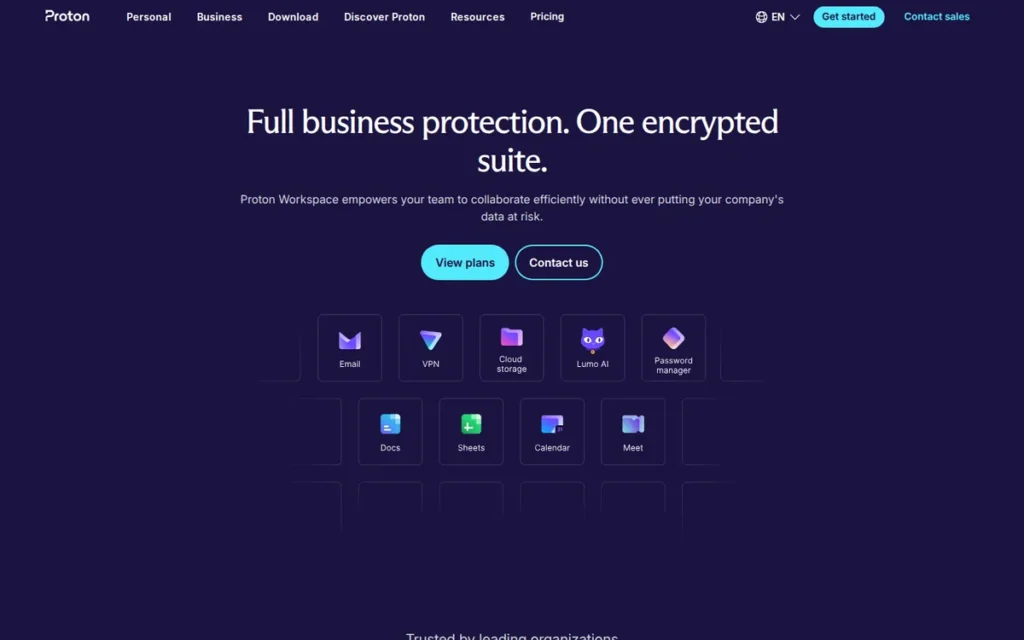
Category: Privacy-First Suite, an encrypted suite designed so the provider cannot read customer email and files.
At a Glance
- Category: Privacy-First Suite
- Best For: Privacy-sensitive organizations that want encrypted email and files and a bundled VPN and password manager
- Price Range: $14.99–$24.99/user/month regular; first-year promo from $8.99 (new customers, up to 10 users, listed as ending November 30, 2026); Enterprise by quote
- Primary Strength: Proton for Business encrypts mail, calendar and drive with end-to-end and zero-access encryption, so Proton states it cannot read customer content.
- Biggest Limitation: Proton for Business has weaker search, fewer integrations and less mature document and meeting apps than Google Workspace.
- One-Line Summary: Proton for Business is the strongest privacy-focused Google Workspace alternative in 2026, though teams should budget for its $14.99 regular price rather than the $8.99 first-year promotion.
- Last Verified: November 2026
Overview
Proton for Business is Proton’s encrypted business suite. It bundles Proton Mail, Calendar, Drive, Docs, Sheets, Meet, VPN and Pass under end-to-end and zero-access encryption, for organizations that want to limit how much of their email and files the provider can access.
Proton for Business comes from a company founded in 2014 by CERN scientists, whose majority shareholder is the non-profit Proton Foundation.
Proton for Business does not automatically end-to-end encrypt email sent to non-Proton addresses unless the sender uses password-protected messages.
Key Features
- Proton for Business Workspace Standard includes 1 TB of storage per user, 15 custom domains, and Meet calls of up to 100 participants lasting up to 24 hours.
- Proton for Business Workspace Premium raises storage to 3 TB per user, supports 250 meeting participants and includes full Lumo AI.
- Proton for Business gives every user 25 calendars and 25 booking pages.
- Proton for Business bundles Proton VPN and Proton Pass into its Workspace plans.
- Proton for Business offers Easy Switch for importing mail, contacts and calendars from Google accounts.
Best For
Proton for Business is best for organizations whose main requirement is keeping the provider out of their communications and files, and that can accept less mature collaboration tools.
Pricing
Proton for Business is not in the G2 price data, so these figures come from Proton’s plans page (Proton, November 2026):
- Proton for Business Workspace Standard costs $14.99 per user per month at the regular price.
- Proton for Business Workspace Premium costs $24.99 per user per month at the regular price.
- Proton for Business offers a first-year promotion of $8.99 (Standard) and $14.99 (Premium) for new customers on a 1-year plan with up to 10 users. The promotion is listed as ending November 30, 2026, and renews at the regular price.
- Proton for Business also shows older tiers on some pages (Mail Essentials $6.99, Mail Professional $9.99, Business Suite $12.99), and PlugRoute could not confirm whether these are still sold.
A 10-user team pays about $1,079 for Proton for Business Workspace Standard in year one and about $1,799 in year two. That is $720 more for the same features.
Strengths
- Proton for Business uses end-to-end and zero-access encryption with open-source, independently audited apps. Proton received ISO 27001 certification in May 2024 and completed its first SOC 2 Type II attestation, audited by Schellman, in July 2025 (Proton, July 2025). Certification scope does not automatically cover every product.
- Proton Drive for Business holds a 4.5/5 G2 rating, and no suite-level rating exists (G2, November 2026).
- Proton for Business’s parent company reports 100M+ accounts and 50,000+ business customers (Proton, 2026; company-reported totals, not active users).
- Proton for Business was praised by a switcher for the password manager and VPN “I’m getting as part of the deal” (Reddit r/NextCloud, March 2025).
Limitations
Proton for Business trades usability and ecosystem depth for encryption.
- Proton for Business limits full-text search of encrypted message bodies on the web and needs Proton Mail Bridge for IMAP/SMTP access from Outlook or Thunderbird (user reports, November 2026).
- Proton for Business’s Docs, Sheets and Meet are less mature than Google’s, and the suite has fewer third-party integrations (PlugRoute assessment, November 2026).
- Proton for Business imports can be painful for large mailboxes. One user’s Easy Switch import put 3,000+ pages of email into a single inbox that could only be moved 50 messages at a time (Reddit r/ProtonMail, December 2023).
- Proton for Business’s $14.99 regular price is above Google’s $6.00 Starter G2 list price and about the same as Google Business Standard’s $14 (Google Workspace Admin Help, January 2025).
- Proton for Business’s parent company announced in 2025 that it would move most of its physical infrastructure out of Switzerland because of proposed surveillance rules, starting with Lumo in Germany, while keeping its headquarters in Switzerland (Heise, 2025).
How Does Proton for Business Compare with Google Workspace?
Proton for Business offers much stronger privacy than Google Workspace and bundles a VPN and password manager. At regular prices, Proton for Business costs more than Google’s Starter tier and about the same as Business Standard. Proton for Business’s search, integrations and office apps are clearly weaker.
Verdict
Proton for Business is the best Google Workspace alternative for privacy-sensitive organizations in PlugRoute’s 2026 ranking, with the strongest encryption model of any suite reviewed. It scores 28 of 45: Suite 4, Reviews 2, Cost 3, Office 2, Privacy 5 and Migration 3.
Proton for Business ties ONLYOFFICE at 28 and ranks higher on Suite Completeness (4 vs 3). Its lack of a suite-level review rating and the roughly 67% price jump at renewal keep it fourth, so budget for the regular price and test search before switching.
5. ONLYOFFICE Workspace / DocSpace: Best for Office Formats Without Microsoft
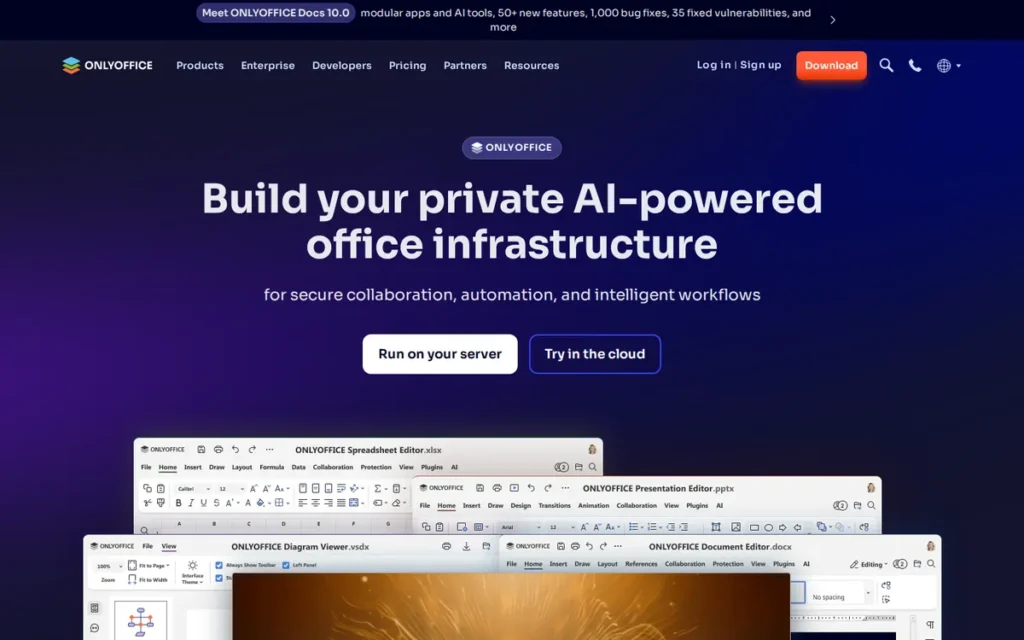
Category: Self-Hosted Suite, a suite the organization can run on its own servers or a chosen host to control where data lives.
At a Glance
- Category: Self-Hosted Suite
- Best For: Teams that need Office-format fidelity and want to self-host without moving to Microsoft
- Price Range: Community edition free; Docs Enterprise listed from $33/year at a 50-connection minimum (confirm billing unit); Workspace Enterprise on request; DocSpace Apps from $20/admin/month (per FAQ)
- Primary Strength: ONLYOFFICE edits DOCX, XLSX and PPTX files natively, which reduces the formatting problems Office-heavy teams hit in Google Docs.
- Biggest Limitation: ONLYOFFICE’s mail, meetings and admin are less mature than Google Workspace’s, and its pricing is the hardest to compare in this ranking.
- One-Line Summary: ONLYOFFICE is the strongest non-Microsoft Google Workspace alternative for Office-file fidelity, and its editors, built natively on DOCX, XLSX and PPTX, can be self-hosted.
- Last Verified: November 2026
Overview
ONLYOFFICE Workspace is Ascensio System SIA’s cloud or self-hosted suite built around native DOCX, XLSX and PPTX editing, with mail, calendar, projects and CRM added. It is aimed at teams that need Office-format fidelity and want the option to run the suite on their own servers.
ONLYOFFICE DocSpace is a related product that organizes document collaboration into rooms. ONLYOFFICE Docs can also serve as the office engine inside Nextcloud.
Key Features
- ONLYOFFICE provides online editors for documents, spreadsheets, slides, forms and PDFs, built around Office file formats.
- ONLYOFFICE offers free desktop editors alongside its online editors.
- ONLYOFFICE Workspace bundles mail, calendar, projects, CRM and team collaboration, in the cloud or on-premises.
- ONLYOFFICE DocSpace organizes collaboration into rooms with their own permissions and is priced per admin.
- ONLYOFFICE Docs works as an embedded office engine inside Nextcloud and Seafile.
Best For
ONLYOFFICE is best for teams with in-house IT that exchange Office files heavily and want to self-host or avoid Microsoft licensing. ONLYOFFICE also suits teams willing to pair it with a more mature mail and meetings provider.
Pricing
ONLYOFFICE is not in the G2 price data, so these figures come from ONLYOFFICE’s pricing pages (ONLYOFFICE, November 2026):
- ONLYOFFICE Community edition is free.
- ONLYOFFICE Docs Enterprise is listed from $33 per year at a minimum of 50 simultaneous connections, so confirm the billing unit in a quote. A perpetual license includes 3 years of updates, and a subscription includes 1 year.
- ONLYOFFICE Workspace Enterprise on-premises (1 server, 50 users) is priced on request, and Workspace Cloud Business is priced per user with no figure confirmed.
- ONLYOFFICE DocSpace Apps start at $20 per admin per month, according to one ONLYOFFICE FAQ.
ONLYOFFICE charges per connection, per admin or per server depending on the product, so request a quote for your own user count.
Strengths
- ONLYOFFICE Workspace holds a 4.5/5 Capterra rating from 324 reviews, with customer service rated 4.2/5. ONLYOFFICE Docs holds 4.5/5 from 106 reviews (Capterra, November 2026).
- ONLYOFFICE holds a 4.4/5 G2 rating from 66 reviews (G2, November 2026).
- ONLYOFFICE reports 21M+ users and won Gold in the 2025 Cloud Computing Insider Readers’ Choice Awards (ONLYOFFICE, 2025; company-reported).
- ONLYOFFICE was called “much better, faster and user friendly than Collabora” by a Nextcloud user. Another user said it was more familiar to MS Office users and had better macro support (Reddit r/NextCloud, March 2025).
A user who has self-hosted ONLYOFFICE for several months shared their experience on r/selfhosted:
“You do need to handle backups, updates, and security yourself, but that’s kind of the point. It feels like an actual self-hosted service, not a “local UI for someone else’s cloud.” Not saying it’s perfect, but as a self-hosted office editor, it’s been one of the more practical and low-drama services in my homelab so far.” Posted by u/libbyslayer
Takeaway: ONLYOFFICE runs stably once self-hosted, but your team takes on backups, updates and security in exchange for keeping documents on your own infrastructure.
Limitations
ONLYOFFICE trades suite maturity and pricing clarity for Office fidelity and control over hosting.
- ONLYOFFICE’s mail, meetings and admin are less mature than Google Workspace’s, so many teams will pair it with a separate mail provider (PlugRoute assessment, November 2026).
- ONLYOFFICE’s performance depends on how it is deployed and who maintains it.
- ONLYOFFICE’s pricing spans several products and licensing models, so total cost is hard to estimate without a quote.
- ONLYOFFICE is developed by Ascensio System SIA in Riga, Latvia. Procurement-sensitive buyers should confirm vendor jurisdiction and data-processing terms in writing.
- PlugRoute found no Google Workspace migration tool documented by ONLYOFFICE, which is why ONLYOFFICE scores 2 on Migration and Admin Maturity.
How Does ONLYOFFICE Compare with Google Workspace?
ONLYOFFICE handles Office files better than Google Workspace and can be self-hosted, which Google Workspace cannot. ONLYOFFICE’s mail, meetings and admin are much less mature, and ONLYOFFICE’s pricing is harder to compare.
Verdict
ONLYOFFICE is the best Google Workspace alternative for Office-file fidelity without Microsoft in PlugRoute’s 2026 ranking, scoring 28 of 45 with a 4.5/5 Capterra rating from 324 reviews. Its sub-scores are Suite 3, Reviews 4, Cost 2, Office 4, Privacy 4 and Migration 2.
ONLYOFFICE ties Proton for Business at 28 and ranks fifth on the Suite Completeness tie-breaker (3 vs 4) because its mail and meetings are less mature. ONLYOFFICE suits IT-capable teams willing to self-host or pair it with another mail provider.
6. Zoom Workplace: Best Communications Layer (Partial Replacement)
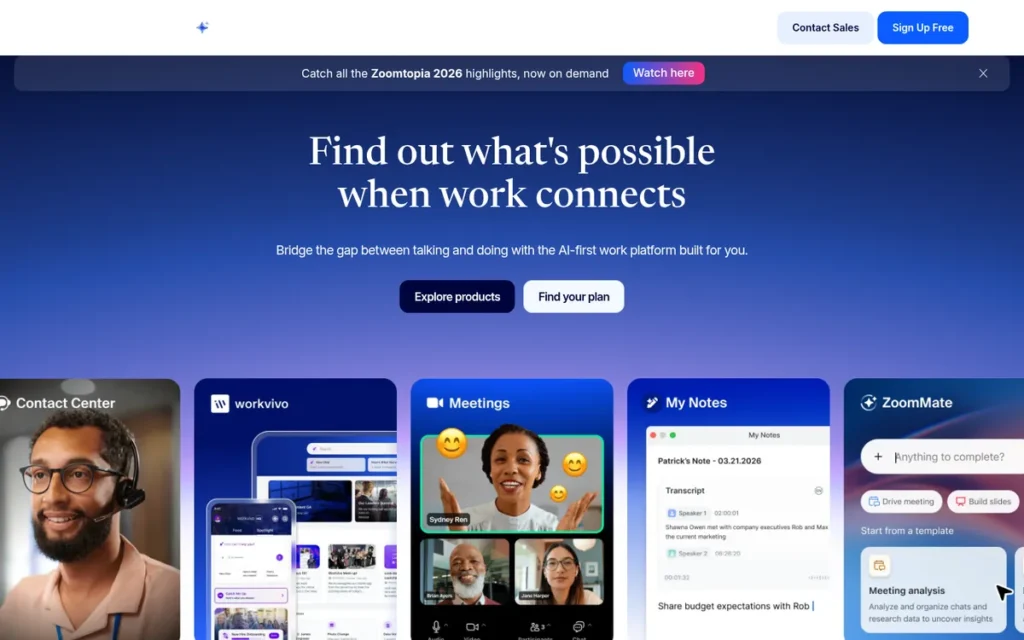
Category: Communications Layer (Partial), a meetings, chat and phone platform that sits on top of another provider’s email and file storage rather than replacing them.
At a Glance
- Category: Communications Layer (Partial)
- Best For: Communications-heavy teams that will keep Google Workspace or Microsoft 365 for hosted email and files
- Price Range: G2 list Free / $14.99 / $19.99 per user/month (November 2026, may change); Zoom page $14.16–$24.50 annual
- Primary Strength: Zoom Workplace combines meetings, chat, phone and AI Companion with the largest review base of any product in this ranking.
- Biggest Limitation: Zoom Workplace does not replace Google Workspace’s hosted email, spreadsheets, slides or pooled storage, and it offers 10 GB of storage per user on Pro and Business.
- One-Line Summary: Zoom Workplace is a communications layer rather than a full Google Workspace replacement, and most teams that adopt it still need Google or Microsoft for email and files.
- Last Verified: November 2026
Overview
Zoom Workplace is Zoom’s communications-led platform. It combines Meetings, Team Chat, Phone, Docs, Whiteboard and a Mail and Calendar client, includes AI Companion, and suits communications-heavy teams that will keep another provider for hosted email and file storage.
Zoom Workplace’s free Basic plan connects to Gmail or Outlook rather than hosting mail itself, and a custom mail domain is listed only on Business and Enterprise.
Treat Zoom Workplace as a replacement for Google Meet and Chat, not for the whole suite.
Key Features
- Zoom Workplace Pro and Business support meetings of up to 30 hours, with up to 100 and 300 participants respectively.
- Zoom Workplace includes AI Companion at no extra cost on eligible paid plans, covering meetings, chat, phone, mail, calendar and docs.
- Zoom Workplace offers Zoom Phone in a bundle (Business Plus) or as a separate product.
- Zoom Workplace includes Docs, Whiteboard, Clips, Scheduler, Tasks and Canvas alongside Meetings and Team Chat.
- Zoom Workplace provides 10 GB of cloud storage per user on Pro and Business, with unlimited cloud recording on Enterprise.
Best For
Zoom Workplace is best for sales, support and client-facing teams that care most about meeting and phone quality and will keep Google or Microsoft for email and files.
Pricing
Zoom Workplace’s G2 list prices differ from Zoom’s own pricing page:
- Zoom Workplace’s G2 list prices are Free $0, Pro $14.99 and Business $19.99 per user per month (G2, November 2026; may change).
- Zoom Workplace Pro costs $16.99 monthly or $14.16 annually, and Business costs $21.99 monthly or $18.33 annually (Zoom pricing page, November 2026).
- Zoom Workplace Business Plus with Phone costs $29.00 monthly or $24.50 annually (Zoom, November 2026).
- Zoom Workplace Basic is free, with meetings of up to 40 minutes and 100 participants.
A team that adopts Zoom Workplace Pro ($14.16 annual) and keeps Google Workspace Business Starter ($6.00 G2 list) for email and files pays about $20 per user per month for the two. That is more than Google Business Standard alone at $14.
Strengths
- Zoom Workplace was named a Leader in the 2026 Gartner Magic Quadrant for Unified Communications as a Service for the 7th consecutive year (Zoom newsroom, 2026).
- Zoom Workplace holds a 4.5/5 G2 rating from 56,476 reviews, the largest review base of any candidate (G2, November 2026). It also holds 4.5/5 from 240 ratings (Gartner Peer Insights, November 2026).
- Zoom Workplace’s Phone product passed 10 million seats in FY2026, and 4,468 Zoom customers each paid more than $100K over the 12 months to January 31, 2026 (Zoom investor filings, 2026).
- Zoom Workplace was described by a solo admin as loved by employees, easy for clients on any device and “simple to manage as an admin” (Reddit r/sysadmin, January 2026).
Limitations
Zoom Workplace trades suite completeness for depth in communications.
- Zoom Workplace has no mature hosted email, no Sheets or Slides equivalent and only 10 GB of storage per user, so it cannot replace Google Workspace on its own (Zoom pricing page, November 2026).
- Zoom Workplace users in an “all-in” thread still ran Microsoft for email, and one admin said the extra Workplace apps “just sit there idle” (Reddit r/sysadmin, January 2026).
- Zoom Workplace users on G2 ask for simpler navigation, lower resource use on long calls and more accurate AI transcription (G2, November 2026).
- Zoom Workplace was dropped by one company in favor of Google Meet over “rising license costs,” and another commenter said its encryption and security did not meet their needs (Reddit r/sysadmin, January 2026).
How Does Zoom Workplace Compare with Google Workspace?
Zoom Workplace is stronger than Google Workspace for meetings and phone and includes AI at no extra cost. Zoom Workplace lacks mature hosted email, spreadsheets, slides and meaningful storage. Zoom Workplace works best alongside a suite, not instead of one.
Verdict
Zoom Workplace is the strongest communications layer among Google Workspace alternatives in PlugRoute’s 2026 ranking, but it is a partial replacement that does not host email or replace Drive, Sheets or Slides.
Zoom Workplace scores 26 of 45 (Suite 2, Reviews 5, Cost 3, Office 1, Privacy 2, Migration 3). It ranks sixth because PlugRoute double-weights Suite Completeness, where Zoom scores 2 of 5. Google Workspace customers should check whether Google Meet already covers their needs before paying for overlapping seats.
7. Nextcloud Hub: Best for Data Sovereignty (Requires Separate Mail Host)
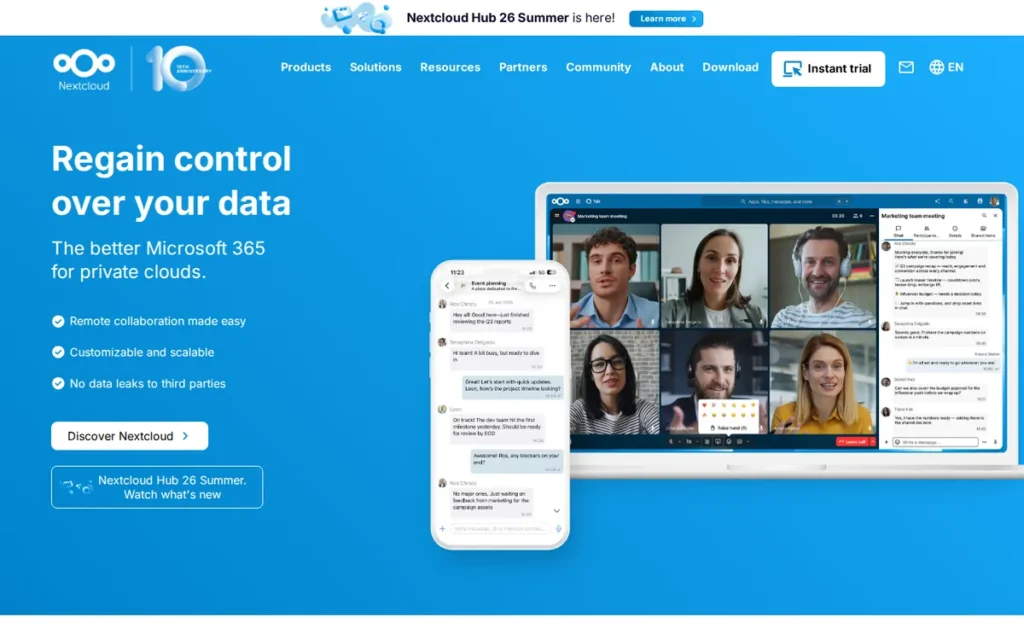
Category: Self-Hosted Suite, a suite the organization can run on its own servers or a chosen host to control where data lives.
At a Glance
- Category: Self-Hosted Suite
- Best For: Organizations with in-house IT that must control where data is hosted for compliance or sovereignty
- Price Range: Community edition free (plus hosting and admin labor); managed hosting from €4.29/month for 1 TB; Enterprise €71.29–€204.75/user/year (100-user minimum, at least €7,129/year)
- Primary Strength: Nextcloud Hub gives organizations full control over where their files, calendars and collaboration data are hosted.
- Biggest Limitation: Nextcloud Hub has no mail server, so teams must run or buy separate email hosting, and self-hosting puts upgrades, backups and troubleshooting on in-house IT.
- One-Line Summary: Nextcloud Hub is the open-source, self-hosted Google Workspace alternative that ties Proton for Business for the top data-control score, but it needs a separate mail host and real IT capacity.
- Last Verified: November 2026
Overview
Nextcloud Hub is an open-source, self-hostable collaboration platform that combines Files, Nextcloud Office, Talk chat and video, and Groupware calendar and contacts. It is built for organizations with in-house IT that need data sovereignty and full control over where their data is hosted.
Nextcloud Hub’s mail app is a client only, so a separate mail host is required. Nextcloud Hub’s enterprise plans require at least 100 users, which pushes most small businesses toward the free Community edition or a managed provider.
Key Features
- Nextcloud Hub Files provides file sync and sharing on infrastructure the organization chooses.
- Nextcloud Office provides collaborative editing based on Collabora Online, and Hub 26 Spring (June 2026) added Euro-Office as an option.
- Nextcloud Talk provides chat and video calls, though large deployments need the High Performance Backend.
- Nextcloud Hub Groupware provides calendar and contacts over CalDAV and CardDAV, plus a mail client that connects to a separate mail server.
- Nextcloud Hub includes Assistant AI only in the Ultimate enterprise tier, and Talk, Groupware and Collabora are paid add-ons on enterprise plans.
Best For
Nextcloud Hub is best for organizations with compliance or sovereignty requirements and dedicated IT staff who can maintain servers, run upgrades and pair Nextcloud with a mail host.
Pricing
Nextcloud Hub is not in the G2 price data, so these figures come from Nextcloud’s and Hetzner’s pricing pages (November 2026, excluding VAT):
- Nextcloud Hub enterprise plans cost €71.29 (Standard), €104.99 (Premium) and €204.75 (Ultimate) per user per year, with a 100-user minimum. That puts the smallest Standard subscription at €7,129 per year.
- Nextcloud Hub enterprise prices fall to €53.17, €81.99 and €183.75 per user per year at 200 users.
- Nextcloud Hub Community edition is free.
- Hetzner Storage Share, a managed Nextcloud service, costs €4.29/month for 1 TB, €14.19 for 5 TB and €27.39 for 10 TB.
“Free” Nextcloud Hub does not include servers, backups, a mail host or admin time. Budget for each of these separately.
Strengths
- Nextcloud Hub has more than 20,000 users in Schleswig-Holstein’s public sector, part of a staged migration of about 30,000 employees to an open-source stack (Nextcloud, October 2026).
- Nextcloud Hub serves “tens of thousands” of organizations and “tens of millions” of individuals, according to Nextcloud (Nextcloud, 2026; company-reported).
- Nextcloud Hub was called a “rock solid replacement for gdrive, calendar and others” by someone who had used it for more than five years (Reddit r/NextCloud, March 2025).
- Nextcloud Hub’s office integration was called “far better than Google docs” by another user, who also said contacts and calendar synced “flawlessly” through DAVx5 (Reddit r/NextCloud, March 2025).
Limitations
Nextcloud Hub trades convenience and review-platform evidence for full data control.
- Nextcloud Hub has no mail server, and one user said running their own mail wasn’t worth “10x the time as Google” (Reddit r/NextCloud, March 2025).
- Nextcloud Hub users report flaky sync, failed uploads and upgrades that break apps, and one user wrote that “every week another bug” kept them busy (Reddit r/NextCloud, March 2025).
- Nextcloud Hub has no verified G2, Capterra or Gartner rating as of November 2026, so its reputation cannot be checked on independent review platforms.
- Nextcloud Hub’s 100-user enterprise minimum keeps most small businesses from getting vendor support, and performance depends on server sizing (Nextcloud pricing page, November 2026; user reports).
How Does Nextcloud Hub Compare with Google Workspace?
Nextcloud Hub gives far more control over data and hosting location than Google Workspace, which matters to buyers working under GDPR or similar residency rules. Nextcloud Hub needs IT skills, a separate email provider and tolerance for occasional bugs. Nextcloud Hub also has no review-platform presence to compare with Google’s 48,306 G2 reviews.
Verdict
Nextcloud Hub is the best Google Workspace alternative for organizations that must control where their data lives, according to PlugRoute’s 2026 ranking, and it ties Proton for Business with 5 of 5 on data control.
Nextcloud Hub scores 24 of 45 (Suite 3, Reviews 1, Cost 3, Office 3, Privacy 5, Migration 2). It ranks seventh because it has no mail server and no verified review-platform presence.
Nextcloud Hub’s Review Evidence score of 1 alone costs it 6–8 weighted points against most of the other products. Teams without in-house IT should consider managed hosting.
How Do These Alternatives Compare with Google Workspace Itself?
Compared with Google Workspace, Microsoft 365 is the only like-for-like full suite with desktop Office apps. Zoho Workplace and Lark undercut or match Google’s entry price. Proton for Business adds encryption at a higher regular price, ONLYOFFICE and Nextcloud Hub add self-hosting, and Zoom Workplace covers communications only.
| Product | Scope | Starting Price (Source, Date) | Storage | Office Fidelity | Encryption / Privacy Model | Self-Host Option | Review Rating |
|---|---|---|---|---|---|---|---|
| Google Workspace (baseline) | Full | $6.00 Business Starter (G2 list, Nov 2026); Business Standard $14 (Google, Jan 2025) | Confirm on Google’s pages | Browser-first; Office files need conversion | Not assessed in this review | No | G2 4.6/5 (48,306) |
| Microsoft 365 | Full | $6.00 Basic (G2 list, Nov 2026); $7 (Microsoft, from July 2026) | 1 TB OneDrive/user | Native desktop apps (Standard+) | Standard enterprise controls | No | G2 4.6/5 (5,895) |
| Zoho Workplace | Full | $3 Standard, annual (Zoho, Nov 2026) | 30 GB mail/user; 100 GB shared + 10 GB/user | Browser editors | No-ads, no-data-selling policy (vendor statement) | Not offered; VPC hosting on Enterprise | G2 4.4/5 (730; Zoho Mail only); Capterra 4.5/5 (27) |
| Lark | Full (1:1 video on lower tiers) | Free up to 20 users; $6 Basic (Lark, Nov 2026) | 100 GB free; 5 TB pooled on Basic | Browser-first | Not verified | Not documented | G2 4.6/5 (195–214, counts conflict) |
| Proton for Business | Full (no chat listed) | $14.99 regular; $8.99 first-year promo (Proton, Nov 2026) | 1 TB/user | Browser-first | End-to-end and zero-access | Not documented | G2 4.5/5 (Drive only) |
| ONLYOFFICE | Full (less mature mail and meetings) | Community free; Workspace Enterprise on request (ONLYOFFICE, Nov 2026) | Depends on deployment | Native OOXML plus free desktop editors | Self-hosting control | Yes | Capterra 4.5/5 (324); G2 4.4/5 (66) |
| Zoom Workplace (Partial Replacement) | Partial | $14.99 Pro (G2 list, Nov 2026); $14.16 annual (Zoom, Nov 2026); not a full suite, add email and file provider cost | 10 GB/user | No full suite of editors | Not assessed | No | G2 4.5/5 (56,476) |
| Nextcloud Hub (Requires Separate Mail Host) | Needs mail host | Community free + hosting; managed from €4.29/month for 1 TB (Hetzner, Nov 2026) | Depends on server | Collabora-based Nextcloud Office | Self-hosting control | Yes | No verified rating |
Which Google Workspace Alternative Is Actually Cheapest?
Zoho Workplace Standard is the cheapest listed paid full suite at $3 per user per month on annual billing (Zoho, November 2026). Lark is free for up to 20 users but limits video to 1:1 calls. What you actually pay depends on billing terms, renewal prices, required add-ons, user minimums and in-house labor.
| Product | Lowest Listed Price | What Changes the Real Cost |
|---|---|---|
| Google Workspace (baseline) | $6.00 Business Starter (G2 list, Nov 2026) | Business Standard rose from $12 to $14 when Gemini was bundled (Google, Jan 2025) |
| Microsoft 365 | $6.00 Basic (G2 list); $7 from July 2026 (Microsoft) | Basic is web/mobile only; desktop apps start at $14 Standard |
| Zoho Workplace | $3 Standard, annual (Zoho) | $4 on monthly billing; email-only Mail tiers don’t replace the suite |
| Lark | Free up to 20 users; $6 Basic (Lark) | Group video requires the $12 Pro plan |
| Proton for Business | $14.99 Standard regular (Proton) | $8.99 promo applies to year one only |
| ONLYOFFICE | Community free; Workspace Enterprise on request | Connection, admin or server licensing; self-hosting labor |
| Zoom Workplace (Partial Replacement) | $14.99 Pro (G2 list); $14.16 annual (Zoom); not a full suite | Still needs a separate email and file provider |
| Nextcloud Hub (Requires Separate Mail Host) | Community free; managed from €4.29/month (Hetzner) | Mail host, servers, backups and admin time not included |
Here is an illustrative annual cost for 10 users at listed prices (November 2026). It excludes tax, add-ons, migration and admin time:
| Plan | Per-User Price Used | Annual Cost for 10 Users | Caveat |
|---|---|---|---|
| Zoho Workplace Standard | $3 annual (Zoho) | $360 | Less polished editors |
| Lark Basic | $6 (Lark) | $720 | 1:1 video only |
| Google Workspace Business Starter | $6.00 (G2 list) | $720 | Baseline |
| Microsoft 365 Business Basic | $7 (Microsoft, from July 2026) | $840 | Web and mobile Office apps only |
| Google Workspace Business Standard | $14 (Google, Jan 2025) | $1,680 | Baseline |
| Microsoft 365 Business Standard | $14 (Microsoft, from July 2026) | $1,680 | Includes desktop Office apps |
| Proton for Business Workspace Standard | $8.99 promo, then $14.99 | $1,079 year one; $1,799 year two | Promo listed as ending Nov 30, 2026 |
| Zoom Workplace Pro | $14.16 annual (Zoom) | $1,699 | Plus a separate email and file provider |
For a 10-person team on annual billing, Proton for Business Workspace Standard costs about $1,079 in year one and $1,799 in year two. Compare vendors on renewal prices, not promotional ones.
These are the most common cost traps:
- Email-only tiers: Zoho Mail Lite and Mail Premium start at $1, but they do not include documents, storage or meetings.
- Promo vs renewal: Proton for Business Workspace Standard renews from $8.99 to $14.99 after the first year.
- Add-ons needed to match Google: Microsoft 365 paid Copilot and Nextcloud Hub’s Talk, Groupware and Office on enterprise plans all cost extra.
- User minimums: Nextcloud Hub enterprise requires 100 users, and ONLYOFFICE Docs Enterprise requires 50 connections.
- Partial products: Zoom Workplace and Nextcloud Hub each need a second vendor for hosted email.
- Self-hosting labor: The free Community editions of Nextcloud Hub and ONLYOFFICE still need servers, backups, patching and restore testing.
- Migration tooling: BitTitan MigrationWiz costs $14 per mailbox, or $17.50 per user for its User Migration Bundle (BitTitan, November 2026).
What Breaks When You Migrate Off Google Workspace?
Microsoft’s documented Google Workspace migration path does not move room bookings, shared calendars or event colors, and most migrations also require rebuilding Apps Script automations and remapping file permissions. You can move mail, contacts, calendars and Drive files with native tools such as Microsoft Migration Manager and Proton Easy Switch, or with BitTitan MigrationWiz at $14 per mailbox.
These native and third-party tools cover the main data:
- Microsoft 365 provides Migration Manager for Google Drive and Exchange Online batch migration for Gmail mail, contacts and calendars (Microsoft Learn, accessed November 2026).
- Proton for Business provides Easy Switch for importing mail, contacts and calendars from Google accounts.
- BitTitan MigrationWiz costs $14 per mailbox or $17.50 per user for its bundle. Shared drives are licensed separately, and MSP labor costs extra (BitTitan, November 2026).
A 10-person migration using BitTitan’s User Migration Bundle costs about $175 in licenses ($17.50 × 10), before shared drives and MSP labor.
PlugRoute could not verify a vendor-documented Google migration path for these products:
- Zoho Workplace has no Google Workspace migration path that PlugRoute could verify in Zoho’s documentation, so plan for setup effort with domains and mail import.
- Lark has no vendor-documented Google Workspace migration tool that PlugRoute could find.
- ONLYOFFICE has no vendor-documented Google Workspace migration tool that PlugRoute could find.
- Nextcloud Hub migrations are handled by in-house IT, and mail must move to a separate mail host.
- Zoom Workplace usually sits alongside an existing mail provider, so adopting it mostly means setting up meetings and phone rather than migrating mailboxes.
These items commonly fail to transfer:
- Room bookings do not migrate in Microsoft’s documented Google-to-Microsoft path.
- Shared calendars and event colors do not migrate in Microsoft’s documented path.
- Some Gmail labels do not map cleanly to folders.
- Apps Script automations must be rebuilt on the new platform.
- File and shared-drive permissions must be remapped.
Large mailboxes are a frequently reported failure point. One user reported that an import put 3,000+ pages of email into a single inbox, and that Thunderbird crashed when moving about 230,000 emails through Bridge (Reddit r/ProtonMail, December 2023).
On G2, Microsoft 365 and Zoom Workplace customers most often report going live in anywhere from under a day to under a month. Larger data moves take 1–3 months or longer (G2, November 2026).
Run a pilot that tests each of these with real users before cutover:
- The pilot should confirm that email sends, receives and searches correctly on the new platform.
- The pilot should confirm that shared calendars and room scheduling work.
- The pilot should open real client Word, Excel and PowerPoint files and check the formatting.
- The pilot should test external sharing with clients and partners.
- The pilot should verify that permissions match the old setup.
- The pilot should run real internal and external meetings.
- The pilot should plan the MX cutover time, lower DNS TTL in advance, and update SPF, DKIM and DMARC records for the new provider so no mail is lost.
When Should You Stay with Google Workspace?
Staying with Google Workspace makes sense when your team depends on real-time co-editing, connected apps or Apps Script automations, or when switching costs would outweigh per-seat savings. Google Workspace’s top G2 pros include Connected Apps and Tools (812 mentions) and Real-Time Document Co-Editing (674 mentions) (G2, November 2026).
Stay with Google Workspace in these situations:
- Google Workspace is the better fit when your team relies on real-time co-editing and the 262 integrations listed for it on G2.
- Google Workspace’s familiarity helps with hiring, because it has 11M+ paying customers and one estimate puts it on 50.34% of office-productivity deployments (FOSS Force, November 2026).
- Google Workspace is worth keeping when your workflows depend on Apps Script automations that would have to be rebuilt.
- Google Workspace is the cheaper path when migration tools, MSP labor and downtime would cost more than the per-seat savings.
- Google Workspace can stay in place when only a few users need Office apps, as long as you license Office for just those users.
If only a small share of users need desktop Office, licensing Office for those users is often less disruptive than moving everyone off Google Workspace. One user wrote: “If you need MS Office purchase a perpetual desktop license and then maintain workspace” (Reddit r/googleworkspace, September 2025).
Opinion is split. In a Google Workspace vs Zoho Workplace thread, one commenter called Google “the no question superior choice,” adding “It just works” (Reddit r/Entrepreneur, 2024). Treat this section as a fit check, not a vendor recommendation.
What Red Flags Should I Watch For When Evaluating Google Workspace Alternatives?
The biggest red flags when evaluating Google Workspace alternatives are promotional prices shown without renewal prices, email-only tiers priced next to full suites, “full suites” with no mail server, missing independent reviews, quote-only pricing and no documented Google migration path. Each one can turn a cheaper-looking option into a costlier or riskier switch.
Red Flag #1: Promotional Price Without Renewal Price A first-year discount can hide what you will pay from year two onward. Proton for Business renews from $8.99 to $14.99 per user per month, which takes a 10-user team from about $1,079 to $1,799 a year (Proton, November 2026).
Red Flag #2: Email-Only Tier Marketed Next to Suite Pricing Some of the lowest prices are for email-only plans that leave out documents, storage and meetings. Zoho Mail Lite at $1 is an email product, while the Zoho Workplace suite starts at $3, so check which apps each tier includes before you compare.
Red Flag #3: “Full Suite” With No Mail Server A product can cover files, calendar and chat without hosting email. Nextcloud Hub’s mail app is a client only, and Zoom Workplace mainly sits on top of Google or Microsoft mail.
Before treating either one as a replacement, confirm that hosted custom-domain email is included.
Red Flag #4: No Independent Review Data Products without verified ratings on G2, Capterra or Gartner Peer Insights give buyers no independent evidence on reliability or support. Nextcloud Hub has no verified review-platform presence, and Proton has only a Drive-level G2 rating, so run a longer pilot to make up for it.
Red Flag #5: Unpublished or Quote-Only Pricing for Small Teams Quote-only pricing, or pricing per connection, per admin or per server, is hard to compare with Google’s per-user price. ONLYOFFICE Workspace Enterprise is priced on request, so get a written quote for your exact user count before shortlisting.
Red Flag #6: No Documented Google Migration Path Without vendor-documented migration tooling, the risk of moving mail, calendars and Drive falls on your team or an MSP. Ask what the vendor’s tools move and what they don’t. Microsoft, for example, documents that room bookings, shared calendars and event colors do not transfer.
What Questions Should I Ask Before Choosing a Google Workspace Alternative?
Before choosing a Google Workspace alternative, confirm six things: whether it replaces every app you use, what you will pay per user in year two, whether client Office files keep their formatting, where your data is hosted, what will not migrate, and who maintains it if self-hosted. The answers expose hidden costs and switching risk.
Question #1: Does this replace every Google Workspace app we use, or will we need a second vendor? A good answer confirms that hosted custom-domain email, calendar, storage, document editors, meetings, chat and admin are all included at your tier. If any function needs another provider, as with Zoom Workplace or mail for Nextcloud Hub, add that provider’s cost to the comparison.
Question #2: What will we pay per user in year two, on our billing term? Ask for the renewal price on both monthly and annual terms, plus the cost of any add-ons you need to match Google. Zoho Workplace Standard is $3 on annual billing but $4 monthly, and Microsoft 365 prices went up at renewals from July 2026.
Question #3: Will our clients’ Word and Excel files open without formatting loss? Test real client files instead of relying on vendor claims. Microsoft 365 Business Standard includes desktop Office apps, and ONLYOFFICE’s editors are built on DOCX, XLSX and PPTX, while browser-first suites may need file conversion.
Question #4: Where is our data hosted, and under which jurisdiction? Get the data-center regions and certification scope in writing. Zoho confirms US, EU and India data centers, PlugRoute could not verify Lark’s residency, and Proton announced in 2025 that it is moving infrastructure out of Switzerland.
Question #5: What doesn’t migrate, and who rebuilds it? A credible vendor tells you what its tools leave behind. Expect room bookings, shared calendars, event colors, some Gmail labels, permissions and Apps Script automations to need manual work, and assign an owner and a budget to each.
Question #6: Who maintains it if we self-host? With a self-hosted suite, your team takes over upgrades, backups, sync troubleshooting and security patching. Nextcloud Hub users report upgrades that break apps, so confirm you have the IT capacity, or budget for a managed provider, before committing.
How Did We Rank These Google Workspace Alternatives?
PlugRoute scored seven Google Workspace alternatives on six criteria, each rated 1–5. Suite Completeness, Verified Review Evidence, and Total Cost Transparency and Value count double. Office File Fidelity, Privacy and Data Control, and Migration and Admin Maturity count once. The maximum score is 45 points.
PlugRoute has no affiliate relationships with any company listed. Rankings are determined entirely by research data and objective evaluation criteria.
The six criteria are:
- C1 Suite Completeness (primary): Suite Completeness checks whether a product replaces hosted email, calendar, storage, editors, meetings, chat and admin, because every missing function means a second vendor and a second bill.
- C2 Verified Review Evidence (primary): Verified Review Evidence scores G2, Capterra and Gartner Peer Insights ratings together with review volume, because independent reviews show reliability and support quality that vendor claims cannot.
- C3 Total Cost Transparency and Value (primary): Total Cost Transparency and Value compares each full-suite entry price with Google’s, then checks billing terms, renewals, add-ons, minimums and labor. “Rising Subscription Costs” appears in 206 Google Workspace G2 reviews.
- C4 Office File Fidelity (secondary): Office File Fidelity scores how well each product handles Word, Excel and PowerPoint files, because Limited Advanced Features is a top Google Workspace con (186 G2 mentions).
- C5 Privacy and Data Control (secondary): Privacy and Data Control scores encryption, self-hosting, data-residency options and published data policies. Vendor statements are labelled as vendor statements.
- C6 Migration and Admin Maturity (secondary): Migration and Admin Maturity scores documented Google migration tooling and admin console maturity, because migration is where users get disrupted.
The formula is Total = 2 × (Suite Completeness + Review Evidence + Cost) + (Office Fidelity + Privacy + Migration), with a maximum of 45.
| Rank | Product | C1 Suite | C2 Reviews | C3 Cost | C4 Office | C5 Privacy | C6 Migration | Total |
|---|---|---|---|---|---|---|---|---|
| 1 | Microsoft 365 | 5 | 5 | 3 | 5 | 3 | 5 | 39 |
| 2 | Zoho Workplace | 5 | 4 | 5 | 3 | 4 | 3 | 38 |
| 3 | Lark | 4 | 4 | 4 | 2 | 2 | 2 | 30 |
| 4 | Proton for Business | 4 | 2 | 3 | 2 | 5 | 3 | 28 |
| 5 | ONLYOFFICE Workspace / DocSpace | 3 | 4 | 2 | 4 | 4 | 2 | 28 |
| 6 | Zoom Workplace (Partial Replacement) | 2 | 5 | 3 | 1 | 2 | 3 | 26 |
| 7 | Nextcloud Hub (Requires Separate Mail Host) | 3 | 1 | 3 | 3 | 5 | 2 | 24 |
Ties are broken first by Suite Completeness and then by Verified Review Evidence. Proton for Business ranks above ONLYOFFICE at 28 because it scores 4 vs 3 on Suite Completeness, since it bundles meetings and mature hosted email.
A low rank does not mean a product is bad. Nextcloud Hub, for example, ties Proton for Business for the highest data-control score.
These notes explain the scores most likely to be questioned:
- Zoho Workplace scores 4 on Review Evidence because its component rating has a published review count (730) and a suite-level Capterra rating exists. Proton for Business scores 2 because its only rating covers one component and has no published review count.
- Lark scores 4 on Review Evidence because every G2 page shows a rating of at least 4.4 from more than 60 reviews. The counts conflict, but all exceed 60, and a separate Capterra rating backs them up.
- Zoom Workplace scores 3 on Cost because its annual Pro price ($14.16) is about the same as Google Business Standard ($14), but buyers must add a separate email and file provider.
- Microsoft 365 scores 5 on Migration because Microsoft documents a Google Workspace migration path for mail, calendars and Drive.
- Proton for Business scores 3 on Migration because Easy Switch is a native import tool with user-reported failures on large mailboxes. Zoho Workplace scores 3 for its native mail import and reported setup effort, and Zoom Workplace scores 3 based on G2 data showing that under one day is the most common time to go live.
- Lark, ONLYOFFICE and Nextcloud Hub score 2 on Migration because PlugRoute found no Google migration tool documented by those vendors, and admin work falls on in-house IT.
- ONLYOFFICE scores 4 on Privacy under the rubric’s “self-hosting option” band, while Proton for Business (encryption) and Nextcloud Hub (full self-hosting) score 5.
PlugRoute excluded these G2-listed candidates:
- Wix and Bluehost were excluded because they are website builders and hosting, not productivity suites.
- Dropbox was excluded because it covers storage only.
- Microsoft Teams, OneDrive and Outlook were excluded because they are parts of Microsoft 365.
- Webex Suite was excluded because it has no email, documents or storage.
PlugRoute deliberately left out these unverified or conflicting figures:
- Microsoft 365’s 50 GB mailbox, 300-person meetings, 5% monthly-billing surcharge and $30 Copilot add-on price were left out because they were not verified.
- Zoho Workplace’s 3,121-review G2 count was left out because it did not match the supplied G2 data.
- Lark’s conflicting G2 review counts (187, 195 or 214) are disclosed rather than averaged, and Lark’s data residency and certification scope remain unverified.
- Proton for Business’s older tiers are shown as possibly discontinued because PlugRoute could not confirm they are still sold.
- ONLYOFFICE’s Community connection limit was left out because it was not verified.
- Company-reported user totals are labelled as company-reported wherever they appear.
What Do Buyers Most Often Ask About Google Workspace Alternatives?
What is the best Google Workspace alternative for small businesses in 2026?
Microsoft 365 is the best overall Google Workspace alternative for small businesses in 2026, scoring 39 of 45 in PlugRoute’s ranking, and it suits teams that exchange Office files. Zoho Workplace, at 38 of 45, is the better pick when budget decides, at $3 per user per month on annual billing (Zoho, November 2026).
What is the best self-hosted, open-source Google Workspace alternative?
Nextcloud Hub is the best open-source, self-hosted Google Workspace alternative for teams with in-house IT, and it ties for the top data-control score in PlugRoute’s 2026 ranking. Nextcloud Hub needs a separate mail host. ONLYOFFICE is the self-hostable choice for Office-file fidelity, and its Docs editors can run inside Nextcloud.
How does PlugRoute determine its rankings?
PlugRoute scores every product on six criteria rated 1–5. Suite completeness, verified review evidence and cost transparency count double. Office fidelity, privacy and migration maturity count once, for a maximum of 45. Ties go to suite completeness, then review evidence. Every product gets the same structure, and unverified figures are left out rather than estimated.
What Do Key Google Workspace Alternative Terms Mean?
Comparing Google Workspace alternatives means knowing a few pricing, privacy and migration terms. The most important are promotional versus renewal pricing, email-only tiers, end-to-end versus zero-access encryption, self-hosting, data residency, and the difference between a mail client and a mail host. Each one changes what a low headline price actually buys.
Per-user per-month pricing: Per-user per-month pricing charges a fixed fee for each account every month. Per-user pricing matters because total cost grows with headcount, so even small per-seat differences add up for larger teams.
Annual vs monthly billing: Annual billing commits you to a year in exchange for a lower monthly rate, while monthly billing costs more but can be cancelled sooner. Annual and monthly prices should always be compared on the same billing term.
Promotional (introductory) pricing: Promotional pricing is a discounted rate for an initial period, usually the first year, after which the plan renews at a higher regular price. Buyers facing promotional pricing should budget on the renewal price to avoid a surprise in year two.
Email-only tier: An email-only tier is a plan that includes hosted mail but not documents, file storage or meetings. An email-only tier matters because its low headline price may not replace a full productivity suite.
End-to-end encryption: End-to-end encryption scrambles data so only the sender and the intended recipients can read it, not the provider in between. End-to-end encryption matters to organizations that want to keep their provider from accessing message content.
Zero-access encryption: Zero-access encryption stores data so that the provider holds no key to decrypt it at rest. Zero-access encryption limits what the provider can read or hand over, though it may also limit features such as server-side search.
Self-hosting: Self-hosting means running software on servers your organization controls, or on a host you choose, instead of the vendor’s cloud. Self-hosting gives more control over where data lives but makes your team responsible for upgrades, backups and security.
Data residency: Data residency is the physical location, and therefore the legal jurisdiction, where your data is stored. Data residency matters for compliance rules that require data to stay in a specific country or region.
OOXML formats (DOCX, XLSX, PPTX): OOXML formats are the standard file types used by Word, Excel and PowerPoint. Editors built natively on OOXML formats usually keep formatting better when files go back and forth with Office users.
Mail client vs mail host: A mail client is an app for reading and sending email, while a mail host runs the server that stores and delivers it. A suite with only a mail client still needs a separate mail host.
MX records and DNS cutover: MX records are DNS settings that tell the internet which server receives your domain’s email. A DNS cutover is the moment you switch MX records to a new provider, and poor timing can delay or lose incoming mail.
Connection-based licensing: Connection-based licensing charges by the number of simultaneous editing sessions rather than by named users. Connection-based licensing matters because costs depend on usage patterns and can be hard to compare with per-user pricing.
Which Google Workspace Alternative Is Right for You?
Key Insights
- The right Google Workspace alternative depends on your deciding constraint: Microsoft 365 for desktop Office apps, Zoho Workplace for tight budgets, Proton for Business for encrypted email, and Nextcloud Hub for teams with IT staff who must self-host.
- Microsoft 365 is the best overall Google Workspace alternative, scoring 39 of 45 in PlugRoute’s 2026 ranking, and its Business Standard plan now costs the same $14 as Google’s.
- Zoho Workplace is the best-value full suite, listed at $3 per user per month on annual billing, about half Google’s $6.00 Starter G2 list price.
- Lark suits workflow-heavy teams that want automation and 5 TB of pooled storage at $6 per user and can live with 1:1 video on the lower tiers.
- Nextcloud Hub and Proton for Business score highest on data control (5 of 5), through self-hosting and encryption respectively, while ONLYOFFICE adds self-hosting with Office-native editors.
- Google Workspace is often the lower-risk choice for teams that rely on real-time co-editing, connected apps or Apps Script.
If you need desktop Office apps, start with Microsoft 365. If cost is your main constraint, compare Zoho Workplace and Lark. If privacy or data control matters most, weigh Proton for Business, ONLYOFFICE and Nextcloud Hub against your IT capacity.
Whichever you choose, pilot your top two candidates with real users, real client files and real shared calendars before committing. Prices in this category changed repeatedly in 2025 and 2026, so recheck vendor pages at renewal.
For more comparisons, read PlugRoute’s full methodology and our other software reviews. We update this guide quarterly. Last updated: November 2026.