Last updated: November 2026
The best Adobe Acrobat alternatives in 2026 are Foxit PDF Editor for the closest all-round replacement, PDF-XChange Editor for a $62 one-time Windows license, and UPDF for a $79.99 lifetime license across Mac and PC. The right choice depends on whether you need to edit existing PDF text or only convert, fill and sign.
Adobe Acrobat’s most-mentioned G2 con is “Expensive,” with 228 mentions (G2, November 2026). For free, occasional use, iLovePDF is the top-ranked option. Mac users who never edit existing text may only need Apple Preview. Cheaper tools can still carry hidden costs:
- Some free versions watermark saved files.
- Some free tiers cap file count and size.
- Some trials charge automatically when they end.
- Web tools upload your files to vendor servers.
PlugRoute has no affiliate relationships with any company listed. Rankings are determined entirely by research data and objective evaluation criteria.
Why Are People Looking for Adobe Acrobat Alternatives?
People mainly look for Adobe Acrobat alternatives because of cost and speed. “Expensive” (228 mentions) and “Slow Performance” (180 mentions) are Adobe Acrobat’s top two G2 cons (G2, November 2026). Many users only need a few PDF features, and Adobe’s move toward the AI-bundled Acrobat Studio tier adds to that concern.
Adobe Acrobat’s top five G2 cons are:
- Adobe Acrobat’s most-cited G2 con is “Expensive,” with 228 mentions (G2, November 2026).
- Adobe Acrobat’s second-most-cited G2 con is “Slow Performance,” with 180 mentions (G2, November 2026).
- Adobe Acrobat’s third-most-cited G2 con is “PDF Issues,” with 130 mentions (G2, November 2026).
- Adobe Acrobat’s fourth-most-cited G2 con is “Not-User Friendly,” with 126 mentions (G2, November 2026).
- Adobe Acrobat’s fifth-most-cited G2 con is “Learning Curve,” with 102 mentions (G2, November 2026).
Adobe Acrobat reviewers ask for “more flexible, affordable plans for users who need only selected PDF features” (G2, November 2026). Adobe Acrobat reviewers also want better performance on large files and more consistent conversion of complex layouts and tables.
In Adobe’s FY2025 Q4, nearly 50% of renewing Acrobat commercial enterprise agreements had already moved to the AI-bundled Acrobat Studio tier. In the same quarter, Acrobat and Express together passed 750 million monthly active users (Adobe FY2025 Q4 investor materials, December 2025).
Adobe Acrobat is still highly rated, at 4.5/5 from 5,707 G2 reviews (G2, November 2026). Most people who switch aren’t unhappy with Adobe Acrobat’s quality. They are paying for more than they use.
As one user on r/software described:
“I use Acrobat Pro quite a bit but I hate its payment structure: any Adobe software subscription is nearly as bad as the AutoDesk suite FOR JUST A COMPETENT PDF PROCESSOR! I’ve paid for it for years and I’m willing to pay for a different product or service but I can’t deal with Adobe oppressive pricing.” Posted by u/ganntrey
Takeaway: Long-time Adobe Acrobat Pro users are leaving because of its subscription pricing, not its capabilities, and many are still willing to pay for a fairly priced replacement.
What Are the 3 Categories of Adobe Acrobat Alternatives?
Adobe Acrobat alternatives fall into three categories:
- Full Desktop Editors rewrite existing PDF text and can replace Acrobat Pro.
- Browser Task Toolkits convert, merge, compress and sign files.
- Forms and Signing Workspaces fill, annotate and e-sign documents in the cloud.
Only the first category fully replaces Acrobat’s text editing.
- Full Desktop Editor (Editor): Full Desktop Editors edit existing text and images and handle OCR, forms and security on your computer. Foxit PDF Editor, PDF-XChange Editor, UPDF, Wondershare PDFelement and Nitro PDF are the ranked Full Desktop Editors.
- Browser Task Toolkit (Toolkit): Browser Task Toolkits handle quick jobs such as merging, compressing, converting, OCR and signing. They add text but don’t rewrite it. iLovePDF is the ranked Browser Task Toolkit.
- Forms and Signing Workspace (Workspace): Forms and Signing Workspaces focus on filling, templating, annotating and e-signing in the browser. Lumin and pdfFiller are the ranked Forms and Signing Workspaces.
The most useful test before you switch from Acrobat is whether a tool can rewrite a sentence that is already in the PDF. Five of the eight alternatives PlugRoute ranked can do this, and three can’t.
Say a client sends a PDF contract with the wrong payment date. Foxit PDF Editor or PDF-XChange Editor lets you change “15 March” to “16 March” in the same font. iLovePDF, Lumin or pdfFiller would put a new text box over the old date instead.
How Do the Top Adobe Acrobat Alternatives Compare at a Glance?
Foxit PDF Editor leads PlugRoute’s 2026 ranking with 45 out of 50 points. PDF-XChange Editor and UPDF tie at 41, and PDF-XChange Editor takes second place on the trust tiebreaker. Scores weight Acrobat Replacement Depth x3, User Satisfaction and Cost x2, and Platform, Trust and Large-File Speed x1.
| Rank | Company | Category | Best For | One-Line Summary | Key Capabilities | Primary Strength | Key Limitation |
|---|---|---|---|---|---|---|---|
| 1 | Foxit PDF Editor | Editor | Small businesses and teams | Foxit PDF Editor is the most complete Adobe Acrobat replacement in PlugRoute’s 2026 ranking. | Text editing, OCR, forms, manual redaction, comparison, AI tools | 4.6/5 from 3,784 G2 reviews | Mobile apps, AI Smart Redact and e-sign require Editor+ |
| 2 | PDF-XChange Editor | Editor | Windows users on a one-time budget | PDF-XChange Editor is the best-value Acrobat alternative for Windows, from $62 one-time. | Text editing, OCR, redaction, Bates stamping, measurement | 98.0% of G2 reviews at 4–5 stars | Windows only, with no macOS app |
| 3 | UPDF | Editor | Mixed Mac and PC users | UPDF is the lowest-cost cross-platform Acrobat alternative, with a $79.99 lifetime license for four devices. | Editing, OCR, redaction, signing, AI add-on | One license covers Windows, macOS, iOS and Android | Free version watermarks saved files |
| 4 | Wondershare PDFelement | Editor | Everyday editing on every device | Wondershare PDFelement is a well-reviewed all-in-one Acrobat alternative for Windows, Mac and mobile. | Editing, conversion, OCR, redaction, e-sign, batch tools | Second-largest G2 review base among alternatives (1,070) | Slow Performance is its top G2 con (86 mentions) |
| 5 | iLovePDF | Toolkit | Occasional PDF tasks | iLovePDF is the best low-cost Acrobat alternative for occasional processing tasks. | Merge, compress, convert, OCR, sign; offline desktop app | 98.5% of G2 reviews at 4–5 stars | Cannot rewrite existing text |
| 6 | Lumin | Workspace | Google Drive users | Lumin is the best Acrobat alternative for annotating and signing PDFs inside Google Drive. | Annotation, light editing, signing, templates, OCR | Google Drive integration | Limited editing; redaction appears limited to the Business plan |
| 7 | Nitro PDF | Editor | Enterprise IT in Office environments | Nitro PDF is an enterprise Acrobat alternative with an Office-style interface and SSO. | Editing, OCR, SSO, analytics, Nitro Sign | Enterprise admin controls | Lowest G2 rating (4.4); license deactivation reports |
| 8 | pdfFiller | Workspace | Browser forms and e-signatures | pdfFiller is a highly rated browser tool for form filling and e-signatures, not a full editor. | Form filling, templates, e-sign, US Legal Forms | 97.1% of G2 reviews at 4–5 stars | Cloud-only; monthly billing costs about 2.5x the annual rate |
Which Adobe Acrobat Alternative Should I Choose for My Use Case?
Choose by your top priority:
- Foxit PDF Editor suits teams that want the closest match to Acrobat.
- PDF-XChange Editor suits Windows buyers on a one-time budget.
- UPDF suits people who work across Mac and PC.
- iLovePDF suits occasional tasks.
- pdfFiller and Lumin suit forms and signing in the browser.
| Your #1 Priority | Recommended Tool | Why | Acceptable Alternative |
|---|---|---|---|
| Closest Acrobat replacement for a team | Foxit PDF Editor | Base tier covers editing, OCR, forms, manual redaction and comparison; 3,784 G2 reviews | Wondershare PDFelement |
| Windows, one-time budget | PDF-XChange Editor | Full editor from $62 one-time | Foxit PDF Editor ($209.99 perpetual) |
| Mac + PC, lifetime license | UPDF | $79.99 lifetime license covers up to four devices | Wondershare PDFelement |
| Small business, mixed OS, under $100 | UPDF | Full editor on one $79.99 lifetime license; test on copies first | PDF-XChange Editor (Windows-only offices) |
| Everyday editing on all devices | Wondershare PDFelement | Native Windows, Mac, iOS and Android apps | UPDF |
| Confidential client files | PDF-XChange Editor (Windows) or Foxit PDF Editor | Local desktop processing | iLovePDF Desktop (offline) |
| Occasional free or low-cost tasks | iLovePDF | Free tier; Premium $5/month billed annually | PDF-XChange Editor free tier (Windows) |
| Google Drive workflows | Lumin | Annotate, edit and sign inside Google Drive | pdfFiller |
| Enterprise SSO and admin in an Office environment | Nitro PDF | SSO, domain control and analytics on Nitro PDF Plus | Foxit PDF Editor (volume licensing) |
| Browser forms and e-signatures | pdfFiller | Templates, SignNow e-sign and US Legal Forms on Premium | Lumin |
| Mac basics only | Apple Preview (also consider) | Built in; annotates, fills, signs, merges and redacts | UPDF |
1. Foxit PDF Editor: Best Overall Acrobat Replacement for Small Businesses and Teams
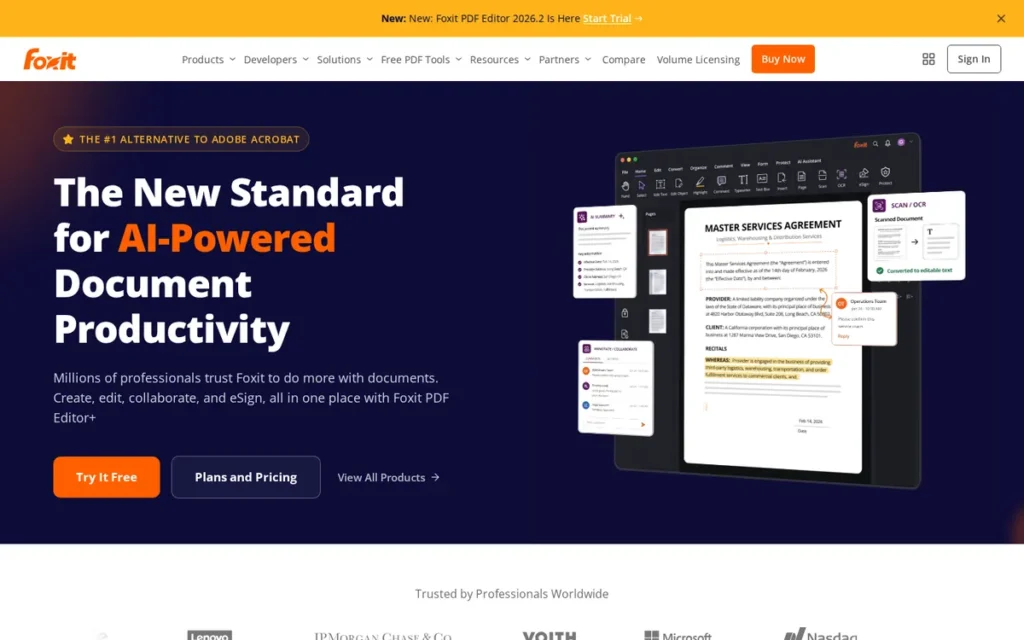
Category: Full Desktop Editor, edits existing PDF text and handles OCR, forms and security locally like Acrobat Pro.
At a Glance
- Category: Full Desktop Editor
- Best For: Small businesses and teams wanting the closest Acrobat Pro feature match at a lower per-user price
- Price Range: $10.99–$13.99/user/month (G2, November 2026); $209.99 perpetual (Foxit pricing page, November 2026)
- Primary Strength: Foxit PDF Editor matches Acrobat Pro’s core editing, OCR, form, redaction and comparison tools in its base tier.
- Biggest Limitation: Foxit PDF Editor puts AI Smart Redact, mobile apps and e-signatures (capped at 150 envelopes per year) on the pricier Editor+ tier.
- One-Line Summary: Foxit PDF Editor is the most complete Adobe Acrobat replacement in PlugRoute’s 2026 ranking, pairing Acrobat-level desktop editing with a 4.6/5 G2 rating from 3,784 reviews and a perpetual license option.
- Last Verified: November 2026
Overview
Foxit PDF Editor is a full desktop PDF editor for Windows, macOS and the web that edits existing text, runs OCR, builds forms, compares documents and signs files. It is aimed at small businesses and teams that want the closest Acrobat Pro replacement at a lower price.
Foxit PDF Editor is made by Foxit, which was founded in 2001 and is based in Fremont, California (G2, November 2026). Foxit also sells PDF SDKs to other software makers.
Key Features
- Foxit PDF Editor edits existing text, images and pages, and its base tier converts to and from Word, Excel and PowerPoint.
- Foxit PDF Editor includes OCR, form creation and filling, manual redaction, PDF comparison and password protection in the standard tier (Foxit pricing page, November 2026).
- Foxit PDF Editor includes AI tools to summarize, translate, rewrite and chat with documents, with 300 AI credits per month in the base plan.
- Foxit PDF Editor+ adds iOS and Android apps, AI Smart Redact and Foxit eSign Essentials with 150 envelopes per year.
- Foxit PDF Editor’s calibrated measurement tools let architecture and planning users check drawing dimensions, according to G2 reviewers (G2, November 2026).
Best For
Foxit PDF Editor is best for small businesses and teams that need real text editing, OCR and form tools on Windows and Mac. Foxit PDF Editor also suits buyers who want a cheaper subscription than Acrobat Pro or a one-time license.
Pricing
- Foxit PDF Editor lists at $10.99 per user per month, and Foxit PDF Editor+ lists at $13.99 per user per month (G2, November 2026; prices may change).
- Foxit’s pricing page shows PDF Editor at $129.99 per user per year, PDF Editor+ at $159.99 per user per year and a $209.99 one-time perpetual license for PDF Editor 14 (Foxit pricing page, November 2026).
- Foxit sells an AI Assistant add-on for $49.99 per year that provides 2,000 AI credits per month (Foxit pricing page, November 2026).
- Foxit PDF Editor comes with a 14-day free trial and volume discounts of up to 30% for 30 or more licenses (Foxit pricing page, November 2026).
Strengths
- Foxit PDF Editor holds a 4.6/5 G2 rating from 3,784 reviews, with 95.6% at 4–5 stars, the largest review base among the ranked alternatives (G2, November 2026).
- Foxit PDF Editor’s G2 switching data shows that most of its new users come from Adobe Acrobat. Reviewers report paying less than for competing editors while keeping the editing functions they need (G2, November 2026).
- Foxit PDF Editor is still sold as a $209.99 perpetual license, which suits readers who want to leave subscriptions (Foxit pricing page, November 2026).
- Foxit PDF Editor’s OCR makes scanned documents searchable and editable and cuts manual retyping, according to G2 reviewers at companies with 1,000+ employees (G2, November 2026).
Limitations
Foxit PDF Editor’s biggest trade-off is plan gating. Manual redaction is in the standard tier, but AI Smart Redact, mobile apps and e-signatures (150 envelopes per year) require Editor+ (Foxit pricing page, November 2026). The 150-envelope cap may not suit high-volume signing.
- Foxit PDF Editor’s text edits can change fonts or alignment and leave formatting to fix by hand, according to G2 reviewers (G2, November 2026).
- Foxit PDF Editor’s advanced tools can be hard to find. Difficulty (91 mentions) and Learning Curve (90) are among its top G2 cons (G2, November 2026).
- Foxit PDF Editor loads large scanned PDFs slowly, and Capterra users report trouble with files above about 60 MB (Capterra, November 2026).
- Foxit PDF Editor’s Mac version drew G2 criticism for an interface that doesn’t feel Mac-like and for repeated permission prompts (G2, November 2026).
- Foxit PDF Editor draws Trustpilot complaints about restrictive licensing and renewals that are hard to cancel (Trustpilot, November 2026). A 2024 r/pdf user called its support-ticket process “a whole frustrating process.”
An IT admin on r/sysadmin noted:
“We used Foxit for a while, and still have some of the Reader versions out there, but it slowly got bloated and prices went up. PDF X-change still has a very basic “Adobe” like toolbar that users know and understand. No bloating so far, no one trying to cram AI into a product that doesn’t need AI.” Posted by u/Undeadlord
Takeaway: Some organizations have moved off Foxit PDF Editor because feature bloat and rising prices wore away its original appeal as a lean, cheaper Acrobat substitute.
How Does Foxit PDF Editor Compare With Adobe Acrobat?
- Foxit PDF Editor offers editing depth close to Acrobat’s, adds a perpetual license that Acrobat lacks, and costs about 35% less per user than Acrobat Pro for teams ($16.99) at the Editor tier (G2, November 2026).
- Adobe Acrobat keeps the edge in documented integrations (123 on G2) and in e-signature scale.
Verdict
Foxit PDF Editor is the strongest overall Adobe Acrobat alternative in 2026 for teams that need real text editing, OCR and forms at a lower price. Its 3,784-review G2 base is the strongest satisfaction evidence here. Buyers should check whether they need Editor+ before purchasing.
Why #1: Foxit PDF Editor ranks #1 because it is the only alternative to score 5 on both Acrobat Replacement Depth (x3) and Verified User Satisfaction (x2). Foxit PDF Editor lost points on trust (renewal complaints) and on large-file speed.
PlugRoute Scorecard: C1 5 | C2 5 | C3 4 | C4 5 | C5 4 | C6 3 = 45/50
2. PDF-XChange Editor: Best Low-Cost One-Time License for Windows Users
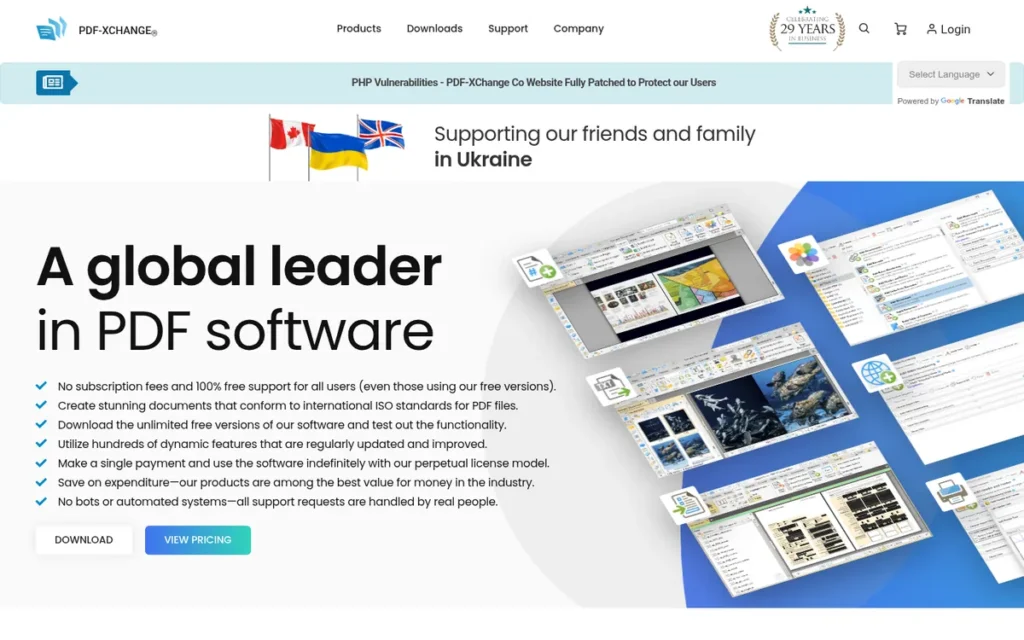
Category: Full Desktop Editor, edits existing PDF text and handles OCR, forms and security locally like Acrobat Pro.
At a Glance
- Category: Full Desktop Editor
- Best For: Windows users and small offices wanting a fast, perpetual-license editor for under $100
- Price Range: Free tier; from $62 one-time (G2, November 2026); Editor Plus from $79
- Primary Strength: PDF-XChange Editor delivers full editing, OCR, redaction and Bates stamping for a one-time price equal to about four months of Acrobat Studio.
- Biggest Limitation: PDF-XChange Editor runs only on Windows and has no native macOS app.
- One-Line Summary: PDF-XChange Editor is the best-value Adobe Acrobat alternative for Windows in 2026, offering a full desktop editor from $62 one-time with 98.0% of G2 reviews at 4–5 stars.
- Last Verified: November 2026
Overview
PDF-XChange Editor is a Windows-only desktop PDF editor sold as a one-time license from $62. It edits existing text, runs OCR, redacts and adds Bates stamps, and it is built for Windows users who want a fast, low-cost Acrobat replacement without a subscription.
PDF-XChange Editor is sold by PDF-XChange Co. Ltd (Tracker Software), which G2 (November 2026) lists as founded in 2008.
Key Features
- PDF-XChange Editor lists 402 features. The vendor says 257 are free and 145 require a license (PDF-XChange product page, November 2026).
- PDF-XChange Editor includes OCR, which PCMag reports uses the open-source Tesseract engine (PCMag, November 2026).
- PDF-XChange Editor supports redaction and Bates stamping, which legal users mention on Capterra (Capterra, November 2026).
- PDF-XChange Editor includes measurement tools for checking dimensions on technical drawings (PDF-XChange product page, November 2026).
- PDF-XChange Editor processes files locally on Windows and offers a Windows ARM build (PDF-XChange forum, November 2026).
Best For
PDF-XChange Editor is best for Windows-based freelancers, legal and technical professionals and small offices that want a full-featured editor for a one-time price and prefer local processing.
Pricing
- PDF-XChange Editor starts at $62 for a single-user one-time license (G2, November 2026; prices may change).
- PDF-XChange Editor Plus starts at $79 (PDF-XChange pricing page, November 2026).
- PDF-XChange Editor includes one year of maintenance. Optional renewal costs about 25% of the license price per year, and extra maintenance bought at purchase costs +$15.50 for two years or +$23.25 for three.
- PDF-XChange Editor licenses stay valid after maintenance expires (PDF-XChange pricing page, November 2026).
Strengths
- PDF-XChange Editor has 98.0% of its 151 G2 reviews at 4–5 stars, the highest share among the full desktop editors here, and holds 4.6/5 on Capterra from about 263 reviews (G2 and Capterra, November 2026).
- PDF-XChange Editor is rated 4.5/5 “Outstanding” by PCMag, which calls it a bargain comparable to pricier editors (PCMag, November 2026).
- PDF-XChange Editor costs from $62 one-time, and the license stays valid after optional maintenance lapses (G2, November 2026).
- PDF-XChange Editor drew the most positive Reddit sentiment in this research. A 2024 r/pdf user who had tried Nitro, Foxit, PDFelement and Acrobat wrote: “I work with large files (+500MB). Pretty smooth experience so far.”
Limitations
PDF-XChange Editor’s biggest trade-off is its Windows-only, desktop-first design, which keeps it fast and cheap. Mac users need a different tool entirely, and teams that send contracts for signature will find no verified Acrobat-style cloud e-signature workflow (PDF-XChange forum, November 2026).
- PDF-XChange Editor adds a watermark when one of its 145 licensed features is used without a license and the file is then saved or printed (PDF-XChange product page, November 2026).
- PDF-XChange Editor’s interface “could be more modern,” according to G2 reviewers (G2, November 2026).
- PDF-XChange Editor’s G2 sample of 151 reviews is much smaller than Foxit’s, so its satisfaction figures carry more uncertainty.
- PDF-XChange Editor’s corporate details conflict between sources. G2 lists Oulunsalo, Finland, while company pages describe a UK-registered parent (G2, November 2026).
A long-time user on r/pdf shared their experience:
“It’s not perfect – I still use something else for page organisation, and the OCR isn’t quite as good as some – but it’ll do what the vast majority of users need, I’m sure.
Also, no scams.” Posted by u/Inevitable-Debt4312
Takeaway: Long-term PDF-XChange Editor users rate it as trustworthy and good enough for most needs, but they admit its OCR and page organization trail stronger tools.
How Does PDF-XChange Editor Compare With Adobe Acrobat?
- PDF-XChange Editor costs about the same as four months of Acrobat Studio for Individuals ($14.99/month) but is paid once, and Reddit users describe it as faster and lighter than Acrobat.
- Adobe Acrobat still offers macOS support, cloud e-signatures, broader integrations and, according to one Reddit user, some more advanced editing functions.
Verdict
PDF-XChange Editor is the best-value Adobe Acrobat alternative for Windows users in 2026, delivering full PDF editing from a $62 one-time license. Its satisfaction share, PCMag rating and Reddit sentiment agree. Free-tier users should check each feature’s license indicator before saving.
Why #2: PDF-XChange Editor ties UPDF at 41 and ranks second because it scored higher on trust (5 vs. 3). The same Reddit searches found no reports of watermark or billing harm for PDF-XChange Editor. Being Windows-only (C4 = 2) keeps PDF-XChange Editor below Foxit PDF Editor.
PlugRoute Scorecard: C1 4 | C2 4 | C3 5 | C4 2 | C5 5 | C6 4 = 41/50 (wins the C5 tiebreaker over UPDF)
3. UPDF: Best Budget Lifetime License for Mixed Mac and PC Users
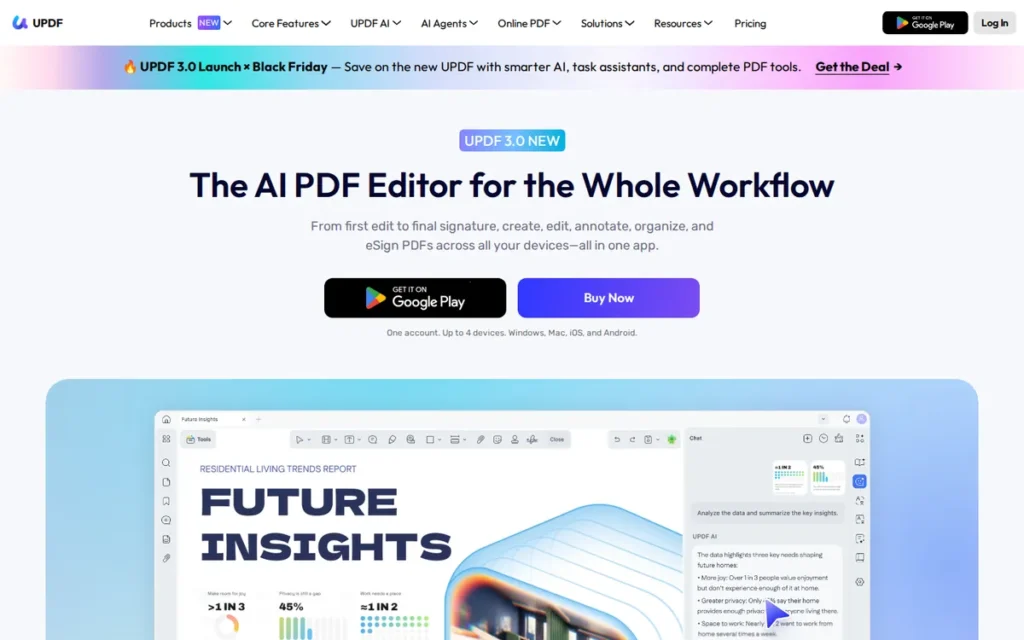
Category: Full Desktop Editor, edits existing PDF text and handles OCR, forms and security locally like Acrobat Pro.
At a Glance
- Category: Full Desktop Editor
- Best For: Individuals and households using both Mac and Windows who want a low one-time price
- Price Range: $49.99/year or $79.99 lifetime (G2, November 2026); Enterprise $79/user/year; AI add-on extra
- Primary Strength: UPDF covers Windows, macOS, iOS and Android on one $79.99 lifetime license.
- Biggest Limitation: UPDF’s free version watermarks saved PDFs, and users report their originals being overwritten.
- One-Line Summary: UPDF is the lowest-cost cross-platform Adobe Acrobat alternative in 2026, with a $79.99 lifetime license covering up to four Windows, Mac and mobile devices and a 4.5/5 G2 rating.
- Last Verified: November 2026
Overview
UPDF is a low-cost PDF editor from Superace Software for Windows, macOS, iOS and Android that edits text, runs OCR, redacts and signs PDFs. It is aimed at individuals and mixed Mac-and-PC users who want a lifetime license covering up to four devices.
UPDF’s developer, Superace Software, was founded in September 2021, and G2 (November 2026) lists it in Shenzhen, Guangdong. That makes UPDF the youngest product in PlugRoute’s ranking.
Key Features
- UPDF edits, annotates, converts and runs OCR on PDFs, and also handles forms, protection, redaction and signing.
- UPDF lets one individual license run on up to four devices across Windows, macOS, iOS and Android (UPDF pricing page, November 2026).
- UPDF Enterprise covers one desktop and two mobile devices per user and, according to the vendor, supports SSO and an online license portal.
- UPDF offers AI tools to summarize, translate and chat through a separately billed AI Assistant that processes documents online.
- UPDF’s free version has no time limit but adds a watermark to saved PDFs (UPDF FAQ page, November 2026).
Best For
UPDF is best for individuals and small households or teams that move between Mac, Windows and mobile devices and want a full editor for a one-time price under $100.
Pricing
- UPDF Pro costs $49.99 per year or $79.99 as a one-time lifetime purchase (G2, November 2026; prices may change).
- UPDF Enterprise costs $79 per user per year (G2, November 2026), and UPDF’s site lists an Enterprise lifetime option at $129.
- UPDF bills its AI Assistant separately at $69 per year on its current pricing page, while another UPDF page listed $79.99 (UPDF, November 2026).
- UPDF’s promotional prices vary. Offers such as $54.99 per year and $84.99 lifetime appeared during research.
Strengths
- UPDF holds a 4.5/5 G2 rating from 510 reviews, with 95.9% at 4–5 stars, and G2 reviewers highlight its affordable, subscription-free pricing (G2, November 2026).
- UPDF’s $79.99 lifetime license costs about the same as five months of Acrobat Studio for Individuals and covers four devices across operating systems (G2, November 2026).
- UPDF’s cross-device license is confirmed by a Capterra reviewer who notes “a single license is allowed to be used in both desktop and mobile” (Capterra, November 2026).
- UPDF’s top G2 pros are Ease of Use (104 mentions) and Features (70), the highest pro counts among editors priced under $100 one-time (G2, November 2026).
Users on r/LinusTechTips shared their experience:
“It’s one of the cheapest lifetime license offerings out there so I bought it just in case I need it… I have a perpetual 2020 Adobe license but the out-of-date software is causing a lot of minor issues so I thought I give it a try. So far so good. Not as powerful but usable. I like the fact that the lifetime license includes MacOS, iOS, Android, and Windows, and I do have devices on all four platforms…” Posted by u/tristan-chord
Takeaway: UPDF’s cross-platform lifetime license is its main draw for multi-device users, even though buyers accept that it is less powerful than Adobe Acrobat.
Limitations
UPDF’s biggest trade-off is reliability and trust in exchange for a very low price. r/pdf users, including one in a July 2025 post, say the free version “vandalized” their originals with a watermark they couldn’t remove. Free users should only ever work on copies.
- UPDF’s OCR draws criticism. A Capterra reviewer says “The OCR is a little weak,” and a G2 reviewer reports frequent OCR typos and poor PDF-to-PowerPoint conversion (Capterra and G2, November 2026).
- UPDF slows down on large files, according to G2 reviewers (G2, November 2026).
- UPDF’s separately billed AI Assistant raises the true cost, and its listed price differs between UPDF pages.
- UPDF’s “G2 Leader 2026” badge on its pricing page is self-reported, and positive posts in the UPDF brand subreddit read as promotional, so they carry less weight.
How Does UPDF Compare With Adobe Acrobat?
- UPDF costs a fraction of Adobe Acrobat and adds a true lifetime license with cross-platform coverage.
- UPDF’s OCR accuracy, large-file speed and advanced professional tools are less proven than Acrobat’s. UPDF’s developer, Superace Software, also has a much shorter track record (2021 vs. 1982).
Verdict
UPDF is the best budget Adobe Acrobat alternative in 2026 for people who work across Mac, Windows and mobile, with a $79.99 lifetime license covering four devices. Heavy OCR users should test it on their own scans. Never test UPDF’s free version on original files.
Why #3: UPDF matches PDF-XChange Editor’s total score and beats it on platform coverage. UPDF ranks third because dated reports of free-version watermark damage and signs of promotional posting lowered its trust score to 3.
PlugRoute Scorecard: C1 4 | C2 4 | C3 5 | C4 5 | C5 3 | C6 3 = 41/50 (loses the C5 tiebreaker)
4. Wondershare PDFelement: Best All-in-One Editor for Everyday Tasks on Every Platform
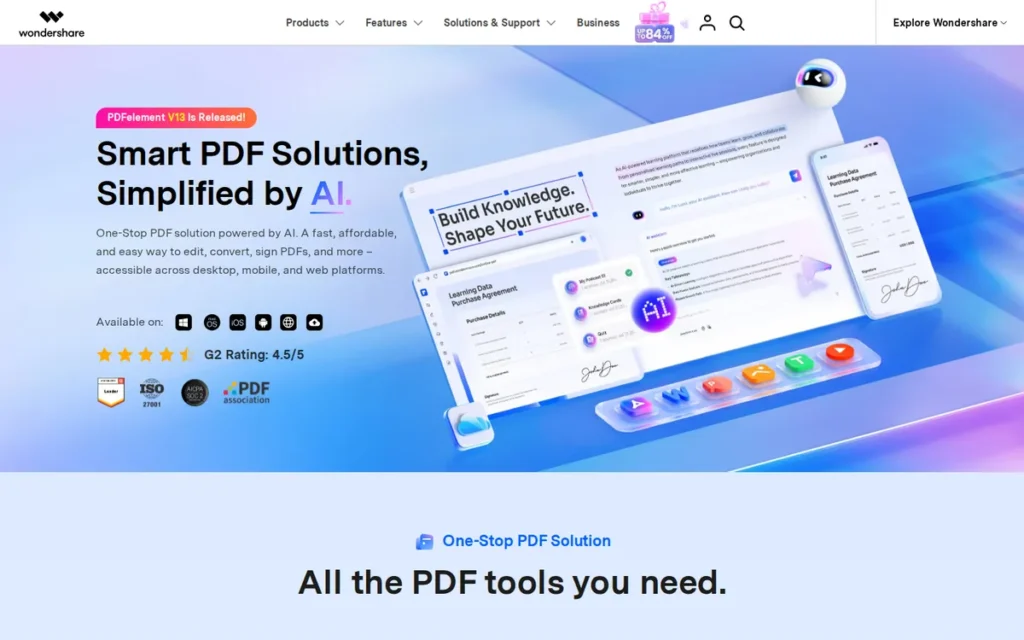
Category: Full Desktop Editor, edits existing PDF text and handles OCR, forms and security locally like Acrobat Pro.
At a Glance
- Category: Full Desktop Editor
- Best For: Individuals and small teams wanting an easy, all-platform editor for everyday PDF work
- Price Range: Not listed on G2; store listing about $79.99/year or $129.99 perpetual per PC (November 2026)
- Primary Strength: Wondershare PDFelement bundles editing, conversion, OCR, redaction, e-signatures and batch tools in one easy-to-learn app across four platforms.
- Biggest Limitation: Wondershare PDFelement’s most-cited G2 con is slow performance, with 86 mentions.
- One-Line Summary: Wondershare PDFelement is a well-reviewed all-in-one Adobe Acrobat alternative for everyday editing on Windows, Mac and mobile, rated 4.5/5 on G2 from 1,070 reviews in 2026.
- Last Verified: November 2026
Overview
Wondershare PDFelement is an all-in-one PDF editor for Windows, Mac, iOS and Android that edits text and images, converts files, runs OCR, redacts and signs. It is aimed at individuals and small teams who want to cover everyday Acrobat tasks and have a perpetual license option.
Wondershare PDFelement is made by Wondershare, which was founded in 2003 and is based in Shenzhen, China (G2, November 2026).
Key Features
- Wondershare PDFelement edits existing text and images and converts PDFs to and from Office formats.
- Wondershare PDFelement includes OCR, form tools, redaction and e-signatures.
- Wondershare PDFelement offers batch processing for repetitive document tasks.
- Wondershare PDFelement adds AI tools for PDF chat, summaries, translation and rewriting.
- Wondershare PDFelement runs natively on Windows, Mac, iOS and Android.
Best For
Wondershare PDFelement is best for individuals and small teams who want an approachable editor for everyday editing, conversion and signing on all their devices, and who rarely handle very large files.
Pricing
- Wondershare PDFelement has no prices listed on G2 (G2, November 2026).
- Wondershare PDFelement Pro for Windows is listed at $79.99 per year, $109.99 for two years and $129.99 perpetual per PC on iSkysoft, a Wondershare-family store (iSkysoft, November 2026; prices may change).
- Wondershare PDFelement Team is listed at $109 per year and $139 perpetual, but the listing doesn’t say whether those prices are per user.
- Wondershare PDFelement’s official store showed different promotional prices, so buyers should check the final price at checkout.
Strengths
- Wondershare PDFelement holds a 4.5/5 G2 rating from 1,070 reviews, with 95.7% at 4–5 stars, the second-largest review base among the ranked alternatives (G2, November 2026).
- Wondershare PDFelement attracts users leaving Acrobat, Nitro and Foxit because of “cost, subscription fatigue, or a desire for a simpler interface,” according to G2 switching data (G2, November 2026).
- Wondershare PDFelement’s top G2 pros are Ease of Use (251 mentions) and Features (204), which suggests reviewers find its broad toolset easy to use (G2, November 2026).
- Wondershare PDFelement offers a perpetual license for about $129.99 per PC, cheaper than Foxit’s $209.99 perpetual license (iSkysoft, November 2026).
Limitations
Wondershare PDFelement’s biggest trade-off is speed in exchange for breadth and ease of use. Slow Performance is its top G2 con (86 mentions), which matches a 2021 Reddit reply calling it “the slowest pdf reader” (G2, November 2026).
- Wondershare PDFelement’s G2 reviewers ask for better OCR and conversion accuracy on “scanned, multilingual, or complex documents” (G2, November 2026).
- Wondershare PDFelement trails Acrobat Pro on redaction, OCR, comparison, Bates numbering and formal e-signature workflows, according to Drawboard, a competing vendor (Drawboard, November 2026).
- Wondershare PDFelement’s pricing isn’t on G2 and differs between Wondershare stores, so the true cost is harder to confirm.
- Wondershare PDFelement’s community praise should carry less weight, because three accounts posted the same positive reply word for word in a 2025 Reddit thread.
PlugRoute’s research did not retrieve Capterra or Trustpilot ratings for Wondershare PDFelement, so its trust score rests on G2 and Reddit evidence.
How Does Wondershare PDFelement Compare With Adobe Acrobat?
- Wondershare PDFelement covers most everyday Acrobat tasks with a simpler interface and adds a perpetual option for about $129.99.
- Adobe Acrobat remains stronger for Bates numbering, document comparison, formal legal workflows and large-file handling.
Verdict
Wondershare PDFelement is a solid all-in-one Adobe Acrobat alternative in 2026 for everyday editing on every major platform, held back mainly by slow performance on large files. Users with heavy scanned or multilingual OCR needs should test it before buying.
Why #4: Wondershare PDFelement ties UPDF on depth and satisfaction. It falls two points behind because Slow Performance is its top G2 con (C6 = 2) and G2 lists no price (C3 = 4).
PlugRoute Scorecard: C1 4 | C2 4 | C3 4 | C4 5 | C5 4 | C6 2 = 39/50
5. iLovePDF: Best Free and Low-Cost Toolkit for Occasional PDF Tasks
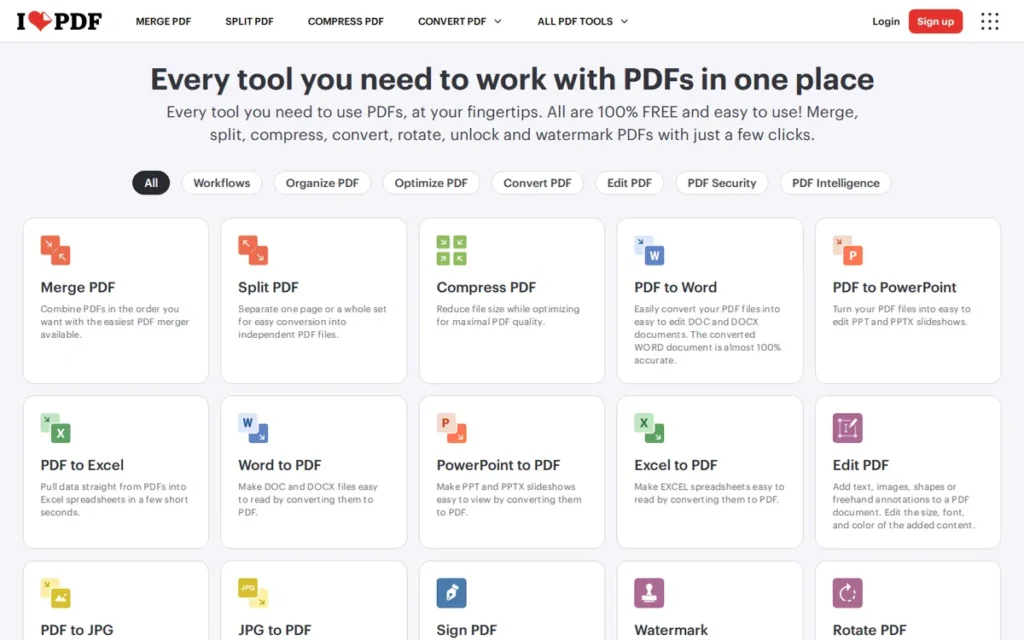
Category: Browser Task Toolkit, converts, merges, compresses and signs PDFs but does not deeply edit existing text.
At a Glance
- Category: Browser Task Toolkit
- Best For: Freelancers and occasional users who mainly merge, compress, convert, OCR and sign PDFs
- Price Range: Free; Premium $9/month on monthly billing or $5/month billed annually (iLovePDF pricing page, November 2026); Business custom
- Primary Strength: iLovePDF combines a free web toolkit with low-cost offline desktop apps and the highest share of 4–5 star G2 reviews in this ranking (98.5%).
- Biggest Limitation: iLovePDF can add text and elements to a PDF but cannot rewrite existing text like a full editor.
- One-Line Summary: iLovePDF is the best low-cost Adobe Acrobat alternative for occasional PDF tasks in 2026, with 98.5% of G2 reviews at 4–5 stars and a Premium plan from $5 per month billed annually.
- Last Verified: November 2026
Overview
iLovePDF is a web-first PDF toolkit from Barcelona, with offline desktop apps for Windows and Mac, that merges, splits, compresses, converts, signs and redacts PDFs and runs OCR. It is built for people with occasional PDF tasks rather than deep text editing.
iLovePDF was founded in 2010 and reports more than 860 million unique visitors per year (iLovePDF company blog, November 2026).
Key Features
- iLovePDF offers web tools to merge, split, compress, convert, edit, OCR, sign and redact PDFs.
- iLovePDF Desktop for Windows and Mac processes files locally and offline for merging, splitting, compressing, OCR, conversion, watermarking, protection and signing.
- iLovePDF Premium includes unlimited processing, desktop and mobile apps, signatures and 2,000 AI credits (iLovePDF pricing page, November 2026).
- iLovePDF says it deletes uploaded files within 2 hours, holds ISO/IEC 27001 certification and lets users choose where files are processed (iLovePDF, November 2026).
- iLovePDF Business, for 25 or more users, adds SSO.
Best For
iLovePDF is best for freelancers, students and office staff who need quick, inexpensive PDF processing such as merging, compressing, converting and signing, and who can keep confidential files on the offline desktop app.
Pricing
- iLovePDF Premium costs $9 per month on monthly billing or $5 per month billed annually ($60 per year) for 1–25 users (iLovePDF pricing page, November 2026; prices may change).
- iLovePDF Business is quoted on request (G2, November 2026).
- iLovePDF’s free tier limits OCR to one 15 MB file per task (iLovePDF pricing page, November 2026).
- iLovePDF’s free tier also caps signing at three files and merging at 25 files totaling 100 MB, according to Techpresso (Techpresso, November 2026).
Strengths
- iLovePDF has 98.5% of its 584 G2 reviews at 4–5 stars, the highest share in this ranking, and holds 4.7/5 on Capterra from about 1,805 reviews (G2 and Capterra, November 2026).
- iLovePDF Premium costs $5 per month billed annually, the lowest paid price among the ranked tools and about a third of Acrobat Studio for Individuals (iLovePDF pricing page, November 2026).
- iLovePDF Desktop processes files locally and offline on Windows and Mac, which addresses upload privacy concerns for confidential documents.
- iLovePDF’s top G2 pros are Ease of Use (29 mentions), PDF Processing (22) and Easy Conversion (22), which reflects its focus on quick processing (G2, November 2026).
Limitations
iLovePDF’s biggest trade-off is depth. iLovePDF adds text and elements but cannot rewrite existing text, and Missing Features is its top G2 con with 12 mentions (G2, November 2026). Users who regularly change contract wording need a full editor.
- iLovePDF’s free users hit per-task limits on file count and size, which Capterra reviewers often criticize (Capterra, November 2026).
- iLovePDF draws Trustpilot complaints about subscription requirements and payment issues across about 1,973 reviews (Trustpilot, November 2026).
- iLovePDF’s web version uploads files to the cloud, and the company says e-signature data may be kept longer than its 2-hour deletion window (iLovePDF, November 2026).
How Does iLovePDF Compare With Adobe Acrobat?
- iLovePDF replaces Acrobat’s conversion, merging, compression, OCR and signing tasks at a fraction of the cost.
- iLovePDF isn’t an Acrobat-class text editor, so users who regularly rewrite existing PDF text need a full desktop editor.
Verdict
iLovePDF is the best free and low-cost Adobe Acrobat alternative in 2026 for occasional processing tasks, but not for editing existing text. It has the highest share of positive reviews in the ranking. iLovePDF Desktop is the safer choice for confidential files.
Why #5: iLovePDF has the highest satisfaction share and the lowest paid price in this ranking. iLovePDF ranks below all four full editors because it cannot rewrite existing text (C1 = 2), and that criterion carries triple weight.
PlugRoute Scorecard: C1 2 | C2 4 | C3 5 | C4 5 | C5 4 | C6 3 = 36/50
6. Lumin: Best for Google Workspace and Google Drive Users
Category: Forms and Signing Workspace, fills, annotates, signs and shares PDFs in the browser and cloud rather than deeply editing them on the desktop.
At a Glance
- Category: Forms and Signing Workspace
- Best For: Google Workspace teams and individuals who annotate, edit and sign PDFs directly from Google Drive
- Price Range: Free; Starter from $9/month; Pro from $19/month per team (G2, November 2026); billing cycle not confirmed
- Primary Strength: Lumin lets Google Drive users edit, annotate and sign PDFs without leaving their existing workspace.
- Biggest Limitation: Lumin’s G2 cons center on limited and difficult editing, and reviewers report slowness with large files.
- One-Line Summary: Lumin is the best Adobe Acrobat alternative for Google Workspace users in 2026, rated 4.5/5 on G2 from 804 reviews for in-Drive PDF editing, annotation and signing.
- Last Verified: November 2026
Overview
Lumin is a browser-based PDF and agreement workspace that connects to Google Drive so users can edit, annotate, sign and collaborate on documents. It is aimed at Google Workspace teams and individuals who want light PDF work and signing without a desktop editor.
Lumin was founded in 2014 in Christchurch, New Zealand (G2, November 2026). Lumin reports more than 100 million users (Lumin press release, November 2026).
Key Features
- Lumin connects to Google Drive so users can open, edit and share PDFs from their Drive, according to G2 reviewers (G2, November 2026).
- Lumin supports PDF annotation, editing and signing in the browser.
- Lumin lists OCR and an offline mode that syncs changes when you reconnect (Lumin pricing page, November 2026).
- Lumin generates documents from reusable templates that can be filled with data from existing systems or a CRM (Lumin vendor description, November 2026).
- Lumin includes an AI assistant that drafts agreements from plain-language descriptions (Lumin vendor description, November 2026).
Best For
Lumin is best for teams and individuals who already store documents in Google Drive and mainly need to annotate, make light edits and collect signatures.
Pricing
- Lumin offers a Free plan, Starter from $9 per month and Pro from $19 per month (G2, November 2026; prices may change).
- Lumin Starter covers 10 documents per month. Lumin Pro is priced per team and covers 200 documents per month across the team (Lumin pricing page, November 2026).
- Lumin’s pricing page doesn’t say whether prices are monthly or annual-equivalent, so PlugRoute’s cost score assumes the listed price is the monthly rate.
Strengths
- Lumin holds a 4.5/5 G2 rating from 804 reviews, with 96.5% at 4–5 stars, and 4.8/5 on Trustpilot (G2 and Trustpilot, November 2026).
- Lumin is the only product in this ranking that G2 reviewers consistently praise for Google Drive integration, and G2 lists it in the Google Workspace Office Tools category (G2, November 2026).
- Lumin’s top G2 pros are Ease of Use (32 mentions), Easy Editing (26) and Simple (25), which suggests it is easy to start with for light PDF work (G2, November 2026).
- Lumin’s free tier and $9-per-month Starter plan cost less than Acrobat Studio for Individuals ($14.99), though Lumin Pro at $19 per month costs more (G2, November 2026).
Limitations
Lumin’s biggest trade-off is editing depth in exchange for convenience inside Google Drive. Its G2 cons cluster on editing: Editing Difficulties (4 mentions), Limited Editing (3), Editing Issues (3) and Difficult Editing (3) (G2, November 2026).
- Lumin lists redaction, but its pricing FAQ points redaction users to the Business plan, so buyers should confirm which plan includes it (Lumin pricing page, November 2026).
- Lumin’s free plan now allows editing only 3 PDFs per month, according to an r/gsuite user (r/gsuite, January 2025).
- Lumin can be slow with large files, according to G2 reviewers (G2, November 2026).
- Lumin’s offline mode syncs changes on reconnect rather than working as a standalone desktop editor, so confidential client files may need a privacy and compliance review.
Lumin was added after PlugRoute’s primary research pass, so its Reddit and Trustpilot evidence comes from a single supplementary check (November 2026).
How Does Lumin Compare With Adobe Acrobat?
- Lumin covers Acrobat’s annotation, light editing and signing for Google Drive users, at a lower price on the Free and Starter plans.
- Adobe Acrobat offers much deeper desktop editing, and Lumin’s redaction appears to require a higher plan.
Verdict
Lumin is the strongest Adobe Acrobat alternative in 2026 for Google Workspace users who mainly annotate, lightly edit and sign PDFs inside Google Drive. Readers who need real text editing should look at Foxit PDF Editor, PDF-XChange Editor, UPDF or Wondershare PDFelement.
Why #6, above Nitro PDF: Lumin scores 6 fewer weighted points than Nitro PDF on replacement depth. Lumin makes them back on satisfaction (+2), cost (+4) and trust (+1), so it edges ahead by one point even though Nitro PDF is a full editor.
PlugRoute Scorecard: C1 2 | C2 4 | C3 4 | C4 3 | C5 3 | C6 3 = 31/50
7. Nitro PDF: Best for Enterprise IT Needing Office-Style Admin Controls
Category: Full Desktop Editor, edits existing PDF text and handles OCR, forms and security locally like Acrobat Pro.
At a Glance
- Category: Full Desktop Editor
- Best For: Enterprise IT teams standardized on Microsoft Office that need SSO, admin and usage analytics
- Price Range: $15/user/month Standard; Plus custom; Classic $270/user for a three-year term (G2 and Nitro product terms, November 2026)
- Primary Strength: Nitro PDF pairs full PDF editing, OCR and signing with enterprise admin features such as SSO and usage analytics.
- Biggest Limitation: Nitro PDF has the lowest G2 rating in this ranking and recurring user reports of perpetual licenses being deactivated.
- One-Line Summary: Nitro PDF is an enterprise-focused Adobe Acrobat alternative with an Office-style interface and SSO, but in 2026 it has the lowest G2 rating in PlugRoute’s ranking (4.4/5) and recurring license-trust complaints.
- Last Verified: November 2026
Overview
Nitro PDF is a business-focused PDF editor with a Microsoft Office-style interface that creates, edits and converts PDFs, runs OCR, redacts and signs. It is aimed at teams and enterprise IT departments that need admin controls such as SSO and usage analytics.
Nitro PDF was founded in 2005 in Melbourne, Australia. G2 lists its headquarters as San Francisco (G2, November 2026), and Potentia Capital has owned the company since 2023.
Key Features
- Nitro PDF Standard creates, converts, combines and edits PDFs and includes AI tools, team admin, integrations and 24/7 support (Nitro pricing page, November 2026).
- Nitro PDF Plus adds SSO, domain control, Azure Information Protection, Nitro Analytics and possibly a dedicated customer success manager.
- Nitro PDF includes OCR, automated form creation and intelligent redaction, according to the vendor’s G2 description (G2, November 2026).
- Nitro PDF connects to Nitro Sign for e-signatures and to Nitro Workspace, a cloud hub you can reach from any device.
- Nitro PDF uses a ribbon interface modeled on Microsoft Office, and G2 reviewers praise its Office integration.
Best For
Nitro PDF is best for enterprise IT departments that want an Office-like PDF editor with SSO, domain control and usage analytics, and that will negotiate license terms in writing.
Pricing
- Nitro PDF Standard costs $15 per user per month ($180 per year), and Nitro PDF Plus is quoted on request (G2, November 2026; prices may change).
- Nitro PDF Classic costs $270 per user as a one-time purchase for a three-year Windows license, according to Nitro’s PDF Classic product terms (Nitro, November 2026).
- Nitro PDF Classic therefore works out to $90 per year, and “one-time” doesn’t mean you own it permanently.
- Nitro PDF’s minimum seat counts and e-signature envelope limits weren’t verified in PlugRoute’s research.
Strengths
- Nitro PDF reports more than 2.8 million licensed users in 157 countries, according to its owner, Potentia Capital (Potentia Capital, November 2026).
- Nitro PDF’s top G2 pros are Ease of Use (62 mentions), Easy Editing (43) and Features (38), and reviewers praise its Microsoft Office integration (G2, November 2026).
- Nitro PDF Plus offers enterprise controls (SSO, domain control, Azure Information Protection and analytics) that few other tools in this ranking document (Nitro pricing page, November 2026).
- Nitro PDF’s G2 switching data says users who move from Adobe Acrobat to Nitro PDF mostly do so to cut costs while keeping familiar editing, conversion and signing tools (G2, November 2026).
Limitations
Nitro PDF’s biggest trade-off is license trust. r/pdf users report older perpetual licenses being deactivated from 2024 to 2026, and Nitro no longer sells new perpetual licenses. These are unverified user allegations, but they recur across two years.
- Nitro PDF user reports include one from June 2025 saying Nitro “sent a kill-switch to over half” of 100 perpetual licenses (r/pdf, June 2025).
- Nitro PDF has the lowest G2 rating (4.4/5) and the lowest share of 4–5 star reviews (92.7%) in this ranking, and PDF Issues is its top con (G2, November 2026).
- Nitro PDF Standard costs $15 per user per month, only about 12% less than Acrobat Pro for teams at $16.99 (G2, November 2026).
- Nitro PDF’s Mac version lacks features found on Windows, according to Capterra reviewers (Capterra, November 2026).
- Nitro PDF’s support is hard to reach, according to Reddit and Capterra users (Capterra, November 2026).
An IT admin on r/sysadmin noted:
“We used Nitro for a few years and it was great. Unfortunately, we had to switch to Adobe Standard due to our primary custodian sending us PDF’s that Nitro could not handle very well.” Posted by u/DasaniFresh
Takeaway: Nitro PDF can work well for years in an office, but trouble with PDFs from outside partners can push teams back to Adobe Acrobat.
How Does Nitro PDF Compare With Adobe Acrobat?
- Nitro PDF offers a familiar Office-style interface and enterprise admin controls for about 12% less per user than Acrobat Pro for teams.
- Adobe Acrobat has far more reviews (5,707 vs. 439 on G2) and stronger Mac support, and Nitro PDF has no true perpetual license.
Verdict
Nitro PDF is a capable enterprise Adobe Acrobat alternative in 2026 for Office-centric IT teams, but its small price advantage and license-deactivation reports keep it near the bottom of the ranking. Get license terms and support SLAs in writing.
Why #7: Nitro PDF scores 4 on depth but has the lowest trust score in the ranking (C5 = 2). Nitro PDF also scores C3 = 2 for its thin price advantage and C2 = 3 for the lowest G2 rating.
PlugRoute Scorecard: C1 4 | C2 3 | C3 2 | C4 3 | C5 2 | C6 3 = 30/50
8. pdfFiller: Best for Browser-Based Form Filling and E-Signatures
Category: Forms and Signing Workspace, fills, annotates, signs and shares PDFs in the browser and cloud rather than deeply editing them on the desktop.
At a Glance
- Category: Forms and Signing Workspace
- Best For: Small businesses that mainly fill, template and e-sign forms in a browser
- Price Range: $8–$15/month billed annually; $20–$40/month month-to-month (G2 and pdfFiller, November 2026)
- Primary Strength: pdfFiller makes form filling, templating and e-signing fast in any browser, with a legal forms library on Premium.
- Biggest Limitation: pdfFiller is cloud-only with limited layout editing, and its month-to-month prices are about 2.5 times its annual-billing prices.
- One-Line Summary: pdfFiller is a highly rated browser-based Adobe Acrobat alternative for form filling and e-signatures in 2026, rated 4.6/5 on G2 from 938 reviews, but it is not a full desktop editor.
- Last Verified: November 2026
Overview
pdfFiller is airSlate’s browser-based tool for filling, editing, annotating and signing PDFs, with reusable templates and a US Legal Forms library on higher plans. It is aimed at small businesses that mainly handle forms and signatures rather than complex layout editing.
pdfFiller was founded in 2006 and is based in Brookline, Massachusetts (G2, November 2026).
Key Features
- pdfFiller lets users fill, edit, annotate, rearrange and merge PDFs and convert them to Word in a browser.
- pdfFiller Plus adds reusable templates and fillable-field creation.
- pdfFiller Premium adds full e-signature workflows through SignNow Premium and the US Legal Forms library.
- pdfFiller offers free iOS and Android apps for working on documents on mobile.
- pdfFiller stores documents in the cloud so they can be reached from anywhere (pdfFiller vendor description, November 2026).
Best For
pdfFiller is best for small businesses, landlords and office managers who repeatedly fill, template and collect signatures on standard forms, and who don’t need offline work or deep layout editing.
Pricing
- pdfFiller lists Basic at $8, Plus at $12 and Premium at $15 per month (G2, November 2026; prices may change).
- pdfFiller’s G2 prices are annual-billing equivalents. Month-to-month billing costs $20, $30 and $40 (pdfFiller and PricingSaaS, November 2026).
- pdfFiller’s 30-day free trial charges the saved payment method when it ends (pdfFiller blog, November 2026).
- pdfFiller’s OCR availability by plan couldn’t be confirmed in PlugRoute’s research.
Strengths
- pdfFiller holds a 4.6/5 G2 rating from 938 reviews, with 97.1% at 4–5 stars (G2, November 2026).
- pdfFiller’s top G2 pros include Form Filling (25 mentions) and E-Signing Features (21), which confirms its strength in form and signing workflows (G2, November 2026).
- pdfFiller is rated easier to use than Adobe Acrobat in G2’s head-to-head comparison (G2, November 2026).
- pdfFiller Premium bundles SignNow e-signature workflows and the US Legal Forms library in one plan, which Acrobat Studio for Individuals doesn’t include (G2, November 2026).
Limitations
pdfFiller’s biggest trade-off is offline control and editing depth in exchange for browser convenience. pdfFiller is cloud-only, so confidential files must be uploaded before you can work on them.
- pdfFiller’s G2 reviewers ask for “more reliable text and field alignment, especially on complex or scanned layouts,” and G2’s head-to-head rates Acrobat stronger for advanced editing and integrations (G2, November 2026).
- pdfFiller’s headline prices apply only to annual billing, and month-to-month plans cost about 2.5 times as much.
- pdfFiller draws BBB complaints about unexpected annual charges after users tried to stop renewal, and about charges after trials (BBB, November 2026).
pdfFiller had no Reddit discussion in PlugRoute’s searches, so community evidence is missing rather than positive.
How Does pdfFiller Compare With Adobe Acrobat?
- pdfFiller replaces Acrobat’s form filling and signing for less on annual billing and works in any browser.
- Adobe Acrobat offers desktop editing, offline work and a range of integrations that pdfFiller doesn’t match.
Verdict
pdfFiller is a well-rated Adobe Acrobat alternative in 2026 for small businesses whose PDF work is mostly form filling and e-signatures in the browser. Buyers should choose annual billing and track the trial end date.
Why #8: pdfFiller has strong satisfaction scores but scores 2 on depth. pdfFiller also scores 2 on trust because of BBB trial and renewal complaints and cloud-only processing.
PlugRoute Scorecard: C1 2 | C2 4 | C3 3 | C4 3 | C5 2 | C6 3 = 28/50
How Do the Alternatives Compare With Adobe Acrobat?
Adobe Acrobat starts at $14.99 per month on G2, and G2 lists no perpetual Acrobat license (G2, November 2026). Four ranked alternatives still sell one-time perpetual licenses. Adobe Acrobat keeps the largest review base, with 5,707 G2 reviews, and the most documented integrations.
How the Alternatives Compare With Adobe Acrobat (G2 data, November 2026)
| Product | G2 Rating (Reviews) | % 4–5 Stars | Lowest G2 List Price | Perpetual Option | Windows | Mac | Real Text Editing | OCR | Redaction | E-Sign |
|---|---|---|---|---|---|---|---|---|---|---|
| Adobe Acrobat (baseline) | 4.5 (5,707) | 95.7% | $14.99/month | Not listed on G2 | Yes | Yes | Yes | Yes | Yes | Yes |
| Foxit PDF Editor | 4.6 (3,784) | 95.6% | $10.99/user/month | Yes ($209.99, Foxit page) | Yes | Yes | Yes | Yes (base) | Manual in base; AI Smart Redact on Editor+ | Editor+ only, 150 envelopes/year |
| PDF-XChange Editor | 4.6 (151) | 98.0% | $62 one-time | Yes | Yes | No | Yes | Yes (Tesseract, per PCMag) | Yes | Digital signatures (certificate-based); no verified cloud workflow |
| UPDF | 4.5 (510) | 95.9% | $49.99/year | Yes ($79.99) | Yes | Yes | Yes | Yes | Yes | Yes |
| Wondershare PDFelement | 4.5 (1,070) | 95.7% | Not listed on G2 (~$79.99/year, store listing) | Yes (~$129.99) | Yes | Yes | Yes | Yes | Yes | Yes |
| iLovePDF | 4.6 (584) | 98.5% | Free; Premium $9/month monthly or $5/month billed annually | No | Yes (desktop app) | Yes (desktop app) | Limited (adds text only) | Yes (free: 1 file, 15 MB) | Yes | Yes |
| Lumin | 4.5 (804) | 96.5% | Free; Starter from $9/month | None documented | Browser | Browser | Limited | Listed | Listed; pointed to Business plan | Yes |
| Nitro PDF | 4.4 (439) | 92.7% | $15.00/user/month | No (Classic $270 is a 3-year term) | Yes | Yes, with reported gaps | Yes | Yes | Yes (vendor-described) | Nitro Sign |
| pdfFiller | 4.6 (938) | 97.1% | $8/month (annual billing) | No | Browser | Browser | Limited | By plan not confirmed | Not verified | Yes (Premium) |
G2 list prices; may change. Perpetual prices come from vendor pages or store listings where G2 doesn’t show them.
What Does Each Option Cost Over Three Years? (List prices, November 2026)
| Option | Approximate 3-Year Cost | Basis |
|---|---|---|
| Adobe Acrobat Studio for Individuals | ~$540 | $14.99/month × 36 (G2) |
| Adobe Acrobat Pro for teams | ~$612 per user | $16.99/user/month × 36 (G2) |
| Foxit PDF Editor | ~$390 per user, or $209.99 perpetual | $129.99/year × 3, or one-time (Foxit pricing page) |
| PDF-XChange Editor | $62 to $85.25 | One-time license plus optional maintenance (PDF-XChange pricing page) |
| UPDF Pro | $79.99 (~$287 with AI Assistant at $69/year) | Lifetime license (G2; UPDF pricing page) |
| Wondershare PDFelement | $129.99 perpetual, or ~$240 subscription | Store listing (iSkysoft) |
| iLovePDF Premium | $180 | $60/year × 3 (iLovePDF pricing page) |
| Lumin Starter | ~$324 | $9/month × 36, assuming a monthly rate (G2) |
| Nitro PDF | $540 per user (Standard), or $270 per user (Classic, 3-year term) | G2; Nitro product terms |
| pdfFiller Premium | $540 | $15/month annual-billing equivalent × 36 (G2) |
Over three years, Acrobat Pro for teams costs about $612 per user. PDF-XChange Editor’s $62 license with optional maintenance costs $62 to $85.25 (G2 and PDF-XChange, November 2026).
When Does It Make Sense to Stay With Adobe Acrobat?
Staying with Adobe Acrobat makes sense when your work depends on Adobe-specific professional tools, broad integrations or large-scale e-signatures, or when your enterprise agreement already includes Acrobat Studio. For these buyers, the savings from switching may not be worth the risk to established workflows.
- Adobe Acrobat remains the safer choice if you need preflight or formal legal and compliance tooling.
- Adobe Acrobat suits teams that rely on Bates numbering and document comparison at scale.
- Adobe Acrobat lists 123 integrations on G2, and no alternative in this comparison has an integration count listed on G2 (G2, November 2026).
- Adobe Acrobat fits organizations that send high volumes of signatures through Acrobat Sign.
- Adobe Acrobat may already be paid for if your company’s enterprise agreement includes Acrobat Studio.
- Adobe Acrobat has the largest review base in the category, with 4.5/5 from 5,707 G2 reviews (G2, November 2026).
This aligns with community sentiment on r/LinusTechTips:
“in my experience free pdf options work just as well as other non-adobe options. that is to say most documents open just fine and are usable. but when it comes to documents that use the ALCS controls and stuff, nothing outside of Adobe Acrobat works.” Posted by u/rohmish
Takeaway: Non-Adobe PDF tools handle most everyday documents, but files built around Adobe-specific features still keep some users tied to Adobe Acrobat.
What Is the Best Free Adobe Acrobat Alternative?
iLovePDF is the best free Adobe Acrobat alternative in PlugRoute’s 2026 ranking for merging, compressing, converting and signing. iLovePDF’s free OCR handles one 15 MB file per task (iLovePDF pricing page, November 2026). Windows users can use PDF-XChange Editor’s 257 free features, and Mac users can use Apple Preview.
Free tiers come with conditions worth checking first:
- iLovePDF’s free tier caps file count and file size on each task (iLovePDF pricing page, November 2026).
- PDF-XChange Editor’s free tier adds a watermark when a licensed feature is used and the file is saved or printed (PDF-XChange product page, November 2026).
- UPDF’s free version watermarks saved PDFs, and r/pdf users report originals being overwritten (r/pdf, July 2025).
- PDF24 Creator is a free offline Windows tool often recommended on Reddit, though PlugRoute did not rank it (see lighter evidence below).
Is Apple Preview Enough for Mac Users?
Apple Preview is enough for Mac users who only annotate, fill forms, sign, merge and redact. Apple Preview’s redaction is permanent once the file is closed (Apple Support, November 2026). Apple Preview can’t edit existing PDF text or create a searchable OCR layer, so Mac users who need either should buy a paid editor.
Apple Preview can do the following:
- Apple Preview annotates PDFs and fills most forms (Apple Support, November 2026).
- Apple Preview signs documents (Apple Support, November 2026).
- Apple Preview merges PDFs when you drag pages between files (Apple Support, November 2026).
- Apple Preview redacts text permanently once the file is closed, and Apple recommends duplicating the original first (Apple Support, November 2026).
Apple Preview has real gaps:
- Apple Preview’s redaction doesn’t remove linked table-of-contents entries that point to redacted text, according to Apple’s own warning (Apple Support, November 2026).
- Apple Preview can’t edit existing PDF text.
- Apple Preview’s Live Text only copies text from images and doesn’t create a searchable OCR text layer.
- Apple Preview has no Bates numbering or document comparison.
Foxit PDF Editor is the highest-ranked Adobe Acrobat alternative that runs on Mac in PlugRoute’s 2026 ranking, though one G2 reviewer found its Mac interface unfamiliar. UPDF is the best-value Mac option at $79.99 lifetime for four devices (G2, November 2026).
Wondershare PDFelement also runs natively on Mac. PDF-XChange Editor has no Mac version, and Nitro PDF’s Mac version lacks Windows features, according to Capterra reviewers (Capterra, November 2026).
What Other Acrobat Alternatives Are Worth Considering? (Lighter Evidence)
PDF24 Creator, PDFgear, Smallpdf and Sejda are often-recommended Adobe Acrobat alternatives that PlugRoute didn’t rank, because they aren’t in its verified November 2026 G2 dataset. PDF24 Creator is the most-cited free Windows option on Reddit. The details below are limited to vendor pages and research citations.
- PDF24 Creator: PDF24 Creator is often recommended on Reddit, including a 2022 r/software reply: “Foxit or PDF24. Pick your poison.” PDF24 Creator’s vendor page describes it as free for personal and business use, offline and Windows 10/11 only (PDF24, November 2026).
- PDFgear: PDFgear is a free desktop editor that appears often in AI answers. PDFgear’s vendor page says its AI features need an internet connection and its online editor can’t replace existing text (PDFgear, November 2026).
- Smallpdf: Smallpdf is a browser toolkit rated 4.7/5 on Capterra from about 1,011 reviews (Capterra, November 2026).
- Sejda: Sejda is a browser toolkit whose free tier has task, file-size and page limits, according to its vendor page (Sejda, November 2026).
- PDF Expert, ABBYY FineReader PDF and Okular: PDF Expert (Mac), ABBYY FineReader PDF (an OCR specialist) and Okular (Linux) were named in AI answers, but PlugRoute didn’t verify their features or pricing.
- Apple Preview: Apple Preview is built into macOS and can annotate, sign and permanently redact PDFs, but it can’t edit existing text or create a searchable OCR layer (Apple Support, November 2026).
What Red Flags Should I Watch For When Evaluating Adobe Acrobat Alternatives?
The biggest red flag when evaluating Adobe Acrobat alternatives is any hidden condition that wipes out the savings you switched for. PlugRoute’s research found six recurring traps, from watermarking free tiers to overlay-only redaction. Each is documented below with dated evidence and a check you can run before buying.
Red Flag #1: Free Versions That Watermark Your Originals
Free versions that watermark your originals can damage client files. r/pdf users report UPDF’s free version overwriting originals with a watermark (r/pdf, July 2025). PDF-XChange Editor watermarks files saved with unlicensed features (PDF-XChange, November 2026). Always test free versions on copies.
Red Flag #2: Trials That Charge Automatically
Trials that charge automatically can turn a free test into an annual bill. pdfFiller’s 30-day trial charges the saved payment method when it ends (pdfFiller blog, November 2026), and BBB complaints describe unexpected annual charges. Set a reminder before any trial ends.
Red Flag #3: One-Time Licenses That Aren’t Permanent
A “one-time” license isn’t always permanent. Nitro PDF Classic’s $270 price buys a three-year term under Nitro’s own product terms (Nitro, November 2026), which works out to $90 per year. PDF-XChange Editor’s $62 license, by contrast, keeps working after maintenance lapses. Get the license term in writing.
Red Flag #4: Features Locked to Higher Plans or One OS
Features locked to a higher plan or a single operating system can leave you without a tool you were counting on. Check plan and platform limits like these before buying:
- Foxit PDF Editor puts AI Smart Redact, mobile apps and e-signatures on Editor+ (Foxit pricing page, November 2026).
- PDF-XChange Editor runs only on Windows (PDF-XChange forum, November 2026).
- Nitro PDF’s Mac version lacks Windows features, according to Capterra reviewers (Capterra, November 2026).
- Lumin’s pricing FAQ points redaction users to the Business plan (Lumin pricing page, November 2026).
Red Flag #5: Black-Box Redaction That Leaves Text Underneath
Black-box redaction can leave the “hidden” text underneath. The NSA’s Redacting with Confidence guidance warns that overlays don’t remove underlying content (NSA, November 2026). Check every redacted file by searching for the text, copying it and inspecting the metadata.
Red Flag #6: Cloud and AI Processing of Confidential Files
Cloud and AI processing can expose confidential files on vendor servers. Use local or offline processing for sensitive documents, and check where each tool sends your data:
- Foxit PDF Editor, Wondershare PDFelement, UPDF (separately billed AI Assistant) and iLovePDF (AI credits) all offer AI features that process documents online.
- pdfFiller and Lumin are cloud-based, so files are uploaded to vendor servers.
- Copycat domains such as ilovepdf2.com appeared in a 2026 Reddit post, so users should confirm the official URL before uploading.
What Questions Should I Ask Before Choosing an Adobe Acrobat Alternative?
The most important question before choosing an Adobe Acrobat alternative is whether it can edit existing text. The other five questions below cover plan gating, license terms, data handling, Mac parity and performance on your own files. Together they cover the most common reasons a switch away from Acrobat fails.
Question #1: Do I need to edit existing text, or only fill, sign and convert?
Whether you need to edit existing text decides your category. Full desktop editors such as Foxit PDF Editor rewrite text, while iLovePDF, Lumin and pdfFiller mainly add, fill and sign. Paying for a full editor only makes sense if you rewrite text regularly.
Question #2: Which plan includes OCR, redaction and e-signatures, and how many envelopes?
Checking which plan includes OCR, redaction and e-signatures avoids surprise upgrades. Ask for the envelope allowance in writing. Foxit’s 150 envelopes per year on Editor+ was the only verified envelope figure in PlugRoute’s research (Foxit pricing page, November 2026).
Question #3: Is the license perpetual, term-limited or subscription, and what are the renewal and cancellation terms?
Confirming whether a license is perpetual, term-limited or a subscription protects your budget. Ask whether a “one-time” price expires, what maintenance renewal costs and how cancellation works. Nitro PDF Classic’s three-year term shows why this matters.
Question #4: Does it process files locally, and what happens to my data in AI features?
Where a tool processes files matters for confidential work. Look for local or offline processing, and review the vendor’s processor terms and subprocessors before uploading client documents.
For health data, HIPAA guidance from the U.S. Department of Health and Human Services requires a signed business associate agreement before a vendor handles protected health information. Treat this as practical guidance, not legal advice.
Question #5: Does the Mac version match the Windows version?
Asking whether the Mac version matches the Windows version keeps mixed-OS teams from getting stuck. Request a feature comparison by operating system. Capterra reviewers report Mac gaps in Nitro PDF (Capterra, November 2026), and PDF-XChange Editor has no Mac app at all.
Question #6: How does it handle my own large, scanned or complex files during the trial?
Testing your own large, scanned or complex files during the trial is the most reliable accuracy check available, because PlugRoute found no independent OCR benchmarks for low-cost tools. Reviewers report these issues:
- Foxit PDF Editor reviewers report font and alignment drift after edits (G2, November 2026).
- UPDF reviewers report frequent OCR typos (G2 and Capterra, November 2026).
- Wondershare PDFelement’s top G2 con is Slow Performance, with 86 mentions (G2, November 2026).
Before You Cancel Adobe Acrobat
- Export or record your Acrobat Sign templates before your subscription ends.
- Test the alternative on your three hardest files: the largest, a scanned one and the most complex layout.
- Run a test redaction and confirm it by searching for and copying the removed text.
- Get the license term and renewal date confirmed in writing.
How Did We Rank These Adobe Acrobat Alternatives?
PlugRoute ranked these Adobe Acrobat alternatives by scoring each product from 1 to 5 on six weighted criteria, for a maximum of 50 points. Acrobat Replacement Depth counts three times. User Satisfaction and Cost count twice. Platform, Trust and Large-File Performance count once. Ties go to the higher trust score.
The six criteria are:
- C1: Acrobat Replacement Depth (x3). Acrobat Replacement Depth separates tools that edit existing text and include OCR, redaction, forms and signing from tools that only annotate, fill or convert. This criterion matters because buying a partial tool is the most common switching mistake.
- C2: Verified User Satisfaction (x2). Verified User Satisfaction uses G2 rating, review count and share of 4–5 star reviews, cross-checked with Capterra and PCMag (November 2026). This criterion matters because vendor feature lists are self-reported.
- C3: Cost and License Flexibility (x2). Cost and License Flexibility compares prices with Acrobat’s $14.99 and $16.99 baselines. It credits true perpetual licenses and penalizes billing-cycle jumps, separately billed AI add-ons and term-limited “one-time” licenses.
- C4: Platform Coverage (x1). Platform Coverage rewards native Windows, macOS and mobile support, because features often vary by operating system.
- C5: Trust, Billing and Data Handling (x1). Trust, Billing and Data Handling is explained in detail below.
- C6: Large-File Performance (x1). Large-File Performance scores 2 only when slowness is a top-ranked G2 con, because slowness is Acrobat’s second-most-cited complaint.
C5 starts at 4 for every product, and the same rule applies to all of them:
- C5 adds 1 for documented local or offline processing.
- C5 deducts 1 for cloud-only processing.
- C5 deducts 1 for each type of dated user-reported harm, such as billing, licensing, watermark or support-access problems.
- C5 deducts 1 for signs of promotional posting.
- C5 scores a product with too little data at a neutral 3.
PlugRoute Scorecard (November 2026)
| Rank | Product | C1 (x3) | C2 (x2) | C3 (x2) | C4 | C5 | C6 | Total /50 |
|---|---|---|---|---|---|---|---|---|
| 1 | Foxit PDF Editor | 5 | 5 | 4 | 5 | 4 | 3 | 45 |
| 2 | PDF-XChange Editor | 4 | 4 | 5 | 2 | 5 | 4 | 41 |
| 3 | UPDF | 4 | 4 | 5 | 5 | 3 | 3 | 41 |
| 4 | Wondershare PDFelement | 4 | 4 | 4 | 5 | 4 | 2 | 39 |
| 5 | iLovePDF | 2 | 4 | 5 | 5 | 4 | 3 | 36 |
| 6 | Lumin | 2 | 4 | 4 | 3 | 3 | 3 | 31 |
| 7 | Nitro PDF | 4 | 3 | 2 | 3 | 2 | 3 | 30 |
| 8 | pdfFiller | 2 | 4 | 3 | 3 | 2 | 3 | 28 |
PDF-XChange Editor ranks above UPDF on the C5 tiebreaker (5 vs. 3). The same Reddit searches found no reports of watermark or billing harm for PDF-XChange Editor. Lumin’s C3 score assumes its listed price is the monthly rate, because Lumin’s billing cycle couldn’t be confirmed.
PlugRoute excluded these products:
- Dropbox Sign (G2 4.7, 2,286 reviews) was excluded because it handles e-signatures only and has no PDF editing, OCR or redaction.
- Microsoft Word (G2 4.7, 2,071 reviews) was excluded because it is a word processor in G2’s Document Creation category, not a PDF editor.
- Adobe Acrobat was excluded because it is the baseline being compared against.
PlugRoute did not test or verify the following:
- PlugRoute did not run hands-on OCR accuracy benchmarks on any product.
- PlugRoute did not independently test redaction reliability.
- PlugRoute did not verify e-signature envelope allowances beyond Foxit’s 150 per year.
- PlugRoute added Lumin after the primary research pass, so Lumin’s Reddit and Trustpilot evidence comes from a single supplementary check (November 2026).
PlugRoute has no affiliate relationships with any company listed. Rankings are determined entirely by research data and objective evaluation criteria.
What Are the Most Common Questions About Adobe Acrobat Alternatives?
The most common questions about Adobe Acrobat alternatives ask which cheaper tools include OCR and e-signatures, which tool fits small business editing, and how PlugRoute decides its rankings. The answers below are short and dated, drawn from PlugRoute’s November 2026 research.
Which cheaper Adobe Acrobat alternatives include OCR and e-signatures?
Wondershare PDFelement and UPDF include OCR and e-signatures in their main paid plans, at about $79.99 and $49.99 per year (store listing and G2, November 2026). Foxit PDF Editor includes OCR in its base tier but puts e-signatures on Editor+ at $13.99 per user per month. iLovePDF Premium adds OCR and signing for $5 monthly, billed annually.
What is the best Adobe Acrobat alternative for small business PDF editing?
Foxit PDF Editor is the best Adobe Acrobat alternative for small business PDF editing in PlugRoute’s 2026 ranking. Foxit PDF Editor edits existing text and includes OCR, forms and comparison in its base tier, at $10.99 per user per month (G2, November 2026) or $209.99 perpetual. Windows-only offices on tight budgets can choose PDF-XChange Editor from $62 one-time.
How does PlugRoute determine rankings?
PlugRoute scores every product from 1 to 5 on six published criteria, weights them to a 50-point maximum and breaks ties on trust. Evidence comes from dated G2 data, vendor pricing pages, Capterra, PCMag, Reddit and official documentation. Vendor claims are labeled as claims, and untested areas such as OCR accuracy are disclosed.
What Do Key PDF Editor Terms Mean?
OCR (Optical Character Recognition): OCR converts scanned images of text into machine-readable text. OCR accuracy matters to buyers because it decides whether scanned contracts become searchable and editable or have to be retyped by hand.
Searchable text layer: A searchable text layer is the hidden, selectable text that OCR adds behind a scanned page image. Without a searchable text layer, you can’t reliably search, copy or index a scanned PDF.
True redaction: True redaction permanently deletes the underlying text and data instead of drawing a black box over it. Overlay-only redaction can leave confidential content recoverable by copying or searching.
Bates numbering: Bates numbering stamps a sequential identifier on every page of a document set. Legal and compliance teams use Bates numbering to reference pages in discovery, so a tool without it may be ruled out.
Perpetual license: A perpetual license is a one-time purchase that lets you keep using a version indefinitely. A perpetual license avoids recurring fees, but major upgrades may cost extra.
Term license: A term license is a one-time payment that expires after a fixed period, such as three years. Buyers shouldn’t confuse a term license with a perpetual license.
Maintenance plan: A maintenance plan is an optional yearly fee for updates and support on a perpetual license. Letting a maintenance plan lapse usually keeps the software working but stops new versions.
E-signature envelope: An e-signature envelope is one document package sent out for signature. Plans often cap envelopes per year, so high-volume signers should check the allowance before buying.
AI credits: AI credits are usage units consumed by features such as summarizing or translating documents. Credit allowances and separately billed AI add-ons can raise the real cost of a plan.
Local processing: Local processing means files are handled on your own computer rather than uploaded to a vendor’s servers. Local processing lowers privacy and compliance risk for confidential documents.
Single sign-on (SSO): Single sign-on lets employees log in with their company identity provider instead of separate passwords. IT teams use SSO to control access and remove departing users quickly.
Business associate agreement (BAA): A business associate agreement is a contract that HIPAA requires before a vendor handles protected health information (U.S. Department of Health and Human Services). Healthcare-related buyers need a BAA before uploading patient documents to cloud tools.
Which Adobe Acrobat Alternative Is Right for You?
Key Insights
- Foxit PDF Editor is the strongest overall Adobe Acrobat alternative in 2026, scoring 45 out of 50 with a 4.6/5 G2 rating from 3,784 reviews.
- PDF-XChange Editor is the best value for Windows users, offering a full editor from $62 one-time with 98.0% of G2 reviews at 4–5 stars.
- UPDF is the best value for mixed Mac and PC users, with a $79.99 lifetime license covering up to four devices.
- iLovePDF is the best free and low-cost option for occasional processing, but iLovePDF can’t rewrite existing text.
- The ability to rewrite existing text is the main dividing line, because only full desktop editors fully replace Acrobat Pro.
- Every buyer should test an alternative on their own large, scanned and confidential files before cancelling Acrobat.
For Google Drive workflows, consider Lumin. If you mainly fill and sign forms in a browser, consider pdfFiller on annual billing. If you need enterprise SSO, test Nitro PDF carefully and get license terms in writing.
Prices, AI credits and plan limits in this category change often. Before you commit, read PlugRoute’s full ranking methodology and PlugRoute’s guide to free PDF tools and their hidden limits.
We update this guide quarterly. Last updated: November 2026.