The best Freshdesk alternatives in 2026 are Zoho Desk for low-cost like-for-like ticketing, LiveAgent for budget teams that need built-in phone support, and Zendesk for Customer Service for complex multichannel operations. The right choice depends on your main support workflow and on the total cost of the plan that matches your Freshdesk features, not on the headline price.
Freshdesk‘s most-cited G2 complaints are reports that lack detail (70 mentions), slowness under heavy workloads (54) and high cost for small teams (47) (G2, November 2026). Alternatives charge per agent, at a flat rate or per AI outcome, so headline prices rarely compare directly.
For a free plan, Zoho Desk (up to 3 users) and Tidio (50 conversations a month) are the ranked options. Tidio is the budget pick for small Shopify stores.
PlugRoute has no affiliate relationships with any company listed. Rankings are determined entirely by research data and objective evaluation criteria.
What Are the 4 Categories of Freshdesk Alternatives?
Freshdesk alternatives fall into four categories, and only one of them replaces Freshdesk like for like. Full help desks such as Zoho Desk carry the lowest switching risk for ticket-heavy teams. Shared-inbox, AI-and-messaging and CRM-connected tools each give up some ticketing depth to fit one specific workflow better.
- Full Help Desk: Zoho Desk, LiveAgent and Zendesk for Customer Service are ticket-based multichannel platforms that can directly replace Freshdesk’s queues, SLAs and automations.
- Shared-Inbox Help Desk: Hiver adds help desk features such as assignment, SLAs and a knowledge base to a team’s existing Gmail inbox.
- AI & Messaging Platform: Fin by Intercom and Tidio lead with chat and AI agents, and their ticketing is lighter than a full help desk’s.
- CRM-Connected Help Desk: HubSpot Service Hub stores tickets on the same CRM record that sales and marketing use, but HubSpot Service Hub only becomes a full help desk from the Professional plan.
IT service management (ITSM) tools are outside this ranking. None of the seven ranked products is an ITSM tool, so teams handling internal IT requests should look at products such as Freshservice or Jira Service Management.
Why Do Teams Look for Freshdesk Alternatives?
Teams mostly leave Freshdesk because of limited reporting, slowness under load, cost for small teams and paid AI add-ons. Freshdesk still holds a 4.4/5 G2 rating from 4,003 reviews, with 94.5% at 4–5 stars (G2, November 2026). Most switchers are fixing specific gaps, not leaving a poor product.
Freshdesk’s top G2 cons (G2, November 2026):
- “Reports Lack Detail” appears in 70 Freshdesk reviews.
- “Slow Under Heavy Workloads” appears in 54 Freshdesk reviews.
- “Limited Customization Options” appears in 49 Freshdesk reviews.
- “Expensive For Small Teams” appears in 47 Freshdesk reviews.
- “Cluttered Interface” appears in 44 Freshdesk reviews.
Freshdesk’s G2 list prices are $19 (Growth), $55 (Pro) and $89 (Enterprise) per user per month (G2, November 2026). Several features sit on higher plans (Professionals Toolkit, 2026):
- Freshdesk Growth includes only one default SLA policy.
- Freshdesk Pro is required for multiple SLA policies and custom roles.
- Freshdesk Enterprise is required for skill-based routing.
Freshdesk’s AI costs extra (Freshworks pricing page, November 2026):
- Freshdesk’s Freddy AI Agent includes 500 sessions once per account, then costs $49 per 100 sessions.
- Freshdesk’s Freddy AI Copilot costs $29 per agent per month (billed annually) and is available only on Pro and Enterprise.
- Freshdesk now offers a trial rather than an ongoing free plan, although some third-party sites mention a temporary “Free Program” (DragApp, 2026).
Some Trustpilot reviewers report outages, broken integrations and large year-over-year price rises (Trustpilot, November 2026). These are individual accounts and don’t show how widespread the problems are.
How Do the Top Freshdesk Alternatives Compare at a Glance?
Zoho Desk ranks first on value, LiveAgent second for phone support on a budget, and Zendesk for Customer Service third for depth. Each of the other four suits one workflow: Fin by Intercom for in-app AI chat, Hiver for Gmail-based email, Tidio for small stores and HubSpot Service Hub for teams on HubSpot CRM.
| Rank | Company | Category | Best For | One-Line Summary | Key Capabilities | Primary Strength | Key Limitation |
|---|---|---|---|---|---|---|---|
| 1 | Zoho Desk | Full Help Desk | Budget ticketing teams and Zoho CRM users | Zoho Desk is the lowest-cost like-for-like Freshdesk replacement in 2026, pairing full ticketing and process automation with a free tier and $7–$14 entry pricing. | Ticketing, Blueprint, 4 SLA policies on Standard, 108 G2 integrations | Lowest paid per-agent G2 list price among full help desks | Zia AI and telephony start at the $23 Professional plan |
| 2 | LiveAgent | Full Help Desk | Budget teams needing email, chat and phone | LiveAgent is the lowest-cost Freshdesk alternative with a built-in call center, charging $15–$49 per user on G2 and adding no markup on AI. | Ticketing, live chat, call center, bring-your-own AI | Call center included from the $29 Team plan | No SOC 2 or ISO 27001 certification of its own |
| 3 | Zendesk for Customer Service | Full Help Desk | Complex, high-volume, multichannel teams | Zendesk for Customer Service is the like-for-like Freshdesk replacement with the deepest routing and channel coverage in this ranking, at a higher cost at comparable feature tiers. | Omnichannel ticketing, voice, AI agents, workforce management | Deepest routing and channel coverage | “Expensive As Teams Grow” (128 G2 mentions) |
| 4 | Fin by Intercom | AI & Messaging | In-app chat and AI-first SaaS teams | Fin by Intercom is the highest-scoring AI-first Freshdesk alternative in this ranking, but its $0.99 per-outcome billing makes total cost depend on volume. | AI agent, Procedures, Messenger, simulations | Adds AI to an existing help desk without migration | “Incorrect Answers” (86) vs. “Accurate Customer Answers” (134) on G2 |
| 5 | Hiver | Shared Inbox | Email-first teams working in Gmail | Hiver is the fastest-to-deploy Freshdesk alternative among ranked products with G2 go-live data, running help desk workflows inside Gmail with a 4.6/5 G2 rating. | Gmail assignment, SLAs, knowledge base, AI agents | Same-day go-live is most common on G2 | English only, 5 G2 integrations |
| 6 | Tidio | AI & Messaging | Small Shopify and ecommerce stores | Tidio is the lowest-cost Freshdesk alternative for small ecommerce stores, offering a free plan and flat-rate chat and AI pricing, but it is not a deep ticketing help desk. | Live chat, Lyro AI, Flows, light ticketing | 96.9% of G2 reviews at 4–5 stars | Cost scales with conversations and add-ons |
| 7 | HubSpot Service Hub | CRM-Connected | Teams already on HubSpot CRM | HubSpot Service Hub is the strongest Freshdesk alternative for teams already on HubSpot CRM, but full help desk features cost far more than Freshdesk Pro once onboarding is included. | CRM-linked tickets, portal, health scores, calling | Full HubSpot CRM context on every ticket | Knowledge base needs $100 Professional plus $1,500 onboarding |
Which Freshdesk Alternative Should I Choose for My Use Case?
Choose a Freshdesk alternative by your single most important priority, not by overall rank. Zoho Desk wins on low-cost ticketing and LiveAgent on built-in phone support. Each specialist tool in the table below suits one workflow, and the table names a fallback in case your first choice fails a trial.
| Your #1 Priority | Recommended Tool | Why | Acceptable Alternative |
|---|---|---|---|
| Lowest-cost like-for-like ticketing, or Zoho CRM fit | Zoho Desk | Free tier; Express $7 and Standard $14 per agent (G2, November 2026) | LiveAgent |
| Phone support included on a budget | LiveAgent | Call center included from the $29 Team plan (G2, November 2026) | Zendesk for Customer Service |
| Complex multichannel operations and advanced routing | Zendesk for Customer Service | Deepest ticketing; workforce management from Suite Professional | Zoho Desk |
| In-app chat and AI resolution | Fin by Intercom | Can run on your current help desk | Zendesk for Customer Service |
| Built-in AI on a budget | Zoho Desk Professional | Zia AI included at $23 per agent, billed annually (Zoho pricing page, November 2026) | LiveAgent (bring-your-own AI) |
| Email-first team working in Gmail | Hiver | Same-day go-live is the most common G2 experience | Zoho Desk |
| Small ecommerce or Shopify store | Tidio | Free plan, flat pricing, Shopify product data | Gladly for larger B2C brands (not scored) |
| Support connected to HubSpot CRM | HubSpot Service Hub | Tickets share the CRM record | Zoho Desk if cost outweighs CRM context |
| Predictable AI costs | LiveAgent | Bring-your-own AI with no LiveAgent markup | Hiver (AI reported as bundled) |
| Internal IT requests | An ITSM tool such as Freshservice or Jira Service Management | No ranked product is an ITSM tool | Hiver for ops and HR inboxes |
1. Zoho Desk: Best Overall Value for Like-for-Like Ticketing
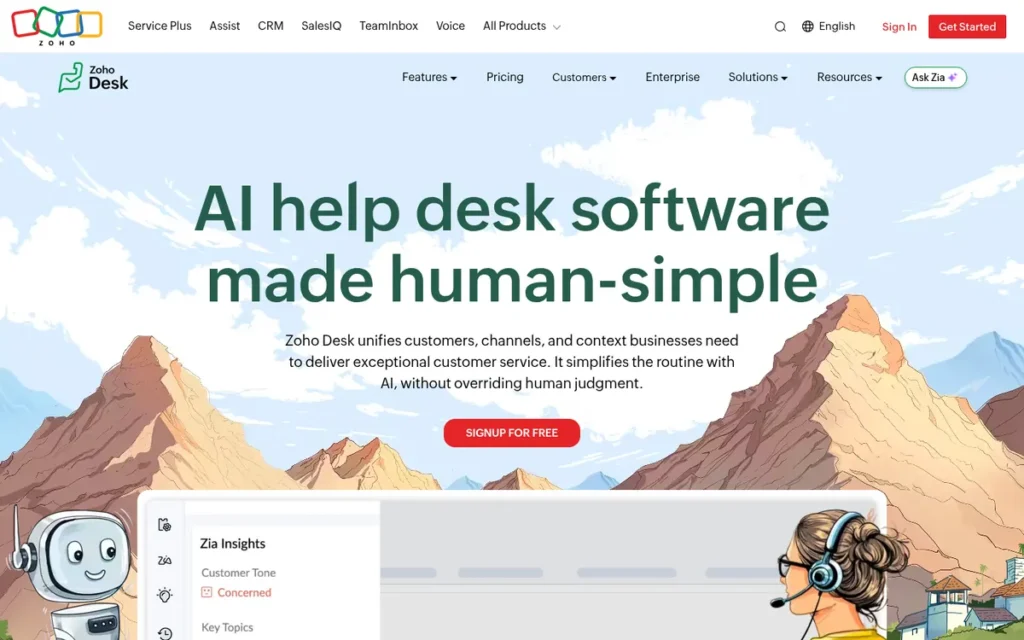
Category: Full Help Desk, a ticket-based multichannel support platform that can directly replace Freshdesk.
At a Glance
- Category: Full Help Desk
- Best For: Budget-conscious small and mid-sized ticketing teams, and companies already using Zoho CRM
- Price Range: Free plan for up to 3 users; Express $7 and Standard $14 per agent per month (G2, November 2026); Professional $23 and Enterprise $40 per agent billed annually (Zoho pricing page, November 2026)
- Primary Strength: Zoho Desk offers full ticketing at the lowest paid per-agent price in this ranking and has the largest G2 review base among the seven ranked products (8,105 reviews).
- Biggest Limitation: Zoho Desk’s AI and chat-channel analytics lag behind its automations, according to Reddit users in 2025, and Zia AI starts only at the $23 Professional plan.
- One-Line Summary: Zoho Desk is the lowest-cost like-for-like Freshdesk replacement in 2026, pairing full ticketing and process automation with a free tier and $7–$14 entry pricing.
- Last Verified: November 2026
Why #1: Zoho Desk scored 4.10 of 5, the highest total. It was led by cost (C2 5/5) and help desk coverage (C1 4.5/5) and lost the most points on trust signals (C6 2.5/5). Zoho Desk stays #1 even if its cost score drops a full point (3.90 vs. LiveAgent’s 3.85).
Overview Zoho Desk is a full ticketing help desk from Zoho with a free plan and paid plans from $7 per agent per month, built for budget-conscious small and mid-sized support teams and for companies already running Zoho CRM. Zoho Desk also connects to the wider Zoho One suite.
Key Features
- Zoho Desk shows customer and business context inside each ticket, so agents can see the full record without switching apps (Zoho, November 2026).
- Zoho Desk’s Blueprint feature enforces step-by-step processes, such as approvals or escalations, on tickets.
- Zoho Desk includes Zia AI from the Professional plan, and Zoho says its prompt-built Agent Studio for AI agents went live in July 2026 (Zoho, July 2026).
- Zoho Desk lists 108 integrations on G2 and connects natively to Zoho CRM (G2, November 2026).
- Zoho Desk supports 21 languages and includes 4 SLA policies on its $14 Standard plan (G2 and Zoho pricing page, November 2026).
Best For Zoho Desk is best for small and mid-sized teams that want a standard ticket queue at the lowest predictable per-agent price, and for businesses that already run on Zoho CRM.
Pricing Zoho Desk’s prices below come from G2 and Zoho’s pricing page and may change (G2 and Zoho pricing page, November 2026):
- Zoho Desk Free costs $0 and supports up to 3 users.
- Zoho Desk Express costs $7 per agent per month on G2 ($9 billed monthly) and is capped at 5 users.
- Zoho Desk Standard costs $14 per agent per month on G2 ($20 billed monthly) and includes 4 SLA policies.
- Zoho Desk Professional costs $23 per agent per month billed annually ($35 monthly) and adds Zia AI and telephony.
- Zoho Desk Enterprise costs $40 per agent per month billed annually ($50 monthly).
Five agents cost about $70 a month on Zoho Desk Standard and about $115 on Zoho Desk Professional. The same team pays $95 on Freshdesk Growth and $275 on Freshdesk Pro.
Strengths
- Zoho Desk holds a 4.4/5 G2 rating from 8,105 reviews, the largest review base among the seven ranked products, though G2 publishes no 4–5 star share for Zoho Desk (G2, November 2026).
- Zoho Desk Standard includes 4 SLA policies at $14 per agent, while Freshdesk needs Pro at $55 for more than one SLA policy (Zoho pricing page and G2, November 2026).
- Zoho Desk most commonly goes live in under a month, and same-day launches are also common (G2, November 2026).
- Zoho Desk’s automations are the capability Reddit users praise most; one r/ZohoDesk user wrote, “We have plenty of automations” (Reddit r/ZohoDesk, August 2025).
- Zoho says its SOC 2 Type II and ISO/IEC 27001 certifications cover Zoho Desk, and that Zoho Desk is in its HIPAA audit scope (Zoho compliance page, November 2026).
- Zoho publishes an OATS case study reporting 98–100% SLA compliance across more than 1 million tickets (Zoho, November 2026). The figure is vendor-published and not independently audited.
Limitations Zoho Desk keeps its price low at the cost of interface polish and mature AI, and its $14 Standard plan has no built-in AI or phone support.
- Zoho Desk’s Zia AI and telephony require the Professional plan at $23 per agent billed annually, so Standard teams get neither (Zoho pricing page, November 2026).
- An r/ZohoDesk user described Zoho Desk’s AI as behind and told teams that want AI to “look elsewhere” (Reddit r/ZohoDesk, August 2025).
- Zoho Desk’s chat-channel analytics are limited: a support lead wrote that you “can’t apply filters, create custom views, or generate performance metrics per agent,” and Zoho publicly acknowledged the gap (Reddit r/ZohoDesk, December 2025).
- G2 review themes describe Zoho Desk’s interface as “clunky, dated, crowded,” with a learning curve around Blueprint and automations (G2, November 2026).
How Does Zoho Desk Compare With Freshdesk?
- Zoho Desk is cheaper at entry than Freshdesk, at $14 per agent for Standard versus $19 for Freshdesk Growth (G2, November 2026).
- Zoho Desk matches Freshdesk’s 4.4/5 G2 rating with about twice as many reviews (G2, November 2026).
- Zoho Desk is better at enforcing processes and offers multiple SLA policies on a cheaper plan, but its interface and AI are weaker. G2 users of both tools ask for more flexible reporting.
Users on r/sysadmin comparing the two free tiers noted:
“I appreciate that Zoho Desk is offered in Zoho One and really wanted to like it but personally I prefer FreshDesk. The UI is better and faster.” Posted by u/bradbeckett
Takeaway: Zoho Desk’s bundling and low price don’t win over every Freshdesk user, and some still find Freshdesk’s interface faster and more polished.
Verdict Zoho Desk is the strongest value-for-money Freshdesk replacement for small and mid-sized ticketing teams in 2026, combining a free tier, $7–$14 entry pricing and the largest G2 review base among the seven ranked products.
Zoho Desk costs less than Freshdesk at every entry plan where G2 lists prices. Teams that depend on chat analytics or AI resolution should budget for Zoho Desk Professional and test those areas during a trial.
2. LiveAgent: Best for Budget Teams That Need Phone Support Built In
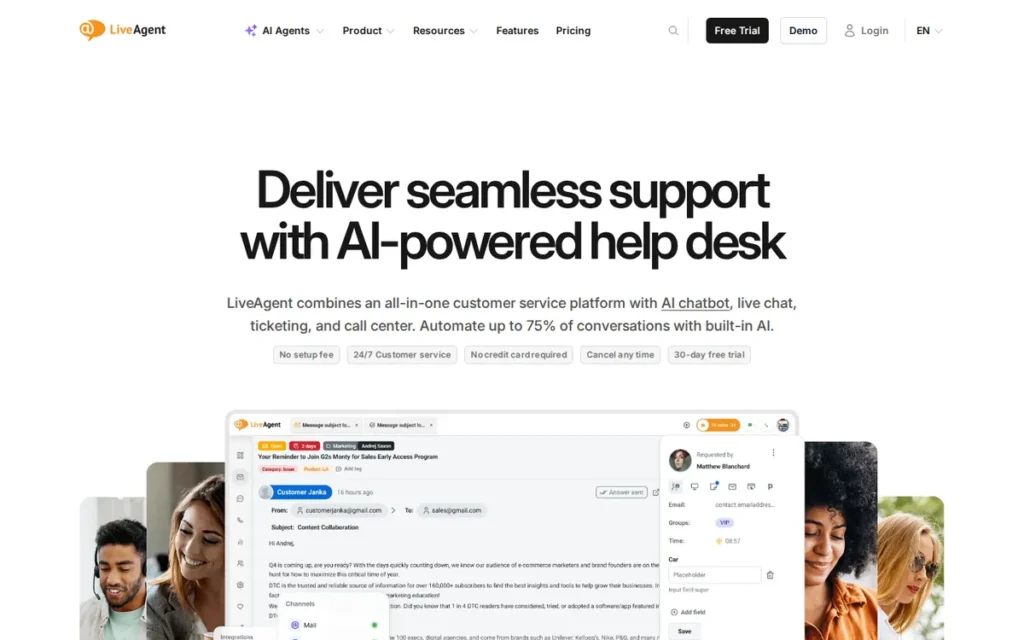
Category: Full Help Desk, a ticket-based multichannel support platform that can directly replace Freshdesk.
At a Glance
- Category: Full Help Desk
- Best For: Small and mid-sized teams that need email, chat and phone support in one low-cost tool
- Price Range: Starter $15, Team $29, Business $49 per user per month (G2, November 2026); Enterprise $3,199/month flat (LiveAgent pricing page, November 2026)
- Primary Strength: LiveAgent bundles ticketing, live chat, a knowledge base and, from the Team plan, a full call center at list prices below Freshdesk’s matching plans.
- Biggest Limitation: LiveAgent does not hold its own SOC 2 or ISO 27001 certification, which may rule it out for regulated buyers.
- One-Line Summary: LiveAgent is the lowest-cost Freshdesk alternative with a built-in call center, charging $15–$49 per user on G2 and adding no markup on AI.
- Last Verified: November 2026
Why #2: LiveAgent scored 3.85. It placed second on cost (C2 4.5/5) and had the top feature-access score (C4 4/5). The lowest trust score in the ranking (C6 2/5) held it back, because LiveAgent holds no SOC 2 or ISO 27001 of its own.
Overview LiveAgent is a multichannel help desk from Slovak company Quality Unit that combines email tickets, live chat, a built-in call center and social messages in one inbox, built for small and mid-sized teams that want phone support without enterprise pricing. LiveAgent includes a knowledge base on every plan.
Key Features
- LiveAgent brings email tickets, live chat, calls and social messages into one shared inbox, with a knowledge base and customer portal on every plan (LiveAgent pricing page, November 2026).
- LiveAgent includes a call center with IVR, queues and call recording from the Team plan upward (LiveAgent pricing page, November 2026).
- LiveAgent lets customers connect their own AI provider with no LiveAgent markup, with 1, 5, 50 or unlimited AI agents depending on the plan (LiveAgent pricing page, November 2026).
- LiveAgent offers a built-in MCP server on Business and Enterprise plans for connecting external AI tools (LiveAgent pricing page, November 2026).
- LiveAgent provides free import tools for teams migrating from Freshdesk or Zendesk and supports 36 languages (G2, November 2026).
Best For LiveAgent is best for cost-sensitive teams that handle a meaningful share of phone calls alongside email and chat and do not need a vendor-held SOC 2 or ISO 27001 certification.
Pricing LiveAgent’s G2 list prices are Starter $15, Team $29 and Business $49 per user per month (G2, November 2026). LiveAgent’s pricing page, updated November 10, 2026, adds more detail:
- LiveAgent’s annual promotional prices are $11, $22 and $38, and monthly billing costs $19, $35 and $59.
- LiveAgent Starter allows up to 5 agents and excludes social channels, the call center and reporting.
- LiveAgent Team allows up to 15 agents and adds the call center.
- LiveAgent Enterprise costs $3,199 a month flat and includes 80 agents.
Five agents cost about $75 a month on LiveAgent Starter and about $145 on LiveAgent Team, which adds phone. Confirm which LiveAgent plan adds reporting. Freshdesk costs $95 on Growth and $275 on Pro for the same team.
Strengths
- LiveAgent holds a 4.5/5 G2 rating from 1,538 reviews, with 95.7% at 4–5 stars, the second-highest share in this ranking (G2, November 2026).
- LiveAgent’s Team plan costs $29 per user on G2 and includes a call center, while Freshdesk Pro costs $55 (G2, November 2026).
- LiveAgent charges nothing for AI on top of the provider’s fee and estimates about $0.11 per AI chat, paid to the AI provider (LiveAgent pricing page, November 2026).
- LiveAgent’s top G2 pros are Ease of Use (58), Features (48) and Customer Support (45) (G2, November 2026).
- LiveAgent most commonly goes live in under a month, and same-day starts are also common (G2, November 2026).
Limitations LiveAgent keeps its cost low but offers less formal security assurance and a less polished interface, which matters most to regulated buyers.
- LiveAgent relies on AWS certifications rather than holding its own SOC 2 or ISO 27001, and its GDPR page says its parent company was undergoing a SOC 2 Type II audit (LiveAgent GDPR page, November 2026).
- LiveAgent’s own documentation is inconsistent: one older FAQ claims ISO 27001, while its newer GDPR and subprocessor pages say LiveAgent does not hold it, so buyers should request documentation (LiveAgent, November 2026).
- LiveAgent’s Starter plan has no reporting or call center, so its $15 price is not a like-for-like match for Freshdesk Pro.
- LiveAgent’s G2 cons include Learning Curve (12), Steep Learning Curve (10) and Not Intuitive (10), and one reviewer needed more than 45 days to feel comfortable (G2, November 2026).
- LiveAgent reviewers report weak mobile app performance and gaps in WhatsApp, SMS and CRM integrations (G2, November 2026).
How Does LiveAgent Compare With Freshdesk?
- LiveAgent’s G2 list prices are lower than Freshdesk’s at every plan level: $15, $29 and $49 versus $19, $55 and $89 (G2, November 2026).
- LiveAgent includes phone from the Team plan and adds no AI markup, while Freshdesk charges $49 per 100 Freddy AI Agent sessions after the first 500 (Freshworks pricing page, November 2026).
- LiveAgent has a slightly higher G2 rating than Freshdesk (4.5 vs. 4.4) on fewer reviews, but LiveAgent is weaker on certifications and mobile.
Verdict LiveAgent is the best-value Freshdesk alternative for small teams that need phone, email and chat in one help desk, with a call center included from $29 per user on G2.
LiveAgent’s list prices are lower than Freshdesk’s at every plan level. Regulated buyers should confirm LiveAgent’s certification status first, and teams should confirm which plan includes the reporting they need.
3. Zendesk for Customer Service: Best for Complex, High-Volume or Multichannel Operations
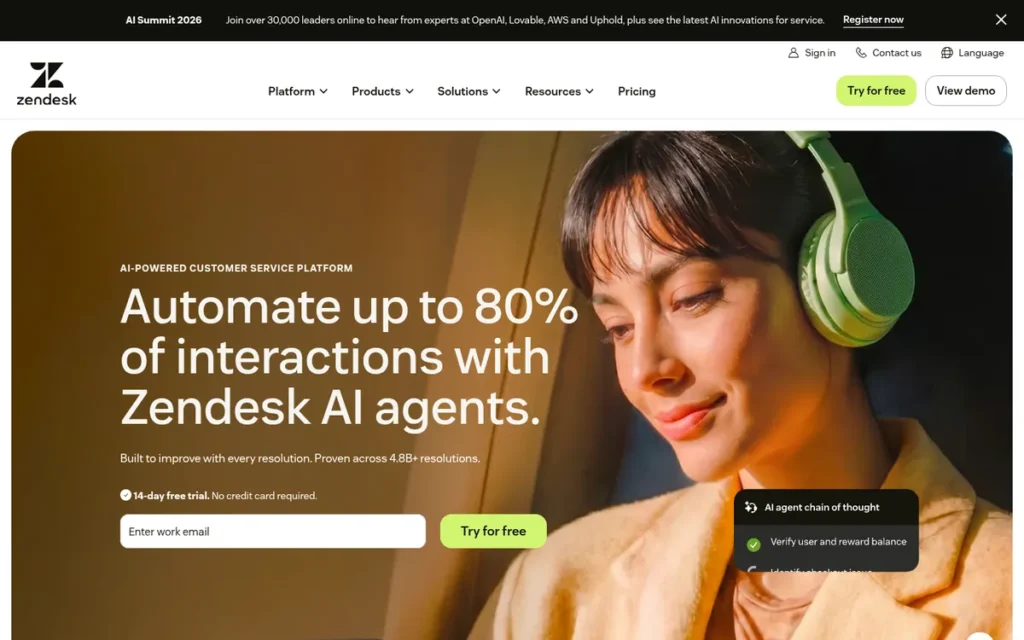
Category: Full Help Desk, a ticket-based multichannel support platform that can directly replace Freshdesk.
At a Glance
- Category: Full Help Desk
- Best For: Growing or high-volume teams that need advanced routing, omnichannel support and workforce management
- Price Range: Support Team $19, Suite Team $55, Suite Professional $115 per agent per month billed annually (Zendesk pricing page, November 2026); G2 lists the Advanced AI add-on at $50 per user per month
- Primary Strength: Zendesk for Customer Service offers the deepest ticketing, routing and omnichannel capability in this ranking, with workforce management included from Suite Professional.
- Biggest Limitation: Zendesk for Customer Service’s most-cited G2 con is “Expensive As Teams Grow” (128 mentions), followed by “Steep Learning Curve” (109).
- One-Line Summary: Zendesk for Customer Service is the like-for-like Freshdesk replacement with the deepest routing and channel coverage in this ranking, at a higher cost and setup effort at comparable feature tiers.
- Last Verified: November 2026
Why #3: Zendesk for Customer Service scored 3.63 and earned the only perfect help desk coverage score (C1 5/5). Cost (C2 2.5/5) and setup effort (C5 2.5/5) held it back. Teams that weight coverage and trust at 30% each would rank Zendesk for Customer Service #1.
Overview Zendesk for Customer Service is an omnichannel help desk that combines ticketing, messaging, voice, a help center, AI agents and workforce management, built for support teams whose routing, volume or channel complexity has outgrown a simpler tool like Freshdesk. Zendesk for Customer Service is a 2025 Gartner Magic Quadrant Leader.
Key Features
- Zendesk for Customer Service brings ticketing, messaging, voice, a help center and AI agents together in what Zendesk calls its Resolution Platform (Zendesk, 2025).
- Zendesk for Customer Service includes workforce management (forecasting and scheduling) at no extra cost on Suite Professional and above (Zendesk release notes, July 2026).
- Zendesk for Customer Service bills AI agents per resolution rather than per conversation or bot attempt (Zendesk, 2025).
- Zendesk for Customer Service lists 74 integrations on G2 and supports 41 languages (G2, November 2026).
- Zendesk for Customer Service includes Agent Copilot and quality-checking tools as part of its platform (Zendesk, 2025).
Best For Zendesk for Customer Service is best for mid-sized and scaling teams that need advanced routing, many channels and staffing tools, and that have the admin capacity to configure them.
Pricing G2 lists only Zendesk’s Advanced AI add-on, at $50 per user per month (G2, November 2026). Zendesk’s own pricing page shows these annual-billing prices (Zendesk pricing page, November 2026):
- Zendesk Support Team costs $19 per agent per month.
- Zendesk Suite Team costs $55 per agent per month.
- Zendesk Suite Professional costs $115 per agent per month, and Suite Enterprise is quote-only.
Third-party sources report Zendesk AI agent pricing of $1.50 per automated resolution with a prepaid commitment, or $2.00 pay-as-you-go (third-party pricing guides, November 2026). Confirm this rate with Zendesk.
We could not verify which Zendesk plan unlocks SLAs and skills-based routing, so request a quote. Five agents on Zendesk Suite Team cost about $275 a month, the same as Freshdesk Pro.
Strengths
- Zendesk for Customer Service was named a Leader in the 2025 Gartner Magic Quadrant for CRM Customer Engagement Center (Zendesk, 2025). No other product in this ranking has a documented analyst recognition.
- Zendesk for Customer Service’s top G2 pros are Intuitive Interface (356), Efficient Ticket Management (217) and Unified Omnichannel Support (214), from 7,126 reviews (G2, November 2026).
- Zendesk added workforce management at no extra cost on Suite Professional and above in its June/July 2026 update (Zendesk release notes, July 2026).
- Zendesk reports SOC 2 Type II and ISO/IEC 27001:2022 certification and supports HIPAA through a BAA (Zendesk Trust Center, as reported November 2026).
- An r/SaaS commenter said of teams leaving Intercom, “I’ve seen a few teams hedge with Gorgias or Zendesk, not as flashy, but way more stable” (Reddit r/SaaS, September 2025).
- Zendesk publishes customer results such as Dunlop’s 95.8% SLA adherence and Lush’s reported 369% ROI (Zendesk, November 2026). These figures are vendor-published and not independently audited.
Limitations Zendesk for Customer Service offers more depth but less simplicity and a higher price, and switching to it does not fix Freshdesk’s top reporting complaint.
- Zendesk for Customer Service’s top G2 cons include Expensive As Teams Grow (128), Steep Learning Curve (109) and Difficult Initial Setup (90) (G2, November 2026).
- G2’s head-to-head comparison scores Freshdesk higher than Zendesk for Customer Service on ease of use, setup and admin (G2, November 2026).
- Zendesk for Customer Service’s “Inflexible Custom Reporting” con (103) mirrors Freshdesk’s “Reports Lack Detail” (70) (G2, November 2026).
- Zendesk’s reported AI rate of $1.50–$2.00 per automated resolution is above Fin by Intercom’s $0.99 per outcome (third-party pricing guides, November 2026).
- Zendesk for Customer Service has 92.6% of G2 reviews at 4–5 stars, the lowest share among ranked products that report one (G2, November 2026).
Users on r/Zendesk who trialed the native AI noted:
“It’s pretty bad honestly. We tried for 30 days, and the intent model is not build for all businesses. And it’s expensive. We are looking checking now ultimate or Jochem.ai. The only thing what worked well was the transcription feature for Zendesk talk. That should be a a default feature in Zendesk professional.” Posted by u/TheMachinist1
Takeaway: Zendesk for Customer Service’s native AI has let down some teams on both fit and price, so buyers should trial it on their own tickets before paying for AI resolutions.
How Does Zendesk for Customer Service Compare With Freshdesk?
- Zendesk for Customer Service goes deeper than Freshdesk on routing, apps and workforce management.
- Zendesk Suite Team ($55) costs the same as Freshdesk Pro, and Suite Professional ($115) costs more than Freshdesk Enterprise ($89) (Zendesk pricing page and G2, November 2026).
- Zendesk for Customer Service has a lower G2 rating than Freshdesk (4.3 vs. 4.4), is harder to set up and draws the same reporting complaint.
Verdict Zendesk for Customer Service is the deepest like-for-like Freshdesk replacement in 2026, but it costs more at comparable feature tiers and draws more setup complaints than the other full help desks in this ranking.
Choose Zendesk for Customer Service when routing, channel complexity or staffing needs matter more than cost. Don’t switch expecting better reporting, and ask for a quote that includes AI resolutions.
4. Fin by Intercom: Best for In-App Chat and AI-First Support
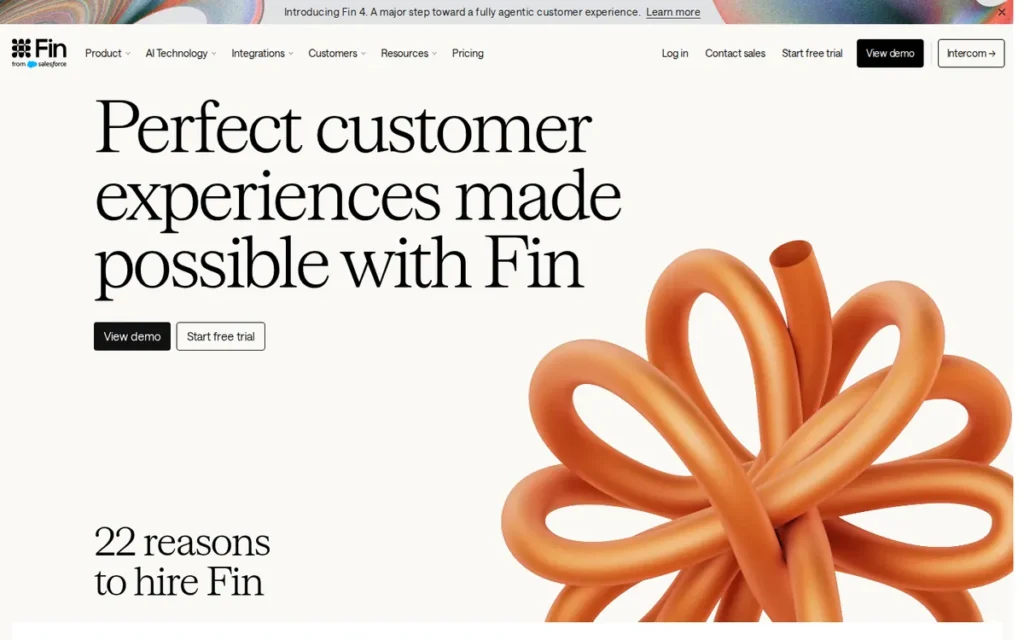
Category: AI & Messaging Platform, an AI-agent and in-app chat platform with a help desk attached, rather than an email-ticket-first tool.
At a Glance
- Category: AI & Messaging Platform
- Best For: SaaS and product-led teams whose support happens mainly in in-app chat and who want AI to resolve routine questions
- Price Range: $0.99 per AI outcome, plus $19 per help desk seat on the Intercom help desk (G2, November 2026); Intercom’s own page shows seat plans from $29 billed annually
- Primary Strength: Fin by Intercom is the only alternative in this ranking that can add AI resolution to your current help desk without migrating.
- Biggest Limitation: Fin by Intercom’s G2 reviews cite “Incorrect Answers” 86 times against “Accurate Customer Answers” 134 times, plus “Unpredictable Usage Costs” 52 times, which matters under per-outcome billing.
- One-Line Summary: Fin by Intercom is the highest-scoring AI-first Freshdesk alternative in this ranking, but its $0.99 per-outcome billing makes total cost depend on volume.
- Last Verified: November 2026
Why #4: Fin by Intercom scored 3.45, tying Hiver, and ranks #4 on the help desk coverage tie-break (C1 3.5/5 vs. 3/5). Fin by Intercom earned the joint-top user-ratings score (C3 4.5/5) but a low cost score (C2 2/5) because per-outcome billing is hard to predict.
Overview Fin by Intercom is an AI support agent that resolves conversations over chat, email and phone, running on Intercom’s own help desk or on top of an existing one, built for SaaS and product-led teams that run support through in-app messaging. Fin by Intercom’s native help desk adds ticketing.
Key Features
- Fin by Intercom resolves customer conversations over chat, email and phone using a company’s help content (Intercom, 2026).
- Fin by Intercom can sit on top of other help desks such as Zendesk or Salesforce, although Fin for Sales and Fin for Ecommerce require Intercom’s own help desk (Intercom Help Center, 2026).
- Fin by Intercom’s Procedures feature carries out multi-step tasks such as refunds or account updates (Intercom, 2026).
- Fin by Intercom lets teams run simulations and batch tests on past conversations before going live (Intercom, 2026).
- Fin by Intercom supports 36 languages and lists 43 integrations on G2 (G2, November 2026).
Best For Fin by Intercom is best for software and app businesses where most support happens in product chat, and for teams that want AI resolution without leaving their current help desk.
Pricing Fin by Intercom’s G2 list prices are $0.99 per outcome on your current help desk, or $0.99 per outcome plus $19 per seat on the Intercom help desk (G2, November 2026). Intercom’s own pricing materials show different seat prices (Intercom pricing page, November 2026):
- Intercom Essential costs $29 per seat billed annually ($39 billed monthly).
- Intercom Advanced costs $85 annually ($99 monthly), and Expert costs $132 annually ($139 monthly).
- Intercom Copilot costs $29 per agent per month billed annually.
Intercom counts a configured Procedure that hands off to a human as an “outcome.” Fin on another help desk carries minimum commitments, such as 50 outcomes a month (Intercom, 2026).
Five seats at G2’s $19 cost $95 a month, or about $590 at 500 outcomes.
Strengths
- Fin by Intercom holds a 4.5/5 G2 rating from 3,970 reviews, with 94.3% at 4–5 stars (G2, November 2026).
- Fin by Intercom’s top G2 pros are Easy Setup (169), Reduces Agent Workload (168) and Accurate Customer Answers (134) (G2, November 2026).
- Fin by Intercom can be added to an existing Zendesk or Salesforce help desk, which lets teams keep their current help desk’s automations while adding AI (Intercom Help Center, 2026).
- Fin by Intercom most commonly goes live in under a month, according to G2 implementation data (G2, November 2026).
- Intercom reports a 76% average Fin resolution rate and lists SOC 2 Type II, ISO 27001 and ISO 42001 (Intercom, 2026), but both claims are self-reported.
A support agent on r/SaaS who moved to Intercom shared their experience:
“We do have a really good integration going with data being synced to our own SaaS app which really helps a lot in terms of quick response, as well as the AI feature to use the same data to eat about 70% of questions overall, resulting in only 30% of questions reach humans. Teaching the AI was a big task in itself, but now that we’ve got that figured out, it’s mostly maintenance and upkeep of new documentation for example.” Posted by u/General_useful_sir
Takeaway: Fin by Intercom can absorb most routine questions once it is wired into product data, but getting there takes a real upfront training effort.
Limitations Fin by Intercom automates more with AI but makes costs harder to predict, because every resolved outcome adds to the bill.
- Fin by Intercom’s G2 cons include Incorrect Answers (86) and Misunderstands Complex Questions (65), against 134 mentions of Accurate Customer Answers, so accuracy depends heavily on the ticket mix (G2, November 2026).
- Fin by Intercom draws 52 G2 mentions of “Unpredictable Usage Costs,” and an operator running about 10 SMB products called its “AI add-on pricing still very high vs. realized value for SMB” (Reddit r/SaaS, September 2025).
- Several Intercom customers reported frequent account-manager changes, including one who described “4 AMs in under a year” in a thread started in September 2025 (Reddit r/SaaS, September 2025).
- Fin by Intercom’s seat prices differ between G2 and Intercom’s own page, and Fin by Intercom suits teams built around email tickets less well.
How Does Fin by Intercom Compare With Freshdesk?
- Fin by Intercom is stronger than Freshdesk for in-app chat and AI resolution.
- Fin by Intercom charges $0.99 per outcome, while Freshdesk charges $49 per 100 Freddy AI Agent sessions after the first 500 (G2 and Freshworks pricing page, November 2026).
- Fin by Intercom has a higher G2 rating than Freshdesk (4.5 vs. 4.4) but less predictable costs and a weaker fit for email ticketing.
Verdict Fin by Intercom is the strongest Freshdesk alternative for AI-first in-app chat support in 2026, and the only one that can add AI resolution to an existing help desk without migrating.
Model your outcome volume before signing with Fin by Intercom, because per-outcome billing grows with usage. Test accuracy on your own ticket mix rather than relying on the vendor’s 76% figure.
5. Hiver: Best for Email-First Teams Working in Gmail
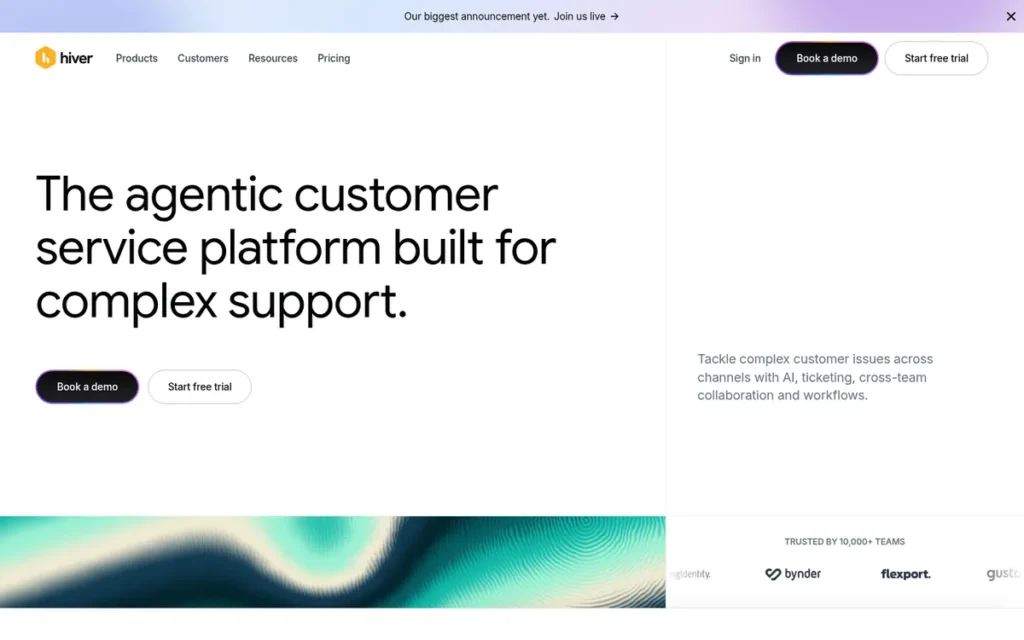
Category: Shared-Inbox Help Desk, help desk features (assignment, SLAs, knowledge base) built on top of a team’s existing email inbox.
At a Glance
- Category: Shared-Inbox Help Desk
- Best For: Small email-first support, ops, finance or HR teams that find Freshdesk too heavy and work in Gmail
- Price Range: Growth $25, Pro $55, Elite $85 per user per month billed annually (G2 and third-party pricing guides, November 2026); $35/$65/$95 billed monthly; no free plan
- Primary Strength: Hiver puts help desk workflows inside Gmail, and same-day go-live is the most common implementation time reported on G2.
- Biggest Limitation: G2 lists Hiver as supporting English only, and Hiver is thinner than full help desks on omnichannel coverage, reporting and mobile.
- One-Line Summary: Hiver is the fastest-to-deploy Freshdesk alternative among ranked products with G2 go-live data, running help desk workflows inside Gmail with a 4.6/5 G2 rating.
- Last Verified: November 2026
Why #5: Hiver scored 3.45, tying Fin by Intercom. Hiver ranks #5 on the help desk coverage tie-break (C1 3/5 vs. 3.5/5) despite the best setup score in the ranking (C5 5/5). Hiver’s user-ratings score (C3 4/5) follows the published rubric, because G2 publishes no 4–5 star share for Hiver.
Overview Hiver is a help desk that runs inside Gmail and adds assignment, collision detection, notes, SLAs, a knowledge base and live chat to a shared inbox, built for small email-first teams that find ticket-based tools like Freshdesk too heavy. Hiver Omni extends this beyond Gmail.
Key Features
- Hiver adds assignment, collision detection, internal notes and SLAs directly inside Gmail (Hiver, November 2026).
- Hiver lets teams define ticket fields and SLAs in natural language, with built-in audit trails (Hiver, November 2026).
- Hiver Omni provides a standalone workspace covering Outlook and other email, plus chat, voice, WhatsApp and Slack (Carly, 2026).
- Hiver includes AI Agents and AI Copilot, which third-party sources report as bundled from the Growth plan with no per-resolution fee (Quackback, 2026).
- Hiver offers a voice add-on at $30 per seat per month, including 1,000 minutes and then $0.03 per minute (My AskAI, 2026).
Best For Hiver is best for small email-first teams that want help desk structure without leaving Gmail, including internal ops, finance and HR inboxes that are not IT service desks.
Pricing Hiver’s prices are per user per month: Growth $25, Pro $55 and Elite $85 billed annually, or $35, $65 and $95 billed monthly (G2 and third-party pricing guides, November 2026). G2 omits the per-user basis, but third-party guides confirm it.
- Hiver Pro adds SLAs, CSAT, advanced analytics and API access.
- Hiver Elite adds AI quality checks.
- Hiver lists no free plan, only a 7-day Elite trial (Quackback, 2026).
Five users cost about $125 a month on Hiver Growth and about $275 on Hiver Pro with SLAs, the same as Freshdesk Pro.
Strengths
- Hiver’s most common G2-reported go-live time is under one day, the fastest among ranked products with G2 go-live data (G2, November 2026).
- Hiver holds a 4.6/5 G2 rating from 1,303 reviews (G2, November 2026).
- Third-party pricing guides report that Hiver bundles AI Agents from Growth without per-resolution fees (Quackback, 2026), which buyers should confirm with the vendor.
- Hiver’s G2 switching data names Freshdesk, Zendesk and Gorgias among the tools users left, and those users describe clearer ownership and less switching between platforms (G2, November 2026).
- An AWS Marketplace reviewer said Hiver lets teams collaborate “without having to switch back and forth between multiple applications” (AWS Marketplace, 2026).
Limitations Hiver lets teams stay inside Gmail but gives up help desk depth and language coverage to do it.
- Hiver supports only English and lists only 5 integrations on G2 (G2, November 2026), which limits Hiver for multilingual or heavily integrated teams.
- Hiver users on G2 ask for deeper reporting, more automation triggers and a better mobile app, and one reviewer said the mobile app sometimes “failed to update” (G2, November 2026).
- Third-party reviews report Gmail slowing at high volume in Hiver and one feature removed from an existing Hiver plan, which forced an upgrade (Carly, 2026).
- Hiver has no free plan, G2 publishes no pros/cons counts for Hiver, and Hiver’s SOC 2 Type II and HIPAA claims are self-reported (Cuspera, 2026).
How Does Hiver Compare With Freshdesk?
- Hiver is lighter and faster to adopt than Freshdesk, which directly addresses the complaint that Freshdesk is “too heavy” for email-first teams.
- Hiver has a higher G2 rating than Freshdesk (4.6 vs. 4.4), and Hiver’s SLA plan costs the same $55 as Freshdesk Pro (G2, November 2026).
- Hiver is weaker than Freshdesk on omnichannel coverage, reporting and languages (1 vs. Freshdesk’s 37).
Verdict Hiver is the best Freshdesk alternative for small email-first teams that want help desk structure without leaving Gmail, and same-day go-live is the most common experience reported on G2.
Hiver is not a full replacement for teams with heavy ticket volume, many channels or non-English customers. Budget for Hiver Pro if you rely on SLAs, and confirm AI bundling with the vendor.
6. Tidio: Best for Small Ecommerce Stores on a Tight Budget
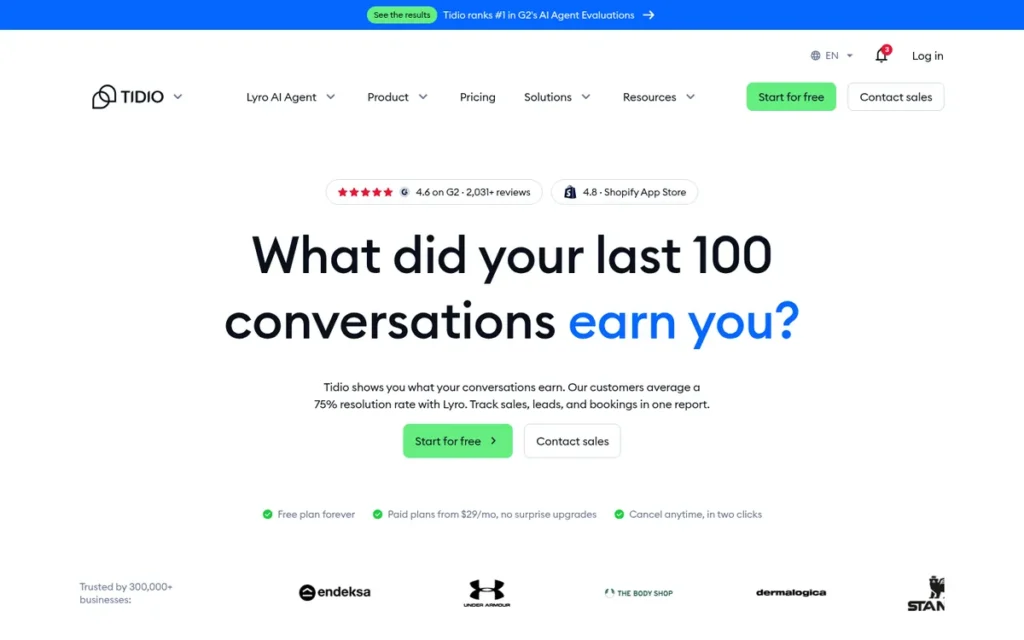
Category: AI & Messaging Platform, a chat-and-AI-first customer service tool with lighter ticketing than a full help desk.
At a Glance
- Category: AI & Messaging Platform
- Best For: Small Shopify and ecommerce stores with low conversation volume that want chat and AI on a fixed budget
- Price Range: Free; Starter $24.17 and Growth $49.17 flat per month (G2, November 2026); Lyro and Flows are add-ons
- Primary Strength: Tidio gives small stores live chat, AI and ecommerce automation on a free plan or a flat monthly fee rather than per-agent pricing.
- Biggest Limitation: Tidio’s cost grows with conversation volume and add-ons, and “Expensive” (76) is Tidio’s most-cited G2 con.
- One-Line Summary: Tidio is the lowest-cost Freshdesk alternative for small ecommerce stores, offering a free plan and flat-rate chat and AI pricing, but it is not a deep ticketing help desk.
- Last Verified: November 2026
Why #6: Tidio scored 3.00. Tidio had the joint-top user-ratings score (C3 4.5/5) but the lowest help desk coverage (C1 2/5) and feature-access (C4 2/5) scores, because Tidio is a chat platform with conversation caps rather than a full help desk.
Overview Tidio is a live chat and AI customer service platform with lightweight help desk ticketing, priced at a flat monthly rate rather than per agent, built for small ecommerce and Shopify stores that want chat and AI on a predictable budget. Tidio sells its Lyro AI agent as an add-on.
Key Features
- Tidio combines live chat, help desk ticketing and the Lyro AI agent in one platform (Tidio pricing page, November 2026).
- Tidio connects to Shopify, and Tidio’s Lyro AI agent draws on Shopify product data for product recommendations, so buyers should test order-status answers (Shopify App Store, November 2026).
- Tidio Flows is a no-code chatbot builder with more than 40 ecommerce templates, including abandoned-cart recovery (Tidio pricing page, November 2026).
- Tidio says Lyro resolves an average of 75% of conversations, a vendor claim (Tidio, November 2026).
- Tidio is listed on G2 as SOC 2 Type 2 and GDPR compliant (G2, November 2026).
Best For Tidio is best for small online stores, especially on Shopify, with a handful of agents and low monthly conversation volume, where order-related chat matters more than deep ticket workflows.
Pricing Tidio’s G2 list prices are Free $0, Starter $24.17 and Growth $49.17, as flat monthly rates (G2, November 2026). Tidio’s pricing page lists these limits and add-ons (Tidio pricing page, November 2026):
- Tidio Free includes 50 billable conversations a month, and Tidio Starter includes 100.
- Tidio Growth starts at 250 conversations and goes up to 2,000, and Tidio Plus starts from $300 a month plus usage.
- Tidio’s Lyro add-on starts at $32.50 a month for 50 conversations.
- Tidio’s Flows add-on starts at $24.17 a month for 2,000 visitors reached.
Tidio’s cost grows with conversations, not seats. A five-agent store on Tidio Starter pays $24.17 a month but is capped at 100 conversations.
Strengths
- Tidio has the highest share of 4–5 star G2 reviews in this ranking, at 96.9% of 2,159 reviews, with a 4.6/5 rating (G2, November 2026).
- Tidio’s top G2 pros are Ease of Use (225), Helpful (184), Chatbots (155) and Easy Setup (154) (G2, November 2026).
- Tidio’s Starter plan costs $24.17 flat per month on G2, the lowest paid entry price in this ranking for a five-person team (G2, November 2026).
- Tidio offers a free plan with 50 conversations a month, and an ecommerce user with about 5 agents wrote that “the free plan is actually usable” (Reddit r/AIAssisted, October 2025).
- The same Tidio user wrote, “LiveChat felt like it wanted me to hire more people. Tidio felt like it wanted to make my current team more efficient” (Reddit r/AIAssisted, October 2025).
Limitations Tidio’s low entry price comes with shallow ticketing and costs that become harder to predict as a store grows.
- Tidio is a chat platform rather than a full help desk, Tidio Starter is capped at 100 conversations a month, and Lyro and Flows are paid add-ons.
- Tidio’s G2 cons include Expensive (76, about 3.5% of reviews), Missing Features (59) and Cost (56) (G2, November 2026), and a Reddit user called Tidio’s free tier “just a trap” once a store scales (Reddit r/AIAssisted, February 2026).
- Trustpilot reviewers report unexpected Tidio price increases and auto-renewal charges (Trustpilot, November 2026).
- Some Shopify App Store merchants report Tidio’s Lyro giving wrong order information (Shopify App Store, November 2026), and we verified no named Tidio case studies.
A current Tidio user on r/shopify told a store with 200–300 monthly customers:
“I use Tidio and at that volume of customers, I’ll say go for Zendesk or Intercom. Tidio still has some limitations, and I’d have moved if I was paying. I don’t have that many customers yet. The AI bot is good but I wish it was a bit more programmable.” Posted by u/alloverated
Takeaway: Tidio suits very small stores, but even its satisfied users see its limits and inflexible AI as reasons to move to a bigger platform once volume grows.
How Does Tidio Compare With Freshdesk?
- Tidio is much cheaper than Freshdesk for small, low-volume stores: $24.17 flat versus $95 for five agents on Freshdesk Growth (G2, November 2026).
- Tidio has a higher G2 rating than Freshdesk (4.6 vs. 4.4) and a higher share of 4–5 star reviews (96.9% vs. 94.5%) (G2, November 2026).
- Tidio’s ticketing, SLAs and reporting are much shallower than Freshdesk’s.
Verdict Tidio is the most affordable Freshdesk alternative for small ecommerce stores in 2026, with a free plan and flat-rate pricing from $24.17 a month on G2.
Tidio is not a like-for-like replacement for teams with heavy ticket volume. Model your conversation volume and add-ons before upgrading, and test Lyro on order questions before letting it answer customers.
7. HubSpot Service Hub: Best for Teams Already Running HubSpot CRM
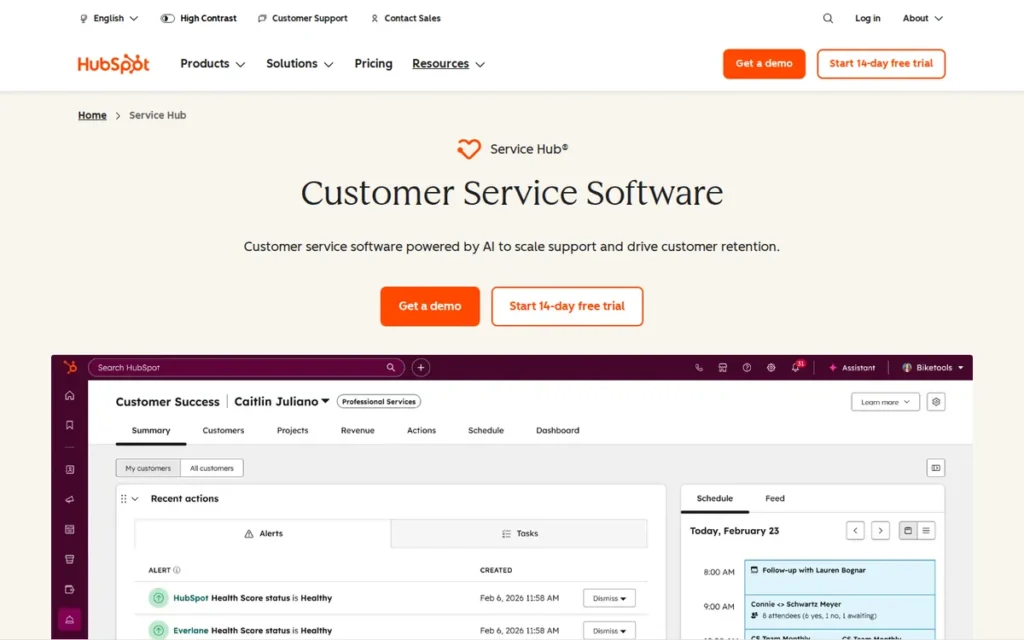
Category: CRM-Connected Help Desk, a help desk built into a CRM platform, so support shares customer records with sales and marketing.
At a Glance
- Category: CRM-Connected Help Desk
- Best For: Teams already running HubSpot CRM that want support, sales and marketing on one customer record
- Price Range: Starter $15, Professional $100, Enterprise $150 per user per month (G2, November 2026); HubSpot’s page lists Starter at $20; $1,500–$3,500 required onboarding on Professional and Enterprise
- Primary Strength: HubSpot Service Hub gives support agents full CRM context because tickets live on the same record as sales and marketing activity.
- Biggest Limitation: HubSpot Service Hub puts its knowledge base, portal and AI agent behind the $100 Professional plan plus a $1,500 onboarding fee, about six times the Starter seat price.
- One-Line Summary: HubSpot Service Hub is the strongest Freshdesk alternative for teams already on HubSpot CRM, but full help desk features cost far more than Freshdesk Pro once onboarding is included.
- Last Verified: November 2026
Why #7: HubSpot Service Hub scored 2.90. Cost (C2 2/5) and feature access (C4 2/5) held it back, because the knowledge base, portal and AI agent need the $100 Professional plan plus $1,500 onboarding. The rank reflects this article’s cost-sensitive audience, not HubSpot Service Hub’s value for HubSpot-native teams.
Overview HubSpot Service Hub is HubSpot’s customer service software, which stores help desk tickets on the same CRM record that sales and marketing use, built for small and mid-sized companies that already run HubSpot and want support connected to customer history. HubSpot Service Hub becomes a full help desk at Professional.
Key Features
- HubSpot Service Hub stores tickets on the same Smart CRM record that sales and marketing teams use (HubSpot, November 2026).
- HubSpot Service Hub includes a shared inbox, knowledge base, customer portal, surveys and playbooks, but the knowledge base and portal require Professional (HubSpot pricing page, November 2026).
- HubSpot Service Hub’s Customer Success workspace tracks health scores for retention work (HubSpot, November 2026).
- HubSpot Service Hub includes 500, 3,000 or 12,000 calling minutes depending on the plan (HubSpot pricing page, November 2026).
- HubSpot Service Hub’s Breeze Customer Agent requires Professional or higher and runs on HubSpot Credits at $0.50 per resolved conversation (HubSpot, November 2026).
Best For HubSpot Service Hub is best for teams whose sales and marketing already run on HubSpot and who value shared customer context more than ticketing depth.
Pricing HubSpot Service Hub’s G2 list prices are Starter $15, Professional $100 and Enterprise $150 per user per month (G2, November 2026). HubSpot’s pricing page adds these details (HubSpot pricing page, November 2026):
- HubSpot Service Hub requires one-time onboarding of $1,500 on Professional and $3,500 on Enterprise, with no onboarding fee on Starter.
- HubSpot Service Hub includes 500, 3,000 or 5,000 credits a month, which don’t roll over, and extra credits cost $10 per 1,000.
- HubSpot Service Hub Starter is listed at $20 per seat, with a $7 annual promotional price for eligible new customers.
- HubSpot Service Hub Professional costs $90 per seat billed annually on HubSpot’s page.
Five users cost about $75 a month on HubSpot Service Hub Starter at G2 prices. On Professional, the same team pays $500 a month plus $1,500 onboarding, compared with $275 on Freshdesk Pro.
Strengths
- HubSpot Service Hub holds a 4.4/5 G2 rating from 3,018 reviews, with 94.5% at 4–5 stars and Ease of Use (325) as its top pro (G2, November 2026).
- HubSpot Service Hub’s next most-cited G2 pros are Features (214) and Case Management (147) (G2, November 2026).
- HubSpot reports that Katapult trained 200 agents and migrated to Service Hub in 6 weeks (HubSpot, November 2026), a vendor-published case study.
- HubSpot Service Hub’s Breeze Customer Agent costs $0.50 per resolved conversation, the lowest published per-resolution AI rate in this ranking (HubSpot, November 2026).
- HubSpot publishes a SOC 2 Type II report and offers a BAA for eligible HIPAA use cases (HubSpot Trust Center, November 2026).
Limitations HubSpot Service Hub connects support to the CRM but offers shallower ticketing and weaker value at entry level.
- HubSpot Service Hub’s G2 cons include Missing Features (117), Limited Customization (93) and Ticket Management (75) (G2, November 2026), the clearest evidence that its ticketing is shallower than a dedicated help desk’s.
- HubSpot Service Hub’s knowledge base and portal require Professional at $100 on G2 plus $1,500 onboarding, about six times the Starter seat price.
- HubSpot Service Hub’s conditional SLAs and skill-based routing are Enterprise-only, and its monthly credits don’t roll over (HubSpot pricing page, November 2026).
- HubSpot says it is not itself ISO 27001 certified and relies on AWS for that certification (HubSpot, November 2026).
How Does HubSpot Service Hub Compare With Freshdesk?
- HubSpot Service Hub has a similar entry price to Freshdesk ($15 vs. $19) and the same 4.4/5 rating and 94.5% share of 4–5 star reviews (G2, November 2026).
- HubSpot Service Hub’s full help desk plan costs far more than Freshdesk’s: Professional at $100 plus onboarding versus Freshdesk Pro at $55.
- HubSpot Service Hub offers the deepest CRM context for HubSpot users, while Zoho Desk offers similar context for Zoho CRM users.
Verdict HubSpot Service Hub is the strongest Freshdesk alternative for teams already running HubSpot CRM, where shared customer records can justify a Professional plan that costs more than Freshdesk Pro once onboarding is included.
For HubSpot-native teams, HubSpot Service Hub’s shared customer context can justify the price. Teams without HubSpot get more ticketing for less from Zoho Desk or LiveAgent, so price the plan you need, not Starter.
How Do These Alternatives Compare With Freshdesk?
Six of the seven ranked alternatives match or beat Freshdesk’s 4.4/5 G2 rating; only Zendesk (4.3) is lower. Zoho Desk ($7), LiveAgent ($15) and HubSpot Service Hub ($15) have lower per-seat G2 entry prices than Freshdesk Growth ($19), and Tidio charges a flat $24.17 for the whole team.
| Product | G2 Rating (Reviews) | Entry Price | AI Billing Model | Most Common Go-Live (G2) | Languages (G2) | Security Certifications |
|---|---|---|---|---|---|---|
| Freshdesk (baseline) | 4.4 (4,003) | $19 per user (Growth, G2) | 500 one-time sessions, then $49 per 100 | Under 1 month | 37 | Not verified for this review |
| Zoho Desk | 4.4 (8,105) | Free; $7 per agent (Express, G2) | Zia AI from Professional ($23 per agent, annual, vendor page) | Under 1 month (same-day also common) | 21 | SOC 2 Type II and ISO 27001 (Zoho) |
| LiveAgent | 4.5 (1,538) | $15 per user (Starter, G2) | Bring your own AI, no markup | Under 1 month (same-day also common) | 36 | None of its own; relies on AWS |
| Zendesk for Customer Service | 4.3 (7,126) | Support Team $19 (vendor page, annual); G2 lists only the $50 AI add-on | Per resolution; reported $1.50–$2.00 (third-party) | Under 1 month | 41 | SOC 2 Type II and ISO 27001:2022 (reported) |
| Fin by Intercom | 4.5 (3,970) | $0.99 per outcome (+$19 per seat on Intercom help desk, G2) | Per outcome | Under 1 month | 36 | SOC 2 Type II, ISO 27001, ISO 42001 (self-reported) |
| Hiver | 4.6 (1,303) | $25 per user per month (Growth, annual) | Reported bundled from Growth | Under 1 day | 1 (English) | SOC 2 Type II (self-reported) |
| Tidio | 4.6 (2,159) | Free; $24.17 flat (Starter, G2) | Lyro add-on from $32.50/month | Not in G2 data | Not in G2 data | SOC 2 Type 2 (G2-listed) |
| HubSpot Service Hub | 4.4 (3,018) | $15 per user (Starter, G2) | Credits; $0.50 per resolved conversation | Not in G2 data | Not in G2 data | SOC 2 Type II; not ISO 27001 itself |
All ratings and G2 prices are from G2 (November 2026). Certifications come from vendor trust pages or third-party reports, so ask each vendor for its audit report before you sign.
What Will a Freshdesk Alternative Really Cost for a 5-Agent Team?
At G2 list prices, a five-agent team pays $95 a month on Freshdesk Growth and $275 on Freshdesk Pro (G2, November 2026). Alternatives range from $24.17 flat for Tidio Starter, capped at 100 conversations, to $500 a month plus $1,500 onboarding for HubSpot Service Hub Professional, before AI usage.
| Option (5 agents) | Approx. Monthly Cost | What This Plan Lacks or Adds |
|---|---|---|
| Freshdesk Growth (baseline) | $95 | One default SLA policy only |
| Freshdesk Pro (baseline) | $275 | Multiple SLAs and custom roles |
| Zoho Desk Standard | ~$70 | 4 SLA policies; no Zia AI or telephony |
| Zoho Desk Professional (vendor page, annual) | ~$115 | Adds Zia AI and telephony |
| LiveAgent Starter | ~$75 | No reporting, call center or social channels |
| LiveAgent Team | ~$145 | Adds call center; confirm reporting tier |
| Zendesk Suite Team (vendor page, annual) | ~$275 | SLA and routing plan not verified |
| Fin by Intercom with Intercom help desk (G2) | $95 + $0.99 per outcome | ~$590 at 500 outcomes |
| Hiver Growth (per user, annual) | ~$125 | SLAs need Pro (~$275) |
| Tidio Starter (flat) | $24.17 | Capped at 100 conversations; Lyro extra |
| HubSpot Service Hub Starter | ~$75 | No knowledge base or portal |
| HubSpot Service Hub Professional | $500 + $1,500 one-time | Adds knowledge base, portal, AI agent |
At feature-matched plans, five agents cost about $115 a month on Zoho Desk Professional, $145 on LiveAgent Team and $275 on Freshdesk Pro. HubSpot Service Hub Professional costs $500 a month plus $1,500 onboarding (G2 and vendor pages, November 2026).
Cost complaints look different once you adjust for review volume (G2, November 2026):
- Freshdesk’s “Expensive For Small Teams” appears in about 1.2% of Freshdesk’s G2 reviews.
- Fin by Intercom’s “Unpredictable Usage Costs” appears in about 1.3% of Fin by Intercom’s G2 reviews.
- Zendesk for Customer Service’s “Expensive As Teams Grow” appears in about 1.8% of its G2 reviews.
- Tidio’s “Expensive” appears in about 3.5% of Tidio’s G2 reviews, roughly three times Freshdesk’s rate.
Zoho Desk and LiveAgent are the only full help desks that cost less than Freshdesk Growth for five agents at entry.
How Do Freshdesk Alternatives Charge for AI?
Freshdesk alternatives charge for AI in six ways: per session (Freshdesk), per resolution or outcome (Zendesk, Fin by Intercom), credits (HubSpot), paid add-on (Tidio), bundled into the plan (Hiver, reported), or bring-your-own AI with no markup (LiveAgent). Bundled and bring-your-own models are the most predictable as volume grows.
Most service teams now use some AI:
- Salesforce reports that 85% of service organizations use some AI (Salesforce State of Service, 2026).
- Salesforce reports that use of AI agents in service organizations rose from 39% in 2025 to 66% in 2026 (Salesforce State of Service, 2026).
- Salesforce reports that 40% of AI-involved resolutions were fully autonomous in 2026 (Salesforce State of Service, 2026).
- HubSpot reports that 86% of service leaders using AI see a positive effect on CSAT (HubSpot State of Service, November 2026).
| Vendor | AI Billing Model |
|---|---|
| Freshdesk | 500 one-time sessions, then $49 per 100; Copilot $29 per agent (Pro and Enterprise) |
| Zoho Desk | Zia AI included from Professional ($23 per agent, annual) |
| LiveAgent | Bring your own AI, no markup (~$0.11 per AI chat, paid to the provider) |
| Zendesk for Customer Service | Per automated resolution; reported $1.50 prepaid or $2.00 pay-as-you-go (third-party); Advanced AI add-on $50 per user (G2) |
| Fin by Intercom | $0.99 per outcome, including Procedure hand-offs; minimums on other help desks |
| Hiver | Reported bundled from Growth, no per-resolution fee (third-party; confirm) |
| Tidio | Lyro add-on from $32.50/month for 50 conversations |
| HubSpot Service Hub | Credits; $0.50 per resolved conversation; no rollover; $10 per 1,000 extra |
Published per-resolution AI prices range from $0.50 (HubSpot Service Hub) to $0.99 (Fin by Intercom) to a reported $1.50–$2.00 (Zendesk for Customer Service). At 500 AI resolutions a month, that is about $250, $495 or $750–$1,000. LiveAgent’s bring-your-own AI costs about $55 in provider fees for the same volume.
Vendor resolution rates are vendor claims: 76% for Fin by Intercom (Intercom, 2026), 75% for Tidio’s Lyro (Tidio, 2026) and about 70% for HubSpot Service Hub (HubSpot, 2026). Estimate AI cost using your own ticket mix rather than these averages.
Which Other Freshdesk Alternatives Are Worth Knowing About?
Agentforce Service and Gladly are well-rated Freshdesk alternatives, but they suit larger or enterprise teams better than this article’s audience, so we didn’t score them. We didn’t evaluate Help Scout, Gorgias or Front to the same standard, and we excluded Loom because it is not a help desk.
- Agentforce Service (formerly Salesforce Service Cloud) holds a 4.4/5 G2 rating from 8,467 reviews, with plans from $25 to $165 per user per month (G2, November 2026). Agentforce Service most commonly goes live in 1–3 months, which suits enterprise and Salesforce-centric buyers.
- Gladly holds a 4.7/5 G2 rating from 1,116 reviews, with 98.6% at 4–5 stars (G2, November 2026). Gladly targets enterprise B2C brands and lists no prices on G2.
- Help Scout, Gorgias and Front are recommended by AI answer engines but are not in PlugRoute’s verified G2 dataset, so they are not ranked. Gorgias holds 4.6/5 from 135 reviews on Capterra (Capterra, November 2026).
- Loom is excluded because Loom is a screen-recording video tool with no help desk or ticketing category on G2.
When Should You Stay With Freshdesk?
Stay with Freshdesk if your team values its ease of use, relies on other Freshworks products, is too small for migration savings to matter, or mainly wants better reporting. No alternative in this ranking clearly fixes reporting, which is Freshdesk’s most-cited G2 complaint (G2, November 2026).
- Freshdesk’s top G2 pro is Intuitive to Navigate (345 mentions), and G2’s head-to-head comparison scores Freshdesk above Zendesk on ease of use, setup and admin (G2, November 2026).
- Freshdesk fits best for teams that rely on Freshworks’ Freshservice ITSM or Freshworks CRM products.
- Freshdesk is often the better choice for small teams whose migration effort would outweigh the monthly savings of switching.
- Switching from Freshdesk won’t reliably fix reporting, because Zendesk draws 103 “Inflexible Custom Reporting” mentions and Zoho Desk users report weak chat analytics (G2 and Reddit r/ZohoDesk, 2025–2026).
Switching help desks rarely fixes reporting. Every full help desk in this ranking draws the same flexible-reporting complaint on G2 that Freshdesk does (G2, November 2026).
What Red Flags Should I Watch For When Evaluating Freshdesk Alternatives?
Watch for six red flags when evaluating Freshdesk alternatives: entry prices without the features you need, per-outcome AI billing without a volume model, required onboarding fees, unverified security certifications, vendor-only resolution rates, and auto-renewal or mid-contract plan changes. Each one can make the advertised price misleading.
Red Flag #1: Entry Price Without Matching Features An entry price that lacks the features you use in Freshdesk today is the most common pricing trap in this category. LiveAgent Starter has no reporting or call center, and HubSpot Service Hub Starter lacks a knowledge base and portal.
Red Flag #2: Per-Outcome AI Billing Without a Volume Model Per-outcome AI billing grows with every resolved conversation, so signing without a volume model makes cost unpredictable. Fin by Intercom charges $0.99 per outcome, and 52 G2 reviews cite “Unpredictable Usage Costs” (G2, November 2026).
Red Flag #3: Required Onboarding Fees Required one-time onboarding fees can exceed several months of seat costs for a small team. HubSpot Service Hub charges $1,500 on Professional and $3,500 on Enterprise (HubSpot pricing page, November 2026).
Red Flag #4: Unverified Security Certifications A vendor relying on its cloud host’s certifications is not the same as a vendor holding its own. LiveAgent holds neither SOC 2 nor ISO 27001 itself, HubSpot is not itself ISO 27001 certified, and Intercom and Hiver certifications are self-reported (vendor trust pages, November 2026).
Red Flag #5: Vendor-Only Resolution Rates AI resolution rates published only by the vendor should not be used to forecast savings. The 76% (Fin by Intercom), 75% (Tidio) and about 70% (HubSpot) figures are vendor claims, and Fin’s G2 reviews cite Incorrect Answers 86 times against Accurate Customer Answers 134 times (G2, November 2026).
Red Flag #6: Auto-Renewal and Mid-Contract Plan Changes Auto-renewal terms and features moving between plans can raise costs without warning. Trustpilot reviewers report unexpected Tidio price rises and renewal charges (Trustpilot, November 2026), and a third-party review reports Hiver removing a feature from an existing plan (Carly, 2026).
What Questions Should I Ask Before Choosing a Freshdesk Alternative?
Before choosing a Freshdesk alternative, get written answers to six questions about plan features, AI billing, data import, total cost, certifications and reporting. Written answers prevent most pricing surprises, because the gaps between entry prices and feature-matched prices in this category are large.
Question #1: Which plan unlocks the SLAs, routing and knowledge base we use in Freshdesk today? Ask for the lowest plan that includes every feature your team uses now, and get it in writing. Price comparisons only make sense at that plan, not at the entry plan.
Question #2: What counts as a billable AI outcome or resolution? Ask the vendor to define a billable AI event and give edge-case examples. Intercom, for example, counts a configured Procedure that hands off to a human as an outcome (Intercom, 2026).
Question #3: Can we import our Freshdesk tickets and knowledge base? Ask whether a native Freshdesk importer exists and what it moves, including ticket history, macros, automations and articles. LiveAgent offers a free Freshdesk importer (LiveAgent pricing page, November 2026), and Zoho Desk switchers report migration tools and assistance (G2, November 2026).
Question #4: What is our total monthly cost at our agent count and ticket volume? Ask for a written quote at your real agent count and monthly ticket or conversation volume. The quote should include AI usage, add-ons, onboarding fees and the difference between monthly and annual billing.
Question #5: Which security certifications do you hold directly? Ask whether SOC 2 Type II and ISO 27001 reports belong to the vendor itself or only to its cloud host. Request the report or certificate rather than relying on a marketing page.
Question #6: Will reporting actually be better than Freshdesk’s? Ask for a live demo that rebuilds your three most-used Freshdesk reports. Reporting complaints appear for Freshdesk, Zendesk, Zoho Desk, LiveAgent and Hiver, so test this before you sign.
How Did We Rank These Freshdesk Alternatives?
PlugRoute ranked seven Freshdesk alternatives by scoring each from 1 to 5 on six published criteria and applying fixed weights. Help desk coverage carries 25%, total cost 20%, independent user ratings 20%, feature access by plan 15%, setup risk 10% and trust signals 10%. Rank order follows the weighted total.
The six ranking criteria:
- C1: Like-for-Like Help Desk Coverage and Workflow Fit (25%): Help desk coverage matters because moving a ticket-heavy Freshdesk team to the wrong type of tool risks losing SLAs, routing and channels.
- C2: Predictable Total Cost Against the Freshdesk Baseline (20%): Total cost matters because per-agent, flat-rate and per-outcome pricing make headline prices misleading.
- C3: Independent User Ratings (20%): User ratings matter because verified G2 ratings are a more independent quality signal than vendor case studies.
- C4: Feature Access by Plan (15%): Feature access matters because entry plans often lack the knowledge base, SLAs, phone or reporting that Freshdesk users rely on.
- C5: Setup Effort and Switching Risk (10%): Setup effort matters because long migrations cost money and risk losing automations.
- C6: Trust and Risk Signals (10%): Trust signals matter because regulated teams need verified certifications, and AI accuracy affects customers and per-outcome costs.
The user-ratings (C3) rubric, applied to every product (G2, November 2026):
- PlugRoute scores C3 at 4.5 for a G2 rating of 4.5 or higher with 2,000+ reviews and a published 4–5 star share (Fin by Intercom, Tidio).
- PlugRoute scores C3 at 4 for a 4.5+ rating with fewer than 2,000 reviews or no published share (LiveAgent, Hiver), and for a 4.4 rating with 3,000+ reviews (Zoho Desk, HubSpot Service Hub).
- PlugRoute scores C3 at 3.5 for a 4.3 rating (Zendesk for Customer Service).
| Rank | Company | C1 | C2 | C3 | C4 | C5 | C6 | Weighted Total |
|---|---|---|---|---|---|---|---|---|
| 1 | Zoho Desk | 4.5 | 5 | 4 | 3.5 | 4 | 2.5 | 4.10 |
| 2 | LiveAgent | 4 | 4.5 | 4 | 4 | 3.5 | 2 | 3.85 |
| 3 | Zendesk for Customer Service | 5 | 2.5 | 3.5 | 3.5 | 2.5 | 4 | 3.63 |
| 4 | Fin by Intercom | 3.5 | 2 | 4.5 | 3.5 | 4 | 3.5 | 3.45 |
| 5 | Hiver | 3 | 3.5 | 4 | 3 | 5 | 2.5 | 3.45 |
| 6 | Tidio | 2 | 3 | 4.5 | 2 | 4.5 | 2.5 | 3.00 |
| 7 | HubSpot Service Hub | 3 | 2 | 4 | 2 | 3 | 3.5 | 2.90 |
Fin by Intercom and Hiver tie at 3.45. Ties are broken by help desk coverage (C1), so Fin by Intercom ranks #4 (3.5 vs. 3).
The order reflects our audience of small and mid-sized, cost-conscious teams. If help desk coverage (C1) and trust (C6) each carry 30%, with other weights scaled proportionally, Zendesk for Customer Service moves to #1 (3.92 vs. 3.78 for Zoho Desk).
Raising help desk coverage (C1) alone to 40% keeps Zoho Desk at #1 (4.18 vs. 3.90 for Zendesk). Zoho Desk also stays #1 if its cost score drops a full point (3.90 vs. 3.85).
Trust (C6) scores were set before our November 2026 certification check and were not re-scored. Raising C6 by one point for Zoho Desk and Zendesk, or half a point for HubSpot Service Hub, would change no rank.
Evidence rules applied to every product:
- PlugRoute uses G2 list prices collected in November 2026 unless a price is labeled as a vendor page or third-party source, and prices may change.
- PlugRoute labels vendor case studies as self-published and does not treat them as independent proof.
- PlugRoute discounts Reddit comments from vendor employees and competitors.
- PlugRoute discloses uneven evidence: quotable Reddit threads exist only for Fin by Intercom, Zoho Desk and Tidio, plus one indirect Zendesk comment.
- PlugRoute scored setup effort (C5) for Tidio and HubSpot Service Hub from G2 setup pros and cons, because G2 has no go-live data for them.
PlugRoute has no affiliate relationships with any company listed. Rankings are determined entirely by research data and objective evaluation criteria.
What Do Buyers Most Often Ask About Freshdesk Alternatives?
The best Freshdesk alternative for most small businesses in 2026 is Zoho Desk, which offers a free plan for 3 users and paid ticketing from $7 per agent per month (G2, November 2026). LiveAgent suits teams that need phone support, and Tidio’s flat $24.17 plan suits small Shopify stores.
Which Freshdesk alternatives have a free plan?
Zoho Desk and Tidio are the two ranked Freshdesk alternatives with a free plan in November 2026. Zoho Desk Free supports up to 3 users, and Tidio Free covers 50 billable conversations a month. Hiver lists no free plan, only a 7-day trial, and Freshdesk itself now offers a trial rather than an ongoing free plan.
How long does it take to switch from Freshdesk?
Most ranked Freshdesk alternatives most commonly go live in under a month, according to G2 implementation data (G2, November 2026). Hiver most commonly goes live in under a day, and Zoho Desk and LiveAgent also report frequent same-day starts. LiveAgent offers a free Freshdesk importer, and Zoho Desk users report migration tools and assistance.
How does PlugRoute determine its rankings?
PlugRoute scores each product from 1 to 5 on six published criteria and applies fixed weights: help desk coverage 25%, total cost 20%, user ratings 20%, feature access by plan 15%, setup risk 10% and trust signals 10%. Prices are G2 list prices from November 2026, and vendor case studies are labeled as self-published.
What Do Key Help Desk Terms Mean?
The help desk terms that matter most when comparing Freshdesk alternatives are pricing terms (per-agent, flat-rate, AI outcome, credits) and capability terms (SLA policy, skill-based routing, knowledge base). Most hidden costs in this category come from how vendors define these terms on each plan.
Per-agent pricing: Per-agent pricing charges a fixed monthly fee for each support user who logs in. Costs grow in steps as the team grows, which makes headcount the main thing to forecast.
Flat-rate pricing: Flat-rate pricing charges one monthly fee regardless of team size, usually with a cap on conversations. Flat-rate plans are cheap for small, low-volume teams but can rise quickly once the cap is reached.
Billable AI outcome: A billable AI outcome is a conversation or task the vendor counts as resolved by AI and charges for. Definitions vary, and some count hand-offs to humans, so buyers should get the definition in writing.
AI credits: AI credits are a prepaid allowance that AI features draw from each month. Buyers should check whether unused credits roll over and what extra credits cost.
Bring-your-own AI: Bring-your-own AI means the help desk connects to an AI provider account the customer pays for directly. The vendor adds no markup, so AI cost follows the provider’s published rates.
SLA policy: An SLA policy sets target response and resolution times for tickets and alerts agents before a deadline is missed. Some plans allow only one SLA policy, which limits teams that serve different customer tiers.
Skill-based routing: Skill-based routing assigns each ticket to an agent with the right expertise, language or product knowledge. Skill-based routing is often limited to top plans, so teams that use it today should price that plan.
Shared inbox: A shared inbox lets a team manage a common email address together, with assignment and collision detection. A shared inbox is lighter than a full help desk and suits email-first teams with simple workflows.
Knowledge base and customer portal: A knowledge base is a library of self-help articles, and a customer portal lets customers track their own tickets. Both reduce ticket volume, but some vendors only offer them on mid-tier plans.
Onboarding fee: An onboarding fee is a required one-time charge for vendor-led setup on certain plans. Onboarding fees belong in first-year cost comparisons because the headline seat price doesn’t include them.
Security certification: A security certification such as SOC 2 Type II or ISO 27001 is an independent audit of a vendor’s security controls. Buyers in regulated industries should confirm that the vendor holds the certification itself, not only its cloud host.
ITSM: IT service management (ITSM) software handles internal IT requests, assets and change processes. ITSM is a different category from customer support help desks, so IT teams should compare ITSM tools separately.
Which Freshdesk Alternative Is Right for You?
Key Insights
- Zoho Desk ranks #1 (4.10 out of 5) because it pairs full ticketing with the lowest paid per-agent G2 list prices in this ranking, $7–$14 per agent per month (G2, November 2026).
- LiveAgent is the lowest-cost full help desk with a call center included, available from the $29 Team plan on G2 (G2, November 2026).
- Zendesk for Customer Service is the deepest like-for-like Freshdesk replacement, but it costs more at comparable feature tiers and does not fix Freshdesk’s reporting complaint.
- AI billing varies more than seat pricing across Freshdesk alternatives, from bring-your-own AI at no markup to a reported $2.00 per resolution, so teams should model AI cost on their own volume.
- No Freshdesk alternative in this ranking clearly fixes reporting, which is Freshdesk’s most-cited G2 complaint (70 mentions).
Situational guidance for Freshdesk switchers:
- If you need help desk structure without leaving Gmail, consider Hiver.
- If most of your support happens in in-app chat and you want AI resolution, consider Fin by Intercom.
- If you run a small Shopify store with low conversation volume, consider Tidio.
- If your sales and marketing already run on HubSpot, consider HubSpot Service Hub and budget for the Professional plan.
Pricing and AI billing in this category change often, and LiveAgent updated its pricing page as recently as November 10, 2026.
Read PlugRoute’s full methodology and our independent guide to help desk pricing models before you request quotes. We update this guide quarterly. Last updated: November 2026.