The best Calendly alternatives in 2026 are Cal ID for the most generous free plan and cheapest round-robin, YouCanBookMe for the closest like-for-like replacement, and Setmore for a free plan covering small service teams. The right choice depends on which Calendly job you are replacing: solo links, paid appointments, team routing or group polls.
Calendly’s two most-cited G2 complaints are paid-tier feature limits (46 mentions) and expensive plans (26 mentions) (G2, November 2026). Free alternatives have their own hidden catches, such as monthly booking caps, forced branding, ads and one-way calendar sync that can cause double bookings.
This guide prices every option against Calendly’s Standard and Teams per-seat rates. Those are $10 and $16 billed annually, or $12 and $20 billed monthly (Calendly, November 2026). Comparing the same billing term changes which tools are actually cheaper.
PlugRoute has no affiliate relationships with any company listed. Rankings are determined entirely by research data and objective evaluation criteria.
What Does Calendly Cost and Why Do People Switch?
Calendly costs $0 on Free, $10 per seat per month on Standard and $16 on Teams when billed annually. On monthly billing, Standard costs $12 and Teams costs $20 (Calendly, November 2026). Paid-tier feature limits and expensive plans are the two most-cited cons across Calendly’s 2,680 G2 reviews (G2, November 2026).
Calendly’s plans include the following, according to Calendly’s help center and pricing page (Calendly, November 2026):
- Calendly Free includes 1 event type, 1 connected calendar, unlimited meetings, a booking page and a website embed.
- Calendly Standard adds unlimited event types, up to 6 calendars, reminders and payments through Stripe and PayPal.
- Calendly Teams is the tier that unlocks round-robin scheduling.
- Calendly Enterprise starts at $15,000 per year with a 50-seat minimum.
Calendly’s top G2 cons, ranked by the number of reviews that mention them, are listed below (G2, November 2026):
- Calendly’s most-cited G2 con is paid-tier feature limits, mentioned in 46 reviews.
- Calendly’s second most-cited G2 con is expensive plans, mentioned in 26 reviews.
- Calendly’s reviewers cite confusing navigation in 25 reviews.
- Calendly’s reviewers cite limited booking customization in 21 reviews.
- Calendly’s reviewers cite a difficult setup process in 21 reviews.
Calendly users on G2 most often request four improvements (G2, November 2026):
- Calendly users ask for more control over booking-page branding, forms and messages.
- Calendly users ask for more flexible scheduling rules, such as recurring appointments and daily limits.
- Calendly users ask for better reporting and simpler data exports.
- Calendly users ask for a clearer admin and mobile experience.
Calendly also draws individual complaints on Reddit. One user said email support “takes about a WEEK to get a response” (u/DallasScrabblePlayer, r/smallbusiness, 2025). Another called date-specific availability settings “worthless” (u/Fancy-Argument-7299, r/smallbusiness, 2025).
Takeaway: Calendly users who rely on fast support or date-specific availability have reasons to test alternatives.
What Are the 4 Categories of Calendly Alternatives?
Calendly alternatives fall into four categories. Booking-link schedulers replace Calendly’s shareable links, and service appointment platforms sell client sessions with payments. Routing and qualification schedulers send inbound leads to the right person. Group poll schedulers find one time for many people. Picking the right category matters more than picking the brand.
- Booking-Link Scheduler (table label: Booking-Link): A booking-link scheduler gives you shareable one-to-one and team booking links that sync with your calendar. Cal ID and YouCanBookMe fall in this category.
- Service Appointment Platform (table label: Appointment): A service appointment platform handles client-facing booking for service businesses, with staff calendars and payments. Setmore and Acuity Scheduling fall in this category.
- Routing & Qualification Scheduler (table label: Routing): A routing and qualification scheduler qualifies inbound visitors and sends them to the right person before a meeting is booked. OnceHub and Chili Piper fall in this category.
- Group Poll Scheduler (table label: Poll): A group poll scheduler uses availability polls to find one time that suits many people. Doodle falls in this category.
As one user on r/productivity described:
“As someone with a startup in the meeting scheduling space, I will say that it is a very competitive marketplace. There are a lot of tools with different use cases: Calendly/Cal.com/TidyCal/SimplyMeet/Arrangr/HoneyBook/Others handle basic & complex virtual meeting scheduling. SavvyCal does an interesting calendar overlapping for teams. Doodle helps coordinate multiple person availability.” Posted by u/GoBlueDan
Takeaway: The scheduling market is crowded with tools built for different jobs, so buyers should pick a Calendly alternative by category before comparing brands.
How Do the Top Calendly Alternatives Compare at a Glance?
Cal ID ranks first on price, free-plan usefulness and round-robin, and YouCanBookMe matches Calendly’s 4.7/5 G2 rating. Setmore is the only ranked free plan that combines four users with payments. Acuity Scheduling leads on paid appointments, OnceHub and Chili Piper lead on routing, and Doodle leads on group polls (G2, November 2026).
| Rank | Company | Category | Best For | One-Line Summary | Key Capabilities | Primary Strength | Key Limitation |
|---|---|---|---|---|---|---|---|
| Baseline (not ranked) | Calendly | Booking-Link | Most users wanting simple booking links | Calendly is the benchmark scheduler, rated 4.7/5 from 2,680 G2 reviews, at $10 and $16 per seat billed annually ($12 and $20 monthly). | Booking links, payments on Standard, round-robin on Teams, 129 G2 integrations | Largest review base and integration list | Paid-tier limits and price are its top G2 cons |
| 1 | Cal ID | Booking-Link | Budget solo users and small teams | Cal ID is the lowest-cost Calendly alternative in PlugRoute’s 2026 ranking, with unlimited free event types and round-robin from $5 per user annually. | Unlimited event types (free), Stripe on all plans, round-robin, routing forms | Lowest verified round-robin price | Founded 2020; no SOC 2 report found |
| 2 | YouCanBookMe | Booking-Link | Freelancers and multilingual teams | YouCanBookMe is the closest like-for-like Calendly replacement, matching its 4.7/5 G2 rating at the same or lower prices on like-for-like billing. | Calendar-driven availability, 44 languages, Stripe, Teams round-robin | 1,933 G2 reviews at 4.7/5 | Free plan capped at 30 bookings a month |
| 3 | Setmore | Appointment | 2–4 person service businesses | Setmore is the only ranked free plan that combines up to four staff with payments. | 4 free users, Square/Stripe/PayPal/LawPay, social “Book Now” buttons | Free team plan with payments | No two-way sync on the free plan |
| 4 | Acuity Scheduling | Appointment | Coaches, therapists, studios | Acuity Scheduling is the most complete Calendly alternative for paid appointments, with deposits, packages and intake forms. | 4 payment processors, packages, memberships, HIPAA BAA on Premium | Deepest paid-appointment toolkit | No free plan; interface called clunky |
| 5 | OnceHub | Routing | Small teams qualifying inbound visitors | OnceHub is the most affordable routing-and-qualification alternative to Calendly, with routing from $19 per seat annually. | Routing forms, chatbots, Salesforce/HubSpot, SOC 2 report on request | Documented compliance posture | Only 59 G2 reviews; BAA is a paid add-on |
| 6 | Chili Piper | Routing | B2B revenue teams on a CRM | Chili Piper is the most capable CRM-driven routing alternative to Calendly, but its vendor bundles start at $15,000 a year. | CRM routing, instant booking, AI chat and agents, 26 languages | Deepest CRM-based routing in this ranking | Far outside small-team budgets |
| 7 | Doodle | Poll | Organizers of group meetings | Doodle is the best Calendly alternative for finding one group meeting time, but it is a weaker one-to-one booking tool. | Group polls with “if need be”, Sign-up Sheets, Stripe on Team | Largest review base among ranked tools; strong polls | Ad-supported free plan; G2 prices above Calendly’s annual rates |
Every price in this guide says whether it is billed monthly, annually or over 2 years. Calendly’s own headline prices of $10 and $16 are annual rates. All prices are G2 or vendor list prices, last verified November 2026, and may change.
Which Calendly Alternative Should I Choose for My Use Case?
Start with the job you need done, not the brand. Use Cal ID for a free plan with unlimited event types and YouCanBookMe for a near-identical Calendly experience. Use Setmore for a free small-team plan, Acuity Scheduling for paid sessions and OnceHub for audited compliance. If you already pay for Microsoft 365, check Microsoft Bookings first.
| Your #1 Priority | Recommended Tool | Why | Acceptable Alternative |
|---|---|---|---|
| Free plan with unlimited event types | Cal ID | Cal ID’s free plan removes Calendly Free’s one-event-type limit and includes Stripe payments (Cal ID, November 2026) | Google Calendar appointment schedules |
| Closest Calendly experience | YouCanBookMe | YouCanBookMe matches Calendly’s 4.7/5 G2 rating (G2, November 2026) | Cal ID |
| Free plan for a 2–4 person service team | Setmore | Setmore’s free plan covers up to four users with payments | Cal ID Business |
| Selling sessions, deposits or packages | Acuity Scheduling | Acuity Scheduling supports four processors, deposits and packages | Setmore |
| Audited compliance (SOC 2 report or HIPAA BAA) | OnceHub | OnceHub offers its SOC 2 report on request and a BAA through a paid add-on | Acuity Scheduling Premium (BAA) |
| Qualifying and routing inbound visitors on a budget | OnceHub | OnceHub offers routing from $19 per seat annually | Cal ID Business (routing forms) |
| B2B sales team on Salesforce/HubSpot with budget | Chili Piper | Chili Piper routes by CRM ownership and territory | OnceHub |
| Finding one time for a group | Doodle | Doodle polls support “if need be” answers | Free poll tools such as When2meet or Rallly |
| Already on Microsoft 365 | Microsoft Bookings | Microsoft Bookings is included from Business Basic | Cal ID |
1. Cal ID: Best Overall Value for Free Plans and Cheap Round-Robin
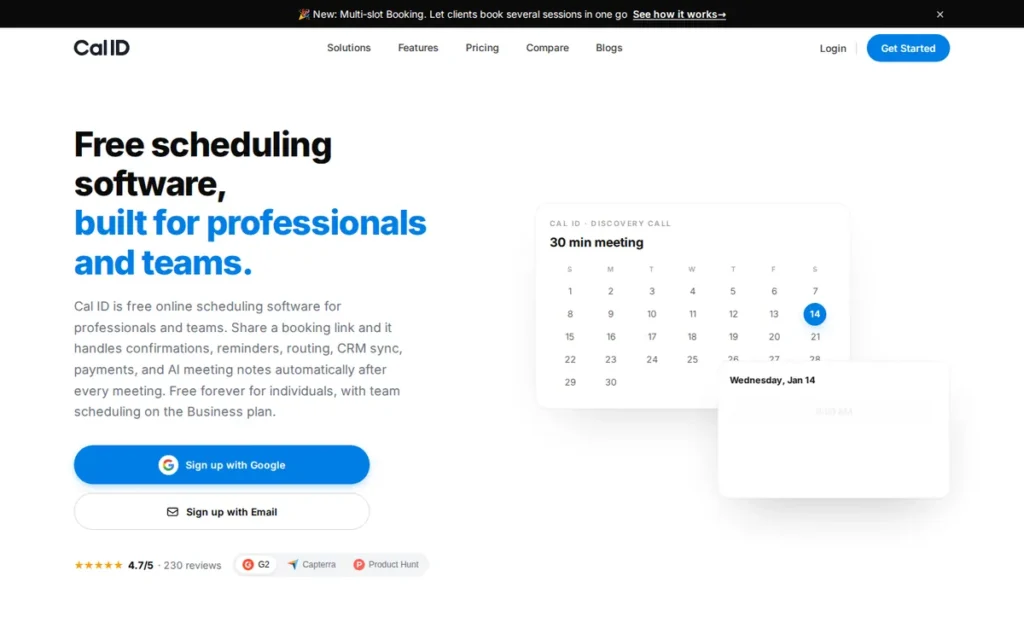
Category: Booking-Link Scheduler, shareable one-to-one and team booking links that sync with your calendar.
At a Glance
- Category: Booking-Link Scheduler
- Best For: Budget-conscious solo professionals and small teams that need multiple event types for free, or round-robin at low cost
- Price Range: Free (Individual); Business $5/user/month annual or $10 monthly; Enterprise by quote (G2 and vendor, November 2026)
- Primary Strength: Cal ID offers unlimited event types on its free plan and round-robin from $5 per user per month annually, the lowest verified price in this ranking.
- Biggest Limitation: Cal ID has the shortest track record in this ranking (founded 2020), no audited security report and no Reddit discussion to confirm long-term reliability.
- One-Line Summary: Cal ID is the lowest-cost Calendly alternative in PlugRoute’s 2026 ranking, pairing a free plan with unlimited event types and round-robin from $5 per user per month, though it has the shortest track record in the set.
- Last Verified: November 2026
Overview
Cal ID is a low-cost scheduling tool from OneHash Technologies, founded in 2020. Cal ID gives individuals a free plan with unlimited event types and multiple calendars, and gives small teams round-robin and routing forms from $5 per user per month on annual billing.
Cal ID is sold by OneHash, a software company headquartered in Indore, India, with a Bangalore office. G2 lists a Delaware entity. OneHash says it serves 5,000 organisations across all its products, but PlugRoute found no customer count for Cal ID itself (OneHash, November 2026).
Key Features
- Cal ID’s free Individual plan includes unlimited event types, multiple connected calendars, workflows and integrations (G2, November 2026).
- Cal ID’s Business plan adds collective scheduling, round-robin and routing forms for $5 per user per month billed annually, or $10 monthly (Cal ID, November 2026).
- Cal ID accepts Stripe payments on every plan, including Free, and says it charges no booking commission (Cal ID, November 2026). PayPal and Razorpay are also listed.
- Cal ID connects with Google, Outlook and Apple calendars, Zoom, Google Meet, HubSpot, Zapier, Make and Notion (Capterra, accessed November 2026).
- Cal ID’s terms of use say it is built on Cal.com’s open-source code, but Cal ID is a separate service run by OneHash Technologies (Cal ID, November 2026).
Best For
Cal ID is best for freelancers who have outgrown Calendly Free’s single event type, and for small teams that want round-robin without paying Calendly Teams’ $16 or $20 per seat. Cal ID suits buyers who accept a younger vendor in exchange for the lowest price.
Pricing
Cal ID’s prices are listed below (G2 and Cal ID, November 2026):
- Cal ID Individual is free and includes Stripe payments.
- Cal ID Business costs $5 per user per month billed annually, or $10 billed monthly.
- Cal ID Enterprise is priced on request.
- Cal ID’s $5 G2 list price is its annual rate, so check cal.id before committing.
How Does Cal ID Compare With Calendly?
Cal ID costs less than Calendly at every comparable tier and billing term. In exchange, you give up Calendly’s 129 G2-listed integrations, its review base of 2,680 and its longer operating history (Cal ID, Calendly and G2, November 2026).
- Cal ID’s free plan includes the multiple event types that Calendly reserves for Standard, which costs $10 a month annually or $12 monthly.
- Cal ID Business round-robin costs $5 or $10 per user, against Calendly Teams’ $16 annual or $20 monthly.
Strengths
- Cal ID holds a 4.7/5 G2 rating from 230 reviews, with 98.7% at 4–5 stars. That is the highest satisfaction share among the seven ranked tools (G2, November 2026).
- Cal ID’s most-cited G2 strength is ease of use, with 47 mentions, followed by scheduling (35) and simplicity (30) (G2, November 2026).
- Cal ID Business would cost a 5-person team $25 a month against $80 on Calendly Teams with annual billing. With monthly billing it would cost $50 against $100 (Cal ID and Calendly, November 2026).
- Cal ID holds a 4.9/5 rating from 154 reviews on Capterra and Software Advice (Capterra, accessed November 2026).
Limitations
Cal ID trades the lowest price in this ranking for the thinnest track record. OneHash was founded in 2020, and PlugRoute found no Reddit threads discussing Cal ID.
- Cal ID publishes a GDPR data-processing agreement, but PlugRoute found no SOC 2 report or other audited certification (Cal ID, November 2026).
- Cal ID’s free plan excludes team scheduling and routing forms, so any team that needs round-robin must pay for Business (Cal ID, November 2026).
- Cal ID’s G2 reviewers cite limited customization (13 mentions), integration issues (8) and calendar issues (6) (G2, November 2026).
- Cal ID’s Capterra reviewers report fixed colors, fonts and layouts. They also say availability changes are slow to appear, which raises double-booking concerns (Capterra, accessed November 2026).
Verdict
Cal ID is the lowest-priced Calendly alternative in this ranking for both free individual use and Teams-tier round-robin in 2026. It costs $0 for individuals and $5 per user per month for teams on annual billing (G2 and Cal ID, November 2026).
Cal ID’s 98.7% satisfaction share across 230 G2 reviews supports the value case. Cal ID is young and has no audited security report, so cautious buyers should first trial it with real bookings. Teams that need documented compliance should compare OnceHub or YouCanBookMe.
2. YouCanBookMe: Best Like-for-Like Calendly Replacement
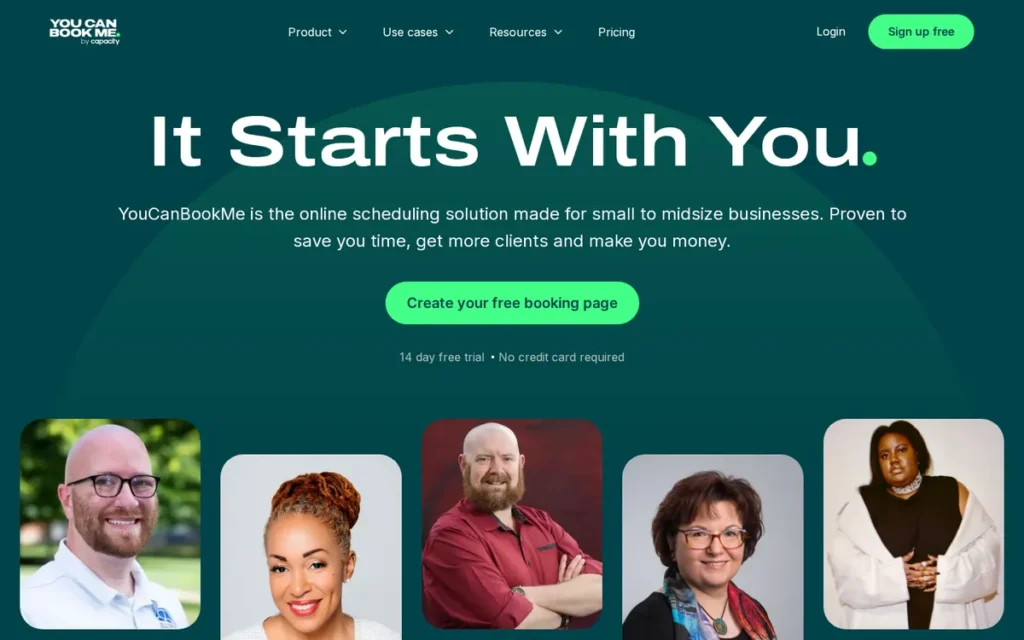
Category: Booking-Link Scheduler, shareable one-to-one and team booking links that sync with your calendar.
At a Glance
- Category: Booking-Link Scheduler
- Best For: Freelancers, consultants and multilingual teams that want an experience close to Calendly’s with more booking-page customization
- Price Range: Free + paid: Individual $7.20–$9/month; Teams $14.40–$18/member/month depending on billing term (G2 and vendor, November 2026)
- Primary Strength: YouCanBookMe matches Calendly’s 4.7/5 G2 rating across 1,933 reviews and supports 44 languages against Calendly’s 7.
- Biggest Limitation: YouCanBookMe’s free plan is capped at one booking page, one calendar and 30 bookings a month, with “Powered for free” branding.
- One-Line Summary: YouCanBookMe is the closest like-for-like Calendly replacement in PlugRoute’s 2026 ranking, matching Calendly’s 4.7/5 G2 rating at the same or lower prices on like-for-like billing, but its free plan is capped at 30 bookings a month.
- Last Verified: November 2026
Overview
YouCanBookMe is a self-funded booking-page tool, launched in 2010–2011, that takes availability from your calendar. YouCanBookMe is built for freelancers, consultants and teams that want the closest like-for-like Calendly replacement, with extensive booking-page customization and support for 44 languages.
YouCanBookMe is privately owned and fully remote, with a registered office in England. The vendor gives Ipswich and 2010 as its office and launch year, while G2 lists Bedford and 2011. YouCanBookMe does not publish founder or headcount details (YouCanBookMe and G2, November 2026).
Key Features
- YouCanBookMe reads availability from Google, Microsoft, Apple and other calendars, so users manage bookable hours in the calendar they already use (YouCanBookMe, November 2026).
- YouCanBookMe supports 44 languages, including right-to-left languages, and detects each visitor’s time zone and language automatically (YouCanBookMe, November 2026).
- YouCanBookMe accepts Stripe payments at the time of booking (YouCanBookMe, November 2026).
- YouCanBookMe Teams plans add round-robin, pooled availability and role-based permissions (YouCanBookMe, November 2026).
- YouCanBookMe lets users customize booking pages, confirmations, reminders and follow-ups, including with custom CSS (Capterra, accessed November 2026).
Best For
YouCanBookMe is best for solo professionals and small teams that want a near-identical replacement for Calendly’s booking links, with more control over branding and language. YouCanBookMe suits users who serve international or multilingual clients.
Pricing
YouCanBookMe’s G2 list prices are Free $0, Individual $7.20 and Teams $14.40. These figures match YouCanBookMe’s 2-year billing rates, not its monthly rates (G2 and YouCanBookMe, November 2026).
| YouCanBookMe Plan | Monthly | Annual (10% off) | 2-Year (20% off) |
|---|---|---|---|
| Individual | $9 | $8.10 | $7.20 |
| Professional | $13 | $11.70 | $10.40 |
| Teams (per member) | $18 | $16.20 | $14.40 |
YouCanBookMe vendor pricing page, last verified November 2026.
- YouCanBookMe’s free plan includes 1 calendar connection, 1 booking page and 30 bookings a month, and it shows “Powered for free” branding (YouCanBookMe, November 2026).
- YouCanBookMe’s Capterra reviewers report paying for every synced calendar, including calendars used only to block time (Capterra, accessed November 2026).
How Does YouCanBookMe Compare With Calendly?
YouCanBookMe costs the same as or less than Calendly when billing terms match. You give up integration depth: YouCanBookMe lists 11 G2 integrations against Calendly’s 129 (YouCanBookMe, Calendly and G2, November 2026).
- YouCanBookMe Individual costs $8.10 annually against Calendly Standard’s $10, or $9 monthly against $12.
- YouCanBookMe Teams costs $16.20 per member annually, in line with Calendly Teams’ $16. On monthly billing it costs $18, which is $2 less than Calendly Teams’ $20.
Strengths
- YouCanBookMe holds a 4.7/5 G2 rating from 1,933 reviews, with 97.7% at 4–5 stars. That matches Calendly’s rating and is the second-largest review base among the seven ranked tools, behind Doodle (G2, November 2026).
- YouCanBookMe’s Individual plan costs less than Calendly Standard on every billing term: $9 against $12 monthly and $8.10 against $10 annually (YouCanBookMe and Calendly, November 2026).
- YouCanBookMe’s customer stories report that Illinois College’s IT office saved 12 hours a month. This is vendor-reported and was not independently audited (YouCanBookMe, accessed November 2026).
- YouCanBookMe states that it holds SOC 2 Type II and ISO 27001 certification and has a dedicated Data Protection Officer. These are vendor claims, so request the reports (YouCanBookMe, November 2026).
Limitations
YouCanBookMe pairs a strong paid product with one of the most restrictive free plans in this ranking. The free plan allows 1 page, 1 calendar and 30 bookings a month, with forced branding (YouCanBookMe, November 2026).
- YouCanBookMe lists 11 integrations on G2 against Calendly’s 129. Teams that depend on CRM or automation connectors should check coverage first (G2, November 2026).
- YouCanBookMe’s Capterra and Software Advice reviewers say setup is “not intuitive” and email support is slow (Capterra, accessed November 2026).
- YouCanBookMe could not handle one booking and one payment covering several units of work. The Reddit user who reported this said Calendly had the same gap (u/I_Mix_Music, r/smallbusiness, 2025).
- YouCanBookMe’s vendor case studies are inconsistent. One cites a 50% booking increase for Tempo-Team/Randstad, while the testimonials page claims 115% (YouCanBookMe, accessed November 2026).
Verdict
YouCanBookMe is the closest like-for-like Calendly replacement in 2026. It matches Calendly’s 4.7/5 G2 rating across 1,933 reviews and costs the same or less when billing terms match (G2 and YouCanBookMe, November 2026).
YouCanBookMe is the pick for multilingual audiences and heavy booking-page customization. Its free plan caps bookings at 30 a month, so it is not the best free option. Teams that rely on many integrations should check YouCanBookMe’s 11 G2-listed connectors before switching.
3. Setmore: Best Free Plan for Small Service Teams
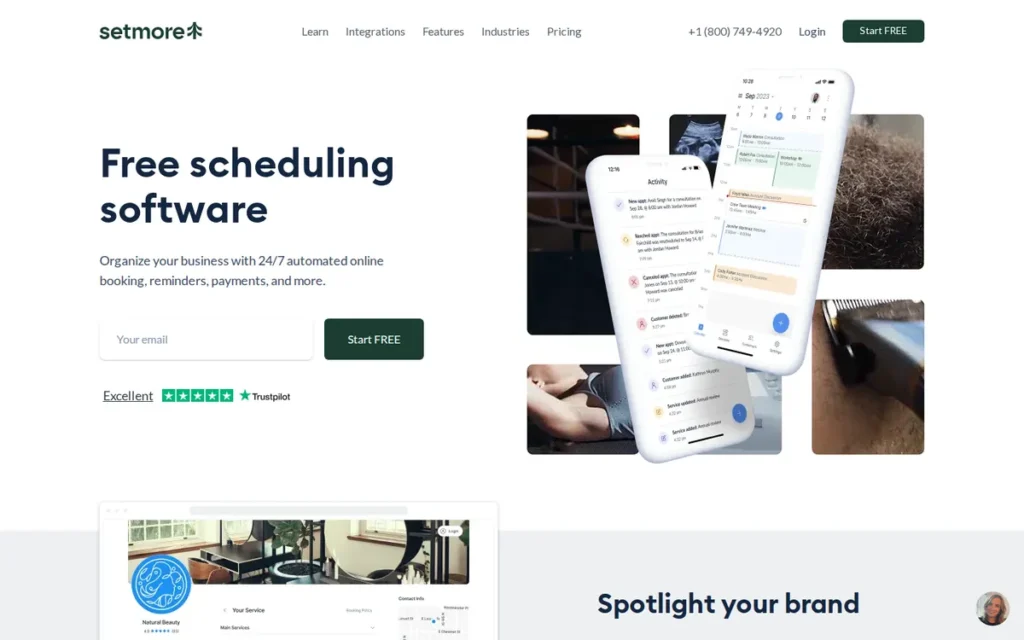
Category: Service Appointment Platform, client-facing booking for service businesses, with staff calendars and payments.
At a Glance
- Category: Service Appointment Platform
- Best For: Small service businesses (salons, studios, practitioners, legal or professional services) with 2–4 staff who want to start free
- Price Range: Free (up to 4 users); Pro $5/user/month annual or $12 monthly (G2 and vendor, November 2026)
- Primary Strength: Setmore’s free plan covers up to four staff members with payments included, a combination no other ranked free plan offers.
- Biggest Limitation: Setmore’s free plan lacks two-way calendar sync, and G2 reviewers report unreliable Google Calendar sync.
- One-Line Summary: Setmore is the best free Calendly alternative for small service teams in PlugRoute’s 2026 ranking, covering up to four staff with payments at no cost, though two-way calendar sync requires the paid Pro plan.
- Last Verified: November 2026
Overview
Setmore is a service-appointment scheduler founded in 2011 in Portland, Oregon. Setmore is built for small service businesses that want a free plan covering up to four staff members, each with their own booking page, plus payments through Square, Stripe, PayPal or LawPay.
Setmore is a client-booking tool rather than a meeting-link tool, so it suits businesses whose customers book services. Setmore is sold by Setmore Appointments, according to G2. PlugRoute did not verify its parent company or headcount (G2, November 2026).
Key Features
- Setmore’s free plan supports up to four users, each with their own calendar, login and booking page, plus email reminders and mobile apps (Setmore, November 2026).
- Setmore accepts payments through Square, Stripe, PayPal and LawPay, and the vendor says it adds no fee of its own (Setmore, November 2026).
- Setmore lets customers book through “Book Now” buttons on Facebook and Instagram (Setmore, November 2026).
- Setmore Pro adds two-way calendar sync, recurring appointments, SMS reminders and Zoom and Google Meet integration (Setmore, November 2026).
- Setmore offers an optional human Live Receptionist add-on for $99 a month, available to US businesses only (Setmore, November 2026).
Best For
Setmore is best for small service businesses with up to four staff that want clients to book and pay online without a subscription. Setmore fits teams that keep their schedule inside Setmore rather than relying on outside calendars.
Pricing
Setmore’s G2 list price for Pro is $5, which matches the vendor’s annual rate (G2 and Setmore, November 2026):
- Setmore Pro costs $5 per user per month billed annually.
- Setmore Pro costs $12 per user per month billed monthly.
- A 4-person Setmore team pays $20 a month on annual billing or $48 a month on monthly billing.
Sources conflict on Setmore’s free-plan limit. Setmore says the free plan includes “unlimited appointments,” while a third-party review cites a 200-appointment monthly cap (Trafft, accessed November 2026). PlugRoute uses the vendor figure and flags the conflict.
How Does Setmore Compare With Calendly?
Setmore costs less than Calendly on free and annual plans and the same on monthly billing. In exchange, you give up verified round-robin, Calendly’s integration depth and two-way sync on the free plan (Setmore and Calendly, November 2026).
- Setmore’s free plan covers four people, while Calendly Free covers one person with one event type and one calendar.
- Setmore Pro costs $5 annually against Calendly Standard’s $10, and $12 monthly, the same as Calendly Standard.
Strengths
- Setmore’s free plan is the only ranked free plan that combines up to four users with payments, and the vendor says appointments are unlimited (Setmore, November 2026).
- Setmore Pro costs $5 per user per month on annual billing, half of Calendly Standard’s $10 annual rate (Setmore and Calendly, November 2026).
- Setmore holds a 4.5/5 G2 rating from 270 reviews, with 94.4% at 4–5 stars (G2, November 2026). A third party reports about 4.6–4.7/5 from about 960 Capterra reviews (Trafft, accessed November 2026).
- Setmore advertises 24/7 support by chat, email and phone, one of the broadest support offerings among the ranked tools. This is a vendor claim (Setmore, November 2026).
Limitations
Setmore offers a generous free team plan, but its calendar sync is less reliable. The free plan has no two-way sync, so events in an outside Google or Outlook calendar may not block Setmore slots.
- Setmore’s G2 reviewers cite sync and calendar issues, but each G2 pro and con rests on only one or two mentions, so the evidence is thin (G2, November 2026). Capterra reviewers report sync delays and duplicates (Trafft, accessed November 2026).
- Setmore gives each staff member a booking page, but PlugRoute did not verify true round-robin distribution.
- Setmore’s G2 users request features the product lacks (G2, November 2026):
- Setmore users ask for a combined staff calendar.
- Setmore users ask for different availability per service.
- Setmore users ask for custom booking questions.
- Setmore users ask for waitlists, discount codes and flexible deposits.
- Setmore supports 3 languages against Calendly’s 7, and PlugRoute found no Reddit discussion specific to Setmore (G2, November 2026).
Verdict
Setmore is the strongest free Calendly alternative for small service teams in 2026. It is the only ranked free plan that covers up to four staff members with booking pages and payments (Setmore, November 2026).
Budget for Setmore Pro ($5 annual or $12 monthly per user) if outside calendars must block your availability. Setmore is not a true round-robin tool for sales teams. Test its Google Calendar sync before going live.
4. Acuity Scheduling: Best for Paid Client Appointments and Packages
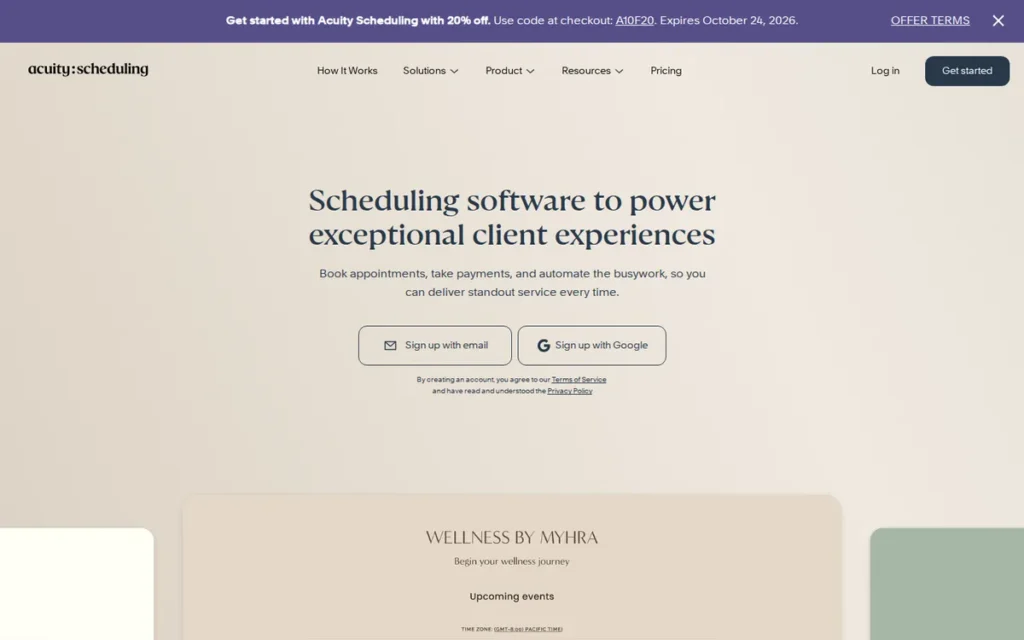
Category: Service Appointment Platform, client-facing booking for service businesses, with staff calendars and payments.
At a Glance
- Category: Service Appointment Platform
- Best For: Coaches, therapists, consultants, salons and wellness studios that sell appointments, packages or memberships
- Price Range: $16–$49/month per account on G2; vendor $16–$55 annual or $20–$69 monthly; no free plan (November 2026)
- Primary Strength: Acuity Scheduling handles the full paid-appointment workflow, including deposits, packages, memberships, intake forms and four payment processors.
- Biggest Limitation: Acuity Scheduling has no free plan, only a 7-day trial, and users describe its interface as clunky and unintuitive.
- One-Line Summary: Acuity Scheduling is the best Calendly alternative for paid client appointments in PlugRoute’s 2026 ranking, adding deposits, packages, memberships and intake forms, but it has no free plan.
- Last Verified: November 2026
Overview
Acuity Scheduling is a Squarespace-owned appointment platform for coaches, therapists, salons and studios. Acuity Scheduling sells appointments with intake forms, deposits, packages and memberships, and it charges per account with calendar caps rather than per user.
Squarespace acquired Acuity Scheduling in May 2019, its first acquisition, when Acuity had 45 employees (Squarespace, 2019). Gavin Zuchlinski founded Acuity Scheduling. Squarespace dates the founding to 2006, while G2 lists 2003.
Key Features
- Acuity Scheduling takes payments or deposits at booking through Stripe, Square, PayPal and Venmo (Acuity Scheduling, November 2026).
- Acuity Scheduling supports appointment types, group classes and custom intake forms (Acuity Scheduling, November 2026).
- Acuity Scheduling’s Standard plan and higher add packages, memberships or subscriptions, gift certificates, SMS reminders and a waitlist (Acuity Scheduling, November 2026).
- Acuity Scheduling’s Premium plan adds API and CSS customization, removes Acuity branding and offers a HIPAA BAA (Acuity Scheduling, November 2026).
- Acuity Scheduling offers a native scheduling block for Squarespace websites (Acuity Scheduling, November 2026).
Best For
Acuity Scheduling is best for service businesses that sell appointments, class packs or memberships and need intake forms and deposits. Acuity Scheduling also suits Squarespace website owners and health-adjacent practices that need a HIPAA BAA.
Pricing
Acuity Scheduling’s G2 list prices are Emerging $16 (1 staff or location), Growing $27 (6) and Powerhouse $49 (36) (G2, November 2026). The vendor page uses new plan names:
| Acuity Scheduling Plan | Annual | Monthly | Calendars |
|---|---|---|---|
| Starter | $16/month | $20/month | 1 |
| Standard | $27/month | $34/month | Up to 6 |
| Premium | $55/month | $69/month | Up to 36 |
Acuity Scheduling vendor pricing page, November 2026. G2 lists the top plan as Powerhouse at $49, while the vendor now lists Premium at $55. Check acuityscheduling.com before buying.
- Acuity Scheduling has no free plan.
- Acuity Scheduling offers a 7-day trial that requires no card (Acuity Scheduling, November 2026).
How Does Acuity Scheduling Compare With Calendly?
Acuity Scheduling charges per account rather than per seat, so it costs less than Calendly for small teams and more for solo users (Acuity Scheduling and Calendly, November 2026).
- A 5-person Acuity Scheduling team on Standard pays $27 a month annually or $34 monthly, against $80 or $100 on Calendly Teams.
- A solo Acuity Scheduling user pays $16 annually or $20 monthly, against Calendly Standard’s $10 or $12.
- PlugRoute did not verify that Acuity Scheduling’s staff calendars offer true round-robin.
Strengths
- Acuity Scheduling holds a 4.6/5 G2 rating from 411 reviews, with 96.1% at 4–5 stars (G2, November 2026).
- Acuity Scheduling supports four payment processors plus deposits, packages, memberships and gift certificates, the widest set among the ranked tools (Acuity Scheduling, November 2026).
- Acuity Scheduling has the backing of Squarespace, which acquired it in 2019 (Squarespace, 2019).
- Acuity Scheduling’s Standard plan covers up to 6 calendars for $27 a month on annual billing, which can cost less than per-user tools for small teams (Acuity Scheduling, November 2026).
Limitations
Acuity Scheduling offers the deepest paid-appointment toolkit in this ranking, but setup is steeper and it costs more to start. There is no free plan, and memberships require a higher tier.
- Acuity Scheduling’s interface was called “clunky” by a wellness studio owner. The same owner said setup “isn’t intuitive” and found Acuity “more rigid” for recurring classes (u/vdw9012, r/smallbusiness, 2025).
- Takeaway: Acuity Scheduling covers class packs and memberships that Calendly lacks, but expect a slower setup.
- Acuity Scheduling’s G2 reviewers cite scheduling issues (3 mentions) and limited features (3) (G2, November 2026).
- Acuity Scheduling’s Trustpilot reviewers report glitches, calendar display errors and slow support. Third-party sources note email-first support and basic reporting (Trustpilot and Fabric, accessed November 2026).
- Acuity Scheduling’s Capterra reviewers name cost as the main complaint for small businesses (Capterra, accessed November 2026).
A tutoring business owner on r/software noted:
“So many software do not allow clients to book recurring appointments, only admin. Acuity/squarespace scheduling gets close but after a membership purchase clients can only book for the given billing period. This would mean that they would need to book every week which will not work.” Posted by u/lilacs_in_spring
Takeaway: Acuity Scheduling’s memberships come closer than most tools to recurring client billing, but limits on client-side recurring booking can still rule it out for weekly-lesson businesses.
Verdict
Acuity Scheduling is the most complete Calendly alternative in 2026 for businesses that take payments, deposits and intake forms at booking, though it offers no free plan (Acuity Scheduling, November 2026).
Solo users who only need payments may find Setmore or Calendly Standard cheaper. Because Acuity Scheduling charges per account, it is good value for teams of up to six. Expect a longer setup than Calendly.
5. OnceHub: Best for Routing Inbound Bookings on a Small-Team Budget
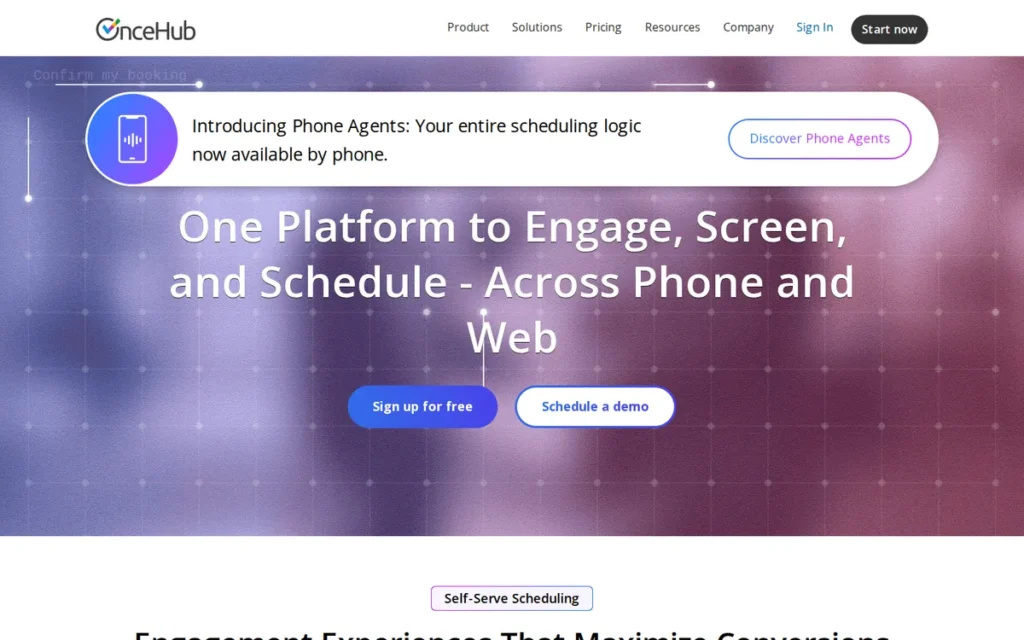
Category: Routing & Qualification Scheduler, qualifies and routes inbound visitors to the right person before booking.
At a Glance
- Category: Routing & Qualification Scheduler
- Best For: Small sales, service and client-intake teams that want to qualify and route inbound visitors before booking without enterprise pricing
- Price Range: Free (1 seat); Schedule $10–$12/seat/month; Route $19–$23/seat/month (G2 and vendor, November 2026)
- Primary Strength: OnceHub offers routing forms and chatbots from $19 per seat, with a SOC 2 Type II report available on request.
- Biggest Limitation: OnceHub’s G2 rating rests on only 59 reviews, and reviewers describe a dated interface and confusing terminology.
- One-Line Summary: OnceHub is the most affordable routing-and-qualification alternative to Calendly in PlugRoute’s 2026 ranking, with routing from $19 per seat and SOC 2 Type II documentation, though its review base is the smallest in the set.
- Last Verified: November 2026
Overview
OnceHub is a scheduling and inbound-routing platform, formerly ScheduleOnce, founded in 2006. OnceHub is built for small sales and service teams that want routing forms and chatbots to qualify visitors before booking, from $10 per seat per month.
OnceHub is headquartered in Claymont, Delaware. OnceHub treats scheduling as one step in converting inbound enquiries rather than as a standalone booking link (ZoomInfo, accessed November 2026).
Key Features
- OnceHub’s routing forms and chatbots qualify website visitors and send them to the right person, a booking or a live handoff in a single flow (OnceHub, November 2026).
- OnceHub’s Schedule plan includes unlimited booking links and calendars, single-host, multi-host and group sessions, and SMS notifications (OnceHub, November 2026).
- OnceHub integrates with Salesforce and HubSpot and accepts Stripe payments on the Schedule plan (OnceHub, November 2026).
- OnceHub offers an API, webhooks, embeds, multilingual booking and phone scheduling with natural-language booking (OnceHub, November 2026).
- OnceHub states that it complies with SOC 2 Type II, GDPR and PCI, provides its SOC 2 report on request and offers HIPAA coverage through a BAA (OnceHub, November 2026).
Best For
OnceHub is best for small teams that need to qualify and route inbound leads or client enquiries before a meeting is booked but cannot justify enterprise routing bundles. OnceHub also suits regulated businesses that need documented compliance.
Pricing
OnceHub’s G2 list prices match its vendor page (G2 and OnceHub, November 2026):
- OnceHub Basic is free for 1 user, 1 connected calendar and 1 booking link.
- OnceHub Schedule costs $10 per seat per month billed annually, or $12 monthly.
- OnceHub Route costs $19 per seat per month billed annually, or $23 monthly.
- OnceHub’s HIPAA BAA requires a Security and Compliance add-on at $5 per seat annually or $6 monthly, so Route plus a BAA costs $24 per seat annually.
OnceHub is one of the few ranked tools whose G2 and vendor prices match exactly.
How Does OnceHub Compare With Calendly?
OnceHub costs slightly more than Calendly Teams but adds qualification and compliance documentation. You give up Calendly’s far larger review base (OnceHub, Calendly and G2, November 2026).
- OnceHub Basic is about as limited as Calendly Free.
- OnceHub Route costs $19 per seat annually against Calendly Teams’ $16, or $23 monthly against $20.
- OnceHub adds chatbot-based qualification, a SOC 2 report on request and a HIPAA BAA through a paid add-on.
Strengths
- OnceHub states SOC 2 Type II compliance, with the report available on request, plus GDPR, PCI and HIPAA coverage through a BAA. That is the most fully documented compliance posture among the ranked tools (OnceHub, November 2026).
- OnceHub’s Route plan costs $19 per seat per month, far below Chili Piper’s vendor bundles, which start at $15,000 a year (OnceHub and Chili Piper, November 2026).
- OnceHub’s G2 and vendor list prices match exactly, so buyers see consistent figures across sources (G2 and OnceHub, November 2026).
- OnceHub’s most-cited G2 strengths are integrations (4 mentions) and ease of use (4) (G2, November 2026).
Limitations
OnceHub combines affordable routing with the weakest review evidence in this ranking. It has 59 G2 reviews, with the lowest share at 4–5 stars (89.8%) (G2, November 2026).
- OnceHub’s G2 and Capterra reviewers describe a “somewhat dated interface” and confusing terminology. They also say forms and campaigns are set up in separate interfaces (G2 and Capterra, accessed November 2026).
- OnceHub’s G2 reviewers report a learning curve. Support is praised during setup, but OnceHub offers no phone support (G2, November 2026).
- OnceHub’s BAA adds $5–$6 per seat and does not cover data sent to third-party integrations (OnceHub, November 2026).
- OnceHub’s Route plan costs more per seat than Calendly Teams, and PlugRoute found no Reddit discussion of OnceHub.
Verdict
OnceHub is the most affordable Calendly alternative in 2026 for teams that need to qualify and route inbound bookings. Routing starts at $19 per seat, and SOC 2 Type II documentation is available on request (OnceHub, November 2026).
OnceHub’s G2 base of 59 reviews means its satisfaction evidence is thin. OnceHub is not a cheaper option for plain booking links. Regulated teams should request its SOC 2 report and budget for the BAA add-on.
6. Chili Piper: Best for B2B Revenue Teams Routing Leads Through a CRM
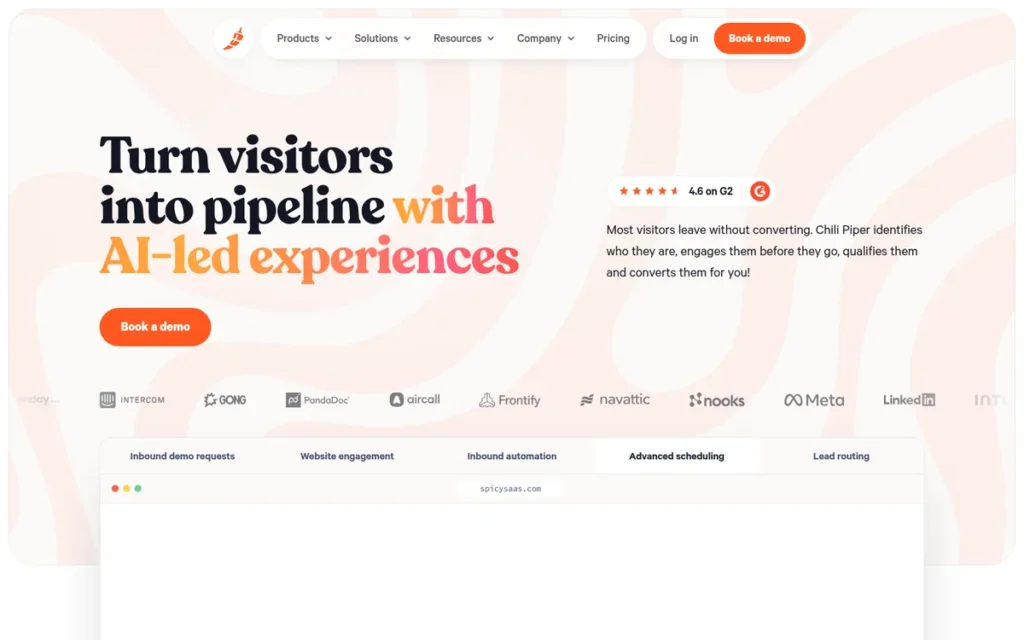
Category: Routing & Qualification Scheduler, qualifies and routes inbound visitors to the right person before booking.
At a Glance
- Category: Routing & Qualification Scheduler
- Best For: B2B revenue teams on Salesforce or HubSpot converting inbound demo requests into meetings
- Price Range: $22.50/user/month on G2; vendor annual bundles from $15,000/year (15 seats); no free plan (November 2026)
- Primary Strength: Chili Piper routes inbound leads by CRM ownership, territory and field data and books the meeting immediately after form submission.
- Biggest Limitation: Chili Piper’s vendor pricing starts at $15,000 a year with annual billing only, far outside freelancer and small-team budgets.
- One-Line Summary: Chili Piper is the most capable CRM-driven routing alternative to Calendly in PlugRoute’s 2026 ranking, but annual bundles starting at $15,000 make it a fit for B2B revenue teams, not freelancers or small businesses.
- Last Verified: November 2026
Overview
Chili Piper is a B2B demand-conversion platform founded in 2016 in Brooklyn. Chili Piper is built for revenue teams on Salesforce or HubSpot that need inbound leads qualified, routed by CRM ownership or territory, and booked with the right rep instantly.
Chili Piper names Meta, Verizon, Gong and monday.com as customers, but PlugRoute did not independently verify this vendor claim. Chili Piper ranks sixth here because of audience fit, not product quality.
Key Features
- Chili Piper qualifies a prospect who submits a form, routes them using CRM data such as owner, territory and fields, and books the meeting immediately (Chili Piper, November 2026).
- Chili Piper includes AI chat, AI agents and data enrichment, with AI credits allocated per annual bundle (Chili Piper, November 2026).
- Chili Piper supports round-robin distribution across sales reps, one of the main reasons teams switch to it from Calendly (G2, November 2026).
- Chili Piper connects booking with Salesforce and HubSpot workflows (Chili Piper, November 2026).
- Chili Piper supports 26 languages, compared with Calendly’s 7 (G2, November 2026).
Best For
Chili Piper is best for B2B revenue teams with dedicated sales operations staff that need inbound demo requests qualified and routed through Salesforce or HubSpot. Chili Piper is not designed for freelancers, coaches or client-appointment businesses.
Pricing
Chili Piper’s G2 list price is Basic at $22.50 per user per month (G2, November 2026). Chili Piper’s vendor page shows annual bundles only (Chili Piper, November 2026):
- Chili Piper Growth costs $1,250 a month ($15,000 a year) with 15 seats included, and extra seats cost $45 a month each.
- Chili Piper Scale costs $3,500 a month ($42,000 a year) with 30 seats included, and extra seats cost $50 a month each.
- Chili Piper Enterprise uses volume pricing for 250+ seats.
- Chili Piper offers no free plan and no monthly billing.
Chili Piper’s $22.50 per-user figure is a G2 list price that no longer appears on the vendor page.
How Does Chili Piper Compare With Calendly?
Chili Piper offers deeper CRM-based routing than Calendly, whose routing relies more on form answers and account ownership (Breakout, accessed November 2026). It also costs more at every comparable tier.
- Chili Piper’s G2 rate of $22.50 per user is above Calendly Teams’ $16 annual and $20 monthly per-seat prices.
- Chili Piper’s $15,000 entry bundle matches Calendly Enterprise’s $15,000 starting price (Chili Piper and Calendly, November 2026).
Strengths
- Chili Piper holds a 4.6/5 G2 rating from 745 reviews, with 95.6% at 4–5 stars. Customer support is a top-three G2 pro, with 10 mentions (G2, November 2026).
- Chili Piper is a documented switching destination for teams leaving Calendly, Doodle, RevenueHero, HubSpot and Salesloft, mainly for round-robin and a tighter CRM connection (G2, November 2026).
- Chili Piper’s pricing page reports a 70% lift in demo-request form conversion for one customer. This figure is vendor-reported and was not independently audited (Chili Piper, November 2026).
- Chili Piper supports 26 languages against Calendly’s 7 (G2, November 2026).
Limitations
Chili Piper offers the deepest CRM-based routing in this ranking, but its cost puts it out of reach for most of this audience. Its cheapest vendor bundle is $15,000 a year (Chili Piper, November 2026).
- Chili Piper is not built for collecting payments, so it does not suit client-appointment businesses.
- Chili Piper’s G2 reviewers cite a learning curve (5 mentions), expense (5) and limited customization (4). They also say small routing changes need an experienced admin (G2, November 2026).
- Chili Piper’s teams most often go live in under a month, but G2 records some implementations that were never completed (G2, November 2026).
- Chili Piper describes itself as “SOC 2, GDPR, CCPA ready,” which is vendor wording, not evidence of an audit (Chili Piper, November 2026).
Verdict
Chili Piper is the most capable Calendly alternative for CRM-driven inbound lead routing in 2026. Its annual bundles start at $15,000, which puts it out of range for freelancers and small businesses (Chili Piper, November 2026).
B2B teams that have outgrown Calendly Teams’ routing should evaluate Chili Piper. Small teams that only need round-robin should compare Cal ID or OnceHub first. Confirm whether the G2 per-user price is still available.
7. Doodle: Best for Finding a Group Meeting Time With Polls

Category: Group Poll Scheduler, finds one time that works for many people through availability polls.
At a Glance
- Category: Group Poll Scheduler
- Best For: Organizers coordinating meetings across many participants, such as committees, academic groups and cross-company meetings
- Price Range: Free + paid: Pro from $11/user/month; Team from $20/user/month on G2 ($16 annual on vendor page) (November 2026)
- Primary Strength: Doodle’s group polls let many invitees mark workable times, including “if need be” options, without email threads.
- Biggest Limitation: Doodle’s free plan allows only one of each tool with ads, and its G2 list prices ($11 and $20) exceed Calendly’s annual rates.
- One-Line Summary: Doodle is the best Calendly alternative for finding a group meeting time in PlugRoute’s 2026 ranking, but its ad-supported free plan and higher G2 list prices make it a poor replacement for Calendly’s one-to-one booking links.
- Last Verified: November 2026
Overview
Doodle is a Zurich-based group scheduling tool founded in 2007. Doodle is built for organizers who need to find one time that works for many people through polls with “if need be” responses, rather than for selling one-to-one appointments.
Doodle also offers Booking Pages, 1:1s and Sign-up Sheets, but group time-finding is its signature job. PlugRoute did not verify Doodle’s ownership, founders or headcount for this edition.
Key Features
- Doodle’s group polls let invitees mark the proposed times that work, including “if need be” options, and show a visual tally of responses (Doodle, November 2026).
- Doodle offers Booking Pages, 1:1s and Sign-up Sheets alongside its group polls (Doodle, November 2026).
- Doodle Pro adds unlimited tools, reminders and video-conferencing integrations, and it removes ads (Doodle, November 2026).
- Doodle Team adds administration, co-hosting, booking on behalf of others, custom branding and Stripe payments (Doodle, November 2026).
- Doodle provides a GDPR data-processing agreement on paid tiers, though it uses US subprocessors and stores some data outside the EU (European Tech Map, accessed November 2026).
Best For
Doodle is best for organizers who regularly need to find a single meeting time across many participants. Doodle suits committees, research groups and cross-company meetings where everyone’s availability must be collected.
Pricing
Doodle’s G2 list prices are Free, Pro from $11 per user per month and Team from $20 per user per month (G2, November 2026). Doodle’s own page shows lower Team pricing (Doodle, November 2026):
- Doodle Team costs $16 per seat per month billed annually on the vendor page.
- Doodle’s $20 Team figure is a G2 list price, so check doodle.com before buying.
- Doodle’s free plan includes 1 Group Poll, 1 Booking Page, 1 1:1 and 1 Sign-up Sheet, and it shows ads.
- Some Trustpilot reviewers allege unexpected charges and difficulty cancelling, so check Doodle’s renewal and cancellation terms before upgrading.
How Does Doodle Compare With Calendly?
Doodle polls give invitees more response options than Calendly’s meeting polls, including “if need be” (Zapier, accessed November 2026). Doodle is weaker for one-to-one booking.
- Doodle Team’s vendor price of $16 per seat annually matches Calendly Teams’ $16 annual rate, while G2 lists Doodle Team at $20.
- Doodle has no website embed, and its round-robin and lead routing are weak compared with Calendly’s (Amelia, accessed November 2026).
Strengths
- Doodle holds a 4.4/5 G2 rating from 2,071 reviews, with 93.7% at 4–5 stars. That is the largest review base among the seven ranked tools (G2, November 2026).
- Doodle’s poll format gives invitees more response options than Calendly’s meeting polls, according to Zapier’s Calendly vs Doodle comparison (Zapier, accessed November 2026).
- Doodle is credited by G2 reviewers with streamlining large-group scheduling without back-and-forth emails, though the top pros rest on two mentions each (G2, November 2026).
- Doodle provides a GDPR data-processing agreement on paid tiers as a Swiss company (European Tech Map, accessed November 2026).
Limitations
Doodle is the only dedicated group-poll tool in this ranking, but it is weaker value as a general Calendly replacement. Its free plan allows one of each tool with ads, and its G2 prices exceed Calendly’s annual rates.
- Doodle requires the Team plan for payments and offers no website embed (Doodle, November 2026).
- Doodle’s free tier drew complaints in a 2023 r/GradSchool thread, with comments through 2025. One user said it “only gives 20 free slots,” though that limit may not match the current free plan (u/Spencergrey2015, r/GradSchool, 2023).
- Takeaway: Occasional poll users may be better served by free single-purpose tools than by Doodle’s paid tiers.
- Doodle’s Trustpilot reviewers allege unexpected charges and difficulty cancelling. These are individual allegations (Trustpilot, accessed November 2026).
- Doodle’s G2 reviewers cite reminder limits, notification issues and limited customization, each mentioned only once (G2, November 2026).
Users on r/DMAcademy shared their experience:
“To find my players’ availability, I’ve been using https://www.when2meet.com/, much like Doodle, it lets people list when they’re available, but unlike Doodle, there’s no need to subscribe for premium. Referencing the ‘heat map’ to see when the most people are around has made it a lot easier to run sessions that fit everyone’s schedule!” Posted by u/stitchstudent
Takeaway: Casual group organizers see Doodle’s premium tiers as unnecessary when free poll tools like When2meet already handle basic availability matching.
Verdict
Doodle is the best Calendly alternative in 2026 for finding a single meeting time across a group, but it is a weaker replacement for Calendly’s one-to-one booking links (G2 and Doodle, November 2026).
Use Doodle alongside a booking-link tool rather than instead of one. Occasional poll users may prefer free single-purpose tools such as When2meet or Rallly. Anyone upgrading should review Doodle’s billing terms first.
What Do Free Calendly Alternatives Really Include?
Among the seven ranked tools, Cal ID and Setmore have the free plans that go furthest beyond Calendly Free. Cal ID adds unlimited event types and Stripe payments for one person, and Setmore adds up to four users with payments. YouCanBookMe, Doodle and OnceHub cap free tiers near Calendly’s level. Acuity Scheduling and Chili Piper have no free plan.
| Tool | Pages / Event Types | Calendars | Booking Cap | Users | Branding / Ads | Two-Way Sync | Payments |
|---|---|---|---|---|---|---|---|
| Calendly Free (baseline) | 1 event type | 1 | Unlimited meetings | 1 | Not verified | Not verified | No (Standard and up) |
| Cal ID Individual | Unlimited | Multiple | Not stated | 1 (team features need Business) | Not verified | Not verified | Yes (Stripe; no booking commission, vendor) |
| YouCanBookMe Free | 1 page | 1 | 30/month | 1 | “Powered for free” branding | Not verified | Not verified |
| Setmore Free | Booking page per user | Per user | Unlimited (vendor); 200/month (third party) | Up to 4 | Not verified | No | Yes |
| Doodle Free | 1 of each tool | Not verified | Not stated | 1 | Ads | Not verified | No (Team) |
| OnceHub Basic | 1 link | 1 | Not stated | 1 | Not verified | Not verified | No (Schedule) |
| Acuity Scheduling | No free plan (7-day trial) | N/A | N/A | N/A | N/A | N/A | N/A |
| Chili Piper | No free plan | N/A | N/A | N/A | N/A | N/A | N/A |
Sources: G2 and vendor pages, last verified November 2026. “Not verified” means PlugRoute’s research did not confirm the detail.
As one salon owner on r/BeautyBizOwners described:
“As I said, some of the software that might look like they are cheap up front are the ones that typically offer the good features at an extra cost. So you kind of have to know what features you want aside from scheduling.” Posted by u/Mental-Fox7191
Takeaway: Free and low-cost scheduling plans often put the features small businesses need behind paid tiers, so buyers should list their must-have features before trusting a headline price.
Which Calendly Alternatives Accept Payments?
Acuity Scheduling has the most complete payment workflow, with four processors, deposits, packages and memberships. Setmore and Cal ID accept payments on their free plans. YouCanBookMe, OnceHub and Doodle use Stripe on varying tiers, and Chili Piper does not focus on payments (vendor pages, November 2026).
| Tool | Processors | Tier That Unlocks Payments | Extras | Platform Fee |
|---|---|---|---|---|
| Calendly (baseline) | Stripe, PayPal | Standard and up ($10 annual / $12 monthly) | N/A | Not verified |
| Acuity Scheduling | Stripe, Square, PayPal, Venmo | All paid plans | Deposits, packages, memberships (Standard+), HIPAA BAA (Premium) | Not verified |
| Setmore | Square, Stripe, PayPal, LawPay | Free | N/A | None added by Setmore (vendor) |
| Cal ID | Stripe (PayPal and Razorpay also listed) | Free (Stripe); other processors’ tier not verified | N/A | No booking commission (vendor) |
| YouCanBookMe | Stripe | Not verified | N/A | Not verified |
| OnceHub | Stripe | Schedule ($10 annual / $12 monthly per seat) | HIPAA BAA via $5–$6 add-on | Not verified |
| Doodle | Stripe | Team | N/A | Not verified |
| Chili Piper | Not a focus | N/A | N/A | N/A |
Vendor pages and Calendly help center, last verified November 2026.
What Does a Small Team Actually Pay for Round-Robin?
On annual billing, five users pay $25 a month on Cal ID Business, $80 on Calendly Teams and $81 on YouCanBookMe Teams. On monthly billing the figures are $50, $100 and $90. Setmore and Acuity Scheduling offer staff assignment, which is not verified round-robin (G2 and vendor, November 2026).
| Tool (Plan) | Round-Robin Type | 3 Seats (annual / monthly) | 5 Seats (annual / monthly) | 10 Seats (annual / monthly) |
|---|---|---|---|---|
| Calendly Teams (baseline) | True round-robin | $48 / $60 | $80 / $100 | $160 / $200 |
| Cal ID Business | True round-robin + routing forms | $15 / $30 | $25 / $50 | $50 / $100 |
| YouCanBookMe Teams | True round-robin | $48.60 / $54 | $81 / $90 | $162 / $180 |
| OnceHub Route | Routing | $57 / $69 | $95 / $115 | $190 / $230 |
| Doodle Team | Weak | $48 (vendor) / not verified | $80 (vendor) / not verified | $160 (vendor) / not verified |
| Chili Piper (G2 rate; vendor minimum $1,250/month, annual only) | True round-robin + CRM routing | $67.50 (G2, term not stated) | $112.50 (G2, term not stated) | $225 (G2, term not stated) |
| Setmore Pro | Staff assignment only | $15 / $36 | $25 / $60 | $50 / $120 |
| Acuity Scheduling (per account) | Staff assignment only | $27 / $34 (Standard) | $27 / $34 (Standard) | $55 / $69 (Premium; $49 on G2) |
Monthly per-seat costs for lead distribution, calculated by PlugRoute from G2 and vendor list prices, last verified November 2026. YouCanBookMe Teams costs $43.20, $72 and $144 on 2-year billing. G2 lists Doodle Team at $60, $100 and $200. Prices exclude tax and add-ons.
Do You Already Have a Scheduler Through Google, Microsoft or HubSpot?
Many buyers already pay for a scheduler. Microsoft Bookings comes with Microsoft 365 Business Basic and higher plans, HubSpot offers a free meetings scheduler, and Google Calendar includes appointment schedules. Check these bundled tools before paying for a separate subscription, especially if you only need basic one-to-one booking.
- Microsoft Bookings: Microsoft Bookings is included in Microsoft 365 Business Basic ($7 per user per month, annual), Standard and Premium, and is not sold on its own. Microsoft Bookings offers an Outlook-synced booking page, staff and services, group bookings and reminders (Microsoft 365 plans page, November 2026).
- Google Calendar appointment schedules: Google Calendar lets users create bookable appointment schedules. PlugRoute did not verify which features are free and which are paid. One Reddit user called it “quite solid” (u/cryptochrome, r/gsuite, 2022).
- HubSpot Meetings: HubSpot Meetings is a free scheduler with Google and Office 365 sync. HubSpot offers round-robin and group booking, but PlugRoute did not confirm which plan includes them (HubSpot, November 2026).
- Squarespace scheduling block: Squarespace site owners can add Acuity Scheduling through a native block (Acuity Scheduling, November 2026).
Takeaway: Google Workspace and Microsoft 365 users should test their built-in scheduler before paying for a separate tool.
When Should You Stay With Calendly?
Staying with Calendly makes sense if you depend on its 129 G2-listed integrations, need to go live in under a day, or want the largest review base in this category (2,680 reviews at 4.7/5). Calendly Standard already includes payments, and an Enterprise tier serves organizations with 50+ seats (G2 and Calendly, November 2026).
Calendly’s reasons to stay, by the evidence:
- Calendly lists 129 integrations on G2, against 10 for Chili Piper and 11 for YouCanBookMe (G2, November 2026).
- Calendly’s most common reported go-live time is under one day (G2, November 2026).
- Calendly has 97.2% of its 2,680 G2 reviews at 4–5 stars (G2, November 2026).
- Calendly Standard includes payments and reminders at $10 per seat annually or $12 monthly (Calendly, November 2026).
Users on r/softwaresworthpaying noted:
“My verdict: Standard is worth considering when you repeatedly need separate appointment types, conflict checks across calendars, or reminders and follow-ups you would otherwise handle yourself. Start monthly until that workflow earns its place. Stay free for a single booking page, use an included Google option if it fits, and evaluate Teams separately if routing is the reason you’re shopping.” Posted by u/Savings-Arrival-7817
Takeaway: Calendly Standard earns its price only for users who need several appointment types, multi-calendar conflict checks or automated reminders, while single-link users can stay on Free or a bundled Google option.
In PlugRoute’s editorial view, switching away from Calendly has real costs. You will need to rebuild event types, replace links in email signatures and websites, and retrain staff. Before switching, run three checks:
- List every Calendly integration you use today and confirm the alternative supports each one.
- Count your monthly bookings and compare them with the alternative’s free-plan booking cap.
- Price your team on both monthly and annual billing for Calendly and the alternative.
How Should I Trial a Calendly Alternative Before Switching?
Trial a Calendly alternative with real use, not a quick look at its features. Book real meetings, test calendar sync both ways, run a test payment and read the cancellation terms before you enter card details. These four checks catch the sync, payment and billing problems reviewers report most often.
- Book five real test meetings through the alternative’s booking page, using different event types.
- Add an event in your outside calendar and confirm that the alternative blocks that slot.
- Run one test payment through your chosen processor and confirm any platform fee.
- Read the alternative’s renewal and cancellation terms before upgrading from a trial or free plan.
What Red Flags Should I Watch For When Evaluating Calendly Alternatives?
Watch for six red flags:
- free plans with hidden booking caps
- one-way calendar sync
- prices quoted at the longest billing term
- compliance claims without audited reports
- unclear renewal terms
- charges for every synced calendar
Each of these appeared in at least one ranked tool during PlugRoute’s November 2026 research.
Red Flag #1: Monthly Booking Caps on “Free” Plans Free plans can limit how many bookings you accept each month or how many tools you can use. YouCanBookMe’s free plan caps bookings at 30 a month, and Doodle’s free plan allows one of each tool (vendors, November 2026).
Red Flag #2: One-Way Calendar Sync on Free Tiers Without two-way sync, events in your outside calendar may not block your booking slots, which risks double bookings. Setmore’s free plan does not include two-way sync, which requires Setmore Pro (Setmore, November 2026).
Red Flag #3: Prices Quoted at the Longest Billing Term Headline prices often reflect annual or multi-year commitments. Cal ID’s $5 Business price and Calendly’s $16 Teams price are annual rates, rising to $10 and $20 on monthly billing. YouCanBookMe’s G2 prices are its 2-year rates (vendors, November 2026).
Red Flag #4: “Compliance-Ready” Wording Instead of Audited Reports “SOC 2 ready” is not the same as a completed SOC 2 audit. OnceHub offers its SOC 2 report on request. Cal ID publishes a GDPR data-processing agreement, but PlugRoute found no SOC 2 report (vendors, November 2026).
Red Flag #5: Unclear Renewal and Cancellation Terms Some users report unexpected charges and difficulty cancelling scheduling subscriptions. Doodle’s Trustpilot reviews include such individual allegations, so read the renewal terms before entering payment details (Trustpilot, accessed November 2026).
Red Flag #6: Paying Per Calendar You Only Use to Block Time Some tools charge for every synced calendar, even calendars used only to block availability. Capterra reviewers reported this cost with YouCanBookMe, which can raise the real price above the headline rate (Capterra, accessed November 2026).
What Questions Should I Ask Before Choosing a Calendly Alternative?
Ask six questions before switching:
- Do you already have a scheduler?
- Can the free plan accept enough bookings?
- Is the team feature true round-robin?
- Which payment processors work, and on which tier?
- What does your team pay on each billing term?
- Do you need a HIPAA BAA or SOC 2 report?
Question #1: Do I already pay for a scheduler through Microsoft 365, Google Workspace or HubSpot? If your existing subscription includes a scheduler that covers your basic needs, you may not need a new one. Check Microsoft Bookings, Google Calendar appointment schedules and HubSpot Meetings before buying a separate scheduling subscription.
Question #2: Can the free plan accept bookings, and how many per month? Look for the monthly booking cap, the number of pages or event types, and any branding or ads. Compare these limits with your current monthly booking volume before you rely on a free plan for client work.
Question #3: Is the “team” feature true round-robin or just separate staff pages? True round-robin automatically distributes bookings across team members. With separate staff pages, clients must choose a person themselves. Setmore and Acuity Scheduling offer staff assignment, which PlugRoute did not verify as round-robin.
Question #4: Which payment processors are supported, on which tier, and is there a platform fee? Confirm that your existing processor is supported and which plan unlocks payments. Ask whether the vendor adds a fee on top of processing charges. Setmore and Cal ID say they add no fee or commission.
Question #5: What will my team pay per month under monthly versus annual billing? Multiply the per-seat price by your team size on both billing terms. Per-account pricing can change the math entirely: a 6-person team pays $27 a month on Acuity Scheduling Standard against $96 on Calendly Teams, both billed annually.
Question #6: Do I need a HIPAA BAA or a SOC 2 report? Regulated businesses should ask for a signed BAA and an audited SOC 2 report, not marketing wording. Acuity Scheduling Premium includes a BAA, and OnceHub offers one through a $5–$6 per-seat add-on (vendors, November 2026).
How Did We Rank These Calendly Alternatives?
PlugRoute scored each product from 1 to 5 on six weighted criteria. The scores use G2, vendor pricing pages, Capterra, Software Advice, Trustpilot and Reddit data verified in November 2026, and the rank equals the weighted total. The weights reflect what freelancers and small teams care about most: price, free-plan usefulness, payments and team round-robin.
PlugRoute’s six ranking criteria and weights:
- C1: Paid Price Against Calendly and Billing Transparency (20%). C1 matters because Calendly’s paid tiers are the audience’s top pain point, and per-user and annual-versus-monthly billing confuse buyers.
- C2: Free-Plan Usefulness (15%). C2 matters because readers named hidden free-tier limits, such as booking caps, branding and single calendars, as a frustration.
- C3: Payments and Client-Appointment Features (15%). C3 matters because coaches and service businesses need payments, deposits and intake forms at booking.
- C4: Team and Group Scheduling (15%). C4 matters because round-robin, routing and group polls are core needs for small teams.
- C5: User Review Evidence (20%). C5 matters because independent ratings at volume are the best proxy for real-world satisfaction. Samples under 100 reviews were capped at 2.
- C6: Trust, Maturity and Support Reliability (15%). C6 matters because sync failures, slow support, surprise billing and unverified security put small businesses at risk.
| Rank | Company | C1 | C2 | C3 | C4 | C5 | C6 | Weighted Total |
|---|---|---|---|---|---|---|---|---|
| 1 | Cal ID | 5 | 5 | 3 | 5 | 4 | 2 | 4.05 |
| 2 | YouCanBookMe | 4 | 2 | 3 | 3 | 5 | 4 | 3.60 |
| 3 | Setmore | 5 | 4 | 4 | 2 | 3 | 3 | 3.55 |
| 4 | Acuity Scheduling | 3 | 1 | 5 | 3 | 4 | 4 | 3.35 |
| 5 | OnceHub | 3 | 2 | 3 | 4 | 2 | 4 | 2.95 |
| 6 | Chili Piper | 1 | 1 | 1 | 5 | 4 | 4 | 2.65 |
| 7 | Doodle | 2 | 2 | 2 | 3 | 4 | 2 | 2.55 |
Weighted total = sum of (score × weight%) ÷ 100. The maximum is 5.00.
Four notes explain how to read these scores:
- Sensitivity note: Cal ID’s lead depends on its price, free-plan and round-robin scores, and it has the lowest trust score in the set (2/5). Readers who weight track record and audited security above price may prefer YouCanBookMe or Acuity Scheduling.
- Billing-term check: Cal ID’s C1 score of 5 holds on both billing terms. It costs $5 annually against Calendly Teams’ $16, and $10 monthly against $20.
- Close margin: Setmore trails YouCanBookMe by 0.05 points. Readers who weight free-plan usefulness above review volume should treat the two as tied.
- Audience fit: Chili Piper and Doodle rank lower because of audience fit, not product quality. OnceHub’s C5 is capped at 2 because its rating rests on 59 reviews.
Price conflicts PlugRoute found (G2 list prices were used as the primary figure):
- Calendly’s G2 prices of $10 and $16 are its annual rates. Its monthly rates are $12 and $20.
- YouCanBookMe’s G2 prices equal its 2-year billing rates, not its monthly rates.
- Acuity Scheduling’s top plan costs $55 on the vendor page against $49 on G2, and its plans have been renamed.
- Doodle’s Team plan costs $16 per seat annually on the vendor page against $20 on G2.
- Chili Piper costs $22.50 per user on G2 but is sold in bundles from $15,000 a year on the vendor page.
- Setmore says its free plan has “unlimited” appointments, while a third party cites a 200-a-month cap.
Considered but not ranked:
- Cal.com was recommended by AI answer engines, but PlugRoute did not verify its G2 data this cycle and will assess it in the next refresh. Cal ID is built on Cal.com’s open-source code but is a separate service.
- SavvyCal, TidyCal, Koalendar and Zoho Bookings were mentioned by AI answers or Reddit users but were not assessed this edition.
- RevenueHero is a B2B routing tool that requires HubSpot, Salesforce or Attio. PlugRoute ranked one B2B routing benchmark, Chili Piper, because of its larger review base (745 reviews against 166).
- RevenueHero’s G2 rating is higher (4.8/5, with 99.4% at 4–5 stars), so its exclusion reflects audience fit, not quality (G2, November 2026).
- iCal (Apple Calendar) has no booking pages, and Motion is an AI task planner, so neither directly replaces Calendly.
- Google Calendar, Microsoft Bookings and HubSpot Meetings are covered in the bundled-scheduler section rather than ranked.
- Changes since the last edition: Cal ID’s monthly Business price ($10) and free-plan Stripe payments are now confirmed, and every Calendly comparison now uses matching billing terms.
PlugRoute made no hands-on test bookings for this edition. PlugRoute has no affiliate relationships with any company listed. Rankings are determined entirely by research data and objective evaluation criteria.
What Do Buyers Most Often Ask About Calendly Alternatives?
Buyers most often ask which Calendly alternative is free, which is cheapest for round-robin, and how PlugRoute ranks tools. Each answer below gives a direct answer and cites G2 or vendor data verified in November 2026. Questions about payments, bundled schedulers and HIPAA are answered in their own sections above.
What is the best free Calendly alternative in 2026?
Cal ID is the best free Calendly alternative for individuals in 2026, because its free plan includes unlimited event types, multiple calendars and Stripe payments (Cal ID, November 2026). Setmore is the best free option for small service teams, covering up to four users with payments. Google users may find Google Calendar appointment schedules enough.
Which Calendly alternative is cheapest for round-robin scheduling?
Cal ID is the cheapest verified round-robin option. Cal ID Business costs $5 per user per month billed annually or $10 monthly, against Calendly Teams’ $16 or $20 (Cal ID and Calendly, November 2026). A five-person team pays $25 a month instead of $80 on annual billing, or $50 instead of $100 monthly.
How does PlugRoute determine its rankings?
PlugRoute ranks tools by weighted scores across six criteria: paid price, free-plan usefulness, payments, team scheduling, review evidence, and trust and maturity. Scores use G2, vendor, Capterra, Software Advice, Trustpilot and Reddit data verified in November 2026. The rank equals the weighted total score, and the methodology section publishes the full score table.
What Do Key Calendly Alternative Terms Mean?
Scheduling software uses its own vocabulary for pricing, team features and compliance. Knowing these 12 terms helps you compare plans accurately, avoid paying for features you don’t need and spot missing features you do need before you commit to an annual contract.
Round-robin: Round-robin is a team feature that automatically distributes incoming bookings across several team members. Round-robin matters for sales and support teams that want balanced workloads without manual assignment.
Routing form: A routing form asks visitors questions before booking and sends them to the right person or meeting type based on their answers. A routing form matters if you need to qualify leads or triage client enquiries.
Collective availability: Collective availability shows only the times when every required team member is free. Collective availability matters for meetings that need several hosts at once.
Staff assignment: Staff assignment gives each team member a separate booking page, so clients pick a person themselves. Staff assignment is not the same as round-robin, so check which one a plan offers.
Two-way calendar sync: Two-way calendar sync reads busy times from your existing calendar and writes new bookings back to it. Without two-way calendar sync, outside events may not block booking slots, which risks double bookings.
Event type: An event type is a reusable meeting template with its own length, settings and booking link. A free plan that allows only one event type limits you to a single kind of meeting.
Per-seat pricing: Per-seat pricing charges for each user on the account. Per-seat pricing means costs rise directly with team size, so multiply the price by your headcount.
Per-account pricing: Per-account pricing charges one fee for the whole account, usually with a cap on calendars or staff. Per-account pricing can be cheaper than per-seat pricing for small teams.
Billing term: A billing term is the length of the commitment, such as monthly, annual or multi-year. A longer billing term usually lowers the monthly price but locks you in.
Platform fee: A platform fee is a charge some vendors add on top of payment-processor fees. A platform fee matters because it raises the true cost of every paid booking.
HIPAA BAA: A HIPAA Business Associate Agreement is a contract in which a vendor agrees to protect health information under US law. Health-related practices typically need a HIPAA BAA before storing client data in a scheduler.
SOC 2 Type II: SOC 2 Type II is an independent audit of a vendor’s security controls over time. A completed SOC 2 Type II report gives stronger assurance than marketing language such as “SOC 2 ready.”
Which Calendly Alternative Is Right for You?
Key Insights
The right Calendly alternative depends on the job you are replacing. Choose Cal ID for the lowest price and broadest free plan, YouCanBookMe for a near-identical switch, Setmore for a free small-team plan and Acuity Scheduling for paid appointments. Before buying, check your bundled schedulers and compare like-for-like billing terms.
- Cal ID scored highest on price, free-plan usefulness and round-robin, but it also scored lowest on track record and verified security.
- YouCanBookMe is the closest like-for-like Calendly swap, matching its 4.7/5 G2 rating, although its free plan caps bookings at 30 a month.
- Setmore is the only ranked free plan that combines up to four users with payments.
- Acuity Scheduling leads for paid appointments with deposits, packages and intake forms, but it offers no free plan.
- Billing term changes price rankings more than brand does. Calendly’s headline $10 and $16 are annual rates, and its monthly rates are $12 and $20.
- Calendly remains the safer choice if you depend on its 129 G2-listed integrations or need to go live in under a day.
If you need to route inbound leads on a small budget, OnceHub is the best fit. Chili Piper suits B2B teams with enterprise budgets. Doodle is the best tool for polling a group to find one meeting time.
Scheduling prices and plan limits change often, and every figure in this guide was last verified in November 2026. Read PlugRoute’s full methodology, see our other independent SaaS reviews, or check back for the next re-verification. We update this guide quarterly. Last updated: November 16, 2026.