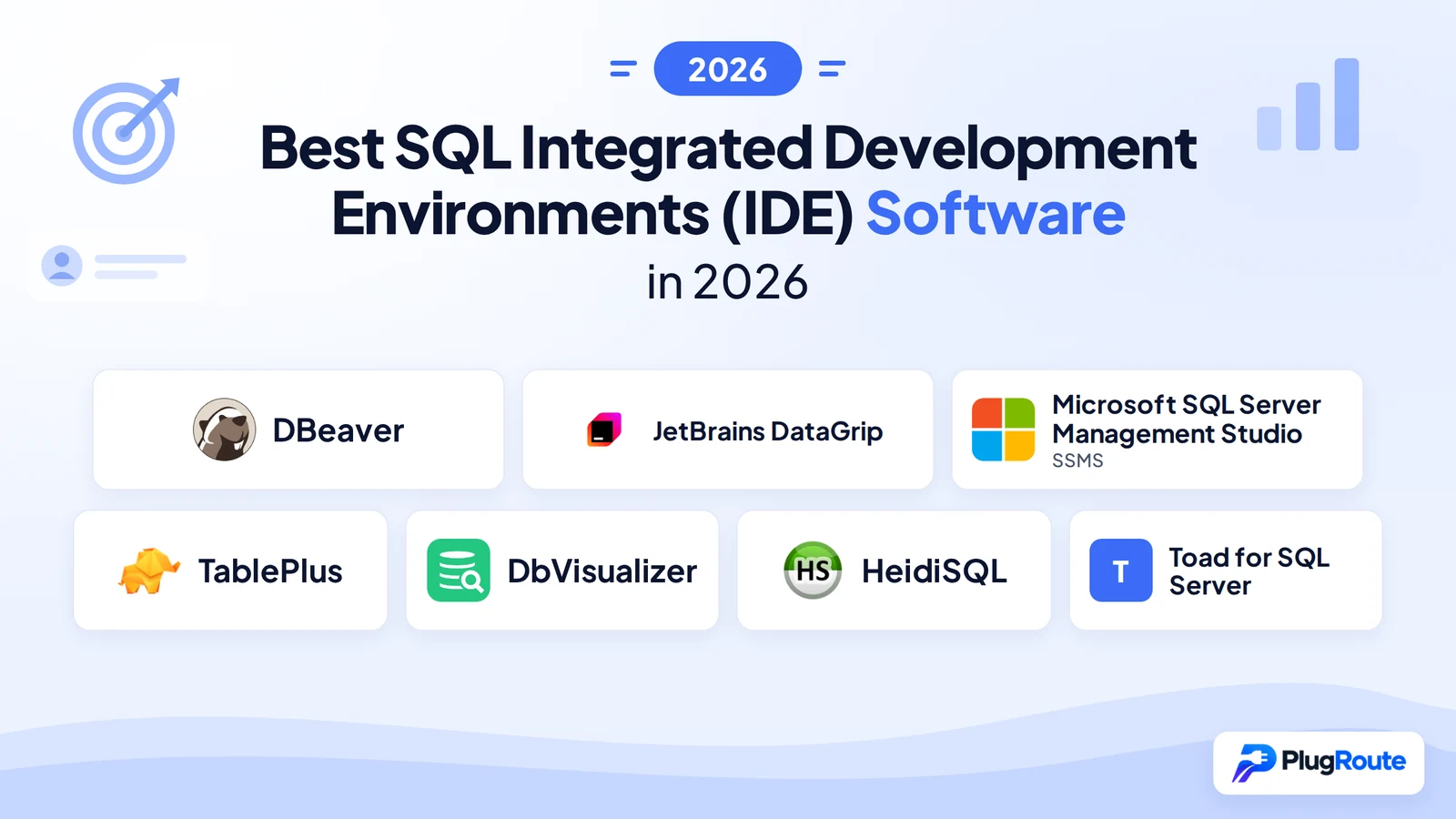
DBeaver is the best overall SQL IDE for most database developers, supporting 100+ database engines in a genuinely free Community edition while integrating seven AI providers. JetBrains DataGrip leads for deep SQL code intelligence and MCP server agentic workflows. The right SQL IDE depends on your database engine, operating system, team size, and budget, no single tool wins every scenario.
Database developers in 2026 face decision fatigue across seven tools with overlapping feature claims, misleading free-tier labels, and no honest disclosure of real limitations. This evaluation scores seven tools across six objective criteria (database engine breadth, SQL feature depth, pricing value, community validation, AI integration, and platform performance) with equal editorial depth for every product, from the completely free HeidiSQL to the enterprise-only Toad for SQL Server.
PlugRoute has no affiliate relationships with any company listed; rankings are determined entirely by research data and objective evaluation criteria.
TL;DR: Top Picks at a Glance
- DBeaver Community: broadest cross-platform SQL IDE; 100+ database engines, zero cost, seven AI providers (plugin required in Community edition)
- JetBrains DataGrip: deepest SQL code intelligence; MCP server for agentic AI workflows (2025.2); best for JetBrains ecosystem users
- SSMS: irreplaceable for Windows SQL Server DBAs; SQL Server Agent, Always Encrypted, DACPAC at zero cost; Azure Data Studio retired February 28, 2026
- TablePlus: fastest native-app client; perpetual licensing at $129 for 2 devices; iOS support unique in this category
What Are the Main Categories of SQL IDE Tools?
SQL IDEs divide into three performance tiers: Multi-Database Universal IDEs that connect to any engine from a single installation, Ecosystem-Specific and Enterprise Tools optimized for one vendor’s platform, and Native Performance Clients built for speed and UI cleanliness over feature breadth. Understanding which tier fits your workflow eliminates most of the comparison complexity before evaluating individual tools.
Category 1: Multi-Database Universal IDEs
Multi-Database Universal IDEs use JDBC drivers or native connectors to support 15+ database engines from one installation. These tools trade some per-platform performance for the ability to query PostgreSQL, MySQL, Snowflake, and Oracle in the same window.
Entries in this category: DBeaver (#1), JetBrains DataGrip (#2), DbVisualizer (#5).
Category 2: Ecosystem-Specific and Enterprise Tools
Ecosystem-Specific and Enterprise Tools are purpose-built for one vendor’s database platform. These tools provide administration depth unavailable in general-purpose IDEs, at the cost of cross-database flexibility.
Entries in this category: SSMS (#3), Toad for SQL Server (#7).
Category 3: Native Performance Clients
Native Performance Clients are built natively per platform (without JVM or Electron overhead) prioritizing startup speed, memory efficiency, and UI cleanliness over feature breadth.
Multi-Database Universal IDEs use a JDBC connectivity layer for broad compatibility. Native Performance Clients compile natively per platform, producing measurably faster startup times but narrower database support. Ecosystem-Specific tools target their database engine’s APIs directly, achieving depth at the cost of cross-database flexibility.
Entries in this category: TablePlus (#4), HeidiSQL (#6).
How Do the Top SQL IDEs Compare at a Glance?
The seven evaluated SQL IDEs split into three evidence-based tiers: DBeaver and DataGrip lead on feature breadth and AI integration depth; SSMS leads on SQL Server administration at zero cost; TablePlus, DbVisualizer, HeidiSQL, and Toad each serve specific audiences where particular strengths justify their trade-offs. The table below documents verified capabilities, pricing, and limitations for each tool.
| Rank | Company | Category | Best For | One-Line Summary | Key Capabilities | Primary Strength | Key Limitation |
|---|---|---|---|---|---|---|---|
| 1 | DBeaver | Multi-DB IDE | DB devs needing free cross-platform multi-engine support | DBeaver is the broadest SQL IDE in this evaluation, supporting 100+ database engines in a genuinely free Community edition while offering AI integration across seven providers. | 100+ JDBC databases; 7-provider AI; ER diagrams + visual query builder | Widest engine coverage + genuinely free Community edition (Apache 2.0) | Eclipse-inherited UI polarizes users; AI requires plugin install in Community edition |
| 2 | JetBrains DataGrip | Multi-DB IDE | SQL developers needing deepest code intelligence and AI-agent workflows | DataGrip is the most feature-complete SQL development IDE in this evaluation, offering schema-aware code intelligence, an MCP server for agentic AI workflows, and production-safety environment color-coding. | Schema-aware autocomplete; MCP server (2025.2); virtual foreign keys | Deepest SQL intelligence + MCP server for AI-agent workflows | Subscription pricing ($259/yr Year 1); introspection timeouts on large schemas |
| 3 | SSMS | Ecosystem Admin Tool | SQL Server DBAs on Windows needing full infrastructure management | SSMS is the only free SQL Server administration tool that provides Agent job management, Always Encrypted, and DACPAC operations, making it irreplaceable for Windows SQL Server DBAs. | SQL Server Agent; Always Encrypted; DACPAC deployment | Only tool with SQL Server Agent + Always Encrypted, free | Windows-only; SQL Server ecosystem only |
| 4 | TablePlus | Native Client | Developers prioritizing native-app speed and clean UI, especially on macOS | TablePlus is the fastest SQL database client in this evaluation by architecture; native-per-platform versus JVM-based competitors; with perpetual licensing and unique iOS support. | Native-per-platform build; Safe Mode; iOS availability | Fastest startup and lowest memory footprint via native architecture | Free tier limited to 2 tabs, 2 windows, 2 filters; no ER diagrams or AI |
| 5 | DbVisualizer | Universal SQL Client | Data analysts needing commercially free multi-DB connectivity | DbVisualizer is a commercially free universal SQL client used by 7 million users across 150+ countries, providing 35+ database engine support and settings portability across machines. | 35+ JDBC databases; settings portability; SQL Commander | Commercially licensed free tier; deployable organization-wide at zero cost | Query building limited vs. DBeaver and DataGrip per independent comparison |
| 6 | HeidiSQL | Lightweight Free Client | Windows MySQL/MariaDB admins needing a free, portable, fast client | HeidiSQL is completely free with no restrictions, deployable as a 64-bit portable executable, and Delphi-native on Windows; earning loyal community endorsement from MySQL and MariaDB administrators. | 64-bit portable executable; MySQL/MariaDB/PG/MSSQL/SQLite; Delphi Windows-native | Completely free + 64-bit portable executable for IT-restricted environments | Windows-only (no macOS; Linux port unvalidated); no ER diagrams, AI, or team features |
| 7 | Toad for SQL Server | Enterprise SQL Suite | Enterprise SQL Server DBA teams needing Log Reader, Group Execute, SQL Optimizer | Toad for SQL Server provides enterprise-exclusive SQL Server DBA capabilities; including Log Reader transaction recovery, Group Execute multi-instance scripting, and SQL Optimizer query rewrites; that no other evaluated tool replicates. | Log Reader recovery; Group Execute; SQL Optimizer | Log Reader + Group Execute; enterprise DBA capabilities exclusive to this evaluation | Quote-only pricing; community-reported vendor concerns (not independently confirmed); 5-second tab-switching latency |
Which SQL IDE Should I Choose for My Use Case?
The right SQL IDE depends on three variables evaluated in sequence: first, your primary database engine (SQL Server requires SSMS; MySQL/MariaDB on Windows points to HeidiSQL; multi-engine needs point to DBeaver or DataGrip); second, your operating system (Windows supports all tools; macOS or Linux eliminates SSMS and legacy HeidiSQL); third, your budget and existing tooling subscriptions (zero budget leads to DBeaver or HeidiSQL; JetBrains subscribers already have DataGrip included at no incremental cost).
| Your #1 Priority | Recommended Tool | Why | Acceptable Alternative |
|---|---|---|---|
| Free + broadest database support | DBeaver | 100+ engines, Apache 2.0 licensed, no restrictions | DbVisualizer Free (35+ engines, commercially licensed) |
| Deepest SQL code intelligence | JetBrains DataGrip | Schema-aware autocomplete, MCP server (2025.2), virtual FK support | DBeaver Pro (AI integration, lower total cost) |
| SQL Server Agent + Always Encrypted | SSMS | Only tool with Agent, Always Encrypted, DACPAC at zero cost | Toad for SQL Server (adds Log Reader, Group Execute at enterprise price) |
| Fastest native-app performance on macOS | TablePlus | Only native-per-platform client in this evaluation | DBeaver (cross-platform, Java-based) |
| Multi-DB analytics, commercially free | DbVisualizer | 35+ databases, settings portability, no licensing barriers | DBeaver Community |
| Free MySQL/MariaDB client on Windows | HeidiSQL | Delphi-native, 64-bit portable, GPL, zero restrictions | DBeaver Community |
| Enterprise SQL Server DBA depth | Toad for SQL Server | Log Reader, Group Execute, SQL Optimizer unavailable elsewhere | SSMS (free, covers core administration needs) |
| Already a JetBrains subscriber | JetBrains DataGrip | Included in All Products Pack at no additional cost | N/A |
Ranked Entries: The 7 Best SQL IDEs in 2026
1. DBeaver: Best Overall: Broadest Database Support, Genuine Free Tier, Cross-Platform
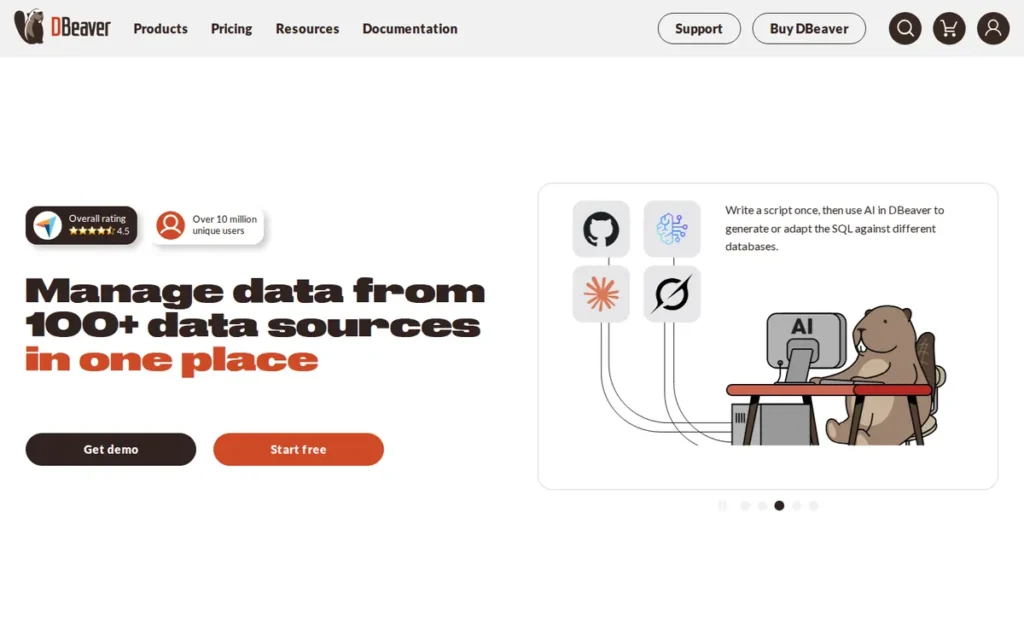
Category: Multi-DB IDE, a cross-platform database IDE supporting 100+ engines via JDBC, available in free Community and paid commercial editions.
At a Glance
- Category: Multi-DB IDE
- Best For: Database developers, data engineers, and DBAs working across multiple database engines who need a genuinely free, cross-platform tool that scales to team and enterprise tiers
- Price Range: Free (Community, Apache 2.0); commercial editions (Pro/Team/Enterprise), one third-party analysis cites ~$250/user/year for Enterprise (queryglow.com, 2025, third-party estimate, not vendor-confirmed; verify at dbeaver.com/pricing)
- Primary Strength: DBeaver Community supports 100+ database engines via JDBC: the widest engine coverage in this evaluation, at zero cost with no professional feature restrictions
- Biggest Limitation: DBeaver’s Eclipse-inherited UI framework produces a polarized user experience, praised for power and criticized in community discussions as difficult for data browsing compared to native-app alternatives; Community edition AI features require a manual plugin installation (AI is enabled by default in Pro and Enterprise editions)
- One-Line Summary: DBeaver is the broadest SQL IDE in this evaluation, supporting 100+ database engines in a genuinely free Community edition while offering AI integration across seven providers, making it the strongest evidence-based starting recommendation for most database developers.
- Last Verified: May 2026
Overview
DBeaver is a cross-platform database IDE made by DBeaver Corp. that supports any database with a JDBC driver (covering 100+ engines including PostgreSQL, MySQL, Oracle, SQL Server, BigQuery, Snowflake, and DuckDB) and is available at no cost in its Community edition under the Apache 2.0 license, making it among the most widely adopted free SQL IDEs for developers, data engineers, and DBAs working across heterogeneous database environments.
DBeaver’s commercial editions (Pro, Team, Enterprise) add team collaboration, centralized access control, ISO-compliance audit logging, and default-enabled AI assistance. DBeaver’s GitHub repository has accumulated 48,500+ stars as of May 2026, the strongest open-source community adoption signal in this evaluation.
Key Features
- 100+ Database Engine Support: DBeaver connects to PostgreSQL, MySQL, MariaDB, Oracle, SQL Server, SQLite, MongoDB, Cassandra, Redis, Amazon Redshift, Google BigQuery, Snowflake, and DuckDB through a single installation without per-engine plugin purchases, the widest engine range of any evaluated tool.
- Seven-Provider AI Smart Assistance: DBeaver’s AI Assistant integrates with seven distinct providers (OpenAI, GitHub Copilot, Azure OpenAI, Google Gemini, Ollama, Anthropic Claude, and Amazon Bedrock) supporting natural-language SQL generation, error explanation, AI Chat, and Fix SQL Errors per DBeaver official documentation (2026). DBeaver Community edition requires a manual plugin installation for AI features via Help → Install New Software; DBeaver Pro and Enterprise editions enable AI by default.
- Multi-Script SQL Editor: DBeaver’s SQL Editor supports running multiple SQL scripts within a single connection, saving scripts as reusable files, and executing queries across heterogeneous databases simultaneously, a workflow pattern critical for microservices and multi-tenant architectures (DBeaver SQL Editor docs, 2026).
- ER Diagram and Visual Query Builder: DBeaver includes built-in ER diagram generation and a visual query builder (features absent from lightweight clients like HeidiSQL and TablePlus) positioning DBeaver as a more complete development environment for schema design and documentation.
- Team-Grade Access Control: DBeaver Team edition provides per-deployment, per-schema access control with full audit logging, enabling organizations to manage database access across developers in environments with ISO compliance requirements, a capability that free tools like HeidiSQL and TablePlus cannot replicate.
Best For
DBeaver Community is best for individual database developers, data engineers, and DBAs who need a single tool connecting to multiple database engines (particularly PostgreSQL, MySQL, and cloud data warehouses simultaneously) without paying for each engine’s native client.
DBeaver Team and Enterprise are best for organizations requiring centralized access control, audit logging, and compliance documentation alongside the same broad engine coverage.
Pricing
DBeaver Community is free under the Apache 2.0 license, no commercial-use restrictions, no feature gating, no tab or connection limits. Commercial editions (Pro, Team, Enterprise) are paid.
One third-party analysis published in 2025 cited approximately $250/user/year for Enterprise (queryglow.com, 2025), this is a third-party estimate, not vendor-confirmed pricing. Verify current pricing at dbeaver.com/pricing before any purchasing decision.
Strengths
- DBeaver has accumulated 48,500+ GitHub stars as of May 2026 (GitHub, 2026) (the strongest open-source community adoption signal in this evaluation) reflecting genuine developer choice rather than marketing-driven adoption.
- DBeaver integrates with seven AI providers per official product documentation (DBeaver AI docs, 2026) (the broadest multi-provider AI support of any evaluated tool) giving organizations flexibility to leverage existing AI provider agreements including Amazon Bedrock and Azure OpenAI.
- DBeaver Community is confirmed commercially licensed under Apache 2.0, allowing organizations to deploy it across development teams at zero licensing cost, a direct contrast to TablePlus’s 2-tab/2-window free-tier limit that renders its free version effectively a demo.
- Enterprise users in r/mysql have specifically cited DBeaver Team’s per-schema access control and full auditing as enabling ISO compliance across development teams (u/DrT7007, r/mysql, 2026), a documented enterprise use case that free tools like HeidiSQL cannot replicate.
Limitations
- Eclipse UI Polarization: DBeaver’s Eclipse-inherited UI architecture is the most consistently cited limitation across community discussions, its data browsing interface is described in r/SQL (2026) as “the worst interface I have seen in a very long time” by one user in the same thread where another calls it “goated,” revealing genuine polarization between power users who value extensibility and developers who find native-app alternatives more intuitive for day-to-day data browsing.
- JVM Performance Overhead: DBeaver carries JVM performance overhead from its Java/Eclipse foundation, producing slower startup and heavier memory consumption than Delphi-native HeidiSQL or TablePlus’s native-per-platform builds, a real-world trade-off for developers on resource-constrained machines.
- Community-Edition AI Friction: DBeaver’s AI features in the Community edition require a separate plugin installation via Help → Install New Software (DBeaver GitHub wiki, 2026), a documented setup friction point that Community users must plan for, as AI is enabled by default only in Pro and Enterprise editions. The installation takes approximately five minutes but does not occur automatically on first launch.
“DBeaver is goated. Would absolutely recommend it to anyone looking for a universal DBMS.” Posted by u/Zoidburger_, r/SQL, 2026
Takeaway: DBeaver earns consistent unprompted endorsements in cross-database discussions, users who value engine breadth and open-source sustainability choose DBeaver Community over paid alternatives with narrower scope.
“DBeaver is a pain in the ass to use. No thanks. Might be the worst interface I have seen in a very long time.” Posted by u/Xnuiem, r/SQL, 2026
Takeaway: DBeaver’s Eclipse UI produces a genuinely polarized experience, developers who prioritize data browsing speed over feature breadth consistently prefer native-app alternatives like TablePlus or HeidiSQL, confirming that DBeaver’s Eclipse foundation is a real limitation, not a surface-level complaint.
Verdict
DBeaver is the strongest evidence-based starting recommendation in this evaluation for users who need broad database engine support at zero cost, earning the #1 position through the widest JDBC engine coverage (100+), the broadest AI provider integrations (seven), and the largest open-source adoption signal (48,500+ GitHub stars as of May 2026).
DBeaver’s combination of Apache 2.0 Community edition, seven AI provider integrations, ER diagram generation, and scalable commercial tiers makes it the tool that the widest audience (individual developers, data engineers, cross-platform teams) can adopt at zero cost and scale into paid tiers as team needs grow.
The trade-off is real: DBeaver’s Eclipse-inherited UI produces a steeper learning curve than native-app alternatives, and Community edition AI requires a one-time plugin installation that does not occur automatically on first launch. Developers working exclusively on a single database engine may find purpose-built tools like SSMS or HeidiSQL better optimized for their narrower scope.
2. JetBrains DataGrip: Best for SQL Development Intelligence: Deepest Code Assistance, MCP Server, JetBrains Ecosystem
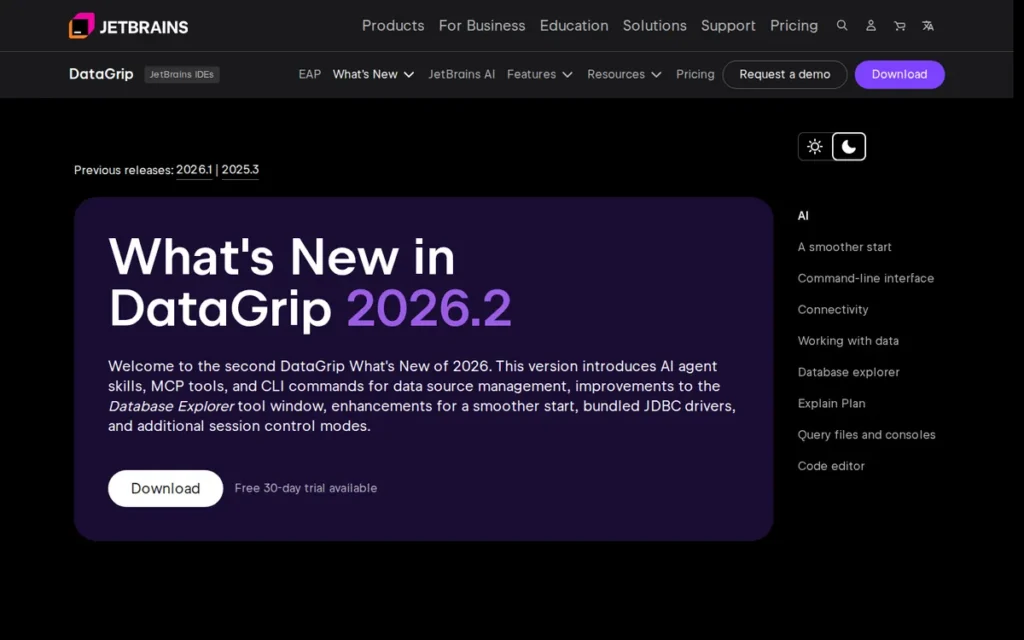
Category: Multi-DB IDE, a commercial, cross-platform SQL IDE built on the JetBrains platform, prioritizing database-aware code intelligence, schema navigation, and query refactoring over DBA administration breadth.
At a Glance
- Category: Multi-DB IDE
- Best For: Software developers and senior SQL developers writing SQL daily across multiple engines who prioritize code intelligence, production-safety features, and JetBrains ecosystem integration over zero licensing cost
- Price Range: $259/user/year (Year 1), $207/user/year (Year 2), $155/user/year (Year 3+) for individual plans, per JetBrains pricing page, October 2025; JetBrains raised prices effective October 1, 2025. Verify current prices before purchasing. Developers on the JetBrains All Products Pack receive DataGrip at no additional cost.
- Primary Strength: DataGrip provides the deepest SQL development intelligence in this evaluation, schema-aware autocomplete, virtual foreign keys for legacy schemas, in-editor inline results, and an MCP server (introduced in DataGrip 2025.2, expanded in 2026.1 with Claude Agent and Codex) enabling external AI agents to query connected databases through the IDE
- Biggest Limitation: DataGrip’s subscription pricing ($155–$259/user/year depending on tenure) is the primary adoption barrier cited in community discussions, and its introspection process on very large enterprise schemas has been documented as timing out or running indefinitely
- One-Line Summary: DataGrip is the most feature-complete SQL development IDE in this evaluation, offering schema-aware code intelligence, an MCP server for agentic AI workflows, and production-safety environment color-coding, making it the top recommendation for professional SQL developers who can justify or absorb its subscription cost.
- Last Verified: May 2026
Overview
DataGrip is a commercial, cross-platform SQL IDE built by JetBrains (a Czech-founded company with 25 years of IDE development history) that focuses on database-aware code intelligence rather than DBA administration breadth, targeting software developers and senior SQL professionals who write complex SQL daily across multiple database engines.
DataGrip 2025.2 introduced an integrated MCP server allowing external AI agents (including Claude Desktop, Cursor, and VS Code) to access DataGrip tools and query connected databases; DataGrip 2026.1 expanded this with Claude Agent and OpenAI Codex integration, positioning DataGrip as a database intelligence hub for agentic AI workflows (JetBrains DataGrip release notes).
DataGrip pricing uses loyalty discounts ($259/yr Year 1 to $155/yr Year 3+ as of October 2025), and developers already subscribing to the JetBrains All Products Pack receive DataGrip at no additional per-product cost, a critical disclosure that materially changes the cost comparison for this audience segment.
Key Features
- Schema-Aware SQL Intelligence: DataGrip provides schema-aware SQL autocomplete, live error detection and inspection, and query refactoring tools that operate with full understanding of the connected database’s actual schema, distinguishing DataGrip from keyword-only autocomplete in lighter editors like HeidiSQL or TablePlus.
- MCP Server Integration: DataGrip 2025.2 introduced an integrated MCP server (expanded in 2026.1 with Claude Agent and OpenAI Codex) that enables external AI clients, including Claude Desktop, Cursor, and VS Code, to access DataGrip IDE tools and interact with connected databases from outside the IDE, per JetBrains MCP server documentation (2026), the only tool in this evaluation supporting agentic database workflows.
- Virtual Foreign Key Support: DataGrip supports virtual foreign keys: relationships between tables defined within DataGrip even when not enforced at the database level, enabling JOIN autocomplete and schema navigation for legacy databases where FK constraints were never formally declared (r/Jetbrains, 2026).
- Inline Editor Results: DataGrip displays query results inline within the editor document rather than only in a separate results panel, allowing developers to see queries and outputs in the same scrollable document, confirmed by r/Jetbrains users in May 2026 as absent from most competing tools.
- Color-Coded Environment Safety: DataGrip implements user-configurable color-coded server connections (red for production, orange for development, green for local) providing a visual production-safety mechanism that prevents accidental destructive operations against production databases.
Best For
DataGrip is best for software developers and senior SQL professionals who write complex SQL daily across multiple database engines, already work within the JetBrains ecosystem (making the All Products Pack the cost-efficient path), and require the deepest available SQL intelligence, particularly schema-aware autocomplete, virtual FK support for legacy databases, and MCP server integration for AI-agent workflows.
Check your existing JetBrains license before evaluating DataGrip’s price. If your organization uses IntelliJ IDEA, PyCharm, GoLand, or any other JetBrains tool under an All Products Pack, DataGrip may already be on your license today.
DataGrip is less well-suited for DBAs primarily managing SQL Server infrastructure, for budget-constrained individuals who cannot absorb the subscription cost, or for teams managing very large enterprise schemas where introspection timeout is a documented risk.
Pricing
DataGrip individual plan pricing as of October 2025 (JetBrains, 2025):
- Year 1: $259/user/year
- Year 2: $207/user/year (20% continuity discount)
- Year 3+: $155/user/year (40% continuity discount)
JetBrains raised prices across all products effective October 1, 2025. Verify current prices at jetbrains.com/datagrip/buy before any purchasing decision.
Developers already subscribing to the JetBrains All Products Pack receive DataGrip as part of the bundle at no additional per-product cost. Students and qualified open-source project developers receive free licenses. DataGrip uses a perpetual fallback model: after 12 continuous months of subscription, users retain the right to use the version released during their subscription period even after cancellation, for example, a user who subscribes for 12 months and cancels retains permanent use of the version current at cancellation date.
Strengths
- DataGrip 2025.2 introduced an integrated MCP server enabling external AI clients, including Claude Desktop, Cursor, and VS Code, to access DataGrip IDE tools and query connected databases; DataGrip 2026.1 expanded this with Claude Agent and OpenAI Codex integration (JetBrains, 2026), representing the most advanced AI integration architecture of any SQL IDE in this evaluation.
- DataGrip’s production-safety color-coded environment system was identified by r/Jetbrains community members in May 2026 as the feature they “just can’t live without”, directly addressing one of the most costly real-world database errors: accidental writes to production databases.
- DataGrip’s virtual foreign key support enables JOIN autocomplete and schema navigation for legacy enterprise databases where FK constraints were never formally declared, confirmed by r/Jetbrains community in May 2026 as unique among evaluated SQL IDEs and cited as irreplaceable for developers maintaining legacy schemas.
- DataGrip receives consistent top-2 placement across multiple “best SQL IDE 2026” evaluations, one independent 2026 database GUI evaluation assigned a score of 8.6/10 (verify source URL at propicked.com before publishing; if URL cannot be confirmed, treat as “consistent top-2 placement across 2026 evaluation lists”).
Limitations
- Large-Schema Introspection Failure: DataGrip’s most consequential enterprise limitation is introspection timeout on very large schemas, an r/Jetbrains user in May 2026 described a scenario where “the database has like a few thousand objects and there are like 20 databases on my server and it never finishes the introspection” (u/mapoupier, r/Jetbrains, 2026), representing a production-critical limitation for DBAs managing large SQL Server or Oracle environments. Enterprise teams should test DataGrip against their specific schema size before committing.
- Weak ERD Support: DataGrip’s ER diagram and schema visualization support is specifically criticized by r/Jetbrains community members (“I hate its diagram support though”) making DataGrip unsuitable as a primary schema design tool for data architects who require visual modeling.
- Subscription Cost Barrier: DataGrip’s $259/user/year individual subscription (Year 1, as of October 2025) is the most frequently cited adoption barrier in community discussions, particularly when DBeaver Community provides comparable cross-database connectivity at $0, the value calculation hinges on whether the user is already in the JetBrains ecosystem.
- AI Agent Rollout Inconsistencies: DataGrip’s Claude Agent integration was documented as temporarily unavailable in some versions per JetBrains bug tracker (YouTrack issue LLM-22922, 2026), indicating that AI-agent feature rollout has experienced inconsistencies specific to the DataGrip product line.
“Being able to colour-code which server I’m connected to. Red = prod, Orange = dev, Green = local.” Posted by u/Avendork, r/Jetbrains, 2026
Takeaway: DataGrip’s color-coded environment system addresses one of the most costly real-world database errors (accidental writes to production) making it the feature most cited by professional developers as the capability they cannot replicate in competing tools.
“I work with Infor Syteline, and the database has like a few thousand objects and there are like 20 databases on my server and it never finishes the introspection…” Posted by u/mapoupier, r/Jetbrains, 2026
Takeaway: DataGrip’s introspection timeout is a production-critical limitation for enterprise environments with thousands of schema objects, teams managing large SQL Server or Oracle deployments must test DataGrip against their specific schema size before committing to it as their primary tool.
Verdict
DataGrip is the most feature-complete SQL development IDE in this evaluation for professional developers who prioritize code intelligence over cost, earning its #2 position through the deepest schema-aware autocomplete, the only MCP server integration enabling agentic AI workflows (introduced in 2025.2, expanded in 2026.1), and the most comprehensive production-safety features of any evaluated tool.
DataGrip’s subscription pricing ($259/user/year in Year 1, declining to $155/year from Year 3+) is its primary barrier, but developers already in the JetBrains ecosystem through an All Products Pack receive DataGrip at no incremental cost, which materially changes the value calculation for a significant audience segment.
DataGrip is the right choice for SQL developers who need maximum code intelligence and AI-agent workflow integration, while DBeaver Community remains the stronger starting recommendation for teams prioritizing database breadth and zero cost.
3. Microsoft SQL Server Management Studio (SSMS): Best for SQL Server Administration: Irreplaceable Agent Management, Encryption, Full Ecosystem Depth
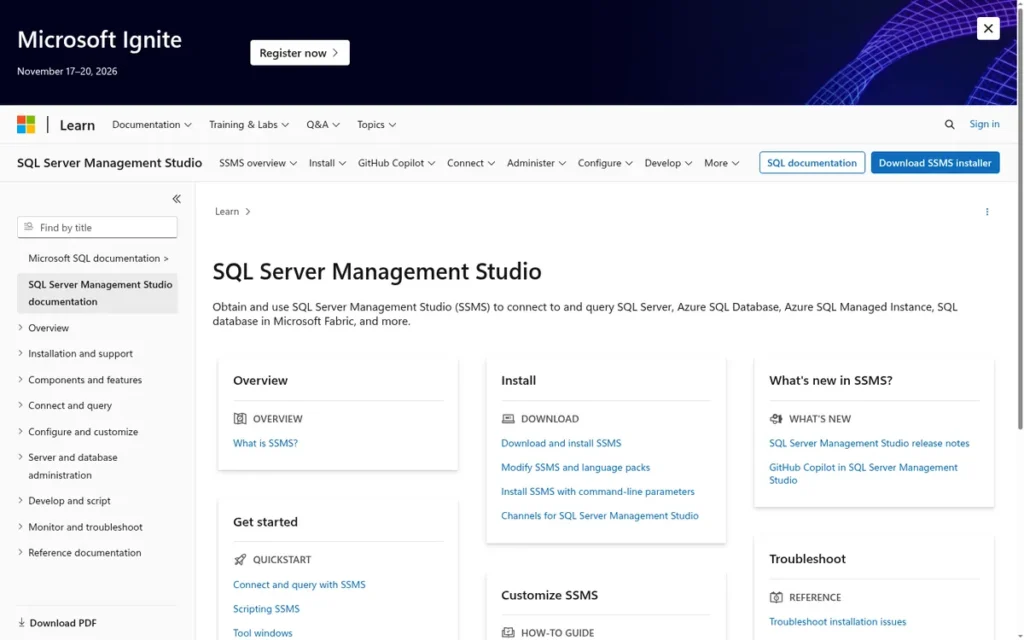
Category: Ecosystem Admin Tool, a free, Windows-only SQL Server and Azure SQL administration and development environment providing deep infrastructure management capabilities that cross-platform IDEs cannot replicate.
⚠️ Azure Data Studio Retirement Notice: Microsoft retired Azure Data Studio on February 28, 2026 (announcement: February 6, 2025, per devblogs.microsoft.com/azure-sql/azure-data-studio-retirement/). Microsoft’s recommended cross-platform replacement for query development is the MSSQL extension for Visual Studio Code, search “MSSQL” in the VS Code Extensions marketplace. SSMS remains the surviving native Windows administration environment for full SQL Server infrastructure management. Teams that built workflows in Azure Data Studio must now re-evaluate their tooling.
At a Glance
- Category: Ecosystem Admin Tool
- Best For: SQL Server DBAs and developers on Windows who need full SQL Server Agent management, Always Encrypted, DACPAC operations, or deep Azure SQL administration within the Microsoft data platform ecosystem
- Price Range: Free: SSMS client has no licensing cost; SQL Server engine license or Azure service billing is separate (Microsoft install page, 2026)
- Primary Strength: SSMS is the only tool in this evaluation that provides SQL Server Agent job management, Always Encrypted column administration, and DACPAC-based deployment operations (capabilities no cross-platform IDE replicates) at zero client-tool cost for Windows users
- Biggest Limitation: SSMS is Windows-only and SQL Server ecosystem-only, with SSMS 21 authentication changes introducing documented login friction for DBAs managing multi-domain Azure environments and multiple concurrent remote desktop sessions
- One-Line Summary: SSMS is the only free SQL Server administration tool that provides Agent job management, Always Encrypted, and DACPAC operations, making it irreplaceable for Windows SQL Server DBAs, though its Windows-only, SQL-Server-only scope means it cannot serve teams working across multiple database engines.
- Last Verified: May 2026
Overview
Microsoft SQL Server Management Studio (SSMS) is a free, Windows-only database administration and development environment from Microsoft that provides deeper SQL Server and Azure SQL administration capabilities than any cross-platform SQL IDE in this evaluation, covering SQL Server Agent job management, Always Encrypted column encryption, full Object Explorer navigation, DACPAC import/export, Activity Monitor, and Azure Synapse Analytics support.
SSMS ranks third in this evaluation because within its declared scope (SQL Server administration on Windows) it provides capabilities no other evaluated tool replicates, at zero client cost, for an audience that must use it regardless of alternatives. Microsoft retired Azure Data Studio on February 28, 2026, reinforcing SSMS as the surviving native Windows administration environment (devblogs.microsoft.com/azure-sql/azure-data-studio-retirement/).
SSMS 22 is the current actively maintained release as of May 2026, per Microsoft release notes.
Key Features
- SQL Server Agent Management: SSMS provides full SQL Server Agent management: creating, editing, scheduling, monitoring, and troubleshooting SQL Server Agent jobs, alerts, and operators, a capability no cross-platform SQL IDE in this evaluation replicates, making SSMS irreplaceable for SQL Server environments where Agent is part of the operational infrastructure.
- Object Explorer Depth: SSMS includes Object Explorer, a comprehensive navigation tree covering servers, databases, security objects, jobs, maintenance plans, and linked servers, providing the deepest SQL Server infrastructure management interface of any evaluated tool (Microsoft SSMS components documentation, 2026).
- Always Encrypted Administration: SSMS supports Always Encrypted column management, enabling SQL Server DBAs to configure, manage, and audit encrypted columns, a compliance-critical capability not available in DBeaver, DataGrip, or other cross-platform SQL IDEs.
- Integrated Development Toolkit: SSMS bundles five SQL Server development capabilities: DACPAC import/export for deployment pipelines; execution plan visualization for query optimization; IntelliSense-based T-SQL completion; Activity Monitor for real-time performance monitoring; and a built-in Import/Export Wizard for data migration between SQL Server environments.
- Active SSMS 22 Development: SSMS 22 continues active development with documented updates including storage browser improvements and authentication workflow changes (Microsoft release notes, 2026), confirming active maintenance despite legitimate UI-age criticism.
Best For
SSMS is best for SQL Server DBAs on Windows who manage SQL Server Agent jobs, encrypted columns, deployment pipelines via DACPAC, or complex Azure SQL infrastructure, use cases where no cross-platform IDE provides equivalent depth.
SSMS is not appropriate for developers working across multiple database engines, for macOS or Linux users, or for teams whose primary SQL work is query authoring rather than SQL Server infrastructure administration. Those users should evaluate DBeaver or DataGrip as primary tools, using SSMS only when SQL Server-specific administration tasks arise.
Pricing
SSMS is free to download and use from Microsoft’s official documentation site (verified May 2026). There is no client-tool licensing fee.
Buyers must already have a SQL Server license or Azure SQL service subscription for the database engine being administered, SSMS is a free administration client, not a free database engine. The distinction between “free tool” and “free platform” is essential in any pricing comparison.
Strengths
- Microsoft’s official SSMS documentation (May 2026) confirms that SQL Server Agent management, Always Encrypted, and DACPAC import/export are native SSMS capabilities, a verified, unique feature cluster among all tools in this evaluation that no cross-platform IDE replicates (Microsoft SSMS docs, 2026).
- Microsoft retired Azure Data Studio on February 28, 2026 (announced February 6, 2025), consolidating SQL Server desktop tooling and reinforcing SSMS as the single surviving Microsoft-native Windows administration environment, confirmed by Microsoft’s official announcement (devblogs.microsoft.com/azure-sql/azure-data-studio-retirement/).
- SSMS is verified as free to download and use as of May 2026 per Microsoft’s official install page, providing zero incremental tooling cost for organizations already licensed for SQL Server or Azure SQL.
- SSMS 22 release notes confirm active feature development including storage browser updates and authentication workflow improvements (Microsoft, 2026), SSMS is actively maintained despite UI-age criticism.
Limitations
- Windows-Only and SQL Server-Only Scope: SSMS’s most consequential limitation is platform and database engine restriction, SSMS provides zero support for PostgreSQL, MySQL, MariaDB, Oracle, or any non-Microsoft database, and is unavailable on macOS or Linux. Any developer working cross-platform or across multiple database engines cannot rely on SSMS as a primary SQL IDE.
- SSMS 21 Authentication Friction: A May 2026 r/SQLServer thread documents a DBA managing multiple Azure domains describing the new login screen as creating authentication failures across concurrent multi-domain sessions, a real-world productivity impact on the exact power users SSMS is designed to serve.
- Update Cadence Friction for Multi-Machine DBAs: SSMS’s update frequency was specifically criticized by enterprise DBAs managing ten remote desktop sessions in the same r/SQLServer thread, frequent update prompts are disruptive on locked-down multi-environment workflows where Microsoft’s assumptions about single-machine development do not apply.
- Weaker Query-Authoring Intelligence: SSMS’s code intelligence for SQL query authoring (autocomplete quality, refactoring, schema navigation) is meaningfully weaker than DataGrip’s, making SSMS a suboptimal choice for developers whose primary need is SQL authoring rather than SQL Server infrastructure administration (a comparison reflected consistently in r/Jetbrains and r/SQLServer community discussions through May 2026).
“The new version login screen is pretty annoying. I work on 10 machines in different environments in Azure needing to run SSMS… Now they have you log in. Most of the time I can’t log in because it won’t give me the number to use my authenticator app because I am working in two domains.” Posted by u/chickeeper, r/SQLServer, 2026
Takeaway: SSMS 21’s authentication changes created real friction for multi-environment DBAs managing many concurrent sessions, teams on SSMS 22 should verify whether authentication improvements in the current release resolve this workflow issue before assuming it persists.
Verdict
SSMS is the irreplaceable free SQL Server administration tool for Windows DBAs, earning its #3 position through a unique cluster of SQL Server-specific capabilities (Agent management, Always Encrypted, DACPAC, Object Explorer depth) that no cross-platform IDE in this evaluation replicates, combined with zero client-tool cost.
SSMS is required infrastructure for SQL Server DBAs on Windows, not because it provides the best SQL developer experience, but because no other tool in this evaluation provides SQL Server Agent management, Always Encrypted, and DACPAC at zero cost. Use SSMS for what it does uniquely; use DBeaver or DataGrip for everything else.
The February 2026 retirement of Azure Data Studio consolidates SSMS’s position as the surviving native SQL Server desktop administration environment. SSMS is the wrong primary tool for developers working across multiple database engines, Mac or Linux users, or SQL developers whose primary need is code intelligence rather than infrastructure management.
4. TablePlus: Best Native-App Experience: Fastest Performance, Cleanest UI, Perpetual License Model
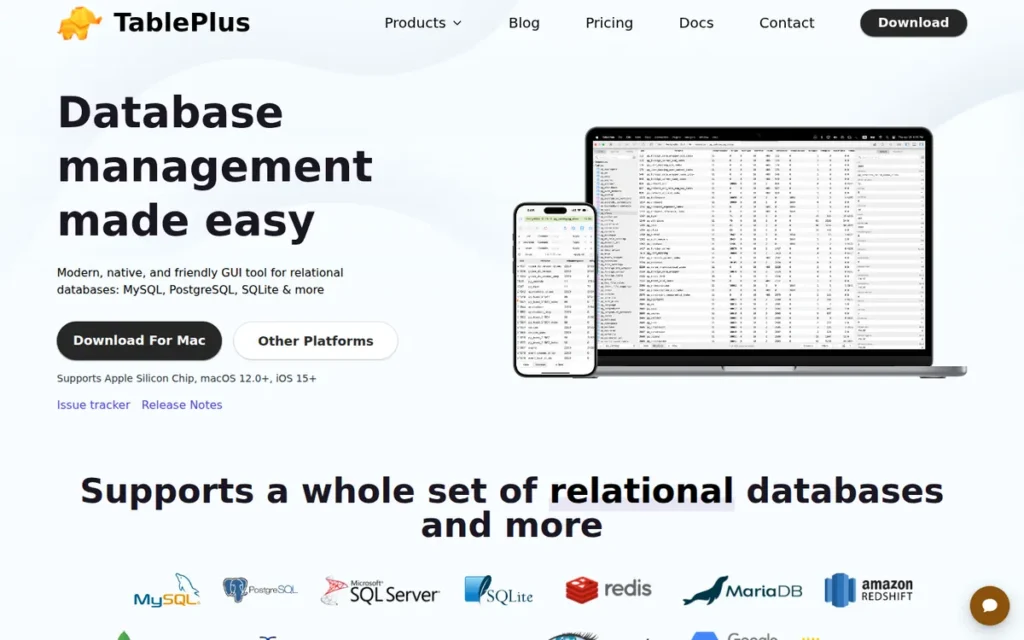
Category: Native Client, a native-per-platform database client built for speed and clean UX, supporting 15+ database engines with an emphasis on fast data browsing, safe editing, and lightweight memory footprint over deep IDE features.
At a Glance
- Category: Native Client
- Best For: Developers and DBAs who prioritize a fast, visually clean native-app database client for daily data browsing, inline editing, and ad-hoc querying (particularly on macOS) over a deep IDE feature set
- Price Range: Free tier: 2 open tabs, 2 open windows, and 2 advanced filters simultaneously (professional utility severely limited). Basic: $99/device perpetual. Standard: $129 for 2 devices perpetual. Advanced: $299 for unlimited devices perpetual. All tiers include 1 year of free updates. Verify at tableplus.com/pricing.
- Primary Strength: TablePlus is built natively for each platform: not on a JVM or Electron framework, producing the fastest startup, lowest memory footprint, and most responsive data-browsing experience of any evaluated SQL IDE
- Biggest Limitation: TablePlus’s free tier is limited to 2 open tabs, 2 open windows, and 2 advanced filters (restrictions severe enough that reviewers describe it as “essentially a demo”) and TablePlus lacks ER diagram generation, schema diff/sync, and AI features standard in enterprise SQL IDEs
- One-Line Summary: TablePlus is the fastest SQL database client in this evaluation by architecture (native-per-platform versus JVM-based competitors) with perpetual licensing at $99–$129 and iOS support unique in the category, but its free tier is effectively a demo and it lacks ER diagrams, schema diff, and AI integration standard in full SQL IDEs.
- Last Verified: May 2026
Overview
TablePlus is a native database client founded in 2017 by TablePlus Inc. (Canada) that supports 15+ database engines (including PostgreSQL, MySQL, MariaDB, SQL Server, SQLite, Amazon Redshift, Snowflake, CockroachDB, Cassandra, Redis, MongoDB, and Oracle (macOS only)) through a native-per-platform build on macOS, Windows, and iOS that prioritizes startup speed, memory efficiency, and a clean modern interface over the deep IDE features and broad engine coverage of Java-based competitors (TablePlus official docs, 2026).
TablePlus uses a perpetual license model starting at $99/device (Basic) and $129 for 2 devices (Standard), with one year of included updates, contrasting with DataGrip’s recurring annual subscription. TablePlus is unique in this evaluation for its iOS app availability, enabling database browsing from an iPad, a deployment scenario no other evaluated tool addresses.
Key Features
- Native-Per-Platform Architecture: TablePlus is built using platform-native UI frameworks rather than a Java Virtual Machine or Electron wrapper, producing the fastest startup time, lowest memory footprint, and most responsive data-browsing experience of any tool in this evaluation, explicitly contrasted by TablePlus against “competitors that eat up a lot of RAM” (TablePlus blog, 2018).
- Safe Mode and Color-Coded Environments: TablePlus implements Safe Mode: requiring explicit user confirmation before executing potentially destructive queries, combined with color-coded connection environments (configurable per server), providing a two-layer production-safety mechanism built into the UI design philosophy (C-sharpcorner feature analysis, 2026).
- Async Query and Filter Bar: TablePlus supports multiple database tabs with async query loading and streaming results, filter bars for fast data browsing, inline data editing, SSH tunnel connections, and dark mode, core daily-use features implemented with consistent native-app performance characteristics.
- iOS Mobile Access: TablePlus is available on iOS (iPhone and iPad), enabling database browsing and ad-hoc querying from mobile devices, a capability unique in this evaluation (TablePlus official docs, 2026) that provides operational value for on-call DBAs without laptop access.
- Perpetual License Model: TablePlus’s Basic ($99/device) and Standard ($129 for 2 devices) perpetual licenses include one year of free updates and grant permanent use of the version current at license purchase, meaning users never lose tool access after the update period expires, unlike subscription-based IDEs.
Best For
TablePlus is best for developers and DBAs who prioritize daily data browsing speed, UI cleanliness, and memory efficiency over deep IDE features, particularly macOS-first developers who find Java-based tools like DBeaver visually dated or resource-heavy, and who are willing to pay a one-time $99–$129 for a perpetual, fast, and polished client.
TablePlus is not suitable as a primary tool for database architects needing ER diagram generation, data engineers needing schema comparison and sync, or SQL developers requiring AI-assisted query generation, those users should evaluate DBeaver or DataGrip instead.
Pricing
TablePlus pricing (verify at tableplus.com/pricing before publishing):
The free tier is limited to 2 open tabs, 2 open windows, and 2 advanced filters simultaneously per tableplus.com/pricing (May 2026). Setapp reviewers (2026) confirm this restriction makes the free tier “essentially a demo” rather than a professionally useful tool.
TablePlus licensing tiers (verified May 2026):
- Basic: $99/device (perpetual, includes 1 year of updates)
- Standard: $129 for 2 devices (perpetual, includes 1 year of updates)
- Advanced: $299 for unlimited devices (perpetual, includes 1 year of updates)
All perpetual licenses grant permanent use of the version current at purchase, the licensed version remains usable indefinitely after the update period without additional payment. The Standard tier ($129 for 2 devices) is the effective price floor for professional use. TablePlus’s “freemium” label is misleading, TablePlus is more accurately a paid tool with a severely restricted trial.
Strengths
- TablePlus’s native-per-platform architecture is the only design approach in this evaluation that avoids JVM overhead entirely, official TablePlus documentation explicitly contrasts its memory and speed characteristics with “competitors that eat up a lot of RAM,” confirmed consistently in community comparisons with DBeaver and DbVisualizer.
- TablePlus’s Safe Mode and color-coded connection environments: confirmed per C-sharpcorner feature analysis (2026), directly address production data safety through UI mechanisms, one of the most frequently cited DBA pain points.
- TablePlus’s iOS availability, confirmed in official documentation (2026), enables database access from iPad and iPhone, a unique capability in this evaluation providing genuine operational value for on-call scenarios where laptop access is unavailable.
- TablePlus received a score of 8.7/10 in one independent 2026 database GUI evaluation, consistent with community endorsements for UI quality and performance (verify the source URL at propicked.com before citing this figure; if URL cannot be confirmed, treat as “consistent top ratings across multiple 2026 SQL IDE evaluation lists”).
Limitations
- Misleading Free-Tier Labeling: TablePlus’s most consequential trade-off is the gap between its “freemium” labeling and practical pricing reality, the free tier’s restrictions (2 tabs, 2 windows, 2 filters simultaneously) are severe enough that Setapp reviewers (2026) describe TablePlus’s free version as “essentially a demo rather than a functional free tool.” Buyers expecting DBeaver-or-HeidiSQL-level free functionality will be immediately disappointed, and the Standard tier at $129 for 2 devices is the effective price floor for professional use.
- Missing IDE-Grade Features: TablePlus explicitly lacks ER diagram generation, database schema comparison and synchronization tools (diff/sync), complex SQL refactoring, and query execution plan visualization that are standard in enterprise SQL IDEs, positioning TablePlus as a client for data interaction, not a full development environment for schema design or architecture work.
- Production-Scale Performance Issues: Capterra reviewers (per pangea.app analysis, 2026) have documented memory crashes during large-scale data exports and CSV import encoding mismatches, which undercut the native-performance narrative for production-scale data operations.
- No Documented AI Integration: TablePlus has no documented AI-assisted query generation or AI provider integrations as of May 2026, lagging DBeaver (seven providers), DataGrip (MCP server and Claude Agent), and even Toad (AI Insights suite) at a time when 84% of developers use or plan to use AI tools (Keyhole Software summarizing Stack Overflow 2025 survey, 2026).
“I have been forced to use TablePlus and I miss HeidiSQL a lot.” Posted by u/minn0w, r/mysql, 2026
Takeaway: TablePlus is sometimes imposed as a team standard rather than chosen by individual developers, suggesting TablePlus wins manager-level adoption on polish and cross-platform support while individual contributors with specific workflow preferences may find lighter alternatives preferable.
Verdict
TablePlus is the fastest SQL database client in this evaluation by architecture (native-per-platform versus JVM-based competitors) earning its #4 position through the only native-per-platform design, unique iOS support, and a perpetual license model that avoids recurring subscription costs.
TablePlus is the right choice for macOS-first developers and DBAs who prioritize speed, UI cleanliness, and memory efficiency for daily data browsing, particularly those who dislike Java-based tool overhead and want to pay once rather than subscribe annually.
The critical disclosure: TablePlus’s free tier is effectively a demo at 2 tabs and 2 windows, its feature set lacks ER diagrams and schema tooling standard in full SQL IDEs, and it has no documented AI integration. Buyers expecting DBeaver-level breadth or DataGrip-level code intelligence will find those expectations unmet.
5. DbVisualizer: Best Universal SQL Client for Data Analysts: 35+ Databases, Free Commercial Tier, Settings Portability
Category: Universal SQL Client, a Java/JDBC-based cross-platform database client supporting 35+ database engines in a commercially licensed Free edition and a feature-extended Pro edition, made by DbVis Software AB (Sweden).
At a Glance
- Category: Universal SQL Client
- Best For: Data analysts, DBAs, and consultants who need broad multi-database access across 35+ engines, prefer a commercially licensed free client that deploys without enterprise licensing agreements, or work across multiple machines and value settings portability
- Price Range: Free edition: no cost, commercially licensed (verify terms at dbvis.com). Pro edition: paid per user, exact pricing not publicly listed; contact DbVis Software AB or verify at dbvis.com before publishing.
- Primary Strength: DbVisualizer provides commercially licensed free access to 35+ database engines (including cloud-native Snowflake and BigQuery) with documented settings transfer between machines, 7 million downloads, and 30,000 companies using DbVisualizer Pro confirming large-scale real-world adoption
- Biggest Limitation: DbVisualizer’s query building functionality is described by an independent comparison as “quite limited” compared to competitors, and DbVisualizer Pro pricing is not publicly listed, requiring vendor contact before any cost-benefit analysis
- One-Line Summary: DbVisualizer is a commercially free universal SQL client used by 7 million users across 150+ countries, providing 35+ database engine support and settings portability across machines, making it a strong mid-tier option for analysts and consultants who need broad connectivity without paid licensing constraints.
- Last Verified: May 2026
Overview
DbVisualizer is a Java/JDBC-based universal SQL client made by DbVis Software AB in Sweden that supports 35+ database engines (including MySQL, PostgreSQL, SQL Server, Oracle, Snowflake, SQLite, Cassandra, and BigQuery) in a commercially licensed Free edition and a feature-extended Pro edition.
DbVisualizer’s official website reports 7 million downloads across 150+ countries and 30,000 companies using DbVisualizer Pro (DbVisualizer official website, 2026), vendor-reported figures that should be treated as self-reported maximum bounds, not independently verified deployment counts, but that confirm adoption at a scale significantly beyond the developer communities active on Reddit.
DbVisualizer’s 24.1 release completely overhauled the Code Editor with improved autocomplete and a better Find and Replace tool per official release notes (2026), indicating active UX investment. DbVisualizer’s commercially licensed Free edition enables organization-wide deployment without a licensing agreement, a meaningful differentiator from tools whose free tiers are restricted to personal use.
Key Features
- 35+ Database Engine Coverage: DbVisualizer supports MySQL, PostgreSQL, SQL Server, Oracle, Snowflake, SQLite, Apache Cassandra, Google BigQuery, and Amazon Redshift via Java/JDBC, broader than TablePlus, SSMS, HeidiSQL, or Toad while accessible at zero cost in the Free edition (G2 reviews, 2026).
- Settings Portability Between Machines: DbVisualizer enables easy migration of connection profiles, preferences, and SQL history between workstations, specifically identified by G2 verified reviewers (2026) as a productivity differentiator for consultants and multi-device developers who frequently switch machines.
- SQL Commander Scripting: DbVisualizer’s SQL Commander scripting interface is specifically cited by TrustRadius verified reviewers (2026) for “flexibility of SQL Commander for writing scripts”, a documented community strength for users managing reusable script libraries and batch processing workflows.
- AI Assistant and Git Integration (Pro): DbVisualizer Pro includes a built-in AI assistant and Git integration alongside its universal database connectivity, adding AI-assisted query generation and version control for query files to its cross-database foundation.
- Overhauled 24.1 Code Editor: DbVisualizer 24.1 completely overhauled its Code Editor with an improved Find and Replace tool and smarter auto-complete per official release notes (2026), indicating active product investment in the core SQL editing workflow despite competition from DataGrip and DBeaver.
Best For
DbVisualizer is best for data analysts, consultants, and DBAs who need commercially free, broad multi-database connectivity across 35+ engines, particularly those who switch between machines frequently and value settings portability, or organizations that want to standardize on a single cross-database client without negotiating enterprise licensing agreements.
DbVisualizer is particularly well-suited to independent consultants managing SQL scripts and connection profiles across a rotating roster of client environments, the settings-portability feature prevents the setup overhead that DBeaver Community requires when switching machines. Developers who need deep SQL code intelligence, ER diagram generation, or strong AI integration will find DBeaver or DataGrip better suited.
Pricing
DbVisualizer Free edition is commercially licensed, organizations can deploy it for professional use at zero cost, per dbvis.com feature editions page (verified May 2026).
DbVisualizer Pro pricing is not publicly listed on dbvis.com. Organizations needing AI assistance, Git integration, or other Pro-tier features must contact DbVis Software AB for pricing before any cost-benefit calculation, a transparency gap that specifically disadvantages DbVisualizer against DBeaver (which has estimable commercial pricing through third-party sources) and TablePlus (which lists prices publicly). Verify current pricing at dbvis.com before any purchasing decision.
Strengths
- DbVisualizer reports 7 million downloads across 150+ countries and 30,000 companies using DbVisualizer Pro on its official website (2026), vendor-reported figures that, even as self-reported maximum bounds, confirm adoption at a scale significantly beyond the developer communities active on Reddit.
- DbVisualizer 24.1 release notes document a “completely overhauled” Code Editor with improved Find and Replace and smarter auto-complete (DbVisualizer, 2026), confirming active product development investment in the core daily-use workflow.
- G2 verified reviewers (2026) specifically highlight the ability to transfer settings between machines as a standout workflow benefit, a practical productivity feature documented by real users, particularly valuable for consultants managing multiple client environments.
- DbVisualizer Free edition is commercially licensed per dbvis.com’s feature editions page (2026), enabling organization-wide deployment at zero cost without licensing negotiation, a verified distinction from TablePlus’s free-tier professional-use restrictions.
Limitations
- Limited Query Building Depth: DbVisualizer’s most consequential trade-off relative to category leaders is feature depth, a Devart independent comparison (2026) describes DbVisualizer’s query building functionality as “quite limited compared to competitors” and notes the absence of visual database design, partitioning support, and data analysis tools beyond a “chart-building wizard.” Analysts who need schema design or visual ER modeling will find DBeaver or Toad more capable.
- Pro Pricing Opacity: DbVisualizer Pro pricing is not publicly listed on dbvis.com, organizations needing AI assistance, Git integration, or other Pro-tier features must contact DbVis Software AB for pricing before any cost-benefit analysis, a transparency gap that disadvantages DbVisualizer against DBeaver (estimable commercial pricing from third-party sources) and TablePlus (publicly listed perpetual prices).
- Low Community Discussion Volume: DbVisualizer’s Reddit community presence is substantially lower than DBeaver’s or DataGrip’s despite 7 million reported downloads, a visibility gap that may reflect a user base that adopted DbVisualizer through enterprise IT channels rather than individual developer choice, making community-sourced reliability signals harder to assess than for more community-engaged tools.
“DbVisualizer is good too.” Posted by u/Effetto, r/PostgreSQL, 2016
Takeaway: DbVisualizer’s minimal Reddit discussion volume despite 7 million reported downloads reflects a user base that adopted DbVisualizer through enterprise IT channels rather than developer community evangelism, buyers should seek hands-on evaluation and seek out TrustRadius or G2 reviews rather than relying on community-sourced reliability signals.
Verdict
DbVisualizer is a commercially free universal SQL client that earns its #5 position through the combination of 35+ database engine support, 7 million reported users confirming large-scale adoption, settings portability across machines, and a commercially licensed free tier that organizations can deploy without licensing agreements.
DbVisualizer ranks above HeidiSQL because its 35+ engine support and cross-platform availability (Windows, macOS, Linux) serve a broader audience than HeidiSQL’s Windows-native MySQL/MariaDB focus. DbVisualizer occupies a useful middle ground between the breadth and community strength of DBeaver and the simplicity of HeidiSQL, particularly for analysts and consultants who need multi-database connectivity and value setup portability.
The documented query-building limitations and Pro pricing opacity are genuine signals, DbVisualizer is well-established and broadly deployed, but buyers should evaluate it hands-on against their specific query workflow needs before committing.
6. HeidiSQL: Best Free Windows MySQL/MariaDB Client: Completely Free, Portable, Lightweight, Earned Community Loyalty
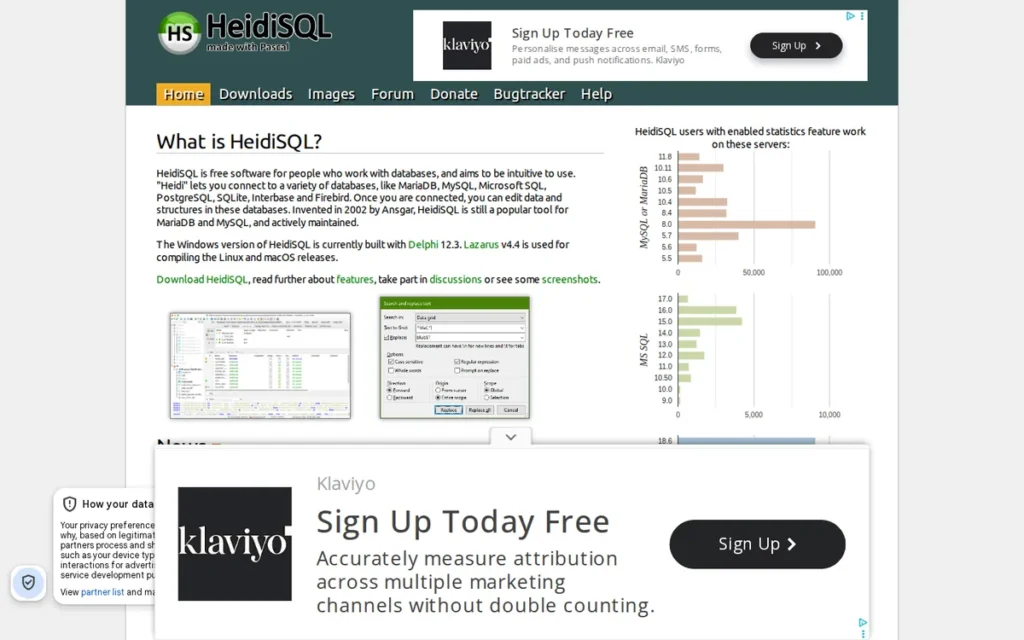
Category: Lightweight Free Client, a free, open-source, Windows-native database client created and primarily maintained by Ansgar Becker, optimized for MySQL, MariaDB, PostgreSQL, SQL Server, SQLite, and Firebird on Windows with a 64-bit portable no-install executable.
At a Glance
- Category: Lightweight Free Client
- Best For: Windows-based MySQL and MariaDB administrators and developers who want the fastest, lightest, completely free database client with no licensing complexity, including users on IT-restricted machines where software installation requires elevated privileges
- Price Range: Free (GPL license, no commercial-use restrictions, no paid tiers, donations voluntary only), heidisql.com, 2026
- Primary Strength: HeidiSQL is completely free with no commercial restrictions, no connection limits, and no feature gating, and its 64-bit portable executable allows use on IT-restricted corporate machines where other SQL IDEs cannot be installed (note: 32-bit portable builds discontinued as of v12.12; verify options at heidisql.com/download.php)
- Biggest Limitation: HeidiSQL is Windows-only (Linux port is newer and unvalidated in this research; no macOS support), lacks ER diagram generation, AI integration, and team collaboration features, and its visual table designer does not support direct DDL editing
- One-Line Summary: HeidiSQL is completely free with no restrictions, deployable as a 64-bit portable executable without installation, and Delphi-native on Windows, earning loyal community endorsement from MySQL and MariaDB administrators who value speed, simplicity, and zero licensing complexity.
- Last Verified: May 2026
Overview
HeidiSQL is a free, open-source, Windows-native database client created by Ansgar Becker with origins dating to approximately 2002, written in Delphi for Windows-native performance, that supports MySQL, MariaDB, Microsoft SQL Server, PostgreSQL, SQLite, Interbase, and Firebird, available at zero cost under the GPL license with no commercial-use restrictions, no paid tiers, and a 64-bit portable executable that deploys without installation on IT-restricted machines.
HeidiSQL ranks sixth in this evaluation because its narrow scope (Windows-native, MySQL/MariaDB/PG-focused) limits its addressable audience compared to the broader tools above it, not because HeidiSQL is a poor tool for its target user. HeidiSQL’s GitHub repository confirms 20+ years of continuous maintenance by Ansgar Becker, one of the longest maintenance histories in this evaluation.
A native Linux port became available as noted in Hacker News community discussion (2026), expanding availability beyond Windows for the first time, though the maturity of the Linux version relative to the long-established Windows build should be independently verified before adoption.
Key Features
- 64-Bit Portable Executable Deployment: HeidiSQL provides a 64-bit portable executable requiring no installation, making HeidiSQL the only evaluated tool that can be run from a USB drive or network share on IT-restricted corporate machines where software installation requires elevated administrative privileges (HeidiSQL official website, 2026). Note: 32-bit portable builds were discontinued starting with v12.12 (current: v12.17, April 2026); users on 32-bit Windows should verify current options at heidisql.com/download.php.
- Delphi Windows-Native Performance: HeidiSQL is implemented in Delphi (Windows-native) rather than a JVM, Electron, or cross-platform framework, producing the fastest startup and most memory-efficient performance of any evaluated tool on Windows, a practical benefit for developers on older hardware or resource-constrained machines.
- Multi-Engine Support: HeidiSQL supports MySQL, MariaDB, Microsoft SQL Server, PostgreSQL, SQLite, Interbase, and Firebird, a meaningful multi-engine scope without per-engine licensing or plugin installation requirements.
- Core DBA Workflow Coverage: HeidiSQL includes schema browsing, data editing, query execution, user permissions management, data export and import, search across tables, and basic reporting, covering the core daily administration workflow for MySQL and MariaDB shops without the feature complexity of enterprise IDEs.
- Zero-Cost at Any Scale: HeidiSQL is completely free under the GPL license with no commercial-use restrictions, no connection limits, no tab limits, and no enterprise upsell path, presenting the lowest possible total cost of ownership of any evaluated tool across any deployment scale.
Best For
HeidiSQL is best for Windows-based MySQL, MariaDB, and PostgreSQL administrators and developers who need the fastest, lightest, completely free database client, particularly in environments where IT restrictions prevent software installation (where the 64-bit portable executable is uniquely valuable), where budget is zero, or where the daily workflow centers on schema browsing, data editing, and query execution.
HeidiSQL is not suitable for developers working on macOS, teams requiring enterprise features, or SQL developers who need cross-platform support or ER diagram generation. For those needs, DBeaver Community is the better starting point at the same zero cost.
Pricing
HeidiSQL is completely free, GPL license, no paid tiers, no commercial-use restrictions, no feature gating at any usage level (verified heidisql.com, 2026). The project accepts voluntary donations, but there is no licensing fee of any kind.
HeidiSQL’s free status has no catch, HeidiSQL is genuinely free, not a freemium product with professional-use restrictions. A 100-developer organization pays $0 in licensing costs, contrasting with DBeaver Enterprise (~$250/user/year per 2025 third-party estimate), DataGrip ($259/user/year Year 1 as of October 2025), or TablePlus ($99–$129/device).
Strengths
- HeidiSQL’s r/mysql community sentiment (May 2026 thread) produced multiple unprompted endorsements including “HeidiSQL has earned my loyalty. Ansgar Becker has been doing a good job of it for years” (u/Aggressive_Ad_5454, r/mysql, 2026), “earned loyalty” from users who actively choose HeidiSQL over DBeaver and MySQL Workbench, not users locked in by switching costs or organizational mandates.
- HeidiSQL’s 64-bit portable executable deployment: confirmed on official heidisql.com (2026), is unique in this evaluation: no other evaluated tool runs without installation from a USB drive or network share, creating a specific deployment advantage in IT-restricted environments that represent a real segment of corporate database developer workflows.
- HeidiSQL was created approximately in 2002 and is written in Delphi for Windows-native performance, with an active GitHub repository (2026), representing 20+ years of continuous maintenance, the longest among evaluated tools, demonstrating sustainability through open-source community support rather than corporate structure.
- HeidiSQL earns direct-comparison endorsements in r/mysql: community members describe switching from MySQL Workbench and DBeaver to HeidiSQL: “It is lightweight and fast. It does some things in a slightly unique way from a UI perspective, but once you spend 15 minutes with it, it makes sense. Highly recommend!” (u/SmuggKnob, r/mysql, 2026), confirming a learning curve resolved within 15 minutes.
Limitations
- Windows-Only Platform Restriction: HeidiSQL’s most consequential limitation is platform scope, HeidiSQL is a Windows-native tool historically; the Linux port referenced in a 2026 Hacker News discussion is newer and its feature completeness and stability relative to the long-established Windows build have not been independently validated in this research; and there is no macOS support. Any developer working on macOS or requiring cross-platform consistency cannot use HeidiSQL as a primary SQL client. This is the single deal-breaker consistently reported: “I love HeidiSQL… I miss only one thing… Support for non-windows systems like macOS or linux” (u/axelbest, r/mysql, 2026).
- 32-Bit Portable Discontinuation: HeidiSQL’s 32-bit portable builds were discontinued starting with v12.12 (current: v12.17, April 2026, per heidisql.com/download.php verified May 2026). Users in IT-restricted environments who specifically need 32-bit portable deployment should verify current download options at heidisql.com/download.php before assuming this capability remains available.
- DDL Editing Constraint: HeidiSQL’s visual table designer displays CREATE TABLE SQL but does not support direct DDL editing within the visual form, schema modifications require the query editor, per HeidiSQL forum documentation, constraining users who expect round-trip visual DDL editing like MySQL Workbench’s Table Designer provides.
- Missing Modern IDE Features: HeidiSQL lacks ER diagram generation, schema comparison and synchronization, AI-assisted query generation, and team collaboration features, positioning HeidiSQL as a client for daily administration and querying, not a development environment for schema design or enterprise team workflows.
“HeidiSQL has earned my loyalty. Ansgar Becker has been doing a good job of it for years.” Posted by u/Aggressive_Ad_5454, r/mysql, 2026
Takeaway: HeidiSQL’s community loyalty is earned through consistent utility rather than switching costs, users who choose HeidiSQL do so after actively evaluating alternatives like DBeaver and MySQL Workbench, making this endorsement pattern a particularly meaningful quality signal.
“There is nothing better than HeidiSQL.” , Deleted user, r/mysql, 2026
Takeaway: Absolute endorsements like this are most meaningful when they come from users who have evaluated alternatives, in this r/mysql thread, HeidiSQL’s advocates had consistently used MySQL Workbench and DBeaver before choosing HeidiSQL, which validates the strength of the preference signal.
Verdict
HeidiSQL earns its #6 position as the best-in-class tool for a specific, well-defined audience: Windows-based MySQL and MariaDB administrators and developers who want the fastest, lightest, completely free database client without licensing complexity or feature restrictions.
HeidiSQL’s 20+ years of continuous maintenance by a single developer, with zero monetization pressure and zero feature restrictions, is itself a form of product integrity that enterprise-funded alternatives cannot claim, HeidiSQL survives entirely because it is genuinely useful.
The limitation is narrow scope: HeidiSQL is not a multi-database universal IDE, not a macOS or Linux tool at validated maturity, and not appropriate for teams needing ER diagrams, AI assistance, or enterprise collaboration features. For those needs, DBeaver Community is the better starting point at the same zero cost.
7. Toad for SQL Server: Best Enterprise SQL Server Legacy Platform: Unique DBA Capabilities at Enterprise Scale, With Documented Vendor Concerns
Category: Enterprise SQL Suite, a Windows-only, SQL Server-focused enterprise database development and administration suite from Quest Software, providing unique DBA capabilities (Log Reader, Group Execute, SQL Optimizer) alongside AI Insights and data modeling at enterprise pricing requiring sales engagement.
At a Glance
- Category: Enterprise SQL Suite
- Best For: Large enterprises with dedicated SQL Server DBA teams who need Log Reader transaction recovery, Group Execute multi-instance scripting, and SQL Optimizer automated query rewrites, and whose organizations have existing Quest Software relationships or sufficient IT budget for enterprise pricing
- Price Range: Pricing not publicly listed: enterprise quote required from Quest Software sales. Free trial available at quest.com/products/toad-for-sql-server. Community references characterize Toad as “too powerful and costly for individual users.”
- Primary Strength: Toad for SQL Server provides Log Reader: enabling transaction log rollback without a full backup restore, and Group Execute for simultaneous multi-instance script deployment: two enterprise DBA capabilities documented as exclusive to Toad in this evaluation
- Biggest Limitation: Toad for SQL Server’s opaque quote-only pricing, community-reported vendor relationship concerns following Quest’s 2016 PE acquisition (consistent practitioner accounts, not independently confirmed by press or analyst reports), Windows-only scope, and 5-second tab-switching latency documented on Toad’s own community forum collectively represent the most constrained overall value proposition of any evaluated tool
- One-Line Summary: Toad for SQL Server provides enterprise-exclusive SQL Server DBA capabilities (including Log Reader transaction recovery, Group Execute multi-instance scripting, and SQL Optimizer query rewrites) that no other evaluated tool replicates, but its opaque pricing, community-reported vendor concerns, Windows-only scope, and aging UI limit its recommendation to legacy enterprise SQL Server shops with specific DBA workflow requirements.
- Last Verified: May 2026
Overview
Toad for SQL Server is a Windows-only, SQL Server-focused enterprise database development and administration suite made by Quest Software (Aliso Viejo, California; founded 1987; owned by Francisco Partners and Elliott Management Corporation since 2016) that provides enterprise DBA capabilities unavailable in any other evaluated tool (including Log Reader for transaction log rollback without backup restore, Group Execute for simultaneous multi-instance script execution, and SQL Optimizer for automated query rewrite suggestions) targeting large organizations with dedicated SQL Server DBA teams.
Toad for SQL Server’s AI Insights suite (AI Explain, AI Validate, AI Optimize, AI Educate) represents four structured AI assistance modes and Toad’s modernization investment alongside these traditional enterprise capabilities (Quest official product page, 2026).
Quest does not publicly list pricing for Toad for SQL Server, enterprise quotes are required through Quest’s sales team. This pricing model creates friction for individual evaluators and reflects the product’s exclusive positioning in the enterprise budget segment.
Key Features
- Log Reader Transaction Recovery: Toad for SQL Server includes Log Reader: enabling DBAs to roll back transactions from the SQL Server transaction log without restoring from a full backup (Quest Software Toad for SQL Server datasheet, 2026), directly addressing one of the most operationally disruptive SQL Server DBA scenarios: accidental production data modification. This feature is not available in DBeaver, DataGrip, SSMS, or any other evaluated tool.
- Group Execute Multi-Instance Scripting: Toad for SQL Server’s Group Execute feature enables running scripts simultaneously against multiple SQL Server instances, allowing DBAs managing large SQL Server farms to execute schema changes or maintenance scripts across all instances in a single operation, confirmed in Quest’s official datasheet (Quest, 2026) and unavailable in any other evaluated tool.
- SQL Optimizer Automated Rewrites: Toad for SQL Server’s SQL Optimizer provides automated query rewrite analysis, suggesting alternative query structures with performance projections rather than simply displaying existing execution plans, going beyond DataGrip’s execution plan visualization to actively propose optimizations.
- AI Insights Four-Mode Suite: Toad for SQL Server’s AI Insights provides four structured modes: AI Explain (natural-language query explanation), AI Validate (correctness checking), AI Optimize (performance optimization suggestions), and AI Educate (tutorial-style SQL learning), a structured AI capability framework more explicitly differentiated than the generic AI assistants in DBeaver or DataGrip.
- Compare and Sync and Data Modeling: Toad for SQL Server includes Compare and Sync (schema and data comparison between SQL Server instances with synchronization scripting) plus physical and logical data modeling with reverse engineering capabilities, supporting the full schema lifecycle from design to deployment.
Best For
Toad for SQL Server is best for large enterprise organizations with dedicated SQL Server DBA teams whose daily operations require Log Reader transaction recovery, Group Execute multi-instance scripting, or SQL Optimizer automated query rewriting, capabilities that justify enterprise pricing and are unavailable in any other evaluated tool.
Toad for SQL Server is not appropriate for individual developers, budget-constrained teams, developers who need cross-database support, macOS or Linux users, or organizations whose evaluation process requires public list pricing before engaging a vendor’s sales team. Enterprise buyers evaluating Toad should conduct specific due diligence on Quest Software’s post-2016 vendor relationship behavior, not as a product-capability question, but as a procurement risk assessment distinct from technical evaluation.
Pricing
Toad for SQL Server pricing is not publicly listed. Quest requires direct sales engagement for a quote. Editions include Professional, Xpert, and Toad Development Suite for SQL Server per Dell datasheet. A free trial is available at quest.com/products/toad-for-sql-server.
Community references in r/oracle describe Toad as “too powerful and costly for individual needs”, pricing is in the enterprise segment but no public benchmark figure was confirmed in this research. Pricing opacity is itself a procurement risk signal: no cost-benefit analysis is possible before a sales conversation.
Strengths
- Quest’s official Toad for SQL Server datasheet (verified May 2026) documents Log Reader as enabling “recover schema and data from online transaction logs and backup files, and roll back transactions without restoring from backup” (Quest Software Toad for SQL Server datasheet, 2026), a documented enterprise DBA capability exclusive to Toad in this evaluation that directly addresses the highest-urgency SQL Server DBA scenario.
- Quest’s official datasheet (2026) documents Group Execute as enabling simultaneous script execution across multiple SQL Server instances (Quest, 2026), a multi-instance administration capability providing a quantifiable productivity multiplier for DBAs managing large server farms, unavailable in any other evaluated tool.
- Toad for SQL Server’s AI Insights suite (AI Explain, AI Validate, AI Optimize, AI Educate, confirmed on Quest’s product page and datasheet, May 2026) represents a structured four-mode AI assistance architecture more explicitly differentiated than the generic “AI assistant” branding in DBeaver or DbVisualizer, targeting specific phases of SQL development.
- Quest Software has been in operation since 1987: the longest-established vendor in this evaluation, and Toad’s lineage from the original Toad for Oracle product represents substantial institutional depth in enterprise database administration workflows, even as community evidence indicates this heritage has not translated to modern UX investment.
Limitations
- Documented Performance Issues: A Toad World forum user (on Toad’s own community platform) described Toad for SQL Server as “much slower than Toad for Oracle” with tab-switching taking “at least 5 seconds”, a documented workflow interruption for power users most dependent on multi-tab development workflows, sourced from Toad’s own community platform.
- Aging UX and Error Handling: r/dataengineering community members (2024) describe Toad products as having “very old interface, no data recovery/autosave, error traceback never points to the actual line of error”, criticism that multiple users extend to the broader Toad product family, with one stating “How Toad hasn’t been forced to update their UI/error handling/QoL features over the years is beyond me.”
- Community-Reported Vendor Relationship Concerns: Quest Software’s 2016 acquisition by Francisco Partners and Elliott Management Corporation is confirmed by press reporting. The specific post-acquisition behavior patterns described across multiple r/sysadmin community practitioners (2019–2026), including support quality changes, aggressive license audits, and “ridiculously pushy” sales approaches (r/sysadmin), have not been independently confirmed by press coverage or analyst reports. These practitioner accounts are consistent across multiple independent community sources and represent a procurement due-diligence signal worthy of investigation, but enterprise buyers should conduct their own vendor relationship assessment rather than relying exclusively on community reports.
- Pricing Opacity and Scope Constraints: Toad for SQL Server requires sales engagement before any cost-benefit analysis is possible, and the product is Windows-only with SQL Server as its primary scope, excluding macOS/Linux users and multi-database environments entirely.
“Toad is trash. Use DBeaver.” Posted by u/Tough-Error520, r/dataengineering, 2024
Takeaway: This reaction (from a developer context rather than a DBA context) reflects Toad’s positioning challenge: Toad’s enterprise DBA capabilities (Log Reader, Group Execute) are genuinely confirmed by Quest’s official datasheet, but Toad’s reputation in developer communities reflects its UI age and pricing model rather than its technical depth for its intended audience.
“TOAD made their bones with Toad for Oracle, then SQL Server… That was back in 2010.” Posted by u/Anxious-Ad-8540, r/dataengineering, 2024
Takeaway: Toad’s relevance in 2026 is concentrated in legacy SQL Server shops where Log Reader, Group Execute, and SQL Optimizer represent operational requirements, for new workloads and modern data engineering contexts, community consensus consistently points elsewhere.
Verdict
Toad for SQL Server earns a narrow but genuine recommendation for a specific enterprise SQL Server DBA audience: organizations managing large SQL Server environments where Log Reader transaction recovery, Group Execute multi-instance scripting, and SQL Optimizer automated rewrites represent operational requirements rather than nice-to-haves.
Toad for SQL Server scores last in this evaluation not because its enterprise-specific capabilities are weak (they are confirmed by Quest’s official datasheet and unique in this evaluation) but because Toad’s aggregate score across the four primary-weight criteria (C1: SQL Server-only scope, C3: pricing opacity, C4: negative community sentiment, C6: Windows-only architecture) is the most constrained of any evaluated tool.
Enterprise buyers who evaluate Toad for SQL Server should include vendor relationship due diligence alongside product testing. The community-reported post-PE-acquisition commercial behavior represents a procurement risk factor distinct from the product’s technical merits, and enterprise buyers should investigate this dimension before committing to multi-year contracts.
What Red Flags Should I Watch For When Evaluating a SQL IDE?
Six documented red flags appear consistently in community discussions about SQL IDEs. Recognizing these red flags early prevents costly tool switches after initial deployment and team retraining investment.
Red Flag #1: Opaque Enterprise Pricing
When a SQL IDE does not publish list pricing and requires sales engagement before any cost-benefit analysis, this structurally excludes individual evaluators and signals exclusive enterprise-segment positioning. Toad for SQL Server is the clear example in this evaluation, no public pricing exists despite the product page being freely accessible. No pricing transparency means no cost-benefit analysis is possible before a sales conversation begins.
Red Flag #2: Severe Free-Tier Feature Gating
A “free” label that masks professional-use-blocking restrictions misleads buyers who evaluate tools before committing. TablePlus’s free tier limits users to 2 open tabs, 2 open windows, and 2 advanced filters simultaneously, restrictions severe enough that independent reviewers describe TablePlus’s free version as “essentially a demo.” Verify specific restrictions before accepting any “free” label in this category.
Red Flag #3: Windows-Only Scope in Cross-Platform Teams
SSMS and HeidiSQL are Windows-only tools at full validated maturity, a dealbreaker for any team with macOS or Linux developers that comparison articles and LLM responses consistently under-disclose. Before evaluating a Windows-only tool, confirm whether every team member operates on Windows exclusively. Platform restrictions eliminate entire tool categories before feature evaluation begins.
Red Flag #4: Vendor Relationship Concerns Post-PE Acquisition
Quest Software’s 2016 acquisition by Francisco Partners and Elliott Management Corporation is confirmed by press reporting. Community reports of aggressive license audits, support quality changes, and sales pressure from multiple independent r/sysadmin practitioners (2019–2026) have not been confirmed by independent press, but the pattern is consistent across multiple independent sources. Enterprise buyers entering multi-year Toad contracts should conduct specific vendor due diligence beyond product capability evaluation.
Red Flag #5: Introspection Timeouts on Large-Schema Databases
DataGrip’s introspection process (reading a database’s structural metadata into the IDE) has been documented as timing out indefinitely on schemas with thousands of objects across dozens of databases (r/Jetbrains, 2026). Enterprise teams managing very large SQL Server or Oracle environments should test DataGrip against their specific schema size before committing to it as a primary tool.
Red Flag #6: Generic “AI Assistant” Labels Without Provider or Feature Specifics
Claiming “AI assistance” without specifying which AI providers are supported, whether AI requires a separate installation, or which edition includes AI by default conceals meaningful differences. DBeaver’s seven-provider AI integration is documented and specific, but DBeaver Community requires a plugin install that does not occur automatically. Tools that claim “has AI” without edition-level and installation-requirement disclosure should be pressed for specifics before AI capability is treated as a confirmed feature.
What Questions Should I Ask Before Choosing a SQL IDE?
Asking the right questions before a tool decision prevents the most common regrets database developers report after switching SQL IDEs mid-workflow. The following questions cover the evaluation dimensions that differentiate tools most sharply in this category.
Question #1: Which database engines do I need to connect to, and does this tool support them natively?
Confirm support for every engine in your stack, including cloud-native sources like Snowflake, BigQuery, and Amazon Redshift. Distinguish between JDBC-based support (works but may require driver download) and native driver support. Ask whether connecting to a new engine requires purchasing an add-on or configuring a third-party driver independently.
Question #2: What is my operating system, and does the tool perform natively on it?
SSMS is Windows-only. HeidiSQL’s Linux port is unvalidated at this research date; no macOS support exists. DBeaver and DbVisualizer run cross-platform via JVM but carry performance overhead. TablePlus is native per platform. Confirm platform support before any evaluation begins, platform restrictions eliminate entire tool categories.
Question #3: Is the free tier genuinely functional for professional use, or is it a restricted demo?
Verify specific restrictions before accepting a “free” label: TablePlus limits free users to 2 open tabs, 2 open windows, and 2 advanced filters, functionally unusable for professional daily workflows. DBeaver Community and HeidiSQL are genuinely unrestricted. DbVisualizer Free is commercially licensed without professional-use restrictions. Ask specifically: “What does the free tier disallow?”
Question #4: Does my team already have a JetBrains subscription that changes the DataGrip cost calculation?
Developers subscribing to the JetBrains All Products Pack receive DataGrip at no additional per-product cost. If your team uses IntelliJ IDEA, PyCharm, GoLand, or other JetBrains tools, DataGrip’s listed individual price ($259/year Year 1 as of October 2025) may not apply. Verify against your existing JetBrains licensing before ruling DataGrip out on price.
Question #5: Do I need SQL Server Agent management, transaction log rollback, or other SQL Server administration capabilities?
SSMS is the only tool in this evaluation providing SQL Server Agent management and Always Encrypted for free. Toad for SQL Server is the only tool providing Log Reader for transaction rollback without a backup restore. If either capability is required, no general-purpose multi-database IDE substitutes, SSMS or Toad must be part of the stack, not an optional complement.
Question #6: What is my total cost of ownership over three years, not just Year 1?
DataGrip’s three-year individual cost at current pricing: $259 + $207 + $155 = $621 total (with loyalty discounts, [JetBrains, October 2025]). TablePlus Standard: $129 initial + potential update renewal. DBeaver Community and HeidiSQL: $0. Year 1 price comparisons alone misrepresent the multi-year cost structure of subscription tools.
Question #7: Has my team addressed Azure Data Studio migration needs?
Microsoft retired Azure Data Studio on February 28, 2026. Teams that built workflows in Azure Data Studio must now migrate to SSMS (for full SQL Server administration) or the VS Code MSSQL extension (for cross-platform query development, search “MSSQL” in the VS Code Extensions marketplace). Any team currently on Azure Data Studio should evaluate SSMS and VS Code MSSQL before committing to a third-party alternative.
Question #8: Does the tool’s AI integration match my organization’s AI provider agreements?
DBeaver supports seven AI providers including Amazon Bedrock and Azure OpenAI, organizations with existing AWS or Azure AI agreements may prefer DBeaver Pro specifically because it leverages existing AI contracts. DataGrip’s Claude Agent and Codex integration serves teams in those specific AI ecosystems. Ask for provider-specific documentation, not generic “AI assistant” claims.
How Did We Rank These SQL IDEs?
This evaluation scores seven SQL IDE tools across six objective criteria. The tool with the strongest aggregate evidence across criteria earns the #1 position. No tool was pre-assigned any position, and every ranking decision is supported by specific, dated evidence from named sources, not editorial preference or vendor relationships.
Evaluation Process
Research for this evaluation involved:
- Querying multiple AI search engines to surface LLM recommendations and coverage gaps
- Gathering independent research from vendor documentation and official release notes
- Analyzing community sentiment across seven database-focused subreddits (r/SQL, r/mysql, r/PostgreSQL, r/SQLServer, r/dataengineering, r/oracle, r/Jetbrains)
- Cross-referencing claims against third-party review platforms (G2, Capterra, TrustRadius)
- Reviewing product-specific forums (Toad World, HeidiSQL forum) for failure-mode documentation
- Verifying pricing against official vendor pricing pages as of May 28, 2026
All 7 products received equal research depth. Research was completed May 28, 2026.
Ranking Criteria
C1, Database Engine Breadth and Compatibility (Primary Weight)
The target audience’s most frequently expressed constraint is single-tool coverage of their full database stack. Tools are scored on count of natively supported engines, support method (native driver vs. JDBC), and confirmed cloud-native database support (Snowflake, BigQuery, Redshift). DBeaver (100+ engines) and DataGrip score highest; SSMS and HeidiSQL score lowest due to ecosystem-specific scope.
C2, SQL Development Feature Depth and Code Intelligence (Primary Weight)
Daily productivity is determined by autocomplete quality (schema-aware vs. keyword-only), live error detection, query refactoring, execution plan visualization, and result-set interaction. DataGrip scores highest; SSMS scores highest within SQL Server administration context; HeidiSQL and TablePlus score lowest on IDE-grade features.
C3, Pricing Transparency and Total Cost of Value (Primary Weight)
Tools that provide clear dollar amounts, realistic free-tier utility, and predictable multi-year costs are objectively more accessible than tools requiring sales engagement. HeidiSQL (completely free, GPL), DBeaver Community (Apache 2.0), and SSMS (free) score highest. Toad (opaque enterprise pricing) scores lowest.
C4, Community Validation and Real-World Reliability (Primary Weight)
GitHub stars, review platform presence, and Reddit and forum sentiment patterns reveal production-condition failure modes that vendor documentation omits. DBeaver (48,500+ GitHub stars, dominant free recommendation) scores highest. Toad scores lowest due to consistently negative modern community sentiment and documented vendor relationship concerns.
When review platform ratings conflict with Reddit sentiment, this evaluation weights specificity and recency, a detailed 2026 Reddit post with documented evidence outweighs a generic 2023 G2 review. When a vendor’s own forum documents a failure mode (as Toad World does for tab-switching latency), that self-reported evidence is treated as particularly credible.
C5 (Modern Workflow Readiness) AI Integration and Team Collaboration (Secondary Weight)
84% of developers now use or plan to use AI tools (Keyhole Software summarizing Stack Overflow 2025 survey, 2026). DataGrip (MCP server, Claude Agent, Codex), DBeaver (seven providers), and Toad (AI Insights suite) score highest. TablePlus and HeidiSQL have no documented AI integration.
C6, Platform Availability and Performance Architecture (Secondary Weight)
Windows-only tools exclude macOS and Linux users; Java-based tools carry JVM overhead. TablePlus (native per platform) and HeidiSQL (Delphi Windows-native) score highest on performance architecture. DBeaver and DbVisualizer carry JVM overhead. SSMS and HeidiSQL score lowest on platform breadth.
Evidence Weighting
Vendor-reported statistics (DbVisualizer’s 7 million downloads, DBeaver’s GitHub stars) are cited with source attribution and treated as maximum bounds, not independently verified facts. Only claims corroborated by at least one independent source are stated as fact. Pricing figures from community sources are explicitly dated and flagged for direct verification. Community vendor-concern reports are identified as such and distinguished from independently confirmed findings.
Data Validation
All dollar figures should be verified against current vendor pricing pages before any purchasing decision, as subscription prices change frequently. Pricing data in this article was verified against official pricing pages as of May 28, 2026.
Update Cadence
This article was researched and written on May 28, 2026. We update this guide quarterly. The article will be refreshed when major product updates (new AI integrations, pricing changes, platform expansions) are confirmed through official release notes.
Independence Statement
PlugRoute has no affiliate relationships with any company listed. Rankings are determined entirely by research data and objective evaluation criteria.
Frequently Asked Questions About SQL IDEs
What is the best free SQL IDE for multiple databases?
DBeaver Community is the best free SQL IDE for multiple databases. DBeaver supports 100+ database engines via JDBC (including PostgreSQL, MySQL, Oracle, SQL Server, Snowflake, BigQuery, and DuckDB) under an Apache 2.0 license with no commercial-use restrictions, no connection limits, and no tab limits. DbVisualizer Free (35+ databases, commercially licensed) is a strong alternative with a simpler interface.
Is DataGrip worth the cost compared to DBeaver?
DataGrip is worth the cost if you already subscribe to the JetBrains All Products Pack, DataGrip is included at no additional charge. For developers outside the JetBrains ecosystem, DataGrip at $259/user/year (Year 1, as of October 2025) is justified by schema-aware SQL intelligence, virtual foreign key support for legacy schemas, and the MCP server for AI-agent workflows that DBeaver Community does not provide. Budget-constrained developers should start with DBeaver.
How does PlugRoute determine SQL IDE rankings?
PlugRoute ranks SQL IDEs by scoring each tool across six criteria: database engine breadth, SQL development feature depth, pricing transparency, community validation and reliability, AI integration depth, and platform performance architecture. Evidence is drawn from vendor documentation, verified review platforms, Reddit communities, and product-specific forums. No tool is pre-assigned a position, and no affiliate relationships exist with any listed company.
Glossary: Key Terms Used in This Comparison
JDBC (Java Database Connectivity): A Java API standard that allows any Java application to connect to any relational database by loading a compatible driver. JDBC-based SQL IDEs like DBeaver and DbVisualizer use this standard to achieve broad cross-database compatibility, if a database provides a JDBC driver, a JDBC-based IDE can connect to it without native-driver development for each engine.
MCP Server (Model Context Protocol Server): A protocol integration that allows external AI agents (such as Claude Desktop, Cursor, or VS Code) to access tools and data sources from outside their native interface. DataGrip introduced an integrated MCP server in version 2025.2 (expanded with Claude Agent and Codex in 2026.1), enabling external AI clients to query connected databases through DataGrip without opening the IDE directly.
Schema Introspection: The process by which a SQL IDE reads a database’s structural metadata (tables, columns, indexes, foreign keys, stored procedures) into its own internal model to power features like schema-aware autocomplete, navigation, and ERD generation. Introspection on very large schemas (thousands of objects across dozens of databases) can time out or run indefinitely, as documented for DataGrip in enterprise environments.
Perpetual License: A software licensing model where a one-time payment grants permanent use of the version current at purchase, as opposed to a subscription model where access expires when payments stop. TablePlus uses a perpetual license starting at $99/device (Basic) or $129 for 2 devices (Standard) with one year of free updates, after which the licensed version remains usable indefinitely without additional payment.
Virtual Foreign Key: A relationship between two database tables defined within a SQL IDE’s metadata rather than enforced as a database-level constraint. DataGrip supports virtual foreign keys, enabling JOIN autocomplete and schema navigation for legacy databases where FK constraints were never formally declared in the database engine itself, a capability unique among evaluated tools.
Which SQL IDE Is Right for You?
For most database developers, DBeaver Community is the strongest starting point, free, cross-platform, and broad enough to cover any database engine stack without a paid license. DataGrip is the right upgrade for JetBrains ecosystem users or SQL developers who need code intelligence and AI-agent workflows daily. SSMS is non-optional for SQL Server DBAs on Windows. Every other tool serves a more specific audience with a well-defined trade-off profile.
Key Insights
- DBeaver is the strongest evidence-based starting recommendation for the widest audience, 100+ database engines, genuinely free Community edition under Apache 2.0, seven-provider AI integration (plugin required in Community), and 48,500+ GitHub stars confirming sustained organic adoption at a scale no competing tool matches.
- JetBrains DataGrip is the best paid SQL IDE for professional SQL developers: schema-aware autocomplete, an MCP server enabling agentic AI workflows (introduced in 2025.2, expanded in 2026.1 with Claude Agent and Codex), virtual foreign key support for legacy schemas, and color-coded production-safety environments justify the subscription cost, or $0 for existing JetBrains All Products Pack subscribers.
- SSMS is irreplaceable for Windows SQL Server DBAs: SQL Server Agent management, Always Encrypted, and DACPAC operations are exclusive to SSMS in this evaluation at zero client cost, and Azure Data Studio’s February 28, 2026 retirement consolidates SSMS as Microsoft’s surviving native SQL Server desktop administration tool.
- TablePlus is the right choice for macOS-first developers who prioritize native-app speed, clean UI, and perpetual licensing, but its free tier (2 tabs, 2 windows, 2 filters) is effectively a demo, and TablePlus lacks ER diagrams, schema diff, and AI integration standard in full SQL IDEs.
- DbVisualizer occupies a useful middle ground for analysts and consultants: 35+ databases, settings portability across machines, and a commercially licensed free tier that deploys organization-wide without licensing agreements, at the cost of weaker query-building depth than DBeaver or DataGrip.
- HeidiSQL is the best free tool for its specific target: Windows-based MySQL and MariaDB administrators who want Delphi-native performance, a 64-bit portable no-install executable for IT-restricted machines, and zero licensing complexity for any team size (note: 32-bit portable discontinued as of v12.12).
- Toad for SQL Server serves a narrow but genuine enterprise SQL Server DBA use case (Log Reader, Group Execute, and SQL Optimizer are unique, confirmed capabilities) but opaque pricing, community-reported vendor concerns (practitioner accounts, not independently confirmed), Windows-only scope, and aging UI make Toad appropriate only for legacy enterprise SQL Server shops with specific DBA workflow requirements and existing Quest Software relationships.
For multi-database developers, start with DBeaver Community, DBeaver covers the broadest engine range at zero cost and scales to team tiers as needs grow. If you already pay for JetBrains tools, evaluate DataGrip immediately, DataGrip is likely already included in your license.
For SQL Server DBAs on Windows, SSMS is required for infrastructure administration. If your organization manages dozens of SQL Server instances and needs Log Reader or Group Execute, evaluate Toad for SQL Server alongside an honest vendor due diligence process, the product capabilities are genuine, but the commercial relationship requires scrutiny before any multi-year commitment.
For MySQL and MariaDB administrators on Windows with zero budget, HeidiSQL is the right tool without qualification. For the same use case on macOS or requiring cross-platform support, DBeaver Community is the natural alternative at the same zero cost.
We update this guide quarterly. Last updated: May 28, 2026.