The best live stream software in 2026 is OBS Studio for free, cross-platform control, Restream for multistreaming to 30+ platforms, and StreamYard for browser-based guest interviews. No single tool in this evaluation is free, easy, multistreaming-capable, and guest-friendly without a watermark, channel cap, or paid upgrade, so choose by your main workflow.
Most buyers hit the same wall: overlapping tools, free software that is hard to set up, and easy browser studios whose subscriptions and plan limits change often. This guide ranks 7 tools on 6 published criteria, and because adjacent ranks are close, workflow fit matters more than rank position.
PlugRoute has no affiliate relationships with any company listed, and rankings are determined entirely by research data and objective evaluation criteria.
“Yea, I’ve done OBS in the past, its my last resort. It gives you a ton of flexibility, but a ton of complexity too.” (u/Gangrif (r/podcasting, posted 2024; accessed November 2026))
Takeaway: Free tools such as OBS Studio give you control but take time to set up, so this guide ranks tools by workflow fit, not by feature count alone.
What Are the 4 Categories of Live Stream Software?
Live stream software falls into four categories. Desktop Studios encode on your own computer. Browser Studios bring guests in by link. Multistream Relays send one feed to many platforms. Production Switchers mix many cameras for events. Most creators need one main tool, and many pair a studio with a relay.
The seven ranked tools fall into these categories:
- Desktop Studio: Desktop Studios are installed apps that build scenes and encode the stream locally. This category includes OBS Studio, Ecamm Live (Mac only), and Streamlabs Desktop, which is an all-in-one creator suite.
- Browser Studio: Browser Studios run in a web browser, and guests join by link with nothing to install. This category includes StreamYard and Riverside, which focuses on recording first.
- Multistream Relay: Multistream Relays are cloud services that take one incoming stream and send it on to many platforms. Restream is the relay in this evaluation, and it also includes a browser studio.
- Production Switcher: Production Switchers are professional vision mixers for multi-camera shows. vMix, which runs only on Windows, is the switcher in this evaluation.
How Do the Top Live Stream Software Tools Compare at a Glance?
OBS Studio leads overall on value and compatibility. Restream leads on multistreaming, and StreamYard leads on guest simplicity. Riverside, Ecamm Live, vMix, and Streamlabs Desktop each lead a narrower workflow: recording quality, Mac production, multi-camera events, and gaming alerts. Adjacent ranks are close, so workflow fit matters more than rank position.
Third-party ratings and starting prices for all seven tools (verified November 2026):
| Rank | Company | Third-Party Rating (Nov 2026) | Starting Price (Nov 2026) |
|---|---|---|---|
| 1 | OBS Studio | G2 4.6/5 (about 139 reviews) | Free |
| 2 | Restream | Capterra 4.6/5 (405); G2 4.5/5 (about 82–85) | Free (2 channels); $19/month Standard |
| 3 | StreamYard | G2 4.8/5 (299) | Free (watermarked); Core $35.99/month billed annually |
| 4 | Riverside | G2 4.8/5 (1,758) | Free (2 hours, one-time); $15/month billed annually |
| 5 | Ecamm Live | Capterra 4.8/5 (174); G2 4.3/5 (19) | $16/month billed annually (14-day trial) |
| 6 | vMix | G2 4.3/5 (about 31) | $60 one-time (Basic HD) |
| 7 | Streamlabs Desktop | G2 4.1/5 (59) | Free; Ultra $189/year |
| Rank | Company | Category | Best For | One-Line Summary | Key Capabilities | Primary Strength | Key Limitation |
|---|---|---|---|---|---|---|---|
| 1 | OBS Studio | Desktop Studio | Gamers and solo creators on any OS | OBS Studio is the best overall live stream software in 2026 for creators who want free, watermark-free, cross-platform control. | Unlimited scenes, hardware encoding, AV1/HEVC, WHIP/WebRTC, plugins | $0 with no watermark on Windows, macOS, and Linux | Steep learning curve; add-ons needed for multistreaming, alerts, and guests |
| 2 | Restream | Multistream Relay | Sending one show to many platforms | Restream is the best live stream software for multistreaming in 2026, relaying one upload to 30+ platforms. | Cloud relay, browser studio, merged chat, scheduled pre-recorded streams | Cloud relay to 30+ destinations with one upload | 2026 user reports of destination dropouts; Standard capped at 3 channels |
| 3 | StreamYard | Browser Studio | Guest interviews with non-technical guests | StreamYard is the easiest live stream software for browser-based guest interviews in 2026. | Guests join by link, up to 10 on screen, 3–10 destinations | Guests join from a browser link with no account | Highest-priced entry paid tier; reported forced plan migrations |
| 4 | Riverside | Browser Studio (recording-first) | Podcasters who put recording first | Riverside is the best live stream software in 2026 for podcasters who need local, separate-track recordings in up to 4K. | Local 4K recording per participant, AI editor, Magic Clips | Local recording per participant protects quality on weak guest connections | Live studio described as weaker than its recorder |
| 5 | Ecamm Live | Desktop Studio (Mac-native) | Mac-based creators | Ecamm Live is the best live stream software for Mac users in 2026. | Multi-camera, Interview Mode, 10 RTMP destinations | Mac-exclusive all-in-one production | Mac only; 4 guests on Intel Macs |
| 6 | vMix | Production Switcher | Church and event teams on Windows | vMix is the best live stream software for multi-camera events and church production on Windows in 2026. | 1,000 inputs, NDI/SRT, replay, vMix Call | Up to 1,000 inputs and 8-camera replay on a one-time licence | Windows only; hard for volunteers to learn |
| 7 | Streamlabs Desktop | Desktop Studio (all-in-one creator suite) | Gamers who want built-in alerts | Streamlabs Desktop is the fastest way for gaming streamers to get alerts and overlays running in 2026. | Alerts, widgets, 1,000+ themes, free Dual Output | Built-in alerts, widgets, and themes in one app | Lowest G2 rating here; resource-use complaints |
Which Live Stream Software Should I Choose for My Use Case?
Choose by your number one priority, not by overall rank. The table below matches each common priority to a recommended tool, explains why, and names an acceptable alternative. It includes rows for small businesses, volunteer church teams, Mac users, and Linux users, so most readers can shortlist a tool in one step.
| Your #1 Priority | Recommended Tool | Why | Acceptable Alternative |
|---|---|---|---|
| Free software with full control | OBS Studio | $0, no watermark, unlimited scenes | Streamlabs Desktop (free tier) |
| One show sent to many platforms | Restream | Cloud relay to 30+ destinations | StreamYard (3–10 destinations on paid plans) |
| Small business streaming to LinkedIn and YouTube | Restream | LinkedIn, X, and YouTube destinations from one upload | StreamYard |
| Guests on screen with no setup | StreamYard | Guests join by link with no account | Restream Studio |
| Podcast recording quality first | Riverside | Local 4K separate tracks per participant | Ecamm Live Pro (isolated recording) |
| Mac-native production | Ecamm Live | Only Mac-exclusive all-in-one studio in this list | OBS Studio (macOS 13+) |
| Multi-camera church or event on Windows | vMix | 1,000 inputs, replay, one-time licence | OBS Studio (free, simpler production) |
| Volunteer church team with 1–2 cameras | OBS Studio, or Ecamm Live on Mac | Simpler single-camera setups at low or no cost | vMix for larger multi-camera setups |
| Gaming alerts out of the box | Streamlabs Desktop | Built-in alerts, widgets, 1,000+ themes | OBS Studio with browser-source alerts |
| Free vertical plus horizontal output | Streamlabs Desktop | Free Dual Output to 2 destinations | Restream Professional ($49/month) |
| Linux | OBS Studio | Only Linux-native tool in this list | Any browser studio (StreamYard, Riverside, Restream Studio) |
What Are the 7 Best Live Stream Software Tools in 2026?
The seven best live stream software tools in 2026 are OBS Studio, Restream, StreamYard, Riverside, Ecamm Live, vMix, and Streamlabs Desktop, ranked by weighted score out of 45. Each entry below uses the same structure, lists dated evidence, and gives real limitations. Every company gets the same depth of review.
1. OBS Studio: Best Overall and Best Free Live Stream Software
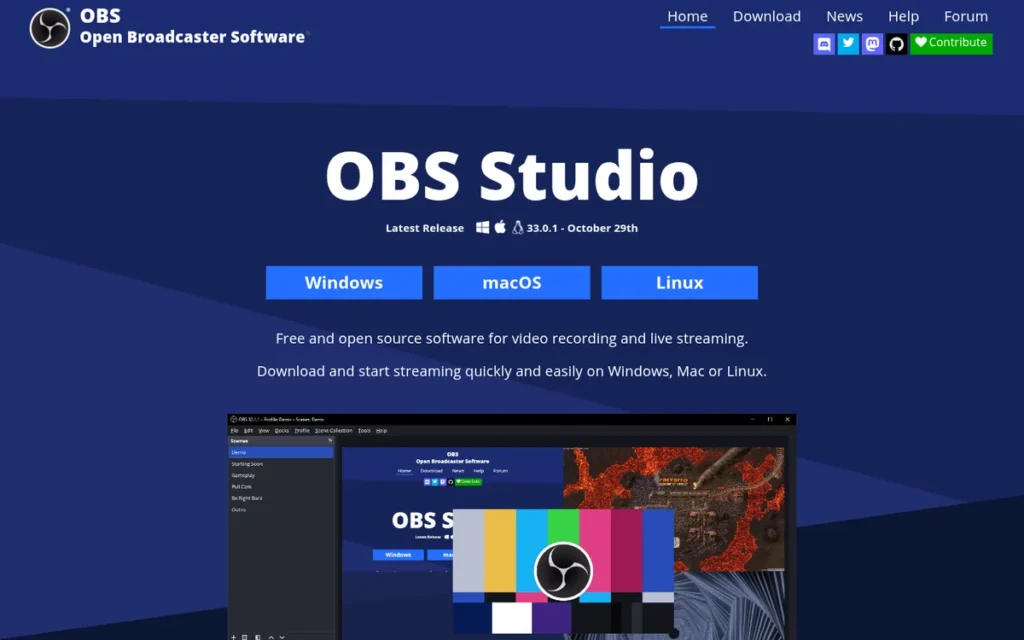
Category: Desktop Studio, installed software that builds scenes and encodes your live stream on your own computer.
At a Glance
- Category: Desktop Studio
- Best For: Gamers, solo creators, and budget-conscious teams on Windows, macOS, or Linux who are willing to learn a hands-on tool
- Price Range: Free ($0, open-source, no watermark)
- Primary Strength: OBS Studio offers the largest documented free feature set in this evaluation, including unlimited scenes, hardware encoding, AV1/HEVC, and plugins, on all three major operating systems.
- Biggest Limitation: OBS Studio has a steeper learning curve than browser studios and needs add-ons or separate services for multistreaming, alerts, and remote guests.
- One-Line Summary: OBS Studio is the best overall live stream software in 2026 for creators who want free, watermark-free, cross-platform control and are willing to configure it themselves.
- Last Verified: November 2026
Score: OBS Studio scores 39/45, the highest in this evaluation. It earns top marks for workflow capability (5), pricing value (5), and compatibility (5), and its lowest mark for ease of use (2).
Overview
OBS Studio is a free, open-source desktop streaming and recording application for Windows, macOS, and Linux, built for gamers, solo creators, and small teams who want full control over scenes, audio, and encoding without paying a subscription or accepting a watermark.
OBS Studio is maintained by an open-source community, not a vendor, and its code also underpins Streamlabs Desktop. The current release is OBS Studio 33.0.1, shipped October 29, 2026 (GitHub, November 2026).
Key Features
- OBS Studio supports unlimited scenes and sources, plus Studio Mode and Multiview for previewing changes before they go live.
- OBS Studio includes an audio mixer with filters and VST plugin support for adjusting each microphone and audio source separately.
- OBS Studio supports hardware encoding on NVIDIA NVENC, AMD, and Intel GPUs, plus AV1 (since version 27.2) and HEVC output.
- OBS Studio offers a virtual camera, WHIP/WebRTC output, and Twitch Enhanced Broadcasting multitrack video on supported hardware.
- OBS Studio added a built-in Plugin Manager in version 32.0 (September 2025) and redesigned how sources are added in version 32.2, both aimed at reducing beginner friction.
Best For
OBS Studio is best for gamers and solo creators who want professional-grade control at no cost, and it is the only Linux-native option in this list. OBS Studio also suits anyone willing to spend a few hours on tutorials to avoid a monthly subscription.
Pricing
OBS Studio is free, with no tiers, no watermark, and no per-stream fees, and it is funded by donations through Open Collective, Patreon, and PayPal (OBS Open Collective, November 2026).
OBS Studio’s hidden costs come from the add-ons a complete setup needs:
- Multistreaming with OBS Studio requires a plugin or a relay such as Restream, which is free for 2 channels and $19/month for 3 (Restream, November 2026).
- Alerts and widgets in OBS Studio require a third-party service such as StreamElements or Streamlabs.
- Remote guests in OBS Studio require a separate tool such as VDO.Ninja.
Strengths
- OBS Studio holds a 4.6/5 rating on G2 from about 139 reviews (G2, November 2026), and reviewers praise its price, flexibility, scene system, and plugins.
- OBS Studio’s public GitHub repository shows about 79,000 stars and an active release cycle, with version 33.0.1 shipped on October 29, 2026 (GitHub, November 2026).
- OBS Studio is the only product in this evaluation that runs natively on Windows 10/11, macOS 13 or later, and Linux (OBS Project, November 2026).
- OBS Studio is widely treated as the community standard in beginner threads, and one user said that after a few tutorial videos the setup was “actually pretty straightforward” (r/Twitch_Startup, posted 2024; accessed November 2026).
Limitations
- OBS Studio trades ease of use for control, and G2 reviewers criticise its learning curve, configuration complexity, and lack of formal support (G2, November 2026).
- OBS Studio was called a “last resort” with “a ton of complexity” by a podcaster with remote co-hosts (r/podcasting, posted 2024; accessed November 2026).
- OBS Studio support comes only from community forums, GitHub, and Discord, with no vendor help desk.
- OBS Studio leaves performance tuning to the user, and its knowledge base documents troubleshooting for “Encoding overloaded” warnings and choppy output (OBS Project, November 2026).
- OBS Studio needs several separate tools for a complete beginner setup with multistreaming, alerts, and remote guests, which costs time even though the software is free.
Users on r/streaming noted:
“I think using OBS with plugins etc, allows you to learn how everything works properly, but may lead to troubleshooting on your own a bunch. As far as I know, there is nothing streamlabs can do that OBS can’t.” Posted by u/AngryMaritimer
Takeaway: OBS Studio can do everything Streamlabs Desktop does through plugins, but users pay for that flexibility by troubleshooting on their own.
Verdict
OBS Studio ranks first (39/45) and is the best overall live stream software in 2026 because it combines the largest documented free feature set in this evaluation with native support for Windows, macOS, and Linux.
OBS Studio suits anyone who values control and zero cost over convenience, but beginners should set aside time for tutorials. Readers who want alerts ready on day one should compare Streamlabs Desktop, and readers who want no-install guest interviews should look at StreamYard or Riverside.
2. Restream: Best for Multistreaming to Several Platforms
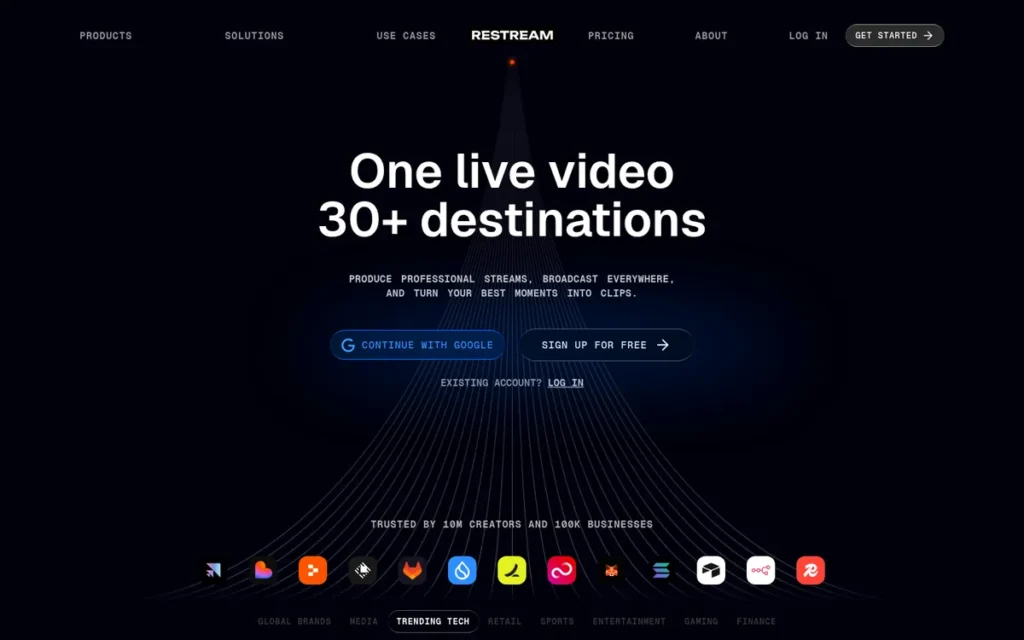
Category: Multistream Relay, a cloud service that takes one live stream and sends it on to many platforms at once.
At a Glance
- Category: Multistream Relay (with browser studio)
- Best For: Creators, podcasters, and small businesses who need to send one show to YouTube, Twitch, Kick, TikTok, LinkedIn, X, and other platforms at the same time
- Price Range: Free (2 channels, branded); $19–$239/month for paid plans; Enterprise on request
- Primary Strength: Restream sends a single upload to 30+ destinations from the cloud, so multistreaming does not use more of your own upload bandwidth.
- Biggest Limitation: Restream users reported dropouts in 2026 between the relay and specific destinations such as Facebook and TikTok, which the streamer cannot fix from their own setup.
- One-Line Summary: Restream is the best live stream software for multistreaming in 2026, offering cloud distribution to 30+ platforms with a free 2-channel plan and published paid tiers.
- Last Verified: November 2026
Score: Restream scores 38/45, one point behind OBS Studio. It earns a top mark for pricing value (5) because every self-serve tier is published and branding comes off at $19/month, and 2026 dropout reports reduce its reliability mark to 3.
Overview
Restream is a cloud multistreaming service and browser-based studio that sends one live feed to more than 30 platforms at once, built for creators, podcasters, and small businesses who want to reach several audiences without using extra upload bandwidth.
Restream accepts feeds from OBS Studio, vMix, Ecamm Live, Zoom, or its own Restream Studio. Restream also includes merged chat, scheduled pre-recorded streams, and analytics.
Key Features
- Restream simulcasts one incoming stream to 30+ RTMP destinations, including YouTube Live, Twitch, Kick, TikTok, LinkedIn Live, Facebook Live, and X.
- Restream Studio is a browser-based studio that supports up to 9 on-screen guests on the Standard plan, with no download required (Capterra, November 2026).
- Restream combines live chat from all connected platforms into a single view.
- Restream’s Upload & Stream feature schedules or loops pre-recorded video as a live broadcast.
- Restream offers AI clipping, transcription in 39 languages, and local recordings (added in late 2025), and its Business plan adds SRT input and stream backup.
Best For
Restream is best for anyone whose main problem is distribution rather than production, especially OBS Studio users who want to reach 3–5 platforms on self-serve plans (8 on Business). Restream also suits small businesses that need LinkedIn and X alongside YouTube.
Pricing
Restream publishes every self-serve tier (Restream pricing page, November 2026):
- Restream Free costs $0 and includes 2 channels with Restream branding.
- Restream Standard costs $19/month or $190/year for 3 channels, no branding, 2 seats, and custom RTMP.
- Restream Professional costs $49/month or $490/year for 5 channels, 1080p in Studio, 4K recording, vertical-plus-horizontal output, and 4 seats.
- Restream Business costs $239/month for 8 channels, SRT input, and stream backup, and Enterprise pricing is available on request.
- Restream add-ons include Clips at $19/month and Webinars at $99/month (100 attendees) or $299/month (500 attendees).
Strengths
- Restream is rated on two platforms: 4.6/5 on Capterra from 405 reviews and 4.5/5 on G2 from about 82–85 reviews (Capterra and G2, November 2026).
- Restream’s cloud relay means the streamer uploads once regardless of how many destinations are added, and a G2 reviewer valued that it does not use their computer’s power (G2, November 2026).
- Restream reports more than 10 million creators and organisations and 100,000 businesses, and its About page cites Microsoft streaming a Surface product keynote through Restream (Restream, accessed November 2026; company-reported).
- Restream publishes monthly and annual prices for its Standard and Professional tiers on its pricing page (Restream, November 2026).
This aligns with community sentiment on r/SmallStreamers:
“Multi streaming is critical for growth, and if your computer can’t handle multi streaming, check out stream Restream. It takes in your one streaming signal and re-broadcasts it to other platforms so it’s less load on your PC and internet.” Posted by u/killadrix
Takeaway: Streamers often recommend Restream’s cloud relay to anyone whose PC or internet connection cannot handle multistreaming directly.
Limitations
- Restream trades local control for cloud convenience, so when the connection between the relay and a platform fails, the streamer cannot fix it.
- Restream users reported Facebook dropouts (r/streaming, posted June 2026) and TikTok streams splitting into short VODs (r/streaming, posted October 2026), even though the OBS-to-Restream link stayed stable (accessed November 2026).
- Restream Standard allows only 3 simultaneous channels, so reaching 5 requires Professional at $49/month (Restream, November 2026).
- Restream’s free plan carries Restream branding, and G2 reviewers note limited storage for recorded streams (G2, November 2026).
- Restream’s Trustpilot reviews include complaints about auto-renewal and refunds (Trustpilot, accessed November 2026; score not verified).
Verdict
Restream ranks second (38/45) and is the best live stream software for multistreaming in 2026 because it relays one upload to 30+ platforms with published pricing starting at $0.
Restream pairs well with OBS Studio for a low-cost, wide-reach setup. Streamers should test each destination before important broadcasts and treat Restream as a distribution layer, not a full studio.
3. StreamYard: Best for Browser-Based Guest Interviews
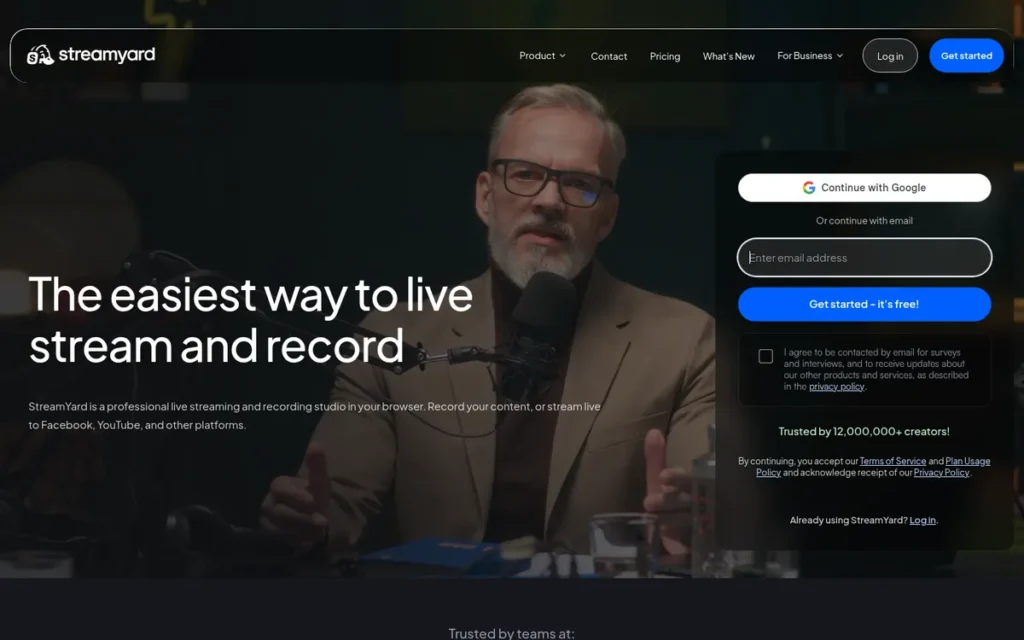
Category: Browser Studio, a live production studio that runs in a web browser, with guests joining by link and nothing to install.
At a Glance
- Category: Browser Studio
- Best For: Podcasters, interview shows, and small businesses that want guests on screen with minimal setup on any operating system
- Price Range: Free (watermarked); Core $35.99–$44.99/month; Advanced $68.99–$88.99/month; Business $59 per extra seat/month
- Primary Strength: StreamYard lets guests join a live show from a browser link without creating an account, with up to 10 people on screen on paid plans.
- Biggest Limitation: StreamYard has the highest-priced entry paid tier in this evaluation, and small organisations reported forced plan migrations that roughly doubled their cost.
- One-Line Summary: StreamYard is the easiest live stream software for browser-based guest interviews in 2026, with link-based guest access and a 4.8/5 G2 rating from 299 reviews.
- Last Verified: November 2026
Score: StreamYard scores 34/45. It earns top marks for ratings (5) and ease of use (5) but the lowest pricing mark in this evaluation (2), because Core lists at $44.99/month, promotional and list prices differ, and users reported forced plan migrations.
Overview
StreamYard is a browser-based live streaming studio that lets hosts bring guests on screen through a simple link, built for podcasters, interview shows, and small businesses that want professional-looking streams without installing software or learning complex tools.
StreamYard runs on any operating system with a modern browser. StreamYard’s paid plans add multistreaming, unlimited local recordings, AI clips, and pre-recorded streams.
Key Features
- StreamYard lets guests join from a browser link without creating an account, with 6 people on screen on the free plan and 10 on paid plans.
- StreamYard’s Advanced plan supports up to 15 backstage participants in a green room for waiting guests, plus On-Air webinars for 100 viewers.
- StreamYard multistreams to 3 destinations on Core, 8 on Advanced, and 10 on Business, with custom RTMP and guest destinations on paid plans.
- StreamYard runs pre-recorded streams of up to 2 hours on Core, 4 hours on Advanced, or 8 hours on Business.
- StreamYard saves brand kits and layouts per show and supports scheduling streams in advance and co-host control.
Best For
StreamYard is best for interview-style shows where guests are not technical, and for teams where a co-host needs to run the show. StreamYard works equally well on Mac, Windows, and Chromebook because it runs entirely in the browser.
Pricing
StreamYard’s list prices were verified on its pricing page in November 2026, but StreamYard has changed plans before, so confirm the live page on the day you subscribe:
- StreamYard Free costs $0 and includes a StreamYard watermark, streaming limits, and 2 hours/month of local recording.
- StreamYard Core costs $44.99/month, or $35.99/month billed annually ($431.88/year).
- StreamYard Advanced costs $88.99/month, or $68.99/month billed annually ($827.88/year).
- StreamYard Business costs $59 per extra seat per month ($588/year) with 2 seats included, and Enterprise pricing is available on request.
StreamYard has also advertised promotional first-year rates of $20/month (Core) and $39/month (Advanced) on annual billing, so check which rate applies after year one.
Strengths
- StreamYard holds a 4.8/5 rating on G2 from 299 reviews (G2, November 2026), and reviewers praise its intuitive interface, intros and outros, graphics, and live comments.
- StreamYard supports 6 on-screen participants on the free plan, 10 on paid plans, and 15 backstage on Advanced (StreamYard support documentation, November 2026).
- StreamYard users cited scheduling streams in advance and saved per-show branding as reasons they stayed despite price increases (r/podcasting, posted 2024; accessed November 2026).
- StreamYard scales multistreaming from 3 to 10 destinations across paid tiers, so most guest shows do not need a separate relay.
Limitations
- StreamYard trades simplicity for price predictability: small organisations reported their lowest paid plan being replaced by one costing about twice as much, and one said the price “jacked up over 100%” while support declined (r/podcasting, posted 2024; accessed November 2026).
- StreamYard Core’s $431.88/year list price is the highest entry subscription tier in this evaluation (StreamYard, November 2026).
- StreamYard reviewers on G2 criticise limited layout control, features locked to higher plans, and recording quality below Riverside’s (G2, November 2026).
- StreamYard’s free plan adds a watermark and limits local recording to 2 hours per month.
- StreamYard publishes no verified user counts or case studies, so its evidence rests mainly on ratings and plan capacity.
Users on r/podcasting noted:
“Streamyard is usually pretty good but I understand they just recently massively increased their monthly prices. I know one video podcaster that is playing with Restream (.io?) for when his yearly payment comes due as he ain’t having that.” Posted by u/BangsNaughtyBits
Takeaway: StreamYard’s workflow still earns goodwill, but its price increases are pushing some podcasters to look at alternatives before they renew.
Verdict
StreamYard ranks third (34/45) and is the easiest live stream software for browser-based guest interviews in 2026, letting guests join from a link with no account or download.
StreamYard’s 4.8/5 G2 rating from 299 reviews shows strong satisfaction with the workflow. Buyers should confirm current prices before subscribing and think carefully before committing to annual billing. Podcasters who put separate-track recording first should compare StreamYard with Riverside.
4. Riverside: Best for Recording Quality Plus Live Streaming
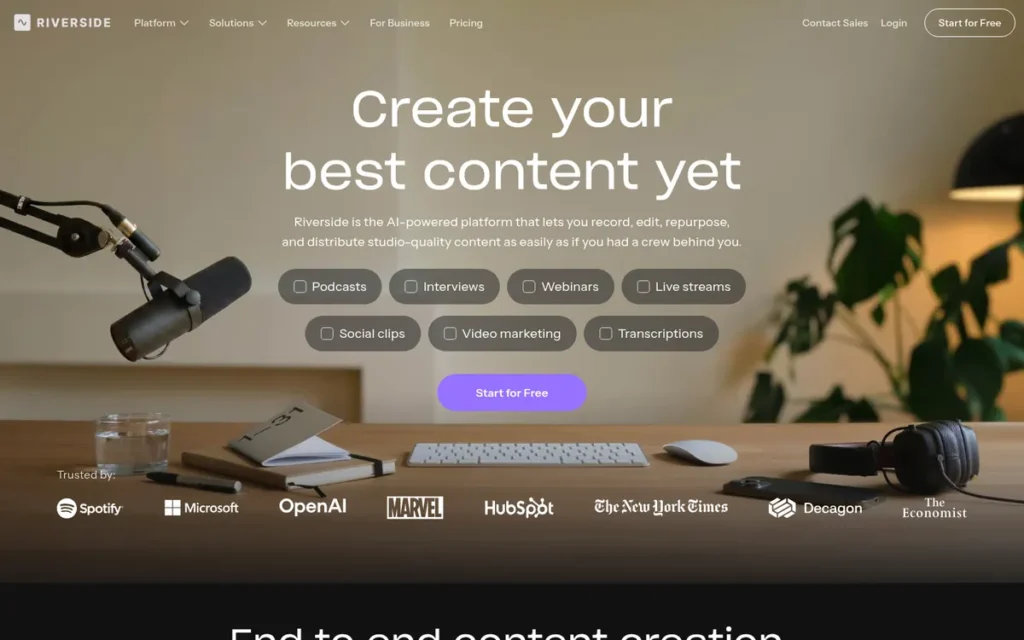
Category: Browser Studio (recording-first), a browser-based studio that records each guest locally in high quality and adds live streaming on higher plans.
At a Glance
- Category: Browser Studio (recording-first)
- Best For: Podcasters and interview creators who need high-quality separate tracks first and live streaming second
- Price Range: Free (2 hours, one-time) + $19–$29/month; live multistreaming requires Pro + Live Studio or higher; Business on request
- Primary Strength: Riverside records every participant locally in up to 4K with separate audio and video tracks, protecting quality even when a guest’s connection drops.
- Biggest Limitation: Riverside’s live studio is widely described as weaker than its recorder, and live multistreaming needs a higher-tier plan.
- One-Line Summary: Riverside is the best live stream software in 2026 for podcasters who need local, separate-track recordings in up to 4K, backed by a 4.8/5 G2 rating from 1,758 reviews.
- Last Verified: November 2026
Score: Riverside scores 33/45. It earns a top mark for ratings (5) from the largest review sample in this evaluation and a 3 for live-streaming capability, because reviewers describe its live studio as weaker than its recorder.
Overview
Riverside is a browser-based recording and live streaming platform that captures each participant locally in up to 4K with separate tracks, built for podcasters and interview creators who care more about recording quality and editing than about complex live production features.
Riverside adds an AI editor, Magic Clips, webinars, and mobile apps. Riverside changed its domain from riverside.fm to riverside.com in May 2026 (Riverside press release, May 2026).
Key Features
- Riverside records each participant locally on their own device in up to 4K, with separate audio, video, and screen-share tracks.
- Riverside uploads files progressively during the session, and guests can finish uploading later through a dedicated upload link.
- Riverside includes a transcript-based AI editor with filler-word removal and Magic Clips for short-form content.
- Riverside streams live to unlimited destinations on the Pro + Live Studio plan and higher.
- Riverside offers webinar plans and mobile apps for recording guests away from a computer.
Best For
Riverside is best for podcasters who publish edited episodes and stream live only occasionally. Riverside also suits shows whose guests have unreliable internet but still need clean audio and video.
Pricing
Riverside’s pricing was verified on its pricing page in November 2026:
- Riverside Free costs $0 and includes 2 hours of multitrack recording as a one-time allowance, not a monthly one.
- Riverside Standard costs $19/month or $180/year ($15/month) with 5 recording hours per month.
- Riverside Pro costs $29/month or $288/year ($24/month) with 15 recording hours per month.
- Riverside Business pricing is available on request, and live multistreaming requires Pro + Live Studio or above.
Riverside’s pricing page also lists newer plan names (Grow, Webinar), so check which plan includes Live Studio and its hour limits before buying.
Strengths
- Riverside has the largest third-party rating sample in this evaluation: 4.8/5 on G2 from 1,758 reviews (G2, November 2026).
- Riverside is reported to serve 2.3 million creators and 16 million+ guests, to have passed $100 million in annual recurring revenue, and to have raised about $80 million in total funding (Dealroom, 2026; third-party figures).
- Riverside counts Microsoft, Spotify, The New York Times, and Marques Brownlee among its named users (Calcalist, accessed November 2026; Riverside press release, May 2026).
- Riverside’s local recording means quality is not limited by a guest’s connection, and G2 reviewers praise its separate tracks and fast clipping (G2, November 2026).
Limitations
- Riverside trades live-production depth for recording quality: one user said its “livestream studio feels lacking,” and another said Riverside did not appear to offer scheduled live streams, unlike StreamYard (r/podcasting, posted 2024; accessed November 2026; features may have changed).
- Riverside users reported guests’ video freezing or guests dropping from calls (r/podcasting, posted June 2026; accessed November 2026), although a user since 2020 traced their few issues to locked-down IT machines.
- Riverside guest uploads can take 30+ minutes on slow connections (r/podcasting, posted 2025; accessed November 2026).
- Riverside reviewers on G2 report stalled uploads, sync drift, and CPU use near 90–100% in multi-guest 4K sessions on Intel Macs (G2, November 2026).
- Riverside’s Trustpilot reviews include payment and cancellation complaints (Trustpilot, accessed November 2026; score not verified).
Users on r/podcasting shared their experience:
“After using Riverside for a few years, it was nice seeing some things get worked on and added and become somewhat stable for me. This latest update broke all of that and nothing works like it used to and is arguably much worse.” Posted by u/Heyutl
Takeaway: Long-time Riverside users say its mid-2026 update undid earlier stability gains, so reliability remains a live concern for recording-first podcasters.
Verdict
Riverside ranks fourth (33/45) and is the best live stream software for podcasters who need local, separate-track recordings in up to 4K, backed by a 4.8/5 G2 rating from 1,758 reviews (G2, November 2026).
Riverside ranks below the top three because live streaming is a secondary feature and multistreaming needs a higher tier. Creators who mainly run live shows will likely be better served by StreamYard or Restream.
5. Ecamm Live: Best for Mac Users
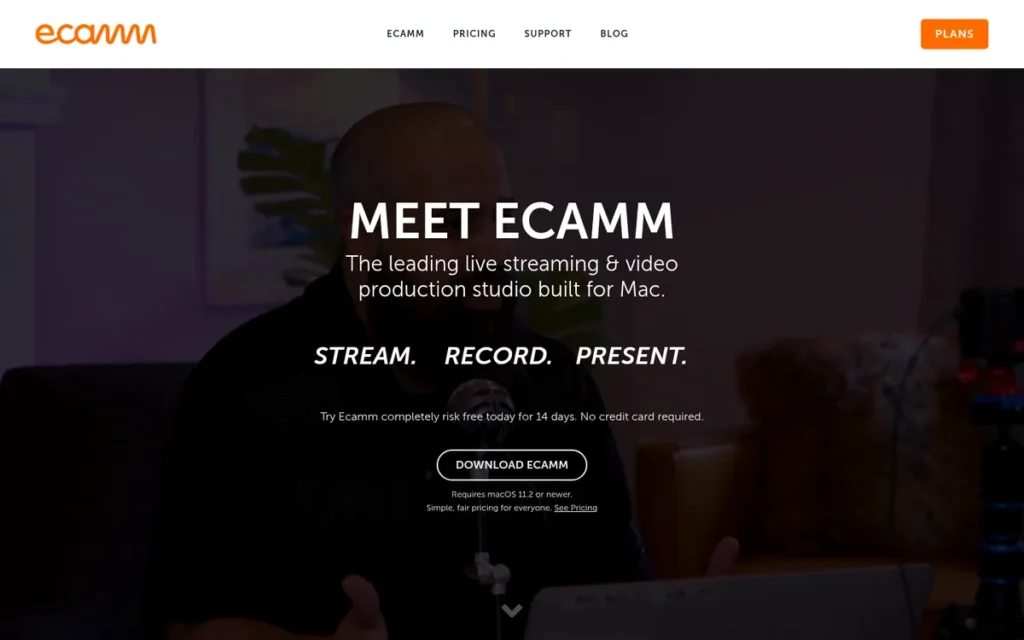
Category: Desktop Studio (Mac-native), installed software that builds scenes and encodes your live stream on your own Mac.
At a Glance
- Category: Desktop Studio (Mac-native)
- Best For: Mac-based creators, coaches, and small businesses who want polished multi-camera production without OBS-style configuration
- Price Range: $16–$40/month (14-day free trial, no free tier)
- Primary Strength: Ecamm Live combines scenes, multiple cameras, link-based guests, and streaming to up to 10 destinations in a native Mac app.
- Biggest Limitation: Ecamm Live runs only on macOS, supports just 4 guests on Intel Macs versus 10 on Apple Silicon, and is not recommended on MacBook Air models.
- One-Line Summary: Ecamm Live is the best live stream software for Mac users in 2026, offering native multi-camera production and guest interviews with a 4.8/5 Capterra rating from 174 reviews.
- Last Verified: November 2026
Score: Ecamm Live scores 32/45. It loses points on compatibility (2), because it is macOS-only with a 4-guest limit on Intel Macs, and on ratings (3.5), because its 4.8/5 Capterra rating from 174 reviews contrasts with a 4.3/5 G2 rating from only 19.
Overview
Ecamm Live is a Mac-only live streaming and production application that combines scenes, multiple cameras, link-based guest interviews, and overlays, built for Mac-based creators and small businesses who want a polished studio without the configuration that OBS Studio requires.
Ecamm Live requires macOS 11.2 or later and launched in September 2016. Ecamm Live is sold only by subscription, with a 14-day trial that needs no card.
Key Features
- Ecamm Live supports multiple camera sources, including iPhones and mirrorless cameras, with scene switching, overlays, and green screen.
- Ecamm Live’s Interview Mode lets guests join by link, with up to 10 guests on Apple Silicon Macs and 4 on Intel Macs.
- Ecamm Live streams to up to 10 RTMP destinations, puts viewer comments on screen, and integrates with Zoom.
- Ecamm Live Pro adds 4K streaming, isolated separate-track recording, Virtual Camera, and Virtual Mic.
- Ecamm Live includes screen sharing for presentations, tutorials, and webinars.
Best For
Ecamm Live is best for creators on 2020-or-newer Apple Silicon Macs who want an all-in-one production app. Ecamm Live also suits Zoom users who want isolated audio and video tracks, an option recommended by a podcaster (r/podcasting, posted June 2026; accessed November 2026).
Pricing
Ecamm Live’s pricing was verified in November 2026 (Ecamm, November 2026):
- Ecamm Live Standard costs $20/month, or $16/month billed annually ($192/year).
- Ecamm Live Pro costs $40/month, or $32/month billed annually ($384/year).
- Ecamm Live offers a 14-day free trial with no card required, but no free tier and no one-time licence.
Ecamm Live’s $16/$32 and $20/$40 figures, which appear in different sources, are the annual and monthly rates for the same two plans.
Strengths
- Ecamm Live holds a 4.8/5 rating on Capterra from 174 reviews (Capterra, November 2026), and Software Advice reviewers praise its production quality and call its Facebook group “one of the best Live streaming communities” (Software Advice, accessed November 2026).
- Ecamm Live is the only Mac-exclusive production studio in this evaluation, built solely for macOS since its September 2016 launch by Ecamm Network, which Ken and Glen Aspeslagh founded in 1999 (Ecamm fact sheet, accessed November 2026).
- Ecamm Live combines guests, multi-camera production, and streaming to up to 10 destinations in one app, so most Mac users can run all three without combining separate tools.
- Ecamm Live offers a 14-day trial without a credit card, which lowers the risk of testing it on your own hardware (Ecamm, November 2026).
Limitations
- Ecamm Live trades platform flexibility for Mac-native polish and does not run on Windows or Linux.
- Ecamm Live limits Intel Macs to 4 guests, recommends a 2020-or-newer Mac, and advises against MacBook Air models (Ecamm system requirements, accessed November 2026).
- Ecamm Live users reported severe lag and choppy streams, including on new machines (r/EcammLive, posted 2023; accessed November 2026).
- Ecamm Live’s negative reviews mention freezing broadcasts, stopped recordings, crashes, laptop heat, and difficulty changing subscriptions (Capterra and G2, November 2026).
- Ecamm Live’s G2 rating of 4.3/5 rests on only 19 reviews, and Reddit evidence is thin because its community gathers mainly on Facebook.
Verdict
Ecamm Live ranks fifth (32/45) and is the best live stream software for Mac users in 2026, combining native multi-camera production, link-based guests, and 10-destination streaming in one app.
Ecamm Live works best on recent Apple Silicon Macs, so Intel and MacBook Air owners should use the free trial before committing. Mac users with no budget should compare Ecamm Live against OBS Studio, which also runs on macOS.
6. vMix: Best for Multi-Camera Events and Church Production on Windows
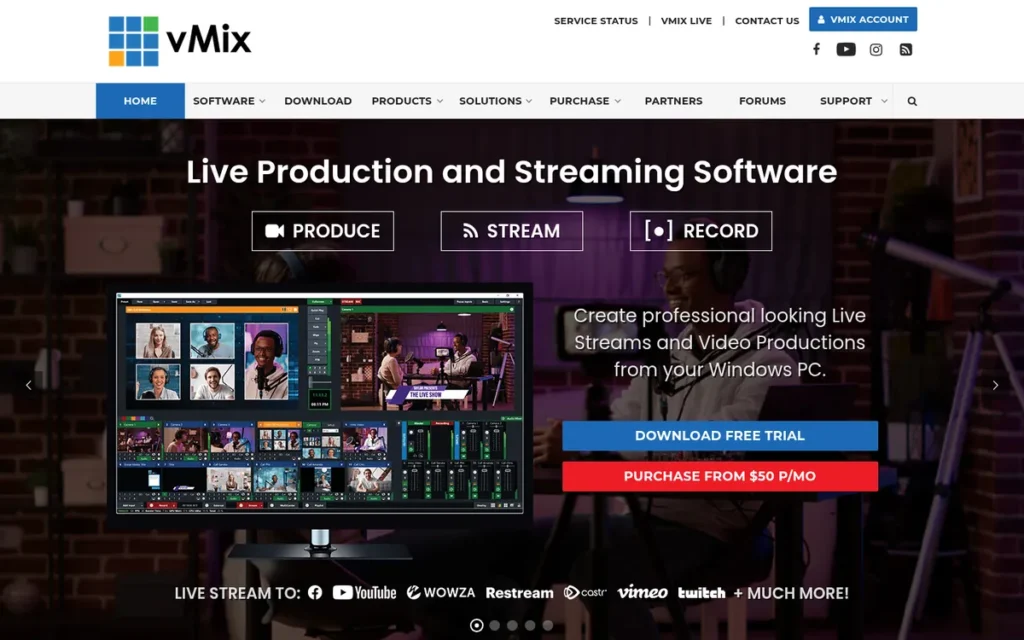
Category: Production Switcher, Windows software that mixes many cameras and sources into a professional multi-camera live production.
At a Glance
- Category: Production Switcher
- Best For: Church media teams, event producers, and live-production operators running multi-camera shows on Windows PCs
- Price Range: $60–$1,200 one-time licence, or $50/month (Max); $60/year for continued updates
- Primary Strength: vMix handles up to 1,000 inputs, NDI and SRT, instant replay, and up to 8 browser guests, with a one-time licence instead of a subscription.
- Biggest Limitation: vMix runs only on Windows and has a steep learning curve that reviewers say makes it hard for volunteer operators.
- One-Line Summary: vMix is the best live stream software for multi-camera events and church production on Windows in 2026, offering professional multi-camera production with up to 1,000 inputs and one-time licences from $60 to $1,200.
- Last Verified: November 2026
Score: vMix scores 30/45. It earns a top mark for workflow capability (5) but the lowest compatibility mark in this evaluation (1), because it is Windows-only, and a 2 for ease of use.
Overview
vMix is a Windows-only software vision mixer for professional live production, built for church media teams, event producers, and broadcasters who need to switch many cameras, run instant replay, and bring in remote guests with a one-time licence instead of a subscription.
vMix scales from a $60 Basic HD edition with 4 inputs to a $1,200 Pro edition. Every vMix licence includes 12 months of updates (vMix, November 2026).
Key Features
- vMix supports up to 1,000 inputs on the HD, 4K, Pro, and Max editions, and 4 inputs on Basic HD.
- vMix supports NDI input in every edition, 4 NDI outputs from the 4K edition upward, and SRT for remote contribution.
- vMix Call lets remote guests join from a browser with automatic echo control (mix-minus): 1 guest on HD, 4 on 4K, and 8 on Pro and Max.
- vMix offers instant replay for up to 8 cameras on 4K editions and above, plus MultiCorder for recording inputs separately.
- vMix includes GT Designer titles, multiview, VB.NET scripting, and an API for automation.
Best For
vMix is best for Windows-based church, event, and sports production teams that run several cameras, including NDI cameras common in church setups, and need replay. vMix also suits organisations that prefer a one-time purchase over recurring subscriptions.
Pricing
vMix’s pricing was verified in November 2026 (vMix purchase page, November 2026):
- vMix perpetual licences cost $60 (Basic HD), $350 (HD), $700 (4K), and $1,200 (Pro).
- vMix Max is a subscription at $50/month.
- vMix licences include 12 months of updates, and each further year of updates costs $60.
- vMix upgrades between editions cost the price difference, for example $350 from HD to 4K or $850 from HD to Pro.
vMix’s $350 HD licence equals about 22 months of Ecamm Live Standard billed annually. PlugRoute could not confirm a free vMix edition on the current pricing table.
Strengths
- vMix is the only product in this evaluation sold as a one-time licence ($60–$1,200; vMix purchase page, November 2026), which makes multi-year costs predictable for organisations with fixed budgets.
- vMix supports up to 1,000 inputs, 8-camera instant replay, NDI, and SRT, the highest input count documented in this evaluation (vMix, November 2026).
- vMix Call brings in up to 8 browser-based guests with automatic mix-minus echo control, which a reviewer called “pretty amazing” (Capterra, accessed November 2026).
- vMix provides documentation and YouTube tutorials that a reviewer singled out for praise (G2, November 2026).
Limitations
- vMix trades accessibility for production power and runs only on Windows, so Mac users need virtualisation, because Boot Camp is not available on Apple Silicon Macs (Apple Support, accessed November 2026).
- vMix’s interface is described by G2 reviewers as unintuitive, with confusing triggers (G2, November 2026).
- vMix is hard for volunteer operators to learn according to a Capterra reviewer, which matters directly for church teams that rotate volunteers (Capterra, accessed November 2026).
- vMix licences receive updates for 12 months only, and continued updates cost $60/year after that (vMix, November 2026).
- vMix’s G2 rating of 4.3/5 rests on about 31 reviews, and PlugRoute did not capture Reddit sentiment for vMix, so its community evidence is thinner than for other products here.
Verdict
vMix ranks sixth (30/45) and is the best live stream software for multi-camera events and church production on Windows in 2026, offering up to 1,000 inputs with one-time licences from $60.
vMix ranks sixth because its Windows-only limit and learning curve rule it out for many readers, not because it lacks capability. Teams with rotating volunteers should plan training time and write down simplified operating presets.
7. Streamlabs Desktop: Best for Gamers Who Want Built-In Alerts and Overlays
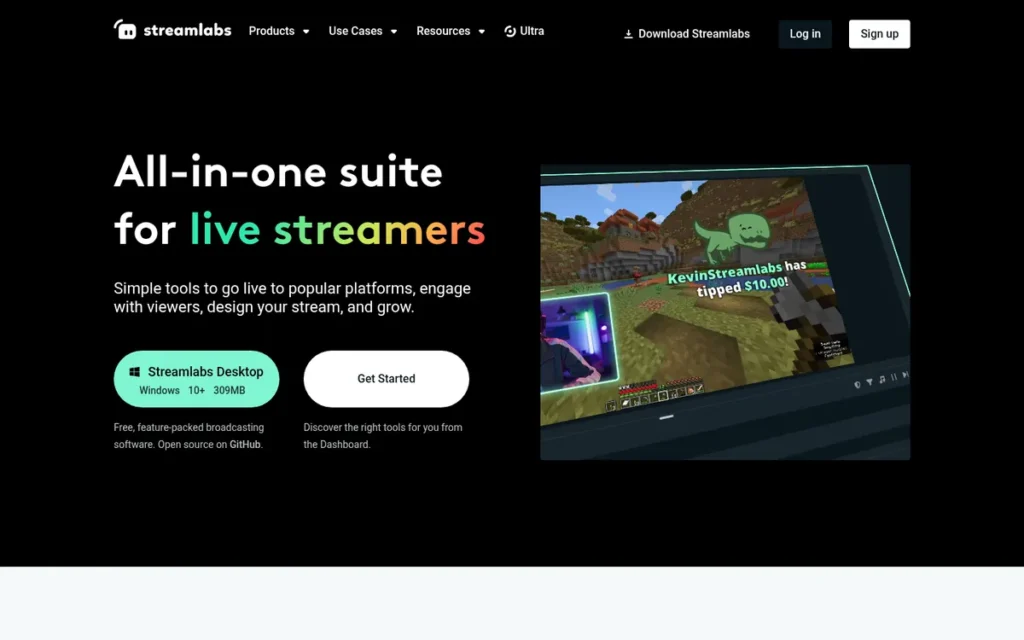
Category: Desktop Studio (all-in-one creator suite), installed software that builds scenes and encodes your live stream, bundled with alerts, overlays, and creator tools.
At a Glance
- Category: Desktop Studio (all-in-one creator suite)
- Best For: Gaming streamers who want alerts, overlays, and widgets working out of the box without configuring third-party services
- Price Range: Free + Ultra at $27/month or $189/year; console streaming $5/month
- Primary Strength: Streamlabs Desktop bundles alerts, widgets, 1,000+ free themes, and free horizontal-plus-vertical Dual Output into one guided desktop app.
- Biggest Limitation: Streamlabs Desktop has the lowest G2 rating in this evaluation, and users report high CPU and RAM use plus upsells to its paid Ultra plan.
- One-Line Summary: Streamlabs Desktop is the fastest way for gaming streamers to get alerts and overlays running in 2026, though it uses more resources and puts more features behind a paywall than OBS Studio.
- Last Verified: November 2026
Score: Streamlabs Desktop scores 27/45. It gets a 2 for ratings because its 4.1/5 from 59 reviews is the lowest rating in this evaluation, even with a larger sample than vMix’s 31, and a 2 for reliability because of recurring resource-use and billing complaints.
Overview
Streamlabs Desktop is a free desktop streaming app built on OBS Studio’s code that bundles alerts, widgets, themes, chat, and tipping, made for gaming streamers who want a guided setup and creator tools without configuring separate third-party services.
Streamlabs Desktop is owned by Logitech, which acquired Streamlabs in 2019 (Streamlabs press page, accessed November 2026). Streamlabs Desktop reserves full multistreaming and Collab Cam for the paid Ultra plan.
Key Features
- Streamlabs Desktop includes scenes, alerts, more than a dozen widgets, and 1,000+ free themes and overlays.
- Streamlabs Desktop offers free Dual Output to one horizontal and one vertical destination at the same time.
- Streamlabs Desktop combines chat from Twitch, YouTube, and Kick and includes Cloudbot moderation and tip pages.
- Streamlabs Desktop’s Ultra plan unlocks full multistreaming, Collab Cam with up to 11 guests or cameras, and Stream Shift, which moves a live stream between devices.
- Streamlabs Desktop includes an App Store and an AI assistant called Sidekick, with 1,000 interactions per month on Ultra.
Best For
Streamlabs Desktop is best for first-time gaming streamers who want a guided setup with alerts and overlays ready immediately. Streamlabs Desktop also suits short-form creators who want free simultaneous vertical and horizontal streams.
Pricing
Streamlabs Desktop’s pricing was verified in November 2026 (Streamlabs, November 2026):
- Streamlabs Desktop is free to download and use.
- Streamlabs Ultra costs $27/month or $189/year, which works out to about $15.75/month.
- Streamlabs Ultra unlocks Talk Studio Pro, Cross Clip Pro, Video Editor Pro, and Podcast Editor Pro.
- Streamlabs Ultra includes 10 GB of cloud storage and access to 60+ apps.
- Streamlabs console streaming from Xbox to Twitch costs $5/month, included in Ultra, according to a Streamlabs support reply (r/streamlabs, posted 2024; accessed November 2026).
Streamlabs takes no cut of tips, but payment-processor fees apply (Streamlabs FAQ, accessed November 2026).
Strengths
- Streamlabs Desktop offers free Dual Output to one horizontal and one vertical destination (Streamlabs, November 2026), a feature Restream reserves for its $49/month Professional plan.
- Streamlabs Desktop bundles 1,000+ free themes and overlays plus built-in alerts and widgets, and G2 reviewers praise how quickly it sets up (G2, November 2026).
- Streamlabs Desktop is described as “more user friendly than OBS” by a beginner (r/Twitch_Startup, posted 2024; accessed November 2026).
- Streamlabs Desktop’s Ultra price of $189/year sits alongside Restream Standard ($190), Riverside Standard ($180), and Ecamm Live Standard ($192) on annual billing (all verified November 2026).
Limitations
- Streamlabs Desktop trades convenience for performance and trust, and its G2 rating of 4.1/5 from 59 reviews is the lowest in this evaluation (G2, November 2026).
- Streamlabs Desktop users report higher CPU and RAM use than OBS Studio, crashes, and upselling, and one user called it “full of bloat” (r/Twitch, posted 2021; accessed November 2026).
- Streamlabs Desktop was renamed from “Streamlabs OBS” after a 2021 dispute in which the OBS Project objected to the name (Eurogamer, November 2021), and the episode still comes up in community advice.
- Streamlabs Desktop’s Trustpilot reviews include unexpected charges, difficulty cancelling Ultra, and refused refunds (Trustpilot, accessed November 2026; score not verified).
- Streamlabs Desktop’s $5/month console fee frustrated console streamers (r/streamlabs, posted 2024; accessed November 2026).
This aligns with community sentiment on r/streaming:
“I’d stay away from SLOBS and stick to OBS. SLOBS might be more user-friendly, but it’s a resource hog for the PC.” Posted by u/Saknika
Takeaway: Streamlabs Desktop is easier for beginners, but it uses more PC resources than OBS Studio.
Verdict
Streamlabs Desktop ranks seventh (27/45) and is the fastest way for gaming streamers to get alerts, overlays, and free vertical-plus-horizontal output running in 2026.
Streamlabs Desktop ranks seventh because of its lowest-in-class G2 rating, recurring resource-use complaints, and paid-only multistreaming. Gamers on lower-powered PCs should compare it with OBS Studio plus browser-source alerts.
Gamers who want a guided setup and free vertical output will find Streamlabs Desktop faster to start.
What Is the Best Free Live Stream Software for Beginners?
OBS Studio is the best free live stream software for beginners who are willing to watch tutorials, because it costs nothing, adds no watermark, and runs on Windows, macOS, and Linux. Streamlabs Desktop is the easier free starting point for gamers who want alerts ready immediately, but it uses more resources and pushes paid upgrades.
Every free option in this evaluation has a catch (verified November 2026):
- OBS Studio is fully free but needs add-ons for multistreaming, alerts, and guests.
- OBS Studio beginners must also enter a stream key and choose bitrate and encoder settings, and the Auto-Configuration Wizard suggests starting values.
- Streamlabs Desktop is free and includes free Dual Output, but full multistreaming and Collab Cam require Ultra.
- Restream Free allows 2 channels with Restream branding.
- StreamYard Free allows 6 people on screen, adds a watermark, and limits local recording to 2 hours per month.
- Riverside Free gives 2 hours of multitrack recording once, not every month.
- Ecamm Live offers a 14-day trial rather than a free tier.
What Does a Free Setup Actually Require?
No single tool in this evaluation is free, easy, multistreaming-capable, and guest-friendly without a watermark, channel cap, or paid upgrade. Beginners who want all four usually build a free or low-cost stack around OBS Studio:
- OBS Studio handles scenes, audio, and encoding at no cost.
- Restream relays the OBS Studio feed to 2 channels free, or 3 channels for $19/month.
- StreamElements or Streamlabs widgets add alerts to OBS Studio as browser sources.
- VDO.Ninja brings remote guests into OBS Studio.
A free OBS Studio setup stays free only up to two platforms. Adding Restream Standard for a third platform brings the three-year cost of the “free” stack to $570 at November 2026 list prices.
Which Live Stream Software Is Best for Multistreaming in 2026?
Restream is the best live stream software for multistreaming in 2026, simulcasting one upload to 30+ RTMP destinations with a free 2-channel plan. StreamYard, Ecamm Live, and Riverside include built-in multistreaming on paid plans. Streamlabs Desktop offers free dual output to two destinations, and OBS Studio needs a plugin or relay.
Multistreaming capacity by product (verified November 2026):
- Restream supports 2 channels free, 3 on Standard, 5 on Professional, and 8 on Business, from 30+ supported destinations.
- StreamYard supports 3 destinations on Core, 8 on Advanced, and 10 on Business.
- Ecamm Live supports up to 10 RTMP destinations.
- Riverside supports unlimited destinations on Pro + Live Studio and higher.
- Streamlabs Desktop supports 1 horizontal plus 1 vertical destination free, with full multistreaming on Ultra.
- OBS Studio supports multistreaming through a plugin or a relay service.
A cloud relay saves upload bandwidth. As illustrative arithmetic, not a measured result: streaming a 6 Mbps feed directly to 4 platforms from OBS Studio needs about 24 Mbps of upload. Sending one 6 Mbps feed to Restream, which sends it on to each platform, needs about 6 Mbps.
StreamYard and Restream overlap but solve different problems. StreamYard is a guest-first studio that also multistreams, while Restream is a distribution layer that also includes a studio.
Twitch has allowed simulcasting since 2023, but it still restricts showing combined cross-platform chat on the Twitch stream itself (Restream, accessed November 2026). Check each platform’s rules before showing merged chat.
Viewing share can help you decide which destinations to prioritise. Viewers watched 31.7 billion hours of livestreams in Q3 2026, split as follows (Streams Charts, Q3 2026):
- YouTube had 43.0% of hours watched.
- TikTok LIVE had 33.5% of hours watched.
- Twitch had 14.2% of hours watched.
- Kick had 6.4% of hours watched.
How Do I Choose Live Stream Software for Guest Interviews?
Choose live stream software for guest interviews based on how technical your guests are and whether recording quality or the live show matters more. StreamYard is simplest for non-technical guests. Riverside protects recording quality through local capture. vMix and Ecamm Live suit producers who need guests inside a larger production.
Guest capacity by product (verified November 2026):
- StreamYard allows 6 people on screen free, 10 on paid plans, and 15 backstage (a green room for waiting guests) on Advanced.
- Restream Studio allows up to 9 on-screen guests on Standard.
- Riverside records each participant locally in up to 4K with separate tracks, a method sometimes called double-ender recording.
- Ecamm Live allows 10 guests on Apple Silicon Macs and 4 on Intel Macs.
- vMix Call allows 1 guest on HD, 4 on 4K, and 8 on Pro and Max, with automatic mix-minus echo cancellation.
- Streamlabs Desktop’s Collab Cam allows up to 11 guests or cameras on Ultra.
- OBS Studio needs a separate tool such as VDO.Ninja for remote guests.
Local recording changes what the audience sees. If a guest’s Wi-Fi drops to a blurry picture during the live show, Riverside’s file recorded on that guest’s own device can still be in up to 4K. Viewers watching live see the blur, but the edited episode does not.
StreamYard users value scheduling and co-host control (r/podcasting, posted 2024; accessed November 2026). Riverside users value separate-track recordings but report that guest uploads can take 30+ minutes on slow connections (r/podcasting, posted 2025; accessed November 2026).
Which Live Stream Software Works on Mac vs Windows?
OBS Studio is the only tool in this evaluation that runs natively on Windows, macOS, and Linux. Ecamm Live runs only on macOS, and vMix runs only on Windows. StreamYard, Riverside, and Restream Studio work in the browser on any operating system. Mac users should check Apple Silicon versus Intel limits before buying.
| Product | Windows | macOS | Linux | Browser | Hardware Notes (verified November 2026) |
|---|---|---|---|---|---|
| OBS Studio | Yes (10/11) | Yes (13+) | Yes | No | Performance depends on user hardware and settings |
| Restream | Via any encoder | Via any encoder | Via any encoder | Yes (Studio) | Cloud relay uses no extra upload bandwidth |
| StreamYard | Browser | Browser | Browser | Yes | Needs a modern browser |
| Riverside | Browser | Browser | Browser | Yes, plus mobile apps | G2 reviewers report high CPU on Intel Macs in multi-guest 4K sessions |
| Ecamm Live | No | Yes (11.2+) | No | No | 10 guests on Apple Silicon, 4 on Intel; MacBook Air not recommended |
| vMix | Yes | No | No | No | Boot Camp not available on Apple Silicon Macs (Apple Support) |
| Streamlabs Desktop | Yes | Yes | Not listed | No | Windows and macOS builds available |
The Mac chip matters as much as the operating system. The same Ecamm Live Pro subscription supports 10 guests on a 2021 M1 MacBook Pro but only 4 on a 2019 Intel MacBook Pro.
vMix does not run on a Mac without Windows. Intel Mac owners can use Boot Camp or virtualisation, while Apple Silicon owners are limited to virtualisation.
Mac users have fewer polished options than Windows users. The main choices on a Mac are:
- Ecamm Live is the Mac-exclusive choice for all-in-one production.
- OBS Studio is the free choice for full control on macOS 13 or later.
- StreamYard, Riverside, and Restream Studio are browser choices for guest shows.
How Much Does Live Stream Software Cost Over Time?
Live stream software costs range from $0 for OBS Studio to $1,200 one-time for vMix Pro, with entry subscriptions from about $15 to $45 per month. Three-year totals vary widely, so compare multi-year cost rather than monthly price, especially for subscriptions that have changed their plans before.
The table below uses list prices verified in November 2026 and assumes those prices stay the same. PlugRoute calculated the three-year totals from those list prices.
| Product and Plan | Billing | Year 1 Cost | 3-Year Cost |
|---|---|---|---|
| OBS Studio | Free | $0 | $0 |
| Riverside Standard | $180/year | $180 | $540 |
| Streamlabs Desktop Ultra | $189/year | $189 | $567 |
| Restream Standard | $190/year | $190 | $570 |
| Ecamm Live Standard | $192/year | $192 | $576 |
| Riverside Pro | $288/year | $288 | $864 |
| Ecamm Live Pro | $384/year | $384 | $1,152 |
| StreamYard Core | $431.88/year | $431.88 | $1,295.64 |
| Restream Professional | $490/year | $490 | $1,470 |
| StreamYard Advanced | $827.88/year | $827.88 | $2,483.64 |
| vMix Basic HD | $60 one-time + $60/year updates (optional) | $60 | $180 with updates |
| vMix HD | $350 one-time + $60/year updates (optional) | $350 | $470 with updates |
| vMix 4K | $700 one-time + $60/year updates (optional) | $700 | $820 with updates |
| vMix Pro | $1,200 one-time + $60/year updates (optional) | $1,200 | $1,320 with updates |
| vMix Max | $50/month | $600 | $1,800 |
Over three years, a $350 vMix HD licence with two update renewals ($470) costs less than any paid subscription tier in this evaluation. The cheapest of those subscriptions, Riverside Standard, totals $540 at November 2026 annual list prices.
A one-time licence saves money only if you need vMix’s Windows production features. OBS Studio stays at $0 but may need paid add-ons such as a relay subscription.
What Red Flags Should I Watch For When Evaluating Live Stream Software?
The main red flags when evaluating live stream software are pricing traps, hidden hardware limits, and unreliable community praise. Each of the six warning signs below appeared in PlugRoute’s November 2026 research. Any of them can turn a reasonable-looking tool into an expensive or unusable choice after you commit.
Red Flag #1: Undated or Promotional-Only Pricing
Undated or promotional-only pricing is a red flag because the price after year one may differ from the price advertised. StreamYard, for example, has advertised first-year rates of $20/month for Core while its list price is $35.99/month billed annually (StreamYard, November 2026), so screenshot the plan page on the day you subscribe.
Red Flag #2: Forced Plan Migrations and Auto-Renewal Terms
Forced plan migrations and auto-renewal terms are a red flag because they can double your cost without adding features. StreamYard users reported retired plans replaced at about twice the price (r/podcasting, posted 2024; accessed November 2026), and Trustpilot reviews for several vendors mention renewal and refund disputes.
Choose monthly billing for the first 1–2 months, screenshot the plan page on the day you subscribe, and set a calendar reminder before the renewal date.
Red Flag #3: Free Tiers With Watermarks or One-Time Recording Allowances
Free tiers with watermarks or one-time allowances are a red flag because they can look more generous than they are. StreamYard Free and Restream Free add branding, and Riverside Free gives 2 recording hours once, not every month. Check the limits before building a show around a free plan.
Red Flag #4: Multistreaming Locked Behind a Paid Tier
Multistreaming locked behind a paid tier is a red flag when it is your main reason for choosing a tool. Streamlabs Desktop reserves full multistreaming for Ultra, Riverside requires Pro + Live Studio, and Restream Standard caps you at 3 channels. Check how many destinations your exact plan allows before you commit.
Red Flag #5: OS or Chip Restrictions Hidden in Support Docs
Operating system or chip restrictions hidden in support documents are a red flag because they surface only after purchase. Ecamm Live limits Intel Macs to 4 guests and advises against MacBook Air models. vMix runs only on Windows, and Boot Camp is not available on Apple Silicon (Apple Support, accessed November 2026).
Red Flag #6: Community Praise From Referral Links or Vendor Staff
Community praise from referral links or vendor staff is a red flag because it can make sentiment look more positive than it is. PlugRoute found a Restream referral link in an r/podcasting comment, plus a disclosed Riverside staff member and word-for-word duplicate praise in an October 2026 r/streaming thread.
What Questions Should I Ask Before Choosing Live Stream Software?
Before choosing live stream software, answer the seven questions below. They map directly to the trade-offs PlugRoute found in this evaluation, from workflow fit and hardware limits to multi-year cost and what happens when a destination fails, so your answers narrow the shortlist before you compare brands.
Question #1: What is my main workflow: solo, guests, multistream, or multi-camera?
Your main workflow should decide the category before you compare brands. Each of the four categories solves a different job, and switching tools after you have built scenes, overlays, and guest routines costs real setup time. Match your workflow to one category first, then compare products inside it:
- Solo and gaming streamers fit a Desktop Studio such as OBS Studio, Streamlabs Desktop, or Ecamm Live.
- Interview shows fit a Browser Studio such as StreamYard or Riverside.
- Creators sending one show to many platforms fit a Multistream Relay such as Restream.
- Multi-camera events fit a Production Switcher such as vMix.
Question #2: Does it run well on my exact OS and chip?
Operating system and chip compatibility is a hard constraint that no feature list can make up for. Confirm that the tool supports your operating system and Mac chip, and check vendor requirements such as Ecamm Live’s 4-guest limit on Intel Macs and vMix’s Windows-only support before you pay.
Question #3: What does the free tier actually include, and what triggers an upgrade?
The free tier’s real limits decide how long you can stay free. Look for watermarks, channel caps, one-time recording allowances, and the features that push you to a paid plan, such as Streamlabs Desktop’s Ultra-only multistreaming or Riverside’s one-time 2-hour recording allowance.
Question #4: How many guests and destinations does my plan allow?
Guest and destination caps vary by plan, and your show depends on both. Compare your exact plan’s numbers, for example StreamYard’s 3 destinations on Core versus 8 on Advanced, Restream’s 3 channels on Standard versus 5 on Professional, or vMix Call’s 1 guest on HD versus 8 on Pro.
Question #5: What will it cost over 1 year and over 3 years?
Three-year cost shows the real price better than the monthly rate. At November 2026 list prices, three years ranges from $0 for OBS Studio and $470 for vMix HD with updates to about $1,296 for StreamYard Core and $2,484 for StreamYard Advanced on annual billing, so compare billing terms, add-ons, and one-time licences before committing.
Question #6: Who will operate it, and how steep is the learning curve for them?
The person running the stream decides whether a powerful tool is usable. Rotating church volunteers may struggle with vMix, as a Capterra reviewer reported, while browser studios such as StreamYard need almost no training. First-time streamers choosing OBS Studio should budget several hours of tutorials before going live.
Question #7: What happens if a destination drops mid-stream?
A failure plan matters because some dropouts are outside your control. Restream users reported Facebook and TikTok dropouts even with a stable upload (r/streaming, posted June and October 2026). Test each destination before important broadcasts, and check whether your plan includes stream backup, which Restream offers on Business.
How Did We Rank These Live Stream Software Tools?
PlugRoute scored all 7 tools from 1 to 5 on six criteria. Workflow capability, sample-weighted third-party ratings, and pricing transparency count double; compatibility, reliability, and ease of use count once, for a maximum of 45. Every rating and price was verified in November 2026, and every other source carries its own date.
The six ranking criteria and why each matters:
- C1 – Live-Streaming Workflow Capability (×2): This criterion matters because readers need a tool that can do their main job, whether that is scenes, guests, destinations, inputs, or recording.
- C2 – Third-Party Ratings Weighted by Sample Size (×2): This criterion matters because sample size changes what a rating means. Riverside’s 4.8/5 G2 rating rests on 1,758 reviews, about 92 times as many as Ecamm Live’s 19 G2 reviews.
- C3 – Pricing Transparency and Value (×2): This criterion matters because paywalls, changing plans, and unclear free tiers are among readers’ biggest frustrations.
- C4 – Platform and Hardware Compatibility (×1): This criterion matters because operating system and chip limits are hard constraints, especially for Mac users.
- C5 – Reliability and Trust Signals (×1): This criterion matters because users abandon tools over dropped streams, CPU load, and billing disputes. Only recurring themes counted, not isolated anecdotes.
- C6 – Ease of Use and Learning Curve (×1): This criterion matters because first-time streamers and volunteers need to go live without a technical background.
The C2 rating bands are 4.7+ = 5; 4.5–4.6 = 4–4.5; 4.3–4.4 = 3–3.5; below 4.3 = 2. Products with fewer than 50 reviews are capped at 3 unless a second platform corroborates the score. Ecamm Live’s 3.5 reflects the gap between its two platforms.
| Rank | Product | C1 | C2 | C3 | C4 | C5 | C6 | Total (/45) |
|---|---|---|---|---|---|---|---|---|
| 1 | OBS Studio | 5 | 4 | 5 | 5 | 4 | 2 | 39 |
| 2 | Restream | 4 | 4.5 | 5 | 4 | 3 | 4 | 38 |
| 3 | StreamYard | 4 | 5 | 2 | 4 | 3 | 5 | 34 |
| 4 | Riverside | 3 | 5 | 3 | 4 | 3 | 4 | 33 |
| 5 | Ecamm Live | 4 | 3.5 | 4 | 2 | 3 | 4 | 32 |
| 6 | vMix | 5 | 3 | 4 | 1 | 3 | 2 | 30 |
| 7 | Streamlabs Desktop | 4 | 2 | 3 | 3 | 2 | 4 | 27 |
Adjacent ranks are close, especially ranks 2–3 and 3–5, so workflow fit should override rank position. Riverside scores 3 on C1 because its live studio is described as weaker than its recorder. vMix scores 5 on C1, but its Windows-only limit (C4 = 1) lowers its total.
PlugRoute’s rankings rely on vendor documentation, dated pricing, G2 and Capterra ratings with review counts, and screened community sentiment. PlugRoute did not perform standardised hands-on testing.
PlugRoute applied these screening rules to community sources:
- Reddit comments containing referral links were discounted.
- Replies from vendor staff were treated as vendor statements, not user sentiment.
- Word-for-word duplicate praise from separate accounts was discounted.
- Company-reported adoption figures were labelled as company-reported and not compared with each other.
Market-size estimates differ because research firms define the market differently. Mordor Intelligence (2026) sizes the streaming-platform technology market at $6.25 billion in 2026. Grand View Research (2026) sizes the broader live-streaming market at $134.8 billion in 2026.
PlugRoute has no affiliate relationships with any company listed, and rankings are determined entirely by research data and objective evaluation criteria.
What Else Do People Ask About Live Stream Software?
Three questions come up most often once readers have compared these tools: whether beginners should start with OBS Studio or Streamlabs Desktop, how StreamYard differs from Riverside, and how PlugRoute decides its rankings. Each answer below is written to stand on its own.
Should a beginner use OBS Studio or Streamlabs Desktop?
OBS Studio is the better long-term choice for most beginners, while Streamlabs Desktop is faster to set up. Streamlabs Desktop includes alerts and themes immediately. OBS Studio is reported to use fewer resources, has no upsells, and added a Plugin Manager in 2025, and Streamlabs or StreamElements alert widgets can be added to OBS Studio as browser sources.
What is the difference between StreamYard and Riverside?
StreamYard is built for running a live show, while Riverside is built for recording one. StreamYard offers link-based guests, scheduling, and co-host control. Riverside records each participant locally in up to 4K with separate tracks, but reviewers describe its live studio as weaker. Choose StreamYard for live-first shows and Riverside for edited podcast episodes.
How does PlugRoute determine rankings?
PlugRoute ranks software using six published criteria scored from 1 to 5, with workflow capability, sample-weighted ratings, and pricing transparency counting double. Every score is backed by dated evidence from vendor documentation, G2, Capterra, and screened community discussion, and the full scoring matrix appears in this article’s methodology section, with OBS Studio scoring highest at 39 out of 45.
What Do Key Live Stream Software Terms Mean?
Multistreaming: Multistreaming (also called simulcasting) means sending one live show to several platforms at the same time, such as YouTube, Twitch, TikTok and LinkedIn. Plans differ a lot in how many destinations they allow, and some free tiers leave it out entirely. Check the destination count on the exact plan you’re buying.
Multistream Relay: A multistream relay is a cloud service that takes in your one stream and sends it on to many platforms. You upload only once, so adding destinations doesn’t use more of your upload bandwidth or your computer’s power. The trade-off is that if the link between the relay and a platform fails, you can’t fix it from your own setup.
RTMP Destination: An RTMP destination is a platform or custom address that your stream is sent to. When a plan says it supports a set number of RTMP destinations or “custom RTMP,” that number tells you how many places you can reach at once and whether you can add platforms beyond the built-in list.
Desktop Studio: A desktop studio is software installed on your own computer that builds scenes and encodes the stream locally. It gives you the most control, but its performance depends on your hardware and settings. It may also need add-ons for multistreaming, alerts or remote guests.
Browser Studio: A browser studio runs in a web browser, and guests join by link with nothing to install. It’s usually the easiest option for guests who aren’t technical, and it works on any operating system with a modern browser.
Production Switcher: A production switcher (or vision mixer) is professional software for mixing many cameras and sources into one multi-camera show, with features such as instant replay. It suits church and event teams, but it has a steeper learning curve, which matters if volunteer operators rotate.
Local Recording (Double-Ender): Local recording captures each participant’s audio and video on their own device, often in separate tracks, instead of recording what passes over the internet. If a guest’s connection drops during the live show, the edited episode can still be high quality. The downside is that guest uploads can take a long time on slow connections.
Watermark and Branding: A watermark is the vendor’s logo or branding shown on your stream, usually on free plans. Removing it is often the first thing a paid tier unlocks, so it’s a common trigger for upgrading.
Dual Output: Dual output sends one horizontal and one vertical version of your stream at the same time, which helps creators who serve both standard and short-form audiences. Some tools include it for free, while others save it for higher-priced plans.
Mix-Minus: Mix-minus is an audio setup that sends each remote guest the show’s audio without their own voice. This stops them from hearing an echo. Tools that handle it automatically save you from configuring audio routing by hand during guest segments.
NDI and SRT: NDI and SRT are protocols used in professional production. NDI lets compatible cameras and sources feed into the software (common in church setups), and SRT is used to bring in remote feeds. If your show relies on these sources, confirm that your edition or plan supports them.
One-Time Licence: A one-time (perpetual) licence is paid once instead of monthly. Updates are often included for a limited period and then sold as a separate yearly renewal. Over several years it can cost less than a subscription, so compare multi-year totals rather than monthly prices.
Which Live Stream Software Is Right for You?
Key Insights
- The right live stream software depends on your main workflow, operating system, and budget over several years, because no single tool in this evaluation is free, easy, multistreaming-capable, and guest-friendly without a watermark, channel cap, or paid upgrade.
- OBS Studio leads on value and compatibility at $0 across Windows, macOS, and Linux, but it needs add-ons for multistreaming, alerts, and guests.
- Restream is the multistreaming layer, with published prices for every self-serve tier from $0, but 2026 user reports show dropouts at specific destinations.
- StreamYard is the easiest tool for guest interviews, with a 4.8/5 G2 rating from 299 reviews, but its entry paid tier is the highest-priced here and users reported forced plan migrations.
- Riverside suits recording-first podcasters, Ecamm Live suits Mac users on Apple Silicon, vMix suits Windows event teams that can invest in training, and Streamlabs Desktop suits gamers who want alerts on day one.
- Live stream software pricing and plan names changed often in 2025–2026, so check the vendor’s pricing page on the day you buy.
Before paying for any live stream software, run one private test stream that matches your real show:
- Use the same computer, guests, destinations, and show length as your real broadcast.
- Check CPU load, guest audio, and playback on every destination.
- Start on a free tier or trial where one exists, such as Ecamm Live’s 14-day trial with no card required.
If you need free control and don’t mind learning, start with OBS Studio and add Restream when you outgrow one platform. If your guests are not technical, try StreamYard’s free plan. If you are on a Mac, test Ecamm Live’s trial on your own hardware first.
Read PlugRoute’s full methodology above and browse our other independent software reviews before your next purchase. We update this guide quarterly. Last updated: November 2026.