HubSpot Marketing Hub is the best lead capture software for teams that want capture and CRM follow-up in one system. Jotform is best for complex or regulated intake forms, and Typeform is best for conversational qualification forms. The right choice depends on where your leads must end up and what the tool costs as lead volume grows.
Many lead capture tools only collect contact details, so leads get lost or go stale somewhere between the form and the CRM. Many of these tools also bill on usage, so a successful campaign can quietly raise your bill.
As one user on r/Entrepreneurs described:
“i’m at the point where our sales process is getting messy enough that i’m considering actually paying for something instead of keeping everything spread across spreadsheets and random tools. one of the options i’m looking at is hubspot sales hub, but i’m having a hard time figuring out when it actually becomes worth paying for. we’re still a pretty small team, so i care more about having a clean pipeline, follow ups and decent reporting than having a ton of advanced features sitting there unused.” Posted by u/Urfi_Rennece
Takeaway: Small teams shopping for lead capture and CRM software care more about clean pipelines and reliable follow-up than feature depth, which makes cost-to-value the deciding question.
PlugRoute has no affiliate relationships with any company listed, and rankings are determined entirely by research data and objective evaluation criteria.
This guide sorts tools by the job they do, prices each one at volume, and shows where its leads land. Every entry uses the same structure, and every price and review count was verified in November 2026.
What Are the 6 Categories of Lead Capture Tools?
Lead capture tools fall into six categories. Only one of them, the all-in-one capture suite, captures, stores, routes, and follows up on leads natively. The other five categories collect contact details or visitor signals and pass them to a CRM through integrations. The list below defines each category and names the tools ranked in it.
- All-in-One Capture Suite: HubSpot Marketing Hub captures, stores, scores, routes, and follows up on leads inside a native CRM.
- Form Builder: Jotform and Typeform collect detailed lead data through configurable or conversational forms.
- Landing Page Builder: Unbounce builds standalone campaign pages with forms and tests variants to raise conversion.
- Popup & On-Site Tool: OptinMonster adds targeted popups, bars, and inline forms to an existing website.
- Quiz & Funnel Builder: ConvertFlow qualifies leads at capture through quizzes and multi-step forms.
- Visitor Identifier: Leadfeeder by Dealfront shows which companies visit a website without needing a form submission.
Collect-only tools vs. full-journey tools: Collect-only tools end their job at the submit button. Full-journey tools also store the lead, assign it to an owner, and trigger follow-up. A lead capture tool’s job isn’t done at the submit button. It’s done when a salesperson sees the lead.
In this set, only HubSpot Marketing Hub covers the whole journey natively. Jotform stores submissions in Jotform Tables. The other six tools all rely on connectors or integrations to reach a CRM, which is where duplicates, field mismatches, and failed syncs most often happen.
Six of the seven tools are capture layers, so most teams pair them with a system of record. Common pairings are:
- OptinMonster commonly pairs with an email platform such as Klaviyo or Constant Contact, which stores and nurtures the captured contacts.
- Typeform or Jotform commonly pairs with HubSpot or Salesforce, which handles routing and follow-up.
- Unbounce commonly pairs with any CRM through native integrations, webhooks, or Zapier.
- Leadfeeder by Dealfront commonly pairs with any form tool, because Leadfeeder by Dealfront identifies companies that never submit a form.
Scope note: PlugRoute left three groups out of this ranking because they find or engage prospects rather than capture inbound leads from websites you own:
- PlugRoute excludes outbound prospecting databases such as Apollo.io and ZoomInfo because they find prospects rather than capture inbound leads.
- PlugRoute excludes event and business-card capture tools such as Popl because they capture contacts offline rather than on owned web properties.
- PlugRoute excludes standalone chat platforms such as Intercom and Drift because their main job is customer engagement rather than inbound lead capture.
How Do the Top Lead Capture Tools Compare at a Glance?
HubSpot Marketing Hub ranks #1 (4.00/5) for native capture-to-CRM handoff. Jotform (3.65) leads Typeform (3.40) by 0.25 points on compliance and capture breadth, and Typeform leads on pricing transparency. The other four tools each fit a specialized job. None of the seven is a general-purpose replacement for the others.
| Rank (Score) | Company | Category | Best For | One-Line Summary | Key Capabilities | Primary Strength | Key Limitation |
|---|---|---|---|---|---|---|---|
| 1 (4.00) | HubSpot Marketing Hub | All-in-One Capture Suite | SMB and mid-market teams that want capture, CRM, and follow-up in one place | HubSpot Marketing Hub is the strongest choice for teams that want lead capture and CRM follow-up in one system. | Forms, popups, landing pages, chat, scoring, routing | Leads are written to a native CRM record without a third-party sync | Routing and scoring require Professional ($800–$890/mo + $3,000 onboarding) |
| 2 (3.65) | Jotform | Form Builder | Regulated or logic-heavy intake with payments | Jotform is the strongest choice for complex, payment-enabled, or HIPAA-regulated lead intake. | Conditional logic, payments, e-signatures, AI Agents, HIPAA | Strongest compliance options in the list, with 4.6–4.7 ratings at high review volume | No native CRM; leads go to Jotform Tables or connectors |
| 3 (3.40) | Typeform | Form Builder | Branded conversational qualification forms | Typeform is the strongest choice for conversational lead qualification with partial-submission recovery. | One-question format, branching, scoring, partial submits | Published tier table with monthly response caps | Monthly response caps; Salesforce only on Business |
| 4 (3.05) | Unbounce | Landing Page Builder | Paid-traffic teams running conversion tests | Unbounce is the strongest choice for paid-traffic landing pages and conversion testing. | Landing pages, A/B testing, Smart Traffic, Dynamic Text Replacement | Publishes a 2024 benchmark covering 464 million visitors and 41,000 landing pages | No native lead storage or routing |
| 5 (2.85) | Leadfeeder by Dealfront | Visitor Identifier | B2B teams with mostly anonymous traffic | Leadfeeder by Dealfront is the strongest choice for identifying B2B companies that never fill out a form. | Reverse-IP company matching, scoring, alerts, assignment | Turns anonymous visits into account signals in the CRM | Identifies companies, not people; VPNs and remote work reduce accuracy |
| 6 (2.65) | OptinMonster | Popup & On-Site Tool | Sites growing email lists from existing traffic | OptinMonster is the strongest choice for adding exit-intent popups to an existing website. | Popups, slide-ins, bars, Exit-Intent, targeting | Patented Exit-Intent and detailed targeting | Captures but does not store leads; annual prices roughly double at renewal |
| 7 (2.45) | ConvertFlow | Quiz & Funnel Builder | Quiz-led and multi-step qualification | ConvertFlow is the strongest choice for quiz funnels that map answers into CRM fields. | Quizzes, multi-step forms, personalization, CRM field mapping | Captures, qualifies, and personalizes in one builder | Thinnest review evidence; web pricing starts at $250/mo annual |
Quick Decision Framework: Which Tool Fits Your #1 Priority?
| Your #1 Priority | Recommended Tool | Why | Acceptable Alternative |
|---|---|---|---|
| Capture + CRM + follow-up in one system | HubSpot Marketing Hub | Leads are written to a native CRM record with no third-party sync step | Jotform or Typeform + your existing CRM |
| Payments, signatures, or HIPAA intake | Jotform | HIPAA on Gold/Enterprise, plus payments and e-signatures in the form | Typeform (no HIPAA documented) |
| Conversational qualification with partial-lead recovery | Typeform | Branching, scoring, and Partial Submit Points | ConvertFlow |
| Paid traffic to campaign pages | Unbounce | A/B testing, Smart Traffic, Dynamic Text Replacement | ConvertFlow landing pages |
| Identifying B2B companies that never fill out a form | Leadfeeder by Dealfront | Company-level reverse-IP identification with CRM sync | No alternative ranked in this list |
| Exit-intent popups on an existing site | OptinMonster | Patented Exit-Intent and page/device targeting | ConvertFlow |
| Quiz-led qualification mapped to CRM fields | ConvertFlow | Writes quiz answers to HubSpot, Salesforce, and Klaviyo fields | Typeform |
What Are the 7 Best Lead Capture Software Tools in 2026?
The seven best lead capture tools in 2026 are ranked below by PlugRoute’s weighted score, which gives CRM handoff the most weight. HubSpot Marketing Hub ranks first at 4.00/5 and ConvertFlow ranks seventh at 2.45/5. Every entry follows the same structure, opens with an At a Glance block and a score line, and uses data verified in November 2026.
Which Lead Capture Software Should I Choose for My Use Case?
Pick the tool that matches where your leads need to end up and what you’ll pay once volume grows.
- If you’re a small or midsize team that wants capture, CRM and follow-up in one system: choose HubSpot Marketing Hub, because its forms, popups, landing pages and chat send every lead straight to a CRM record with no third-party sync. Its free tier also lets you test the whole lead journey before you pay.
- If you need payments, e-signatures or HIPAA-compliant intake: choose Jotform, because it has HIPAA features on Gold ($99 to $129/month) and Enterprise, plus payments and signatures inside the same form.
- If you want branded qualification forms that recover partial leads: choose Typeform, because it combines branching, answer-based scoring and Partial Submit Points. Its published response caps also make cost at volume easy to model.
- If you send paid traffic to campaign pages: choose Unbounce, because it offers unlimited A/B testing from the Experiment plan ($112 to $149/month). It also has Smart Traffic and Dynamic Text Replacement to match ad intent.
- If you sell B2B and most of your website traffic is anonymous: choose Leadfeeder by Dealfront, because it uses reverse-IP matching to identify companies that never fill out a form and sends those accounts to your CRM. It also has a 14-day trial with no card required.
- If you want to grow an email list from traffic you already have: choose OptinMonster, because of its patented Exit-Intent triggers and detailed page and device targeting. The first year on annual Basic costs $9/month, but it renews at $17.50/month.
- If you run a Shopify brand or a B2B funnel built around quizzes: choose ConvertFlow, because it writes quiz and multi-step answers into HubSpot, Salesforce and Klaviyo fields. Plan for web pricing that starts at $250/month on annual billing.
- If you’re a solo founder on a tight budget: choose Jotform’s free Starter plan, because it gives you logic-heavy forms at no cost while you keep an eye on submission caps.
1. HubSpot Marketing Hub: Best Overall for Capture-to-CRM in One System
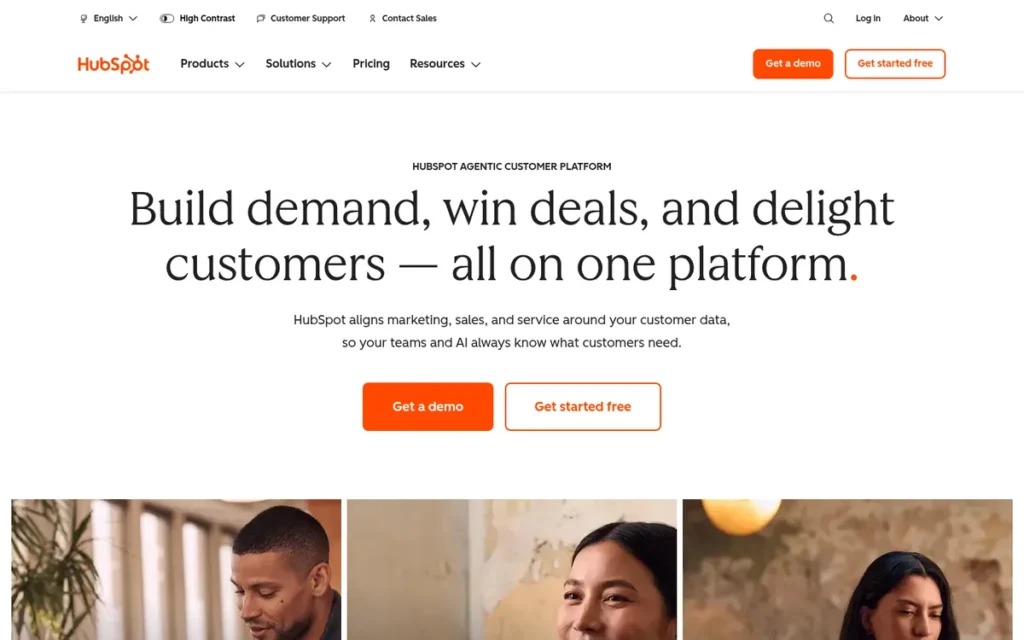
Category: All-in-One Capture Suite. HubSpot Marketing Hub captures, stores, scores, routes, and follows up on leads inside a native CRM.
At a Glance
- Category: All-in-One Capture Suite
- Best For: SMB and mid-market teams that want lead capture, CRM, and automated follow-up in one system
- Price Range: Free; Starter $20/seat/month billed monthly ($7/seat promotional or annual rate shown); Professional $890/month monthly or $800/month annual + $3,000 onboarding; Enterprise from ~$3,600/month + $7,000 onboarding (verified November 2026)
- Primary Strength: HubSpot Marketing Hub writes every form, popup, landing page, and chat lead to a native CRM record, so leads reach the CRM without a third-party sync step.
- Biggest Limitation: HubSpot Marketing Hub puts automated routing, lead scoring, and workflow automation behind Professional, which adds a required $3,000 onboarding fee.
- One-Line Summary: HubSpot Marketing Hub is the strongest choice for teams that want lead capture and CRM follow-up in one system, provided they can budget for Professional when automation becomes necessary.
- Last Verified: November 2026
PlugRoute Score: 4.00/5. HubSpot Marketing Hub ranks #1 because C1 Handoff = 5 and C2 Reviews = 5 outweigh C3 Pricing = 2.
Overview
HubSpot Marketing Hub is an all-in-one marketing platform for SMB and mid-market teams that want capture and follow-up in one system. It captures leads through forms, popups, landing pages, and live chat, then stores, scores, and routes them inside a shared CRM record.
HubSpot Marketing Hub’s free tier includes basic forms, landing pages, and chat, with HubSpot branding and usage limits. HubSpot Marketing Hub reserves automated routing, programmable scoring, and A/B testing for Professional and above.
Key Features
- HubSpot Marketing Hub forms, popups, and landing pages write submissions directly to contact records in HubSpot’s Smart CRM, with no third-party sync.
- HubSpot Marketing Hub includes live chat and chatbots that create CRM contacts from conversations.
- HubSpot Marketing Hub Professional adds workflow-based lead routing, programmable lead scoring, and A/B testing.
- HubSpot Marketing Hub includes Breeze AI features such as agents, content remix, and intent tracking, with limits that vary by tier.
- HubSpot Marketing Hub’s free tools let a team test the full capture-to-CRM journey before paying.
Best For
HubSpot Marketing Hub is best for small and midsize teams that want submissions to land in a CRM and trigger follow-up without stitching tools together. HubSpot Marketing Hub is a weaker fit for teams that only need a standalone form, or that need advanced conditional logic and detailed consent-footer control.
Pricing
| Plan | Price (verified November 2026) | Included marketing contacts |
|---|---|---|
| Free | $0 | Limited, with HubSpot branding |
| Starter | $20/seat/month billed monthly; $7/seat promotional or annual rate shown | 1,000 |
| Professional | $890/month monthly or $800/month annual (3 core seats) + required $3,000 onboarding | 2,000 |
| Enterprise | From ~$3,600/month + required $7,000 onboarding | 10,000 |
HubSpot Marketing Hub prices scale with marketing contacts and seats. Monthly billing still carries a 12-month commitment, which the pricing page labels “pay monthly, commit annually” [Source: HubSpot, 2026].
Strengths
- HubSpot Marketing Hub holds a 4.4/5 G2 rating from more than 15,000 reviews and a 4.5/5 Capterra rating from 6,244 reviews, the largest review base in this comparison [Source: G2, 2026; Capterra, 2026].
- HubSpot Marketing Hub was named a Leader in Gartner’s 2026 Magic Quadrant for B2B Marketing Automation Platforms (published September 2026), its sixth consecutive year, according to HubSpot’s announcement [Source: HubSpot, 2026].
- HubSpot Marketing Hub holds an 8.5/10 TrustRadius score, and G2 and Capterra reviewers repeatedly praise its ease of use, central lead tracking, and integrations [Source: TrustRadius, 2026; G2, 2026].
- HubSpot Marketing Hub’s 2025 ROI Report claims customers saw 3x more inbound leads after six months. This is vendor-reported, self-selected data that does not prove causation [Source: HubSpot ROI Report, 2025].
Limitations
HubSpot Marketing Hub trades native, sync-free lead storage for a steep plan cliff. Moving to Professional on annual billing costs about $12,600 in year one ($800 × 12 + $3,000 onboarding). One r/hubspot user called the jump between plans “nuts” [Source: Reddit r/hubspot, 2026].
- HubSpot Marketing Hub’s form builder has fewer conditional-logic options and less consent-footer control than reviewers expected, so some teams add an external form tool [Source: Capterra, 2026; GetApp, 2026].
- HubSpot Marketing Hub’s costs scale with marketing contacts, so a successful lead-generation campaign raises the bill directly.
- HubSpot Marketing Hub’s packaging changes frustrate some long-time partners. One reported that landing pages moved to Content Hub, and another commenter disputed this [Source: Reddit r/hubspot, 2026].
Verdict
HubSpot Marketing Hub is the best lead capture software for teams that want every lead captured, stored, and followed up in one CRM, and it ranks #1 on handoff depth and review volume rather than price.
HubSpot Marketing Hub’s free tier is the only free plan in this list that connects capture to a native CRM, which makes it practical for testing a full lead journey. Before committing, model the year-one cost of Professional, because that is where automated routing lives.
Users on r/Entrepreneurs noted:
“Honestly, for a small sales team, it really boils down to your specific needs and how much you’re willing to customize. We started with the free hubspot CRM and only moved to Sales Hub when our process got more complex and we needed those deeper automation features. Don’t jump into the paid tiers unless you’re actually going to use everything.” Posted by u/Emotional-Win-9195
Takeaway: HubSpot users advise starting on the free CRM and paying for higher tiers only once automation needs justify the steep jump in cost.
2. Jotform: Best for Complex and Regulated Intake Forms
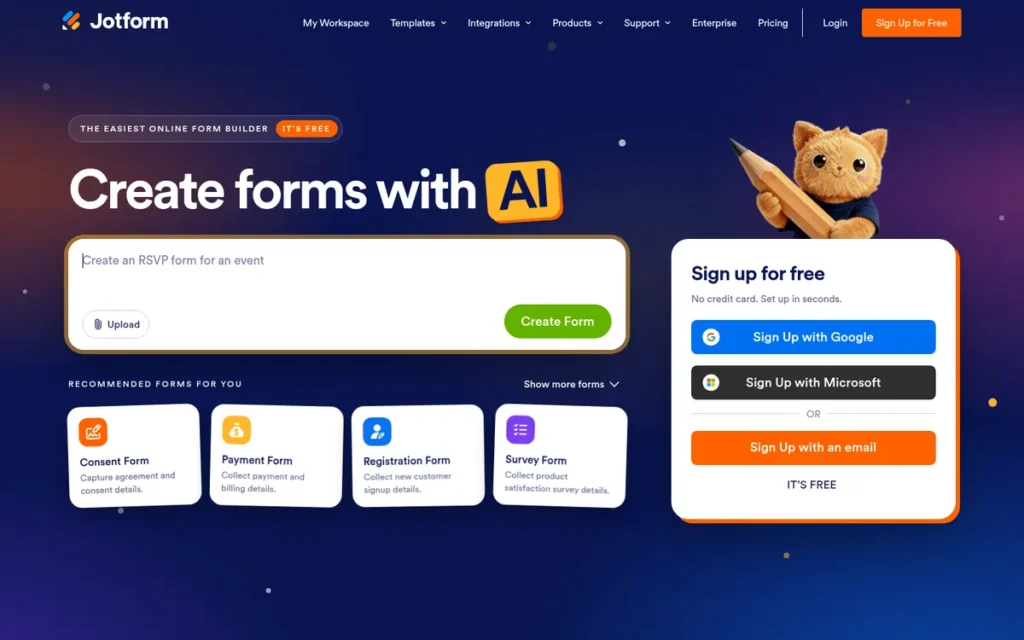
Category: Form Builder. Jotform collects detailed lead and intake data through configurable forms, then passes it to tables or a CRM.
At a Glance
- Category: Form Builder
- Best For: Small businesses and regulated teams that need detailed, logic-heavy, or payment-enabled intake forms
- Price Range: Free Starter; Bronze $34–$39/month; Silver $39–$49/month; Gold $99–$129/month; Enterprise custom (annual vs. monthly billing; verified November 2026)
- Primary Strength: Jotform combines conditional logic, payments, e-signatures, and HIPAA-capable forms in one no-code builder with more than 10,000 templates.
- Biggest Limitation: Jotform has no native CRM, so lead routing depends on connectors whose depth and error visibility vary.
- One-Line Summary: Jotform is the strongest choice in this list for complex, payment-enabled, or HIPAA-regulated lead intake, but teams must verify its CRM connector before relying on it for sales handoff.
- Last Verified: November 2026
PlugRoute Score: 3.65/5. Jotform ranks #2 because C2 Reviews = 5 and C5 Compliance = 5 offset connector-dependent handoff (C1 = 3). Jotform leads Typeform by 0.25.
Overview
Jotform is a no-code form builder and workflow platform that collects leads through forms with conditional logic, payments, e-signatures, and AI agents. It is built for small businesses and regulated teams that need detailed intake forms more than a built-in sales CRM.
Jotform stores submissions in Jotform Tables, a spreadsheet-style lead workspace. Jotform sends leads on to HubSpot, Salesforce, or Zapier through integrations.
Key Features
- Jotform offers conditional logic that shows or skips questions based on earlier answers, which supports branching qualification paths.
- Jotform collects payments and e-signatures inside the same form, so intake and transaction happen in one step.
- Jotform Tables gives every form a spreadsheet-style workspace for reviewing and managing submitted leads.
- Jotform AI Agents capture and answer prospects across chat, phone, WhatsApp, Instagram, and SMS. They run on OpenAI GPT-4, or on Google Gemini via Vertex AI for HIPAA accounts, and the vendor claims 7,000+ agent templates [Source: Jotform, 2026].
- Jotform provides HIPAA features on Gold and Enterprise plans, and Enterprise adds SOC 2 Type II compliance, SSO, and custom domains.
Best For
Jotform is best for teams whose lead form is really an intake workflow, such as clinics, agencies, service businesses, and event registrations that collect payments, signatures, or regulated data. Jotform is a weaker fit for sales teams that need instant, monitored routing into a CRM without testing the connector first.
Pricing
| Plan | Monthly billing | Annual billing | Submissions/month | Form views/month |
|---|---|---|---|---|
| Starter | Free | Free | Limited, with Jotform branding | Limited |
| Bronze | $39 | $34/mo | 1,000 | 100,000 |
| Silver | $49 | $39/mo | 2,500 | 1,000,000 |
| Gold | $129 | $99/mo | 10,000 | 10,000,000 |
| Enterprise | Custom | Custom | Custom | Custom |
Jotform pricing scales on forms, monthly submissions, storage, and form views [Source: Jotform, 2026]. On Bronze, the view cap is reached before the submission cap only when a form converts below 1%. HIPAA features require Gold or Enterprise.
Strengths
- Jotform holds a 4.7/5 Capterra rating from 2,934 reviews and a 4.6/5 G2 rating from 5,863 product-page reviews. That is the highest combined average among tools with thousands of reviews on both sites [Source: Capterra, 2026; G2, 2026].
- Jotform documents the most complete compliance options among the seven tools: HIPAA on Gold and Enterprise, SOC 2 Type II on Enterprise, and CAPTCHA options [Source: Jotform, 2026].
- Jotform received TrustRadius’s 2025 Buyer’s Choice and 2025 Top Rated awards in Survey & Forms Building Tools, according to Jotform [Source: Jotform, 2025].
- Jotform reviewers consistently praise its ease of use, fast form creation, and mobile responsiveness [Source: G2, 2026].
Limitations
Jotform trades CRM depth for form breadth. Jotform leads land in Jotform Tables or pass through connectors, and Jotform has no native routing or follow-up layer.
- Jotform’s Salesforce connector “isn’t powerful,” according to the founder of competitor Formcrafts on r/salesforce. The same founder says error reporting is locked to a custom plan [Source: Reddit r/salesforce, 2024]. Treat this as a competitor claim and test the connector yourself.
- Jotform Trustpilot reviewers (240 reviews) report unexpected auto-renewals, difficulty getting refunds, and account suspensions that interrupted lead flow [Source: Trustpilot, 2026].
- Jotform has no named customer case studies with lead figures, and there is little independent Reddit discussion of Jotform.
This aligns with community sentiment on r/jotform:
“Sometimes, we face challenges with Outlook integration, especially with bookings, which can be unclear. There are so many options that make things confusing, and it’s not always clear what the next steps are to properly configure everything. Additionally, the AI help they have is not 100% reliable yet.” Posted by u/Lonely-Bed-1977
Takeaway: Experienced Jotform users find its integration setup confusing and its AI help not yet reliable, so the connector risk shows up in practice and not just on paper.
Verdict
Jotform is the best lead capture software for teams whose forms need logic, payments, signatures, or HIPAA compliance. It pairs the strongest compliance options in this list with 4.6–4.7 ratings at high review volume.
Jotform’s main risk comes after the submit button, because its CRM handoff depends on connectors. Push a test lead into your CRM and confirm that sync errors are visible before you commit.
3. Typeform: Best for Conversational Lead Qualification Forms
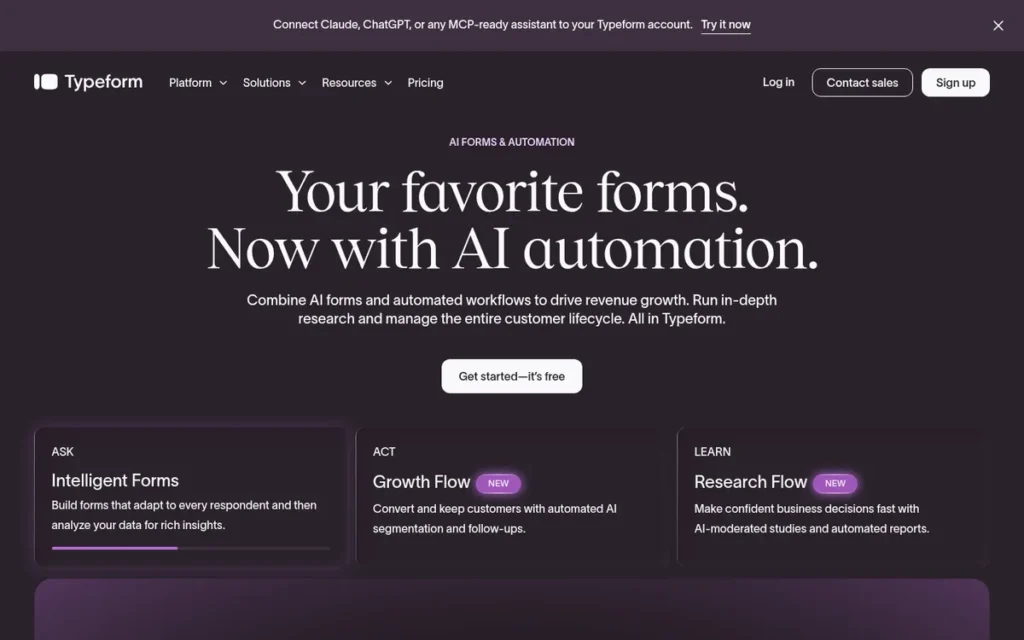
Category: Form Builder. Typeform collects lead data through conversational, one-question-at-a-time forms with branching and scoring.
At a Glance
- Category: Form Builder (Conversational)
- Best For: Marketing teams that want branded qualification forms and partial-submission recovery feeding HubSpot or Salesforce
- Price Range: Free (very limited responses); Basic $29–$39/month (100 responses); Plus $59–$79/month (1,000); Business $99–$129/month (10,000); Enterprise custom (verified November 2026)
- Primary Strength: Typeform combines branching logic, answer-based scoring, and partial-submission recovery in a conversational format built around form completion.
- Biggest Limitation: Typeform caps monthly responses at every tier and reserves its Salesforce integration for the Business plan.
- One-Line Summary: Typeform is the strongest choice in this list for conversational lead qualification forms, provided teams size their response cap and CRM integration tier before launch.
- Last Verified: November 2026
PlugRoute Score: 3.40/5. Typeform ranks #3 because its pricing transparency (C3 = 4) does not offset Jotform’s compliance lead (C5 5 vs. 3).
Overview
Typeform is a conversational form builder that asks one question at a time and uses branching logic, answer-based scoring, and partial-submission recovery. It is built for marketing teams in small and midsize companies that want branded qualification forms designed around completion, plus a native HubSpot connection.
Typeform also offers Formless, an AI chat-style intake tool, and Smart Insights, which uses AI to analyze responses.
Key Features
- Typeform presents one question at a time and uses branching logic to change later questions based on earlier answers.
- Typeform scores answers so teams can segment or qualify leads at the moment of capture.
- Typeform’s partial submissions save answers from respondents who abandon the form, and Plus includes one Partial Submit Point.
- Typeform includes 50 monthly enrichment credits and reCAPTCHA spam protection on the Plus plan.
- Typeform integrates natively with HubSpot, and with Salesforce on the Business plan.
Best For
Typeform is best for marketing teams running qualification forms, demo requests, or lead magnets where respondent experience and recovering partial leads matter more than raw volume. Typeform is a weaker fit for high-volume capture on lower tiers and for teams that need payments or HIPAA intake.
Pricing
| Plan | Monthly billing | Annual billing | Responses/month |
|---|---|---|---|
| Free | $0 | $0 | Very limited (one review mentions 10) |
| Basic | $39 | $29/mo | 100 |
| Plus | $79 | $59/mo | 1,000 |
| Business | $129 | $99/mo | 10,000 |
| Enterprise | Custom | Custom | Custom |
Typeform pricing scales on monthly responses [Source: Typeform, 2026]. A campaign that reaches 1,200 responses a month goes past the Plus cap and requires Business. PlugRoute could not verify overage rates, and older third-party pages show different prices.
Strengths
- Typeform’s 2025 Lead Capture Form Report analyzed 10,000 forms, including 1,576 lead-capture forms. It found that forms with more than six questions complete under 50% of the time [Source: Typeform, 2025].
- Typeform’s 2025 report also found that forms finished in under a minute complete about 15 points higher, and that URL parameters on the welcome screen add 16 points. These are correlations in vendor data [Source: Typeform, 2025].
- Typeform holds a 4.7/5 Capterra rating from 984 reviews and a 4.5/5 G2 rating from 1,027 reviews, with praise for setup speed and respondent experience [Source: Capterra, 2026; G2, 2026].
- Typeform reports that Clay’s form completion rose 70% after Clay cut a 5–6 field form to one LinkedIn URL field. This is a vendor-published case study [Source: Typeform, 2026].
Limitations
Typeform trades volume headroom for respondent experience. Every Typeform tier has a monthly response cap, so a successful campaign can push a team up a tier.
- Typeform’s Salesforce integration requires Business at $99–$129/month, which matters for sales teams that run on Salesforce.
- Typeform’s Trustpilot score is 2.8/5 from 796 reviews, far below its 4.7 on Capterra. Complaints cite renewal charges, discounts offered instead of refunds, and caps discovered after building a form [Source: Trustpilot, 2026].
- Typeform has little Reddit discussion. Its evidence that conversational forms raise completion comes from its own correlational data, not head-to-head tests.
Users on r/NoCodeSaaS noted:
“The other thing that doesn’t get said enough is that pick based on where the form lives, not the form itself. Embedded inside a Notion or Webflow page, Tally wins on look and price by a mile. Standalone lead capture or surveys where completion rate matters, Typeform’s one-question-at-a-time format genuinely converts better, paywall annoyances aside.” Posted by u/Additional-Tap-5795
Takeaway: Typeform earns its premium on standalone lead capture where completion rate matters, but its paywalls make it a poor value for embedded or price-sensitive use.
Verdict
Typeform is the best lead capture software for teams that want conversational, scored qualification forms with partial-lead recovery. Typeform publishes a complete tier table with monthly response caps, which makes cost at volume easy to model.
Typeform’s response caps and Business-only Salesforce integration are the two numbers to check before buying. For intake with payments or HIPAA requirements, Jotform is the closer fit.
4. Unbounce: Best for Paid-Traffic Landing Pages and Conversion Testing
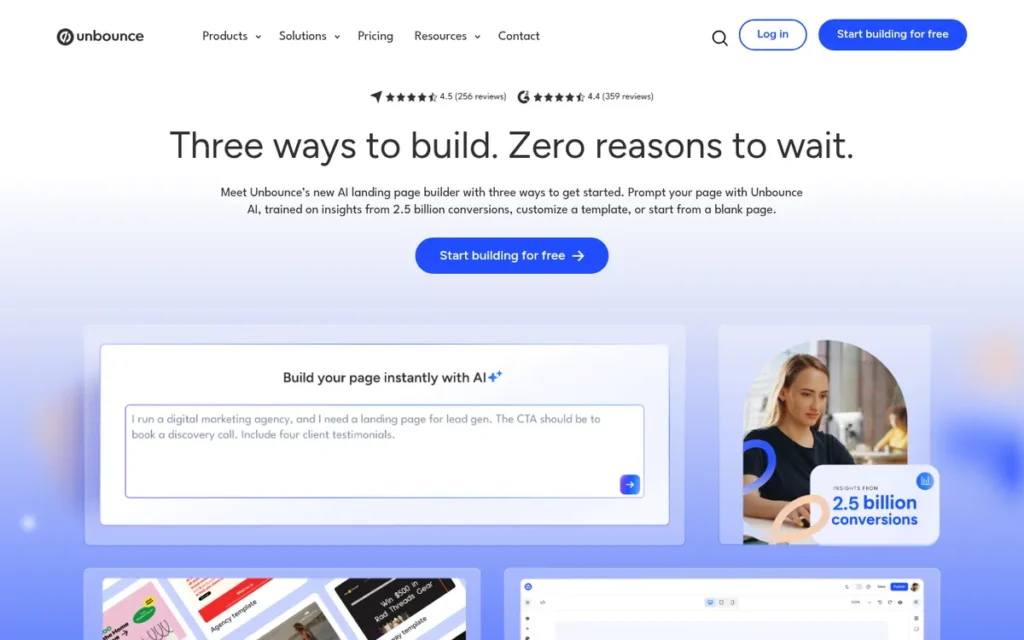
Category: Landing Page Builder. Unbounce creates standalone campaign pages with forms and tests variants to raise conversion.
At a Glance
- Category: Landing Page Builder
- Best For: Paid-acquisition and PPC teams that build campaign pages and run conversion tests
- Price Range: Build $74–$99/month; Experiment $112–$149/month; Optimize $187–$249/month; Concierge custom (verified November 2026; Concierge figures conflict)
- Primary Strength: Unbounce pairs fast drag-and-drop landing pages with A/B testing and AI-driven Smart Traffic for campaign conversion work.
- Biggest Limitation: Unbounce does not store or route leads natively and depends on integrations, webhooks, or Zapier for CRM handoff.
- One-Line Summary: Unbounce is the strongest choice in this list for paid-traffic landing pages and conversion testing, but it should feed a CRM rather than serve as one.
- Last Verified: November 2026
PlugRoute Score: 3.05/5. Unbounce ranks #4 because its evidence score is the highest in this list (C6 = 4), even though its handoff runs only through integrations (C1 = 2).
Overview
Unbounce is a landing page builder with popups, sticky bars, A/B testing, and AI-driven Smart Traffic routing. It is built for paid-acquisition and PPC teams that need fast campaign pages and conversion testing more than a place to store and manage leads.
Unbounce sends captured leads to Salesforce, HubSpot, Marketo, and other tools through integrations, webhooks, or Zapier.
Key Features
- Unbounce provides a drag-and-drop builder with 125+ templates that marketers can publish without developers [Source: Unbounce, 2026].
- Unbounce Smart Traffic uses AI to send each visitor to the variant most likely to convert, on Optimize and above. Unbounce claims an average 30% lift over even splits, which is a vendor claim [Source: Unbounce, 2026].
- Unbounce Dynamic Text Replacement changes page copy to match the ad keyword a visitor searched.
- Unbounce includes popups and sticky bars alongside landing-page forms.
- Unbounce offers unlimited A/B testing starting on the Experiment plan.
Best For
Unbounce is best for teams sending Google Ads or paid social traffic to dedicated pages who want to test variants and match ad intent. Unbounce is a weaker fit for teams that need complex multi-step or scored forms, or that want leads stored and routed in the same tool.
Pricing
| Plan | Monthly | Annual | Visitors/month | Users / domains |
|---|---|---|---|---|
| Build | $99 | $74/mo | 20,000 | 1 / 1 |
| Experiment | $149 | $112/mo | 30,000 | 3 / 2 |
| Optimize | $249 | $187/mo | 50,000 | 5 / 3 |
| Concierge | Custom | Custom | 100,000+ | N/A |
Unbounce pricing scales with monthly visitors. Concierge pricing conflicts: Unbounce’s comparison page lists $349/month annual, while Capterra lists $649. One Capterra reviewer reported a price increase from $105 to $298 [Source: Unbounce, 2026; Capterra, 2026].
Strengths
- Unbounce’s 2024 Conversion Benchmark Report covers more than 464 million visitors, 41,000 landing pages, and 57 million conversions. It found a 6.6% median landing-page conversion rate, and 83% of visits were mobile [Source: Unbounce Conversion Benchmark Report, 2024].
- Unbounce holds a TrustRadius score of 8.2/10 from 177 reviews, with landing-page A/B testing rated 9.1/10 [Source: TrustRadius, 2026].
- Unbounce holds a 4.2/5 G2 rating from 1,416 seller-page reviews and a 4.5/5 Capterra rating from 255 reviews, with praise for speed and not needing developers [Source: G2, 2026; Capterra, 2026].
- Unbounce documents domain-level Cloudflare Turnstile spam protection, GDPR consent-checkbox guidance, a cookie banner, and a Data Processing Agreement on request [Source: Unbounce documentation, 2026].
Limitations
Unbounce trades lead management for page-level conversion tools. Unbounce has no native CRM or routing, so every handoff runs through an integration, webhook, or Zapier.
- Unbounce’s native forms are limited for complex conditional, multi-step, or scored workflows [Source: Rework, 2026; Webflow, 2026].
- Unbounce’s own documentation says its Turnstile spam protection works only on custom domains and can occasionally block legitimate submissions, so test that real leads arrive [Source: Unbounce documentation, 2026].
- Unbounce users on r/PPC reported iOS mobile-rendering problems and said hundreds of live pages make switching away difficult. That thread is from 2022 [Source: Reddit r/PPC, 2022].
Verdict
Unbounce is the best lead capture software for paid-traffic teams that need fast landing pages and built-in conversion testing, backed by a 2024 benchmark covering 464 million visitors and 41,000 landing pages.
Unbounce is not a lead database, so its value depends on a well-tested connection to your CRM. Check visitor caps against your planned ad spend, note that Smart Traffic requires Optimize, and preview pages on iOS before launch.
5. Leadfeeder by Dealfront: Best for Identifying B2B Companies That Never Fill Out a Form
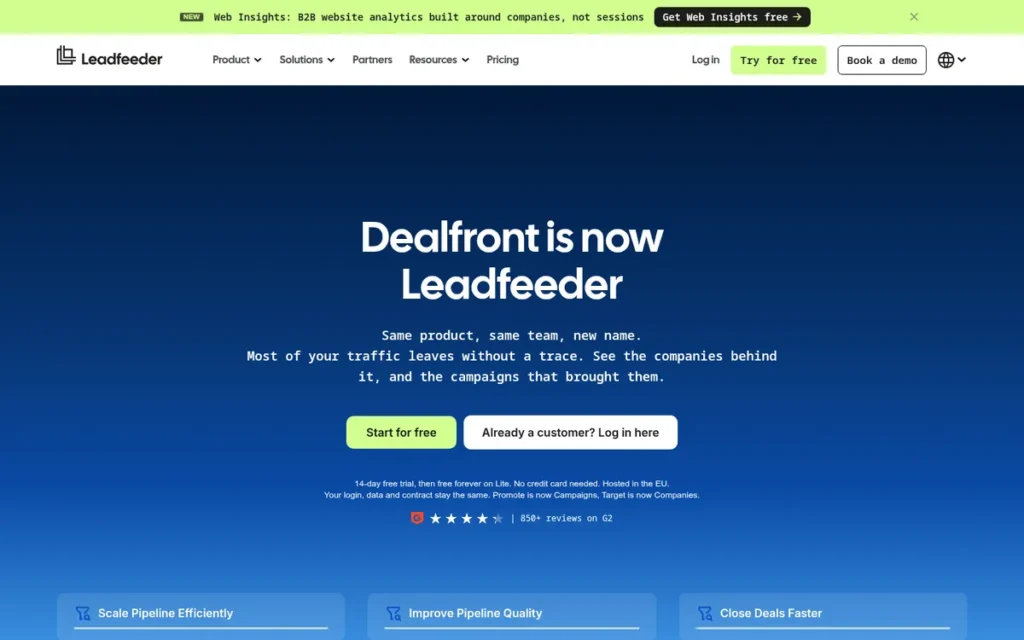
Category: Visitor Identifier. Leadfeeder by Dealfront shows which companies visit a website without needing a form submission.
At a Glance
- Category: Visitor Identifier
- Best For: B2B sales teams with high anonymous website traffic, especially in Europe
- Price Range: Free Lite plan (reported: 100 companies, 7 days of data); 14-day free trial; Discover from €79/month, Activate from €369/month, Scale from €599/month on annual billing (third-party reported, November 2026)
- Primary Strength: Leadfeeder by Dealfront turns anonymous company visits into CRM-ready account signals, with page views, return visits, and engagement scoring.
- Biggest Limitation: Leadfeeder by Dealfront identifies companies, not people, and its IP-based matching loses accuracy with remote workers, VPNs, and shared IPs.
- One-Line Summary: Leadfeeder by Dealfront is the strongest choice in this list for B2B teams that want to see which companies visit their site without filling out a form, provided they check match accuracy during the trial.
- Last Verified: November 2026
PlugRoute Score: 2.85/5. Leadfeeder by Dealfront ranks #5 because it does one capture job (C4 = 2) and its paid pricing is published only by third parties (C3 = 2).
Overview
Leadfeeder by Dealfront is a B2B visitor identification tool for sales teams with high anonymous traffic, especially in Europe. It uses reverse-IP matching to show which companies visit a site, which pages they view, and how often they return.
Leadfeeder by Dealfront pushes identified accounts into HubSpot, Salesforce, Pipedrive, Dynamics 365, or Zoho as account-based marketing signals. Leadfeeder by Dealfront alerts reps in Slack or Teams.
Key Features
- Leadfeeder by Dealfront identifies visiting companies through IP and reverse-IP matching and shows pages viewed, visit frequency, and traffic source.
- Leadfeeder by Dealfront offers custom feeds with 100+ filters and engagement scoring to separate high-intent accounts from casual visits.
- Leadfeeder by Dealfront sends real-time alerts and assigns identified accounts to specific salespeople.
- Leadfeeder by Dealfront draws on a database of 60M companies and 400M contacts, built partly from Echobot’s European data. Contact exports are limited by credits [Source: Dealfront, 2026].
- Leadfeeder by Dealfront integrates with HubSpot, Salesforce, Pipedrive, Dynamics 365, Zoho, Slack, Teams, Google Ads, and Zapier.
Best For
Leadfeeder by Dealfront is best for B2B teams, especially those based in or selling into the EU, that want account-level intent signals from anonymous traffic. Leadfeeder by Dealfront is a weaker fit for B2C sites, for teams that need named individuals, and for US teams whose buyers mostly browse from home networks.
Pricing
| Plan | Annual billing | Monthly billing | Notes |
|---|---|---|---|
| Lite | Free | Free | Reported: 100 companies, 7 days of data |
| Discover | From €79/mo | €113/mo | Third-party reported |
| Activate | From €369/mo | €527/mo | Third-party reported |
| Scale | From €599/mo | Not offered | Annual only; third-party reported |
Third-party pricing trackers report these euro tiers. Prices scale with identified companies and may exclude VAT, and Dealfront does not confirm them on any public page PlugRoute reviewed [Source: Hacking Demand, 2026; Ken, 2026]. The 14-day trial requires no credit card.
Leadfeeder by Dealfront users report annual upfront billing and strict renewals. Value for money is its weakest Capterra sub-score, at 3.9/5 [Source: Capterra, 2026].
Strengths
- Leadfeeder by Dealfront holds a 4.3/5 G2 rating from more than 860 reviews and a 4.2/5 Capterra rating, and 80% of Capterra reviewers say they would recommend it [Source: G2, 2026; Capterra, 2026].
- Leadfeeder by Dealfront scores 4.5/5 for ease of use on Capterra. One G2 reviewer reports setup in about an hour, with “clean and reliable” visit metadata through the API [Source: Capterra, 2026; G2, 2026].
- Leadfeeder by Dealfront promotes ISO 27001 and GDPR-focused EU data handling. Company-level matching also exposes less personal data than tools that identify individuals [Source: G2, 2026].
- Leadfeeder by Dealfront was recommended in a 2021 r/SaaS thread as the default answer for B2B teams asking which companies visit their website [Source: Reddit r/SaaS, 2021].
Limitations
Leadfeeder by Dealfront trades precision for lower privacy risk. If a 40-person agency views your pricing page from its office, Leadfeeder by Dealfront shows the agency’s name but not who looked. If the same visit comes from home Wi-Fi, it may show nothing.
- Leadfeeder by Dealfront G2 reviewers call industry tagging “hit or miss” and report outdated contacts, an unreliable Salesforce-status indicator, and unhelpful ICP scoring [Source: G2, 2026].
- One TrustRadius reviewer disputes how well Leadfeeder by Dealfront’s Dynamics integration works, and PlugRoute found no named case studies with pipeline figures [Source: TrustRadius, 2026].
- US sales teams increasingly compare Leadfeeder by Dealfront with person-level tools, although those tools carry heavier privacy obligations.
Verdict
Leadfeeder by Dealfront is the best lead capture software in this list for B2B teams that want to identify interested companies that never fill out a form, especially teams selling in Europe.
Leadfeeder by Dealfront complements forms rather than replacing them. Use the 14-day trial to compare identified companies against visitors you already know about before committing to annual billing.
6. OptinMonster: Best for Popups and Exit-Intent on an Existing Website
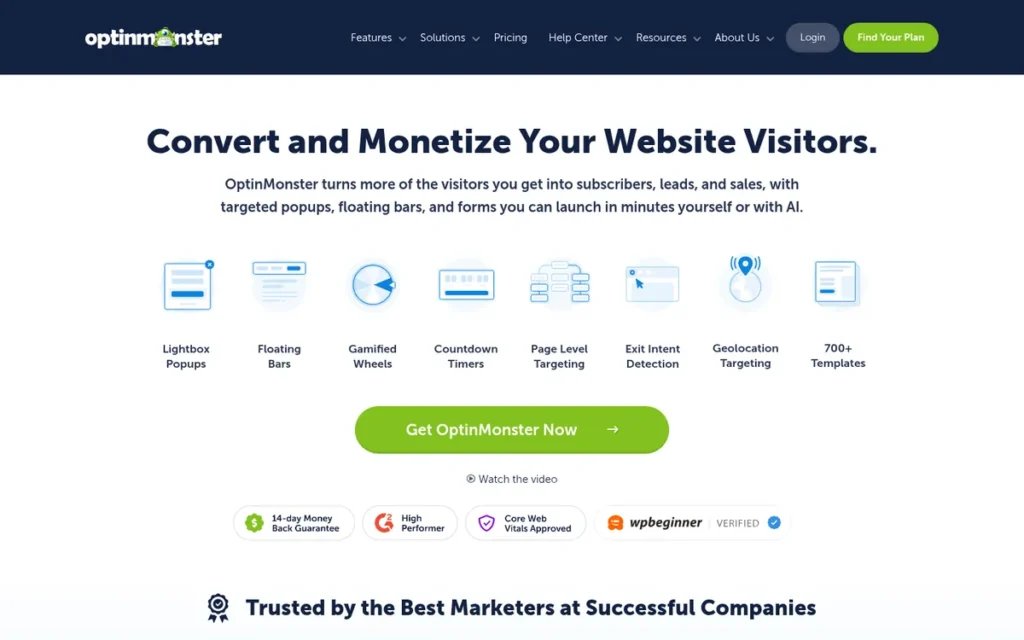
Category: Popup & On-Site Tool. OptinMonster adds targeted popups, bars, and inline forms to an existing website to capture visitors before they leave.
At a Glance
- Category: Popup & On-Site Tool
- Best For: Content publishers, WordPress sites, and ecommerce stores growing email lists from existing traffic
- Price Range: Annual first year: Basic $9, Plus $27, Pro $37, Growth $67 per month; annual renewal $17.50–$122.50/month; monthly billing $21–$147 (verified November 2026)
- Primary Strength: OptinMonster offers patented Exit-Intent triggers and detailed page, device, and behavior targeting for on-site capture campaigns.
- Biggest Limitation: OptinMonster captures leads but does not store or route them, and its annual prices roughly double at renewal.
- One-Line Summary: OptinMonster is the strongest choice in this list for adding targeted popups and exit-intent capture to an existing website, but it must hand leads to an email platform or CRM.
- Last Verified: November 2026
PlugRoute Score: 2.65/5. OptinMonster ranks #6 because it passes leads on without storing them (C1 = 2) and has a small review base (C2 = 3).
Overview
OptinMonster is an on-site conversion tool for content publishers, WordPress sites, and ecommerce stores that want to grow email lists from their current traffic. It adds popups, slide-ins, floating bars, inline forms, and patented Exit-Intent triggers to an existing website.
OptinMonster passes captured leads to Klaviyo, HubSpot, Constant Contact, and other email or CRM tools through integrations.
Key Features
- OptinMonster offers lightbox, fullscreen, slide-in, floating bar, inline, and spin-to-win campaign formats.
- OptinMonster’s patented Exit-Intent trigger detects desktop visitors who are about to leave and shows a campaign before they go.
- OptinMonster targets campaigns by page, device, and on-site behavior, including OnSite Retargeting for returning visitors.
- OptinMonster MonsterLinks open a popup form when a visitor clicks a link or button.
- OptinMonster includes A/B testing and a WordPress plugin, plus integrations with email, CRM, and ecommerce platforms.
Best For
OptinMonster is best for sites that already have traffic and want to turn more of it into subscribers with intent-based triggers rather than immediate popups. OptinMonster is a weaker fit for teams that need lead storage or routing, or that need mobile exit-intent that works as well as it does on desktop.
Pricing
| Plan | Monthly billing | Annual, first year | Annual, renewal | Sites | Campaign pageviews/month |
|---|---|---|---|---|---|
| Basic | $21 | $9/mo | $17.50/mo | 1 | 2,500 |
| Plus | $57 | $27/mo | $47.50/mo | 2 | 10,000 |
| Pro | $97 | $37/mo | $72.50/mo | 3 | 25,000 |
| Growth | $147 | $67/mo | $122.50/mo | 5 | 100,000 |
| Free terms | N/A | N/A | N/A | N/A | 500 total |
OptinMonster counts a “pageview” as a campaign load, not site traffic, and bots can use up the allowance [Source: OptinMonster, 2026]. Exit-intent, advanced targeting, and integrations are limited to higher tiers.
Third-party starting prices conflict: Capterra lists $19, and the HubSpot blog lists $16 [Source: Capterra, 2026; HubSpot blog, 2026].
Strengths
- OptinMonster holds a patent on its Exit-Intent technology. That matches the intent-based popup timing r/woocommerce users prefer over immediate popups [Source: Reddit r/woocommerce, 2026].
- OptinMonster holds a 4.3/5 G2 rating from 108 reviews and a 4.2/5 Capterra rating from 78 reviews, with praise for ease of use, targeting, and A/B testing [Source: G2, 2026; Capterra, 2026].
- OptinMonster documents a hidden honeypot field on native integrations, optional Google reCAPTCHA, and Lead Verification that filters out temporary email addresses [Source: OptinMonster documentation, 2026].
- OptinMonster’s first-year annual Basic price of $9/month is among the lowest paid starting points in this list, although it renews at $17.50/month [Source: OptinMonster, 2026].
Limitations
OptinMonster trades lead management for on-site capture. OptinMonster hands contacts to another system, so the handoff is only as reliable as the integration, and integrations are limited to higher tiers.
- OptinMonster’s exit-intent relies on desktop mouse movement. On mobile, campaigns fall back to scroll, inactivity, or click triggers. Mobile made up 83% of landing-page visits in Unbounce’s 2024 Conversion Benchmark Report of 464 million visitors [Source: Unbounce Conversion Benchmark Report, 2024].
- OptinMonster’s annual prices roughly double at renewal, with Basic moving from $9 to $17.50/month. The 14-day refund covers first purchases only, and renewals are non-refundable [Source: OptinMonster, 2026].
- OptinMonster’s GDPR documentation says its built-in Privacy checkbox does not pass consent data with the lead. Teams that need consent records must build a custom mapped checkbox [Source: OptinMonster documentation, 2026].
Verdict
OptinMonster is the best lead capture software in this list for adding exit-intent popups and targeted on-site campaigns to a website that already has traffic.
OptinMonster is a capture layer, not a lead system, so it needs to sit in front of a CRM or email platform. Confirm that your integration and exit-intent features are included in your tier, and budget for the renewal price.
7. ConvertFlow: Best for Quiz Funnels and Multi-Step Qualification
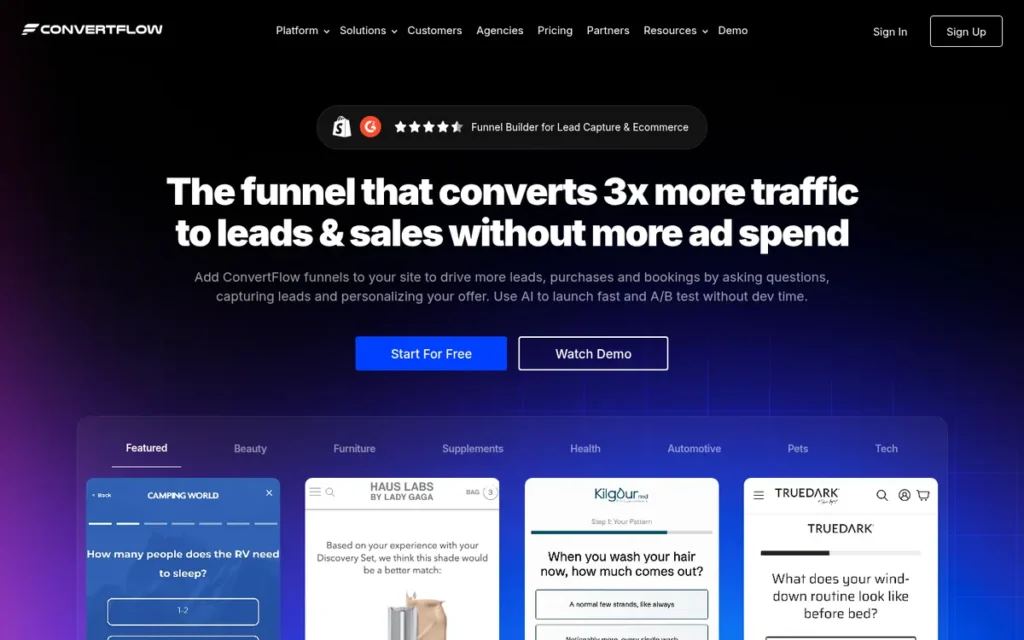
Category: Quiz & Funnel Builder. ConvertFlow qualifies leads at capture through quizzes and multi-step forms, then personalizes and routes by answer.
At a Glance
- Category: Quiz & Funnel Builder
- Best For: Ecommerce brands and B2B marketers who want quiz-led or multi-step qualification with CRM field mapping
- Price Range: Web Pro $250/month annual or $299/month monthly; Shopify App Store pricing listed separately; Enterprise custom (verified November 2026)
- Primary Strength: ConvertFlow captures, qualifies, and personalizes in one funnel builder and maps quiz and form answers directly into CRM fields.
- Biggest Limitation: ConvertFlow’s web pricing starts at $250/month on annual billing, and it has the smallest independent review base in this list.
- One-Line Summary: ConvertFlow is the strongest choice in this list for quiz-led and multi-step lead qualification with answer-to-CRM mapping, but it has the thinnest independent evidence of any tool ranked.
- Last Verified: November 2026
PlugRoute Score: 2.45/5. ConvertFlow ranks #7 because it has the thinnest evidence (C2 = 2, C6 = 1) and its plan contents changed in 2026 (C3 = 2), despite broad qualification features (C4 = 4).
Overview
ConvertFlow is a visual funnel builder that combines quizzes, multi-step forms, popups, and landing pages with answer-to-CRM-field mapping and on-site personalization. It is built for ecommerce brands and B2B marketers who want to qualify leads and collect zero-party data before leads reach the CRM.
ConvertFlow offers 400+ templates and AI A/B testing [Source: ConvertFlow, 2026]. ConvertFlow launched from Techstars Chicago in 2016 and remains bootstrapped.
Key Features
- ConvertFlow builds quizzes, surveys, and multi-step forms with conditional logic and answer-based scoring.
- ConvertFlow maps captured answers into HubSpot, Salesforce, Klaviyo, Mailchimp, and ActiveCampaign fields. Buyers should confirm which current plan includes CRM sync.
- ConvertFlow personalizes on-site content and calls to action based on visitor segments and previous answers.
- ConvertFlow’s Shopify quiz funnels connect answers to products and orders and attribute revenue by funnel, variant, and answer.
- ConvertFlow includes popups, sticky bars, landing pages, and AI-driven A/B testing in the same builder.
Best For
ConvertFlow is best for Shopify brands running product-recommendation quizzes and for B2B marketers who want multi-step qualification to write structured answers into the CRM. ConvertFlow is a weaker fit for budget-limited teams and for buyers who rely on large peer-review bases.
Pricing
| Plan / channel | Price (verified November 2026) | Notes |
|---|---|---|
| Pro (web app) | $299/month monthly; $250/month annual | Listed on convertflow.com/pricing; no Teams plan shown |
| Shopify app | Listed separately on the Shopify App Store | Add-ons: $30 per extra 10,000 views, $30 per extra 1,000 actions |
| Enterprise | Custom | N/A |
ConvertFlow changed its pricing in 2026, so older listings showing $22–$29 per site or $99/month no longer match the web pricing page [Source: ConvertFlow, 2026; Capterra, 2026]. Confirm the current plan and whether it includes CRM sync directly with ConvertFlow.
Strengths
- ConvertFlow holds a 4.8/5 rating on the Shopify App Store and a 4.5/5 Capterra rating, though the Capterra rating comes from only 30 reviews. The vendor’s blog claims 4.9 on Shopify, which does not match the store listing [Source: Shopify App Store, 2026; Capterra, 2026].
- ConvertFlow documents privacy, marketing, and SMS consent checkboxes whose values map to CRM or email fields, plus phone verification [Source: ConvertFlow documentation, 2026].
- ConvertFlow reports an unnamed Shopify quiz that converted at 5.27%, more than five times the site average, with $135K+ in revenue attributed over 90 days. This is a vendor-published case [Source: ConvertFlow, 2026].
- ConvertFlow Capterra reviewers praise its dynamic segment-based calls to action, templates, and Segment and Zapier integrations [Source: Capterra, 2026].
Limitations
ConvertFlow trades a broad qualification feature set for the thinnest evidence base in this list. That evidence rests mainly on 30 Capterra reviews and unnamed vendor case studies. PlugRoute could not retrieve ConvertFlow’s G2 rating and found no Reddit discussion.
- ConvertFlow’s web pricing starts at $250/month on annual billing. After the 2026 change, older third-party price listings and plan-level details on CRM sync are unreliable.
- ConvertFlow Capterra reviewers report that they “can’t export reports” and that the Google Analytics integration did not work for landing pages [Source: Capterra, 2026].
- ConvertFlow’s form documentation does not list a CAPTCHA option, so test spam filtering directly [Source: ConvertFlow documentation, 2026].
Verdict
ConvertFlow is the best lead capture software in this list for quiz-led and multi-step qualification that writes structured answers into a CRM, especially for Shopify brands.
ConvertFlow ranks #7 because its independent evidence is thin and its 2026 pricing change left plan details unclear, not because its feature set is weak. Confirm current pricing directly and run a trial funnel into your CRM before committing.
Why Does Speed-to-Lead Matter More Than Form Design?
How fast you respond affects lead conversion more than form design does. A 2007 MIT/InsideSales study of 15,000+ leads found that leads called within 5 minutes were about 100x more likely to be contacted than leads called after 30 minutes. No form design can rescue a lead that sits unseen, so prioritize tools that alert or route instantly.
The strongest speed-to-lead findings available to PlugRoute are:
- The 2007 Lead Response Management Study by MIT’s James Oldroyd and InsideSales.com found the odds of qualifying a lead were about 21x higher when the lead was called within 5 minutes rather than after 30 [Source: Oldroyd/InsideSales, 2007].
- A 2011 Harvard Business Review audit of 2,241 US companies found that firms responding within an hour were nearly 7x more likely to qualify a lead. Only 37% responded within an hour, and 23% never responded [Source: Harvard Business Review, 2011].
- A RevenueHero audit of 1,000 B2B SaaS companies found that 63.5% never answered a demo request. Those that did took about 1 day and 5 hours on average [Source: RevenueHero via Floe, 2024].
- Typeform’s 2025 report found that forms with more than six questions complete under 50% of the time [Source: Typeform, 2025].
Lead response time depends on the tool category:
- HubSpot Marketing Hub Professional supports workflow-based lead routing and assignment inside its native CRM.
- Leadfeeder by Dealfront sends instant account alerts to Slack or Teams and assigns accounts to salespeople.
- Jotform, Typeform, Unbounce, OptinMonster, and ConvertFlow each depend on an integration to trigger instant lead alerts.
The 2007 and 2011 studies are old, and Typeform’s data shows correlation only, so treat these figures as directional. The widely repeated claim that “97–98% of B2B visitors never fill a form” has no traceable primary source, and PlugRoute does not treat it as evidence.
How Does Lead Capture Pricing Scale as Volume Grows?
Each lead capture tool charges against its own usage metric. For all seven tools, cost typically rises as lead volume or traffic grows. The plan that unlocks CRM sync or routing is often the biggest price jump, so model cost at your expected peak volume rather than at the entry price.
Four worked examples show how the plan cliff works:
- HubSpot Marketing Hub Starter costs $20/seat/month, but automated routing on Professional costs about $12,600 in year one on annual billing ($800 × 12 + $3,000 onboarding) [Source: HubSpot, 2026].
- Typeform Plus covers 1,000 responses a month, so a campaign that reaches 1,200 responses requires Business at $99–$129/month [Source: Typeform, 2026].
- OptinMonster Basic renews at $17.50/month after a $9/month first year, nearly doubling the cost with no change in usage [Source: OptinMonster, 2026].
- Jotform Bronze allows 100,000 form views per 1,000 submissions, so the view cap is reached first only if a form converts below 1% [Source: Jotform, 2026].
| Company | Scaling Metric | Free Tier or Trial Cap | Where Leads End Up | Plan That Unlocks CRM Sync or Routing | Contract or Renewal Watch-Out |
|---|---|---|---|---|---|
| HubSpot Marketing Hub | Marketing contacts + seats | Free tools with branding and limits | Native CRM record | Native CRM on all tiers; automated routing and scoring on Professional | 12-month commitment on monthly billing; $3,000 onboarding on Professional |
| Jotform | Forms, submissions, storage, form views | Starter (free, branded) | Jotform Tables + connectors | Connectors available; error reporting reportedly on a custom plan (competitor claim) | Trustpilot auto-renewal complaints |
| Typeform | Responses/month | Free (very limited responses) | Native HubSpot connector; Salesforce on Business | Salesforce on Business | Overage rates not published; renewal complaints |
| Unbounce | Monthly visitors | Trial terms not verified | Integrations, webhooks, Zapier | Plan gating not documented | Reported price increases; Concierge price conflict |
| Leadfeeder by Dealfront | Identified companies + export credits | Lite (100 companies, 7 days); 14-day trial, no card | Company records pushed to CRM | CRM integrations (plan gating not documented) | Annual upfront billing; Scale is annual-only |
| OptinMonster | Campaign pageviews | 500 total pageviews | Email or CRM integrations | Integrations gated to higher tiers | Renewal prices roughly double; renewals non-refundable |
| ConvertFlow | Funnel views + actions | Trial terms not verified | CRM field mapping via integrations | Confirm plan inclusion after 2026 pricing change | Web Pro from $250/mo annual; Shopify pricing separate |
The real price of lead capture software is the price of the plan that sends leads to your CRM, not the entry price.
How Can I Test Lead Capture Software for Free Before Buying?
Free plans and trials are the best way to test lead capture software. HubSpot Marketing Hub’s free tools include a native CRM, and three other ranked tools offer capped free tiers, listed below. Run one real lead through the whole journey and confirm that it reaches the right CRM record, owner, and follow-up.
Use this checklist for every tool on your shortlist:
- Submit a real test lead using a realistic name, email, and qualification answers.
- Confirm that every field saved correctly in the tool itself.
- Confirm that the lead reached the correct CRM record and was assigned to the right owner.
- Confirm that the follow-up email, alert, or task fired.
- Check for duplicate records and field mismatches after several submissions, and confirm how the tool handles deduplication.
- Submit spam-style entries to see whether filtering catches them.
- For visitor identification, compare the identified companies against visits you already know about.
- Confirm that the consent checkbox value is stored on the CRM record as a consent record, not just shown on the form. OptinMonster’s documentation notes that its built-in Privacy checkbox does not pass consent data.
- Export one test lead and one page or form to check how easily you could leave before you build dozens of campaigns.
Use published benchmarks as a reference point when judging trial results:
- Unbounce’s 2024 Conversion Benchmark Report found a 6.6% median landing-page conversion rate [Source: Unbounce Conversion Benchmark Report, 2024].
- Sumo’s study of 1.5 million popups found a 3.09% average popup conversion rate [Source: Sumo via Martal, 2026].
The documented free tiers and trials are:
- HubSpot Marketing Hub offers free forms, landing pages, and chat tied to its CRM.
- Jotform offers a free Starter plan with Jotform branding.
- Typeform offers a Free plan with very limited responses.
- OptinMonster’s free terms allow 500 total campaign pageviews.
- Leadfeeder by Dealfront offers a 14-day trial with no card, plus the Lite plan.
- Unbounce and ConvertFlow offer trials, but PlugRoute did not verify their terms.
What Red Flags Should I Watch For When Evaluating Lead Capture Software?
PlugRoute found six red flags that come up again and again across lead capture tools. Most of them sit in the CRM handoff, the billing metric, or the contract rather than in the form itself. Each red flag below names the risk, gives a verified vendor example, and explains how to check for it before you sign.
Red Flag #1: Collect-Only Tool Sold as a Lead System A tool that captures contact details but cannot store, assign, or follow up on them leaves the riskiest step to an integration. Ask exactly where a submitted lead lands, who gets notified, and which plan makes that automatic.
Red Flag #2: CRM Sync Locked to a Higher Tier Several tools put the CRM connection or automation behind an upgrade. For example, Typeform limits its Salesforce integration to the Business plan. Price the tier you actually need, not the entry tier, because that tier is your real cost.
Red Flag #3: Usage Caps That Count Views or Bots OptinMonster bills on campaign loads that bots can use up. Jotform caps form views, although Jotform Bronze’s 100,000-view cap is reached first only when a form converts below 1%. Estimate your usage at peak traffic, not average traffic.
Red Flag #4: Contracts and Renewals That Cost More Than They Look HubSpot Marketing Hub pairs monthly payment with a 12-month commitment, and OptinMonster’s annual prices roughly double at renewal with no refunds. Trustpilot reviewers describe renewal disputes with Typeform and Jotform, and Unbounce reviewers report price increases [Source: Trustpilot, 2026; Capterra, 2026].
Red Flag #5: Consent Checkboxes That Don’t Record Consent A consent checkbox only protects you if the consent value is stored with the lead. OptinMonster’s documentation states that its built-in Privacy checkbox does not pass consent data, and HubSpot Marketing Hub reviewers report limited control over consent footers [Source: OptinMonster documentation, 2026; Capterra, 2026].
Red Flag #6: Unverifiable Vendor Results Conversion lifts from unnamed customers or self-selected ROI surveys do not prove a tool will work for you. ConvertFlow’s unnamed quiz case and HubSpot’s 2025 ROI Report are two examples. Give more weight to large, dated datasets and named case studies.
What Questions Should I Ask Before Choosing Lead Capture Software?
Before choosing lead capture software, ask each vendor six questions about what happens after the submit button and what you will pay at volume. B2B teams in particular should get the answers in writing, because a vague response usually points to a gap the demo did not show.
Question #1: Where exactly does a submitted lead land, and which plan makes that automatic? A strong answer names a native CRM record or a specific connector, along with the plan tier that includes it. A weak answer only mentions “integrations” and never names the tier or the destination record.
Question #2: What metric do you bill on, and what happens when I exceed it? Look for a named metric, such as contacts, responses, views, or visitors, along with published overage terms. Typeform’s overage rates, for example, could not be verified, so ask for them in writing before a campaign launches.
Question #3: How are sync errors and duplicates surfaced, and on which plan? A useful answer describes error alerts or logs that are available on your tier. For example, a competitor’s founder claims Jotform’s Salesforce error reporting requires its custom-priced plan, so ask any vendor exactly where failed syncs appear.
Question #4: What spam protection and consent logging do you provide? Look for documented spam filtering and consent values that are stored on the CRM record. For example, Unbounce documents Cloudflare Turnstile on custom domains, and ConvertFlow documents consent checkboxes but no CAPTCHA option.
Question #5: What are the renewal, cancellation, and refund terms? Ask for the first-year price and the renewal price in writing, and ask whether monthly plans carry annual commitments. Also ask whether renewals can be refunded and how to export your leads and pages if you leave.
Question #6: Can I run a real lead through the full journey on a free plan or trial? The best answer is a free tier or a no-card trial that includes CRM sync. That lets you test the handoff, consent storage, and follow-up rather than only the form’s appearance.
How Did We Rank These Lead Capture Tools?
PlugRoute scored each tool from 1 to 5 on six weighted criteria: CRM handoff (25%), review ratings (20%), pricing transparency (20%), capture breadth (15%), spam and compliance (10%), and evidence quality (10%). Weighted totals determine rank, and all data was verified in November 2026.
The six criteria and why each matters are:
- C1, Capture-to-CRM Handoff Depth (25%): This criterion matters most because lost and stale leads are the top buyer pain point, and the handoff is where leads get lost.
- C2, Review Ratings and Volume (20%): This criterion rewards high ratings backed by thousands of reviews, which are stronger evidence than a few dozen.
- C3, Pricing Transparency and Cost Scaling (20%): This criterion penalizes unverifiable prices, steep plan cliffs, and restrictive renewal terms.
- C4, Breadth of Capture Methods and Qualification (15%): This criterion rewards tools that reduce how many separate tools a team needs.
- C5, Spam Protection, Consent, and Compliance (10%): This criterion covers legal and data-quality risk, and its scores reflect vendor documentation checked in November 2026.
- C6, Quality of Published Evidence (10%): This criterion rewards large, dated datasets and named outcomes.
| Rank | Company | C1 | C2 | C3 | C4 | C5 | C6 | Weighted Total |
|---|---|---|---|---|---|---|---|---|
| 1 | HubSpot Marketing Hub | 5 | 5 | 2 | 5 | 3 | 3 | 4.00 |
| 2 | Jotform | 3 | 5 | 3 | 4 | 5 | 2 | 3.65 |
| 3 | Typeform | 3 | 4 | 4 | 3 | 3 | 3 | 3.40 |
| 4 | Unbounce | 2 | 4 | 3 | 3 | 3 | 4 | 3.05 |
| 5 | Leadfeeder by Dealfront | 3 | 4 | 2 | 2 | 4 | 2 | 2.85 |
| 6 | OptinMonster | 2 | 3 | 3 | 3 | 3 | 2 | 2.65 |
| 7 | ConvertFlow | 3 | 2 | 2 | 4 | 2 | 1 | 2.45 |
Ties and close scores: No ties remain after the November 2026 rescoring. PlugRoute keeps its tie-break rule (the sum of C1 + C2 + C3, then C6) for future updates. Jotform leads Typeform by 0.25 on compliance and capture breadth, and Typeform leads on pricing transparency.
Evidence rules:
- Vendor-reported results count only toward C6, and the article labels them as vendor claims wherever they appear.
- Competitor-sourced claims, such as the Formcrafts founder’s comments on Jotform, are labeled wherever they appear.
- Figures PlugRoute could not confirm on an official page are flagged rather than guessed. These include Leadfeeder by Dealfront’s third-party-reported tiers and Typeform’s overage rates.
- Studies with known publication dates (MIT/InsideSales 2007, HBR 2011, Unbounce 2024, Typeform 2025) are cited by publication year. Undated sources show the year PlugRoute accessed them.
- Every citation uses the [Source: Publisher, Year] format.
PlugRoute has no affiliate relationships with any company listed, and rankings are determined entirely by research data and objective evaluation criteria.
What Are the Most Common Questions About Lead Capture Software?
The most common questions about lead capture software ask which tool suits small businesses, which tools connect natively to a CRM, and how rankings are decided. The short answer is that the best tool depends on whether you already run a CRM. PlugRoute’s rankings follow a weighted, evidence-based scoring method.
What is the best lead capture software for small businesses in 2026?
For small businesses that want a CRM included, HubSpot Marketing Hub is the best lead capture software in 2026, because its free forms, landing pages, and chat write leads to a native CRM. Small businesses already using another CRM should consider Jotform for complex intake or Typeform for qualification forms. Both offer free plans for testing.
Which lead capture software has native CRM integration?
HubSpot Marketing Hub is the only tool in this ranking with a built-in CRM, so its leads need no sync step. Typeform integrates natively with HubSpot, and with Salesforce on Business. Leadfeeder by Dealfront pushes company records into major CRMs, while Jotform, Unbounce, OptinMonster, and ConvertFlow rely on connectors, webhooks, or Zapier.
How does PlugRoute determine its lead capture software rankings?
PlugRoute scores each tool from 1 to 5 on six weighted criteria, with CRM handoff weighted highest at 25% and review ratings and pricing transparency at 20% each. Vendor claims count only toward evidence quality. Every price and review count is dated, and prices that could not be confirmed on an official page are flagged rather than estimated.
What Do Key Lead Capture Software Terms Mean?
CRM Handoff: CRM handoff is the step where a captured lead moves from the capture tool into the CRM, where it is stored, assigned to an owner and followed up. It matters because leads most often get lost or go stale at this step, through duplicates, field mismatches or failed syncs.
Native CRM: A native CRM is built into the capture tool, so form, popup, landing page and chat leads go straight to a CRM record with no third-party sync step. Tools without one send leads through connectors, so check how reliable those connectors are before you rely on them for sales handoff.
Collect-Only Tool: A collect-only tool’s job ends at the submit button. It gathers contact details but cannot store, assign or follow up on them on its own. That leaves the riskiest step to an integration, so ask exactly where a submitted lead lands and who gets notified.
Connector: A connector is an integration, webhook or Zapier link that passes leads from a capture tool to a CRM or email platform. How deep these connections go, and how clearly they show sync errors, varies by tool and sometimes by plan. Push a test lead through and confirm that failed syncs are visible.
Scaling Metric: A scaling metric is the usage unit a tool bills on, such as marketing contacts, monthly responses, form views, monthly visitors or campaign pageviews. Cost usually rises with this metric as campaigns succeed, so estimate your usage at peak volume, not average volume.
Response Cap: A response cap is the maximum number of form submissions a plan allows each month. Going over it pushes you onto a higher tier, so check the cap and any overage terms against your expected campaign volume before launch.
Plan Cliff: A plan cliff is a sharp price jump between tiers, often at the tier that unlocks CRM sync, automated routing or lead scoring. The real cost of lead capture software is the plan that sends leads where they need to go, not the entry price.
Lead Routing: Lead routing automatically assigns each new lead to the right salesperson and triggers follow-up. It matters because response speed affects conversion more than form design does, and on some platforms routing is only available on higher tiers.
Lead Scoring: Lead scoring gives each lead points based on answers or behavior, which lets teams qualify and segment leads at the moment of capture. It helps sales focus on high-intent leads, but some vendors reserve it for higher-priced plans.
Partial Submission: A partial submission saves the answers a respondent gave before abandoning a form. This lets you recover leads that would otherwise be lost, which matters most on longer qualification forms where completion drops.
Exit-Intent: Exit-intent is a trigger that detects a desktop visitor about to leave a page and shows a popup before they go. It relies on mouse movement, so on mobile, campaigns fall back to scroll, inactivity or click triggers. That is worth weighing if most of your traffic is mobile.
Reverse-IP Matching: Reverse-IP matching identifies which companies visit a website from their IP address, without needing a form submission. It identifies companies, not people, and remote workers, VPNs and shared IPs reduce its accuracy, so test match quality during a trial.
Consent Record: A consent record is the consent checkbox value stored on the lead’s CRM record, not just shown on the form. A consent checkbox only protects you if this value is saved with the lead, so confirm it reaches the CRM during testing.
Which Lead Capture Tool Is Right for You?
Key Insights
- The right lead capture tool depends on where your leads must end up. HubSpot Marketing Hub fits teams that want capture and CRM in one system, Jotform fits regulated intake, and Typeform fits conversational qualification.
- HubSpot Marketing Hub is the only tool in this comparison that captures, stores, routes, and follows up on leads natively in one CRM record.
- Jotform leads Typeform by 0.25 points on compliance and capture breadth, Typeform leads on pricing transparency, and both publish tier prices with usage caps.
- Every lead capture tool in this list bills on a usage metric that typically rises as campaigns succeed, so the plan that unlocks CRM sync matters more than the entry price.
- Leadfeeder by Dealfront identifies companies that never submit a form, so Leadfeeder by Dealfront complements form tools rather than replacing them.
- Testing one real lead through the full journey, including whether the consent value reaches the CRM record, is the most reliable check before you buy.
Match your starting point to your situation:
- Solo founders on a tight budget should start with Jotform Starter, Typeform Basic, or OptinMonster Basic, and watch usage caps and renewal prices.
- SMBs already running HubSpot should start with HubSpot Marketing Hub’s native tools and model the Professional upgrade before they need routing.
- Paid-acquisition teams should start with Unbounce Experiment, which unlocks unlimited A/B testing.
- Ecommerce quiz brands should evaluate ConvertFlow after confirming its current web or Shopify pricing.
- Healthcare intake teams should evaluate Jotform Gold or Enterprise, the only Jotform tiers with HIPAA features.
- B2B teams with mostly anonymous traffic should trial Leadfeeder by Dealfront alongside a form tool.
Lead capture is shifting in three directions:
- AI chat agents such as Jotform AI Agents, Typeform Formless, and HubSpot Breeze are turning forms into conversations.
- Quiz builders such as ConvertFlow are collecting zero-party data directly from visitors.
- First-party capture and visitor identification are becoming more important as third-party cookies fade.
For more independent SaaS rankings built on the same transparent methodology, explore PlugRoute’s other reviews. We update this guide quarterly. Last updated: November 2026.