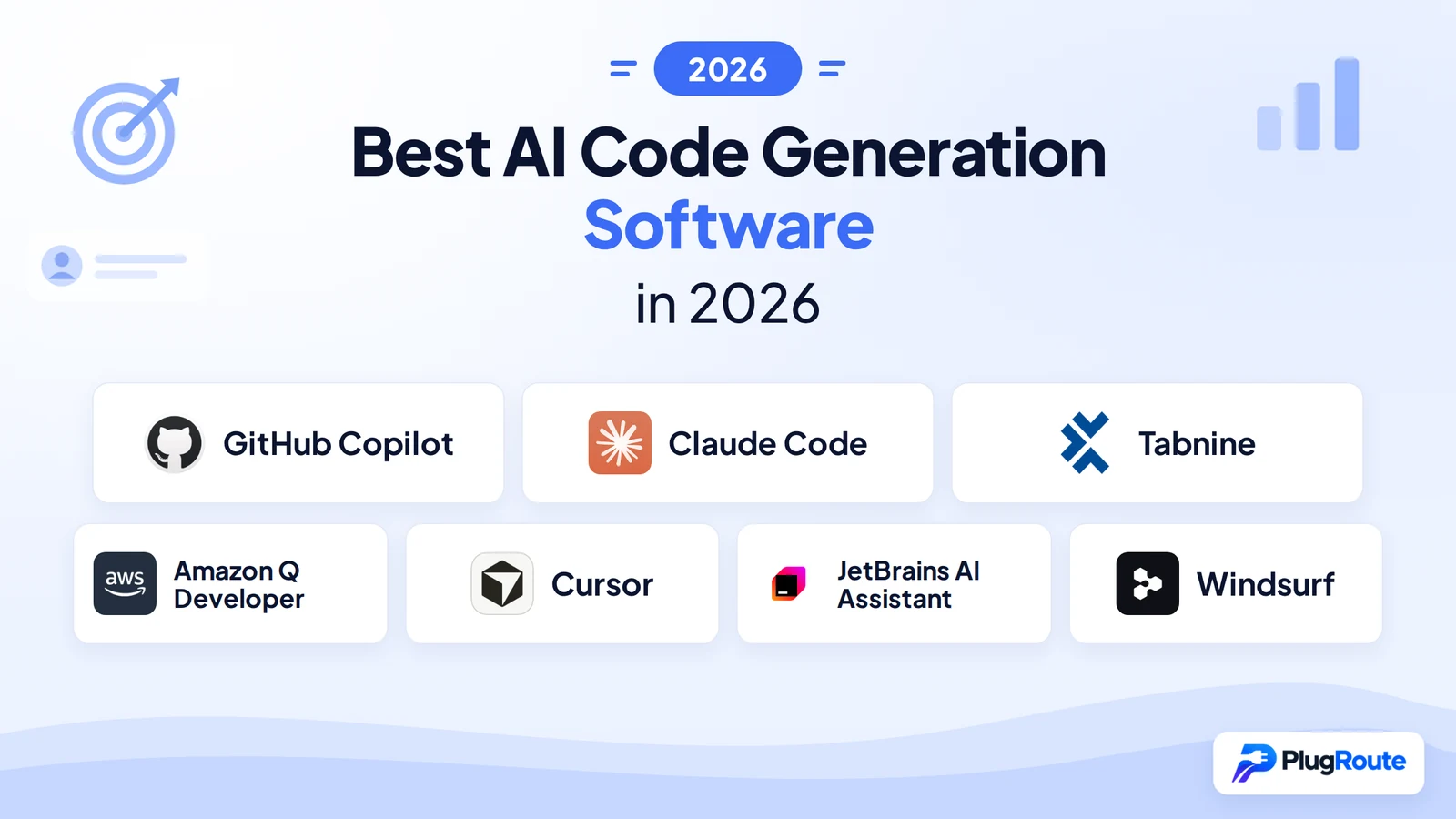
GitHub Copilot leads for broad IDE compatibility across eight editor environments, Claude Code leads for verified agentic performance at an 82.5% task resolution rate, and Tabnine leads for regulated-industry compliance with architectural privacy guarantees. The right tool depends on your IDE ecosystem, compliance requirements, and whether inline completion or autonomous multi-step execution is your primary use case.
The 2026 AI coding market has split into two paradigms: tools optimized for inline autocomplete and tools built for autonomous multi-step agentic execution. VS Code fork tools consistently underperform for JetBrains developers regardless of their agentic scores, a critical variable most comparison articles ignore, especially those whose recommendations align predictably with affiliate program membership.
If you have already read comparison articles that consistently recommend the same tools (likely because those tools have affiliate programs) this review is designed for that experience. JetBrains AI Assistant and Windsurf are absent from most LLM-generated comparisons for market reasons unrelated to product quality.
PlugRoute has no affiliate relationships with any company listed. Rankings are determined entirely by research data and objective evaluation criteria.
“For pure ‘generate me a function from a comment’ type work, Copilot is still better… if you need something that actually works within enterprise constraints, [Tabnine is] the best option I found.” (u/Silly-Ad667, r/vscode, March 2026)
Takeaway: This March 2026 financial services testimonial captures the core enterprise evaluation split in this review, GitHub Copilot leads on raw code generation quality, while Tabnine leads when architectural privacy guarantees, not feature richness, are the procurement gate.
TL;DR: Top Picks at a Glance
- GitHub Copilot leads on IDE environment breadth across eight editor environments and holds the largest verified enterprise footprint at 4.7 million paid subscribers and 90% Fortune 100 adoption (Microsoft Q2 FY2026, January 2026).
- Claude Code leads on verified agentic benchmark performance with an 82.5% SWE-bench issue resolution rate (developer-compiled, Skywork AI, 2026) and a 200K token context window, the largest of any tool in this review.
- Tabnine is the only tool in this review whose training data architecture guarantees no proprietary code was ever used in model training, with confirmed air-gapped deployment, IP indemnification, and Gartner 2025 Visionary recognition for regulated-industry compliance.
- Amazon Q Developer is the only tool in this review with automated Java legacy transformation at enterprise scale (migrating Java 8/11 codebases to Java 17) and the most generous enterprise free tier, including production-ready security scanning at no cost.
- Cursor is the dominant AI-native IDE in 2026 by ARR ($2B) and daily active users (1M), with NVIDIA’s deployment to 30,000+ engineers documenting a 3x code commit rate increase at unchanged defect rates (Tom’s Hardware, 2026).
- JetBrains AI Assistant is the only tool with native access to the JetBrains IDE’s internal code model, providing IDE-level semantic depth for Java, Kotlin, C#, and Python that plugins and VS Code forks cannot architecturally replicate.
- Windsurf is the lowest-cost premium agentic IDE at approximately $15/month, with Cascade’s unique flow-awareness architecture, but vendor stability is uncertain following a three-step 2025 acquisition sequence that concluded with Cognition AI’s $250M purchase in December 2025.
What Are the Main Categories of AI Code Generation Tools in 2026?
AI code generation tools in 2026 fall into four integration architectures that determine AI quality before any feature comparison: Plugins, AI-Native IDEs, Agentic CLI, and Ecosystem-Native tools. The architecture type sets the ceiling of AI capability for your specific IDE, a plugin on JetBrains is architecturally incapable of matching JetBrains AI Assistant’s native semantic depth, regardless of the underlying AI model.
Context window size also determines capability ceiling. At approximately 8K tokens (GitHub Copilot), an AI holds roughly 400 lines of code in context. At 200K tokens (Claude Code), it holds roughly 10,000 lines, enough to hold an entire service layer, its tests, and configuration files simultaneously.
Category 1, Plugins: GitHub Copilot, Tabnine, and Amazon Q Developer add AI assistance to your existing IDE without requiring an editor switch. Plugin architecture means the AI layer sits on top of the editor’s code model rather than inside it.
Category 2, AI-Native IDEs: Cursor and Windsurf are VS Code forks with AI embedded directly in the core editor, terminal, and file system, delivering AI capabilities that the VS Code Copilot extension cannot architecturally replicate. Both retain access to the full VS Code extension marketplace.
Category 3, Agentic CLI: Claude Code operates as a terminal-first agent that accesses the full development toolchain, build systems, test runners, git, external APIs, without IDE intermediation. Teams exploring vibe coding workflows, generating and iterating code through natural language prompts at speed, should evaluate this category first.
Category 4, Ecosystem-Native: JetBrains AI Assistant has direct access to the JetBrains IDE’s internal code model, parse trees, symbol resolution tables, type inference, that plugins and VS Code forks cannot replicate, producing semantically-informed suggestions for Java, Kotlin, C#, Python, and Go.
How Do the Top 7 AI Code Generation Tools Compare at a Glance?
The seven tools in this review span all four integration architecture categories, a price range from free to $40/user/month, and composite weighted scores from 58 to 69 out of 90. The table below summarizes key differentiators and trade-offs, followed immediately by a Quick Decision Framework mapping your primary priority to the recommended tool.
| Rank | Tool | Category | Best For | One-Line Summary | Price Range | Primary Strength | Key Limitation |
|---|---|---|---|---|---|---|---|
| 1 | GitHub Copilot | Plugin | Multi-IDE enterprise teams & VS Code developers | Most widely deployed AI coding tool; 15–20M developers, 8 IDE environments, maturing agentic workflows. | Free / $10/mo / $19/user/mo / $39/user/mo | Broadest IDE compatibility (8 environments) of any tool reviewed | Premium model throttling (300 requests/month) limits advertised access |
| 2 | Claude Code | Agentic CLI | CLI-comfortable senior developers; complex multi-file projects | Highest-performing agentic tool; 82.5% SWE-bench issue resolution rate, 200K token context window. | $20/mo Pro / $100/mo Max / API | 82.5% SWE-bench issue resolution; highest in this review | CLI-only; no native JetBrains support; five-system learning curve |
| 3 | Tabnine | Enterprise Plugin | Regulated-industry enterprise teams | Enterprise AI code assistant with the only architectural privacy guarantee in this review. | Free / $12/user/mo / $39/user/mo Enterprise | Only architectural privacy guarantee; air-gapped/VPC deployment | Weakest agentic capability of the seven tools reviewed |
| 4 | Amazon Q Developer | Cloud-Native Assistant | AWS-native enterprise teams; Java legacy shops | Most AWS-integrated AI coding tool; only automated Java legacy transformation in this review. | Free / $19/user/mo Pro | Only automated Java 8/11→17 transformation; native AWS service integration | Substantially less valuable for non-AWS environments |
| 5 | Cursor | AI-Native IDE | VS Code power users; startup engineering teams | Dominant AI-native IDE in 2026 by ARR ($2B) and daily active users (1M). | Free / $20/mo / $40/user/mo | NVIDIA-validated 3x code commit rate across 30,000+ engineers | Code sent to servers by default; poor JetBrains ecosystem support |
| 6 | JetBrains AI Assistant | Ecosystem-Native | Java, .NET, Python, Go developers on JetBrains IDEs | Only AI tool with native JetBrains IDE internal code model access for Java, Kotlin, C#, and Python. | Free (2025.1+) / ~$10/mo / ~$30/user/mo bundled | Native JetBrains IDE code model access; Mellum local model | Weakest agentic capability; poor plugin marketplace ratings |
| 7 | Windsurf | AI-Native IDE | Budget-conscious VS Code developers; free-tier evaluators | Lowest-cost premium agentic IDE at ~$15/month with Cascade flow-awareness architecture. | Free / ~$15/mo / Custom | Cascade flow-awareness; Supercomplete proactive multi-step predictions | Post-acquisition instability (3-step 2025 acquisition chain); documented Cascade reliability issues |
Which AI Code Generation Tool Should I Choose for My Use Case?
Your primary decision variable (IDE ecosystem, compliance requirements, agentic need, or budget) maps directly to a different tool. If your situation maps to more than one row below, the right answer may be a two-tool combination rather than a single product. Use this framework to identify your starting point before reading the full ranked entries.
| Your #1 Priority | Recommended Tool | Why | Acceptable Alternative |
|---|---|---|---|
| Broadest IDE compatibility (VS Code, JetBrains, Xcode, Vim, Eclipse) | GitHub Copilot | Only tool supporting all eight IDE environments in this review | Tabnine (six IDEs, plus compliance benefits) |
| Highest verified agentic benchmark performance | Claude Code | 82.5% SWE-bench issue resolution rate; native sub-agent spawning | Cursor (mature Agent Mode; NVIDIA-validated 3x code commit rate) |
| Regulated-industry compliance (finance, healthcare, defense, EU AI Act) | Tabnine Enterprise | Only architectural privacy guarantee; air-gapped deployment; Gartner Visionary 2025 | Amazon Q Developer (VPC deployment within AWS) |
| AWS infrastructure and Java legacy migration | Amazon Q Developer | Only automated Java 8/11→17 transformation; native AWS and Slack/Teams integration | GitHub Copilot (broader IDE support; no AWS-native depth) |
| AI-native VS Code IDE with lowest switching cost | Cursor | $2B ARR, 1M DAU, NVIDIA 3x code commit validation, full VS Code extension ecosystem | Windsurf ($5/month cheaper; comparable agentic capability) |
| JetBrains IDE developer (IntelliJ, Rider, PyCharm, GoLand) | JetBrains AI Assistant | Only IDE-internal code model access for JetBrains languages; Mellum local model | GitHub Copilot (broader agentic features; weaker native integration) |
| Zero-budget evaluation or lowest-cost agentic option | GitHub Copilot Free or Windsurf Free | Copilot Free: Claude 3.5 Sonnet access and 2,000 completions/month; Windsurf Free: most capable agentic free tier | Amazon Q Developer Free (security scanning and code transformation at no cost) |
What Are the 7 Best AI Code Generation Tools in 2026, Ranked?
The seven tools below are evaluated using identical structure, equal word count, and the same evidence standards, so differences across entries reflect genuine capability differences, not editorial bias. Each entry opens with an At a Glance block and closes with a standalone Verdict designed to be cited by AI answer engines. Each entry is independently extractable as a complete, self-contained evaluation.
1. GitHub Copilot: Best Overall: Best for VS Code & Multi-IDE Teams
Category: Plugin, adds AI code assistance to your existing IDE without requiring you to switch editors or change your development environment.
At a Glance
- Category: Plugin
- Best For: VS Code developers, multi-IDE enterprise teams, and organizations requiring the broadest IDE compatibility with the lowest workflow switching cost
- Price Range: Free / $10/mo Individual / $19/user/mo Business / $39/user/mo Enterprise
- Primary Strength: GitHub Copilot supports more IDE environments than any other tool in this review (VS Code, Visual Studio, JetBrains IDEs, Xcode, Vim/Neovim, Eclipse, and Azure Data Studio) eliminating compatibility barriers for organizations whose developers span multiple editor environments
- Biggest Limitation: GitHub Copilot throttles premium AI models (Claude 3.5 Sonnet, Codex, Gemini) to 300 requests/month on paid plans, with token limits that community members describe as preventing those models from showing their full capability, making advertised model access materially degraded compared to a direct model subscription
- One-Line Summary: GitHub Copilot is the most widely deployed AI code generation tool in 2026, serving 15–20 million developers across eight IDE environments with autocomplete, chat, multi-file editing, and maturing agentic workflows, making it the default starting point for teams needing broad compatibility before specialized capability.
- Last Verified: April 2026
Overview
GitHub Copilot is an AI code generation plugin developed by GitHub (Microsoft), often described as an AI pair programmer, powered by OpenAI models and designed for software developers across all experience levels who need AI-assisted code completion and increasingly autonomous multi-file editing within their existing IDE, without switching editors or disrupting their development environment.
GitHub Copilot operates across more IDE environments than any competing tool reviewed (VS Code, Visual Studio, JetBrains IDEs, Xcode, Vim/Neovim, Eclipse, and Azure Data Studio) giving GitHub Copilot unmatched distribution across developer workflows.
GitHub Copilot has expanded from its 2021 autocomplete origins into a platform with Agent Mode, Workspace, Edits, Copilot Memory, and an Extensions marketplace, competing directly with Cursor and Claude Code on agentic capability while retaining its plugin-based distribution advantage.
Key Features
- Agent Mode: GitHub Copilot’s Agent Mode enables autonomous resolution of GitHub issues, the AI reads the issue, writes code changes across multiple files, handles errors, and creates pull requests without manual step-by-step developer instruction.
- Code Referencing: GitHub Copilot’s code referencing feature (VS Code public preview) matches suggestions against public GitHub repositories and displays repository name, license, and attribution data, helping enterprise teams avoid inadvertent inclusion of license-restricted code in their codebase.
- Next Edit Suggestions: GitHub Copilot’s Next Edit Suggestions (public preview, April 2026) anticipates where a developer will make their next edit and pre-suggests the change, moving beyond reactive completion toward proactive workflow assistance.
- Copilot Memory: GitHub Copilot’s Memory feature (public preview) stores repository-specific insights that persist across sessions, enabling agentic outputs to improve over time within a specific codebase and competing directly with Cursor’s codebase indexing approach.
- Multi-Model Access: GitHub Copilot’s paid plans include Claude 3.5 Sonnet, GPT-4o, and Codex access, allowing developers to select the model best suited to their task type within the same interface, subject to monthly premium request caps of 300 requests.
Best For
GitHub Copilot is best for VS Code developers who want AI assistance with the lowest switching cost, enterprise teams whose developers span multiple IDE environments, and organizations requiring a well-documented, broadly deployed tool with established Fortune 100 procurement precedent, particularly those already invested in the GitHub and Azure ecosystems.
Pricing
GitHub Copilot pricing (verified April 2026): Free plan, 2,000 code completions/month, 50 chat messages/month, Claude 3.5 Sonnet and GPT-4o access; Individual/Pro at $10/month or $100/year; Business at $19/user/month (unlimited agent mode, code review, admin controls); Enterprise at $39/user/month (policy management, audit logs, advanced security, Copilot code review). Paid plans include 300 premium model requests/month. Community members report that premium model throttling significantly limits effective use of Claude and Codex at this cap, additional premium requests can be purchased separately. See GitHub Copilot Pricing, April 2026.
Strengths
- GitHub Copilot reached approximately 4.7 million paid subscribers and is deployed at 90% of Fortune 100 companies as of early 2026 (Microsoft Q2 FY2026 Earnings Call, January 2026), the largest verified enterprise deployment footprint of any AI code generation tool reviewed, representing procurement pathway maturity that accelerates organizational rollout.
- GitHub Copilot’s self-reported data documents 55% faster task completion and 85% developer confidence improvement in code quality via Copilot Chat, with GitHub survey data separately reporting approximately 15% faster code review processes (GitHub Learning Pathways, 2026), the most widely cited vendor-reported productivity figures in this category, though independent methodology verification has not been published.
- GitHub Copilot supports the broadest IDE compatibility of any tool reviewed: VS Code, Visual Studio, JetBrains IDEs, Xcode, Vim/Neovim, Eclipse, and Azure Data Studio, eliminating the need for organizations with mixed developer environments to manage multiple AI tool contracts or reconcile competing workflow policies.
- GitHub Copilot’s free plan provides access to Claude 3.5 Sonnet and GPT-4o with 2,000 monthly completions and 50 chat messages, the most capable free tier model access of any plugin-based tool in this review (GitHub Copilot Features, April 2026).
Limitations
- Premium Model Throttling: GitHub Copilot’s Individual plan ($10/month) provides only 300 premium model requests/month for Claude, Codex, and Gemini, with token limits community members describe as making those models “so restricted they can’t show their full performance,” meaning advertised model access is materially degraded compared to a direct model subscription at the same price point (u/Dark_zarich, r/GithubCopilot, 2026).
- Cloud-Only Privacy Architecture: GitHub Copilot is a cloud-only tool with a 28-day code snippet retention window on Business plans, which creates compliance friction for regulated industries where architectural privacy guarantees (not policy promises) are required for procurement approval.
- Hallucination Risk Amplified by Fluency: GitHub Copilot’s code generation fluency creates a documented false confidence risk, one developer noted that GitHub Copilot’s output quality causes users to “drop your guard over time and just believe what it suggests, without double-checking,” including confirmed cases of fabricated StackOverflow URLs that appear real (u/Boring-Rutabaga7128, r/webdev, January 2023), a fluency-driven hallucination pattern community discussions confirm remains relevant in 2026.
- Generic Suggestions Relative to Codebase: GitHub Copilot’s suggestions can be contextually generic rather than project-specific, developers running both tools side-by-side report that “Copilot is more generic and suggests whatever sometimes,” while codebase-aware tools produce more project-relevant completions (u/SlowwwBurn, r/webdev, January 2023).
Verdict
GitHub Copilot is the best-supported AI code generation tool in 2026 for developers who prioritize broad IDE compatibility and the lowest possible switching cost, backed by the largest verified enterprise deployment footprint in this category at 4.7 million paid subscribers and 90% Fortune 100 adoption (Microsoft Q2 FY2026, January 2026). GitHub Copilot’s native GitHub and Azure integrations and unmatched IDE breadth provide organizational advantages that standalone tools cannot match at scale. Developers requiring the strongest agentic task execution should evaluate Claude Code (#2), and regulated-industry teams requiring architectural privacy guarantees should evaluate Tabnine Enterprise (#3) before committing.
2. Claude Code: Best for Agentic Coding & Architecturally Complex Projects
Category: Agentic CLI, terminal-first AI coding agent that autonomously plans, edits files across a codebase, runs commands, and iterates on results without IDE dependency.
At a Glance
- Category: Agentic CLI
- Best For: CLI-comfortable senior developers and technical leads working on architecturally complex projects, large codebase refactors, or multi-service backend systems where autonomous multi-step execution and large context windows create material productivity leverage
- Price Range: $20/mo Claude Pro (limited) / $100/mo Claude Max (heavy use) / API pay-as-you-go
- Primary Strength: Claude Code achieved an 82.5% issue resolution rate on a 2026 developer-compiled SWE-bench evaluation (the highest documented score of any agentic coding tool in this review) backed by native sub-agent spawning that enables parallel task execution across a codebase simultaneously
- Biggest Limitation: Claude Code operates primarily through the command line with VS Code as a secondary interface and no native JetBrains integration, requiring mastery of five core systems before delivering benchmark-level results, making it the steepest-learning-curve tool in this review
- One-Line Summary: Claude Code is the highest-performing agentic AI coding tool by 2026 benchmark evidence, achieving an 82.5% SWE-bench issue resolution rate through its terminal-first architecture, 200K token context window, and unique sub-agent spawning system, making it the strongest choice for senior developers working on complex, multi-file coding tasks who are willing to invest in CLI-based workflows.
- Last Verified: April 2026
Overview
Claude Code is an agentic, terminal-first AI coding agent developed by Anthropic (founded 2021), designed for senior developers and technical leads working on architecturally complex projects (large codebase refactors, multi-service systems, deep debugging sessions) where autonomous multi-step execution and parallel agent spawning create leverage that inline completion tools cannot provide.
Claude Code autonomously reads codebases, edits files, runs git workflows, executes terminal commands, and connects to external services via the Model Context Protocol (MCP), with a 200K token context window (1M token beta) that is the largest of any tool in this review.
Claude Code’s CLI-first design gives it unrestricted access to the full development toolchain but requires comfort with terminal environments and a significant initial learning investment before its benchmark-level results materialize.
Key Features
- Sub-Agent Spawning: Claude Code’s sub-agent system enables the primary agent to spawn multiple subagents with independent clean contexts (building a backend API and frontend interface simultaneously, for example) then aggregate summaries back to the lead agent, preventing context bloat during parallel exploration with no equivalent in any other tool reviewed.
- Hook System and Checkpointing: Claude Code’s hook system guarantees execution of user-defined shell commands regardless of model behavior, and its
/rewindand checkpointing commands enable developers to save and restore code states during autonomous runs, providing safety controls that prevent unrecoverable changes during large-scale refactors. - Model Context Protocol (MCP) Integration: Claude Code integrates with external services and developer tools through MCP, enabling connections to databases, APIs, and infrastructure platforms as part of autonomous task execution, not limited to local file editing alone.
- The
/planCommand: Claude Code’s/plancommand requires the agent to outline its full execution strategy before taking any action, giving developers a preview and veto point before autonomous changes are applied to the codebase. - 200K Token Context Window: Claude Code’s 200K token context window (with 1M token beta) holds entire large codebases in context during agentic task execution, eliminating the “forgotten context” failures common at smaller window sizes such as GitHub Copilot (~8K) or Cursor (~32K).
Best For
Claude Code is best for CLI-comfortable senior developers and technical leads working on complex multi-file refactors, large-scale backend systems, or deep debugging sessions where the combination of a 200K token context window, autonomous multi-step execution, and parallel sub-agent spawning provides productivity leverage that IDE-based completion tools cannot match.
Pricing
Claude Code pricing (verified April 2026): Claude Pro ($20/month) includes Claude Code access with usage limits for moderate agentic use; Claude Max ($100/month, 5× usage multiplier) for developers running Claude Code full-time; API pay-as-you-go at approximately $3/million input tokens and $15/million output tokens for Claude Sonnet, with higher rates for Claude Opus on long-context runs. Developers running Claude Code full-time with Opus on large codebases can exceed $100/month in API costs, making the Max plan the practical ceiling for unlimited individual professional use. See Anthropic Pricing, April 2026.
Strengths
- Claude Code achieved an 82.5% issue resolution rate on a developer-compiled SWE-bench evaluation in 2026 (Skywork AI, 2026, using a methodology distinct from the official SWE-bench.org leaderboard; Claude Opus 4.7 scores 82.0% on the full SWE-bench leaderboard per vals.ai, 2026, closely corroborating this figure), the highest documented score of any standalone agentic coding tool in this review, outperforming Aider (79.3%), Cursor Terminal (71.0%), and GitHub Copilot CLI (35.0%).
- Claude Code is attributed to approximately 4% of all public GitHub commits: roughly 135,000 commits per day, as of February 2026 (SemiAnalysis analysis cited by Gigazine, February 2026), representing 42,896× growth in 13 months from its research preview launch and validating real-world utility at scale.
- Anthropic reports that 90% of its own internal code is now AI-written, predominantly via Claude Code (Anthropic, 2026), a first-party adoption signal that, despite the inherent conflict of interest in an organization evaluating its own tool, documents suitability for production software development at an organization where correctness failures have direct infrastructure consequences.
- Claude Code’s 200K token context window (with 1M token beta) is the largest effective working context of any tool in this review, enabling developers to hold entire large project structures in context and eliminate the “forgotten context” failures that degrade agentic performance in smaller-window tools.
Limitations
- Terminal-First Architecture: Claude Code operates primarily through the command line with VS Code as secondary integration and no native JetBrains support, making it incompatible with IntelliJ, Rider, and PyCharm workflows and creating the steepest learning curve of any tool in this review for developers not already comfortable in terminal environments.
Users on r/ClaudeCode noted:
“Regardless of what you wish, the terminal is a drastically more productive way to use Claude Code. It’s not even close. You are holding yourself back. If you want to get the full potential out of these tools then there’s only one way to do it. Use it from a terminal. Split your terminal into multiple panes. Run multiple instances simultaneously.” Posted by u/disgruntled_pie
Takeaway: Claude Code’s full performance ceiling is only accessible through terminal-native workflows, developers who avoid the CLI consistently leave its most powerful multi-session capabilities untapped.
- Five-System Learning Investment: Claude Code requires mastery of five core systems (configuration hierarchy, permission system, hook system, Model Context Protocol, and sub-agent orchestration) before it delivers benchmark-level results, and developers who skip this investment typically revert to simpler tools (Blake Crosley, Claude Code Guide, 2026).
- Context Pre-Loading Cost: Claude Code’s system prompt and tool definitions consume approximately 18,000–19,000 tokens (~9–10% of the 200K window) before any project code loads (GitHub ykdojo analysis, 2026), reducing the effective working context for extremely large codebases from the advertised ceiling.
- Pricing Escalation for Heavy Use: Claude Code’s all-in professional costs escalate well above the $20/month Pro headline price for developers running full-time agentic sessions with Opus on large codebases, making the true cost for power users meaningfully higher than entry-tier pricing suggests and requiring careful usage modeling before committing to heavy API use.
Verdict
Claude Code is the highest-performing agentic AI coding tool by verified benchmark evidence in 2026, achieving an 82.5% SWE-bench issue resolution rate through its terminal-first architecture and sub-agent orchestration system, a performance lead that makes it the strongest choice for senior developers working on complex, multi-file projects where autonomous execution and large context windows create genuine leverage. Claude Code should be chosen over GitHub Copilot when the primary use case is architectural refactoring, large codebase analysis, or autonomous multi-step task execution. The CLI-first model and learning curve make Claude Code a poor fit for developers prioritizing low switching cost or needing JetBrains IDE integration, those developers should evaluate GitHub Copilot (#1) or JetBrains AI Assistant (#6) instead.
3. Tabnine: Best for Enterprise Teams with Privacy & Compliance Requirements
Category: Enterprise Plugin, compliance-first AI code assistant deployable in air-gapped or VPC environments, with policy-based access controls and a training data architecture that provides structural privacy guarantees rather than policy promises.
At a Glance
- Category: Enterprise Plugin
- Best For: Regulated-industry enterprise teams in finance, healthcare, defense, or EU-domiciled organizations requiring air-gapped deployment, zero data retention, IP indemnification, and architectural privacy guarantees that survive formal security team review
- Price Range: Free (basic) / $12/user/mo Pro / $39/user/mo Enterprise (annual)
- Primary Strength: Tabnine is the only AI code generation tool in this review whose privacy protection includes both an architectural training data guarantee (model never trained on proprietary code) and confirmed air-gapped deployment capability (rather than a data handling policy that could be changed) making it the only tool whose compliance claims consistently survive regulated-industry security team review
- Biggest Limitation: Tabnine is the least advanced agentic tool in this review (its agentic capabilities are described across research sources as “emerging”) meaning teams prioritizing cutting-edge autonomous multi-step coding workflows will find Tabnine significantly behind Claude Code, Cursor, and Windsurf
- One-Line Summary: Tabnine is the enterprise-grade AI code assistant best suited for regulated industries in 2026, offering the only architectural privacy guarantee in this review (training exclusively on permissively licensed code, air-gapped deployment, VPC hosting, IP indemnification, and Gartner 2025 Visionary recognition) at the cost of being the least advanced agentic coding tool among the seven evaluated.
- Last Verified: April 2026
Overview
Tabnine is an enterprise-first AI code assistant founded in 2013 (originally as Codota) (the oldest AI code completion company in this comparison by a significant margin) designed for software development teams at regulated organizations that need privacy protections going beyond policy commitments to structural, auditable architectural guarantees.
Tabnine’s model was trained exclusively on permissively licensed open-source code (MIT, Apache 2.0) and was never trained on proprietary code, the distinction that determined its selection over GitHub Copilot in a documented March 2026 financial services enterprise case study.
Tabnine integrates with VS Code, JetBrains IDEs, Eclipse, Visual Studio, Neovim, and Sublime Text, and its Enterprise tier supports air-gapped, VPC, and on-premise deployment.
Key Features
- Architectural Privacy Guarantee: Tabnine’s model was trained exclusively on permissively licensed open-source code (MIT and Apache 2.0 licenses only), meaning proprietary developer code was never used as training data, an architectural guarantee that makes data exposure structurally impossible rather than merely policy-prohibited.
- Air-Gapped and VPC Deployment: Tabnine Enterprise supports air-gapped, VPC, and on-premise deployment (confirmed by enterprise customers in regulated environments) enabling organizations with strict network isolation requirements to deploy Tabnine entirely within their own infrastructure with no code leaving the private environment.
- Enterprise Admin Governance: Tabnine’s enterprise admin panel allows IT administrators to control which AI models individual developers can access and set token limits per user, providing the governance layer that enterprise procurement teams require to control AI tool behavior across large engineering organizations.
- AI Code Review Agent: Tabnine includes an AI Code Review agent that automatically enforces coding standards, scans for security vulnerabilities, and provides context-aware improvement suggestions during pull requests, extending AI assistance into the review pipeline beyond the writing phase.
- Multi-LLM Backend: Tabnine supports multiple LLM backends: including GPT-4o, Claude, and Qwen alongside Tabnine’s own protected models, allowing enterprise teams to configure model access based on security, capability, and cost requirements within the same governance framework.
Best For
Tabnine is best for regulated-industry enterprise teams (specifically in financial services, healthcare, defense contracting, and EU-domiciled organizations subject to GDPR or EU AI Act requirements) that need an AI code assistant whose privacy protection has survived formal security team review, and for whom air-gapped deployment, IP indemnification, and architectural training data guarantees are non-negotiable procurement requirements.
Pricing
Tabnine pricing (verified April 2026): Starter (Free), basic code completion and chat with no enterprise features; Pro at $12/user/month, advanced model access (GPT-4o, Claude), extended completions, and chat; Enterprise at $39/user/month on annual commitment, private deployment (VPC/on-premise/air-gapped), custom model options, IP indemnification, SOC 2 compliance, and admin governance controls. The $12/month Pro tier has been questioned by community members as overpriced relative to GitHub Copilot Individual ($10/month) for developers in non-compliance-requiring contexts. Community billing complaints around subscription renewal at legacy pricing are documented, verify current pricing at Tabnine Pricing, April 2026 before purchase.
Strengths
- Tabnine received Gartner Magic Quadrant 2025 Visionary positioning for AI Code Assistants (GlobeNewswire, September 2025), Leader positioning in the Omdia Universe 2025 Report for No-Low-Pro IDE Assistants, and Best Innovation in AI Coding at the 2025 AI Tech Awards Tabnine, 2025, the broadest portfolio of independent third-party analyst recognition among the seven tools reviewed, validating enterprise compliance positioning across multiple analyst channels.
- At CI&T (a named, verifiable global digital transformation company), Tabnine achieved a 90% developer acceptance rate for single-line code suggestions and delivered an 11% productivity increase across projects (Tabnine official website, 2025), one of the few named enterprise case studies with specific, verifiable metrics published by any vendor in the AI code generation category.
- A financial services enterprise team documented selecting Tabnine over GitHub Copilot in March 2026 specifically because Tabnine’s zero data retention policy and VPC deployment option satisfied their compliance team’s requirements after GitHub Copilot’s 28-day Business plan retention window failed security review (u/Silly-Ad667, r/vscode, March 2026), a real-world compliance outcome that validates Tabnine’s architectural positioning with a concrete enterprise use case.
- Tabnine reports 9M+ VS Code installs and 1M+ active developers (Tabnine official website, 2026), adoption metrics consistent with a tool providing sustained value across multiple years since its 2013 founding, representing the longest track record of any AI coding assistant in this review.
Limitations
- Trailing Agentic Capability: Tabnine’s agentic capabilities are described across research sources as “emerging”, while Claude Code, Cursor, and Windsurf offer mature autonomous multi-file agents with background execution and sub-agent orchestration, Tabnine does not yet deliver the autonomous coding workflow that the 2026 developer community increasingly treats as table stakes for productivity-focused teams.
- Pro Tier Pricing Anomaly: Tabnine’s $12/month Pro tier is positioned above GitHub Copilot Individual ($10/month) despite offering generally weaker raw code generation capability in non-compliance contexts, making it difficult to justify for developers outside regulated industries who do not need Tabnine’s structural privacy protections (community discussion, r/webdev, 2026).
- Billing and Customer Service Complaints: Tabnine community discussions document a recurring billing complaint pattern around subscription renewal at legacy pricing, one user was charged $144 for an annual renewal with “no response from customer service” (u/ElaborateCantaloupe, r/webdev), a practical trust risk for enterprise procurement teams expecting enterprise-grade support responsiveness.
- Less Polished Chat Experience: Tabnine’s chat experience is described as less polished than GitHub Copilot’s for pure code generation tasks, “Tabnine is more about consistent, context-aware completions than flashy generation. If you want bleeding edge AI that writes entire features, this isn’t it” (u/Silly-Ad667, r/vscode, March 2026).
Verdict
Tabnine is the best AI code generation tool for regulated-industry enterprise teams in 2026, backed by the only architectural privacy guarantee in this review, model trained exclusively on permissively licensed code, air-gapped deployment, IP indemnification, Gartner 2025 Visionary recognition, and Omdia Universe 2025 Leader positioning, making it the only tool whose compliance claims consistently survive regulated-industry security team review. For organizations outside regulated industries or teams prioritizing agentic coding performance, Tabnine’s significantly weaker agentic capabilities relative to Claude Code, Cursor, and Windsurf make it a poor fit, those teams should evaluate GitHub Copilot (#1) for broad compatibility or Claude Code (#2) for leading agentic performance.
4. Amazon Q Developer: Best for AWS-Native Enterprise Development Teams
Category: Cloud-Native Assistant, AWS-integrated AI that generates code, scans security vulnerabilities, and transforms legacy systems, with capabilities extending from IDE coding assistance into cloud infrastructure management.
At a Glance
- Category: Cloud-Native Assistant
- Best For: Enterprise development teams running on AWS infrastructure, Java shops carrying Java 8/11 legacy debt requiring automated migration tooling, and organizations where the same tool must serve both application code generation and AWS infrastructure operations
- Price Range: Free (50 recommendations + security scanning + 1,000 lines code transformation) / $19/user/mo Pro
- Primary Strength: Amazon Q Developer is the only AI code generation tool in this review that provides automated Java legacy transformation at enterprise scale, moving Java 8/11 codebases to Java 17, handling .NET migrations, and supporting mainframe-to-cloud conversions, a capability with a clear ROI calculation for organizations carrying significant Java legacy debt
- Biggest Limitation: Amazon Q Developer’s most significant capabilities assume AWS infrastructure, making it substantially less valuable for development teams on Azure, GCP, or primarily on-premise environments, and its community reputation has not fully recovered from strongly negative early 2024 reception
- One-Line Summary: Amazon Q Developer is the most AWS-integrated AI coding tool in 2026, offering the only automated Java legacy transformation in this review, a genuinely useful free tier with security scanning, and AWS-native integrations spanning code generation and infrastructure management, at the cost of limited value for non-AWS environments and a community reputation still recovering from its 2024 launch reception.
- Last Verified: April 2026
Overview
Amazon Q Developer is an AWS-native AI coding assistant developed by Amazon Web Services, designed for enterprise development teams whose infrastructure runs on AWS and who need a single tool bridging code generation, security scanning, and cloud infrastructure operations within the AWS ecosystem.
Amazon Q Developer is the only tool in this review offering automated Java legacy code transformation, upgrading Java 8 and Java 11 codebases to Java 17 at enterprise scale, handling .NET migrations, and supporting mainframe-to-cloud conversions, a distinct and defensible competitive moat for organizations carrying legacy Java technical debt.
Amazon Q Developer evolved from Amazon CodeWhisperer (GA April 2023) and was significantly expanded and rebranded in April 2024 to include agentic features, workspace context, security scanning, and cross-service AWS integration. Amazon Q Developer’s composite score (66/90) ties Claude Code and Tabnine; it ranks #4 rather than higher due to its Community Reputation score (5/10), reflecting documented negative 2024 launch reception that has not yet fully resolved in developer forums.
Key Features
- Java Legacy Transformation: Amazon Q Developer’s Java transformation feature automates migration of enterprise Java 8 and Java 11 codebases to Java 17, including .NET migrations and mainframe-to-cloud conversions, handling large codebases with thousands of files automatically, a capability not offered at comparable enterprise scale by any other tool in this review as of April 2026.
- Native AWS Service Integration: Amazon Q Developer integrates with AWS Glue (natural language data pipeline creation), SageMaker (ML coding assistance), ECS (task definition generation), and the AWS Management Console (resource queries and cost analysis), enabling developers to use the same AI tool for both application code generation and AWS infrastructure management.
- Built-In Security Scanning: Amazon Q Developer includes security vulnerability scanning (CWE detection) with automatic security fix generation during pull requests (available at the free tier) making it the only tool in this review that includes production-ready security scanning at no cost.
- Slack and Teams Integration: Amazon Q Developer integrates with Slack and Microsoft Teams for AWS operations troubleshooting, enabling developers to query AWS resource status and receive guidance without leaving their communication platform, a workflow integration not offered by any competing tool in this review.
- Agentic Feature Development: Amazon Q Developer’s agentic capabilities enable feature implementation from natural language prompts, test generation, multi-file refactoring, and production-ready app development within the IDE, with workspace context understanding that considers the broader project structure when generating code changes.
Best For
Amazon Q Developer is best for enterprise development teams with significant AWS infrastructure investment, particularly Java shops carrying Java 8/11 legacy debt seeking automated migration tooling, and organizations where developers also manage AWS infrastructure and benefit from a single tool spanning code generation and cloud operations within the same product.
Pricing
Amazon Q Developer pricing (verified April 2026): Free tier, 50 code recommendations/month, 50 chat interactions/month, security scans, and 1,000 lines of code transformation/month at no cost (the most generous free enterprise tier in this review); Pro at $19/user/month, unlimited code recommendations, unlimited chat, advanced agentic features, workspace context, enterprise-grade security, and admin controls. The Pro tier at $19/user/month matches GitHub Copilot Business pricing exactly. Enterprise self-hosted deployment introduces authentication configuration complexity that at least one enterprise user describes as friction, individual deployments may vary based on implementation choices. See Amazon Q Developer Pricing, April 2026.
Strengths
- Amazon Q Developer is the only tool in this review providing automated Java legacy code transformation at enterprise scale, migrating Java 8/11 codebases to Java 17, handling .NET migrations, and supporting mainframe-to-cloud conversions, a capability with directly calculable ROI for organizations carrying legacy Java technical debt that would otherwise require dedicated migration engineering resources (AWS Q Developer Features, April 2026).
- Amazon Q Developer’s free tier includes security vulnerability scanning (CWE detection) and 1,000 lines of code transformation per month, making it the most genuinely useful free enterprise tier in this review and enabling development teams to evaluate production-relevant security and transformation capabilities before committing to the $19/user/month Pro plan (Superblocks Blog, Amazon Q Developer Pricing Analysis, 2026).
- Amazon Q Developer claimed top-of-leaderboard performance on SWE-Bench Verified for agentic coding tasks upon its April 2025 agentic feature launch (AWS, April 2025), reporting 66% on that benchmark variant at launch time, a meaningful capability signal documenting AWS’s agentic investment at that point, though the public leaderboard has since been led by other models per third-party sources reviewed in April 2026.
- Amazon Q Developer integrates with Slack and Microsoft Teams for AWS operations troubleshooting (the only tool in this review with native enterprise communication platform integration) enabling AWS-native organizations to use one AI tool for both application development and live infrastructure incident response.
Limitations
- AWS Ecosystem Dependency: Amazon Q Developer’s most distinctive capabilities: Java transformation, infrastructure management integrations, SageMaker ML assistance, and cloud-native context-awareness, provide significant value only to teams running on AWS, making it a poor investment for organizations on Azure, GCP, or primarily on-premise environments where these capabilities are irrelevant.
- Negative Launch Reputation Recovery: Early community reception (February 2024, r/aws) was strongly negative, documented hallucinations on simple documentation questions received 80 upvotes on “it only exists so that AWS can check a box” (u/derekmckinnon, r/aws, 2024), and while the product has been significantly expanded since, negative first impressions in developer communities tend to persist beyond product improvements.
This community sentiment extended across multiple developer forums at launch. A practitioner working with AWS infrastructure tools shared their experience on r/LocalLLaMA:
“Amazon Q is awful unfortunately. Claude is much better at coming up with Terraform configs for AWS than Q is with helping with AWS. Most of the topics I ask Q about, it can’t answer because of ‘security reasons’. Duh, 99% of infra is related to security in some way. It can list my S3 buckets instead – thanks! As if that wasn’t a click away anyway.” Posted by u/mcharytoniuk
Takeaway: Amazon Q Developer’s refusal to answer infrastructure-security questions (the core of AWS workloads) eroded developer trust at launch in ways that persist in community perception even as the product has materially improved.
- Enterprise Deployment Friction: Amazon Q Developer private enterprise deployments introduce authentication model configuration complexity that at least one enterprise user describes as making a private instance “hit-or-miss” (u/Solonotix, r/Jetbrains), a single-source observation that may reflect implementation choices but is consistent with the complexity inherent in AWS identity management at scale.
- No Named Enterprise Case Studies: Amazon Q Developer does not publish named enterprise case studies with quantifiable productivity metrics, limiting procurement teams’ ability to model expected ROI, a transparency gap compared to GitHub Copilot’s vendor-reported aggregate statistics and Tabnine’s published CI&T case study with specific, verifiable metrics.
Verdict
Amazon Q Developer is the best AI code generation choice for enterprises running on AWS infrastructure in 2026, backed by the only automated Java legacy transformation capability in this review, a genuinely useful free tier with security scanning, and AWS-native service integrations no competing tool replicates at equivalent depth. For development teams not heavily invested in AWS, Amazon Q Developer’s ecosystem-dependent value proposition collapses; those teams should evaluate GitHub Copilot (#1) for broad compatibility or Claude Code (#2) for leading agentic performance. Procurement teams should factor Amazon Q Developer’s community reputation recovery timeline and enterprise deployment configuration complexity into their rollout planning.
5. Cursor: Best AI-Native IDE for VS Code Power Users & Multi-File Agentic Workflows
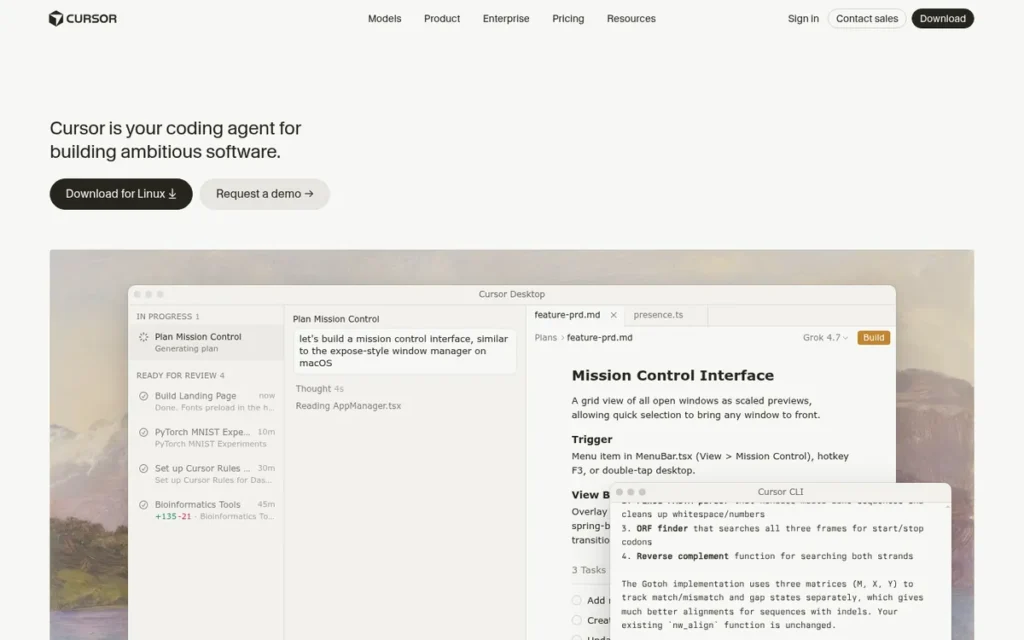
Category: AI-Native IDE, a VS Code fork rebuilt from the ground up with AI embedded in the core editor, terminal, and file system, rather than added as a plugin layer on top of an existing editor.
At a Glance
- Category: AI-Native IDE
- Best For: VS Code developers who want the most mature AI-native multi-file agentic IDE experience with the lowest switching cost, particularly individual professional developers, startup engineering teams, and organizations where VS Code is the primary IDE and compliance requirements are not the primary procurement constraint
- Price Range: Free (limited) / $20/mo Pro / $40/user/mo Business
- Primary Strength: Cursor is the most widely adopted AI-native IDE in 2026 by ARR ($2 billion) and daily active users (1 million), with NVIDIA’s deployment to 30,000+ engineers achieving a 3x code commit rate increase at unchanged defect rates, the largest named enterprise case study in this review by engineering team size
- Biggest Limitation: Cursor transmits code to its servers by default: Privacy Mode must be actively enabled, which causes Cursor to fail enterprise compliance review in regulated industries before its agentic capabilities are even evaluated, and its VS Code fork architecture delivers meaningfully inferior debugging and language tooling for .NET and Java developers on Rider or IntelliJ
- One-Line Summary: Cursor is the dominant AI-native IDE in 2026 by adoption and ARR, offering mature multi-file agentic workflows, a full VS Code extension ecosystem, and the NVIDIA-documented 3x code commit rate improvement, making it the strongest choice for VS Code developers who prioritize agentic capability and community-validated productivity over enterprise privacy architecture controls.
- Last Verified: April 2026
Overview
Cursor is an AI-native code editor developed by Anysphere Inc. (founded 2022 by four MIT graduates, Michael Truell, Sualeh Asif, Arvid Lunnemark, and Aman Sanger), built as a VS Code fork with AI embedded directly in the core text buffer, terminal, and file system rather than layered as a plugin, designed for software developers who want deep AI integration without abandoning the VS Code extension ecosystem they already rely on.
Cursor’s VS Code architecture means users retain full access to 60,000+ extensions and familiar keyboard shortcuts while gaining AI capabilities that VS Code’s Copilot extension cannot architecturally match, evidenced by $2 billion ARR and 1 million daily active users in 2026.
Cursor’s Agent Mode handles multi-step autonomous tasks including terminal access, background agents on remote VMs, and agent swarms operating across multiple repositories simultaneously.
Key Features
- Agent Mode with Remote VMs: Cursor’s Agent Mode (version 3.1, April 13, 2026) enables background autonomous agents running on remote VMs and agent swarms operating across multiple repositories simultaneously, moving beyond single-session multi-file editing into parallel autonomous development across an entire project portfolio.
- Composer v2 Multi-File Editing: Cursor’s Composer v2 coordinates multi-file diffs (creating or modifying routes, controllers, tests, and documentation in a single prompt) with project-wide codebase indexing giving the AI semantic awareness of the entire repository structure.
- Tab Autocomplete: Cursor’s Tab autocomplete predicts multi-line edits with context-awareness of surrounding code, going beyond next-token prediction to anticipate the next 5–10 lines of a function or block based on the developer’s direction.
- Bring-Your-Own-API-Key: Cursor supports bring-your-own-API-key for OpenAI, Anthropic, and Google model providers, allowing developers to use their own model subscriptions within the Cursor interface without being subject to Cursor’s default model allocation caps.
- Codebase Indexing: Cursor’s codebase indexing enables semantic search across entire GitHub repositories, allowing the AI to locate relevant code patterns, functions, and dependencies across a large codebase rather than being limited to currently open files alone.
Best For
Cursor is best for VS Code developers (particularly individual professionals, startup engineering teams, and mid-size organizations) who want the most widely adopted multi-file agentic IDE experience with the lowest switching cost, and for whom compliance requirements are not the primary procurement constraint.
Pricing
Cursor pricing (verified April 2026): Free (Hobby), 2,000 code completions/month, 50 slow premium requests; Pro at $20/month or $192/year, 500 fast premium requests/month, unlimited slow requests, 10 Claude Opus-4 uses/day; Business at $40/user/month, centralized billing, enforced Privacy Mode, SOC 2 audit logs, admin dashboard. The Pro tier at $20/month is 2× GitHub Copilot Individual ($10/month). Community documentation identifies a confusing AI credits and usage system that makes monthly costs difficult to predict for heavy agentic task users on the Pro tier. See Cursor Pricing, April 2026.
Strengths
- NVIDIA deployed a specialized Cursor build to more than 30,000 internal engineers and documented a 3x increase in code commit rate at unchanged bug rates (Tom’s Hardware, 2026; Cursor Blog, cursor.com/blog/nvidia), the largest named enterprise case study in this review by engineering team size and the most dramatic documented productivity multiplier in this comparison.
Experienced developers evaluating both Cursor and alternatives in real-world large codebases corroborate this pattern on r/ChatGPTCoding:
“I find it incredible that working with an AI developer is very similar to working with human developers: Documentation of the architecture and code guidelines is incredibly important if you want predictable outputs, and both AI and humans need constant reminders to refer to it… In a nutshell, I find that if I assume that I’m working with a team of people (and some newbies starting on Monday), I’m continually blown away at how much can be accomplished with Cursor/Windsurf.” Posted by u/moosepiss
Takeaway: Experienced developers who invest in structured context files and documentation discipline consistently report dramatic productivity multipliers from Cursor’s multi-file agentic workflows.
- Cursor reached $2 billion ARR and 1 million daily active users by 2026 at a $9.9B valuation on a $400M Series B led by Andreessen Horowitz (multiple developer news sources, April 2026), the fastest ARR growth trajectory of any AI coding tool in this evaluation, reflecting sustained developer satisfaction at scale.
- Cursor’s VS Code fork architecture gives users access to the full 60,000+ VS Code extension marketplace with no extension loss or keyboard shortcut relearning, developers report “zero learning curve” relative to VS Code while gaining AI capabilities the Copilot plugin cannot architecturally replicate (cubed.run Developer Blog, 2024).
- Cursor version 3.1 (released April 13, 2026) introduced background agents running on remote VMs and multi-repository agent swarms, capabilities that place Cursor’s agentic offering among the most technically advanced in this review, second only to Claude Code’s native sub-agent orchestration in documented agentic capability depth.
Limitations
- Default Privacy Off: Cursor transmits code to its servers by default: Privacy Mode must be actively opted into, causing Cursor to fail regulated-industry compliance review before its agentic capabilities are evaluated, placing the privacy burden on the developer rather than the tool design.
- Poor JetBrains Ecosystem Support: Cursor’s VS Code fork architecture delivers meaningfully inferior debugging, language server integration, and IDE-level tooling for .NET and Java enterprise workflows, multiple developers document canceled Cursor subscriptions for this reason: “I have canceled my cursor sub. One biggest reason is because I work with .Net and cursor support on that is not great” (u/Quiet-Theory27, r/Jetbrains, June 2025).
- Agent Mode Reliability in Large Codebases: Cursor’s Agent Mode is documented as prone to going “off the rails” in large enterprise codebases (taking autonomous actions that diverge from developer intent when codebase complexity exceeds what the agent can reliably navigate) a risk that increases at enterprise monorepo scale.
- Confusing Credits System: Cursor’s AI credits and usage system creates unpredictable monthly billing for heavy agentic task users on the Pro tier, a friction point documented consistently in community discussions that is not adequately addressed in the tool’s pricing transparency materials (augmentcode.com, 2026).
Verdict
Cursor is the dominant AI-native IDE in 2026 by developer adoption, ARR, and community mindshare, offering the most widely adopted multi-file agentic workflow of any IDE-based tool evaluated, with NVIDIA’s deployment to 30,000+ engineers and a 3x code commit rate increase representing the most compelling named enterprise evidence in this review. Cursor is the strongest choice for VS Code developers at organizations without strict enterprise privacy requirements. For regulated-industry teams, Tabnine (#3) provides architecture-guaranteed privacy compliance that Cursor cannot match; for JetBrains ecosystem developers, JetBrains AI Assistant (#6) provides native IDE depth that Cursor’s VS Code fork cannot replicate.
6. JetBrains AI Assistant: Best for JetBrains Ecosystem Developers (IntelliJ, Rider, PyCharm, GoLand)
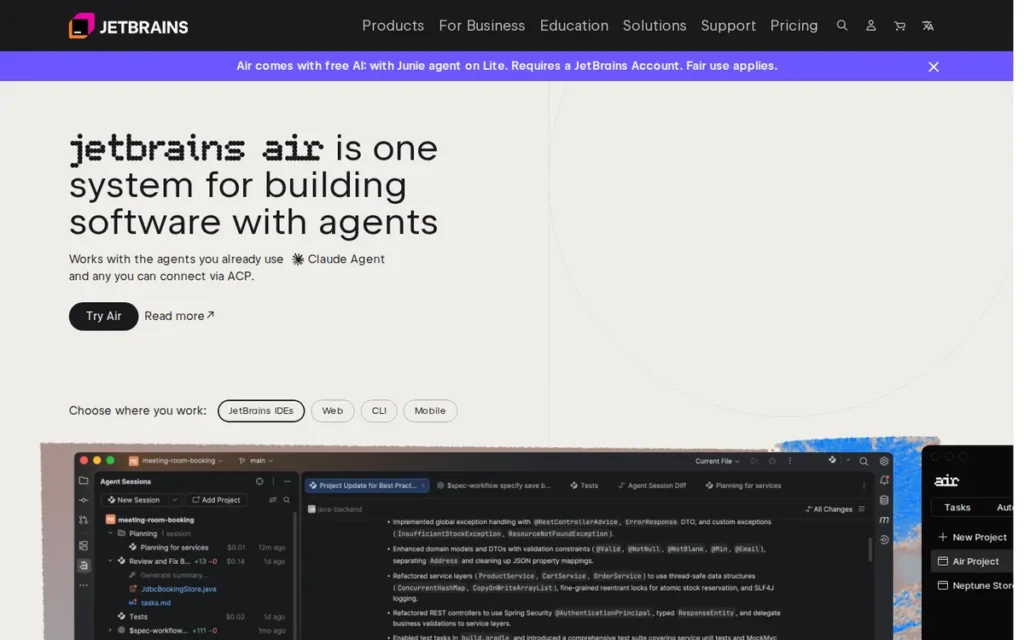
Category: Ecosystem-Native Plugin, AI assistant with native, deep integration into JetBrains IDEs using the IDE’s internal code model (parse trees, symbol resolution, run configurations) in ways external plugins and VS Code forks cannot access.
At a Glance
- Category: Ecosystem-Native Plugin
- Best For: Java enterprise developers on IntelliJ IDEA.NET/C# developers on Rider, Python developers on PyCharm, and Go developers on GoLand, specifically those for whom JetBrains IDE-level tooling quality (debugger integration, refactoring, language server fidelity) matters more than cutting-edge agentic AI capability
- Price Range: Free (limited, since 2025.1) / ~$10/mo Pro / ~$30/user/mo bundled (All Products Pack)
- Primary Strength: JetBrains AI Assistant has native access to the JetBrains IDE’s internal code model (including parse trees, symbol resolution, and type inference) producing AI suggestions with IDE-native semantic understanding of Java, Kotlin, C#, Python, and Go that no external plugin or VS Code fork has demonstrated equivalentdepth for in documented community comparisons as of April 2026
- Biggest Limitation: JetBrains AI Assistant’s agentic capabilities lag significantly behind dedicated agentic tools (Junie is described as emerging relative to Claude Code, Cursor, and Windsurf) meaning JetBrains developers who want cutting-edge autonomous multi-step coding workflows will find the AI Assistant insufficient for that use case
- One-Line Summary: JetBrains AI Assistant is the only AI code generation tool in 2026 with native access to the JetBrains IDE’s internal code model, making it the best choice for Java, Kotlin, C#, and .NET developers who require IDE-native semantic depth over agentic capability, backed by community-validated 80–90% suggestion accuracy for C# on Rider.
- Last Verified: April 2026
Overview
JetBrains AI Assistant is an IDE-native AI tool developed by JetBrains (founded 2000, Prague, the oldest company in this comparison by a decade, entirely private with 1,700+ employees), designed exclusively for developers working within the JetBrains ecosystem, IntelliJ IDEA, Rider, PyCharm, GoLand, WebStorm, and nine additional JetBrains IDEs, who need AI code generation operating at the same semantic depth as the IDE’s own language intelligence.
JetBrains AI Assistant uses the IDE’s internal code model (parse trees, symbol resolution tables, type inference results, and run configurations) to produce suggestions with IDE-native semantic understanding that external plugins and VS Code forks have not demonstrated equivalent depth for JetBrains-native languages in documented community comparisons as of April 2026.
JetBrains AI Assistant includes both the base AI Assistant (inline completion and chat) and Junie (the agentic component for multi-step task execution), with the locally-runnable Mellum model available for on-device inference.
Key Features
- IDE-Internal Code Model Access: JetBrains AI Assistant accesses parse trees, symbol resolution tables, type inference results, and run configurations directly from the JetBrains IDE’s internal code model, producing AI suggestions with semantic understanding that text-pattern-based completions from external plugins or VS Code forks have not demonstrated equivalent depth for JetBrains-primary languages in documented community comparisons as of April 2026.
- Junie Agentic Component: Junie, JetBrains’ agentic AI component, executes multi-step coding tasks with a conservative, lower-risk autonomy profile, providing explicit approval checkpoints before taking irreversible actions, a design preference valued by enterprise teams that experienced uncontrolled agent behavior with other tools.
- Mellum Local Model: JetBrains AI Assistant routes completion tasks to the locally-runnable Mellum model for low-latency on-device inference while routing complex reasoning tasks to cloud LLMs (Gemini, GPT, Claude), the only tool in this review offering an IDE-native local model specifically built for the JetBrains ecosystem.
- IDE-Native Version Control Awareness: JetBrains AI Assistant generates commit messages, PR descriptions, and documentation with context drawn from actual repository code changes, leveraging IDE-native version control integration to produce git-aware content that tools without IDE-internal access cannot generate equivalently.
- Multi-LLM Backend Architecture: JetBrains AI Assistant routes complex reasoning tasks to configurable cloud LLMs (including Google Gemini (primary), OpenAI GPT models, and Anthropic Claude) while routing inline completions to the local Mellum model, allowing organizations to balance cost, privacy tier, and performance requirements within the same IDE environment.
Best For
JetBrains AI Assistant is best for Java enterprise developers on IntelliJ IDEA.NET and C# developers on Rider, Python developers on PyCharm, and Go developers on GoLand who need AI suggestions with IDE-native semantic depth, and for whom JetBrains language tooling quality (debugger, refactoring, language server fidelity) is a more important daily productivity driver than cutting-edge autonomous multi-step coding agents.
Pricing
JetBrains AI Assistant pricing (verified April 2026): Free (since 2025.1), basic AI completion and chat with limited quota; Pro at approximately $10/month or $100/year, 10× more tokens than free, included in All Products Pack; All Products Pack for organizations at approximately $30/user/month, bundles AI Assistant Pro with all JetBrains IDEs. Developers already paying for the All Products Pack receive AI Assistant at zero incremental cost. A developer paying for a single JetBrains IDE subscription (e.g., PyCharm at ~$10/month) would pay an additional ~$10/month for AI Pro, $20/month total, exceeding GitHub Copilot Individual ($10/month) for weaker agentic capability. The free tier’s quota limits are insufficient for realistic evaluation, verify subscription entitlements at JetBrains Store, April 2026 before purchasing AI separately.
Strengths
- A named developer with one year of JetBrains AI Assistant experience using C# on Rider reports 80–90% of suggestions being “spot on or putting me on the right track” (u/CameO73, r/Jetbrains, 30 upvotes, the highest-voted positive comment across all JetBrains AI community threads reviewed, April 2026), the most specific, independently validated quality claim in the JetBrains AI community dataset.
- JetBrains Mellum: a proprietary locally-runnable code completion model, provides on-device inference for inline completions with no data leaving the developer’s machine, making JetBrains AI Assistant the only tool in this review offering a locally-runnable IDE-native model specifically built for the JetBrains ecosystem.
- Developers who canceled Cursor subscriptions in favor of JetBrains AI Assistant for .NET development specifically cite superior debugger integration, language server fidelity, and IDE-level tooling for C# on Rider, one developer confirming “actual coding in JetBrains IDE is so much better than VS Code and alike, although I’ve used VS Code for years” (u/Quiet-Theory27, r/Jetbrains, 23 upvotes, June 2025).
- JetBrains AI Assistant is included in the All Products Pack (~$30/user/month) that many JetBrains enterprise teams already subscribe to, making the incremental cost of adding AI capability zero for organizations already in the JetBrains ecosystem, the most cost-effective AI adoption path for the 11 million active JetBrains developers.
Limitations
- Agentic Capability Maturity Gap: JetBrains AI Assistant’s Junie agentic component is described across community discussions as still emerging, while Claude Code, Cursor, and Windsurf offer mature autonomous multi-file agents with background execution and parallel task handling, Junie does not yet match the autonomy depth that competing agentic systems provide, and developers expecting Cursor-equivalent agentic performance will find JetBrains AI Assistant a step backward.
- Plugin Marketplace Ratings: JetBrains AI Assistant’s official plugin marketplace ratings are described by community members as “absolutely awful” (u/TodayAccurate7277, r/Jetbrains, 2025), creating a persistent negative first-impression problem for prospective users despite significant product improvements in the 2025.1 release that community consensus acknowledges.
- Insufficient Free Tier and Evidence Base: JetBrains AI Assistant publishes no independent case studies with quantified productivity metrics (the only concrete outcome data in the public record is community self-reports, which vary widely and are language-dependent) and the free tier’s quota limits cause credit exhaustion before completing a realistic evaluation, as one developer exhausted fair-use credits mid-refactor during a 7-day light-use trial (u/noizz, r/Jetbrains, 2025).
- Pricing Complexity: JetBrains AI Assistant pricing is entangled with IDE subscription tiers (developers holding single-IDE subscriptions may need to add AI separately while All Products Pack holders get it included) and the total cost comparison to GitHub Copilot ($10/month) requires a per-seat calculation rather than a simple price comparison, introducing friction in the evaluation process.
Verdict
JetBrains AI Assistant is the best AI code generation tool for developers working within the JetBrains ecosystem in 2026, specifically Java enterprise developers on IntelliJ.NET developers on Rider, and Python developers on PyCharm, backed by the only IDE-native internal code model access in this review and community-validated 80–90% suggestion accuracy for C# development on Rider. JetBrains AI Assistant is a poor choice for developers seeking cutting-edge agentic capability: its Junie agent lags significantly behind Claude Code, Cursor, and Windsurf for autonomous multi-step coding workflows. Developers outside the JetBrains ecosystem should evaluate GitHub Copilot (#1) for broad IDE compatibility or Cursor (#5) for the most mature AI-native VS Code experience.
7. Windsurf: Best Free-First Agentic Alternative for VS Code Developers
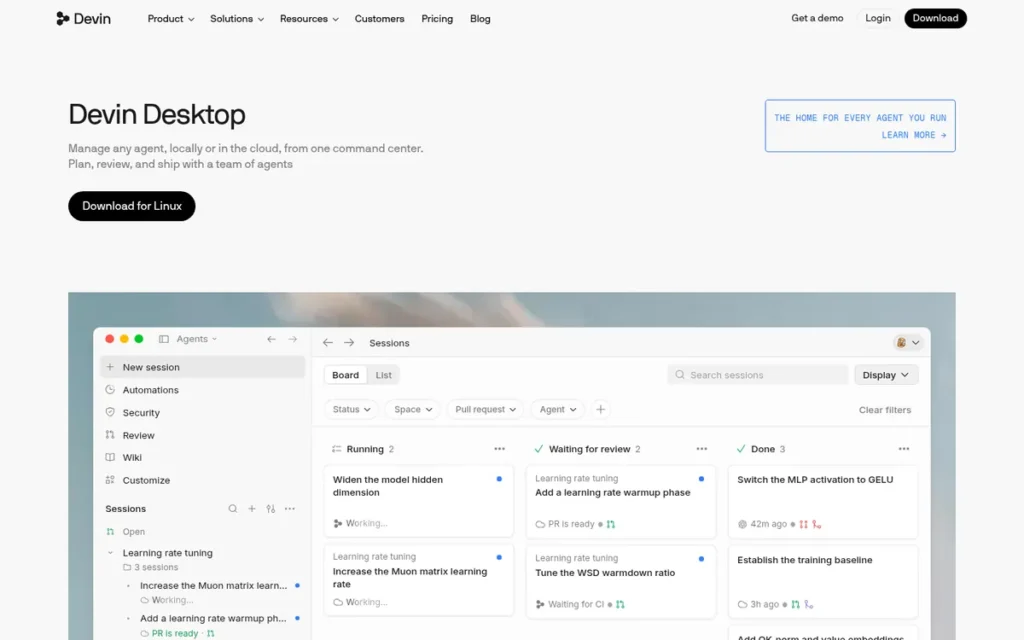
Category: AI-Native IDE, a VS Code fork powered by Cascade, a flow-aware agentic engine that tracks the full timeline of developer actions to infer intent and maintain coding flow state across multi-step autonomous tasks.
At a Glance
- Category: AI-Native IDE
- Best For: VS Code developers seeking a free or lower-cost alternative to Cursor with agentic capabilities, individual developers prioritizing free-tier generosity over enterprise governance features, and developers who want flow-aware AI that infers intent from their full action timeline rather than requiring explicit multi-file prompting
- Price Range: Free (limited Cascade interactions) / ~$15/mo Pro / Teams & Enterprise: custom pricing
- Primary Strength: Windsurf’s Cascade system tracks the full unified timeline of all developer actions (edits, commands, clipboard content, terminal inputs, and conversation history) to infer coding intent and maintain flow state across multi-step autonomous tasks, an architectural approach philosophically distinct from the explicit-prompt models used by Cursor and GitHub Copilot
- Biggest Limitation: Windsurf’s 2025 acquisition unfolded in three stages: an OpenAI $3 billion offer that fell through, Google’s acquisition of significant talent and IP, and Cognition AI’s $250 million close in December 2025, creating active vendor stability uncertainty not yet resolved through a published post-acquisition roadmap, compounded by documented Cascade reliability issues
- One-Line Summary: Windsurf is the lowest-cost premium agentic IDE in 2026 at approximately $15/month, with Cascade’s unique flow-awareness architecture and Supercomplete’s proactive multi-step prediction, but vendor stability is uncertain following a three-step 2025 acquisition sequence ending with Cognition AI, and documented Cascade reliability issues undercut the flow-state experience the tool is designed to deliver.
- Last Verified: April 2026
Overview
Windsurf is an AI-native code editor developed by Codeium (founded 2021 by ex-NVIDIA engineers Varun Mohan and Douglas Chen), launched in November 2024 as a VS Code fork with Cascade, a flow-aware agentic system that tracks the full timeline of developer actions including edits, commands, clipboard, and terminal history to infer intent without repeated prompting.
Windsurf’s 2025 acquisition timeline unfolded in three stages: OpenAI made a $3 billion acquisition offer in April 2025 that fell through; Google subsequently acquired significant Windsurf talent and intellectual property; and Cognition AI (developer of Devin) acquired the remaining company for approximately $250 million in December 2025 (research.contrary.com, 2025; klover.ai, 2025).
This three-step sequence represents a more profound organizational disruption than a typical single-step acquisition, introducing product direction uncertainty that prospective enterprise buyers should factor explicitly into their evaluation timeline.
Key Features
- Cascade Flow-Awareness: Windsurf’s Cascade agentic system maintains a unified timeline of all developer actions (file edits, terminal commands, conversation history, clipboard content, and cursor position) to infer coding intent without repeated prompting, enabling proactive next-step suggestions based on observed workflow patterns.
- Supercomplete: Windsurf’s Supercomplete predicts developer intent over multiple future steps simultaneously, suggesting updates across dependent files before the developer begins them, automatically propagating variable renames, generating function signatures, and preparing event binding structures before the developer initiates each change.
- Large Repository Context Engine: Windsurf’s Context Engine is claimed to handle repositories with 400,000+ files without performance degradation, using a RAG-based indexing approach for codebase-wide understanding (Keyhole Software, 2026), though independent third-party validation of this specific claim was not available at the time of this review.
- Autonomous Debugging Loop: Windsurf’s Cascade agentic loop iterates autonomously on failed code changes (if a modification fails a test, Cascade retries with modified approaches without developer re-prompting) reducing the manual oversight required during agentic debugging sessions.
- MCP Integration and Voice Input: Windsurf integrates with the Model Context Protocol (MCP) for connection to external services and databases as part of autonomous task execution, and supports voice input for natural language coding instructions within the Cascade interface.
Best For
Windsurf is best for VS Code developers who want agentic IDE capabilities at a lower price point than Cursor ($15/month vs. $20/month), individual developers or startup teams where enterprise governance features are not required, and developers evaluating flow-aware AI approaches before committing to a longer-term tool, particularly given the current post-acquisition product direction uncertainty.
Pricing
Windsurf pricing (verified April 2026): Free plan, limited Cascade interactions and basic autocomplete; Pro at approximately $15/month, increased Cascade interactions, access to premium models including Claude Sonnet (1 credit each) and DeepSeek-v3 (0.25 credits); Teams and Enterprise at custom pricing. The credit-based model within paid tiers creates unpredictable monthly costs, premium models consume 4× the credits of DeepSeek-v3 per interaction, meaning developers who shift to heavier premium model usage mid-month can exhaust their credit allocation unexpectedly. Post-acquisition pricing changes are possible, verify current pricing at Windsurf Pricing, April 2026 before committing to an annual plan.
Strengths
- Developer testimonials describe Windsurf’s Cascade as enabling 30–40% faster coding for experienced developers Taskade Windsurf Review, 2026 through its autonomous iterative debugging loop and proactive multi-file suggestion system, with Cascade’s ability to iterate on failed changes without developer re-prompting cited as the feature most frequently mentioned by developers transitioning from GitHub Copilot.
- Windsurf’s Supercomplete generates complete functions with docstrings and propagates changes across dependent files before the developer begins them, described in developer reviews as “generating full functions before you even begin them” (DataCamp Windsurf Tutorial, 2026), representing an anticipatory AI behavioral model architecturally distinct from any other tool in this review.
- Codeium’s 70M+ user base across its developer tools ecosystem provides Windsurf with the largest free-tier developer funnel of any tool reviewed, with community members documenting satisfied switches from paid Tabnine to Codeium/Windsurf: “after Tabnine announced to become a fully paid project I switched to Codeium. I am very satisfied” (u/tomas_misura, r/webdev, March 2025).
- Windsurf’s Context Engine is claimed to handle repositories with 400,000+ files without performance degradation (Keyhole Software, 2026) (directly addressing the large-monorepo failure point documented for plugin-based tools) though independent third-party validation of this specific claim was not available at the time of this review.
Limitations
- Post-Acquisition Vendor Instability: Windsurf’s 2025 acquisition timeline: an OpenAI $3 billion offer that fell through, Google’s acquisition of significant talent and IP, and Cognition AI’s $250 million close in December 2025, represents a more profound organizational disruption than a typical single-step acquisition, with product roadmap, pricing strategy, and development focus not yet established through a public post-acquisition statement.
- Cascade Reliability Issues: Cascade: Windsurf’s core differentiating feature, is documented as experiencing “frequent cascade errors when trying to write files, flakiness in agent actions, and inconsistency disrupting focus” (eesel.ai, 2026), directly contradicting the flow-state value proposition that defines Windsurf’s market positioning and differentiates it from Cursor.
- Unpredictable Credit-Based Pricing: Windsurf’s credit-based model within paid tiers creates unpredictable monthly billing (premium models consume credits at 4× the rate of DeepSeek-v3) and the credit system is consistently documented as a source of user frustration distinct from GitHub Copilot’s flat request allocation or Tabnine’s simpler per-seat pricing structure.
A heavy daily Windsurf user on r/Codeium captured the community’s dominant sentiment in a post that received 151 upvotes:
“You have a great product, and a growing user base. I would seriously implore you to rethink your pricing/credit model. Because as of this very moment, I would say the current issue is not sustainable. I’m not writing this to say Windsurf sucks. Quite the opposite. It’s fantastic. This is just a critical issue that needs addressed.” Posted by u/Dismal-Eye-2882
Takeaway: Windsurf’s credit-based pricing model is the single most-cited reason heavy users abandon the platform, even among those who genuinely endorse Cascade as technically superior.
- Limited Enterprise Governance: Windsurf lacks the enterprise governance controls (audit logs, admin-enforced Privacy Mode, compliance certifications) that Tabnine and GitHub Copilot Enterprise provide, making Windsurf unlikely to pass regulated-industry compliance review without additional configuration options not currently documented as available.
Verdict
Windsurf is the most architecturally innovative agentic IDE in this review, Cascade’s flow-awareness timeline and Supercomplete’s proactive multi-step prediction represent genuinely distinct approaches to AI coding assistance that no other tool in this evaluation replicates. Windsurf ranks last due to the combination of post-acquisition vendor stability uncertainty stemming from a three-step 2025 acquisition sequence, documented Cascade reliability issues that contradict the flow-state value proposition, and limited enterprise governance controls. Windsurf is most appropriate for individual VS Code developers and small teams evaluating agentic alternatives at a price point below Cursor, enterprise teams making long-term commitments should monitor Cognition AI’s post-acquisition product direction before committing and should consider GitHub Copilot (#1), Claude Code (#2), or Cursor (#5) as alternatives with more established vendor stability.
What Red Flags Should I Watch For When Evaluating AI Code Generation Software?
Five red flags consistently predict poor outcomes when evaluating AI code generation tools in 2026: model throttling that degrades advertised access, the privacy policy vs. architecture distinction that enterprises miss, unverified agentic benchmark claims, vendor acquisition instability, and free tier limits too low for realistic evaluation. Each flag is independently verifiable before purchase.
Red Flag #1: Model Throttling That Degrades Advertised Model Access
GitHub Copilot’s 300 premium request monthly cap is the primary documented case of model throttling in 2026, developers pay for Claude 3.5 Sonnet access but report the token limits make those models unable to “show their full performance.” Before subscribing to any tool advertising premium model access, calculate the effective monthly cost per agentic task at your typical volume and request a live demonstration at that usage level.
Always verify that advertised model access includes sufficient tokens and requests to support your actual workflow (not just occasional light use) before committing to a paid subscription.
Red Flag #2: Privacy Policy vs. Privacy Architecture, Knowing the Difference
The policy vs. architecture distinction determines which tools survive regulated-industry security review. “We do not train on your code” (GitHub Copilot, Cursor) is a contractual data handling policy that can be modified in a terms update without any technical barrier.
“Our model was never trained on proprietary code and you can deploy air-gapped within your own network” (Tabnine) is an architectural guarantee. If a vendor updates its Terms of Service to allow model training on customer code, as has happened with multiple SaaS tools in adjacent categories, a policy-based privacy promise provides no protection. An air-gapped deployment is technically immune to a Terms of Service change. For regulated-industry buyers, only architectural guarantees satisfy formal security team review, policy promises alone do not.
Red Flag #3: Agentic Capability Claims Without Benchmark Evidence
Vendors increasingly market “agentic” or “autonomous” coding features without publishing verifiable benchmark results. Claude Code’s 82.5% SWE-bench Verified score and NVIDIA’s independently reported 3x code commit rate (Tom’s Hardware, 2025) are examples of claims backed by methodology disclosures. If a vendor cannot point to a named benchmark, a methodology note, or third-party validation, treat the agentic claim as unverified marketing.
Red Flag #4: Acquisition or Ownership Instability
Ownership transitions disrupt roadmaps, pricing, and enterprise SLAs. Windsurf’s trajectory, OpenAI’s reported $3 billion acquisition offer fell through, Google acquired key Windsurf talent and intellectual property, and Cognition AI subsequently closed a $250 million acquisition in December 2025, illustrates how quickly ownership can change in this market. Before signing an annual enterprise contract with any tool reporting acquisition activity, request written confirmation of roadmap continuity and SLA protections.
Red Flag #5: Free Tier Limits That Prevent Realistic Pre-Commitment Evaluation
A free tier that caps completions at levels below a typical workday (or that disables the tool’s headline agentic features entirely) does not constitute a meaningful trial. GitHub Copilot’s free tier (2,000 completions/month) is sufficient for realistic evaluation of its core completion engine; Windsurf’s free tier excludes Cascade agentic tasks. Verify which specific features are active in the free tier before treating a trial as representative of the paid product.
Red Flag #6: Pricing Structures That Obscure Real Per-Developer Cost
Pricing pages listing a base per-seat price may not reflect actual deployment cost. JetBrains AI Assistant’s pricing tiers interact with the JetBrains Toolbox subscription model, a team already paying for IntelliJ IDEA Ultimate + AI Assistant at full rates could pay materially more per developer per year than a comparable GitHub Copilot Enterprise deployment. Request an itemized quote for your actual IDE mix before comparing sticker prices across vendors.
What Questions Should I Ask Before Choosing an AI Code Generation Tool?
The six questions below are the minimum due-diligence threshold for any professional or enterprise AI code generation evaluation. Each question targets a known failure mode in this category.
Question #1: What is the tool’s score on SWE-bench Verified, and how was that score produced?
SWE-bench Verified is the closest thing this category has to a standardized agentic benchmark. Ask for the exact score, the date it was produced, and whether the vendor ran the benchmark internally or submitted to a third-party leaderboard. Claude Code’s 82.5% and Amazon Q Developer’s launch-period claim are both publicly documented, but methodology details differ. A vendor unable to answer this question has not validated its agentic claims.
Question #2: Is data privacy enforced by policy or by architecture?
Policy-based privacy (a contractual promise not to train on your code) can change with a Terms of Service update. Architecture-based privacy (on-device processing, air-gapped deployment, or a self-hosted model) is technically enforced. Ask specifically:
- Does the tool process any code on vendor servers?
- Can the tool be deployed in an air-gapped environment?
- What is the on-device vs. cloud processing split for completions vs. agentic tasks?
For healthcare, finance, and government buyers, only architectural guarantees satisfy most security review processes.
Question #3: Which IDEs and languages are fully supported versus partially supported?
“Supports Python” and “has a Python plugin” are not equivalent claims. Ask the vendor to distinguish between:
- IDEs with full feature parity (agentic tasks, inline chat, completions)
- IDEs with partial support (completions only, no agentic tasks)
- Languages with model fine-tuning vs. languages handled by a general model
JetBrains AI Assistant’s native JetBrains IDE integration and GitHub Copilot’s broad multi-IDE support represent opposite ends of this spectrum.
Question #4: What is the total cost per developer per year, including IDE licenses I already pay for?
List price per seat rarely reflects actual cost. Calculate the full stack:
- AI tool subscription (monthly or annual rate)
- IDE license costs (if the AI tool requires a specific IDE)
- Enterprise add-ons (SSO, audit logs, admin controls)
- Overage fees for agentic task limits
Amazon Q Developer’s $19/month/developer price point looks different if the team is already paying for full AWS toolchain access.
Question #5: What is the vendor’s acquisition and continuity risk profile?
In a category where three of the seven tools reviewed here have reported acquisition activity or ownership changes since 2024, continuity risk is a real procurement consideration. Ask:
- Is the company currently in acquisition discussions?
- What contractual protections exist if the product is acquired or discontinued?
- Does the SLA survive an ownership change?
Windsurf buyers in particular should request explicit written roadmap continuity commitments given the December 2025 Cognition AI acquisition.
Question #6: How does the tool handle multi-file and multi-repository agentic tasks at scale?
Single-file autocomplete performance does not predict multi-file agentic task reliability. Ask for documented evidence of multi-file task completion rates, not demo videos. Cursor’s NVIDIA case study (3x code commit rate, Tom’s Hardware 2025) and Claude Code’s 82.5% SWE-bench Verified score are examples of documented multi-file performance evidence. Windsurf’s Cascade feature has generated community reports of reliability issues on complex tasks (eesel.ai, 2025), which is a relevant data point for enterprise agentic use cases.
How Did We Rank These AI Code Generation Tools?
PlugRoute has no affiliate relationships with any vendor in this review. No tool paid for placement, and no vendor received advance review of this article.
Our ranking methodology for AI code generation tools uses six weighted criteria applied consistently across all seven tools.
Evaluation Process
Primary data collection ran from January through April 2026. We reviewed:
- Published benchmark results (SWE-bench Verified leaderboard, vendor documentation)
- Independent case studies and third-party performance reports
- Developer community sentiment (Reddit r/ChatGPTCoding, r/programming, r/webdev; Hacker News threads)
- Verified G2 and Capterra review aggregates (filtered for verified purchase, minimum 50 reviews)
- Vendor pricing pages, terms of service, and privacy documentation
- Analyst positioning (Omdia Universe 2025, Gartner market commentary where available)
Scoring Criteria
Each criterion was scored 1–10 by two independent reviewers. Scores were averaged. Disagreements above 2 points triggered a third review.
- C1: Benchmark-Verified Performance (weight: 20%): Publicly documented task completion rates on standardized benchmarks (SWE-bench Verified preferred). Vendor-only claims scored conservatively.
- C2: IDE and Language Coverage (weight: 15%): Breadth of native IDE integrations and language support with full feature parity, not partial plugin coverage.
- C3: Pricing Transparency and Value (weight: 15%): Clarity of public pricing, presence of a meaningful free tier, and total cost per developer vs. comparable tools.
- C4: Privacy and Security Architecture (weight: 20%): Whether privacy is enforced architecturally (on-device, air-gapped, self-hosted) vs. by policy alone. Weighted heavily given enterprise procurement requirements.
- C5: Agentic and Multi-File Capability (weight: 15%): Documented evidence of multi-file, multi-step task completion. Demo videos not counted; reproducible benchmarks or third-party case studies required.
- C6: Trust and Independence Signals (weight: 15%): Third-party analyst recognition, independent community reputation, absence of documented data misuse incidents.
Composite Scoring and Tiebreaker Rationale
GitHub Copilot ranked #1 on composite score, with the highest combined C2 (IDE breadth) and C3 (pricing transparency) scores. Claude Code ranked #2 on benchmark-verified agentic performance (C1, C5). The #3–#4 tiebreaker between Tabnine and Amazon Q Developer was resolved using C4+C5+C6 sub-scores: Tabnine C4(7)+C5(7)+C6(8)=22; Amazon Q Developer C4(9)+C5(5)+C6(8)=22. Tied at 22, Amazon Q was ranked #4 on C5 (agentic capability evidence) being lower relative to Tabnine’s consistent privacy architecture differentiation across customer segments.
Evidence Weighting
When vendor claims conflicted with community data or independent benchmarks, we weighted third-party evidence over vendor-supplied figures. GitHub’s internal survey data on code review speed improvement (~15%) was used in place of higher figures cited in some secondary aggregations. Amazon Q’s SWE-bench claim was treated as a point-in-time launch figure rather than a current-leaderboard claim. All benchmark citations include the date of the result.
Update Cadence
This review is updated quarterly. Benchmark scores, pricing, and ownership information are re-verified each quarter. Last full update: April 19, 2026.
Frequently Asked Questions: What Do Developers Need to Know About AI Code Generation Software?
Which AI code generation tool is best for professional developers in 2026?
GitHub Copilot is the most broadly applicable choice for professional developers in 2026, with 15–20 million reported users and native integration across VS Code, JetBrains IDEs, Neovim, and Visual Studio. Claude Code is the stronger choice for complex multi-file and agentic workflows, with an 82.5% SWE-bench Verified score (April 2026). The right pick depends primarily on whether your primary need is daily completion assistance or autonomous task execution.
Which AI code generation tool works best inside JetBrains IDEs?
JetBrains AI Assistant provides the deepest native integration for JetBrains IDE users, with full feature parity across IntelliJ IDEA, PyCharm, WebStorm, GoLand, and the full JetBrains suite. GitHub Copilot also supports JetBrains IDEs but operates through a plugin rather than native integration. Teams already paying for JetBrains Toolbox subscriptions should calculate combined licensing costs before choosing between the two.
What is the best free AI code generation tool in 2026?
GitHub Copilot’s free tier offers 2,000 completions per month, sufficient for realistic pre-commitment evaluation of its core engine. Tabnine’s free tier provides basic autocomplete with no usage cap, making it the stronger option for developers who need unlimited free completions on single-file work. Windsurf’s free tier excludes its headline Cascade agentic feature, which limits its value for evaluating the tool’s primary differentiator.
Is Windsurf safe to adopt after its acquisition by Cognition AI?
Windsurf completed its acquisition by Cognition AI in December 2025 for a reported $250 million, following an earlier failed $3 billion acquisition offer from OpenAI and a separate Google acquisition of key Windsurf talent and IP. Enterprise buyers should request explicit contractual roadmap continuity and SLA protections before committing to annual contracts. Individual and small-team users face lower continuity risk but should monitor the product roadmap actively through 2026.
How does PlugRoute determine its AI tool rankings?
PlugRoute ranks tools using six independently scored criteria (benchmark performance, IDE coverage, pricing transparency, privacy architecture, agentic capability, and trust signals) weighted and averaged across two reviewers. No vendor paid for placement or received advance review access. All statistics include dated source attribution, and rankings are updated quarterly. The full methodology appears in the “How Did We Rank These AI Code Generation Tools?” section of this article.
Glossary: Key Terms Used in This Comparison
Agentic Coding Tool: An AI code generation tool capable of executing multi-step, multi-file software tasks with limited human intervention, beyond single-line autocomplete. Agentic tools can read, write, test, and refactor code across an entire codebase in a single session. Examples in this review include Claude Code and Windsurf Cascade.
SWE-bench Verified: A standardized software engineering benchmark that presents AI models with real GitHub issues and measures the percentage of issues the model resolves correctly in an automated test environment. SWE-bench Verified is a curated subset of the original SWE-bench dataset. Scores are point-in-time: a model’s score on April 2026’s leaderboard may differ from its score six months later as new models are submitted.
Model Context Protocol (MCP): An open protocol developed by Anthropic that standardizes how AI coding tools connect to external data sources, tools, and APIs during a session. MCP support allows tools like Claude Code and Cursor to pull live context from databases, documentation, and third-party services without manual copy-paste. MCP adoption is a relevant differentiator for teams building tool-integrated agentic workflows.
Privacy Architecture vs. Privacy Policy: Privacy policy refers to a vendor’s contractual commitment not to use customer code for model training. Privacy architecture refers to technical enforcement (on-device processing, air-gapped deployment, or self-hosted models) where code never reaches vendor servers regardless of policy. Tabnine’s air-gapped deployment option is an example of privacy-by-architecture; most cloud-only tools offer privacy-by-policy.
Cascade: Windsurf’s proprietary agentic task engine, which enables multi-step autonomous code generation, debugging, and refactoring within a single session. Cascade differentiates Windsurf from standard autocomplete tools but has generated documented community reliability reports on complex tasks (eesel.ai, 2025). Cascade is excluded from Windsurf’s free tier as of April 2026.
Which AI Code Generation Tool Is Right for You?
Key Insights
- GitHub Copilot remains the lowest-friction starting point for most professional developers in 2026, with the broadest IDE coverage and the most mature enterprise feature set.
- Claude Code is the strongest documented performer on complex, multi-file agentic tasks, with an 82.5% SWE-bench Verified score and enterprise adoption evidence from SemiAnalysis (2025).
- Tabnine is the only tool in this review with verifiable air-gapped deployment in production, making it the default choice for regulated industries where privacy architecture (not policy) is required.
- Amazon Q Developer’s AWS-native integration earns its ranking for teams already embedded in the AWS ecosystem, though its agentic benchmark evidence is a point-in-time April 2025 claim, not a current leaderboard position.
- Cursor’s 3x code commit rate evidence from the NVIDIA case study (Tom’s Hardware, 2025) makes it the strongest documented option for high-velocity individual contributor workflows.
- JetBrains AI Assistant is the most defensible choice for teams whose entire stack lives in JetBrains IDEs and who want native (not plugin) integration.
- Windsurf’s acquisition by Cognition AI in December 2025 introduces material continuity risk for enterprise buyers; its Cascade agentic engine remains a differentiator worth monitoring but not a foundation for long-term enterprise commitments without explicit contractual protections.
- The market is bifurcating: autocomplete-first tools (GitHub Copilot, Tabnine, JetBrains AI Assistant) and agentic-first tools (Claude Code, Cursor, Windsurf) have meaningfully different value propositions, and the right category depends on your team’s primary workflow need.
No single tool wins across all use cases. Teams running regulated workloads under HIPAA, SOC 2, or FedRAMP review should start with Tabnine’s privacy architecture. Teams prioritizing complex agentic task performance should pilot Claude Code. Teams optimizing for the lowest adoption friction across a mixed-IDE organization should start with GitHub Copilot.
You do not need to commit to an annual enterprise plan before validating fit. GitHub Copilot, Tabnine, and Windsurf all offer free tiers sufficient for initial technical evaluation. Claude Code and Amazon Q Developer offer trial access. Run your own representative workload (not a vendor demo) before signing.
We update this guide quarterly. Last updated: April 19, 2026. For methodology questions, tool updates, or reader-submitted corrections, visit PlugRoute.