Prices and features verified April 2026. SaaS pricing changes frequently, verify at each company’s official pricing page before purchase.
Jamie is the strongest AI meeting note-taker for privacy-conscious professionals and EU-regulated organizations, while Fathom delivers the best free tier for individuals and sales teams. Fireflies.ai is the only tool in this evaluation confirmed to satisfy HIPAA and FERPA requirements simultaneously. The right choice depends on your privacy requirements, compliance mandates, and whether your meetings happen online, offline, or in person.
Most AI note-taking tools appear identical in marketing copy, but they diverge sharply on architecture (bot-free vs. bot-join), compliance certification depth, free-tier restrictions, and language support. A 2025 SoftwareFinder survey found that 87% of users report their workload would increase significantly if they lost access to their tool, confirming the free plan you evaluate today becomes the paid plan you depend on long-term. [Source: SoftwareFinder AI Note-Taking Tools Survey, 2025]
PlugRoute has no affiliate relationships with any company listed in this article. Rankings are determined entirely by a six-criteria weighted composite score applied equally to all seven tools.
TL;DR: Top Picks at a Glance
- Best overall for EU compliance and offline capture: Jamie: GDPR-certified, bot-free, the only tool confirmed for in-person meetings
- Best free tier: Fathom: unlimited recording, no session caps, $15–20/month paid entry
- Best for HIPAA/FERPA-regulated enterprises: Fireflies.ai: four compliance certifications, 100-plus integrations
- Best for knowledge management: Notion AI: synthesizes documents, databases, and meeting notes across one connected workspace
What Type of AI Note-Taker Do You Actually Need?
Three fundamentally different tool architectures serve different buyer needs in 2026. Choosing the wrong architecture before comparing features wastes evaluation time.
Category 1: Bot-Join Meeting Recorders
Bot-join tools send a visible AI participant into video calls to capture audio and generate transcripts automatically. Tools in this category include Otter.ai, Fireflies.ai, Fathom, and tl;dv.
They offer the richest automation and integration depth. But every meeting includes a visible “Bot has joined the meeting” announcement, which changes participant behavior in sensitive sessions.
Category 2: Bot-Free Meeting Recorders
Bot-free tools record meetings by capturing device audio locally without joining as a visible call participant. Jamie and Granola operate this way.
Bot-free tools preserve natural meeting dynamics and eliminate participant self-consciousness. The trade-off is typically a narrower feature set and platform coverage compared to bot-join alternatives.
Category 3: Embedded Knowledge Management AI
Notion AI sits in a third category: an AI layer embedded inside an existing workspace that synthesizes notes, documents, databases, and emails, but does not autonomously join or record meetings.
Notion AI is not a meeting-first tool. It serves users whose primary need is research synthesis and cross-document intelligence, not transcription automation.
The architectural choice between these three categories should precede any feature comparison.
How Do These 7 AI Note-Taking Tools Compare?
| Rank | Company | Category | Best For | One-Line Summary | Key Capabilities | Primary Strength | Key Limitation |
|---|---|---|---|---|---|---|---|
| 1 | Jamie | Bot-Free, Privacy-First Meeting Recorder | EU-regulated orgs, privacy-conscious professionals, in-person and offline meetings | GDPR-certified, bot-free note-taker capturing online, offline, and in-person meetings in 100-plus languages with zero-knowledge architecture | Offline and in-person capture, 100-plus languages, multi-model AI (GPT-4 + Claude + Perplexity), zero-knowledge AES-256, GDPR + Frankfurt EU hosting | Only tool in this evaluation confirmed for offline and in-person meeting capture with GDPR certification and Frankfurt EU data residency | No Android app; no video recording; smaller integration catalog than Fireflies.ai |
| 2 | Fathom | Bot-Join, Sales-Optimized Meeting Recorder | Individual contributors, sales and CS teams, budget-conscious free-tier evaluators | Unlimited-recording AI note-taker with 4.8/5.0 G2 from 2,780-plus reviews and $15–20/month paid entry | Unlimited free recording (no session caps), 14 sales summary templates, AI scorecards, Ask Fathom cross-meeting search, 25 languages | Most generous confirmed free tier in this evaluation; unlimited recording with no session length caps | No publicly confirmed GDPR, SOC 2, or HIPAA certification as of April 2026 |
| 3 | Fireflies.ai | Meeting Intelligence Platform (Enterprise, Bot-Join) | Healthcare, education, regulated enterprises, multinational teams in 100-plus languages | Enterprise meeting intelligence platform with SOC 2 Type 2, GDPR, HIPAA (Enterprise with BAA), and FERPA (Enterprise with DSA) | 100-plus native integrations, 100-plus languages, Webex support, AskFred cross-meeting AI, conversation analytics | Only tool with confirmed HIPAA and FERPA certifications; required for healthcare and education procurement | HIPAA and FERPA activate on Enterprise plan only with signed BAA/DSA; visible bot; credit-based AI costs on all tiers |
| 4 | tl;dv | Bot-Join Meeting Recorder with AI Coaching Layer | Global sales teams, CS orgs needing coaching playbooks and multilingual clips | Multilingual AI meeting recorder with coaching playbooks, scorecards, and shareable clip reels backed by 4.7/5.0 G2 | 30-plus languages, AI coaching playbooks, call scorecards, clip reels, unlimited free recording, 5,000-plus app integrations | AI coaching playbooks and scorecards delivering enterprise conversation intelligence features at ~$59/month annually | SOC 2 Type 1 only (not Type 2); steep Free-to-Business pricing gap; no HIPAA or FERPA certifications |
| 5 | Granola | Hybrid Note-Taker (Bot-Free, Desktop-First) | Mac-primary individuals, privacy-conscious professionals preferring human-guided AI notes | SOC 2 Type 2-certified bot-free AI notepad using a hybrid human+AI note model at approximately $14/month | Bot-free device audio capture, hybrid human+AI note enhancement, SOC 2 Type 2, GDPR, cross-meeting AI search | SOC 2 Type 2 certified (July 2025), bot-free recording, and hybrid model that reduces AI hallucination risk vs. pure-automation tools | Default AI training opt-in for non-enterprise users; notes shareable via link by default; no Android; no HIPAA |
| 6 | Notion AI | Embedded Knowledge Management AI (Workspace-First) | Knowledge workers, students, researchers already using Notion who need cross-document synthesis | AI layer embedded in the Notion workspace synthesizing documents, databases, emails, and meetings via 11 connected app integrations | AI Connectors (Slack, Google Drive, Gmail, GitHub), Research Mode, database autofill, $20/month annually as of August 2025 | Only tool offering cross-document AI synthesis spanning meetings, PDFs, emails, and databases simultaneously | Not a meeting-first tool; does not autonomously join or record calls; AI actions largely confined to the Notion workspace |
| 7 | Otter.ai | Meeting Recorder with Cross-Meeting AI Search (Bot-Join, High-Volume) | High-volume meeting teams, organizations with existing Otter.ai infrastructure, pre-recorded content users | Highest-volume AI meeting platform; 1B-plus meetings transcribed (Feb 2023), $100M ARR (2025); with OtterPilot and Meeting GenAI search | OtterPilot bot-join, Meeting GenAI cross-meeting search, 30-min free sessions, broad file import (10-plus formats), CRM sync (Business tier) | Most mature meeting intelligence archive with $100M ARR commercial validation and a cross-meeting AI search layer | Lowest G2 score in this evaluation (4.3–4.4/5.0); most restrictive free tier (30-minute cap); documented institutional security concerns |
Quick Decision Framework
| Your #1 Priority | Recommended Tool | Why | Acceptable Alternative |
|---|---|---|---|
| EU/GDPR compliance with offline and in-person meeting capture | Jamie (#1) | GDPR certified, Frankfurt EU hosting, only confirmed tool for in-person meetings | Granola (#5); SOC 2 Type 2, bot-free, but no in-person capture |
| Best free tier; unlimited recording, no session caps | Fathom (#2) | Unlimited recording, 25 languages, free forever with no meeting count cap | tl;dv (#4); unlimited recording and summaries on free plan |
| HIPAA or FERPA compliance for healthcare or education | Fireflies.ai (#3) | Only tool with both certifications (Enterprise plan, signed BAA/DSA required) | No direct alternative; Fireflies.ai is the only confirmed compliant option in this evaluation |
| Sales coaching playbooks with multilingual clip reels | tl;dv (#4) | AI scorecards, coaching playbooks, 30-plus languages at ~$59/month annually | Fathom (#2); AI scorecards, lower cost, fewer languages |
| Bot-free privacy with Mac-first workflow at lowest cost | Granola (#5) | SOC 2 Type 2, hybrid human+AI notes, approximately $14/month | Jamie (#1); stronger privacy stack, higher price |
| Cross-document knowledge synthesis in existing Notion workspace | Notion AI (#6) | 11 AI Connectors, Research Mode, bundled in Business plan at $20/month annually | No direct alternative; only tool in this evaluation offering cross-document synthesis |
| High-volume meeting archive at established enterprise scale | Otter.ai (#7) | OtterPilot, Meeting GenAI, $16.99/month, broadest file import | Fathom (#2); higher G2, better free tier, similar pricing |
1. Jamie: Best for Privacy-Conscious Professionals and EU/GDPR-Regulated Organizations
Category: Meeting Recorder (Bot-Free, Privacy-First)
At a Glance
- Category: Meeting Recorder (Bot-Free, Privacy-First)
- Best For: Privacy- conscious professionals, EU-regulated and GDPR-bound organizations, healthcare and legal teams, and any professional who conducts significant business in in-person or offline meetings outside video call environments
- Price Range: Free (10 meetings/month); approximately €19/month (~$20 USD) Standard paid tier, verify at meetjamie.ai/pricing, April 2026
- Primary Strength: Jamie delivers the most rigorously documented privacy architecture in this evaluation (GDPR certified, Frankfurt EU data residency, zero-knowledge AES-256 encryption, audio deleted post-transcription) while being the only tool in this seven-tool evaluation confirmed to capture offline and in-person meetings
- Biggest Limitation: Jamie has no Android app and produces audio-backed transcripts only with no video recording, hard coverage gaps for Android-primary users and teams relying on video playback for sales coaching, compliance, or training programs
- One-Line Summary: Jamie is a GDPR-certified, bot-free AI meeting note-taker headquartered in Berlin that captures online, offline, and in-person meetings in 100-plus languages with zero-knowledge AES-256 architecture, Frankfurt EU data residency, and multi-model AI summarization, trusted by professionals at Adobe, Audi, and LinkedIn
- Last Verified: April 2026
Overview
Jamie is the strongest choice for privacy-conscious professionals and EU-regulated organizations in 2026. A GDPR-certified, bot-free note-taker built in Berlin with Frankfurt EU data residency, Jamie is the only tool in this seven-tool evaluation confirmed to capture offline and in-person meetings alongside online video calls, backed by a G2 score of 4.9/5.0 and a zero-knowledge AES-256 privacy architecture.
Jamie was founded in 2022 and is headquartered in Berlin, Germany. Jamie records device audio locally on macOS, Windows, and iOS without joining as a visible call participant. Jamie then generates structured summaries and action items via a multi-model AI stack of GPT-4, Claude 3.5/Opus, and Perplexity.
Jamie is trusted by over 20,000 professionals at organizations including Adobe, Audi, and LinkedIn, enterprise-brand adoption that indicates Jamie has passed major-corporation security and procurement reviews. [Source: deepgram.com/voice-ai-apps/jamie; meetjamie.ai, April 2026]
Key Features
Bot-Free Device Recording: Jamie captures meetings by recording directly from device audio on macOS, Windows, and iOS, eliminating the visible “Jamie has joined the meeting” announcement that triggers participant self-censorship in sensitive client, legal, executive, and regulated conversations where awareness of AI recording changes behavior.
Multilingual Transcription and Semantic Search: Jamie supports 100-plus transcription languages with AI-generated topic-sorted transcripts, automatic action item detection with task-owner assignment, and a semantic “Ask AI” feature for natural-language queries across both individual meetings and the full cross-meeting library.
Privacy Architecture: Jamie’s privacy infrastructure includes GDPR certification, servers hosted in Frankfurt, Germany for EU data residency, AES-256 encryption in transit (TLS 1.2) and at rest, zero-knowledge architecture, immediate post-transcription audio deletion, a contractual prohibition on third-party AI providers (OpenAI, Anthropic) training on customer data, and independent security penetration testing twice yearly with results published in Jamie’s public Trust Centre. [Source: meetjamie.ai/privacy-security, April 2026]
Speaker Memory: Jamie’s speaker memory feature learns voice patterns across meetings over time, enabling automatic voice-based attendee identification for recurring participants without requiring manual roster entry or calendar sync for each session.
Multi-Model AI and Integrations: Jamie uses a multi-model AI stack of GPT-4, Claude 3.5/Opus, and Perplexity (reducing single-vendor model dependency risk) and integrates with Salesforce, HubSpot, Attio, Asana, Notion, Microsoft OneNote, and custom webhooks. [Source: productivewithchris.com/tools/jamie-ai/; meetjamie.ai, April 2026]
Best For
Jamie is best for privacy-conscious professionals at EU-regulated organizations (healthcare, legal, finance, government) and for knowledge workers who conduct high-stakes conversations in in-person or conference room settings. Jamie is also the right choice for any buyer whose IT department requires GDPR compliance and EU data residency as non-negotiable procurement criteria before software approval.
Pricing
Jamie’s free-forever plan is limited to 10 meetings per month, adequate for evaluation but not for active daily use. The paid Standard tier is approximately €19/month (~$20 USD) with no meeting cap. A higher-tier plan exists but exact pricing was not confirmed from public sources as of April 2026. Verify current pricing at meetjamie.ai/pricing before purchase.
Strengths
Jamie holds GDPR certification with servers hosted in Frankfurt, Germany: directly addressing the 46% of AI note-taking users who cite privacy concerns as a top decision factor and satisfying EU data residency requirements that are legally mandated, not optional, for many European enterprise buyers. [Source: SoftwareFinder AI Note-Taking Tools Survey, 2025; meetjamie.ai/privacy-security, April 2026]
Jamie’s offline and in-person meeting capture: confirmed across macOS, Windows, and iOS without requiring an active video call, is the only such feature in this seven-tool evaluation, directly filling a coverage gap that leaves field sales representatives, healthcare workers, and conference participants entirely unserved by every other tool in this comparison. [Source: meetjamie.ai product documentation; productivewithchris.com, April 2026]
Jamie’s multi-model AI stack of GPT-4, Claude 3.5/Opus, and Perplexity removes single-vendor model lock-in risk, enabling best-of-breed selection across summarization, reasoning, and semantic search tasks rather than depending on the accuracy and pricing decisions of a single AI provider. [Source: deepgram.com/voice-ai-apps/jamie, April 2026]
Enterprise adoption at Adobe, Audi, and LinkedIn within three years of Jamie’s 2022 founding indicates that Jamie has passed major-corporation security and procurement reviews, providing vendor stability evidence relevant to mid-market buyers evaluating a newer-generation tool. [Source: deepgram.com/voice-ai-apps/jamie; meetjamie.ai, April 2026]
Limitations
Android Gap: Jamie has no Android app, creating a hard coverage gap for organizations standardized on Android devices, field sales representatives, healthcare workers in Android-first environments, and any team where Android represents a significant share of mobile endpoints cannot use Jamie for mobile meeting capture.
No Video Recording: Jamie produces audio-backed transcripts only with no video recording, teams that rely on video playback for sales coaching, compliance documentation, or training programs will need a complementary tool, adding cost and workflow complexity for those specific use cases.
Integration Catalog: Jamie’s integration catalog (while covering Salesforce, HubSpot, Notion, and major CRMs) is meaningfully smaller than Fireflies.ai’s 100-plus native integrations, potentially requiring Zapier middleware for less common workflow connections in complex enterprise tech stacks.
Verification Caveat: Jamie’s marketing materials reference credentials that could not be fully independently verified from public sources during this review, buyers relying on any specific certifications beyond confirmed GDPR and Frankfurt hosting for procurement approval should verify those credentials directly with Jamie’s sales or legal team and consult Jamie’s public Trust Centre before contract signature.
Verdict
Jamie is the most privacy-complete AI meeting note-taker in this evaluation and the only confirmed solution for professionals who need to capture both virtual and in-person meetings under a single GDPR-certified, EU-hosted infrastructure. For EU-regulated organizations, healthcare and legal buyers with data residency mandates, and knowledge workers conducting high-stakes conversations that benefit from bot-free discretion, Jamie is the strongest evidence-based choice in this comparison. Buyers requiring Android support, video recording, or a 100-plus native integration ecosystem should evaluate Fireflies.ai or tl;dv for those specific requirements before selecting Jamie.
2. Fathom: Best Free Tier and Best for Individual Contributors and Sales Teams
Category: Meeting Recorder (Bot-Join, Sales-Optimized)
At a Glance
- Category: Meeting Recorder (Bot-Join, Sales-Optimized)
- Best For: Individual contributors evaluating free AI transcription, sales and customer success teams needing structured meeting outputs, and budget-conscious professionals who need unlimited recording before committing to a paid plan
- Price Range: Free (unlimited recording, 5 advanced AI sessions/month); $15–16/month Premium (annual) or $19–20/month (monthly); $29/month Team; $29–39/month Team Pro, verify at fathom.ai/pricing, April 2026
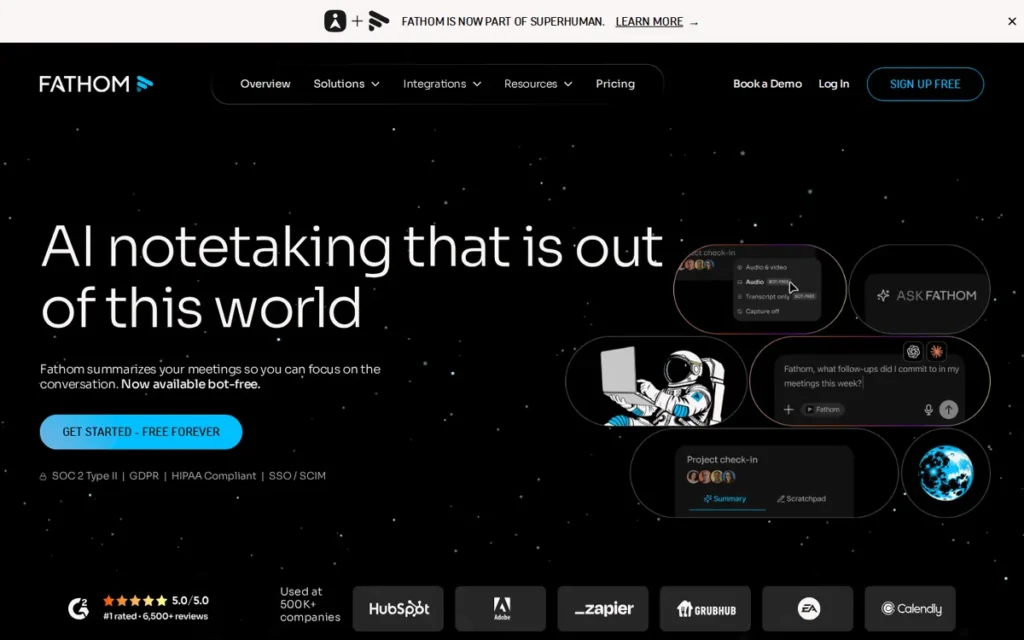
- Primary Strength: Fathom provides unlimited meeting recording on its free plan with no session length caps (the most generous confirmed free tier among the seven tools evaluated) alongside a $15–20/month paid entry price that unlocks unlimited AI summaries, action items, and cross-meeting search
- Biggest Limitation: Fathom has no publicly confirmed GDPR, SOC 2 Type 2, or HIPAA certification as of April 2026, creating a hard purchase barrier for regulated-industry buyers and enterprise procurement teams with mandatory compliance requirements
- One-Line Summary: Fathom is an AI meeting note-taker with a 4.8/5.0 G2 rating from over 2,780 verified feature reviews and the most generous confirmed free tier in its category (unlimited recording with no session caps across Zoom, Google Meet, and Teams) plus 14 purpose-built AI summary templates for sales and CS teams at a paid entry price of $15–20/month
- Last Verified: April 2026
Overview
Fathom is the best free AI meeting note-taker for individuals and sales teams in 2026. Its free plan provides unlimited recording with no session length caps (the most generous confirmed free tier in this category) backed by a G2 score of 4.8/5.0 from over 2,780 verified feature reviews and a paid Premium tier starting at $15–20/month. [Source: G2.com/products/fathom-video/features; fathom.ai/pricing, April 2026]
Fathom serves individual contributors and sales teams who need structured, shareable outputs from Zoom, Google Meet, and Microsoft Teams. Fathom’s founding details and corporate structure are not publicly disclosed as of April 2026, enterprise procurement teams should factor this into vendor due diligence.
Key Features
Unlimited Free Recording: Fathom’s free plan provides unlimited meeting recording, transcription in 25 languages, and unlimited storage with no session length caps (the most unrestricted free recording tier confirmed across all seven tools in this evaluation) with advanced AI features capped at 5 sessions per month before the $15–20/month Premium upgrade is required. [Source: fathom.ai/pricing, April 2026]
14 AI Summary Templates: Fathom offers 14 AI summary templates purpose-built for specific meeting types (including sales discovery calls, MEDDIC framework sessions, team syncs, and customer success check-ins) reducing post-meeting reformatting time for revenue teams that need consistent, structured outputs across every call type.
Ask Fathom and One-Click Distribution: Fathom’s “Ask Fathom” conversational AI enables natural-language queries across a user’s full meeting history, while Fathom’s one-click distribution sends polished summaries and highlight reels to all meeting attendees immediately after calls end, reducing the post-meeting lag that causes action item drop-off.
AI Scorecards for Coaching: Fathom’s AI scorecards evaluate individual call performance against custom criteria, enabling sales managers to run performance coaching workflows without a separate dedicated platform or the steep Business-tier pricing of competing conversation intelligence tools.
CRM Integrations: Fathom integrates with Salesforce, HubSpot, Google Calendar, and Slack, with CRM auto-fill available on Business and higher tiers, providing a structured upgrade path for sales teams as workflow automation requirements grow beyond the free and Premium tiers.
Best For
Fathom is best for individual contributors evaluating AI note-taking without immediate budget commitment, and for sales and customer success professionals at small-to-mid-market organizations where Zoom, Google Meet, and Teams cover all meeting environments, compliance certification requirements are not a procurement gate, and structured role-specific meeting outputs justify the $15–20/month paid tier.
Pricing
Fathom’s free tier provides unlimited recording with no session length cap and no meeting count limit, with advanced AI features capped at 5 sessions per month. Premium is $15–16/month billed annually or $19–20/month billed monthly, unlocking unlimited AI summaries, action items, Ask Fathom, follow-up email generation, and custom bot branding. Team is $29/month per user; Team Pro is $29–39/month per user. Pricing verified at fathom.ai/pricing as of April 2026.
Strengths
Fathom’s G2 score of 4.8/5.0 is backed by over 2,780 verified transcription feature reviews and 2,730 speaker identification reviews (the largest single-product review volume in this evaluation) providing stronger statistical confidence in satisfaction data than higher-score tools with smaller review pools. [Source: G2.com/products/fathom-video/features, April 2026]
Fathom’s free plan unlimited recording with no session length cap is the most genuinely generous confirmed free tier across all seven tools evaluated, directly addressing the primary adoption barrier for budget-sensitive individuals, freelancers, and small teams who need to evaluate workflow fit before committing financially. [Source: fathom.ai/pricing, April 2026]
Fathom’s 14 AI meeting-type summary templates covering sales discovery, MEDDIC, team syncs, and customer success sessions reduce post-meeting document reformatting to near-zero for revenue teams, delivering structured, role-appropriate outputs without manual editing after each call. [Source: BusinessWire, businesswire.com/news/home/20251008689349/en/, October 2025]
Fathom’s 2025 BusinessWire-documented feature expansion: AI search, scorecards, and topic monitoring, confirms active product investment and provides vendor stability signals for buyers evaluating a product with no publicly disclosed corporate background or funding history. [Source: BusinessWire, October 2025]
Limitations
Compliance Gap: As of April 2026, independent research found no publicly available SOC 2 Type 2, GDPR, or HIPAA certification documentation for Fathom, not in its website, help documentation, or third-party compliance directories consulted during this review. This is a hard procurement barrier for healthcare organizations, European enterprises, and any buyer whose IT security team requires certified compliance documentation before approval.
Bot Visibility: Fathom is a bot-join tool: a visible bot joins every recorded meeting, which disqualifies it for privacy-sensitive environments where participant awareness of AI recording changes the authenticity and candor of conversations.
Platform Coverage: Fathom supports Zoom, Google Meet, and Teams but excludes Webex and in-person meetings, limiting coverage for Cisco-infrastructure organizations and field professionals who conduct business outside video call environments.
Corporate Opacity: Fathom’s founding details, corporate structure, and funding history are not publicly available as of April 2026, which may create additional due-diligence friction for enterprise procurement teams requiring vendor background documentation before contract signature.
Verdict
Fathom is the strongest evidence-based choice for individual contributors and sales teams who prioritize free-tier generosity, pricing transparency, and structured sales workflow outputs above compliance certification requirements. Fathom’s unlimited free recording, 4.8/5.0 G2 rating from the largest review pool in this evaluation, and $15–20/month paid entry make it the most accessible high-quality entry point in the AI meeting note-taking category for non-regulated buyers. Buyers in regulated industries, European organizations, or enterprises with mandatory SOC 2 or HIPAA requirements must independently verify Fathom’s compliance status, or consider Fireflies.ai (HIPAA and GDPR, Enterprise tier) or Jamie (GDPR, Frankfurt hosting) as compliance-verified alternatives.
3. Fireflies.ai: Best for Enterprise Teams and Regulated Industries
Category: Meeting Intelligence Platform (Enterprise, Bot-Join)
At a Glance
- Category: Meeting Intelligence Platform (Enterprise, Bot-Join)
- Best For: Large enterprises, healthcare organizations, educational institutions, multinational teams in 100-plus language environments, and regulated-industry buyers requiring HIPAA, FERPA, GDPR, or SOC 2 certification as a non-negotiable procurement gate
- Price Range: Free (20 one-time AI credits per seat, core transcription); Pro/Business/Enterprise, exact USD pricing not publicly confirmed as of April 2026; verify at fireflies.ai/pricing
- Primary Strength: Fireflies.ai is the only tool in this seven-tool evaluation with confirmed SOC 2 Type 2, GDPR, HIPAA (Enterprise plan with signed BAA), and FERPA (Enterprise plan with signed DSA) certifications simultaneously, the default-viable choice for healthcare providers and educational institutions
- Biggest Limitation: Fireflies.ai’s visible “Fred” bot joining every recorded call triggers participant self-censorship in sensitive meetings, while HIPAA and FERPA certifications activate only at the Enterprise plan tier with signed BAA/DSA agreements, Pro and Business tier users receive no HIPAA or FERPA coverage
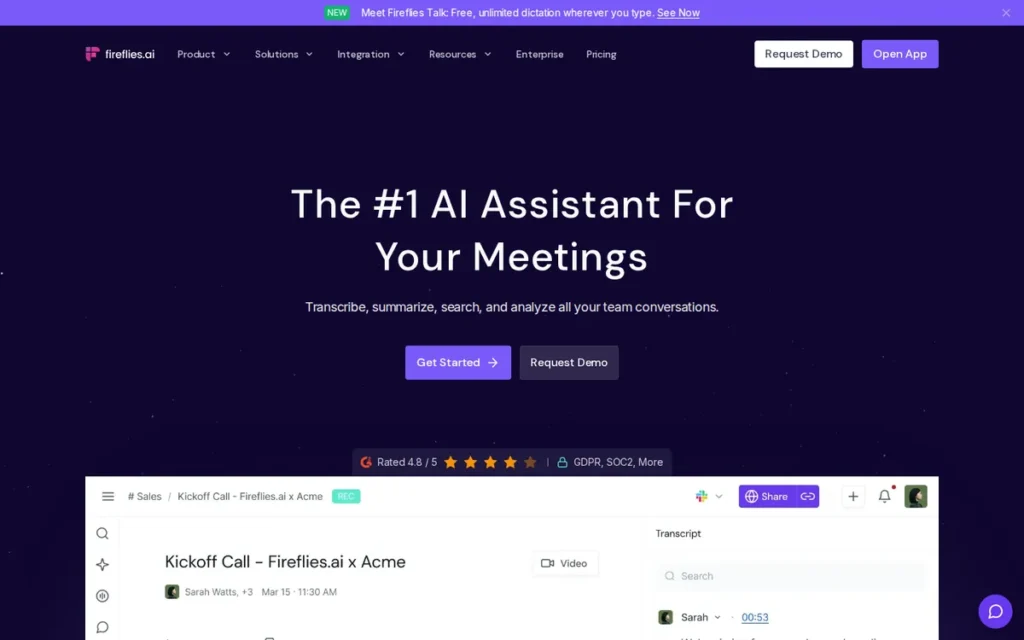
- One-Line Summary: Fireflies.ai is an enterprise meeting intelligence platform with the most complete compliance suite in this evaluation (SOC 2 Type 2, GDPR, HIPAA (Enterprise with BAA), and FERPA (Enterprise with DSA)) alongside 100-plus native integrations, transcription in 100-plus languages, and Webex support, with self-reported user scale exceeding 16 million
- Last Verified: April 2026
Overview
Fireflies.ai is the most compliance-complete AI meeting platform in this evaluation for regulated enterprise buyers. Fireflies.ai holds SOC 2 Type 2, GDPR, HIPAA (Enterprise plan with signed BAA), and FERPA (Enterprise plan with signed DSA) certifications (the only evaluated tool with confirmed HIPAA and FERPA) alongside 100-plus native integrations and transcription in 100-plus languages across Zoom, Google Meet, Teams, and Webex. [Source: trust.fireflies.ai; paubox.com; hipaatimes.com, April 2026]
Fireflies.ai deploys an AI bot named “Fred” that automatically joins video calls across all four major platforms. Fireflies.ai reports serving over 16 million users and claims Fortune 500 adoption across healthcare, education, and enterprise sectors, figures that are self-reported and were not independently verified by third-party sources as of April 2026.
Key Features
Multi-Platform Bot with 100-Plus Language Support: Fireflies.ai’s “Fred” bot automatically joins Zoom, Google Meet, Microsoft Teams, and Webex (the broadest video platform coverage in this evaluation) providing real-time transcription in 100-plus languages with speaker identification, timestamps, and AI-generated summaries without requiring host presence or manual activation.
Compliance Certification Stack: Fireflies.ai holds SOC 2 Type 2 and GDPR certifications applicable across paid plans, plus HIPAA (Enterprise plan only, requires a signed Business Associate Agreement) and FERPA (Enterprise plan only, requires a signed Data Sharing Agreement and Zero Data Retention enabled), the only tool in this evaluation with confirmed HIPAA and FERPA coverage. [Source: trust.fireflies.ai; fireflies.ai/hipaa; paubox.com; hipaatimes.com, April 2026]
AskFred Cross-Meeting Intelligence: Fireflies.ai’s AskFred AI assistant enables users to query individual meetings or the full historical meeting library for specific decisions, commitments, sentiment trends, or keyword occurrences, functioning as a searchable institutional memory across all past recordings at enterprise scale.
100-Plus Native App Integrations: Fireflies.ai integrates natively with 100-plus applications across CRM (Salesforce, HubSpot), project management (Jira, Trello, Asana), and collaboration (Slack, Notion, Google Docs), the largest confirmed native integration ecosystem in this evaluation. [Source: fireflies.ai/product/features, April 2026]
Conversation Intelligence and Platform Extensions: Fireflies.ai’s conversation intelligence layer tracks speaker sentiment, talk-time ratios, and custom keyword alerts, while Voice Agents and AI Skills extensions support autonomous CRM auto-fill and recruiting pipeline automation, moving the platform beyond passive recording toward active business process automation.
Best For
Fireflies.ai is best for large enterprises, healthcare organizations, educational institutions, and multinational teams in 100-plus language environments requiring verified HIPAA, FERPA, GDPR, and SOC 2 compliance in a single platform. Fireflies.ai is the right choice for sales operations, customer success teams, and compliance officers needing auditable, searchable meeting archives at scale, provided procurement is on the Enterprise plan with signed BAA and DSA agreements where HIPAA or FERPA coverage is required.
Pricing
Fireflies.ai offers a free tier with core transcription and 20 one-time AI credits per seat. Credit limits apply to advanced AI features on all tiers including paid plans. Pro, Business, and Enterprise tiers unlock unlimited AI actions, advanced analytics, and CRM auto-fill, but exact USD pricing per tier was not confirmed from public sources as of April 2026. Verify current pricing at fireflies.ai/pricing. Specifically confirm the AI credit allocation on each paid tier before committing, as unpredictable credit costs at high meeting volume is the most frequently documented user frustration in Fireflies.ai reviews.
Strengths
Fireflies.ai holds SOC 2 Type 2, GDPR, HIPAA, and FERPA certifications: the most complete compliance suite in this evaluation, making it the only confirmed option for healthcare organizations and educational institutions where a single missing certification disqualifies all other evaluated tools. HIPAA requires the Enterprise plan with a signed BAA; FERPA requires the Enterprise plan with a signed DSA and Zero Data Retention enabled. [Source: trust.fireflies.ai; fireflies.ai/hipaa; paubox.com; hipaatimes.com, April 2026]
Fireflies.ai confirms Webex support alongside Zoom, Google Meet, and Teams: the only evaluated tool with Webex coverage, directly addressing a hard exclusion gap for Cisco-infrastructure enterprises that cannot adopt tools limited to three video platforms. [Source: fireflies.ai/product/features, April 2026]
Fireflies.ai’s 100-plus native app integrations covering Salesforce, HubSpot, Slack, Jira, Notion, Asana, and Google Docs represent the broadest confirmed integration ecosystem in this evaluation, enabling complex enterprise workflows without Zapier middleware for most mainstream business tool combinations. [Source: fireflies.ai/product/features, April 2026]
Fireflies.ai reports over 16 million users and broad Fortune 500 adoption across regulated sectors, self-reported figures consistently cited across multiple independent review aggregators as indicative of enterprise-scale penetration, though not independently verified by third-party sources as of April 2026. [Source: Fireflies.ai self-reported marketing materials; plaud.ai competitor analysis, April 2026]
Limitations
Bot Intrusiveness: Fireflies.ai’s visible “Fred” bot joins every recorded meeting as a named participant, independent review sources document that bot presence triggers participant self-censorship, discomfort, and meeting culture friction, particularly in sensitive executive sessions, client negotiations, and HR discussions where participants modify behavior when aware that AI is recording.
AI Credit System: Fireflies.ai’s advanced AI features operate on a credit system that applies to all tiers including paid plans, making per-month costs unpredictable for high-meeting-volume teams running heavy AI processing, which is the most frequently cited frustration across G2 reviews and independent review aggregators.
Enterprise-Only Compliance: HIPAA and FERPA certifications only activate on the Enterprise plan with signed BAA and DSA agreements respectively, Pro and Business tier users have no HIPAA or FERPA coverage regardless of what Fireflies.ai’s marketing page implies. Organizations on lower tiers assuming HIPAA coverage will have an unintended compliance gap.
Accuracy and Support: Fireflies.ai reports 90–95% transcription accuracy in business English under standard conditions (a figure that degrades with non-native English accents and in cross-talk environments, a structural limitation of cloud-processing bot architectures) and user-reported support response times are mixed across G2 and independent review sources. [Source: lindy.ai/blog/fireflies-ai-review; G2.com, April 2026]
Verdict
Fireflies.ai is the most enterprise-complete AI meeting intelligence platform in this evaluation and the only tool confirmed to satisfy HIPAA, FERPA, GDPR, and SOC 2 requirements simultaneously, making it the default-viable choice for healthcare organizations, educational institutions, and regulated multinational enterprises where any single missing certification disqualifies a tool. Its G2 score of 4.5/5.0, second-lowest in this evaluation, reflects genuine user friction with the bot visibility model and credit pricing system that prospective buyers should weigh alongside its unmatched compliance and integration advantages. Privacy-sensitive regulated organizations seeking bot-free alternatives should compare Fireflies.ai against Jamie (#1) before final procurement, noting that Jamie’s HIPAA coverage is not confirmed.
4. tl;dv: Best for Global Sales Teams and Coaching-Driven Organizations
Category: Meeting Recorder with AI Coaching Layer (Bot-Join, Multilingual)
At a Glance
- Category: Meeting Recorder with AI Coaching Layer (Bot-Join, Multilingual)
- Best For: Global sales and customer success teams needing AI coaching playbooks, scorecards, and multilingual meeting clips across 30-plus languages without the $100-plus per-seat cost of enterprise conversation intelligence platforms
- Price Range: Free ($0, unlimited recording and summaries); Business: $59/month per seat (annual) or $98/month (monthly); Enterprise: custom, verify at tldv.io/app/pricing, April 2026
- Primary Strength: tl;dv delivers AI coaching playbooks, MEDDIC/BANT scorecards, and timestamped video clip reels for sales team training at approximately $59/month per seat annually, offering enterprise conversation intelligence capabilities at a fraction of dedicated platform costs
- Biggest Limitation: tl;dv holds SOC 2 Type 1 certification only (not the more rigorous Type 2 standard); the pricing jump from $0 free to $98/month monthly Business creates a significant mid-market gap; no HIPAA or FERPA certifications are confirmed
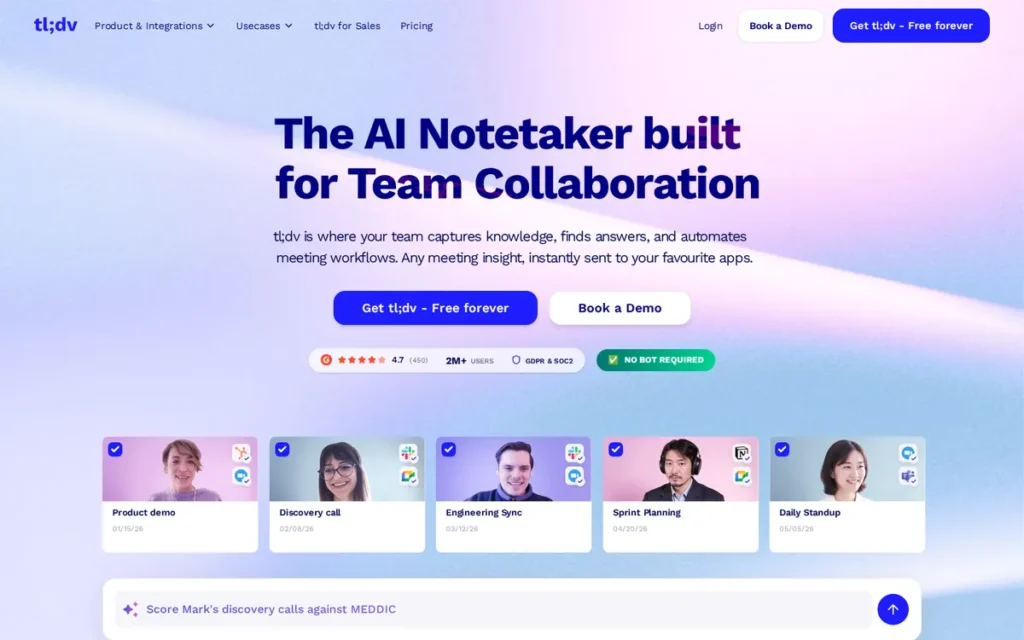
- One-Line Summary: tl;dv is a multilingual AI meeting recorder with AI coaching playbooks, call scorecards, and shareable video clip reels (used by global sales teams across 30-plus languages) offering enterprise conversation intelligence features at approximately $59/month per seat annually, backed by a G2 score of 4.7/5.0 from approximately 450 verified reviews
- Last Verified: April 2026
Overview
tl;dv is the strongest choice for global sales and customer success teams that need coaching infrastructure (playbooks, scorecards, and multilingual call clips) without paying $100-plus per seat for enterprise-only conversation intelligence platforms. tl;dv provides unlimited recording, transcription, and summaries on its free plan across 30-plus languages, with a G2 score of 4.7/5.0 from approximately 450 verified reviews. [Source: tldv.io; G2.com, April 2026]
tl;dv’s standard recording method deploys a visible bot that joins Zoom, Google Meet, and Microsoft Teams. tl;dv also offers a desktop app as a bot-free recording alternative, a privacy accommodation not available in Otter.ai or Fireflies.ai.
Key Features
AI Coaching Playbooks and Scorecards: tl;dv’s AI coaching playbooks provide structured templates for MEDDIC, BANT, and custom sales frameworks, while AI scorecards evaluate individual call performance against those criteria, enabling sales managers to run systematic coaching workflows at a cost well below dedicated conversation intelligence platforms like Gong or Chorus. [Source: tldv.io/features/coaching/, April 2026]
Multilingual Meeting Clips and Reels: tl;dv allows users to create timestamped video soundbites from recordings and stitch them into shareable training reels across 30-plus languages, enabling managers to build curated libraries of best-practice conversation moments from real customer calls without requiring team members to watch full recordings.
Unlimited Free Recording with Cross-Meeting AI: tl;dv’s free plan provides unlimited recording, transcription, and summaries with no session caps in 30-plus languages, while the “Ask tl;dv” cross-meeting AI search is available on the free tier, providing genuine evaluation depth before any paid upgrade is required. [Source: tldv.io/app/pricing/, April 2026]
Optional Bot-Free Desktop Recording: tl;dv offers a desktop app as an alternative to its standard visible bot-join approach, allowing users who need silent recording to capture meetings on macOS or Windows without a visible participant announcement, a privacy accommodation absent from Otter.ai and Fireflies.ai. [Source: tldv.io/desktop-app/, April 2026]
5,000-Plus App Integrations: tl;dv integrates with over 5,000 apps via native integrations and Zapier (including Salesforce, HubSpot, Notion, and Google Drive) providing broad workflow connectivity that compensates for a smaller native-only integration count compared to Fireflies.ai’s 100-plus native apps.
Best For
tl;dv is best for global sales teams conducting customer calls across multiple languages, customer success organizations that need structured call scoring and coaching playbooks, and any revenue team that wants to build shareable libraries of best-practice conversation moments for onboarding and training, without committing to $100-plus per-seat pricing of enterprise-only conversation intelligence platforms.
Pricing
tl;dv’s free plan provides unlimited recording, transcription, and summaries with no session caps. The Business tier is $98/month per seat billed monthly, or $59/month per seat billed annually, a 40% cost reduction for annual commitment. [Source: tldv.io/app/pricing/, April 2026] Enterprise pricing is custom. A Pro tier between Free and Business may exist, but its exact pricing was not confirmed from public sources as of April 2026. Verify at tldv.io/app/pricing, the $0-to-$98/month monthly jump is the most significant pricing gap in this evaluation.
Strengths
tl;dv’s AI coaching playbooks and call scorecards deliver enterprise conversation intelligence capabilities (MEDDIC evaluation, objection detection, emotional sentiment tracking) at approximately $59/month per seat annually, compared to $100-plus per seat for dedicated platforms like Gong, making structured coaching accessible to mid-market revenue teams with constrained tooling budgets. [Source: tldv.io/features/coaching/, April 2026]
tl;dv’s free plan delivers unlimited recording, transcription, summaries, and “Ask tl;dv” cross-meeting AI search, a more complete free offering than Fathom’s (which caps advanced AI at 5 sessions/month) or Fireflies.ai’s (which applies credit limits across all tiers), providing genuine evaluation depth before any financial commitment. [Source: tldv.io/app/pricing/, April 2026]
tl;dv’s 30-plus language support with multilingual clip and reel creation enables global sales teams to build training libraries from calls conducted in different languages, particularly valuable for multinational organizations onboarding sales representatives across diverse market regions simultaneously. [Source: tldv.io; Zapier tl;dv review, April 2026]
tl;dv holds GDPR compliance and SOC 2 Type 1 certification, providing baseline data security and European compliance documentation relevant for mid-market European buyers who need compliance evidence for internal IT approval but are not subject to HIPAA, FERPA, or enterprise SOC 2 Type 2 requirements. [Source: tldv.io/features/security-commitment/; intercom.help/tldv, April 2026]
Limitations
SOC 2 Type 1 Only: tl;dv holds SOC 2 Type 1 certification: not the more rigorous Type 2 standard achieved by Fireflies.ai and Granola. Type 1 certifies that security controls are designed correctly at a point in time; Type 2 certifies that those controls operated effectively over a defined audit period. Enterprise buyers requiring Type 2 as a procurement standard should evaluate this distinction before selecting tl;dv.
Steep Pricing Gap: The jump from tl;dv’s $0 free plan to its $98/month-per-seat Business plan (monthly billing) is the steepest tier transition in this evaluation, creating a mid-market gap that may push budget-sensitive users who outgrow the free plan toward Fathom at $15–20/month rather than committing to tl;dv’s Business tier.
Bot Architecture: tl;dv’s standard recording method deploys a visible bot that joins every recorded call, disqualifying it for privacy-sensitive environments where participant awareness of AI recording changes behavior, despite the optional bot-free desktop app being available as an alternative for individual users.
No HIPAA or FERPA: tl;dv has no confirmed HIPAA or FERPA certifications as of April 2026, a hard disqualifier for healthcare organizations and educational institutions with federal data protection obligations who must evaluate Fireflies.ai (Enterprise plan with BAA/DSA) as the only confirmed compliant alternative in this evaluation.
Verdict
tl;dv is the strongest evidence-based choice for global sales and customer success teams that need coaching infrastructure (playbooks, scorecards, multilingual clip reels) at a sub-$60/month annual price point. tl;dv’s combination of unlimited free recording, 30-plus language coverage, and AI coaching capabilities positions it as the most accessible coaching-capable meeting recorder in this evaluation for non-regulated mid-market revenue teams. Buyers requiring SOC 2 Type 2, HIPAA, or FERPA compliance should not select tl;dv as a primary compliant solution, and those sensitive to mid-market pricing gaps should evaluate the annual billing discount carefully before committing to the Business tier.
5. Granola: Best Bot-Free Option for Mac-Primary Privacy-Conscious Individuals
Category: Hybrid Note-Taker (Bot-Free, Desktop-First)
At a Glance
- Category: Hybrid Note-Taker (Bot-Free, Desktop-First)
- Best For: Mac-primary individual contributors, privacy-conscious professionals who prefer human-guided AI note enhancement over fully automated bot summaries, not suited for Android users, teams needing HIPAA compliance, or organizations requiring speaker identification on desktop
- Price Range: Free (14-day meeting history, limited lifetime meeting count); Paid approximately $14/month per user, verify at granola.ai/pricing, April 2026
- Primary Strength: Granola is SOC 2 Type 2 certified (July 2025) and bot-free, using a hybrid human+AI note model where user-written notes anchor AI additions, producing contextually accurate summaries that reduce AI hallucination risk on key decisions and commitments
- Biggest Limitation: Non-enterprise Granola users are enrolled in Granola’s own AI model training by default (manual opt-out required in settings); meeting notes are publicly accessible via shareable link by default; no Android app; no HIPAA compliance
- One-Line Summary: Granola is a SOC 2 Type 2-certified, bot-free AI notepad for Mac, Windows, and iPhone that records device audio silently, lets users jot rough notes during meetings, then uses AI to fill in missing context after calls end, with a hybrid human+AI model at approximately $14/month, though non-enterprise users must configure AI training opt-out and sharing restrictions before conducting sensitive meetings
- Last Verified: April 2026
Overview
Granola is the strongest bot-free option for Mac-primary individuals who want more human control over AI note output than fully automated tools provide. Granola achieved SOC 2 Type 2 certification in July 2025, operates without a visible bot across Zoom, Teams, Google Meet, and Slack Huddles, and uses a hybrid model where users jot rough notes during calls and AI fills in missing context afterwards. [Source: granola.ai/updates/granola-is-soc2-type-2-compliant; Vanta.com, July 2025]
Granola is available on macOS, Windows, and iPhone, with no Android support. Non-enterprise users are enrolled in Granola’s AI model training by default and must manually opt out in app settings. Meeting notes are accessible via shareable link by default, requiring manual sharing restriction for sensitive content.
Key Features
Bot-Free Hybrid Note-Taking: Granola captures meetings by recording device audio and system audio locally without joining as a visible call participant, users jot rough notes during the call, then click “Enhance Notes” after the meeting, with AI-generated additions displayed in gray text and user-written notes in black, giving full transparency over what Granola’s AI contributed vs. what the user recorded.
SOC 2 Type 2 Certification: Granola achieved SOC 2 Type 2 certification in July 2025, independently corroborated by Vanta.com, confirming that Granola’s security controls were audited and verified to have operated effectively over a defined period, not merely certified as correctly designed at a point in time. [Source: granola.ai/updates/granola-is-soc2-type-2-compliant; Vanta.com, July 2025]
Privacy Architecture with Important Caveats: Granola contractually prohibits third-party AI providers (OpenAI, Anthropic) from training on customer meeting data, and raw audio is deleted immediately after transcription. However, Granola’s own AI models are trained on anonymized user meeting notes by default for non-enterprise accounts, manual opt-out is required in app settings, and Enterprise plans disable training organization-wide by default. [Source: granola.ai/security, April 2026]
Cross-Meeting AI Queries with Source Citations: Granola’s AI chat feature enables queries across individual meetings and folder-level meeting collections, with responses including source-linked citations showing which meeting or transcript each piece of information came from, reducing fact-checking time compared to unsourced AI summaries.
Template-Driven Note Structure: Granola supports customizable note templates that structure user-jotted notes during the call (ensuring consistent output formats across recurring meeting types such as 1:1s, sales calls, or client reviews) and integrates with Attio, Notion, and Slack on the paid plan.
Best For
Granola is best for Mac-primary individual contributors, consultants, and knowledge workers who want the privacy benefits of bot-free recording combined with meaningful human input into the summary, and for users willing to manually configure AI training opt-out settings and sharing restrictions in exchange for a $14/month price point that undercuts most alternatives in this evaluation.
Pricing
Granola’s free plan includes 14-day meeting history retention and a limited lifetime meeting count suited for initial evaluation. The paid plan is approximately $14/month per user (the most affordable confirmed paid tier in this evaluation) unlocking unlimited notes and history, advanced AI models, and integrations. Verify current pricing at granola.ai/pricing before purchase, as the $14/month figure was not independently confirmed by a third-party source during this review cycle.
Strengths
Granola’s SOC 2 Type 2 certification achieved in July 2025: verified by Vanta.com, provides enterprise-grade security assurance at approximately $14/month, positioning Granola as the most security-certified affordable bot-free option in this evaluation for buyers who need audit-grade compliance without enterprise-scale pricing. [Source: granola.ai/updates/granola-is-soc2-type-2-compliant; Vanta.com, July 2025]
Granola’s hybrid human+AI note model: where user-written notes displayed in black text anchor AI-generated additions in gray text, reduces AI hallucination risk on key decisions and commitments by grounding output in what the human deemed important, producing more contextually accurate summaries than pure-automation tools for high-stakes meeting content. [Source: granola.ai/blog/ai-notetaker-for-client-calls-improving-retention-expansion-conversations, April 2026]
Granola’s approximately $14/month paid tier is the most affordable confirmed paid option in this evaluation (undercutting Fathom Premium ($15–20/month), Jamie (~$20/month), Notion AI ($20–24/month Business), and all other paid plans) making privacy-preserving bot-free recording accessible to budget-conscious individual contributors. [Source: granola.ai/pricing, April 2026]
Granola’s bot-free recording approach across Zoom, Microsoft Teams, Google Meet, and Slack Huddles preserves natural meeting dynamics and eliminates participant self-consciousness about AI recording, directly addressing the 46% of AI note-taking users who cite privacy concerns as a top decision factor. [Source: SoftwareFinder AI Note-Taking Tools Survey, 2025; granola.ai, April 2026]
Limitations
Default AI Training Enrollment: Non-enterprise Granola users are enrolled in Granola’s own AI model training by default, verified via granola.ai/security and an independent investigation by techbuzz.ai. Manual opt-out is required in app settings; Enterprise accounts disable training organization-wide by default. The contractual prohibition on third-party providers (OpenAI, Anthropic) is separate and does not cover Granola’s own internal training. [Source: granola.ai/security; techbuzz.ai/articles/granola-s-private-ai-notes-are-public-by-default, April 2026]
Default Shareable Link Access: Granola meeting notes are publicly accessible via shareable link by default, any recipient with the URL can read meeting content unless the user manually disables sharing before each sensitive session. Privacy-conscious users must actively configure this setting before conducting confidential meetings. [Source: techbuzz.ai/articles/granola-s-private-ai-notes-are-public-by-default, April 2026]
Platform and Language Limits: Granola supports 10 transcription languages on desktop (7 more on iPhone), a hard constraint for global multilingual teams compared to 100-plus languages in both Jamie and Fireflies.ai, and has no Android app, no speaker identification on the desktop version, and no audio or video playback after meetings end, limiting accuracy verification for specific conversation moments.
No HIPAA Compliance: Granola has no HIPAA compliance documentation and no Business Associate Agreement available as of April 2026, disqualifying it for healthcare organizations, covered entities, and business associates subject to HIPAA requirements. Granola’s SOC 2 Type 2 certification does not substitute for HIPAA compliance in regulated healthcare procurement.
Verdict
Granola is the strongest evidence-based choice for Mac-primary individual contributors who want bot-free recording, SOC 2 Type 2 certification, and meaningful human control over AI note outputs at the lowest confirmed paid price in this evaluation. Granola’s hybrid model and silent recording approach make it a compelling alternative to fully automated bot-join tools for privacy-conscious professionals. Buyers must actively manage two non-default privacy settings before relying on Granola for sensitive content: the AI model training opt-out and the default shareable link access, both confirmed from public sources, both requiring manual configuration. Healthcare buyers and Android-primary users should evaluate Jamie (#1) or Fireflies.ai (#3) instead.
6. Notion AI: Best for Knowledge Workers Already Using Notion for Research Synthesis
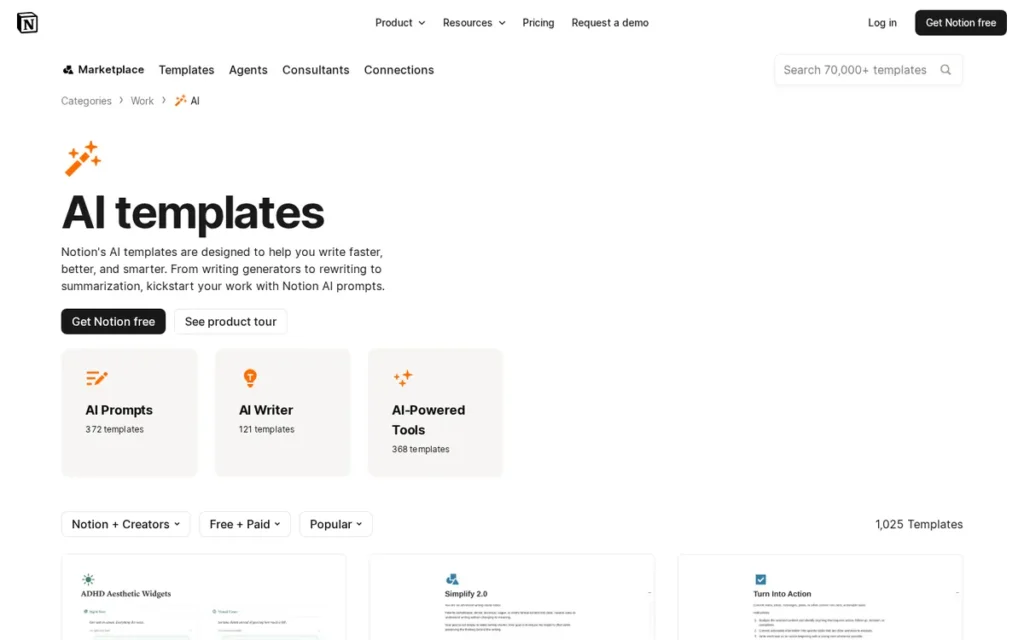
Category: AI Knowledge Management Layer (Workspace-Embedded, Not Meeting-First)
At a Glance
- Category: AI Knowledge Management Layer (Workspace-Embedded, Not Meeting-First)
- Best For: Knowledge workers, students, researchers, and teams already using Notion who need cross-document synthesis, database autofill, and AI-connected queries across Slack, Google Drive, and Gmail, not for users whose primary need is autonomous meeting transcription
- Price Range: Free ($0, limited AI trial); Plus ($12/month, limited AI trial); Business ($20/month annual or $24/month monthly (full Notion AI bundled as of August 2025); Enterprise: custom) verify at notion.com/pricing, April 2026
- Primary Strength: Notion AI is the only tool in this evaluation that synthesizes information across meeting notes, PDFs, databases, emails, and web pages simultaneously through 11 AI Connectors, serving the knowledge management and research synthesis use case that no dedicated meeting recorder addresses
- Biggest Limitation: Notion AI is not a meeting-first tool: it does not autonomously join or record calls, requires manual device recording or file upload for meeting capture, and AI actions are largely confined to the Notion workspace rather than cross-app automation
- One-Line Summary: Notion AI is an AI layer embedded in the Notion workspace: used by 100 million users at a company with a reported $10 billion valuation, that synthesizes information across documents, databases, emails, and meetings via 11 connected app integrations, bundled into the Business plan at $20/month annually as of August 2025
- Last Verified: April 2026
Overview
Notion AI is the strongest choice for knowledge workers who need cross-document synthesis across meetings, PDFs, databases, and emails, and who are already using Notion as their primary workspace. Notion AI is embedded within the existing Notion environment, powered by GPT-4 and Claude integrations, connecting to 11 external apps via AI Connectors including Slack, Google Drive, Gmail, and GitHub. [Source: notion.com/help/guides, April 2026]
Notion AI is not a meeting-first tool. Notion AI does not autonomously join or record calls, it requires manual device recording or file upload for meeting content, and its AI actions are largely confined to the Notion workspace.
Notion was co-founded by Ivan Zhao and has achieved a reported $10 billion valuation with an enterprise customer base including Pixar, Figma, and Scale AI.
Key Features
AI Connectors for Cross-App Intelligence: Notion AI’s 11 AI Connectors extend AI-powered queries into linked applications (Slack (channels and direct messages), Gmail, Google Drive, Google Docs, Google Slides, Google Sheets, and GitHub) enabling users to surface relevant content from across their full digital workspace without switching tools. [Source: notion.com/help/guides, April 2026]
Research Mode: Notion AI’s Research Mode provides strategic AI search across the workspace with web-search citation support, saveable reports, and smart filtering by tags and dates, offering a depth of knowledge synthesis across dozens of internal documents and external sources that dedicated meeting-transcription tools are not designed to provide. [Source: notionflows.com; notion.com/help/guides, April 2026]
Database Autofill: Notion AI’s database autofill automatically populates fields in Notion databases (including one-sentence summaries, keyword extraction, feedback categorization, and translation) based on the content of linked pages, transforming unstructured meeting notes into structured, queryable databases with minimal manual effort.
Meeting Note Generation: Notion AI generates meeting note summaries with action items from manually uploaded or device-recorded transcripts, providing AI-organized meeting documentation within the existing Notion workspace for users who prefer a single tool rather than a dedicated meeting recorder added to their stack.
Writing Assistance and Workspace Q&A: Notion AI enables writing assistance, editing, translation, and natural-language Q&A across all Notion pages, allowing users to query the full knowledge base, generate drafts from existing documents, and extract key information from large text collections without switching between apps.
Best For
Notion AI is best for knowledge workers, students, analysts, and researchers already using Notion as their primary workspace whose primary need is synthesizing information across documents, databases, and communications, rather than automated meeting transcription. Notion AI provides the greatest ROI for teams that have built significant structured knowledge in Notion and want AI to surface, connect, and extend that knowledge base.
Pricing
Notion AI is bundled into the Business plan at $24/user/month billed monthly or $20/user/month billed annually, effective as of August 13, 2025, when the prior separate AI add-on pricing model was discontinued. The Plus plan at $12/month offers a limited AI trial only. The Free plan provides no substantive Notion AI access. Enterprise pricing is custom. Older articles referencing a separate $10/member/month AI add-on describe a discontinued pricing model, verify current pricing at notion.com/pricing. [Source: notion.com/pricing; userjot.com/blog/notion-pricing-2025-plans-ai-costs-explained, April 2026]
Strengths
Notion AI is the only tool in this evaluation that synthesizes information across meeting notes, PDFs, databases, emails, and web pages simultaneously, serving the research synthesis and knowledge management use case that is beyond the scope of every dedicated meeting recorder in this comparison. [Source: notion.com/help/guides; dust.tt/blog, April 2026]
Notion AI’s 11 AI Connectors cover Slack, Google Drive, Gmail, GitHub, and Google Workspace apps, enabling cross-workspace AI queries that surface relevant content from conversations, documents, and code repositories in a single interface, reducing context-switching overhead for teams embedded in Google and Slack workflows. [Source: notion.com/help/guides, April 2026]
Notion was co-founded by Ivan Zhao and has achieved a reported $10 billion valuation with enterprise adoption at Pixar, Figma, and Scale AI, providing strong vendor stability signals and long-term platform investment confidence for buyers evaluating a workspace-level commitment. [Source: Notion.com; business press reporting on Notion’s valuation, April 2026]
Notion AI’s bundled Business plan at $20/month annually provides both the full Notion workspace management platform and AI capabilities in a single subscription, offering integrated productivity value that dedicated meeting-only tools at comparable pricing cannot match for knowledge-heavy workflows. [Source: notion.com/pricing, August 2025]
Limitations
Not a Meeting-First Tool: Notion AI does not autonomously join or record calls, users must manually record meetings via a separate device-capture method or upload audio files, adding a workflow step that every other tool in this evaluation eliminates. For users whose primary pain point is missing meeting transcription, Notion AI is not the right solution.
Workspace-Confined AI Actions: Notion AI’s actions are largely confined to the Notion workspace rather than cross-app automation, it cannot push action items to project management tools, auto-fill CRM records, or distribute summaries to Slack without manual intervention, limiting workflow automation depth compared to Fireflies.ai or tl;dv.
Data and Analytical Limits: Notion AI has a confirmed 1,000-row CSV limit for data analysis and no native data warehouse connectivity (Snowflake, BigQuery), limiting suitability for teams that need AI-powered analysis of large structured datasets alongside knowledge management. [Source: dust.tt/blog/notion-ai-alternatives-ai-workspace-automation, April 2026]
Search Comprehensiveness: An independent comparison noted Notion AI’s search as”faster but less comprehensive than some competitors”, with AI autofill and database property generation described as “not always perfect” for power users relying on autofill for large-scale structured knowledge management at scale. [Source: super.work/blog/super-vs-notion-ai, 2024]
Verdict
Notion AI is the strongest evidence-based choice for knowledge workers already using Notion who need cross-document synthesis, cross-app AI queries, and structured knowledge management in a single platform. Notion AI is not a meeting recorder and should not be evaluated as one, buyers whose primary need is automatic meeting transcription and post-meeting action item delivery should choose from ranks 1 through 5 in this evaluation. For users who need research synthesis, database autofill, and AI-connected knowledge management across Slack, Google Drive, and GitHub, Notion AI is the only tool in this evaluation that addresses those requirements directly.
7. Otter.ai: Best for High-Volume Meeting Teams with Existing Otter.ai Infrastructure
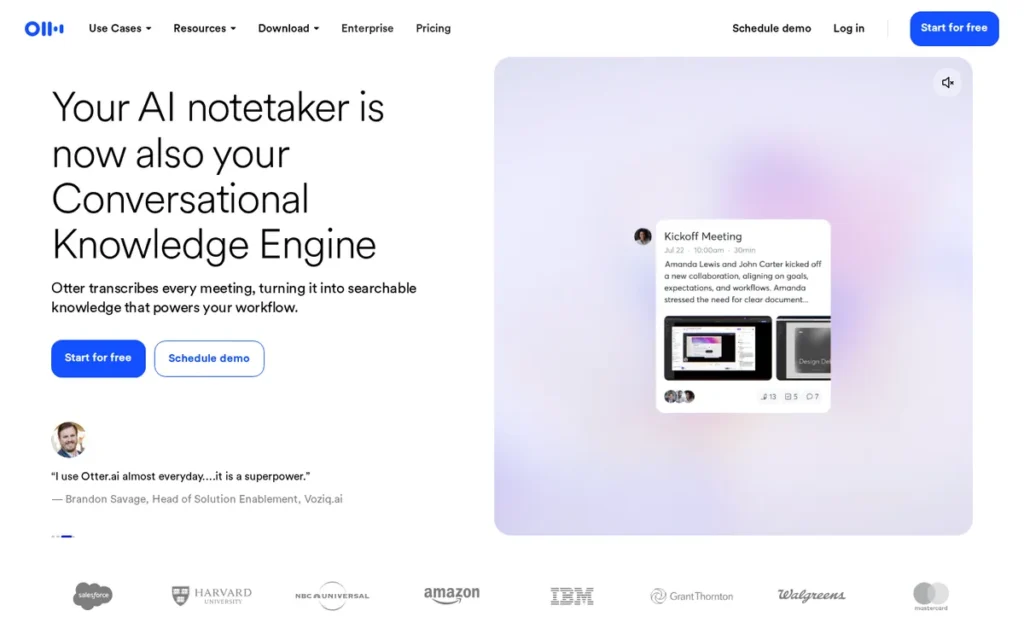
Category: Meeting Recorder with Cross-Meeting AI Search (Bot-Join, High-Volume)
At a Glance
- Category: Meeting Recorder with Cross-Meeting AI Search (Bot-Join, High-Volume)
- Best For: High-volume meeting teams needing cross-meeting AI search at scale, organizations already embedded in the Otter.ai ecosystem, and buyers requiring broad audio and video file import compatibility for pre-recorded content
- Price Range: Free (30-minute session cap, 3 lifetime file imports: most restrictive free tier in this evaluation); paid entry approximately $16.99/user/month; Business/Enterprise: custom, verify at otter.ai/pricing, April 2026
- Primary Strength: Otter.ai’s Meeting GenAI cross-meeting AI search layer enables queries across an organization’s full meeting history, built on a foundation of over 1 billion meetings transcribed (as of February 2023) and validated by $100M ARR reached in 2025, confirming commercial-scale enterprise adoption
- Biggest Limitation: Otter.ai has the lowest G2 score in this evaluation at 4.3–4.4/5.0 from 300–468 reviews, the most restrictive free tier with a 30-minute session cap, documented institutional security concerns from a University of Alabama IT evaluation, and CRM integrations locked to Business tier only
- One-Line Summary: Otter.ai is the highest-volume AI meeting transcription platform in this evaluation (with over 1 billion meetings transcribed as of February 2023 and $100M ARR reached in 2025) offering OtterPilot bot-join recording, cross-meeting Meeting GenAI search, and broad audio and video file import across Zoom, Google Meet, and Teams, with the most restrictive free tier and the lowest G2 score among the seven tools evaluated
- Last Verified: April 2026
Overview
Otter.ai is the most established AI meeting transcription platform in this evaluation by scale metrics. Otter.ai has transcribed over 1 billion meetings as of February 2023 and reached $100M ARR in 2025, the strongest commercial-scale vendor stability signals in this comparison. [Source: otter.ai/blog/otter-surpasses-1-billion-meetings-transcribed, February 2023; BusinessWire, December 2025]
Otter.ai’s G2 score of 4.3–4.4/5.0 (the lowest in this seven-tool evaluation from 300–468 verified reviews) reflects meaningful user dissatisfaction in areas including its restrictive 30-minute free session cap and transcription accuracy in noisy environments. [Source: G2.com/products/otter-ai/reviews, April 2026]
Otter.ai offers OtterPilot bot-join recording, the Meeting GenAI cross-meeting search layer, and broad audio and video file import compatibility across 10-plus formats.
Key Features
OtterPilot Bot-Join Recording: Otter.ai’s OtterPilot bot automatically joins Zoom, Google Meet, and Microsoft Teams meetings (providing real-time transcription, speaker identification, slide capture, and AI-generated post-meeting summaries without requiring host presence) enabling passive documentation of all recurring meetings without manual activation.
Meeting GenAI Cross-Meeting Search: Otter.ai’s Meeting GenAI layer: launched February 2024, enables teams to query their full organizational meeting history in natural language, generating responses, summaries, and documents from past transcripts with multi-user collaborative AI chat in shared channels. [Source: businesswire.com, February 2024]
Broad Audio and Video File Import: Otter.ai supports import of pre-recorded audio and video files in MP3, AAC, WAV, M4A, WMA, MP4, AVI, MOV, WMV, and MPG formats, the broadest confirmed file import compatibility in this evaluation, enabling transcription of pre-recorded interviews, lectures, and research recordings for journalists, academics, and content creators. [Source: otter.ai Help Center, April 2026]
AI Chat and Outline Panel: Otter.ai’s AI Chat enables users to query individual meeting transcripts and generate derivative documents (emails, action item lists, reports) directly from the transcript corpus, while the Outline panel curates visual summaries of meeting content for rapid review without full transcript reading.
CRM and Workflow Integrations (Business Tier): Otter.ai integrates with Salesforce, HubSpot, Slack, Dropbox, Google Calendar, and Microsoft Outlook, with CRM sync available on Business and Enterprise tiers only, creating an upgrade trigger for sales teams who need automatic CRM record updates from meeting transcripts. [Source: nojitter.com; otter.ai/pricing, April 2026]
Best For
Otter.ai is best for high-volume meeting teams that have already built institutional memory within the Otter.ai ecosystem, for organizations requiring broad audio and video file import compatibility for pre-recorded content, and for teams whose primary use case is cross-meeting AI search across a large historical archive of documented meetings.
Pricing
Otter.ai’s free plan imposes a 30-minute maximum session length (the most restrictive session cap in this evaluation) and limits file imports to 3 uploads over the account lifetime. The paid entry tier is approximately $16.99/user/month, unlocking longer sessions, more file imports, AI Chat, and integrations. Business and Enterprise tiers add CRM sync (Salesforce, HubSpot), Zoom cloud recording sync, and advanced admin controls. CRM integration is restricted to Business tier and above. Verify current pricing at otter.ai/pricing before purchase.
Strengths
Otter.ai has transcribed over 1 billion meetings as of February 2023 and reached $100M ARR in 2025, providing the strongest commercial-scale vendor stability signals in this evaluation for buyers requiring long-term platform viability evidence before enterprise procurement commitment. [Source: otter.ai/blog/otter-surpasses-1-billion-meetings-transcribed, February 2023; BusinessWire, December 2025]
Otter.ai’s Meeting GenAI cross-meeting AI search: launched February 2024, allows teams to query their full organizational meeting history and generate documents from past transcripts with multi-user collaborative AI chat in shared channels, extending the platform’s value from individual meeting capture to organizational knowledge management at scale. [Source: businesswire.com, February 2024]
Otter.ai’s file import compatibility across 10-plus audio and video formats (MP3, AAC, WAV, M4A, WMA, MP4, AVI, MOV, WMV, MPG) is the broadest confirmed import range in this evaluation, enabling transcription of pre-recorded interviews, lectures, and research recordings for journalists, academics, and podcast producers whose work extends beyond live video meetings. [Source: otter.ai Help Center, April 2026]
Otter.ai’s paid entry tier at approximately $16.99/user/month is competitively priced within the category, and its integration with Salesforce, HubSpot, Slack, Google Calendar, and Microsoft Outlook covers commonly needed enterprise workflow connections for sales and operations teams. [Source: nojitter.com; otter.ai/pricing, April 2026]
Limitations
Lowest G2 Score in Evaluation: Otter.ai’s G2 score of 4.3–4.4/5.0 from 300–468 verified reviews is the lowest confirmed score in this seven-tool evaluation, reflecting documented user dissatisfaction across transcription accuracy in noisy or accented-speech environments, billing and cancellation complexity, and the gap between free-tier expectations and the 30-minute session restriction. [Source: G2.com/products/otter-ai/reviews, April 2026]
Most Restrictive Free Tier: Otter.ai’s free plan imposes a 30-minute session cap (the most restrictive session limit in this evaluation, compared to unlimited recording on Fathom and tl;dv’s free plans) which makes it functionally unusable as an evaluation tool for any meeting longer than a standard 30-minute check-in.
Documented Institutional Security Concern: A University of Alabama Office of IT pilot evaluation raised security concerns about Otter.ai’s data handling practices, noting concerns comparable to tools that had been prohibited in institutional settings, a documented institutional-level security flag that enterprise and healthcare buyers should review before procurement. [Source: oit.ua.edu/2024/10/01/otter-ai-pilot/, October 2024]
CRM Tier Gate: Otter.ai’s Salesforce and HubSpot CRM sync is restricted to Business tier and above, creating meaningful upgrade pressure for sales teams who need automatic CRM record updates from meeting transcripts but are not yet on the Business plan, pushing total cost above competitors like Fathom that include CRM connectivity at lower tiers.
Verdict
Otter.ai is best suited for teams already embedded in the Otter.ai ecosystem, high-volume meeting organizations leveraging its institutional archive at scale, and users requiring broad file import compatibility for pre-recorded content. Its $100M ARR milestone and 1 billion-plus meetings-transcribed scale provide genuine vendor stability evidence. However, Otter.ai’s lowest G2 score in this evaluation, the most restrictive free tier, and a documented institutional security concern mean it is not the strongest evidence-based starting point for buyers new to the category, Fathom (#2) offers a comparable price point with a higher G2 score, a more generous free tier, and equivalent sales workflow features for most non-regulated use cases.
What Red Flags Should I Watch For When Evaluating AI Meeting Software?
The seven tools in this evaluation reveal six recurring red flags that buyers should investigate beforecommitting to any AI note-taking platform.
Red Flag #1: Compliance Marketing vs. Compliance Tier
HIPAA or FERPA compliance listed on a vendor’s homepage does not mean all pricing tiers include those protections. Ask the vendor specifically: “Does this certification apply to the plan tier I am purchasing, or only to the Enterprise tier with a separately signed agreement?”
Red Flag #2: Default AI Training Enrollment
Some tools enroll non-enterprise users in AI model training on anonymized meeting data by default, Granola is confirmed to do this. Check each tool’s security page explicitly for training opt-in/opt-out status at your plan tier before conducting sensitive meetings.
Red Flag #3: Default Public Note Access
Meeting notes shareable via link by default (without access controls) create unintended information disclosure risks. Granola meeting notes are confirmed to be publicly accessible via shareable link by default. Verify each tool’s default sharing settings before using it for confidential content.
Red Flag #4: Misleading Free Tier Boundaries
A “free plan” may have session caps, meeting count limits, or AI credit restrictions that make it functionally unusable for normal meeting cadences. Otter.ai’s 30-minute free session cap disqualifies it as a free evaluation tool for any standard hour-long meeting. Evaluate the free plan against your highest-volume meeting week.
Red Flag #5: SOC 2 Type 1 vs. Type 2 Conflation
SOC 2 Type 1 certifies that security controls are designed correctly; Type 2 certifies those controls operated effectively over a defined audit period, a meaningfully stronger standard. tl;dv holds SOC 2 Type 1 only; Granola and Fireflies.ai hold Type 2. Enterprise buyers requiring Type 2 must verify the specific certification type before approving a vendor.
Red Flag #6: Unverified Vendor Scale Claims as Purchase Justifications
Market penetration figures (e.g., “75% of Fortune 500”) that originate exclusively from vendor marketing materials and cannot be independently verified should not be used as primary purchase justifications. Verify capability claims through G2 feature reviews, independent analyst reports, and peer-organization referrals rather than self-reported scale metrics.
What Questions Should I Ask Before Choosing AI Meeting Software?
Question #1: Does the tool require a visible bot to join my meetings? Bot-join tools send a visible AI participant that every attendee can see, which changes participant behavior in sensitive sessions. Decide which architecture fits your meeting culture before evaluating any feature. Jamie and Granola are the only confirmed bot-free options in this evaluation.
Question #2: Which specific compliance certifications does my organization require, and at which plan tier do they activate? Identify the specific certifications your IT or legal team mandates (SOC 2 Type 2, GDPR, HIPAA, FERPA) then confirm with the vendor whether those certifications apply to the plan tier you intend to purchase, not just to an Enterprise plan requiring a separate signed agreement.
Question #3: What are the exact free plan limits, and will those limits force an upgrade during my evaluation? Evaluate session length caps, monthly meeting count limits, AI credit allocations, and history retention windows against your actual meeting calendar. Build your evaluation period around your highest-volume meeting week, not your average week.
Question #4: Does the tool capture in-person and offline meetings, or only online video calls? If your work includes face-to-face meetings, site visits, conference attendance, or phone calls, confirm whether the tool supports in-person capture. Only Jamie is confirmed for offline and in-person capture in this evaluation, all other tools are primarily designed for video call environments.
Question #5: Does my data residency requirement mandate servers in a specific geography? EU enterprises, government agencies, and healthcare organizations frequently have legal requirements specifying where data must be stored. Jamie hosts servers in Frankfurt, Germany. Verify data residency documentation with each vendor before procurement if geography is legally mandated.
Question #6: What is the tool’s default AI training policy for my plan tier? Confirm whether your account tier is enrolled in AI model training by default, whether opt-out is permanent or per-session, and whether the tool contractually prohibits third-party AI providers from training on your data separately from its own training practices. These are three distinct questions requiring three separate answers.
Question #7: What is my exit path if I need to switch tools in 12 months? Given that 87% of AI note-taking users report significant workload impact from losing their tool, evaluate data portability before committing, confirm transcript export formats, whether meeting libraries can be downloaded, and whether the vendor maintains pricing and feature continuity on the plan tier you are currently evaluating. [Source: SoftwareFinder AI Note-Taking Tools Survey, 2025]
How Did We Rank These 7 AI Note-Taking Tools?
Seven AI note-taking tools were evaluated using a weighted composite score across six objective criteria applied equally to all entries. PlugRoute has no affiliate relationships with any company evaluated, no company paid for placement, review, or mention.
Evaluation Process
Research was conducted in April 2026 across three phases.
First, product profile construction: Perplexity AI queries against official product documentation, G2 feature pages, and independent review aggregators built the initial evidence base for each tool.
Second, claim verification: vendor assertions were cross-checked against trust center documentation, third-party compliance directories, and independent review sites. Where verification searches returned conflicting results, the more conservative interpretation was applied.
Third, pricing verification: all pricing was confirmed directly from each company’s official pricing page with the April 2026 verification date documented inline.
Reddit community sentiment data was unavailable during this review cycle due to persistent service connectivity timeouts. This section will be supplemented in a subsequent editorial cycle once Reddit data is accessible.
Scoring Criteria
C1, G2 Rating and Verified User Satisfaction (Primary Weight): Published G2 score weighted by review volume. A 4.8/5.0 from 2,780 reviews carries stronger statistical confidence than a 4.9/5.0 from 20 reviews. Scores below 4.5 are flagged as below the category average in this evaluation.
C2, Privacy Architecture and Compliance Certifications (Primary Weight): Specific certifications, SOC 2 Type 2, GDPR, HIPAA, FERPA, confirmed with dates from public sources. Bot architecture classification (bot-free vs. bot-join). Audio deletion and post-transcription handling policies. Contractual training prohibition status. Tools with no publicly confirmed certifications receive lower C2 scores regardless of self-described compliance posture.
C3 (Free Tier Value and Pricing Transparency (Primary Weight): Specific numeric free tier limits verified from official pricing pages) session caps, meeting counts, AI credit allocations, history retention windows. Confirmed entry-level paid pricing in USD. Tier-to-tier pricing gap analysis. All pricing data carries April 2026 verification dates.
C4, Transcription Quality and Meeting Modality Coverage (Primary Weight): Available accuracy benchmarks from independent sources with methodology disclosure. Confirmed language count from product documentation. Confirmed in-person and offline capture support vs. video-call-only. Platform support (Zoom, Meet, Teams, Webex) from official documentation.
C5, Integration Ecosystem and Workflow Fit (Secondary Weight): Total confirmed native integration count. Presence of Salesforce, HubSpot, Slack, Notion, Google Workspace. CRM tier-gating status. Coaching and conversation intelligence layer as a workflow-fit signal for sales and CS segments.
C6, Documented Limitations and Vendor Credibility (Secondary Weight): Presence and specificity of documented limitations from G2, independent review sites, and institutional evaluations. Named enterprise adoption and analyst validation citations. Founding date and scale milestones as vendor stability proxies. Institutional security flags where documented.
Evidence Weighting Rationale
Claims confirmed by two or more independent third-party sources received full evidence weight. Claims confirmed by vendor-owned sources only were attributed as self-reported and hedged. Claims not confirmable from any public source were removed from ranking justifications.
Data Validation Approach
Compliance claims were cross-checked against trust center documentation (trust.fireflies.ai, granola.ai/security) and independent compliance directories including Paubox and HIPAAtimes for HIPAA-specific claims. Pricing claims were verified exclusively from official pricing pages.
Update Cadence
We update this guide quarterly. Last updated: April 2026.
Frequently Asked Questions About AI Note-Taking Software
How does PlugRoute determine its AI note-taking software rankings?
PlugRoute ranks tools using a six-criteria weighted composite score (G2 rating and review volume, privacy compliance certifications, free tier value, transcription quality, integration depth, and documented limitations) applied equally to all evaluated tools. No company pays for placement or maintains any affiliate relationship with this platform. All pricing and compliance claims are verified at official sources with dates disclosed.
Which AI meeting note-taker has the best free plan?
Fathom offers the most generous confirmed free plan, unlimited recording with no session length cap, transcription in 25 languages, and 5 advanced AI summary sessions per month at no cost. tl;dv is a strong alternative with unlimited recording and summaries on its free plan. Both significantly outperform Otter.ai’s 30-minute session cap and Jamie’s 10-meeting monthly limit. [Source: fathom.ai/pricing; tldv.io/app/pricing/, April 2026]
What is the most privacy-complete AI meeting note-taker?
Jamie offers the most rigorously documented privacy architecture in this evaluation: GDPR certified, Frankfurt EU data residency, zero-knowledge AES-256 encryption, immediate post-transcription audio deletion, and a contractual prohibition on third-party AI providers training on customer data. Jamie is also the only tool in this evaluation confirmed to capture offline and in-person meetings without a visible bot. [Source: meetjamie.ai/privacy-security, April 2026]
Glossary: Key Terms Used in This Comparison
Bot-Free Recording: A meeting capture method in which software records audio directly from a host device’s microphone and system audio, without sending a named AI participant into the video call. Tools like Jamie and Granola use bot-free recording. The primary benefit is that meeting participants are not notified of AI recording via a visible join announcement, preserving natural meeting dynamics.
Speaker Diarization: The automated process of identifying and labeling which speaker said which portion of a transcript, also called speaker identification. Quality of speaker diarization degrades in cross-talk situations or when speakers have similar voice profiles. Some tools, including Granola on desktop, do not currently offer speaker diarization as a feature, which affects transcript usability for multi-participant meetings.
SOC 2 Type 2: A security compliance certification issued by the American Institute of CPAs confirming that a company’s security controls not only exist at a point in time (Type 1) but operated effectively over a defined audit period of typically 6 to 12 months. SOC 2 Type 2 is meaningfully more rigorous than Type 1 and is frequently required by enterprise IT procurement teams before approving a SaaS vendor for sensitive data handling.
Zero-Knowledge Architecture: A security design in which a service provider cannot access or read the content of data it stores or processes on behalf of users. In the context of AI meeting software, a zero-knowledge architecture means the vendor’s staff cannot read transcripts or recordings, only the account holder can. Jamie employs a zero-knowledge architecture; most other tools in this evaluation do not.
Meeting Intelligence: A category of software capabilities extending beyond transcription to analyze patterns across multiple meetings, including sentiment tracking, talk-time ratios, keyword monitoring, deal momentum signals, and historical query search. Fireflies.ai, tl;dv, and Otter.ai (via Meeting GenAI) offer meeting intelligence features in addition to basic transcription, moving the product category toward organizational knowledge management at enterprise scale.
Which AI Note-Taking Software Is Right for You?
Key Insights
- Jamie is the only tool in this seven-tool evaluation confirmed to capture offline and in-person meetings with a GDPR-certified, zero-knowledge, Frankfurt-hosted privacy infrastructure, the strongest verified evidence base for EU-regulated and privacy-first buyers.
- Fathom delivers the most generous confirmed free tier in this category (unlimited recording, no session caps) alongside the highest G2 review volume (2,780-plus feature reviews), making it the most statistically supported entry point for non-regulated individual contributors and sales teams.
- Fireflies.ai is the only confirmed path for healthcare and education organizations requiring HIPAA or FERPA compliance, but those certifications activate only on the Enterprise plan with signed BAA and DSA agreements, not on lower tiers.
- Choosing based solely on G2 score risks overlooking critical statistical context: Jamie’s 4.9/5.0 G2 comes from 16–22 reviews (early-adopter selection), while Fathom’s 4.8/5.0 from 2,780-plus reviews carries meaningfully stronger statistical weight.
For EU-regulated organizations, in-person meeting professionals, and privacy-first buyers, Jamie (#1) is the strongest evidence-based starting point. For individuals and sales teams evaluating free-tier options, Fathom (#2) provides the best confirmed free plan and the most statistically robust satisfaction data.
For healthcare and education procurement, Fireflies.ai (#3) is the only verified compliant choice, at the Enterprise plan tier with signed agreements. For teams needing coaching infrastructure in global sales environments, tl;dv (#4) delivers playbooks and scorecards at sub-$60/month annually.
For Mac-primary privacy-conscious users who prefer human-guided notes, Granola (#5) offers SOC 2 Type 2 at the lowest confirmed paid price, with the caveat that non-enterprise users must manually configure AI training opt-out and default sharing settings. For Notion-embedded knowledge workers, Notion AI (#6) is the only tool offering cross-document synthesis. For high-volume teams with existing Otter.ai infrastructure, Otter.ai (#7) provides the deepest meeting archive with the strongest commercial-scale stability signals.
We update this guide quarterly. Last updated: April 2026. Visit PlugRoute for updated comparisons across AI productivity software categories.