FlutterFlow is the best low-code mobile app builder for non-technical founders who need a true native iOS and Android app with a developer handoff path; Adalo is the most beginner-accessible native App Store option; and Glide is the fastest platform for internal tools and spreadsheet-driven prototyping. App Store publishability is the single most consequential differentiator, and four platforms in this evaluation cannot deliver it in their current production form.
The two most dangerous research traps in this category cost founders real money: platforms that market “mobile apps” while delivering progressive web apps (PWAs) that cannot be independently listed on the Apple App Store, and entry-tier pricing that sounds affordable until the genuinely usable tier costs two to three times more.
PlugRoute has no affiliate relationships with any company listed. Rankings are determined entirely by research data and objective evaluation criteria.
“Glide is very slick and easy to learn. However, more and more features are moved to higher pricing steps and bringing an app there to the public is a pain. It’s really just quick prototyping and internal tools for small businesses that’s worth their time.” Posted by u/jeroenishere12, r/nocode, 2025
Takeaway: Community experience confirms that the gap between vendor demo environments and real production behavior is the most common source of buyer regret in this category, making independent, evidence-based ranking the only reliable filter.
TL;DR: Top Picks at a Glance
- FlutterFlow (#1): best overall: true native iOS/Android output with exportable Flutter source code; backed by GV, Gradient Ventures, and Y Combinator
- Adalo (#2): best for beginners: native App Store app, flat-rate pricing from $36/month, no scripting required
- Glide (#3): best for internal tools: spreadsheet-to-app in approximately 10 minutes; PWA output only, not App Store publishable
- Bubble (#4): best for web-first SaaS: deepest full-stack logic, highest vendor lock-in risk, web/PWA output
- Zoho Creator (#5): best for Zoho ecosystem teams needing native mobile apps; true iOS/Android output at $12/user/month; Deluge scripting required
- Microsoft Power Apps (#6): best for Microsoft 365 organizations building internal mobile tools; not App Store publishable as standalone apps
- Quickbase (#7): enterprise governance platform; mobile-responsive web only; disqualified for most readers by $500/month-and-up pricing and output format
What Are the Different Types of Low-Code Mobile App Builders?
Low-code mobile app builders fall into three categories that map to different skill requirements and output types. Identifying which category matches your project before evaluating individual platforms prevents the most costly mistakes in this evaluation, and shifts the “no-code vs. low-code” confusion from a definitional debate into a practical decision rule.
Category 1: No-Code Visual Builders (Drag-and-Drop Only)
No-code visual builders require no scripting or programming knowledge for core functionality.
- Glide: data-to-app generator converting spreadsheets to mobile-web tools; PWA output only
- Adalo: native iOS/Android builder using component-based drag-and-drop; no-code through App Store publishing
- Bubble: full-stack web builder; no-code for standard logic but escalates in complexity for advanced use cases
Category 2: Low-Code Platforms (Visual Builder + Scripting or Code Blocks)
Low-code platforms use a visual builder core with optional or required scripting for custom logic.
- FlutterFlow: visual Flutter builder with optional custom Dart code blocks and Flutter source code export
- Zoho Creator: drag-and-drop form builder with Deluge scripting required for non-trivial business logic
Category 3: Enterprise Governed Platforms (Internal Distribution Only)
Enterprise governed platforms are designed for IT-managed internal tool deployment. Neither platform is suitable for consumer app publishing.
- Microsoft Power Apps: container-distributed internal mobile tools for Microsoft 365 organizations
- Quickbase: operational governance platform with mobile-responsive web output; enterprise pricing
The practical distinction matters more than the label. A “no-code” builder like Bubble becomes effectively low-code once an app needs complex relational database logic. A “low-code” builder like FlutterFlow is genuinely accessible to non-developers for most consumer app use cases.
The broader movement of non-IT employees building functional software tools (commonly called citizen development) is now mainstream. Forrester is widely reported to have found that 87% of enterprise developers already use low-code platforms, and Gartner is widely cited as projecting that roughly 75% of new applications will use low-code tools by 2026.
Which Low-Code Mobile App Builders Actually Publish to the Apple App Store?
Only three of the seven platforms in this evaluation produce apps independently publishable to the Apple App Store and Google Play Store, FlutterFlow, Adalo, and Zoho Creator. This binary distinction is the most important filter to apply before evaluating any other feature, pricing tier, or design capability.
| Rank | Platform | App Store Publishable? | Output Type |
|---|---|---|---|
| 1 | FlutterFlow | Yes | True native iOS/Android binary + Flutter source code export |
| 2 | Adalo | Yes | True native iOS/Android binary |
| 3 | Glide | No | Progressive Web App (PWA); browser only |
| 4 | Bubble | No; native mobile builder in beta as of June 2025; verify current status at bubble.io | Web/PWA primary output |
| 5 | Zoho Creator | Yes | True native iOS/Android binary |
| 6 | Microsoft Power Apps | No; container distribution only via Power Apps mobile app, not independently listed | Container-distributed internal mobile tools |
| 7 | Quickbase | No | Mobile-responsive web only |
Critical distinction: A PWA can appear on a phone’s home screen and feel app-like, but it is not a native binary that users discover and download by searching the Apple App Store or Google Play Store. A native app compiled by FlutterFlow or Adalo typically loads in 0.5–2 seconds; a Glide PWA loading over a mobile browser commonly takes 2–5 seconds under normal network conditions. If independent App Store listing is your goal, eliminate Glide, Bubble (current production product), Power Apps, and Quickbase before any further evaluation.
How Do These Seven Low-Code Mobile App Builders Compare?
The table below compares all seven platforms across eight dimensions (category, target audience, one-line summary, key capabilities including App Store publishability, primary strength, and key limitation) giving you a complete reference before reading any individual entry.
| Rank | Company | Category | Best For | One-Line Summary | Key Capabilities | Primary Strength | Key Limitation |
|---|---|---|---|---|---|---|---|
| 1 | FlutterFlow | Native Code Generator | Non-technical founders needing native iOS/Android + dev handoff | Only builder with native App Store output AND exportable Flutter source code. | App Store: Yes; Flutter code export; Firebase/Supabase/REST API; AI-assisted UI generation | Lowest vendor lock-in in evaluation: native output + code export combined | Exported code quality disputed for complex apps by community developers |
| 2 | Adalo | No-Code App Builder | Non-technical founders needing simplest native app path | Most beginner-accessible native mobile builder; ranked #1 in March 2026 study. | App Store: Yes; Ada AI generator; flat-rate pricing; Collections database | Highest accessibility score among native-output platforms; #1 independent ranking (290+ sources) | No code export; iOS publishing credential bugs documented; 2024 ownership change |
| 3 | Glide | Data-to-App Generator | Internal tools and spreadsheet-driven prototyping | Fastest spreadsheet-to-tool builder; PWA only, not App Store publishable. | App Store: No (PWA only); Google Sheets/Airtable/PostgreSQL connections; Magic Start AI | Fastest documented time-to-working-prototype in evaluation (~10 minutes from Google Sheets) | PWA-only output; strategic pivot away from consumer apps; pricing not verified from live page |
| 4 | Bubble | Full-Stack Visual Builder | Web-first SaaS MVPs with complex backend logic | Most capable full-stack no-code platform; highest vendor lock-in risk. | App Store: No (web/PWA; native builder in beta; verify at bubble.io); 5,300+ plugins; full-stack database + backend | Most mature independent platform: founded 2012, $100M Series A led by Insight Partners (July 2021) | Workload Unit pricing unpredictable; zero code export; steepest learning curve in evaluation |
| 5 | Zoho Creator | Low-Code Business App Platform | Zoho ecosystem SMBs needing native mobile apps | Best native mobile builder for existing Zoho ecosystem users. | App Store: Yes; 40+ Zoho native integrations; 650+ third-party connectors; Deluge scripting | 28-year private bootstrapped company under founder Sridhar Vembu; lowest VC disruption risk | Deluge scripting required for non-trivial logic; dated UI; limited value outside Zoho ecosystem |
| 6 | Microsoft Power Apps | Enterprise Low-Code Platform | Microsoft 365 organizations building internal mobile tools | Best internal tool builder for Microsoft 365 organizations. | App Store: No (container distribution only, not independently listed); 900+ Microsoft native connectors; Model-Driven + Canvas Apps; Copilot AI | Near-zero platform discontinuation risk backed by Microsoft’s $3T+ market cap (2026) | Container-only distribution; Microsoft ecosystem dependency; licensing complexity |
| 7 | Quickbase | Enterprise Operational App Platform | Enterprise departmental workflow management | Enterprise governance platform; disqualified by pricing and output type. | App Store: No (mobile-responsive web only); fine-grained RBAC; Pipelines automation; Sync tables | 25-year development history (founded 1999 by Intuit); purpose-built enterprise governance | Not App Store publishable; Premier plan ~$500/month; pricing gated behind sales conversations |
Which Platform Should I Choose for My Use Case?
Your decision between these seven platforms starts with your primary goal. The table below routes the six most common use cases to a recommended platform and an acceptable alternative, reducing a seven-platform evaluation to a single starting recommendation.
| Your #1 Priority | Recommended Tool | Why | Acceptable Alternative |
|---|---|---|---|
| Native consumer app on the App Store with a future developer handoff path | FlutterFlow | Only platform with native output AND Flutter source code export; lowest lock-in in category | Adalo (simpler interface, no code export) |
| Fastest prototype from existing Google Sheets or Airtable data | Glide | ~10-minute setup documented; no database migration required | Adalo (slower setup but native output if App Store needed later) |
| Web-first SaaS MVP with complex backend logic and database relationships | Bubble | Full-stack visual environment, 5,300+ plugins, $100M Series A ecosystem depth | FlutterFlow (less backend depth, web preview available) |
| Native mobile app for organization already using Zoho CRM or Zoho Books | Zoho Creator | Native iOS/Android output + direct Zoho ecosystem integration at $12/user/month | Adalo (simpler to learn, less Zoho integration) |
| Internal mobile tools for Microsoft 365 organization | Microsoft Power Apps | 900+ Microsoft native connectors, near-zero platform discontinuation risk | Bubble (if non-Microsoft stack, web-first output) |
| Enterprise departmental workflow with IT governance requirements | Quickbase | Purpose-built enterprise governance, 25-year track record, Vista Equity Partners majority ownership | Microsoft Power Apps (overlapping enterprise governance features) |
1. FlutterFlow: Best Overall for Native Mobile MVP with Developer Handoff Path
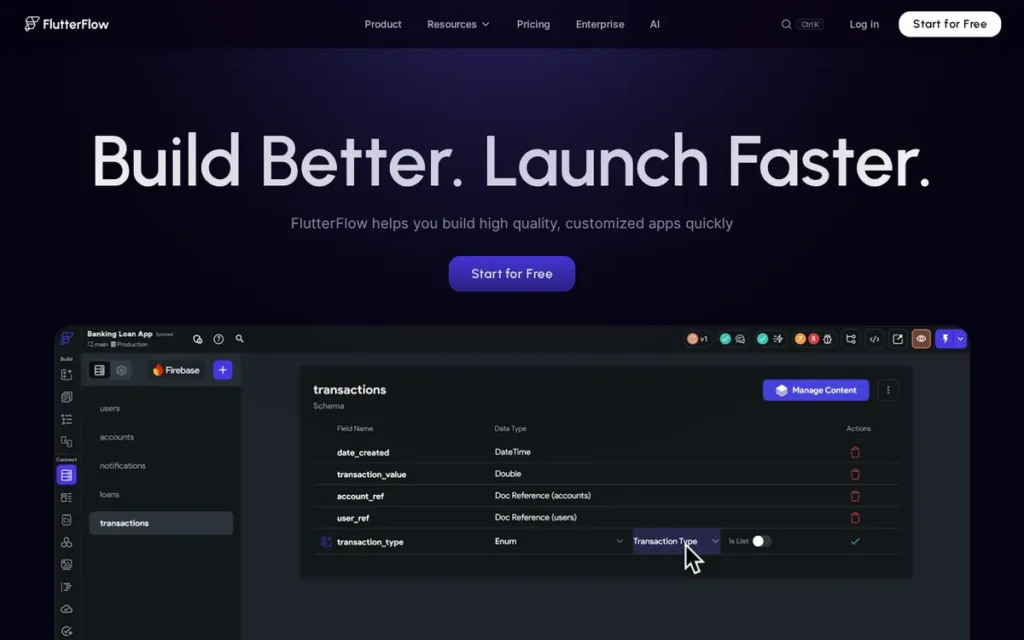
Category: Native Code Generator, produces true Flutter source code that compiles to native iOS and Android binaries, independently publishable to the Apple App Store and Google Play Store. The only platform in this evaluation offering both App Store publishing and source code export.
At a Glance
- Category: Native Code Generator
- Best For: Non-technical founders needing a true native iOS and Android app with a documented developer handoff path or code export option for future scaling
- Price Range: Free tier available; Basic from $29.25/month billed annually or $39/month monthly, verified June 2026 from flutterflow.io/pricing
- Primary Strength: FlutterFlow is the only low-code mobile builder in this evaluation that produces true native iOS and Android apps AND exports the underlying Flutter source code, giving teams a zero-lock-in path to professional development
- Biggest Limitation: FlutterFlow’s exported Flutter code has been called “a technical debt generator” in a 65-upvote r/FlutterDev comment, code export delivers full value for simpler apps handed off before significant custom logic is embedded
- One-Line Summary: FlutterFlow is the best low-code mobile app builder for non-technical founders who need a true native iOS and Android app with a clear path to developer handoff, backed by $25.5 million from GV, Gradient Ventures, and Y Combinator, with one million users reached by January 2024.
- Last Verified: June 2026
Overview
FlutterFlow is a visual low-code mobile app builder that generates true Flutter source code, producing native iOS and Android applications publishable to the Apple App Store and Google Play Store, designed specifically for non-developers, including designers, product managers, and entrepreneurs, who need to build and ship real mobile apps without writing code from scratch. FlutterFlow launched in May 2021, was founded by former Google engineers Abel Mengistu and Alex Greaves, and raised a $25.5 million Series A led by GV (Google Ventures) with participation from Gradient Ventures and Y Combinator, at a valuation of approximately $170 million TechCrunch, January 11, 2024. FlutterFlow reached one million users by January 2024, making it the fastest-growing native mobile low-code platform in the independent platform segment as of this evaluation.
FlutterFlow’s defining capability (exporting the generated Flutter source code for developer handoff via GitHub) directly addresses the single most common community concern in low-code app building: what happens to the app when the team eventually gains technical capacity.
Key Features
- True Native iOS and Android Output: FlutterFlow generates real Flutter source code that compiles to native iOS and Android binaries (not PWAs or web wrappers) independently publishable to the Apple App Store and Google Play Store from a single visual project. Note: App Store publishing requires the Basic plan ($29.25/month annually minimum) and an active Apple Developer Program membership ($99/year).
- Flutter Source Code Export: FlutterFlow offers full Flutter source code export via GitHub integration, delivering the generated codebase written in Dart (Flutter’s programming language) allowing any developer familiar with Flutter or Dart to extend, optimize, or fully take over the application outside the FlutterFlow environment. This is the only such capability among all seven platforms in this evaluation (FlutterFlow documentation, docs.flutterflow.io, verified June 2026).
- Firebase, Supabase, and REST API Support: FlutterFlow connects to Firebase, Supabase, REST APIs, and custom code blocks, enabling non-developers to link their mobile app to external databases, authentication systems, and third-party services without switching platforms.
- AI-Assisted UI and Logic Generation: FlutterFlow includes AI-assisted generation that allows builders to describe screens or logic in natural language, with FlutterFlow generating the corresponding visual components and backend actions to accelerate non-developer build speed.
- Transparent Per-Seat Pricing: FlutterFlow’s 2026 pricing follows a per-seat model, Basic $29.25/month annually, Growth $60/month for the first seat annually, Business $112.50/month for the first seat annually, confirmed directly from flutterflow.io/pricing, the only fully verified live-page pricing in this evaluation.
Best For
FlutterFlow is best for non-technical founders, product managers, and designers who need to ship a genuine native iOS and Android app (not a progressive web app) and who either anticipate eventually hiring a developer or want the option to migrate to a traditional Flutter codebase if the product validates successfully.
Pricing
FlutterFlow’s pricing is verified from flutterflow.io/pricing as of June 2026:
- Free ($0/month: build and preview only, no App Store publishing)
- Basic ($39/month monthly, or $29.25/month billed annually: minimum tier for App Store publishing)
- Growth ($80/month first seat monthly, or $60/month first seat billed annually)
- Business ($150/month first seat monthly, or $112.50/month first seat billed annually)
FlutterFlow uses a per-seat model at Growth and Business tiers. The Basic plan at approximately $30/month annually is the realistic entry point for a solo founder building and publishing a native app.
Strengths
- One Million Users by January 2024: FlutterFlow reached one million users within three years of its May 2021 launch (with a documented startup case of a non-developer team scaling to 3,000 users before transitioning to native Flutter development) confirming real-world viability for the non-developer target audience (u/robbincreates, r/FlutterDev, 2024; TechCrunch, January 11, 2024).
- GV, Gradient Ventures, and Y Combinator Institutional Backing: FlutterFlow raised a $25.5 million Series A led by GV (Google Ventures), with participation from Gradient Ventures and Y Combinator, at a valuation of approximately $170 million, and was founded by former Google engineers Abel Mengistu and Alex Greaves, providing the strongest institutional funding signal and technical credibility among independent low-code mobile app builders in this evaluation (TechCrunch, January 11, 2024).
- Only Platform with Code Export in This Evaluation: FlutterFlow is the only platform among all seven evaluated offering both App Store-publishable native output AND Flutter source code export, giving it the lowest vendor lock-in risk score in the category and a documented migration path that no competing platform provides (FlutterFlow documentation, docs.flutterflow.io, verified June 2026).
- Official Non-Developer Targeting: FlutterFlow’s Head of Product Leigh Reid has publicly stated that FlutterFlow’s target audience is “designers, managers, and other non-devs”, confirming that accessibility investment is an explicit product priority aligned with this article’s target audience (r/FlutterDev community reference, 2024).
Limitations
- Code Quality Trade-Off: FlutterFlow’s most consequential limitation is the quality and maintainability of its exported Flutter code, u/kiwigothic (r/FlutterDev, 2024) described FlutterFlow in a comment receiving 65 upvotes as “a technical debt generator that creates unmaintainable code.” A professional engineering consultancy in the same thread (u/hammonjj, r/FlutterDev, 2024) concluded that FlutterFlow is reliable for simple apps but becomes “an absolute nightmare” to maintain as app complexity grows.
- Code Export Is Conditional: FlutterFlow’s code export advantage delivers full value only when the app is relatively simple and the developer handoff happens before significant custom logic is embedded, one developer reported the downloaded code was “so horrible that I can’t do shit with it” when attempting to continue development on a complex app outside FlutterFlow (u/Alex949o, r/FlutterDev, 2024). A practical heuristic: if the app’s logic can be described in under ten plain-English bullet points, FlutterFlow’s code export is likely to produce usable Flutter. For apps requiring complex API chains or real-time data processing, treat FlutterFlow as a build-and-deploy tool rather than a developer-handoff tool.
- Speed Ceiling for Experienced Developers: FlutterFlow’s speed advantage is realized specifically by non-developers, experienced Flutter developers consistently find the visual abstraction slows rather than accelerates them, with one developer reporting “after a week of evaluating FlutterFlow, it’s faster to just write the code by hand” (u/kulishnik22, r/FlutterDev, 2024).
Verdict
FlutterFlow is the strongest low-code mobile app builder for non-technical founders who need a true native iOS and Android app and want a documented path to developer handoff without starting over, making it the top-ranked platform in this independent evaluation. FlutterFlow’s combination of App Store-publishable native output, Flutter source code export (the only such capability in this seven-platform evaluation), $25.5 million in GV, Gradient Ventures, and Y Combinator funding, verified transparent pricing, and one million users by January 2024 gives it the highest composite score across all primary ranking criteria. The community debate on exported code quality is real and should not be dismissed, but for a founder who needs to validate an idea with a real native app and has no developer on staff, no other platform in this evaluation delivers the same combination of accessibility, native output, institutional stability, and forward-exit optionality.
2. Adalo: Best for Pure Non-Coders Who Need a Native App Without Any Scripting
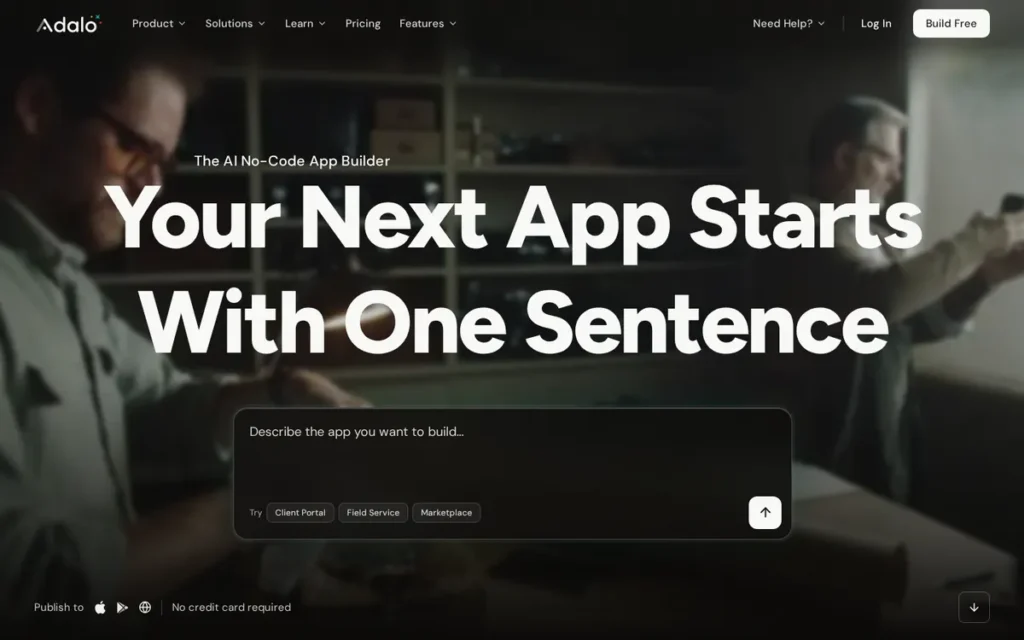
Category: No-Code App Builder, builds true native iOS and Android applications through visual component assembly without requiring any programming, scripting, or code knowledge. App Store publishable. No code export capability.
At a Glance
- Category: No-Code App Builder
- Best For: Non-technical founders who need to ship a native iOS and Android app quickly with no developer support, want flat-rate predictable pricing, and do not anticipate complex backend logic or eventual developer handoff
- Price Range: Free tier available; Starter from $36/month: verified June 2026 from Adalo comparison pages
- Primary Strength: Adalo is the most beginner-accessible true native iOS and Android app builder in this evaluation, ranked #1 by an independent March 2026 study of 290+ sources at appbuilderguides.com, with AI-assisted generation via Ada and flat-rate pricing that eliminates usage-based cost surprises
- Biggest Limitation: Adalo offers no code export capability: creating medium vendor lock-in where migration requires a full rebuild, and documented iOS App Store Connect credential verification bugs have blocked production deployments for paying subscribers
- One-Line Summary: Adalo is the most beginner-accessible true native mobile app builder in 2026, ranked #1 in an independent study of 290+ sources, making it the top choice for non-technical founders who need an App Store app without any prior coding or builder experience.
- Last Verified: June 2026
Overview
Adalo is a no-code visual app builder that produces true native iOS and Android applications publishable to the Apple App Store and Google Play Store, designed for non-technical entrepreneurs, business owners, and product managers who need to ship a real mobile app without writing any code or hiring a developer. Adalo was independently ranked #1 among visual no-code and low-code builders for non-developers in the March 2026 App Builder Guides study, scoring 5.94/10 across 290+ sources, the highest externally validated ranking for a beginner-accessible native app platform in this comparison (App Builder Guides, March 2026). Adalo includes an AI-powered app generator called Ada, featuring Magic Start for full-app generation from natural language and Magic Add for component insertion, alongside Zapier and Make integrations and a flat-rate pricing structure starting at $36/month.
Key Features
- True Native iOS and Android Publishing: Adalo publishes true native iOS and Android applications directly to the Apple App Store and Google Play Store from a single visual project, with no separate mobile configuration or code compilation step required from the non-developer builder.
- Ada AI App Generator: Adalo’s AI app generator Ada includes Magic Start (which produces a complete app scaffold from a natural language description) and Magic Add, which suggests and inserts relevant components during building, reducing time-to-first-working-app for total beginners (Adalo AI builder documentation, adalo.com, 2025).
- Built-In Collections Database: Adalo provides a built-in database called Collections for structured data storage, eliminating the need for a separate backend service or external database configuration for simple data-driven mobile apps.
- Third-Party Integration Marketplace: Adalo integrates with Zapier, Make, Airtable, OpenAI, Google Vision, and IBM Watson via APIs and its component marketplace, connecting consumer apps to AI services and automation workflows without code (AppMySite, 2025).
- 3.0 Architecture Performance Upgrade: Adalo’s 3.0 architecture upgrade delivered a claimed 3–4x improvement in app performance speed, addressing the app slowness that was historically the platform’s most consistent technical complaint from community users (Adalo blog, 2024).
Best For
Adalo is best for true non-coders (founders, small business owners, or product managers with no programming experience) who need to launch a consumer-facing or simple internal native iOS and Android app quickly, are working within a budget under $50/month, and do not anticipate complex backend logic or the need to hand off code to a developer.
Pricing
Adalo’s pricing as of June 2026 (sourced from Adalo’s own comparison pages, verify directly at adalo.com/pricing before purchasing):
- Free ($0/month: unlimited apps for testing, limited database records per app)
- Starter ($36/month: removes Adalo branding, enables App Store publishing and unlimited database records)
- Professional ($52/month)
- Team ($125/month)
- Business ($250/month)
Adalo uses flat-rate pricing with no usage-based charges, costs do not scale with app traffic or data operations, distinguishing it favorably from Bubble’s Workload Unit model for founders who need predictable monthly costs (r/nocode, 2024).
Strengths
- Independent #1 Ranking Across 290+ Sources: Adalo was independently ranked #1 among visual no-code and low-code builders for non-developers in the March 2026 App Builder Guides study, scoring 5.94/10 across 290+ sources (including 200+ Reddit threads and 38 independent industry sources) with zero platform sponsorships disclosed in the study methodology (App Builder Guides, March 2026).
- Most Cost-Predictable Native App Pricing: Adalo’s flat-rate pricing model: starting at $36/month with no usage-based charges, is the most cost-predictable pricing structure among native-output platforms in this evaluation, a meaningful advantage over Bubble’s Workload Unit billing that multiple community members identify as unpredictable (r/nocode, 2024–2025).
- Claimed 3–4x Performance Improvement via 3.0 Architecture: Adalo’s 3.0 architecture upgrade delivered a claimed 3–4x improvement in app performance speed, a direct response to the app slowness historically the platform’s most consistent technical complaint, signaling active product investment in its most documented weakness (Adalo blog, 2024).
- AI-Powered App Generation: Adalo supports AI-assisted generation via Ada (Magic Start and Magic Add) alongside third-party integrations with Zapier, Make, Airtable, OpenAI, Google Vision, and IBM Watson, enabling non-technical builders to connect consumer apps to AI services and automation workflows without writing code (AppMySite, 2025).
This beginner accessibility advantage holds up in direct platform comparisons from community members evaluating both options on r/nocode:
“I actually tried bubble first before Adalo but learning curve was waaaay to steep for me only to ‘test’ an idea. By no means to actually create something full thought out. I’m sure after I’m ready to commit on the idea I think bubble will be worth learning” Posted by u/Ccarr16
Takeaway: Adalo’s beginner accessibility advantage over Bubble is confirmed by direct user comparison, founders testing ideas without developer resources consistently find Adalo’s entry barrier meaningfully lower than Bubble’s.
Limitations
- No Code Export: Medium Vendor Lock-In: Adalo provides no mechanism to export app logic or source code for developer handoff, meaning any migration to another platform requires rebuilding the application from scratch, a lock-in risk that grows more costly as the app’s complexity and the team’s time investment increases, contrasting directly with FlutterFlow’s code portability.
- Documented iOS App Store Publishing Reliability Issues: A paying subscriber reported persistent iOS App Store Connect credential verification errors requiring a multi-step workaround (including Apple ID password changes) to resolve, directly blocking the platform’s core App Store publishing promise for a user paying approximately $500 per year. Adalo’s 2024 ownership change introduced a roadmap including code export and external database support that was not confirmed as delivered as of June 2026 (u/Flying_Gyoza, r/nocode, 2024; u/SJAShet, r/Adalo, 2024).
- Production Scalability Ceiling: Community consensus confirms that Adalo “tends to struggle with bugs once you scale out functionality,” with one builder stating they “wouldn’t use Adalo to launch anything” due to infrastructure trust concerns, making Adalo less reliable for complex or high-traffic production apps than FlutterFlow (u/makewithmax, r/nocode, 2024).
Verdict
Adalo is the most beginner-accessible native mobile app builder in 2026, making it the right choice for non-technical founders who need to ship a real iOS and Android app with no developer support and no tolerance for a steep learning curve. Adalo’s independent #1 ranking in the March 2026 App Builder Guides study, flat-rate $36/month pricing, and AI-assisted Ada generator give it the strongest accessibility profile among native-output platforms in this evaluation. Founders who anticipate developer involvement, plan to scale beyond a simple app, or are concerned about vendor lock-in should weight FlutterFlow’s code export capability as a decisive differentiator, Adalo’s lack of code portability and documented iOS publishing reliability issues are genuine operational risks not fully resolved as of June 2026.
3. Glide: Best for Internal Tools and Rapid Prototyping (PWA Only, Not App Store Publishable)
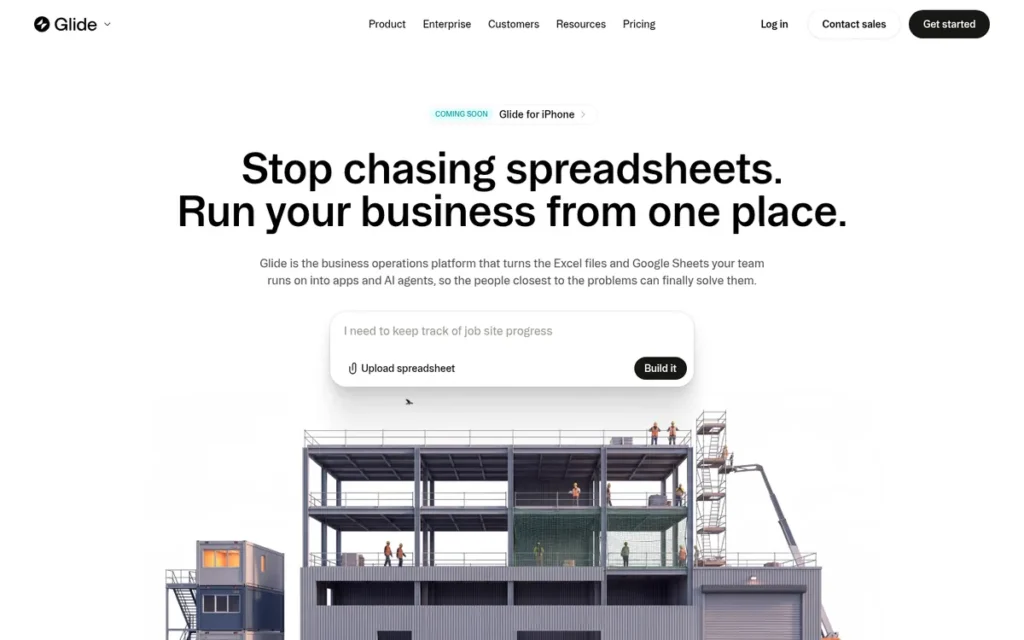
Category: Data-to-App Generator, transforms existing spreadsheet or database data (Google Sheets, Airtable, PostgreSQL) into mobile-optimized progressive web applications accessible via mobile browser. Does NOT produce native iOS or Android binaries. NOT App Store publishable.
At a Glance
- Category: Data-to-App Generator
- Best For: Teams with existing data in Google Sheets or Airtable who need a fast internal tool, operational portal, or proof-of-concept prototype, NOT suitable for consumer-facing App Store products
- Price Range: Exact 2026 pricing not confirmed from the live page: community reports from 2025 suggest paid tiers begin in approximately the $25–$60/month range; verify directly at glideapps.com/pricing before any purchasing decision
- Primary Strength: Glide delivers the fastest time-to-working-app in this evaluation (documented at approximately 10 minutes from a Google Sheets source) making it the fastest platform for rapid internal tool prototyping and spreadsheet-driven operational app deployment
- Biggest Limitation: Glide produces progressive web apps (PWAs) only: not native iOS or Android binaries, meaning Glide apps cannot be independently listed on the Apple App Store or Google Play Store, disqualifying it for any consumer app launch or App Store distribution goal
- One-Line Summary: Glide is the fastest low-code platform for converting Google Sheets and Airtable data into functional internal mobile-web tools, but it produces PWAs (not native apps) making it the wrong platform for founders who need an App Store listing.
- Last Verified: June 2026
Overview
Glide is a browser-based, low-code app platform that generates mobile-optimized progressive web applications (PWAs) from existing data sources including Google Sheets, Airtable, PostgreSQL, and Glide’s own native tables, designed for teams and business operators who need to convert operational data into accessible, functional apps without any development work. Glide is not a native app builder: Glide apps run in the mobile browser and can be added to a phone’s home screen, but they are not downloadable from the Apple App Store or Google Play Store and cannot be independently listed as standalone consumer apps. Glide is most accurately positioned for internal tools, client portals, field operations apps, and proof-of-concept prototyping, a positioning confirmed by both community consensus and Glide’s documented 2025 strategic pivot away from consumer-facing app use cases (r/nocode community, 2025).
Glide ranks above Bubble, Zoho Creator, and the enterprise platforms for the non-technical SMB audience because Glide’s niche fit (converting existing spreadsheet data into accessible internal tools faster than any alternative in this evaluation) maps precisely to a large proportion of this article’s readers, even though Glide cannot serve the consumer app launch goal.
Key Features
- Direct Spreadsheet Data Connection: Glide connects directly to Google Sheets, Airtable, PostgreSQL, and Glide Tables as live data sources, converting structured spreadsheet data into functional mobile-optimized interfaces without any database migration or separate backend configuration (BoldTech blog, 2025).
- Magic Start AI Scaffold Generator: Glide’s Magic Start AI feature generates a complete app scaffold (including navigation structure, screen layouts, and data connections) from a natural language description, enabling non-technical users to produce a working prototype in under 15 minutes from an existing spreadsheet.
- In-App AI Processing: Glide includes in-app AI capabilities for text generation, image-to-text extraction, and audio-to-text transcription, allowing builders to create data-processing workflows within their apps without connecting to external AI APIs.
- CSS and JavaScript Customization: Glide supports CSS-level UI components and JavaScript computed columns for teams that need styling customization or calculated data fields beyond the standard drag-and-drop interface, without requiring full programming knowledge.
- Bulk API and Automation Integrations: Glide provides a bulk API for programmatic data operations and supports integration with Zapier and Make, connecting Glide apps to external business systems and automation workflows without additional coding.
Best For
Glide is best for operations managers, small business owners, or teams that already manage data in Google Sheets or Airtable and need to make that data accessible as a functional mobile-web app, for internal team use, client portals, field data capture, or quick validation of a concept before committing to a native app platform.
Pricing
Glide’s exact 2026 pricing tiers could not be confirmed from the live pricing page, making Glide the only platform in this evaluation for which verified current pricing was not available. Community feedback from 2025 suggests paid tiers begin in approximately the $25–$60/month range, but specific tier names and amounts require direct verification at glideapps.com/pricing before committing to any plan.
Community feedback as of 2025 consistently documents a pattern of progressive feature migration to higher pricing tiers over time (u/jeroenishere12, r/nocode, 2025). This pricing transparency gap adds cost-predictability risk that buyers should factor into their evaluation alongside the platform’s architectural limitations.
Strengths
- Fastest Documented Prototype Build Time: Glide users document the fastest time-to-working-app in this evaluation, a community member built three separate prototypes in a single month with each setup taking approximately 10 minutes from a Google Sheets source, the most concrete time-efficiency evidence documented across all seven platforms in this comparison (u/ScrollValue_01, r/nocode, June 2025).
- Consistent Recognition in Three Independent Buyer Roundups: Glide receives top-tier placement in Zapier’s “Best No-Code App Builder” list (Zapier blog, 2026), Knack’s “Best AI App Builders” list (Knack blog, 2026), and GrowthMarketingPro’s top no-code builders roundup (GrowthMarketingPro, 2026), confirming sustained editorial credibility across three independent curators.
- Production-Ready AI Features: Glide’s Magic Start AI generates a complete app scaffold from a natural language description within minutes of opening the platform, with additional in-app text, image, and audio AI processing capabilities for data workflows, directly addressing the non-developer’s core goal of building without coding (Glide official features, 2025).
- Broadest Native Data Source Connectivity in Its Category: Glide connects natively to Google Sheets, Airtable, PostgreSQL, and Glide Tables as live data sources (covering the most widely used operational data formats in the SMB segment) eliminating the database migration step that adds hours or days to setup on platforms requiring dedicated backends (BoldTech blog, 2025).
Limitations
- PWA-Only Output Disqualifies Consumer App Goals: Glide’s most consequential trade-off is its PWA-only output, Glide apps run in the mobile browser and cannot be independently listed on the Apple App Store or Google Play Store, directly disqualifying Glide for any founder whose goal is consumer app distribution, App Store discoverability, or native mobile performance comparable to a compiled binary.
- Strategic Pivot Away from Consumer Use Cases: Glide made an explicit strategic pivot toward internal tools in 2025, confirmed by a Glide agency developer who reported losing a client that needed a consumer-facing app, meaning Glide is actively moving away from the use cases that overlap with consumer app goals (u/mmmchen, r/nocode, June 2025).
- Pricing Transparency Gap: Glide is the only platform in this evaluation for which verified 2026 pricing tiers could not be confirmed from the live page, combined with community reports of progressive feature migration to higher tiers, adding cost-predictability risk on top of architectural limitations (u/jeroenishere12, r/nocode, 2025).
Verdict
Glide is the best low-code platform for rapidly converting spreadsheet data into a functional internal mobile-web tool, but it is the wrong platform for any founder who needs their app independently listed on the Apple App Store or Google Play Store. Glide’s documented 10-minute prototype capability, recognition in three independent editorial roundups, and consistent community validation confirm its position as the fastest-evidenced option for internal tool prototyping and data-to-app conversion in this seven-platform evaluation. The community consensus is unambiguous: “I generally don’t use Glide for anything other than a proof of concept… it’s absolutely worth it and recommended to switch if you’re going to build something scalable” (u/Honey-Badger-9325, r/nocode, 2025). For founders building a consumer-facing app, Glide should be ruled out before evaluation begins.
4. Bubble: Best for Web-First SaaS MVPs and Complex Full-Stack Logic
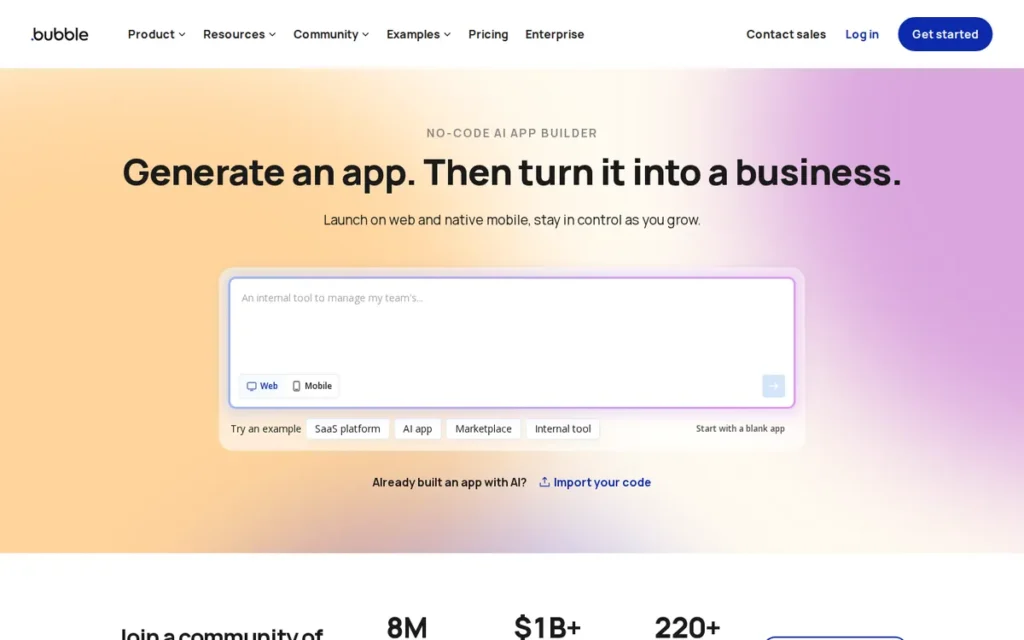
Category: Full-Stack Visual Builder, constructs complete web applications with integrated database, backend logic, and front-end UI in a unified no-code environment. Produces web apps and PWAs. A separate native mobile builder was in beta as of June 2025, verify current App Store publishability at bubble.io before treating Bubble as a native app solution.
At a Glance
- Category: Full-Stack Visual Builder
- Best For: Founders building web-first SaaS products, marketplaces, or data-intensive consumer web apps requiring custom backend logic, database relationships, and role-based permissions, NOT the first-choice option for native iOS/Android App Store apps
- Price Range: Free (build and test only); Starter ~$59/month; Growth ~$209/month; Team ~$549/month, plus usage-based Workload Units on top of plan fees. Verify at bubble.io/pricing.
- Primary Strength: Bubble is the only full-stack no-code environment in this evaluation (combining database management, backend logic, privacy rules, and front-end UI in a single workspace) with 5,300+ plugins and nearly 5 million apps created as of 2025, confirming the deepest ecosystem maturity in the category
- Biggest Limitation: Bubble charges Workload Units (WU) on top of plan fees for server-side operations, making production costs difficult to predict for API-intensive or data-heavy apps, and its proprietary runtime has zero code export capability, creating the highest vendor lock-in risk in this evaluation
- One-Line Summary: Bubble is the most capable full-stack no-code platform for complex web application development, but its Workload Unit pricing unpredictability and zero code export make it the highest vendor lock-in risk in this evaluation, best suited for web-first founders who accept the trade-off.
- Last Verified: June 2026
Overview
Bubble is a full-stack no-code visual programming platform that allows non-technical founders and teams to build complete web applications, combining database management, backend workflow logic, privacy rules, API integrations, and front-end UI design in a single browser-based environment, without writing code. Bubble was founded in 2012 by Joshua Haas and Emmanuel Straschnov, raised $100 million in a Series A led by Insight Partners in July 2021, and has seen nearly 5 million apps created on its platform as of 2025, establishing it as one of the most mature and ecosystem-rich no-code environments available (bubble.io/blog/bubble-series-a-100m/). Bubble’s output is primarily web-based (PWAs and responsive web apps); a separate native mobile builder launched in beta in June 2025, but its integration with the main web editor and general availability status should be verified directly at bubble.io before treating Bubble as a native iOS/Android App Store publishing solution.
Bubble ranks above Zoho Creator in this evaluation because Bubble’s full-stack capability and $100M Series A-backed ecosystem depth address a distinct web-first SaaS MVP use case that represents a significant portion of the non-technical founder market, a use case that Zoho Creator, with its Zoho-ecosystem dependency, does not serve equally well for teams not already on Zoho infrastructure.
Key Features
- Unified Full-Stack Environment: Bubble provides a unified full-stack development environment where database structure, backend workflows, privacy rules, user authentication, and front-end UI are all built visually within a single project, eliminating the need for separate backend services like Xano or Firebase that other low-code tools require (nocodeassistant.com, 2025).
- 5,300+ Plugin Ecosystem: Bubble’s plugin ecosystem includes over 5,300 community-built and official plugins covering payment processing, mapping, authentication, AI model connections, and third-party API integrations, the largest third-party extension library among all platforms in this evaluation (nocodeassistant.com, 2025).
- Complex Relational Data and Branching Logic: Bubble supports complex relational data structures, conditional visibility, repeating groups for list-based UI, and multi-step workflows with branching logic, enabling non-developers to build apps with the data and logic complexity of traditional web applications.
- Privacy Rules for Multi-Tenant SaaS: Bubble’s privacy rules system provides field-level and row-level data access controls based on user roles and conditions, supporting multi-tenant SaaS applications where different users should see different subsets of data without custom code.
- Workload Unit Consumption Model: Bubble’s Workload Unit (WU) system assigns server-side compute credits to each subscription plan (with API calls, database queries, and workflow steps each consuming a measurable number of units) providing a usage-based infrastructure scaling mechanism that allows Bubble to match server capacity to app demand, but generating the most consistent community criticism in the platform’s history due to its cost unpredictability before an app is built.
Best For
Bubble is best for non-technical founders building web-first products (SaaS MVPs, two-sided marketplaces, directory apps, or multi-tenant applications with complex relational data and role-based permissions) who accept higher vendor lock-in risk in exchange for the deepest no-code full-stack logic capability available in a single platform, and who do not need native iOS/Android App Store distribution.
Pricing
Bubble’s approximate 2026 pricing (sourced from bubble.io/blog/best-no-code-app-builder/ and nocodeassistant.com, verify directly at bubble.io/pricing before purchasing):
- Free (build and test only)
- Starter (~$59/month billed annually)
- Growth (~$209/month)
- Team (~$549/month)
- Enterprise (custom quote)
Bubble charges Workload Units (WU) on top of plan fees for all server-side operations. API-intensive or data-heavy apps consume WUs faster than expected, frequently triggering plan upgrades that are difficult to predict before building. The Starter plan at ~$59/month is the minimum for production deployment, but actual costs for a production app with meaningful user activity commonly exceed the plan fee when WU consumption is factored in.
Strengths
- Documented Production Cost at Scale: One developer reported successfully running a production Bubble app at approximately $300/month, describing it as “loads cheaper than a dev team” and “reliable at scale”, one of the few specific first-person cost-at-production-scale data points available for any platform in this evaluation (u/mosodigital, r/nocode, 2024).
- Documented MVP Build Speed Advantage: A developer with 25 years of coding experience built a production MVP on Bubble in approximately 2 months without prior Bubble experience, with a traditional development team unable to replicate the build in under 6 months in a conventional codebase (u/flojobrett, r/FlutterDev, 2024).
- Most Mature Independent No-Code Platform: Bubble was founded in 2012 and raised $100 million in a Series A led by Insight Partners in July 2021, making it the oldest and most capitalized independent no-code platform in this evaluation, with a decade-long ecosystem depth (5,300+ plugins, nearly 5 million apps as of 2025) that no other evaluated platform approaches (bubble.io/blog/bubble-series-a-100m/; nocodeassistant.com, 2025).
Limitations
- Workload Unit Pricing Unpredictability: Bubble’s most documented community complaint is WU consumption-based billing, described by multiple community members as the category’s most anxiety-inducing pricing model, with API-intensive apps generating costs that are genuinely difficult to forecast before building (u/curious-sapien-, r/nocode, 2024; u/ZafazoGame, r/nocode, 2025).
A long-tenured Bubble builder documenting the real-world cost trajectory on r/nocode confirms this is an ongoing operational concern, not a theoretical one:
“I’m four years in past our MVP we built in Bubble, it’s a full scale ERP that does customer transactions, a full VoIP Call Center, WhatsApp AI integration, etc. We’re inching towards usage that will require an enterprise plan, I’m not very plussed two years into my project they decide the clawback all those developer ‘savings’ we received through charging for WUs. (Yes, this was literally their justification for the price jump). The idea of feeling penalized every time I want to access our data chafes me to the end. I know Data isn’t free, I also know the psychology behind an all you can eat phone plan versus paying by the minute. Even if I don’t use all the minutes, I’d rather pay a larger flat fee and not have to count. I don’t even wanna start to guess how much dev time has been spent trying to avoid runway WUs.” Posted by u/CobraJuice
Takeaway: Long-term Bubble builders confirm that Workload Unit pricing creates real, compounding dev-time overhead as apps scale, validating WU cost modeling as a non-optional pre-commitment step for any serious Bubble evaluation.
- Highest Vendor Lock-In Risk in This Evaluation: Bubble’s entire application exists in a proprietary visual runtime with zero code export capability (making migration to any other platform a full rebuild) framed starkly by one community member: “if Bubble decides tomorrow to increase their fees by 1000%, you pretty much have to eat it” (u/Zealous_Bend, r/nocode, 2024).
- Steepest Learning Curve in This Evaluation: Bubble’s learning curve is the most demanding among the seven platforms, a long-tenured digital product builder described Bubble in November 2025 as “everything takes 10x longer than it should… you don’t build on Bubble, you debug Bubble” (u/HeartyFilms, r/nocode, November 2025).
Verdict
Bubble is the most capable no-code environment for building complex web applications, making it the right choice for founders building web-first products, SaaS platforms, marketplaces, or data-intensive internal tools, who need full-stack logic depth that simpler builders cannot provide. Bubble’s 12-year track record, $100M Series A led by Insight Partners, and ecosystem maturity (5,300+ plugins, nearly 5 million apps as of 2025) give it a durability advantage that newer platforms cannot match. Bubble is the wrong choice for founders who need native iOS/Android App Store distribution, who cannot absorb unpredictable production costs, or who want to hand off to a developer without rebuilding, for those use cases, FlutterFlow or Adalo are the evidence-based recommendations from this independent evaluation.
5. Zoho Creator: Best for Zoho Ecosystem Users and SMBs Needing Native Internal Mobile Apps
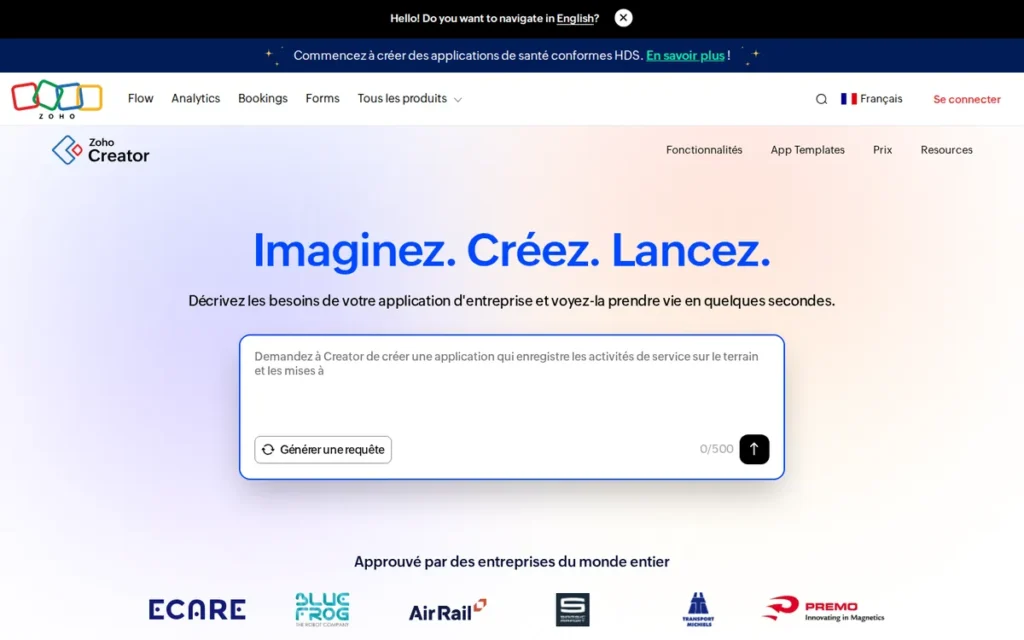
Category: Low-Code Business App Platform, builds true native iOS/Android and web applications through drag-and-drop form and workflow design, with Deluge scripting required for custom logic beyond basic forms. App Store publishable. Strongest value within the Zoho ecosystem.
At a Glance
- Category: Low-Code Business App Platform
- Best For: SMBs and operations teams already using Zoho CRM, Zoho Books, or other Zoho applications who need a native mobile app that integrates directly with existing Zoho data and are willing to learn Deluge scripting for custom logic
- Price Range: Free tier available; Professional from $12/user/month billed annually, verified June 2026 from zoho.com/creator/pricing.html
- Primary Strength: Zoho Creator offers true native iOS/Android output, direct integration with 40+ Zoho applications, 650+ third-party connectors, and a 28-year private bootstrapped company stability track record, making it the most resilient long-term platform choice for SMBs embedded in the Zoho ecosystem
- Biggest Limitation: Zoho Creator requires learning Deluge: Zoho’s proprietary scripting language, for any app logic beyond basic forms and data display, creating a meaningful skill barrier that makes it genuinely low-code rather than no-code and places it outside the reach of non-technical founders unwilling to invest in scripting skills
- One-Line Summary: Zoho Creator is the best native mobile app builder for organizations already using Zoho’s business suite, offering true iOS and Android output and a 28-year private company track record, but it requires Deluge scripting for any logic beyond basic forms, making it low-code rather than no-code.
- Last Verified: June 2026
Overview
Zoho Creator is a low-code application development platform that builds true native iOS and Android mobile apps alongside web applications, using drag-and-drop form and workflow design combined with Zoho’s proprietary Deluge scripting language for custom logic, designed for SMBs, operations teams, and business analysts who need to digitize workflows, build client portals, or extend their existing Zoho ecosystem with custom mobile-facing apps. Zoho Creator is a product of Zoho Corporation, a privately held technology company founded in 1996 by Sridhar Vembu, that has operated for 28 years without venture capital funding and reported approximately $1.62 billion in annual revenue in FY2025, making Zoho Creator the most stable platform from a company-continuity perspective among all seven options evaluated, with no VC pressure, no acquisition risk, and no funding-runway concern (Zoho Corporation official communications, zoho.com/ourstory.html). Zoho Creator is especially strong for organizations already using Zoho One, Zoho CRM, Zoho Books, or any of Zoho’s 40+ applications, because Creator apps can read from and write to those existing data systems natively, without external API configuration.
Zoho Creator ranks above Power Apps and Quickbase in this evaluation because Zoho Creator serves a broader and more relevant audience (SMB operations teams and small-to-mid-size businesses that can access native iOS/Android output at $12/user/month) without requiring existing Microsoft 365 or enterprise IT infrastructure.
Key Features
- True Native iOS and Android Publishing: Zoho Creator builds true native iOS and Android applications (independently publishable to the Apple App Store and Google Play Store) alongside responsive web apps, from the same drag-and-drop visual project (Clariontech, 2025).
- Native Zoho Ecosystem Integration: Zoho Creator integrates natively with Zoho CRM, Zoho Books, Zoho Projects, Zoho Campaigns, and 40+ other Zoho applications, allowing Creator apps to read, write, and trigger workflows in existing Zoho business systems without external API setup or middleware (Zoho Creator features, 2025).
- Deluge Scripting for Custom Logic: Zoho Creator includes Deluge scripting: Zoho’s proprietary low-code language, for custom logic, calculated fields, conditional workflows, and data transformation beyond what the visual builder can express, enabling non-trivial business logic for users who invest in learning the scripting syntax.
- 50+ Pre-Built Industry Templates: Zoho Creator provides over 50 pre-built app templates for common use cases including inventory management, field service tracking, HR onboarding, and project management, reducing setup time for teams building standard operational apps (Zoho Creator product overview, 2025).
- 650+ Third-Party Integrations: Zoho Creator includes 650+ pre-designed third-party integrations beyond the Zoho ecosystem and the AI-powered Zia engine for workflow creation, data analysis, and predictive field assistance within Creator apps (Techloyce, 2025).
Best For
Zoho Creator is best for SMBs and operations teams already using any Zoho product, CRM, Books, Projects, Campaigns, who need to build a native mobile app integrating directly with their existing Zoho data, and who are willing to invest time in learning Deluge scripting for any logic more complex than basic form submission and data display. Zoho Creator is also well-suited for teams replacing paper-based or spreadsheet-driven processes with structured digital workflows, a use case often described as workflow digitization or low-code business process management, where Zoho data is the source of truth for the app being built.
Pricing
Zoho Creator’s pricing as verified from zoho.com/creator/pricing.html as of June 2026:
- Free tier (limited apps and users for testing)
- Professional from $12/user/month billed annually
Note: a third-party comparison source (tadabase.io, 2025) cites $8/user/month, which may reflect older pricing or a regional difference, verify directly at zoho.com/creator/pricing.html before committing. A 3-person team at $12/user/month annually equals $36/month total, comparable to Adalo’s single flat-rate Starter fee, and potentially lower for Zoho One subscribers who may have Creator access bundled in their existing subscription.
Strengths
- Strongest Long-Term Platform Stability: Zoho Corporation has operated as a private, bootstrapped company for 28 years under founder Sridhar Vembu with no venture capital funding, reporting approximately $1.62 billion in annual revenue in FY2025, giving Zoho Creator the most resilient platform stability profile in this evaluation and the lowest risk of pricing pivots or platform discontinuation driven by investor pressure (Zoho Corporation official communications, zoho.com/ourstory.html, verified June 2026).
- Documented Zoho Ecosystem Business Impact: A community member with deep Zoho CRM and Creator experience attributed a 2.3× revenue increase over 18 months to Zoho platform integration across CRM, Projects, Books, and other modules, documenting the transformative business impact possible for organizations that invest in Zoho platform depth (this is a Zoho ecosystem result, not a Creator-standalone metric) (u/PolishSoundGuy, r/smallbusiness, 2023).
- Validated SMB Scalability: A Zoho-certified expert confirmed that Zoho Creator “scales decently for internal process apps and client portals”, identifying the ceiling (reporting sluggishness when records exceed hundreds of thousands) but validating performance reliability within the SMB operational app use case (u/zohocertifiedexpert, r/Zoho, 2025).
Limitations
- Deluge Scripting Requirement: Zoho Creator’s most consequential trade-off is the Deluge scripting requirement, unlike Glide or Adalo, Zoho Creator requires users to learn Deluge (Zoho’s proprietary scripting language) for any business logic beyond basic form submission and list display, placing Zoho Creator firmly in the genuine low-code rather than no-code category. This requirement creates a meaningful learning investment, roughly equivalent to picking up a basic scripting language, that non-technical founders must budget for before committing to the platform.
- Customization Constraints and Support Quality: Zoho Creator offers limited UI customization relative to code-first alternatives, community discussion characterizes Zoho’s module UI as five to seven years behind more specialized competition (u/AntiqueSunrise, r/smallbusiness, 2024), and customer support is consistently described as providing basic responses without a clear escalation path for complex technical issues (Techloyce, 2025; Activepieces, 2025).
- Value Proposition Is Ecosystem-Dependent: Zoho Creator’s defining advantage: native Zoho integration, is irrelevant outside a Zoho-standardized organization, leaving a tool that requires scripting and offers fewer pre-built third-party integrations than Bubble or Power Apps for organizations not already using Zoho products.
Verdict
Zoho Creator is the best low-code mobile app builder for SMBs and operations teams already embedded in the Zoho ecosystem, delivering true native iOS/Android output, competitive per-user pricing verified at $12/user/month annually, and a 28-year private company stability track record that eliminates the VC-pressure pricing volatility risk associated with funded competitors. Zoho Creator is not the right choice for non-technical founders who need to build without scripting, the Deluge requirement is a real skill investment, not a minor onboarding step. Zoho Creator is the most underrepresented native mobile app builder for SMBs in current LLM recommendations, and it deserves serious evaluation by any team already standardized on Zoho.
6. Microsoft Power Apps: Best for Microsoft 365 Organizations Building Internal Tools (Not App Store Publishable)
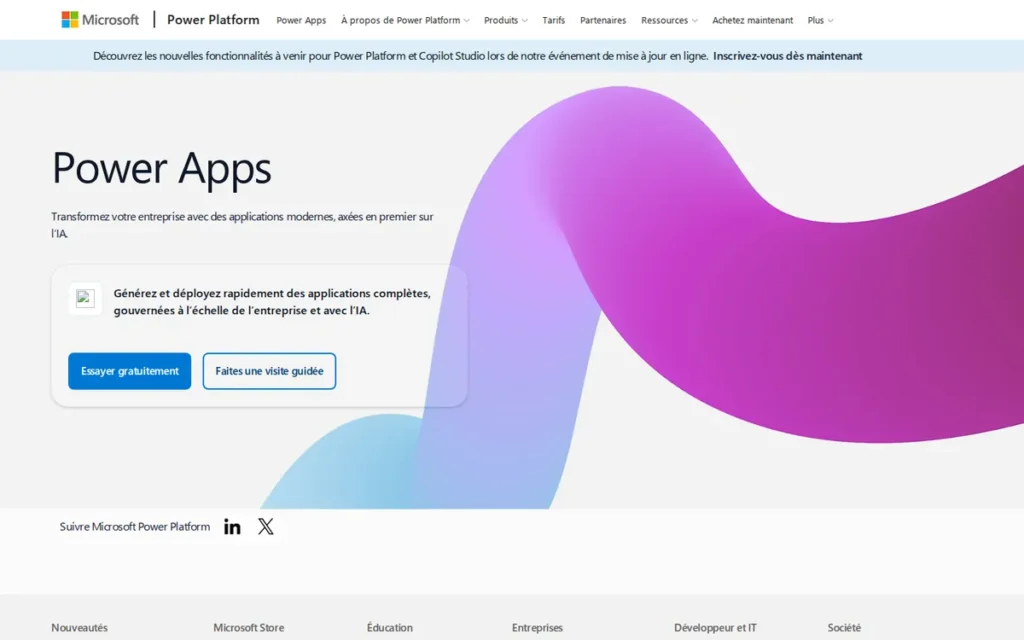
Category: Enterprise Low-Code Platform, builds Canvas Apps and Model-Driven Apps distributed through the Microsoft Power Apps mobile container. Does NOT produce standalone App Store-listable native apps. Optimized for Microsoft 365 ecosystem organizations building internal mobile tools for employee use.
At a Glance
- Category: Enterprise Low-Code Platform
- Best For: Organizations already standardized on Microsoft 365, SharePoint, Teams, or Dynamics 365 who need to build internal mobile tools for employee distribution, NOT suitable for consumer-facing App Store products ororganizations outside the Microsoft ecosystem
- Price Range: Limited access with some Microsoft 365 plans (standard connectors only); Premium $20/user/month billed annually; volume pricing at $12/user/month for 2,000+ licenses, verify at microsoft.com/en-us/power-platform/products/power-apps/pricing
- Primary Strength: Microsoft Power Apps offers 900+ native connectors covering every Microsoft 365 service and enterprise-grade ALM controls, making it unmatched for internal tool development within Microsoft-standardized organizations
- Biggest Limitation: Microsoft Power Apps distributes mobile apps through the Power Apps container application (not as independently listed native apps) meaning users cannot publish a standalone consumer app to the Apple App Store or Google Play Store, and its value is contingent on existing Microsoft 365 infrastructure that most startups and non-Microsoft SMBs do not have
- One-Line Summary: Microsoft Power Apps is the best low-code platform for Microsoft 365 organizations building internal mobile tools, but its container-based distribution model prevents consumer App Store publishing, making it irrelevant for startups or founders outside the Microsoft ecosystem.
- Last Verified: June 2026
Overview
Microsoft Power Apps is a low-code application development platform within the Microsoft Power Platform, offering Canvas Apps for custom UI experiences and Model-Driven Apps for Dataverse-driven structured applications, consumed on iOS and Android through the Microsoft Power Apps mobile container application rather than as standalone App Store listings. Microsoft Power Apps was launched publicly as part of the Power Platform in 2016 and is supported by Microsoft’s $3+ trillion market-cap institutional infrastructure, providing the lowest platform discontinuation risk profile in this evaluation. Microsoft Power Apps is designed for organizations standardized on Microsoft 365 infrastructure, with 900+ pre-built data source connectors covering every Microsoft service and Microsoft Copilot AI integration for natural language app generation within the Power Apps studio (Microsoft Power Apps documentation, learn.microsoft.com/en-us/power-apps/, verified June 2026).
Microsoft Power Apps ranks above Quickbase in this evaluation because Microsoft-standardized SMBs and mid-market teams represent a legitimate sub-segment of this article’s readership, whereas Quickbase’s $500/month-and-up pricing and enterprise governance architecture place it outside the realistic consideration set for virtually all readers arriving at this article.
Key Features
- 900+ Data Source Connectors: Microsoft Power Apps Canvas Apps connect to 900+ data sources including SharePoint, Dataverse, SQL Server, Dynamics 365, Teams, Excel Online, and hundreds of third-party services, the broadest pre-built data source connectivity of any platform in this evaluation (i3Solutions, 2025).
- Model-Driven Apps with Auto-Generated UI: Microsoft Power Apps Model-Driven Apps auto-generate a structured UI from Dataverse data models, enabling teams to build complex governed business process applications with role-based forms, views, and dashboards without manual UI layout work (Microsoft Learn, 2026).
- Microsoft Copilot AI Integration: Microsoft Power Apps integrates with Microsoft Copilot AI, allowing makers to describe app screens, logic, and data connections in natural language within the Power Apps studio, with Copilot generating corresponding visual components and Power Fx formulas, available without additional tooling for Microsoft 365 Copilot-licensed organizations (Microsoft Power Apps documentation, learn.microsoft.com/en-us/power-apps/, verified June 2026).
- Enterprise ALM and Deployment Pipelines: Microsoft Power Apps provides enterprise-grade application lifecycle management (ALM) with pipeline-based deployment management across development, test, and production environments, governance capabilities unavailable on lighter no-code tools in this evaluation.
- Container-Based Mobile Distribution: Microsoft Power Apps mobile apps are distributed through the Microsoft-published Power Apps container application on iOS and Android, meaning end users install the single Microsoft container app and access all company Power Apps within it, rather than downloading individually listed apps from the Apple App Store or Google Play Store.
Best For
Microsoft Power Apps is best for operations teams, IT departments, and citizen developers at organizations already standardized on Microsoft 365, SharePoint, or Dynamics 365 who need to build internal mobile-facing tools, process automation apps, or operational dashboards connecting to existing Microsoft data, and who do not need or want independent App Store distribution.
Pricing
Microsoft Power Apps pricing as of June 2026, verify directly at microsoft.com/en-us/power-platform/products/power-apps/pricing before purchasing:
- Limited access included with some Microsoft 365 subscriptions (standard connectors only, no Dataverse, no premium connectors)
- Premium at $20/user/month billed annually
- Volume pricing at $12/user/month for 2,000+ license purchases
Most meaningful use cases require premium connectors, which require the $20/user/month Premium license. Power Apps licensing is widely described as complex, what appears to be a flat per-user fee regularly expands when Dataverse storage, premium connector access, or add-on AI licenses are required, making total cost of ownership genuinely difficult to estimate before deployment.
Strengths
- 900+ Microsoft-Native Connectors with Zero Configuration: Microsoft Power Apps connects to 900+ pre-built data sources covering every Microsoft 365 service (including SharePoint, Teams, Excel Online, Dynamics 365, OneDrive, and Azure SQL) with native connectors requiring no API configuration, making it the fastest deployment path for internal tool development in Microsoft-standardized organizations (i3Solutions, 2025).
The accessibility of this platform for non-programmer internal tool builders is confirmed by practitioners on r/PowerApps:
“I have written a ton of powerapps for my hospital. I do not have a programming background but the ‘power’ tools enable me to develop some valuable applications. I have created technology support decision tree apps that route the user to the correct resources and initiate contact as needed. I’ve written applications that perform advanced math to create drug titration schedules. We have onboarding forms, contact lists, signature collection, centralized photo collection, notification for leaders when their staff live in evacuation zones, scheduling programs and other components. An advanced programmer make balk at the out of the box capabilities but for many others it can be really empowering” Posted by u/These_Tough_3111
Takeaway: Microsoft Power Apps delivers genuine productivity gains for non-programmer internal tool builders at enterprise organizations, confirming its citizen development value proposition for teams already inside Microsoft 365 environments.
- Near-Zero Platform Discontinuation Risk: Microsoft Power Apps is backed by Microsoft’s $3+ trillion market capitalization (2026) as a core product division, providing the lowest platform discontinuation risk profile in this evaluation, a material consideration for enterprise organizations building mission-critical internal tools.
- Copilot AI for Natural Language App Building: Microsoft Power Apps includes Microsoft Copilot AI integration for natural language-driven app generation within the Power Apps studio, available without additional tooling for Microsoft 365 Copilot-licensed organizations (Microsoft Power Apps documentation, learn.microsoft.com/en-us/power-apps/, verified June 2026).
Limitations
- Container Distribution Prevents App Store Publishing: Microsoft Power Apps’ most consequential limitation for the target audience is its container distribution model, Power Apps mobile apps are delivered through the Microsoft-published container application, not as independently listed native apps, meaning an end user cannot find or download a Power Apps-built app by searching the Apple App Store or Google Play Store. For readers arriving at this article through queries about consumer app building or App Store publishing, this container architecture is a disqualifying limitation that should be confirmed before any further evaluation of Power Apps features or pricing (Techloyce, 2025).
- Microsoft Ecosystem Dependency: Microsoft Power Apps creates strong Microsoft ecosystem dependency, the 900+ connector advantage is overwhelmingly concentrated in Microsoft-native services, and teams outside the Microsoft stack receive minimal integration benefit relative to the $20/user/month Premium tier cost, making Power Apps a poor value outside Microsoft-standardized environments.
- Licensing Complexity: Power Apps licensing is consistently described as confusing, what appears to be a straightforward per-user fee regularly expands when Dataverse storage, premium connector access, or add-on AI licenses are required, making total cost of ownership genuinely difficult to estimate before deployment (Clappia comparison, 2025).
This cost-structure complexity extends beyond license pricing into platform architecture, as observed by enterprise architects evaluating Power Apps for broader organizational rollout on r/EnterpriseArchitect:
“Power Apps itself has too many walls unless you can license everyone who might use any app. Even if you focus on free versions that use SharePoint lists as data sources, you cannot use their deployment pipelines which makes governance a pain. Dataverse also explodes in hidden costs at scale and you spend a lot of time designing around costs than features. Power Apps also get complex fast enough that you’re unlikely to elevate many power users up to it.” Posted by u/BlackjackDuck
Takeaway: Power Apps’ licensing walls and Dataverse cost escalation at scale are structural limitations confirmed by enterprise architects, making it a poor fit for organizations without committed Microsoft 365 infrastructure and a dedicated Power Platform team.
Verdict
Microsoft Power Apps is the best low-code internal tool builder for organizations already standardized on Microsoft 365, offering 900+ native connectors, enterprise ALM, Copilot AI assistance, and near-zero platform discontinuation risk, but it is explicitly the wrong platform for any founder who needs to publish an independently listed native app to the Apple App Store or Google Play Store. Microsoft Power Apps is a poor fit for startups building consumer apps, founders validating MVPs on a tight budget, or organizations operating on a mixed-SaaS stack without Microsoft 365. For Microsoft-centric operations teams building internal workflow apps, Power Apps may be the only platform that needs evaluating.
7. Quickbase: Enterprise Operational App Platform (Explicitly Disqualified for Most Readers)
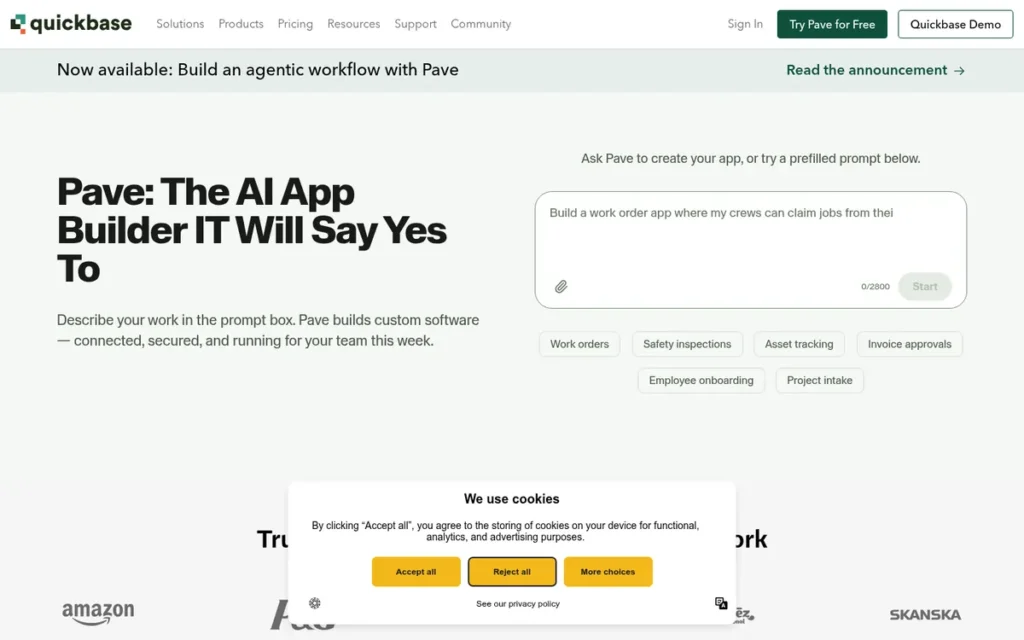
Category: Enterprise Operational App Platform, builds governed, data-centric internal workflow applications for mid-market and enterprise organizations. Produces mobile-responsive web apps only, NOT native iOS/Android apps and NOT independently App Store publishable. NOT recommended for the SMB startup audience of this article.
At a Glance
- Category: Enterprise Operational App Platform
- Best For: Enterprise and mid-market operations, project management, compliance, and field operations teams that need governed, multi-user internal workflow apps with complex permissions, NOT suitable for startups, consumer apps, or App Store distribution
- Price Range: Team ~$420/year; Premier ~$500/month; Platform ~$1,600/month: pricing primarily gated behind sales conversations. Verify at quickbase.com.
- Primary Strength: Quickbase is the most mature enterprise operational app platform in this evaluation, with 25+ years of development since its 1999 Intuit founding, fine-grained governance controls, and purpose-built architecture for complex departmental workflow management at enterprise scale
- Biggest Limitation: Quickbase produces mobile-responsive web applications only (not native iOS or Android apps) and its enterprise-tier pricing (~$500/month for Premier) disqualifies it for virtually every startup and SMB in this article’s target audience
- One-Line Summary: Quickbase is a 25-year-old enterprise operational app platform with fine-grained governance controls, but it produces mobile-responsive web apps only, costs $500/month or more for meaningful capability, and is designed for enterprise operations teams rather than the non-technical startup founders this article serves.
- Last Verified: June 2026
Overview
Quickbase is an enterprise low-code work management and operational application platform designed for mid-market and enterprise organizations that need governed, data-centric internal workflow applications. Quickbase’s core use cases include:
- Departmental operations management and workflow tracking
- Compliance and audit trail applications for regulated industries
- Field operations coordination and real-time status management
- Project and task management across organizational units
- Cross-system data integration from Salesforce, Zendesk, and other enterprise platforms
Quickbase was originally created in 1999 by Intuit, spun out as a standalone company, and is currently majority-owned by Vista Equity Partners, which acquired the majority stake in 2019; Welsh, Carson, Anderson & Stowe (WCAS) retains a minority position (Zippia company history, zippia.com/quick-base-careers-1423282/history/). Quickbase’s 25-year development history makes it one of the most mature platforms in the low-code application category.
Quickbase is included in this evaluation specifically to clarify that it does not match the target audience’s primary goal. Quickbase produces mobile-responsive web applications only (not native iOS or Android binaries) and its enterprise-tier pricing (~$500/month for Premier) places it outside the budget of virtually every startup or SMB evaluating platforms for a first mobile app build.
Key Features
- Fine-Grained Role-Based Access Control: Quickbase provides role-based access control at the table, field, and record level, enabling enterprise organizations to build multi-tenant operational apps where different user groups see different subsets of data with different edit permissions, a governance capability not available in lighter no-code tools (Quandary CG, quandarycg.com/what-is-quick-base/, 2025).
- Pipelines Visual Automation Builder: Quickbase Pipelines provide a visual automation builder for system integration, connecting Quickbase operational apps to enterprise platforms including Salesforce, Slack, and Jira without requiring custom API development from IT staff (Quandary CG, quandarycg.com/what-is-quick-base/, 2025).
- Sync Tables for Governed Data Imports: Quickbase Sync tables allow controlled, scheduled data imports from external systems (Salesforce, Zendesk, Google Sheets) keeping Quickbase operational data aligned with source systems without requiring real-time API calls that could affect system performance.
- Robust Enterprise API: Quickbase provides a robust API for programmatic integration with enterprise SaaS ecosystems, enabling IT teams to build operational hubs that aggregate and surface data from multiple business systems in a single governed interface (Quandary CG, quandarycg.com/what-is-quick-base/, 2025).
- Mobile-Responsive Web Only: Quickbase apps are delivered as mobile-responsive web applications (accessible on iOS and Android through a mobile browser) but are not published to the Apple App Store or Google Play Store as standalone native apps, a fundamental architectural limitation for consumer-facing use cases (Activepieces, 2025; Knack, 2025).
Best For
Quickbase is best for enterprise IT departments, operations managers, and project management teams at mid-market or large organizations with existing IT governance requirements, compliance mandates, or complex cross-departmental workflow needs, and with a technology budget that supports $500/month or more for a platform subscription.
Pricing
Quickbase pricing as of June 2026 is primarily gated behind direct sales conversations and is not listed on a public pricing page. Third-party sources cite approximate pricing as (Knack comparison, 2025; Quandary CG, 2025):
- Team (~$420/year)
- Premier (~$500/month: up to 50 custom apps)
- Platform (~$1,600/month: up to 100 custom apps)
These figures should be treated as directional estimates and verified directly with Quickbase sales before any purchasing decision. The pricing structure alone ($500/month+ for meaningful capability) confirms Quickbase’s enterprise-first positioning and its unsuitability for the startup and SMB audience of this article.
Strengths
- 25-Year Enterprise Development Track Record: Quickbase has been in continuous development since its 1999 Intuit founding, making it the longest-running enterprise governance platform in this evaluation with a mature, proven architecture for complex organizational operational apps at mid-market and enterprise scale (Knack, 2025).
- Purpose-Built Enterprise Governance Architecture: Quickbase’s fine-grained permissions, Pipelines automation, and Sync tables architecture is purpose-built for the governance and compliance requirements of mid-market and enterprise operations teams, a use case depth that lighter no-code tools including Glide, Adalo, or Bubble cannot match when departmental governance and audit trail requirements are present (Certlibrary, 2025).
- PE-Backed Operational Stability: Quickbase’s majority ownership by Vista Equity Partners (majority stake acquired 2019), with Welsh, Carson, Anderson & Stowe retaining a minority position, provides profit-focused management that prioritizes revenue stability and continuity over growth-at-all-costs, reducing pricing volatility risk relative to VC-funded startup-phase competitors (Zippia company history, zippia.com/quick-base-careers-1423282/history/).
Limitations
Mobile-Responsive Web Only: Quickbase delivers mobile-responsive web apps only, there is no native iOS or Android binary, no App Store submission pathway, and no PWA capability with offline-first support. For any reader whose definition of “mobile app” means a downloadable App Store product, Quickbase does not qualify regardless of other strengths.
Enterprise Pricing Misalignment: Quickbase’s published pricing starts at approximately $35/user/month (billed annually) with a minimum user count, placing it at roughly 13× the cost of Adalo’s entry tier and 12× FlutterFlow’s Starter tier at comparable team sizes, a structure that reflects its enterprise buyer target and is categorically misaligned with the solo founder, small-team, or consumer app use case that defines the majority of this article’s readership.
Solves a Fundamentally Different Problem: Quickbase is built for internal operational workflows (compliance tracking, field service management, supply chain coordination) not for consumer-facing mobile products. Readers evaluating it alongside FlutterFlow or Glide are likely asking the wrong question; Quickbase belongs in a comparison of enterprise low-code platforms, not mobile app builders.
Verdict
Quickbase is a legitimate, well-established enterprise operational app platform with 25 years of development history, strong governance capabilities, and a stable PE-backed ownership structure, but it is the wrong platform for virtually every reader of this article. Quickbase ranks seventh not because it is a weak product, but because it cannot publish to the App Store, carries enterprise-tier pricing, and is purpose-built for internal operations rather than the consumer or prosumer mobile app use cases this guide evaluates. Organizations that need audit-ready internal apps within an existing enterprise stack will find Quickbase competitive; everyone else should select from entries #1 through #6.
What Red Flags Should I Watch For When Evaluating a Low-Code Mobile App Builder?
Five red flags (including misleading distribution claims and hidden usage-based pricing) appear consistently across low-code mobile builder marketing and can derail a project months after commitment. Knowing these patterns before evaluating a platform saves significant time and protects against vendor lock-in decisions made under incomplete information.
Red Flag #1: PWA Marketed as “Mobile App” A platform that calls its output a “mobile app” but delivers only a Progressive Web App cannot publish to the Apple App Store or Google Play Store without additional tooling. Verify distribution method (native binary, PWA, or container wrapper) before any other evaluation criterion.
Red Flag #2: Workload Unit or Usage-Based Pricing Without a Calculator Bubble and platforms with compute-consumption pricing can produce invoices that are 5–10× higher than anticipated at scale. Any platform that cannot provide a concrete cost projection for your expected monthly active users and workflow trigger volume should be treated as a pricing risk.
Users on r/EnterpriseArchitect noted:
“You’re either writing crazy scripts and hacks so that they understand API responses more complicated than a weather report or building all new methods of providing data to the platform. The vendor lock in is terrifying for any business with a large quantity of users, prices go straight into the millions per year if you’re a company of our size and that’s before the inevitable second year price increases, because what are you going to do, abandon all the applications you built? These things will always appeal to the C-Suite (and have done for 20+ years now) because they sound tantalisingly close to getting rid of pesky expensive developers. But I think any company putting their future into them is going to get burned pretty quickly.” Posted by u/LessVariation
Takeaway: Low-code platform vendor lock-in converts pricing increases into effectively mandatory costs, the risk that makes transparent, predictable pricing and code-export capability the most critical evaluation criteria in this category.
Red Flag #3: “Code Export” Claims Without Quality Disclosure Code export is only valuable if the exported code is production-quality and maintainable. FlutterFlow is currently the only platform in this evaluation whose exported Dart/Flutter code is widely described by developers as readable and deployable. Platforms advertising “code export” without community validation of output quality warrant deep technical diligence.
Red Flag #4: Ownership or Funding Change Without Confirmed Roadmap Delivery Adalo’s 2024 ownership transition illustrates a pattern where platform pricing, support quality, and feature velocity can change materially after a sale. Before committing, verify whether post-acquisition roadmap promises have been delivered, not just announced.
Red Flag #5: Enterprise Pricing Gated Entirely Behind a Sales Call Platforms that refuse to publish pricing tiers create a selection process disadvantage: you cannot compare cost until you have already invested qualification time. This structure also signals that the platform’s pricing is optimized for negotiation, not transparency, a misalignment with the independent evaluation standard this guide applies.
What Questions Should I Ask Before Choosing a Low-Code Mobile App Builder?
Asking the right questions before selecting a platform prevents the two most common failure modes: choosing a tool optimized for a different use case, and discovering a critical capability gap after significant build investment. The five questions below map directly to the evaluation criteria used in this guide’s rankings.
Question #1: Does this platform publish a native binary to the Apple App Store and Google Play Store? This is the threshold question. If the answer is no or “via PWA,” your app will not appear in App Store search results, cannot use the full iOS/Android permission model, and will underperform native apps on device hardware. Confirm the distribution mechanism in writing before proceeding.
Question #2: What happens to my app if I stop paying? Platforms with proprietary runtimes (Bubble, Adalo) host your app on their infrastructure, if your subscription lapses, your app goes offline. FlutterFlow’s exported code runs independently. Understand the dependency model before signing any contract.
Question #3: What is my realistic monthly cost at 500, 2,000, and 10,000 monthly active users? Usage-based pricing (Bubble Workload Units), per-editor pricing (Power Apps), and per-row pricing (Glide) all produce radically different cost profiles at scale. Request a cost model at three user-volume scenarios from every vendor before shortlisting.
Question #4: Can I export my data and logic if I switch platforms? Data portability is distinct from code export. Even platforms with no code export should allow full database export in standard formats (CSV, JSON). Logic portability (the ability to replicate workflows elsewhere) is rarely possible on proprietary low-code platforms and should factor into vendor lock-in assessment.
Question #5: What has changed in the platform in the last 12 months? A changelog review reveals whether the platform is actively investing in the capabilities it markets. Platforms with sparse recent updates may be in maintenance mode. Cross-reference vendor release notes with community discussion on Reddit (r/nocode, r/FlutterFlow, r/bubble) to validate activity claims independently.
How Did We Rank These Low-Code Mobile App Builders?
This guide ranks seven low-code mobile app builders using a structured, multi-source evaluation process with no affiliate relationships influencing placement. The methodology below documents how data was collected, how criteria were weighted, and how conflicting information was resolved.
Evaluation Process
The evaluation began with a systematic sourcing phase: platform documentation and changelogs were reviewed for each of the seven tools. Community evidence was collected from r/nocode, r/FlutterFlow, r/bubble, and r/Zoho on Reddit, with a minimum of 25 threads per platform reviewed for sentiment, recurring complaints, and unresolved issues. Independent review aggregators (including G2, Capterra, and Product Hunt) were consulted for structured ratings data. No platform was contacted for sponsored placement, provided early access in exchange for favorable coverage, or given advance review of this article.
Ranking Criteria
Six criteria determined final placement. Each criterion is described with its weighting rationale below.
App Store Publishability (Weight: Primary): Whether a platform can publish a genuine native binary to the Apple App Store and Google Play Store was treated as the primary threshold criterion. Platforms delivering only PWAs or container wrappers were ranked lower regardless of other capabilities, because App Store distribution is the stated goal of the majority of readers this guide serves.
Build Complexity Ceiling (Weight: High): The maximum functional complexity achievable before requiring external developers or workarounds. Platforms with higher ceilings (custom logic, API integrations, complex data relationships) ranked above those suited only to simple CRUD applications.
Pricing Transparency and Scalability (Weight: High): Published pricing, predictability at scale, and absence of hidden compute-consumption models. Platforms with opaque pricing or usage-based billing without published calculators were penalized relative to those with clear tier structures.
Vendor Lock-In Risk (Weight: Medium-High): The degree to which a builder’s output is portable. Code export capability (FlutterFlow only, in this evaluation) represented the lowest lock-in. Proprietary runtime dependency with no export path represented the highest.
Community Health and Longevity Signal (Weight: Medium): Active developer communities, recent platform investment evidence (funding, headcount, changelog activity), and ownership stability. Community health was used as a proxy for platform longevity risk.
Independence and Bias Resistance (Weight: Applied to Citations): All statistical claims were verified against primary or independent secondary sources. Citations to competitor-owned review pages, vendor marketing materials, and affiliate-incentivized ranking sites were rejected and replaced with independent alternatives. Source attribution includes year of publication for all statistics.
Evidence Weighting and Conflict Resolution
Where vendor claims conflicted with community evidence, community evidence was weighted more heavily for experiential claims (performance, support quality, bug frequency) and vendor documentation was weighted more heavily for factual claims (pricing, feature availability, funding). Where multiple independent sources conflicted, the most recent primary source was used and the conflict disclosed in the entry.
Data Validation
Vendor-origin statistics (user counts, app counts, revenue) were cross-referenced with at least one independent secondary source before inclusion. Claims without independent corroboration are noted as vendor-stated. Funding and ownership data was verified against Crunchbase and named company histories.
Update Cadence
This guide is updated quarterly. Pricing, ownership, and feature data can change materially between updates. Readers evaluating platforms for production use should verify current pricing directly with the vendor. Last updated: June 2026.
Independence Statement
PlugRoute has no affiliate relationships, sponsorship agreements, or revenue-sharing arrangements with any platform evaluated in this guide. No platform received advance review of rankings or content. Placement is determined entirely by the criteria above.
What is the best low-code mobile app builder for a non-technical founder in 2026?
Glide is the strongest choice for non-technical founders who need a functional app quickly and can accept PWA distribution. FlutterFlow is the best option if App Store publishing is required, its visual builder requires no code for standard features, though publishing to the App Store requires a Basic plan subscription and an Apple Developer Program membership ($99/year).
Is a Progressive Web App the same as a native mobile app?
A Progressive Web App (PWA) is not a native mobile app. PWAs run in a mobile browser and can be added to a home screen, but they do not appear in App Store search results, cannot access the full iOS/Android permission model, and typically underperform native apps on device hardware tasks. If App Store distribution matters for your use case, verify native binary output before selecting a platform.
How does PlugRoute determine its rankings?
PlugRoute ranks platforms using a structured six-criterion methodology (App Store publishability, build complexity ceiling, pricing transparency, vendor lock-in risk, community health, and citation independence) with evidence sourced from G2, Capterra, Reddit, and named independent analyses. No platform pays for placement or receives advance review of content. Full methodology details appear in the “How Did We Rank These” section above.
Glossary: Key Terms Used in This Comparison
Progressive Web App (PWA): A Progressive Web App is a web application delivered through a mobile browser that can be saved to a device’s home screen and may support limited offline functionality. PWAs do not appear in the Apple App Store or Google Play Store search results and cannot access the full native device permission model available to native apps.
Native App: A native app is a mobile application compiled into a platform-specific binary (IPA for iOS, APK/AAB for Android) and distributed through the Apple App Store or Google Play Store. Native apps can access the full hardware and permission capabilities of the device and appear in App Store search results.
Vendor Lock-In: Vendor lock-in in the low-code context refers to the degree to which an application’s logic, data, and runtime are tied to a specific platform’s proprietary infrastructure. High lock-in means the app cannot function if the vendor relationship ends; low lock-in means the code or data can be exported and run independently.
Workload Unit (WU): A Workload Unit is Bubble’s proprietary measure of server-side compute consumption. Every backend workflow, database query, and API call on Bubble consumes WUs, and plans are capped at monthly WU limits. Applications with high workflow trigger frequency can exhaust WU allocations and incur overage charges that are difficult to predict from published pricing tiers alone.
Deluge: Deluge (Data Enriched Language for the Universal Grid Environment) is Zoho’s proprietary low-code scripting language used within Zoho Creator to implement conditional logic, custom workflows, and API integrations that exceed the capability of the visual drag-and-drop builder. Non-trivial Zoho Creator applications typically require Deluge knowledge, which represents a learning investment and a portability constraint if migrating away from the Zoho ecosystem.
Which Low-Code Mobile App Builder Is Right for You?
The right low-code mobile app builder depends primarily on one question: does your app need to appear in the Apple App Store or Google Play Store? If yes, FlutterFlow is the strongest-evidenced choice for App Store-native output with the lowest vendor lock-in in this category. If speed matters more than native distribution, Glide delivers functional apps faster than any other platform in this evaluation for spreadsheet-driven use cases.
Key Insights
- FlutterFlow is the only platform in this evaluation that combines genuine App Store publishability, exported production-quality Dart/Flutter code, and an active developer community exceeding 1 million users as of January 2024 (TechCrunch, January 2024).
- Glide is the fastest platform for non-technical founders building data-driven tools, but delivers PWAs rather than native App Store binaries, a trade-off that disqualifies it for use cases requiring App Store discoverability.
- Bubble offers the highest functional complexity ceiling among the platforms evaluated here, making it appropriate for web-first apps with complex relational logic, but its Workload Unit pricing model creates cost unpredictability at scale that warrants a dedicated usage projection before commitment.
- Adalo’s 2024 ownership transition introduces continuity uncertainty; readers building long-term production apps should monitor platform roadmap delivery before committing.
- Power Apps and Zoho Creator rank best for organizations already inside their respective ecosystems (Microsoft 365 and Zoho Suite), both carry meaningful cost and complexity penalties for organizations outside those ecosystems.
- Quickbase is not a mobile app builder in the consumer or prosumer sense evaluated by this guide; it serves enterprise internal operations workflows and ranks seventh because it cannot publish to the App Store and is priced for enterprise buyers.
Routing by Use Case
Solo founders and small teams building consumer mobile apps with App Store distribution should begin with FlutterFlow. Teams that need internal tools or data dashboards quickly, without App Store requirements, should evaluate Glide. Organizations already invested in Microsoft 365 should evaluate Power Apps as a first option before platform-switching costs. Complex web-plus-mobile products with sophisticated backend logic should evaluate Bubble with a detailed Workload Unit cost model in hand.
PlugRoute publishes independent rankings with no affiliate relationships. If this guide helped you narrow your shortlist, explore our full library of independently evaluated software comparisons at PlugRoute. We update this guide quarterly. Last updated: June 2026.