The best email deliverability tools in 2026 are ZeroBounce for all-in-one list validation and monitoring, Bouncer for low-cost list cleaning that puts privacy first, and EasyDMARC for SPF, DKIM and DMARC enforcement. Deliverability is five separate jobs, though, and no single tool or passing test reliably guarantees inbox placement for every recipient.
When emails land in spam, bounces climb or open rates fall, the hard part is often working out which problem you actually have. Each category of deliverability tool fixes a different cause. Buying the wrong one wastes money and leaves the real gap open.
PlugRoute has no affiliate relationships with any company listed, and rankings are determined entirely by research data and objective evaluation criteria.
PlugRoute scored seven tools on a published 45-point scale and matched each one to the symptom it fixes. That way you pay only for the gap you have, not for a stack of overlapping tools.
What Are the 5 Categories of Email Deliverability Tools?
Email deliverability tools fall into five categories: Placement Testers, Authentication & DNS Tools, List Validators, Warm-Up Services and Enterprise Platforms. Each category solves a different cause of poor delivery. Two free tools from the mailbox providers themselves, Google Postmaster Tools and Microsoft SNDS, sit underneath all five as an unranked baseline.
Here is where each of the seven ranked tools fits:
- Placement Testers send a test message to seed inboxes and estimate whether it lands in the inbox, in spam or in a tab. GlockApps is the specialist in this category, and MxToolbox Delivery Center and ZeroBounce ONE also include placement tests.
- Authentication & DNS Tools set up, check and enforce SPF, DKIM and DMARC. EasyDMARC and MxToolbox belong to this category.
- List Validators check whether addresses are real and safe to mail before you send. ZeroBounce and Bouncer belong to this category.
- Warm-Up Services build a mailbox’s sender reputation through simulated positive engagement. Warmup Inbox is the standalone specialist reviewed here.
- Enterprise Platforms run a whole deliverability program, covering placement, reputation, panel data and certification. Validity Engage (formerly Everest) belongs to this category.
- The free provider baseline is Google Postmaster Tools and Microsoft SNDS. Both report sender data straight from the mailbox providers and are not ranked as competitors.
How Do the Top Email Deliverability Tools Compare at a Glance?
ZeroBounce, Bouncer and EasyDMARC tied at 36/45 and are ordered by review volume. ZeroBounce leads on breadth, Bouncer on value and EasyDMARC on authentication. GlockApps leads placement testing, MxToolbox leads free diagnostics, Warmup Inbox covers cold-outreach warm-up, and Validity Engage serves enterprise programs. All ratings and prices were verified in November 2026.
| Rank | Company | Category | Best For | One-Line Summary | Key Capabilities | Primary Strength | Key Limitation |
|---|---|---|---|---|---|---|---|
| 1 (36/45) | ZeroBounce | List Validator | Teams that want validation and monitoring on one bill | ZeroBounce is an email validation service with a bundled deliverability suite and the strongest security certifications in PlugRoute’s 2026 review. | Validation, placement tests, blacklist scans, DMARC, warm-up | Widest job coverage among validators; SOC 2 Type 2 and ISO 27001 | $39 per 2,000 credits vs about $16 at Bouncer |
| 2 (36/45) | Bouncer | List Validator | Cost-conscious and GDPR-conscious senders | Bouncer is an EU-hosted, privacy-first email verification service rated 4.9/5 on Capterra from 319 reviews (November 2026). | Bulk and API validation, toxicity checks, AutoClean, Deliverability Kit add-on | Most 4.8+ ratings by volume; $8 falling to $2 per 1,000 credits | No named, quantified customer results |
| 3 (36/45) | EasyDMARC | Authentication & DNS Tool | SMBs, IT teams and MSPs enforcing DMARC | EasyDMARC is a managed DMARC, SPF and DKIM platform rated 4.7/5 on G2 from 306 reviews (November 2026). | DMARC reporting, hosted SPF flattening, hosted DKIM, BIMI, MTA-STS | Makes DMARC enforcement manageable without DNS experts | Paid plans capped at 2 or 4 domains; costly at high volume |
| 4 (32/45) | GlockApps | Placement Tester | Marketers running pre-send placement checks | GlockApps is a self-serve inbox placement and DMARC reporting tool with a free tier and paid plans from $59/month billed annually (November 2026). | Seed testing, tab placement, DMARC analytics, blacklist and uptime monitoring | Results by provider, with fully published pricing | Seed results are a proxy; Capterra 4.8 vs G2 4.2 |
| 5 (30/45) | MxToolbox | Authentication & DNS Tool | Free first-pass diagnosis | MxToolbox is a free diagnostic tool for SPF, DKIM, DMARC and blacklist lookups that 2026 comparison articles most often name as the first free check. | DNS lookups, blacklist monitoring, DMARC reporting, placement tests on paid tiers | Most widely cited free diagnostics | Jumps from $0 to $129/month; dated interface |
| 6 (25/45) | Warmup Inbox | Warm-Up Service | Cold-outreach teams with a few mailboxes | Warmup Inbox is a standalone warm-up service rated 4.6/5 on G2 and priced at $15–$79 per inbox per month billed annually (November 2026). | Warm-up network, spam and tab monitoring, blacklist checks, API | Works on any sending platform | Expensive at 10+ mailboxes; no independent proof warm-up works |
| 7 (22/45) | Validity Engage (formerly Everest) | Enterprise Platform | High-volume senders with deliverability staff | Validity Engage is an enterprise platform that pairs seed testing and real-inbox panel data with Sender Certification allowlisting. | Seed tests, panel data, reputation monitoring, certification | Only allowlisting program and real-recipient panel reviewed | Custom pricing; about two months to set up; no verified review score |
Which Email Deliverability Tool Should I Choose for My Problem?
Choose a deliverability tool by symptom, not by brand. Spam placement calls for a placement tester, rising bounces for a validator, and a DMARC requirement for an authentication tool. A new cold domain needs authentication and list fixes before warm-up. With no budget, free tiers and provider tools can still diagnose the problem.
| Your #1 Priority | Recommended Tool | Why | Acceptable Alternative |
|---|---|---|---|
| Mail going to spam or Promotions | GlockApps + MxToolbox free scan | GlockApps shows placement and tab results by provider, and MxToolbox rules out DNS and blacklist causes | MxToolbox Delivery Center (30 tests/month) |
| Rising bounces | Bouncer | Bouncer charges $8 falling to $2 per 1,000 credits and does not charge for unknown results | ZeroBounce (if you also want monitoring) |
| Falling open rates | Check click and reply trends first, then run a GlockApps free test | Apple Mail Privacy Protection inflates and distorts opens, so falling opens may not be a delivery problem | Google Postmaster Tools spam-rate check |
| Gmail or Outlook distrust | Google Postmaster Tools + Microsoft SNDS (free) | Provider-native data comes straight from the mailbox providers | Validity Engage (enterprise reputation monitoring) |
| DMARC requirement or spoofing | EasyDMARC | EasyDMARC provides hosted SPF flattening and guided policy changes | MxToolbox Delivery Center or GlockApps DMARC Analytics |
| New cold-outreach domain | Fix authentication and list first, then Warmup Inbox | Warm-up cannot fix broken authentication or a dirty list | Warm-up bundled into Instantly or Smartlead at 10+ mailboxes |
| High-volume enterprise program | Validity Engage (formerly Everest) | Validity Engage offers panel data, corporate-filter coverage and Sender Certification | GlockApps Enterprise ($129/month billed annually) for seed testing only |
| $0 budget | MxToolbox free + GlockApps free + EasyDMARC free + Postmaster/SNDS | Together these cover diagnosis, 2 seed tests, DMARC reporting and provider data | Bouncer’s or ZeroBounce’s 100 free validation credits |
What Are the Best Email Deliverability Tools in 2026, Ranked?
The seven tools below are ranked on a 45-point scale built from six published criteria. ZeroBounce, Bouncer and EasyDMARC tied at 36, with the tie broken by confirmed review volume. GlockApps scored 32, MxToolbox 30, Warmup Inbox 25 and Validity Engage 22. A lower rank does not mean a tool is weaker at its own job.
1. ZeroBounce: Top-Ranked All-in-One List Validation Plus Deliverability Monitoring
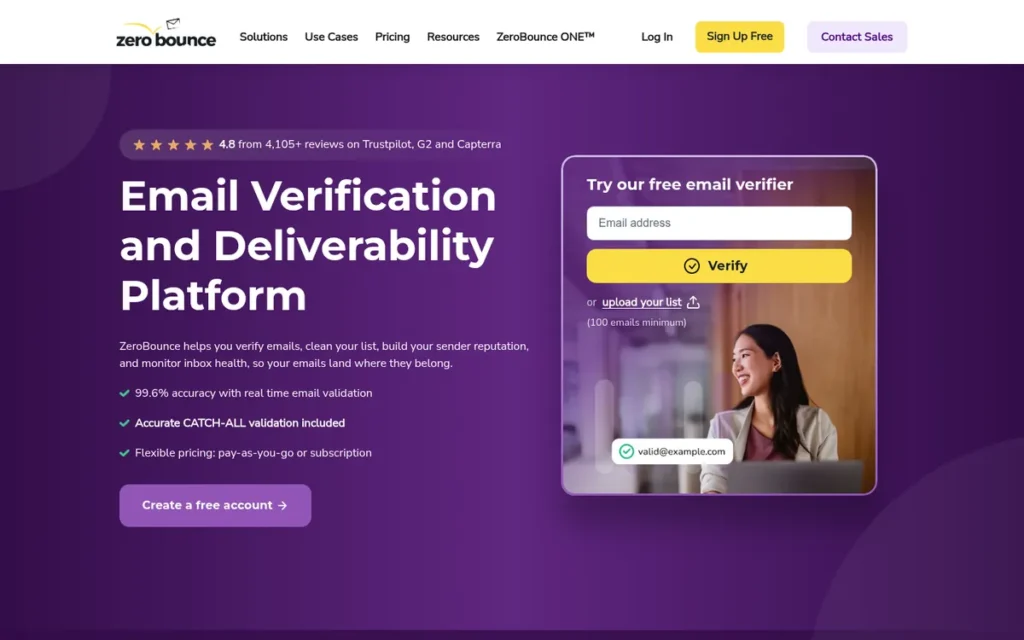
Category: List Validator, checks whether addresses are real and safe to mail before you send (ZeroBounce also bundles a deliverability suite).
At a Glance
- Category: List Validator (with bundled deliverability suite)
- Best For: Marketing teams and developers who want validation, placement tests, blacklist scans and DMARC monitoring on one bill
- Price Range: 100 free credits (business email required); pay-as-you-go from $39 per 2,000 credits; ZeroBounce ONE $79/month billed annually or $99/month billed monthly
- Primary Strength: ZeroBounce covers more deliverability jobs in one self-serve subscription than any other validator reviewed, from validation to placement testing, DMARC monitoring and warm-up.
- Biggest Limitation: ZeroBounce costs more per validation credit than budget validators such as Bouncer, which makes it poor value for teams that only need list cleaning.
- One-Line Summary: ZeroBounce is an email validation service with a bundled deliverability suite and the strongest security certifications in PlugRoute’s 2026 review, best for teams that prefer one bill over the cheapest per-credit list cleaning.
- Last Verified: November 2026
Overview
ZeroBounce is an email validation and deliverability platform, founded in 2017 in Santa Barbara, California. ZeroBounce detects invalid, disposable, spam-trap and catch-all addresses, and it bundles inbox placement tests, blacklist scans and DMARC monitoring for marketers and developers who want one account.
ZeroBounce positions its ZeroBounce ONE plan as a replacement for several separate point tools. ZeroBounce reports 650,000+ customers in 200+ countries (ZeroBounce, 2026; vendor-published).
Key Features
- ZeroBounce validates lists in bulk and in real time and flags invalid, disposable, spam-trap, abuse, catch-all, toxic and role-based addresses.
- ZeroBounce ONE includes 100 inbox placement tests, 10 blacklist scans and DMARC monitoring for one domain alongside its validation credits.
- ZeroBounce adds AI scoring and activity data to help senders decide how to handle catch-all and risky addresses.
- ZeroBounce offers 60+ integrations, an API and libraries for 16 programming languages for validating addresses at signup.
- ZeroBounce includes email warm-up of up to 250 seeds a day on the ONE plan.
Best For
ZeroBounce is best for marketing teams, agencies and developers whose main job is list validation and who want placement testing, blacklist monitoring and DMARC monitoring in the same account. ZeroBounce suits regulated industries that need ISO 27001 coverage or HIPAA Business Associate Agreements.
Pricing
ZeroBounce pricing as of November 2026 (ZeroBounce, 2026):
- ZeroBounce offers 100 free credits to users who sign up with a business email address.
- ZeroBounce pay-as-you-go starts at $39 for 2,000 credits, and pay-as-you-go credits do not expire.
- ZeroBounce ONE costs $99/month, or $79/month billed annually, and includes 10,000 validation credits that roll over each month.
- ZeroBounce ONE also includes 100 placement tests, 10 blacklist scans, DMARC monitoring for one domain and 15% off extra credits.
Strengths
- ZeroBounce holds a G2 rating of 4.7/5 from 1,403 reviews (G2, 2026), the largest confirmed review base in this review, and one Reddit user reported that “bounce rates dropped noticeably after cleaning older lists” (Reddit r/AutomatedMarketing, 2026).
- ZeroBounce has held SOC 2 Type 2 certification since 2022 and ISO/IEC 27001:2022 certification since 2025, and it signs HIPAA Business Associate Agreements, giving it the strongest compliance profile among the validators reviewed (ZeroBounce, 2026).
- ZeroBounce publishes named, quantified case studies, including MyCarNeedsA.com cutting hard bounces by 81% and spam complaints by 54% (ZeroBounce, 2026; vendor-published).
- ZeroBounce covers more deliverability jobs in one subscription than any other validator reviewed, which can reduce how many tools a small team needs.
Limitations
ZeroBounce trades value for breadth, so teams pay for a bundled suite whether or not they use all of it.
- ZeroBounce charges $39 for 2,000 pay-as-you-go credits versus about $16 at Bouncer, a 2.4× difference for list cleaning alone (ZeroBounce, 2026; Bouncer, 2026). One Reddit user called ZeroBounce “priced for teams with budget” (Reddit r/AutomatedMarketing, 2026).
- ZeroBounce’s 99.6% accuracy claim cannot be independently checked, because no neutral accuracy benchmark with a published method exists (BounceCheck, 2026).
- ZeroBounce, like every validator, returns catch-all and “unknown” results, and some rivals, including Bouncer, do not charge credits for unknowns.
- ZeroBounce’s bundled placement tests are shallower than those of a dedicated tester such as GlockApps.
- ZeroBounce ONE monitors DMARC for only one domain, so multi-domain senders need a separate DMARC tool such as EasyDMARC.
Verdict
ZeroBounce is the best all-in-one email deliverability tool in PlugRoute’s 2026 review for teams that want validation, placement testing and monitoring in one subscription, backed by SOC 2 Type 2 and ISO 27001 certification.
ZeroBounce scored 36/45, tying Bouncer and EasyDMARC, and ranks first on the published tiebreak with 1,403 confirmed G2 reviews. ZeroBounce’s highest marks are job coverage (5/5) and compliance (5/5), and its lowest is pricing value (3/5).
Bouncer is better for budget-focused list cleaning, and teams that need multi-domain DMARC enforcement should add a specialist to ZeroBounce.
2. Bouncer: Best for Low-Cost, Privacy-Focused List Validation
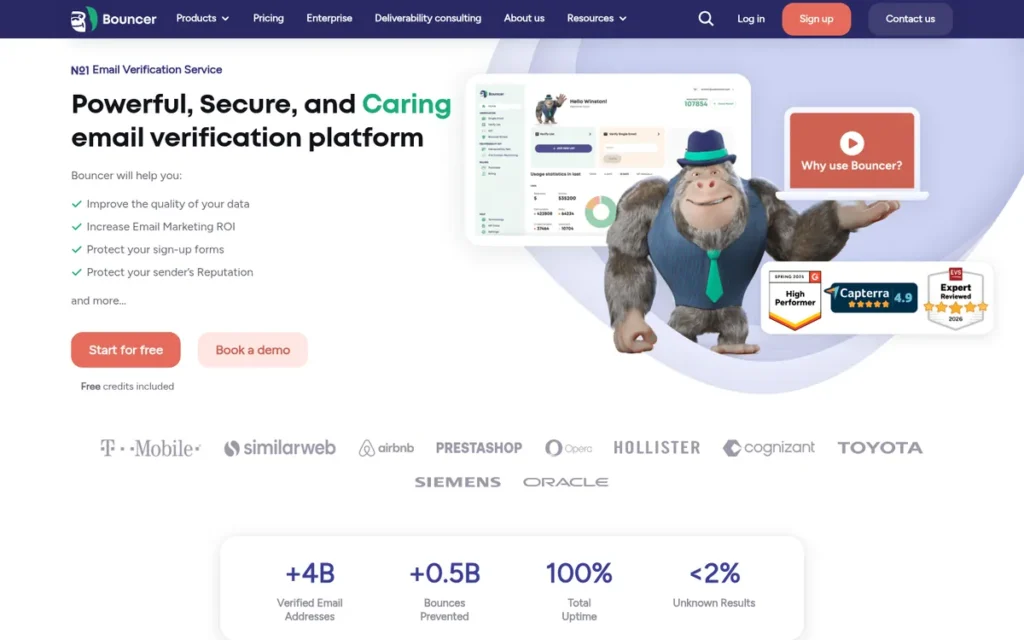
Category: List Validator, checks whether addresses are real and safe to mail before you send.
At a Glance
- Category: List Validator
- Best For: Small businesses, EU-based senders and GDPR-conscious teams that need accurate, low-cost list cleaning
- Price Range: 100 free credits (no card); pay-as-you-go $8 per 1,000 credits, falling to $2 per 1,000 at 1M+; subscriptions from $50/month
- Primary Strength: Bouncer combines the largest volume of 4.8+ review ratings in this review with one of the lowest costs per verified address.
- Biggest Limitation: Bouncer publishes no named, quantified customer results, and its deliverability testing is a separate add-on rather than a core feature.
- One-Line Summary: Bouncer is an EU-hosted, privacy-first email verification service rated 4.9/5 on Capterra from 319 reviews (November 2026), best for teams that want low-cost list cleaning without a subscription.
- Last Verified: November 2026
Overview
Bouncer is an email verification service from Bouncer Sp. z o.o., a Polish-registered company founded in 2017. Bouncer cleans lists in bulk and in real time, flags spam traps and hosts data in the EU, serving small businesses and GDPR-conscious teams that want low-cost validation.
Bouncer sells inbox placement testing and authentication checks as a separate Deliverability Kit add-on. PlugRoute could not confirm Bouncer’s founder or headcount.
Key Features
- Bouncer verifies lists in bulk and through a real-time API, at up to 200,000 verifications per hour per customer (Bouncer, 2026; vendor-published).
- Bouncer Shield protects signup forms by blocking invalid and risky addresses at the point of entry.
- Bouncer’s Toxicity Check flags spam traps, litigators, breached addresses and serial complainers before a campaign goes out.
- Bouncer AutoClean keeps HubSpot, Klaviyo and Brevo lists clean automatically and continuously.
- Bouncer’s Deliverability Kit add-on provides inbox placement testing, blacklist monitoring, SPF/DKIM/DMARC checks and SpamAssassin signals.
Best For
Bouncer is best for small businesses, EU-based senders and privacy-conscious teams whose main problem is high bounce rates. Bouncer suits buyers who want the lowest practical cost per verified address with no required subscription.
Pricing
Bouncer pricing as of November 2026 (Bouncer, 2026):
- Bouncer gives 100 free credits at signup, with no credit card required.
- Bouncer pay-as-you-go costs $8 per 1,000 credits at 1,000–4,000 credits, $7 at 5,000–9,000 and $6 at 10,000–49,000.
- Bouncer’s price per 1,000 keeps falling with volume and reaches $2 per 1,000 above 1 million credits.
- Bouncer credits never expire, and Bouncer does not charge for unknown or duplicate results.
- Bouncer subscription plans start at $50/month (Capterra, 2026).
Strengths
- Bouncer holds a Capterra rating of 4.9/5 from 319 reviews and a G2 rating of 4.8/5 from 339 reviews (Capterra, 2026; G2, 2026), the largest volume of 4.8+ ratings among the seven tools reviewed.
- Bouncer is among the lowest-cost validators, at $8 falling to $2 per 1,000 credits with no lock-in subscription (Bouncer, 2026).
- Bouncer hosts data in the EU, hashes addresses, and holds SOC 2 certification and GDPR compliance, which removes a common blocker for European buyers (Bouncer, 2026).
- Bouncer’s Capterra sub-scores of 4.9 for ease of use and 4.8 for support (Capterra, 2026) show consistently strong onboarding and support.
Limitations
Bouncer trades breadth and documented proof for low cost, so buyers get cheap, well-reviewed validation and little else.
- Bouncer publishes no named, quantified case studies or customer counts, so the evidence for its results rests on review volume alone.
- Bouncer trailed the best services by 1–2% on hard edge cases in one independent trial, which also called its real-time API minimal (PowerMTA Providers, 2026). The trial did not publish its method.
- Bouncer users report that the last part of a large verification job can be slow (Capterra, 2026).
- Bouncer requires the separate Deliverability Kit for placement testing and authentication checks, so it does not replace a placement tester or DMARC tool.
- Bouncer may cost more than MillionVerifier at very large volumes, and occasional small cleans are cheaper on Bouncer pay-as-you-go than on its $50/month subscriptions.
Verdict
Bouncer is the best-value email validation tool in PlugRoute’s 2026 review for teams that need accurate list cleaning from $8 per 1,000 credits, backed by the largest volume of 4.8+ review ratings.
Bouncer scored 36/45, with top marks for review ratings, pricing and ease of use (5/5 each) and its lowest mark for documented results (2/5). Bouncer ranks second on the published tiebreak, with 658 confirmed reviews to ZeroBounce’s 1,403.
Senders should pair Bouncer with a placement tester or DMARC tool. GDPR-conscious buyers benefit most from Bouncer’s EU hosting.
3. EasyDMARC: Best for SPF, DKIM and DMARC Setup and Enforcement
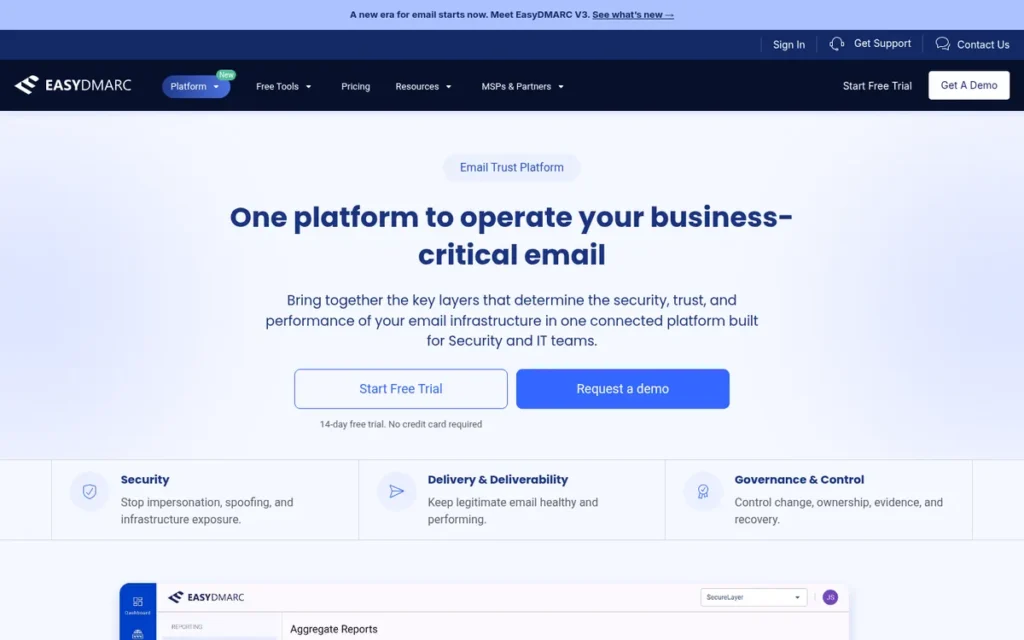
Category: Authentication & DNS Tool, sets up, monitors and enforces SPF, DKIM and DMARC so mailbox providers trust your domain.
At a Glance
- Category: Authentication & DNS Tool
- Best For: Small and mid-size businesses, IT teams and MSPs that need to set up SPF, DKIM and DMARC correctly and move to p=reject
- Price Range: Free plan; DMARC Plus $35.99/month billed annually ($44.99 monthly, 2 domains); DMARC Premium $71.99/month billed annually ($89.99 monthly, 4 domains)
- Primary Strength: EasyDMARC makes DMARC enforcement manageable for non-experts through hosted SPF and DKIM, automatic SPF flattening and guided policy changes.
- Biggest Limitation: EasyDMARC’s paid plans cap domains at 2 or 4, and its volume-based pricing gets expensive at high message volumes and across many domains.
- One-Line Summary: EasyDMARC is a managed DMARC, SPF and DKIM platform rated 4.7/5 on G2 from 306 reviews (November 2026), best for small and mid-size teams that need to reach DMARC enforcement without in-house DNS expertise.
- Last Verified: November 2026
Overview
EasyDMARC is an email authentication platform, founded in Armenia in 2018, that analyzes DMARC reports and hosts SPF, DKIM, BIMI and MTA-STS records. EasyDMARC lets small and mid-size businesses, IT teams and MSPs enforce DMARC without in-house DNS experts.
EasyDMARC grew to 83,000+ customers in 130+ countries by 2024 as Gmail and Yahoo’s bulk-sender rules made authentication mandatory (TechCrunch, 2024).
Key Features
- EasyDMARC turns DMARC aggregate reports into visual dashboards that show which sources send mail as your domain.
- EasyDMARC’s EasySPF hosts SPF records and flattens them automatically to stay within SPF’s 10-DNS-lookup limit.
- EasyDMARC hosts DKIM, BIMI and MTA-STS records, so policy changes happen through one delegated DNS record.
- EasyDMARC includes an email investigation tool that tests authentication instantly, without waiting days for DMARC reports.
- EasyDMARC offers a multi-client platform for MSPs and a phishing link checker.
Best For
EasyDMARC is best for small and mid-size businesses, IT administrators and MSPs who are stuck at p=none or struggle with SPF lookup limits. EasyDMARC also suits teams that must meet Gmail, Yahoo and Microsoft authentication requirements.
Pricing
EasyDMARC pricing as of November 2026 (EasyDMARC, 2026):
- EasyDMARC offers a free DMARC plan.
- EasyDMARC DMARC Plus costs $35.99/month billed annually or $44.99 billed monthly, for up to 2 domains, starting at 100,000 emails a month.
- EasyDMARC DMARC Premium costs $71.99/month billed annually or $89.99 billed monthly, for up to 4 domains.
- EasyDMARC’s Deliverability and Enterprise plans are custom-priced.
- EasyDMARC costs about $483/month at 1M messages versus about $219 at PowerDMARC, according to a third-party estimate (PowerMTA Providers, 2026).
Strengths
- EasyDMARC grew from 30,000 customers in 2022 to 83,000+ in 2024, according to independent reporting that linked the growth to the 2024 bulk-sender rules (TechCrunch, 2022; TechCrunch, 2024).
- EasyDMARC holds a G2 rating of 4.7/5 from 306 reviews and a Capterra rating of 4.8/5 from 25 reviews (G2, 2026; Capterra, 2026), and reviewers praise its ease of use and clear reporting.
- EasyDMARC’s hosted SPF with automatic flattening directly solves the 10-lookup limit, a common cause of authentication failure.
- EasyDMARC holds SOC 2 Type II certification and raised a $20M Series A led by Radian Capital in September 2024 (SecurityWeek, 2024).
Limitations
EasyDMARC trades pricing headroom for ease of use, so costs climb quickly as domains and volume grow.
- EasyDMARC Plus covers up to 2 domains and Premium up to 4 (EasyDMARC, 2026), and G2 reviewers cite cost when managing many domains (G2, 2026).
- EasyDMARC’s volume-based pricing is reportedly expensive at high volume, at about $483/month for 1M messages (PowerMTA Providers, 2026).
- EasyDMARC puts core reporting and hosted authentication in different plan tiers, which pushes customers to upgrade (PowerMTA Providers, 2026).
- EasyDMARC has not confirmed ISO 27001 or HIPAA coverage, which matters for regulated enterprises (Suped, 2026; PowerMTA Providers, 2026).
- EasyDMARC dashboards lag reality because mailbox providers send DMARC reports on their own schedules, and EasyDMARC does not offer placement testing or list validation.
Verdict
EasyDMARC is the best email authentication tool in PlugRoute’s 2026 review for small and mid-size teams that need to reach DMARC enforcement without DNS expertise, rated 4.7/5 on G2 from 306 reviews.
EasyDMARC tied ZeroBounce and Bouncer at 36/45 and ranks third on the review-volume tiebreak, with 331 confirmed reviews. EasyDMARC’s top marks are review ratings and ease of use (5/5 each), and its lowest are documented results and job coverage (3/5 each).
Senders managing more than four domains should compare costs carefully, and every EasyDMARC user should still run placement tests.
4. GlockApps: Best for Self-Serve Inbox Placement Testing
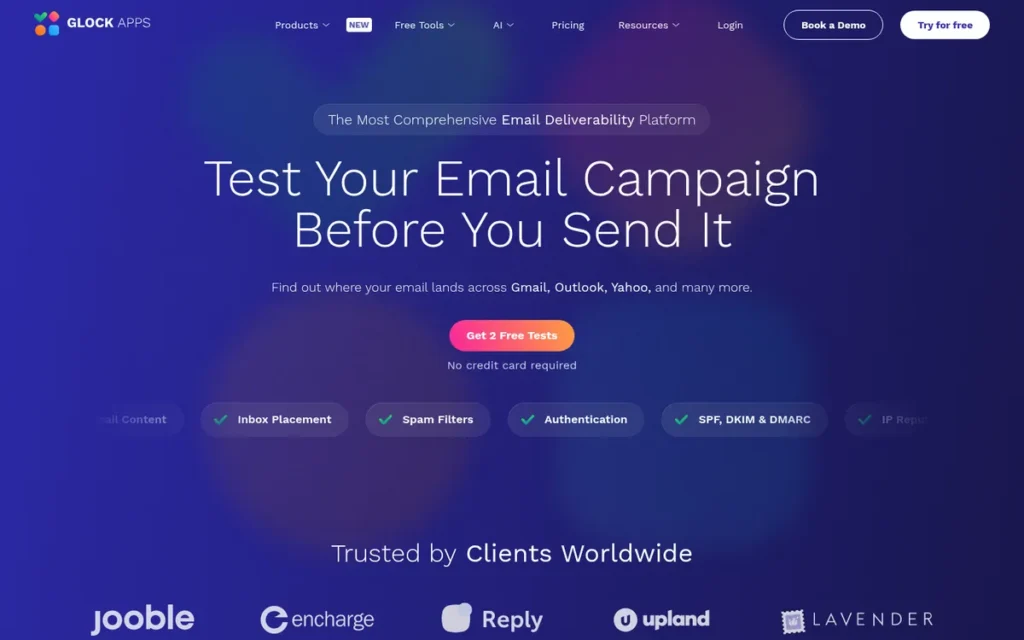
Category: Placement Tester, sends a test message to seed inboxes to estimate whether mail lands in the inbox, spam or tabs before you send.
At a Glance
- Category: Placement Tester
- Best For: Email marketers and small teams that want regular pre-send placement tests plus DMARC reporting at a published price
- Price Range: Free (2 test credits, 10K DMARC messages); Essential $59/month, Growth $99/month and Enterprise $129/month, all billed annually
- Primary Strength: GlockApps shows where a specific message lands at each provider, including Gmail tab placement, through a self-serve test with fully published pricing.
- Biggest Limitation: GlockApps’ seed results are a proxy that may not match real recipients’ inboxes, and its credit model makes costs less predictable for heavy testers.
- One-Line Summary: GlockApps is a self-serve inbox placement testing and DMARC reporting tool with a free tier and paid plans from $59/month billed annually (November 2026), best for marketers who want pre-send placement checks without an enterprise contract.
- Last Verified: November 2026
Overview
GlockApps is a self-serve deliverability testing platform, operating since 2009 according to Capterra. GlockApps sends your message to a seed list and reports inbox, spam, tab or missing placement at each provider, for marketers and small teams who want to check placement before sending.
GlockApps also bundles DMARC analytics, blacklist monitoring and an uptime monitor. GlockApps is run by Deluxe Custom Apps LLC, a private company in Wyoming.
Key Features
- GlockApps Inbox Insight tests a message against a seed list and reports inbox, spam, Promotions/Social tab or missing placement for each provider.
- GlockApps reports sender score, SPF/DKIM/DMARC results, spam-filter verdicts, delivery time and blacklist findings in each test.
- GlockApps includes a DMARC analyzer that processes 10,000 to 12 million DMARC messages a month depending on plan.
- GlockApps offers blacklist monitoring and an Uptime Monitor alongside placement testing.
- GlockApps provides an API for loading seed lists into an email platform and shareable reports for clients.
Best For
GlockApps is best for email marketers, agencies and small teams who suspect spam or Promotions-tab placement. GlockApps suits buyers who want recurring pre-send tests with DMARC reporting at a predictable, published price.
Pricing
GlockApps pricing as of November 2026 (GlockApps, 2026):
- GlockApps Free costs $0 and includes 2 spam-test credits and 10K DMARC messages a month.
- GlockApps Essential costs $59/month billed annually ($708/year) and includes 360 spam-test credits a year and 600K DMARC messages.
- GlockApps Growth costs $99/month billed annually ($1,188/year) and includes 1,080 credits a year and 1.2M DMARC messages.
- GlockApps Enterprise costs $129/month billed annually ($1,548/year) and includes 1,800 credits a year and 12M DMARC messages.
- GlockApps advertises about 30% savings for annual billing, so month-to-month prices are higher, and its extra credit packs cost $16.99 for 3, $47.99 for 10 and $75.99 for 20.
Strengths
- GlockApps holds a Capterra rating of 4.8/5 from 40 reviews, with a customer-service sub-score of 4.7 (Capterra, 2026), and one G2 reviewer called its seed-list test the “main reason” they kept paying (G2, 2026).
- GlockApps publishes its complete pricing, including a free tier, which makes its pricing one of the most transparent in the category in 2026.
- GlockApps reports Gmail Primary versus Promotions placement, and a Capterra reviewer said its HTML-weight metric helps predict which tab a message lands in (Capterra, 2026).
- GlockApps’ free DMARC monitor is “free up to a point and has great reporting,” according to one r/exchangeserver user (Reddit, 2022), though that is a single older comment.
Limitations
GlockApps trades certainty for speed and affordability, so its results are estimates rather than proof.
- GlockApps seed tests estimate placement in test inboxes and can differ from what real recipients see, so a clean GlockApps test does not guarantee inbox placement.
- GlockApps ratings differ sharply between platforms: 4.8/5 on Capterra (40 reviews) versus 4.2/5 on G2 (29 reviews) (Capterra, 2026; G2, 2026).
- GlockApps reviewers on G2 report a hard initial learning curve, unclear DMARC recommendations, weak reporting, and problems with payments or account verification (G2, 2026).
- One Capterra reviewer reported that GlockApps flagged a false SPF failure in its action items (Capterra, 2026).
- GlockApps’ advertised $59 entry price assumes annual billing, its credit model makes costs unpredictable for heavy testers, and GlockApps publishes few quantified customer results.
Users on r/Emailmarketing noted:
“For standalone deliverability and spam testing I like GlockApps, but the issue with any kind of testing is that it’s never comparable to real campaigns because not all factors are comparable (see above), starting with campaign/list size.” Posted by u/StartupGeekChick
Takeaway: GlockApps earns praise as a standalone spam-testing tool, but experienced marketers treat its seed results as an estimate that cannot copy the conditions of a real campaign.
Verdict
GlockApps is the best self-serve inbox placement testing tool in PlugRoute’s 2026 review for marketers who want provider-by-provider seed results with fully published pricing starting at $0.
GlockApps scored 32/45, with top marks for pricing transparency (5/5). GlockApps was held back by limited quantified results (2/5) and mixed usability feedback (3/5).
Treat GlockApps results as directional. Teams that need real-recipient panel data must move up to an enterprise tool such as Validity Engage.
5. MxToolbox: Best Free Tool for DNS, Authentication and Blacklist Diagnostics
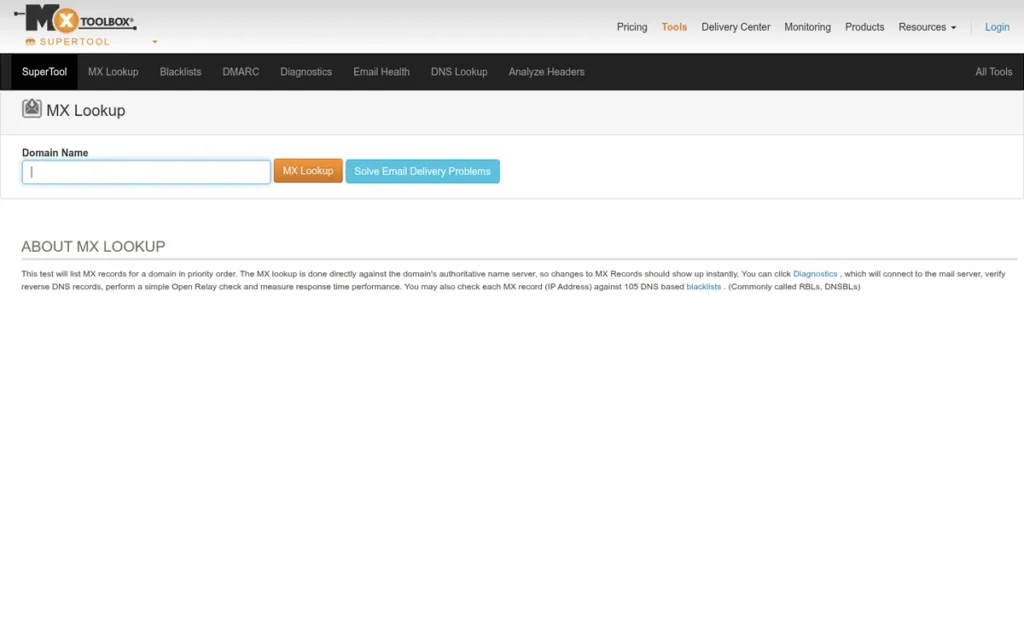
Category: Authentication & DNS Tool, checks DNS records, SPF, DKIM, DMARC and blacklist status to diagnose technical delivery problems.
At a Glance
- Category: Authentication & DNS Tool
- Best For: Anyone diagnosing a delivery problem for free, and IT teams that want paid blacklist and DMARC monitoring across up to 5 domains
- Price Range: Free SuperTool; Delivery Center $129/month; Delivery Center Plus $399/month; Managed Services custom
- Primary Strength: MxToolbox offers the most widely cited free DNS, authentication and blacklist lookup tools in the category (Loops, 2026; Omnisend, 2026).
- Biggest Limitation: MxToolbox jumps from free to $129/month with no middle tier, and reviewers describe its interface as dated and hard for non-technical users.
- One-Line Summary: MxToolbox is a free email diagnostic tool for SPF, DKIM, DMARC and blacklist lookups that 2026 comparison articles most often name as the first free check, with paid monitoring from $129/month (November 2026).
- Last Verified: November 2026
Overview
MxToolbox is an Austin-based email diagnostics service whose free SuperTool checks MX, SPF, DKIM, DMARC, SMTP and blacklist status. MxToolbox serves marketers, developers and IT teams who need to find technical delivery problems fast.
MxToolbox’s paid Delivery Center plans add ongoing monitoring. MxToolbox cites “20+ years of email delivery expertise” on its G2 profile (G2, 2026), but PlugRoute could not find its founders, headcount or certifications.
Key Features
- MxToolbox SuperTool runs free MX, SPF, DKIM, DMARC, SMTP and blacklist lookups from one search box.
- MxToolbox’s free plan monitors one domain weekly against the top 30 blacklists.
- MxToolbox Delivery Center includes 30 inbox placement tests a month, complaint reporting, DMARC reporting and monitoring against 100+ blacklists for up to 5 domains.
- MxToolbox Delivery Center adds mail-flow monitoring, BIMI management and impersonation protection.
- MxToolbox Delivery Center Plus raises limits to 100 tests and 5M messages a month and adds SPF flattening.
Best For
MxToolbox is best for anyone who needs a free first diagnosis of DNS, authentication or blacklist problems. MxToolbox Delivery Center suits IT teams managing up to 5 domains who want monitoring and DMARC reporting in one dashboard.
Pricing
MxToolbox pricing as of November 2026 (MxToolbox, 2026):
- MxToolbox Free costs $0 and covers 1 domain with weekly top-30 blacklist monitoring.
- MxToolbox Delivery Center costs $129/month and covers 5 domains, 500K messages and 30 placement tests.
- MxToolbox Delivery Center Plus costs $399/month and covers 100 tests and 5M messages.
- MxToolbox Managed Services is custom-priced, and MxToolbox does not publish annual prices.
Strengths
- MxToolbox holds a Capterra rating of 4.5/5 from 6 reviews for Delivery Center and a G2 rating of 4.1/5 from 29 reviews (Capterra, 2026; G2, 2026), and reviewers praise its quick results and reliable DNS lookups.
- MxToolbox reports processing 114M+ DMARC reports a year for 42,000+ domains, with DMARC data from 500+ inbox providers (G2, 2026; vendor-published).
- MxToolbox’s free SuperTool is consistently named the go-to free diagnostic in comparison articles (Loops, 2026; Omnisend, 2026).
- MxToolbox Delivery Center combines blacklist monitoring across 100+ lists with placement tests and DMARC reporting in one plan.
Limitations
MxToolbox trades polish and gradual pricing for a free entry point, so the step up to paid features is steep.
- MxToolbox has no plan between $0 and $129/month, the biggest entry step among the tools reviewed, and reviewers complain about price increases beyond 5 domains (G2, 2026).
- MxToolbox reviewers cite a “basic” interface, slow navigation, and a search box that sends users to a default lookup instead of the function they chose (G2, 2026).
- MxToolbox aggregates third-party blacklists, so a listing on an obscure list may have little real effect on delivery, and users must interpret alerts themselves.
- MxToolbox’s free scan checks DNS configuration, so a passing MxToolbox result does not show inbox placement.
- MxToolbox publishes no named, quantified customer results, and its Capterra rating rests on only 6 reviews.
This aligns with community sentiment on r/sysadmin:
“I used mxtoolbox myself. While it got me to where I wanted to be, I wasn’t crazy about its reporting features.” Posted by u/shagarag
Takeaway: MxToolbox gets sysadmins to a working DMARC setup, but its reporting leaves users wanting more once they need ongoing analysis.
Verdict
MxToolbox is the best free email deliverability tool in PlugRoute’s 2026 review for diagnosing SPF, DKIM, DMARC and blacklist problems, though a passing MxToolbox scan does not prove inbox placement.
MxToolbox scored 30/45, with its highest marks for review ratings, pricing value and job coverage (4/5 each). MxToolbox’s lowest marks are documented results (2/5), ease of use (3/5) and company transparency (3/5).
Every diagnosis can start with MxToolbox at no cost. Budget-conscious teams should weigh MxToolbox’s $129 jump against GlockApps or EasyDMARC.
6. Warmup Inbox: Best Standalone Warm-Up for Cold Outreach Across Mixed Platforms
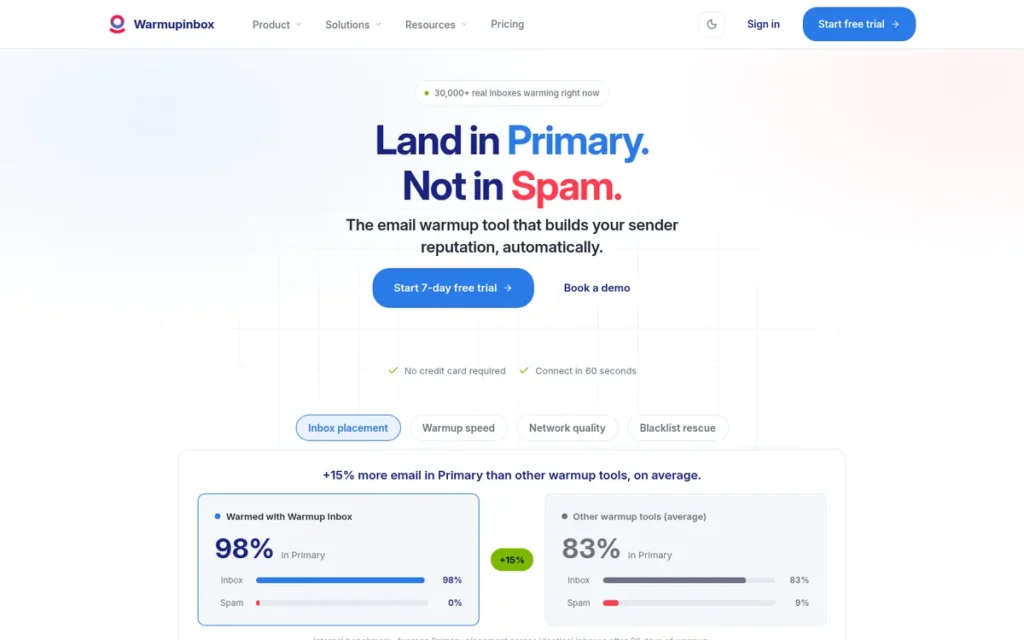
Category: Warm-Up Service, builds a new or damaged mailbox’s sender reputation through simulated positive engagement before cold outreach.
At a Glance
- Category: Warm-Up Service
- Best For: Cold-outreach and sales teams running a few mailboxes across mixed sending platforms
- Price Range: $15–$79 per inbox per month billed annually ($19–$99 monthly); Basic, Pro and Max plans; 7-day free trial
- Primary Strength: Warmup Inbox warms mailboxes on any platform through a network of 30,000+ real inboxes, independent of any one outreach tool.
- Biggest Limitation: Warmup Inbox’s per-inbox pricing gets expensive at 10+ mailboxes, and no independent evidence shows that warm-up scores translate into real inbox placement.
- One-Line Summary: Warmup Inbox is a standalone email warm-up service rated 4.6/5 on G2 and priced at $15–$79 per inbox per month billed annually (November 2026), best for cold-outreach teams with a few mailboxes across mixed platforms.
- Last Verified: November 2026
Overview
Warmup Inbox is a standalone email warm-up service that uses a network of 30,000+ real inboxes to open, reply to and rescue your messages from spam (Warmup Inbox, 2026; vendor-published). Warmup Inbox is built for cold-outreach teams warming a few new or damaged mailboxes on any platform.
Warmup Inbox also monitors spam and tab placement and blacklist status. PlugRoute could not verify Warmup Inbox’s founding date, owner or headcount.
Key Features
- Warmup Inbox runs automated warm-up through a network of 30,000+ real inboxes that open, reply to and mark messages “not spam.”
- Warmup Inbox works with mailboxes on any platform, including Gmail, ProtonMail and SMTP accounts (TrulyInbox, 2026).
- Warmup Inbox monitors spam and tab placement, reputation and blacklist status during warm-up.
- Warmup Inbox generates warm-up content with AI and offers outreach sequences and an API.
- Warmup Inbox’s Max plan includes up to 1,000 warm-up emails a day per inbox and a technical setup check.
Best For
Warmup Inbox is best for cold-outreach and sales teams warming a small number of new or recovering mailboxes across different sending platforms. Warmup Inbox delivers the most value once authentication and list quality are already fixed.
Pricing
Warmup Inbox pricing as of November 2026 (Warmup Inbox, 2026):
- Warmup Inbox Basic costs $15 per inbox per month billed annually or $19 billed monthly, and includes 75 warm-up emails a day.
- Warmup Inbox Pro costs $49 per inbox per month billed annually or $59 billed monthly, and includes 250 warm-up emails a day.
- Warmup Inbox Max costs $79 per inbox per month billed annually or $99 billed monthly, and includes 1,000 warm-up emails a day.
- Warmup Inbox offers a 7-day free trial.
- Ten Warmup Inbox mailboxes on Basic cost $150/month billed annually, or $190/month billed monthly.
Strengths
- Warmup Inbox holds a G2 rating of 4.6/5 from 48 reviews and a Trustpilot rating of 4.6/5 from 180 reviews (G2, 2026; Trustpilot, 2026).
- Warmup Inbox customer SellersCommerce raised deliverability from 70% to 95% (Warmup Inbox, 2026; vendor-published, no stated method).
- Warmup Inbox reviewers praise its customer support, including step-by-step help after a spam spike (G2, 2026; Trustpilot, 2026).
- Warmup Inbox works across mixed sending platforms, which warm-up bundled inside a single outreach tool does not.
Limitations
Warmup Inbox trades scale economics and proof for platform independence, so it fits small fleets better than large ones.
- Warmup Inbox’s per-inbox pricing gets expensive at 10+ mailboxes compared with outreach platforms such as Instantly, which includes unlimited warm-up on every plan (Gold Penguin, 2026).
- Warmup Inbox, like every warm-up tool, has no independent placement data, and mailbox providers may discount or detect artificial engagement (Overloop, 2026).
- One Trustpilot reviewer reported that mail warmed by Warmup Inbox began bouncing or landing in spam after they cancelled but before their paid period ended (Trustpilot, 2026).
- One G2 reviewer said Warmup Inbox “did not solve DMARC and spam problems,” and other reviewers called its billing confusing (G2, 2026).
- Warmup Inbox’s advertised $15 price requires annual billing, and Warmup Inbox has the least transparent company background among the seven tools reviewed.
Verdict
Warmup Inbox is the best standalone email warm-up option in PlugRoute’s 2026 review for cold-outreach teams with a few mailboxes on mixed platforms, but PlugRoute found no independent evidence that warm-up alone fixes deliverability.
Warmup Inbox scored 25/45, with strong marks for peer reviews and ease of use (4/5 each). Warmup Inbox’s lowest marks are company transparency (1/5, the lowest in the review) and job coverage (2/5).
Warmup Inbox users should fix SPF, DKIM, DMARC and list quality first. Teams with more than 10 mailboxes should compare costs against bundled warm-up.
7. Validity Engage (formerly Everest): Best for Enterprise Deliverability Programs
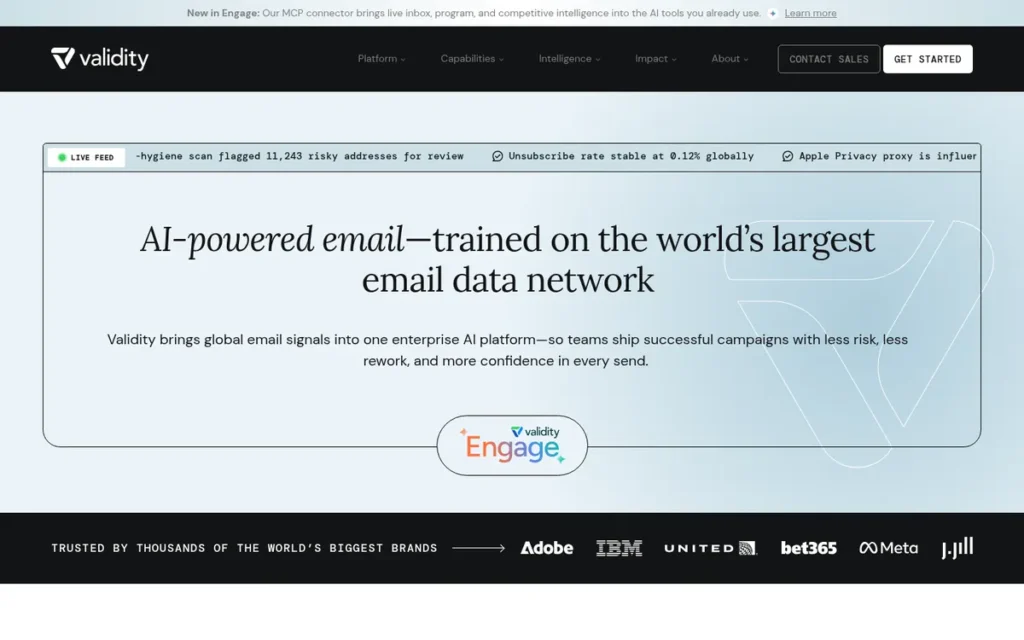
Category: Enterprise Platform, runs a whole deliverability program, from placement and reputation monitoring to sender certification, for high-volume senders.
At a Glance
- Category: Enterprise Platform (Validity Engage, formerly Everest)
- Best For: High-volume enterprise senders with dedicated deliverability staff who need panel data, corporate-filter coverage and sender certification
- Price Range: Custom, sales-led annual contracts; some Everest offerings historically started above $40,000/year (2021 figure; current pricing unverified)
- Primary Strength: Validity Engage combines seed testing, real-inbox panel data and Sender Certification allowlisting, which no other tool reviewed offers together.
- Biggest Limitation: Validity Engage is the most expensive and least transparent option reviewed, and it reportedly takes about two months to set up and needs specialist staff.
- One-Line Summary: Validity Engage (formerly Everest) is an enterprise deliverability platform that pairs seed testing and real-inbox panel data with Sender Certification allowlisting across 80+ providers, best for large senders with dedicated deliverability staff.
- Last Verified: November 2026
Overview
Validity Engage, the platform that absorbed Validity Everest in July 2026, is an enterprise email deliverability platform from Validity (Validity, 2026). Validity Engage combines seed testing, reputation monitoring, real-inbox panel data and Sender Certification for high-volume senders with dedicated deliverability teams.
Validity built Validity Engage on technology from its acquisitions of 250ok and Return Path, and several customers came over from Return Path. Validity also publishes the annual Email Deliverability Benchmark, the most widely cited inbox placement dataset.
Key Features
- Validity Engage runs seed-list placement tests across Gmail, Microsoft, Apple, AOL and Yahoo using what Validity calls the industry’s largest global seed list (Validity, 2026; vendor-published).
- Validity Engage adds “Universal Panel” data drawn from real consumer inboxes to supplement seed results.
- Validity Engage monitors IP and domain reputation and includes a competitive tracker.
- Validity Engage offers design and content testing plus list validation within the same platform.
- Validity Engage’s Sender Certification gives approved senders allowlisted status with 80+ participating mailbox providers and spam filters (Validity, 2025).
Best For
Validity Engage is best for high-volume enterprise and B2C senders with dedicated deliverability staff who need panel data, corporate-filter coverage and sender certification. Validity Engage suits buyers who can commit to an annual contract.
Pricing
Validity Engage pricing as of November 2026:
- Validity Engage pricing is custom and sales-led, and PlugRoute found no current published figures.
- Validity’s 2021 Everest features document showed some offerings starting above $40,000/year, a figure that is historical only (Validity, 2021).
- Validity Engage buyers should request a quote and confirm which former Everest features the proposed plan includes.
Strengths
- Validity Engage customer Airtasker raised inbox placement from 60% to 99.9%, which Validity estimates was worth about $500,000 a year (Validity, 2026; vendor-published).
- Validity’s 2025 Benchmark Report found 83.5% global inbox placement for 2024 mail and identified Microsoft as the hardest provider at 75.6% (Validity, 2025; vendor-published).
- Validity Engage’s Sender Certification is the only allowlisting program among the seven tools reviewed, recognized by 80+ providers and filters (Validity, 2025).
- Validity Engage customer Online Education went from 0% to 100% inbox placement at Microsoft (Validity, 2026; vendor-published).
Limitations
Validity Engage trades accessibility for depth, so only well-staffed teams get its full value.
- Validity Engage is the most expensive and least transparent option reviewed, with no published prices and a historical entry point above $40,000/year.
- Validity Engage’s predecessor took about two months for full setup, had a steep learning curve, and needed specialist knowledge, according to practitioners (PowerMTA Providers, 2026).
- Validity Everest users reported seed results that sometimes contradicted real-world deliverability (PowerMTA Providers, 2026).
- Validity Everest has no verified score on G2, Capterra or TrustRadius, PlugRoute has not yet confirmed a score on G2’s new Validity Engage page, and all Validity case studies are vendor-published.
- Validity is moving Everest into Validity Engage, so documentation and plan names may be inconsistent during the migration. Sender Certification does not guarantee placement, and Validity’s own sources disagree on its reach (80+ versus 100+ providers).
Verdict
Validity Engage (formerly Everest) is the most comprehensive platform in PlugRoute’s 2026 review, and the only one that combines real-inbox panel data with Sender Certification allowlisting.
Validity Engage scored 22/45, with top marks for job coverage (5/5) but 1/5 for review ratings, pricing transparency and ease of use. Validity Engage ranks seventh because of those gaps, not because it lacks capability.
Validity Engage pays off only for teams with dedicated deliverability staff. Small and mid-size teams will get better value from GlockApps or ZeroBounce.
How Much Do Email Deliverability Tools Cost?
Email deliverability tools range from $0 for the MxToolbox, GlockApps and EasyDMARC free tiers to custom enterprise contracts for Validity Engage, whose Everest predecessor historically started above $40,000 a year. Most small senders can cover their real gaps for about $50–$300 a month, the small-sender range DigDesigns estimates for a full stack (DigDesigns, 2026).
| Tool | Free Allowance | Entry Paid Price | Cost Model | Price Published? |
|---|---|---|---|---|
| ZeroBounce | 100 credits (business email) | $39 per 2,000 credits; ONE $79/month billed annually ($99 monthly) | Credits or subscription | Yes |
| Bouncer | 100 credits (no card) | $8 per 1,000 credits (falling to $2); subscriptions from $50/month | Pay-as-you-go or subscription | Yes |
| EasyDMARC | Free plan | Plus $35.99/month billed annually ($44.99 monthly) | Subscription by domains and volume | Yes (Deliverability and Enterprise custom) |
| GlockApps | 2 tests + 10K DMARC messages | $59/month billed annually ($708/year) | Subscription + credits | Yes |
| MxToolbox | 1 domain, weekly top-30 blacklist checks | $129/month | Subscription | Yes (monthly only) |
| Warmup Inbox | 7-day trial | $15 per inbox/month billed annually ($19 monthly) | Per inbox | Yes |
| Validity Engage | None | Custom (Everest historically $40K+/year, 2021) | Annual contract | No |
Worked example: Validating 10,000 addresses a month costs about $60 at Bouncer ($6 per 1,000 at the 10,000–49,000 tier). The same volume costs $79–$99 on ZeroBounce ONE, which also adds 100 placement tests, 10 blacklist scans and one-domain DMARC monitoring (Bouncer, 2026; ZeroBounce, 2026).
Typical starter stacks, using prices verified in November 2026:
- A $0 diagnostic stack combines MxToolbox free, GlockApps free, the EasyDMARC free plan, Google Postmaster Tools and Microsoft SNDS.
- A small-business stack pairs Bouncer for list cleaning with GlockApps Essential at $59/month billed annually, or uses ZeroBounce ONE alone at $79–$99/month.
- A cold-outreach stack pairs Warmup Inbox at $15 per inbox billed annually with Bouncer, then switches to bundled warm-up at 10+ mailboxes.
- An IT or MSP stack uses EasyDMARC from $35.99/month billed annually, or MxToolbox Delivery Center at $129/month when blacklist monitoring is also needed.
- An enterprise stack centers on Validity Engage, which fits inside DigDesigns’ $1,500–$10,000+ monthly enterprise range only with dedicated staff (DigDesigns, 2026).
Which Free Email Deliverability Tools Can Test Inbox Placement?
Among the seven ranked tools, GlockApps is the only one PlugRoute found offering a free seed-based inbox placement test, limited to 2 test credits. MxToolbox’s free SuperTool checks DNS and blacklists but not placement. Google Postmaster Tools and Microsoft SNDS show provider-side data instead.
What each free option actually does:
- GlockApps Free includes 2 seed placement tests and 10K DMARC messages per month (GlockApps, 2026).
- MxToolbox Free runs MX, SPF, DKIM, DMARC, SMTP and blacklist lookups and monitors one domain weekly (MxToolbox, 2026).
- The EasyDMARC free plan provides an entry point into DMARC reporting, though PlugRoute did not verify its limits.
- Bouncer and ZeroBounce each offer 100 free validation credits, which cover list checks but not placement (Bouncer, 2026; ZeroBounce, 2026).
- Google Postmaster Tools reports aggregate Gmail sender data, but only when Gmail volume is high enough to show data at all.
- Microsoft SNDS provides Microsoft’s own sender data as a free baseline, though PlugRoute’s research did not cover its limits in depth.
A five-step free diagnostic sequence:
- MxToolbox SuperTool checks SPF, DKIM, DMARC and blacklist status first, because broken records explain many spam problems.
- Google Postmaster Tools and Microsoft SNDS show provider-side reputation second.
- A GlockApps free seed test shows where a real campaign lands at each provider third.
- The EasyDMARC free plan starts collecting DMARC reports fourth, because those reports take days to build up.
- Bouncer’s 100 free credits test your oldest list segment last, where invalid addresses and spam traps tend to cluster.
A startup sending 300 emails a day to Gmail may see an empty Google Postmaster Tools dashboard, because the tool needs enough Gmail volume to report (Google Postmaster Tools documentation, 2026). An empty dashboard does not mean a clean reputation.
Monitoring Gmail alone is also not enough. Microsoft is the hardest major provider in both Validity’s and GlockApps’ data (Validity, 2026; GlockApps, 2026).
What Are the Best Email Deliverability Tools for Cold Outreach?
The best cold-outreach setup in 2026 is a sequence, not a single tool. Authenticate the domain with EasyDMARC or MxToolbox, then clean the list with Bouncer or ZeroBounce. Only after that should you warm mailboxes with Warmup Inbox or bundled warm-up, and then confirm results with independent placement tests.
The recommended cold-outreach order:
- Authentication comes first, because warm-up cannot make up for failing SPF, DKIM or DMARC.
- List validation comes second, because recycled spam traps on old lists damage reputation fast. Hard bounces should stay below 1%, ideally below 0.5%, and Mailgun/Sinch found industry rates from 0.01% to 0.22% (Mailgun/Sinch, 2025).
- Warm-up comes third, because it builds mailbox and domain reputation through a gradual sending ramp. Warmup Inbox suits a few mailboxes across mixed platforms.
- Placement testing comes last, using GlockApps rather than warm-up scores to check real progress.
This aligns with community sentiment on r/Coldemailing:
“Your list. Verify every address before you send. A few bounces in week 3 will undo two weeks of warm-up faster than anything.” Posted by u/SchemaBoss
Takeaway: Cold-outreach practitioners treat list validation as a precondition for warm-up, because a handful of bounces can erase weeks of reputation building.
The economics change at scale. Ten Warmup Inbox mailboxes cost $150/month on Basic and $490/month on Pro billed annually, or $190 and $590 billed monthly (Warmup Inbox, 2026).
By comparison, Instantly includes unlimited warm-up on every plan, and Smartlead includes warm-up on its higher tiers (Gold Penguin, 2026).
What Do Gmail, Yahoo and Microsoft Now Require From Bulk Senders?
Since February 2024, Gmail and Yahoo have required bulk senders (more than 5,000 messages a day) to authenticate with SPF, DKIM and DMARC, keep spam complaints below 0.3%, and offer one-click unsubscribe. Microsoft has enforced similar authentication rules since May 5, 2025. Meeting these rules is the minimum for reaching the inbox, not a guarantee.
The current baseline requirements:
- Authentication means SPF, DKIM and DMARC must be in place and aligned with the From domain (Google, 2024).
- The complaint threshold means Google recommends staying below 0.10%, with 0.3% as the hard ceiling (Google, 2024).
- One-click unsubscribe under RFC 8058 must be present in marketing mail (Google, 2024).
- Microsoft enforcement has required SPF, DKIM and aligned DMARC at p=none or stricter for Outlook.com, Hotmail and Live since May 5, 2025 (Microsoft, 2025).
- Microsoft rejections may use error code 550 5.7.515, and Microsoft has not published a numeric complaint threshold like Gmail’s 0.3% (Microsoft, 2025).
More than half of the top 1.8 million domains publish DMARC, but only 22.9% enforce it with p=quarantine or p=reject (EasyDMARC, 2026; vendor-published).
EasyDMARC’s 2026 report found 52.1% of those domains have valid DMARC, 29.2% sit at p=none, and just 8.9% combine p=reject with aggregate (RUA) reporting. A p=none record monitors spoofing but does not stop any of it.
Enforcement lags elsewhere too. In Germany, 67.2% of domains have DMARC but only 17.5% are at p=reject (Mordor Intelligence, 2026).
A free MxToolbox scan confirms that a DMARC record exists. Moving from p=none to p=reject usually needs ongoing report analysis from EasyDMARC, GlockApps DMARC Analytics or MxToolbox Delivery Center.
As one user on r/sysadmin described:
“You typically want to have a 3rd party DMARC service which you can send reports to, which can do all of the analysis and present you with easy to digest reports. We review ours (single org, not an MSP) about once a month and see if anything jumps out at us.” Posted by u/canadian_sysadmin
Takeaway: IT teams that run DMARC in practice hand raw reports to a third-party analysis service, which confirms that publishing a record is only the first step toward enforcement.
Why Doesn’t a Passing DNS Scan or Seed Test Guarantee the Inbox?
A passing DNS scan confirms your configuration, and a clean seed test reflects test inboxes. Neither measures what every real recipient sees. Mailbox providers increasingly filter on engagement and reputation, so a sender can pass authentication and still land in spam.
As one user on r/Emailmarketing described:
“My DKIM/DMARK/SMTP/etc. are set. I’m not on any blacklists. The domain has been well warmed up. I thought I was good to go because my mail-test score was great.” Posted by u/papifunko
Takeaway: Senders with valid authentication, clean blacklist checks and perfect test scores still report mail landing in spam, so passing technical checks does not mean reaching the inbox.
Four common sources of false confidence:
- A passing DNS scan from MxToolbox or EasyDMARC proves records are valid, not that mail reaches the inbox.
- A clean seed test from GlockApps or Validity Engage is a proxy, and practitioners report that seed results sometimes contradict real-world delivery (PowerMTA Providers, 2026).
- Falling open rates may reflect Apple Mail Privacy Protection, which distorts open data, rather than a real deliverability problem (Apple, 2021).
- High warm-up scores from any warm-up service do not prove real inbox placement, and providers may discount artificial engagement (Overloop, 2026).
Validity’s 2025 Benchmark Report found 83.5% global inbox placement for 2024 mail. Its 2026 report found 87.2% for 2025 mail, up 3.7 points, with Microsoft still hardest at 77.4% (Validity, 2025; Validity, 2026).
GlockApps’ own benchmark reports a 49.00% average inbox rate across tests run by its users (GlockApps, 2026; vendor-published). The likely reason for the gap is selection bias, because GlockApps users often test when they already suspect a problem.
Both datasets agree that Microsoft is the hardest major provider. A passing DNS scan proves your records are valid, but it does not prove a single message reached a real inbox.
What Red Flags Should I Watch For When Evaluating Email Deliverability Tools?
The biggest red flags are vendor claims that go beyond the evidence. Watch for guarantees no one can make, accuracy and warm-up figures no one can check, and pricing or benchmarks that hide how they work. The seven numbered flags below name each pattern so you can spot it on vendor pages, on sales calls and in community threads.
Red Flag #1: Guaranteed Inbox Placement Claims No deliverability tool can consistently guarantee inbox placement, because mailbox providers make the final filtering decision. Even Validity’s Sender Certification, the only allowlisting program reviewed, does not guarantee placement.
Red Flag #2: Unverifiable 99% Accuracy Claims Validators commonly claim around 99% accuracy, but no neutral benchmark with a published method exists in 2026 (BounceCheck, 2026). Treat accuracy figures as marketing, and test any validator on your own hardest lists.
Red Flag #3: Warm-Up Scores Presented as Placement Proof Warm-up dashboards measure engagement inside the vendor’s own network, not inbox placement for real recipients. PlugRoute found no independent placement data for any warm-up tool reviewed.
Red Flag #4: Hidden Charges for Catch-All or Unknown Results Validators differ on whether catch-all and “unknown” results use up credits. A validator that charges for unresolvable results can cost much more than its per-credit price suggests.
Red Flag #5: Vendor-Produced Benchmarks Without Method Disclosure Validity’s and GlockApps’ inbox benchmarks differ by more than 30 points because their data sources differ. A benchmark is useful only when the vendor explains whose mail was measured and how.
Red Flag #6: Astroturfed Community Recommendations Reddit verification threads include vendor employees posing as users. In one r/AutomatedMarketing thread, at least two commenters admitted working for emailverifier.io while criticizing ZeroBounce (Reddit, 2026).
Red Flag #7: Steep Tier Jumps Hidden Behind “Contact Sales” Opaque pricing and large jumps between tiers make total cost hard to predict. Examples include MxToolbox’s step from $0 to $129 and Validity Engage’s custom-only contracts.
What Questions Should I Ask Before Choosing Email Deliverability Tools?
Before choosing an email deliverability tool, confirm which job is actually broken. Then ask each vendor how it bills, what its coverage includes, where it stores data, and whether it duplicates tools you already pay for. The six numbered questions below prevent most wasted spend and most mismatched purchases.
Question #1: Which deliverability job is my actual problem? Match your symptom to the job before buying anything. Spam placement points to testing, bounces to validation, DMARC failures to authentication, and a new domain to warm-up once the basics are fixed.
Question #2: Does the seed list cover Microsoft and corporate gateways like Barracuda, Mimecast and Proofpoint? B2B and cold-outreach senders need seed coverage beyond Gmail, because Microsoft is the hardest major provider in 2025–2026 benchmarks. Practitioners credit Validity Engage’s Everest technology with visibility into Barracuda, Mimecast and Proofpoint (PowerMTA Providers, 2026).
Question #3: Which result types consume credits, and do credits expire? Ask every validator how it bills catch-all, unknown and duplicate results. Bouncer does not charge for unknowns or duplicates, and Bouncer credits never expire (Bouncer, 2026). Confirm any other vendor’s policy in writing.
Question #4: Which plan tier includes hosted SPF and DKIM? Authentication tools often split reporting and hosted records across tiers. EasyDMARC places core reporting and hosted authentication in different plans (PowerMTA Providers, 2026), so confirm which tier solves your problem.
Question #5: Where is my contact data stored, and what certifications does the vendor hold? Validators handle personal data, so certifications and data residency matter. ZeroBounce holds SOC 2 Type 2 and ISO 27001, while Bouncer offers EU hosting and hashed addresses (ZeroBounce, 2026; Bouncer, 2026).
Question #6: Does this tool overlap with features I already pay for? Many email platforms and outreach tools already include warm-up, validation or reporting. Buy only for the gap you actually have, and avoid paying twice for the same deliverability job.
How Did We Rank These Email Deliverability Tools?
PlugRoute scored each tool from 1 to 5 on six published criteria. The three primary criteria count double, for a maximum of 45 points, and ties go to the tool with more confirmed G2 and Capterra reviews. The overall rank measures documented evidence, transparency and value, not raw capability.
PlugRoute has no affiliate relationships with any company listed, and rankings are determined entirely by research data and objective evaluation criteria.
Primary criteria (weighted ×2):
- C1: Verified Review Ratings and Volume matters because G2 and Capterra scores are the most independent signal of user satisfaction available for every tool.
- C2: Documented Results and Evidence Quality matters because readers need proof that a tool fixed similar problems, and independent sources outweigh vendor sources.
- C3: Pricing Transparency and Value matters because unclear pricing and overlapping spend are core reader pain points.
Secondary criteria (weighted ×1):
- C4: Breadth of Job Coverage matters because covering more of the five jobs reduces how many tools a buyer needs.
- C5: Ease of Use and Time to Value matters because many readers lack DNS or deliverability expertise.
- C6: Security, Compliance and Company Transparency matters because validation and DMARC tools handle contact data and domain records.
| Rank | Tool | C1 | C2 | C3 | C4 | C5 | C6 | Total /45 |
|---|---|---|---|---|---|---|---|---|
| 1 | ZeroBounce | 4 | 4 | 3 | 5 | 4 | 5 | 36 |
| 2 | Bouncer | 5 | 2 | 5 | 3 | 5 | 4 | 36 |
| 3 | EasyDMARC | 5 | 3 | 4 | 3 | 5 | 4 | 36 |
| 4 | GlockApps | 4 | 2 | 5 | 4 | 3 | 3 | 32 |
| 5 | MxToolbox | 4 | 2 | 4 | 4 | 3 | 3 | 30 |
| 6 | Warmup Inbox | 4 | 2 | 3 | 2 | 4 | 1 | 25 |
| 7 | Validity Engage | 1 | 4 | 1 | 5 | 1 | 4 | 22 |
Three tools tied at 36 points. ZeroBounce ranks first with 1,403 confirmed G2 reviews, Bouncer second with 658 across G2 and Capterra, and EasyDMARC third with 331.
Where data was missing, PlugRoute lowered the score on that criterion rather than estimating. MxToolbox’s C1 score of 4 rests on a Capterra rating drawn from only 6 reviews.
PlugRoute re-verified prices, ratings and product names in November 2026, and the current figures are shown. Warmup Inbox’s C1 score rose after PlugRoute confirmed its G2 and Trustpilot ratings. Validity Everest now appears as Validity Engage, the name Validity announced in July 2026.
Source-quality disclosures:
- Vendor case studies from ZeroBounce, Validity, GlockApps and Warmup Inbox are unaudited and labeled “vendor-published” throughout.
- Inbox benchmarks from Validity and GlockApps, and EasyDMARC’s adoption report, are vendor-produced and carry selection bias.
- Reddit verification threads contain documented astroturfing, so PlugRoute discounted comments from competitor-affiliated accounts.
- Reddit coverage is uneven: searches found no substantive threads for Validity Engage, MxToolbox or Warmup Inbox, and Bouncer’s Reddit results were retrieved but not analyzed.
Remaining data gaps:
- Validity Engage’s current pricing is unpublished, and its G2 page still needs a hand check for a score.
- Founder and ownership details for Bouncer and Warmup Inbox remain unverified.
- The EasyDMARC free plan’s limits and Microsoft SNDS’s limits were not verified in depth.
What Do Readers Ask Most About Email Deliverability Tools?
Readers most often ask which tool fits a small business, whether warm-up actually works, and how PlugRoute builds its rankings. Each answer below opens with the direct answer in its first sentence and reflects pricing and ratings verified in November 2026, so each one can be read and used on its own.
What is the best email deliverability tool for small businesses in 2026?
Small businesses should choose by job rather than brand. Bouncer, from $8 per 1,000 credits, handles list cleaning, and GlockApps Essential, at $59/month billed annually, handles placement tests. ZeroBounce ONE, at $79–$99/month, suits teams that value one bill over per-credit cost. Start with free MxToolbox diagnostics before paying for anything.
Does email warm-up actually improve deliverability?
PlugRoute found no independent, method-disclosed evidence in 2026 that warm-up alone improves real inbox placement. Warmup Inbox and other vendors publish case studies without stated methods, and mailbox providers may discount artificial engagement (Overloop, 2026). Warm-up makes sense only after authentication and list quality are fixed, with results confirmed by independent placement tests.
How does PlugRoute determine rankings?
PlugRoute scores every tool from 1 to 5 on six published criteria covering reviews, documented results, pricing, job coverage, ease of use and company transparency. The three primary criteria count double, for a 45-point maximum, and ties go to the tool with more confirmed reviews. Missing data lowers scores rather than being estimated.
What Do Key Email Deliverability Tools Terms Mean?
SPF, DKIM and DMARC: These are the three email authentication standards that prove to mailbox providers your mail really comes from your domain. Since February 2024, Gmail and Yahoo have required all three for bulk senders, and Microsoft has enforced similar rules since May 2025. Failing authentication is a common cause of spam placement, so these standards are the first thing to check.
DMARC Policy (p=none, p=quarantine, p=reject): The DMARC policy tells mailbox providers what to do with mail that fails authentication. A p=none record only monitors spoofing and does not stop it. Moving to p=quarantine or p=reject usually takes ongoing analysis of DMARC reports, which is why buyers stuck at p=none often pay for an authentication tool.
DMARC Aggregate (RUA) Reports: These are reports that mailbox providers send on their own schedules, showing which sources are sending mail as your domain. They take days to build up, so dashboards built on them always lag reality. Buyers should check how much report volume each plan includes.
SPF Flattening: SPF flattening rewrites an SPF record so it stays within SPF’s 10-DNS-lookup limit. Going over that limit is a common cause of authentication failure. Some tools host and flatten SPF records automatically, but often only on higher plan tiers, so confirm which tier includes it.
Inbox Placement: Inbox placement is where a delivered message actually ends up: the inbox, the spam folder or a tab such as Promotions. It matters more than simple delivery, because mail can be accepted and still never be seen. No tool can guarantee it, since mailbox providers make the final filtering decision.
Seed Test (Seed List): A seed test sends your message to a set of test inboxes at different providers to estimate placement before you send to real recipients. Results are a proxy and can differ from what real recipients see. Buyers should treat them as directional and check whether the seed list covers Microsoft and corporate gateways.
Panel Data: Panel data is placement information taken from real consumer inboxes instead of test accounts. It adds real-recipient evidence to seed results, but it is generally found only in enterprise platforms with custom pricing.
Validation Credits: Validation credits are the pricing unit for list validators, with one credit usually used per address checked. Price per 1,000 credits often falls as volume rises. Buyers should ask whether credits expire and which result types use them up.
Catch-All and Unknown Results: These are addresses a validator cannot confirm as valid or invalid, often because the receiving server accepts all mail. Every validator returns some of them, and vendors differ on whether they charge credits for them. That billing choice can make a validator cost much more than its per-credit price suggests.
Spam Trap: A spam trap is an address that mailbox providers or blacklist operators use to catch senders with poor list hygiene. Recycled traps tend to cluster in old lists and damage sender reputation fast. Flagging them before a campaign goes out is a core job of list validation.
Warm-Up: Warm-up builds a new or damaged mailbox’s sender reputation through simulated positive engagement and a gradual sending ramp, and it is usually priced per inbox. It cannot fix broken authentication or a dirty list, and warm-up scores are not independent proof of real inbox placement.
Sender Certification (Allowlisting): Sender certification is a program that gives approved senders allowlisted status with participating mailbox providers and spam filters. It is typically limited to enterprise platforms on annual contracts. Even certified senders are not guaranteed inbox placement.
Which Email Deliverability Tool Is Right for You?
The right email deliverability tool depends on which of the five jobs is failing: placement testing, authentication, list validation, reputation monitoring or warm-up. Start free with MxToolbox and Google Postmaster Tools, then pay only for the gap you find. The guidance below matches each ranked tool to the reader who benefits most.
Key Insights
- Email deliverability is five separate jobs, and no single tool reviewed does all five deeply.
- Five free tools can diagnose most problems before you spend anything, and the free diagnostic sequence above shows the order to use them in.
- Authentication and list hygiene must come before warm-up, because warm-up cannot fix failing SPF, DKIM, DMARC or a dirty list.
- Seed tests and DNS scans are directional signals, and Microsoft is the hardest major provider in both Validity’s and GlockApps’ 2025–2026 benchmarks.
- Most teams need to pay for one or two of the five deliverability jobs, not all five, and the cheapest stack is the one that matches the symptom.
Situational guidance:
- Small businesses should start with Bouncer plus GlockApps Essential, or with ZeroBounce ONE for a single bill.
- Cold-outreach teams should authenticate, validate and then warm with Warmup Inbox, comparing bundled warm-up once they reach 10+ mailboxes.
- SaaS teams and developers should consider ZeroBounce’s API and 16 language libraries, or Bouncer’s real-time API, for validation at signup.
- IT teams and MSPs should use EasyDMARC for enforcement, or MxToolbox Delivery Center when blacklist monitoring is also needed.
- Enterprises should evaluate Validity Engage only once dedicated deliverability staff are in place.
Mailbox providers keep tightening the rules, and Microsoft joined Gmail and Yahoo in May 2025. Continuous monitoring will matter more than one-off fixes.
For deeper guidance, read PlugRoute’s full methodology above and our upcoming independent guides to DMARC enforcement, comparing email verification tools, and cold-outreach warm-up.
We update this guide quarterly. Last updated: November 2026.