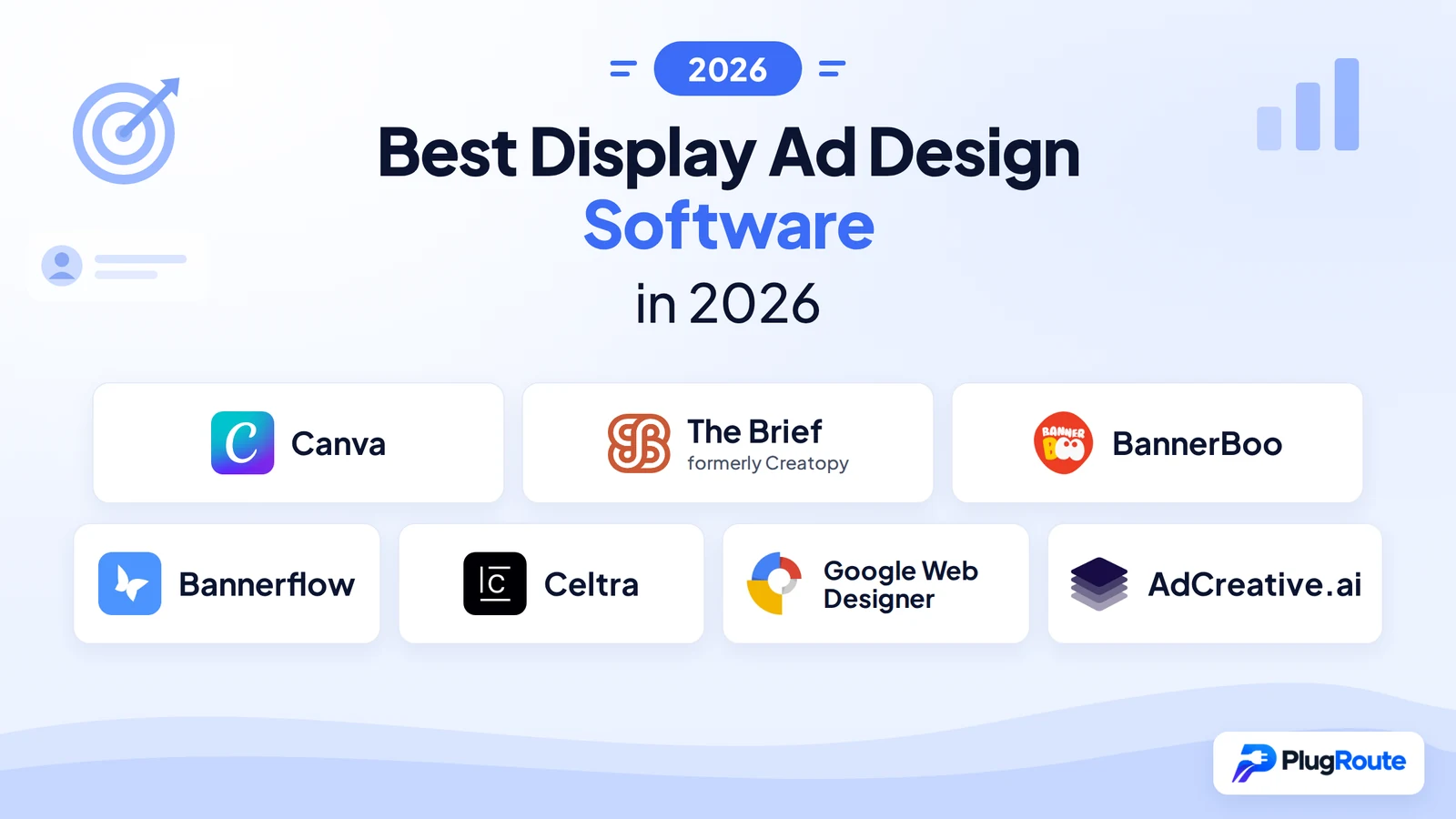
Canva is the best overall display ad design software for static banners and non-designers in 2026. The Brief (formerly Creatopy) is best for HTML5 ad sets at small-business prices, and BannerBoo is the lowest-priced no-code HTML5 option. Choose the tool type first: static, HTML5 or automation tools solve different problems.
Many buyers overspend because they pick the wrong kind of tool. Some buy a static designer when the campaign needs HTML5. Others sign an enterprise contract when a $15/month banner maker would do. Manual resizing, unclear Google Ads and DV360 specs, and repeated vendor rebrands make the choice harder.
PlugRoute has no affiliate relationships with any company listed, and rankings are determined entirely by research data and objective evaluation criteria.
“Last campaign, there were 14 separate files for the PPC team. Yeah, it works, but it’s too slow. When does HTML5 make sense over plain images?” (u/PerfectBalk, r/content_marketing (Reddit, October 2026))
Takeaway: Once a single campaign needs a dozen or more separate image files, an HTML5 or multi-size banner tool usually saves more time than it costs.
What Are the 5 Categories of Display Ad Design Tools?
Display ad design tools fall into five categories, and each category produces a different kind of output. Pick the tool type before the product. A static designer cannot produce HTML5, and an enterprise platform is wasted on a five-banner campaign. The five categories below run from simplest to most scalable.
- Static designers such as Canva make image and video ads (PNG, JPG, GIF, MP4) from templates. They suit non-designers and small businesses.
- HTML5 authoring tools such as Google Web Designer build coded, animated and interactive HTML5 ads with timeline and code control. They suit technically confident designers.
- No-code HTML5 banner makers such as The Brief (formerly Creatopy) and BannerBoo produce animated HTML5 and static ads in many sizes without code. They suit SMBs, freelancers and agencies.
- AI ad generators such as AdCreative.ai create many static and video ad variants from brand inputs and prompts. They suit performance marketers without designers.
- Enterprise creative automation platforms such as Bannerflow and Celtra produce, localize, govern and serve display ads at scale. They suit multi-market brands and large agencies.
Programmatic buying accounts for 96.0% of new (incremental) worldwide display ad spending in 2026 and about 90% of total display budgets (eMarketer, 2026). Programmatic’s dominance is why feed-based and multi-market versioning matter to larger advertisers.
Practitioner rules of thumb (r/content_marketing, October 2026; r/web_design, 2025):
- Practitioners pick a display ad tool by output format first and compare features second.
- Practitioners stay with static images unless a campaign needs animation or about 10 or more versions of the same ad.
- Practitioners whose clients buy Google inventory build in Google’s own tool to remove compatibility risk.
This aligns with community sentiment on r/adtech:
“Where they’re not worth the hassle: prospecting on open exchange inventory. HTML5 file-size limits, SSP QA rejections, slower load = lost impressions on mobile, and multiply all of that by every size in the set. A clean static with a strong value prop and obvious CTA usually gets you 90% of the result at 20% of the production cost.” Posted by u/maryna-gc
Takeaway: Experienced programmatic buyers treat static display ads as the default and save HTML5 animation for messages that need a sequence, because HTML5’s production and QA costs multiply with every size in the set.
Worked example: An agency running 4 clients × 8 IAB sizes × 2 languages produces 64 static files per campaign refresh. A multi-size HTML5 set or a feed-based template cuts that workload to 4 master designs, one per client.
Do you need to design every size? Google Responsive Display Ads assemble themselves from the images, logos and headlines you upload. Teams running only Responsive Display Ads may not need a resizing tool at all.
Google accepts landscape images at 1200×628, square at 1200×1200 and vertical at 900×1600. You can upload up to 15 images (Google Ads Help 7005917, November 2026).
How Do the Top Display Ad Design Tools Compare at a Glance?
Canva ranks #1 (3.85/5) for static ads and non-designers. The Brief (formerly Creatopy) and BannerBoo tie at 3.75 for no-code HTML5. Bannerflow (3.65) and Celtra (3.625) lead the enterprise tier. Google Web Designer (3.325) is the free Google-native HTML5 option, and AdCreative.ai (2.95) is the AI variant generator.
| Rank (Score) | Company | Category | Best For | One-Line Summary | Key Capabilities | Primary Strength | Key Limitation |
|---|---|---|---|---|---|---|---|
| 1 (3.85) | Canva | Static Designer | Non-designers making static ads | Canva is the best overall display ad design tool for static banners and non-designer teams, but it is not an HTML5 ad builder. | Templates, Magic Switch, Brand Kits, Bulk Create | Largest G2 review base (4.7/5, 6,891 reviews) | No HTML5 export; Google Ads upload is static-only |
| 2 (3.75) | The Brief (formerly Creatopy) | No-Code HTML5 Banner Maker | SMBs and agencies making HTML5 ad sets | The Brief documents the broadest HTML5, resizing, feed and ad-serving feature set among the non-enterprise tools evaluated. | HTML5 animation, Smart Resize, feed creatives, ad serving | Full HTML5 production feature set at published prices | Trustpilot about 2.7/5, driven by billing complaints |
| 3 (3.75) | BannerBoo | No-Code HTML5 Banner Maker | Freelancers and small budgets | BannerBoo is the most affordable no-code tool for exporting HTML5 and AMP display banners. | HTML5/AMP/GIF/MP4 export, Magic Animator | From $14.99/month, or about $12/month billed annually | DV360 compatibility not confirmed |
| 4 (3.65) | Bannerflow | Enterprise Creative Automation Platform | Multi-market brands and agencies | Bannerflow is the best-documented enterprise platform for scaling localized display campaigns across programmatic channels. | DCO, AI localization, live-update ad serving, 100+ integrations | Most itemized integration list (DV360, CM360, The Trade Desk) | Quote-only, impression-based pricing |
| 5 (3.625) | Celtra | Enterprise Creative Automation Platform | Global brands making rich media | Celtra is an enterprise platform for governed, modular versioning of rich media display ads at very high volume. | Modular master templates, rich media, Photoshop plugin | Versioning by language, market and legal disclaimer | Google-stack connectors not individually confirmed |
| 6 (3.325) | Google Web Designer | HTML5 Authoring Tool | Technical users buying Google inventory | Google Web Designer is the best free tool for spec-compliant HTML5 ads on Google’s ad stack. | Timeline, code view, Ad Validator, direct publishing | Free and native to Google Ads, CM360 and DV360 | Steep learning curve and reported crashes |
| 7 (2.95) | AdCreative.ai | AI Ad Generator | Teams without designers testing many variants | AdCreative.ai is an AI ad generator for teams that need many static ad variants quickly. | AI variants, Creative Scoring, brand kits | High variant volume with no design skills needed | No HTML5; Capterra 3.3/5, Trustpilot 3.5/5 |
Which Display Ad Design Software Should I Choose for My Use Case?
The right display ad design software depends on your single most important priority, not on the overall rank. Find your top priority in the left column of the table below. Then compare the recommended tool with the acceptable alternative, which usually trades one strength for lower cost or easier setup.
| Your #1 Priority | Recommended Tool | Why | Acceptable Alternative |
|---|---|---|---|
| Static ads on a $0 budget | Canva Free | Templates and the lowest reported learning curve at $0 | Google Web Designer image-ad export (technical users) |
| Free HTML5 for Google campaigns | Google Web Designer | Native publishing to Google Ads, CM360 and DV360, plus a validator | BannerBoo (paid, no-code) |
| No-code HTML5 under $50/month | BannerBoo | Paid plans from $14.99/month include HTML5 and AMP export | The Brief Pro ($29–$39/month) |
| Multi-size and feed-based ad sets | The Brief | Smart Resize, product-feed creatives and ad serving | BannerBoo (no documented feeds) |
| Multi-client agency HTML5 with published pricing | The Brief Team | $49/seat/month billed annually, 2–10 seats, locked elements and version history | Bannerflow (quote-only) |
| Brand consistency on a small team | Canva Teams (static) | Shared Brand Kits from US$100/person/year | The Brief Team (HTML5) |
| Many variants without a designer | AdCreative.ai | Unlimited concept generation with brand kits | Canva Bulk Create |
| Multi-market localization and DCO | Bannerflow | AI localization, live-update serving, 100+ integrations | Celtra |
| Governed rich media by legal disclaimer | Celtra | Modular master templates version by disclaimer and market | Bannerflow |
What Are the Best Display Ad Design Software Tools in 2026?
PlugRoute ranks seven display ad design software tools below by weighted evidence scores from 1 to 5 across six published criteria. Every entry uses the same structure and the same score labels. Missing data is written as “not found” for every product, so entries can be compared line by line.
Score labels used in every entry:
- “Formats” is PlugRoute’s output format coverage and ad-spec compatibility score, weighted at 25%.
- “Variants” is PlugRoute’s multi-size and variant production score, weighted at 20%.
- “Reviews” is PlugRoute’s independent review ratings score across platforms, weighted at 20%.
- “Pricing” is PlugRoute’s pricing transparency and total cost of ownership score, weighted at 15%.
- “Governance” is PlugRoute’s brand governance and team collaboration score, weighted at 10%.
- “Ease” is PlugRoute’s accessibility score for non-designers, weighted at 10%.
1. Canva: Best Overall for Static Display Ads and Non-Designer Teams
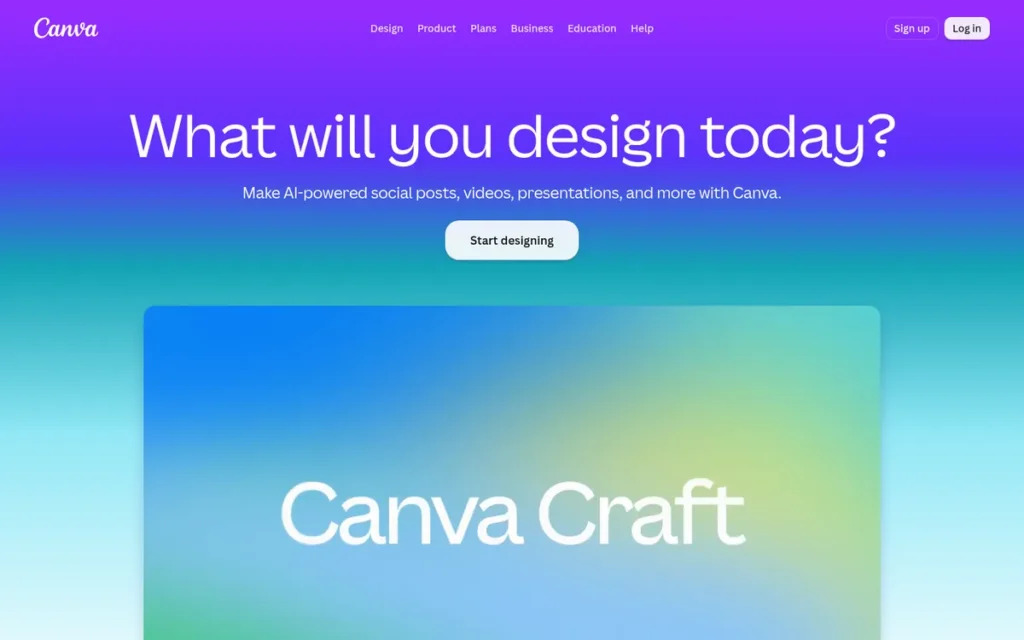
Category: Static Designer, a template-based tool that creates static and lightly animated image ads (PNG, JPG, GIF, MP4) without design skills.
PlugRoute Score: 3.85/5 (Formats 3 · Variants 3 · Reviews 5 · Pricing 4 · Governance 4 · Ease 5). Canva’s Reviews score of 5 is based on G2 alone because no Capterra or Trustpilot rating was found. At a Reviews score of 4, Canva’s total would fall to 3.65, below The Brief and BannerBoo.
At a Glance
- Category: Static Designer
- Best For: Small businesses and non-designer teams producing static Google Display ads and Responsive Display Ad image assets
- Price Range: Free; Pro US$120/year; Teams US$100/person/year (3-seat minimum); Enterprise custom (Canva US pricing page, November 2026)
- Primary Strength: Canva combines the largest G2 review base in this category (6,891 reviews) with the lowest reported learning curve and shared Brand Kits.
- Biggest Limitation: Canva does not export HTML5 ad ZIP packages, so HTML5 campaigns need a second tool.
- One-Line Summary: Canva is the best overall display ad design tool for static banners and non-designer teams, but Canva is not an HTML5 ad builder.
- Last Verified: November 2026
Overview
Canva is a browser-based design platform that lets non-designers, small businesses and marketing teams create static PNG and JPG banners, GIFs and MP4s from templates. It includes Brand Kits, Magic Switch resizing and Bulk Create for data-driven display ad variants.
Canva’s Google Ads integration uploads static image assets, but Canva does not export HTML5 ad ZIP packages (Canva integrations page, November 2026). Canva Grow, Canva’s newer ad-intelligence product, starts with Meta rather than programmatic display.
Key Features
- Canva offers a large library of editable templates, so non-designers can start from a professional layout.
- Canva Magic Switch (formerly Magic Resize) converts one design into multiple ad dimensions.
- Canva Brand Kits store approved logos, colors and fonts, and Canva Enterprise adds multi-brand kits.
- Canva Bulk Create and Canva Sheets generate data-driven static variants from a spreadsheet.
- Canva exports PNG, JPG, GIF and MP4 files and uploads static image assets to Google Ads through its Google Ads integration.
Best For
Canva is best for small businesses, solo marketers and in-house teams without designers who mainly run static display ads or Responsive Display Ads.
Pricing
Canva’s US prices are listed below (Canva US pricing page, November 2026). Canva prices vary by region, so check the live pricing page for your country.
- Canva Free costs $0.
- Canva Pro costs US$120/year for one person.
- Canva Teams costs US$100/person/year with a 3-person minimum, so at least US$300/year.
- Canva Enterprise uses custom pricing.
Strengths
- Canva holds a G2 rating of 4.7/5 from 6,891 reviews (G2, November 2026). That is the largest G2 review base among the seven tools.
- Canva reports that Expedia Group saves 160+ design hours per week and Omnicom Media Group creates content 15× faster (Canva case studies, November 2026). These vendor figures measure production speed, not ad performance.
- Canva offers a free plan and published prices (Canva US pricing page, November 2026), which keeps the cost of testing static display ads low.
- Canva Enterprise supports SSO, SCIM and multi-brand Brand Kits. Canva also reports SOC 2 Type II and ISO 27001 certification (Hokai company profile, 2026).
Limitations
Canva trades format depth for accessibility. Canva does not export HTML5 ad ZIP packages with click-tag handling, so teams that need HTML5, AMP or DV360-ready creatives will outgrow it.
- Canva users report that auto-resized designs often need manual fixes to text wraps, crops and logo positions.
- Canva’s file-based workflow slows down at volume. One practitioner described producing 14 separate files for a single PPC campaign (r/content_marketing, October 2026).
- Canva’s 2024 Teams restructure drew complaints of large price increases for some customers. Canva also draws recurring complaints about renewals, reaching human support and features moving to paid plans.
- Canva has no Capterra or Trustpilot rating in PlugRoute’s research, so Canva’s review score rests on a single platform.
Verdict
Canva is the best display ad design software for static banners and non-designer teams in 2026, but teams that need HTML5 animation should choose a dedicated banner tool instead.
Canva’s lead comes from its reviews, ease of use and brand governance, not from format coverage. Agencies producing 10 or more animated versions of an ad should compare The Brief, BannerBoo or Google Web Designer.
Users on r/PPC noted:
“We use Canva which is great for FB Ads or if you only have to make a few banner sizes, which is usually the case with us. But if you need to build banner sets you might want to look at something such as Creatopy.” Posted by u/TTFV
Takeaway: PPC practitioners rate Canva highly for social ads and small banner runs, but they move to a dedicated banner tool once a campaign needs full multi-size sets.
2. The Brief (formerly Creatopy): Best for HTML5 Banners and Multi-Size Ad Sets at SMB Prices
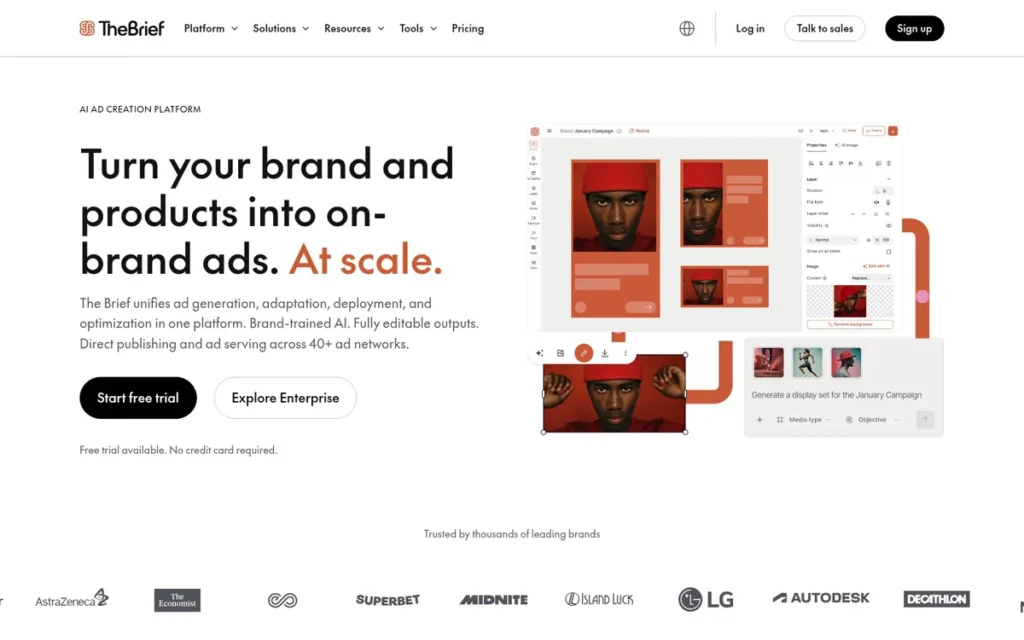
Category: No-Code HTML5 Banner Maker, a dedicated tool that creates animated HTML5 and static display ads in multiple sizes without coding.
PlugRoute Score: 3.75/5 (Formats 4 · Variants 4 · Reviews 3.5 · Pricing 3 · Governance 4 · Ease 4). The Brief ties BannerBoo at 3.75. It wins the tie 11.5 to 10.5 on the three primary criteria (format coverage, variant production and review ratings), mainly because The Brief documents feed-based creatives and ad serving and BannerBoo does not.
At a Glance
- Category: No-Code HTML5 Banner Maker
- Best For: SMBs, freelancers and agencies producing animated HTML5 ad sets in many sizes, including feed-based variants
- Price Range: Individual $29–$79/month billed annually ($39–$99 monthly); Team $49/seat/month billed annually ($59 monthly, 2–10 seats); Enterprise custom; 7-day free trial (The Brief pricing, November 2026)
- Primary Strength: The Brief combines HTML5 animation, Smart Resize, Brand Kits, feed-based creatives and ad serving at published SMB-level prices.
- Biggest Limitation: The Brief’s billing reputation (Trustpilot about 2.7/5) trails its product reputation (G2 and Capterra 4.6/5), and ad serving needs a higher-tier plan.
- One-Line Summary: The Brief, formerly Creatopy, documents the broadest HTML5, resizing, feed and ad-serving feature set among the non-enterprise tools evaluated, though buyers should confirm credit and billing terms first.
- Last Verified: November 2026
Overview
The Brief (formerly Creatopy and Bannersnack) is a dedicated ad-production platform for small businesses, freelancers and agencies. It builds static and animated HTML5 display ads, resizes them into multi-size sets, generates feed-based variants and serves ads through tags with live updates.
The Brief rebranded from Creatopy on October 8, 2025. It now presents itself as an AI-agent marketing system organised as Discover, Create, Launch and Optimize (The Brief blog, 2025). Existing Creatopy projects, logins and subscriptions carried over at the same rates.
Key Features
- The Brief offers HTML5 timeline animation, so marketers can build animated display ads without coding.
- The Brief Smart Resize turns one master design into a multi-size ad set.
- The Brief generates product-feed creatives and supports A/B tests.
- The Brief serves ads through tags with live updates and, on higher plans, publishes directly to Meta and Google Ads.
- The Brief includes Brand Kits, roles and permissions, PSD and Figma import, and AI generation of concepts, copy and images.
Best For
The Brief is best for SMB marketing teams and agencies that need animated HTML5 banners and multi-size or feed-based ad sets without paying for an enterprise platform.
Pricing
The Brief’s plans are listed below (The Brief pricing, November 2026). The Brief does not list a permanent free plan, but it offers a 7-day free trial that does not require a credit card.
- The Brief Individual Pro costs $39/month, or $29/month billed annually.
- The Brief Individual Ultra costs $99/month, or $79/month billed annually, and adds ad serving and direct publishing.
- The Brief Team costs $59/seat/month, or $49/seat/month billed annually, for 2–10 seats.
- The Brief Enterprise uses custom pricing and includes API access, white-label and SSO/SAML.
Strengths
- The Brief holds 4.6/5 on Capterra (285–289 reviews) and 4.6/5 on G2 (175–197 reviews) (Capterra and G2, November 2026). Reviewers praise its editor, templates, resizing and brand management.
- The Brief had more than 5,000 brand and agency customers, including Salesforce, Autodesk and Zeiss, at the time of its $10M Series A (TechCrunch, August 2024).
- Among the seven tools evaluated, The Brief is the only non-enterprise tool that documents HTML5 export, resizing, feed-based creatives and ad serving together.
- The Brief Team plan includes locked elements and version history for 2–10 seats (The Brief pricing, November 2026), which supports brand governance on small teams.
Limitations
The Brief has a strong product reputation but a weaker billing reputation. The Brief’s Trustpilot rating of about 2.7/5 (Trustpilot, November 2026; 150–182 reviews) sits far below its G2 and Capterra scores. Complaints focus on billing and export credits.
- The Brief limits ad serving and direct publishing to higher tiers, and some former Bannersnack users object to paying credits for exports.
- The Brief’s DV360 compatibility is not documented in PlugRoute’s research, and no case studies with figures were found.
- The Brief is the product’s third name (Bannersnack, then Creatopy, then The Brief), which can confuse buyers comparing older reviews.
As one user on r/graphic_design described:
“been making banner ads for my marketing company for over 2 years now in Creatopy but now am not able to use their site anymore because they work on a credit system and we push out a ton of dynamic ads and it’s just not sustainable to work on a credit system based on the high volume.” Posted by u/ComputerDangerous975
Takeaway: The Brief’s (formerly Creatopy’s) credit-based model can become unsustainable for high-volume dynamic ad teams, and that cost has pushed even long-term users to leave.
Verdict
The Brief, formerly Creatopy, has the broadest documented HTML5, resizing, feed and ad-serving feature set of the non-enterprise tools evaluated, which makes The Brief the strongest fit for SMBs and agencies that need multi-size and feed-based display ads.
Before committing, buyers should get The Brief’s export-credit rules, tier inclusions and renewal terms in writing. Teams that only need cheap HTML5 export may find BannerBoo sufficient.
3. BannerBoo: Best Budget HTML5 and AMP Banner Maker for Freelancers and Small Businesses
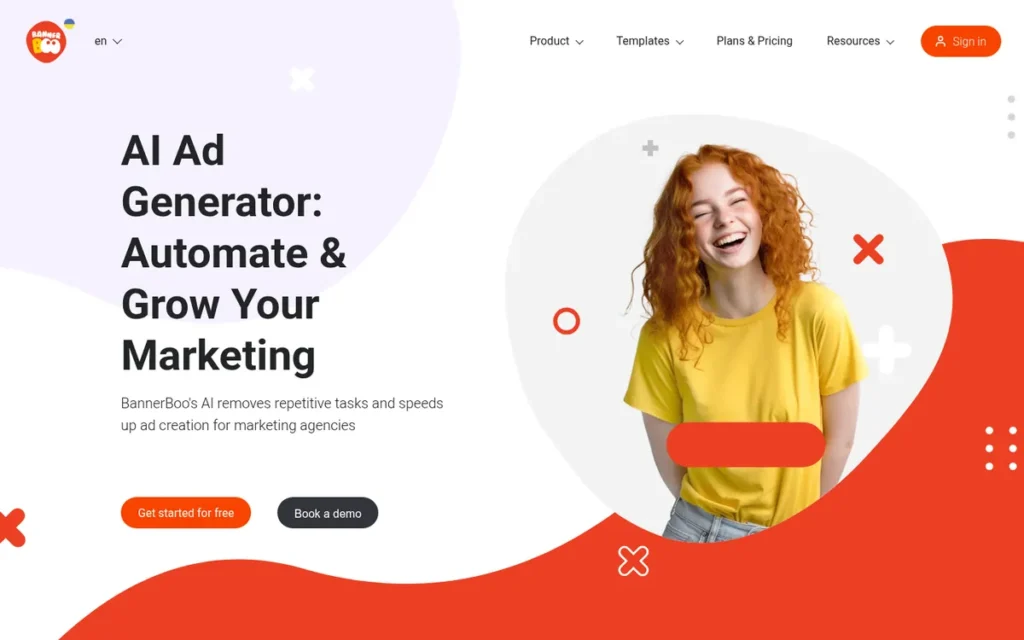
Category: No-Code HTML5 Banner Maker.
PlugRoute Score: 3.75/5 (Formats 4 · Variants 3 · Reviews 3.5 · Pricing 5 · Governance 2.5 · Ease 4.5). BannerBoo outscores The Brief on pricing transparency (5 vs 3) and accessibility (4.5 vs 4). It places #3 on the tie rule, 10.5 to 11.5 on format coverage, variant production and review ratings, because it scores lower on variant production (3 vs 4).
At a Glance
- Category: No-Code HTML5 Banner Maker
- Best For: Freelancers, small businesses and small agencies that need HTML5 or AMP banners for under $50/month
- Price Range: Free (10 banners, JPG/PNG only); $14.99–$49.99/month billed monthly, or about $12–$34/month billed annually (BannerBoo plans page, November 2026)
- Primary Strength: BannerBoo offers the lowest published price for no-code HTML5 and AMPHTML export among the tools evaluated.
- Biggest Limitation: BannerBoo has no confirmed DV360 compatibility and no documented feed-based or dynamic creative support.
- One-Line Summary: BannerBoo is the most affordable no-code tool for exporting HTML5 and AMP display banners, best suited to small teams with modest volume.
- Last Verified: November 2026
Overview
BannerBoo is a low-cost, no-code banner maker for freelancers, small businesses and small agencies. Users build animated display ads with a timeline editor and one-click Magic Animator, then export HTML5, AMPHTML, GIF, MP4, JPG or PNG files for networks including Google Ads.
BannerBoo’s free plan is limited to 10 static banners, and HTML5, AMP, GIF and MP4 export start on paid tiers. BannerBoo says its output works with Google Ads and major social networks (BannerBoo website, November 2026).
Key Features
- BannerBoo exports HTML5, AMPHTML, GIF, MP4, JPG and PNG files from one editor.
- BannerBoo Magic Animator adds animation in one click, and the BannerBoo timeline editor gives finer control.
- BannerBoo includes a resizer for producing multiple ad dimensions from one design.
- BannerBoo supports PSD import and background removal.
- BannerBoo provides workspaces and branded preview links for sharing drafts with clients.
Best For
BannerBoo is best for freelancers and small businesses that need animated HTML5 or AMP banners for Google Ads and social networks on a budget under $50/month.
Pricing
BannerBoo’s prices are listed below (BannerBoo plans page, November 2026). Animated templates and HTML5, AMP, GIF and MP4 export require a paid plan.
- BannerBoo Free costs $0 and allows 10 banners in JPG or PNG only.
- BannerBoo Start costs $14.99/month, or about $12/month billed annually.
- BannerBoo Pro costs $29.99/month, or about $17/month billed annually.
- BannerBoo Plus costs $49.99/month, or about $34/month billed annually.
BannerBoo has appeared in AppSumo lifetime deals ($59–$399), but these were promotions, not standard pricing.
Strengths
- BannerBoo holds a G2 rating of 4.7/5 from 186 reviews (G2, November 2026), tied with Canva for the highest G2 score on this list.
- BannerBoo’s paid plans start at $14.99/month (BannerBoo plans page, November 2026). That is the lowest published price for HTML5 and AMPHTML export among the seven tools.
- BannerBoo reports that customers in 88 countries have made more than 200,000 banners (BannerBoo website, November 2026). BannerBoo publishes no case studies to support this figure.
- BannerBoo’s Trustpilot rating of 4.0/5 from 24 reviews (Trustpilot, November 2026, third-party report) shows no pattern of billing complaints, though the sample is small.
Limitations
BannerBoo trades programmatic depth for low price and simplicity. BannerBoo has no confirmed DV360 compatibility and no documented feed, DCO or ad-serving features, so programmatic teams producing dynamic variants will outgrow it.
- BannerBoo users on G2 report minor bugs, slow loading, occasional save and export failures, and too few templates (G2, November 2026).
- BannerBoo has no Capterra rating on record, and one Capterra reviewer called the BannerBoo mobile version “visually jumbled.”
- BannerBoo is a small company (an estimated 10 employees) with conflicting headquarters records. PlugRoute gave no weight to several pro-BannerBoo Reddit comments that looked like astroturfing.
Verdict
BannerBoo is the most affordable way to produce no-code HTML5 and AMP display banners in 2026, best suited to freelancers and small businesses with modest volume.
BannerBoo covers the formats most small advertisers need at a fraction of mid-market prices. Teams running DV360 campaigns or feed-driven variants should confirm compatibility before buying, or consider The Brief.
4. Bannerflow: Best Enterprise Platform for Multi-Market Display Campaigns
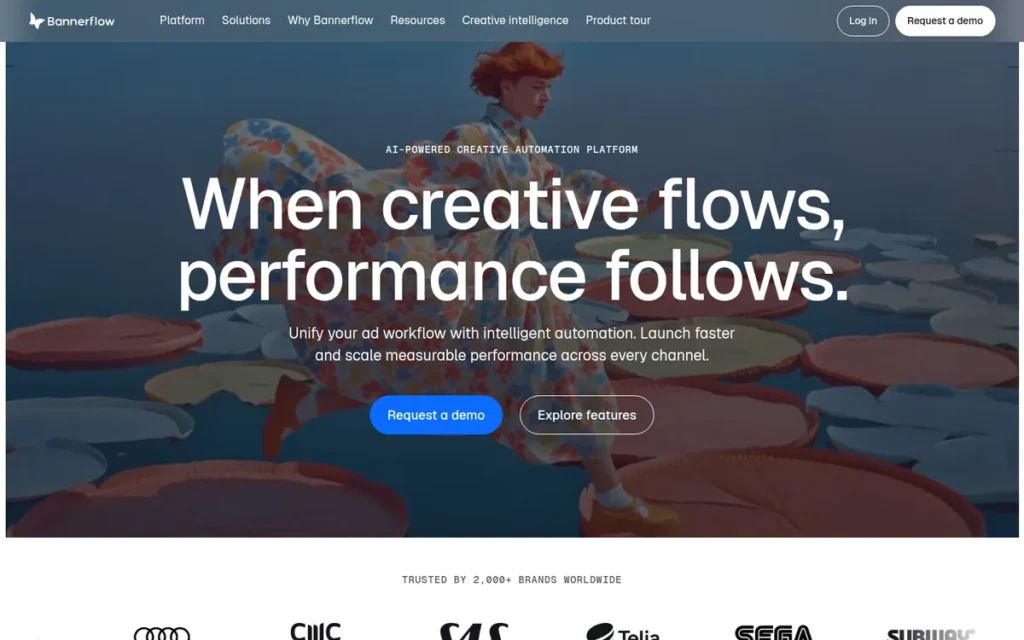
Category: Enterprise Creative Automation Platform, produces, versions, governs and serves display ads at scale across markets and channels.
PlugRoute Score: 3.65/5 (Formats 4.5 · Variants 5 · Reviews 3 · Pricing 1.5 · Governance 5 · Ease 2). Bannerflow leads Celtra by 0.025 points only because Bannerflow lists its DV360 and CM360 integrations individually (Formats 4.5 vs 4). Celtra leads on Reviews (3.5 vs 3).
At a Glance
- Category: Enterprise Creative Automation Platform
- Best For: Multi-market brands and large agencies running HTML5, video and dynamic display campaigns across DV360 and other DSPs
- Price Range: Pricing on request (Grow, Pro and Enterprise plans, all quote-only) (Bannerflow blog, November 2026)
- Primary Strength: Bannerflow combines DCO, AI-assisted localization, live-update ad serving and 100+ documented integrations.
- Biggest Limitation: Bannerflow publishes no prices and bills on impressions, which G2 reviewers link to overages and unexpected annual invoicing.
- One-Line Summary: Bannerflow is the best-documented enterprise platform for scaling localized display campaigns across programmatic channels, but its quote-only, impression-based pricing needs careful contract review.
- Last Verified: November 2026
Overview
Bannerflow is a Stockholm-based enterprise creative management platform (CMP) for multi-market brands and large agencies. It produces HTML5, video and social ads at scale, localizes them with AI assistance, runs feed-based dynamic creative and serves ads across 100+ integrations, including DV360.
Bannerflow is built for teams working across many markets and languages. G2 reviewers say Bannerflow is hard to justify for small budgets (G2, November 2026).
Key Features
- Bannerflow Creative Studio is a browser-based editor for HTML5, video and social ads, with multi-size scaling, approval workflows and brand-governance controls.
- Bannerflow uses AI-assisted localization and translation to version campaigns across markets.
- Bannerflow runs dynamic creative optimization (DCO) from live product feeds.
- Bannerflow serves ads with live updates, so teams can edit running ads without re-trafficking them.
- Bannerflow integrates with 100+ platforms, including DV360, CM360, The Trade Desk, Amazon DSP, Adform, Meta, TikTok, LinkedIn, JCDecaux and Clear Channel.
Best For
Bannerflow is best for enterprise brands and multi-market agencies that need localized, feed-driven display ads served across several DSPs with central approvals.
Pricing
Bannerflow offers Grow, Pro and Enterprise plans, all quote-only. PlugRoute found no public price or contract minimum (Bannerflow blog, November 2026).
One G2 reviewer reported “unexpected annual invoicing despite a monthly billing arrangement” (G2 pricing reviews, 2026). Buyers should get Bannerflow’s impression, overage and invoicing terms in writing.
Strengths
- Bannerflow publishes the most detailed programmatic integration list among the tools evaluated, naming DV360, CM360, The Trade Desk and Amazon DSP (Bannerflow integrations page, November 2026).
- Bannerflow holds 4.5/5 on Capterra from 16 reviews (Capterra, November 2026). Reviewers praise its support, its flexibility and how quickly a request becomes a finished ad.
- Bannerflow lists ISO 27001 certification, has operated since 2009 and is backed by Verdane.
- Bannerflow reports more than 2,000 brand customers, including Uber, IKEA, Spotify and SEGA (Bannerflow website, November 2026). Some of these logos may belong to past rather than current customers.
Limitations
Bannerflow trades price transparency and accessibility for enterprise scale. Bannerflow publishes no prices and bills on impressions, and G2 reviewers report overage charges and unexpected annual invoicing (G2 pricing reviews, 2026).
- Bannerflow reviewers describe a steep learning curve, “clunky” video animation, limited templates, occasional bugs and uneven support.
- Bannerflow’s G2 API/ecosystem score of 7.3–7.4 is below the category average of more than 8 (G2 category page, November 2026).
- Bannerflow’s review samples are small and it gets almost no Reddit discussion. PlugRoute could not verify the Forrester recognition Bannerflow claims.
Verdict
Bannerflow is the best-documented enterprise platform for scaling localized, feed-driven display campaigns across DV360 and other programmatic channels in 2026.
Bannerflow’s integrations and live-update ad serving suit multi-market teams. Bannerflow finished only 0.025 points ahead of Celtra, so enterprise buyers should shortlist both and negotiate contract terms carefully.
5. Celtra: Best for Global Brands Needing Modular Creative Versioning and Rich Media at Scale
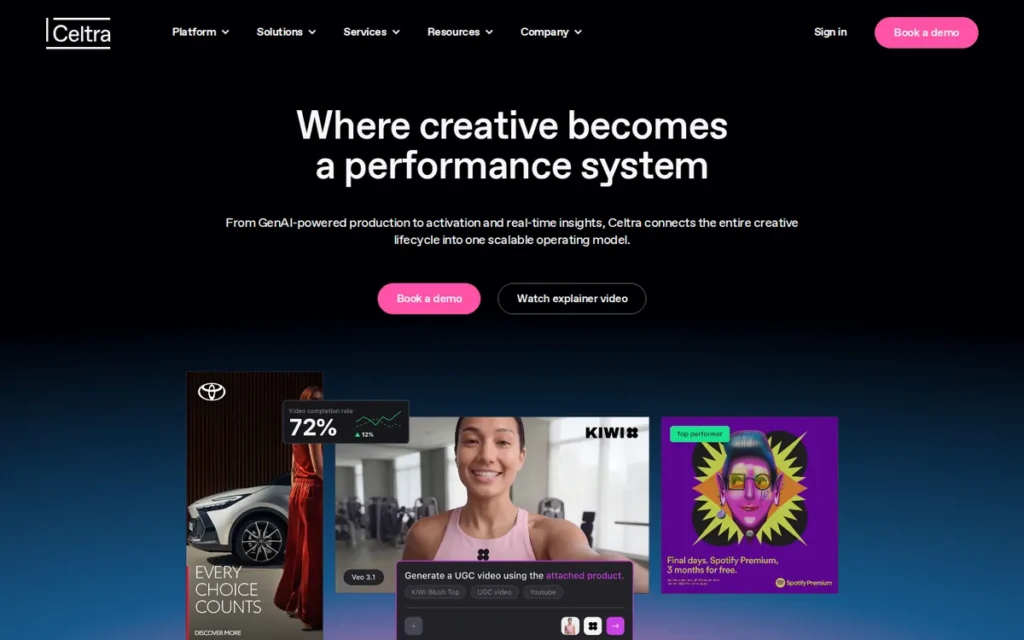
Category: Enterprise Creative Automation Platform.
PlugRoute Score: 3.625/5 (Formats 4 · Variants 5 · Reviews 3.5 · Pricing 1.5 · Governance 5 · Ease 2). Celtra trails Bannerflow’s 3.65 by 0.025 points, which is a negligible difference. Celtra leads on Reviews (3.5 vs 3), but its DV360 and CM360 connectors were not individually confirmed (Formats 4 vs 4.5).
At a Glance
- Category: Enterprise Creative Automation Platform
- Best For: Global brands and their agencies producing high volumes of rich media and localized versions under strict approval workflows
- Price Range: Pricing on request (custom quotes; serving billed per impression or video start; add-ons extra) (Celtra pricing page, November 2026)
- Primary Strength: Celtra turns approved concepts into modular master templates that generate versions by language, market, format and legal disclaimer.
- Biggest Limitation: Celtra publishes no prices, offers no free tier, and its Google Ads, CM360 and DV360 connectors were not individually confirmed.
- One-Line Summary: Celtra is an enterprise creative automation platform for global brands that need governed, modular versioning of rich media display ads at very high volume.
- Last Verified: November 2026
Overview
Celtra is an enterprise creative management platform (CMP) for global brands and their agencies. It turns approved concepts into modular master templates, then generates HTML5 rich media, video, social and dynamic product ad versions by language, market, format and legal disclaimer.
On Reddit, Celtra comes up mainly in ad-ops discussions, not designer threads. Celtra offers far more than SMB teams and small agencies typically need.
Key Features
- Celtra builds modular master templates from approved concepts and generates versions by language, market, format and legal disclaimer.
- Celtra produces HTML5 rich media, video, social and Dynamic Product Ads from one platform.
- Celtra includes approval workflows for brand governance across distributed teams.
- Celtra provides a Photoshop plugin so designers can reuse finished key visuals.
- Celtra connects to 100+ demand-side and supply-side platforms.
Best For
Celtra is best for global brands and large agencies that need governed, high-volume versioning of rich media and video ads across many markets and legal requirements.
Pricing
Celtra’s pricing structure is listed below (Celtra pricing page, November 2026).
- Celtra uses custom quotes based on team size, creative volume and distribution volume.
- Celtra charges for ad serving per impression or per video start.
- Celtra sells add-ons, including Dynamic Product Ads, predictive AI, a custom API and Creative Services.
- Celtra has no free tier and no public price.
Strengths
- Celtra reports 450+ enterprise customers, 20M+ ads created and 104B+ impressions delivered annually (Celtra website, November 2026). These are vendor platform totals, not client results.
- Celtra holds 4.4/5 on Capterra from 286 reviews and 4.4/5 on G2 (Capterra and G2, November 2026). Reviewers praise its automation, rich media, reporting and Photoshop plugin.
- Celtra’s Capterra sub-scores are 4.2/5 for ease of use and 4.3/5 for customer service (Capterra, November 2026).
- Celtra has shipped creative technology since 2007 and names Unilever as its first global brand-direct partner (2017). Its modular templates can version ads by legal disclaimer, which matters to regulated brands.
Limitations
Celtra trades price transparency and accessibility for governed enterprise scale. Celtra’s pricing is custom-only, with per-impression serving fees, paid add-ons and no free tier.
- Celtra’s CM360, DV360, Figma and DAM connectors were not individually confirmed. One user quoted in a comparison says Celtra lacks a Google Ads integration (Atria comparison, 2026).
- Celtra reviewers on G2 criticise its documentation and support response times. One reviewer could not scale text precisely because Celtra did not allow decimal values.
- Celtra has no numeric client case studies, and sources conflict on Celtra’s headquarters and funding.
Verdict
Celtra is a strong enterprise choice for global brands that need governed, modular versioning of rich media display ads across markets and legal requirements.
Celtra matches Bannerflow on automation and governance and has a larger review sample. Google Ads buyers should confirm the specific integrations they need before signing, and SMBs and small agencies will find Celtra more than they need.
6. Google Web Designer: Best Free HTML5 Authoring Tool for Google Ads, CM360 and DV360 Compatibility
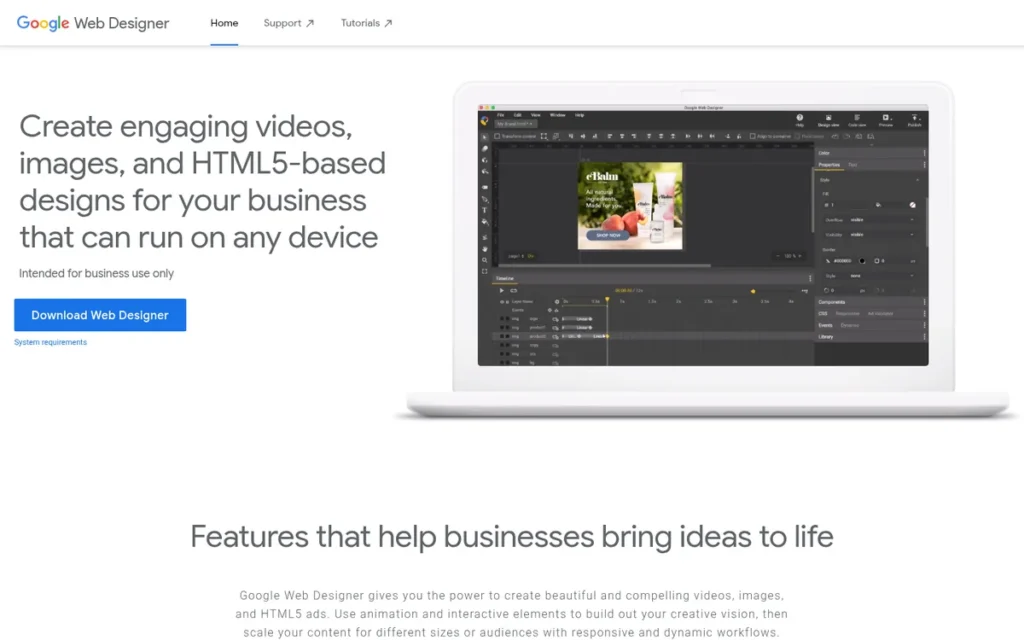
Category: HTML5 Authoring Tool, technical desktop software that builds animated, interactive HTML5 ads with timeline and code control.
PlugRoute Score: 3.325/5 (Formats 5 · Variants 2.5 · Reviews 3 · Pricing 4.5 · Governance 1.5 · Ease 1.5). Google Web Designer has the highest format score on this list but ranks #6. It has the lowest scores on this list for variant production, brand governance and accessibility.
At a Glance
- Category: HTML5 Authoring Tool
- Best For: Technically confident designers and advertisers buying Google inventory who need spec-compliant HTML5 ads at no software cost
- Price Range: Free ($0; CM360, DV360 and media fees are separate) (Google Web Designer, November 2026)
- Primary Strength: Google Web Designer is the only tool evaluated that is free, publishes natively to Google Ads, CM360 and DV360, and includes a built-in ad validator.
- Biggest Limitation: Google Web Designer has a steep learning curve, reported crashes, few templates and no brand kit.
- One-Line Summary: Google Web Designer is the best free tool for building spec-compliant HTML5 display ads for Google’s ad stack, but Google Web Designer suits technical users rather than beginners.
- Last Verified: November 2026
Overview
Google Web Designer is a free desktop application from Google for technically confident designers and Google-stack advertisers. It builds animated, responsive HTML5 and AMPHTML ads with timeline animation and code editing, then publishes directly to Google Ads, Campaign Manager 360 and Display & Video 360.
Google Web Designer costs nothing to license, but learning it takes significant staff time. Practitioners choose Google Web Designer mainly because its output is built to work with Google’s ad platforms.
Key Features
- Google Web Designer provides timeline and keyframe animation plus a code view for editing HTML, CSS and JavaScript.
- Google Web Designer includes ad components such as galleries, video, maps, swipe and tap areas, plus Studio dynamic ads.
- Google Web Designer publishes directly to Google Ads, CM360 and DV360, and Google Web Designer supports AMPHTML output.
- Google Web Designer’s Ad Validator, added on March 26, 2026, warns when Google Ads or AdMob ads exceed 600 KB.
- Google Web Designer supports responsive documents up to 3,000 px wide and exports JPG/PNG image-ad variants.
Best For
Google Web Designer is best for designers comfortable with code and for advertisers whose clients buy Google inventory, when they need HTML5 ads that pass Google Ads, CM360 or DV360 specs.
Pricing
Google Web Designer costs $0 (Google Web Designer, November 2026). CM360, DV360, media and serving fees are separate and set by contract. The real cost of Google Web Designer is the staff time needed to learn it.
Strengths
- Google Web Designer 14.0.4.1108 (Google Web Designer release notes, March 2026) added the 600 KB Ad Validator, an updated CM360 API and JPG/PNG image-ad export, which shows Google is actively maintaining it.
- Google Web Designer is the only tool on this list that is both free and natively integrated with Google Ads, CM360 and DV360.
- Google Web Designer holds 4.3/5 on Capterra from 40 reviews, with an ease-of-use sub-score of 4.5 (Capterra, November 2026). That sub-score comes from existing users. G2 reviews and Reddit practitioners report a steep learning curve for new users, which is why it scores 1.5 for Ease.
- Google Web Designer reduces compatibility risk for Google buys. One practitioner said that if a client buys Google ad space, “you might as well make things that are going to work perfectly with it” (r/web_design, 2025).
Users on r/PPC shared their experience:
“Have you checked out Google Web Designer? Despite it’s name, it’s really geared towards making display ads, and has a lot of useful presets and recommendations. Oh and it’s entirely free.” Posted by u/Atomic76
Takeaway: PPC practitioners recommend Google Web Designer as a free tool built for display ads, with presets that steer users toward spec-compliant output.
Limitations
Google Web Designer trades usability for zero cost and native Google compatibility. Google Web Designer reviewers report a steep learning curve, crashes and slowness on complex files, and overly technical documentation.
- Google Web Designer offers few templates, weak collaboration and cloud features, and no brand kit.
- Google Web Designer effectively serves one network: its validator and direct publishing target Google platforms, not The Trade Desk or other DSPs.
- Google Web Designer draws blunt community criticism (“My god it’s terrible. But it is what I use.”, r/googleads, 2025), and some designers prefer Adobe Animate.
- Google Web Designer’s review data conflicts across G2 locales: 4.5/5 on G2 US and 3.8/5 on G2 DE for the same 280 reviews (G2, November 2026).
Verdict
Google Web Designer is the best free tool for building HTML5 display ads that work natively with Google Ads, CM360 and DV360, but Google Web Designer is not a beginner tool.
In display ad software, free and beginner-friendly are different questions. Google Web Designer costs $0 but has one of the steepest learning curves in this evaluation. Beginners who only need static ads or Responsive Display Ads may not need HTML5 at all.
7. AdCreative.ai: Best for Generating High Volumes of AI Ad Variants Without a Designer
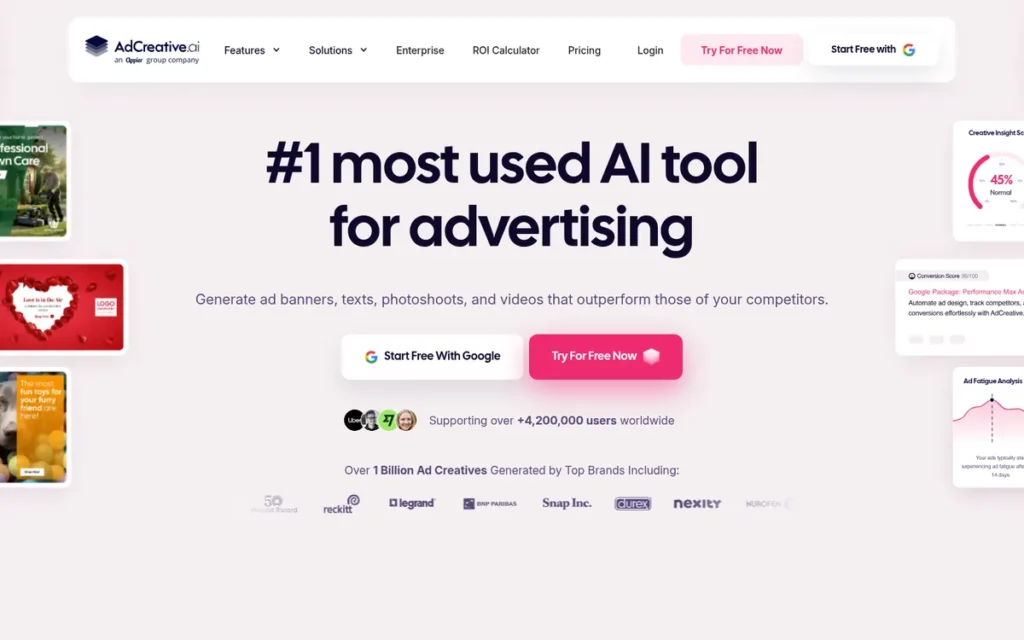
Category: AI Ad Generator, creates many static and video ad variants automatically from brand inputs and prompts.
PlugRoute Score: 2.95/5 (Formats 2.5 · Variants 4 · Reviews 2 · Pricing 2.5 · Governance 3 · Ease 4.5). AdCreative.ai ranks last mainly because it has the lowest review score on this list and does not export HTML5. It still scores well on variant volume and accessibility.
At a Glance
- Category: AI Ad Generator
- Best For: Performance marketers and small teams without designers who need many static display and social ad variants to test
- Price Range: $39–$999/month billed monthly; $20–$500/month billed annually (credit-based) (AdCreative.ai pricing page, November 2026)
- Primary Strength: AdCreative.ai generates large numbers of display and social ad variants quickly for teams without design skills.
- Biggest Limitation: AdCreative.ai does not produce HTML5 ads, its credits expire monthly, and its Capterra (3.3/5) and Trustpilot (3.5/5) ratings are the weakest on this list.
- One-Line Summary: AdCreative.ai is an AI ad generator for teams that need many static ad variants quickly, but its credit-based billing and mixed reviews need careful evaluation.
- Last Verified: November 2026
Overview
AdCreative.ai is an AI ad generator for performance marketers and small teams without designers, owned by Appier since 2025. It produces large numbers of static display and social ad variants, copy and video concepts, and gives each one a predictive Creative Score that AdCreative.ai says is accurate.
AdCreative.ai is neither a precise layout tool nor an HTML5 tool. Every AdCreative.ai download uses credits.
Key Features
- AdCreative.ai generates unlimited ad concepts and charges credits only when a creative is downloaded.
- AdCreative.ai Creative Scoring AI gives each variant a predicted performance score, which the vendor claims is more than 90% accurate.
- AdCreative.ai includes brand kits, from 1 brand on Starter to 25 brands on Ultimate.
- AdCreative.ai also produces ad copy, product photoshoots and video/UGC-style concepts.
- AdCreative.ai connects to Google Ads and Meta and includes competitor insights.
Best For
AdCreative.ai is best for performance marketers who want many static ad variants to test and can keep tight control of a credit-based budget.
Pricing
AdCreative.ai’s prices are listed below (AdCreative.ai pricing page, November 2026).
- AdCreative.ai Starter costs $39/month (20 credits, 1 brand), or $20/month billed annually.
- AdCreative.ai Professional costs $249/month (300 credits, 10 brands), or $125/month billed annually.
- AdCreative.ai Ultimate costs $999/month (25 brands), or $500/month billed annually.
AdCreative.ai credits expire monthly and do not roll over. AdCreative.ai plans renew automatically, and approved refunds take 2–3 weeks (AdCreative.ai refund policy, November 2026).
Strengths
- AdCreative.ai holds a G2 rating of 4.3/5 from 792 reviews (G2, November 2026), the second-largest G2 review base on this list. Reviewers praise its speed and the number of layout options.
- AdCreative.ai was named G2’s “3rd fastest-growing product” in 2023 and 2024. Appier, a Tokyo-listed AI company, bought the Paris-based company for US$38.7M; the deal was agreed in February 2025 and completed in March 2025 (Appier press release, 2025).
- AdCreative.ai’s annual Starter plan costs $20/month (AdCreative.ai pricing page, November 2026), a low entry price for AI-generated variants.
- AdCreative.ai supports up to 25 brand kits on its Ultimate plan (AdCreative.ai pricing page, November 2026), so agencies can keep separate client brands in one account.
Limitations
AdCreative.ai trades precision and format coverage for speed and volume. AdCreative.ai does not produce HTML5 ads and offers limited fine editing, and reviewers report generic or repetitive designs and typos in generated text.
- AdCreative.ai scores 3.3/5 on Capterra (170 reviews) and 3.5/5 on Trustpilot (4,646 reviews) (Capterra and Trustpilot, November 2026), far below its G2 score.
- AdCreative.ai’s Trustpilot complaints focus on trial conversion, auto-renewal and refund delays. One reviewer was charged $339 after a 7-day trial rolled into a paid plan (Trustpilot, 2026).
- AdCreative.ai’s claims of “up to 14× higher CTR” and more than 90% scoring accuracy are vendor statements with no published method.
Verdict
AdCreative.ai is a fast way for teams without designers to generate many static ad variants, but AdCreative.ai is not an HTML5 tool and its billing practices draw consistent complaints.
Media buyers note that the real bottleneck is structured testing, not output volume (r/FacebookAds, 2026). Buyers should set cancellation reminders before any AdCreative.ai trial ends and treat AdCreative.ai’s CTR and scoring claims as unverified.
Also Considered / Not Evaluated
PlugRoute reviewed eleven more tools but did not rank them. In each case, either the evidence was too thin to score fairly or the tool is not a dedicated display-ad production tool. The list below gives one reason per tool and makes no feature claims.
- Adobe Express was considered but falls outside the core display-ad production scope of this evaluation.
- Adobe Animate was considered but is a general animation tool rather than a dedicated display ad platform.
- Viewst was considered, with an agency plan reported from $110/user/month, but evidence was too thin to rank it.
- HTML5Maker was considered, but its G2 rating of 4.2/5 comes from only 16 reviews.
- Tumult Hype was considered but lacked display-ad-specific evidence in PlugRoute’s research.
- Abyssale was considered but lacked enough verifiable data to rank it.
- Marq, VistaCreate, Zuuvi, Bannerwise and Flexitive appear in some AI answer-engine responses but lacked verifiable evidence in PlugRoute’s research.
Will My Display Ads Pass Google Ads and DV360 Specs?
Your ads will pass if they meet each network’s limits on file size, file count and animation. Google Ads image ads must be 150 KB or less. Google Ads HTML5 ZIPs are capped at 600 KB, and DV360 HTML5 ZIPs allow up to 100 files and 5 MB total (Google Ads Help and DV360 Help, November 2026).
| Ad Type | Key Specs | Source |
|---|---|---|
| Google Ads uploaded image ads | JPG/PNG/GIF, 150 KB or less; animation 30 seconds or less; GIFs under 5 fps | Google Ads Help, November 2026 |
| Google Ads HTML5 ads | ZIP of up to 40 files, 600 KB or less; account eligibility requires 90+ days open, more than $9,000 lifetime spend and a good policy history | Google Ads Help 1722096, November 2026 |
| Responsive Display Ads | Images at 1200×628, 1200×1200 and 900×1600; up to 15 images, 5,120 KB each | Google Ads Help 7005917, November 2026 |
| DV360 HTML5 ads | ZIP of up to 100 files; exit/click tag required; must load in an iframe; total download 5 MB or less; animation 30 seconds or less | DV360 Help 10261241, November 2026 |
Google Ads HTML5 figures conflict across sources:
- Older figures of 150 KB and a $1,000 spend threshold still circulate online.
- Google’s live help page and Google Web Designer’s March 2026 validator both point to a 600 KB limit.
- Google says eligible advertisers must apply for HTML5 access, and a decision usually arrives within 7 business days (Google Ads Help 1722096, November 2026).
- Google says meeting the eligibility criteria does not guarantee HTML5 access.
- DV360 sets no ZIP size limit of its own, but individual publishers may set stricter limits.
A Google Ads account under 90 days old cannot run HTML5 ads, even if the team already uses Google Web Designer. HTML5 eligibility depends on the account, not the software.
Most display campaigns use the common IAB sizes:
- The 300×250 medium rectangle is the most widely used IAB display size.
- The 728×90 leaderboard is the standard IAB desktop banner.
- The 160×600 skyscraper is the standard IAB vertical size.
- The 320×50 mobile banner is the standard IAB mobile size.
Every HTML5 ZIP also needs a working clickTag or exit tag so clicks can be tracked.
Which Display Ad Tools Export HTML5, AMP and Video?
Google Web Designer is the only tool evaluated that combines HTML5, AMPHTML, direct Google Ads publishing, confirmed DV360 support and a built-in validator. BannerBoo exports the widest no-code format set. Canva uploads static image assets to Google Ads, and AdCreative.ai produces no HTML5. The matrix marks unconfirmed capabilities explicitly.
| Tool | JPG/PNG | GIF | MP4/Video | HTML5 | AMPHTML | Direct Google Ads Publishing | DV360 Confirmed | Built-in Validator |
|---|---|---|---|---|---|---|---|---|
| Canva | Yes | Yes | Yes | No | Not confirmed | Yes (static image assets only) | Not confirmed | Not found |
| The Brief | Yes | Not confirmed | Not confirmed | Yes | Not confirmed | Yes (higher plans) | Not confirmed | Not found |
| BannerBoo | Yes | Yes | Yes | Yes | Yes | Not confirmed (vendor says it is Google Ads compatible) | Not confirmed | Not found |
| Bannerflow | Not confirmed | Not confirmed | Yes | Yes | Not confirmed | Not confirmed | Yes (integration) | Not found |
| Celtra | Not confirmed | Not confirmed | Yes | Yes (rich media) | Not confirmed | Not confirmed (one user reports none) | Not confirmed | Not found |
| Google Web Designer | Yes | Not confirmed | Video component | Yes | Yes | Yes | Yes | Yes (600 KB, March 2026) |
| AdCreative.ai | Yes | Not confirmed | Yes | No | No | Connection documented | Not confirmed | Not found |
What Does Display Ad Design Software Really Cost?
Display ad design software costs from $0 (Canva Free, Google Web Designer) to quote-only enterprise contracts (Bannerflow, Celtra). No-code HTML5 tools start at about $12/month for BannerBoo or $29/month for The Brief, both billed annually. Sticker prices often leave out hidden costs such as credits, seat minimums and impression billing.
| Tool | Monthly Billing | Annual Billing (per month) | Free Tier | Documented Hidden Costs |
|---|---|---|---|---|
| Canva | Not found | Pro US$10 (US$120/year) | Yes | Teams 3-seat minimum; regional price variation; price-increase complaints after the 2024 Teams restructure |
| The Brief | $39 (Pro) | $29 (Pro) | No (7-day free trial, no card required) | Export-credit complaints; ad serving limited to higher tiers |
| BannerBoo | $14.99 (Start) | About $12 (Start) | Yes (10 static banners) | HTML5, AMP, GIF and MP4 export need a paid plan |
| Bannerflow | Quote only | Quote only | No | Impression-based billing; reported overages and annual invoicing |
| Celtra | Quote only | Quote only | No | Serving billed per impression or video start; paid add-ons |
| Google Web Designer | $0 | $0 | Yes (fully free) | Staff learning time; CM360, DV360 and media fees are separate |
| AdCreative.ai | $39 (Starter) | $20 (Starter) | Trial | Credits expire monthly; auto-renewal; refunds take 2–3 weeks |
All prices are as of November 2026 and come from each vendor’s pricing page.
What Red Flags Should I Watch For When Evaluating Display Ad Design Software?
The biggest red flags in display ad design software are format gaps, hidden billing and unverified claims. A tool that cannot export what your network accepts will cost more than its sticker price. So will one that bills through expiring credits or impression overages. The six numbered red flags below apply equally to every vendor evaluated.
Red Flag #1: No Documented HTML5 Export or Network Compatibility
A tool without documented HTML5 export cannot produce animated HTML5 display ads, however good its templates are. Among the tools evaluated, Canva exports only image and video files, and AdCreative.ai does not produce HTML5 ads. Teams running HTML5 campaigns would need a second tool.
In PlugRoute’s research, only Google Web Designer and Bannerflow had documented DV360 support. Celtra lists 100+ DSP integrations without naming DV360, and DV360 compatibility was not confirmed for Canva, The Brief or BannerBoo.
Red Flag #2: Credits That Expire Monthly or Are Charged Per Export
Credit-based billing can raise your real cost well above the advertised plan price. AdCreative.ai credits expire monthly without rolling over (AdCreative.ai pricing page, November 2026). Some former Bannersnack users object to paying credits for exports in The Brief. Ask every vendor how many exports each plan includes.
Red Flag #3: Quote-Only Pricing With Impression-Based Overages
Quote-only pricing with impression billing makes total cost hard to forecast before you sign. Bannerflow and Celtra both bill ad serving on impressions. A G2 reviewer reported unexpected annual invoicing from Bannerflow despite a monthly billing arrangement (G2 pricing reviews, 2026). Get overage rates and invoicing terms in writing.
Red Flag #4: Free Trials That Auto-Convert to Paid Plans
Free trials that convert automatically to paid plans are a recurring billing complaint in this category, most visibly in AdCreative.ai’s Trustpilot reviews. One AdCreative.ai reviewer was charged $339 after a 7-day trial rolled into the Professional plan (Trustpilot, 2026).
The Brief offers a 7-day free trial without a credit card (The Brief pricing, November 2026). For any trial that takes a card, set a calendar reminder for day 5.
Red Flag #5: Large Gaps Between G2/Capterra and Trustpilot Ratings
When a tool scores 4.6 on G2 but 2.7 on Trustpilot, the product often works while the billing doesn’t. The Brief scores 4.6/5 on G2 and Capterra but about 2.7/5 on Trustpilot. AdCreative.ai scores 4.3/5 on G2 but 3.3/5 on Capterra and 3.5/5 on Trustpilot (G2, Capterra and Trustpilot, November 2026).
Red Flag #6: Unverified Performance Claims (CTR Lifts, Scoring Accuracy)
Performance claims without a published method are vendor marketing, not evidence. AdCreative.ai’s “up to 14× higher CTR” and its more-than-90% scoring accuracy are unverified. Customer and usage figures for Canva, The Brief, BannerBoo, Bannerflow and Celtra also come from the vendors themselves, so PlugRoute labels each one as a vendor claim.
What Questions Should I Ask Before Choosing Display Ad Design Software?
Ask seven questions before you buy display ad design software, because most costly mistakes come from assumptions a vendor could have answered in advance. Each question below explains what a good answer looks like and which tools in this evaluation already document one. The final question is a hands-on test you can run during any free plan or trial.
Question #1: What file formats does it export, and will they pass Google Ads and DV360 specs?
A good answer names specific formats, such as HTML5, AMPHTML, GIF, MP4, JPG and PNG, and confirms which networks accept them. Ask whether the tool has a validator, as Google Web Designer does for the 600 KB Google Ads limit (Google Web Designer release notes, March 2026).
Question #2: Is my Google Ads account eligible to run HTML5 ads?
Google Ads HTML5 eligibility depends on account history, not on the software. Google’s current help page requires 90+ days, more than $9,000 lifetime spend and a good policy history. Eligible advertisers must apply, and Google says a decision usually arrives within 7 business days (Google Ads Help 1722096, November 2026).
Meeting those criteria still does not guarantee HTML5 access.
Question #3: How are credits, exports, impressions and overages billed?
A clear vendor answer explains whether credits expire, whether exports cost credits, how impressions are metered and what overages cost. Get these terms in writing for every vendor. That includes Canva Teams seat minimums and renewal pricing, AdCreative.ai credits, The Brief export credits, and Bannerflow and Celtra impression billing.
Question #4: Can I lock brand templates and set approval permissions?
Brand governance ranges from basic Brand Kits to full approval workflows. Bannerflow and Celtra document approval workflows, and The Brief Team adds roles and locked elements. Canva offers Brand Kits, with multi-brand support on Enterprise. AdCreative.ai supports 1–25 brand kits, BannerBoo offers only workspaces, and Google Web Designer has no brand kit.
Question #5: Can it generate language, audience or feed-based variants?
Programmatic campaigns often need feed-driven or localized variants. The Brief documents product-feed creatives, and Bannerflow documents DCO and AI localization. Celtra documents modular versioning by language and market, and Canva Bulk Create handles spreadsheet-driven static variants. BannerBoo documents no feed-based or localization features.
Question #6: How steep is the learning curve for my team’s skill level?
A free tool is not automatically a beginner-friendly tool. Canva (accessibility score 5), BannerBoo and AdCreative.ai (4.5) and The Brief (4) are the easiest to learn among the tools evaluated. Google Web Designer (1.5), Bannerflow (2) and Celtra (2) draw consistent learning-curve complaints in G2 and Capterra reviews.
Question #7: Can I test the tool on a real ad before I pay?
Five of the seven tools evaluated offer a free plan, a free trial or a $0 license, so you can test real output before paying. Run the three-step test below during any free plan or trial. It shows format and file-size problems before any contract or renewal begins.
- Step 1 is to export one 300×250 ad in the exact format your campaign needs.
- Step 2 is to upload that file to Google Ads or a DV360 preview.
- Step 3 is to confirm the file is under the network limit: 150 KB for Google Ads image ads or 600 KB for Google Ads HTML5.
How Did We Rank These Display Ad Design Software Tools?
PlugRoute scored each tool from 1 to 5 on six weighted criteria and ranked tools by weighted total, using dated research evidence only. Format coverage counts for 25%, variant production and independent reviews for 20% each, and pricing transparency for 15%. Brand governance and accessibility count for 10% each.
The six criteria and why each matters:
- Formats (C1, 25%) measures output format coverage and ad-spec compatibility, because picking the wrong type of tool is the costliest mistake in this category.
- Variants (C2, 20%) measures multi-size and variant production, because manual resizing is a core reader pain point.
- Reviews (C3, 20%) measures independent ratings across platforms, because gaps between platforms reveal problems that vendor claims hide.
- Pricing (C4, 15%) measures pricing transparency and total cost, because hidden billing costs are the largest theme in negative reviews.
- Governance (C5, 10%) measures brand governance and collaboration, because teams need consistent logos, colors and approvals.
- Ease (C6, 10%) measures accessibility for non-designers, because many buyers lack design or coding skills.
This aligns with community sentiment on r/graphic_design:
“I usually do the layout in Figma, then use Google Web Designer for the animation.
Versioning ads into multiple different sizes is such a pain in the ass, I usually farm that out vs doing it myself.” Posted by u/rob-cubed
Takeaway: Multi-size versioning is painful enough that even experienced display designers outsource it, which is why variant production carries 20% of the weight in PlugRoute’s display ad software ranking.
| Rank | Product | Formats (25%) | Variants (20%) | Reviews (20%) | Pricing (15%) | Governance (10%) | Ease (10%) | Weighted Total |
|---|---|---|---|---|---|---|---|---|
| 1 | Canva | 3 | 3 | 5 | 4 | 4 | 5 | 3.85 |
| 2 | The Brief | 4 | 4 | 3.5 | 3 | 4 | 4 | 3.75 |
| 3 | BannerBoo | 4 | 3 | 3.5 | 5 | 2.5 | 4.5 | 3.75 |
| 4 | Bannerflow | 4.5 | 5 | 3 | 1.5 | 5 | 2 | 3.65 |
| 5 | Celtra | 4 | 5 | 3.5 | 1.5 | 5 | 2 | 3.625 |
| 6 | Google Web Designer | 5 | 2.5 | 3 | 4.5 | 1.5 | 1.5 | 3.325 |
| 7 | AdCreative.ai | 2.5 | 4 | 2 | 2.5 | 3 | 4.5 | 2.95 |
How close rankings were decided:
- PlugRoute breaks ties using the higher combined score on format coverage, variant production and review ratings.
- The Brief and BannerBoo tied at 3.75, and The Brief placed #2 on the tie rule, 11.5 to 10.5.
- Bannerflow (3.65) leads Celtra (3.625) by only 0.025 points.
- Positions 1–5 sit within 0.225 points, so the segment picks matter more than the overall rank.
- Canva’s Reviews score of 5 is based on G2 alone. At a Reviews score of 4, Canva’s total would be 3.65.
How apparent conflicts were resolved:
- Canva’s Google Ads integration uploads static image assets. The rubric already gives that a Formats score of 3, the score for static output that works for Google image ads.
- Google Web Designer’s Capterra ease-of-use sub-score (4.5) and Celtra’s (4.2) come from existing users. The Ease criterion measures the learning curve for non-designers, so G2 and Reddit complaints from new users drive both tools’ Ease scores.
PlugRoute’s evaluation rules:
- This ranking is an evidence-based evaluation, not a hands-on performance test.
- Vendor claims are labelled as vendor claims, and missing data is marked “not found.”
- No peer-reviewed studies specific to this category were found.
- Reddit quotes flagged as possible astroturfing, or written by a competing tool’s founder, received no weight in scoring.
PlugRoute has no affiliate relationships with any company listed, and rankings are determined entirely by research data and objective evaluation criteria.
What Do Buyers Most Often Ask About Display Ad Design Software?
What is the best free display ad design software for beginners and small businesses?
Canva Free is the best free display ad design software for beginners and small businesses because Canva needs no design or coding skills and exports PNG, JPG, GIF and MP4 ads. Google Web Designer is also free but suits technical users. Small businesses needing HTML5 can start with BannerBoo from $14.99/month (BannerBoo plans page, November 2026).
What is the best display ad design software for HTML5 banners and agencies in 2026?
The Brief (formerly Creatopy) has the broadest documented HTML5 feature set below enterprise pricing, with Team plans at $49/seat/month billed annually for 2–10 seats (The Brief pricing, November 2026). BannerBoo is the budget HTML5 pick and Google Web Designer the free technical pick. Multi-market agencies should shortlist both Bannerflow and Celtra.
How does PlugRoute determine its rankings?
PlugRoute ranks tools by weighted scores across six published criteria. It uses only dated research evidence from review platforms, vendor documentation and credibility-weighted community discussions. The full scoring matrix and tie rule are published. Vendor claims are labelled, missing data is marked “not found,” and close scores and single-platform review scores are disclosed openly.
What Do Key Display Ad Design Software Terms Mean?
HTML5 Ad: A coded display ad, delivered as a ZIP package, that can include animation and interactive elements. It matters because some tools can’t export HTML5 at all, and both Google Ads and DV360 set limits on HTML5 file count and size.
Static Display Ad: An image ad (PNG, JPG or GIF) with no coded animation. Many experienced programmatic buyers treat static ads as the default because they cost far less to produce and check than HTML5 sets.
AMPHTML: A lightweight ad format that some tools export alongside standard HTML5. If your campaign needs AMP ads, confirm the tool supports the format before you buy, since many tools don’t confirm it.
Responsive Display Ads: Google ads that build themselves from the images, logos and headlines you upload in a few set sizes. Teams that run only Responsive Display Ads may not need a resizing tool.
IAB Sizes: The standard display ad sizes most campaigns use, such as the 300×250 medium rectangle, 728×90 leaderboard, 160×600 skyscraper and 320×50 mobile banner. The number of sizes you need affects how many files you produce, so it shapes which tool type makes sense.
ClickTag (Exit Tag): Code inside an HTML5 ad that makes clicks trackable. Every HTML5 ZIP needs one that works, and DV360 requires it.
DV360 (Display & Video 360): Google’s programmatic ad buying platform, which has its own HTML5 rules: up to 100 files, 5 MB total and loading inside an iframe. Several tools don’t confirm DV360 compatibility, so programmatic buyers should check it first.
CM360 (Campaign Manager 360): Google’s ad serving and campaign management platform. Some tools publish to it directly, and its fees are charged separately from any design software license.
Dynamic Creative Optimization (DCO): A method that builds ad variants automatically from live product feeds or data. It matters to multi-market and programmatic advertisers who need many versions without designing each one by hand.
Feed-Based Creatives: Ad variants generated from a product feed or spreadsheet instead of being designed one by one. This cuts the work of producing large ad sets, but not every no-code tool offers it.
Credit-Based Billing: A pricing model in which downloads or exports use up credits, which may expire monthly without rolling over. It can push your real cost well above the advertised plan price, so ask how many exports each plan includes.
Impression-Based Billing: A pricing model, common on enterprise platforms, that charges for ad serving per impression or per video start. It makes total cost hard to predict, so get overage rates and invoicing terms in writing before you sign.
Which Display Ad Design Software Is Right for You?
Key Insights
- Canva ranks #1 overall for static display ads and non-designer teams, but Canva does not export HTML5 ad packages, and its lead rests on a single-platform review score.
- The Brief (formerly Creatopy) has the broadest documented HTML5, resizing, feed and ad-serving feature set below enterprise pricing, but The Brief’s Trustpilot rating trails its G2 and Capterra scores.
- BannerBoo is the lowest-priced paid tool for no-code HTML5 and AMP export, starting at $14.99/month, or about $12/month billed annually (BannerBoo plans page, November 2026).
- Bannerflow and Celtra are separated by only 0.025 points, and both require quote-only contracts with impression-based billing.
- Google Web Designer is free and native to Google Ads, CM360 and DV360, but Google Web Designer is not beginner-friendly.
- AdCreative.ai generates many static variants quickly, but AdCreative.ai’s credit billing and Capterra rating of 3.3/5 call for caution.
How to choose for your situation:
- Teams running mostly static ads or Responsive Display Ads should start with Canva Free and upgrade only when they need more.
- Teams needing 10 or more animated versions of each ad should choose BannerBoo for budget HTML5, or The Brief for resizing, feeds and serving.
- Agencies managing multi-market programmatic campaigns should request written pricing terms from both Bannerflow and Celtra.
Display ad production is shifting toward automation and AI. IAB/Sonata Insights found that 83% of advertising executives have deployed AI in the creative process, up from 60% in 2024 (IAB/Sonata Insights, 2026; 100 executives surveyed). Expect features and pricing in this category to keep changing.
Read PlugRoute’s full scoring methodology and browse more independent marketing software reviews on PlugRoute before you commit.
We update this guide quarterly. Last updated: November 5, 2026.