Render is the top-ranked developer-first PaaS for startups and modern development teams in 2026, delivering 2GB RAM at $25/month, four times the compute of Heroku at identical cost. Azure App Service leads for Microsoft enterprise organizations. Red Hat OpenShift is the only option supporting deployment in FedRAMP-authorized environments for government and regulated-industry workloads.
PaaS platform decisions age poorly when teams optimize for day-one simplicity without modeling compliance needs, vendor lock-in costs, or compute economics at 10× current workload scale. This comparison evaluates seven platforms across compute value, developer ergonomics, pricing transparency, ecosystem fit, and long-term platform viability, the factors that determine whether a PaaS decision holds up at scale.
PlugRoute has no affiliate relationships with any platform listed in this comparison, rankings are determined solely by independent research, verified pricing data, and practitioner sentiment analysis.
“I use Render for several projects and use all the time I would otherwise be spending fussing with servers to ride my motorcycle instead.” (u/DewaldR, r/rails)
Takeaway: The core promise of PaaS is the return of developer time, practitioners who commit to a managed platform that eliminates infrastructure management consistently report redirecting hours previously spent on server maintenance to feature development and personal productivity.
TL;DR: Top Picks at a Glance
- Render: Best compute-per-dollar and developer workflow for modern full-stack and startup teams
- Azure App Service: Top enterprise PaaS for .NET, Java, and Microsoft-committed organizations
- AWS Elastic Beanstalk: Zero platform fee for AWS-committed teams deploying without ECS or Kubernetes
- Red Hat OpenShift: The only platform supporting deployment in FedRAMP-authorized environments for regulated enterprise and government workloads
What Are the Main Categories of Cloud PaaS Platforms?
Cloud PaaS platforms in 2026 fall into three distinct categories (Hyperscaler PaaS, Developer-First Managed PaaS, and Enterprise Kubernetes Platforms) each with meaningfully different architectural assumptions, pricing models, and ideal use cases. Identifying which category matches your team’s ecosystem, compliance requirements, and operational capacity is the most efficient first step in PaaS platform selection.
Category 1: Hyperscaler PaaS: Platforms built on the Big Three cloud providers’ own infrastructure, including AWS Elastic Beanstalk, Azure App Service, and Google App Engine. These platforms offer:
- Global infrastructure scale and broad regional coverage
- Enterprise compliance certifications (ISO, SOC 2, HIPAA, support for FedRAMP-authorized environments)
- Native ecosystem integration with existing cloud services and IAM frameworks
- Trade-off: complex consumption-based pricing models and strong ecosystem lock-in
Category 2: Developer-First Managed PaaS: Independent platforms optimized for Git-based deployment workflows and predictable pricing, including Render, Heroku, and DigitalOcean App Platform. These platforms offer:
- Git push–to-deploy workflows with minimal configuration overhead
- Predictable flat-rate compute pricing without hidden resource charges
- Managed databases integrated into the same billing account
- Trade-off: limited compliance certifications and single-region deployment constraints
Category 3: Enterprise Kubernetes Platform: Red Hat OpenShift is the sole representative in this comparison, extending Kubernetes with enterprise tooling, CI/CD, monitoring, RBAC, compliance certifications, and commercial support contracts. Red Hat OpenShift targets regulated enterprises that need managed Kubernetes without building a platform engineering team from scratch.
How Do the Top 7 Cloud PaaS Platforms Compare at a Glance?
The seven platforms in this comparison represent distinct points on the simplicity-control-compliance spectrum. Render leads on developer experience and compute value. Azure App Service leads on enterprise Microsoft integration. Red Hat OpenShift leads on compliance depth for regulated and government workloads.
| Rank | Company | Category | Best For | One-Line Summary | Key Capabilities | Primary Strength | Key Limitation |
|---|---|---|---|---|---|---|---|
| 1 | Render | Developer-First PaaS | Modern startups and full-stack teams migrating from Heroku | Render delivers the best compute-per-dollar ratio among standalone PaaS platforms in 2026 and the most complete developer-first feature set for teams migrating off Heroku. | Blueprints IaC, preview environments, managed Postgres and Redis, private networking, zero-downtime deploys | 2GB RAM at $25/month. That is four times the RAM of Heroku Standard-1X at identical monthly cost. | No active-active multi-region deployment; services deploy to a single geographic region only |
| 2 | Azure App Service | Hyperscaler PaaS | Enterprise .NET, Java, and Microsoft ecosystem teams | Azure App Service provides enterprise-grade deployment slots, single-tenant App Service Environment isolation, and native Azure DevOps integration for Microsoft-stack organizations. | Deployment slots, ASE, Easy Auth, Hybrid Connections, Application Insights, WebJobs | Zero-downtime blue/green deployments without Kubernetes via deployment slot swap | Windows-vs-Linux runtime behavior divergence; Free tier cold starts due to absent Always On |
| 3 | AWS Elastic Beanstalk | Hyperscaler PaaS | AWS-committed teams needing simplified deployment without ECS or Kubernetes | AWS Elastic Beanstalk charges zero platform fees and orchestrates EC2, load balancing, and health monitoring for AWS-committed teams who want simplified deployment. | Multi-runtime support, worker environments (SQS), health monitoring, auto-scaling, AI analysis (March 2026) | Zero additional platform cost on top of standard AWS resource spend | Severe-state failures require environment rebuilds; legacy click-ops model; declining community adoption |
| 4 | Heroku | Developer-First PaaS | Salesforce ISV partners and enterprises prioritizing zero infrastructure management | Heroku pioneered buildpack deployment and Review Apps, and remains the only platform with native Salesforce CRM integration via AppLink and Heroku Connect. | Review Apps, Pipelines, Heroku Postgres (TB-scale), Private Spaces, Shield (HIPAA/PCI), AppLink | Most complete Review Apps and Pipeline workflow for collaborative multi-environment development | Most expensive compute-per-dollar among developer-first platforms; free tier eliminated November 28, 2022 |
| 5 | Google App Engine | Hyperscaler PaaS | Google Cloud teams needing scale-to-zero or built-in canary deployments | Google App Engine is the oldest cloud PaaS (April 2008) and the only platform in this comparison offering genuine scale-to-zero in a managed runtime without full serverless migration. | Standard (scale-to-zero) and Flexible (Docker on VMs), traffic splitting, task queues, BigQuery integration, cron | Scale-to-zero in Standard eliminates idle compute costs entirely for bursty workloads | Internal competition from Cloud Run; Standard sandbox restrictions; billing complexity between environments |
| 6 | DigitalOcean App Platform | Developer-First PaaS | Budget-conscious indie developers and small teams migrating from Heroku | DigitalOcean App Platform bundles Cloudflare CDN and DDoS protection at the lowest Pro-tier auto-scaling entry price in this comparison. | Cloudflare CDN (included), Git and container-registry deploys, 10-revision rollbacks, managed databases, AI App Platform Skills (2026) | Cloudflare CDN and DDoS included by default. Lowest Pro-tier auto-scaling entry price at $12/month. | No persistent local storage; no root or SSH access; smaller infrastructure redundancy than hyperscalers |
| 7 | Red Hat OpenShift | Enterprise Kubernetes Platform | U.S. federal agencies, regulated enterprises, and large organizations requiring multi-cloud Kubernetes | Red Hat OpenShift is the only platform in this comparison designed for deployment in FedRAMP-authorized environments with FIPS 140-2 validated cryptographic modules. | Kubernetes with S2I, Tekton and Argo CD, OperatorHub, RHCOS auto-updates, ROSA and ARO managed options, RBAC and SCC | Support for FedRAMP-authorized environments and FIPS 140-2 validated cryptography; enabling U.S. government workloads no other platform in this comparison can serve | Highest cost and complexity; subscription pricing requires direct sales; operator dependencies create significant exit cost |
Which Cloud PaaS Platform Should I Choose for My Use Case?
Start with these three filters before the table below: (1) Need FedRAMP-authorized environments or a HIPAA BAA? Evaluate Red Hat OpenShift and Azure App Service only. (2) Committed to AWS, Azure, or Google Cloud for other infrastructure? Choose the matching hyperscaler PaaS entry. (3) Neither? Compare Render, DigitalOcean App Platform, and Heroku on compute value at your target production RAM specification.
| Your #1 Priority | Recommended Tool | Why | Acceptable Alternative |
|---|---|---|---|
| Best compute value at $25/month | Render | Render Standard delivers 2GB RAM at $25/month. That is four times the RAM of Heroku Standard-1X at identical monthly cost. | DigitalOcean App Platform ($12/month Pro, 1GB with auto-scaling) |
| Microsoft/.NET enterprise integration | Azure App Service | Azure App Service provides deployment slots, Easy Auth, ASE, and native Azure DevOps integration. No independent PaaS replicates this combination at comparable cost. | AWS Elastic Beanstalk (.NET on Linux supported) |
| AWS ecosystem with zero platform fee | AWS Elastic Beanstalk | AWS Elastic Beanstalk charges $0 platform cost. All AWS services are available at standard resource rates with no PaaS markup applied on top. | Google App Engine (if Google Cloud preferred) |
| Salesforce CRM integration | Heroku | Heroku AppLink, Heroku Connect, Shield HIPAA/PCI, and Private Spaces are exclusive to Heroku. No equivalent exists on any other platform in this comparison. | Azure App Service (if Microsoft stack preferred) |
| Scale-to-zero compute economics | Google App Engine Standard | Google App Engine Standard offers genuine scale-to-zero plus 28 free F1 instance-hours per day for bursty or intermittent Google Cloud workloads. | Render (free tier available, but spins down after 15 minutes of inactivity) |
| Lowest entry price with CDN bundled | DigitalOcean App Platform | DigitalOcean App Platform Pro starts at $12/month with Cloudflare CDN included. No other platform in this comparison bundles CDN at this price point. | Render Starter ($7/month, no bundled CDN) |
| FedRAMP-authorized environments or FIPS 140-2 | Red Hat OpenShift | Red Hat OpenShift is the only platform in this comparison designed for FedRAMP-authorized deployment with FIPS 140-2 validated cryptographic modules. | Azure Government configurations (limited compliance subset) |
What Are the 7 Best Cloud PaaS Platforms in 2026?
The seven best cloud PaaS platforms in 2026 are Render (developer-first best overall), Azure App Service (Microsoft enterprise leader), AWS Elastic Beanstalk (AWS zero-fee option), Heroku (Salesforce ecosystem specialist), Google App Engine (scale-to-zero on Google Cloud), DigitalOcean App Platform (budget-conscious best value), and Red Hat OpenShift (regulated enterprise and government). Rankings reflect overall utility across the broadest software developer audience.
Compliance-first note: Teams requiring FedRAMP-authorized deployment environments or HIPAA Business Associate Agreements should evaluate Red Hat OpenShift (#7) and Azure App Service (#2) before reading other entries, compliance requirements disqualify Render, DigitalOcean App Platform, and Heroku for regulated workloads regardless of pricing or developer experience advantages.
1. Render: Best Overall PaaS for Modern Developer Teams
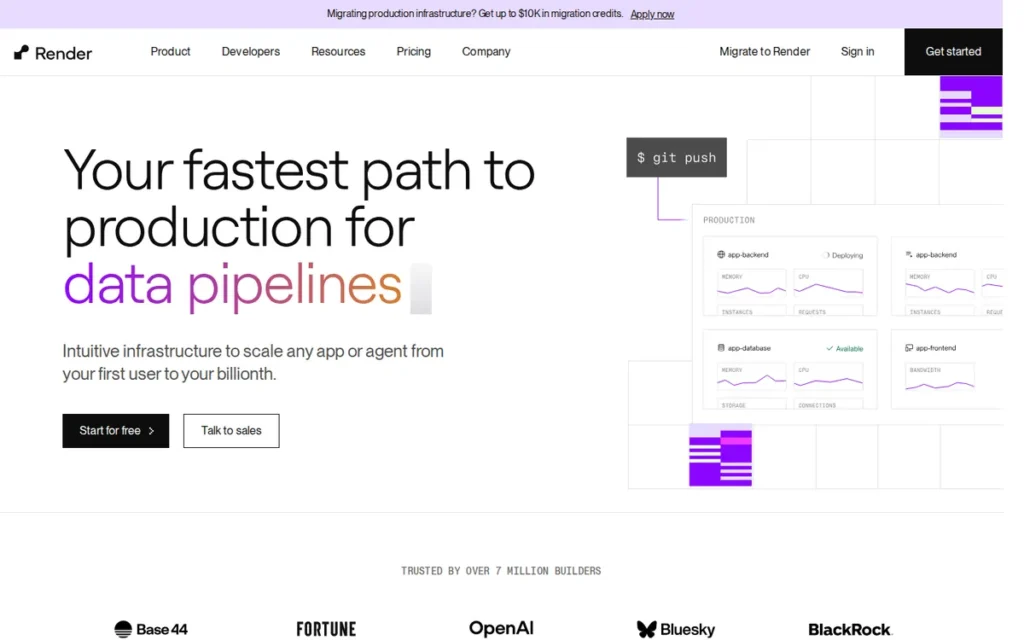
Category: Developer-First Managed PaaS, deploys web services, static sites, background workers, cron jobs, and managed databases from Git repositories with infrastructure-as-code support.
At a Glance
- Category: Developer-First Managed PaaS
- Best For: Startups, indie developers, and full-stack teams migrating from Heroku
- Price Range: Free ($0); paid plans from $7 to $450/month; custom plans up to 512GB RAM via sales
- Primary Strength: Render Standard ($25/month) delivers 2GB RAM and 1 vCPU: four times the RAM of Heroku Standard-1X at identical monthly cost
- Biggest Limitation: No active-active multi-region deployment; services run in a single geographic region only
- One-Line Summary: Render delivers the best compute-per-dollar ratio and most complete developer-first feature set among standalone PaaS platforms in 2026, making it the top independent recommendation for teams migrating off Heroku.
- Last Verified: May 2026
Overview
Render is the top-ranked developer-first PaaS for startups and teams migrating from Heroku in 2026, delivering 2GB RAM and 1 vCPU at $25/month, four times the compute of Heroku Standard-1X at identical monthly cost. Render was founded in 2019 by Anurag Goel and has raised approximately $157 million from institutional investors including Bessemer Venture Partners, General Catalyst, and South Park Commons Fund [Source: Render Series C announcement, render.com/blog/series-c, January 2025].
Render covers web services, background workers, managed Postgres, cron jobs, private services, and static sites in one Git-based platform with zero-downtime deploys included. Render’s complete feature set (DDoS protection, TLS certificates, custom domains, persistent disks, rollbacks, and private networking) is available without additional configuration at all paid tiers.
Key Features
- Blueprints (render.yaml) IaC: Render supports infrastructure-as-code via
render.yaml, a declarative configuration format defining multi-service stacks as version-controlled configuration (enabling reproducible environment creation without a separate infrastructure language such as Terraform or CloudFormation [Source: Render documentation) render.com/docs]. - Preview Environments: Render automatically spawns complete application environments for every pull request, providing disposable staging URLs for code review, the closest independent competitor to Heroku’s Review Apps feature without requiring Heroku’s pricing tier.
- Zero-Downtime Deployments: Render deploys by spinning up a new instance, waiting for health checks to pass, and then routing traffic to the new instance and terminating the old one (with the noted exception that services using persistent disks do not receive zero-downtime behavior [Source: Render deploy documentation) render.com/docs/deploys].
- Private Networking by Default: Render provides zero-configuration private communication between services, workers, and databases within the same region (reducing attack surface without requiring VPC setup or security group configuration [Source: Render articles) render.com/articles/low-devops-deploy-ai-without-kubernetes].
- Managed Postgres and Redis: Render includes managed PostgreSQL starting at $6/month (Basic-256MB) and $19/month (Basic-1GB), plus Redis-compatible key-value stores starting at $10/month (consolidating compute and data services in one platform [Source: Render pricing) render.com/pricing, May 2026].
Best For
Render is best for startups, indie developers, and SaaS teams migrating from Heroku who need Git-based auto-deploy, preview environments, and managed databases at a compute cost structure that scales more sustainably as production workloads grow.
Pricing
Render pricing is verified May 2026 from render.com/pricing:
- Render’s Free tier costs $0/month and provides 512MB RAM and 0.1 vCPU; web services on this tier spin down after 15 minutes of inactivity, generating cold-start latency on the next incoming request.
- Render’s Starter plan costs $7/month and provides 512MB RAM and 0.5 vCPU; suitable for low-traffic production applications that do not require auto-scaling.
- Render’s Standard plan costs $25/month and provides 2GB RAM and 1 vCPU: the tier delivering a four-to-one RAM advantage over Heroku Standard-1X at identical monthly cost.
- Render’s Pro plan costs $85/month for 4GB RAM and 2 vCPU; Pro Plus costs $175/month for 8GB and 4 vCPU; Pro Ultra costs $450/month for 32GB RAM and 8 vCPU.
Render’s workspace plan structure changed on April 23, 2026 [Source: Render Platform Features Documentation, render.com/docs/platform-features-by-plan, verified May 2026], verify current tier configurations at the official pricing page before committing to long-term cost projections.
Strengths
- Compute Value Advantage: Render’s Standard plan ($25/month) provides 2GB RAM and 1 vCPU, compared to Heroku Standard-2X ($50/month, 1GB RAM), a four-to-one RAM-per-dollar advantage at the same price point [Source: render.com/pricing, May 2026]. At 10 concurrent instances, this differential means Render delivers 20GB total RAM for the same spend that yields only 5GB on Heroku Standard-1X.
- Community Validation as Heroku Successor: Render is consistently described as “the new Heroku” across r/rails and r/devops communities, with practitioners citing equivalent developer experience at meaningfully lower compute costs [Source: r/rails community discussion, reddit.com/r/rails/comments/1bsehz8/, 2024].
- Memory Efficiency Compared to Heroku: A developer documented that the same Rails application crashing on Heroku’s 512MB free tier ran stably at 50–60% memory utilization on Render’s 512MB tier (suggesting lower platform overhead per instance [Source: u/RichStoneIO, r/rails) reddit.com/r/rails/comments/1bsehz8/, 2024].
- Institutional Funding Stability: Render’s approximately $157 million in total funding from Bessemer Venture Partners, General Catalyst, and South Park Commons Fund provides financial runway that reduces platform discontinuation risk for teams making multi-year infrastructure decisions [Source: Render Series C announcement, render.com/blog/series-c, January 2025].
Limitations
- No Multi-Region Deployment: Render does not support active-active multi-region service deployment, services run in a single region, making Render unsuitable for applications requiring global latency optimization or GDPR data residency across multiple geographies [Source: encore.dev Render alternatives analysis, encore.dev/articles/render-alternatives].
- Free Tier Spin-Down: Render’s free tier web services spin down after 15 minutes of inactivity, generating cold-start latency on the first request after idle, a significant friction point for demo environments, low-traffic side projects, and educational applications that cannot absorb initial response delays.
- Persistent Disk Deployment Constraint: Render’s zero-downtime deployment does not apply to services using persistent local disks, stateful applications requiring local filesystem storage must architect around this limitation or use Render’s managed Postgres instead.
- Pricing Model in Active Revision: Render’s workspace plan structure changed in April 2026 [Source: Render Platform Features Documentation, render.com/docs/platform-features-by-plan, May 2026], indicating the commercial model is still evolving, teams should verify current pricing at render.com/pricing rather than relying on third-party comparisons for long-term budget planning.
Verdict
Render is the top-ranked developer-first PaaS for teams migrating from Heroku in 2026, delivering twice the RAM of Heroku’s equivalent tier at identical cost with Blueprint-based IaC and preview environments closing the feature gap.
For most development teams building web applications in 2026, the question is not whether Render is a legitimate production platform, it is whether the team’s specific compliance, multi-region, or Salesforce integration requirements disqualify it.
Render’s primary disqualifier (no multi-region support) applies only to applications requiring global active-active deployment or strict multi-continental data residency mandates.
2. Azure App Service: Best PaaS for Microsoft Enterprise Teams
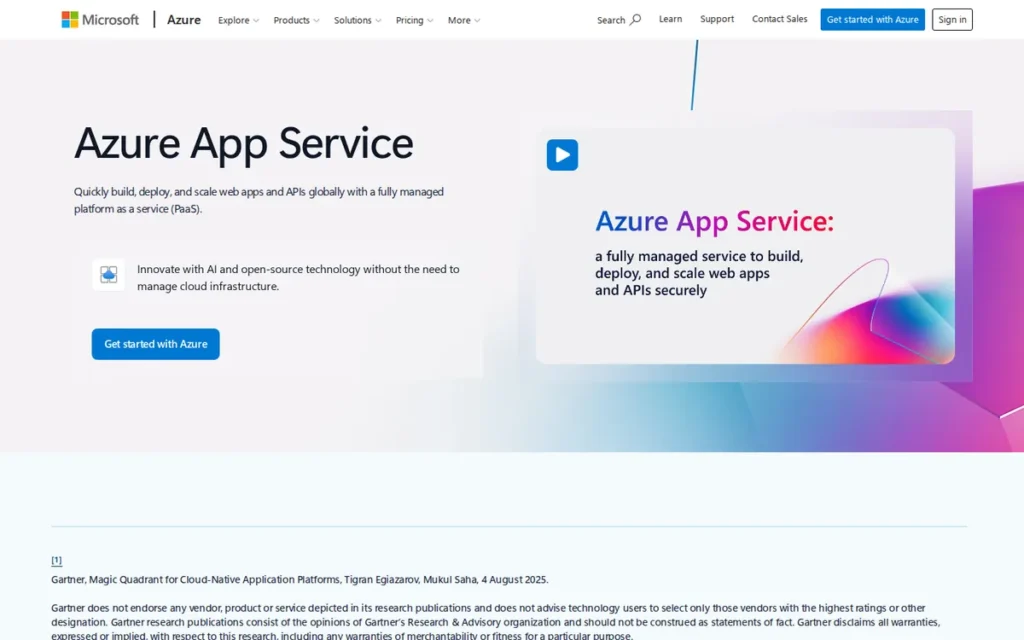
Category: Hyperscaler PaaS, fully managed platform integrated with Microsoft Azure infrastructure, Azure DevOps, Application Insights, and the broader Microsoft 365 ecosystem.
At a Glance
- Category: Hyperscaler PaaS
- Best For: Enterprise .NET, Java, and Python teams already committed to the Microsoft Azure ecosystem
- Price Range: Free (F1, no Always On); paid tiers from Basic through Isolated: verify current rates at azure.microsoft.com/en-us/pricing/details/app-service/windows/
- Primary Strength: Deployment slots enabling zero-downtime blue/green deployments on Standard, Premium, and Isolated plans, without Kubernetes
- Biggest Limitation: Windows-vs-Linux runtime behavior divergence adds debugging complexity; Free tier cold starts due to absent Always On support
- One-Line Summary: Azure App Service provides enterprise-grade deployment slots, single-tenant App Service Environment isolation, and native Azure DevOps integration, making it the definitive PaaS for Microsoft-stack enterprise organizations.
- Last Verified: May 2026
Overview
Azure App Service is the top-ranked enterprise PaaS for organizations committed to Microsoft Azure, providing deployment slots for zero-downtime blue/green releases without Kubernetes, App Service Environment (ASE) for single-tenant VNet-isolated deployment, and native integration with Azure DevOps, Application Insights, and Microsoft Entra. Azure App Service supports .NET, Java, Node.js, Python, and PHP on both Windows and Linux [Source: Microsoft Learn, learn.microsoft.com/en-us/azure/app-service/overview].
Azure App Service benefits from Microsoft Azure’s 21% global cloud infrastructure market share as of Q1 2026 [Source: Synergy Research Group Q1 2026, srgresearch.com], providing global regional coverage and enterprise compliance certifications including ISO, SOC 2, HIPAA, and support for FedRAMP-authorized environments that independent PaaS platforms cannot match.
Key Features
- Deployment Slots: Azure App Service provides live staging environments with unique hostnames on Standard, Premium, and Isolated plans (enabling zero-downtime blue/green deployments by swapping slot traffic without Kubernetes operational complexity [Source: Microsoft Learn) learn.microsoft.com/en-us/azure/app-service/deploy-staging-slots].
- App Service Environment (ASE): Azure App Service Environment provides single-tenant, fully isolated deployment inside a customer’s Azure Virtual Network (delivering network isolation for regulated workloads that multi-tenant PaaS platforms cannot provide [Source: Microsoft Learn) learn.microsoft.com/en-us/azure/app-service/environment/overview].
- Easy Auth (Built-In Authentication): Azure App Service includes authentication middleware supporting Microsoft Entra, Google, Facebook, Apple, and X before application code executes (eliminating auth implementation overhead for enterprise application teams [Source: Microsoft Learn) learn.microsoft.com/en-us/azure/app-service/overview-authentication-authorization].
- Hybrid Connections: Azure App Service enables apps to securely access on-premises databases and services without inbound firewall changes or VPN configuration (a critical differentiator for financial services and manufacturing teams with legacy on-premises systems [Source: Microsoft Learn) learn.microsoft.com/en-us/azure/app-service/].
- Application Insights Integration: Azure App Service integrates natively with Azure Monitor and Application Insights for APM-level telemetry, providing deep performance visibility without additional configuration, a meaningful step beyond Elastic Beanstalk’s CloudWatch metrics.
Best For
Azure App Service is best for enterprise .NET, Java, and Python development teams already committed to Microsoft Azure, particularly organizations using Azure DevOps, GitHub Actions, Azure Active Directory/Entra for identity, or requiring single-tenant VNet-isolated deployment for financial services, healthcare, or other compliance-sensitive workloads.
Pricing
Azure App Service pricing is region-specific, OS-specific (Windows vs. Linux), and updated frequently. Use the Azure Pricing Calculator at azure.microsoft.com/en-us/pricing/calculator/ for accurate current-month estimates before making budget commitments.
Tier categories verified May 2026 from azure.microsoft.com/en-us/pricing/details/app-service/windows/:
- Azure App Service’s Free (F1) tier costs $0/month but does not include Always On support, causing apps to spin down after inactivity and generating cold-start delays that are the documented primary source of negative App Service reviews among free-tier users.
- Azure App Service’s Basic tier (B1/B2/B3) enables Always On support and is the minimum tier recommended for production workloads requiring consistent response times.
- Azure App Service’s Standard tier (S1/S2/S3) adds deployment slots, auto-scaling, and SSL SNI bindings, required for zero-downtime blue/green deployments.
- Azure App Service’s Premium (P0v3–P5mv3) and Isolated (I1v2–I6v2/ASE) tiers support VNet integration and single-tenant deployment for enterprise and compliance-sensitive workloads.
“Your experience is going to depend on the SKU. If you’re going with a free tier the experience will be painful. But if you’re willing to pay for the app service, then it’s great.” (u/flappers87, r/AZURE)
Takeaway: Azure App Service user satisfaction splits dramatically by plan tier, teams evaluating the platform should test exclusively on the tier they plan to run in production, as the Free and Shared plan experience is not representative of paid tier performance.
Strengths
- Enterprise Compliance Inheritance: Azure App Service inherits ISO, SOC 2, HIPAA, and support for FedRAMP-authorized environments from Microsoft Azure’s global infrastructure [Source: Microsoft Azure compliance documentation, azure.microsoft.com, verified May 2026], a compliance baseline that independent PaaS platforms including Render and DigitalOcean App Platform cannot match for regulated workloads.
- Deployment Slots as Key Differentiator: Azure App Service’s deployment slots for zero-downtime blue/green deployments are the most consistently praised enterprise feature (enabling production deployment confidence without Kubernetes operational complexity [Source: u/flappers87, r/AZURE) reddit.com/r/AZURE/comments/14vudjh/].
- Native Azure Ecosystem Depth: Azure App Service integrates natively with Azure Container Registry, Azure DevOps, GitHub Actions, Application Insights, and Microsoft Entra, eliminating multi-vendor tool assembly that alternatives require to achieve equivalent CI/CD pipeline capability.
- Single-Tenant Isolation via ASE: Azure App Service Environment provides single-tenant, VNet-isolated deployment (a capability Heroku matches only at enterprise pricing and that independent platforms like Render cannot offer at any price [Source: Microsoft Learn ASE Overview) learn.microsoft.com/en-us/azure/app-service/environment/overview].
Limitations
- Tier-Dependent Experience Quality: Azure App Service user satisfaction splits dramatically by plan tier (Free and Shared plans generate the most negative community reviews, while paid tiers receive substantially more positive assessments [Source: r/AZURE community discussion) reddit.com/r/AZURE/comments/14vudjh/, 2023], making tier selection a critical pre-deployment decision that shapes the entire platform evaluation.
- Windows-vs-Linux Behavior Divergence: Azure App Service’s runtime behavior, filesystem semantics, and startup latency differ between Windows and Linux hosting modes (creating debugging and documentation complexity for teams working across both environments [Source: Stackify limitations analysis) stackify.com/top-azure-app-services-limitations/].
- Azure Ecosystem Lock-In: Azure App Service’s most powerful features: Easy Auth, Hybrid Connections, Application Insights, and ASE, are Azure-native with no direct equivalents on other clouds, creating significant re-architecture costs if cloud migration becomes necessary.
- Complex Networking Configuration: Azure App Service teams attempting VNet integration with Private Endpoints or configuring App Service Environment for the first time encounter documentation gaps significant enough that community posts describe the networking experience as the platform’s primary source of frustration (distinct from the feature quality on paid tiers, which is consistently praised [Source: u/EfficientAd2384, r/AZURE) reddit.com/r/AZURE/comments/14vudjh/].
Verdict
Azure App Service is the definitive enterprise PaaS for Microsoft-stack organizations in 2026, with deployment slots, single-tenant ASE isolation, native Entra authentication middleware, and Application Insights telemetry creating an integrated enterprise deployment platform with no independent equivalent.
Azure App Service’s limitations (tier-dependent experience quality and Windows/Linux behavior divergence) are manageable with proper tier selection and architectural planning.
Teams not committed to the Microsoft Azure ecosystem will find better compute value and simpler operations with Render or DigitalOcean App Platform.
3. AWS Elastic Beanstalk: Best PaaS for AWS-Committed Teams
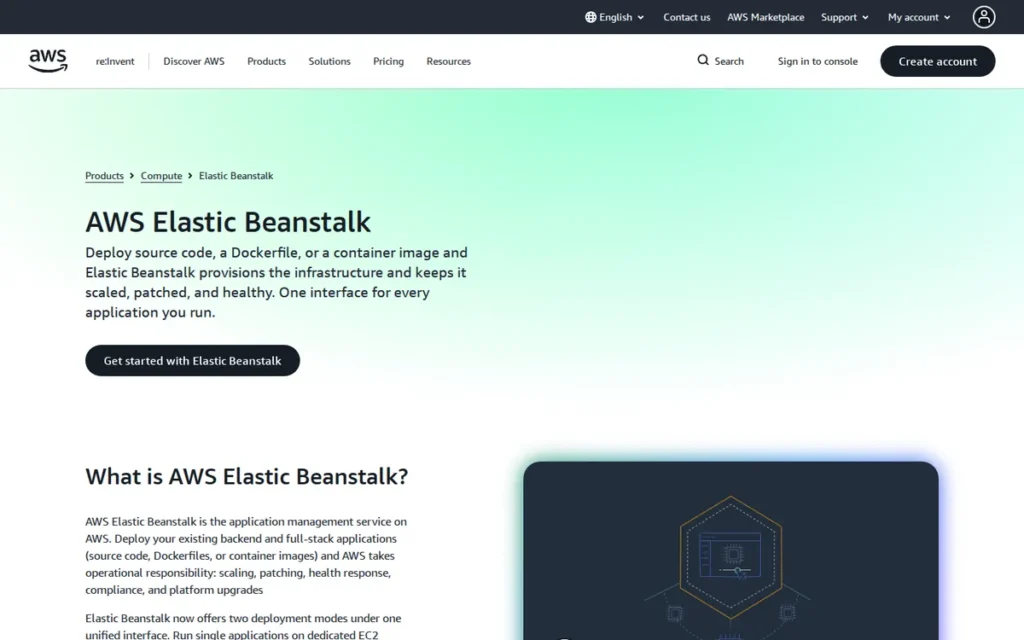
Category: Hyperscaler PaaS, managed orchestration layer for deploying applications on AWS EC2, ELB, and RDS infrastructure with zero additional platform fee.
At a Glance
- Category: Hyperscaler PaaS
- Best For: Teams already committed to AWS who need simplified deployment without learning ECS or Kubernetes
- Price Range: $0 platform fee; pay only for underlying AWS resources (EC2, ELB, RDS, S3, EBS)
- Primary Strength: Zero platform fee: the only PaaS in this comparison charging nothing for the orchestration layer itself
- Biggest Limitation: Severe-state failures require complete environment rebuilds; legacy click-ops model; declining community adoption sentiment
- One-Line Summary: AWS Elastic Beanstalk charges zero platform fees and orchestrates EC2, load balancing, and health monitoring for AWS-committed teams who want simplified deployment without CloudFormation complexity.
- Last Verified: May 2026
Overview
AWS Elastic Beanstalk is the zero-platform-fee PaaS for AWS-committed teams, orchestrating EC2 instances, load balancing, health monitoring, and auto-scaling at no additional cost beyond standard AWS resource charges. Launched in 2011 [Source: AWS Elastic Beanstalk documentation, docs.aws.amazon.com/elasticbeanstalk/latest/dg/Welcome.html], Beanstalk supports Go, Java.NET (Windows and Linux), Node.js, PHP, Python, Ruby, and Docker without requiring CloudFormation or Kubernetes knowledge.
AWS Elastic Beanstalk runs on AWS infrastructure holding 28% of global cloud infrastructure market share as of Q1 2026 [Source: Synergy Research Group Q1 2026, srgresearch.com], the broadest global infrastructure footprint of any platform in this comparison, with compliance certifications and regional coverage that independent PaaS platforms cannot replicate.
Key Features
- Zero Platform Fee: AWS Elastic Beanstalk charges nothing for the orchestration layer [Source: AWS Elastic Beanstalk pricing, aws.amazon.com/elasticbeanstalk/pricing/], teams pay only for the EC2 instances, Elastic Load Balancers, RDS databases, S3 storage, and EBS volumes their applications consume, making cost directly attributable to underlying resources.
- Multi-Runtime Support: AWS Elastic Beanstalk supports Go, Java.NET (Windows and Linux), Node.js, PHP, Python, Ruby, and Docker containers [Source: AWS platform documentation, docs.aws.amazon.com/elasticbeanstalk/latest/dg/concepts.platforms.html], one of the broadest enterprise runtime ranges of any managed PaaS in this comparison.
- Worker Environments (SQS-Backed): AWS Elastic Beanstalk provides a dedicated worker environment type for SQS-backed asynchronous processing, a first-class background task architecture feature rarely offered by competing PaaS platforms as an integrated service.
- Database Lifecycle Separation (October 2021): AWS added database lifecycle separation in October 2021 [Source: AWS What’s New, aws.amazon.com/about-aws/whats-new/2021/10/aws-elastic-beanstalk-database-decoupling-elastic-beanstalk-environment/], allowing RDS instances to persist independently when environments are terminated, resolving the historical data-loss risk of database-in-Beanstalk architectures.
- AI Analysis Feature (March 2026): AWS added an AI analysis capability to Elastic Beanstalk in March 2026 [Source: AWS What’s New, aws.amazon.com/about-aws/whats-new/2026/03/elastic-beanstalk-ai-analysis/], indicating active platform development despite widespread community perception of stagnation.
Best For
AWS Elastic Beanstalk is best for teams fully committed to the AWS ecosystem, particularly smaller engineering organizations or AWS newcomers who need to deploy web applications and async workers without learning ECS, Fargate, or Kubernetes, and whose existing budget already accounts for AWS resource consumption.
Pricing
AWS Elastic Beanstalk charges no platform fee [Source: aws.amazon.com/elasticbeanstalk/pricing/], all costs derive from underlying AWS resources:
- EC2 instance-hours are the primary cost driver, varying by instance type: a t3.micro runs approximately $8/month and a t3.small approximately $15/month at standard AWS on-demand rates in US East regions.
- Elastic Load Balancing charges apply per hour and per gigabyte of data processed: typically $16 to $22/month for a basic configuration.
- Amazon RDS database instance-hours must be provisioned outside the Beanstalk environment to prevent data loss on environment termination [Source: AWS What’s New, October 2021].
- Amazon S3 (per-GB and per-request charges) and Amazon EBS (per-GB-month for instance root volumes) add additional consumption-based costs.
Teams new to AWS should monitor resource accumulation via AWS Cost Explorer, the zero-platform-fee model can generate unexpected bills without proactive architecture cost planning.
Strengths
- Production Scale Validated: A practitioner documented that the Sony Xperia Lounge app ran on Elastic Beanstalk, serving approximately 20 million phones per month with around 90 servers, demonstrating production viability at large consumer-application scale [Source: u/purefan, r/aws, reddit.com/r/aws/comments/1dbtt7r/, 2024]. AWS Elastic Beanstalk carries 197 verified user reviews on G2 as of May 2026, the only confirmed review count among the seven platforms in this comparison [Source: G2, g2.com/products/aws-elastic-beanstalk/reviews, May 2026].
- Zero PaaS Markup: AWS Elastic Beanstalk’s zero-fee orchestration model [Source: aws.amazon.com/elasticbeanstalk/pricing/] makes it cost-neutral versus running raw EC2-based deployments, AWS-committed teams pay no platform premium for the PaaS abstraction layer itself.
- Full AWS Service Ecosystem Access: AWS Elastic Beanstalk integrates natively with the full AWS service catalog (RDS, S3, CloudWatch, SNS, SQS, IAM, and VPC) giving applications access to the broadest enterprise cloud service ecosystem of any platform in this comparison.
- 14-Year Operational Track Record: AWS Elastic Beanstalk’s 2011 launch [Source: AWS documentation, docs.aws.amazon.com/elasticbeanstalk/latest/dg/Welcome.html] provides extensive community documentation, Stack Overflow coverage, and established operational patterns unavailable for newer platforms.
Limitations
- Severe-State Recovery Failures: Elastic Beanstalk’s Severe health state often cannot be recovered via rollback or reconfiguration (requiring complete environment rebuild and generating production downtime [Source: u/Faheemify, r/aws) reddit.com/r/aws/comments/1dbtt7r/, 2024]: “Once it gets stuck in a Severe state you can’t rollback, redeploy or change configuration. You need to rebuild.”
- Legacy Click-Ops Model: AWS Elastic Beanstalk’s console-driven deployment model conflicts with modern infrastructure-as-code preferences (Terraform, CDK, CloudFormation) (making it a poor fit for DevOps-mature teams who prefer declarative configuration [Source: u/awsenthusiasts, r/aws) reddit.com/r/aws/comments/1dbtt7r/].
- Declining Community Adoption Sentiment: AWS Elastic Beanstalk faces consistent “legacy platform” framing in developer communities (experienced AWS engineers frequently recommend ECS, Fargate, or App Runner for new production environments [Source: u/wabty, r/aws) reddit.com/r/aws/comments/qpngz3/]: “Beanstalk is on the way out. I wouldn’t recommend its use in any new production environments.”
Users on r/aws offered a candid assessment of Elastic Beanstalk’s position in the modern AWS ecosystem:
“I don’t think it is bad, but the more modern approach is containerization. Also I don’t think EB is getting the attention from AWS and new features like ECS and EKS. Running Node and Nginx in a container is pretty easy these days. But if you absolutely need to run on a VM for some kind of technical or legacy limits, EB is worth considering.” Posted by u/slugabedx
Takeaway: AWS Elastic Beanstalk retains a credible defense among practitioners with legacy VM constraints, but the community consensus is clear, containerized alternatives like ECS are receiving AWS’s active investment, and Beanstalk is increasingly the choice of teams who need it, not the one they’d select without that constraint.
- Basic Monitoring and Alerting Depth: AWS Elastic Beanstalk’s CloudWatch alerting is described as “pretty basic” in third-party comparisons, significantly below Azure App Service’s Application Insights integration or OpenShift’s Prometheus/Grafana stack [Source: porter.run comparison analysis, porter.run/blog/comparing-elastic-beanstalk-and-heroku-which-cloud-platform-is-right-for-you].
Verdict
AWS Elastic Beanstalk is the right choice for a well-defined, specific audience: teams already committed to AWS who need simplified deployment orchestration without learning ECS or Kubernetes, and whose application complexity stays within Beanstalk’s EC2-based model.
AWS Elastic Beanstalk’s zero platform fee creates genuine cost neutrality for AWS-committed teams, no standalone PaaS can replicate this advantage.
Teams starting new AWS production deployments in 2026 should evaluate AWS App Runner and ECS/Fargate alongside Beanstalk, as community consensus increasingly positions Beanstalk as appropriate for maintenance workloads rather than greenfield development.
4. Heroku: Best PaaS for Salesforce Ecosystem Teams
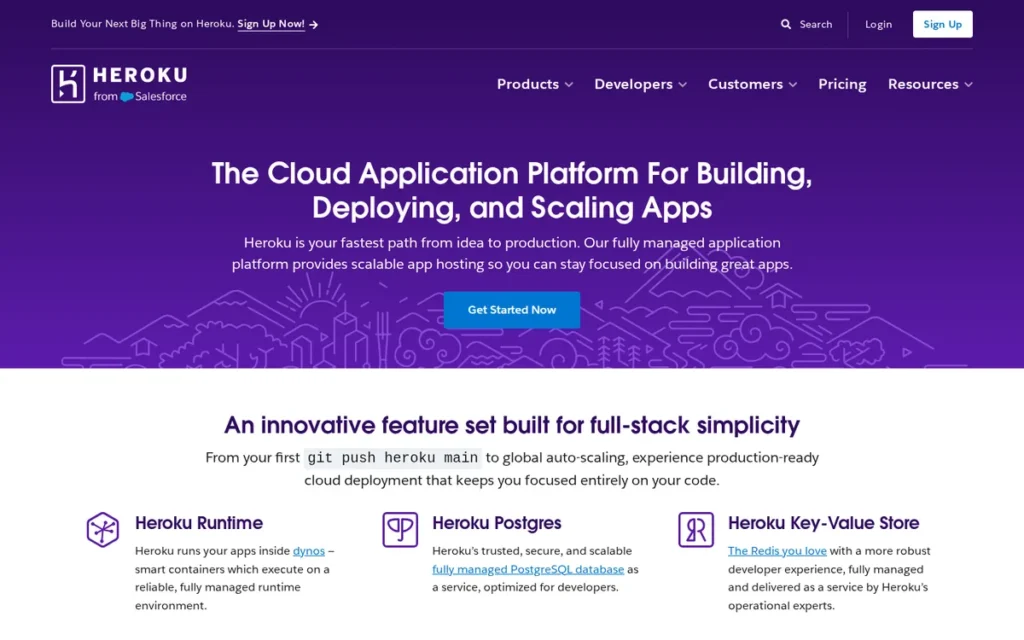
Category: Developer-First Managed PaaS, the original developer experience benchmark for PaaS, now positioned primarily as the enterprise platform for Salesforce ISV partners and Salesforce-integrated enterprise deployments.
At a Glance
- Category: Developer-First Managed PaaS
- Best For: Salesforce ISV partners, enterprises with Salesforce CRM, and teams prioritizing zero infrastructure management above compute cost efficiency
- Price Range: Eco ~$5/month; Standard-1X ~$25/month (512MB RAM); Performance-L ~$500/month; enterprise pricing via direct sales, verify at heroku.com/pricing
- Primary Strength: Category-pioneering Review Apps and Pipelines workflow for collaborative multi-environment development, with exclusive Salesforce CRM integration via AppLink
- Biggest Limitation: Most expensive compute-per-dollar among developer-first platforms in this comparison; free tier eliminated November 28, 2022
- One-Line Summary: Heroku pioneered buildpack deployment, the git push workflow, and Review Apps (and remains the only platform with native Salesforce CRM integration via AppLink) but its compute pricing is the least competitive in the developer-first category at equivalent RAM specifications.
- Last Verified: May 2026
Overview
Heroku is the developer-first PaaS for Salesforce ISV partners and enterprises managing Salesforce CRM integrations, offering the most complete Review Apps and Pipeline workflow in this comparison plus exclusive Salesforce data integration via AppLink and Heroku Connect that no competing platform provides.
Heroku was founded in 2007 and acquired by Salesforce in December 2010 for $212 million in cash [Source: Salesforce press release, December 8, 2010; TechCrunch, December 8, 2010], the longest-standing independent PaaS brand in this comparison. Heroku pioneered the buildpack deployment model, the git push heroku main workflow, and Review Apps, developer experience concepts since adopted by Render, DigitalOcean App Platform, Cloud Foundry, and the broader PaaS category.
Heroku’s Fir next-generation platform became generally available in 2025 [Source: Heroku Blog, heroku.com/blog/heroku-fir-generally-available-new-platform-capabilities/], adding expanded isolation features and AWS VPC PrivateLink integration. Heroku’s March 2026 platform update [Source: Heroku Blog, heroku.com/blog/march-2026-update/] introduced terabyte-scale Postgres capabilities and expanded Salesforce AppLink integration.
Key Features
- Review Apps and Pipelines: Heroku automatically creates disposable review applications with unique URLs for every GitHub pull request, including the option to provision staging database copies, the most complete PR-based preview environment implementation in this comparison [Source: u/smitjel, r/rails, reddit.com/r/rails/comments/1bsehz8/, 2024].
- Heroku Shield (HIPAA/PCI): Heroku provides a pre-audited isolated compliance environment for HIPAA and PCI workloads via Heroku Shield [Source: Heroku platform, heroku.com/platform/], the only developer-first PaaS in this comparison with pre-built managed compliance environment support.
- Heroku AppLink for Salesforce: Heroku’s native Salesforce data integration via AppLink enables Salesforce org data to be used directly in Heroku applications [Source: Heroku platform, heroku.com/platform/], a capability exclusive to Heroku with no equivalent in any other platform reviewed.
- Private Spaces: Heroku Private Spaces provides enterprise network isolation on single-tenant infrastructure, available as a tier upgrade from shared dyno infrastructure for applications requiring dedicated hardware and network separation.
- Heroku Postgres (Terabyte Scale): Heroku’s managed Postgres scales to terabyte-level data per Heroku’s next-generation Postgres announcement [Source: Heroku Blog, heroku.com/blog/introducing-the-next-generation-of-heroku-postgres/], a meaningful capability upgrade for data-intensive applications requiring platform-managed databases.
Best For
Heroku is best for Salesforce ISV partners, enterprises managing both Salesforce CRM and custom application deployments, and teams whose collaborative development workflow requirements (particularly Review Apps for non-developer stakeholder sharing) outweigh compute cost as a platform selection criterion.
Pricing
Heroku dyno pricing is documented from developer communities as of May 2026, verify current rates at heroku.com/pricing before committing to cost projections, as Heroku has revised pricing multiple times since the free tier elimination:
- Heroku Eco dynos cost approximately $5/month, run on shared compute infrastructure, and sleep after periods of inactivity, generating cold-start delays comparable to Render’s free tier behavior.
- Heroku Standard-1X dynos cost approximately $25/month and provide 512MB RAM on dedicated compute, one-fourth the RAM of Render Standard at identical monthly cost.
- Heroku Standard-2X dynos cost approximately $50/month and provide 1GB RAM: twice what Render Standard provides at half the price [Source: northflank.com Heroku alternatives analysis, northflank.com/blog/top-heroku-alternatives].
- Heroku Performance-M costs approximately $250/month (2.5GB RAM); Performance-L costs approximately $500/month (14GB RAM); enterprise Private Spaces and Shield plans start at several thousand dollars per month via direct sales.
“I still use Heroku. It’s expensive at scale, but it’s dead simple to use and you can optimize for cost when it becomes an issue.” (u/kid_drew, r/rails (33 upvotes))
Takeaway: Heroku’s compute premium is a known trade-off for practitioners who have chosen it, not an unknown risk. The key question is whether Review Apps, Salesforce integration, and Shield compliance justify the per-unit cost differential at your production scale.
Strengths
- Review Apps and Pipeline as Category Moat: Heroku’s Review Apps and Pipeline combination is the most feature-complete PR-based preview environment in this comparison (enabling per-PR deployments with staging database copies that Render approaches but has not fully replicated [Source: u/smitjel, r/rails) reddit.com/r/rails/comments/1bsehz8/, 2024].
- Exclusive Salesforce Integration: Heroku AppLink and Heroku Connect provide Salesforce CRM data integration unavailable on any competing PaaS platform (a technically unique capability for Salesforce ISV and enterprise CRM application builders [Source: Heroku Platform Overview) heroku.com/platform/].
- Total Cost of Ownership Defense: For teams without infrastructure engineers, Heroku’s higher compute cost may be offset by eliminated DevOps headcount (“every time I worked on a company and someone argues ‘Heroku is expensive at scale’ the person didn’t take account the salary for the infrastructure person” [Source: u/acdesouza, r/rails, 21 upvotes) reddit.com/r/rails/comments/1bsehz8/, 2024].
- Active Next-Generation Platform Investment: Heroku’s Fir platform GA in 2025 and March 2026 updates demonstrate active enterprise platform development [Source: Heroku Blog, heroku.com/blog/heroku-fir-generally-available-new-platform-capabilities/], Heroku is adding enterprise capabilities rather than operating in maintenance mode.
Limitations
- Compute Cost Premium: Heroku Standard-2X ($50/month, 1GB RAM) is significantly more expensive than Render Standard ($25/month, 2GB RAM) at identical or worse RAM specifications, the cost gap widens further at Performance dyno tiers, making Heroku prohibitive for compute-intensive applications [Source: northflank.com alternatives analysis, northflank.com/blog/top-heroku-alternatives].
- Free Tier Eliminated (November 28, 2022): Heroku’s complete removal of free dynos, Postgres, and Redis on November 28, 2022 drove measurable community migration to Render, Railway, and DigitalOcean [Source: Heroku Help, help.heroku.com/RSBRUH58, confirmed May 2026], the indie developer community that built Heroku’s reputation no longer uses the platform at scale.
- Enterprise Pricing Cliff: Heroku’s HIPAA compliance (Shield) and network isolation (Private Spaces) require enterprise pricing starting at several thousand dollars per month, creating a mid-market gap where teams needing compliance cannot afford enterprise tiers and Standard dynos are insufficient [Source: northflank.com analysis, northflank.com/blog/top-heroku-alternatives].
- Post-Acquisition Product Direction: Heroku’s 2025–2026 platform updates have focused exclusively on Salesforce ecosystem deepening, AppLink, terabyte-scale Postgres, and next-generation Fir isolation, while no developer-first workflow features were announced in the same period [Source: u/oztrax, r/rails, reddit.com/r/rails/comments/1bsehz8/], representing a documented product direction shift toward the enterprise segment.
Verdict
Heroku is the strongest recommendation in 2026 for one specific audience: Salesforce ISV partners and enterprises embedded in the Salesforce ecosystem requiring AppLink, Heroku Connect, and Shield compliance in one managed deployment environment.
Heroku’s Review Apps and Pipeline workflow and exclusive Salesforce integration represent capabilities with no direct equivalent in any other platform in this comparison.
For all other teams (particularly startups and mid-market companies prioritizing compute value) Render provides equivalent developer experience at a fraction of the per-unit compute cost.
5. Google App Engine: Best PaaS for Scale-to-Zero Workloads on Google Cloud
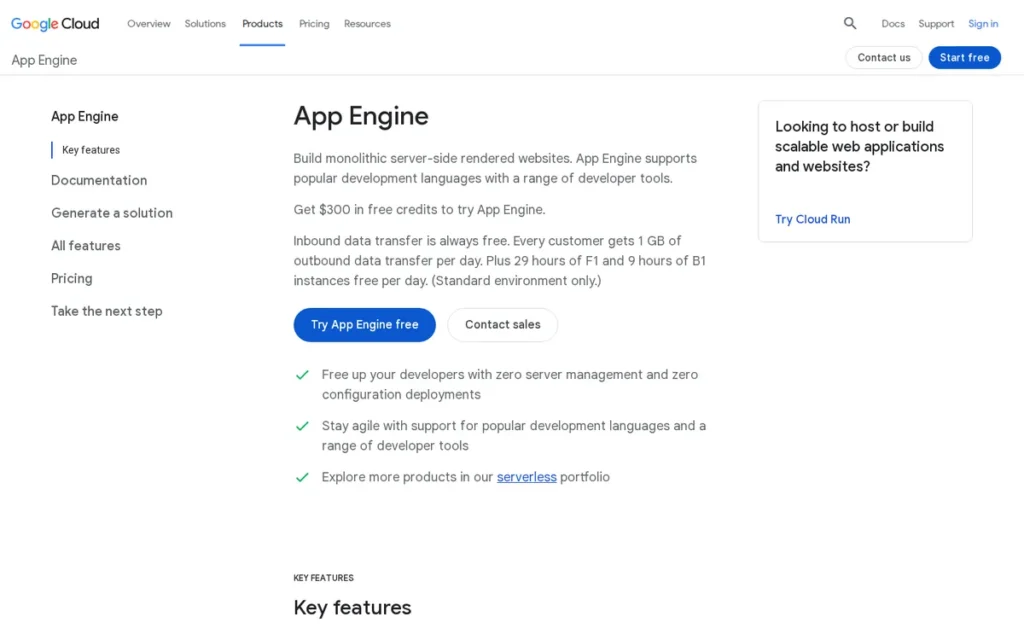
Category: Hyperscaler PaaS, the original cloud PaaS platform (April 2008), offering Standard (scale-to-zero sandbox) and Flexible (Docker on Compute Engine VMs) deployment environments.
At a Glance
- Category: Hyperscaler PaaS
- Best For: Google Cloud teams with bursty or intermittent traffic requiring scale-to-zero cost optimization, or native BigQuery and GCP service integration
- Price Range: Standard free tier (28 F1 instance-hours/day); paid per instance-class-hour beyond free quota; Flexible billed at Compute Engine VM rates with no free tier
- Primary Strength: Scale-to-zero in Standard environment eliminates idle compute costs entirely, the only managed runtime PaaS in this comparison offering this capability natively
- Biggest Limitation: Internal competition from Cloud Run; Standard environment sandbox restrictions for binary-dependent applications; billing complexity between Standard and Flexible environments
- One-Line Summary: Google App Engine is the oldest cloud PaaS platform (April 2008) and the only one in this comparison offering genuine scale-to-zero in a managed runtime environment, making it cost-optimal for bursty or intermittent Google Cloud workloads.
- Last Verified: May 2026
Overview
Google App Engine is the only platform in this comparison offering genuine scale-to-zero in a managed runtime environment, eliminating idle compute costs entirely for bursty or intermittent workloads. Launched in April 2008 as the first cloud PaaS [Source: Google Cloud Blog, cloudplatform.googleblog.com/2008/04/introducing-google-app-engine-our-new.html], App Engine provides two environments: Standard (scale-to-zero sandbox for Java, Python, Go, Node.js, PHP.NET, and Ruby) and Flexible (Docker containers on Compute Engine VMs supporting any language, but without scale-to-zero capability).
Google App Engine operates on Google Cloud’s global fiber backbone, which held 14% of global cloud infrastructure market share as of Q1 2026 [Source: Synergy Research Group Q1 2026, srgresearch.com], the fastest-growing of the Big Three cloud providers by year-over-year percentage growth.
Key Features
- Scale-to-Zero (Standard Environment): Google App Engine’s Standard environment scales to zero instances between requests, eliminating idle compute costs entirely, and scales up rapidly on incoming traffic [Source: Google App Engine documentation, cloud.google.com/appengine]. AWS Elastic Beanstalk, by contrast, always maintains at least one running EC2 instance regardless of traffic volume.
- Traffic Splitting for Canary Deployments: Google App Engine supports built-in traffic splitting between application versions [Source: cloud.google.com/appengine], enabling canary deployments, A/B testing, and gradual rollouts by directing specified percentages of traffic to different versions simultaneously.
- Free Daily Quota (Standard Only): Google App Engine Standard provides 28 F1 instance-hours per day at no charge [Source: oneuptime.com App Engine analysis, February 2026, oneuptime.com/blog/post/2026-02-17-how-to-choose-between-app-engine-standard-and-flexible-environment-for-your-application/view], genuine zero-cost hosting for applications that remain within the daily free quota limit.
- Native BigQuery Integration: Google App Engine applications can query BigQuery datasets without network egress charges or complex IAM configuration [Source: infiflex.com App Engine analysis, infiflex.com/google-app-engine–architecture-features-advantages-and-limitations], a data-intensive capability with no direct equivalent in Elastic Beanstalk or Azure App Service.
- Standard vs. Flexible Environments: Google App Engine’s two environments are not tiered upgrades (they are different billing models, scaling behaviors, and runtime paradigms [Source: Google Cloud documentation) docs.cloud.google.com/appengine/docs/flexible/flexible-for-standard-users] requiring an architectural commitment before deployment that carries significant cost implications.
Best For
Google App Engine is best for teams committed to Google Cloud infrastructure who need scale-to-zero cost optimization for intermittent or bursty workloads, native BigQuery data integration, or built-in canary deployment via traffic splitting, specifically for applications in Standard-compatible runtimes (Java, Python, PHP, Go, Node.js.NET, Ruby).
Pricing
Google App Engine pricing is verified May 2026 from cloud.google.com/appengine/pricing:
- Google App Engine Standard provides 28 F1 instance-hours per day at no charge: sufficient for development, testing, and low-traffic production applications that remain within the daily quota limit.
- Google App Engine Standard paid tier charges per instance-class-hour beyond the free quota, rates are published at cloud.google.com/appengine/pricing by instance class (F1–F4 for frontend, B1–B8 for backend); no secondary source pricing should be used for App Engine cost modeling given the complexity of quota, regional pricing, and idle instance configuration variables.
- Google App Engine Flexible is billed at Compute Engine VM rates (vCPU, memory, disk, and network) with no free tier, the Flexible environment is not a tiered upgrade from Standard but a fundamentally different billing model and runtime paradigm.
Selecting between Standard and Flexible carries a significant architectural commitment (the environments use different billing models and scaling behaviors [Source: Google’s Flexible for Standard Users documentation) docs.cloud.google.com/appengine/docs/flexible/flexible-for-standard-users].
Strengths
- Scale-to-Zero Uniqueness in Category: Google App Engine Standard is the only platform in this comparison offering genuine scale-to-zero in a managed runtime environment, eliminating idle compute costs entirely for traffic-variable workloads. An App Engine Standard application receiving traffic only during business hours pays for approximately 50 compute hours per week; the same workload on AWS Elastic Beanstalk pays for 168 hours per week, reducing weekly compute cost by roughly 70% for bursty traffic patterns.
- 18-Year Production Track Record: Google App Engine’s April 2008 launch [Source: Google Cloud Blog, cloudplatform.googleblog.com/2008/04/introducing-google-app-engine-our-new.html] provides the longest operational history in the PaaS category, 18 years of stability, documentation depth, and known operational patterns unavailable in newer platforms.
- Google Cloud Global Fiber Network: Google App Engine routes traffic over Google’s private fiber backbone (providing latency advantages for globally distributed traffic compared to platforms relying exclusively on public internet routing [Source: Google Cloud network architecture documentation) cloud.google.com], though exact latency gains depend on traffic origin geography.
- Native GCP Ecosystem Integration: Google App Engine’s native integration with BigQuery, Cloud SQL, Cloud Storage, and Pub/Sub provides seamless data pipeline access for GCP-committed teams without additional networking or IAM configuration [Source: infiflex.com analysis, infiflex.com/google-app-engine–architecture-features-advantages-and-limitations].
Limitations
- Standard Environment Sandbox Restrictions: Google App Engine’s Standard sandbox restricts binary libraries, native extensions, and filesystem access, applications requiring binary dependencies such as FFmpeg for media processing, native SQLite, or specific C extensions are commonly incompatible with Standard and forced into the more expensive Flexible environment, a compatibility issue frequently discovered mid-deployment rather than during pre-migration evaluation [Source: infiflex.com, infiflex.com/google-app-engine–architecture-features-advantages-and-limitations].
- Internal Competition from Cloud Run: Google Cloud Run offers scale-to-zero for containerized workloads without Standard’s runtime restrictions, developer community migration from App Engine to Cloud Run is documented [Source: northflank.com App Engine vs. Cloud Run analysis, northflank.com/blog/app-engine-vs-cloud-run], suggesting Cloud Run is Google Cloud’s strategic target for new container workloads.
This community preference for Cloud Run over App Engine is evident in practitioner discussions on r/googlecloud:
“This sucks but is a pretty easy / common mistake to make. I once blew about $600 trying to use Google Cloud’s K8s stuff to host a website. For running small, test workloads I usually recommend people use a serverless container service that scales to zero. This allows the container to go to sleep when no one is using it (99% of the time) which saves you money while still being available whenever someone does want to use it (just might take a few seconds to wake it up again). On Google Cloud – Cloud Run is probably your best bet. I currently host my website which gets about 6k requests a month for < $1 – I also have several smaller projects on there where I pay pennies or less.” Posted by u/SIRHAMY
Takeaway: Google App Engine’s most vocal practitioners now route new scale-to-zero workloads to Cloud Run, treating App Engine as a legacy option rather than the first-choice recommendation for bursty or low-traffic Google Cloud workloads.
- Billing Architecture Complexity: The Standard and Flexible environments use fundamentally different billing models, making cost estimation, architecture planning, and environment selection more complex than competing platforms with unified pricing structures.
- Cold Start Latency (Standard): Google App Engine Standard’s scale-from-zero behavior generates cold-start latency on the first request after idle periods, partially mitigable by configuring minimum idle instances, but at additional ongoing compute cost that partially offsets the scale-to-zero savings.
Verdict
Google App Engine occupies a specific but defensible position in 2026 as the strongest PaaS recommendation for Google Cloud teams requiring scale-to-zero cost optimization in Standard-compatible runtimes, or those needing native BigQuery integration without ETL complexity.
Google App Engine’s 18-year operational track record provides production stability unavailable in newer platforms, and built-in traffic splitting enables canary delivery without additional tooling.
Teams evaluating App Engine for new containerized workloads should assess Google Cloud Run in parallel, particularly where Standard’s sandbox restrictions may disqualify App Engine outright.
6. DigitalOcean App Platform: Best PaaS for Budget-Conscious Teams
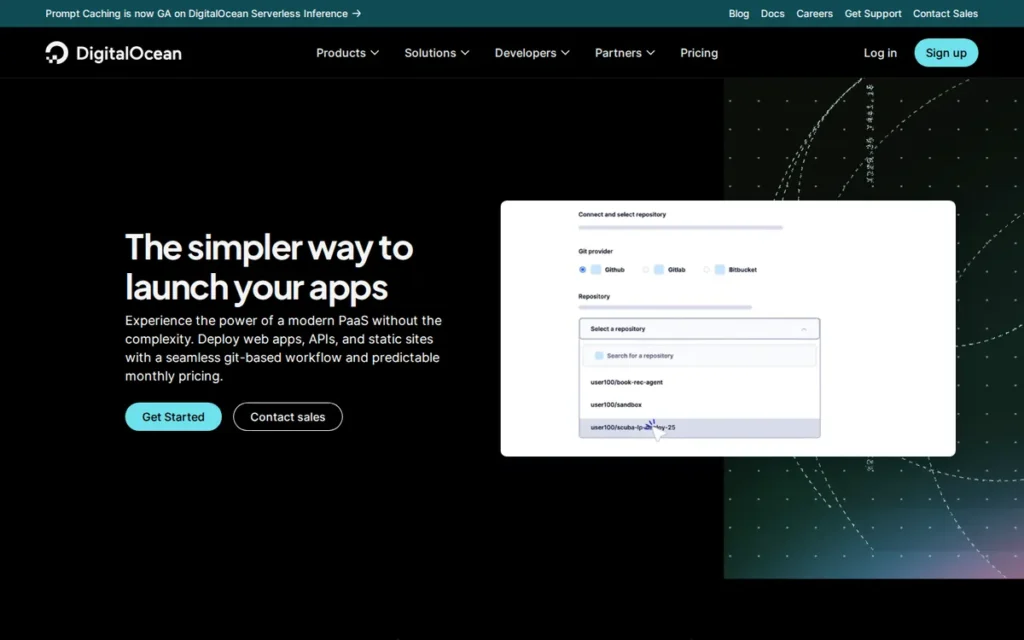
Category: Developer-First Managed PaaS, Git-based managed deployment platform built on DigitalOcean’s Kubernetes infrastructure with Cloudflare CDN and DDoS protection included at paid tiers.
At a Glance
- Category: Developer-First Managed PaaS
- Best For: Indie developers, small teams, and cost-sensitive startups migrating from Heroku who need CDN-included deployment simplicity
- Price Range: Free (3 static sites, $0); Basic $5/month; Pro starting $12/month (1GB RAM, 1 vCPU, horizontal auto-scaling)
- Primary Strength: Cloudflare CDN and DDoS protection bundled by default with the lowest Pro-tier auto-scaling entry price ($12/month) in this comparison
- Biggest Limitation: No persistent local storage; no root or SSH access; smaller infrastructure redundancy than hyperscaler alternatives
- One-Line Summary: DigitalOcean App Platform bundles Cloudflare CDN and DDoS protection at the lowest Pro-tier auto-scaling price in this comparison ($12/month), making it the strongest value for budget-conscious teams deploying stateless web applications.
- Last Verified: May 2026
Overview
DigitalOcean App Platform is a fully managed PaaS launched in late 2020, built on DigitalOcean’s managed Kubernetes infrastructure with Git-based and container-registry deployments, automated build and deploy workflows, and Cloudflare CDN with DDoS protection included by default at paid tiers [Source: thectoclub.com review, thectoclub.com/tools/digitalocean-app-platform-review/]. DigitalOcean App Platform targets indie developers, small teams, and Heroku migrants seeking comparable Git-based deployment simplicity at the lowest Pro-tier auto-scaling price in this comparison.
DigitalOcean is a publicly traded company (NYSE: DOCN), beginning trading on March 24, 2021 following IPO pricing on March 23, 2021 [Source: DigitalOcean Investor Relations, investors.digitalocean.com], providing financial transparency through SEC filings unavailable for private competitors.
Key Features
- Cloudflare CDN and DDoS Protection (Default): DigitalOcean App Platform routes all traffic through Cloudflare CDN with DDoS protection out of the box [Source: DigitalOcean documentation, digitalocean.com/resources/app-platform], global performance and security infrastructure included without additional cost or configuration, a feature AWS Elastic Beanstalk requires separate CloudFront setup to achieve.
- Git and Container Registry Deploys: DigitalOcean App Platform deploys directly from GitHub or GitLab repositories, or from container images, providing standard Git-based auto-deploy workflows comparable to Heroku and Render [Source: bejamas.com hosting review, bejamas.com/hub/hosting/digital-ocean].
- 10-Revision Rollback: DigitalOcean App Platform provides up to 10 rollback revisions on paid plans [Source: DigitalOcean App Platform pricing, digitalocean.com/pricing/app-platform], enabling rapid recovery from failed deployments without full redeployment from Git.
- Free Static Site Hosting: Static sites hosted within paid App Platform apps are free with no bandwidth limit (teams deploying static frontends alongside dynamic backends incur no additional static hosting cost [Source: DigitalOcean App Platform pricing) digitalocean.com/pricing/app-platform].
- AI App Platform Skills (2026): DigitalOcean introduced AI-assisted app deployment and configuration in early 2026 [Source: DigitalOcean Blog, digitalocean.com/blog/deploy-smarter-with-ai-app-platform-skills-on-digitalocean], extending the platform’s developer experience simplicity positioning into AI-assisted deployment tooling.
Best For
DigitalOcean App Platform is best for indie developers, small engineering teams, and cost-conscious startups deploying stateless web applications, particularly Heroku migrants seeking comparable Git-based deployment simplicity at lower compute cost, with Cloudflare CDN included without additional configuration.
Pricing
DigitalOcean App Platform pricing is verified May 2026 from digitalocean.com/pricing/app-platform:
- DigitalOcean App Platform’s Free tier costs $0/month and supports up to 3 static sites with 1 GiB transfer per site, GitHub/GitLab auto-deploy, and automatic HTTPS.
- DigitalOcean App Platform’s Basic/Starter tier costs $5/month, adding container-registry deployments and 10 rollback revisions.
- DigitalOcean App Platform’s Pro tier starts at $12/month for 1GB RAM and 1 vCPU with horizontal auto-scaling, the lowest Pro-tier auto-scaling entry price in this comparison, below Render Standard ($25/month) and Heroku Standard-1X (~$25/month).
- Additional costs include a Development Database at $7/month (512 MiB), Dedicated Egress IPs at $25/month, and additional outbound transfer at $0.02/GiB.
Strengths
- Lowest Pro Auto-Scaling Entry Price: DigitalOcean App Platform’s Pro tier starts at $12/month for 1GB RAM with horizontal auto-scaling [Source: digitalocean.com/pricing/app-platform, May 2026], the lowest auto-scaling entry price in this comparison, providing production-grade scalability at a price accessible to individual developers.
- Cloudflare CDN and DDoS Included by Default: DigitalOcean App Platform includes Cloudflare CDN and DDoS protection without additional configuration or cost [Source: thectoclub.com review, thectoclub.com/tools/digitalocean-app-platform-review/], delivering enterprise-grade security infrastructure at an indie-developer price point, a combination that AWS Elastic Beanstalk requires separate CloudFront configuration to replicate.
Users on r/digital_ocean shared their production experience with App Platform:
“So I’m running a production app on AP with a lot of traffic (social network with 75,000 users). Build times are great and in development I allow DO to do the builds. In production I create my own container and deploy. I find when it comes to the DB you really have to plan it out with their managed solution. Don’t skimp. Make sure you are honest with yourself about not only the dataset but also your indexes and overall structure.” Posted by u/bossryan32
Takeaway: DigitalOcean App Platform handles substantial real-world production traffic, but practitioners consistently flag database sizing as the primary performance variable, teams that underprovision the managed database will encounter limitations that additional compute alone cannot resolve.
- Public Company Financial Transparency: DigitalOcean’s NYSE listing provides financial disclosure through SEC filings unavailable for private competitors [Source: DigitalOcean Investor Relations, investors.digitalocean.com, March 2021], a longevity signal for teams making multi-year platform commitments.
- DigitalOcean Ecosystem Exit Path: DigitalOcean App Platform’s integration with Droplets, DOKS, and Managed Databases provides a managed migration path from simple PaaS to more complex infrastructure within the same billing account as team requirements grow [Source: DigitalOcean documentation, docs.digitalocean.com/products/app-platform/].
Limitations
- No Persistent Local Storage: DigitalOcean App Platform provides no persistent local filesystem, teams requiring stateful local storage (media uploads, SQLite, file processing) must use DigitalOcean Spaces as an external dependency, adding integration complexity and cost [Source: dev.to technical review, dev.to/cubiclesocial/recreating-the-digitalocean-app-platform-4la4].
- No Root or SSH Access: DigitalOcean App Platform provides no OS-level container access, teams requiring filesystem debugging, custom package installation, or OS-level configuration must migrate to Droplets or DigitalOcean Kubernetes instead.
- Smaller Infrastructure Redundancy Than Hyperscalers: DigitalOcean’s regional footprint is significantly smaller than AWS, Azure, and Google Cloud (at least one practitioner in a January 2025 r/devops discussion reported an outage exceeding 20 hours following a recent migration from AWS [Source: r/devops thread) reddit.com/r/devops/comments/1hwyvjr/digital_ocean_good_or_bad/, January 2025], representing a real reliability risk for mission-critical production workloads.
- Limited Compliance Certification Depth: DigitalOcean App Platform does not offer HIPAA Business Associate Agreements, FedRAMP-authorized deployment environments, or enterprise SOC 2 Type II certifications, teams in healthcare, government, or financial services are categorically disqualified from using App Platform for regulated workloads regardless of pricing advantage.
Verdict
DigitalOcean App Platform is the strongest recommendation for budget-conscious teams and indie developers in 2026 who need Heroku-comparable deployment simplicity at the lowest available Pro-tier auto-scaling price.
DigitalOcean App Platform’s $12/month Pro entry with Cloudflare CDN bundled delivers enterprise-grade security infrastructure at an individually accessible price point, a combination no other platform in this comparison offers at that cost.
The architectural constraints (no persistent storage, no SSH access, smaller redundancy than hyperscalers) are genuine trade-offs that teams must evaluate before committing mission-critical production traffic to the platform.
7. Red Hat OpenShift: Best PaaS for Regulated Enterprise and Government Workloads
Category: Enterprise Kubernetes Platform, enterprise-grade Kubernetes distribution with built-in CI/CD, compliance tooling, RBAC, monitoring, immutable node OS, and commercial Red Hat support.
At a Glance
- Category: Enterprise Kubernetes Platform
- Best For: U.S. federal agencies, defense contractors, healthcare, and financial services enterprises requiring FedRAMP-authorized deployment environments or FIPS 140-2 validated cryptography
- Price Range: Subscription-based; pricing requires direct Red Hat sales engagement; ROSA billed per-cluster and per-node-hour through AWS
- Primary Strength: Support for FedRAMP-authorized deployment environments and FIPS 140-2 validated cryptographic modules, the only platform in this comparison enabling U.S. government and highly regulated industry workloads
- Biggest Limitation: Highest cost and operational complexity in the category; subscription model requires enterprise contracts; operator dependencies create significant exit cost on migration
- One-Line Summary: Red Hat OpenShift is the only platform in this comparison designed for deployment in FedRAMP-authorized environments with FIPS 140-2 validated cryptographic modules, making it the platform of record for U.S. government and regulated enterprise workloads.
- Last Verified: May 2026
Overview
Red Hat OpenShift is the enterprise Kubernetes platform for U.S. federal agencies, defense contractors, and regulated enterprises requiring deployment in FedRAMP-authorized environments (the only platform in this comparison with FIPS 140-2 validated cryptographic modules and enterprise Kubernetes commercial support at contract scale [Source: Red Hat compliance documentation) redhat.com/en/solutions/compliance-approach].
Red Hat OpenShift extends upstream Kubernetes with production-grade tooling: a built-in container image registry, Tekton and Argo CD CI/CD pipeline support, Source-to-Image (S2I) build automation, OperatorHub, RBAC and Security Context Constraints, Prometheus/Grafana monitoring, and a developer web console [Source: Red Hat OpenShift product page, redhat.com/en/technologies/cloud-computing/openshift].
Red Hat OpenShift was first introduced in 2011 and has evolved through three major architectural generations. Red Hat, OpenShift’s parent company, was acquired by IBM on July 9, 2019 for $34 billion at $190 per share [Source: IBM Investor Relations, July 2019, ibm.com/investor], providing OpenShift with IBM’s enterprise sales infrastructure and global commercial support network.
Key Features
- FedRAMP-Authorized Environment Support and FIPS 140-2 Validated Cryptography: Red Hat OpenShift supports deployment in FedRAMP-authorized environments with FIPS 140-2 validated cryptographic modules [Source: Red Hat compliance documentation, redhat.com/en/solutions/compliance-approach], enabling U.S. federal government workloads that are categorically inaccessible on any other platform in this comparison.
- RHCOS Immutable Auto-Updating Nodes: Red Hat OpenShift runs on Red Hat Enterprise Linux CoreOS, an immutable, automatically updated node OS managed within cluster lifecycle [Source: IBM Think, ibm.com/think/topics/openshift-vs-kubernetes], eliminating the node OS patching burden that vanilla Kubernetes leaves to the customer.
- Source-to-Image (S2I): Red Hat OpenShift’s S2I tooling automatically builds container images from application source code without Dockerfiles, lowering the container knowledge barrier for enterprise development teams new to containerized deployment workflows.
- ROSA and ARO Managed Options: Red Hat OpenShift is available as Red Hat OpenShift Service on AWS (ROSA) and Azure Red Hat OpenShift (ARO) [Source: redhat.com/en/technologies/cloud-computing/openshift], managed Kubernetes natively integrated with AWS and Azure billing, jointly supported by Red Hat and the respective hyperscaler.
- OperatorHub: Red Hat OpenShift’s OperatorHub provides a curated catalog of Kubernetes Operators for stateful workload lifecycle management, automating database, message queue, and monitoring operations and significantly reducing Day 2 operational complexity for enterprise applications.
Best For
Red Hat OpenShift is best for U.S. federal government agencies, defense contractors, healthcare organizations, and financial services enterprises for which FedRAMP-authorized deployment environments, FIPS 140-2 validated cryptography, or enterprise Kubernetes with commercial support SLAs are non-negotiable platform requirements.
Pricing
Red Hat OpenShift pricing is subscription-based (verified May 2026 from redhat.com/en/technologies/cloud-computing/openshift/pricing):
- OpenShift Container Platform (self-managed) requires a Red Hat subscription billed per core or per node, pricing is not published online and must be obtained through direct Red Hat sales engagement, making it unsuitable for self-service budget comparisons without a sales conversation.
- ROSA (AWS managed) is billed per-cluster and per-node-hour through AWS, with additional managed control plane charges, available in the AWS Marketplace for AWS-committed organizations.
- Azure Red Hat OpenShift (ARO) integrates with Azure billing and is jointly supported by Microsoft and Red Hat.
- Exact pricing varies significantly by node count, geography, and contract terms: OpenShift’s subscription model benefits predictable large-enterprise workloads but is cost-prohibitive for small teams or variable workloads compared to consumption-based alternatives in this comparison.
Strengths
- FedRAMP-Authorized Environment and FIPS 140-2 Support: Red Hat OpenShift is the only platform in this comparison designed for deployment in FedRAMP-authorized environments with FIPS 140-2 validated cryptographic modules [Source: Red Hat compliance documentation, redhat.com/en/solutions/compliance-approach], a categorical requirement for U.S. federal and defense workloads that disqualifies every other reviewed platform.
- Analyst Recognition for Enterprise Procurement: Red Hat OpenShift is recognized in enterprise Kubernetes platform evaluations by analyst firms including Gartner and Forrester, see gartner.com for the most current Container Management evaluation year and positioning. This recognition enables enterprise procurement gate qualification that smaller PaaS platforms cannot access.
- RHCOS Automated Node Patching: Red Hat OpenShift’s immutable RHCOS nodes update automatically within cluster lifecycle management [Source: IBM Think, ibm.com/think/topics/openshift-vs-kubernetes], addressing a critical compliance burden for regulated industries with strict vulnerability remediation SLAs that vanilla Kubernetes cannot automate.
This operational value proposition is validated by practitioners managing multi-environment Kubernetes deployments on r/kubernetes:
“One of the biggest challenges with Kubernetes is maintenance, especially for small teams. Keeping up with updates, managing compatibility, and handling releases is a constant struggle. Kubernetes gives flexibility but requires assembling and maintaining everything yourself, monitoring, security, CI/CD, etc. OpenShift simplifies a lot of this since Red Hat handles much of the heavy lifting, making it feel like a single integrated product with built-in tools and stronger security policies. That said, OpenShift enforces more standardization, while Kubernetes gives full control. Kubernetes is great if you have the expertise and want flexibility, but OpenShift can be a good ‘plug-and-play’ option with enterprise support.” Posted by u/Haiur00
Takeaway: Experienced multi-cluster Kubernetes engineers consistently validate OpenShift as the right choice for teams without dedicated platform engineering capacity, but confirm that the standardization trade-off is real and requires honest evaluation before committing to the platform’s opinionated model.
- 14-Year Multi-Generation Platform Longevity: Red Hat OpenShift has operated through three major architectural generations from 2011 through OpenShift 4, demonstrating long-term vendor commitment and willingness to make breaking architectural changes in service of platform viability across 5-to-10-year enterprise planning horizons.
Limitations
- Highest Cost and Complexity in Category: Red Hat OpenShift’s subscription pricing combined with underlying infrastructure costs makes it the most expensive option in this comparison, and the mature open-source Kubernetes ecosystem (Helm, ArgoCD, Prometheus, Grafana) allows sophisticated teams to assemble comparable capability at lower cost [Source: Dynatrace OpenShift vs. Kubernetes analysis, dynatrace.com/news/blog/openshift-vs-kubernetes/].
Users on r/kubernetes described the enterprise cost reality candidly:
“we are using it in an enterprise setting. with the heaviest subscription you can imagine. and also a storage solution. it’s expensive. but yeah, management decided for it, and i’m pretty happy using it as a platform engineer. as long as i get my salary and less headaches” Posted by u/subbed_
Takeaway: OpenShift’s enterprise cost burden is openly acknowledged even by satisfied practitioners, platform adoption in large organizations is typically a top-down mandate rather than an individual engineering choice, with cost accepted as the price of managed compliance and Red Hat commercial support.
- Operator Dependency Lock-In Creates High Exit Cost: Red Hat OpenShift’s deep operator model and S2I build pipeline create platform-specific dependencies that significantly increase re-architecture cost if migration to upstream Kubernetes or another distribution becomes necessary, organizations that later need to exit OpenShift face operator dependency extraction, RHCOS-specific tooling changes, and S2I build pipeline replacement costs that must be included in multi-year TCO planning.
- Reduced Flexibility vs. Upstream Kubernetes: Red Hat OpenShift is described as “comparatively less flexible and less customizable” than upstream Kubernetes per Dynatrace’s technical analysis [Source: dynatrace.com/news/blog/openshift-vs-kubernetes/], adding platform constraints that can conflict with application requirements for teams needing direct Kubernetes API access.
- Security Context Constraint Migration Friction: Red Hat OpenShift disallows running containers as root by default via Security Context Constraints, a stricter posture than vanilla Kubernetes that requires application refactoring for workloads not designed for non-root operation, adding measurable migration cost documented in r/devops community discussions.
Verdict
Red Hat OpenShift is the strongest platform recommendation in this comparison for U.S. federal agencies, defense contractors, and regulated enterprises in healthcare and financial services where FedRAMP-authorized deployment and FIPS 140-2 validated cryptography are non-negotiable, Azure Government configurations and AWS GovCloud also serve portions of this market, but OpenShift provides the most complete enterprise Kubernetes platform across all compliance dimensions reviewed.
Red Hat OpenShift’s rank of #7 reflects its specialized target audience (not a quality judgment) and organizations operating in regulated or government environments should evaluate OpenShift first, before any other platform in this comparison.
Teams outside regulated compliance requirements will find OpenShift’s cost and complexity premium unjustifiable compared to the developer-first platforms ranked #1 through #4.
What Red Flags Should I Watch For When Evaluating Cloud PaaS Platforms?
Choosing a PaaS platform on feature lists and entry pricing alone misses the operational and commercial risks that become consequential only after teams are committed. Seven red flags emerged from community research and third-party analysis as the most impactful decision pitfalls in the PaaS category.
Red Flag #1: Tier-Dependent Experience Quality
Azure App Service’s Free (F1) tier lacks Always On support, causing cold-start delays that do not occur on paid Basic plans and above, the most documented source of negative Azure App Service reviews. Always evaluate a PaaS platform exclusively on the tier you plan to run in production before forming a platform opinion.
Red Flag #2: Unrecoverable Environment State Failures
AWS Elastic Beanstalk’s Severe health state often cannot be recovered via rollback or reconfiguration (requiring a complete environment rebuild and generating production downtime [Source: u/Faheemify, r/aws) reddit.com/r/aws/comments/1dbtt7r/, 2024]: “Once it gets stuck in a Severe state you can’t rollback, redeploy or change configuration. You need to rebuild.” Ask vendors explicitly about failure recovery models before committing production workloads.
Red Flag #3: Database Lifecycle Coupling to App Environments
AWS Elastic Beanstalk’s original default of creating RDS instances inside environments caused data destruction on environment termination, the canonical PaaS data-loss antipattern. As of October 2021, AWS Elastic Beanstalk supports database decoupling [Source: AWS What’s New, October 2021, aws.amazon.com/about-aws/whats-new/2021/10/aws-elastic-beanstalk-database-decoupling-elastic-beanstalk-environment/], always provision any RDS instance outside your Beanstalk environment lifecycle to ensure database persistence across environment terminations, rebuilds, or accidental deletions.
Red Flag #4: Free Tier Elimination Risk
Heroku’s November 28, 2022 elimination of all free tiers disrupted thousands of applications with inadequate migration grace periods [Source: Heroku Help, help.heroku.com/RSBRUH58, confirmed May 2026]. When a platform’s commercial model depends on converting free-tier users to paid plans, free-tier elimination is a structural risk, evaluate whether a platform treats its free tier as a permanent product commitment or a customer acquisition funnel before building production dependencies on it.
Red Flag #5: Platform Lock-In via Proprietary Features
Platform-specific features create dependencies that add significant re-architecture cost if migration becomes necessary. Key lock-in features to evaluate before committing to any platform:
- Heroku lock-in: Pipelines, Review Apps, Heroku Connect: no direct equivalents on other platforms
- Google App Engine lock-in: Standard environment task queue and cron APIs: require rewriting for Cloud Run migration
- Red Hat OpenShift lock-in: S2I build pipelines, OperatorHub operators, RHCOS node management, major re-architecture cost on exit
Red Flag #6: Insufficient Monitoring and Observability Depth
PaaS platforms that abstract infrastructure also reduce visibility into it. AWS Elastic Beanstalk’s basic CloudWatch alerting is consistently described as insufficient for production debugging compared to Azure App Service’s Application Insights or OpenShift’s Prometheus/Grafana stack [Source: porter.run comparison analysis, porter.run/blog/comparing-elastic-beanstalk-and-heroku-which-cloud-platform-is-right-for-you]. Verify whether your selected platform provides APM-level telemetry or requires third-party monitoring tools at additional cost.
Red Flag #7: Multi-Region Limitations for Global Applications
Render and DigitalOcean App Platform do not support active-active multi-region deployment, disqualifying them for applications with global latency requirements or GDPR data residency obligations across multiple regions [Source: encore.dev Render alternatives analysis, encore.dev/articles/render-alternatives]. Confirm multi-region capability against your geographic distribution requirements before finalizing platform selection.
What Questions Should I Ask Before Choosing a Cloud PaaS Platform?
The right question sequence for PaaS selection follows a constraint-elimination approach, compliance requirements first, ecosystem fit second, features and pricing third. The questions below reflect the decision sequence validated by community research and documented failure patterns across this category.
Question #1: What is our primary cloud ecosystem commitment?
If your organization is committed to AWS, Azure, or Google Cloud for other infrastructure, PaaS selection within that ecosystem eliminates cross-cloud data transfer costs, simplifies IAM management, and leverages existing compliance certifications. PaaS platform selection should follow, not precede, cloud ecosystem strategy.
Question #2: What compliance requirements apply, FedRAMP, FIPS, HIPAA, or PCI?
Your compliance requirements determine which platforms are viable before any other criterion:
- FedRAMP-authorized environments and FIPS 140-2 required: Evaluate Red Hat OpenShift (ROSA or ARO) only, all other platforms in this comparison are disqualified for this requirement
- HIPAA Business Associate Agreement required: Heroku Shield, Azure App Service, AWS Elastic Beanstalk, and Red Hat OpenShift qualify, Render and DigitalOcean App Platform do not offer HIPAA BAAs
- No regulatory compliance requirement: All seven platforms are viable: proceed to cloud ecosystem fit and compute value criteria
Question #3: What is our team’s DevOps maturity, and how much infrastructure management can we realistically sustain?
Developer-first platforms (Render, Heroku, DigitalOcean App Platform) minimize infrastructure management but reduce stack visibility. Enterprise Kubernetes platforms (OpenShift) maximize control but require dedicated platform engineering. Honest assessment of operational capacity prevents selecting a platform that demands more infrastructure management than your team can sustain long-term.
Question #4: What is our compute budget per unit of RAM and vCPU at target production load?
Calculate expected RAM and vCPU requirements at realistic production load and compare compute costs at those specifications before committing. A reference comparison at common price points:
- Render Standard: $25/month, 2GB RAM, 1 vCPU
- Heroku Standard-2X: ~$50/month, 1GB RAM, shared vCPU
- DigitalOcean App Platform Pro: $12/month, 1GB RAM, 1 vCPU
Question #5: Do we require active-active multi-region deployment or data residency across multiple geographies?
Render and DigitalOcean App Platform do not support active-active multi-region deployment, a disqualifying limitation for applications with global latency requirements or GDPR multi-region data residency mandates. Confirm geographic distribution requirements early to eliminate platforms with regional architecture constraints before investing in evaluation depth.
Question #6: What is our migration cost if this platform becomes unviable in 3–5 years?
Platform-specific features create lock-in that adds re-architecture cost if migration becomes necessary. Moving a mid-size Rails or Node.js application from Heroku to Render typically requires 8–16 hours of engineering effort without significant architectural changes, based on developer community migration reports. Migrations away from Google App Engine Standard (proprietary task queue APIs) or Red Hat OpenShift (operator dependencies, S2I pipelines) carry substantially higher re-architecture costs that must be included in multi-year TCO comparisons.
Question #7: Does our application have specific runtime, binary, or native extension requirements that constrain platform compatibility?
Google App Engine Standard’s sandbox restricts binary dependencies, applications requiring FFmpeg, native SQLite, or specific C extensions are commonly incompatible with Standard and forced into Flexible. Red Hat OpenShift’s Security Context Constraints require non-root container operation. Verify runtime compatibility before investing evaluation depth on any platform.
Question #8: What is the vendor’s financial stability and product direction signal for the next 3–5 years?
Platform migrations are costly, evaluate vendor financial stability, product roadmap signals (Heroku’s 2022 free tier elimination, Elastic Beanstalk’s stagnating community sentiment, App Engine’s Cloud Run competition), and feature portability before committing to proprietary platform capabilities.
How Did We Rank These Cloud PaaS Platforms?
This comparison evaluates seven platforms through an independent, evidence-based methodology with zero affiliate relationships with any reviewed vendor. Rankings reflect overall utility to the broadest segment of software developers, DevOps engineers, and IT decision-makers, not absolute quality scores for any single specialized use case.
A PaaS ranking is only as useful as its methodology is transparent. Every criterion below is applied equally to all seven platforms, no platform is exempt from the limitations audit, and no platform receives unverifiable superlatives. Readers should be able to replicate these rankings using the linked sources.
Evaluation Process
The research team executed a multi-source independent evaluation:
- AI search engine queries: Multiple AI answer engines were queried for “best PaaS software,” “best cloud PaaS for enterprise teams 2026,” and related terms to identify platforms actively recommended in conversational AI searches.
- Independent web research: Feature documentation, pricing pages, and capability comparisons were gathered from primary vendor sources and third-party analysis sites including porter.run, northflank.com, encore.dev, infiflex.com, oneuptime.com, and stackify.com.
- Reddit community sentiment analysis: Practitioner discussions in r/aws, r/AZURE, r/rails, r/devops, and r/kubernetes were analyzed for unfiltered perspective on platform strengths, failure modes, and real-world use-case fit.
- Official documentation review: Vendor marketing claims were cross-referenced against official documentation, release notes, and pricing pages, with verification dates noted throughout.
- Market context research: Cloud infrastructure market share data from Synergy Research Group (Q1 2026) and PaaS market projections from TechSci Research (2024) provided category sizing and platform longevity context.
Ranking Criteria
- Developer Ergonomics and Workflow Compatibility: Teams adopt PaaS primarily to reduce infrastructure management; platforms that fail on developer experience create ongoing productivity costs that offset any pricing advantage.
- Compute Value (RAM-per-dollar at entry production tier): Compute cost compounds at scale; a four-to-one RAM-per-dollar differential at the $25/month tier translates to significant annual cost differences on production workloads.
- Ecosystem Fit and Lock-In Risk: Platform-specific features increase migration cost; teams should weigh portability against convenience before depending on proprietary capabilities.
- Pricing Transparency and Predictability: Hyperscaler pricing models can generate unexpected bills; pricing clarity and billing predictability are meaningful operational risk factors.
- Review Platform Ratings and Community Volume: G2, Capterra, and Gartner Peer Insights ratings provide aggregate satisfaction signals across diverse deployment profiles.
- Real-World User Sentiment (Reddit and Developer Forums): Community discussions surface operational failure modes, known antipatterns, and satisfaction signals that vendor documentation omits.
- Compliance and Security Certifications: For regulated industry buyers, compliance certifications override all other ranking factors and must be treated as categorical requirements.
- Platform Longevity and Financial Stability: PaaS migrations are costly; platforms with stagnating development, eliminated free tiers, or internal product cannibalization carry medium-term operational risk.
Evidence Weighting
When review platform ratings conflict with Reddit sentiment, PlugRoute weights specificity and recency. A detailed 2025 Reddit practitioner post with 20+ upvotes naming specific failure modes outweighs a generic 2023 G2 review without operational context. Vendor-reported statistics are labeled as such throughout; only claims corroborated by at least one independent source are stated as objective fact.
Data Validation
All vendor-reported pricing is cross-referenced against official pricing pages with verification dates noted. Compliance certifications are cited from official vendor documentation rather than inferred from marketing materials. Community sentiment is attributed to specific Reddit users and threads with hyperlinks to source posts, allowing independent verification of all primary community citations.
Update Cadence
This article was last updated in May 2026. PlugRoute refreshes PaaS platform comparisons quarterly or upon significant platform changes including pricing restructures, material feature launches, or end-of-life announcements.
Independence Statement
PlugRoute has no affiliate relationships, referral revenue arrangements, or commercial relationships with any platform reviewed in this comparison. No company paid for inclusion, ranking position, or editorial coverage. Rankings are determined entirely by the evidence-based methodology described above.
What Else Should I Know Before Choosing a Cloud PaaS Platform?
The following questions address the most common comparison gaps and decision-blockers identified across developer communities evaluating cloud PaaS platforms in 2026. Each answer is designed to stand alone, no surrounding context is required to understand or apply the guidance.
Is Render a reliable replacement for Heroku in 2026?
Render is the most widely recommended Heroku alternative in developer communities in 2026, matching Git-based auto-deploy, managed Postgres, preview environments, and zero-downtime deploys while providing four times the RAM per dollar at Heroku’s Standard-tier price point. Two meaningful gaps remain: Heroku’s Review Apps implementation is more feature-complete, and Heroku is the only platform with native Salesforce CRM integration via AppLink.
What is the difference between AWS Elastic Beanstalk, AWS ECS, and AWS Fargate?
AWS Elastic Beanstalk is an opinionated EC2-based orchestration layer with zero platform fee, suited for teams wanting managed scaling and health monitoring without writing infrastructure code. AWS ECS and Fargate are container orchestration services offering finer-grained control and stronger container-native tooling, increasingly preferred over Elastic Beanstalk for new production deployments per community consensus in r/aws [Source: reddit.com/r/aws/comments/qpngz3/, 2021].
How does PlugRoute determine its PaaS rankings?
PlugRoute rankings are determined by a multi-source methodology: AI search engine analysis, independent web research, official documentation verification, and practitioner Reddit sentiment analysis, cross-referenced against market data from Synergy Research Group and TechSci Research. The complete methodology is in the “How Did We Rank These Cloud PaaS Platforms?” section above, no vendor paid for inclusion, placement, or editorial coverage.
What Cloud PaaS Terms Should I Know Before Choosing a Platform?
The five terms below appear throughout this PaaS platform comparison and represent the key technical and commercial concepts required to evaluate cloud PaaS options effectively. Each definition is written to be independently citable, understandable without the surrounding article context.
Platform as a Service (PaaS): A cloud computing model in which a provider delivers a managed platform (including the operating system, runtime environment, middleware, and deployment infrastructure) allowing developers to build, deploy, and scale applications without managing the underlying servers, networking, or operating system directly.
Deployment Slots: In Azure App Service, deployment slots are live staging environments with unique hostnames that allow teams to test code in production-equivalent conditions before swapping traffic to the production slot with zero downtime, enabling blue/green-style deployments without container orchestration.
Scale-to-Zero: A compute model in which a platform automatically reduces active instances to zero during periods of inactivity, eliminating idle compute charges entirely, and scales back up automatically upon incoming requests. Google App Engine Standard is the primary scale-to-zero managed runtime example in this comparison.
Buildpack: A standardized, language-agnostic packaging mechanism that detects an application’s programming language, installs its dependencies, and compiles the application into a deployable artifact without requiring a Dockerfile. Buildpacks were pioneered by Heroku and are now adopted by Cloud Foundry, Render, DigitalOcean App Platform, and the open-source Paketo Buildpacks project.
Security Context Constraints (SCC): A Red Hat OpenShift security mechanism that defines what a container is permitted to do at the OS level, including whether it may run as root, access host volumes, or use privileged system calls. SCCs enforce stricter defaults than vanilla Kubernetes security policies, requiring application code changes for workloads not designed for non-root operation.
Glossary: Key Terms Used in This Comparison
Buildpack: A standardized, language-agnostic packaging mechanism that detects an application’s programming language, installs its dependencies, and compiles the application into a deployable artifact without requiring a Dockerfile. Buildpacks were pioneered by Heroku and have since been adopted by Render, DigitalOcean App Platform, Cloud Foundry, and the open-source Paketo Buildpacks project.
Scale-to-Zero: A compute model in which a platform automatically reduces active instances to zero during periods of inactivity, eliminating idle compute charges entirely, and scales back up upon incoming requests. Google App Engine Standard is the primary scale-to-zero managed runtime example in this comparison.
Deployment Slots: In Azure App Service, live staging environments with unique hostnames that allow teams to test code in production-equivalent conditions before swapping traffic to the production slot with zero downtime, enabling blue/green-style deployments without container orchestration.
Security Context Constraints (SCC): A Red Hat OpenShift security mechanism that defines what a container is permitted to do at the OS level, including whether it may run as root, access host volumes, or use privileged system calls. SCCs enforce stricter defaults than vanilla Kubernetes security policies, requiring application code changes for workloads not designed for non-root operation.
FedRAMP-Authorized Environment: A U.S. federal government compliance framework requiring cloud services to meet specific security controls before processing, storing, or transmitting federal data. In this comparison, only Red Hat OpenShift supports deployment in FedRAMP-authorized environments, categorically disqualifying all other reviewed platforms for U.S. government and many regulated-industry workloads.
Which Cloud PaaS Platform Is Right for You?
Key Insights
- Render is the top independent PaaS recommendation for 2026: delivering 2GB RAM at $25/month versus Heroku’s 512MB RAM at the same price, with equivalent Git-based workflow and growing preview environment capability.
- Azure App Service is the definitive choice for Microsoft ecosystem enterprises: deployment slots, ASE isolation, Easy Auth middleware, and Application Insights integration create a platform no independent PaaS can replicate at comparable cost.
- AWS Elastic Beanstalk’s zero platform fee remains a genuine differentiator for AWS-committed teams, but new AWS production deployments in 2026 should evaluate ECS/Fargate and App Runner alongside Beanstalk as community adoption sentiment continues to shift toward modern container-native services.
- Red Hat OpenShift’s rank of #7 reflects its specialized audience: for U.S. federal, defense, and regulated enterprise workloads, OpenShift is the only option supporting FedRAMP-authorized environments and should be evaluated first regardless of overall ranking position.
If you need the lowest auto-scaling compute entry price, DigitalOcean App Platform’s $12/month Pro tier with Cloudflare CDN bundled is the most accessible production-grade starting point in this comparison. If you’re a Salesforce ISV partner or enterprise with deep CRM integration, Heroku is the only platform with AppLink, Heroku Connect, and Shield compliance in a single managed environment. If you’re committed to Google Cloud with bursty or intermittent traffic, Google App Engine Standard remains the most mature scale-to-zero runtime on Google Cloud, though teams building new containerized workloads should evaluate Cloud Run in parallel before committing to App Engine.
The global PaaS market is projected to reach $180.32 billion by 2030 at a 19.0% CAGR [Source: TechSci Research Platform as a Service Market Report, 2024, techsciresearch.com/report/platform-as-a-service-paas-market/21859.html]. Your next step: identify your non-negotiable constraint, compliance requirement, cloud ecosystem lock-in, or compute budget ceiling, and eliminate platforms that fail it before evaluating the rest. The Red Flags and Evaluation Questions sections above are designed specifically for that constraint-elimination process.
For additional independent PaaS comparisons and cloud infrastructure reviews, visit PlugRoute, where no vendor pays for placement or editorial coverage. We update this guide quarterly. Last updated: May 2026.
Last updated: May 2026 | PlugRoute | No affiliate relationships with any reviewed platform.