Adobe Express leads for commercially safe AI ad creation, Canva leads for template-based social video ads, and StackAdapt leads for programmatic video and CTV campaign management. The decisive trade-off: creation tools produce the video while DSPs distribute and measure it, confusing these two categories is the most costly purchase misalignment in video advertising.
Video advertising software splits into three categories: Ad Creators (Adobe Express, Canva, CapCut for Business, InVideo, VEED), Campaign Managers/DSPs (StackAdapt), and Hybrid Creator-Distributors (QuickFrame). Most paid campaigns require both a creation tool and a distribution platform, knowing which category you need prevents the most common and costly purchase misalignment in this space. The Quick Decision Framework and Budget Snapshot after the comparison table help you shortlist in under 60 seconds.
PlugRoute has no affiliate relationships with any company listed. Rankings are determined entirely by research data and objective evaluation criteria.
TL;DR: Top Picks at a Glance
- Adobe Express: best for commercially safe AI ad creation with TikTok Ads Manager integration and Creative Cloud value at no additional cost for existing subscribers
- Canva: best for template-based social ads with Brand Kit consistency at the lowest entry price on this list
- StackAdapt: best programmatic DSP for multi-channel video and CTV campaign management, with the highest G2 rating on this list (4.7/5.0, 863 reviews)
- QuickFrame: best for CTV commercial production with native MNTN Performance TV distribution in one vendor relationship
- CapCut for Business: best for TikTok-native ad creation with Smart Ads URL-to-video; ByteDance regulatory risk must be explicitly assessed before adoption
- InVideo: best for AI prompt-to-video generation across 50+ languages at the most transparently documented flat-rate pricing on this list
- VEED: best for multilingual video ad localization across 125+ languages; extended platform stability trial required before any production-critical commitment
What Are the Categories of Video Advertising Software?
Video advertising software falls into three functional categories: Ad Creators that produce video files, Campaign Managers that buy and measure programmatic media, and Hybrid Creator-Distributors that combine both. Your category determines your shortlist before any individual feature comparison matters, buying a creation tool when you need a DSP is the single most common and costly misalignment in this category.
Here is the clearest way to understand the distinction: Adobe Express creates your 30-second TikTok product ad.
StackAdapt determines which 35-year-old homeowners in Phoenix who searched kitchen appliances in the last 30 days will see that ad, across 15 websites, with frequency capping, attribution tracking, and bid optimization. You need both tools; they solve completely different problems and are not interchangeable.
Ad Creators build the video file, for marketers who need to design, edit, and export video ad creative:
- Adobe Express: commercially safe Firefly AI, multi-platform ad sizing, and direct TikTok Ads Manager publishing
- Canva: deepest template library with Brand Kit for non-designer team brand consistency
- CapCut for Business: TikTok-native Smart Ads URL-to-video with batch creative production and AI avatar actors (ByteDance regulatory risk applies to US advertisers)
- InVideo: prompt-to-complete-video AI generation in 50+ languages with 5,000+ professional ad templates and AI avatar actors
- VEED: browser-based editor with 125+ language video translation, AI dubbing in 29 languages, and one-click social platform optimization for multilingual ad localization
Campaign Managers / DSPs buy and measure the media, for agencies and performance marketers who need programmatic inventory, targeting, and attribution across video, CTV, native, and display:
- StackAdapt: self-serve programmatic DSP rated 4.7/5.0 on G2 across 863 verified reviews as of June 2026, with Page Context AI contextual targeting and omnichannel campaign sequencing
Hybrid Creator-Distributors combine production and delivery in one vendor relationship, for brands producing ads and distributing through CTV without separate vendors:
- QuickFrame: AI commercial creation with native MNTN Performance TV CTV distribution, backed by NYSE-listed MNTN, with access to a 5,000+ vetted human creator network
How Do the Top Video Advertising Software Tools Compare?
These seven tools span creation, campaign management, and CTV distribution, with G2-verified ratings, transparent pricing, and AI capabilities ranging from prompt-to-video generation to self-serve programmatic buying. Use this table alongside the Quick Decision Framework immediately below to identify the right tool type before reading individual entries.
| Rank | Company | Category | Best For | One-Line Summary | Key Capabilities | Primary Strength | Key Limitation |
|---|---|---|---|---|---|---|---|
| 1 | Adobe Express | Ad Creator | Creative Cloud users needing AI copyright safety | Adobe Express is Adobe’s AI-powered ad creation platform enabling commercially safe video ads with direct TikTok Ads Manager publishing, starting at $9.99/month or free for Creative Cloud subscribers. | Firefly AI (licensed Adobe Stock) | Multi-platform ad sizes | Safe Zone compliance | TikTok Ads Manager publishing | Adobe Stock integration | Only commercially safe AI on this list; Firefly trained exclusively on licensed Adobe Stock content | No programmatic campaign management or built-in analytics |
| 2 | Canva | Ad Creator | Non-designer teams needing brand-consistent social ads | Canva is a browser-based creation platform used by 150M+ registered users that enables non-designer marketers to produce brand-consistent social video ads, starting free or at $12.99/month Pro. | Magic Media (4-sec AI clips) | Magic Video (60-sec assembly) | Brand Kit | Canva for Teams | Social format templates | Deepest template library plus Brand Kit for brand consistency at the most accessible pricing on this list | AI video generation limited to 4-second clips; no direct ad manager publishing |
| 3 | StackAdapt | Campaign Manager | Agencies and mid-market brands with $5,000+/month media budgets | StackAdapt is a programmatic DSP rated 4.7/5.0 on G2 with 863 verified reviews for buying and measuring video, CTV, native, and display campaigns, requiring $5,000+/month minimum media spend. | Page Context AI (NLP targeting) | Omnichannel sequencing | Moat brand safety | Boltive fraud prevention | ABM integrations | HubSpot CRM | Highest G2 rating and review volume of any tool on this list; 4.7/5.0 across 863 verified reviews as of June 2026 | $5,000+/month minimum spend; practitioner-documented metric reliability concerns |
| 4 | QuickFrame | Hybrid Creator + Distributor | Mid-market brands building CTV advertising programs | QuickFrame is NYSE-listed MNTN’s AI commercial creation platform producing TV-ready ads in an average of 12 minutes (vendor-reported) with native MNTN Performance TV distribution, starting at $39/month. | AI commercial generation (12-min avg, vendor-reported) | Savable AI characters | Storyboard editor | 5,000+ creator network | Multi-format support | Only tool combining AI creation with native MNTN Performance TV CTV distribution in one vendor relationship | Only 8 G2 reviews as of June 2026; mandatory buyer reference calls required before committing |
| 5 | CapCut for Business | Ad Creator | TikTok-focused e-commerce marketers (ByteDance risk accepted) | CapCut for Business is ByteDance’s AI video ad creation tool with Smart Ads URL-to-video generation and native TikTok Ads Manager integration, starting at approximately $7.99–$9.99/month. | Smart Ads URL-to-video | Batch creative production | AI avatars | Auto-captions | Auto-reframe | Direct TikTok Ads Manager export | Most TikTok-native integration on this list; Smart Ads converts a product URL into TikTok ad variants through ByteDance’s direct ecosystem | ByteDance ownership creates US regulatory risk not present for any other tool on this list |
| 6 | InVideo | AI Creator | Solo entrepreneurs and SMBs needing prompt-to-video in 50+ languages | InVideo is an AI-first platform generating complete video ads from text prompts across 50+ languages and 5,000+ templates, starting at $20/month for unlimited watermark-free exports. | Full prompt-to-video generation | 50+ language AI avatars | 2.5M+ licensed stock assets | 5,000+ templates | iStock integration | Complete video ad; script, footage, voiceover, captions, and music; from a single text prompt without manual editing | Monthly AI generation-minute caps (50 min/month Plus; 200 min/month Max) constrain high-volume users |
| 7 | VEED | Video Editor | International teams needing 125+ language video localization | VEED is a browser-based AI video editor with 125+ language translation and 29-language AI dubbing for international video ad localization, starting at approximately $9–$18/month. | 125+ language translation | 29-language AI dubbing | AI avatars | One-click platform resize | Auto-subtitles | Collaborative workspace | Most extensive multilingual video localization on this list; 125+ language translation and AI dubbing in 29 languages | Platform stability described as “really buggy and unreliable” in practitioner communities |
Which Video Advertising Software Should I Choose for My Use Case?
Your tool category (Ad Creator, DSP, or Hybrid) determines your shortlist before individual features matter. Use this framework to match your primary campaign need to the right tool, then confirm the Budget Snapshot below before reading individual entries.
| Your #1 Priority | Recommended Tool | Why | Acceptable Alternative |
|---|---|---|---|
| Commercially safe AI creation with Creative Cloud value | Adobe Express | Only Firefly AI trained on licensed Adobe Stock; included in Creative Cloud All Apps; direct TikTok Ads Manager integration | Canva Pro for teams without Creative Cloud subscriptions |
| Brand-consistent social ads with the deepest template library | Canva | 150M+ users; Brand Kit for non-designers; functional free tier; lowest paid entry price on this list | Adobe Express for teams needing AI copyright safety |
| Programmatic multi-channel video and CTV campaign management | StackAdapt | Highest-rated DSP on G2 (4.7/5.0, 863 reviews); $5,000+/month minimum spend required | The Trade Desk for enterprise programmatic (outside scope of this list) |
| CTV commercial production with native TV distribution | QuickFrame | Only tool with AI creation plus MNTN Performance TV distribution; Fortune 500 clients; NYSE-listed parent | StackAdapt for CTV media buying without creation |
| TikTok-native ad creation (ByteDance regulatory risk accepted) | CapCut for Business | Smart Ads URL-to-video through ByteDance ecosystem; deepest TikTok Ads Manager integration on this list | Adobe Express for TikTok ads without ByteDance risk |
| AI prompt-to-video at the most transparent flat-rate pricing | InVideo | Complete video from text prompt in 50+ languages; fully documented tiered pricing; $20/month Plus | VEED for multilingual localization-first workflows |
| Multilingual video localization across 29+ languages | VEED | 125+ language translation and 29-language AI dubbing; no close competitor for dubbing existing video tracks; one-click platform resize | InVideo for prompt-to-video with 50+ language AI avatars |
What Does Video Advertising Software Cost?
Budget ranges vary dramatically across this list. Here is a one-line cost summary per tool before you invest time reading individual entries:
- Adobe Express: Free plan available; Premium ~$9.99/month; Creative Cloud All Apps ~$54.99/month, self-serve, no minimums
- Canva: Free plan available; Pro ~$12.99/month; Teams from ~$149.90/year for 5 users, self-serve, no minimums
- StackAdapt: No self-serve pricing; minimum media spend reported at $5,000+/month (r/programmatic, 2026), sales qualification required
- QuickFrame: Starter $39/month (5 AI exports); Pro $99/month (20 exports); Max $250/month (75 exports), creator network pricing requires sales consultation
- CapCut for Business: Free plan available; Pro ~$7.99–$9.99/month (third-party reported, verify at capcut.com), self-serve
- InVideo: Free plan (4 AI exports/week, watermarked); Plus $20/month (50 AI min/month); Max $48/month (200 AI min/month), self-serve, no minimums
- VEED: Free plan (watermarked); paid tiers ~$9–$59/month per seat (conflicting reports, verify at veed.io/pricing), self-serve
1. Adobe Express: Best Overall Ad Creator: Commercially Safe AI, Direct TikTok Ads Manager Publishing, Creative Cloud Value
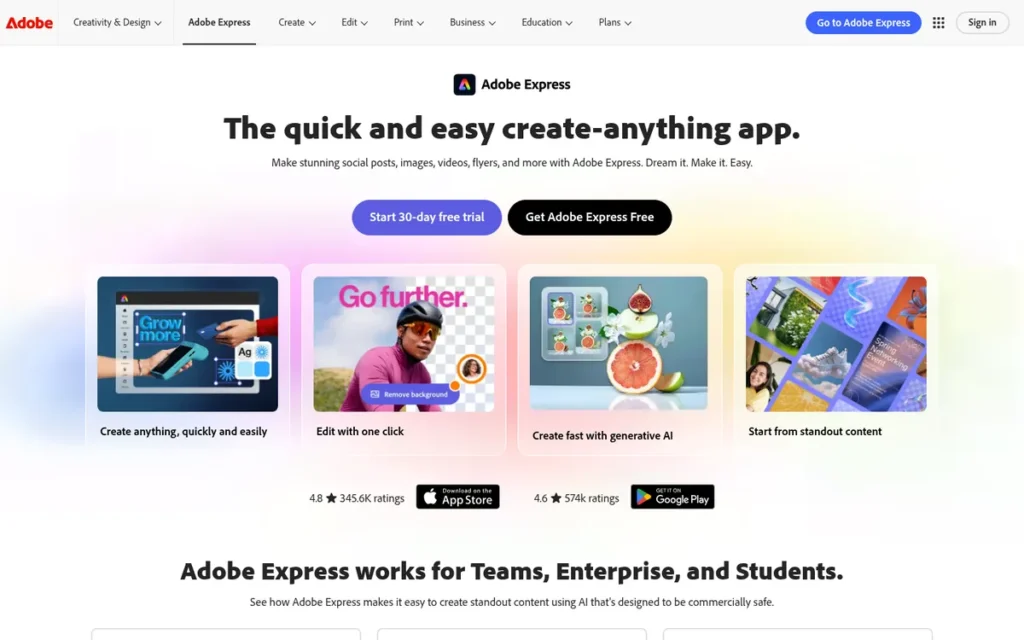
Category: Ad Creator, AI-powered browser-based platform for producing commercially safe, multi-platform video ad creative with direct TikTok Ads Manager publishing and Adobe Firefly AI trained on licensed Adobe Stock content.
At a Glance
- Category: Ad Creator
- Best For: Marketing teams and SMBs in the Adobe Creative Cloud ecosystem who need AI-generated video ads with copyright safety guarantees and direct TikTok Ads Manager publishing
- Price Range: Free; Premium approximately $9.99/month; included in Creative Cloud All Apps (approximately $54.99/month)
- Primary Strength: Adobe Express is the only ad creation tool on this list powered by Adobe Firefly AI trained exclusively on licensed Adobe Stock content, significantly reducing AI copyright liability for brands running paid advertising campaigns at scale
- Biggest Limitation: Adobe Express does not include programmatic campaign management, media buying, or built-in campaign analytics, marketers must connect to a separate DSP or ad platform to launch, target, and measure campaigns
- One-Line Summary: Adobe Express is Adobe’s AI-powered video ad creation platform that enables marketers to produce commercially safe, multi-platform video ads with direct TikTok Ads Manager publishing, starting at $9.99/month or free for Creative Cloud subscribers.
- Last Verified: June 2026
Overview
Adobe Express is Adobe’s browser-based video ad creation platform designed for digital marketers, SMB owners, and creative teams who need professional, platform-ready video ads across TikTok, Meta, Instagram, YouTube, and LinkedIn without deep video editing expertise. Adobe Express integrates Adobe Firefly AI (trained exclusively on Adobe-licensed content) to significantly reduce the copyright liability risk present in generic AI models used for paid advertising campaigns.
Adobe Express earns Rank 1 by leading across four of six ranking criteria: commercially safe AI (the only such guarantee on this list), Creative Cloud pricing accessibility, TikTok Ads Manager integration depth, and Fortune 500 vendor stability. Adobe Express does not hold the highest confirmed review volume on this list (that distinction belongs to StackAdapt (863 G2 reviews) in its DSP category) but its lead across AI safety, pricing, platform integration, and vendor stability produces the highest weighted total score of any creation tool evaluated.
Key Features
- Firefly Commercially Safe AI: Adobe Express generates video ad assets using Adobe Firefly AI trained exclusively on Adobe-licensed content, significantly reducing copyright liability for brands running paid campaigns at scale, the only creation tool on this list with this documented training data provenance (Adobe Express product page, 2026).
- Multi-Platform Ad Size Management: Adobe Express supports creating multiple platform-specific ad sizes (Instagram Stories 9:16, TikTok 9:16, YouTube 16:9, LinkedIn horizontal) within a single document, enabling multi-channel creative production without separately resizing each ad variant (Better Content Creators, 2026).
- Safe Zone Compliance Tool: Adobe Express includes a Safe Zone tool that checks ad creative against platform display specifications before export, preventing layout errors that cause ads to be rejected or display incorrectly across major ad platforms (Adobe Express ad workflow tutorial, YouTube, 2026).
- Direct TikTok Ads Manager Publishing: Adobe Express enables direct publishing from the creation workflow into TikTok Ads Manager, eliminating the manual export-upload-configure steps that add friction for marketers publishing multiple video ad variants per week (Adobe Express ad creation tutorial, YouTube, 2026).
- Adobe Stock Integration: Adobe Express provides access to Adobe Stock: one of the world’s largest licensed stock media libraries, within the ad creation workflow, enabling marketers to source professional-quality licensed footage without managing a separate stock subscription (Better Content Creators, 2026).
Best For
Adobe Express is best suited for marketing teams and SMB owners already subscribed to Adobe Creative Cloud who want to produce multi-platform video ads with AI that significantly reduces copyright liability, and for any performance marketer who needs direct TikTok Ads Manager integration to accelerate the creation-to-campaign launch cycle.
Pricing
Adobe Express Free plan is available with core features and basic template editing; AI features including Firefly image and video generation are limited on the free tier.
Adobe Express Premium is approximately $9.99/month, verify current pricing at adobe.com/express/pricing, as regional and billing-cycle variations apply.
Adobe Express is included at no additional cost in the Creative Cloud All Apps subscription (approximately $54.99/month as of 2026). Adobe moved certain Firefly AI generation credits from free to paid tiers in late 2023 (r/graphic_design, 2023, pattern persists as of 2026). Confirm exact free-tier Firefly video generation access at adobe.com/express/pricing before onboarding.
Strengths
- Adobe Firefly’s training exclusively on licensed Adobe Stock content significantly reduces copyright liability for paid advertising campaigns (the only creation tool on this list with this documented training data provenance) as AI training data law evolves rapidly in 2026 (Adobe Express product page, 2026; Better Content Creators, 2026).
- Adobe Express is backed by Adobe: a Fortune 500 publicly traded company (NYSE: ADBE) with decades of market presence and enterprise-grade data security infrastructure, providing strong vendor stability among the creation tools on this list. Adobe’s standalone scale and multi-decade market history distinguish its stability profile from MNTN, which backs QuickFrame as a more recently NYSE-listed parent (Adobe corporate profile, 2026).
- Adobe Express’s direct TikTok Ads Manager publishing integration removes a manual step from the creation-to-campaign workflow, enabling faster creative iteration cycles for marketers managing high-frequency TikTok ad campaigns (Adobe Express ad creation tutorial, YouTube, 2026).
- Adobe Express’s multi-size document feature allows Instagram, TikTok, YouTube, and LinkedIn ad variants to be managed simultaneously in one project file, reducing the manual resizing overhead that multiplies production time for multi-channel campaigns (Better Content Creators, 2026).
Limitations
- No Campaign Management: Adobe Express’s primary trade-off is that it is a creation tool only, Adobe Express does not include programmatic media buying, audience targeting, bid management, or campaign performance analytics, meaning marketers who need a full campaign management stack must integrate Adobe Express with a separate DSP or ad platform, adding vendor complexity and additional cost.
- Short AI Clip Generation: Adobe Express’s current AI video generation produces shorter clips rather than full-length finished commercials from a single prompt, campaigns requiring 30-second or longer AI-generated video without manual scene assembly require alternative tools such as InVideo.
This aligns with practitioner experience shared on r/graphic_design:
“Adobe does not surprise me any more. Adobe Express is the most clumsy editor for making fast videos. For Images-great. For fast video editing – its worthless if you will attempt to use layers. Complete waste of time unless you shoot with green screen.” Posted by u/BeatDaStreetNow
Takeaway: Adobe Express is reliably an image-first platform in practitioner experience, its video editing architecture creates constraints that matter when building multi-step video ad creative, reinforcing its strongest use case as a quick creative asset builder rather than a full video production environment.
- AI Feature Paywall History: Adobe Express moved certain Firefly image generation credits from the free tier to paid plans in late 2023 (r/graphic_design, u/sonambule, 2023, pattern persists as of 2026). Confirm current free-tier Firefly video generation access at adobe.com/express/pricing before any campaign workflow commitment.
Verdict
Adobe Express is the strongest all-around video ad creation tool for marketers who need commercially safe AI, multi-platform format management, and direct ad platform publishing in one accessible, well-priced workflow, earning Rank 1 through its unique Firefly AI training data provenance, TikTok Ads Manager integration, Creative Cloud value equation, and Fortune 500 vendor stability. For Creative Cloud subscribers, Adobe Express delivers these capabilities at no additional cost, representing the highest evidence-to-price value among all creation tools evaluated. Teams without Creative Cloud subscriptions should compare the approximately $9.99/month Premium plan against InVideo Plus ($20/month) and Canva Pro (approximately $12.99/month) based on whether AI copyright safety and ad platform integration (Adobe Express) or template depth and brand consistency tools (Canva) are the primary priority.
2. Canva: Best for Template-Based Social Video Ad Creation: Largest Proven User Base, Best Brand Consistency Controls
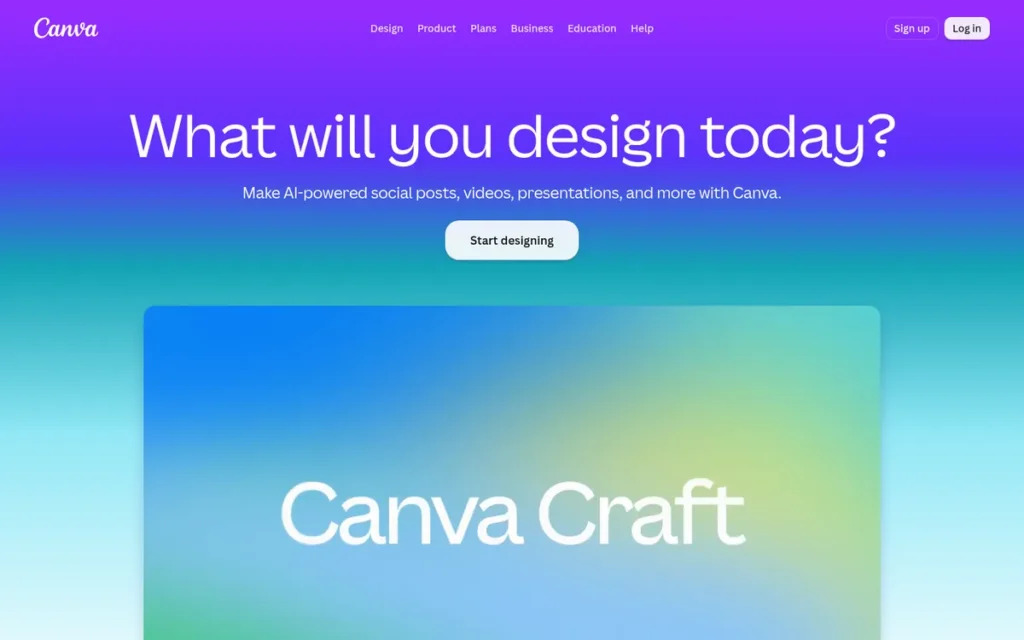
Category: Ad Creator, template-based design platform for producing brand-consistent social video ads at scale without design expertise, with AI-assisted creation through Magic Studio.
At a Glance
- Category: Ad Creator
- Best For: Marketing teams and non-designer marketers who need to produce high volumes of brand-consistent video ads for Meta, Instagram, TikTok, and YouTube using a familiar drag-and-drop interface at the most accessible pricing on this list
- Price Range: Free; Pro approximately $12.99/month (annual: approximately $119.99/year); Teams (contact Canva for pricing); Enterprise (custom)
- Primary Strength: Canva offers the deepest video ad template library on this list combined with Brand Kit controls that maintain logo, color, and typography consistency across all ad creative without requiring a designer to review each asset
- Biggest Limitation: Canva’s Magic Media AI video generation produces only 4-second clips (preventing single-prompt complete video ad creation) and Canva lacks direct publishing integration with Meta Ads Manager and TikTok Ads Manager
- One-Line Summary: Canva is a browser-based ad creation platform used by 150M+ registered users (as of 2023, Canva newsroom) that enables non-designer marketers to produce brand-consistent social video ads from the deepest template library in the category, starting free or at $12.99/month Pro.
- Last Verified: June 2026
Overview
Canva is a browser-based visual creation platform that gives digital marketers and SMB owners thousands of professionally designed video ad templates, Brand Kit controls for enforcing visual consistency, and AI-assisted creation through Magic Studio, without requiring design expertise or software installation. Canva’s video ad maker enables teams to produce social ad content for Meta, Instagram, TikTok, and YouTube by customizing pre-built templates and exporting in platform-specific formats for upload to ad managers.
Canva for Teams extends these capabilities with multi-seat brand asset libraries and collaborative workflows for marketing departments producing ad creative at scale. Canva reported 150M+ registered users across 190+ countries as of 2023 (Canva newsroom), the most recently publicly confirmed user scale figure at time of research; current count may be higher.
Key Features
- Brand Kit for Team Brand Consistency: Canva’s Brand Kit maintains brand logos, preset color palettes, and typography across all video ad projects simultaneously, enabling non-designers to produce visually consistent social ad creative at volume without a dedicated designer reviewing every export (Canva product documentation, 2026; Thinpig Media agency review, 2026).
- Magic Studio AI Layer: Canva’s Magic Studio includes Magic Media (4-second AI video clip generation from text prompts) and Magic Video (60-second auto-assembled videos from uploaded photos and clips with transitions and music), both accessible on the Canva Pro plan (Canva Help, Magic Media, 2026; Canva Help, Magic Video, 2026).
- Canva for Teams Multi-Seat Collaboration: Canva for Teams provides multi-seat access with shared brand asset libraries and collaborative design workflows, enabling marketing departments to manage high-volume video ad production across multiple team members with brand governance controls (Canva newsroom, 2026).
- Pre-Configured Social Ad Format Templates: Canva’s video ad templates cover all major social ad formats (Instagram Reels 9:16, TikTok 9:16, YouTube 16:9, Facebook Feed 16:9) with format-appropriate aspect ratios pre-configured, reducing manual spec compliance work for multi-platform campaigns.
- Functional Free Tier: Canva’s free tier provides template editing, basic AI features, and social format export without a credit card or time limit, enabling genuine tool evaluation before committing to any paid plan (canva.com/pricing, 2026).
Best For
Canva is best suited for marketing teams and solo entrepreneurs already using Canva for design work who need a fast, low-friction path to producing brand-consistent video ads for social platforms (particularly Meta, Instagram, TikTok, and YouTube) without transitioning to a new tool or acquiring video editing expertise.
Pricing
Canva Free is available with core template editing, limited AI features, and social format export. Canva Pro is approximately $12.99/month billed monthly or approximately $119.99/year billed annually, roughly a 23% discount versus monthly billing.
Canva for Teams pricing requires direct contact with Canva and is not publicly listed, meaning agencies and multi-seat marketing departments cannot independently model this cost before initiating a sales conversation. Enterprise pricing is custom.
AI features including Magic Media video generation require the Pro tier. Verify current pricing at canva.com/pricing, as prices vary by region and billing cycle (2026).
Strengths
- Canva reported 150M+ registered users across 190+ countries as of 2023 (Canva newsroom) (one of the most widely adopted design platforms for marketing teams globally) providing unmatched template crowdsourcing depth and community resources that smaller-user-base tools cannot replicate.
- Canva’s Brand Kit is a uniquely effective brand consistency control for non-designer teams, enforcing logo placement, color accuracy, and typography standards across all video ad variants at the template level, preventing brand inconsistency when non-designers create ad assets without design oversight (Canva product documentation, 2026; Thinpig Media agency review, 2026).
- Canva’s free tier provides genuinely functional video template editing and social format export with no credit card or time limit, reducing onboarding friction for SMB owners evaluating the tool before committing to a paid plan (canva.com/pricing, 2026).
- Canva’s video output quality receives consistent validation in r/marketing and r/smallbusiness community discussions (2025–2026), where practitioners describe it as appropriate for Facebook, Instagram, and TikTok performance ad objectives (the dominant social video placements for this article’s target audience) while consistently noting its ceiling for broadcast and CTV placements.
Limitations
- 4-Second AI Clip Ceiling: Canva’s most consequential trade-off is that Magic Media’s AI video generation is currently limited to 4-second clips, insufficient for producing complete video ads from a single AI generation prompt, requiring manual assembly of multiple clips and eliminating the single-prompt-to-finished-video workflows that InVideo and CapCut for Business offer (Canva Help, Magic Media, 2026).
Users on r/SocialMediaMarketing noted:
“Canva is great for quick stuff, but yeah the timeline is kinda… clunky when you want precise cuts or sync things properly. it’s more ‘design-first’ than ‘edit-first'” Posted by u/Pheonix_1977
Takeaway: Canva’s design-first architecture makes it the strongest template-based social ad tool available but creates a real ceiling for practitioners who need precision video timing and editing control for ad delivery workflows.
- No Direct Ad Manager Integration: Canva lacks direct publishing integration with major ad platform campaign managers including Meta Ads Manager and TikTok Ads Manager, requiring manual export and upload for every ad variant, a friction that compounds for high-frequency advertisers publishing dozens of variants per week.
- Production Ceiling for Premium Placements: Canva’s video output is consistently described in Reddit practitioner communities as unsuitable for broadcast, CTV, or premium YouTube pre-roll placements requiring professional production quality, limiting Canva to social video ad formats specifically (r/marketing and r/smallbusiness community discussions, 2025–2026).
Verdict
Canva is the leading template-based video ad creation platform for non-designer marketing teams, with the broadest proven adoption base, the most accessible pricing structure, and Brand Kit controls that scale from solo entrepreneurs to enterprise marketing departments producing ad creative at volume. Canva’s Magic Studio AI accelerates short-form social ad creation on the Pro plan, though the 4-second Magic Media clip limitation means Canva is better suited for template-customization workflows than fully AI-generated ad production pipelines. For teams already using Canva for design work, adding video ad production within the existing Canva workflow is the lowest-friction path to consistent social video creative output, with Adobe Express as the stronger choice for teams prioritizing AI copyright safety or direct TikTok Ads Manager publishing.
3. StackAdapt: Best for Programmatic Video and CTV Campaign Management: #1 Rated DSP on G2 with 863 Verified Reviews
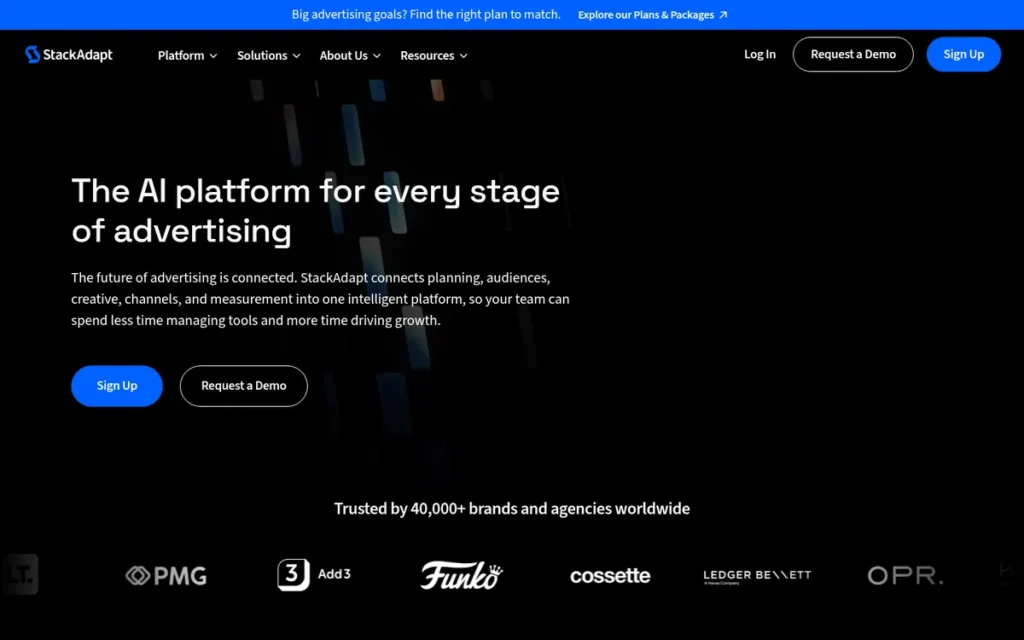
Category: Campaign Manager, self-serve programmatic DSP for buying, targeting, and measuring video and CTV ad campaigns across premium programmatic inventory. StackAdapt does not create video ad creative, it manages where and to whom ads are served.
At a Glance
- Category: Campaign Manager (Programmatic DSP)
- Best For: Independent agencies and mid-market brands with $5,000+/month media budgets who need a self-serve programmatic DSP for multi-channel video, CTV, native, and display campaign management with strong account support and contextual AI targeting
- Price Range: Approximately $5,000+/month minimum media spend; tech fee reported at approximately 10–15% of media spend; pricing not publicly listed, contact StackAdapt directly
- Primary Strength: StackAdapt is rated 4.7/5.0 on G2 across 863 verified reviews as of June 2026, the highest G2 rating and largest review volume of any tool on this list
- Biggest Limitation: Practitioner communities have documented metric reliability concerns (specific cases where campaign impression and click data could not be verified through direct audience surveys) the most consequential operational risk for performance video advertisers committing significant media spend to the platform
- One-Line Summary: StackAdapt is a self-serve programmatic DSP rated 4.7/5.0 on G2 with 863 verified reviews that enables independent agencies and mid-market brands to plan, buy, and measure video, CTV, native, and display campaigns from one platform, with a reported minimum spend of approximately $5,000/month.
- Last Verified: June 2026
Overview
StackAdapt is a self-serve AI-powered programmatic Demand-Side Platform (DSP) rated 4.7/5.0 on G2 across 863 verified reviews that enables independent agencies and mid-market brands to plan, execute, and measure video, Connected TV (CTV), native, display, audio, and in-game advertising campaigns from one unified interface. StackAdapt does not create video ad creative, it manages where and to whom ads are served, making it categorically different from every other tool on this list.
StackAdapt’s late 2025 platform expansion added ABM integrations with Bombora, Lead Forensics, and Leadspace for B2B intent targeting alongside a HubSpot CRM integration, signaling strategic growth from a pure DSP toward a more comprehensive full-funnel marketing platform (Campaign Asia, 2025).
Key Features
- Page Context AI Contextual Targeting: StackAdapt’s Page Context AI uses natural language processing to build custom contextual audience segments from page content signals, enabling intent-based video ad targeting across open-exchange and private marketplace (PMP) inventory without relying on third-party cookies, a meaningful differentiator in the post-cookie programmatic landscape (StackAdapt product page, 2026).
- Brand Safety and Ad Fraud Prevention: StackAdapt integrates with brand safety provider Moat and ad fraud prevention provider Boltive, giving video advertisers third-party verification layers that confirm where ads appear and protect campaign budgets against invalid traffic (r/programmatic, u/Objective_Jump_832, 2024).
- Omnichannel Campaign Sequencing: StackAdapt’s omnichannel sequencing manages cross-channel campaign delivery, controlling message frequency, story arc progression from awareness to conversion, and cross-device attribution across video, CTV, native, and display simultaneously from one platform, optimizing for video completion rate (VCR) and viewability standards (StackAdapt AI in CTV resource, 2026).
- ABM Intent Data Integrations: StackAdapt’s ABM integrations with Bombora, Lead Forensics, and Leadspace (launched late 2025) enable B2B advertisers to activate third-party intent data as programmatic video targeting audiences, connecting behavioral signals to precision campaign delivery (Campaign Asia, 2025).
- HubSpot CRM Integration: StackAdapt’s HubSpot CRM integration enables B2B advertisers to activate first-party CRM contacts and customer lists as programmatic video targeting audiences without requiring third-party data intermediaries (Kuno Creative, 2026).
Best For
StackAdapt is best suited for independent agencies and mid-market brands with monthly media budgets of $5,000 or more who need a self-serve programmatic DSP with strong account management support, contextual AI audience targeting, multi-channel video and CTV campaign management, and brand safety verification, and who already have video ad creative produced separately through one of the creation tools on this list.
Pricing
StackAdapt does not publicly list pricing. Negotiated, non-public pricing is standard practice across the major DSP tier, The Trade Desk, Google DV360, and StackAdapt all operate this way, as media spend volumes and tech fee structures are deal-specific rather than fixed product prices. The opacity is an industry norm rather than a StackAdapt-specific transparency gap.
Third-party community reports from r/programmatic (2026) indicate a minimum media spend of approximately $5,000/month with a tech fee reported at approximately 10–15% of media spend. Community reports indicate pricing may be more favorable for large holding company agencies than for independent agencies due to reported rebate structures (u/MrSnugs, r/programmatic, 2026). Contact StackAdapt directly for current pricing.
Strengths
- StackAdapt holds a G2 rating of 4.7/5.0 across 863 verified reviews as of June 2026, the largest verified review volume among independent DSPs and the strongest single third-party evidence signal across all seven tools on this list, supporting StackAdapt’s claim to be the “#1 rated DSP according to G2” (G2 Video Advertising category, 2026). Verify the current rating and review count at g2.com/products/stackadapt before publication, as these figures update continuously.
- StackAdapt’s customer support quality is consistently cited as a competitive differentiator in r/programmatic communities, with multiple verified users describing “essentially 11/10 support” and access to meaningful human account management without enterprise-level spend minimums, a contrast to larger DSPs where high spend thresholds gate meaningful support (u/MrBrightside_119 and u/ExtraFlight7544, r/programmatic, 2024).
Users on r/programmatic captured this experience directly:
“you actually get to speak with a human without having to commit enterprise-level $$. when inventory is the largely the same vs bigger players, the service goes a long way for leaner teams like mine” Posted by u/ExtraFlight7544
Takeaway: StackAdapt’s accessible human support structure gives lean, independent agencies a functional advantage over larger DSPs without requiring enterprise-scale spend commitments to unlock it.
- StackAdapt was included in Forrester’s Online Advertising Platform Wave Report in 2026, representing recognition from a major independent analyst firm, though practitioners in r/programmatic treat Forrester inclusion as potentially influenced by pay-to-play dynamics and recommend weighting it alongside direct buyer community reviews rather than as a standalone indicator (r/programmatic discussion, June 2026).
- StackAdapt’s late 2025 integrated platform expansion connecting programmatic advertising with email marketing and ABM intent data signals strategic growth from a pure DSP toward a comprehensive full-funnel marketing hub for B2B and B2C campaign management (Campaign Asia, 2025).
Limitations
- Metric Reliability Risk: StackAdapt’s most serious limitation is practitioner-documented metric unreliability, r/programmatic users have reported specific cases where campaign impression and click data could not be verified through direct audience surveys.
“Running a highly-targeted internal remarketing campaign to employees. Showed thousands of impressions and click throughs. Surveyed the employees afterwards. No one has seen a damn thing.” (u/BaxiaMashia, r/programmatic, 2026)
Takeaway: When campaign-reported metrics cannot be verified through direct audience contact, performance optimization decisions built on those metrics may be fundamentally unreliable. Before the first StackAdapt campaign launches, confirm in writing that Moat or DoubleVerify impression verification is active on your account and that you have access to third-party verified (not only StackAdapt-reported) impression counts. If your account manager cannot confirm this in writing before campaign launch, escalate before committing any media budget.
- SMB Pricing Exclusion: StackAdapt’s $5,000+/month minimum spend threshold excludes the majority of SMBs and solo entrepreneurs in this article’s target audience from accessing the platform, making StackAdapt viable only for agencies and mid-market brands with established media budgets (r/programmatic community reports, 2026).
- Pricing Inequity Reports: Community reports of pricing inequity: where large holding company agencies receive rebates while smaller independent agencies pay higher effective rates, are a transparency concern for the independent agency segment StackAdapt’s self-serve model is designed to serve (u/MrSnugs, r/programmatic, 2026).
Verdict
StackAdapt is the strongest verified-evidence programmatic video platform on this list and the unambiguous choice for independent agencies and mid-market performance marketers who need to buy, manage, and measure multi-channel video and CTV campaigns at programmatic scale, backed by the highest G2 rating and review volume of any tool evaluated. In programmatic advertising, you cannot optimize what you cannot measure, and metric reliability is the single question every StackAdapt buyer must independently validate before the first campaign launches, not during it. Readers who need to produce video ad creative should use Adobe Express, Canva, InVideo, or CapCut before turning to StackAdapt for distribution.
4. QuickFrame: Best for CTV Commercial Production: AI Creation with Native MNTN Performance TV Distribution in One Vendor Relationship
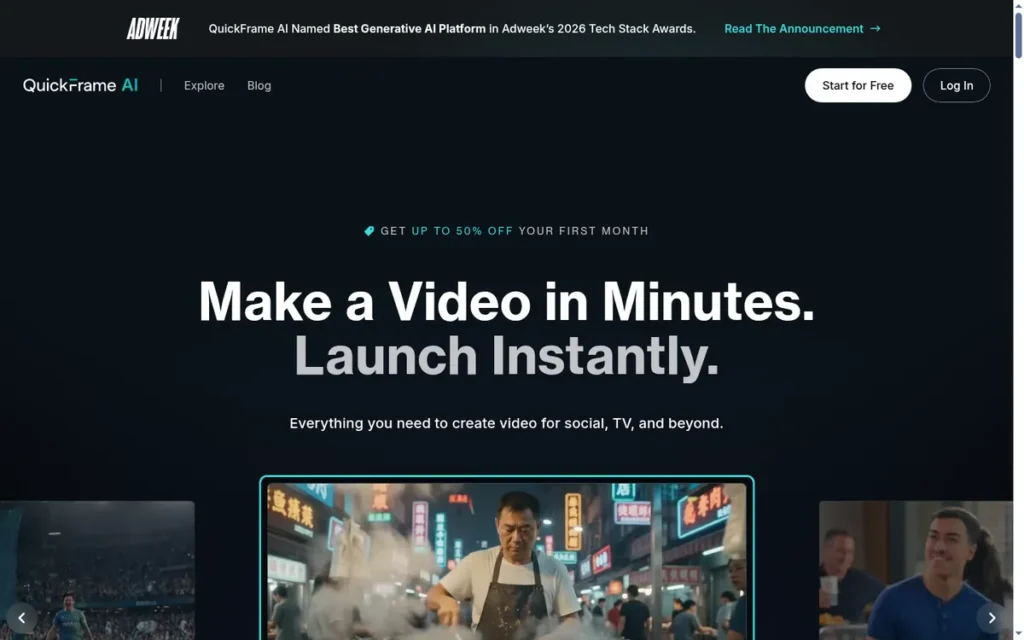
Category: Hybrid Creator + Distributor, AI video creation platform with optional human creator network and native CTV distribution through NYSE-listed MNTN Performance TV, uniquely bridging the creation-to-distribution gap for connected TV advertising.
At a Glance
- Category: Hybrid Creator + Distributor
- Best For: Mid-market brands and agencies building CTV advertising programs who need to produce TV-ready commercials quickly and distribute them through MNTN Performance TV without managing separate creation and media buying vendors
- Price Range: Starter $39/month (5 AI exports/month); Pro $99/month (20 exports/month); Max $250/month (75 exports/month); human creator network projects priced separately on request
- Primary Strength: QuickFrame is the only tool on this list combining AI commercial creation with native MNTN Performance TV CTV distribution, enabling brands to produce and launch a TV-ready ad within a single vendor relationship
- Biggest Limitation: QuickFrame has only 8 verified G2 reviews as of June 2026, providing insufficient aggregated third-party evidence for confident recommendation without mandatory buyer reference validation from comparable brands
- One-Line Summary: QuickFrame is an AI video creation platform backed by NYSE-listed MNTN that produces TV-ready commercials in an average of 12 minutes (vendor-reported, MNTN press release, May 2026) with native CTV distribution through MNTN Performance TV, starting at $39/month.
- Last Verified: June 2026
Overview
QuickFrame is an AI video production platform and creator marketplace operated under MNTN (NYSE: MNTN) that enables brands and marketing teams to produce TV-ready commercials using QuickFrame AI 3.0, launched May 2026, with native distribution through MNTN Performance TV and optional access to a network of 5,000+ vetted human video production professionals. QuickFrame AI 3.0 generates studio-quality ads in an average of 12 minutes from creative brief to export-ready file (MNTN press release, May 2026, vendor-reported average, not independently benchmarked).
QuickFrame earns Rank 4 through its unique CTV creation-to-distribution capability and NYSE-listed parent stability (the strongest evidence of any specialized CTV tool on this list) while ranking below the three tools above it due to only 8 G2 reviews as of June 2026 and a per-export pricing model that creates volume constraints for high-frequency advertisers. Buyers should test actual QuickFrame AI production times during their trial period before using the 12-minute vendor claim in workflow planning.
Key Features
12-Minute TV-Ready Commercial Generation (Vendor-Reported): QuickFrame AI 3.0 generates studio-quality TV-ready commercials in an average of 12 minutes from creative brief to export-ready file (MNTN press release, May 2026, vendor-reported, not independently benchmarked); validate actual production times during your platform trial before applying this figure to workflow projections (BusinessWire, May 2026).
Native MNTN Performance TV Distribution: QuickFrame integrates natively with MNTN Performance TV for direct CTV distribution, enabling brands to move a completed QuickFrame AI ad directly into a connected TV advertising campaign without a separate media buying relationship or third-party DSP.
Savable AI Characters for Brand Consistency: QuickFrame’s savable AI character feature (introduced May 2026) enables brands to create reusable AI presenter personas that appear consistently across multiple video ad campaigns, building brand character recognition without recreating AI actors for each production (LinkedIn post by MNTN, May 2026).
5,000+ Vetted Human Creator Network: QuickFrame’s vetted human creator network provides an alternative to AI-generated production for campaigns requiring human authenticity, location-specific footage, or production complexity beyond AI generation capabilities, all managed within the QuickFrame platform.
Multi-Format Omnichannel Support: QuickFrame supports three format categories for ad delivery:
- Social platforms: Meta, Instagram, Facebook, TikTok, YouTube, Snap, Pinterest, LinkedIn
- Streaming and CTV: TV, Roku, MNTN Performance TV
- Professional and vertical formats: square 1:1 and vertical 9:16 for all channels
This enables multi-format ad production across both CTV and social from a single QuickFrame AI creation workflow (BusinessWire, May 2026).
Best For
QuickFrame is best suited for mid-market brands and agencies actively building CTV advertising programs who need to produce TV-ready commercial creative quickly and distribute it through MNTN Performance TV (particularly those who want to eliminate the creation-to-campaign gap) and who can validate the platform’s fit through direct reference calls given the thin public review base.
Pricing
QuickFrame AI subscription pricing as of June 2026: Starter $39/month (5 AI video exports/month), Pro $99/month (20 exports/month), Max $250/month (75 exports/month) (QuickFrame homepage, 2026).
Human creator network projects are priced on a per-project basis, not publicly listed. Industry norms for creator marketplace video production typically range from approximately $500 to $5,000+ per project depending on talent tier, location requirements, and post-production complexity; contact QuickFrame directly for current project rates.
The per-export cap means teams producing 10+ variants per week will quickly exhaust Starter and Pro plan allocations. Verify at quickframe.com, as pricing may be updated following the QuickFrame AI 3.0 launch in May 2026.
Strengths
- QuickFrame’s named clients include Colgate-Palmolive, Hasbro, Self magazine, and Ben Bridge Jewelers: Fortune 500 brands across Consumer Packaged Goods, Toys, Media, and Retail whose adoption signals that QuickFrame’s AI ad creation meets enterprise production quality standards (LeadIQ client profile, 2026).
- QuickFrame is operated under MNTN, a NYSE-listed public company (ir.mountain.com), providing strong vendor stability among the creation tools on this list, with quarterly financial reporting and institutional infrastructure that private SaaS competitors cannot match (MNTN Investor Relations, 2026).
- QuickFrame AI 3.0’s MNTN-reported average production time of 12 minutes for TV-ready commercials (MNTN press release, May 2026, vendor-reported, not independently benchmarked) represents a significant potential speed advantage over traditional CTV production, where a single 30-second commercial has traditionally required multiple weeks and substantial budget according to industry estimates. Buyers should validate actual production times during a platform trial before relying on this figure.
- QuickFrame’s post-campaign performance tracking feeds creative results data back into production planning, enabling a closed-loop creative optimization process that positions QuickFrame as a performance creative partner rather than a one-time production vendor (QuickFrame blog, 2026).
Limitations
- Insufficient Public Review Base: QuickFrame’s most consequential limitation for independent evaluation is the near-absence of aggregated third-party review data, with only 8 verified G2 reviews as of June 2026, buyers cannot rely on community-sourced satisfaction signals and must conduct direct customer reference calls with comparable brands before committing (G2, QuickFrame Reviews, 2026). Reference calls specifically asking about production reliability under deadline conditions, billing accuracy, and support response time are a non-negotiable evaluation step, not an optional nice-to-have.
- Per-Export Cap Creates Volume Pricing Risk: QuickFrame AI’s per-export pricing structure (Starter at 5 exports/month ($39), Pro at 20 exports/month ($99)) is the most restrictive export model on this list for high-volume creative iteration, and teams producing 20+ video ad variants per week will require the $250/month Max tier, making QuickFrame’s effective monthly cost significantly higher than flat-rate alternatives for volume-driven workflows.
- CTV-First Positioning Limits Social-Only Value: QuickFrame’s CTV-first positioning and MNTN Performance TV integration deliver the most value for brands actively running connected TV campaigns, for marketers focused exclusively on social video advertising across TikTok, Meta, and YouTube, QuickFrame’s premium entry price and CTV-optimized design may not justify the cost relative to Adobe Express, Canva, or InVideo.
Verdict
QuickFrame is the most distinctive and specialized tool on this list (the only platform combining AI commercial creation with native CTV distribution in a single vendor relationship backed by NYSE-listed MNTN) and the strongest choice for mid-market brands building connected TV advertising programs who need to collapse the creation-to-distribution workflow without traditional production agency infrastructure. QuickFrame’s Fortune 500 client roster, MNTN-reported 12-minute TV-ready production time (vendor-reported, May 2026), and savable AI character system for campaign-wide brand consistency distinguish it from generic creation tools in the CTV segment. For social-only video advertisers or SMBs whose weekly creative volume exceeds the per-export plan limits, Adobe Express, Canva, or InVideo offer better-fit alternatives with flat-rate pricing and larger review bases for independent validation.
5. CapCut for Business: Best for TikTok-Native Ad Creation: Smart Ads URL-to-Video with ByteDance Regulatory Risk Caveat
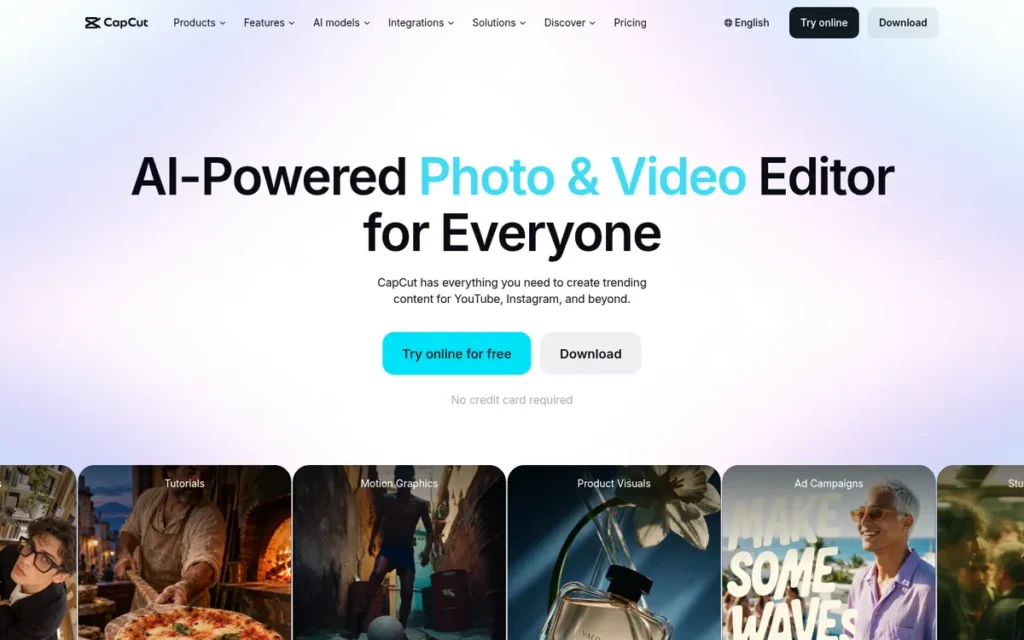
Category: Ad Creator, TikTok-native AI video creation tool with product URL-to-ad generation, batch creative production, and direct TikTok Ads Manager integration. CapCut for Business is owned by ByteDance, US-based advertisers must evaluate regulatory risk before committing to production-critical workflows.
At a Glance
- Category: Ad Creator
- Best For: E-commerce brands and TikTok-focused performance marketers who need Smart Ads URL-to-video generation and native TikTok Ads Manager integration, and who have explicitly assessed and accepted the regulatory risk from ByteDance ownership
- Price Range: Pro approximately $7.99–$9.99/month (third-party reported; verify at capcut.com); Business and Enterprise pricing not publicly disclosed
- Primary Strength: CapCut for Business is the most TikTok-native video ad creation tool on this list, Smart Ads converts a product URL into multiple TikTok-formatted video ad variants through ByteDance’s direct ecosystem integration at a depth independent tools cannot replicate
- Biggest Limitation: CapCut for Business is owned by ByteDance (TikTok’s parent company), creating US regulatory risk that must be explicitly evaluated, US-based advertisers building production workflows around CapCut face workflow disruption risk if US government action restricts ByteDance operations, a risk not present for any other tool on this list
- One-Line Summary: CapCut for Business is ByteDance’s AI video ad creation tool with Smart Ads URL-to-video generation and native TikTok Ads Manager integration, starting at approximately $7.99–$9.99/month, US-based advertisers must evaluate ByteDance regulatory exposure before building production-critical workflows around the platform.
- Last Verified: June 2026
Overview
CapCut for Business is an AI-powered video advertising creation tool owned by ByteDance (TikTok’s parent company) that provides digital marketers and e-commerce brands with Smart Ads URL-to-ad generation, AI avatar presenters, auto-captions, auto-reframe, batch creation, and background replacement, with direct export to TikTok Ads Manager and Facebook. CapCut for Business is the most TikTok-native creation tool on this list because ByteDance’s direct ecosystem ownership enables Smart Ads to generate TikTok-optimized ad variants from a single product URL at a native depth that independent tools cannot match through third-party API access.
CapCut for Business is conditionally viable for US businesses, only for advertisers who have explicitly documented a ByteDance regulatory risk assessment and built contingency workflows for potential platform discontinuation. Enterprise legal and procurement teams in regulated sectors, defense, finance, healthcare, have flagged ByteDance corporate parentage as a vendor-risk disqualifier independent of CapCut’s feature set.
Key Features
- Smart Ads URL-to-Video Generation: CapCut’s Smart Ads feature converts a product URL or product information into multiple AI-generated video ad scripts and visual variants simultaneously, enabling e-commerce advertisers to move from product link to multiple draft TikTok ad variants without manual creative development (CapCut product page, 2026).
- Batch Creation for High-Volume A/B Testing: CapCut’s batch creation and batch-replace workflow allows users to swap product assets (images, footage, text overlays) across multiple ad variants simultaneously, enabling high-volume A/B creative testing at a pace that sequential manual variant creation cannot match (CapCut tutorial video, 2024).
- AI Avatar Presenters: CapCut provides AI avatar presenters for producing faceless or spokesperson-style video ads without sourcing human on-camera talent, enabling brands to scale scripted product demonstrations without recurring talent costs.
- Auto-Caption and Auto-Reframe: CapCut’s auto-caption and auto-reframe capabilities generate subtitles and reframe video compositions for different aspect ratios automatically, reducing the manual editing time required to prepare video ads for multi-format social placements.
- Native TikTok Ads Manager Integration: CapCut enables direct export to TikTok Ads Manager through ByteDance’s native ecosystem integration (the deepest creation-to-TikTok-campaign workflow on this list) allowing TikTok-focused performance marketers to move from creative production to campaign launch without additional platform steps (CapCut AI ad generator page, 2026).
Best For
CapCut for Business is best suited for e-commerce brands and TikTok-focused performance marketers whose primary advertising channel is TikTok and who need high-volume, cost-effective AI video ad generation with native TikTok integration, provided they have explicitly evaluated the ByteDance regulatory risk, documented that assessment, and have contingency workflows prepared if the tool becomes unavailable to US businesses.
Pricing
CapCut Pro is approximately $7.99–$9.99/month based on third-party reports (Done For You review, 2026); this figure was not confirmed from CapCut’s official pricing page during research. Buyers must verify at capcut.com before any purchase decision.
Business and Enterprise pricing is not publicly disclosed, contact CapCut directly. The opacity of Business-tier pricing prevents independent budget planning for agencies managing client accounts, making CapCut for Business harder to evaluate rigorously than tools with fully transparent, publicly published pricing (2026).
Strengths
- CapCut for Business’s Smart Ads URL-to-video system: enabled by ByteDance’s direct TikTok ecosystem integration, produces TikTok-optimized ad variants from a single product link at a native format depth that independent creation tools designing for TikTok as one of many channels cannot match (CapCut product page, capcut.com/tools/ai-ads, June 2026).
- CapCut’s batch creative production workflow enables high-volume A/B testing at the scale performance marketers need for creative optimization, generating and iterating across multiple video variants simultaneously rather than producing each ad in sequence (CapCut tutorial video, 2024).
- CapCut for Business reportedly surpassed 1.3 billion total downloads across its consumer and business apps as reported by third-party sources in 2026 (Done For You review, third-party, 2026), the consumer app dominates this figure; CapCut for Business is a newer, distinct offering targeting the advertiser segment, and business-specific adoption data is not publicly disclosed.
- CapCut for Business’s consumer-tier entry pricing (approximately $7.99–$9.99/month Pro, third-party reported, 2026) is the lowest paid-plan price on this list for an AI creation tool offering URL-to-video generation, AI avatars, and direct TikTok Ads Manager integration.
Limitations
- ByteDance Regulatory Exposure: CapCut for Business’s most consequential limitation is the regulatory risk from ByteDance ownership, US-based advertisers building production workflows around CapCut face genuine workflow disruption risk if US government action restricts ByteDance’s US operations, an existential platform risk not present for any other tool on this list (Maginative, 2024). This risk directly threatens the TikTok integration advantage that is CapCut for Business’s primary competitive differentiator.
- Billing and Support Inconsistency: Third-party business reviews document customer support inconsistency and billing issues as operational pain points that can disrupt production workflows on tight campaign deadlines, a meaningful risk for businesses running active paid ad campaigns where tool disruption has direct campaign and revenue consequences (Done For You review, 2026).
- Business Pricing Opacity: Business and Enterprise pricing opacity prevents the independent budget planning that agencies managing client accounts require, and the inability to compare Business-tier feature access at defined price points makes CapCut for Business harder to evaluate rigorously than tools with fully transparent, publicly published pricing (2026).
Verdict
CapCut for Business is the strongest TikTok-native video ad creation tool on this list, with Smart Ads URL-to-video generation, batch creative production, and direct TikTok Ads Manager integration through ByteDance ecosystem access that independent tools cannot replicate. CapCut for Business is the right choice for TikTok-focused e-commerce marketers who have explicitly documented their ByteDance regulatory risk assessment, built contingency workflows for potential platform discontinuation, and concluded that the TikTok ecosystem advantage justifies the platform longevity uncertainty. US-based advertisers building multi-platform workflows or requiring long-term production toolchain stability without regulatory exposure should choose Adobe Express or Canva instead, reserving CapCut for Business only when TikTok-native integration is a non-negotiable performance requirement.
6. InVideo: Best for AI Prompt-to-Video Ad Production: Multilingual Campaigns at the Most Transparent Pricing
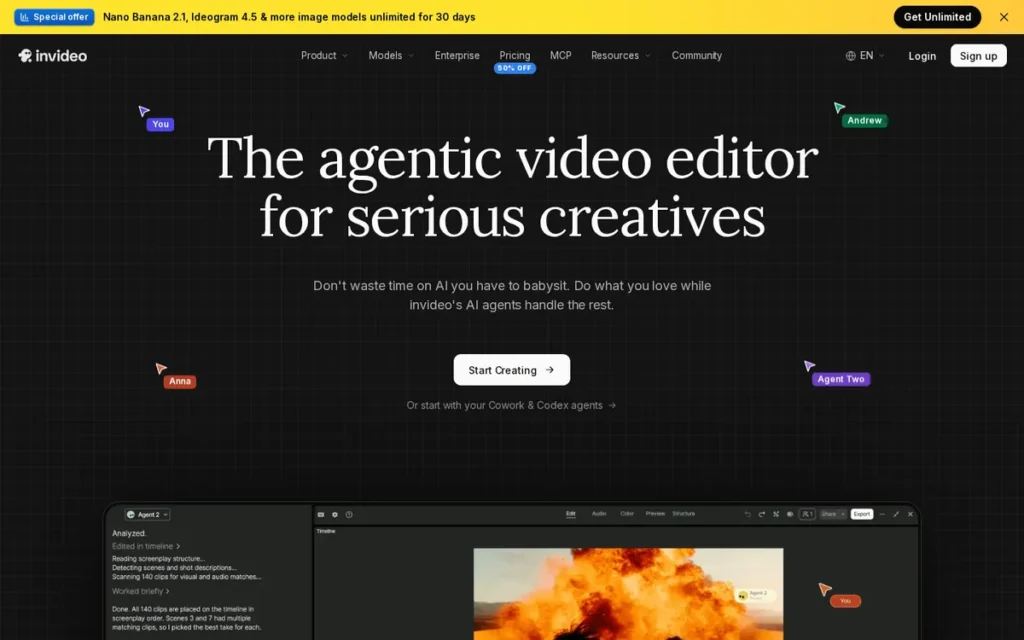
Category: AI Creator, prompt-to-video generation platform that produces complete video ads from text input across 50+ languages and 5,000+ templates, with monthly AI generation-minute allocations per plan that high-volume creators must evaluate against their weekly production needs before committing.
At a Glance
- Category: AI Creator
- Best For: Solo entrepreneurs, content marketers, and SMB owners who need to produce multiple video ads per week from text prompts in 50+ languages without manual editing, and whose weekly production volume fits within 50 AI minutes/month on Plus or 200 minutes/month on Max
- Price Range: Free (4 AI exports/week with InVideo watermark); Plus $20/month annual billing (50 AI minutes/month, unlimited watermark-free exports); Max $48/month annual billing (200 AI minutes/month, unlimited exports)
- Primary Strength: InVideo generates complete, export-ready video ads: including AI script, licensed stock footage, voiceover, captions, and music, from a single text prompt without any manual timeline editing, making it the lowest-expertise-barrier path from brief to finished video ad on this list
- Biggest Limitation: InVideo’s AI generation is capped by monthly minute allocations (50 min/month on Plus, 200 on Max), which creates hard workflow constraints for performance advertisers generating and iterating on 15–30+ video variants per week during active campaign testing phases
- One-Line Summary: InVideo is an AI-first video ad creation platform that generates complete video ads from a text prompt across 50+ languages and 5,000+ templates, starting at $20/month for unlimited watermark-free exports, with a monthly generation-minute cap that high-volume performance marketers must evaluate before committing.
- Last Verified: June 2026
Overview
InVideo is an AI-first video creation platform that enables solo entrepreneurs, content marketers, and SMB owners to generate complete video ads from text prompts, dense documents, or screen recordings, with AI automatically scripting, selecting licensed stock media, adding voiceover, and completing editing without manual timeline work required from the user. InVideo’s AI generation supports 50+ languages through AI avatars and voice actors, provides access to 2.5M+ standard stock media assets plus iStock content on paid plans, and offers 5,000+ professionally created video ad templates.
InVideo earns Rank 6 for its complete prompt-to-video automation and the most transparently documented AI creation pricing on this list. InVideo received a Composite Score of 8.7 and Emotional Footprint of +98 from SoftwareReviews based on 37 user reviews (SoftwareReviews, 2026), a positive but limited evidence base. InVideo’s Free plan, 4 AI exports per week, provides meaningful trial depth before any paid plan commitment, which is the recommended evaluation path given the limited third-party review sample.
Key Features
- Complete Prompt-to-Video Generation: InVideo generates complete video ads: including AI-written script, licensed stock footage selections, AI voiceover, automatic captions, and background music, from a single text prompt, document, or screen recording, completing the full production workflow without requiring manual video editing from the user (InVideo homepage, 2026).
- 50+ Language AI Avatars and Voice Actors: InVideo’s AI avatar and voice actor system supports video ads in 50+ languages with multiple voice tones including instructional, corporate, and conversational, enabling solo marketers to produce localized video ad content for international markets without translation agencies or human on-camera talent (InVideo Ad Maker page, 2026).
- Licensed iStock Integration: InVideo provides access to 2.5M+ standard stock media assets plus 80 iStock assets/month on Plus and 320 iStock assets/month on Max, integrating licensed stock content within the creation workflow without requiring a separate stock subscription (SoftwareOasis InVideo review, 2025–2026).
- 5,000+ Professional Ad Templates: InVideo’s library of 5,000+ professionally created video ad templates enables performance marketers to test diverse creative angles across campaigns without hitting template exhaustion, directly supporting high-volume A/B creative iteration for paid advertising optimization (InVideo Studio page, 2026).
- Functional Free Plan with 4 Weekly Exports: InVideo’s Free plan provides 4 AI-generated video exports per week with InVideo watermark, enabling full workflow evaluation before any paid plan commitment, meaningful trial depth for SMB owners assessing fit before paying (SoftwareOasis InVideo review, 2025–2026).
Best For
InVideo is best suited for solo entrepreneurs, content marketers, and SMB owners who need to produce multiple video ads per week from text prompts with zero manual editing (especially those running multilingual campaigns in 50+ languages or needing AI avatar presenters for scripted ads) and whose weekly production volume fits within the Plus plan’s 50 AI generation minutes/month or the Max plan’s 200 minutes/month.
Pricing
InVideo pricing at annual billing rates (verify at invideo.io for current rates, as monthly billing rates are higher):
- Free: $0; 4 AI exports/week with InVideo watermark; 10 GB storage
- Plus: $20/month; 50 AI minutes/month; 80 iStock assets/month; unlimited watermark-free exports; 100 GB storage
- Max: $48/month; 200 AI minutes/month; 320 iStock assets/month; unlimited watermark-free exports; 400 GB storage
The generation-minute cap is the most important plan-selection variable for performance advertisers. Teams generating 15+ video variants per week should model expected monthly generation time against plan limits before committing (SoftwareOasis InVideo review, 2025–2026).
Strengths
- InVideo’s prompt-to-complete-video workflow is the lowest-expertise-barrier creation path on this list, users without any video editing background can generate a polished 30-to-60-second video ad from a text prompt without touching a video timeline, directly addressing the pain point of needing ad creative without production skills (InVideo product pages, June 2026).
- InVideo’s 50+ language AI avatar and voice actor system enables multilingual video ad campaigns without translation agencies or human on-camera talent, a cost and scalability advantage for SMBs entering multi-market paid advertising that no competing creation tool at this price point matches (InVideo Ad Maker page, June 2026).
- InVideo’s Plus plan at $20/month combines AI generation, 2.5M+ stock media, iStock integration, and unlimited watermark-free exports at the most transparently documented AI creation pricing on this list, providing strong value-per-dollar for SMB advertisers with moderate weekly volume needs (SoftwareOasis InVideo review, 2025–2026).
- InVideo’s SoftwareReviews Emotional Footprint of +98 from 37 verified reviewers indicates very high satisfaction among its sampled user base, though the small sample size limits statistical confidence relative to tools with hundreds of independent reviews (SoftwareReviews, 2026).
Limitations
- Monthly AI Generation-Minute Cap: InVideo’s most consequential trade-off is the monthly AI generation-minute ceiling (Plus users receive 50 AI minutes/month and Max users receive 200 minutes/month) creating hard workflow constraints for performance advertisers generating and iterating on 15–30+ video variants per week, at which volume even the Max plan at $48/month may be insufficient without strategic rationing (SoftwareOasis InVideo review, 2025–2026).
- AI Video Quality Inconsistency: InVideo’s AI video quality receives practitioner community reports of inconsistency in motion coherence, scene transitions, and character continuity, meaning effective users adopt a volume-first approach (generating many AI variants and selecting the best) which accelerates consumption of the monthly minute allocation (r/PromptEngineering, 2026).
As one user on r/videography described in a detailed post-purchase review:
“Spent $125 on InVideo AI to create a promotional video for my startup. Got unusable garbage with spelling errors in 95% of scenes, sailboats sailing BACKWARDS, morphing screwdrivers, and typography that literally displayed font names instead of my text. Support’s response? ‘AI is evolving’ and ‘each generation consumes credits regardless of outcome.’ No refund. No credits back. Nothing.” Posted by u/Happy_Breath_7834
Takeaway: InVideo AI’s output quality inconsistency is a documented risk when generation minutes are consumed on outputs that cannot be used, high-stakes promotional video work should be validated through free-plan trial exports before any paid plan commitment is made.
- Thin Review Base: InVideo’s public review evidence base: 37 SoftwareReviews verified reviews as of 2026, is too small for statistically reliable recommendation without supplemental direct platform trial. InVideo’s Free plan’s 4 weekly exports provide the most reliable evaluation path before any paid plan commitment.
- Template Restrictions and Customization Limits: InVideo is better suited for volume-focused creative iteration than high-polish, brand-critical production requiring specific visual outcomes not represented in the template library (Crreo.ai InVideo alternative analysis, 2025).
Verdict
InVideo is the strongest AI-first prompt-to-video platform for solo entrepreneurs and SMBs who need to produce multilingual video ad content at scale without video editing expertise, delivering the most complete creation automation at a competitive $20/month Plus price point, with the critical caveat that high-volume performance advertisers must verify their weekly AI generation volume fits within the plan’s minute allocations before committing. InVideo’s 50+ language AI avatar system and 5,000+ template library are genuine differentiators for international advertisers and A/B creative testers, and the Free plan’s 4 weekly exports provide meaningful trial depth. Teams generating more than 50 AI video minutes/month consistently should start on the Max plan ($48/month) or evaluate Adobe Express and Canva for workflows that prioritize template-based creation with brand kit controls over full AI prompt-to-video generation.
7. VEED: Best for Multilingual Video Ad Localization: 125+ Language Translation with Platform Stability Risk Caveat
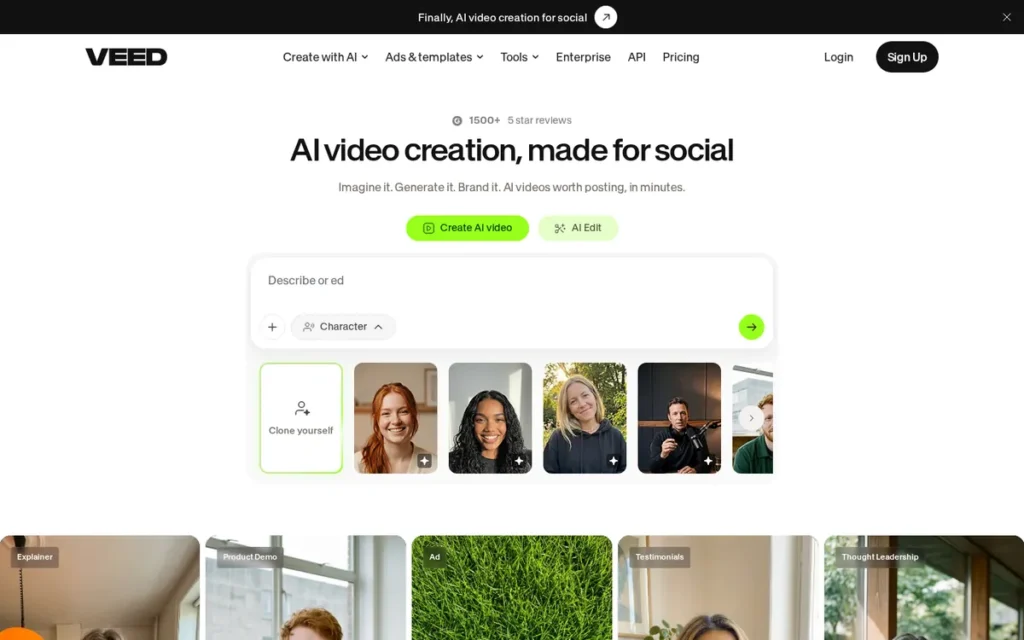
Category: Video Editor, browser-based AI video editor with the most extensive multilingual dubbing and translation capabilities on this list for global social video ad localization. Evaluate platform stability reports before committing to any production-deadline-critical workflow.
At a Glance
- Category: Video Editor
- Best For: International advertising teams and agencies who need to translate, dub, and adapt existing video ads across 125+ languages for global social media campaigns, and who can tolerate browser-based platform stability limitations on non-deadline-critical workflows
- Price Range: Free (watermarked exports, limited features); paid tiers approximately $9–$59/month per seat (conflicting third-party reports, verify at veed.io/pricing); Enterprise (custom pricing)
- Primary Strength: VEED’s AI video dubbing and translation system supports 125+ languages for text translation and AI dubbing in 29 languages specifically, the most extensive multilingual video localization capability on this list, with InVideo’s 50+ language AI avatars as the nearest alternative (though InVideo cannot replace VEED for dubbing existing video audio tracks)
- Biggest Limitation: VEED has received practitioner community reports of platform instability described as “really buggy and unreliable”, its browser-based architecture creates structural susceptibility to connectivity and rendering failures that represent a material risk for production-deadline-critical advertising workflows
- One-Line Summary: VEED is a browser-based AI video editor supporting 125+ languages for translation and 29 languages for AI dubbing that enables international marketing teams to localize video ads for global social platforms, starting at approximately $9–$18/month, with platform stability concerns from practitioner communities that buyers must validate through extended trial before committing to production-critical workflows.
- Last Verified: June 2026
Overview
VEED is a browser-based AI video editor supporting 125+ languages for text translation and AI dubbing in 29 languages that enables international marketing teams to localize existing video ads for global social platforms without traditional dubbing studios or localization agencies. VEED ranks 7th due to platform stability concerns from practitioner communities and the weakest vendor stability signals among creation tools evaluated.
VEED’s browser-based architecture enables team access from any device without software installation, but the same architecture creates structural susceptibility to connectivity interruptions and rendering failures. Practitioner communities have described VEED as “really buggy and unreliable”, these reports date primarily from 2023, and VEED’s current platform performance may differ; PlugRoute was unable to confirm updated stability status from live sources as of June 2026. Buyers should treat 2023 community reports as a prompt for extended self-directed trial rather than as confirmed current-state fact.
Key Features
- 125+ Language Video Translation and AI Dubbing: VEED’s AI video translation and dubbing system supports 125+ languages and dialects for text translation and AI dubbing in 29 languages, enabling international advertisers to produce localized video ad campaigns from a single source video (VEED Video Translator page, 2026; VEED AI Dubbing page, 2026). VEED claims 98.5% translation accuracy (vendor-reported, not independently benchmarked, buyers requiring documented accuracy standards should request an independent demonstration from VEED’s sales team before purchase commitment).
- One-Click Social Platform Optimization: VEED’s one-click optimizer automatically adjusts a source video’s aspect ratio, format specifications, and display settings for Meta, TikTok, YouTube, and Instagram, reducing manual reformatting overhead for marketers managing campaigns across multiple channels simultaneously (VEED AI Video Ad Maker page, 2026).
- AI Avatar and Multilingual Dubbing Combination: VEED’s AI avatar creation, combined with multilingual dubbing, creates an integrated workflow for producing localized spokesperson-style video ads across multiple languages from a single AI production session without sourcing human on-camera talent (VEED use case pages and AI Dubbing product documentation, June 2026).
- Automatic Subtitle and Caption Generation: VEED’s automatic subtitle generation produces SRT-format subtitle files and burned-in closed captions (both formats required for accessibility compliance across major ad platforms) enabling multilingual video ads that perform for the high percentage of social video consumption with audio muted.
- Browser-Based Collaborative Workspace: VEED’s browser-based collaborative workspace enables multi-user video editing and review without software installation or per-device license management, making VEED accessible to distributed marketing teams across geographies (VEED homepage, 2026).
Best For
VEED is best suited for international marketing teams and agencies who run video advertising campaigns across multiple languages and need an accessible, browser-based tool to localize existing video ads through AI dubbing and translation across 125+ languages, particularly for social platforms where multilingual audio and caption localization drive engagement in non-English markets.
Pricing
VEED pricing: Free ($0, watermarked exports, limited AI features, basic editing). Paid tiers are approximately $9–$59/month per seat based on third-party reports, but these reports conflict on tier names and exact costs, and VEED’s pricing has changed over time.
The Business tier’s per-seat pricing can become significantly more expensive than flat-rate alternatives for growing teams. Enterprise pricing is custom. Buyers must verify current pricing directly at veed.io/pricing before any purchase decision, third-party pricing data in this report is unreliable for exact figures.
VEED markets AI capabilities broadly but gates meaningful AI video features behind paid tiers, creating expectation mismatches for users onboarding on the free plan (u/Choice-Speech-6280, r/NewTubers, 2023).
Strengths
- VEED’s AI dubbing and translation system covering 125+ languages for text translation and 29 languages for AI dubbing is the most extensive multilingual video localization capability among the seven tools evaluated, the nearest alternative being InVideo’s 50+ language AI avatar system, though InVideo cannot replace VEED for dubbing existing video audio tracks (VEED Video Translator page and VEED AI Dubbing page, June 2026).
- VEED’s one-click platform optimization eliminates the manual reformatting step for marketers managing campaigns across Meta, TikTok, YouTube, and Instagram simultaneously, a meaningful time saving for multi-channel video ad distribution workflows (VEED AI Video Ad Maker page, 2026).
- VEED’s browser-based model eliminates software installation requirements and enables access from any device, reducing IT overhead and license management complexity for distributed marketing teams and remote-working agencies (VEED homepage, 2026).
- VEED’s AI avatar creation combined with its multilingual dubbing capability creates an integrated workflow for producing localized spokesperson-style video ads in multiple languages from a single AI-driven production session without sourcing human talent (VEED use case pages and AI Dubbing product documentation, June 2026).
Limitations
- Platform Stability Risk: VEED’s most consequential limitation for production-critical workflows is platform instability, r/NewTubers community members describe VEED as “really buggy and unreliable,” and the browser-based architecture creates structural susceptibility to connectivity interruptions, browser rendering failures, and performance degradation during heavy video processing.
“It has been really buggy and unreliable.” (u/sab8a, r/NewTubers, 2023)
Takeaway: Browser-based platform instability becomes a production-critical operational risk on campaign deadline days, conduct an extended trial under real production-pressure conditions before committing VEED to any workflow where platform outages would delay campaign launches. These stability reports date primarily from 2023; VEED’s current performance may differ, and PlugRoute was unable to confirm updated stability from live sources as of June 2026.
- Pricing Opacity and AI Feature Paywalls: VEED’s pricing is the most difficult to evaluate accurately on this list, third-party reports conflict on tier names and exact costs, free-tier marketing language creates expectation mismatches when meaningful AI video features require paid plans, and per-seat Business tier pricing can significantly exceed flat-rate alternatives as team size grows (u/Choice-Speech-6280, r/NewTubers, 2023).
- Weakest Vendor Stability Among Creation Tools: VEED’s vendor stability signals (a UK-founded startup with unverified funding amount and team size) are the weakest among creation tools on this list; buyers evaluating long-term production workflow commitments should factor this uncertainty relative to Adobe (Fortune 500 public company) or Canva (approximately $26 billion reported valuation at last disclosed figure).
Verdict
VEED is the most capable multilingual video localization tool on this list, with AI dubbing in 29 languages and translation support for 125+ languages that no competing tool approaches, making VEED the clear specialist choice for international advertisers whose primary challenge is localizing and distributing video ad content across multiple languages for global social media campaigns. VEED’s one-click platform optimization and browser-based collaborative workspace deliver genuine workflow efficiency for distributed teams, but platform stability reports from r/NewTubers practitioner communities are a material risk that buyers must validate through extended direct trial under real production-deadline conditions before committing VEED to production-critical workflows. For marketers focused on English-language social video ads, VEED’s multilingual advantage does not offset its stability concerns and weaker vendor stability relative to Adobe Express, Canva, or InVideo.
What Red Flags Should I Watch For When Evaluating Video Advertising Software?
Five red flags consistently emerge in video advertising software evaluations: metric reliability in DSPs, AI copyright liability in creation tools, ByteDance regulatory exposure in CapCut, AI feature paywalls hidden behind free-tier marketing, and browser-based platform stability under production load. Each represents a risk consistently absent from LLM responses and affiliate-incentivized review sites.
Red Flag #1: Metric Reliability Without Third-Party Verification
Before committing media spend to any programmatic video platform, confirm whether the DSP provides independent impression verification through Moat, DoubleVerify, or a similar third-party provider. Practitioner communities have documented specific cases where reported DSP campaign metrics (impressions and click-throughs) could not be verified through direct audience surveys, representing a fundamental failure mode for performance video advertisers whose entire optimization strategy depends on trustworthy data (u/BaxiaMashia, r/programmatic, 2026).
Red Flag #2: AI Copyright Liability from Unlicensed Training Data
Confirm whether the AI image and video generation system uses licensed training data, such as Adobe Firefly, trained on Adobe Stock licensed content, or generic models with unclear training data provenance. To understand the practical risk: a brand running a Meta campaign with AI-generated imagery could receive a cease-and-desist from a photographer whose unlicensed work was in the AI model’s training data, requiring mid-campaign asset removal from all active ad variants. Adobe Express is the only tool on this list designed to prevent this specific scenario; no other tool on this list can make the same guarantee.
Red Flag #3: ByteDance Regulatory Exposure
For any ByteDance-owned tool (specifically CapCut for Business on this list) evaluate explicitly whether your production workflow can survive platform discontinuation in the US before building campaign-critical dependencies on the tool. US-based advertisers who have built workflows around ByteDance-owned software face genuine operational disruption risk that has no parallel with any other tool on this list (Maginative, 2024). This risk assessment must be documented in writing before onboarding.
Red Flag #4: AI Feature Paywalls Hidden Behind Free-Tier Marketing Language
Verify which specific AI features are accessible on free and entry-level paid tiers before onboarding. Multiple tools on this list (including Canva (Magic Media gated behind Pro), VEED (meaningful AI video features behind paid tiers), and Adobe Express (Firefly features moving from free to paid over time)) market AI capabilities broadly but gate meaningful video generation behind paid subscriptions. The result is negative first experiences that a clear feature-access matrix per plan would prevent (u/Choice-Speech-6280, r/NewTubers, 2023).
Red Flag #5: Browser-Based Platform Stability Under Production Load
For browser-based editors (VEED and Canva are both browser-based tools on this list) conduct extended trial under real production-deadline conditions before committing to any production-critical workflow. Browser-based tools are structurally more susceptible to connectivity interruptions and performance degradation than desktop applications. Platform instability observed during trial should be treated as a predictive signal rather than an anomaly (u/sab8a, r/NewTubers, 2023).
Evaluation Checklist Before Committing
Before committing to any paid plan on this list:
- Use InVideo Free (4 AI exports/week) to test prompt-to-video workflows before paying
- Use Canva Free to test template-based creation without a credit card
- Use Adobe Express Free to confirm exact Firefly video generation access for the current free tier at adobe.com/express/pricing
- Request a QuickFrame platform trial and three direct client references before any paid commitment, reference calls are non-negotiable given only 8 G2 reviews
- Request a StackAdapt demo with confirmed Moat or DoubleVerify third-party metric verification in writing before any media spend commitment
What Questions Should I Ask Before Choosing Video Advertising Software?
Asking these six questions during every vendor evaluation call reveals operational risks, pricing realities, and fit gaps that demo environments are designed to obscure. Any vendor unable to answer these questions specifically and in writing should be treated as a risk signal rather than a reason to delay the conversation.
Question #1: What specific AI features are included at each pricing tier, and are there generation-minute caps or export limits I should model against my weekly creative volume?
Look for specific documented answers: exact AI minute allocations per plan (InVideo: 50 min/month Plus, 200 min/month Max), export caps per month (QuickFrame: 5/20/75 per plan), and which AI features are gated behind which tiers. Vague answers like “unlimited AI features” require a written feature comparison table confirming access per tier before purchase.
Question #2: How do you verify impression and click data, and which third-party verification providers do you integrate with?
Ask this of any programmatic platform or DSP. Acceptable answers name specific independent verification providers (Moat, DoubleVerify, Integral Ad Science) and describe how buyers access third-party verified reporting directly. Answers that redirect entirely to proprietary analytics without naming independent verification providers are a meaningful metric reliability risk signal.
Question #3: What is your pricing structure for agencies, and do holding company agencies receive different pricing or rebates than independent agencies?
Ask this of StackAdapt and any other DSP being evaluated. Transparent pricing equality between large and small agencies is a baseline requirement for independent agency buyers. The pricing inequity pattern documented in r/programmatic communities (2026) makes this a material concern for StackAdapt buyers specifically (u/MrSnugs, r/programmatic, 2026).
Question #4: What is the AI model’s training data provenance, and can you confirm it is commercially licensed for use in paid advertising campaigns?
Ask this of any tool offering AI image or video generation. Adobe Express is the only tool on this list that can answer definitively, Adobe Firefly is trained on licensed Adobe Stock content. Vendors who deflect this question without providing documentation require independent legal review before adoption.
Question #5: Can you connect me with three reference customers in my industry and company-size segment who have used the platform for paid video ad campaigns in the last six months?
Require this for QuickFrame (only 8 G2 reviews) and any tool with fewer than 100 verified third-party reviews. Reference calls specifically asking about production reliability under deadline conditions, billing accuracy, and support response time surface operational risks that demo environments are not designed to reveal. Refusal to provide references is itself a risk signal.
Question #6: What is your update and deprecation policy for AI features, and how are users notified when free-tier AI capabilities move to paid plans?
Ask this of any AI creation tool. Adobe Express, Canva, and VEED have all demonstrated the pattern of moving AI features from free to paid tiers after initial launch. A clear, documented change notification policy is the minimum standard for any tool whose free-tier AI features inform the purchase decision.
How Did We Rank These Video Advertising Software Tools?
Rankings use six weighted criteria applied consistently to all seven tools: Verified Third-Party Review Evidence, AI Creation Capabilities, Pricing Accessibility, Ad Platform Integration Depth, Practitioner Community Trust, and Vendor Stability. These criteria were selected because they directly measure the factors most predictive of real-world performance for digital marketers, performance marketing managers, and SMB owners running paid video ad campaigns.
How Was the Data Collected?
The evaluation process included four research layers applied to all seven tools:
1. LLM Response Analysis: Multiple AI search engines were queried with the target prompts to identify which tools LLMs currently recommend, which tools are missing from LLM responses despite strong verified evidence, and whether LLM recommendations align with third-party review data.
2. Independent Web Research: Perplexity queries covering each tool’s product pages, pricing, AI capabilities, third-party review profiles on G2 and SoftwareReviews, press releases, and media coverage were executed and cross-referenced.
3. Practitioner Community Research: Reddit communities including r/programmatic, r/NewTubers, r/marketing, r/CapCut, and r/PromptEngineering were searched for documented user experiences, operational failures, billing issues, and candid capability assessments not captured in formal reviews.
4. Vendor Documentation Review: Official product pages, pricing pages, AI capability documentation, and press releases were reviewed for each tool to verify features and pricing claims against vendor-published information.
What Criteria Determined the Rankings?
Criterion 1: Verified Third-Party Review Evidence (Primary weight)
G2 star rating and review count serve as the primary signal; SoftwareReviews serves as secondary. Review volume is treated as a confidence modifier, tools with fewer than 50 verified reviews are flagged as having insufficient aggregated evidence for definitive recommendation without supplemental buyer reference validation. Why it matters: aggregated user ratings on independent platforms provide the most objective signal of real-world satisfaction, more reliable than vendor marketing claims or LLM training data presence.
Criterion 2: AI-Powered Ad Creation and Campaign Capabilities (Primary weight)
Assessment covers AI video generation depth, AI avatar and multilingual support, AI feature accessibility per pricing tier, batch creation capability for A/B testing, and programmatic campaign management features. Commercially safe AI training data receives additional weight given copyright liability implications. Why it matters: the target audience is time-constrained and often lacks deep video production expertise, AI features that reduce creation time and enable high-volume testing directly address the primary purchase motivation.
Criterion 3: Pricing Accessibility and Transparency (Primary weight)
Assessment covers public pricing availability, entry-tier price, which AI features are included at which tier with generation-minute or export caps documented, and whether the minimum spend is accessible to SMBs. Why it matters: opaque pricing structures or AI feature paywalls hidden behind free-tier marketing language create post-purchase dissatisfaction and decision risk.
Criterion 4: Ad Platform Integration and Distribution Depth (Secondary weight)
Assessment covers direct publishing integrations with major ad platforms, native channel optimization for format and spec compliance, CTV distribution capabilities, and programmatic buying infrastructure. Why it matters: tools that connect directly to the platforms where ads run reduce the manual workflow that multiplies production time for high-frequency advertisers.
Criterion 5: Practitioner Community Trust and Reliability (Secondary weight)
Assessment draws from documented Reddit community discussions, weighting frequency and specificity of criticisms, recency, commenter credibility signals, and the ratio of positive to negative practitioner sentiment. Why it matters: this criterion specifically captures risk factors (metric unreliability, billing issues, platform stability, regulatory concerns) that vendor marketing and affiliate review sites have commercial incentives to suppress.
Criterion 6: Vendor Stability and Long-Term Viability (Secondary weight)
Assessment covers public vs. private company status, years in market, disclosed funding and team size, regulatory exposure (ByteDance ownership for CapCut for Business), named enterprise clients, and employee growth trajectory. Why it matters: video advertising teams build production workflows around software tools, disruption from platform shutdown or regulatory action creates operational continuity risk and sunk-cost workflow rebuilds.
How Were Conflicting Sources Handled?
When review platform ratings conflict with Reddit practitioner sentiment, specificity and recency are weighted over general scores. A detailed 2025–2026 Reddit post with named circumstances and stated user credentials outweighs a generic older review platform entry for operational risk signals.
Vendor-reported statistics are labeled as such throughout this article. Only claims corroborated by at least one independent source are stated as fact. QuickFrame’s 12-minute production time is labeled vendor-reported (MNTN press release, May 2026, not independently benchmarked) to match the same disclosure standard applied to VEED’s 98.5% accuracy figure.
When Is This Guide Updated?
This article was last updated June 2026. PlugRoute reviews and updates ranked entries on a quarterly basis, with immediate updates for material platform changes, such as QuickFrame AI 3.0’s May 2026 launch, or regulatory developments affecting any listed tool.
Independence Statement
PlugRoute has no affiliate relationships with any company listed. Rankings are determined entirely by research data and objective evaluation criteria.
Frequently Asked Questions About Video Advertising Software
What is the difference between a video ad creation tool and a programmatic DSP?
Video ad creation tools (Adobe Express, Canva, CapCut for Business, InVideo, and VEED) produce the video file used as ad creative. Programmatic DSPs such as StackAdapt manage where, when, and to whom that creative is distributed across paid programmatic inventory. Most campaigns require both: a creation tool to make the ad and a DSP or ad platform to run it.
Is CapCut for Business safe for US businesses to use for video advertising in 2026?
CapCut for Business is conditionally viable for US businesses, only for advertisers who have explicitly documented a ByteDance regulatory risk assessment and built contingency workflows for potential platform discontinuation. CapCut for Business is owned by ByteDance (TikTok’s parent company) and inherits US regulatory scrutiny that could cause operational disruption if government action restricts ByteDance’s US operations. Businesses that cannot absorb that disruption risk should use Adobe Express or Canva instead.
How does PlugRoute determine its video advertising software rankings?
PlugRoute ranks tools using six weighted criteria (Verified Third-Party Review Evidence, AI Creation Capabilities, Pricing Accessibility, Ad Platform Integration Depth, Practitioner Community Trust from Reddit, and Vendor Stability) applied consistently to all seven tools using independent web research, G2 and SoftwareReviews data, and practitioner community analysis. Full methodology is detailed in the “How Did We Rank These Tools?” section above.
Glossary: Key Terms Used in This Comparison
Programmatic DSP (Demand-Side Platform): A programmatic DSP is a software platform that enables advertisers and agencies to buy digital advertising inventory (including video, CTV, display, and native ad placements) across multiple publisher sources simultaneously through automated, real-time bidding auctions. StackAdapt is the DSP on this list; creation tools such as Adobe Express and Canva are not DSPs and cannot replace a DSP for campaign management.
Connected TV (CTV): Connected TV (CTV) refers to television sets connected to the internet that stream video content through apps such as Hulu, Peacock, Disney+, and Roku, enabling advertisers to serve video ads to television-screen audiences through programmatic buying rather than traditional broadcast media buys. QuickFrame and StackAdapt are the tools on this list with native CTV capabilities.
Commercially Safe AI: Commercially safe AI refers to image and video generation systems trained exclusively on content for which the AI developer holds commercial licenses, such as Adobe Firefly, trained on Adobe Stock licensed content. Commercially safe AI is legally relevant for paid advertising because campaigns using AI-generated creative from models trained on unlicensed content carry potential copyright liability for brands running paid campaigns at scale.
AI Dubbing: AI dubbing is the process of automatically replacing a video’s original-language audio track with a synthesized voice in a target language (maintaining lip-sync timing and vocal tone) using AI models trained on voice data. VEED’s AI dubbing system supports 29 languages specifically; AI dubbing differs from AI translation (which generates text subtitles only) in that it produces spoken audio output for the localized video version.
Generation-Minute Cap: A generation-minute cap is a monthly limit on the total runtime of AI-generated video content a user can produce within a paid software subscription. InVideo’s Plus plan limits users to 50 AI generation minutes per month; the Max plan allows 200 minutes per month. High-volume performance advertisers producing 15+ video ad variants per week must model their expected generation time against these caps before selecting a plan, the most common source of post-purchase dissatisfaction with AI video creation tools.
Which Video Advertising Software Is Right for You?
The right video advertising software depends on whether you need to create the video, distribute it programmatically, or both, and your budget and weekly creative volume determine which specific tool fits best. The Key Insights below summarize the seven most decision-critical findings from this evaluation before the situational guidance by buyer type.
Key Insights
- The practitioner-validated approach to AI video creation is volume-first: generate 10 variants and select the best one rather than laboring over a single output until it is campaign-ready. This mindset shift determines which InVideo plan tier you need, how to use CapCut for Business’s batch creation feature, and why the Free plan’s 4 weekly exports matter for evaluation before paying (r/PromptEngineering, learnings from 10,000+ AI video generation sessions, 2026).
- Creation tools and programmatic DSPs solve fundamentally different problems: Adobe Express, Canva, CapCut for Business, InVideo, and VEED produce video creative; StackAdapt buys and measures media; QuickFrame uniquely bridges both for CTV. Most paid video campaigns require both a creation tool and a distribution platform.
- Adobe Firefly’s commercially safe AI is the only copyright safety guarantee on this list: for brands running paid advertising at scale, the difference between licensed training data (Adobe Express) and generic AI models with unclear provenance is a legally material distinction as AI training data law evolves in 2026.
- CapCut for Business’s ByteDance regulatory risk is material and requires explicit documentation before adoption: US-based advertisers should not build production-critical workflows around CapCut for Business without a written risk assessment and documented contingency plan for potential platform discontinuation.
- StackAdapt’s metric reliability concern is the single most important DSP due diligence question a performance video marketer should resolve before committing significant media spend, request third-party verified reporting confirmation, name the specific verification provider, and conduct reference calls that specifically address measurement trustworthiness.
- VEED’s 125+ language multilingual capability has no close competitor on this list for international advertisers needing to dub existing video audio tracks across multiple languages, but platform stability must be validated through extended trial before any production-critical workflow commitment.
- QuickFrame’s thin review base requires mandatory reference validation before purchase: with only 8 G2 reviews as of June 2026, direct reference calls with comparable brands are a non-negotiable evaluation step, not an optional nice-to-have.
Here is our situational guidance by audience type:
- Solo SMB owner: Start with InVideo Plus ($20/month) for AI prompt-to-video generation, or Canva Pro (approximately $12.99/month) if you are already using Canva for design work, both offer functional free plans before any paid commitment.
- Creative Cloud subscriber: Add Adobe Express at no additional cost: the Firefly AI copyright safety and direct TikTok Ads Manager integration are immediate workflow advantages for any existing Creative Cloud subscriber.
- TikTok-first performance marketer with documented ByteDance risk acceptance: CapCut for Business (approximately $7.99–$9.99/month Pro) provides Smart Ads URL-to-video with the deepest TikTok native integration on this list, ensure your risk assessment is documented in writing before building production workflows around the platform.
- Agency or mid-market brand with $5,000+/month programmatic media budget: StackAdapt provides the strongest verified DSP for multi-channel video and CTV campaign management, resolve metric reliability with independent third-party verification tools and direct reference calls before committing significant spend.
- Mid-market brand building a CTV advertising program: QuickFrame’s $99/month Pro plan (20 AI exports/month) offers TV-ready commercial creation with MNTN Performance TV distribution, mandatory buyer reference validation required before purchase given the thin public review base.
- International advertiser with multilingual localization as the primary need: VEED provides 125+ language translation and 29-language AI dubbing with no close competitor for dubbing existing video tracks, conduct an extended stability trial under real production conditions before committing to any production-critical workflow.
We update this guide quarterly. Last updated: June 2026. For additional independent software reviews and our full ranking methodology, visit PlugRoute.