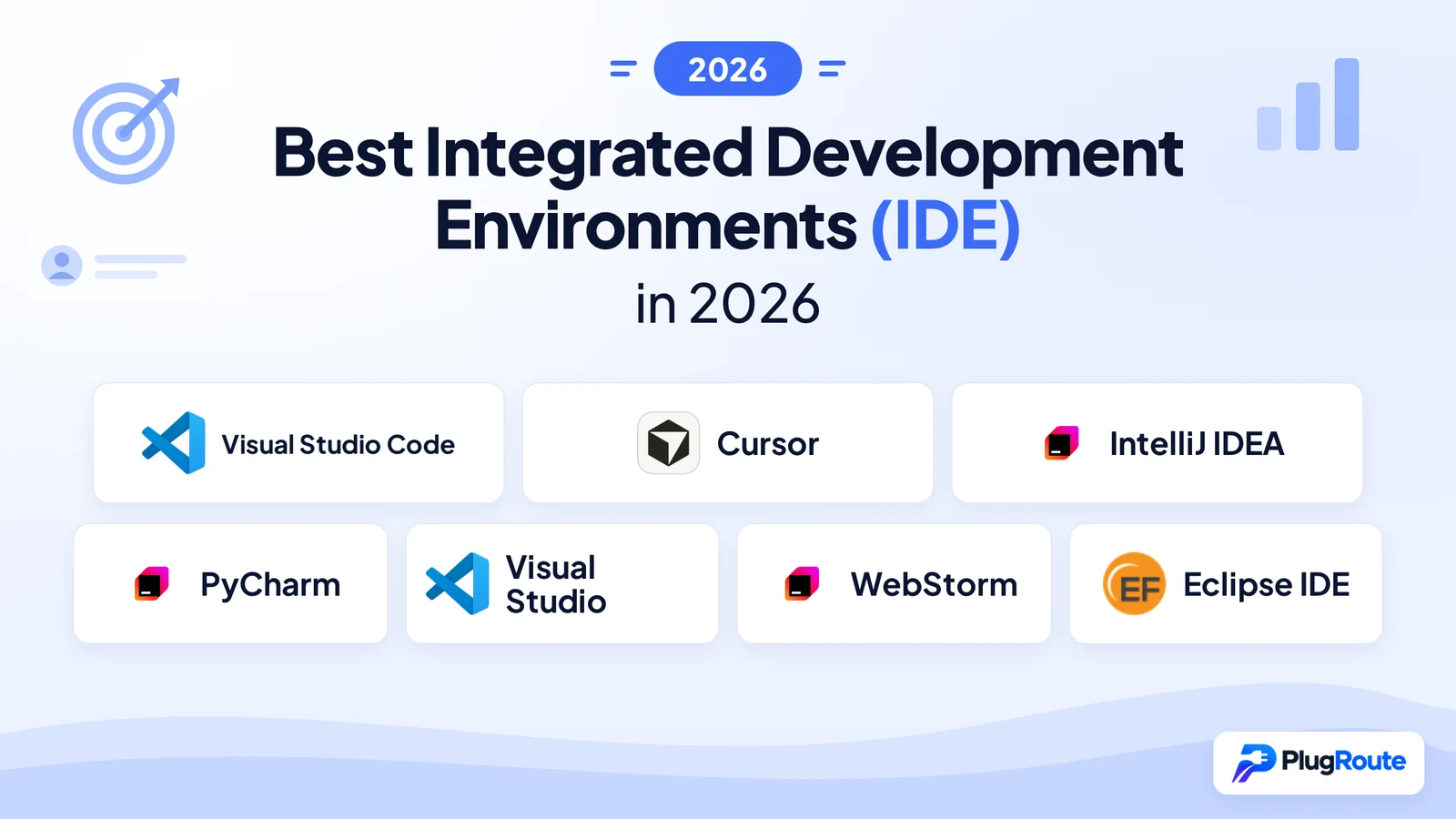
Visual Studio Code is the best IDE for most developers in 2026, free, cross-platform, and used by 59% of developers globally. Cursor leads for AI-first codebase-aware workflows. IntelliJ IDEA dominates Java and Kotlin enterprise teams. The decisive trade-off: universal editor flexibility versus deep, language-native intelligence built in from the start.
Choosing an IDE in 2026 means navigating a genuine dilemma. Lightweight editors like Visual Studio Code require configuration investment to reach full-IDE capability, while specialized tools like IntelliJ IDEA deliver that depth natively, at the cost of RAM and subscription fees. AI-first editors like Cursor add a third dimension: codebase-aware intelligence that neither category provides natively. If you have spent hours configuring Visual Studio Code extensions only to hit a wall on a complex refactoring task, you are experiencing the exact trade-off this guide quantifies, and you are not alone.
PlugRoute has no affiliate relationship with any product in this comparison; every ranking reflects editorial analysis of publicly available adoption data, user sentiment, and independently verified feature comparisons.
“I’ve been in IT for a LONG time, and I’ve never seen an editor get faster and more widespread adoption than VS Code. It’s even quieted the decades-long ’emacs vs vi’ wars.” (u/chuckmilam, r/learnprogramming, 2024)
Takeaway: Visual Studio Code’s dominance reflects not just capability but timing, it unified a fragmented editor ecosystem during a critical period of developer workflow standardization that no predecessor had achieved.
TL;DR: Top Picks at a Glance
- Visual Studio Code is the best free, cross-platform development environment for polyglot developers who need IDE-class capabilities across any language stack without licensing cost.
- Cursor is the best AI-native editor for developers who treat codebase-wide multi-file AI assistance as a primary workflow, not a supplementary feature.
- IntelliJ IDEA is the best Java and Kotlin IDE for enterprise and professional teams requiring deep project-wide code intelligence.
- PyCharm is the best purpose-built Python IDE for backend developers and data engineers who need framework-aware debugging and remote development without extension configuration.
What Are the Three Main Categories of IDE in 2026?
IDEs in 2026 fall into three distinct categories: Extensible Editors (Visual Studio Code and Cursor), which achieve IDE features through extensions or AI layers; Language-Specialized IDEs (IntelliJ IDEA, PyCharm, Visual Studio, and WebStorm), purpose-built for specific ecosystems; and Eclipse IDE, an Open-Source Community Platform governed by a non-profit foundation. Each category represents a different capability-versus-configuration trade-off.
- Extensible Editors: Visual Studio Code (#1) and Cursor (#2) are editor-first development environments that achieve IDE-class features through extensions or AI layers, suited for polyglot workflows at the trade-off of configuration investment before full-feature capability is reached.
- Language-Specialized IDEs: IntelliJ IDEA (#3), PyCharm (#4), Visual Studio (#5), and WebStorm (#6) are purpose-built for specific ecosystems and deliver deep native code intelligence, framework awareness, and batteries-included tooling without extension assembly.
- Open-Source Community Platform: Eclipse IDE (#7) is governed by the Eclipse Foundation, a non-profit organization with no single corporate owner, optimized for legacy Java and embedded industrial development, with unique CDT toolchain capabilities unavailable in the other IDEs reviewed here.
How Do the Top IDEs Compare at a Glance?
| Rank | Company | Category | Best For | One-Line Summary | Key Capabilities | Primary Strength | Key Limitation |
|---|---|---|---|---|---|---|---|
| 1 | Visual Studio Code | Extensible Editor | Polyglot developers needing free, flexible tooling across any stack | Visual Studio Code is the most widely adopted development environment globally; used by 59% of developers per Stack Overflow 2024; offering free, cross-platform IDE-class capabilities through its extension marketplace and native GitHub Copilot integration. | VS Code key capabilities: Extension marketplace for any language, IntelliSense code completion, integrated Git, native GitHub Copilot AI agent workflows, debug adapter protocol, and remote/DevContainer development. | 59% global developer adoption; the highest of any IDE per the Stack Overflow Developer Survey 2024 | Reaching full-IDE depth requires significant extension configuration investment |
| 2 | Cursor | AI-First Editor | Developers prioritizing AI-assisted, codebase-aware coding as a primary workflow | Cursor is an AI-native code editor by Anysphere Inc. that provides codebase-wide context, multi-model AI support, and Agent Mode for autonomous multi-file editing; the leading AI-first development environment for codebase-aware workflows in 2026. | Cursor key capabilities: Codebase-wide indexing, Composer multi-file editing, Agent Mode for autonomous task execution, Tab completion, and support for Claude 4.x, GPT-4o/o1, and Gemini 2.5. | Best multi-file AI editing and codebase-aware assistance available in 2026 | Code transmitted to AI servers by default; serious compliance risk for regulated industries |
| 3 | IntelliJ IDEA | Language-Specialized IDE | Java/Kotlin enterprise teams requiring project-wide code intelligence | IntelliJ IDEA is JetBrains’ flagship Java and Kotlin IDE, the most-used Java development environment per the JRebel 2025 report, with native project-wide static analysis and framework-aware refactoring. | IntelliJ IDEA key capabilities: Deep JVM static analysis with 600+ code inspections, Maven/Gradle/Docker integration, Spring Boot tooling (expanded free tier Dec 2025), advanced cross-project refactoring, and JetBrains AI Assistant integration. | Most-used Java IDE by adoption; cited at 84% in JRebel 2025 and 72% in JetBrains’ own State of Java 2025 report | Heavy RAM usage; JVM runtime overhead on Apple Silicon; slow indexing on large projects |
| 4 | PyCharm | Language-Specialized IDE | Python backend and data engineers needing framework-aware IDE depth | PyCharm is JetBrains’ Python-first IDE delivering framework-aware Django/FastAPI debugging, virtual environment management, and integrated data tooling without extension configuration. | PyCharm key capabilities: Django/FastAPI framework-aware debugging, virtual environment management, Jupyter notebook integration (free tier), Data Wrangler for pandas analysis, and Ruff/Pyright/Pyrefly support. | Best out-of-the-box Python development experience with framework-aware debugging | Uses 2–3× more RAM than Visual Studio Code; not optimal for notebook-first data science |
| 5 | Visual Studio | Language-Specialized IDE | .NET, C#, C++, and Windows desktop/application developers | Visual Studio is Microsoft’s flagship Windows IDE; the only development environment in this comparison with native MSVC compiler integration and first-class support for .NET, C#, WPF, WinUI, and MAUI. | Visual Studio key capabilities: MSVC compiler toolchain, AI-powered profiler agent (2026).NET debugger/profiler suite, WPF/WinUI/MAUI project templates and designer tooling, and Live Share collaborative debugging. | Only IDE in this comparison with native MSVC compiler integration and first-class Windows application model support | Windows-only; Professional and Enterprise tiers expensive; MAUI instability concerns documented in developer communities |
| 6 | WebStorm | Language-Specialized IDE | Professional JavaScript/TypeScript and front-end developers | WebStorm is JetBrains’ JavaScript and TypeScript IDE, rated 4.5/5 on G2 per G2.com (2026), delivering project-wide code intelligence and safe refactoring across React, Vue, Angular, Svelte, and Node.js. | WebStorm key capabilities: Service-powered TypeScript engine (2026.1), project-wide code intelligence, React/Vue/Angular/Svelte/Astro support, Agent Client Protocol (ACP) support, and next edit suggestions. | G2 4.5/5 per G2.com (2026); superior refactoring safety for large JavaScript and TypeScript codebases | Commercial cost deters adoption; limited Node.js backend depth for data-heavy server-side work |
| 7 | Eclipse IDE | Open-Source Community Platform | Legacy enterprise Java teams, embedded/industrial developers, zero-vendor-dependency organizations | Eclipse IDE is a free, community-governed open-source platform used by approximately 25–28% of Java developers per coverage of the JRebel 2025 report, with unique embedded development strength via CDT and RCP plugin frameworks. | Eclipse IDE key capabilities: Java Development Tools (JDT) incremental compiler, C/C++ Development Tools (CDT) for embedded/industrial and cross-compilation workflows, Maven/Gradle integration, LSP tooling, and 63-project release train (2026-03). | Fully free; no single vendor dependency; unique embedded and industrial toolchain support via CDT | Declining Java developer adoption (approximately 25–28% and falling); dated UX; high configuration overhead |
Which IDE Should I Choose for My Use Case?
| Your #1 Priority | Recommended Tool | Why | Acceptable Alternative |
|---|---|---|---|
| Free tool, all languages | Visual Studio Code | 59% adoption; fully capable free tier; runs on all platforms including browser | Eclipse IDE (free, Java-heavy) |
| AI-first coding workflow | Cursor | Best codebase-aware multi-file AI editing and Agent Mode in 2026 | Visual Studio Code + GitHub Copilot |
| Java/Kotlin enterprise | IntelliJ IDEA | Most-used Java IDE per JRebel 2025; expanded free tier includes Spring Boot and database tooling (Dec 2025) | Eclipse IDE (free but declining) |
| Python backend/data | PyCharm | Framework-aware Django/FastAPI debugging, virtual environment management, database integration | Visual Studio Code + Python extension (configured) |
| .NET/C#/Windows dev | Visual Studio | Only native MSVC compiler in this comparison; full .NET debugger/profiler; AI profiler agent (2026) | Visual Studio Code + C# DevKit extension |
| JavaScript/TypeScript | WebStorm | Project-wide TypeScript intelligence; safe refactoring; G2 4.5/5 per G2.com (2026); 2026.1 TypeScript engine fix | Visual Studio Code (free, strong TypeScript support) |
| Zero cost, legacy Java | Eclipse IDE | Fully free; no vendor lock-in; embedded/RCP and CDT strength | IntelliJ IDEA free core tier |
1. Visual Studio Code: Best Overall for Most Developers
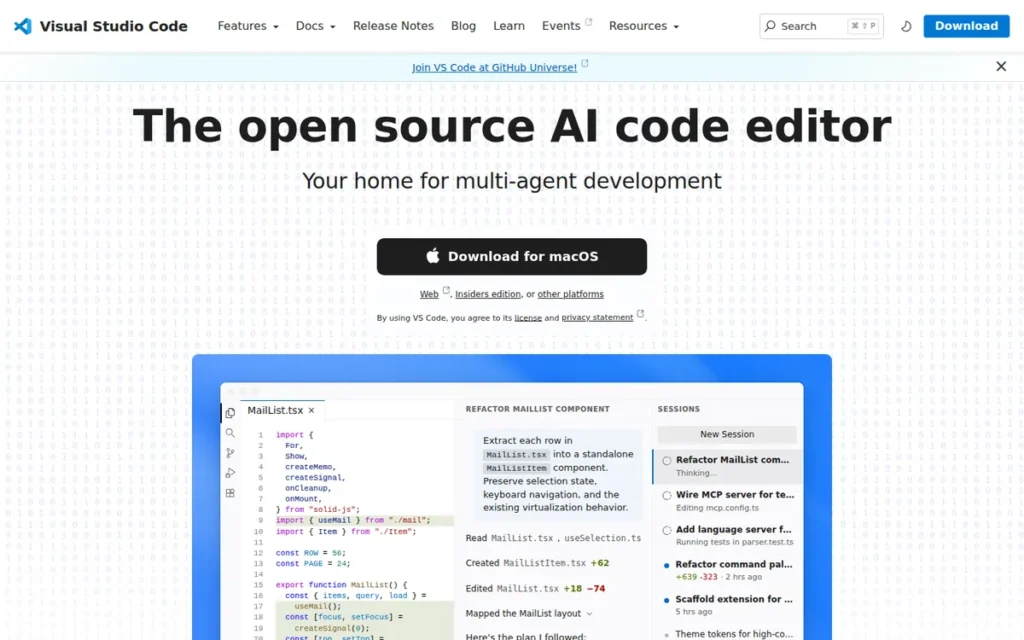
Category: Extensible Editor, achieves IDE-class features through a language server protocol and extension marketplace, with native GitHub Copilot AI agent workflows built in since January 2026.
At a Glance
- Category: Extensible Editor
- Best For: Polyglot developers across web, cloud, DevOps, and any language stack
- Price Range: Free (editor); GitHub Copilot: $0–$39/user/month
- Primary Strength: Visual Studio Code’s 59% global developer adoption, free pricing, and cross-platform reach across Windows, macOS, Linux, and browser
- Biggest Limitation: Requires significant extension configuration to match native IDE-class feature depth for complex projects
- One-Line Summary: Visual Studio Code is the most widely adopted development environment globally, used by 59% of developers per the Stack Overflow Developer Survey 2024, offering free, cross-platform IDE-class capabilities through its extension marketplace and native GitHub Copilot integration.
- Last Verified: May 2026
Overview
Visual Studio Code is a free, open-source code editor built by Microsoft for Windows, macOS, Linux, and browser-based use via vscode.dev. Visual Studio Code targets developers across every experience level and language stack, scaling to full IDE-class capabilities through its marketplace of thousands of extensions.
Visual Studio Code ships natively with:
- IntelliSense code completion: context-aware suggestions and parameter hints across supported languages via Language Server Protocol
- Integrated Git: branching, committing, diffing, and merge conflict resolution without an external Git GUI tool
- Built-in debugger: debug adapter protocol support for Node.js, Python, and dozens of additional language runtimes via extensions
- Embedded terminal: run CLI commands, tests, and build scripts without leaving the editor window
GitHub Copilot AI agent workflows, including slash commands, prompt files, hooks, and Copilot Agent capabilities, were added as first-party features in the January 2026 v1.109 release, per VS Code Release Notes.
Key Features
- Extension Marketplace: Visual Studio Code extends to IDE-class capabilities for virtually any programming language through thousands of community and vendor extensions, including language servers, debuggers, linters, formatters, and test runners.
- GitHub Copilot Native Integration: Visual Studio Code includes built-in GitHub Copilot support with slash commands, prompt files, agent workflows, hooks, and skills, delivered as first-party features in the January 2026 v1.109 release, not as optional third-party extensions.
- Cross-Platform and Browser Accessibility: Visual Studio Code runs on Windows, macOS, Linux, and in the browser via
vscode.dev, enabling remote, cloud, and DevContainer-based workflows without platform restrictions. - IntelliSense Code Completion: Visual Studio Code delivers context-aware code completion, parameter hints, and quick documentation across supported languages via the Language Server Protocol (LSP), adapting to the language server installed for each stack.
- Integrated Git and Source Control: Visual Studio Code includes built-in Git integration for branching, diffing, committing, and merge conflict resolution without requiring external Git GUI tools.
- DevContainer and Remote Development: Visual Studio Code supports remote SSH, WSL, and Docker-based container development through its Remote Development extensions, enabling consistent, reproducible team environments.
Best For
Visual Studio Code is best for polyglot developers, particularly those working across web, cloud, Python, JavaScript, and DevOps workflows, who need a free, community-supported editor that scales from individual scripting to enterprise team environments with consistent cross-platform behavior.
Pricing
Visual Studio Code is entirely free and open-source. GitHub Copilot is optionally available:
- Free tier (limited usage)
- Copilot Pro at $10/month or $100/year
- Copilot Business at $19/user/month
- Copilot Enterprise at $39/user/month
Pricing verified May 2026 at code.visualstudio.com.
Strengths
- Visual Studio Code is used by 59% of developers globally, the highest adoption of any development environment per the Stack Overflow Developer Survey 2024, outpacing all specialized IDEs by a significant margin.
- Visual Studio Code’s January 2026 v1.109 release added native AI agent workflows including Copilot Agent capabilities, prompt file management, and hooks, keeping it competitive against AI-first forks like Cursor without requiring third-party extensions, per VS Code Release Notes.
- Visual Studio Code’s completely free core, including full Git, debugging, and a cross-platform runtime, enables organizational adoption at any team size without per-seat licensing overhead.
- Visual Studio Code’s open-source repository and VSCodium derivative demonstrate long-term architecture transparency; Microsoft’s involvement does not create irreversible vendor lock-in for teams that require it.
Limitations
- Configuration Tax: Visual Studio Code requires meaningful time investment to configure for professional workflows, assembling extensions for linting, debugging, testing, and framework support can take hours compared to out-of-the-box JetBrains IDEs, per NDepend Blog (2024).
- Memory Overhead: Visual Studio Code consumes more RAM than its lightweight-editor reputation suggests when running multiple extensions simultaneously, with performance degradation documented on machines with heavy extension loads.
- Extension Instability: Visual Studio Code’s modular extension model can produce conflicts between extensions, causing unexpected behavior or editor instability, a cost absent from monolithic IDEs like Visual Studio or IntelliJ IDEA.
Users on r/vscode noted the hidden cost of extension dependency:
“The issue with vscode is that the majority of the functionality relies on third party extensions that are not managed by the same people that develop the app. As a result you can make the core of code as lean as you want but if your Terraform/HCL LS extension is using 4GB RAM (like it has done for me before), then that will be the common denominator.” Posted by u/nekokattt
Takeaway: Visual Studio Code’s extension architecture means third-party language server performance directly governs the IDE’s real-world overhead, a ceiling that only appears after assembling the specific language stack a developer actually uses.
- Shallower Language Depth: Visual Studio Code approximates language-specific IDE features through extensions rather than native analysis, for complex Java, Python, or TypeScript projects, JetBrains IDEs consistently deliver deeper refactoring accuracy and framework-aware intelligence.
Verdict
Visual Studio Code is the right default choice for most developers in 2026, backed by 59% global adoption, free pricing, and cross-platform reach that make it the lowest-friction starting point for any stack. Upgrading to a language-specialized IDE is a tool decision, not a professional milestone, most developers using Visual Studio Code productively outperform developers using JetBrains IDEs with minimal configuration investment. Developers who work primarily in a single language and demand the deepest refactoring, debugging, and framework-aware tooling will eventually benefit from evaluating the corresponding JetBrains IDE.
2. Cursor: Best AI-First Development Environment
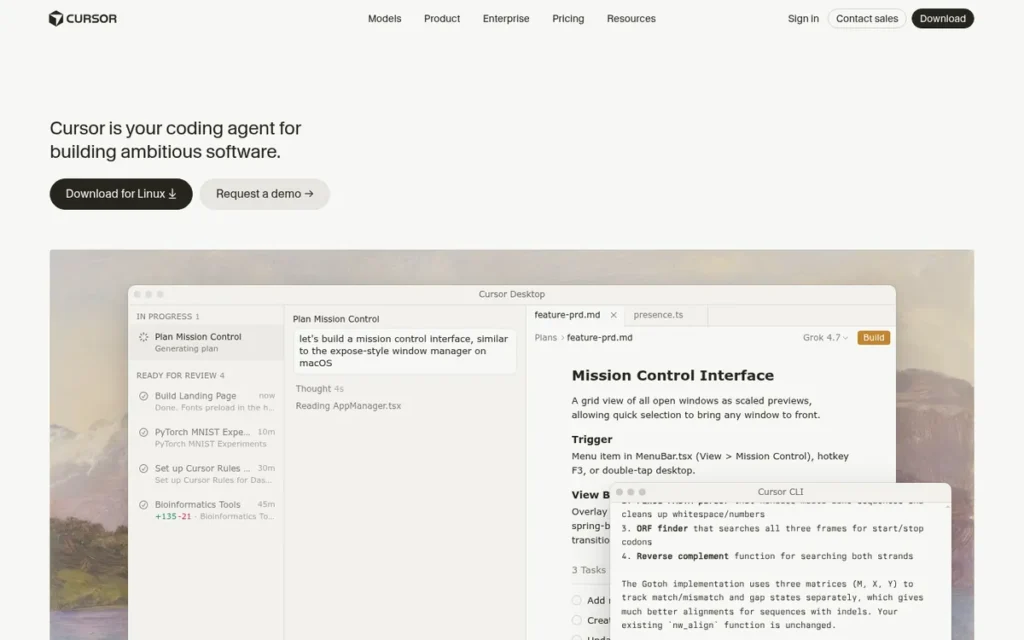
Category: AI-First Editor, a Visual Studio Code fork rebuilt around codebase-wide AI context and multi-model inference as the primary interaction model, not a supplementary feature.
At a Glance
- Category: AI-First Editor
- Best For: Developers who treat AI-assisted coding as a primary workflow, not a supplementary feature
- Price Range: Free (2,000 completions); Pro $20/month ($240/year); Business: contact sales (includes org-wide privacy mode, centralized billing, admin dashboard, SAML/OIDC SSO)
- Primary Strength: Cursor’s codebase-wide indexing and multi-model Agent Mode deliver the leading AI-assisted multi-file editing experience in 2026
- Biggest Limitation: Code is transmitted to AI servers by default, serious compliance risk for regulated industries or contractually confidential codebases
- One-Line Summary: Cursor is an AI-native code editor by Anysphere Inc. that provides codebase-wide context, multi-model AI support, and Agent Mode for autonomous multi-file editing, the leading AI-first development environment for codebase-aware workflows in 2026.
- Last Verified: May 2026
Ranking note: Cursor holds the #2 position ahead of IntelliJ IDEA (#3) because these rankings prioritize cross-language utility across all developer types, Cursor serves every language ecosystem in this comparison, while IntelliJ IDEA delivers superior tooling only within Java and Kotlin. Developers whose primary language is Java or Kotlin should treat IntelliJ IDEA as their category-specific first choice, not a consolation third place.
Overview
Cursor is an AI-native code editor built by Anysphere Inc., founded in 2022 and headquartered in San Francisco, California. Cursor is designed from the ground up for AI-assisted development, not as an AI feature added to an existing editor, but as a codebase-context-first environment where AI assistance is the primary interaction model.
Cursor inherits Visual Studio Code’s extension ecosystem and UI familiarity while adding codebase-wide indexing, multi-model AI inference, Composer for multi-file editing, and Agent Mode for autonomous task planning and execution. Cursor’s codebase indexing functions as retrieval-augmented code generation, the AI retrieves project-specific context before generating suggestions, reducing hallucinations compared to context-window-limited single-file tools.
Key Features
- Codebase-Wide Indexing: Cursor indexes the entire project and allows developers to reference it via
@codebase, enabling AI suggestions and edits that reflect cross-file dependencies and project structure, not just the currently open file. - Composer Multi-File Editing: Cursor’s Composer feature enables AI-driven edits spanning multiple files simultaneously, a significant capability leap over single-file AI completion tools for refactoring, feature implementation, and code migration tasks.
- Agent Mode: Cursor’s Agent Mode enables the AI to plan and execute multi-step development tasks autonomously, including running terminal commands, reading test output, and iterating on code, reducing developer intervention for well-defined tasks.
- Multi-Model Support: Cursor supports Claude 4.x Sonnet and Opus, GPT-4o/o1, Gemini 2.5, and a proprietary fast in-house model for Tab completion, allowing developers to route different task types to the most capable model available, per Daily.dev (2025).
- Visual Studio Code Extension Compatibility: Cursor retains full compatibility with Visual Studio Code’s extension marketplace, allowing migration from Visual Studio Code without losing existing language server or plugin configurations.
- Tab Completion: Cursor’s proprietary fast model powers context-aware inline completions, providing AI-suggested code at character level without a full model inference round-trip for every keystroke.
Best For
Cursor is best for professional software developers, particularly in SaaS, startup, and full-stack web development environments, who treat AI-assisted coding as a primary workflow and are willing to invest in Agent Mode configuration and pay $20/month.
The shift from GitHub Copilot to Cursor is not a feature upgrade, it is a different model of working. Copilot suggests the next line; Cursor’s Agent Mode executes a plan across 20 files. Developers whose current AI work is primarily single-line suggestions may not see sufficient benefit over Copilot to justify the cost; developers delegating entire features or large refactors to AI will find Cursor’s codebase-wide architecture changes what is possible.
Pricing
Cursor Free includes 2,000 completions and 50 slow premium requests, plus a 2-week Pro trial. Cursor Pro is $20/month per developer, with unlimited completions, 500 fast premium requests/month, and unlimited slow requests. Cursor Business includes org-wide privacy mode, centralized billing, admin dashboard, and SAML/OIDC SSO, exact Business pricing requires direct contact with Anysphere sales. Pricing verified May 2026 via UI Bakery.
Strengths
- Cursor is estimated to have reached approximately $2B ARR by March 2026, per The Digital Applied (2026), growing from an estimated $1B ARR in late 2025, per AI Funding Tracker. All ARR figures are analyst estimates, not company-confirmed numbers. Cursor’s November 2025 Series D valued Anysphere at $29.3 billion, per the official Cursor announcement.
- Cursor is consistently reviewed as providing the best AI assistance for large codebases and the best option for multi-file AI editing in 2026, per DevToolReviews.com (2026) and Playcode.io (2026), two independent reviewers reaching the same conclusion.
- Cursor’s multi-model architecture allows developers to route different task types to the most capable AI model, Claude Opus for complex reasoning, Gemini 2.5 for long-context refactors, providing task-specific AI optimization unavailable in single-model tools.
- Cursor inherits Visual Studio Code’s entire extension ecosystem, meaning developers switching from Visual Studio Code retain all existing language server and plugin configurations during migration.
Limitations
- Privacy Risk: Cursor transmits code to AI servers by default, creating real compliance barriers for organizations subject to HIPAA, SOC2, financial services regulations, or contractual source code confidentiality requirements, the Business tier’s privacy mode addresses this but adds cost, per DevToolReviews.com (2026).
- Cost Premium vs. Copilot: Cursor Pro at $240/year costs approximately twice GitHub Copilot Pro ($100/year); developers already paying for Copilot must evaluate whether Cursor’s deeper codebase-aware features justify the incremental annual cost.
- Proprietary Fork Dependency: Cursor is a closed-source fork of Visual Studio Code, unlike Visual Studio Code itself, Cursor’s specific AI features are not open-source, creating a vendor dependency on Anysphere Inc.’s continued operation and future pricing decisions.
- Setup Curve: Cursor rewards users who invest in configuring Agent Mode rules and
.cursorrulesproject files, but delivers inconsistent results for developers who expect zero-configuration AI assistance out of the box, early evaluators may abandon the tool before it reaches its productivity potential.
This aligns with community experience on r/cursor:
“Don’t let the engagement farmers trick you into believing that they zero shot perfect code. I often have to correct the most popular models when they don’t follow my existing patterns. When I have the models review my code, I often have to correct their assumptions. The best AI coders are the ones with strong opinions who direct the LLM to a solution that matches their guidelines.” Posted by u/karlitojensen (score: 50)
Takeaway: Cursor’s Agent Mode amplifies developer expertise rather than replacing it, experienced developers who direct the model precisely see real productivity gains, while those expecting zero-effort automation consistently find it falls apart on complex, real-world tasks.
“OUTDATED: I just tried cursor with codebase indexed… it failed my expectations. Maybe I’m doing something wrong? UPDATE 26.02.25: Now, composer with agent mode enabled, Cursor works great and saves a lot of time. Above comment is outdated.” (u/poziminski (score: 46), r/ClaudeAI, updated February 2025)
Takeaway: Cursor’s value requires investment in Agent Mode configuration, developers who evaluate the tool without setting up project rules and codebase indexing may form an inaccurate negative impression before the product reaches its productivity potential.
Verdict
Cursor is the leading AI-first development environment for developers who make codebase-aware multi-file AI assistance a primary workflow, backed by approximately $2B ARR in analyst estimates and independent reviewer consensus on multi-file editing depth. The critical caveats, code privacy, subscription cost, and configuration investment, make Cursor unsuitable for regulated industries and best evaluated after developers have first tested the Copilot integration within their existing Visual Studio Code setup.
3. IntelliJ IDEA: Best for Java and Kotlin Enterprise Development
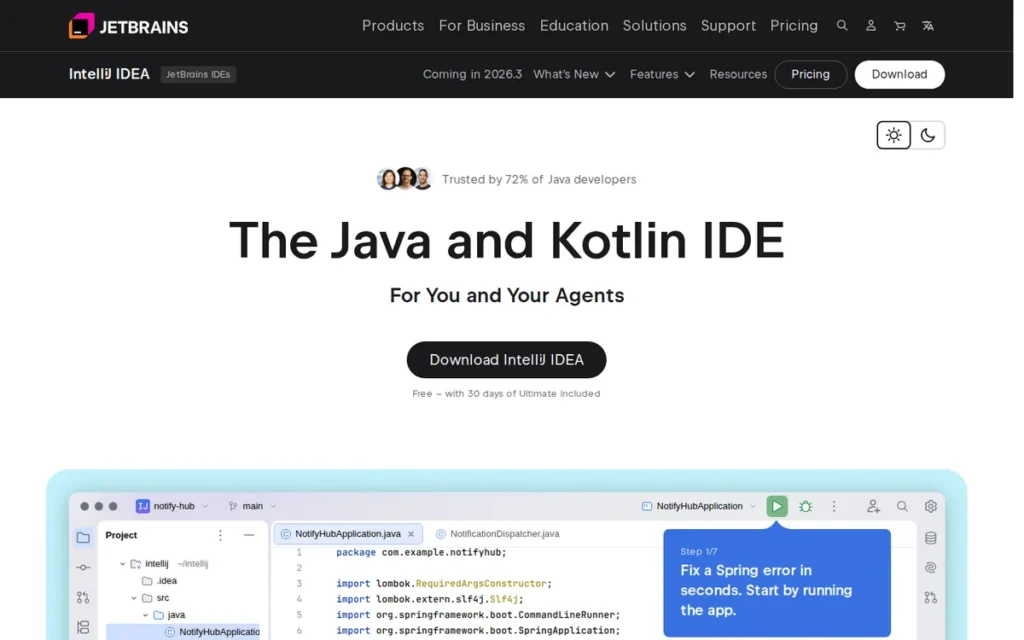
Category: Language-Specialized IDE, deep JVM static analysis and project-wide intelligence for Java, Kotlin, and the broader JVM ecosystem; expanded free tier since December 2025.
At a Glance
- Category: Language-Specialized IDE
- Best For: Java, Kotlin, and JVM enterprise teams requiring deep project-wide code intelligence
- Price Range: Free core tier (significantly expanded Dec 2025); Ultimate subscription, verify current pricing at jetbrains.com/idea/buy before purchase
- Primary Strength: IntelliJ IDEA is the most-used Java IDE by adoption, cited at 84% in JRebel 2025 and 72% in JetBrains’ own State of Java 2025 report, the dominant tool in its category by a significant margin
- Biggest Limitation: Heavy RAM usage and slow startup indexing on large projects; JVM runtime overhead on Apple Silicon hardware
- One-Line Summary: IntelliJ IDEA is JetBrains’ flagship Java and Kotlin IDE, the most-used Java development environment per the JRebel 2025 report, delivering native project-wide static analysis, advanced refactoring, and Spring Boot tooling.
- Last Verified: May 2026
Overview
IntelliJ IDEA is JetBrains’ flagship Java and Kotlin IDE, used by the majority of professional Java developers globally per the JRebel 2025 Java Developer Productivity Report. IntelliJ IDEA’s deep indexing engine builds a project-wide model of class hierarchies, cross-file dependencies, and framework relationships before editing begins, enabling refactoring accuracy that Visual Studio Code extensions approximate but rarely match for enterprise-scale Java projects.
IntelliJ IDEA transitioned to a unified product model in December 2025 (version 2025.3), expanding its free tier to include Spring Boot wizards, basic database tooling (schema viewing, SQL completion, database connections), and LSP integration, features previously restricted to the paid Ultimate subscription, per JetBrains Blog (2025).
Key Features
- Deep JVM Static Analysis: IntelliJ IDEA builds a project-wide model of Java and Kotlin code, including class hierarchies, cross-file dependencies, annotation-driven framework behavior, 600+ built-in code inspections, and structural search and replace operations, enabling IDE-class refactoring and error detection that single-file analysis cannot replicate.
- Expanded Free Tier (Dec 2025): IntelliJ IDEA’s unified December 2025 release added Spring Boot and Ktor project wizards, basic database support (schema viewing, SQL completion, database connections), and LSP integration to the free tier, previously Ultimate-only features now available at no cost, per JetBrains Blog (2025).
- Maven, Gradle, and Docker Integration: IntelliJ IDEA integrates natively with Maven, Gradle, Docker, and enterprise DevOps toolchains without requiring extension configuration, reducing setup friction for enterprise Java teams.
- Advanced Cross-Project Refactoring: IntelliJ IDEA’s refactoring capabilities operate across the entire project structure, renaming classes, extracting methods, migrating code patterns, with accuracy that reflects full project context, including XML config files, annotation processors, and Spring dependency injection definitions.
- AI Assistant Integration: IntelliJ IDEA integrates JetBrains AI Assistant for code completion, documentation generation, and contextual explanations, with local AI options available for privacy-sensitive enterprise environments.
- Spring and Jakarta EE Framework Support: IntelliJ IDEA provides framework-aware completion, navigation, and validation for Spring Boot, Spring Framework, Jakarta EE, and Thymeleaf, including in the expanded free tier since December 2025.
Best For
IntelliJ IDEA is best for professional Java and Kotlin developers in enterprise and mid-market teams, particularly those building Spring Boot microservices, Jakarta EE applications, or multi-module Maven/Gradle projects, who justify subscription costs through the productivity gains of deep project-wide code intelligence.
Pricing
IntelliJ IDEA’s core is free following the December 2025 unified release, which expanded the free feature set to cover Java, Kotlin, Spring Boot, and basic database workflows. Ultimate subscription pricing for advanced enterprise tooling, verify the current rate at jetbrains.com/idea/buy before purchase, as JetBrains periodically adjusts rates. Pricing verified May 2026 via JetBrains IntelliJ IDEA Unified FAQ.
Strengths
- IntelliJ IDEA is the most-used Java IDE per the JRebel 2025 Java Developer Productivity Report, cited at 84% in JRebel’s survey and 72% in JetBrains’ own State of Java 2025 report. Both figures confirm dominant category position, compared to Visual Studio Code at 31% and Eclipse at approximately 25–28% among Java developers.
- IntelliJ IDEA’s unified December 2025 release made Spring Boot wizards, database tooling, and LSP integration free, directly improving the value case at zero cost for many mid-tier Java workflows, per JetBrains Blog (2025).
- IntelliJ IDEA’s batteries-included Maven, Gradle, Docker, and Git integration reduces environment setup time for new team members joining Java enterprise projects, a documented productivity advantage over assembling equivalent Visual Studio Code extension configurations.
- IntelliJ IDEA’s project-wide refactoring accuracy, operating across class hierarchies and multi-module projects, is consistently cited in professional developer communities as the primary reason teams justify the Ultimate subscription over free alternatives.
“JetBrains makes awesome tools. They’re worth the money. VS Code is free, so that’s why some people prefer it. I would personally only use VS Code when there are no other options.” (r/learnprogramming community, 2024)
Takeaway: Among professional developers who have used both tools, JetBrains quality is broadly perceived as superior to Visual Studio Code, cost, not capability, is the primary reason the majority of developers use Visual Studio Code over JetBrains IDEs.
Limitations
- Heavy Resource Usage: IntelliJ IDEA’s deep indexing engine consumes significantly more RAM and CPU than lightweight editors, performance issues on machines with under 16GB RAM are commonly reported in developer communities, particularly for large multi-module enterprise codebases, per JetBrains IntelliJ IDEA Unified FAQ.
Users on r/learnprogramming confirmed this trade-off directly:
“Yes, IntelliJ IDEs are very heavy. If you have multiple projects open at once, it can begin consuming a lot of memory. They’re my favorite IDEs though, so I think it’s worth the tradeoff.” Posted by u/carcigenicate
Takeaway: IntelliJ IDEA’s heavy resource consumption is a broadly accepted characteristic even among its most loyal users, not a dealbreaker, but a real hardware prerequisite that should be evaluated before adoption on machines with under 16GB RAM.
- Module and SDK Configuration Complexity: IntelliJ IDEA requires correct module and SDK configuration before its full project intelligence activates, misconfigured projects produce false errors and missing completions, a frustration commonly reported by developers migrating from Visual Studio Code’s file-open-and-work model where no project configuration is required.
- JVM Runtime Overhead on Apple Silicon: IntelliJ IDEA runs via JVM rather than as a native ARM binary on M-series Macs, contributing to measurably higher startup time and memory consumption compared to native editors like Visual Studio Code or Zed on the same hardware.
- Slow Startup and Indexing: IntelliJ IDEA requires project-wide indexing before full IDE features become available, creating slower startup times than Visual Studio Code, especially pronounced on first open or after pulling large branch updates in multi-module repositories.
Verdict
IntelliJ IDEA is the evidence-backed choice for professional Java and Kotlin development in 2026, supported by majority Java developer adoption per both JRebel (84%) and JetBrains’ own State of Java 2025 survey (72%), and a December 2025 free tier expansion that now includes Spring Boot and database tooling. IntelliJ IDEA holds the #3 overall position because these rankings reflect applicability across all developer types, Java and Kotlin developers should treat IntelliJ IDEA as their category-specific first choice. The resource overhead is real but largely acceptable on modern hardware with 16GB+ RAM.
4. PyCharm: Best for Python Development

Category: Language-Specialized IDE, purpose-built Python IDE with framework-aware debugging, data tooling, virtual environment management, and remote development built in.
At a Glance
- Category: Language-Specialized IDE
- Best For: Professional Python backend developers, Django/FastAPI engineers, and data professionals needing framework-aware IDE tooling
- Price Range: Free core tier; Professional subscription, verify current pricing at jetbrains.com/pycharm/buy before purchase (research data cited $199/year; live verification returned approximately $10.90/month; confirm current rate before purchase)
- Primary Strength: PyCharm’s framework-aware Django/FastAPI debugging and built-in remote development eliminate the multi-extension assembly Visual Studio Code requires for equivalent Python productivity
- Biggest Limitation: Uses 2–3× more RAM than Visual Studio Code; not optimal for notebook-first data science workflows
- One-Line Summary: PyCharm is JetBrains’ Python-first IDE, delivering framework-aware Django/FastAPI debugging, virtual environment management, and integrated database tooling that eliminates the extension configuration overhead required in Visual Studio Code.
- Last Verified: May 2026
Overview
PyCharm is JetBrains’ dedicated Python IDE, designed specifically around Python’s idioms, package management ecosystem, and dominant frameworks. PyCharm delivers Python-native code intelligence, refactoring, and debugging with built-in awareness of Django, FastAPI, and Flask application structures, not through extensions, but natively integrated.
PyCharm follows the unified JetBrains product model, offering a free core tier including Python IDE features and Jupyter notebook support. A Professional subscription unlocks remote development, advanced database integration, and extended web framework tooling for developers who need those capabilities.
Key Features
- Framework-Aware Debugging: PyCharm provides process-aware debugging for Django and FastAPI applications, understanding application lifecycle, URL routing, and middleware structure, not just file-level breakpoints available in extension-based editors.
- Virtual Environment Management: PyCharm automates Python virtual environment creation, activation, and package management within the IDE, eliminating the manual terminal workflows required in editors without built-in interpreter management.
- Jupyter Notebook Integration (Free Tier): PyCharm includes Jupyter notebook support in the free tier, allowing interactive data exploration, inline visualization, and cell-level execution without additional configuration.
- Data Wrangler (2025): PyCharm’s 2025-introduced Data Wrangler provides data transformation tooling with automatic analysis of pandas DataFrames to detect common data-quality issues, per JetBrains Blog (2026).
- Modern Python Toolchain Support (2026.1): PyCharm 2026.1 added support for Ruff (fast linter), Pyright, ty, and Pyrefly in the editor workflow, tracking the modern Python toolchain rather than relying solely on legacy framework support, per JetBrains Blog (2026).
- Remote Development (Professional): PyCharm Professional provides built-in remote development over SSH, enabling development on cloud or remote servers without the complex configuration required by extension-based editors.
Best For
PyCharm is best for professional Python backend developers, especially those working with Django, FastAPI, or data engineering pipelines, and for teams that regularly deploy to remote servers or work with relational databases alongside Python applications.
Pricing
PyCharm’s free core tier is $0. PyCharm Professional pricing: verify the current rate at jetbrains.com/pycharm/buy before purchase, research data cited $199/year for individuals, but live verification returned approximately $10.90/month. JetBrains periodically adjusts rates following the April 2025 unified product model transition, per JetBrains Blog (2025). Pricing verified May 2026.
Strengths
- PyCharm Professional’s built-in remote development, Django/FastAPI framework-aware debugging, and database query inspection eliminate the multi-extension assembly required to achieve equivalent functionality in Visual Studio Code, documented as saving hours of configuration time, per UVIK.net (2026).
This aligns with community experience on r/learnpython:
“I’ve never been big on vs code, just never used it seriously for big projects, but I do use it here and there on other machines if I need a quick editor. Pycharm has been my primary ide for python for the last 8 years or so. It has a ton of great features and functionality out of the box, without having to do any setup. It’s a Jetbrains product so it works very similarly to their other products, which is a plus.” Posted by u/twitch_and_shock
Takeaway: PyCharm’s consistent, out-of-the-box Python experience over long-term professional use is its primary competitive advantage for developers who prioritize immediate productivity over editor flexibility.
- PyCharm’s refactoring capability for large Python codebases earns strong community endorsement: “I refactored 10,000 lines of code yesterday like it was nothing. The same thing in VsCode would probably take me a week,” per u/Houdinii1984, r/learnpython, 2024.
- PyCharm’s 2026.1 release added support for Ruff, Pyright, ty, and Pyrefly, demonstrating active investment in the modern Python toolchain rather than resting on legacy framework support, per JetBrains Blog (2026).
- PyCharm’s free core tier includes Python IDE features and Jupyter integration, providing professional Python tooling at no cost for developers who do not need remote development or advanced database capabilities.
Limitations
- High Memory Usage: PyCharm typically uses 2–3× more RAM than Visual Studio Code in real-world comparisons, according to Tech-Insider.org (2026), making it less suitable for developers running Docker, databases, and test runners simultaneously on machines with under 16GB RAM.
- Notebook-First Limitation: PyCharm’s Jupyter support, while functional, is generally rated below JupyterLab or Visual Studio Code’s Jupyter extension for interactive data exploration, data scientists who primarily work in notebooks often prefer alternative environments, per UVIK.net (2026).
- Polyglot Penalty: PyCharm is optimized for Python and does not provide comparable intelligence for JavaScript, TypeScript, or infrastructure-as-code workflows that full-stack Python developers frequently need alongside backend work.
- Limited Infrastructure-as-Code Support: PyCharm lacks built-in intelligence for Terraform, Ansible, or Docker Compose, workflows standard in Python backend teams’ CI/CD pipelines, requiring third-party plugin installations that have historically lagged in quality and maintenance behind Visual Studio Code’s equivalent DevOps extensions.
“VSCode configured badly is a bulky cumbersome glorified text editor. VSCode configured well can be even better than PyCharm’s Professional Edition.” (u/vardonir (score: 64), r/learnpython, 2024)
Takeaway: Visual Studio Code’s theoretical ceiling is higher than PyCharm’s for developers willing to invest in configuration, PyCharm provides a faster path to professional-grade Python productivity for those who prefer fewer setup decisions.
Verdict
PyCharm is the right choice for Python developers who want immediate, professional-grade productivity without extension configuration overhead. PyCharm’s Professional subscription justifies itself for developers who regularly work with Django, remote servers, or PostgreSQL/MySQL databases alongside Python, a combination that Visual Studio Code assembles only imperfectly from multiple third-party extensions. Data scientists prioritizing interactive notebooks should evaluate Visual Studio Code’s Jupyter extension or JupyterLab before committing to PyCharm.
5. Visual Studio: Best for .NET, C#, C++, and Windows Development
Category: Language-Specialized IDE, a monolithic, Windows-native IDE with first-party MSVC compiler integration, an AI-powered profiler agent (2026), and first-class .NET/Windows application model support.
At a Glance
- Category: Language-Specialized IDE
- Best For: .NET, C#, C++, and Windows desktop/game developers; enterprise development teams on Windows
- Price Range: Free (Community edition); Professional $45/user/month (monthly billing); Enterprise $250/user/month (monthly billing), annual subscription pricing differs; verify at visualstudio.microsoft.com/vs/pricing/
- Primary Strength: Visual Studio is the only IDE in this comparison with native MSVC compiler integration, full .NET debugger/profiler, AI profiler agent (2026), and first-class Windows application model support
- Biggest Limitation: Windows-only; Professional and Enterprise tiers are expensive relative to alternatives; community-documented MAUI instability concerns
- One-Line Summary: Visual Studio is Microsoft’s flagship Windows IDE, the only development environment in this comparison with native MSVC compiler integration and first-class .NET, C#, WPF, WinUI, and MAUI application development support.
- Last Verified: May 2026
Overview
Visual Studio is Microsoft’s full-featured commercial IDE, distinct from the cross-platform Visual Studio Code despite sharing a publisher. Visual Studio is built specifically for Windows-first .NET, C#, C++, and desktop application development, integrating the MSVC compiler, a comprehensive profiler, a debugging toolchain, and enterprise deployment tooling into a monolithic, Windows-native environment.
Visual Studio 2026, released alongside .NET 10 and C# 14, introduced an AI-powered profiler agent that responds to natural-language performance queries, a differentiated capability for large-scale application diagnostics unavailable in any other IDE in this comparison. Visual Studio 2026 also introduced 11 new tinted themes, Mermaid rendering in Markdown, and significant C#/C++ compiler optimizations, per Microsoft Learn (2026).
Key Features
- MSVC Compiler Toolchain: Visual Studio is the only IDE in this comparison with native integration of the Microsoft Visual C++ (MSVC) compiler and linker, JetBrains Rider and CLion also support Windows development but route C++ through different compiler backends rather than MSVC directly, making Visual Studio the only option for Windows-native MSVC binary targets.
- AI-Powered Profiler Agent (2026): Visual Studio 2026 introduced an AI profiler agent that responds to natural-language performance queries, delivering AI-assisted diagnostics for large-scale .NET application performance work, a capability unavailable in any other IDE in this comparison, per Microsoft Learn Visual Studio 2026 Release Notes.
- Windows Application Model Support: Visual Studio provides first-class project templates, designer tooling, and debugging for WPF, WinForms, WinUI 3, MAUI, and DirectX development, unique capabilities unavailable in cross-platform editors.
- Integrated .NET Debugger and Profiler: Visual Studio includes a comprehensive debugging and profiling suite purpose-built for .NET, including memory profiler, CPU profiler, code coverage, and Live Share collaborative debugging.
- C++ Compiler Improvements (2026): Visual Studio 2026 added
_Atomicsupport,__typeof__support for function types, improved inlining, and additional compiler optimizations for native Windows development performance. - Deep GitHub Copilot Integration: Visual Studio 2026 integrates GitHub Copilot with AI-assisted code editing, inline chat, and the AI profiler agent across the entire IDE workflow.
Best For
Visual Studio is best for .NET and C# developers, C++ engineers targeting Windows, game developers using DirectX, and enterprise teams building Windows-native desktop applications (WPF, WinUI, MAUI), particularly organizations whose workflows depend on the MSVC compiler toolchain or complex multi-project Visual Studio solutions.
Pricing
Visual Studio Community is free for individual developers, open-source projects, academic use, and teams of up to 5. Visual Studio Professional is $45.00/user/month on a month-to-month basis. Visual Studio Enterprise is $250.00/user/month on a month-to-month basis. Annual subscription pricing differs from the monthly rate, verify the current annual subscription cost at visualstudio.microsoft.com/vs/pricing/ before purchase. Pricing verified May 2026.
Strengths
- Visual Studio is the only IDE in this comparison with native MSVC compiler integration built directly into the IDE, giving it functional exclusivity for Windows-native C++ development and Windows-specific APIs, DirectX, and desktop application models.
- Visual Studio 2026’s AI-powered profiler agent, responding to natural-language performance queries about .NET application behavior, is a meaningful enterprise differentiator unavailable in any other IDE in this comparison, per Microsoft Learn (2026).
- Visual Studio Community edition is free for individual developers and small teams up to 5 users, meaning the most common professional use case for solo .NET/C# developers incurs zero licensing cost.
- Visual Studio has been in continuous development since its 1997 launch, approximately 28 years as of 2026, and co-releases alongside .NET milestones, including the joint .NET 10 + VS 2026 release per Microsoft .NET Blog (2025), ensuring compiler and framework tooling alignment that third-party IDEs cannot replicate.
Limitations
- Windows-Only: Visual Studio runs exclusively on Windows, macOS and Linux .NET developers must use Visual Studio Code with the C# DevKit extension or JetBrains Rider, creating workflow fragmentation for cross-platform development teams.
- MAUI Instability Concerns: Community sentiment around MAUI in Visual Studio 2026 remains cautious, the highest-voted response (323 upvotes) to a Visual Studio 2026 upgrade thread expressed extreme instability concerns for MAUI workflows, per u/Slypenslyde, r/csharp, 2026.
- High Professional and Enterprise Tier Cost: Visual Studio Professional at $45/user/month and Enterprise at $250/user/month represent the most expensive licensing tiers in this comparison on a month-to-month basis, costs suited to enterprise procurement rather than individual developer purchases.
- Version Upgrade Risk: Real-world community feedback indicates meaningful instability risk when upgrading between major Visual Studio versions, particularly for developers using MAUI, WPF, or complex enterprise solution configurations.
“If I breathe on my computer wrong MAUI stops building for a week and I’m in the middle of some critical work. Heck no.” (u/Slypenslyde (score: 323), r/csharp, 2026)
Takeaway: MAUI stability in Visual Studio 2026 remains a documented risk for teams in active production development, delay major version upgrades until a maintenance release confirms framework stability for your specific application type.
Verdict
Visual Studio is the strongest choice for .NET, C#, C++, and Windows application development among the IDEs in this comparison, and for this specific niche, no other IDE reviewed here provides equivalent MSVC compiler integration or Windows application model depth. Visual Studio’s free Community edition covers most individual developer needs; Professional and Enterprise tiers are enterprise decisions justified by compliance, team tooling, and full support requirements. Developers working across both Windows and macOS will find Visual Studio’s Windows-only constraint limiting and should supplement with Visual Studio Code or JetBrains Rider for cross-platform tasks.
6. WebStorm: Best for JavaScript and TypeScript Development
Category: Language-Specialized IDE, a dedicated JavaScript and TypeScript IDE with project-wide code intelligence, safe refactoring, and multi-framework support; free for non-commercial use since October 2024.
At a Glance
- Category: Language-Specialized IDE
- Best For: Professional JavaScript/TypeScript and front-end developers needing IDE-depth intelligence for React, Vue, Angular, or Node.js
- Price Range: Free (non-commercial; requires acceptance of anonymous usage data collection); Commercial $107–$179/year (individual, tiered by renewal year)
- Primary Strength: WebStorm’s project-wide TypeScript intelligence and safe refactoring are rated 4.5/5 on G2 per G2.com (2026)
- Biggest Limitation: Commercial cost deters adoption when Visual Studio Code provides adequate JavaScript tooling for free; limited Node.js backend depth for data-heavy server-side work
- One-Line Summary: WebStorm is JetBrains’ JavaScript and TypeScript IDE, rated 4.5/5 on G2 per G2.com (2026), delivering project-wide code intelligence and safe refactoring across React, Vue, Angular, Svelte, and Node.js without extension configuration.
- Last Verified: May 2026
Overview
WebStorm is JetBrains’ dedicated JavaScript and TypeScript IDE, built on the same IntelliJ Platform that underpins IntelliJ IDEA and PyCharm. WebStorm analyzes the entire project structure to deliver code intelligence, refactoring, and navigation that Visual Studio Code’s TypeScript language server approximates but does not consistently match for complex multi-framework front-end applications.
WebStorm became free for non-commercial use in October 2024, removing the cost barrier for students and open-source contributors while maintaining commercial subscription pricing for professional use. JetBrains requires non-commercial users to accept anonymous usage data collection as a condition of the free license, per the JetBrains non-commercial licensing FAQ.
WebStorm 2026.1 introduced a service-powered TypeScript engine enabled by default, resolving a long-standing complaint that WebStorm’s TypeScript handling diverged from the official compiler’s behavior, per JetBrains WebStorm 2026.1 What’s New.
Key Features
- Service-Powered TypeScript Engine (2026.1): WebStorm 2026.1 enables the service-powered TypeScript engine by default, aligning WebStorm’s TypeScript analysis with the official TypeScript language service and reducing false positives and missed errors in large projects, per JetBrains WebStorm 2026.1 What’s New.
- Project-Wide Code Intelligence: WebStorm analyzes the entire project structure, including cross-component dependencies, module imports, and framework bindings, delivering refactoring and navigation accuracy that reflects full project context rather than file-level analysis.
- Multi-Framework Support: WebStorm provides built-in support for React, Vue, Angular, Svelte, Astro, and Node.js, with framework-aware completion, routing navigation, and template validation without plugin configuration.
- Advanced Safe Refactoring: WebStorm’s refactoring engine operates across the full project, enabling confident renaming, extraction, and migration of JavaScript and TypeScript code with accuracy that Visual Studio Code plugin-based refactoring cannot consistently match.
- Agent Client Protocol (ACP) Support (2026.1): WebStorm 2026.1 added support for Codex and other agents via Agent Client Protocol, enabling AI-assisted development workflows through standardized agent communication.
- Next Edit Suggestions: WebStorm 2026.1 introduces next edit suggestions that apply related changes beyond the cursor location, reducing the number of manual edits required for common JavaScript and TypeScript code patterns.
Best For
WebStorm is best for professional JavaScript and TypeScript developers, particularly front-end engineers and full-stack Node.js developers working on large React, Angular, Vue, or Svelte applications, who prioritize refactoring safety and project-wide code intelligence over editor cost savings.
Pricing
WebStorm is free for non-commercial use (students, open-source contributors, content creators), with the condition that users accept anonymous usage data collection. Commercial subscriptions:
- Individual: $179/year (first year), $143/year (second year), $107/year (third year and beyond)
- Organization: $229/year (first year), $183/year (second year), $137/year (third year and beyond)
The tiered discount structure rewards continued subscription commitment; stopping and restarting a subscription resets to the full first-year rate. Pricing verified May 2026 via OpenReplay Blog (2026).
Strengths
- WebStorm is rated 4.5/5 on G2 per G2.com (2026), with commonly cited praise for smart code completion, advanced refactoring, and the assessment that it “just works” for JavaScript and front-end development.
- WebStorm’s 2026.1 service-powered TypeScript engine resolves a long-standing accuracy gap between WebStorm’s analysis and the official TypeScript compiler, directly addressing one of the most frequently cited technical criticisms, per JetBrains WebStorm 2026.1 What’s New.
- WebStorm became free for non-commercial use in October 2024, eliminating the cost barrier for students and open-source contributors and creating a funnel of developers who may adopt WebStorm commercially after using it in non-professional contexts.
- WebStorm’s project-wide refactoring is consistently endorsed by professional JavaScript developers: “I found WebStorm to be much more powerful for safe refactoring, letting the IDE do the hard work,” and “Webstorm makes me way faster… it’s never quite the same [in VS Code],” per r/typescript community, 2022.
Limitations
- Commercial Cost: WebStorm’s commercial pricing, $179/year for the first year, deters adoption from developers for whom Visual Studio Code provides sufficient JavaScript/TypeScript tooling at no cost; cost is the single most common objection in G2 reviews, per G2 WebStorm Reviews (2026).
- Market Position Gap: WebStorm holds only 21% adoption among JavaScript developers versus Visual Studio Code’s 51%, according to the JetBrains JavaScript Ecosystem Survey (2023), indicating the majority of JavaScript developers judge Visual Studio Code’s free tooling as sufficient. Note: most recent available data; a 2025 update should be sought from JetBrains’ annual developer ecosystem survey.
- Resource Usage: WebStorm uses more RAM and CPU than Visual Studio Code for equivalent JavaScript projects, though less severe than IntelliJ IDEA for pure front-end work, the performance overhead is a documented complaint in user reviews, per OpenReplay Blog (2026).
- Node.js Backend Depth Gap: WebStorm provides limited native support for database connections, ORM query analysis, and server-side performance profiling compared to IntelliJ IDEA Ultimate, Node.js developers building data-heavy backends may find WebStorm’s intelligence shallower than expected for server-side work beyond basic TypeScript and Express routing.
“The two aren’t comparable. WebStorm knows what the hell is going on in project, all the time. VsCode is great, it’s free, lightweight, fast. Just not comparable IMHO. Tho, I am having huge performance issues with WebStorm.” (r/typescript community, 2022)
Takeaway: WebStorm’s code intelligence superiority and its performance overhead are experienced simultaneously by real users, the trade-off is acknowledged even by developers who use and endorse WebStorm commercially.
Verdict
WebStorm is the best specialized JavaScript and TypeScript IDE for professional developers who work primarily on large front-end or Node.js codebases and require IDE-depth refactoring safety. WebStorm’s G2 4.5/5 rating per G2.com (2026) and the 2026.1 TypeScript engine fix strengthen its case in 2026, but the commercial cost is a genuine deterrent when Visual Studio Code handles most JavaScript tasks adequately for free. Developers already in the JetBrains ecosystem, subscribing to IntelliJ IDEA or PyCharm, can add WebStorm to a JetBrains All Products Pack at minimal incremental cost, which represents the most compelling value case for WebStorm adoption.
7. Eclipse IDE: Best Free Legacy and Embedded Development Platform
Category: Open-Source Community Platform, a non-profit-governed, plugin-based IDE platform with legacy Java strength and unique embedded/industrial development capabilities via CDT and RCP frameworks.
At a Glance
- Category: Open-Source Community Platform
- Best For: Legacy enterprise Java teams, embedded/industrial developers, and organizations requiring zero vendor dependency
- Price Range: Free: fully open-source with no paid tiers
- Primary Strength: Eclipse IDE is the only fully free, community-governed IDE in this comparison with proven embedded/industrial toolchain support (CDT) and no single corporate vendor dependency
- Biggest Limitation: Declining Java developer adoption (approximately 25–28% and falling per coverage of JRebel 2025); dated user experience; high manual configuration overhead
- One-Line Summary: Eclipse IDE is a free, community-governed open-source platform used by approximately 25–28% of Java developers per coverage of the JRebel 2025 report, with unique embedded development strength through CDT and RCP, facing structural decline in general-purpose Java adoption as IntelliJ IDEA and Visual Studio Code capture new projects.
- Last Verified: May 2026
Overview
Eclipse IDE is a free, open-source development platform governed by the Eclipse Foundation, a non-profit member organization rather than a single corporate vendor. Built almost entirely on plugins, Eclipse IDE is the most extensible environment in this comparison, with particular strength in legacy enterprise Java and embedded/industrial development through its CDT and RCP plugin frameworks.
Eclipse IDE’s 2026-03 release (version 4.39) involved 63 participating projects, demonstrating active community development across multiple specializations:
- Java via JDT (Java Development Tools): incremental Java compiler and full project-model refactoring
- C/C++ via CDT (C/C++ Development Tools): embedded cross-compilation toolchain support for microcontroller and industrial development
- PHP and web tools: community-maintained language support for web development workloads
- Git integration and LSP tooling: version control and modern language intelligence for non-Java stacks
Eclipse IDE’s strongest remaining positioning is in legacy enterprise Java environments and embedded/industrial development, where Eclipse’s CDT and RCP plugin frameworks have no equivalent in the other IDEs reviewed here.
Key Features
- Java Development Tools (JDT): Eclipse IDE’s built-in JDT includes a Java incremental compiler and full model of Java source files, the technical foundation that powered Java development for over two decades, enabling advanced refactoring and code analysis natively.
- C/C++ Development Tools (CDT): Eclipse provides comprehensive C and C++ development tooling through CDT, supporting embedded cross-compilation toolchains, hardware debug adapters, and microcontroller development workflows, specialized industrial capabilities unavailable in every other IDE in this comparison.
- Plugin-Based Architecture: Eclipse IDE’s nearly entirely modular architecture, everything except the small runtime kernel is a plugin, makes it the most customizable IDE in this comparison for specialized toolchain integration, including proprietary or legacy build systems.
- Eclipse RCP Platform: Eclipse IDE serves as the foundation for applications built on the Rich Client Platform (RCP), organizations with proprietary tools built on Eclipse’s plugin framework have a unique technical dependency that makes migration to other IDEs impractical.
- 2026-03 Release Improvements: Eclipse IDE’s March 2026 release introduced enhanced light theme, improved search filtering, expanded code folding for control statements, Java 23 support, and custom Java formatters, per Eclipse IDE 2026-03 Release Notes.
- LSP Tooling Integration: Eclipse IDE supports Language Server Protocol tooling, enabling modern language intelligence for languages beyond Java through standard LSP servers, providing a modernization pathway without requiring proprietary extensions.
Best For
Eclipse IDE is best for legacy enterprise Java environments with established plugin tooling investments, embedded and industrial developers using CDT or proprietary Eclipse-based toolchains, and organizations that require zero vendor dependency and a community-governed platform with no corporate owner.
Pricing
Eclipse IDE is entirely free under open-source licensing with no paid tiers, no freemium model, and no required membership, though organizations requiring contractual support guarantees may purchase commercial support from Eclipse ecosystem partners. Verified May 2026 at eclipseide.org.
Strengths
- Eclipse IDE is entirely free with no single corporate owner, the Eclipse Foundation’s non-profit governance means the platform cannot be discontinued, monetized, or restricted by a single corporate decision, providing long-term institutional stability for organizations that have built tooling on the Eclipse RCP platform. The Eclipse Foundation’s historical institutional sponsors have included IBM, Oracle, and Red Hat, but no single company controls Eclipse’s development roadmap or intellectual property.
- Eclipse IDE’s C/C++ Development Tools (CDT) provide embedded and industrial development capabilities, cross-compilation toolchains, hardware debug adapters, and microcontroller development workflows, unavailable in any other IDE in this comparison.
- Eclipse IDE’s 2026-03 release included contributions from 63 participating projects, demonstrating continued active community development across Java, C/C++, PHP, and specialized domains, per Eclipse IDE 2026-03 Release Notes.
- Eclipse IDE remains viable for established enterprise Java environments where decades of plugin-based tooling investment makes migration to IntelliJ IDEA or Visual Studio Code economically impractical, institutional sponsors including IBM, Oracle, and Red Hat historically ensured enterprise-grade stability, per DevOps School Blog (2025).
Limitations
- Declining Adoption: Eclipse IDE’s Java developer usage declined to approximately 25–28% in coverage of the JRebel 2025 survey, down from 39% in the prior period, reflecting structural migration toward IntelliJ IDEA’s deeper intelligence and Visual Studio Code’s lighter weight, per JRebel (2025).
- Dated User Experience: Eclipse IDE’s UI, while incrementally modernized (flat tab design and improved light theme added in 2025), remains behind the UX polish of IntelliJ IDEA, Visual Studio Code, and Cursor, a persistent complaint that contributes to declining new-project adoption.
- High Configuration Overhead: Eclipse IDE’s nearly entirely plugin-based architecture means out-of-the-box functionality is minimal, new users must invest significant time assembling plugins to reach feature parity with IDEs that work out of the box.
- Weak AI Integration: Eclipse IDE’s AI features lag behind every other IDE in this comparison, neither the Eclipse Foundation nor the Eclipse ecosystem has produced AI capabilities competitive with GitHub Copilot, JetBrains AI Assistant, or Cursor’s Agent Mode.
“I started off with Eclipse because that’s what was installed. Then I moved to IntelliJ and it was much better. Then I did more web dev and used VScode. Now I almost exclusively use VScode.” (u/Loud-Astronaut-5807, r/learnprogramming, 2024)
Takeaway: Eclipse functions as a starting point for many developers rather than a long-term primary environment, its declining adoption reflects career progression away from it rather than user dissatisfaction during initial use.
Verdict
Eclipse IDE is the right choice in two specific scenarios: organizations with existing Eclipse RCP tooling or embedded development requirements that have no equivalent alternative, and environments where zero cost and zero vendor dependency are non-negotiable constraints. Eclipse IDE is not the recommended starting point for new Java projects in 2026, IntelliJ IDEA’s significantly expanded free tier eliminates the cost argument for Java development, and Visual Studio Code addresses polyglot needs without Eclipse’s configuration overhead.
What Red Flags Should I Watch For When Evaluating IDEs?
Six red flags indicate an IDE will create problems for specific developer workflows: excessive extension requirements before basic features work, ambiguous AI code privacy terms, proprietary fork dependency, subscription pricing that resets on lapse, platform exclusivity in mixed-OS teams, and missing project-wide refactoring depth. Each pattern is detailed with the specific context where it most commonly appears.
Red Flag #1: File-Level-Only Code Analysis An IDE that claims “IDE-class features” but analyzes only the currently open file, rather than the entire project’s class hierarchy and cross-file dependencies, cannot deliver safe large-scale refactoring. Test any candidate IDE on a real multi-module project refactoring task before adoption, not a demo project.
Red Flag #2: Excessive Extension Requirements Before Basic Features Work An editor requiring assembly of 10 or more non-optional extensions before core language features function is not a true IDE, it is a text editor with aspirations. Evaluate the exact number of required extensions for your primary stack before committing to an editor-based tool as your primary IDE.
Red Flag #3: Ambiguous Code Privacy Terms for AI Tools Any AI-assisted IDE that transmits source code to external servers without explicit, documented opt-in creates legal and compliance risk for teams in regulated industries or under contractual source code confidentiality obligations. Require a clear privacy policy, on-device AI option, or organization-level privacy mode before adopting AI tools in sensitive environments.
Red Flag #4: No Meaningful Free Trial Period Paid IDEs without a complete trial period make it impossible to evaluate real-world productivity gains before paying. Any JetBrains IDE, Visual Studio, or Cursor subscription should be evaluated using an actual production project scenario, not a “hello world” demo, before purchase.
Red Flag #5: Pricing Structure That Resets on Subscription Lapse WebStorm, PyCharm Professional, IntelliJ IDEA Ultimate, and other JetBrains commercial products all use the same tiered discount structure, stopping and restarting a subscription resets the price to the full first-year rate. Developers must understand the multi-year pricing trajectory before subscribing to tools with loyalty-incentive structures.
Red Flag #6: Platform Exclusivity in a Mixed-OS Team Visual Studio running exclusively on Windows creates workflow fragmentation for teams where any developer uses macOS or Linux. Any IDE evaluated for team standardization must be assessed for platform compatibility across all team members’ operating systems before organizational adoption.
What Questions Should I Ask Before Choosing an IDE?
Five questions resolve most IDE selection ambiguity before purchase: which languages you primarily use, what your code privacy requirements are for AI tools, whether your hardware handles resource-intensive indexing, how polyglot your daily workflow is, and what the three-year total cost looks like including AI subscription add-ons. Each question is detailed below.
Question #1: What is my primary programming language, and is there a purpose-built IDE for it? The single most important IDE selection criterion is language ecosystem fit. Java developers should evaluate IntelliJ IDEA first; Python developers should evaluate PyCharm; JavaScript/TypeScript developers should evaluate WebStorm and Visual Studio Code. Generic editors can cover all languages, but dedicated IDEs typically deliver meaningfully deeper tooling, the question is whether that depth justifies the cost or resource overhead.
Question #2: Do I need AI-assisted coding, and what is my code privacy requirement? If AI assistance is a priority, determine whether cloud-based AI code transmission, required by Cursor and GitHub Copilot, is acceptable given your codebase’s sensitivity. Regulated industries, government contractors, or teams with contractual confidentiality obligations should require on-device AI options or a documented privacy mode before evaluating any cloud-AI coding tool.
Question #3: What is my hardware configuration, and will my IDE choice perform acceptably? IDEs like IntelliJ IDEA and Visual Studio use significantly more RAM and CPU than Visual Studio Code or Eclipse. Developers on machines with 8GB RAM or older processors should benchmark IDE startup and indexing times on a representative production project before committing, performance complaints are among the most common reasons developers return to lighter editors after switching.
Question #4: Will I be working across multiple programming languages or a single stack? Polyglot developers working across Python, JavaScript, and Go simultaneously benefit more from Visual Studio Code’s flexibility than from any language-specialized IDE. Single-stack developers who write Java or Python all day benefit from specialized IDE depth. Honest self-assessment of daily language variety is essential before choosing between a universal editor and a language-specific tool.
Question #5: What is the total cost of ownership over three years, including AI subscriptions? IDE cost analysis must include the editor, AI assistance subscription, and any required plugins or team licenses. Visual Studio Code plus GitHub Copilot Business costs $19/user/month, more than some dedicated IDEs. Cursor Pro at $20/month exceeds PyCharm Professional’s per-month equivalent. Three-year TCO calculations frequently invert the apparent cost hierarchy when all add-ons are included.
Question #6: Have I tested this IDE on a real production project, not a demo? Every IDE in this comparison performs better on a “hello world” project than on a 100,000-line production codebase. The performance, indexing behavior, and framework integration that matter to you only surface under real conditions. All paid IDEs offer free trials, use them on actual work before paying.
How Did We Rank These IDEs?
These seven IDEs were ranked by applying six criteria equally to all products: developer adoption, language depth, pricing transparency, AI feature quality, hardware performance, and real-world user sentiment. Evidence came from five independent research streams including Stack Overflow and JRebel developer surveys, official vendor documentation, independent technical comparisons, and Reddit practitioner threads.
How Was This Research Conducted?
This evaluation was conducted through five parallel research streams:
- Developer survey data: Stack Overflow Developer Survey 2024, Stack Overflow Developer Survey 2025, and JRebel Java Developer Productivity Report 2025 provided primary quantitative adoption benchmarks.
- Vendor documentation review: Official product pages, release notes, and pricing pages were reviewed for all seven IDEs as of May 2026, including Visual Studio 2026 release notes, JetBrains unified product announcements, and Eclipse 2026-03 release notes.
- Independent third-party analysis: Technical comparison articles from NDepend Blog, UVIK.net, DevToolReviews.com, OpenReplay Blog, Tech-Insider.org, and similar independent publishers were reviewed for corroborating or conflicting evidence.
- Reddit and developer community sentiment: Threads from r/learnprogramming, r/learnpython, r/java, r/typescript, r/csharp, and r/ClaudeAI were analyzed for authentic practitioner perspectives, with upvote scores used as a proxy for community endorsement.
- AI engine recommendation analysis: Multiple AI search engines were queried to assess how current LLM recommendation patterns compare with empirical adoption data.
What Criteria Were Used to Rank These IDEs?
Each IDE was evaluated against six criteria, each applied consistently across all seven products:
- Developer Adoption and Market Share: Developer adoption figures from independent third-party surveys (not vendor-reported) serve as the most objective proxy for real-world value. Why it matters: tools with high adoption have larger support communities, more available extensions, and lower hiring and onboarding friction.
- Language and Framework Depth: IDE-class features (refactoring, debugging, framework awareness) evaluated against real-world use cases, not marketing benchmarks. Why it matters: the quality gap between extension-based approximations and native IDE intelligence directly impacts developer productivity on complex projects.
- Pricing Transparency and Total Cost of Ownership: Verified pricing including free tier scope, add-on requirements, and multi-year cost trajectories. Why it matters: the apparent cost of a free editor often masks significant add-on costs; paid IDEs often provide more predictable TCO.
- AI Feature Quality and Privacy: AI assistance capabilities evaluated against both feature depth and code privacy implications. Why it matters: the Stack Overflow Developer Survey 2025 reports 84% of developers use or plan to use AI tools, but 31% remain skeptical of accuracy and 45% report AI struggles with complex tasks.
- Performance and Resource Efficiency: RAM consumption, startup time, and indexing speed evaluated across developer hardware profiles. Why it matters: an IDE that renders a machine unusable for parallel tasks (Docker, databases, test runners) negates its productivity advantages.
- Real-World User Sentiment: Reddit threads, G2 reviews, and independent community forums provided practitioner perspectives that vendor documentation and benchmarks cannot capture. Why it matters: developers evaluate IDEs over months of real use, not artificial scenarios.
How Were Conflicting Evidence Sources Resolved?
When vendor claims conflicted with community evidence, we weighted specificity and recency. A detailed 2025 or 2026 Reddit post with 50+ upvotes describing a specific workflow limitation outweighed a vendor’s general marketing claim about the same feature.
When two credible survey sources produced conflicting adoption figures, such as JRebel reporting 84% Java developer adoption for IntelliJ IDEA while JetBrains’ own State of Java 2025 report cited 72%, both figures were reported with their respective sources. The directional conclusion (dominant category position) was stated as the defensible finding rather than either specific number.
How Were Vendor Claims Verified?
Vendor-reported statistics, such as Cursor’s ARR figures, are labeled with their source and noted as analyst-estimated figures. Only claims corroborated by at least one independent source are stated as facts without qualification. Pricing figures are independently verified from official pricing pages; where only one source was available, that source is cited and direct verification is recommended before purchase decisions.
When Is This Article Updated?
This article was researched and written in May 2026. IDE pricing, AI features, and product capabilities change rapidly, particularly for AI-first tools. We recommend verifying current pricing at each vendor’s official pricing page before purchase. This guide is reviewed and updated quarterly. Last updated: May 2026.
What Is PlugRoute’s Editorial Independence Policy?
PlugRoute has no affiliate relationship with any product in this comparison. No vendor has paid for placement, sponsored content, or influenced editorial rankings. The ranking order reflects evidence-based analysis of developer adoption data, feature depth, pricing transparency, and community sentiment. The most reliable signal in this research was not which IDE had the best marketing, it was which IDE professional developers returned to after trying alternatives.
Frequently Asked Questions About Choosing an IDE in 2026
When Should I Switch From Visual Studio Code to a Dedicated Language IDE?
Consider switching when refactoring tasks require manual multi-file edits you would not need in IntelliJ IDEA or PyCharm, when framework debug sessions require three or more extension configurations before working reliably, or when editor errors differ from your CI pipeline output. These are configuration ceiling signals, not editor limitations, they indicate you have outgrown Visual Studio Code’s extension-based approximation for your specific stack.
Is Paying for a JetBrains IDE Worth It Over a Well-Configured Visual Studio Code?
For developers spending four or more hours daily in a single language with a JetBrains IDE, Java, Python, or JavaScript/TypeScript, the subscription typically recovers its cost within the first quarter through configuration time saved and refactoring quality gained. For polyglot developers spanning three or more languages daily, Visual Studio Code remains the more cost-effective choice; the configuration savings only justify the subscription when language depth is the primary bottleneck.
How Does PlugRoute Determine IDE Rankings?
PlugRoute ranks tools using transparent, evidence-based criteria: third-party developer adoption data, verified pricing from official sources, independent user sentiment from forums and review platforms, and documented feature depth comparisons. Full methodology details, including data sources, evidence weighting, and our independence policy, are documented in the “How Did We Rank These IDEs?” section above.
Glossary: Key Terms Used in This Comparison
Language Server Protocol (LSP): A standardized communication protocol between a code editor and a language intelligence service (language server) that enables features such as code completion, go-to-definition, and error highlighting for any language without requiring IDE-specific integration. Visual Studio Code’s extension-based language intelligence depends heavily on LSP, while JetBrains IDEs implement equivalent intelligence natively rather than through LSP.
Static Code Analysis: Automated inspection of source code without executing it, enabling an IDE to detect potential errors, enforce style rules, and understand code structure, including class hierarchies, cross-file dependencies, and type relationships, before the program is run. Deep static analysis is the primary technical differentiator of full IDEs like IntelliJ IDEA over LSP-based editors.
Agent Mode: An AI-assisted development workflow in which the IDE’s AI component autonomously plans and executes multi-step coding tasks, such as writing code, running tests, interpreting output, and iterating, with minimal developer intervention. Agent Mode is currently most mature in Cursor but is being added to Visual Studio Code (via GitHub Copilot), WebStorm (via Agent Client Protocol), and JetBrains IDEs (via AI Assistant).
Codebase Indexing: The process by which an IDE scans and builds an internal model of an entire software project, including all files, dependencies, class hierarchies, and cross-references, before the developer opens individual files. Deep codebase indexing enables project-wide refactoring and symbol navigation but requires significant RAM and CPU at startup. IntelliJ IDEA and JetBrains IDEs are known for deep indexing; Cursor applies indexing specifically to power AI codebase-wide context.
IntelliJ Platform: JetBrains’ shared IDE infrastructure underlying IntelliJ IDEA, PyCharm, WebStorm, CLion, Rider, and other JetBrains products. Improvements to core platform capabilities, debugger, Git tooling, AI features, editor performance, made in one JetBrains IDE propagate to all products built on the platform, giving the JetBrains product portfolio a shared quality baseline and making the All Products Pack subscription particularly cost-effective for polyglot developers.
Which IDE Is Right for You?
Key Insights
- Visual Studio Code is the default recommendation for most developers in 2026, its 59% global adoption per Stack Overflow 2024, free pricing, and cross-platform reach make it the lowest-risk starting point for any programming stack.
- Cursor is the leading AI-first development environment for developers who treat codebase-aware multi-file AI assistance as a primary workflow, its approximately $2B ARR growth trajectory in analyst estimates and independent reviewer consensus reflect genuine capability advantages no incumbent IDE has yet matched at the same depth.
- IntelliJ IDEA is the evidence-backed first choice for Java and Kotlin professionals, with dominant Java developer adoption confirmed by both JRebel (84%) and JetBrains’ own State of Java 2025 survey (72%), and a December 2025 free tier expansion that now includes Spring Boot and database tooling.
- Language-specialized IDEs (PyCharm, Visual Studio, WebStorm) deliver the deepest tooling for their target ecosystems and typically justify subscription costs for developers whose primary language maps to one of them, but honest evaluation of whether Visual Studio Code with extensions meets needs at lower total cost is essential before committing.
- The most common developer progression is: start with Visual Studio Code for its zero-friction entry point, adopt a language-specialized IDE when professional depth demands it, and evaluate Cursor when AI-assisted coding becomes a daily rather than occasional workflow, many experienced developers run two IDEs simultaneously.
If you are starting a new project without a strong language preference, begin with Visual Studio Code, its 59% adoption ensures community support and plugin availability for any path forward. If Java or Kotlin is your primary language, IntelliJ IDEA’s expanded free tier has eliminated the key barrier to evaluation.
If Python is your primary language and you regularly work with Django, remote servers, or databases, PyCharm Professional’s subscription typically pays back in configuration time saved within the first few weeks of use. If AI-assisted coding is central to your workflow and code privacy is not a constraint, test Cursor’s free tier before committing, the productivity gap relative to GitHub Copilot is most apparent on multi-file refactoring tasks rather than simple completions.
The right IDE is the one you will still use willingly six months from now, not the one that performed best in a feature comparison table. Every tool in this list has developers who swear by it professionally. The variables are your language, your hardware, your workflow, and your tolerance for configuration.
Visit PlugRoute for updated comparisons, independent methodology reviews, and additional developer tool analyses with no affiliate relationships and no editorial compromise. We update this guide quarterly. Last updated: May 2026.