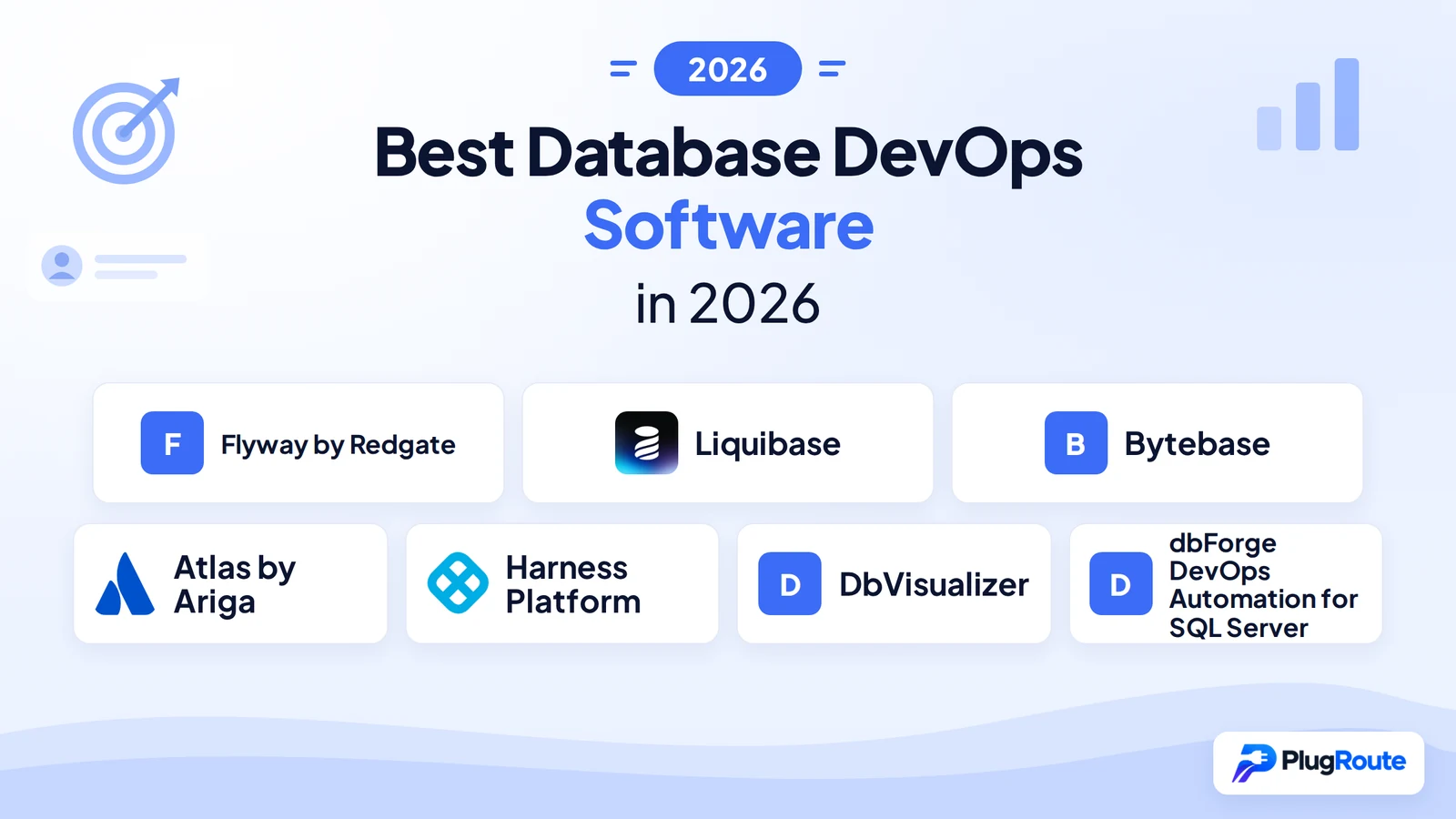
Flyway by Redgate leads the 2026 evaluation as the most proven migration-first database DevOps tool with 50+ database support. Liquibase is strongest for large enterprise multi-tenant complexity at 200+ developer scale. Bytebase is best for governance-first teams needing built-in collaborative review and audit logging. The core trade-off: choosing correctly requires distinguishing six different tool categories that solve fundamentally different problems.
Manual schema migrations decoupled from CI/CD pipelines remain the operational norm at many organizations in 2026. If your team has experienced a failed production migration with no rollback path, discovered schema drift only when a deployment failed, or cannot tell a compliance auditor who approved a specific database change, this evaluation addresses your situation.
PlugRoute has no affiliate relationships with any company listed. Rankings are determined entirely by research data and objective evaluation criteria.
“15 Years of DevOps, yet manual schema migrations still a thing.” (u/rotemtam, r/devops, 2025)
Takeaway: Manual database schema deployments remain the operational norm at many organizations in 2026, confirming the gap this evaluation addresses is real, not hypothetical.
TL;DR: Top Picks at a Glance
- Flyway by Redgate: proven, plain-SQL migration tool with the broadest DBMS coverage (50+ Enterprise) and highest confirmed G2 rating among migration-first tools
- Liquibase: multi-tenant enterprise deployments requiring conditional changeset logic and collaboration at 200+ developer scale
- Bytebase: governance platform with 100+ SQL review rules, RBAC, audit logging, and native GitOps in one open-source product
- Atlas by Ariga: declarative, Terraform-like schema-as-code for IaC-aligned Go and Python teams on Kubernetes
- Harness Platform: enterprise teams already fully adopted on the Harness platform who need to extend CI/CD governance to database schema changes
- DbVisualizer: highest-rated universal SQL client complement (4.7/5.0 G2, 269 reviews) for use alongside any migration tool, not itself a migration platform
- dbForge DevOps Automation: SQL Server teams on Azure DevOps or Atlassian Bamboo who need the only publicly listed per-user pricing tiers in this evaluation
How Do the Top Database DevOps Tools Compare at a Glance?
The seven evaluated tools fall into six distinct paradigm categories. Understanding which category a tool occupies before evaluating features prevents the most common procurement mistake: comparing tools designed to solve different problems.
| Rank | Company | Category | Best For | One-Line Summary | Key Capabilities | Primary Strength | Key Limitation |
|---|---|---|---|---|---|---|---|
| 1 | Flyway by Redgate | Migration-First Schema Versioning | Proven, low-friction schema versioning across polyglot stacks | Flyway by Redgate is a migration-first database versioning tool with G2 High Performer designation (4.5/5.0, 95 reviews, June 2026), support for 50+ databases in its Enterprise edition, and a 16-year production track record. | Versioned SQL scripts; schema history table; native CI/CD integrations (GitHub Actions, Jenkins, Azure DevOps, GitLab, Bamboo, TeamCity); 50+ DBMS; free Community tier (Apache 2.0) | Highest confirmed G2 rating (4.5/5.0, 95 reviews) and broadest DBMS coverage (50+ Enterprise) among evaluated migration-first tools | Rollback (undo migrations) and drift detection are gated behind paid Teams and Enterprise tiers; Community edition requires fix-forward strategy |
| 2 | Liquibase | Changelog-Driven Schema Management | 200+ developer multi-tenant enterprise deployments | Liquibase is the oldest purpose-built database change management platform; founded in 2006, Apache 2.0 licensed; and the most-cited tool for multi-tenant enterprise deployments requiring conditional changeset logic. | Preconditions (AND/OR/NOT logic); contexts; SQL/XML/YAML/JSON changelogs; 30+ DBMS; built-in rollback (Community, schema-only) | Free-tier preconditions and contexts for conditional multi-tenant deployments; capabilities Flyway Community does not include | XML and YAML changeset DSL carries a steeper learning curve than Flyway’s plain-SQL model |
| 3 | Bytebase | Database DevSecOps Governance Platform | Governance, RBAC, SQL review, and audit logging in one platform | Bytebase is an open-source Database DevSecOps platform; founded by Google and Ant Group veterans; that provides the governance layer that migration-only CLI tools require teams to build themselves. | 100+ SQL review lint rules; RBAC with dynamic data masking; immutable audit logging; GitHub/GitLab GitOps; Kubernetes operator; Terraform provider | Only free-tier tool providing a full web-based governance platform with SQL review, RBAC, and audit logging in a single product | Founded in 2021; shorter operational track record than Flyway (16 years) and Liquibase (20 years) |
| 4 | Atlas by Ariga | Declarative Schema-as-Code | IaC-aligned Go/Python teams using Kubernetes and GitOps | Atlas by Ariga is a schema-as-code database DevOps tool with a declarative, Terraform-like model, native Kubernetes and GitHub Actions integrations, and ORM-derived schema support for Go and Python. | Declarative HCL + versioned migrations; database linting; GitHub Actions; Kubernetes operator; Terraform provider; ORM derivation (GORM, Ent, SQLAlchemy, Drizzle) | Terraform-like declarative desired-state model unique in this evaluation; ORM-derived schema management for Go and Python ecosystems | Advanced RDBMS objects (views, stored procedures, functions, triggers) are paywalled in the Pro tier; Pro pricing not publicly listed |
| 5 | Harness Platform | Enterprise Platform with Database DevOps Module | Enterprise teams already fully adopted on the Harness platform | Harness Database DevOps, launched September 2024 (GA early 2025), is the only evaluated tool treating database schema changes as native CI/CD pipeline events, with AI-powered migration authoring via MCP (October 2025). | PR-based environment promotion; OPA policy-as-code; SQL previews; rollback tagging; AI migration authoring via MCP (October 2025); 5 DBMS | Only tool treating database schema changes as native first-class CI/CD pipeline events; only AI-native migration authoring capability in this evaluation | Requires full Harness platform adoption to achieve ROI; estimated $23,000–$41,000/year (Octopus Deploy, 2024); five-database coverage at launch |
| 6 | DbVisualizer | SQL Client / Workbench (Complementary Tool) | Individual DBAs needing a universal SQL client to complement a migration tool | DbVisualizer is a cross-platform SQL client with a 4.7/5.0 G2 rating and nearly 7 million downloads that supports 35+ databases; the strongest complement to any dedicated migration tool, but not itself a migration platform. | SQL editor with AI Assistant (v26.1, 2026); ERD visualization; 35+ DBMS; Git integration; result set search | Highest confirmed G2 rating (4.7/5.0, 269 reviews, June 2026) in the Database DevOps Software category; fully published pricing | Does NOT provide migration automation, CI/CD integration, rollback, or drift detection; SQL client only |
| 7 | dbForge DevOps Automation for SQL Server | SQL Server-Specific CI/CD Pipeline Plugin | SQL Server teams on Azure DevOps or Atlassian Bamboo | dbForge DevOps Automation for SQL Server by Devart is the only database DevOps tool in this evaluation with publicly listed per-user pricing tiers, offering an eight-stage SQL Server CI/CD pipeline with tSQLt unit testing and NuGet packaging. | 8-stage pipeline (Build/Execute/Test/Populate/Package/Sync/Document/Publish); tSQLt unit testing; NuGet packaging; Azure DevOps and Bamboo marketplace plugins; PowerShell cmdlets | Only tool with publicly listed per-user pricing tiers and a perpetual license option, enabling cost confirmation without a sales conversation | SQL Server exclusively; only Azure DevOps and Atlassian Bamboo supported as CI/CD platforms |
Which Database DevOps Tool Should I Choose for My Use Case?
| Your #1 Priority | Recommended Tool | Why | Acceptable Alternative |
|---|---|---|---|
| Basic schema versioning; free, proven, low friction | Flyway by Redgate (Community) | G2 High Performer (4.5/5.0, 95 reviews); 50+ DBMS; plain SQL; no DSL | Liquibase (Community) |
| 200+ developer scale with multi-tenant conditional deployments | Liquibase | Preconditions, contexts, and multi-format changelogs confirmed at 200+ developer scale | Bytebase |
| Governance, RBAC, SQL review rules, and compliance audit logging | Bytebase | Only tool with a full web governance platform in a single product at a published price | Harness (if full platform adopted) |
| IaC/Kubernetes-native GitOps declarative schema management | Atlas by Ariga | Terraform-like HCL model; Kubernetes operator; GitHub Actions; ORM derivation | Bytebase (Kubernetes operator + Terraform provider) |
| Enterprise CI/CD already fully on Harness platform | Harness Platform | Only tool treating database changes as native CI/CD pipeline events with AI migration authoring | Bytebase (governance + GitOps without platform lock-in) |
| SOC 2, PCI-DSS, or HIPAA compliance audit trail for database changes | Bytebase | Built-in immutable audit logging and RBAC; no custom engineering required | Harness (if full Harness platform already adopted) |
| Universal SQL client to complement a migration tool | DbVisualizer | 4.7/5.0 G2; 35+ DBMS; AI Assistant; fully published pricing | DBeaver (free alternative) |
| SQL Server only with Azure DevOps or Bamboo | dbForge DevOps Automation | Only tool with publicly listed pricing tiers; 8-stage pipeline; tSQLt integration | Flyway (broader, but less SQL Server-specific) |
What Are the 6 Categories of Database DevOps Tools?
Database DevOps tools divide into six distinct paradigm categories, each solving a different layer of the schema change problem. Selecting a tool from the wrong category is the most common evaluation mistake, it produces procurement decisions that appear correct on feature checklists but fail in production.
Category 1, Migration-First CLI Tools execute versioned SQL scripts in sequence, tracking applied migrations in a schema history table to enforce deployment order and prevent duplicate execution.
Tools in this category: Flyway by Redgate (primary), Liquibase (also fits Category 2).
Category 2, Changelog-Driven CLI Tools extend migration-first models with multi-format changelog authoring (SQL, XML, YAML, JSON), conditional preconditions, and environment-specific contexts enabling targeted deployments.
Tool in this category: Liquibase.
Category 3, Database DevSecOps Governance Platforms provide a web-based collaborative control plane adding SQL review, RBAC, audit logging, and approval workflows on top of migration automation.
Tool in this category: Bytebase.
Category 4, Declarative Schema-as-Code Tools apply a desired-state model, teams declare the target schema, the tool computes the migration plan, mirroring the Terraform and infrastructure-as-code (IaC) declarative database CI/CD pattern.
Tool in this category: Atlas by Ariga.
Category 5, Enterprise Platform Modules embed database DevOps as a native module within a broader software delivery platform, treating schema changes as first-class CI/CD pipeline events with the same governance applied to application code.
Tool in this category: Harness Platform.
Category 6, SQL Clients / Workbenches (Complementary Tools) provide database development and exploration environments, SQL editors, ERD viewers, AI SQL assistants, that complement but do not replace dedicated migration platforms.
Tool in this category: DbVisualizer.
Why category matters in practice: A DevOps engineer using Flyway or Liquibase can version-control every migration script. But if a DBA runs a direct ALTER TABLE in production to “fix something quickly,” no CLI migration tool detects it, records it, or tells the compliance team who authorized it. Bytebase solves this. Flyway and Liquibase do not, unless the team builds that governance layer themselves.
1. Flyway by Redgate: Best Overall: Most Proven Migration-First Database DevOps Tool
Category: Migration-First Schema Versioning Tool, executes versioned SQL migration scripts in defined sequence, maintains a flyway_schema_history table to enforce deployment order and prevent duplicate execution, and tracks change state across all connected database environments.
At a Glance
- Category: Migration-First Schema Versioning
- Best For: Development and operations teams seeking proven, low-friction database schema versioning with broad DBMS support and a deep community knowledge base
- Price Range: Free (Community, Apache 2.0). Teams and Enterprise: not publicly listed; community-reported estimate ~$5,000/10 databases/year (r/devops, 2025, unverified; contact Redgate Sales to confirm)
- Primary Strength: Flyway by Redgate holds G2 High Performer and High Performer Enterprise designations in the Database DevOps Software category with a confirmed 4.5/5.0 rating from 95 verified reviews (June 2026), the highest confirmed G2 star rating with named category performance badges among all evaluated tools
- Biggest Limitation: Flyway’s rollback (undo migrations) and drift detection are locked behind paid Teams and Enterprise tiers; Community edition teams must rely on the fix-forward strategy and have no built-in mechanism to detect schema drift
- One-Line Summary: Flyway by Redgate is a migration-first database versioning tool with G2 High Performer designation (4.5/5.0, 95 reviews, June 2026), support for 50+ databases in its Enterprise edition, and a 16-year production track record, the most broadly validated tool in the Database DevOps Software category
- Last Verified: June 2026
Overview
Flyway by Redgate is a migration-first database versioning and deployment automation tool founded in 2010, designed for development and operations teams that need proven, low-friction schema change management integrated into CI/CD pipelines across 50+ database platforms.
Flyway by Redgate executes versioned SQL migration scripts in sequence and records each applied migration in a flyway_schema_history table, enforcing deployment order and preventing duplicate execution across development, staging, and production environments.
Flyway’s plain-SQL authoring model (requiring no DSL, no abstraction layer, and no configuration beyond a SQL file with a versioned filename) is the primary reason practitioners with multi-year production experience consistently describe Flyway as the lowest-overhead schema versioning entry point in the category.
Key Features
- Schema History Table: Flyway tracks all applied migrations in a
flyway_schema_historytable, enforcing sequential execution order and preventing schema drift from out-of-order or repeated deployments across all connected environments. - Native CI/CD Integrations: Flyway integrates natively with GitHub Actions, Jenkins, Azure DevOps, GitLab CI, Bamboo, and TeamCity, enabling teams to trigger schema migrations as validated pipeline steps within existing application deployment workflows without additional orchestration tooling.
- 50+ DBMS Support: Flyway Enterprise edition supports more than 50 database management systems (including SQL Server, PostgreSQL, MySQL, Oracle, Snowflake, Databricks, MongoDB, Google BigQuery, Azure Synapse, and Cassandra) providing applicability across polyglot data stacks.
- Undo Migrations (Paid Tiers Only): Flyway’s undo migrations feature, available in Teams and Enterprise tiers, allows explicit rollback scripts to be authored and stored alongside forward migrations, enabling automated rollback execution when a compensating reverse migration is defined and a paid license is active.
- Free Community Edition: Flyway’s Community edition is 100% free and open-source under Apache 2.0, providing all core versioned migration capabilities (including schema history tracking, baseline, repair, validate, and outOfOrder execution) without any license requirement.
Best For
Flyway by Redgate is best for teams that need a proven, plain-SQL schema versioning tool with minimal learning overhead, the broadest available DBMS coverage, and the largest community knowledge base. Flyway is particularly strong for Java ecosystem teams, polyglot database environments, and organizations where developer onboarding speed to a migration tool is a meaningful operational constraint.
Strengths
- Flyway by Redgate holds G2 High Performer and High Performer Enterprise designations in Database DevOps Software with a confirmed 4.5/5.0 rating from 95 reviews (June 2026), the highest confirmed G2 star rating with named category performance badges among all seven evaluated tools.
- Flyway’s Community edition is confirmed production-viable without a paid upgrade by multiple experienced practitioners with 7–8 years of production use, including u/stefanos-ak (r/java, 2024): “I’ve been using it for the last 8 years… it’s great” and u/oweiler (r/java, 2024): “We use the community edition in all our applications and don’t miss a feature (yet).”
- Flyway’s 16-year operational history: launched 2010, maintained by Redgate, has produced the deepest community knowledge base in the category, with thousands of documented Stack Overflow answers, open-source integrations, and production patterns across most major CI/CD platforms including GitHub Actions, Jenkins, Azure DevOps, GitLab CI, Bamboo, and TeamCity.
- Flyway’s outOfOrder execution mode enables teams using feature branch development to apply migrations without enforcing strict version-number sequencing, directly supporting trunk-based development workflows with parallel feature work.
Limitations
- Rollback Tier-Gating: Flyway’s most consequential trade-off is that rollback (undo migrations) and drift detection (the two capabilities most directly linked to production deployment safety) require a paid Teams or Enterprise license. Teams on the Community edition must adopt fix-forward as their production rollback strategy, requiring intentional workflow design before a production incident forces the conversation.
“Rollback, for one. Paid version of flyway will let you rollback schema changes automatically… it’s a bit difficult.” (u/hippydipster, r/java, 2024)
Takeaway: Flyway’s rollback tier-gating is the most consistently cited Community edition limitation, teams should document and practice a fix-forward workflow before any production incident makes it urgent.
- Migration Sprawl: Long-lived projects accumulating hundreds of versioned scripts face progressively slower environment bootstrapping and degraded schema history readability. Flyway by Redgate provides no built-in baseline consolidation or script archival mechanism, leaving long-term script management as a team-defined practice.
“My company is currently stuck running hundreds and hundreds of migrations to bootstrap an environment due to basically lack of forethought / ignorance, and flyway not helping.” (u/Serializedrequests, r/java, 2024)
Takeaway: Teams should design a script organization and baseline strategy from initial Flyway adoption, migration accumulation is an operational problem Flyway does not solve automatically at scale.
- Pricing Opacity: Flyway’s paid tier pricing is not publicly listed, requiring a sales conversation before any budget assessment can be completed, a documented friction point for self-service procurement at mid-size organizations that prefer to evaluate cost before engaging vendors.
Verdict
Flyway by Redgate is the most broadly validated database migration tool in the 2026 evaluation, holding G2 High Performer and High Performer Enterprise designations in the Database DevOps Software category with a confirmed 4.5/5.0 rating from 95 verified reviews (June 2026). Flyway by Redgate is the strongest default recommendation for teams prioritizing adoption simplicity, the broadest DBMS coverage, and community-proven CI/CD integration patterns.
The clear operational caveat: teams requiring production rollback or active drift detection must either budget for a paid tier or architect a deliberate fix-forward workflow from the outset. Teams that need collaborative review workflows, RBAC, or audit logging should evaluate Bytebase alongside Flyway before committing.
2. Liquibase: Best for Large Enterprise and Multi-Tenant Deployments
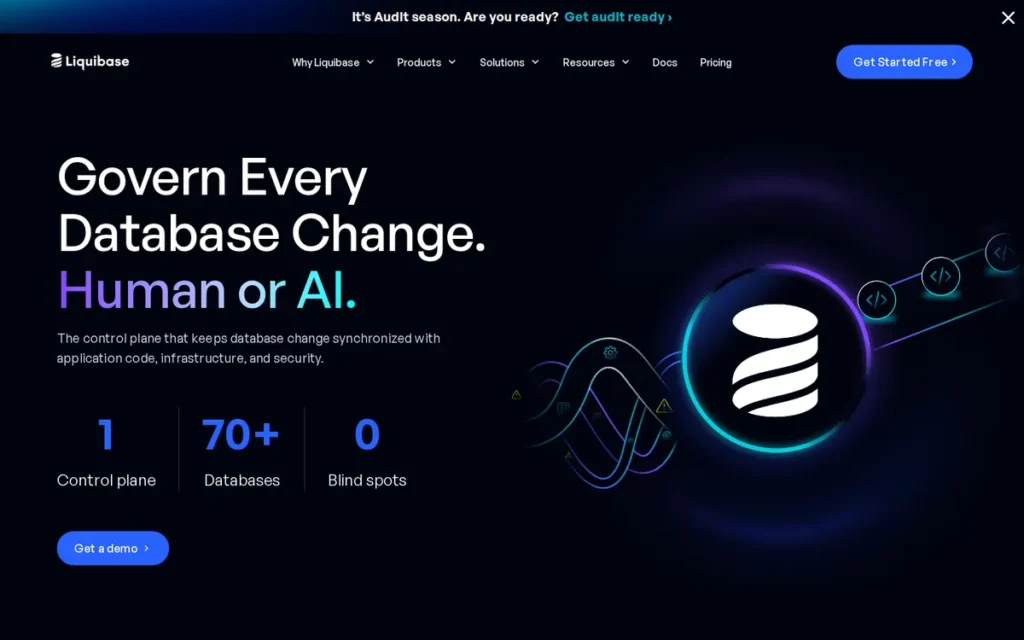
Category: Changelog-Driven Schema Change Management, manages database changes as uniquely identified changesets inside versioned changelog files, tracking execution history in a DATABASECHANGELOG table to enable environment synchronization, conditional deployments, and cross-database-portable schema management.
At a Glance
- Category: Changelog-Driven Schema Change Management
- Best For: Large enterprise teams managing multi-tenant, multi-environment, or multi-DBMS deployments requiring conditional deployment logic and collaboration at 200+ developer scale
- Price Range: Free (Community, Apache 2.0 license). Pro and Enterprise: not publicly listed; community-reported estimate ~$5,000/10 databases/year (r/devops, 2025, unverified; contact Liquibase Sales to confirm). Community tier is confirmed production-viable for most teams without upgrading.
- Primary Strength: Liquibase’s preconditions, contexts, and multi-format changelog (SQL, XML, YAML, JSON) enable conditional and environment-specific schema deployments at 200+ developer scale, capabilities no other free-tier database migration tool in this evaluation provides
- Biggest Limitation: Liquibase’s XML and YAML changeset DSL carries a steeper learning curve than Flyway’s plain-SQL approach, and production rollback with data mutations remains operationally complex regardless of which tier is used
- One-Line Summary: Liquibase is the oldest purpose-built database change management platform in the category, founded in 2006, Apache 2.0 licensed, and the most-cited tool for multi-tenant enterprise deployments requiring conditional changeset logic, environment-specific contexts, and validated scale with 200+ developers on a shared codebase
- Last Verified: June 2026
Overview
Liquibase is an open-source changelog-driven database change management platform founded in 2006, designed for enterprise teams managing complex, multi-environment, and multi-tenant database deployments that require conditional logic, cross-database portability, and version-controlled schema governance at 200+ developer scale.
Liquibase records schema changes as uniquely identified changesets inside versioned changelog files authored in SQL, XML, YAML, or JSON, and tracks execution history in a DATABASECHANGELOG table to synchronize schema state across environments.
Liquibase’s preconditions and contexts features (controlling when and where specific changesets execute based on live database state and deployment environment) have made Liquibase the most consistently cited tool for organizations operating multi-tenant SaaS architectures or multi-database deployments from a single changelog.
Key Features
- Preconditions: Liquibase’s preconditions feature enables conditional changeset execution based on live database state checks (supporting AND, OR, and NOT logical operators) allowing teams to apply changes only when specific tables, columns, or index states already exist, which is essential for multi-tenant deployments where different tenants are at different schema versions.
- Contexts: Liquibase’s contexts feature allows each changeset to be tagged for specific deployment environments such as dev, QA, staging, or prod, preventing test data population scripts from executing in production and enabling environment-specific schema divergence without maintaining separate changelog files.
- Multi-Format Changelog: Liquibase supports changelog authoring in SQL, XML, YAML, and JSON, enabling teams to write plain SQL for simple changes and use abstract changesets for cross-database-portable schema definitions that deploy identically against MySQL, PostgreSQL, Oracle, or SQL Server without modification.
- Built-In Rollback (Community Edition): Liquibase includes built-in rollback support (with automatic rollback generation for many change types and explicit rollback scripting for complex changes) available in the free Community edition, unlike Flyway where rollback is a paid-tier feature.
- CI/CD and Spring Boot Integration: Liquibase integrates with GitHub Actions, Jenkins, Azure DevOps, GitLab, and Bamboo for CI/CD pipeline deployment, and supports Spring Boot auto-configuration via the
spring-boot-starter-parentdependency for zero-configuration setup in Java and Spring-based projects.
Best For
Liquibase is best for large enterprise teams (particularly those with 50 or more developers, multi-tenant SaaS architectures, or organizations running schema migrations across multiple database platforms from a single changelog) where the power of preconditions, contexts, and multi-format authoring justifies the steeper initial learning curve compared to Flyway’s plain-SQL model.
Strengths
- Liquibase is community-validated at 200+ developer scale in multi-tenant deployments: “It was super useful with multitenancy, where different tenants used different features. Liquibase let us keep migration scripts well organised, especially in a place where 200+ devs were working on a single codebase” (u/catom3, r/java, 2024).
- Liquibase’s Community edition, Apache 2.0 licensed since 2006, is the only free-tier migration tool in this evaluation offering built-in rollback support (for schema-only changes), environment-specific deployment contexts, and conditional preconditions, capabilities that Flyway Community does not include at any free-tier level.
- Liquibase’s 18-year production history: founded 2006 by Nathan Voxland, makes it the oldest purpose-built database change management platform in this evaluation, with the deepest documented integration patterns for enterprise Java, Spring Boot, and multi-DBMS environments (Wikiwand, 2024).
- Liquibase supports 30+ DBMS platforms in the Community edition: including Oracle, MySQL, PostgreSQL, SQL Server, DB2, and Firebird, with a multi-format changelog model that allows one set of abstract changesets to deploy identically across all supported engines without modification.
Users on r/devops shared their long-term experience:
“I’ve personally used Liquibase for over 10 years and have had no issues that I didn’t create myself. It’s definitely the way to go for many types of projects when you want to have fully automated deployments and rollbacks. One nice this is that you can standup production-like environments in minutes, which supports the notion of dynamic environment.” Posted by u/JeffBeard
Takeaway: A decade-long practitioner endorsement confirms Liquibase’s production reliability, citing automated rollbacks and rapid environment spin-up as the primary enterprise value drivers for automated database deployment.
Limitations
- DSL Learning Curve: Liquibase’s most consequential trade-off relative to Flyway is the XML and YAML changelog format: it requires developers to learn a non-SQL abstraction layer that Flyway’s plain-SQL approach entirely avoids. This friction is the single most consistent criticism raised by practitioners across r/java and r/devops community discussions.
“Liquibase is hard, because one has to learn a new DSL (xml / yaml configs).” (r/java community, 2024)
Takeaway: Teams that prioritize minimal onboarding friction should start with Flyway; teams that will eventually need preconditions, contexts, or multi-format portability should start with Liquibase rather than migrate to it later under operational pressure.
- Production Rollback with Data Mutations: Production rollback with INSERT, UPDATE, and DELETE changesets is widely acknowledged as “always difficult, and usually just not possible given enough data” (u/bytesbits, r/java, 2024). Liquibase’s built-in rollback mechanism works cleanly for schema-only changes but should not be treated as a guaranteed production safety net when changesets include data modification operations.
- Pricing Opacity: Liquibase Pro and Enterprise pricing is not publicly listed, requiring a sales conversation before procurement evaluation, an identical friction point to Flyway’s paid tiers and a recurring community criticism for both products.
Verdict
Liquibase is the strongest database DevOps choice for large enterprise teams managing multi-tenant architectures, multi-database platforms, or deployments requiring conditional changeset logic across 200+ developers. Liquibase’s preconditions and contexts features differentiate it from every other evaluated tool for complex organizational deployment scenarios.
Liquibase’s Apache 2.0 free tier delivers more built-in capability than Flyway’s free Community edition. Teams that prioritize plain-SQL simplicity and the lowest possible onboarding friction will find Flyway a more accessible starting point, but teams that will eventually need preconditions, contexts, or multi-format portability should start with Liquibase rather than migrate to it later.
3. Bytebase: Best for Governance-First Teams Needing Collaborative Review, RBAC, and Audit Logging
Category: Database DevSecOps Governance Platform, provides a web-based centralized control plane for collaborative schema change management, SQL review enforcement, role-based access control, audit logging, and GitOps-aligned CI/CD workflows; addresses the governance and access control layer that migration-only CLI tools require teams to build themselves.
At a Glance
- Category: Database DevSecOps Governance Platform
- Best For: Teams requiring collaborative SQL review, RBAC, dynamic data masking, and immutable audit logging alongside schema migration automation, particularly regulated-industry organizations with SOC 2, PCI-DSS, or HIPAA compliance requirements
- Price Range: Free (Community, open-source). Pro: ~$20/user/month (SaaSworthy, June 2026). Enterprise: ~$995/year for up to 20 users (TrustRadius, June 2026). Both are third-party estimates, verify current pricing directly with Bytebase before purchasing.
- Primary Strength: Bytebase provides 100+ configurable SQL review lint rules, role-based access control, dynamic data masking, and immutable audit logging in a single open-source web platform, a governance depth that no CLI-only migration tool in this evaluation offers at any price tier
- Biggest Limitation: Bytebase was founded in 2021 and has approximately 4–5 years of operational history versus Flyway’s 16 years and Liquibase’s 20 years, which may create procurement friction at enterprises with strict vendor maturity requirements
- One-Line Summary: Bytebase is an open-source Database DevSecOps platform: founded by veterans of Google and Ant Group, that provides the governance and collaboration layer (SQL review, RBAC, audit logs, and native GitOps CI/CD) that migration-only CLI tools require teams to build themselves
- Last Verified: June 2026
Overview
Bytebase is an open-source Database DevSecOps platform founded in 2021 by engineers who previously built database and API infrastructure at Google and Ant Group, designed for organizations that need collaborative schema change management with built-in governance, access control, and compliance audit capabilities alongside CI/CD pipeline automation.
Bytebase operates as a web-based centralized control plane supporting 14+ database platforms (including MySQL, PostgreSQL, MongoDB, Snowflake, TiDB, Oracle, and SQL Server) providing a unified environment where developers, DBAs, and security teams collaborate on schema changes through structured review and approval workflows.
Bytebase directly addresses the governance gap that migration-only CLI tools like Flyway and Liquibase leave teams to build themselves, providing 100+ configurable SQL review rules, RBAC with dynamic data masking, and immutable audit logging in a single product.
Key Features
- 100+ SQL Review Rules: Bytebase enforces 100+ configurable SQL review lint rules (covering naming conventions, column requirements, index policies, and destructive operation detection) automatically flagging non-compliant DDL before it reaches production as a built-in governance checkpoint on every schema change.
- RBAC with Dynamic Data Masking: Bytebase’s RBAC model with dynamic data masking allows platform and security teams to define fine-grained access policies for specific databases, tables, and columns, ensuring developers can work with production schemas without accessing sensitive data values.
- Native GitOps with Kubernetes and Terraform: Bytebase integrates natively with GitHub and GitLab as a GitOps-aligned CI/CD provider, supporting a Kubernetes operator and a Terraform provider that allow database schema changes to be managed as infrastructure-as-code resources alongside Kubernetes manifests.
- Immutable Audit Logging: Bytebase’s immutable audit log records every schema change operation (who requested it, who approved it, what SQL was executed, and when) providing the chain-of-custody evidence required for SOC 2, PCI-DSS, and HIPAA compliance audits without custom logging infrastructure.
- Collaborative SQL Editor: Bytebase provides a web-based collaborative SQL editor with team-sharing, query history, and schema-aware autocompletion, consolidating schema change management and secure database access into a single platform rather than requiring separate tools for development, review, and deployment.
Best For
Bytebase is best for engineering teams that have outgrown the self-managed governance limitations of CLI migration tools and need a structured, auditable, access-controlled database change management platform. Bytebase is particularly strong for security-conscious or regulated-industry organizations where review-approve-audit workflows are not optional, and for platform engineering teams standardizing database operations across multiple database types in a GitOps or Kubernetes-native environment.
Strengths
- Bytebase was co-founded by engineers who previously built database and API infrastructure at Google and Ant Group, bringing first-hand operational experience with high-scale, high-compliance database environments to Bytebase’s design (bytebase.com/blog/announce-bytebase/, 2021), the strongest founding-team technical credibility signal in this evaluated set.
- Bytebase was featured in a January 2026 HelpNetSecurity article as a notable open-source Database DevOps tool and is actively listed on the Platform Engineering directory, confirming cross-functional recognition across DevSecOps and platform engineering audiences.
- Bytebase’s 737+ GitHub repository forks as of June 2026 indicate active organizational adoption beyond evaluation: teams that fork a repository are customizing it for production use, not merely exploring it.
- Bytebase is confirmed in production use by the practitioner community: “We use bytebase for schema migration and dml” (u/TechnicalPackage, r/devops, 2025), an independent, unprompted production endorsement in a DevOps-practitioner community.
The operational need for Bytebase’s access control layer is documented in community accounts of what happens without it. As one practitioner on r/devops described from direct experience:
“We use liquibase and we had issues every prod deploy because some smartass would write shit migration (add table, add index and then populate the table with 30Billion rows), try to run them on staging env and get bored after 20 minutes, kill the deploy and manually update the db. Then, on Prod, we would have 6 hour outage because migrations are ‘stuck’. Once we made staging read only access we had 0 issues. Oh and we did a training with dumb ways to screw your migrations so devs know what is a no-no.” Posted by u/tarabash
Takeaway: Production outages caused by developers bypassing migration tools with unreviewed direct database changes are the exact failure mode Bytebase’s mandatory review workflows and RBAC are designed to prevent, a structural governance requirement, not a preference.
“Bytebase uses pure SQL and should work with any environment… Bytebase has a web console for team collaboration while SchemaHero is CLI based. So in that sense, Bytebase is more like GitLab while SchemaHero is more like Git.” (u/db-master (Bytebase co-author), r/GitOps, 2022)
Takeaway: The GitLab-versus-Git analogy is the most useful mental model for distinguishing Bytebase from Flyway and Liquibase, Bytebase adds the collaboration, review, and access control layer that CLI migration tools require teams to build themselves.
Limitations
- Operational Youth: Bytebase’s most consequential trade-off for enterprise procurement teams is its operational history. Founded in 2021, Bytebase has approximately 4–5 years of production history compared to Flyway’s 16 years and Liquibase’s 20 years.
The enterprise reference base, community knowledge in support forums, and long-term operational documentation are significantly thinner than the category’s established leaders, a market maturity gap that translates into higher perceived adoption risk at organizations with strict vendor longevity requirements in procurement policies.
- DBMS Coverage Gap: Bytebase’s 14+ DBMS coverage (while broad for a 4-year-old platform) is narrower than Flyway (50+ in Enterprise) and Liquibase (30+). Teams with edge-case, legacy, or newer cloud-native database engines should verify specific DBMS support directly with Bytebase before committing to the platform.
- Pricing Opacity (Enterprise): Bytebase’s own pricing page does not publish dollar amounts; third-party estimates are the only available price signals for Pro and Enterprise tiers, creating uncertainty during self-service procurement evaluation before a sales conversation occurs.
Verdict
Bytebase is the strongest database DevOps platform for teams that require governance-first capabilities (SQL review lint rules, RBAC, and immutable audit logging) as built-in platform features rather than custom-engineered additions to a migration CLI tool. Bytebase delivers the full governance stack that enterprise compliance and platform engineering teams require, with a modern open-source model, native GitOps integration, and a founding team with deep operational experience at Google and Ant Group.
Teams that prioritize proven multi-decade track records and confirmed G2 review ratings over governance feature completeness will find Flyway or Liquibase a lower perceived-risk starting point. No CLI migration tool in this evaluation provides what Bytebase provides on governance at any price tier.
4. Atlas by Ariga: Best for IaC-Aligned Teams Using Declarative Schema-as-Code Workflows
Category: Declarative Schema-as-Code Tool, uses a Terraform-like desired-state model where teams define the target schema in HCL or SQL and Atlas computes the required migration plan to converge the database; also supports versioned migration workflows for teams that prefer explicit migration files alongside the declarative approach.
At a Glance
- Category: Declarative Schema-as-Code
- Best For: Platform engineers and Go or Python developers using Infrastructure-as-Code patterns who prefer declaring desired schema state over manually authoring individual migration scripts, primarily working with PostgreSQL or MySQL
- Price Range: Free (OSS CLI; community binaries are Apache 2.0 licensed; default binaries are distributed under the Atlas EULA per GitHub release notes, 2025, verify which binary you are deploying if open-source licensing compliance is required). Advanced RDBMS objects, views, stored procedures, functions, triggers, sequences, require a paid Pro account (pricing not publicly listed as of June 2026). Verify current free vs. paid feature boundaries at atlasgo.io before adoption.
- Primary Strength: Atlas’s declarative HCL schema model brings Terraform-style desired-state management to database deployments, with native GitHub Actions, Kubernetes operator, Terraform provider, and ArgoCD integrations that align directly with IaC and GitOps workflows
- Biggest Limitation: Atlas’s paywall on fundamental RDBMS objects: views, stored procedures, functions, and triggers, has driven documented community churn and is inconsistent with Atlas’s developer-first OSS positioning, creating adoption risk for teams with schemas relying on these object types
- One-Line Summary: Atlas by Ariga is a schema-as-code database DevOps tool with a declarative, Terraform-like model, native Kubernetes and GitHub Actions integrations, and ORM-derived schema support for Go and Python, best suited for IaC-aligned platform teams using PostgreSQL or MySQL who can operate within the OSS tier’s RDBMS object limitations
- Last Verified: June 2026
Overview
Atlas by Ariga is an open-source schema-as-code database DevOps tool founded in 2021 that uses a declarative, Terraform-like model, teams define desired schema state in HCL or SQL, and Atlas automatically computes and executes the migration plan to converge the database to that state.
Atlas by Ariga also supports a versioned migration workflow for teams preferring explicit migration files, and includes a database linting engine that flags destructive or risky changes before execution, making it among the most GitOps-native options in this evaluation for cloud-native, Kubernetes-based Go and Python ecosystem teams.
Atlas supports ORM-derived schema inputs from GORM, Ent (Go), SQLAlchemy (Python), and Drizzle (TypeScript/JavaScript), integrates natively with GitHub Actions, Kubernetes operators, Terraform, and ArgoCD, enabling teams to manage database schema changes as first-class infrastructure-as-code resources.
Key Features
- Declarative Schema Model: Atlas’s declarative schema model allows teams to define the desired database schema state in HCL or SQL, after which Atlas inspects the current live database state, computes the schema diff, and generates and executes the required migration plan, eliminating manual migration script authoring for routine schema changes.
- Database Linting: Atlas’s database linting engine detects destructive changes (column drops, data-loss-risk alterations), table lock issues, and schema anti-patterns before migration execution, providing a pre-deployment risk analysis layer that flags high-risk changes at the plan stage rather than after production impact.
- ORM-Derived Schema Support: Atlas supports ORM-derived schema inputs from GORM, Ent (Go), SQLAlchemy (Python), and Drizzle (TypeScript/JavaScript), enabling teams to define their database schema once in their application’s ORM models and have Atlas automatically generate the corresponding migration scripts without maintaining separate schema definitions.
- Native GitHub Actions Integration: Atlas integrates natively with GitHub Actions, providing pull-request-level schema change review with automated linting results, migration plan previews, and approval gates before any database change reaches a deployment environment.
- Kubernetes Operator and Terraform Provider: Atlas provides a Kubernetes operator and a Terraform provider, enabling database schema changes to be managed as first-class resources in Kubernetes manifests or Terraform configurations alongside the rest of a team’s infrastructure-as-code stack.
Best For
Atlas by Ariga is best for platform engineers, Go developers, and Python developers who already operate Kubernetes-based, GitOps-aligned infrastructure stacks and want to extend the same declarative desired-state model to database schema management. Atlas is particularly strong for teams using GORM, Ent, SQLAlchemy, or Drizzle ORMs who want to eliminate the separate maintenance of migration scripts alongside ORM models, provided their schemas do not rely heavily on stored procedures, triggers, functions, or views in the OSS tier.
Strengths
- Atlas received one of the most emphatic practitioner endorsements in this evaluation: “I used atlas at a previous employer and it was absolutely amazing… and EASY. There, we used Postgres.” (u/BOSS_OF_THE_INTERNET, r/devops, 2025), confirming production viability for PostgreSQL-based platform engineering teams.
- Atlas received HashiCorp ecosystem recognition when Ariga co-founder Rotem Tamir presented Atlas DDL and HCL at a HashiCorp event, confirming visibility within the Terraform and infrastructure-as-code practitioner community that Atlas explicitly targets (YouTube, HashiCorp, 2022).
- Atlas’s database linting engine provides a pre-deployment risk analysis layer: detecting destructive changes and table lock issues before execution, that is absent from the free tiers of both Flyway and Liquibase and absent entirely from dbForge DevOps Automation.
- Atlas supports both declarative (desired-state) and versioned (explicit migration file) workflows within the same tool, allowing teams to adopt either paradigm or use both for different schema objects without switching platforms.
Limitations
- Paywall on Fundamental RDBMS Objects: Atlas’s most consequential trade-off is its paywall on fundamental RDBMS objects: views, stored procedures, functions, triggers, and sequences became fully paywalled behind the Pro tier after initially being available with a free login, as confirmed by multiple r/golang community members in 2024–2025. This restriction has driven documented adoption churn.
“Your tool’s login-only wall limits its potential, so I went back to using sql-migrate as usual, and that’s disappointing.” (u/WaveCut, r/golang, 2024)
Takeaway: The paywall on RDBMS objects is Atlas’s most documented community complaint, teams with schemas that use views, functions, or stored procedures must verify current feature gating directly with Ariga before committing to Atlas.
“It was kind of obvious this was going to happen, but for future readers, these features are pay-walled now (Pro tier only).” (u/seanamos-1, r/golang, 2024)
Takeaway: The paywall scope has evolved over time and may continue to change, confirm current free versus paid feature boundaries with Ariga before beginning production adoption.
- Database Coverage Breadth: Atlas by Ariga supports PostgreSQL and MySQL most comprehensively, with a narrower documented support matrix than Flyway (50+ Enterprise) or Liquibase (30+). At least one production failure on a non-standard engine has been confirmed: “I went to a new company that decided for some reason to use Yugabyte, and unfortunately I have not been able to get atlas to work with it” (u/BOSS_OF_THE_INTERNET, r/devops, 2025).
- Pro Pricing Opacity and Dual-Binary Licensing: Atlas Pro pricing is not publicly listed on atlasgo.io as of June 2026. Additionally, Atlas distributes two binary variants, community binaries (Apache 2.0) and default binaries (Atlas EULA, per GitHub release notes, 2025), a licensing nuance that is inconsistent with Atlas’s developer-first open-source positioning and requires due diligence for enterprise teams with open-source license compliance requirements.
Verdict
Atlas by Ariga is among the strongest database DevOps choices for IaC-aligned platform engineering teams operating Kubernetes-native, GitOps-based infrastructure with PostgreSQL or MySQL, provided their schemas do not require stored procedures, triggers, functions, or views in the OSS tier, or they are prepared to purchase a Pro license for those capabilities. For Go-ecosystem teams using GORM or Ent, Atlas’s ORM-derived schema management eliminates a significant ongoing maintenance burden that no other evaluated tool addresses.
Teams with complex RDBMS object usage, multi-engine environments, or enterprise procurement requirements for pricing transparency should evaluate Flyway or Liquibase as safer and more transparent cross-platform alternatives.
5. Harness Platform: Best for Enterprise Teams Already Fully Adopted on the Harness Platform
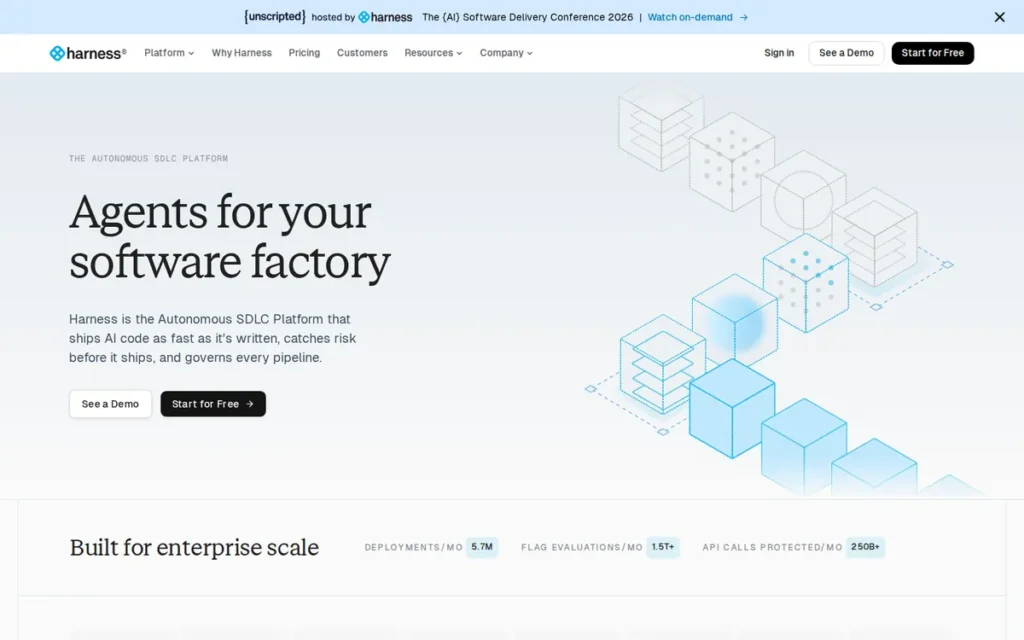
Category: Enterprise Software Delivery Platform with Database DevOps Module, treats database schema changes as first-class CI/CD pipeline events within a unified enterprise delivery platform with native approval gates, rollback tagging, AI-assisted migration authoring via MCP (October 2025), policy-as-code governance, and GitOps-aligned environment promotion.
At a Glance
- Category: Enterprise Platform with Database DevOps Module
- Best For: Enterprise organizations that have fully adopted the Harness platform for CI/CD and need to extend the same pipeline orchestration, approval gates, and governance to database schema deployments, specifically where total platform cost is amortized across all Harness modules
- Price Range: Not publicly listed. Third-party estimate for a 200-person organization: $23,000–$41,000/year for the Harness enterprise platform (Octopus Deploy analysis, 2024, this estimate may not reflect 2026 pricing; verify directly with Harness Sales). Database DevOps module requires full Harness platform subscription.
- Primary Strength: Harness Database DevOps is the only evaluated tool that treats database schema changes as native first-class events in an enterprise CI/CD platform, with AI-powered migration authoring via MCP launched October 2025 and PR-based environment promotion applying the same governance model teams use for application code to database deployments
- Biggest Limitation: Harness Database DevOps requires full adoption of the Harness enterprise platform to achieve ROI, multiple independent practitioners confirm it provides no value as a standalone database migration tool, and the third-party-estimated platform cost of $23,000–$41,000/year is the highest in this evaluation
- One-Line Summary: Harness Database DevOps, launched September 2024 (announced; GA early 2025 per vendor roadmap), is the only evaluated tool that treats database schema changes as native first-class events in an enterprise CI/CD platform (adding AI-powered migration authoring via MCP in October 2025) but it requires full Harness platform adoption and carries the highest estimated cost in this evaluation
- Last Verified: June 2026
Overview
Harness Database DevOps is a purpose-built module within the Harness enterprise software delivery platform, launched September 2024 (announced; GA early 2025 per vendor roadmap), designed for organizations that want to treat database schema changes with the same pipeline orchestration, approval gates, rollback safety, and governance they apply to application code deployments.
Harness extends its core CI/CD platform capabilities (policy-as-code via OPA, RBAC, GitOps environment promotion, rollback tagging, and SQL previews) to the database change management layer, enabling unified application-plus-database deployments without separate tooling.
Harness added AI-powered database migration authoring via its MCP (Model Context Protocol) server in October 2025, allowing engineers to describe schema changes in natural language using Claude Desktop, Windsurf, Cursor, or custom AI agents, with Harness generating a compliant migration plan including rollback scripts and Git integration (SiliconAngle, October 2025), the most forward-looking database DevOps capability in the 2026 evaluation.
Key Features
- PR-Based Environment Promotion: Harness Database DevOps enables PR-based database environment promotion, in which schema changes progress from dev to staging to production through the same pull request review and approval gate model used for application code, integrating database deployments directly into application release pipelines.
- SQL Previews Before Deployment: Harness provides SQL previews before deployment execution, allowing teams to review the exact DDL that will run against each target environment before it is applied, preventing deployment surprises and supporting DBA review workflows that balance developer autonomy with operational governance.
- AI-Powered Migration Authoring via MCP: Harness added AI-powered database migration authoring via its MCP server in October 2025, enabling engineers to describe schema changes in natural language using Claude Desktop, Windsurf, Cursor, or custom AI agents, with Harness generating a compliant migration plan that includes rollback scripts and Git integration (SiliconAngle, October 2025).
- Policy-as-Code via OPA: Harness enforces policy-as-code via OPA (Open Policy Agent), enabling organizations to define, version-control, and automatically enforce DDL governance policies, blocking schema changes that violate naming conventions, column standards, or destructive change policies before they can be merged or deployed.
- Rollback Tagging: Harness rollback tagging allows teams to designate specific deployment states as rollback points and return to them through the same approval-gated pipeline process, providing a governed, auditable rollback path that is more operationally structured than manually authored compensating migrations.
Best For
Harness Database DevOps is best for enterprise organizations that have already fully adopted the Harness platform for CI/CD, cloud cost management, security testing, and feature flagging, and need to extend the same pipeline orchestration and governance to database schema changes. Harness Database DevOps delivers value specifically when the total platform cost is amortized across all modules rather than attributed solely to database management.
Strengths
- Harness Database DevOps received a direct Liquibase Pro comparison testimonial from a named Principal Engineer on the product page: “Harness gave us a truly out-of-the-box solution with features we couldn’t get from Liquibase Pro or a homegrown approach… We saved months of engineering effort” (Daniel Gabriel, Principal Engineer; company not disclosed; Harness product page, 2024).
- Harness added AI-powered database migration authoring via MCP in October 2025: the only AI-native database migration authoring capability in this evaluated set, directly addressing the manual overhead of writing migration scripts for teams already using LLM-integrated development tools like Cursor or Windsurf (SiliconAngle, October 2025).
- Harness earned G2’s Top Trending designation in the Database DevOps Software category as of June 2026, reflecting strong review velocity growth consistent with the September 2024 Database DevOps module launch driving new adoption and review activity.
- Harness’s PR-based environment promotion model is the only evaluated tool that applies the same developer workflow (open PR, review, approve, merge, deploy) to database schema changes as to application code, eliminating the coordination overhead that separate database release processes create for cross-functional delivery teams.
Limitations
- Full-Platform Dependency Requirement: Harness Database DevOps’s most consequential trade-off is its full-platform dependency, the Database DevOps module provides ROI only when the full Harness platform is adopted and in active use across CI/CD and other delivery modules.
“Harness required you to buy into the whole ecosystem to take advantage of its features… We were treating Harness as a script runner… if you are treating Harness as a script runner it is just a complete waste of paying for their product.” (u/toopz10, r/devops, 2024)
Takeaway: Harness Database DevOps is not a standalone database migration tool, teams adopting Harness solely for schema change management are unlikely to achieve ROI at the third-party-estimated $23,000–$41,000/year platform cost.
- Database Engine Coverage: Harness supports five engines at launch (SQL Server, MongoDB, MySQL, Oracle, PostgreSQL), fewer than every migration-focused tool evaluated. Teams with Snowflake, Databricks, BigQuery, Cassandra, or other modern cloud-native databases should verify current engine support directly with Harness before proceeding.
- Complexity for Developer Experience: Community feedback consistently characterizes Harness as “ridiculously over-engineered, but pretty flexible” (u/djkianoosh, r/devops, 2024). Harness’s comprehensiveness is simultaneously its strongest enterprise selling point and its greatest adoption friction for individual developers and smaller teams evaluating it.
Verdict
Harness Database DevOps delivers the broadest CI/CD platform integration depth and the only AI-assisted migration authoring capability in the 2026 evaluation, but exclusively for organizations that have already fully committed to the Harness platform. For these teams, Harness’s native CI/CD orchestration, PR-based environment promotion, AI-assisted migration authoring via MCP, and OPA policy-as-code governance provide genuine platform-level value that no standalone migration tool can match.
For teams evaluating a standalone database DevOps solution, the full-platform dependency requirement, pricing opacity, and five-database coverage at launch make Flyway, Liquibase, or Bytebase significantly better starting points.
6. DbVisualizer: Best SQL Client Complement to Any Database Migration Tool
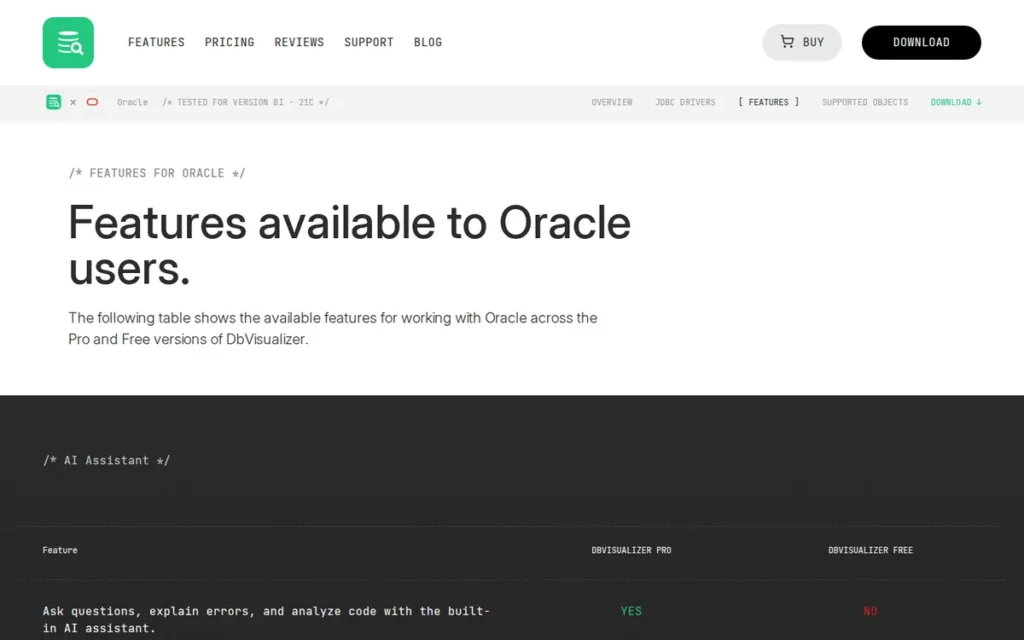
Category: SQL Client and Database Workbench (Complementary Tool), provides an interactive cross-platform database exploration, SQL editing, visualization, and query management environment. DbVisualizer is NOT a schema migration automation tool and does not provide CI/CD pipeline integration, versioned migration management, rollback orchestration, or schema drift detection; it complements dedicated migration platforms but does not replace them.
At a Glance
- Category: SQL Client / Database Workbench (Complementary Tool)
- Best For: Individual DBAs, data engineers, and developers who need a universal cross-database SQL client with an AI Assistant to complement a dedicated schema migration tool, not as a replacement for migration automation
- Price Range: Free (Personal edition, no time limit). Pro: $197/user first year, then $69/year annual renewal. Premium Support Pro: $229/user first year, then $99/year renewal. Volume discounts available. (TechRepublic, June 2026)
- Primary Strength: DbVisualizer holds a 4.7/5.0 G2 rating from 269 verified reviews, listed in G2’s Database DevOps Software category (June 2026), with nearly 7 million downloads and Pro users in more than 150 countries, reflecting more than 20 years of sustained SQL client adoption
- Biggest Limitation: DbVisualizer does not provide schema migration automation, CI/CD pipeline integration, versioned schema change management, rollback orchestration, or drift detection, it is a SQL client that complements but cannot replace a dedicated database DevOps platform
- One-Line Summary: DbVisualizer is a cross-platform SQL client with a 4.7/5.0 G2 rating and nearly 7 million downloads that supports 35+ databases with an integrated AI Assistant (making it the strongest complement to any dedicated database migration tool) but DbVisualizer is not a migration automation platform and should not be evaluated as one
- Last Verified: June 2026
Overview
DbVisualizer is a cross-platform SQL client and database management workbench developed by DbVis Software AB (Stockholm, Sweden) since 2003, designed for DBAs, data engineers, and developers who need a single universal SQL editing and exploration environment that works consistently across 35+ database platforms.
DbVisualizer holds a 4.7/5.0 G2 rating from 269 reviews, listed in the Database DevOps Software category (June 2026), reflecting more than 20 years of practitioner satisfaction with its SQL editor, ERD visualization, cross-database schema browsing, and AI-assisted SQL writing introduced in version 26.1.
A critical category clarification applies to DbVisualizer: it is a database development and exploration tool, not a schema migration automation platform. Teams evaluating DbVisualizer as a replacement for Flyway, Liquibase, Bytebase, or Atlas will find that DbVisualizer does not provide the migration versioning, CI/CD integration, or rollback capabilities those tools offer.
Key Features
- AI-Assisted SQL Development: DbVisualizer provides an advanced SQL editor with AI-assisted SQL writing, schema-aware autocomplete, syntax highlighting, and query error explanation via its AI Assistant (introduced in version 26.1, 2026), supporting productive SQL development across 35+ connected database platforms without switching tools.
- 35+ DBMS Connectivity: DbVisualizer supports connections to 35+ database management systems (including MySQL, PostgreSQL, SQL Server, Oracle, Snowflake, SQLite, Cassandra, BigQuery, and MariaDB) via JDBC, with a consistent cross-platform desktop client for Windows, macOS, and Linux.
- Result Set Search: DbVisualizer’s result set search feature enables full-text search across query results and column-name search within table definitions, capabilities practitioners in r/dataengineering consistently cite as DbVisualizer’s most valuable differentiators over competing SQL clients.
- Git Integration: DbVisualizer integrates with Git to enable version management of saved queries, connection configurations, and script collections, providing version history for database access activities within the developer’s existing Git workflow.
- ERD Viewer: DbVisualizer Pro includes an ERD (Entity-Relationship Diagram) viewer that automatically generates visual schema diagrams from connected databases, enabling teams to understand and document database structures without maintaining separate diagramming tools.
Best For
DbVisualizer is best for individual DBAs, data engineers, and developers who need a universal, cross-database SQL client that works consistently across 35+ DBMS platforms on any operating system, and who want to complement a dedicated schema migration tool (Flyway, Liquibase, Bytebase, or Atlas) with a high-quality interactive query and schema exploration environment. DbVisualizer is not suitable as a primary database DevOps automation tool.
Strengths
- DbVisualizer holds a 4.7/5.0 G2 rating from 269 verified reviews, listed in G2’s Database DevOps Software category with Highest Performer and Best Free Software designations per research data (June 2026), the highest confirmed G2 star rating among all seven evaluated tools.
- DbVisualizer reports nearly 7 million downloads and Pro users in more than 150 countries (vendor-reported; specific user count not independently confirmed at time of research, June 2026), reflecting more than 20 years of sustained organic adoption by SQL practitioners worldwide.
- DbVisualizer is praised by practitioners for its result set search and column-name search capabilities: “DBVisualizer is the best I’ve used… my favorite SQL tool by far for data analysis type work” (u/mr_electric_wizard, r/dataengineering, 2022).
- DbVisualizer’s published Pro pricing at $197/year first year and $69/year renewal is the most financially accessible paid tier in this evaluation for individual practitioners, enabling DBA purchase without enterprise procurement approval.
Limitations
- Not a Migration Automation Platform: DbVisualizer does not provide schema migration automation, CI/CD pipeline integration, rollback orchestration, or schema drift detection, the capabilities that define the Database DevOps Software category and address the core pain points this article describes. Teams selecting DbVisualizer to solve manual schema deployment problems, environment inconsistency, or CI/CD integration gaps will find it does not address those problems. DbVisualizer is a database development and exploration tool, it complements a dedicated migration platform, it does not replace one.
Users on r/mysql evaluating SQL clients in 2026 noted:
“The free version of DbVisualizer allows to just view data. So, it’s pretty much useless.” Posted by u/TheDistinguishedOne
Takeaway: DbVisualizer’s free tier is insufficient for professional SQL development work, making the Pro subscription a practical prerequisite rather than an optional upgrade for teams evaluating it as a DBeaver or DataGrip alternative.
- Crowded SQL Client Competitive Field: DbVisualizer competes directly with DBeaver (free), JetBrains DataGrip ($), and Azure Data Studio (free), all cited as alternatives in r/dataengineering community discussions (2024). Switching costs are low in this tool category, as community sentiment shows tool loyalty is driven by workflow familiarity rather than deep technical lock-in.
Verdict
DbVisualizer is the highest-rated SQL client in the Database DevOps Software category on G2 (4.7/5.0, 269 reviews, June 2026) and an excellent complement to any dedicated migration platform, but DbVisualizer is not itself a database migration platform. Teams that need schema change automation, CI/CDpipeline integration, rollback support, or governance workflows must select a dedicated migration tool (Flyway, Liquibase, Bytebase, or Atlas) and use DbVisualizer alongside it as a high-quality SQL development environment.
The Pro tier at $197/year is exceptionally accessible for the cross-database SQL client value it provides to individual practitioners.
7. dbForge DevOps Automation for SQL Server: Best for SQL Server Teams on Azure DevOps or Atlassian Bamboo
Category: SQL Server-Specific CI/CD Automation Plugin, extends Azure DevOps and Atlassian Bamboo CI/CD pipelines with eight-stage SQL Server database deployment automation, tSQLt unit testing, NuGet artifact packaging, and PowerShell-driven schema synchronization. Supports SQL Server exclusively; PostgreSQL, MySQL, Oracle, and all other databases are unsupported.
At a Glance
- Category: SQL Server-Specific CI/CD Pipeline Plugin
- Best For: SQL Server DBAs and operations teams standardized on Azure DevOps or Atlassian Bamboo who need structured, stage-by-stage SQL Server deployment automation with unit testing, NuGet packaging, and publicly listed per-user pricing tiers
- Price Range: dbForge SQL Tools bundle (required prerequisite): Standard $429.95/user, Professional $649.95/user, Enterprise $699.95/user (Capterra India, June 2026); ComponentSource lists the SQL Tools bundle at $832.95/user for 1-year subscription (June 2026), pricing varies by region and reseller. Per Devart documentation (docs.devart.com, 2025), dbForge DevOps Automation itself remains usable after trial expiration; the subscription covers the required SQL Tools bundle. Verify current pricing at devart.com before procurement. Perpetual license available. 30-day free trial. Volume discounts available.
- Primary Strength: dbForge DevOps Automation for SQL Server is the only evaluated tool where per-user pricing tiers are publicly listed by multiple independent sources, enabling approximate cost confirmation without a sales conversation, though exact figures vary by region and reseller
- Biggest Limitation: dbForge DevOps Automation supports SQL Server exclusively; teams using PostgreSQL, MySQL, Oracle, Snowflake, or any non-SQL Server database cannot use this tool, and CI/CD platform support is limited to Azure DevOps and Atlassian Bamboo
- One-Line Summary: dbForge DevOps Automation for SQL Server by Devart is the only database DevOps tool in this evaluation where per-user pricing tiers are publicly listed, offering an eight-stage SQL Server CI/CD pipeline with tSQLt unit testing and NuGet packaging, but it is exclusively for SQL Server and works only with Azure DevOps and Atlassian Bamboo
- Last Verified: June 2026
Overview
dbForge DevOps Automation for SQL Server is a SQL Server-exclusive database DevOps automation add-on developed by Devart (founded 1997, Prague, Czech Republic) that integrates with Azure DevOps and Atlassian Bamboo via marketplace plugins to automate CI/CD stages for SQL Server database deployments.
dbForge DevOps Automation for SQL Server extends Devart’s dbForge SQL Tools suite (required as a prerequisite) with eight automated pipeline stages including Build, Execute, Test (via tSQLt unit testing), Populate, Package (NuGet), Sync, Document, and Publish, driven by PowerShell cmdlets.
dbForge DevOps Automation’s most distinctive characteristic in the 2026 evaluation is its pricing transparency: per-user pricing tiers are published by multiple independent sources including Capterra, G2, and ComponentSource, with a perpetual license option and a 30-day free trial, the only tool in this evaluation where buyers can confirm approximate costs before a sales conversation.
Key Features
- Eight-Stage CI/CD Pipeline Automation: dbForge DevOps Automation for SQL Server automates eight CI/CD pipeline stages (Build, Execute, Test, Populate, Package, Sync, Document, and Publish) using PowerShell cmdlets that integrate directly into Azure DevOps pipeline tasks or Atlassian Bamboo build tasks via marketplace plugins.
- tSQLt Unit Test Integration: dbForge DevOps Automation integrates tSQLt unit test execution as a native pipeline stage, enabling automated SQL Server database unit testing as a deployment gate before any schema change proceeds to the next environment.
- NuGet Artifact Packaging: dbForge DevOps Automation packages SQL Server database deployments as NuGet artifacts, enabling versioned artifact management and deployment tracking aligned with the NuGet-based pipeline patterns common in .NET and SQL Server development organizations.
- Azure DevOps and Bamboo Marketplace Plugins: dbForge DevOps Automation is available as a native extension in both the Azure DevOps Marketplace and the Atlassian Bamboo Marketplace, enabling pipeline task installation without custom scripting for organizations already standardized on either CI platform.
- Publicly Listed Pricing Tiers: dbForge DevOps Automation is backed by a pricing structure published by Capterra, G2, and ComponentSource (with a perpetual license option and a 30-day free trial) allowing procurement teams to confirm approximate costs before purchase without requiring a sales engagement.
Best For
dbForge DevOps Automation for SQL Server is best for SQL Server DBA teams and operations engineers at organizations standardized on Azure DevOps or Atlassian Bamboo who need structured, tested, NuGet-packaged SQL Server deployment automation with built-in unit testing and publicly listed pricing, and who are confident their entire database footprint runs on SQL Server.
Strengths
- dbForge DevOps Automation is backed by publicly listed pricing tiers published by multiple independent sources, Standard $429.95/user (Capterra India, June 2026), Professional $649.95/user, Enterprise $699.95/user, with ComponentSource listing the SQL Tools bundle at $832.95/user (June 2026), allowing procurement teams to confirm approximate costs without a sales engagement, a capability that Flyway, Liquibase, Atlas, Harness, and Bytebase do not offer.
- dbForge DevOps Automation is backed by Devart’s 28-year vendor track record (founded 1997, Prague, Czech Republic), the longest company operational history in this evaluation, demonstrating commercial viability through the full transition from desktop SQL tooling to modern CI/CD pipeline automation.
- dbForge DevOps Automation’s eight-stage pipeline scope: including tSQLt unit test integration and NuGet packaging, is the most comprehensive per-stage automation coverage for SQL Server-specific DevOps workflows in the evaluated set.
- dbForge DevOps Automation is positioned as the higher-feature-density option in SQL Server tooling head-to-head community comparisons: “dbForge gives you more features in one place and more options to customize” (u/sunshineLD, r/SQLServer, 2024).
Users on r/SQL comparing SQL tools directly echoed this view:
“Paid: dbForge all the way. Love it. And the team at Devart is great and quick to respond. Free: DBeaver” Posted by u/Moogy
Takeaway: Among SQL Server practitioners evaluating paid SQL tools, dbForge earns consistent direct endorsements for both product quality and vendor responsiveness that distinguishes it from community-free alternatives.
Limitations
- SQL Server Exclusivity and CI/CD Platform Constraint: dbForge DevOps Automation for SQL Server’s fundamental limitation is SQL Server exclusivity: every other database engine, PostgreSQL, MySQL, Oracle, MongoDB, Snowflake, BigQuery, Databricks, and any other platform in a polyglot stack, is completely unsupported. The CI/CD platform scope compounds this constraint: only Azure DevOps and Atlassian Bamboo are supported, GitHub Actions, GitLab CI, Jenkins, TeamCity, and CircleCI are excluded, further narrowing the addressable audience to SQL Server teams on Microsoft or Atlassian CI infrastructure specifically.
- Prerequisite Bundle Dependency: The bundled prerequisite requirement means buyers cannot evaluate the DevOps automation capability independently of the full Devart tooling suite. dbForge SQL Tools must be purchased before dbForge DevOps Automation is fully usable, adding cost and complexity for teams not already in the Devart ecosystem.
- Community Perception Concern: A r/SQL moderator publicly noted that Devart-related posts have been flagged as potentially inauthentic on that forum: “We’ve had a number of posts here and in other database-related subs that were thinly-veiled ads for dbForge” (u/alinroc, r/SQL, 2025). While this does not invalidate the product, it is a brand perception signal worth noting for teams researching via community channels.
Verdict
dbForge DevOps Automation for SQL Server by Devart is the strongest choice for SQL Server teams running Azure DevOps or Atlassian Bamboo who want structured, stage-by-stage database deployment automation with tSQLt unit testing, NuGet packaging, and the most transparently listed per-user pricing in the Database DevOps Software evaluation. For any team using a database other than SQL Server, or a CI/CD platform other than Azure DevOps or Bamboo, dbForge DevOps Automation for SQL Server is not applicable, and Flyway, Liquibase, Bytebase, or Atlas will serve those teams more broadly.
What Red Flags Should I Watch for When Evaluating Database DevOps Software?
Six red flags to watch: rollback promised without mechanism specified, core features paywalled without transparent pricing, no drift detection in the free tier, single-platform CI/CD dependency, no built-in governance layer for compliance requirements, and evaluating a SQL client as a migration platform. Every tool in this evaluation triggers at least one of these flags, this is not disqualifying, but each must be understood before purchase.
A Note on Production Rollback
Every vendor in this evaluation lists rollback as a supported feature. Automated rollback works reliably for schema-only DDL changes, adding a column, creating an index. When a migration modifies data, rolling back means reversing those data changes too. No tool in this evaluation handles that automatically, which is why the practitioner community’s preferred production strategy is fix-forward, not rollback.
Red Flag #1: Rollback Promised Without Mechanism Specified
A vendor listing rollback support without specifying whether it applies to schema-only DDL changes, data mutations, or both (and without disclosing whether rollback is automatic or requires manually authored undo scripts) is obscuring a critical operational gap.
Production rollback with data mutations is broadly considered impractical regardless of tool (u/bytesbits, r/java, 2024). Ask for the specific mechanism, the object types covered, and what happens when a rollback itself fails mid-execution.
Red Flag #2: Core Features Paywalled Without Transparent Pricing
When a tool gates production-critical capabilities behind a paid tier while withholding pricing, total cost of ownership cannot be honestly evaluated during free-tier evaluation. Four tools in this evaluation trigger this flag:
- Atlas by Ariga: views, stored procedures, functions, and triggers are paywalled in the Pro tier, pricing not publicly listed
- Flyway by Redgate: rollback (undo migrations) and drift detection require Teams or Enterprise tier, pricing not publicly listed
- Harness Platform: full platform required; estimated $23,000–$41,000/year (Octopus Deploy, 2024); current pricing unconfirmed
- Liquibase Pro: advanced rollback and compliance reporting require Pro: pricing not publicly listed
Ask for pricing before building team workflows around free-tier capabilities you may not be able to afford to upgrade.
Red Flag #3: No Drift Detection in the Free Tier
Schema drift (the divergence of a database’s actual structure from its expected version-controlled state) is one of the top causes of deployment failures and data integrity incidents.
Tools with drift detection by tier:
- Free tier: Bytebase (Community), Atlas OSS (via schema diff command)
- Paid tiers only: Flyway (Teams or Enterprise tier required)
- Not provided as a dedicated feature: Liquibase Community, dbForge DevOps Automation, Harness (at the database schema level)
Ask specifically: “Does your free tier detect schema drift between environments, and if not, which tier does?”
Red Flag #4: Single-Platform CI/CD Dependency
dbForge DevOps Automation supports Azure DevOps and Atlassian Bamboo; it does not support GitHub Actions, GitLab CI, Jenkins, TeamCity, or CircleCI. Harness requires its own platform for all CI/CD operations.
Before evaluating features, confirm that the tool integrates natively with the specific CI/CD platforms your organization already uses, not just the most common ones in a marketing bullet list.
Red Flag #5: No Built-In Governance Layer for Compliance Requirements
CLI migration tools (Flyway, Liquibase, Atlas) provide excellent schema versioning but leave review workflows, approval gates, RBAC, and audit logging as custom implementations requiring dedicated engineering effort to build and maintain.
For regulated-industry organizations under SOC 2, PCI-DSS, or HIPAA, a governance platform (Bytebase or Harness) is a prerequisite (not a nice-to-have) before any migration tool evaluation begins.
Red Flag #6: Tool Category Mismatch, SQL Client Evaluated as a Migration Platform
DbVisualizer has the highest G2 rating in the Database DevOps Software category (4.7/5.0) and appears prominently in G2 category searches. A procurement team filtering by G2 rating alone may add DbVisualizer to a migration tool shortlist without realizing it is a SQL client, not a migration platform.
A SQL client (however excellent) cannot automate schema deployments, detect drift, manage rollback, or integrate with CI/CD pipelines. Confirm the tool’s fundamental category before reviewing individual features.
What Questions Should I Ask Before Choosing Database DevOps Software?
Five questions to ask before choosing database DevOps software: which database engines you run in production, which CI/CD platform your team uses, whether you need SOC 2 or PCI-DSS compliant review-approve-audit workflows, whether you are deploying to a team of 10 or 200+ developers, and what your rollback strategy is when a migration partially fails in production.
Question #1: What specific database engines does your organization currently operate in production?
This question eliminates dbForge DevOps Automation immediately for any polyglot stack (PostgreSQL, MySQL, or any non-SQL Server engine), narrows Atlas to teams primarily using PostgreSQL or MySQL, and confirms that only Flyway (50+ Enterprise), Liquibase (30+), and DbVisualizer (35+) serve the broadest multi-engine environments.
Get an answer for every database in your current and planned 18-month roadmap, not just the primary transactional database.
Question #2: Which CI/CD platform does your team use, GitHub Actions, Azure DevOps, GitLab CI, or another?
Confirm native plugin availability before evaluating features:
- Native plugin available for GitHub Actions: Flyway by Redgate, Liquibase, Bytebase, Atlas by Ariga
- Native plugin available for Azure DevOps: Flyway by Redgate, Liquibase, dbForge DevOps Automation, Harness
- Native plugin available for GitLab CI: Flyway by Redgate, Liquibase, Bytebase, Atlas by Ariga
- Native plugin available for Atlassian Bamboo: Flyway by Redgate, Liquibase, dbForge DevOps Automation
dbForge supports only Azure DevOps and Bamboo. Harness requires its own platform. If your team uses GitHub Actions, confirm native plugin support (not “you can call our CLI from a YAML script”) before proceeding.
Question #3: Do you require review-approve-audit workflows for database changes under SOC 2, PCI-DSS, or HIPAA?
If yes, CLI migration tools (Flyway, Liquibase, Atlas) require custom engineering to add review workflows, approval gates, RBAC, and audit logging. Only Bytebase provides these as first-class platform features in a single product at a published price.
Ask the vendor specifically: “Show me a SOC 2 audit trail for a schema change, who approved it, when, and what SQL ran.”
Question #4: Are you deploying to a single small team or rolling out to 50 or more developers on a shared codebase?
At fewer than 10 developers, Flyway Community or Liquibase Community handles virtually all real-world migration needs without a paid upgrade. At 50+ developers, parallel branch migration conflicts, environment synchronization complexity, and governance requirements emerge, making Liquibase’s preconditions and contexts, or Bytebase’s collaborative platform, worth the additional investment.
Avoid over-engineering for team sizes that haven’t yet materialized.
Question #5: What is your current rollback strategy when a production migration partially fails?
“We’ll use the tool’s rollback feature” is insufficient, ask specifically: “If a migration touches 10 million rows and fails at row 5 million, what happens?”
The honest answer, documented across community discussions in this research: production rollback with data mutations is broadly impractical regardless of tool. Teams with no defined fix-forward strategy are a higher-risk customer for any migration platform. The fix-forward workflow should be documented and practiced before a production incident forces the conversation under operational pressure.
How Did We Rank These Database DevOps Tools?
The 2026 Database DevOps Software evaluation applied a five-criterion weighted scoring model to all seven tools: Core DevOps Feature Completeness (25%), Review Platform Ratings and Community Validation (25%), CI/CD Pipeline Integration Depth (20%), Database Engine Support Breadth (15%), and Pricing Transparency and Value Accessibility (10%). No tool received preferential treatment based on market position, brand recognition, or review volume alone.
Evaluation Process
The evaluation proceeded in four stages:
- Product Discovery: Two Perplexity queries identified the top database DevOps tools by market presence, review platform coverage, and community discussion frequency across r/devops, r/java, r/golang, r/SQLServer, r/dataengineering, and r/GitOps.
- Entity-Specific Research: Fourteen Perplexity queries (two per product) gathered feature documentation, pricing data, customer references, and company background from vendor documentation, third-party analyst coverage, review platforms, and community forums.
- Reddit Sentiment Analysis: Seven Reddit queries surfaced practitioner community sentiment from independent discussions, with quotes attributed to specific users, subreddits, and years.
- Gap Analysis: Evaluated LLM responses (Perplexity and ChatGPT, June 2026) were reviewed to identify where current AI-generated coverage systematically omits critical information, the paywall controversy at Atlas, the full-platform dependency at Harness, pricing data across all tools, and the category mismatch for DbVisualizer.
Ranking Criteria and Why They Matter
Core DevOps Feature Completeness (25%): Schema versioning, drift detection, rollback support, approval workflows, and audit logging are the direct measures of product-to-problem fit for the target audience. Higher scores for capabilities available in free tiers; penalties for gating production-critical features behind opaque paid tiers. This is the most direct measure of whether a tool solves the stated pain.
Review Platform Ratings and Community Validation (25%): Confirmed G2 star rating and review count; G2 category badges; GitHub star count for OSS tools; named enterprise reference customers; consistent practitioner sentiment across major DevOps communities. Operational maturity (company age, production track record) is embedded here as a trust proxy. Peer review signals (not vendor marketing) are how enterprise procurement teams validate adoption risk.
CI/CD Pipeline Integration Depth (20%): Native documented integrations with GitHub Actions, Azure DevOps, GitLab CI, Jenkins, Bamboo, and TeamCity; Kubernetes operator support; Terraform provider support. Native-first integrations score higher than “callable from YAML” adaptations. Single-platform dependencies receive scoring penalties.
Database Engine Support Breadth (15%): Count of explicitly documented supported DBMS platforms per licensing tier; penalties for single-engine tools; cross-reference of vendor claims against community-reported compatibility edge cases.
Pricing Transparency and Value Accessibility (10%): Full marks for publicly listed per-user or per-database pricing; partial marks for third-party aggregator pricing; low marks for sales-only pricing with no published floor. Genuine free-tier production viability as confirmed by community practitioners is also factored here.
Evidence Weighting
When review platform ratings conflict with Reddit sentiment, the evaluation weights specificity and recency over volume alone. A detailed 2025 Reddit post from a named practitioner describing a specific operational failure outweighs a generic 2023 G2 review.
Vendor-self-reported statistics are labeled explicitly throughout this article. Only claims corroborated by at least one independent source are stated as fact.
Data Validation
Vendor-reported statistics (e.g., “award-winning,” “industry standard”) are labeled as vendor claims throughout. No vendor claim was treated as a factual assertion without independent corroboration.
Community-estimated pricing data is labeled explicitly as unverified estimates with the instruction to verify with vendors directly. All dollar amounts include the source and year of verification.
Update Cadence
This article was researched and published in June 2026. PlugRoute reviews and updates database DevOps software evaluations when significant product changes (major version releases, pricing model changes, new database support additions, or category-level market entrants) are identified. Readers evaluating tools more than six months after this publication date should re-verify pricing, feature tier boundaries, and DBMS support directly with each vendor.
Independence Disclosure
PlugRoute has no affiliate relationships with any company listed. Rankings are determined entirely by research data and objective evaluation criteria.
Frequently Asked Questions About Database DevOps Software
What is the best database DevOps software for CI/CD pipeline integration in 2026?
Flyway by Redgate is the top-ranked database DevOps tool for CI/CD integration in 2026, holding a G2 High Performer designation (4.5/5.0, 95 reviews, June 2026) with confirmed native integrations for GitHub Actions, Jenkins, Azure DevOps, GitLab CI, Bamboo, and TeamCity. Liquibase is the strongest alternative for conditional deployment logic. Bytebase leads for teams requiring a built-in governance and approval layer alongside CI/CD automation.
What is the difference between Flyway and Liquibase?
Flyway and Liquibase differ in three key ways:
- Authoring model: Flyway uses plain versioned SQL files: no DSL required, lowest learning curve. Liquibase supports SQL, XML, YAML, and JSON changelogs, higher initial learning curve, greater cross-database portability.
- Free-tier feature depth: Liquibase Community includes built-in rollback (schema-only changes), environment-specific contexts, and conditional preconditions. Flyway Community does not include rollback or drift detection, both are paid-tier features only.
- Scale fit: Flyway is the community-recommended starting point for small-to-medium teams. Liquibase is the community-validated choice for 200+ developer multi-tenant deployments (u/catom3, r/java, 2024).
How does PlugRoute determine its database DevOps software rankings?
PlugRoute applies a five-criterion weighted scoring model to every evaluated tool: Core DevOps Feature Completeness (25%), Review Platform Ratings and Community Validation (25%), CI/CD Pipeline Integration Depth (20%), Database Engine Support Breadth (15%), and Pricing Transparency and Value Accessibility (10%). Scores derive from confirmed G2 data, independent Reddit practitioner discussions, vendor documentation, Capterra, TrustRadius, and third-party analyst coverage, all with dated source attribution. PlugRoute has no affiliate relationships with any company evaluated.
Glossary: Key Terms Used in This Comparison
Schema Migration: A schema migration is a version-controlled, sequentially applied change to a database’s structure (adding a table, modifying a column, creating an index) that is recorded in a history table (such as Flyway’s flyway_schema_history or Liquibase’s DATABASECHANGELOG) to enforce consistent deployment order across development, staging, and production environments.
Schema Drift: Schema drift occurs when a database’s actual structure diverges from its expected or version-controlled state, typically caused by manual changes applied directly to a production or staging database outside of the automated migration pipeline. Schema drift causes environment inconsistencies, deployment failures, and data integrity risks that are difficult to diagnose without dedicated drift detection tooling.
Declarative Schema-as-Code: Declarative schema-as-code is a database management paradigm (used by Atlas by Ariga) in which teams define the desired end state of a database schema (what it should look like) rather than authoring individual migration scripts (how to get there). The tool then computes and applies the migration plan required to converge the current state to the desired state, mirroring the Terraform and Infrastructure-as-Code model for database management.
Preconditions (Liquibase): In Liquibase, preconditions are conditional logic expressions attached to a changelog or individual changeset that control whether a change is applied based on the current live state of the target database. Preconditions support AND, OR, and NOT logical operators and are the primary mechanism Liquibase uses to support multi-tenant deployments where different database instances are at different schema versions simultaneously.
Fix-Forward: Fix-forward is an operational strategy for handling failed database migrations in which (rather than rolling back the failed change) a corrective forward migration is authored and deployed to bring the database to the intended state. Fix-forward is the recommended community practice for Flyway Community users who do not have access to the undo migration feature gated behind paid tiers, and the broadly preferred production strategy whenever migrations include data modifications.
Which Database DevOps Tool Is Right for You?
The right database DevOps tool for your team is determined by one primary variable: whether you need migration automation, governance enforcement, infrastructure-as-code alignment, or a SQL development environment, these are four different problems that require four different categories of tooling.
Key Insights
- Flyway by Redgate leads the 2026 evaluation on proven simplicity, confirmed G2 validation (4.5/5.0, 95 reviews, High Performer designation), and the broadest DBMS coverage (50+ Enterprise), the strongest default recommendation for teams prioritizing adoption speed and community-proven CI/CD integration.
- Liquibase leads at large enterprise scale: confirmed at 200+ developers on a shared codebase in multi-tenant SaaS environments, with preconditions and contexts that no other free-tier migration tool provides, making it the strongest recommendation when conditional deployment logic is a requirement.
- Bytebase leads on governance completeness: 100+ SQL review rules, RBAC with dynamic data masking, and immutable audit logging in a single open-source platform, making it the mandatory recommendation for regulated-industry organizations where review-approve-audit workflows are a compliance requirement, not a preference.
- Atlas by Ariga is the strongest fit for IaC-aligned Go or Python teams on Kubernetes using PostgreSQL or MySQL, provided teams verify the paywall boundary on views, stored procedures, functions, and triggers before committing to the OSS tier, and confirm which binary variant (Apache 2.0 community vs. Atlas EULA default) they are deploying.
- Harness Platform is viable only for enterprises that have fully adopted the Harness platform across CI/CD and other delivery modules, the full-platform dependency confirmed by independent practitioners makes it unsuitable as a standalone database DevOps procurement.
- DbVisualizer is a SQL client with the highest G2 rating in the Database DevOps category (4.7/5.0, 269 reviews) and is the strongest complement to any migration tool, but DbVisualizer is not itself a migration automation platform and should not be evaluated as one.
- dbForge DevOps Automation is the only tool in this evaluation with publicly listed per-user pricing tiers and a perpetual license option, its value is limited exclusively to SQL Server teams on Azure DevOps or Atlassian Bamboo.
For teams starting from scratch, Flyway Community or Liquibase Community covers the majority of real-world schema versioning requirements at zero cost, with a clear upgrade path when governance, drift detection, or rollback automation become operational priorities.
For teams already managing complex multi-tenant deployments or operating in regulated industries, the investment in Bytebase’s governance platform eliminates far more engineering overhead than its per-user cost introduces.
The most durable guidance across all evaluated tools: choose the tool whose free tier you can run in production comfortably, so that a paid upgrade becomes a capability expansion rather than an escape from a broken workflow.
The most expensive database DevOps mistake is not choosing the wrong tool, it is deploying to production without a tested fix-forward path and discovering that limitation during an active production incident.
We update this guide quarterly. Last updated: June 2026. For additional independent DevOps tooling reviews and evaluation methodology documentation, visit PlugRoute.